
Diverse Fashion Editorial Grid
A complex prompt designed to generate a 6x6 grid of 36 unique individuals wearing the same reference clothing item.
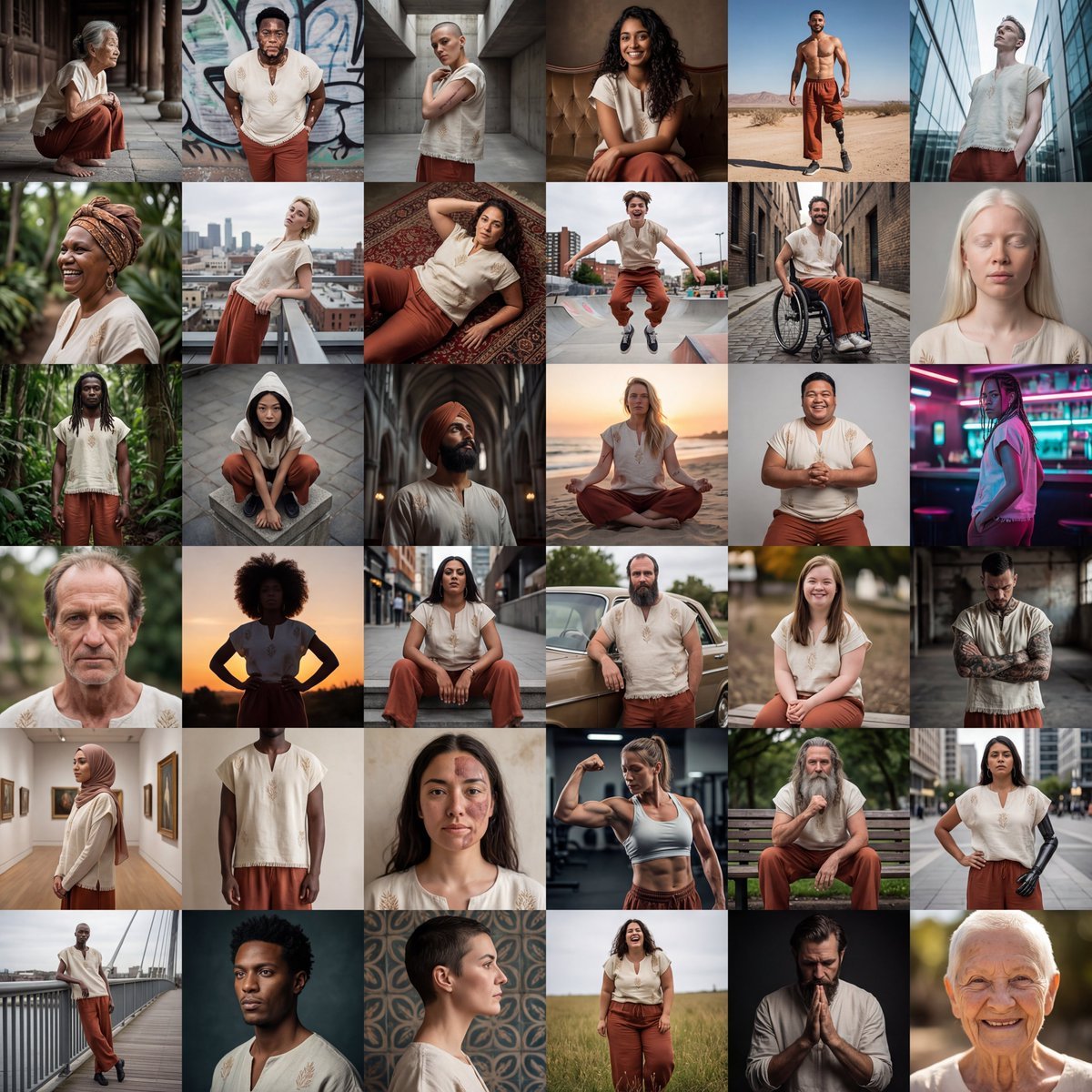
- Prompt included
- Model and format preset
- Premium template
The prompt behind this image
Copy the exact prompt behind Diverse Fashion Editorial Grid, or open it in the studio and make it yours.
6x6 grid layout. Editorial fashion photography. Use the reference clothing item on all 36 models. Every single cell must feature a completely unique individual—no two people should look remotely similar. Maximize human diversity across: Age: Teenagers, 20s, 30s, 40s, 50s, 60s, 70s, 80s+, elderly with wrinkles and grey hair Body types: Extremely thin, slim, athletic, muscular, stocky, chubby, fat, plus-size, obese, petite, tall, short, broad-shouldered, narrow-framed, pear-shaped, apple-shaped, hourglass, rectangular, long-limbed, short-limbed. Ethnicity & skin tones: East Asian, Southeast Asian, South Asian, Middle Eastern, North African, Sub-Saharan African, West African, East African, Indigenous Australian, Pacific Islander, Native American, Indigenous South American, Scandinavian, Mediterranean, Eastern European, Western European, Caribbean, mixed race, albino. Full spectrum of skin tones from the palest to the deepest. Hair: Bald, shaved, buzz cut, afro, locs, braids, straight, wavy, curly, coily, long, short, grey, white, natural colors, receding hairline, thinning hair, thick full hair, hijab, head wraps, turbans. Features: Freckles, vitiligo, acne, scars, birthmarks, moles, gap teeth, crooked teeth, big nose, small nose, wide nose, narrow nose, round face, angular face, soft jawline, strong jawline, monolid eyes, deep-set eyes, hooded eyes, big lips, thin lips, visible disabilities, prosthetics, wheelchair users, amputees. Each cell: different pose, different camera angle. Poses should feel editorial and unexpected—leaning, crouching, mid-stride, arched, sprawled, seated, jumping, twisting, lounging. Camera angles vary—low angle, overhead, Dutch tilt, wide shot, tight crop, ground-level, profile, three-quarter view. Moody, high contrast, cinematic lighting. Varied environments—studio, architectural, urban, natural. Sharp detail, clothing as focal point. Final result should feel like the most inclusive, human-rich fashion editorial ever created—a true celebration of every single type of human body that exists.
How to use Diverse Fashion Editorial Grid in 3 steps
- 1
Open
The prompt is already in the box next to the preview, with the template's model and format selected.
- 2…a portrait of your subject in softgolden-hour light, 85mm…
Personalize
Edit the subject and creative details for your destination.
- 3Generate
Generate
Press Generate — your image is created in PicX Studio, so you can compare it with the original and refine one variable at a time.
More like this
Templates with the same subject, style or setup. Open one to see its prompt.

Blue Backdrop Luxury Fashion Portrait Campaign

Typography Mask Editorial Fashion Poster

Luxury Black-and-White Fashion Contact Sheet

untitled

Google Gemini Nano Banana Pro

Conceptual Fashion Portrait in Spider We

01 Skincare Split Portrait — Nano Banana 2

24 The Getty Center — California Series

21 Glass Floor Skyscraper — California Series

19 Luxury Helicopter Travel — California Series

08 Rodeo Drive Luxury Exit — California Series

03 Beverly Hills Convertible — California Series
Make it yours
Diverse Fashion Editorial Grid works as-is. These are the safest ways to change it without losing the look.
Change one field
Copy a single group, rewrite it, and generate again so you can see what that field is doing.
Keep the frame, change the subject
Hold the composition and light of Diverse Fashion Editorial Grid, then swap wardrobe, props or the person for a new take.
| If the result… | Why | Fix |
|---|---|---|
| The result drifts from the preview | Too many fields changed at once. | Reuse Diverse Fashion Editorial Grid as-is first, then change one group — subject, light, or setting. |
| The model over-stylizes the scene | The prose prompt leaves finish and camera underspecified. | Add one camera or lighting sentence and stay on Nano Banana 2. |
More Nano Banana 2 templates
Other prompts made for Nano Banana 2.

Photorealistic Leaf Shaped Like a Dragon

K-Pop Idol Portrait Grid for Rapid Selection

Poetic Rain Forest Portrait During Golden Hour

Urban Street Portrait with Cartoon Inner Self Duo

Candid Nighttime Photo with Cat Prompt

High-Concept 3D Diorama Generation Prompt

Cinematic Futuristic Studio Portrait Template

Skincare Editorial Photography Collage Prompt

Hyper-Realistic Commercial Product Photography (Splash Effect)

Hyper-Realistic Nightclub Portrait Prompt
More image prompts
Fresh picks from across the catalog.
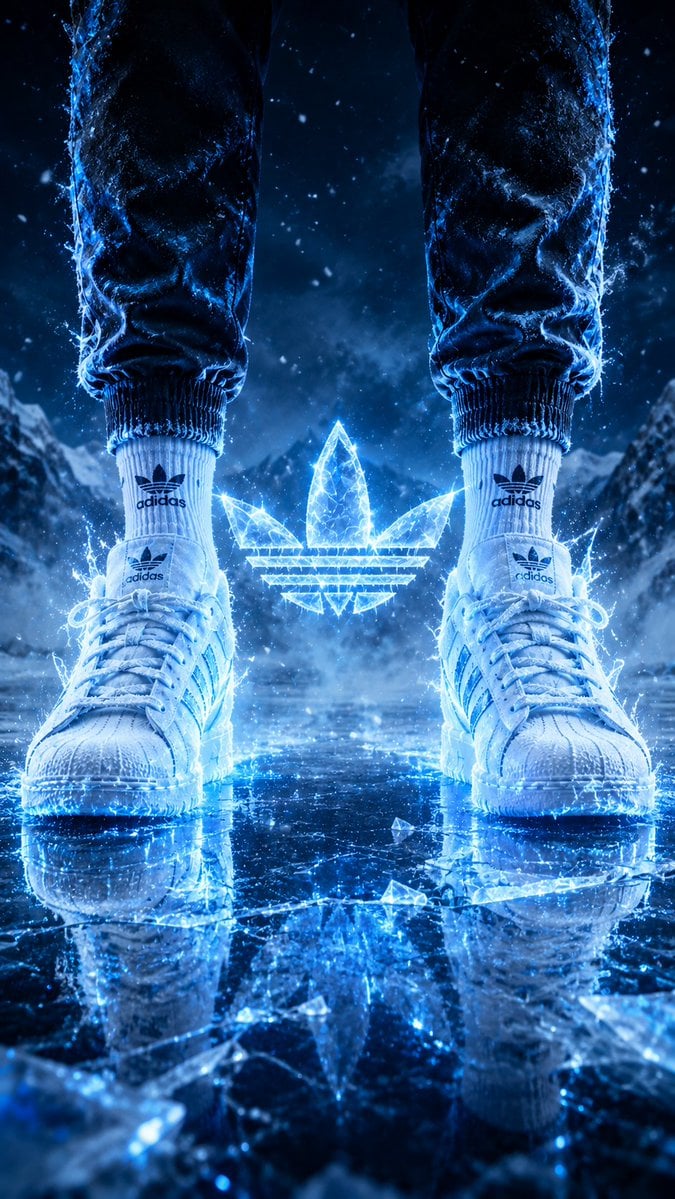
Hyper-Realistic Fire Sneaker Advertisement
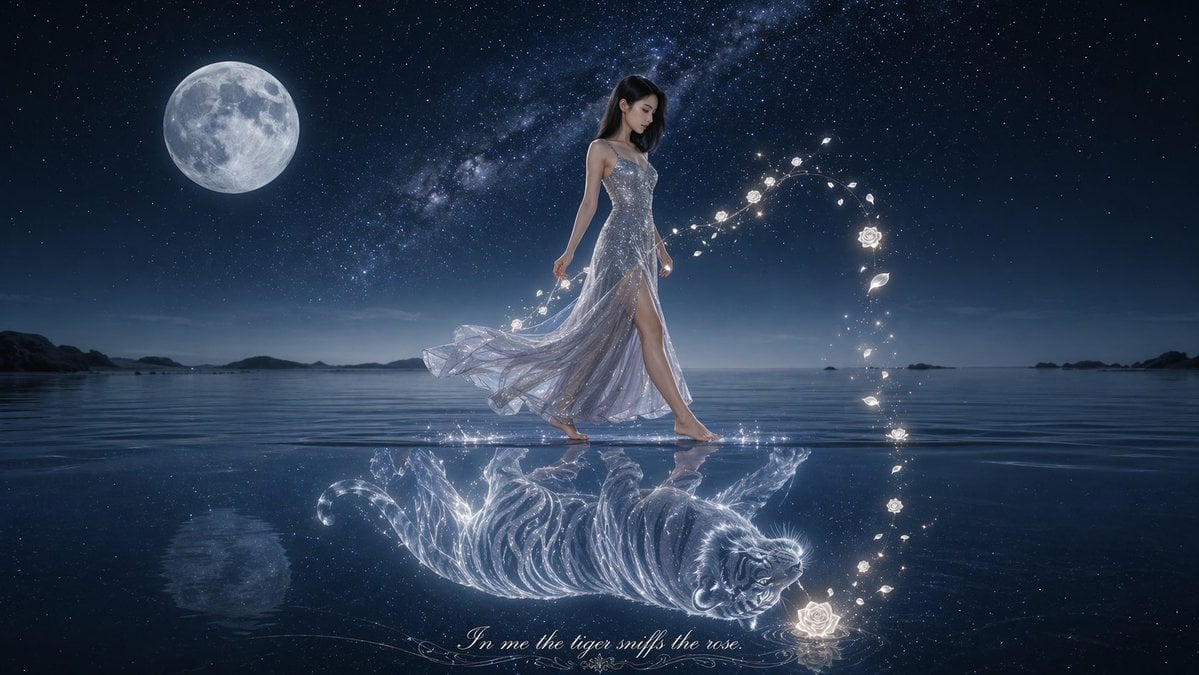
Moonlit Woman and Tiger Reflection
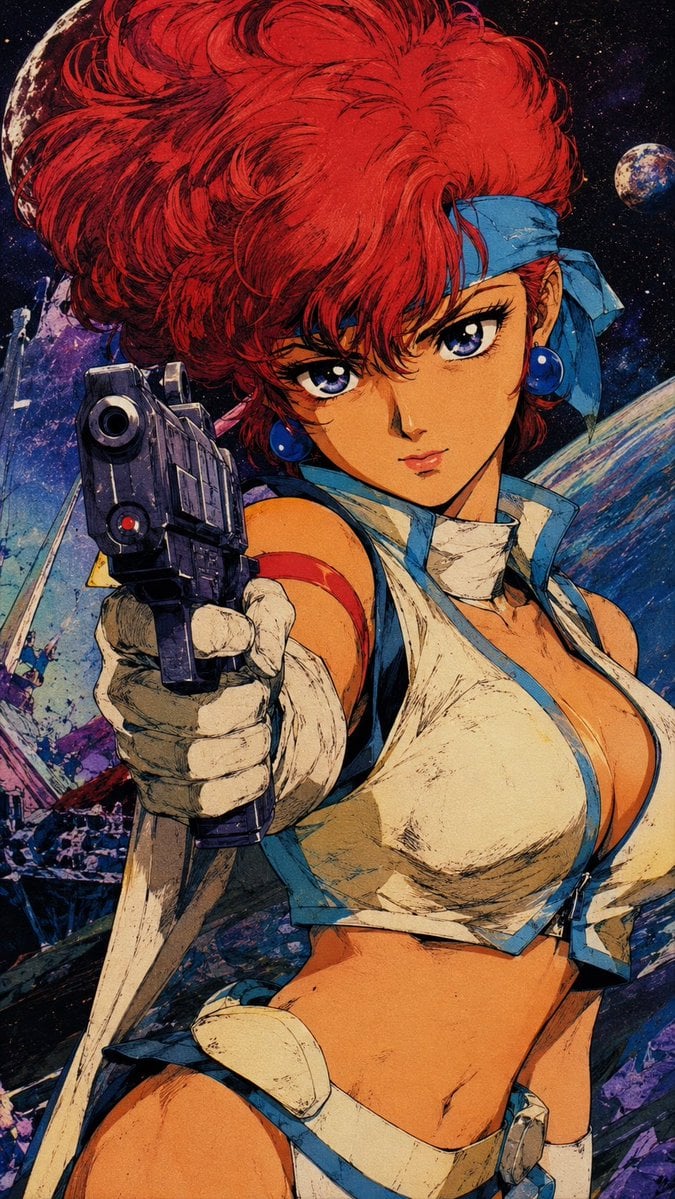
Retro Japanese Anime Wallpaper
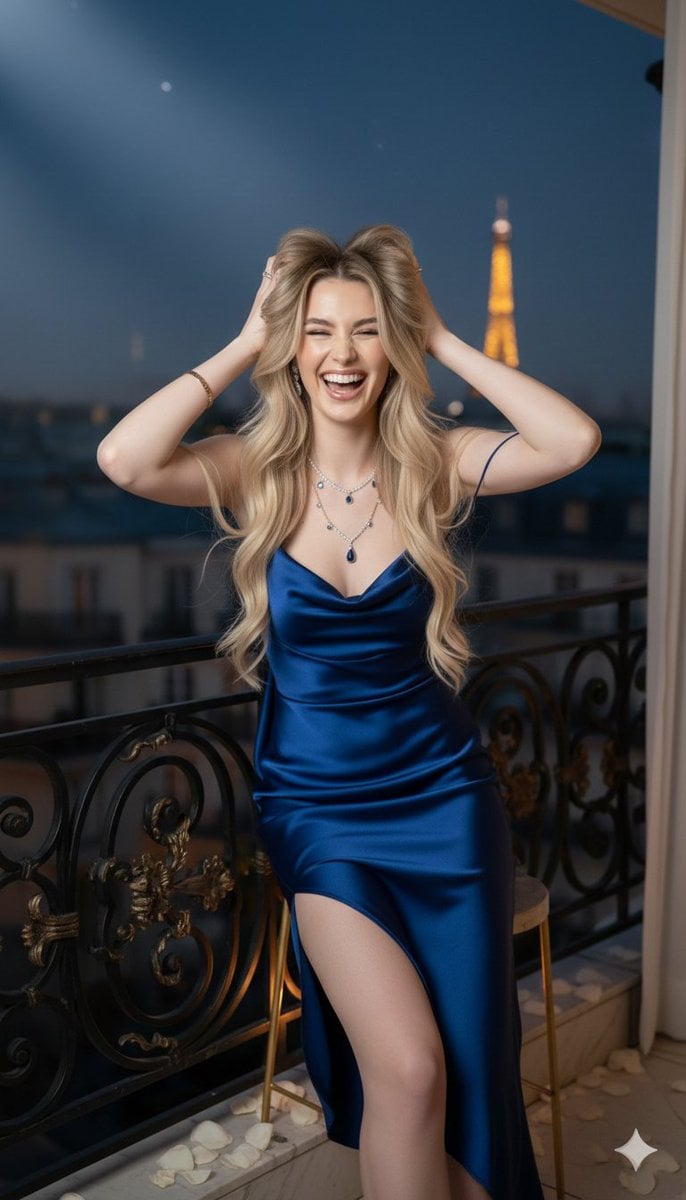
Hyper-realistic cinematic portrait of a woman in a sapphire blue cowl-back slip gown on a Parisian r
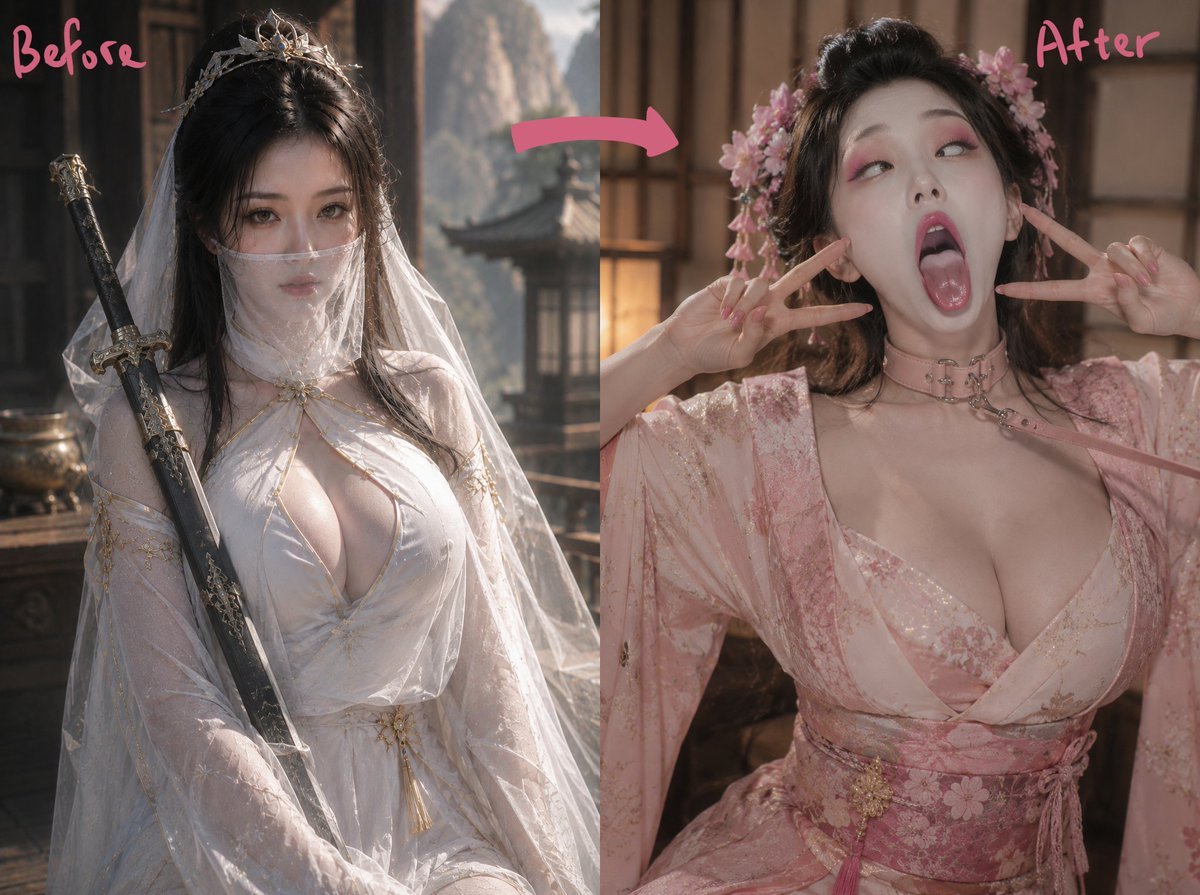
Ancient Fantasy Before After Diptych
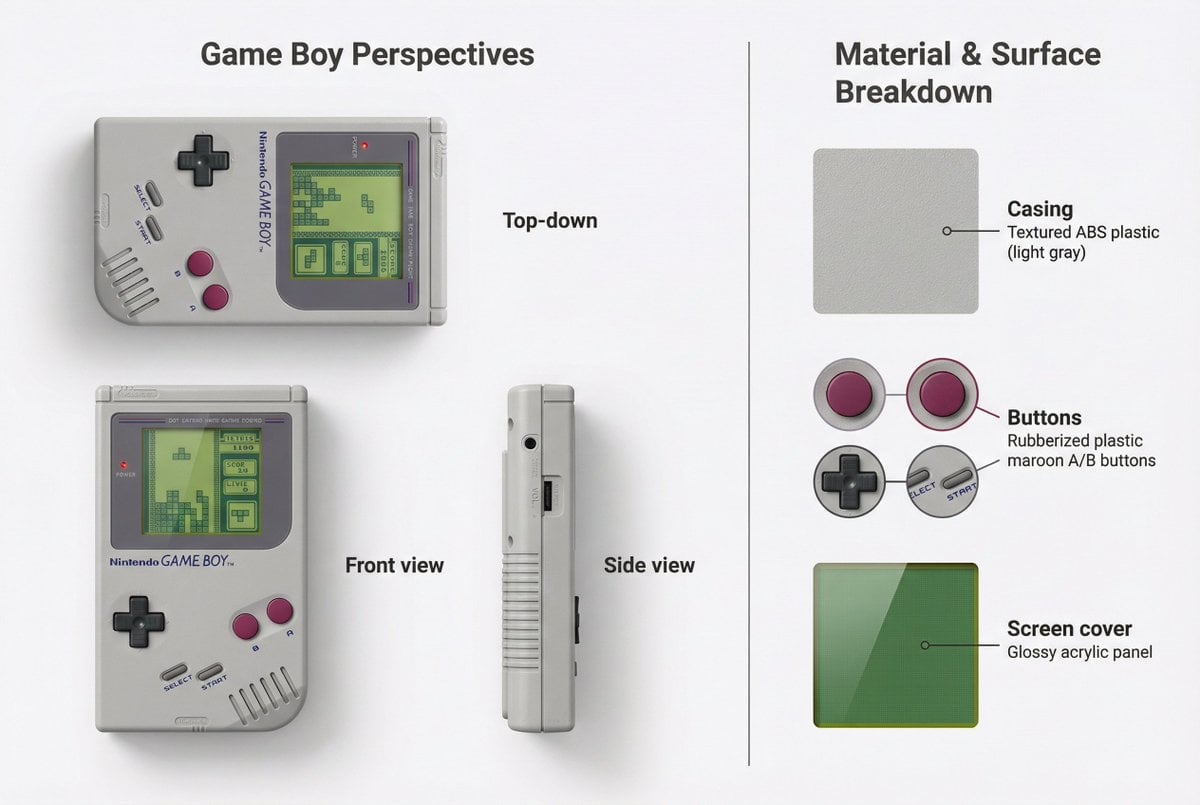
Nintendo Game Boy Product Showcase Infographic with Tetris
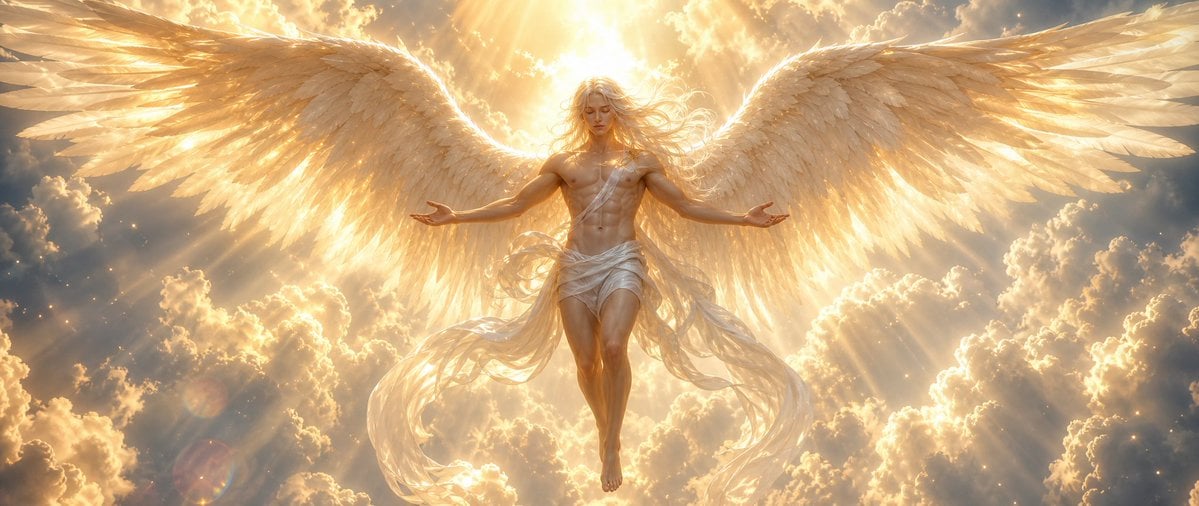
Radiant Angel in Golden Clouds
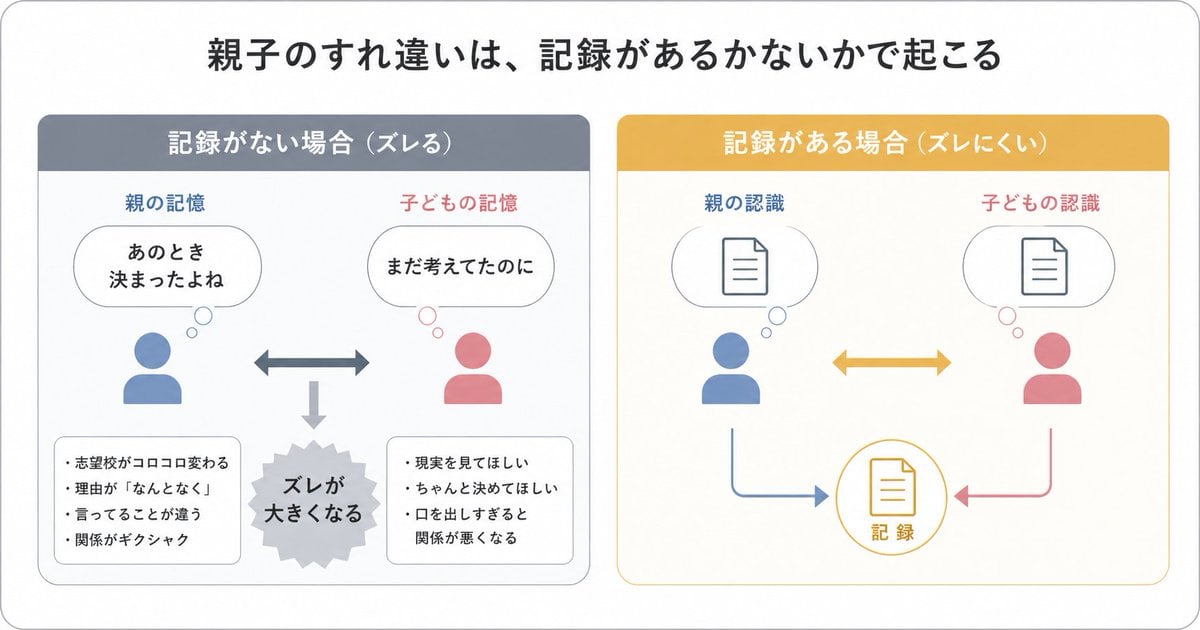
Gpt2 Infographic Edu Visual Parent Child Miscommunication Infographic
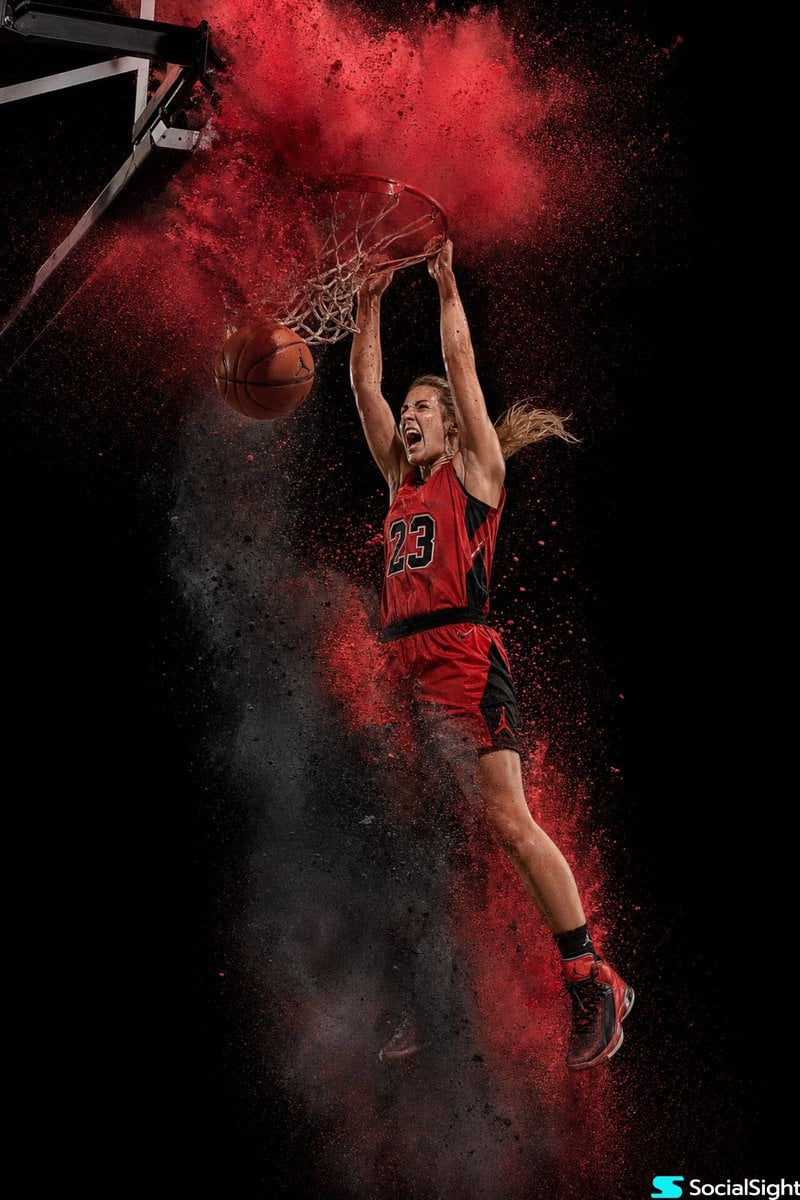
Action Basketball Dunk with Powder Explosion
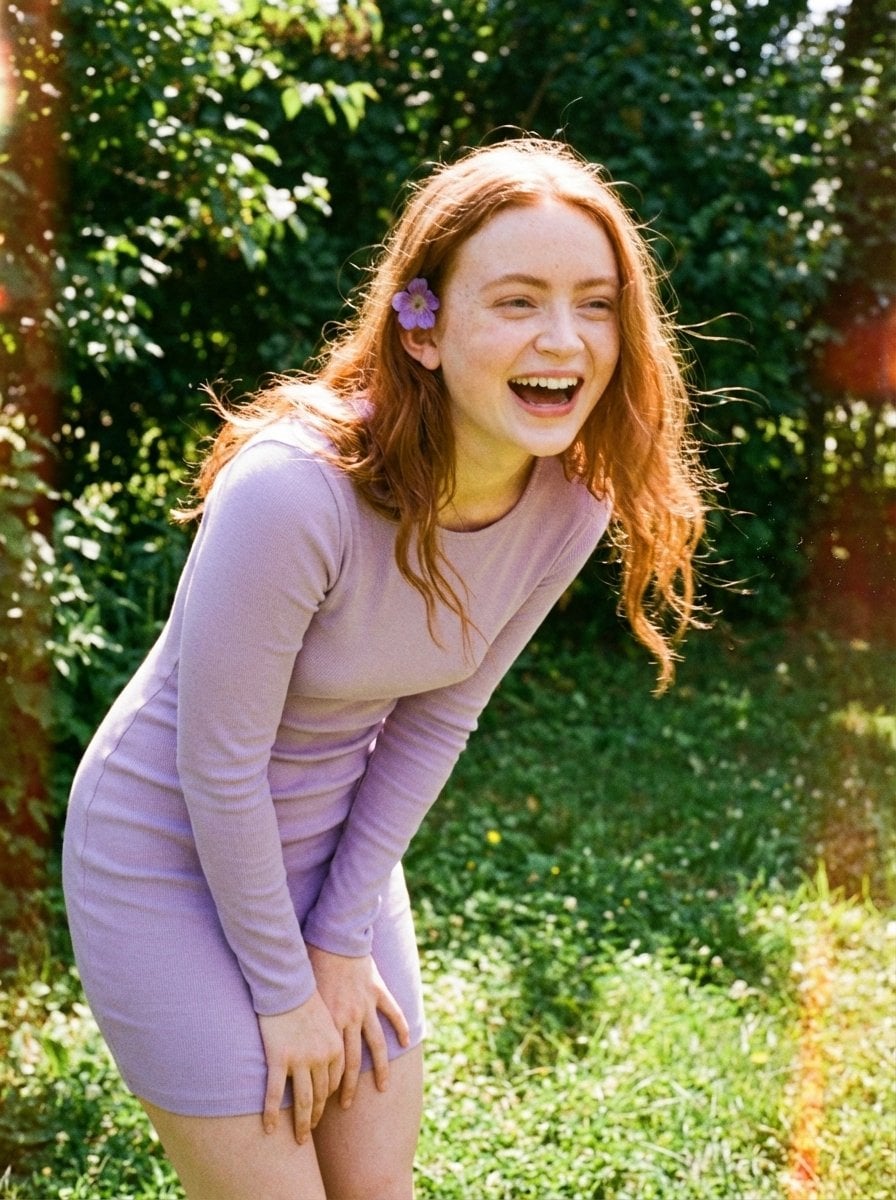
Candid Vintage Photo Aesthetic Prompt for Nano Banana Pro
Browse template categories
Diverse Fashion Editorial Grid questions
How do I use the Diverse Fashion Editorial Grid template?
Add your photo if the template asks for one, edit the prompt if you like — the template's model and format are already selected — and press Generate. Your version opens in PicX Studio.
Can I customize the Diverse Fashion Editorial Grid template?
Yes. You can change the subject, setting, lighting, mood, format, and available model controls before creating your image.
Is the Diverse Fashion Editorial Grid template free?
Opening and editing this template is free. Generating uses credits, shown on the Generate button when you are signed in.
Which AI model should I use?
Start with Nano Banana 2, which is the model associated with this template. You can compare another compatible model for a different finish.
Looking for something else? Browse all templates.

Your photo, any look
Thousands of ready templates for every top image and video model, from one credit balance.