
Anime Tactical RPG Battle UI
Generates a polished anime fantasy tactical RPG battle screenshot with Japanese UI, party panels, enemies, targeting line, and command menu.

- Prompt included
- Model and format preset
- Free template
The prompt behind this image
Copy the exact prompt behind Anime Tactical RPG Battle UI, or open it in the studio and make it yours.
Goal: Create a 16:9 fantasy tactical RPG battle screenshot in an anime gacha style, as if from a polished RPG Maker-style game UI, using a dark magical dungeon battle scene with three playable girls fighting two monsters. Canvas: Wide 1920×1080-style game screen, cinematic composition, crisp but not overly detailed character art, high-contrast dark blue and purple palette with glowing UI elements. Background: A vast ruined gothic cathedral or underground throne hall, filled with violet flames, blue magical light, hanging chains, towering pillars, reflective wet stone floor, distant stairs and a central glowing altar. The mood is ominous, mystical, and dungeon-like. Battle layout: Show exactly 5 battlefield characters: 3 heroines along the bottom foreground and 2 enemies in the midground. The 3 player characters are: 1) left heroine, a black-haired girl with one eye partly covered, wearing a white-and-black futuristic kimono-like jacket with blue crystalline accents; 2) center heroine, a cute pink-haired girl with fluffy pastel outfit and blue-pink ornaments; 3) right heroine, a blonde elf-like girl in turquoise and gold armor holding an ornate glowing blue-gold staff. The 2 enemies are both horned minotaur-like demons with dark fur, chains, red glowing eyes, hunched poses, and orange HP bars labeled 15 above them. Place one enemy on the left side and one on the upper right-center. Character portrait: On the far right, include a large half-body portrait of the black-haired heroine, matching the left heroine, looking cool and slightly shy, with a moon-like halo ring and blue crystalline flower accessory. Action targeting: Draw a bright magenta targeting line from the center pink-haired heroine toward the right minotaur. Add small orange target-choice diamond icons near the line. The right-side action command should highlight a basic attack. UI count and text: Include exactly 3 top command tabs, exactly 1 turn badge, exactly 3 bottom party status panels, exactly 2 enemy HP bars, and exactly 5 right-side action menu entries. Preserve the visible Japanese labels and keyboard prompts: - Turn badge at top left: “Turn” and “1”. - Top command tab 1: “◆ 自動戦闘切り替え Shift”. - Top command tab 2: “◆ 行動予測を表示 PgUp”. - Top command tab 3: “◆ 行動予測を隠す PgDn”. - Left enemy command label: “仲間を呼ぶ”. - Right enemy label near the targeting line: “攻撃 1”. - Right action menu has exactly 5 stacked black panels with icons and text: 1) “攻撃”, 2) “真ハイスタク:0”, 3) “エメラルドシャワー:0”, 4) “真セルフヒール:0”, 5) “クイックガード:0”. - Bottom party panels: 3 panels, each with “HP”, orange/yellow HP meter, and “攻撃” with a green value box. Left panel shows “26/26” and attack “26”; center panel shows “20/20” and attack “20”; right panel shows “20/20” and attack “20”. Visual style: Highly polished anime fantasy game screenshot, vibrant glowing effects, dark UI frames with gold trim, readable white and violet text, ornate fantasy borders, sharp character silhouettes, no motion blur, no watermark. Customization: The scene should feature {argument name="main heroine" default="black-haired blue-crystal heroine"}, {argument name="center heroine" default="pink-haired pastel mage girl"}, {argument name="right heroine" default="blonde elf staff wielder"}, {argument name="enemy type" default="horned minotaur demons"}, and {argument name="battle location" default="dark violet gothic dungeon cathedral"}.
How to use Anime Tactical RPG Battle UI in 3 steps
- 1Upload ImagePNG, JPG or paste
Add your photo
Upload the photo the template builds on. The prompt, model and format are already set.
- 2…a portrait of your subject in softgolden-hour light, 85mm…
Personalize
Edit the subject and creative details for your destination.
- 3Generate
Generate
Press Generate — your image is created in PicX Studio, so you can compare it with the original and refine one variable at a time.
More like this
Templates with the same subject, style or setup. Open one to see its prompt.











Make it yours
Anime Tactical RPG Battle UI works as-is. These are the safest ways to change it without losing the look.
Change one field
Copy a single group, rewrite it, and generate again so you can see what that field is doing.
Keep the frame, change the subject
Hold the composition and light of Anime Tactical RPG Battle UI, then swap wardrobe, props or the person for a new take.
| If the result… | Why | Fix |
|---|---|---|
| The result drifts from the preview | Too many fields changed at once. | Reuse Anime Tactical RPG Battle UI as-is first, then change one group — subject, light, or setting. |
| The model over-stylizes the scene | The prose prompt leaves finish and camera underspecified. | Add one camera or lighting sentence and stay on GPT Image 2. |
More GPT Image 2 templates
Other prompts made for GPT Image 2.

Six VTuber Japanese Logo Sheet

Realistic Portrait of Woman and Deer

The Vista Modular Condo Poster

AI Model Routing Comparison Infographic

2.5D Anime Art Board

Isometric Productivity Desk Scene

New York Double Exposure Poster

Four-Panel AI Landscape Comparison

Japanese Tatami Lifestyle Magazine Cover

NESCAFÉ Coffee Map Poster
More image prompts
Fresh picks from across the catalog.
Master Prompt for NBA Finals Arena Promos
Four-Panel Vertical Advertisement Mockups
Surreal Floating Head Cinematic Portrait
Retro Orange Outfit Analysis Poster
Nightlife Glamour Fashion Shoot in Glass Elevator
Starlit Desert Airplane Cafe
Nine Moods Grid Portrait with Identity Lock
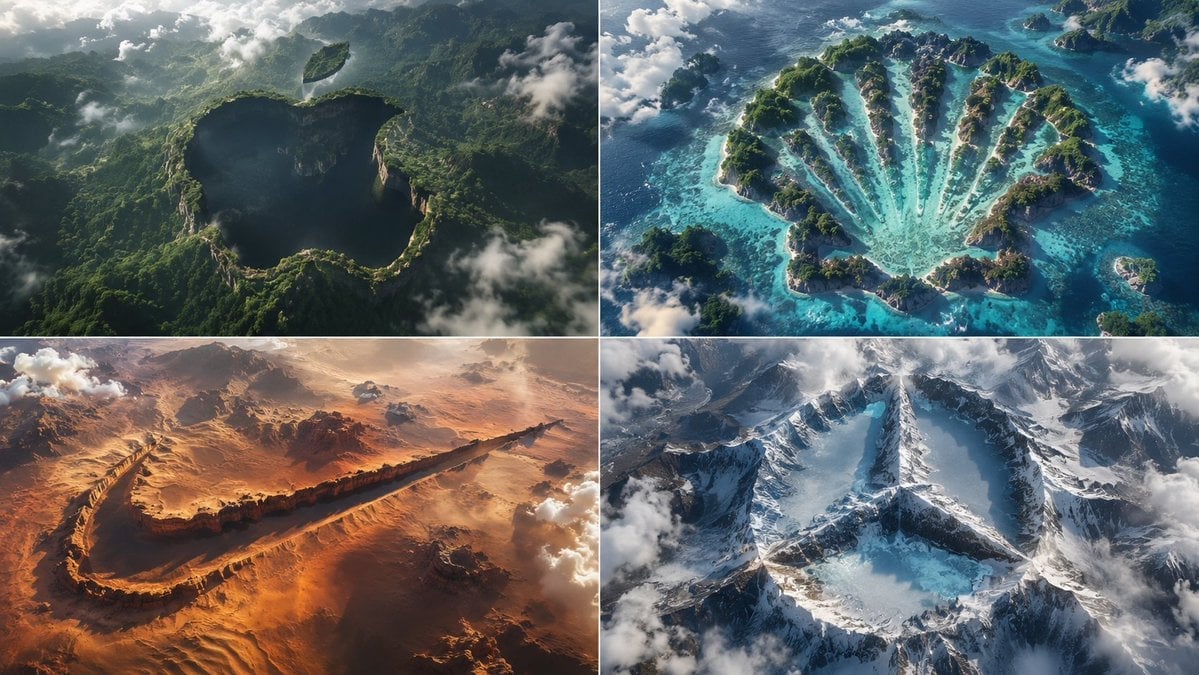
Python-Scripted Hidden Logo Landscape

Stylized Pop Art Vector Portrait
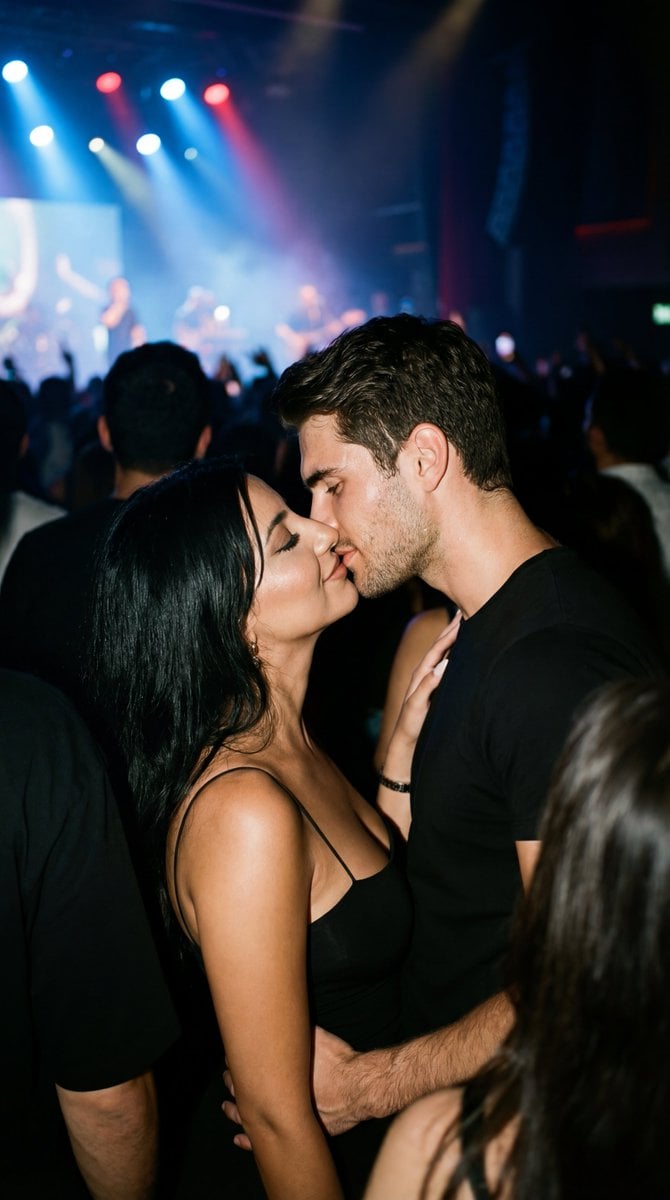
Candid 35mm Concert Romance Film Still
Browse template categories
Anime Tactical RPG Battle UI questions
How do I use the Anime Tactical RPG Battle UI template?
Add your photo if the template asks for one, edit the prompt if you like — the template's model and format are already selected — and press Generate. Your version opens in PicX Studio.
Can I customize the Anime Tactical RPG Battle UI template?
Yes. You can change the subject, setting, lighting, mood, format, and available model controls before creating your image.
Is the Anime Tactical RPG Battle UI template free?
Opening and editing this template is free. Generating uses credits, shown on the Generate button when you are signed in.
Which AI model should I use?
Start with GPT Image 2, which is the model associated with this template. You can compare another compatible model for a different finish.
Looking for something else? Browse all templates.

Your photo, any look
Thousands of ready templates for every top image and video model, from one credit balance.