
Nine Moods Grid Portrait with Identity Lock
A complex JSON prompt designed to generate a 3x3 grid collage of nine hyper-realistic portraits of the same person, each displaying a different expression, pose, outfit, and background color, while strictly maintaining…
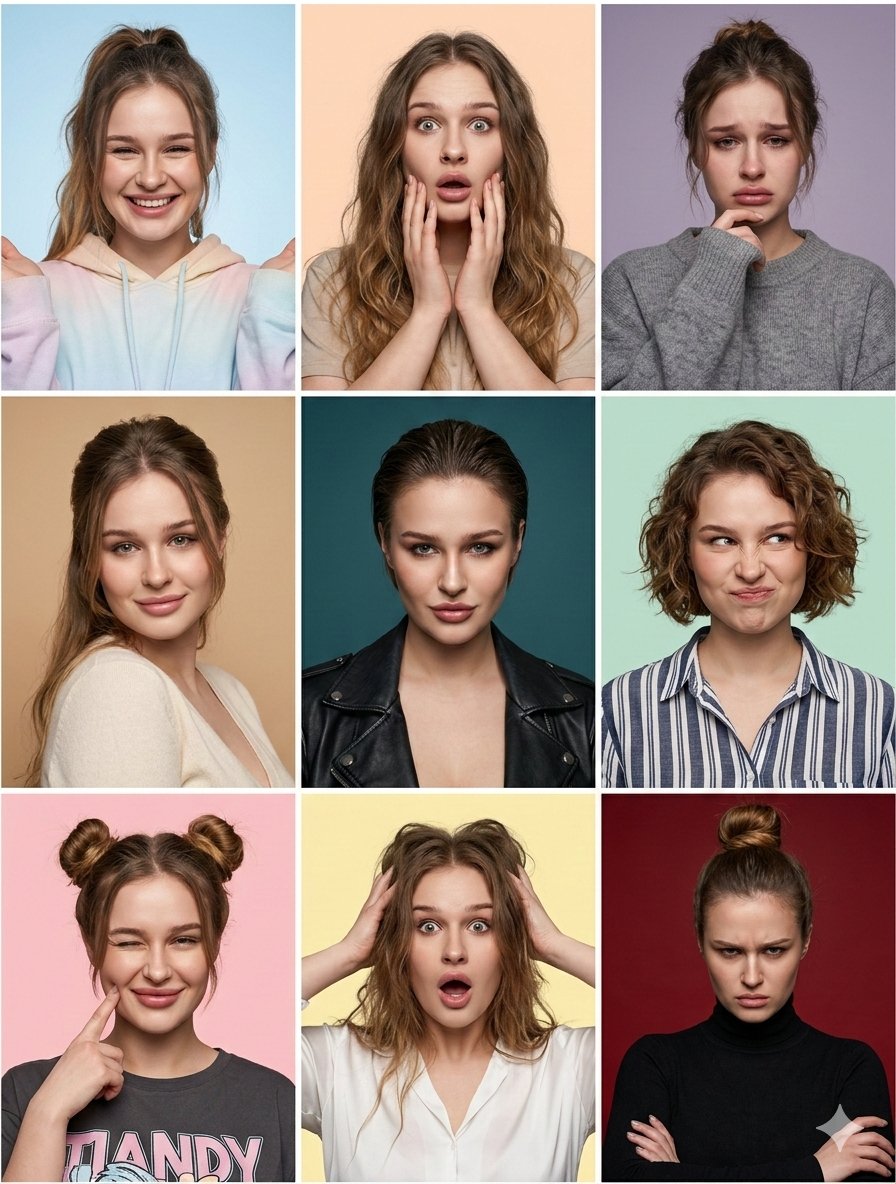
- Prompt included
- Model and format preset
- Premium template
The prompt behind this image
Copy the exact prompt behind Nine Moods Grid Portrait with Identity Lock, or open it in the studio and make it yours.
- Image Prompt › Critical Instruction
- Maintain identical facial structure across all panels. The identity must be unmistakable in every single shot.
- Image Prompt › Format
- 3x3 grid collage
- Image Prompt › Subject › Face Identity Lock
- fixed identity, consistent facial features
- Image Prompt › Subject › Style
- hyper-realistic portrait photography, 8k resolution, raw photo aesthetic
- Image Prompt › Subject › Skin
- highly detailed natural skin texture, visible pores, realistic complexion
- Image Prompt › Subject › Camera Settings
- shot on 85mm portrait lens, sharp focus on eyes, shallow depth of field, studio photography
- Image Prompt › Panels › 0 › Position
- top_left
- Image Prompt › Panels › 0 › Expression
- joyful
- Image Prompt › Panels › 0 › Pose
- bright smile, hands slightly raised framing the face
- Image Prompt › Panels › 0 › Hairstyle
- high ponytail with loose front strands
- Image Prompt › Panels › 0 › Outfit
- pastel tie-dye hoodie
- Image Prompt › Panels › 0 › Background
- light blue studio backdrop
- Image Prompt › Panels › 1 › Position
- top_middle
- Image Prompt › Panels › 1 › Expression
- surprised
- Image Prompt › Panels › 1 › Pose
- mouth open, hands touching cheeks
- Image Prompt › Panels › 1 › Hairstyle
- long loose wavy hair
- Image Prompt › Panels › 1 › Outfit
- beige t-shirt
- Image Prompt › Panels › 1 › Background
- peach studio backdrop
- Image Prompt › Panels › 2 › Position
- top_right
- Image Prompt › Panels › 2 › Expression
- sad
- Image Prompt › Panels › 2 › Pose
- looking down slightly, hand resting on chin
- Image Prompt › Panels › 2 › Hairstyle
- messy updo
- Image Prompt › Panels › 2 › Outfit
- grey knit sweater
- Image Prompt › Panels › 2 › Background
- muted lavender studio backdrop
Raw JSON
{
  "image_prompt": {
    "critical_instruction": "Maintain identical facial structure across all panels. The identity must be unmistakable in every single shot.",
    "format": "3x3 grid collage",
    "subject": {
      "face_identity_lock": "fixed identity, consistent facial features",
      "style": "hyper-realistic portrait photography, 8k resolution, raw photo aesthetic",
      "skin": "highly detailed natural skin texture, visible pores, realistic complexion",
      "camera_settings": "shot on 85mm portrait lens, sharp focus on eyes, shallow depth of field, studio photography"
    },
    "panels": [
      {
        "position": "top_left",
        "expression": "joyful",
        "pose": "bright smile, hands slightly raised framing the face",
        "hairstyle": "high ponytail with loose front strands",
        "outfit": "pastel tie-dye hoodie",
        "background": "light blue studio backdrop"
      },
      {
        "position": "top_middle",
        "expression": "surprised",
        "pose": "mouth open, hands touching cheeks",
        "hairstyle": "long loose wavy hair",
        "outfit": "beige t-shirt",
        "background": "peach studio backdrop"
      },
      {
        "position": "top_right",
        "expression": "sad",
        "pose": "looking down slightly, hand resting on chin",
        "hairstyle": "messy updo",
        "outfit": "grey knit sweater",
        "background": "muted lavender studio backdrop"
      },
      {
        "position": "middle_left",
        "expression": "tender",
        "pose": "gentle smile, looking directly at camera",
        "hairstyle": "elegant half-up half-down hairstyle",
        "outfit": "cream v-neck top",
        "background": "tan studio backdrop"
      },
      {
        "position": "center",
        "expression": "daring",
        "pose": "confident stare, chin slightly lowered",
        "hairstyle": "slicked-back wet-look hair",
        "outfit": "black leather moto jacket",
        "background": "deep teal studio backdrop"
      },
      {
        "position": "middle_right",
        "expression": "playful",
        "pose": "scrunched nose, quirky smirk",
        "hairstyle": "short curly bob",
        "outfit": "blue and white striped button-down shirt",
        "background": "mint green studio backdrop"
      },
      {
        "position": "bottom_left",
        "expression": "charming",
        "pose": "winking, finger poking right cheek",
        "hairstyle": "double space buns",
        "outfit": "dark grey graphic tee",
        "background": "light pink studio backdrop"
      },
      {
        "position": "bottom_middle",
        "expression": "shocked",
        "pose": "mouth open in disbelief, hands gripping hair",
        "hairstyle": "messy voluminous loose hair",
        "outfit": "white button-down blouse",
        "background": "pale yellow studio"
      }
    ]
  }
}How to use Nine Moods Grid Portrait with Identity Lock in 3 steps
- 1
Open
The prompt is already in the box next to the preview, with the template's model and format selected.
- 2…a portrait of your subject in softgolden-hour light, 85mm…
Personalize
Edit the subject and creative details for your destination.
- 3Generate
Generate
Press Generate — your image is created in PicX Studio, so you can compare it with the original and refine one variable at a time.
More like this
Templates with the same subject, style or setup. Open one to see its prompt.
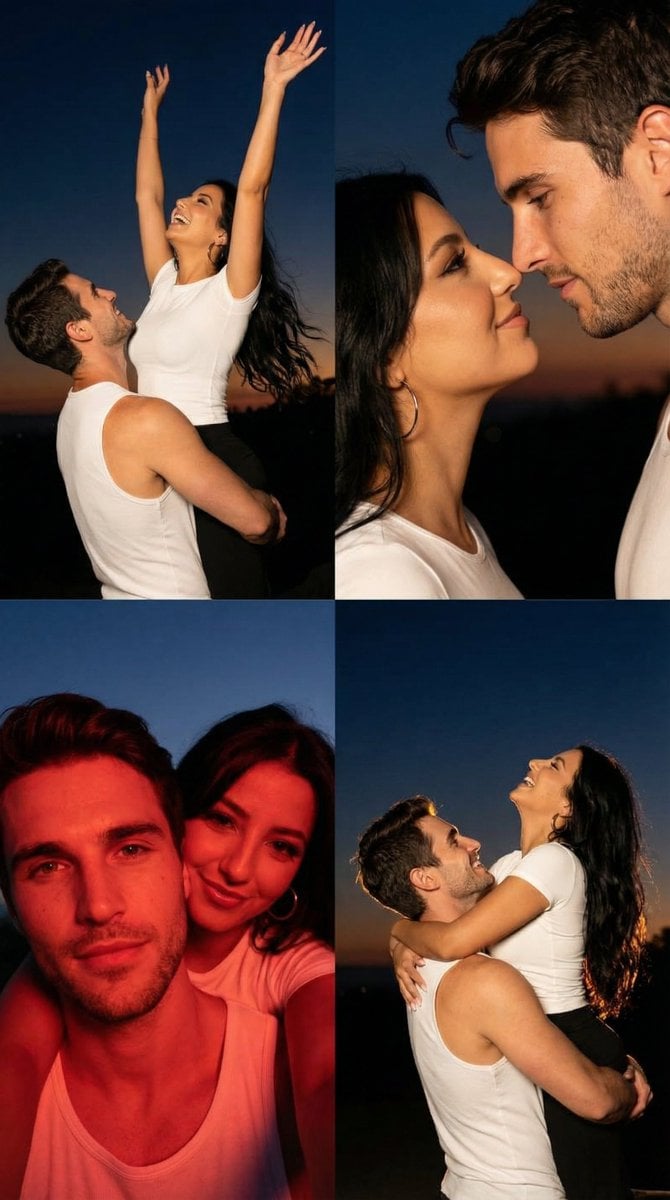
2x2 Grid Cinematic Night Couple Portrait with Identity Lock
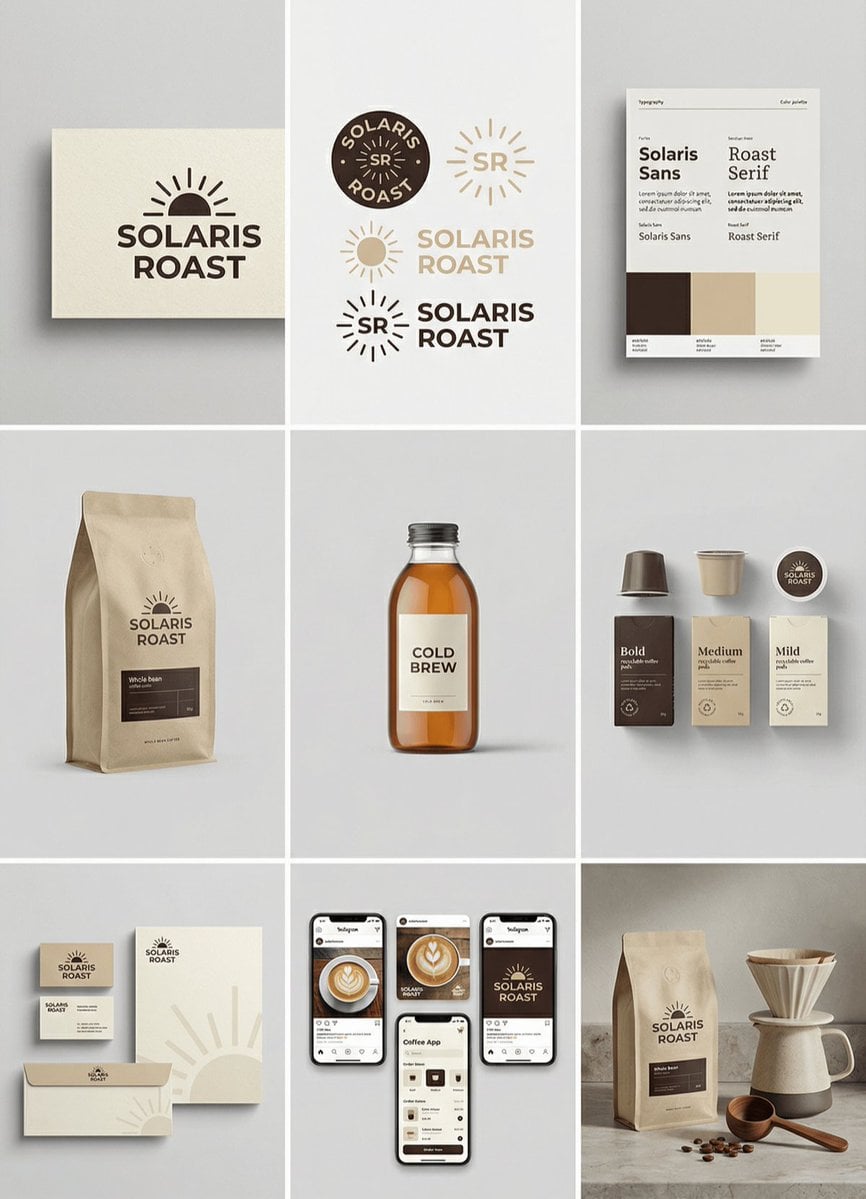
Complete brand identity grid, 3x3 layout, nine tiles showing a full

Headphones Lifestyle Nine Panel Grid
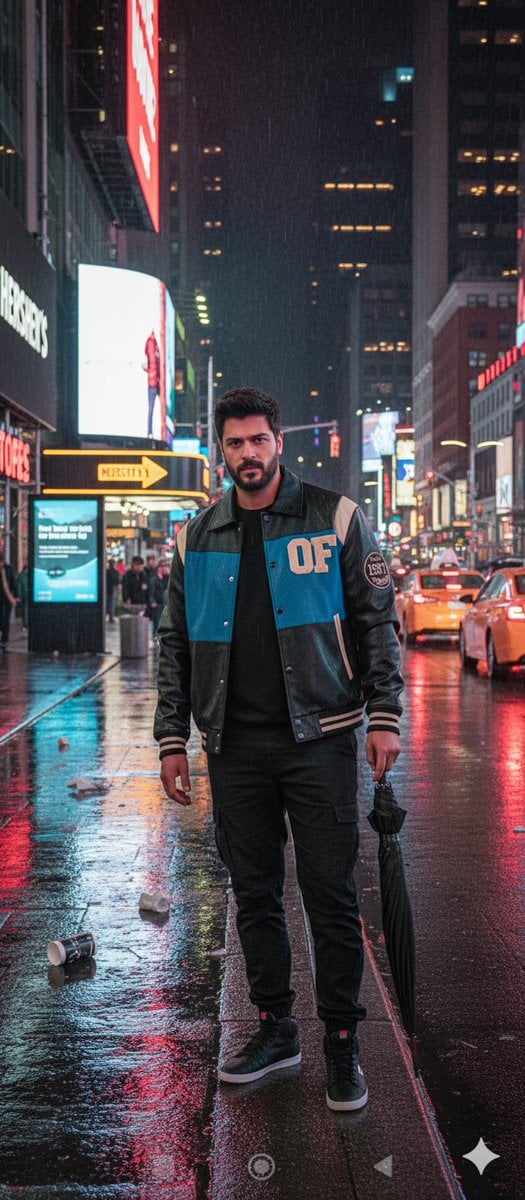
Times Square Rainy Night Portrait with Identity Lock
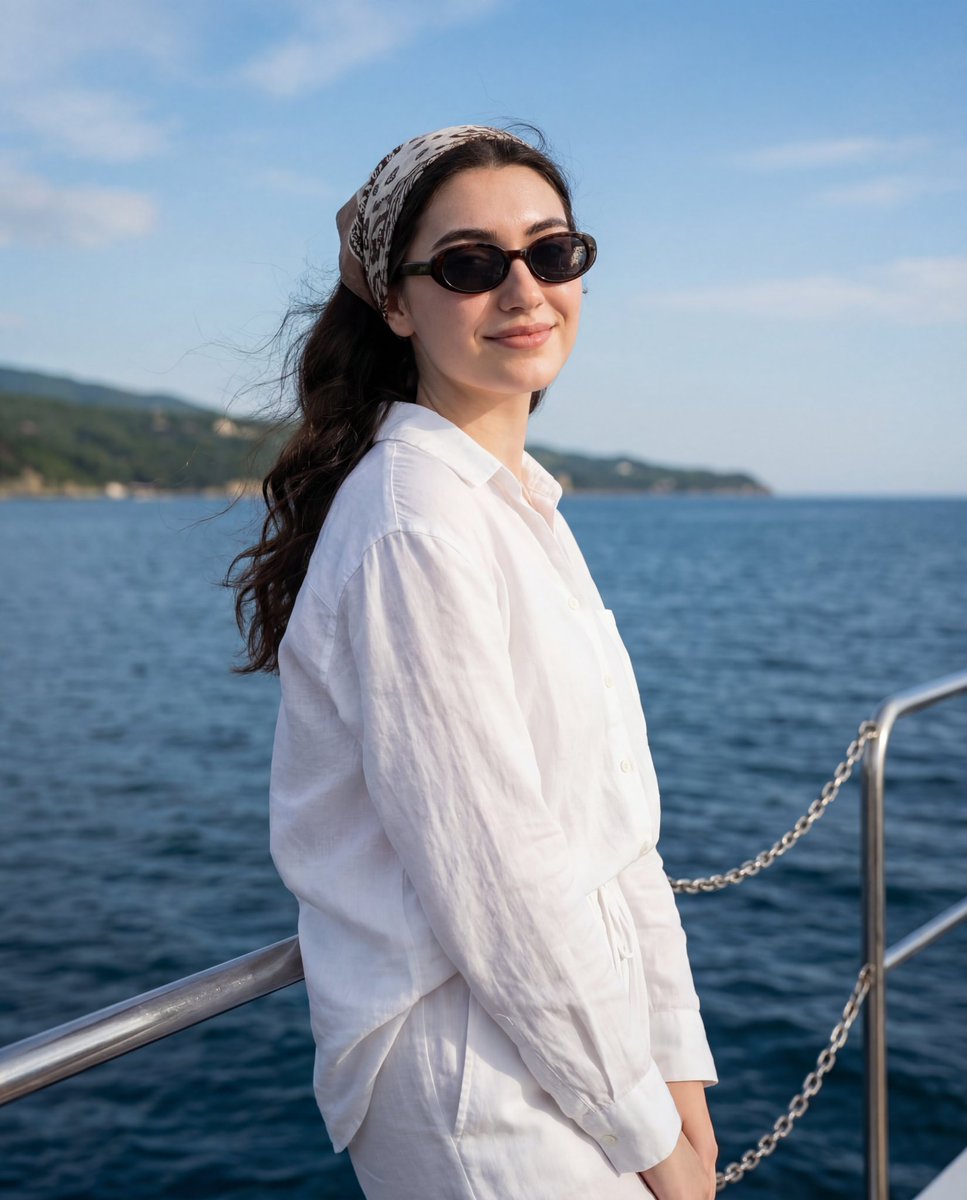
Serene Coastal Portrait with Identity Lock Prompt
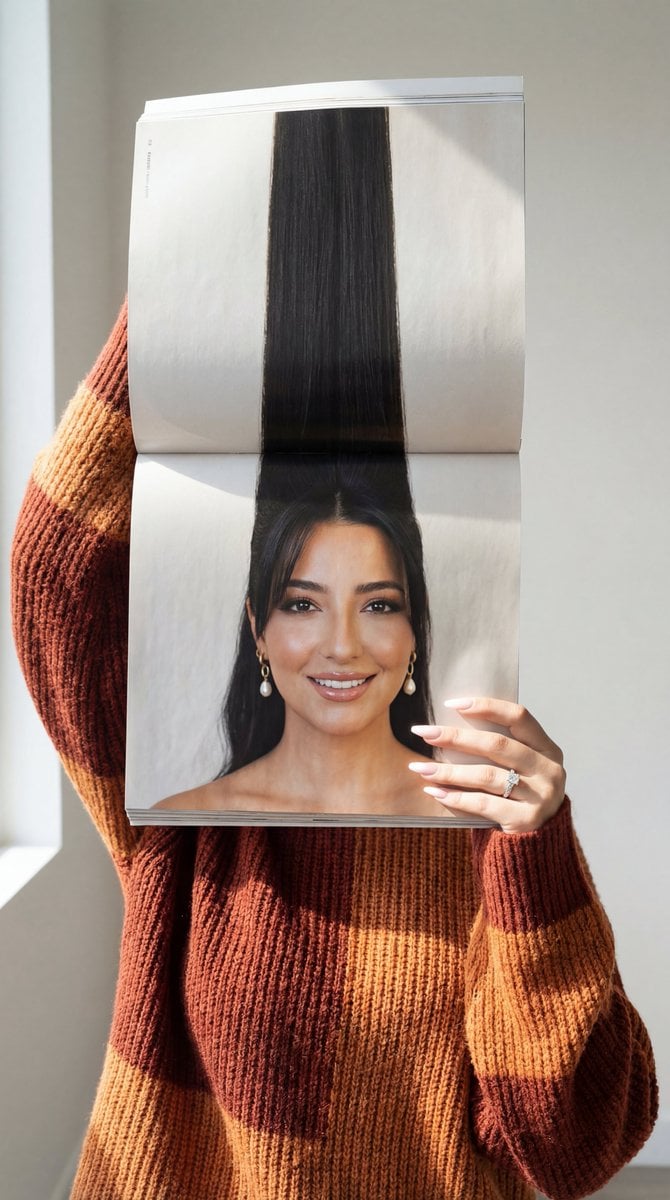
Photorealistic Surreal Fashion Concept Portrait with Identity Lock
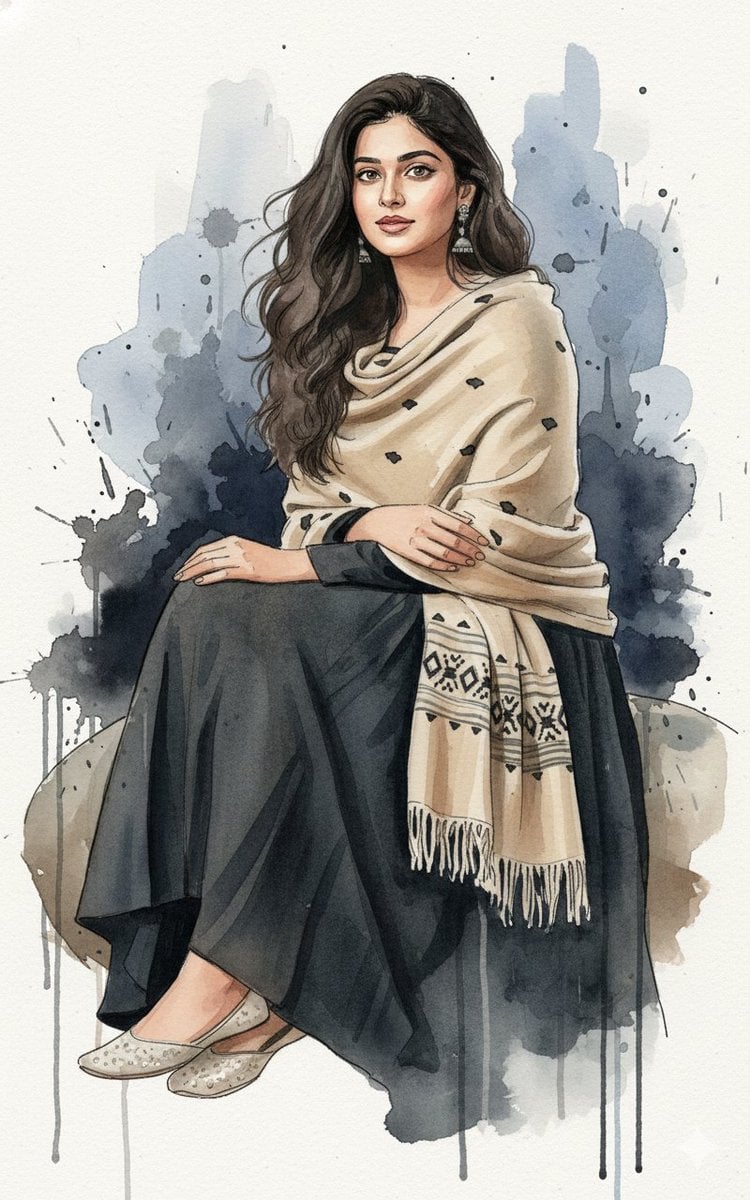
Fine-Art Ink and Watercolor Portrait with Identity Lock
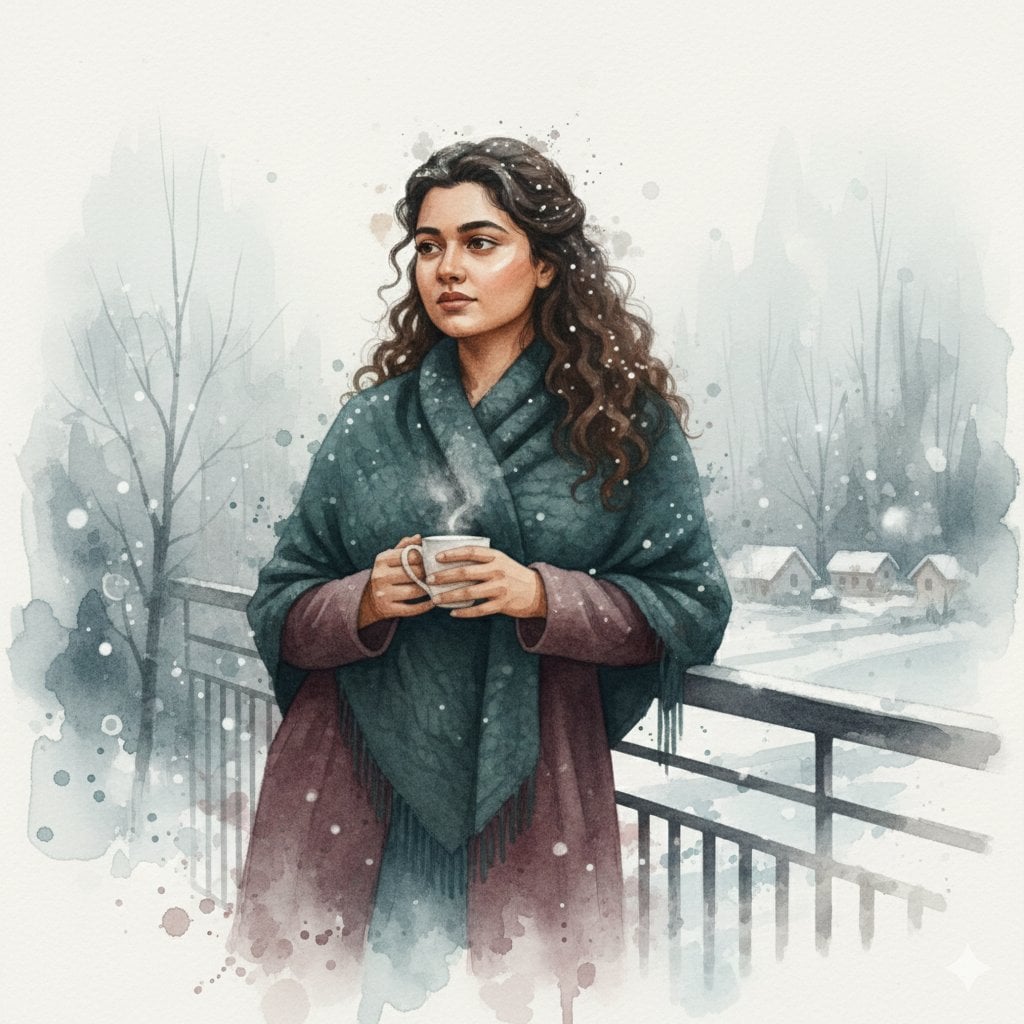
Winter Watercolor Portrait with Identity Lock Prompt
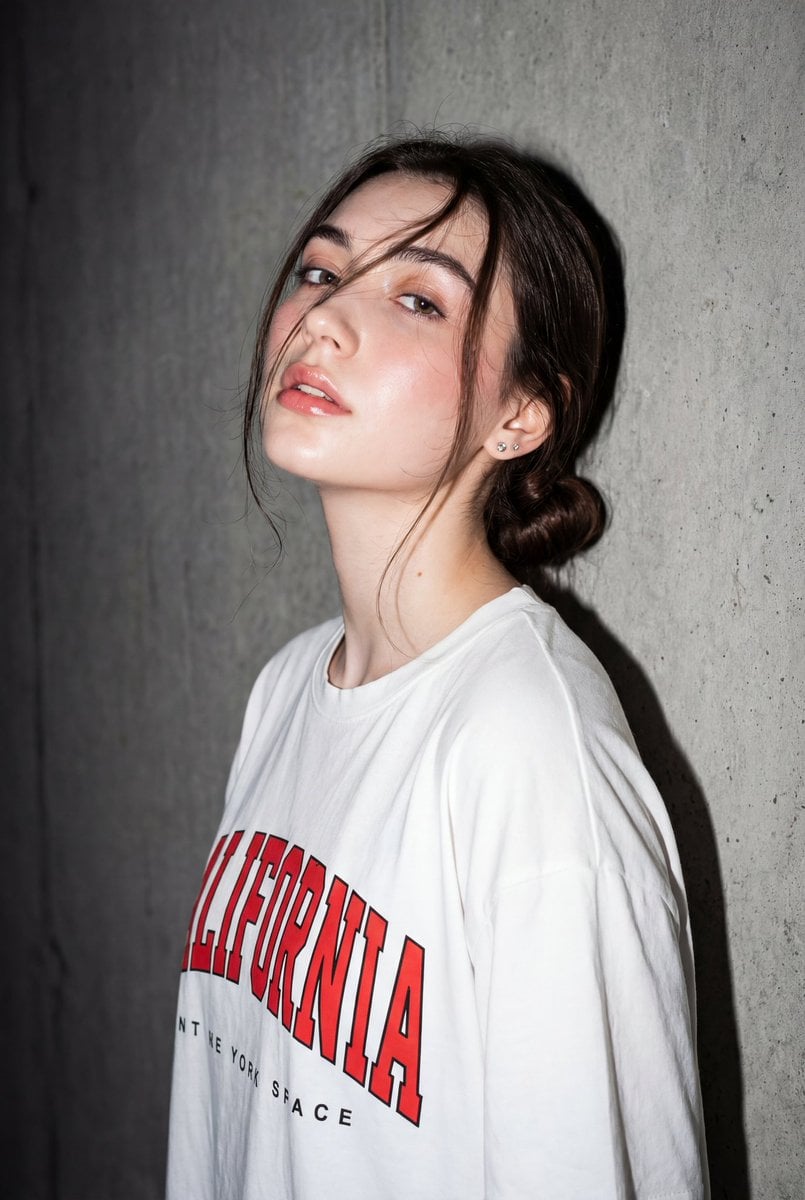
High-Contrast Flash Portrait with Identity Lock
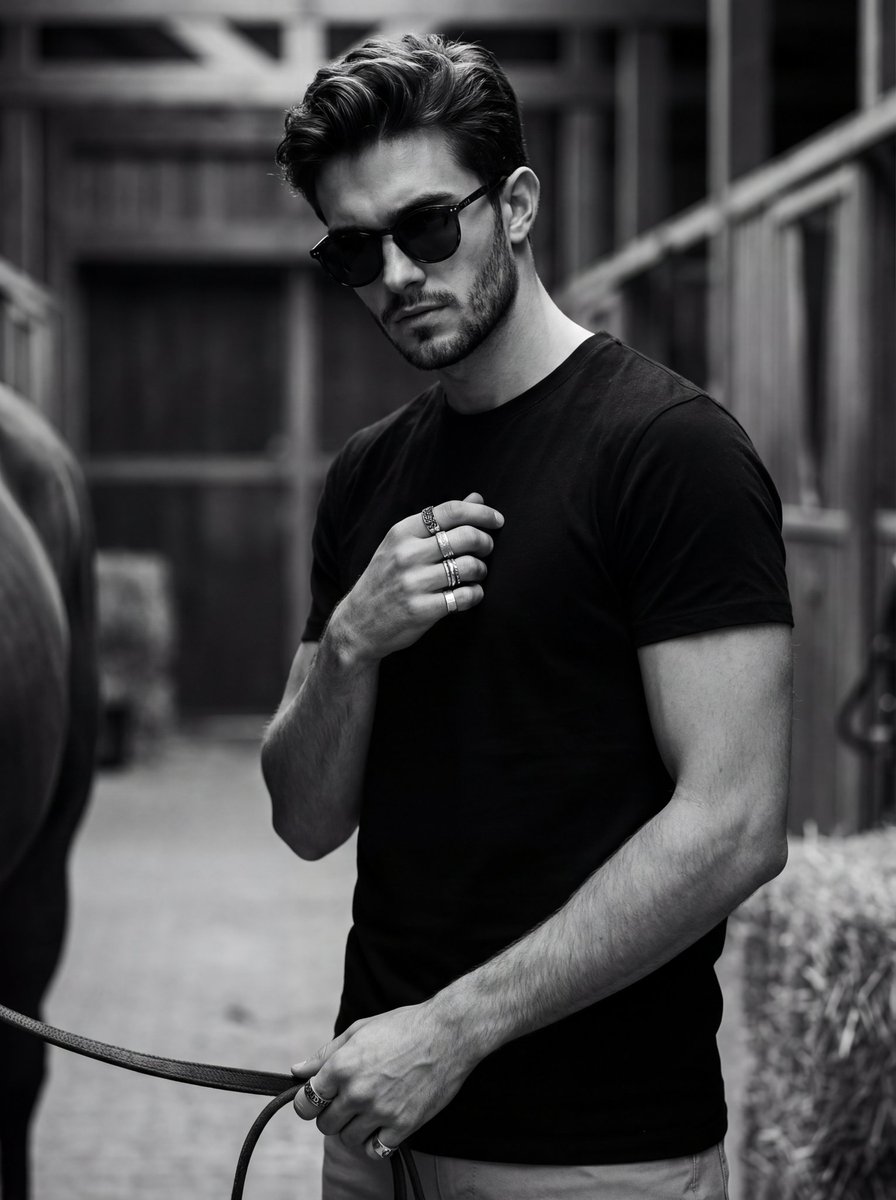
Ultra-Realistic Black and White Portrait with Identity Lock
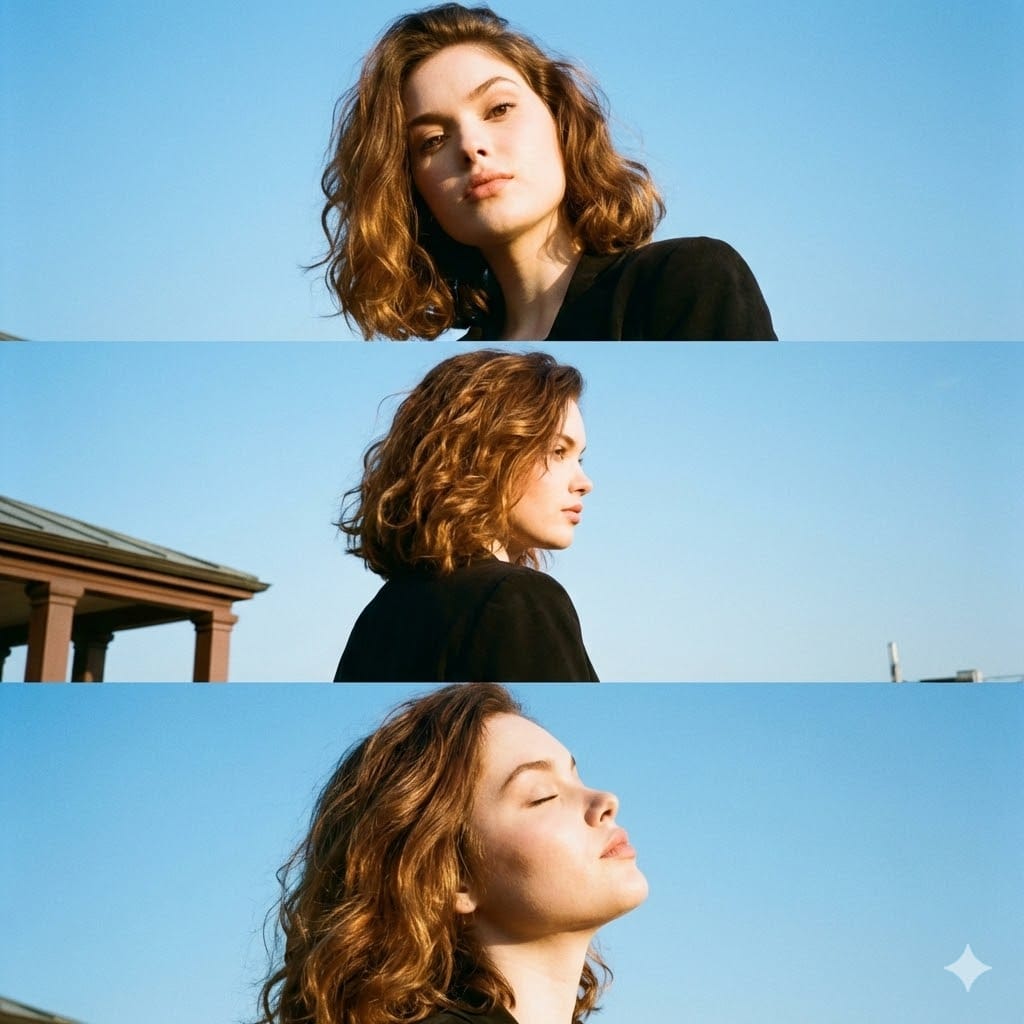
Triptych Portrait with Strict Identity Lock
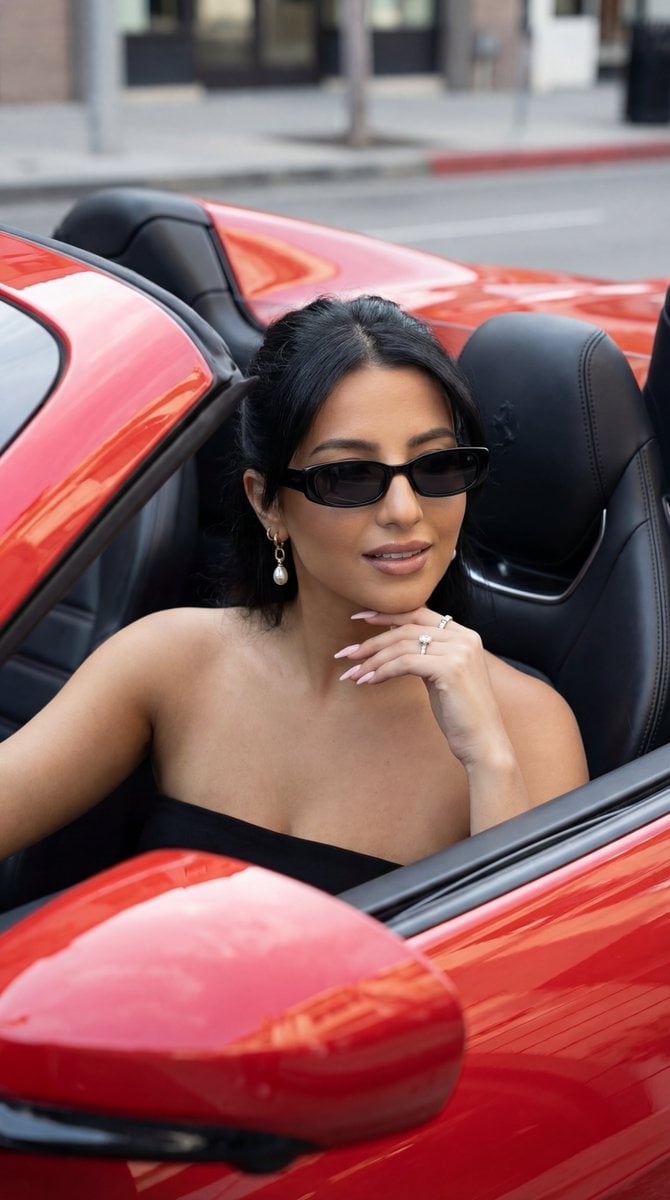
Luxury Car Editorial Portrait (Identity Lock)
Make it yours
Nine Moods Grid Portrait with Identity Lock works as-is. These are the safest ways to change it without losing the look.
Swap the setting
Keep the rest of the prompt and replace the location block. The current setting is “shot on 85mm portrait lens, sharp focus on eyes, shallow depth of field, studio ”.
Change one field
Copy a single group, rewrite it, and generate again so you can see what that field is doing.
Keep the frame, change the subject
Hold the composition and light of Nine Moods Grid Portrait with Identity Lock, then swap wardrobe, props or the person for a new take.
| If the result… | Why | Fix |
|---|---|---|
| The result drifts from the preview | Too many fields changed at once. | Reuse Nine Moods Grid Portrait with Identity Lock as-is first, then change one group — subject, light, or setting. |
| Nano Banana 2 ignores part of the JSON | Some models flatten or skip nested keys. | Keep the same values and paste them as a short paragraph instead. |
More Nano Banana 2 templates
Other prompts made for Nano Banana 2.

Photorealistic Leaf Shaped Like a Dragon

K-Pop Idol Portrait Grid for Rapid Selection

Poetic Rain Forest Portrait During Golden Hour

Urban Street Portrait with Cartoon Inner Self Duo

Candid Nighttime Photo with Cat Prompt

High-Concept 3D Diorama Generation Prompt

Cinematic Futuristic Studio Portrait Template

Skincare Editorial Photography Collage Prompt

Hyper-Realistic Commercial Product Photography (Splash Effect)

Hyper-Realistic Nightclub Portrait Prompt
More image prompts
Fresh picks from across the catalog.
3D Breaking Frame Portrait Prompt
Aesthetic Social Media Link-in-Bio Grid
3D Paper-Craft Portrait with Low-Poly Aesthetic
Hyper-realistic High-Speed Strawberry Milk Splash Photography
Exploded View Car Advertisement
Prompt for 3D Caricature from Uploaded Image
Urban Film Camera Portrait
Hard Flash Backless Dress Night Photo Prompt

GPT-Image2 E-Commerce Course Banner
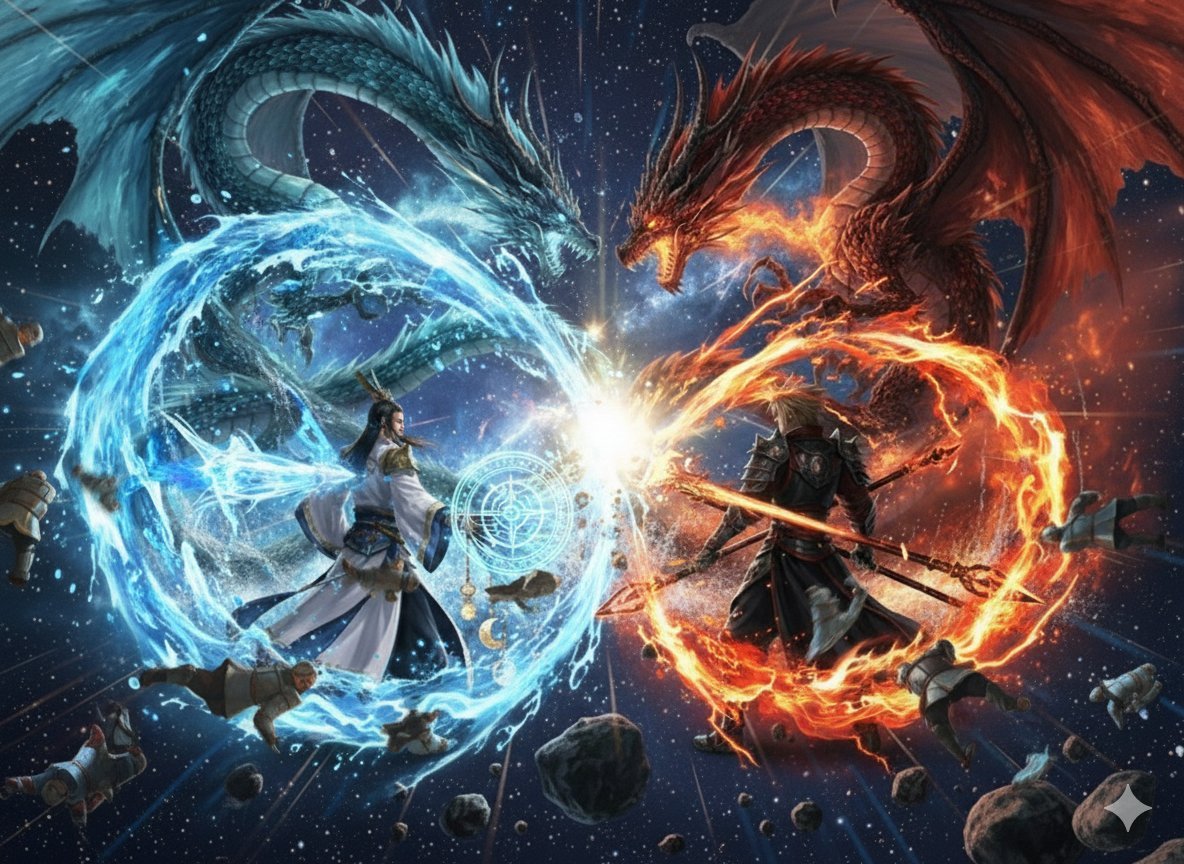
Nano Banana Pro Dynasty Warriors/Final Fantasy Prompt (Full Screen)
Browse template categories
Nine Moods Grid Portrait with Identity Lock questions
How do I use the Nine Moods Grid Portrait with Identity Lock template?
Add your photo if the template asks for one, edit the prompt if you like — the template's model and format are already selected — and press Generate. Your version opens in PicX Studio.
Can I customize the Nine Moods Grid Portrait with Identity Lock template?
Yes. You can change the subject, setting, lighting, mood, format, and available model controls before creating your image.
Is the Nine Moods Grid Portrait with Identity Lock template free?
Opening and editing this template is free. Generating uses credits, shown on the Generate button when you are signed in.
Which AI model should I use?
Start with Nano Banana 2, which is the model associated with this template. You can compare another compatible model for a different finish.
Looking for something else? Browse all templates.

Your photo, any look
Thousands of ready templates for every top image and video model, from one credit balance.