
Aesthetic Social Media Link-in-Bio Grid
A 6-panel promotional grid with a footer, typically used as a stylized link-in-bio menu or service overview for creators.
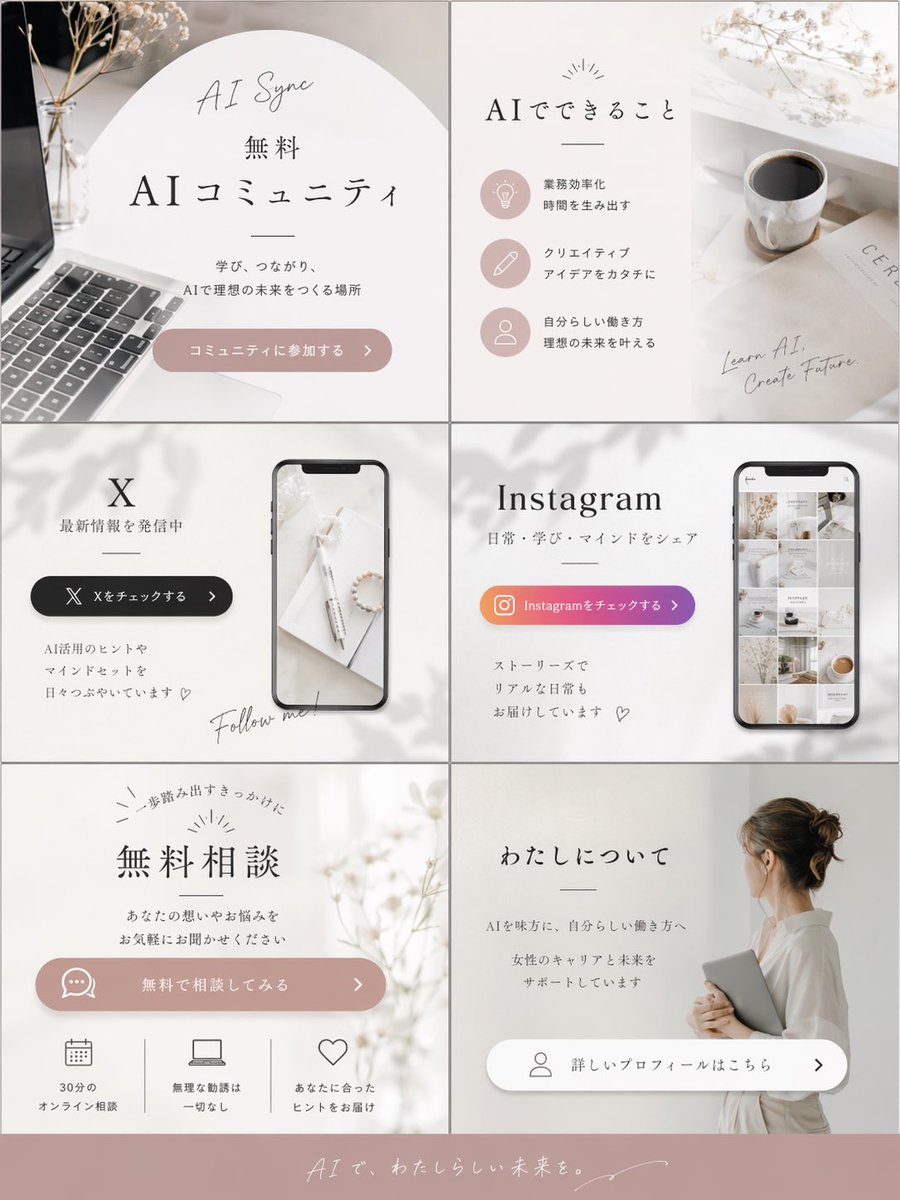
- Prompt included
- Model and format preset
- Free template
The prompt behind this image
Copy the exact prompt behind Aesthetic Social Media Link-in-Bio Grid, or open it in the studio and make it yours.
- Type
- promotional graphic grid
- Style
- minimalist, aesthetic lifestyle, feminine, {argument name="color palette" default="soft beige, dusty pink, and white"}
- Layout
- 2 columns by 3 rows grid, plus a full-width footer
- Panels › 0 › Position
- top-left
- Panels › 0 › Text
- AI Sync, 無料, {argument name="main title" default="AIコミュニティ"}, 学び、つながり、AIで理想の未来をつくる場所
- Panels › 0 › Button
- コミュニティに参加する >
- Panels › 0 › Visuals
- laptop keyboard, dried flowers, soft arched background
- Panels › 1 › Position
- top-right
- Panels › 1 › Text
- AIでできること, Learn AI, Create Future.
- Panels › 1 › List Items › Count
- 3
- Panels › 1 › List Items › Items › 0 › Icon
- lightbulb
- Panels › 1 › List Items › Items › 0 › Text
- 業務効率化 時間を生み出す
- Panels › 1 › List Items › Items › 1 › Icon
- pencil
- Panels › 1 › List Items › Items › 1 › Text
- クリエイティブ アイデアをカタチに
- Panels › 1 › List Items › Items › 2 › Icon
- person
- Panels › 1 › List Items › Items › 2 › Text
- 自分らしい働き方 理想の未来を叶える
- Panels › 1 › Visuals
- coffee cup, magazine, soft shadows
- Panels › 2 › Position
- middle-left
- Panels › 2 › Text
- {argument name="social platform 1" default="X"}, 最新情報を発信中, AI活用のヒントやマインドセットを日々つぶやいています ♡, Follow me!
- Panels › 2 › Button
- Xをチェックする >
- Panels › 2 › Visuals
- smartphone mockup showing a desk scene
- Panels › 3 › Position
- middle-right
- Panels › 3 › Text
- {argument name="social platform 2" default="Instagram"}, 日常・学び・マインドをシェア, ストーリーズでリアルな日常もお届けしています ♡
- Panels › 3 › Button
- Instagramをチェックする >
Raw JSON
{
  "type": "promotional graphic grid",
  "style": "minimalist, aesthetic lifestyle, feminine, {argument name=\"color palette\" default=\"soft beige, dusty pink, and white\"}",
  "layout": "2 columns by 3 rows grid, plus a full-width footer",
  "panels": [
    {
      "position": "top-left",
      "text": ["AI Sync", "無料", "{argument name=\"main title\" default=\"AIコミュニティ\"}", "学び、つながり、AIで理想の未来をつくる場所"],
      "button": "コミュニティに参加する >",
      "visuals": "laptop keyboard, dried flowers, soft arched background"
    },
    {
      "position": "top-right",
      "text": ["AIでできること", "Learn AI, Create Future."],
      "list_items": {
        "count": 3,
        "items": [
          {"icon": "lightbulb", "text": "業務効率化 時間を生み出す"},
          {"icon": "pencil", "text": "クリエイティブ アイデアをカタチに"},
          {"icon": "person", "text": "自分らしい働き方 理想の未来を叶える"}
        ]
      },
      "visuals": "coffee cup, magazine, soft shadows"
    },
    {
      "position": "middle-left",
      "text": ["{argument name=\"social platform 1\" default=\"X\"}", "最新情報を発信中", "AI活用のヒントやマインドセットを日々つぶやいています ♡", "Follow me!"],
      "button": "Xをチェックする >",
      "visuals": "smartphone mockup showing a desk scene"
    },
    {
      "position": "middle-right",
      "text": ["{argument name=\"social platform 2\" default=\"Instagram\"}", "日常・学び・マインドをシェア", "ストーリーズでリアルな日常もお届けしています ♡"],
      "button": "Instagramをチェックする >",
      "visuals": "smartphone mockup showing an aesthetic photo grid"
    },
    {
      "position": "bottom-left",
      "text": ["一歩踏み出すきっかけに", "無料相談", "あなたの想いやお悩みをお気軽にお聞かせください"],
      "button": "無料で相談してみる >",
      "features": {
        "count": 3,
        "items": [
          {"icon": "calendar", "text": "30分のオンライン相談"},
          {"icon": "laptop", "text": "無理な勧誘は一切なし"},
          {"icon": "heart", "text": "あなたに合ったヒントをお届け"}
        ]
      },
      "visuals": "dried flowers, soft lighting"
    },
    {
      "position": "bottom-right",
      "text": ["わたしについて", "AIを味方に、自分らしい働き方へ", "女性のキャリアと未来をサポートしています"],
      "button": "詳しいプロフィールはこちら >",
      "visuals": "woman from behind with hair bun, wearing white shirt, holding a tablet"
    }
  ],
  "footer": {
    "text": "{argument name=\"footer text\" default=\"AIで、わたしらしい未来を。\"}",
    "background": "dusty pink"
  }
}How to use Aesthetic Social Media Link-in-Bio Grid in 3 steps
- 1Upload ImagePNG, JPG or paste
Add your photo
Upload the photo the template builds on. The prompt, model and format are already set.
- 2…a portrait of your subject in softgolden-hour light, 85mm…
Personalize
Edit the subject and creative details for your destination.
- 3Generate
Generate
Press Generate — your image is created in PicX Studio, so you can compare it with the original and refine one variable at a time.
More like this
Templates with the same subject, style or setup. Open one to see its prompt.

Gpt2 Social Media Post Nostalgic 16 Photo Couple Grid

Gpt2 Social Media Post 4 Panel Japanese Digital Ad Banner Grid

Shattered Screen Social Media Ad

Torn Social Media Profile Art

Korean Luxury Fashion Editorial 2x2 Grid Series

Minimalist Fashion Editorial Split Layout

Ultra-Realistic Vogue-Style Editorial Fashion Grid

Headphones Lifestyle Nine Panel Grid

VLOG Style Social Media Post
Clean Professional Social Media Avatar

Social Media Magazine Cover
Song Dynasty Social Media Feed
Make it yours
Aesthetic Social Media Link-in-Bio Grid works as-is. These are the safest ways to change it without losing the look.
Swap the setting
Keep the rest of the prompt and replace the location block. The current setting is “dusty pink”.
Change one field
Copy a single group, rewrite it, and generate again so you can see what that field is doing.
Keep the frame, change the subject
Hold the composition and light of Aesthetic Social Media Link-in-Bio Grid, then swap wardrobe, props or the person for a new take.
| If the result… | Why | Fix |
|---|---|---|
| The result drifts from the preview | Too many fields changed at once. | Reuse Aesthetic Social Media Link-in-Bio Grid as-is first, then change one group — subject, light, or setting. |
| GPT Image 2 ignores part of the JSON | Some models flatten or skip nested keys. | Keep the same values and paste them as a short paragraph instead. |
More GPT Image 2 templates
Other prompts made for GPT Image 2.

Six VTuber Japanese Logo Sheet

Realistic Portrait of Woman and Deer

The Vista Modular Condo Poster

AI Model Routing Comparison Infographic

2.5D Anime Art Board

Isometric Productivity Desk Scene

New York Double Exposure Poster

Four-Panel AI Landscape Comparison

Japanese Tatami Lifestyle Magazine Cover

NESCAFÉ Coffee Map Poster
More image prompts
Fresh picks from across the catalog.

Pixel Art Game Development Roadmap

3D Cartoon Rap Style Woman Prompt

Image-to-Character Christmas Tree Prompt
Retro Magazine Upside-Down Portrait
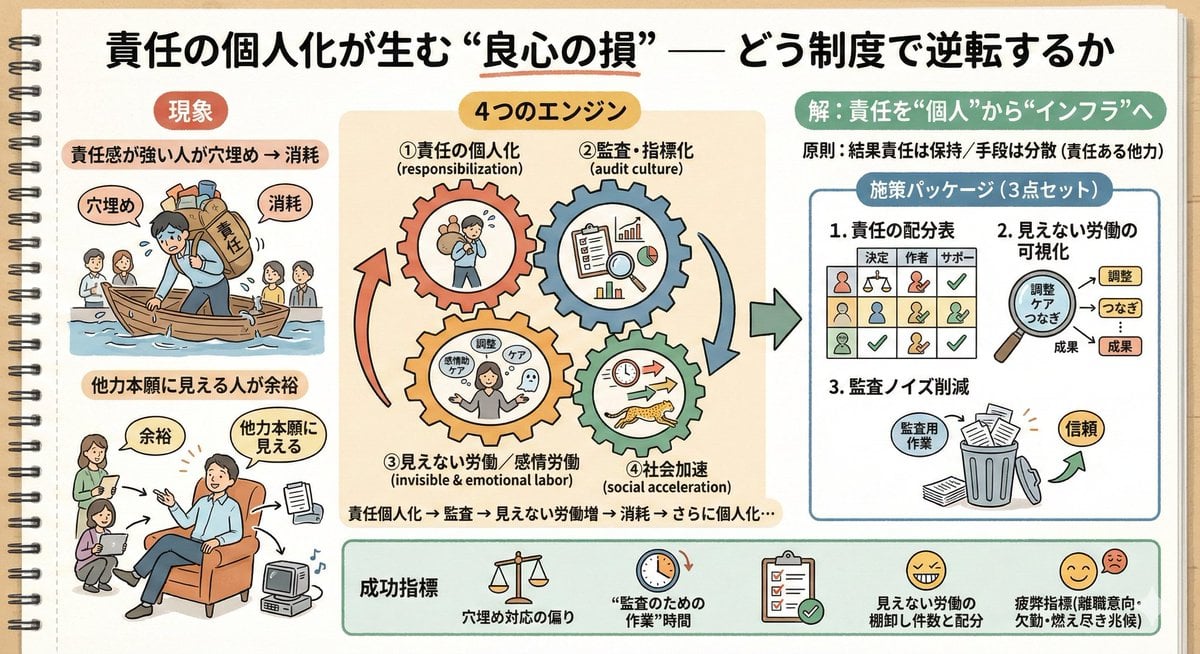
Sketch Generation for Work Personalization

Surreal Portrait: Woman Holding Tiny Cartoon Girl
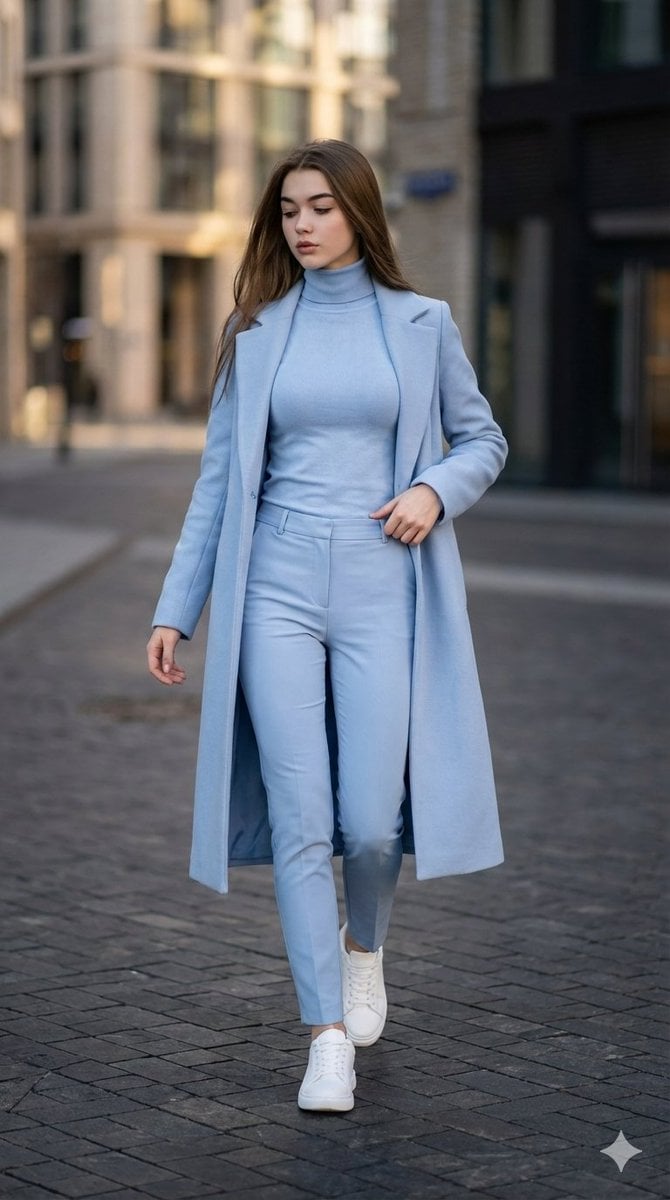
Cinematic Street Style Identity Preservation Prompt
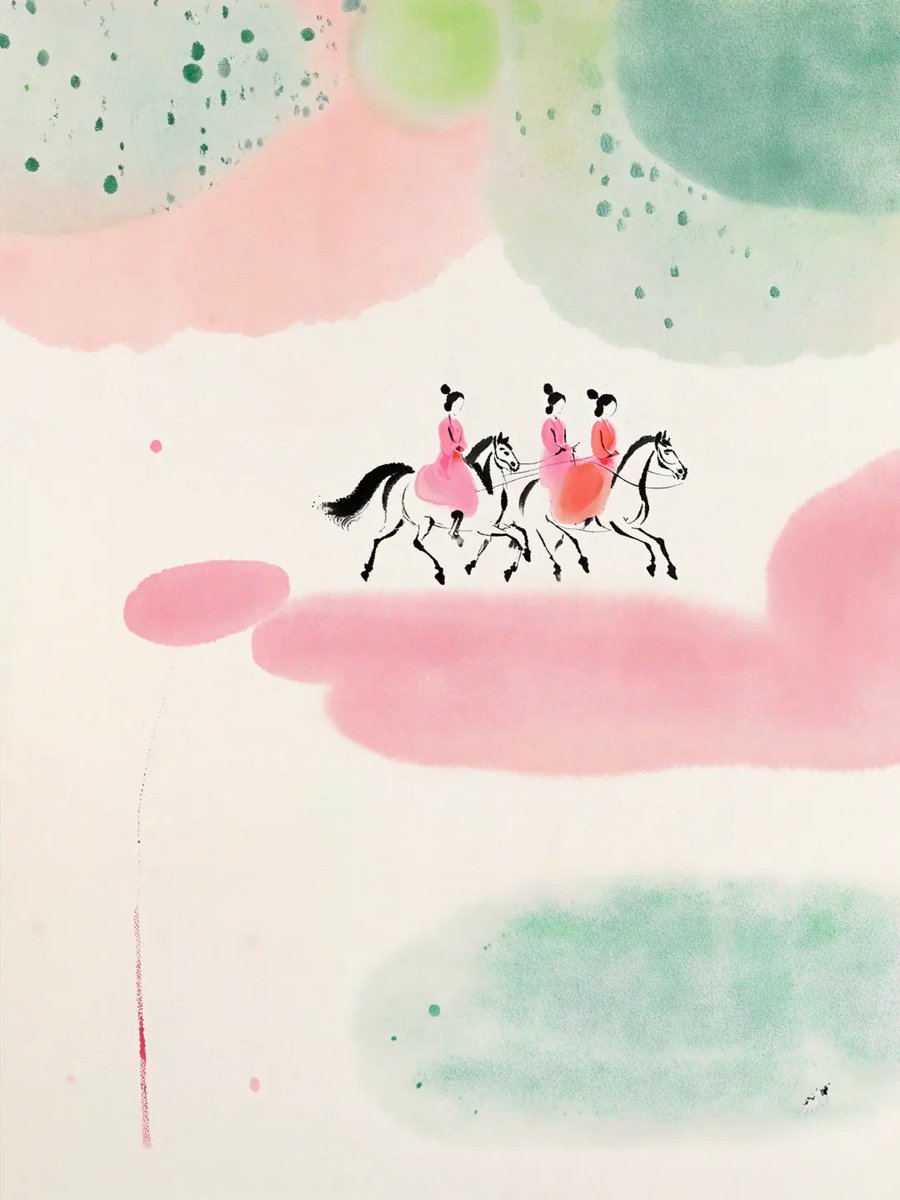
Pastel Court Ladies on Horseback
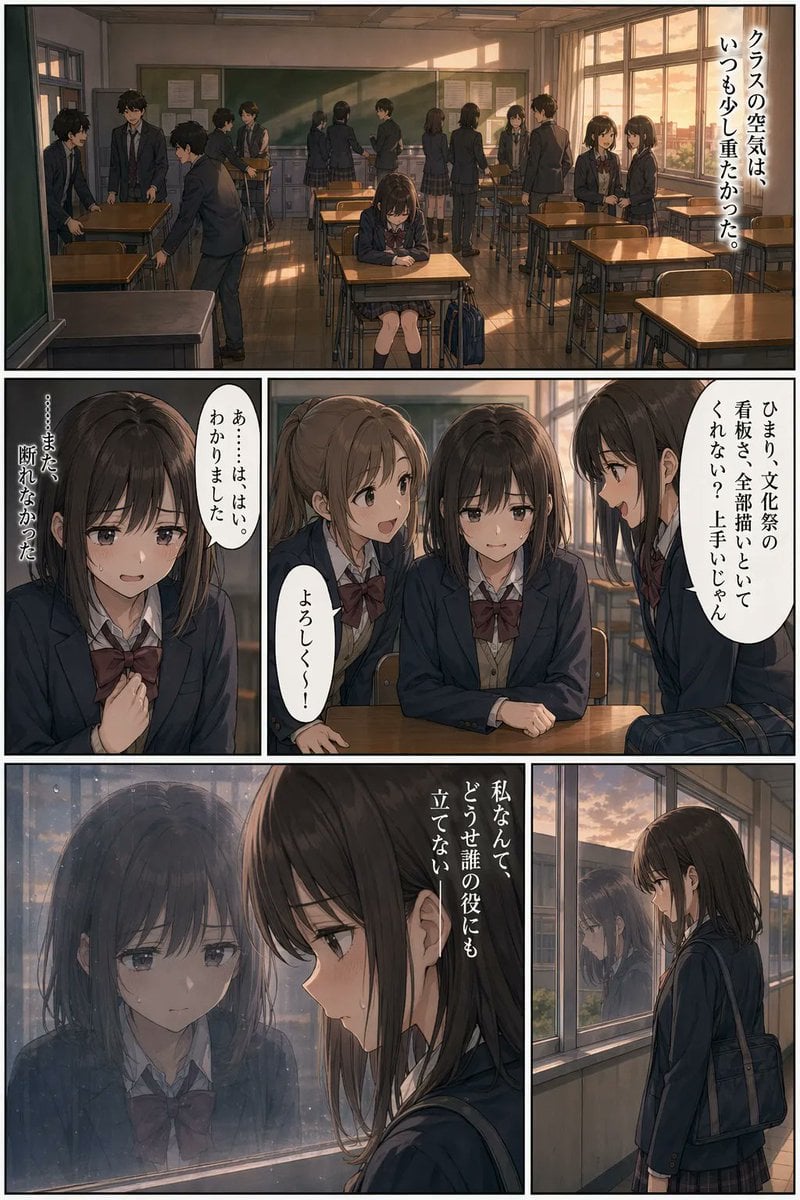
Sunset Classroom Drama Manga Page

Four Destination Tourism Poster Grid
Browse template categories
Aesthetic Social Media Link-in-Bio Grid questions
How do I use the Aesthetic Social Media Link-in-Bio Grid template?
Add your photo if the template asks for one, edit the prompt if you like — the template's model and format are already selected — and press Generate. Your version opens in PicX Studio.
Can I customize the Aesthetic Social Media Link-in-Bio Grid template?
Yes. You can change the subject, setting, lighting, mood, format, and available model controls before creating your image.
Is the Aesthetic Social Media Link-in-Bio Grid template free?
Opening and editing this template is free. Generating uses credits, shown on the Generate button when you are signed in.
Which AI model should I use?
Start with GPT Image 2, which is the model associated with this template. You can compare another compatible model for a different finish.
Looking for something else? Browse all templates.

Your photo, any look
Thousands of ready templates for every top image and video model, from one credit balance.