
Four-Panel Vertical Advertisement Mockups
Generates a four-column layout featuring distinct advertising posters for food, fashion, travel, and SaaS products.
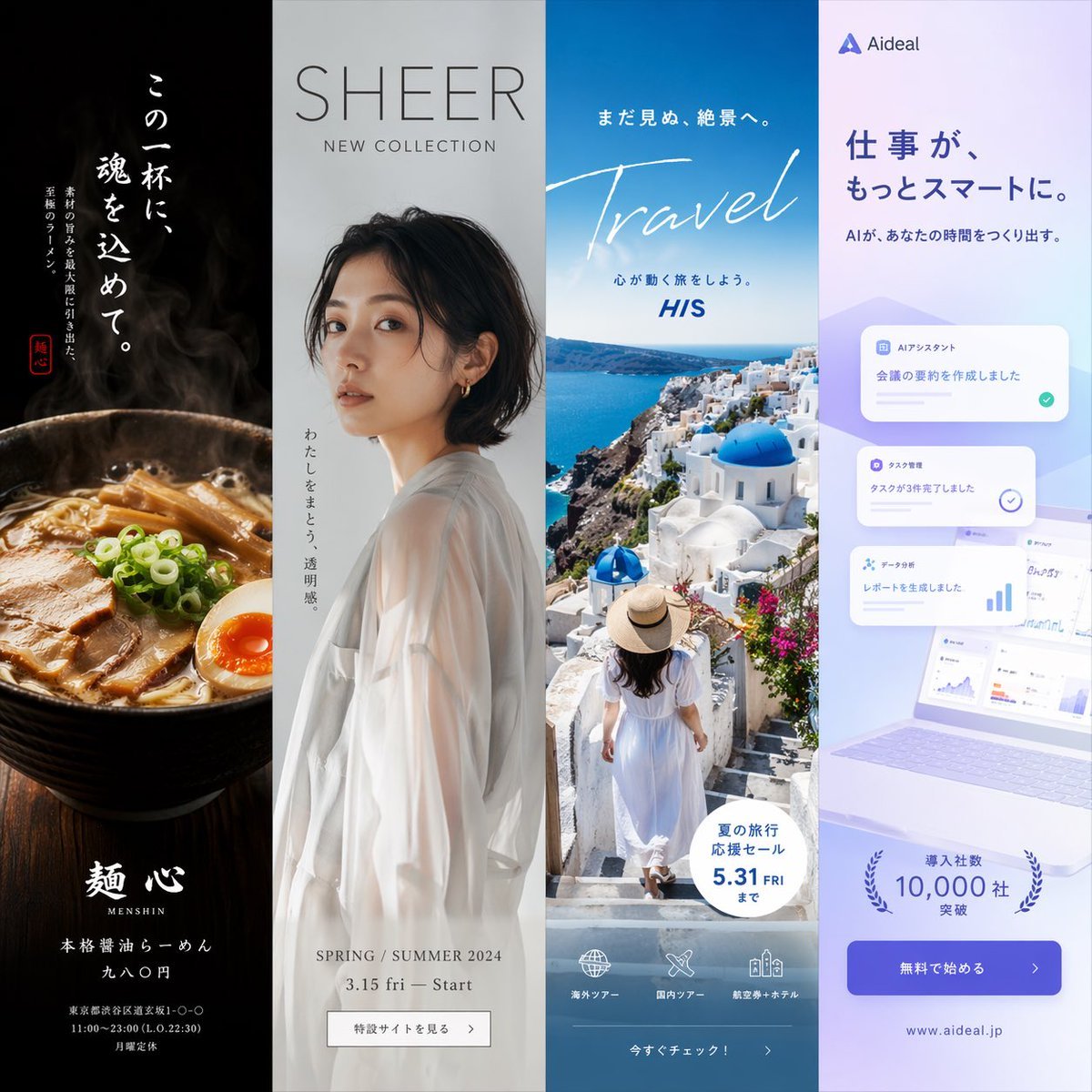
- Prompt included
- Model and format preset
- Free template
The prompt behind this image
Copy the exact prompt behind Four-Panel Vertical Advertisement Mockups, or open it in the studio and make it yours.
- Type
- four-panel advertisement mockup
- Layout
- vertical split into four equal columns
- Panels › 0 › Position
- far left
- Panels › 0 › Theme
- food advertisement
- Panels › 0 › Subject
- steaming bowl of authentic soy sauce ramen with sliced pork, half a soft-boiled egg, bamboo shoots, and green onions
- Panels › 0 › Background
- dark, moody lighting
- Panels › 0 › Typography › Catchphrase
- {argument name="ramen catchphrase" default="この一杯に、魂を込めて。"}
- Panels › 0 › Typography › Subtext
- ultimate ramen maximizing ingredient umami
- Panels › 0 › Typography › Brand Name
- 麺心
- Panels › 0 › Typography › Details
- authentic soy sauce ramen 980 yen
- Panels › 0 › Typography › Footer
- Tokyo Shibuya address and business hours
- Panels › 1 › Position
- mid-left
- Panels › 1 › Theme
- fashion lookbook
- Panels › 1 › Subject
- young Japanese woman looking back over her shoulder, wearing a sheer white long-sleeve top
- Panels › 1 › Background
- light grey studio backdrop
- Panels › 1 › Typography › Headline
- {argument name="fashion brand" default="SHEER"}
- Panels › 1 › Typography › Subheadline
- NEW COLLECTION
- Panels › 1 › Typography › Vertical Text
- wearing transparency
- Panels › 1 › Typography › Details
- SPRING / SUMMER 2024 3.15 fri - Start
- Panels › 1 › Typography › Button
- 特設サイトを見る >
- Panels › 2 › Position
- mid-right
- Panels › 2 › Theme
- travel agency promotion
- Panels › 2 › Subject
- woman in a white summer dress and straw hat walking down white stairs
- Panels › 2 › Background
- {argument name="travel destination" default="Santorini, Greece"} with iconic blue dome churches, white buildings, and deep blue Aegean sea
Raw JSON
{
  "type": "four-panel advertisement mockup",
  "layout": "vertical split into four equal columns",
  "panels": [
    {
      "position": "far left",
      "theme": "food advertisement",
      "subject": "steaming bowl of authentic soy sauce ramen with sliced pork, half a soft-boiled egg, bamboo shoots, and green onions",
      "background": "dark, moody lighting",
      "typography": {
        "catchphrase": "{argument name=\"ramen catchphrase\" default=\"この一杯に、魂を込めて。\"}",
        "subtext": "ultimate ramen maximizing ingredient umami",
        "brand_name": "麺心",
        "details": "authentic soy sauce ramen 980 yen",
        "footer": "Tokyo Shibuya address and business hours"
      }
    },
    {
      "position": "mid-left",
      "theme": "fashion lookbook",
      "subject": "young Japanese woman looking back over her shoulder, wearing a sheer white long-sleeve top",
      "background": "light grey studio backdrop",
      "typography": {
        "headline": "{argument name=\"fashion brand\" default=\"SHEER\"}",
        "subheadline": "NEW COLLECTION",
        "vertical_text": "wearing transparency",
        "details": "SPRING / SUMMER 2024 3.15 fri - Start",
        "button": "特設サイトを見る >"
      }
    },
    {
      "position": "mid-right",
      "theme": "travel agency promotion",
      "subject": "woman in a white summer dress and straw hat walking down white stairs",
      "background": "{argument name=\"travel destination\" default=\"Santorini, Greece\"} with iconic blue dome churches, white buildings, and deep blue Aegean sea",
      "typography": {
        "top_text": "to an unseen spectacular view",
        "main_title": "Travel",
        "subtitle": "let's take a journey that moves your heart",
        "badge": "summer travel sale until 5.31 FRI",
        "bottom_nav": {
          "count": 3,
          "labels": ["海外ツアー", "国内ツアー", "航空券+ホテル"]
        },
        "button": "今すぐチェック! >"
      }
    },
    {
      "position": "far right",
      "theme": "B2B SaaS software",
      "subject": "open laptop displaying a data dashboard, surrounded by floating UI elements",
      "background": "light purple and white gradient",
      "ui_elements": {
        "count": 3,
        "labels": ["AIアシスタント", "タスク管理", "データ分析"]
      },
      "typography": {
        "logo": "{argument name=\"tech product name\" default=\"Aideal\"}",
        "headline": "{argument name=\"tech headline\" default=\"仕事が、もっとスマートに。\"}",
        "subheadline": "AI creates time for you",
        "badge": "over 10,000 companies",
        "button": "無料で始める >",
        "url": "www.aideal.jp"
      }
    }
  ]
}Reference images included
Four-Panel Vertical Advertisement Mockups needs input media to work. They load alongside the prompt when you open it in the studio.
How to use Four-Panel Vertical Advertisement Mockups in 3 steps
- 1Upload ImagePNG, JPG or paste
Add your photo
Upload the photo the template builds on. The prompt, model and format are already set.
- 2…a portrait of your subject in softgolden-hour light, 85mm…
Personalize
Edit the subject and creative details for your destination.
- 3Generate
Generate
Press Generate — your image is created in PicX Studio, so you can compare it with the original and refine one variable at a time.
More like this
Templates with the same subject, style or setup. Open one to see its prompt.

Miniature Travel Diorama Postcard

Four-Panel AI Landscape Comparison

Four-Panel Anime Face Comparison

Four-Panel AI Landscape Comparison

Gen Z Triple Selfie Collage — Y2K Flash Photography
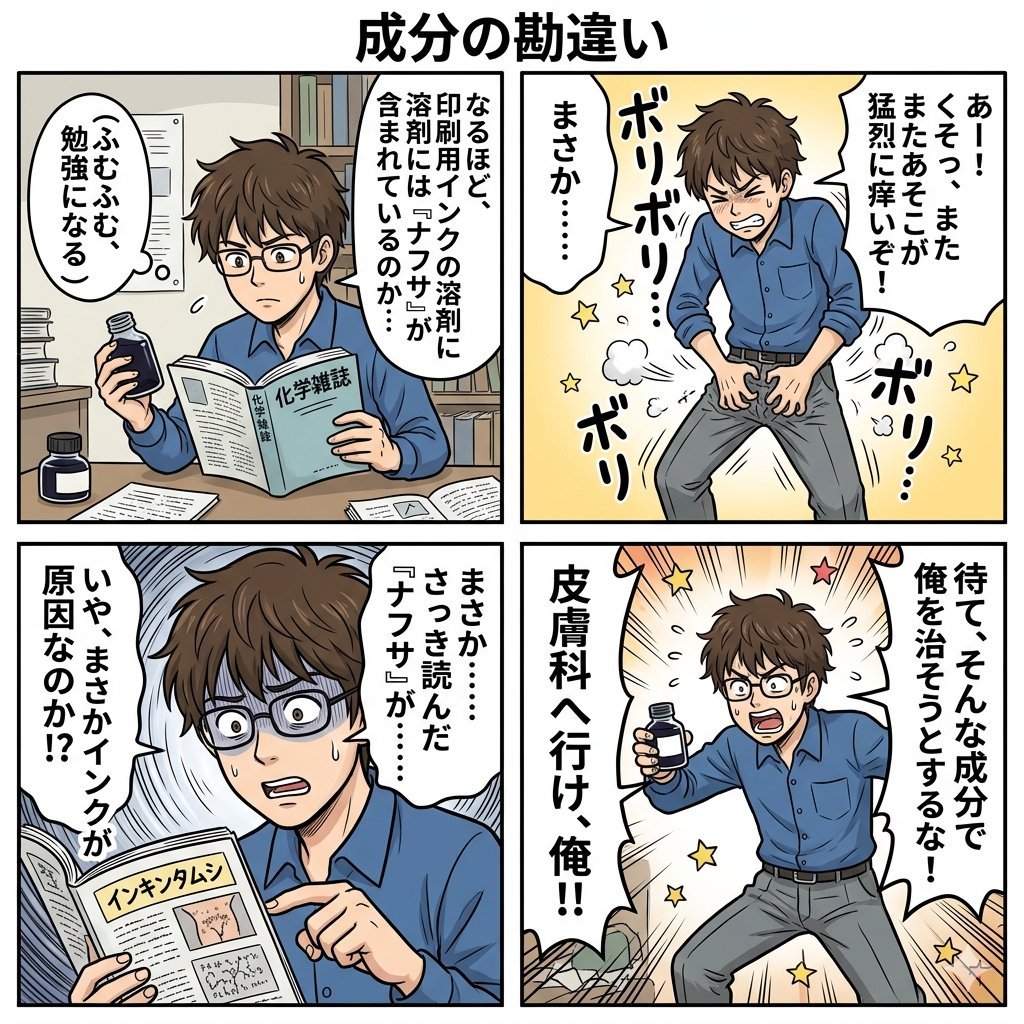
Component Differences Four-Panel Manga
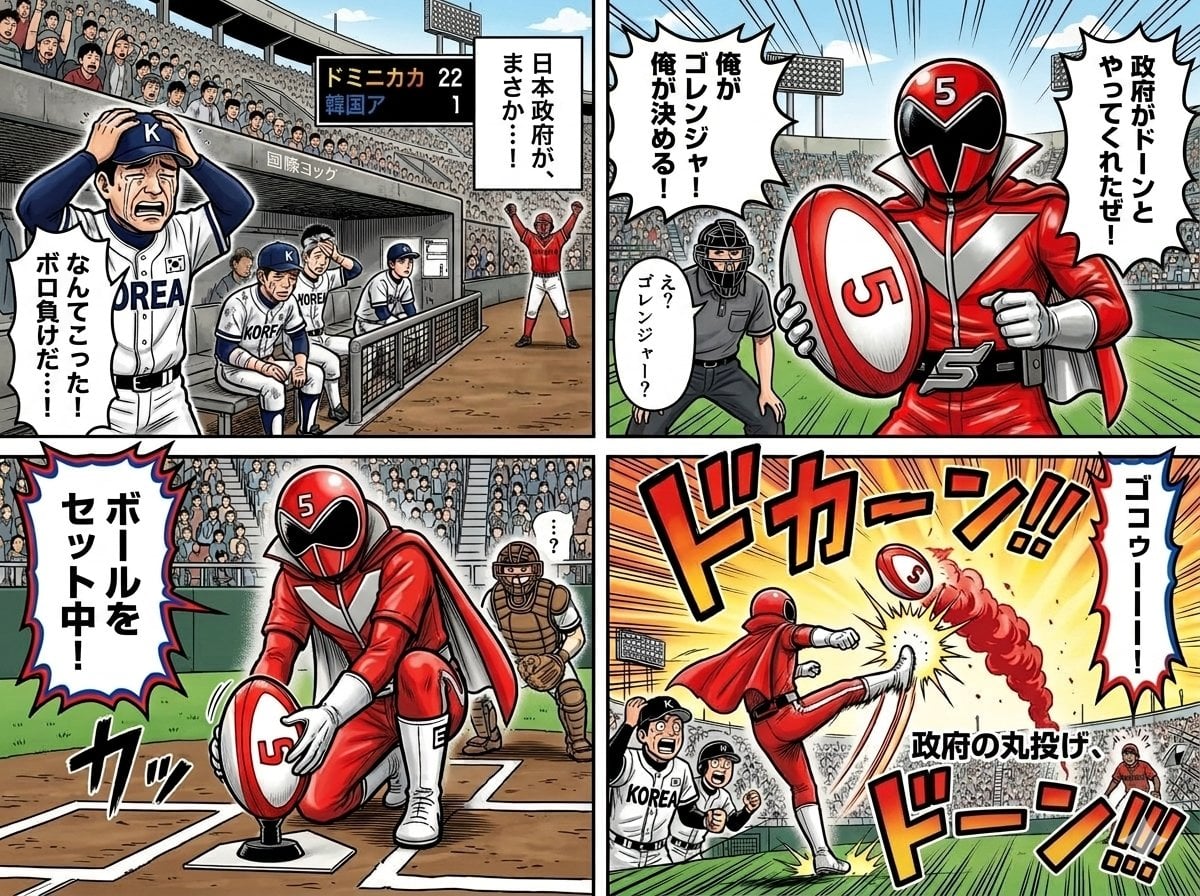
Four-Panel Manga with Sentai and Rugby

Premium Vertical Product Campaign Poster
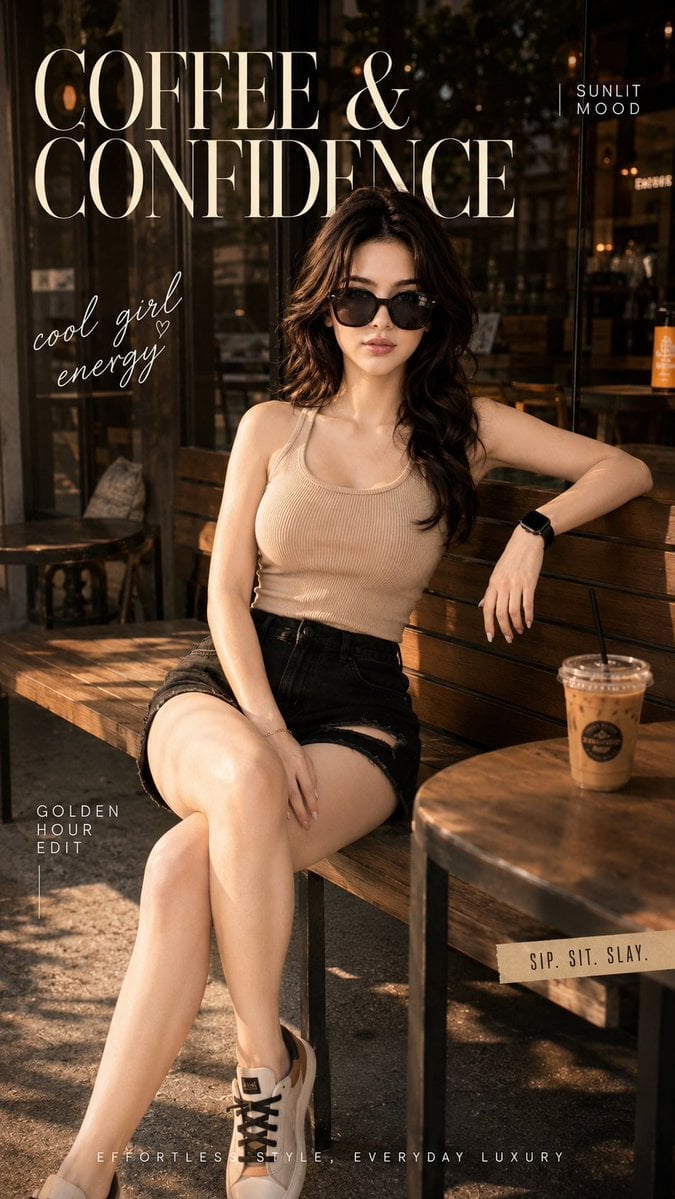
Ultra-Cinematic Lifestyle Fashion Portrait
Premium Vertical Product Campaign Poster
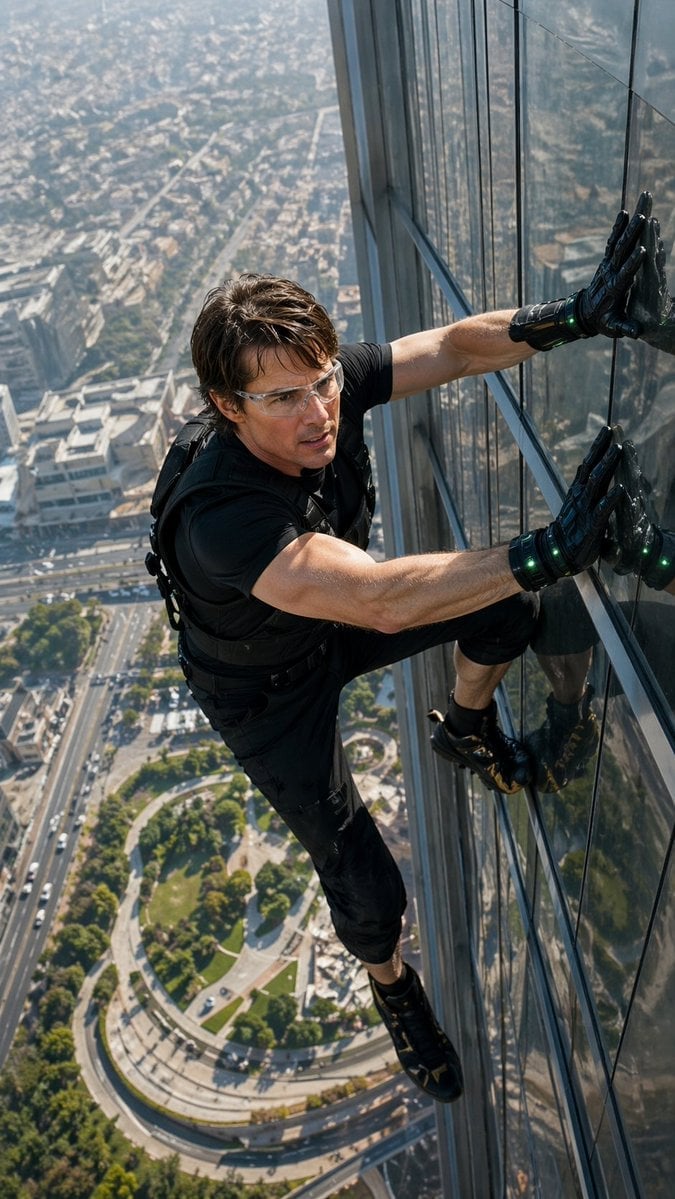
Skyscraper Symbiote Ascent Vertical Poster

Pixar 6-Panel Streethero Expression Grid
Make it yours
Four-Panel Vertical Advertisement Mockups works as-is. These are the safest ways to change it without losing the look.
Swap the setting
Keep the rest of the prompt and replace the location block. The current setting is “dark, moody lighting”.
Change one field
Copy a single group, rewrite it, and generate again so you can see what that field is doing.
Keep the frame, change the subject
Hold the composition and light of Four-Panel Vertical Advertisement Mockups, then swap wardrobe, props or the person for a new take.
| If the result… | Why | Fix |
|---|---|---|
| The result drifts from the preview | Too many fields changed at once. | Reuse Four-Panel Vertical Advertisement Mockups as-is first, then change one group — subject, light, or setting. |
| GPT Image 2 ignores part of the JSON | Some models flatten or skip nested keys. | Keep the same values and paste them as a short paragraph instead. |
More GPT Image 2 templates
Other prompts made for GPT Image 2.

Six VTuber Japanese Logo Sheet

Realistic Portrait of Woman and Deer

The Vista Modular Condo Poster

AI Model Routing Comparison Infographic

2.5D Anime Art Board

Isometric Productivity Desk Scene

New York Double Exposure Poster

Japanese Tatami Lifestyle Magazine Cover

NESCAFÉ Coffee Map Poster

Brutalist Cogito Chinese Typography Poster
More image prompts
Fresh picks from across the catalog.
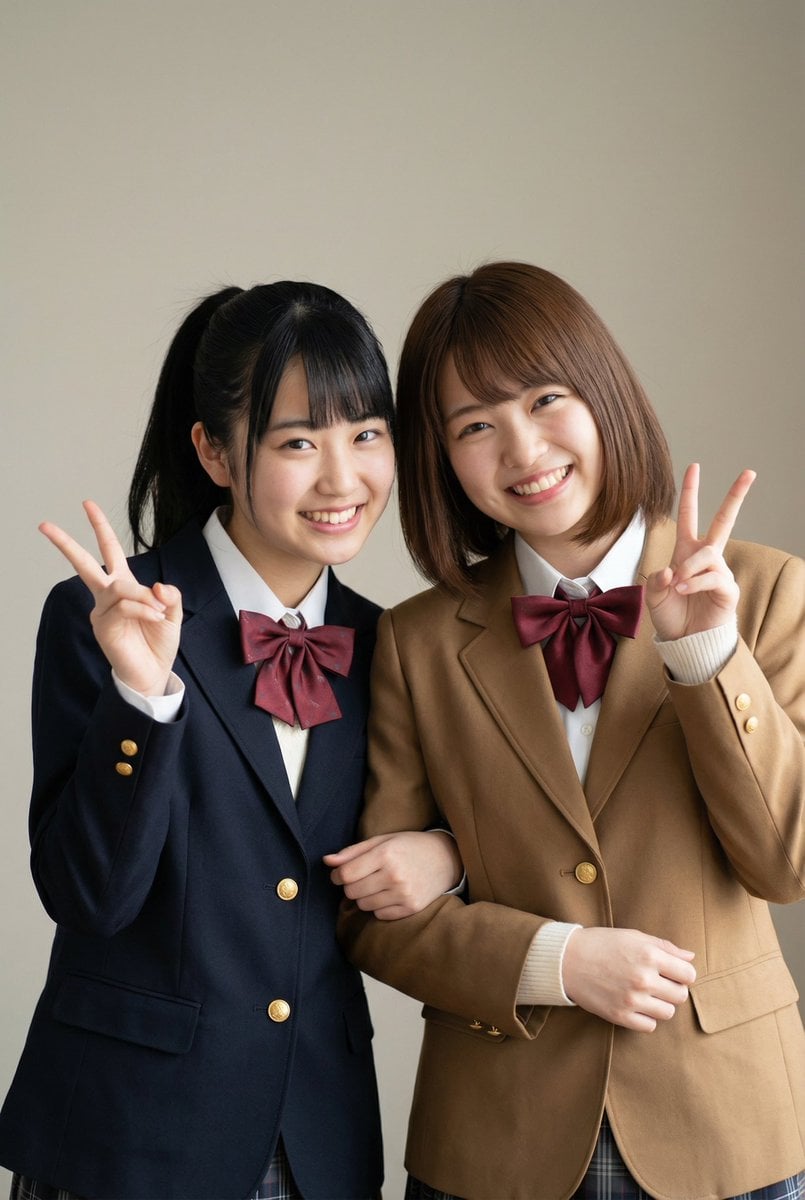
Purikura Style Text and Arrow Overlay Prompt
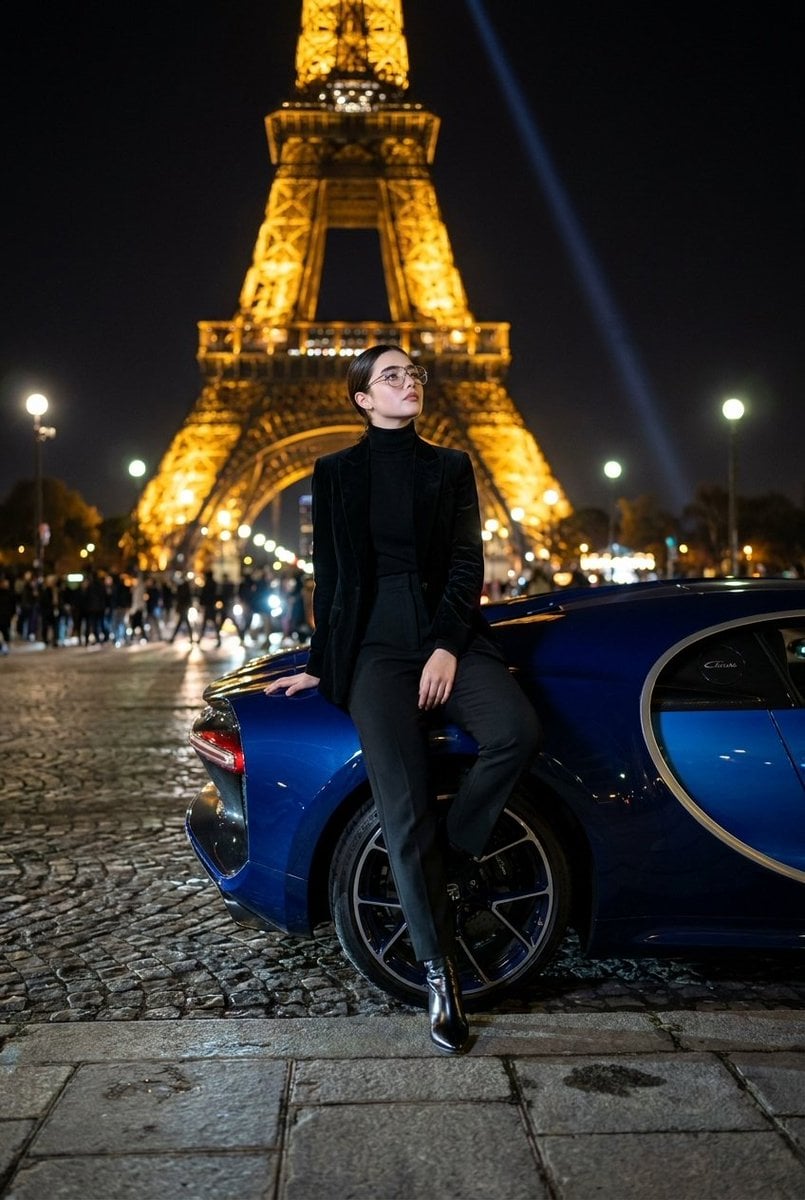
Fashion Editorial at Trocadéro
Abstract Geometric Pattern Generation
Tuxedo European Street Portrait
Futuristic Nature and Technology Landscape Portrait
Action Samurai Fruit Slicing
Luxury Bridal Fashion Empire Poster
Cinematic Golden-Hour Scene in the African Savanna
Sketch Drawing Annotation Prompt
Stylish Man Walking Through Airport Terminal
Browse template categories
Four-Panel Vertical Advertisement Mockups questions
How do I use the Four-Panel Vertical Advertisement Mockups template?
Add your photo if the template asks for one, edit the prompt if you like — the template's model and format are already selected — and press Generate. Your version opens in PicX Studio.
Can I customize the Four-Panel Vertical Advertisement Mockups template?
Yes. You can change the subject, setting, lighting, mood, format, and available model controls before creating your image.
Is the Four-Panel Vertical Advertisement Mockups template free?
Opening and editing this template is free. Generating uses credits, shown on the Generate button when you are signed in.
Which AI model should I use?
Start with GPT Image 2, which is the model associated with this template. You can compare another compatible model for a different finish.
Looking for something else? Browse all templates.

Your photo, any look
Thousands of ready templates for every top image and video model, from one credit balance.