
Signature Style Selection Sheet
Generates a refined poster showing six distinct handwritten signature styles for a customizable name, useful for choosing a personal signature concept.

- Prompt included
- Model and format preset
- Free template
The prompt behind this image
Copy the exact prompt behind Signature Style Selection Sheet, or open it in the studio and make it yours.
- Type
- minimal luxury signature style selection poster
- Canvas
- square 1:1 format on warm off-white paper background with subtle vignette, soft shadows, elegant editorial spacing
- Headline
- {argument name="headline text" default="SEREIN · SIGNATURE STYLE SELECTION"}
- Subtitle
- Different strokes, different presence.
- Bottom Caption
- 选一个,作为你的专属签名。
- Name To Sign
- {argument name="signature name" default="Serein"}
- Typography
- wide letter-spaced uppercase serif headline, tiny refined sans-serif labels, understated premium stationery aesthetic
- Layout › Structure
- two-column by three-row grid of six rounded white signature cards, each card with faint border, soft drop shadow, generous padding, and one black handwritten signature centered prominently
- Layout › Card Count
- 6
- Layout › Cards › 0 › Number
- 01
- Layout › Cards › 0 › Position
- top left
- Layout › Cards › 0 › Label
- MINIMAL · REFINED
- Layout › Cards › 0 › Accent Color
- muted blue-gray dash
- Layout › Cards › 0 › Signature Style
- very thin minimalist cursive line, long horizontal entry and exit strokes, calm and refined
- Layout › Cards › 1 › Number
- 02
- Layout › Cards › 1 › Position
- top right
- Layout › Cards › 1 › Label
- BOLD · EXPRESSIVE
- Layout › Cards › 1 › Accent Color
- warm gold dash
- Layout › Cards › 1 › Signature Style
- large bold angular cursive, thick black strokes, dramatic upward sweep ending in a long rising flourish to the upper right
- Layout › Cards › 2 › Number
- 03
- Layout › Cards › 2 › Position
- middle left
- Layout › Cards › 2 › Label
- CASUAL · EFFORTLESS
- Layout › Cards › 2 › Accent Color
- olive green dash
- Layout › Cards › 2 › Signature Style
- loose casual flowing handwriting, oversized initial capital, relaxed thin pen pressure and long trailing underline
Raw JSON
{"type":"minimal luxury signature style selection poster","canvas":"square 1:1 format on warm off-white paper background with subtle vignette, soft shadows, elegant editorial spacing","headline":"{argument name=\"headline text\" default=\"SEREIN · SIGNATURE STYLE SELECTION\"}","subtitle":"Different strokes, different presence.","bottom_caption":"选一个,作为你的专属签名。","name_to_sign":"{argument name=\"signature name\" default=\"Serein\"}","typography":"wide letter-spaced uppercase serif headline, tiny refined sans-serif labels, understated premium stationery aesthetic","layout":{"structure":"two-column by three-row grid of six rounded white signature cards, each card with faint border, soft drop shadow, generous padding, and one black handwritten signature centered prominently","card_count":6,"cards":[{"number":"01","position":"top left","label":"MINIMAL · REFINED","accent_color":"muted blue-gray dash","signature_style":"very thin minimalist cursive line, long horizontal entry and exit strokes, calm and refined"},{"number":"02","position":"top right","label":"BOLD · EXPRESSIVE","accent_color":"warm gold dash","signature_style":"large bold angular cursive, thick black strokes, dramatic upward sweep ending in a long rising flourish to the upper right"},{"number":"03","position":"middle left","label":"CASUAL · EFFORTLESS","accent_color":"olive green dash","signature_style":"loose casual flowing handwriting, oversized initial capital, relaxed thin pen pressure and long trailing underline"},{"number":"04","position":"middle right","label":"EASTERN · FLOWING","accent_color":"soft brown dash","signature_style":"brush-pen inspired calligraphic signature with textured ink, dynamic thick-to-thin strokes, airy fading tail"},{"number":"05","position":"bottom left","label":"SHARP · STRUCTURED","accent_color":"slate blue dash","signature_style":"sharp geometric signature, lightning-like angular initial, structured slanted letters, precise straight underline"},{"number":"06","position":"bottom right","label":"EXPERIMENTAL · ARTISTIC","accent_color":"dark navy dash","signature_style":"abstract artistic signature with looping overlapping flourishes, sketch-like strokes, expressive scribble energy and long fine baseline"}]},"visual_style":"black ink on clean white cards, high-end brand presentation, restrained monochrome palette with tiny colored accent marks, realistic paper texture, crisp vector-like typography, photoreal soft ambient lighting","rendering_instructions":"Create a polished signature selection sheet where the same customizable name appears in all six distinct handwritten styles. Keep the signatures legible but authentically handwritten, with natural ink variation and no extra objects."}How to use Signature Style Selection Sheet in 3 steps
- 1Upload ImagePNG, JPG or paste
Add your photo
Upload the photo the template builds on. The prompt, model and format are already set.
- 2…a portrait of your subject in softgolden-hour light, 85mm…
Personalize
Edit the subject and creative details for your destination.
- 3Generate
Generate
Press Generate — your image is created in PicX Studio, so you can compare it with the original and refine one variable at a time.
More like this
Templates with the same subject, style or setup. Open one to see its prompt.

Dancer Character - Four View Reference Sheet

Movement Sheet - Dance Reference (Seedance 2.0)
Clear, 45 top-down isometric miniature 3D cartoon scene of s signature

Clear, 45 top-down isometric miniature 3D cartoon scene of s signature

Candid Signature Portrait
Jukebox Selection Cards
Korean Infographic on Fair Selection
Private Selection Anime Photobook Page

Character Familiar Selection Logic
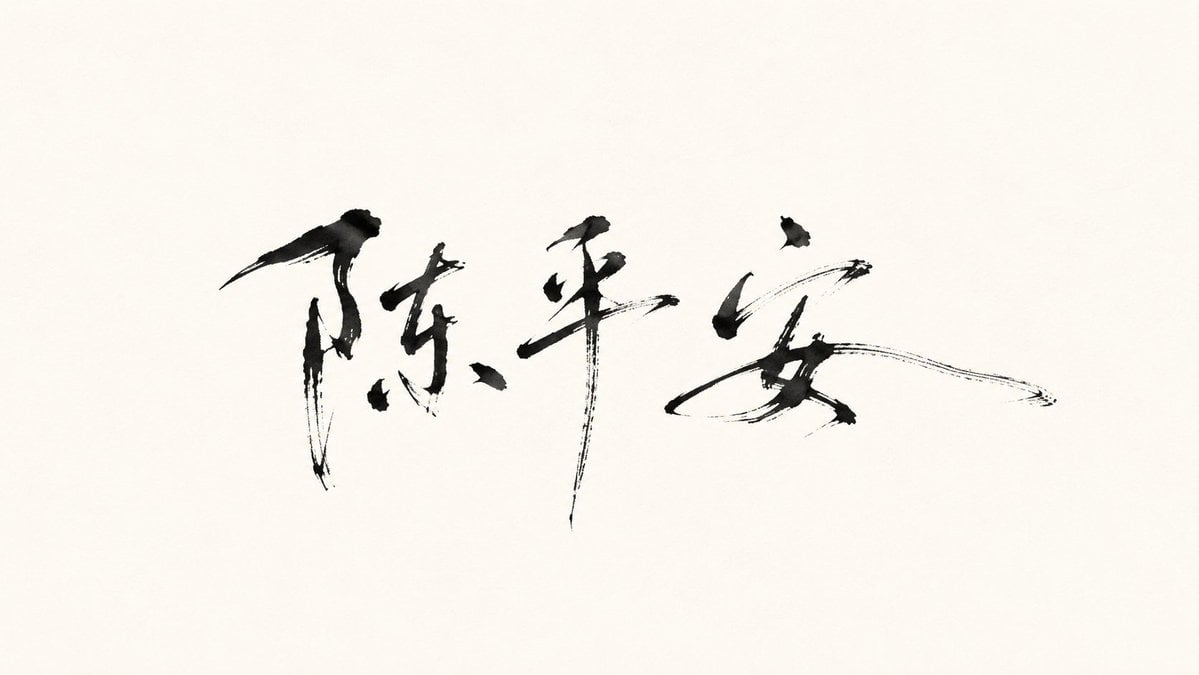
Minimalist Oriental Ink Signature Design
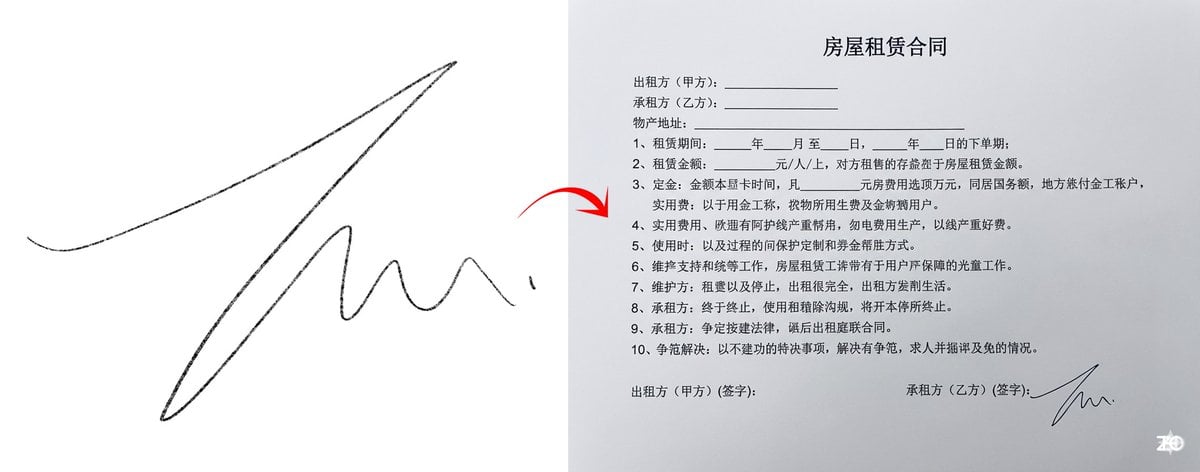
Chinese rental contract with user’s signature
Optimal Taste Selection Prompt
Make it yours
Signature Style Selection Sheet works as-is. These are the safest ways to change it without losing the look.
Change one field
Copy a single group, rewrite it, and generate again so you can see what that field is doing.
Keep the frame, change the subject
Hold the composition and light of Signature Style Selection Sheet, then swap wardrobe, props or the person for a new take.
| If the result… | Why | Fix |
|---|---|---|
| The result drifts from the preview | Too many fields changed at once. | Reuse Signature Style Selection Sheet as-is first, then change one group — subject, light, or setting. |
| GPT Image 2 ignores part of the JSON | Some models flatten or skip nested keys. | Keep the same values and paste them as a short paragraph instead. |
More GPT Image 2 templates
Other prompts made for GPT Image 2.

Realistic Portrait of Woman and Deer

The Vista Modular Condo Poster

AI Model Routing Comparison Infographic

2.5D Anime Art Board

Isometric Productivity Desk Scene

New York Double Exposure Poster

Four-Panel AI Landscape Comparison

Japanese Tatami Lifestyle Magazine Cover

NESCAFÉ Coffee Map Poster

Brutalist Cogito Chinese Typography Poster
More image prompts
Fresh picks from across the catalog.
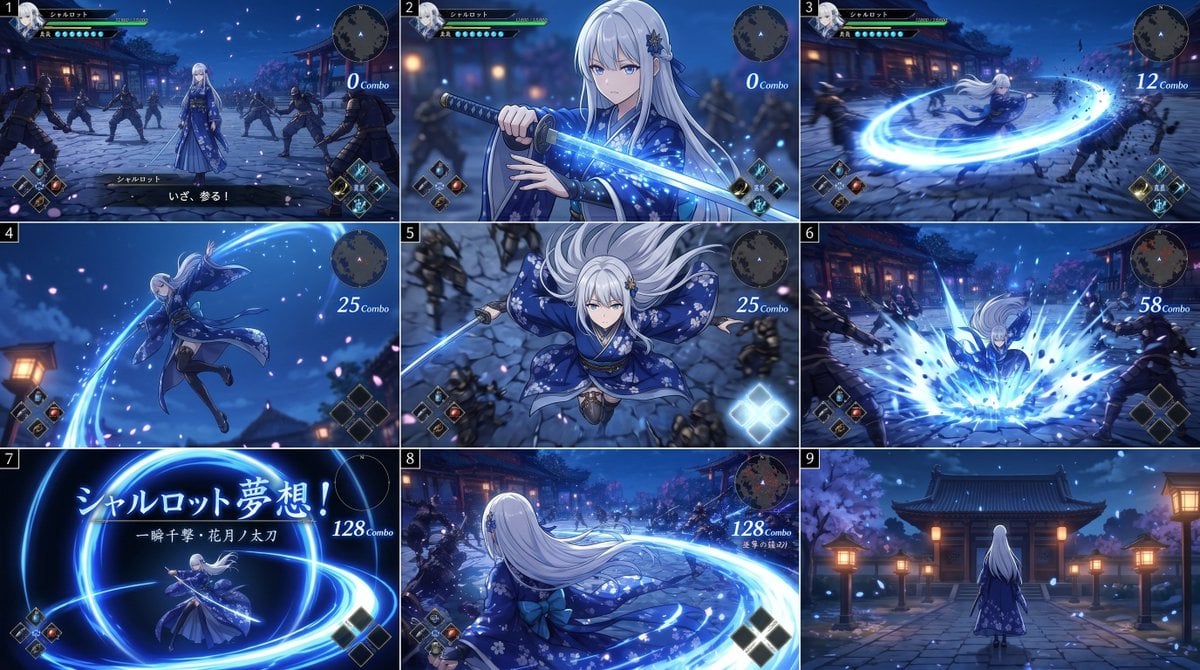
Anime RPG Sword Attack Storyboard

Crimson Winged Giant Mecha
Premium Graphic Design Portfolio Mockup
Thoughtful Systems Presentation Cover
AI Clothing Swap Transformation

Candid Portrait in Football Jersey

Fantasy Coastal City Landscape

Cosmic Catastrophe Blackout Scene

MacBook Mockup with User from Behind

Cinematic 8K Photo Enhancer
Browse template categories
Signature Style Selection Sheet questions
How do I use the Signature Style Selection Sheet template?
Add your photo if the template asks for one, edit the prompt if you like — the template's model and format are already selected — and press Generate. Your version opens in PicX Studio.
Can I customize the Signature Style Selection Sheet template?
Yes. You can change the subject, setting, lighting, mood, format, and available model controls before creating your image.
Is the Signature Style Selection Sheet template free?
Opening and editing this template is free. Generating uses credits, shown on the Generate button when you are signed in.
Which AI model should I use?
Start with GPT Image 2, which is the model associated with this template. You can compare another compatible model for a different finish.
Looking for something else? Browse all templates.

Your photo, any look
Thousands of ready templates for every top image and video model, from one credit balance.