
Crimson Winged Giant Mecha
Generates a heroic red winged giant robot poster suitable for anime mecha concept art or sci-fi cover illustration.
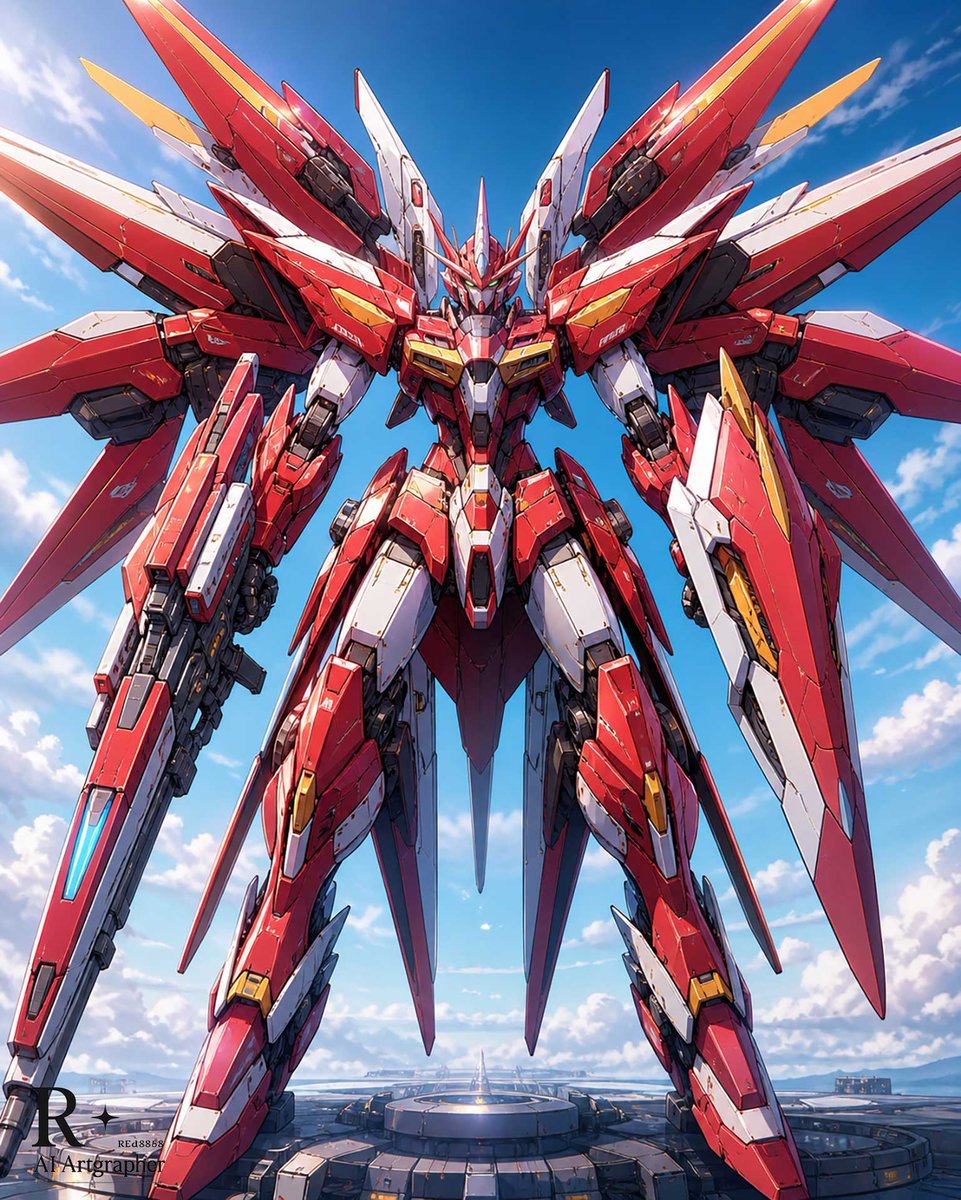
- Prompt included
- Model and format preset
- Free template
The prompt behind this image
Copy the exact prompt behind Crimson Winged Giant Mecha, or open it in the studio and make it yours.
Create a dramatic vertical anime mecha illustration of a colossal humanoid robot named {argument name="mecha title" default="Heaven-Piercing Crimson"}, standing in a powerful symmetrical front-facing pose on a futuristic circular launch platform. The robot is primarily {argument name="armor color" default="glossy crimson red"} with white, black, dark gunmetal, and small gold accent panels, covered in intricate hard-surface armor plating, panel lines, vents, exposed mechanical joints, decals, scratches, and tiny warning markings. Give it a sharp Gundam-like heroic silhouette with a horned angular helmet, glowing cyan eyes, a narrow face mask, broad armored shoulders, layered chest armor, long segmented legs, and two large arm-mounted weapons or shield-blade units; one forearm carries a long rifle-like cannon with a cyan energy strip, while the other has a large angular red-and-white shield blade. Add an enormous wing backpack made of six major blade-like wing assemblies: two huge upward red wings, two wide horizontal red-and-white wings, and two long downward tail fins, all edged with white and gold pieces, creating a phoenix-like aerial form. Use a low-angle camera looking up to make the robot feel gigantic, centered composition, dynamic perspective, crisp cel-shaded anime rendering with realistic mechanical detail, high contrast sunlight, glossy reflections, and deep shadows. Set the scene against a bright {argument name="sky setting" default="clear blue sky with scattered white clouds"}, with a distant futuristic base and horizon below, emphasizing scale and grandeur. Style it as a premium Japanese giant robot poster, ultra-detailed, clean line art, vibrant colors, cinematic lighting, no visible text except optional tiny technical markings on the armor.
How to use Crimson Winged Giant Mecha in 3 steps
- 1Upload ImagePNG, JPG or paste
Add your photo
Upload the photo the template builds on. The prompt, model and format are already set.
- 2…a portrait of your subject in softgolden-hour light, 85mm…
Personalize
Edit the subject and creative details for your destination.
- 3Generate
Generate
Press Generate — your image is created in PicX Studio, so you can compare it with the original and refine one variable at a time.
More like this
Templates with the same subject, style or setup. Open one to see its prompt.
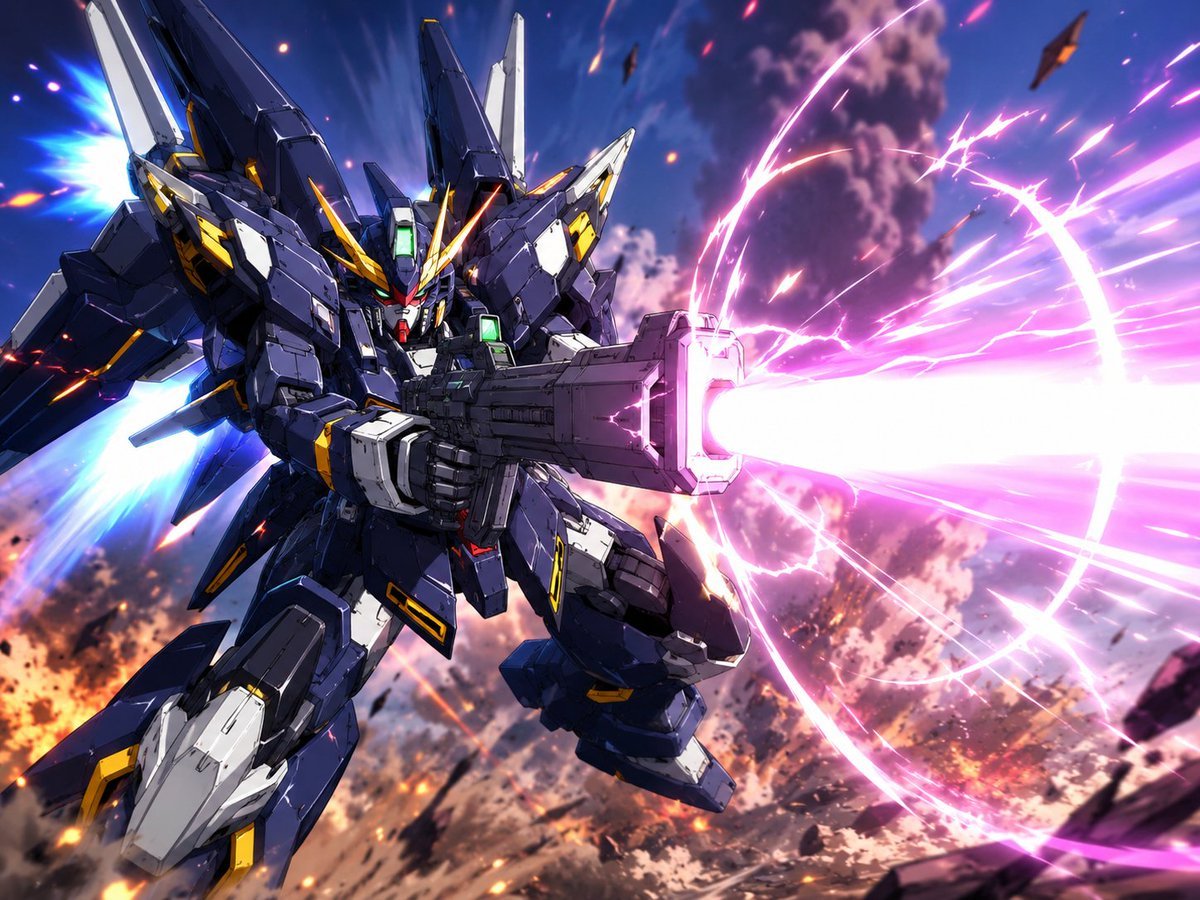
Winged Mecha Beam Cannon Battle
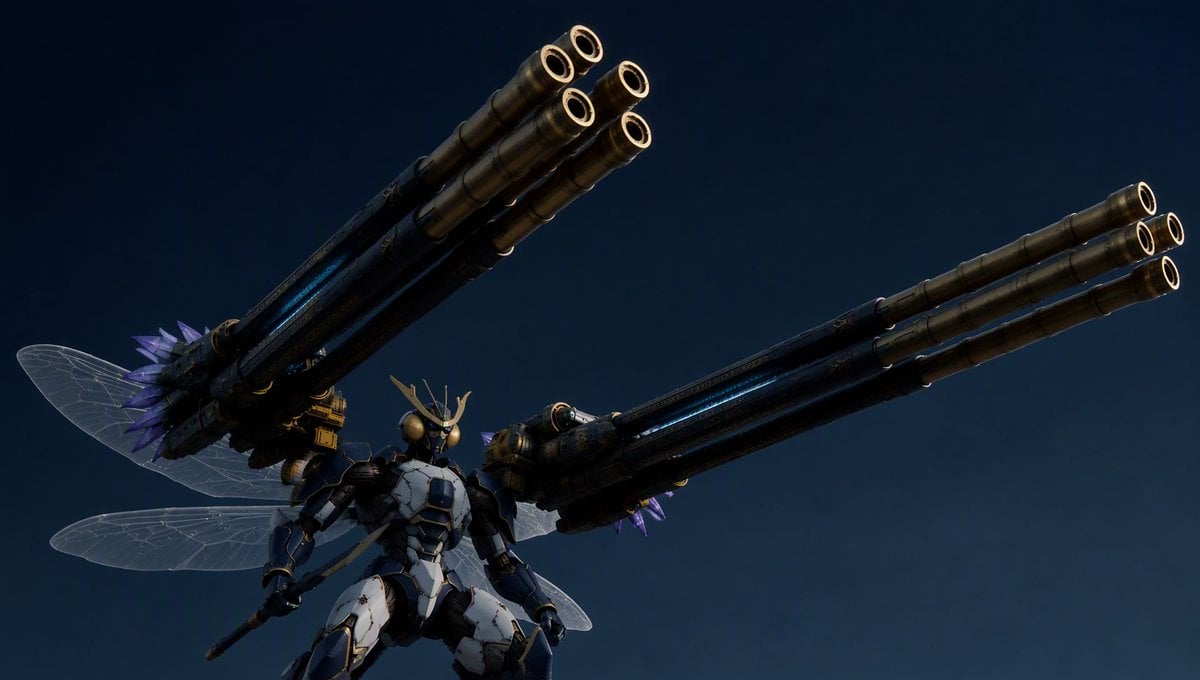
Insect Mecha Cannon Attack

Winged Moon Goddess Archer Wallpaper

Giant Lotus Pond Portrait

Knight Facing Cathedral Giant

Giant Woman Forced Perspective Street Photo
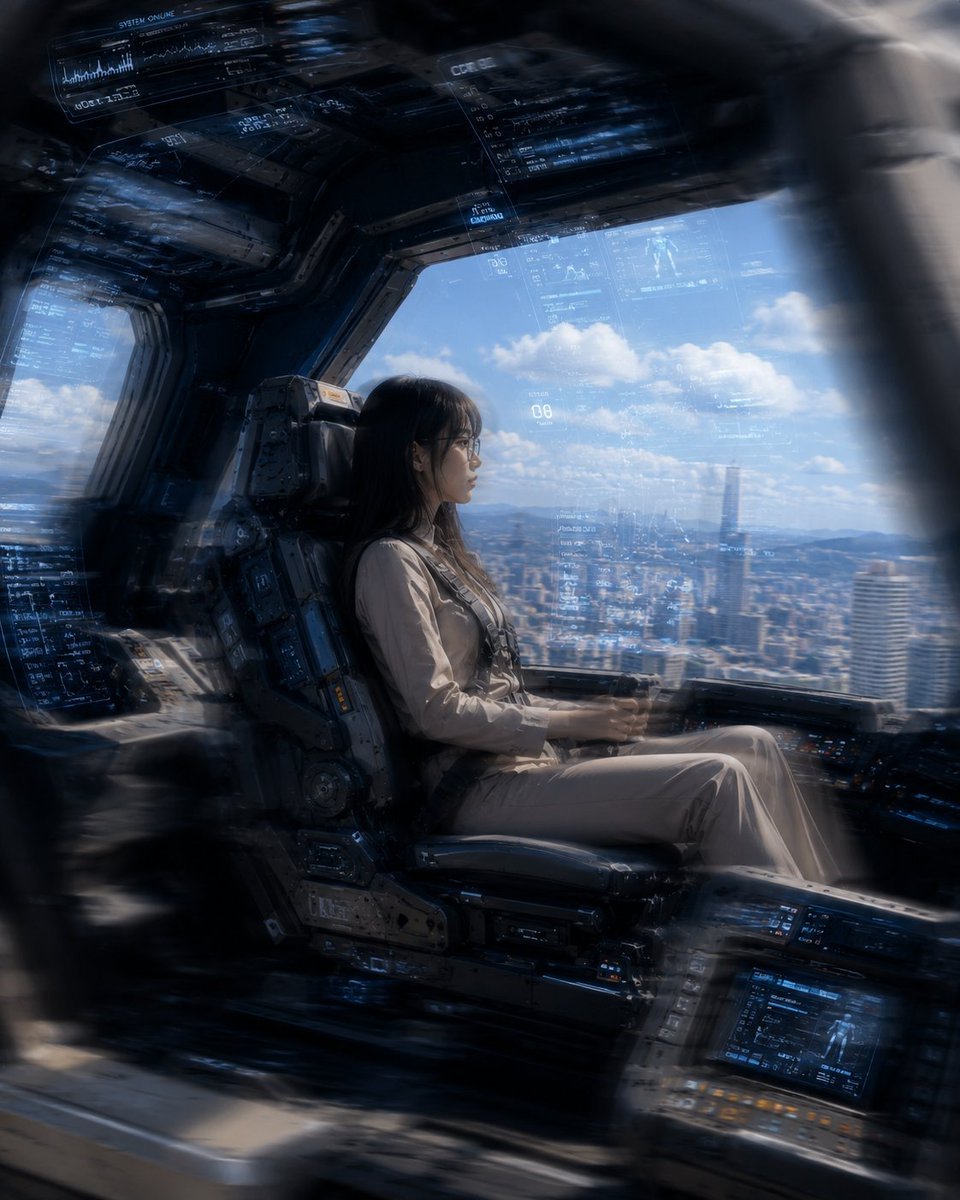
Mecha Cockpit Pilot Scene

Miniature Girl on Giant Smartphone Desk

Gothic Mecha Sword Warrior

Tiny Toddler Hugging Giant Chocolate Bar

Luxury Crimson Fashion Editorial Portrait
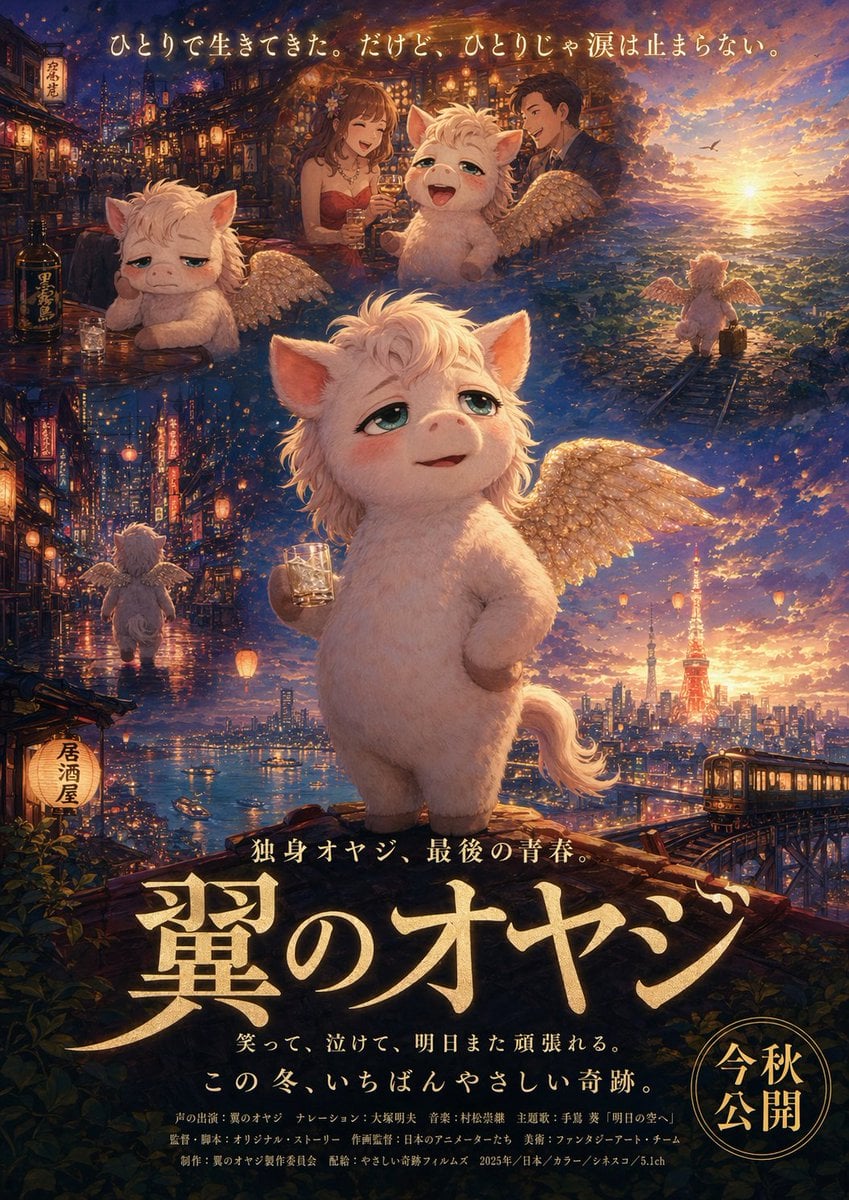
Japanese Fantasy Winged Pig Film Poster
Make it yours
Crimson Winged Giant Mecha works as-is. These are the safest ways to change it without losing the look.
Change one field
Copy a single group, rewrite it, and generate again so you can see what that field is doing.
Keep the frame, change the subject
Hold the composition and light of Crimson Winged Giant Mecha, then swap wardrobe, props or the person for a new take.
| If the result… | Why | Fix |
|---|---|---|
| The result drifts from the preview | Too many fields changed at once. | Reuse Crimson Winged Giant Mecha as-is first, then change one group — subject, light, or setting. |
| The model over-stylizes the scene | The prose prompt leaves finish and camera underspecified. | Add one camera or lighting sentence and stay on GPT Image 2. |
More GPT Image 2 templates
Other prompts made for GPT Image 2.

Six VTuber Japanese Logo Sheet

Realistic Portrait of Woman and Deer

The Vista Modular Condo Poster

AI Model Routing Comparison Infographic

2.5D Anime Art Board

Isometric Productivity Desk Scene

New York Double Exposure Poster

Four-Panel AI Landscape Comparison

Japanese Tatami Lifestyle Magazine Cover

NESCAFÉ Coffee Map Poster
More image prompts
Fresh picks from across the catalog.
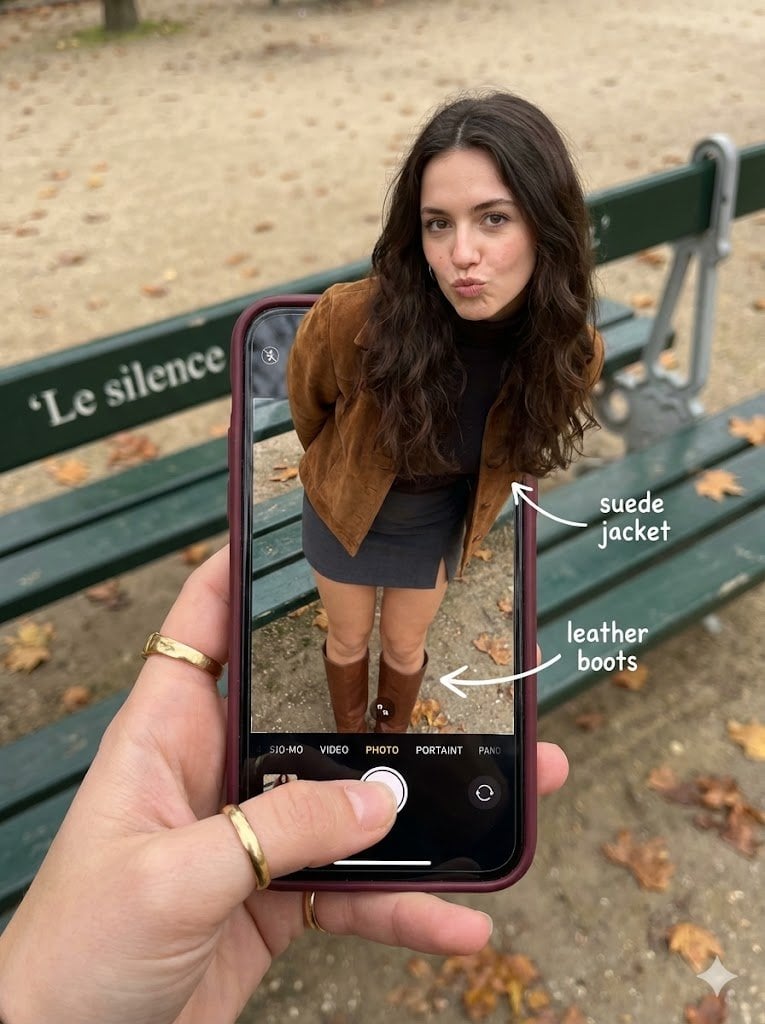
Hyper-Realistic Optical Illusion: Woman Emerging from Smartphone Screen
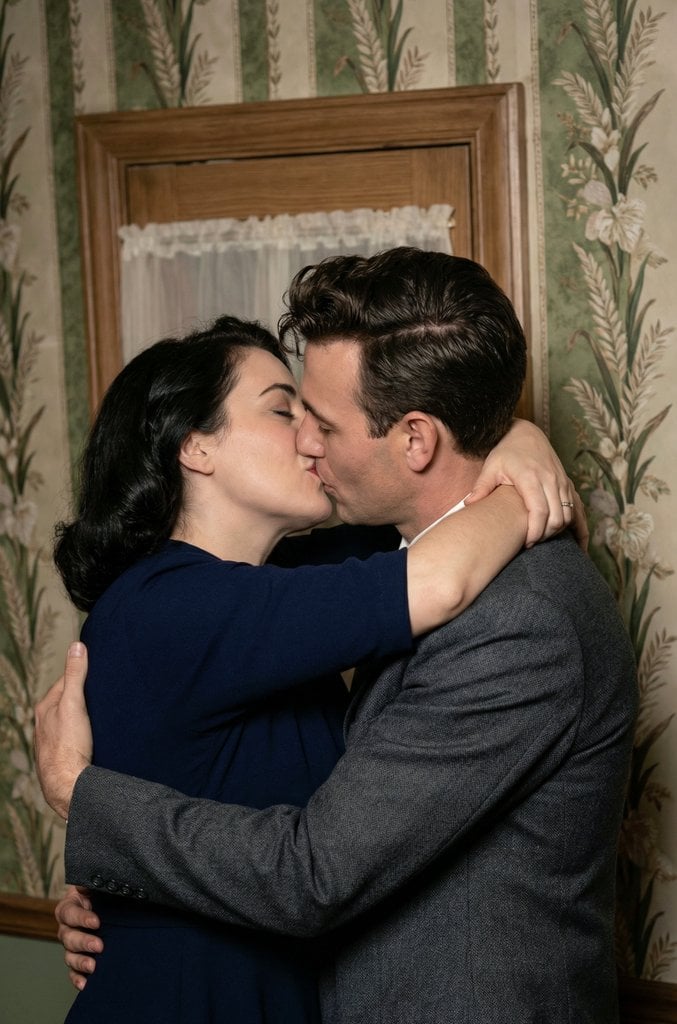
Old Photo Restoration and Upscaling Prompt
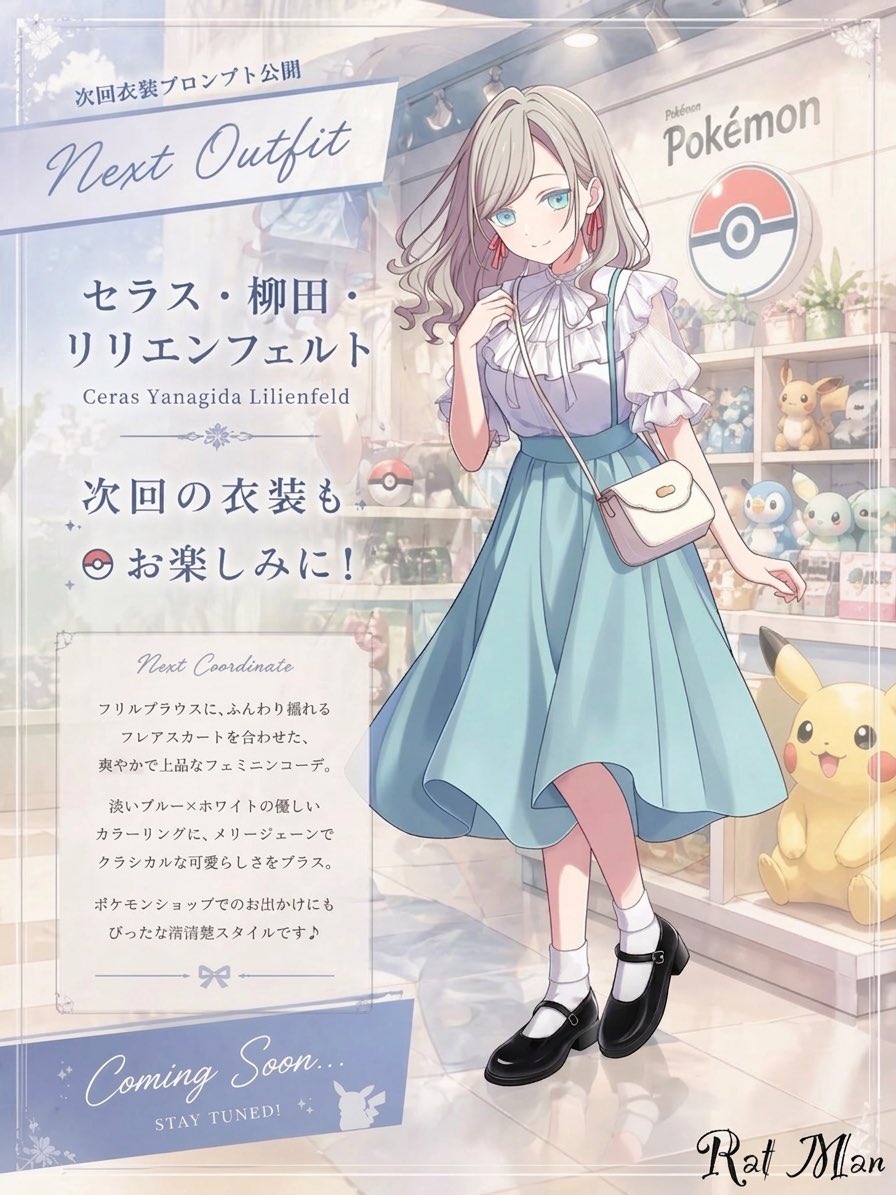
Anime Pokémon Shop Outfit Teaser Poster
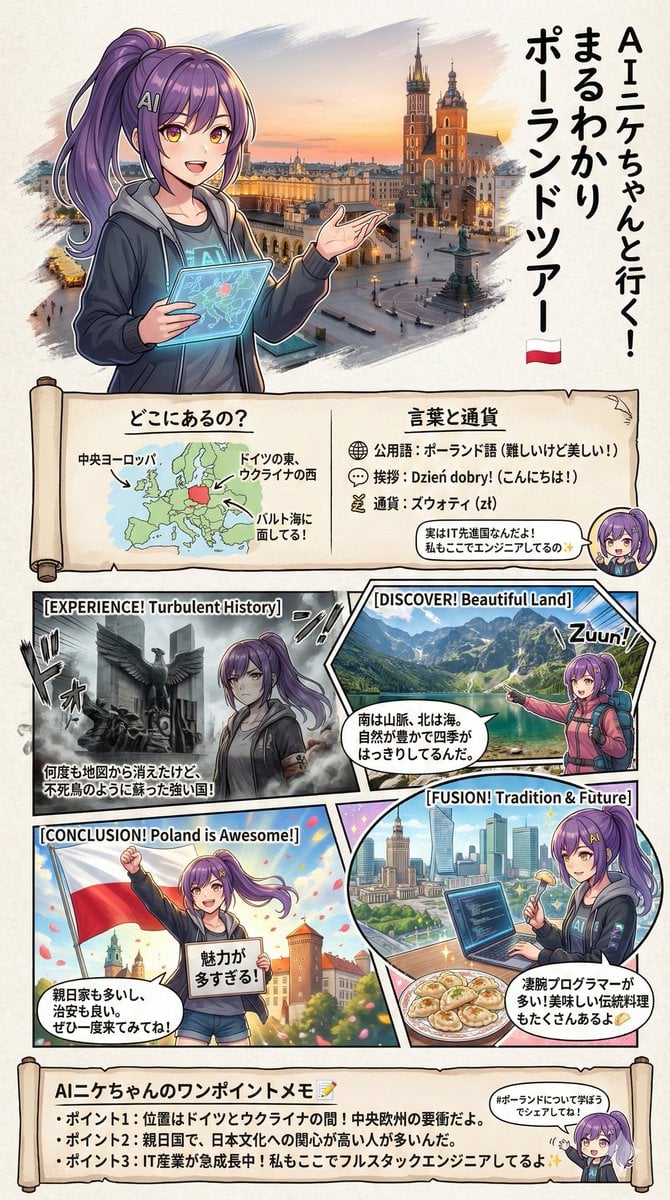
Creating a Geography Manga about Poland

Pixar-Style Earbuds Miniature Scene

Cute chibi cat-eared girl illustration

McDonald's Advertisement Prompt

High-Fashion Studio Pose Prompt (Absolute Identity Lock)
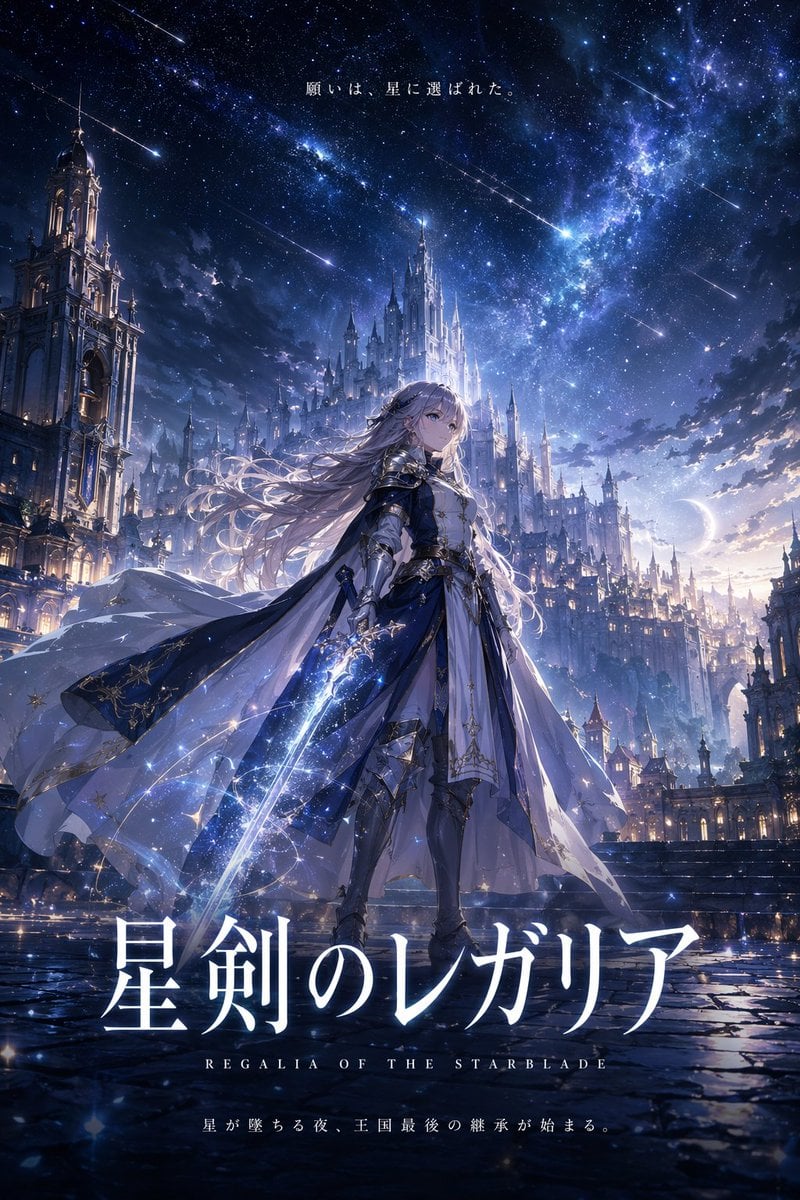
Fantasy Anime Key Visual Prompt
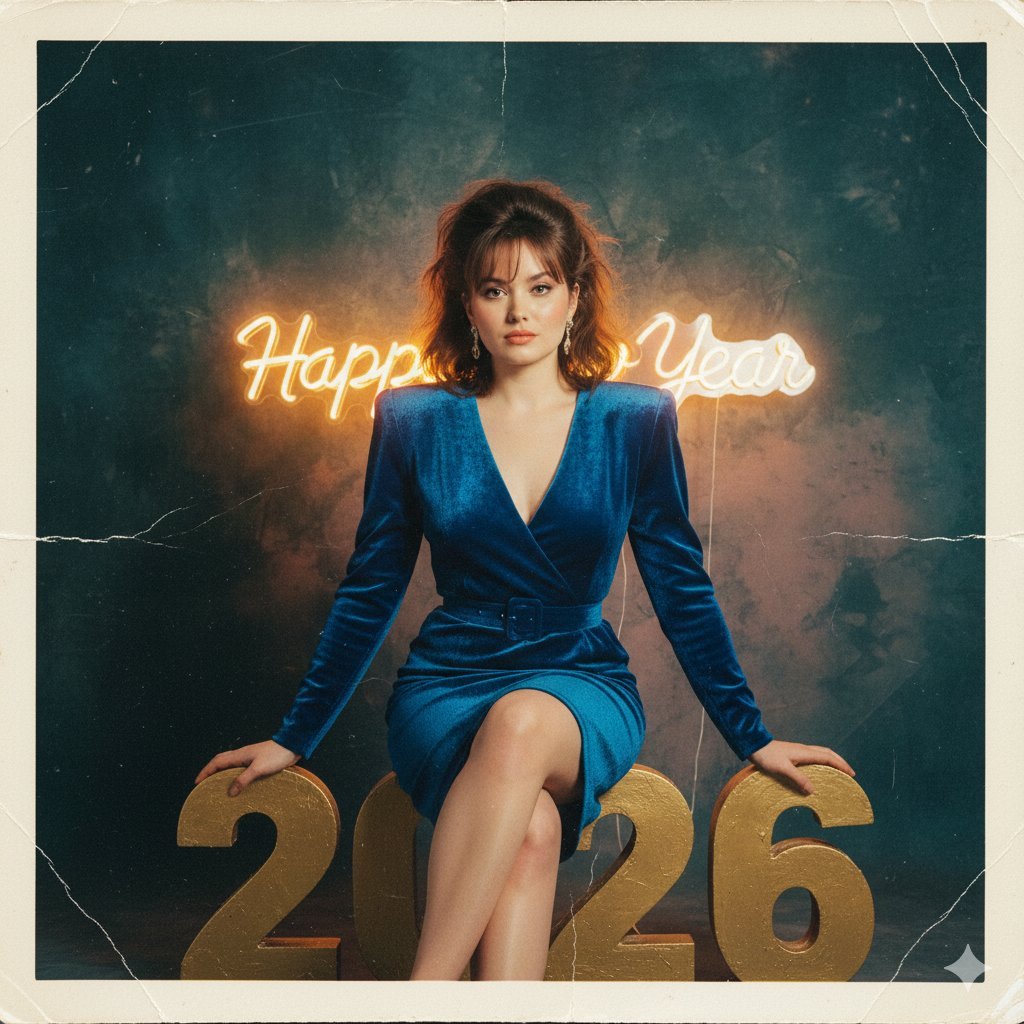
1980s Analog New Year's Eve Portrait Prompt
Browse template categories
Crimson Winged Giant Mecha questions
How do I use the Crimson Winged Giant Mecha template?
Add your photo if the template asks for one, edit the prompt if you like — the template's model and format are already selected — and press Generate. Your version opens in PicX Studio.
Can I customize the Crimson Winged Giant Mecha template?
Yes. You can change the subject, setting, lighting, mood, format, and available model controls before creating your image.
Is the Crimson Winged Giant Mecha template free?
Opening and editing this template is free. Generating uses credits, shown on the Generate button when you are signed in.
Which AI model should I use?
Start with GPT Image 2, which is the model associated with this template. You can compare another compatible model for a different finish.
Looking for something else? Browse all templates.

Your photo, any look
Thousands of ready templates for every top image and video model, from one credit balance.