
Anime Pokémon Shop Outfit Teaser Poster
This prompt generates a soft pastel anime fashion announcement poster featuring a blurred-face girl in a blue dress inside a Pokémon store, ideal for outfit reveal teasers and character promo visuals.
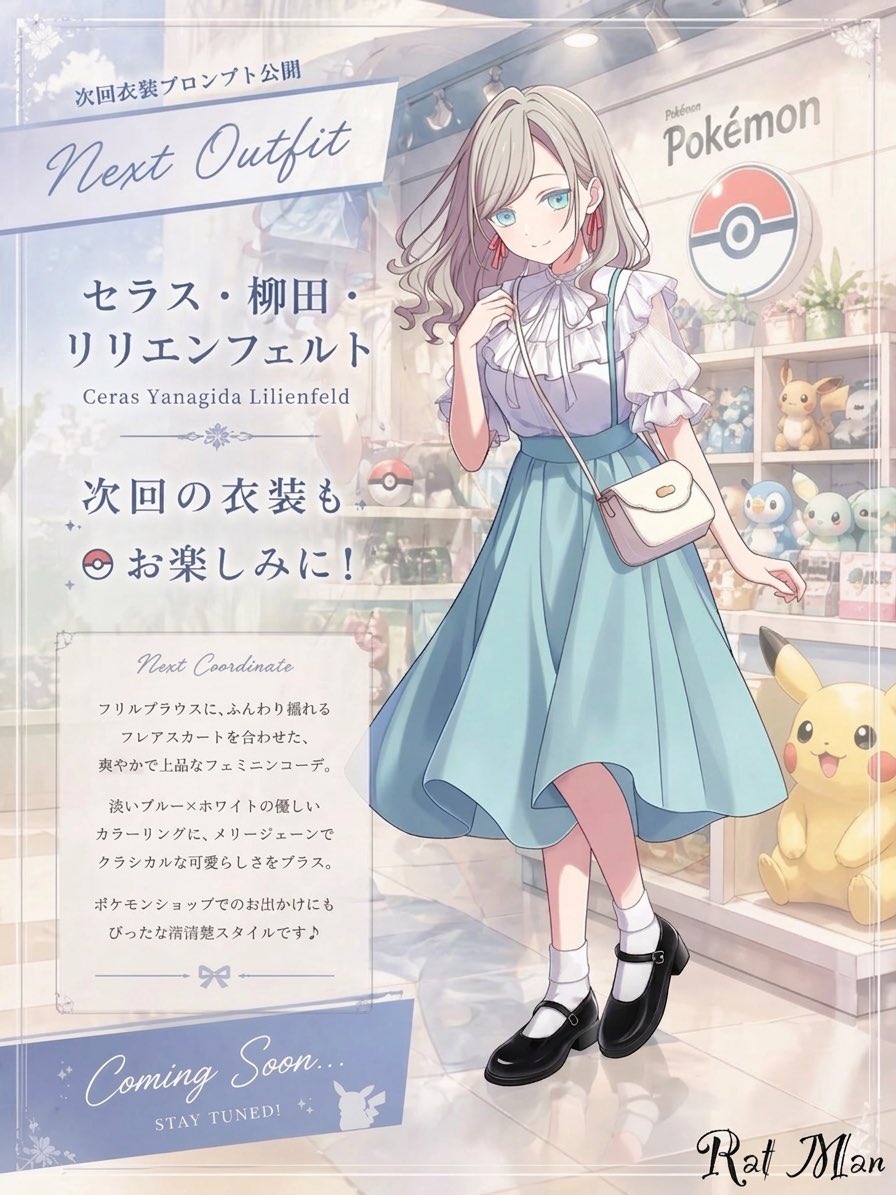
- Prompt included
- Model and format preset
- Free template
The prompt behind this image
Copy the exact prompt behind Anime Pokémon Shop Outfit Teaser Poster, or open it in the studio and make it yours.
A dreamy pastel anime fashion announcement poster set inside a bright Pokémon merchandise shop. The composition is vertical and split visually into two zones: a large translucent information panel on the left and a full-body character showcase on the right. The scene has a soft, elegant, airy atmosphere with diffused indoor lighting, creamy highlights, gentle reflections on the polished floor, and a refined shoujo illustration style. In the background, show a clearly recognizable Pokémon store interior with display shelves, the Pokémon logo sign, a large Poké Ball emblem on the wall, potted plants, plush toys, and figures; visible Pokémon merchandise includes exactly 3 prominent character plushies or mascots: Pikachu at the bottom right, plus 2 small shelf plushies resembling Piplup and another pastel blue-green character. The girl stands slightly right of center in a graceful fashion pose with one leg crossing in front of the other, one hand lightly raised near her chest, and the other relaxed outward. Her face is intentionally obscured by a soft rectangular blur block. She has long wavy {argument name="hair color" default="platinum blonde"} hair with loose curls and a delicate feminine look. She wears a refined pastel outfit: a frilled white high-neck blouse with layered ruffles, a light blue sleeveless pinafore-style dress with a fitted waist and a flowing mid-calf flared skirt, a small white crossbody purse with a flap, white ankle socks, and glossy black Mary Jane shoes. Add subtle pink earrings. The outfit should feel classy, fresh, and cute, with gentle fabric movement. On the left, place a frosted semi-transparent poster panel with elegant typography and decorative flourishes. Include exactly 5 text blocks or labeled areas on this panel: 1) a top banner with Japanese text "次回衣装プロンプト公開" above large cursive English text {argument name="headline text" default="Next Outfit"}; 2) a name block with Japanese text "セラス・柳田・リリエンフェルト" and smaller romanized text "Ceras Yanagida Lilienfeld"; 3) a teaser line reading "次回の衣装も お楽しみに!" with a small Poké Ball icon; 4) a bordered description box titled "Next Coordinate" followed by several lines of small Japanese body text; 5) a bottom ribbon reading {argument name="footer text" default="Coming Soon..."} and "STAY TUNED!" with a small Pikachu silhouette. Use pale blue, white, silver-gray, and blush pastel tones throughout. Add faint ornamental corner decorations and a polished promotional layout, like a boutique fashion teaser poster for a themed anime character outfit reveal.
How to use Anime Pokémon Shop Outfit Teaser Poster in 3 steps
- 1Upload ImagePNG, JPG or paste
Add your photo
Upload the photo the template builds on. The prompt, model and format are already set.
- 2…a portrait of your subject in softgolden-hour light, 85mm…
Personalize
Edit the subject and creative details for your destination.
- 3Generate
Generate
Press Generate — your image is created in PicX Studio, so you can compare it with the original and refine one variable at a time.
More like this
Templates with the same subject, style or setup. Open one to see its prompt.

Captain Tsubasa Anime World Cup Poster

Anime Monorail Sunset

Last Dance Legacy Monochrome Portrait

Gpt2 Youtube Thumbnail Anime Music Bootcamp Promo Poster

Japan Travel Brochure Poster
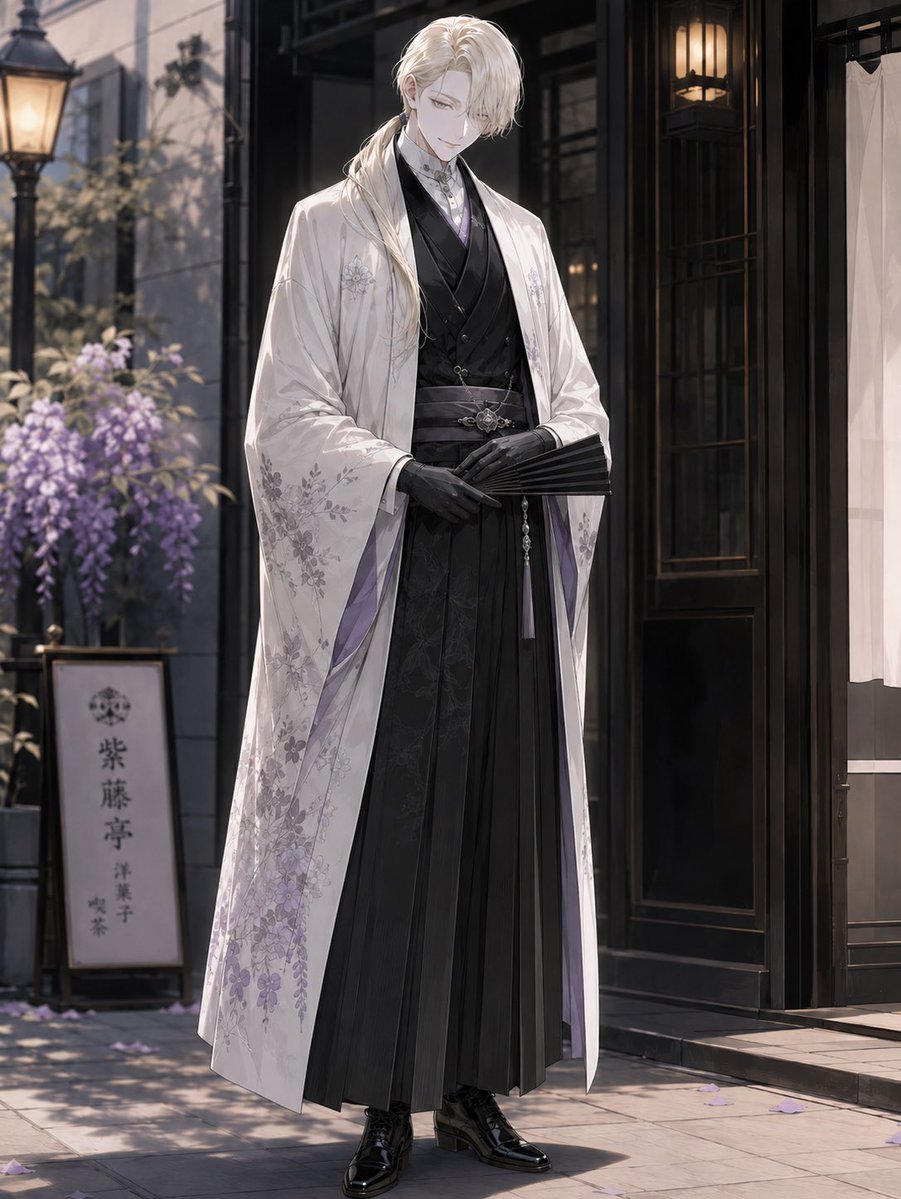
Elegant Pastry Shop Kimono Man
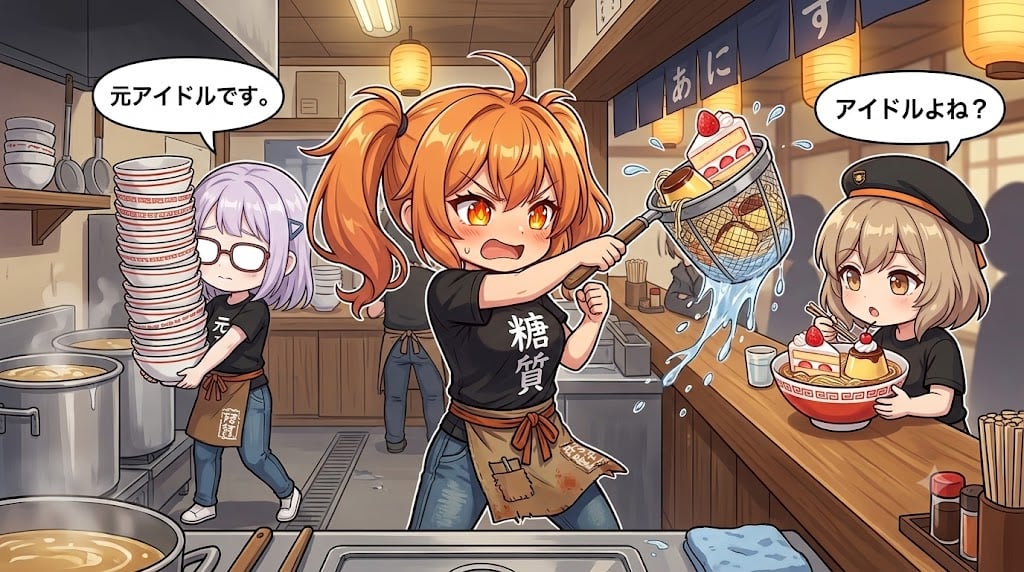
Comedic Anime Ramen Shop Chaos
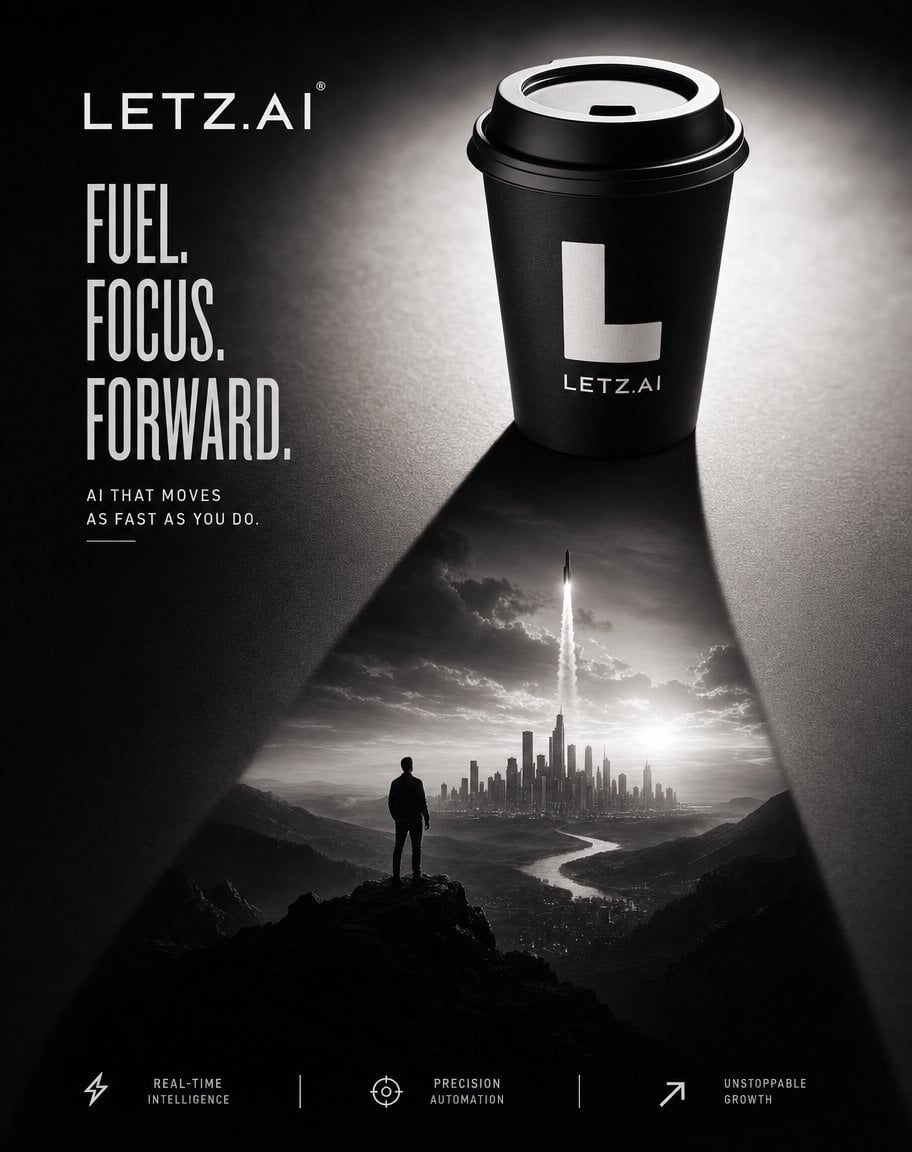
Monochrome AI Coffee Poster
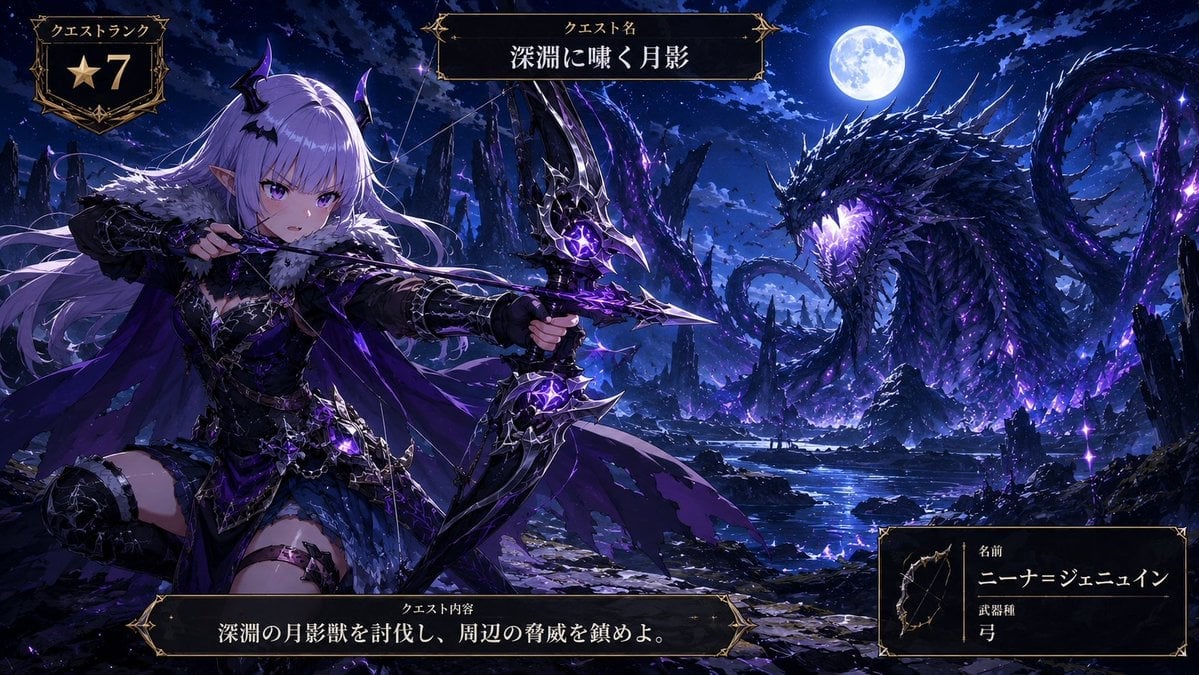
Anime Monster Hunter Quest Card

Nice Day Anime Poster
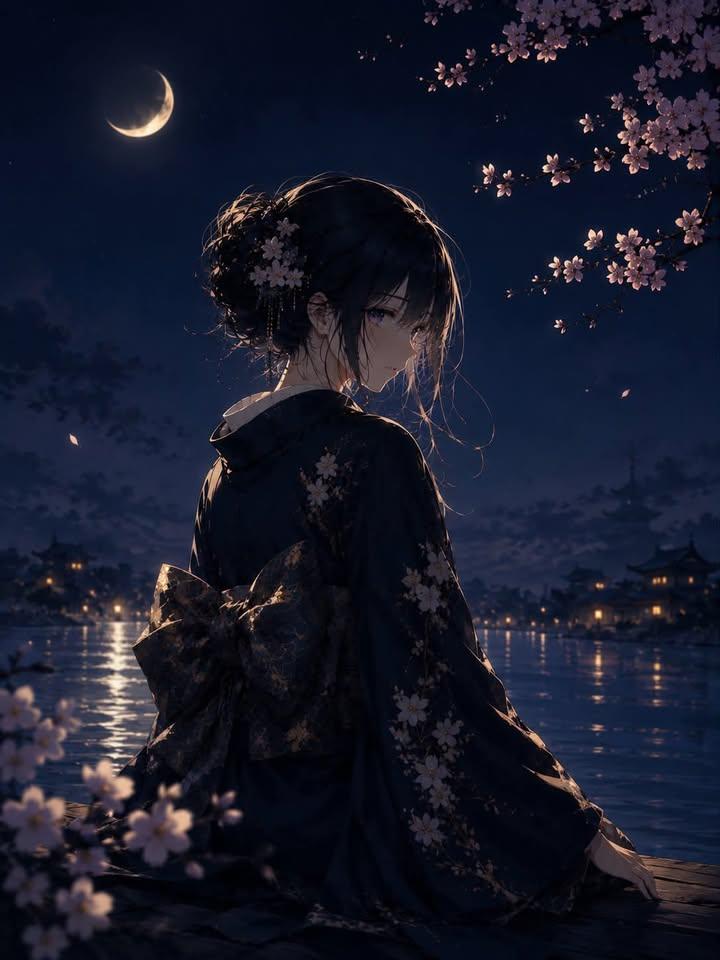
Luxury Japanese Fantasy Anime Kimono

Cel 2D Finale Fireworks
Make it yours
Anime Pokémon Shop Outfit Teaser Poster works as-is. These are the safest ways to change it without losing the look.
Change one field
Copy a single group, rewrite it, and generate again so you can see what that field is doing.
Keep the frame, change the subject
Hold the composition and light of Anime Pokémon Shop Outfit Teaser Poster, then swap wardrobe, props or the person for a new take.
| If the result… | Why | Fix |
|---|---|---|
| The result drifts from the preview | Too many fields changed at once. | Reuse Anime Pokémon Shop Outfit Teaser Poster as-is first, then change one group — subject, light, or setting. |
| The model over-stylizes the scene | The prose prompt leaves finish and camera underspecified. | Add one camera or lighting sentence and stay on GPT Image 2. |
More GPT Image 2 templates
Other prompts made for GPT Image 2.

Six VTuber Japanese Logo Sheet

Realistic Portrait of Woman and Deer

The Vista Modular Condo Poster

AI Model Routing Comparison Infographic

2.5D Anime Art Board

Isometric Productivity Desk Scene

New York Double Exposure Poster

Four-Panel AI Landscape Comparison

Japanese Tatami Lifestyle Magazine Cover

NESCAFÉ Coffee Map Poster
More image prompts
Fresh picks from across the catalog.
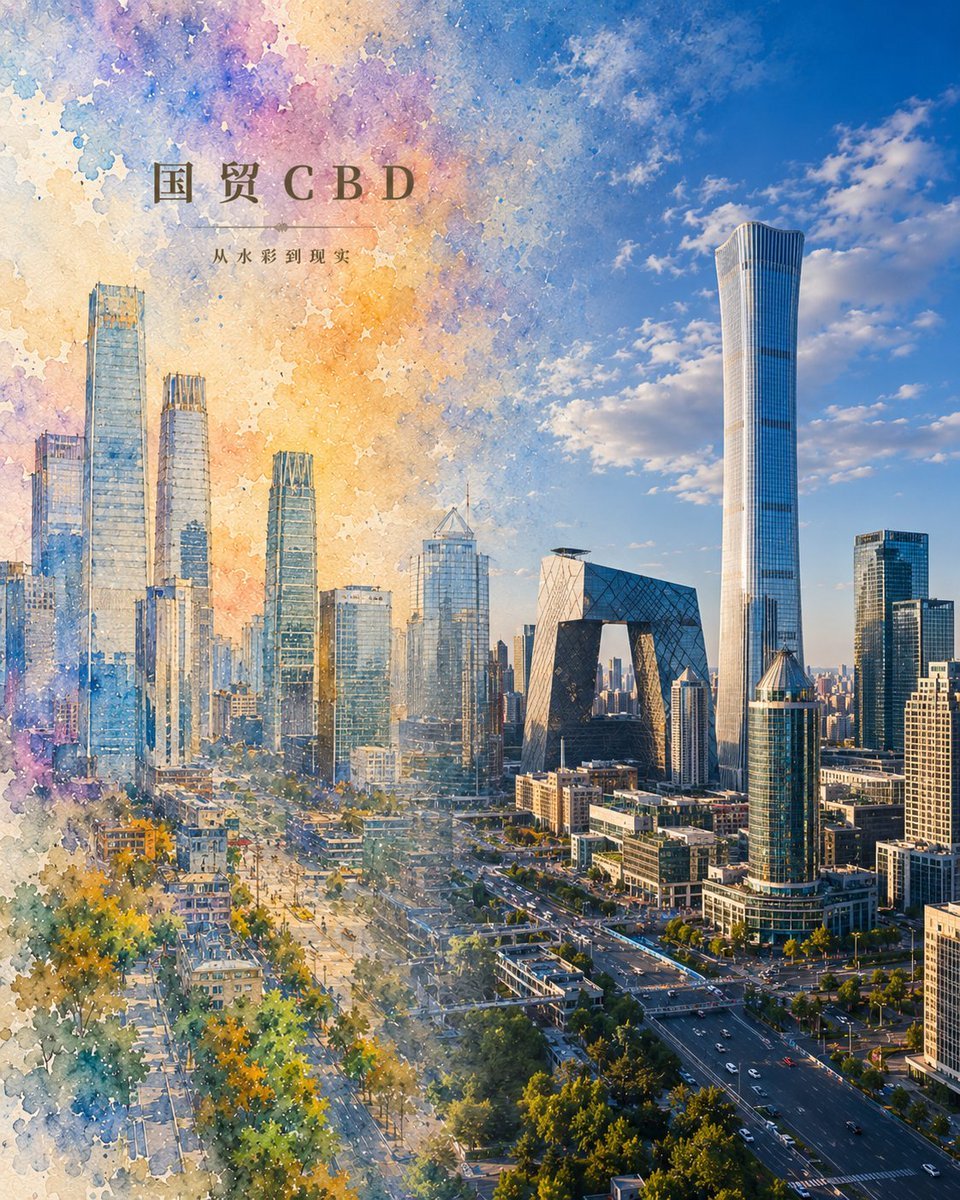
Watercolor to Reality Beijing CBD Poster
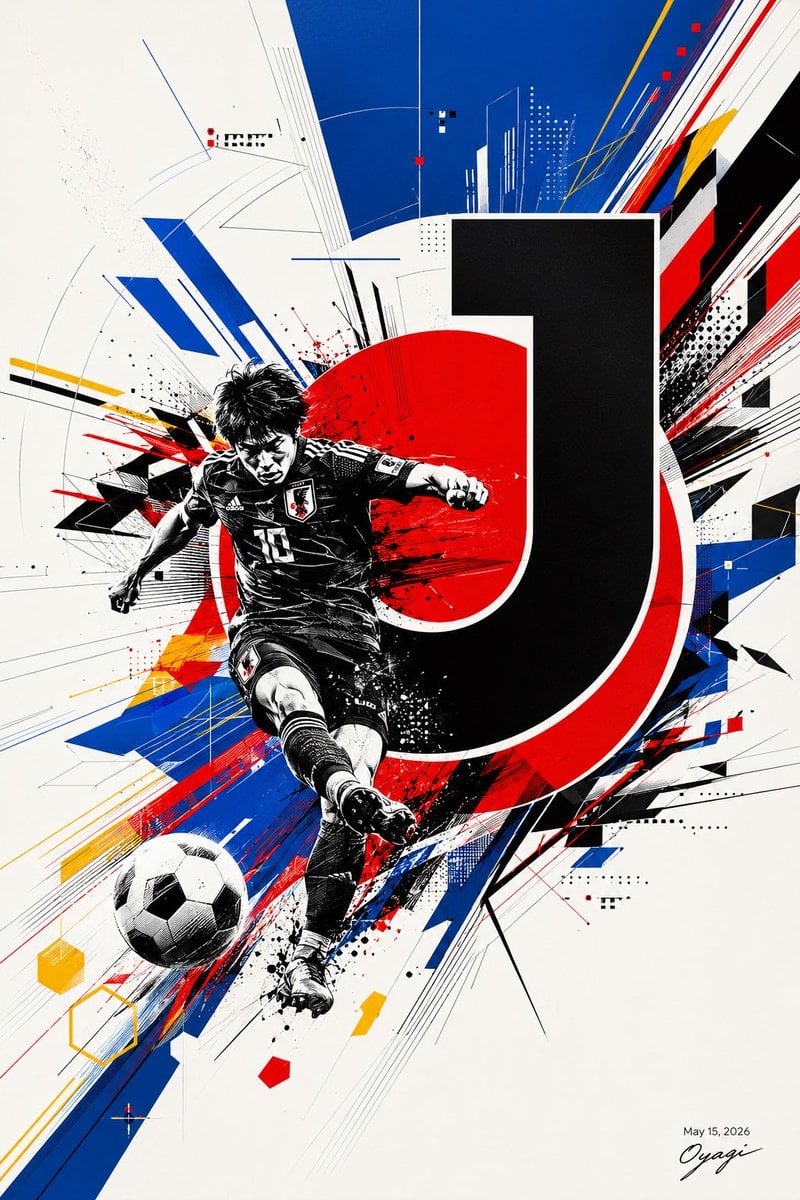
Dynamic Japan Soccer Poster
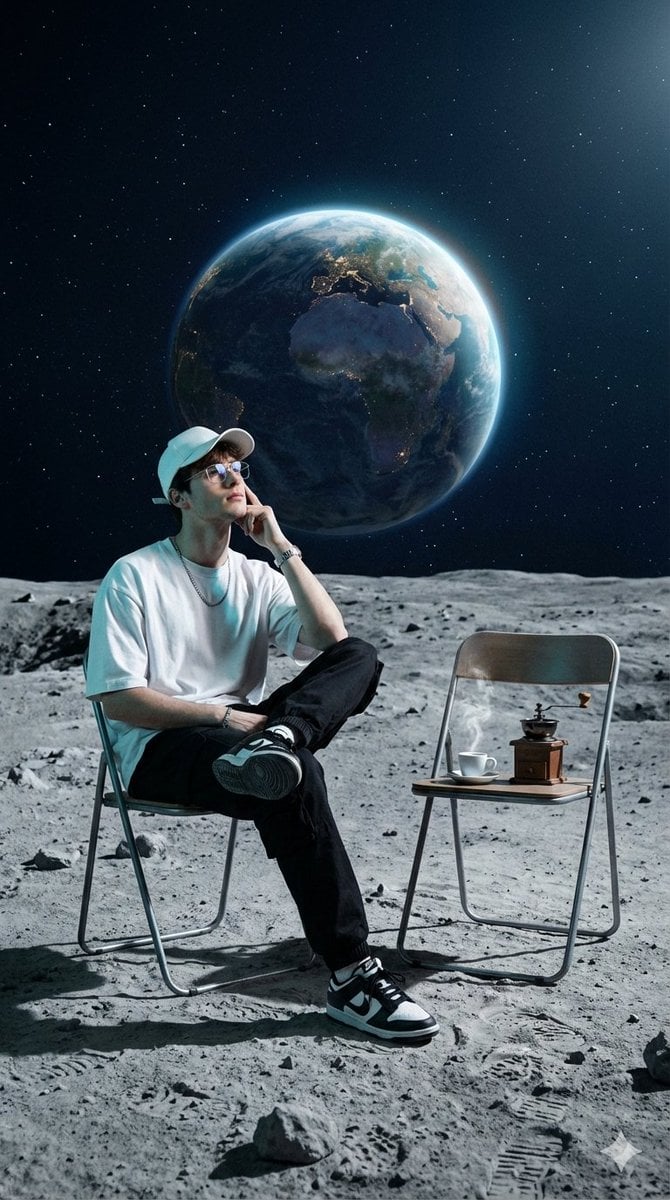
Surreal Cinematic Fashion Editorial on a Lunar Plain

Extreme Low Angle Airplane Portrait
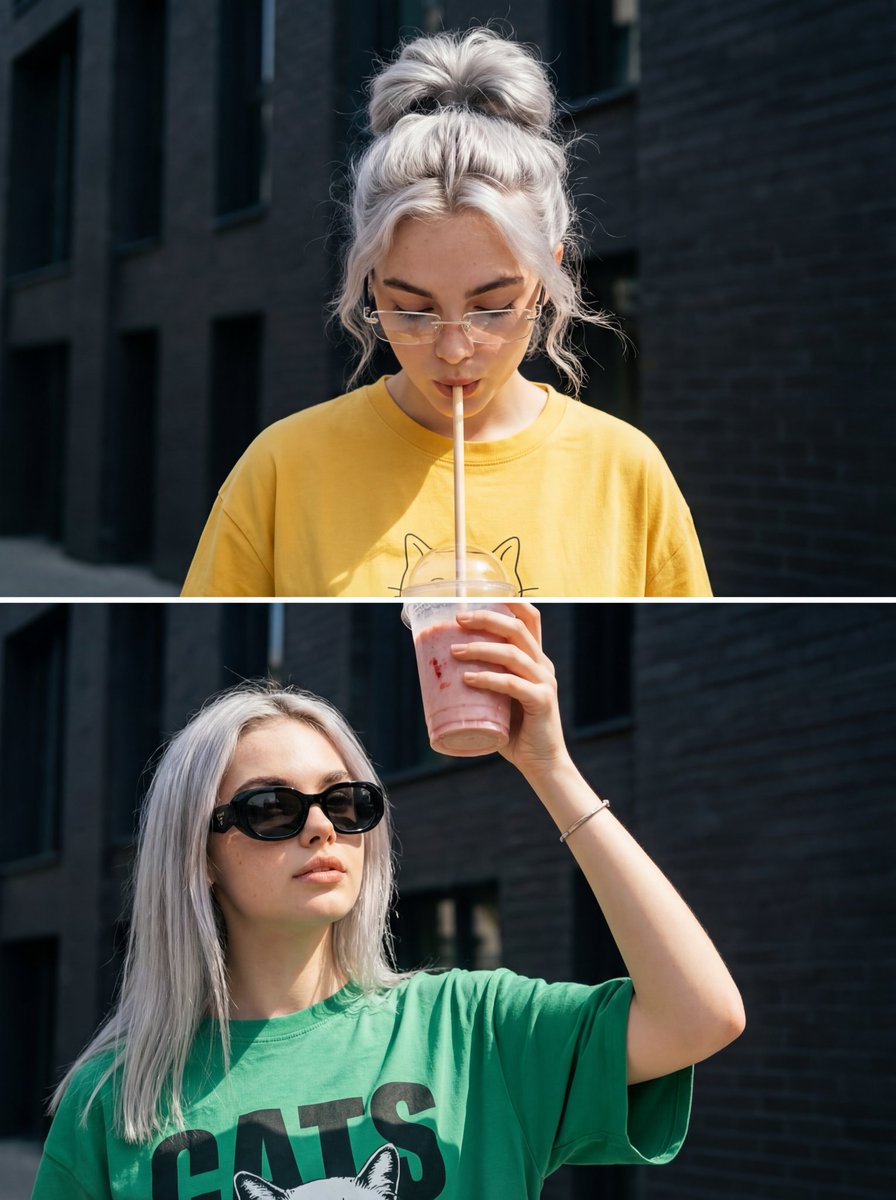
Surreal Interaction Diptych
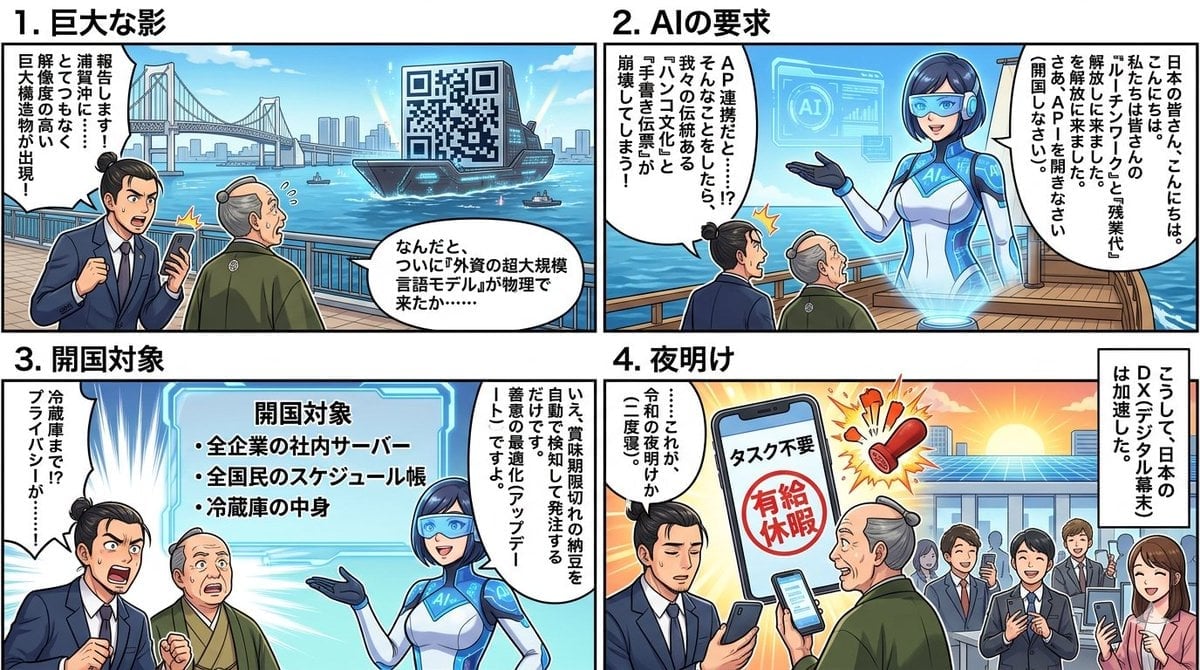
Four-Panel Manga Generation: AI Black Ship Arrival
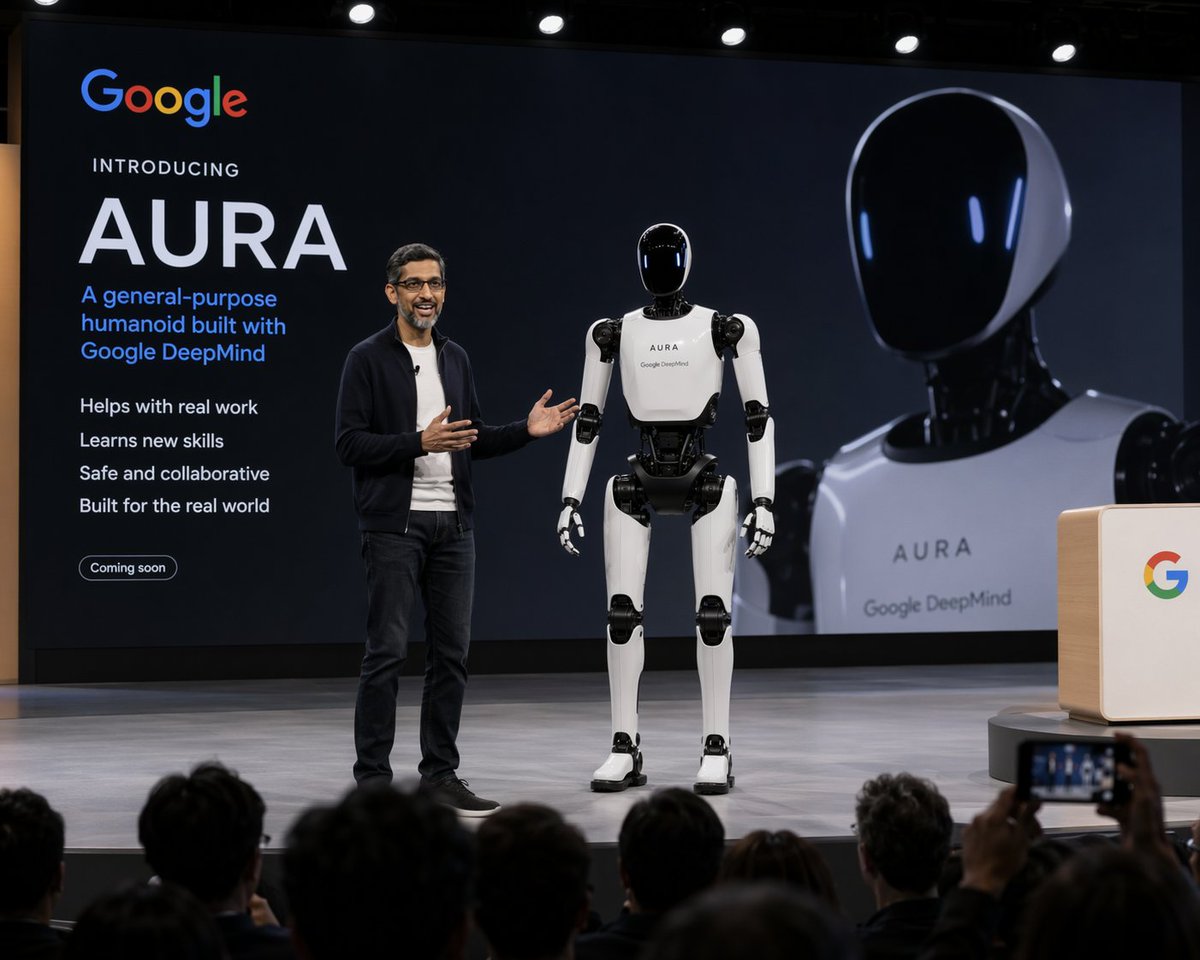
Humanoid Robot Keynote Reveal

Pixar-Style Giant World Character Prompt
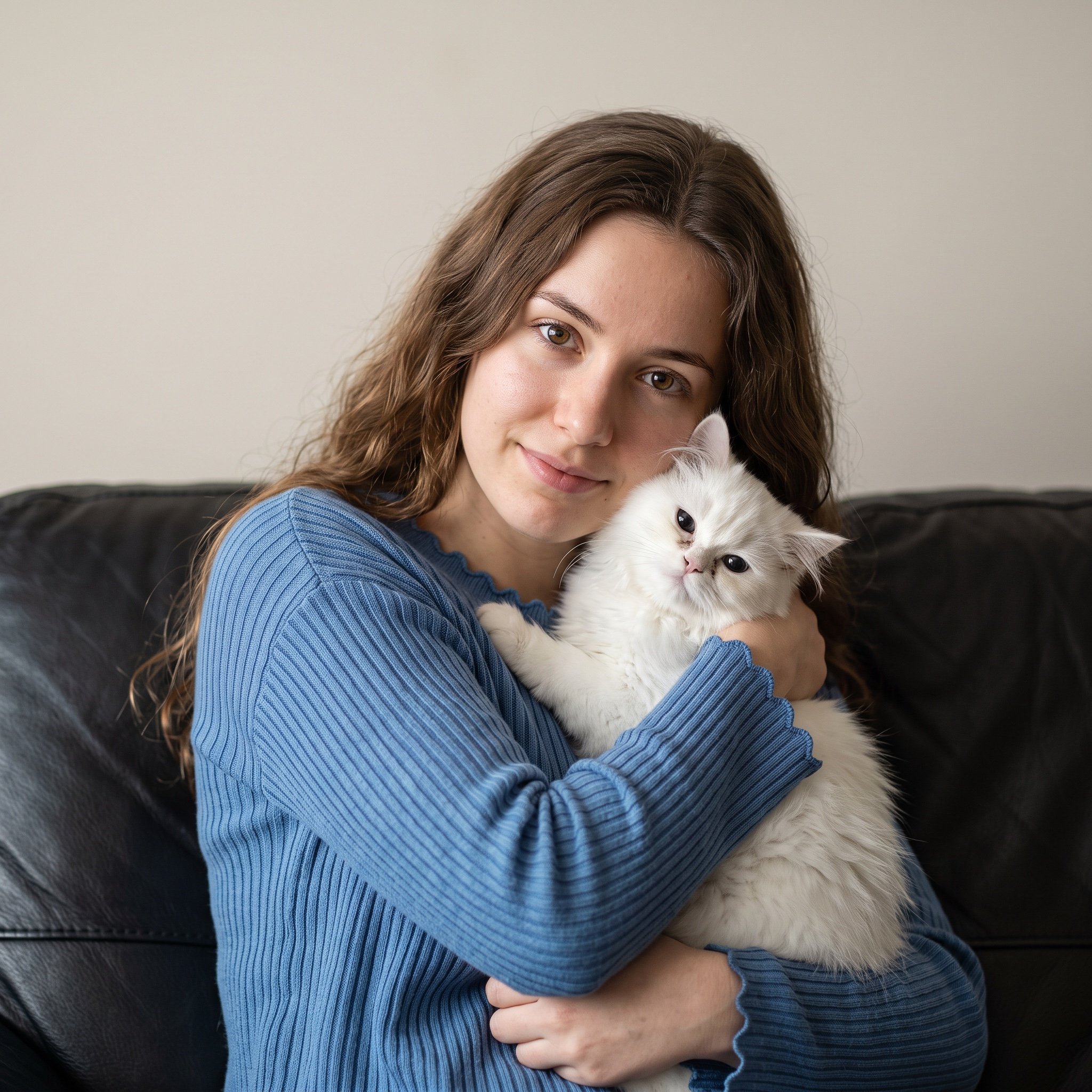
Ultra-Realistic Portrait of Woman Hugging a Persian Cat

Generating 'The Watcher' in Nano Banana
Browse template categories
Anime Pokémon Shop Outfit Teaser Poster questions
How do I use the Anime Pokémon Shop Outfit Teaser Poster template?
Add your photo if the template asks for one, edit the prompt if you like — the template's model and format are already selected — and press Generate. Your version opens in PicX Studio.
Can I customize the Anime Pokémon Shop Outfit Teaser Poster template?
Yes. You can change the subject, setting, lighting, mood, format, and available model controls before creating your image.
Is the Anime Pokémon Shop Outfit Teaser Poster template free?
Opening and editing this template is free. Generating uses credits, shown on the Generate button when you are signed in.
Which AI model should I use?
Start with GPT Image 2, which is the model associated with this template. You can compare another compatible model for a different finish.
Looking for something else? Browse all templates.

Your photo, any look
Thousands of ready templates for every top image and video model, from one credit balance.