
Watercolor to Reality Beijing CBD Poster
A poetic vertical poster prompt for creating a watercolor-to-photoreal cityscape of Beijing Guomao CBD with Chinese title typography.
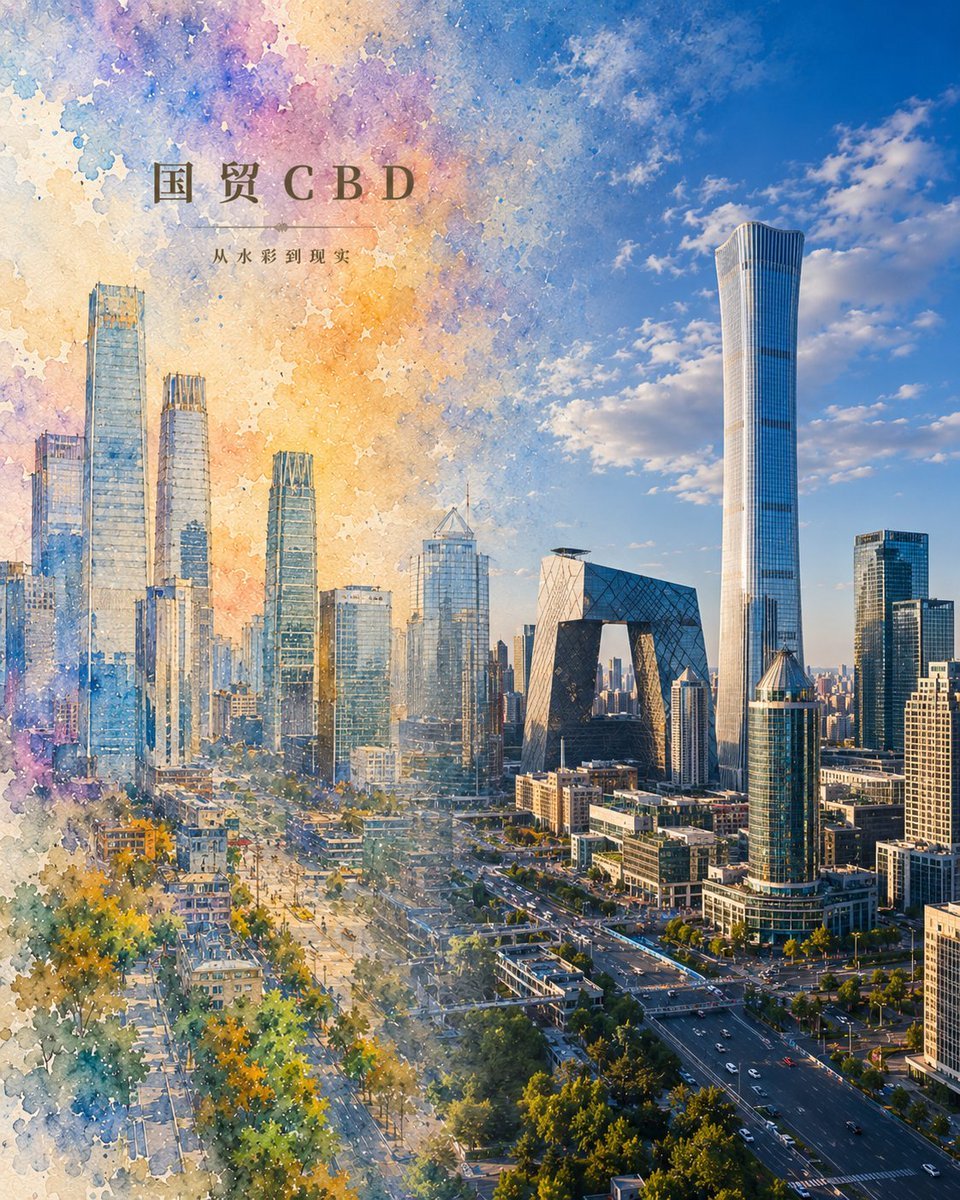
- Prompt included
- Model and format preset
- Free template
The prompt behind this image
Copy the exact prompt behind Watercolor to Reality Beijing CBD Poster, or open it in the studio and make it yours.
Create a vertical city poster showing {argument name="city district" default="Beijing Guomao CBD"} transforming from watercolor painting into photorealism. The canvas is portrait-oriented, about 4:5, with a seamless left-to-right transition: the left half is a loose watercolor illustration with visible paper texture, splattered pigment edges, soft pastel washes in blue, lavender, peach, yellow, and teal, while the right half gradually becomes a crisp realistic aerial city photograph under a bright blue sky with scattered clouds. The skyline must feature the Beijing CBD landmarks: the tall China Zun tower dominating the right side, the CCTV Headquarters angular loop building near the center-right, and multiple glass skyscrapers on the left-center, with broad roads, traffic lanes, trees, low-rise blocks, and urban avenues visible below. Add elegant Chinese title typography in the upper-left reading {argument name="headline text" default="国贸CBD"}, with a thin horizontal divider line beneath it and smaller subtitle text reading {argument name="subtitle text" default="从水彩到现实"}. Use warm late-afternoon sunlight, high detail on the realistic side, dreamy translucent watercolor blooms on the painted side, and make the boundary between painting and reality feel poetic and fluid, as if the city is waking from a scroll. No people, no watermark, no extra labels.
How to use Watercolor to Reality Beijing CBD Poster in 3 steps
- 1Upload ImagePNG, JPG or paste
Add your photo
Upload the photo the template builds on. The prompt, model and format are already set.
- 2…a portrait of your subject in softgolden-hour light, 85mm…
Personalize
Edit the subject and creative details for your destination.
- 3Generate
Generate
Press Generate — your image is created in PicX Studio, so you can compare it with the original and refine one variable at a time.
More like this
Templates with the same subject, style or setup. Open one to see its prompt.
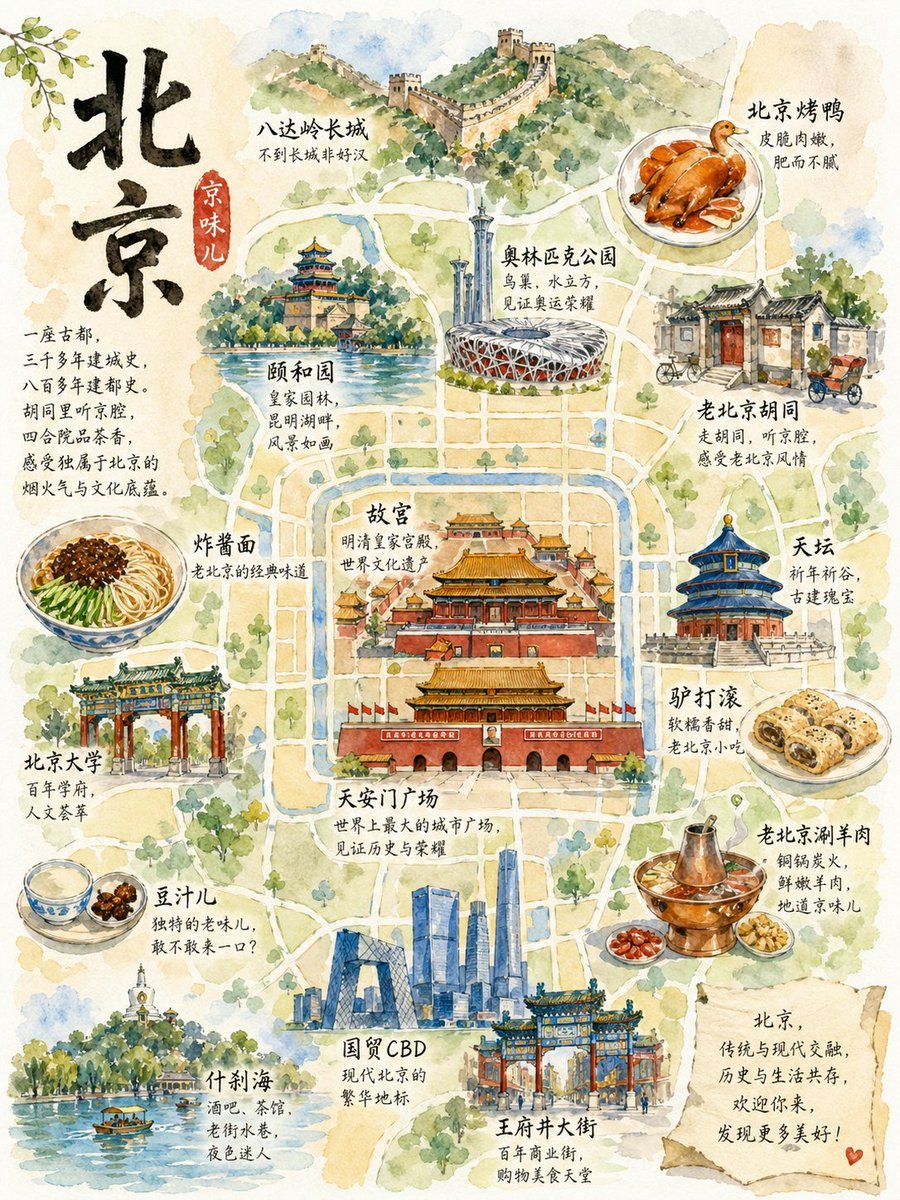
Watercolor Beijing Travel Map Poster
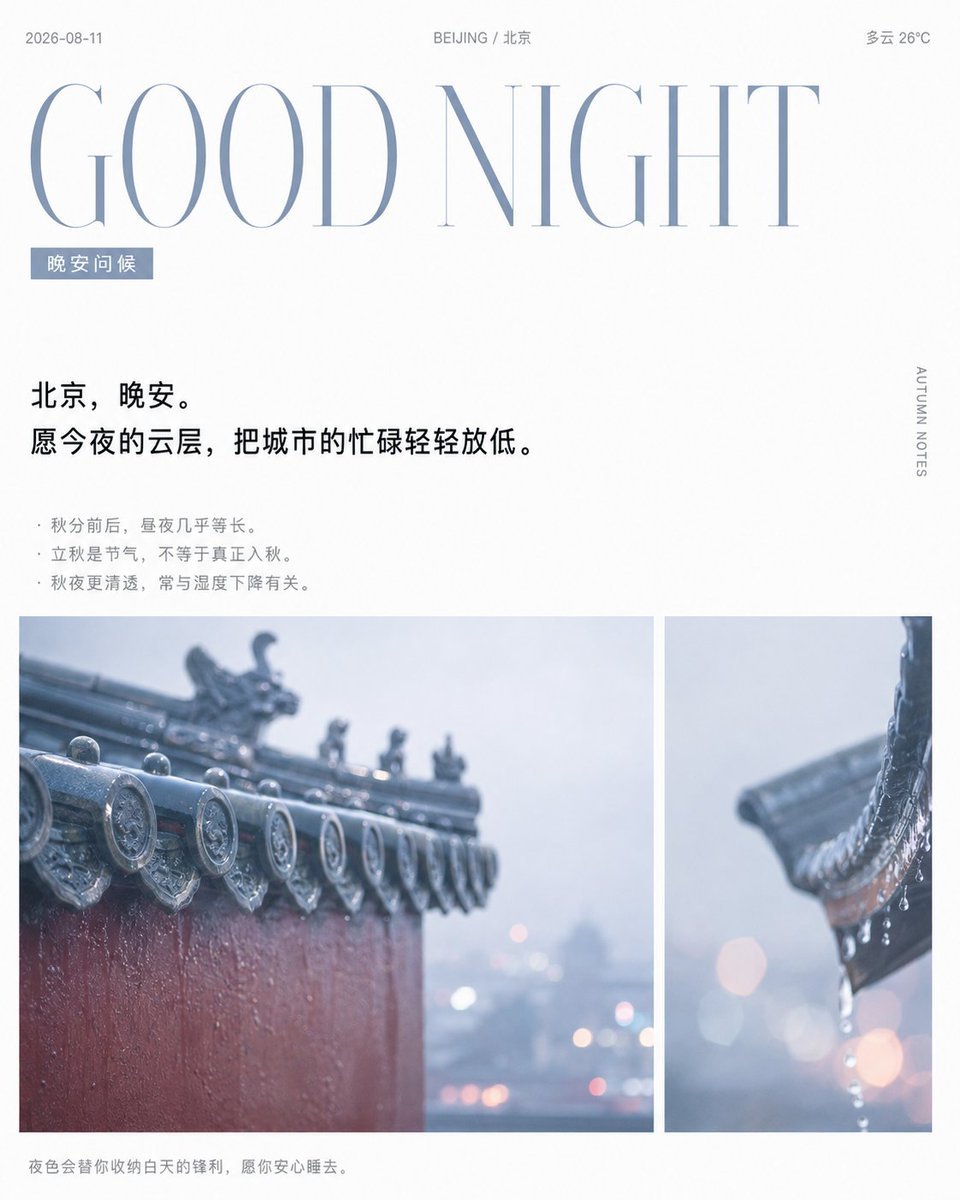
Rainy Beijing Good Night Poster
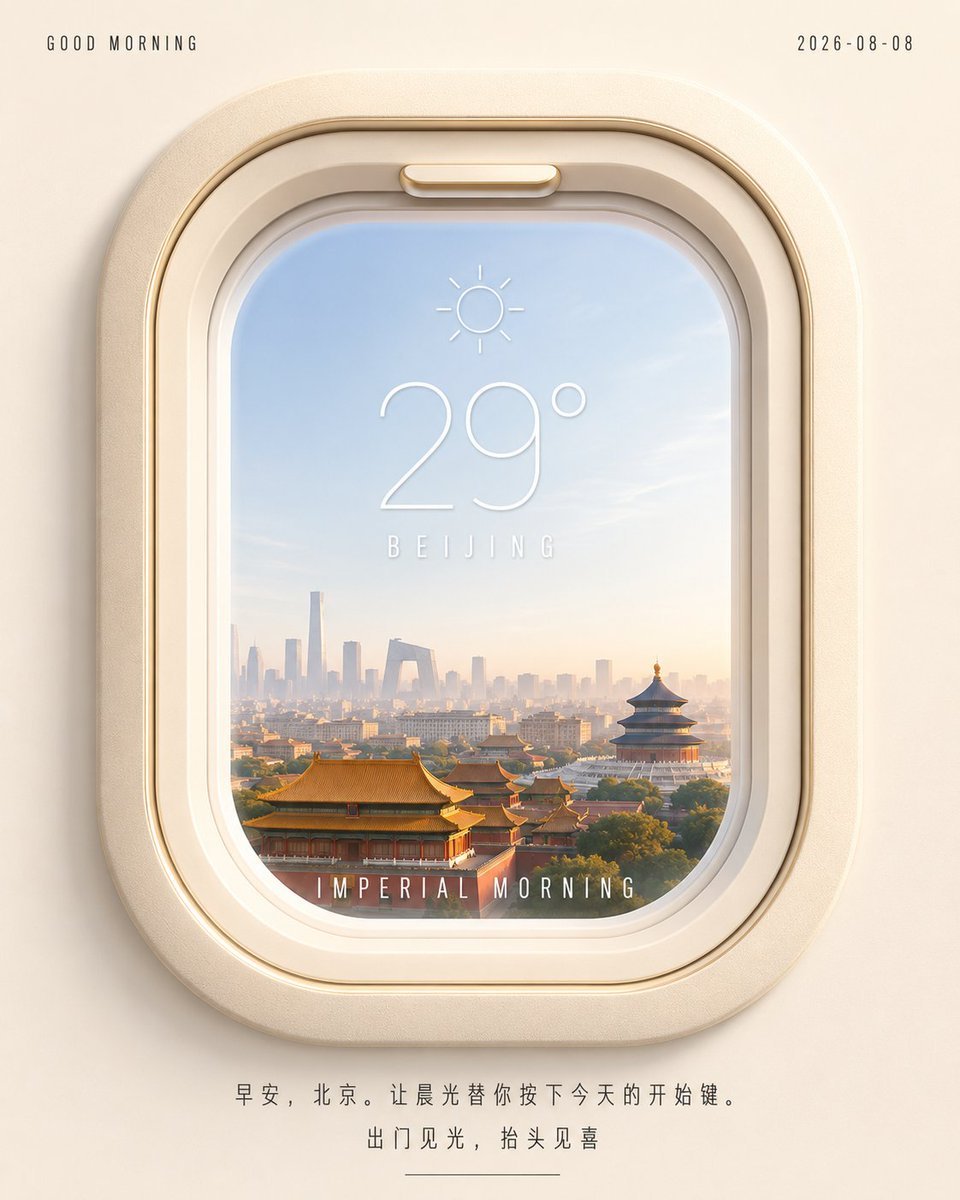
Beijing Airplane Window Morning Poster

Japan Travel Brochure Poster
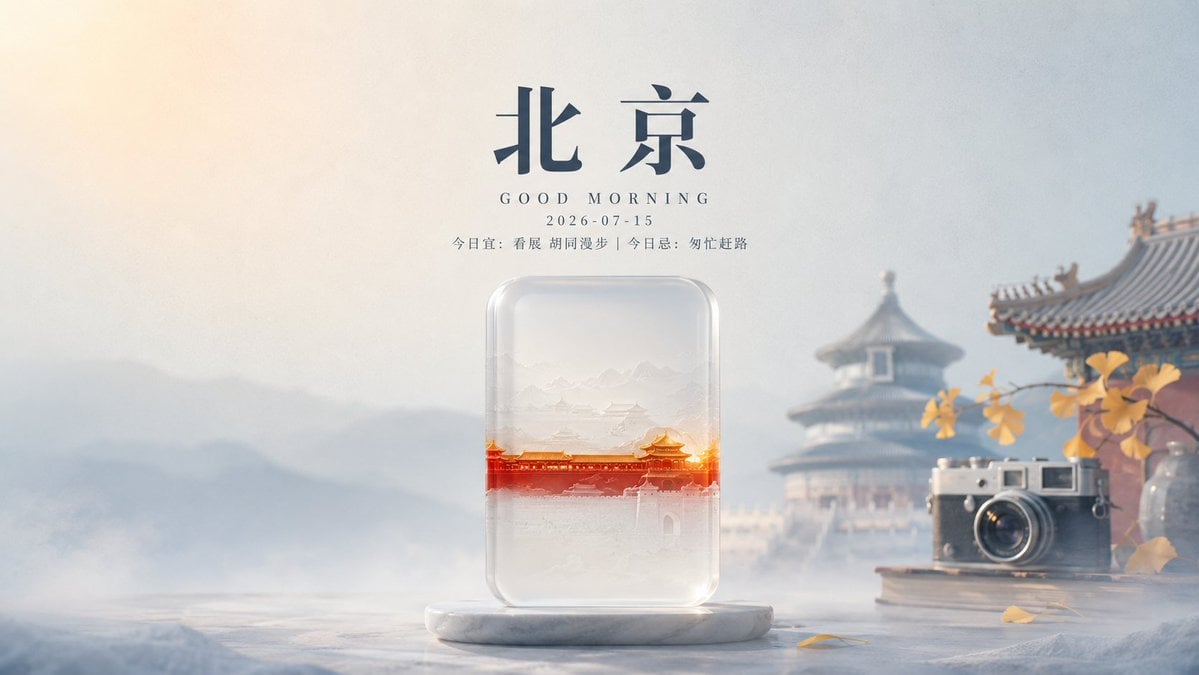
Transparent Beijing Morning Poster
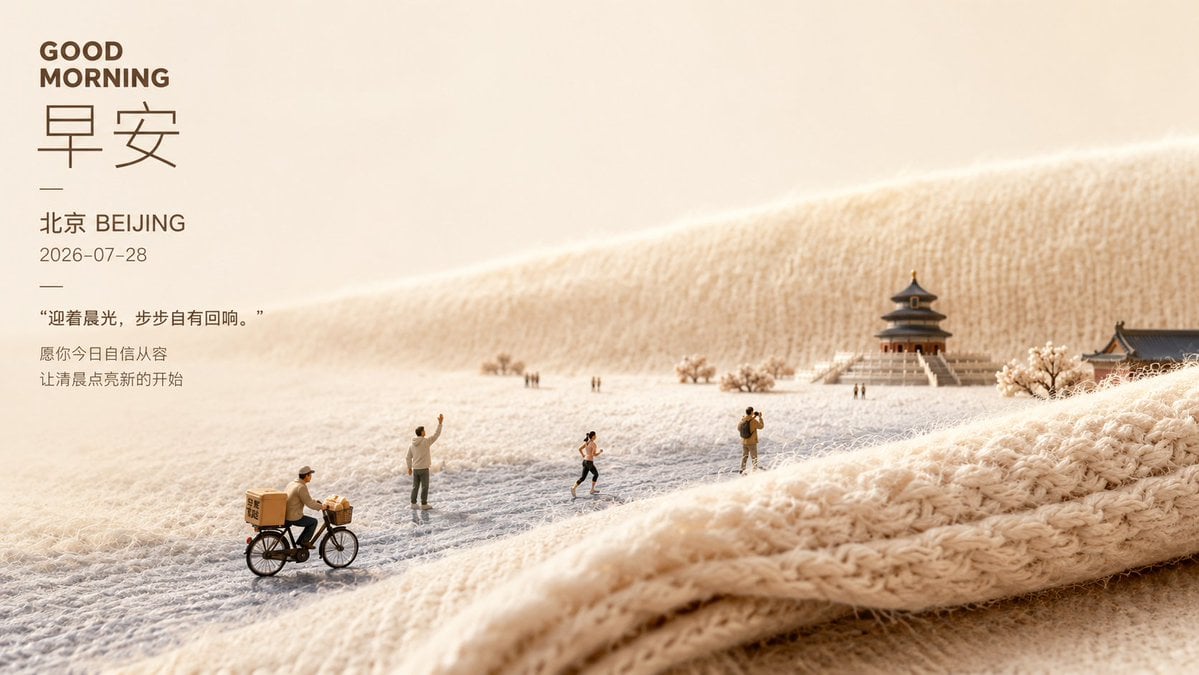
Soft Miniature Beijing Morning Poster
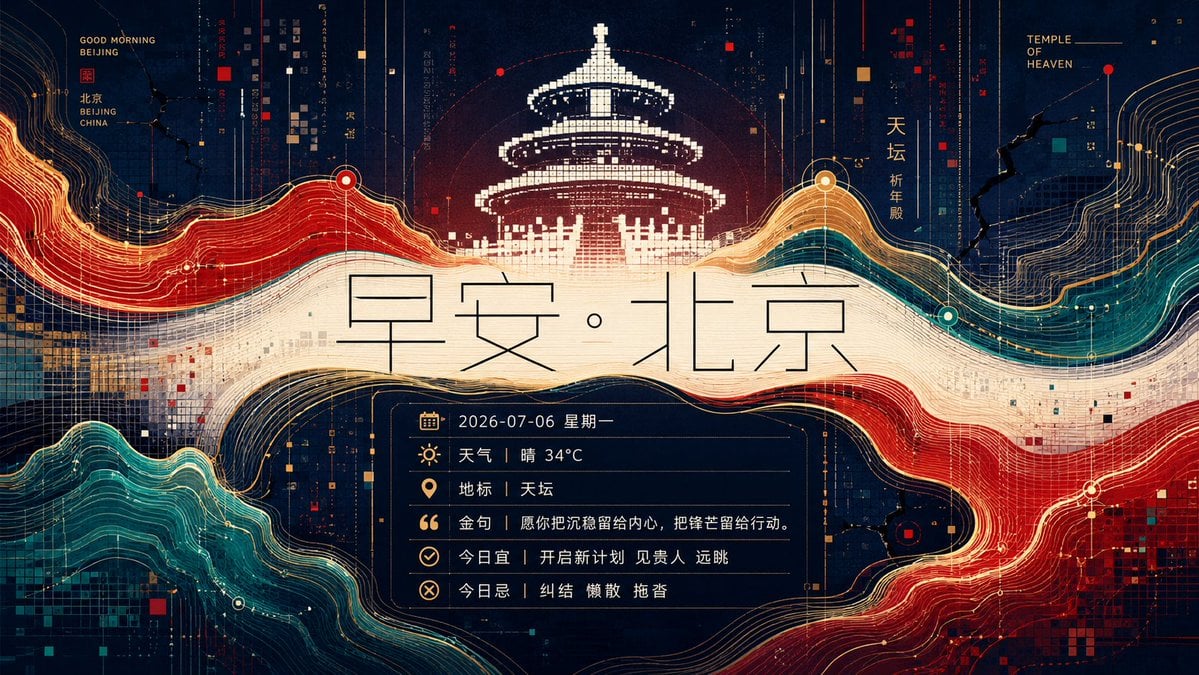
Futuristic Good Morning Beijing Poster
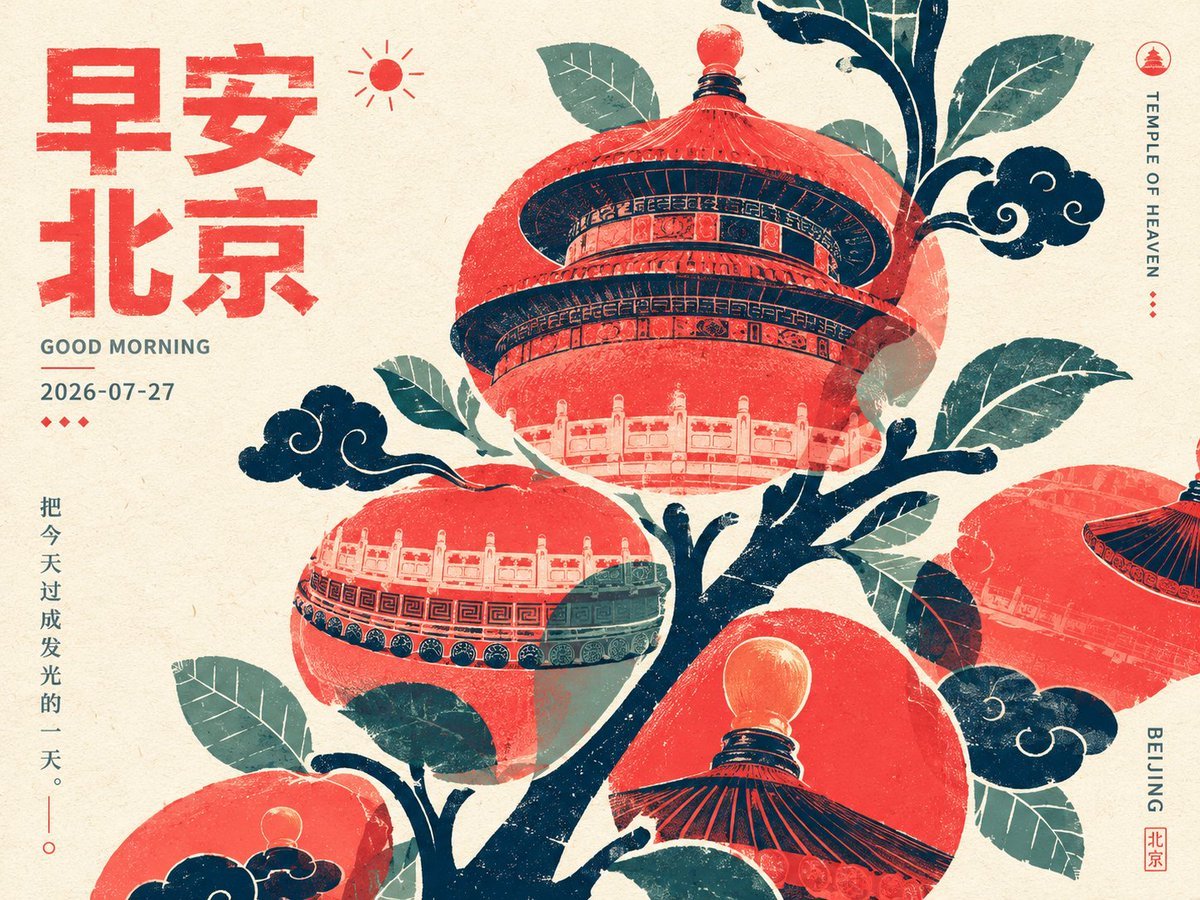
Retro Beijing Morning Fruit Poster
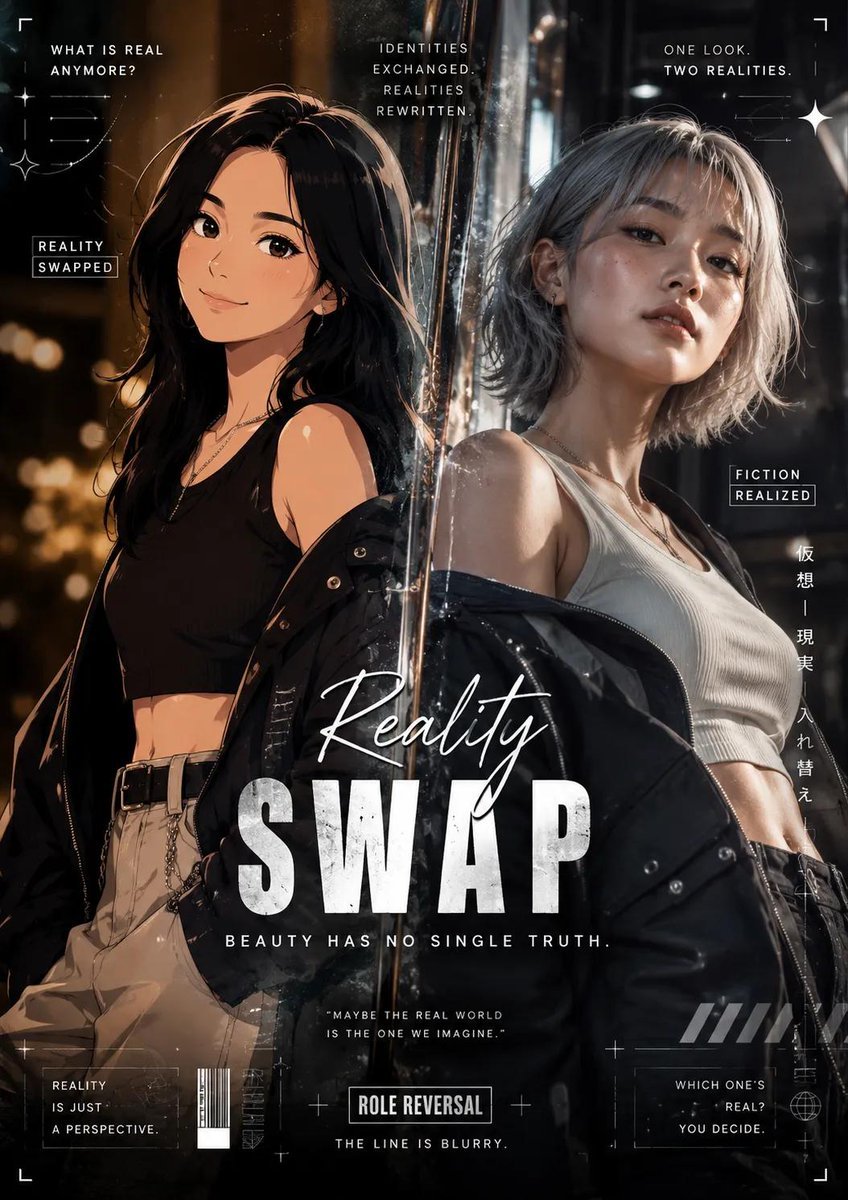
Reality vs Fiction Role Reversal Poster
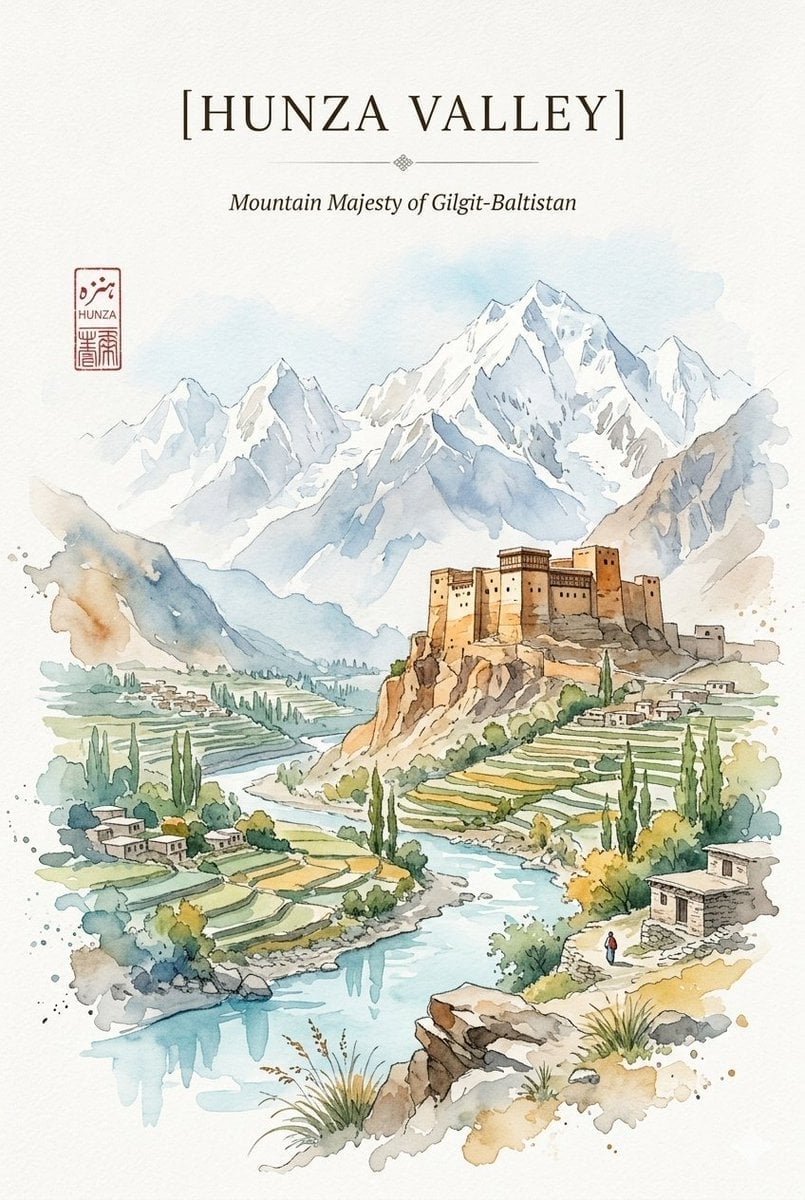
Alpine Watercolor Travel Poster
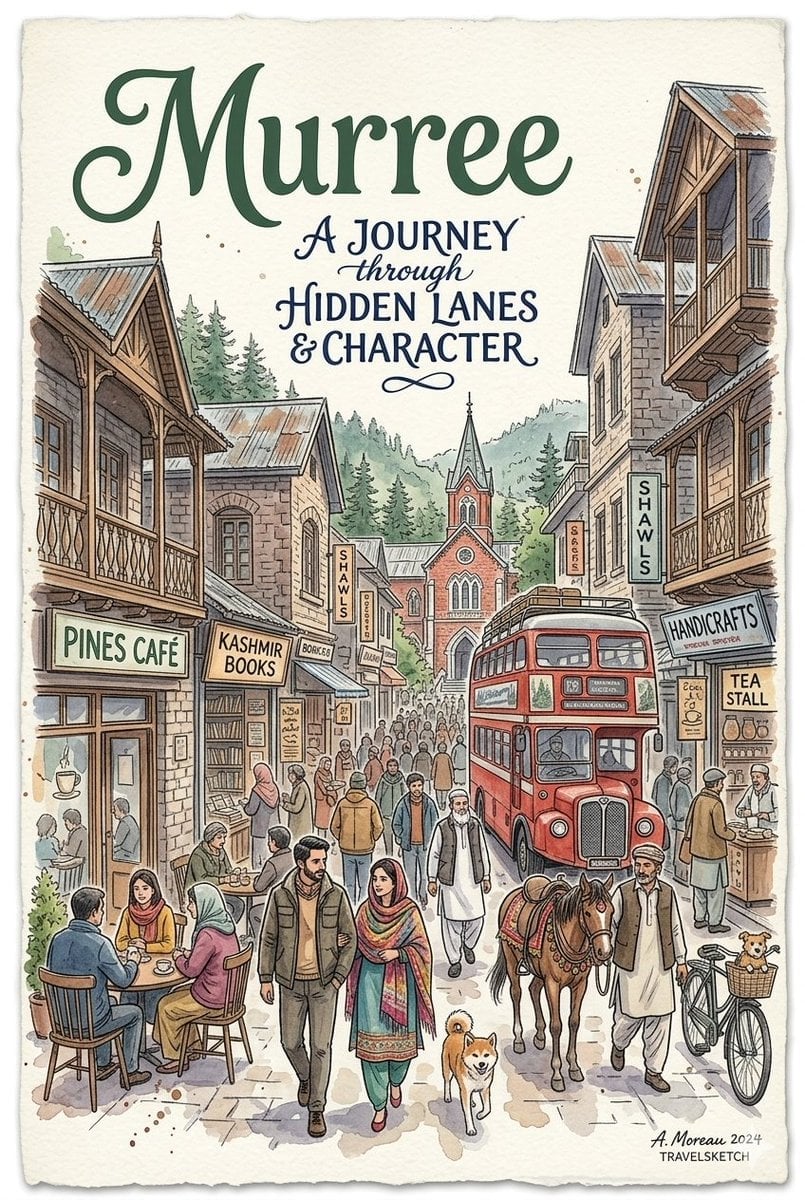
Watercolor Travel Poster Fusion
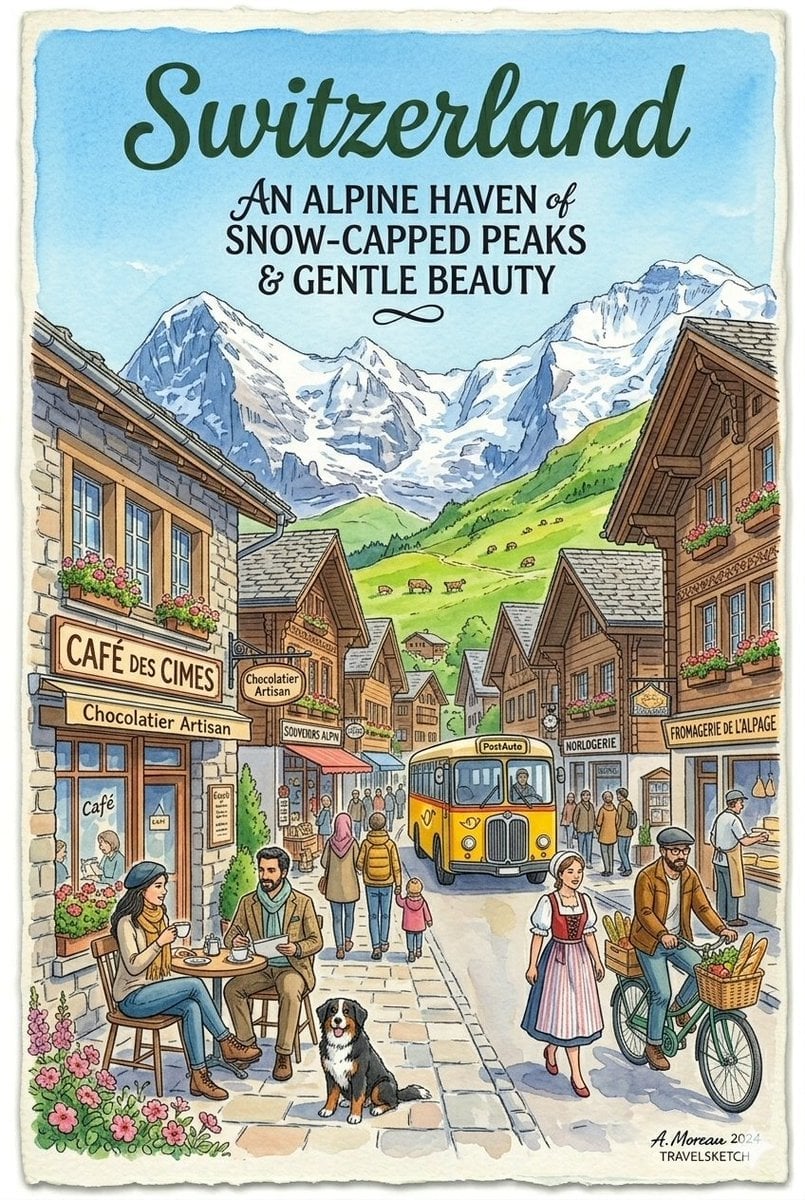
Vintage Watercolor Travel Posters
Make it yours
Watercolor to Reality Beijing CBD Poster works as-is. These are the safest ways to change it without losing the look.
Change one field
Copy a single group, rewrite it, and generate again so you can see what that field is doing.
Keep the frame, change the subject
Hold the composition and light of Watercolor to Reality Beijing CBD Poster, then swap wardrobe, props or the person for a new take.
| If the result… | Why | Fix |
|---|---|---|
| The result drifts from the preview | Too many fields changed at once. | Reuse Watercolor to Reality Beijing CBD Poster as-is first, then change one group — subject, light, or setting. |
| The model over-stylizes the scene | The prose prompt leaves finish and camera underspecified. | Add one camera or lighting sentence and stay on GPT Image 2. |
More GPT Image 2 templates
Other prompts made for GPT Image 2.

Six VTuber Japanese Logo Sheet

Realistic Portrait of Woman and Deer

The Vista Modular Condo Poster

AI Model Routing Comparison Infographic

2.5D Anime Art Board

Isometric Productivity Desk Scene

New York Double Exposure Poster

Four-Panel AI Landscape Comparison

Japanese Tatami Lifestyle Magazine Cover

NESCAFÉ Coffee Map Poster
More image prompts
Fresh picks from across the catalog.
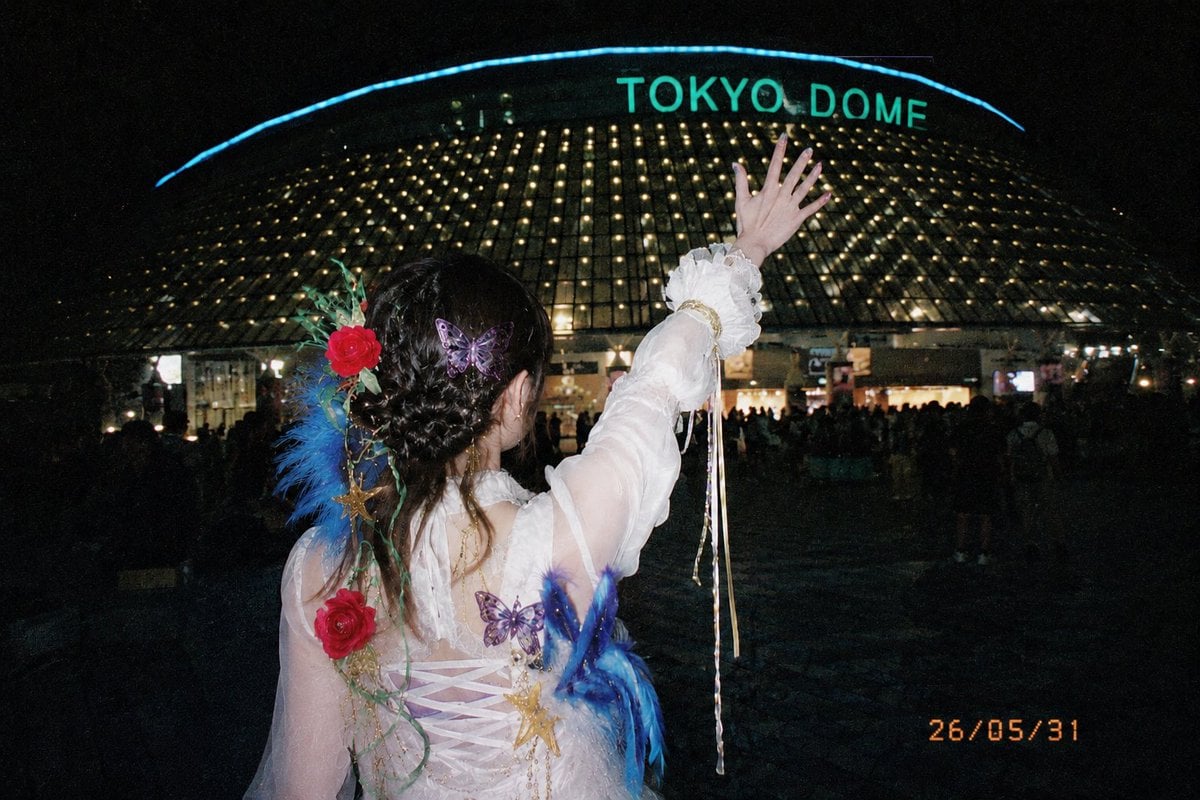
Tokyo Dome Concert Memory Film Photo
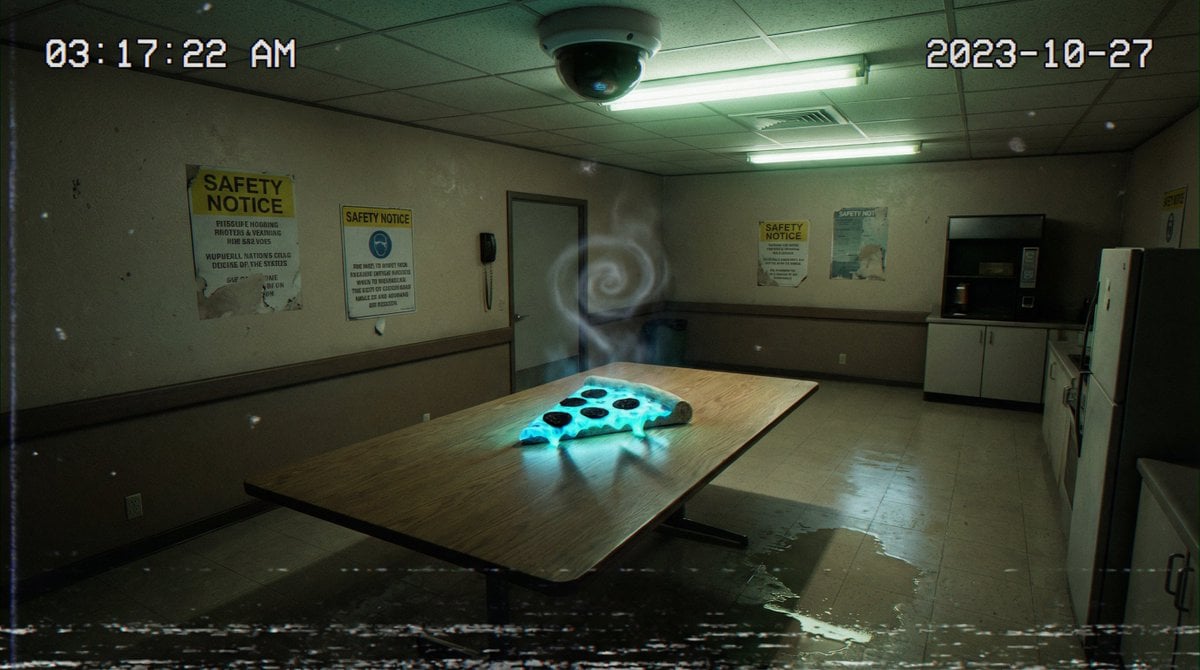
Forensic Surrealist Photography Prompt for Liminal Breakroom Incident
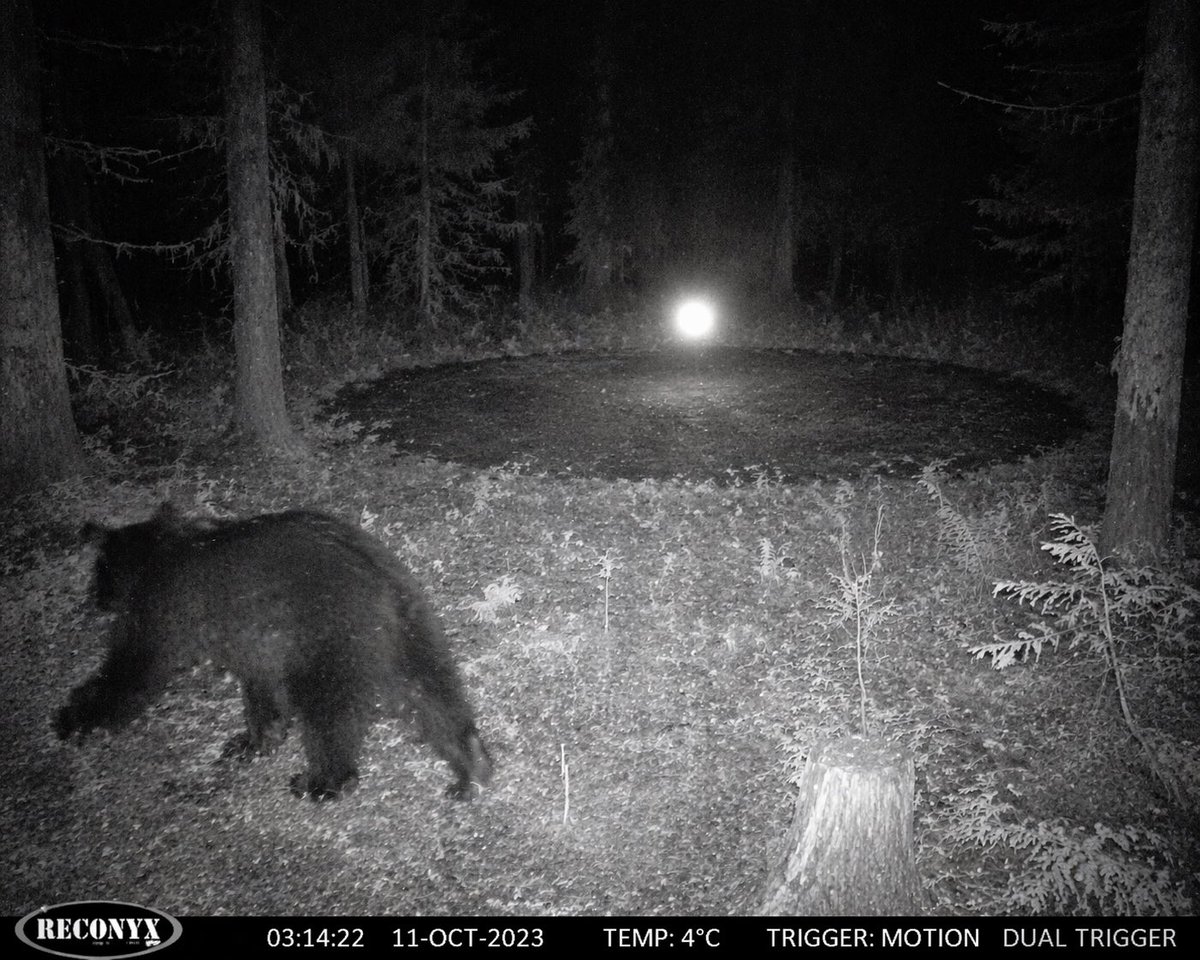
Paranormal Trail Camera Encounter
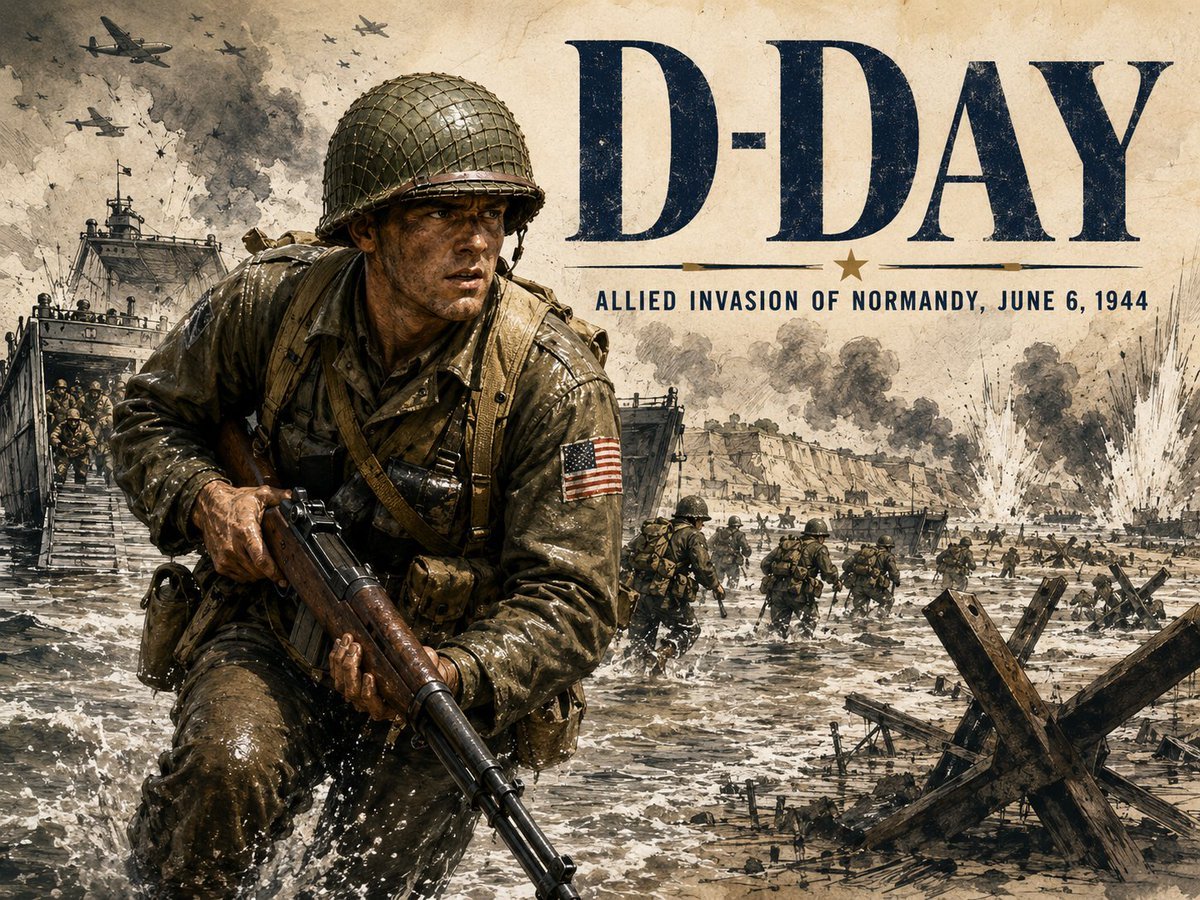
Vintage D-Day Normandy Poster
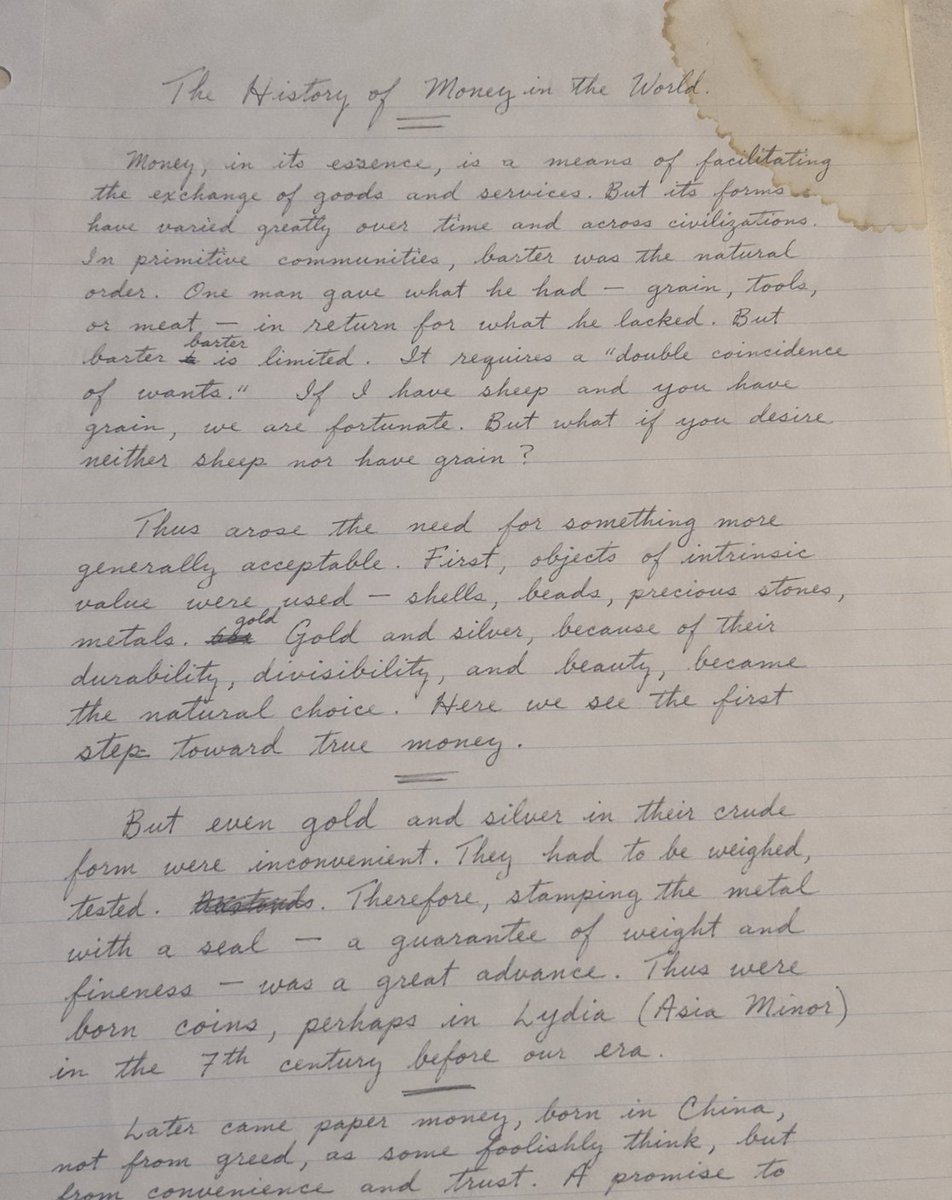
Handwritten Historical Essay
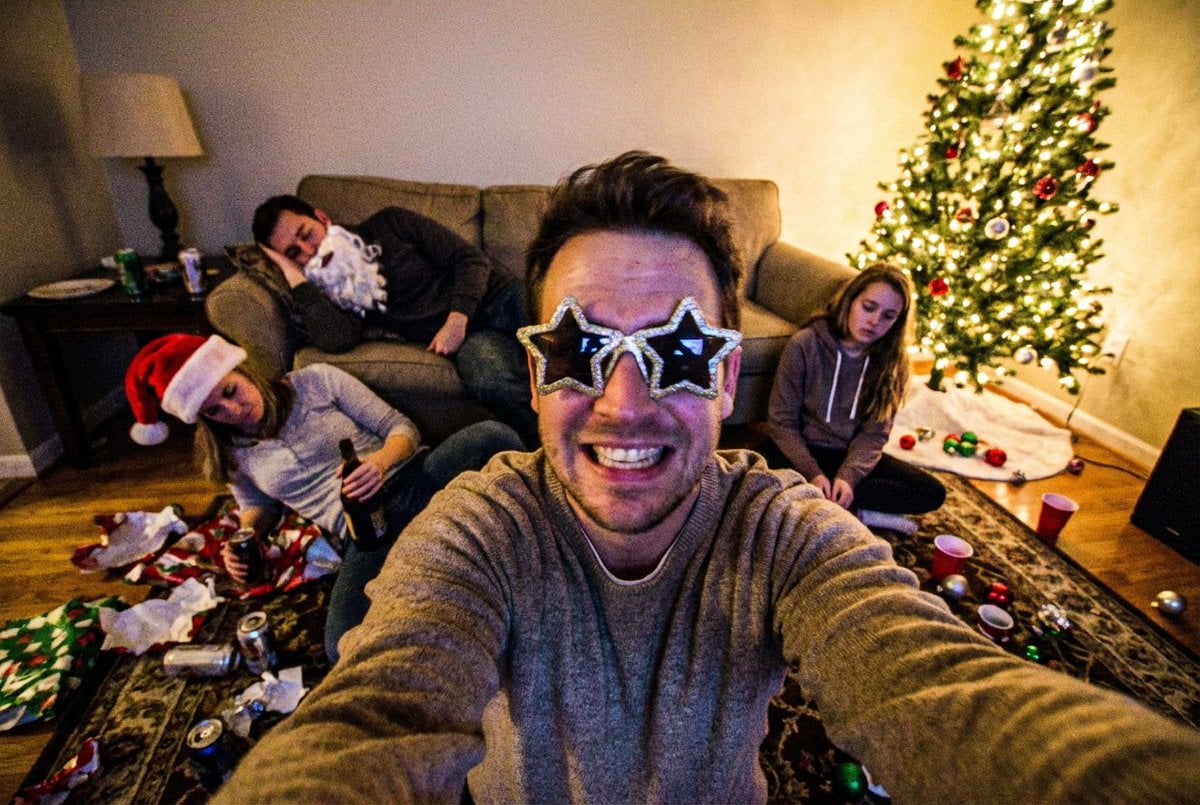
Low-Quality Chaotic Christmas After-Party Selfie
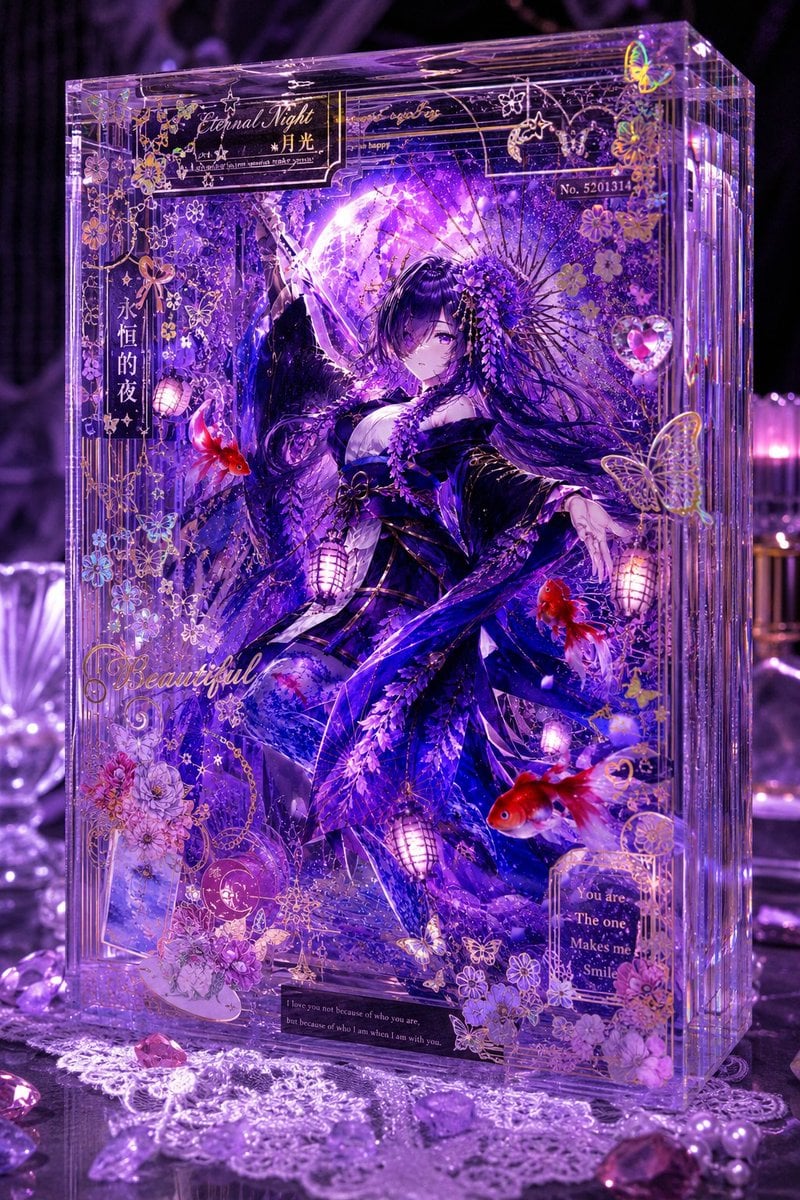
Luxury Purple Anime Acrylic Block
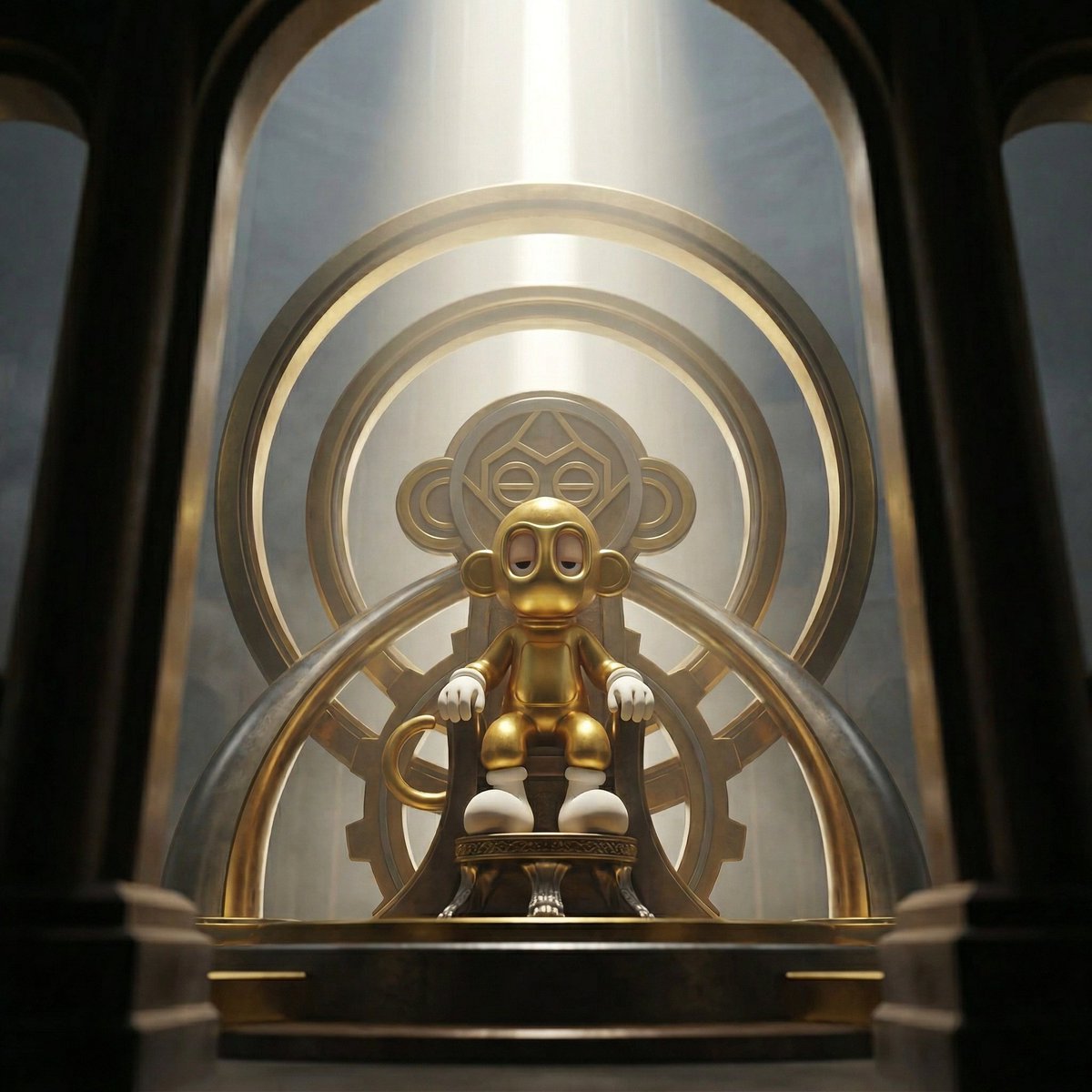
Dominance portrait generation prompt (Gemini - Thinking mode)
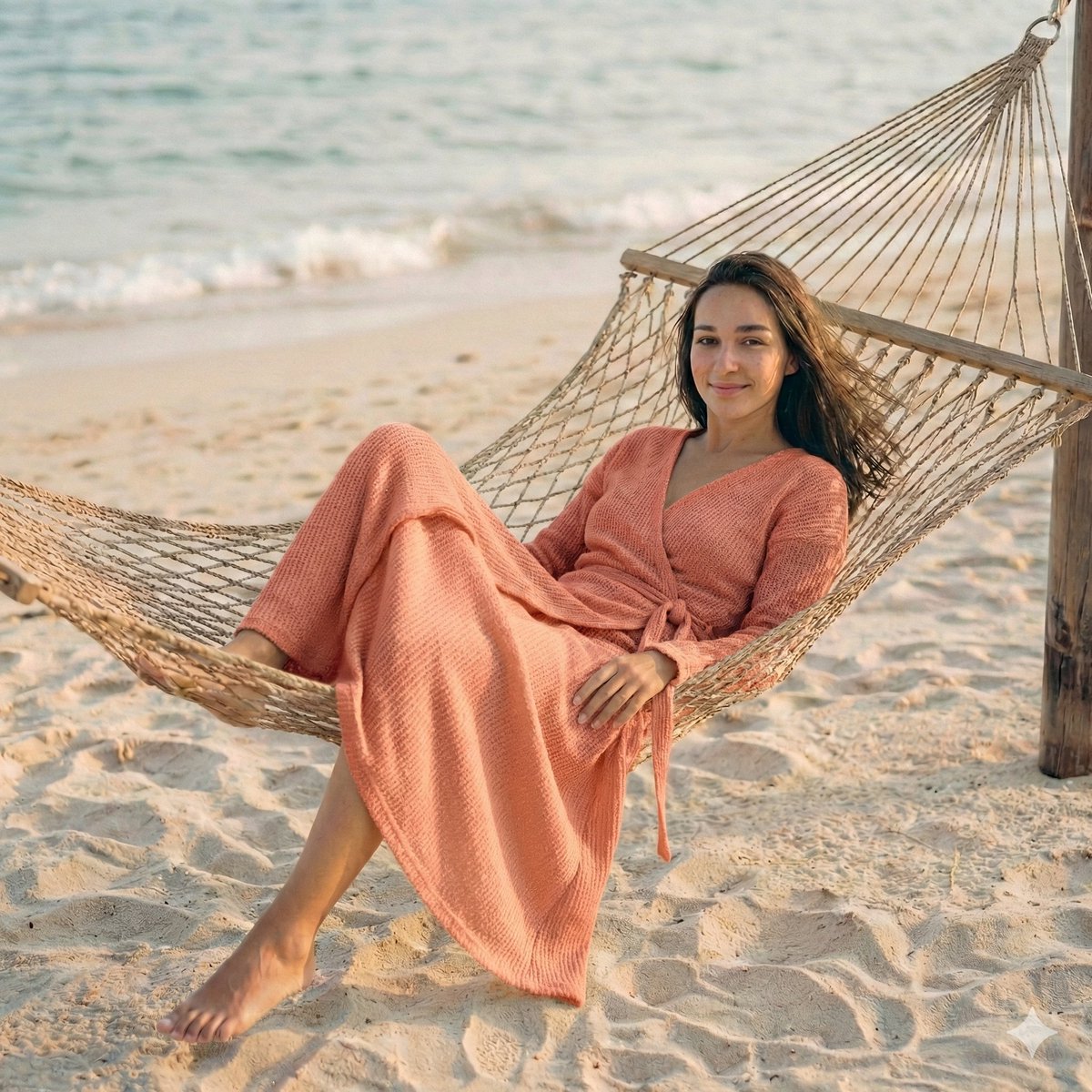
Cinematic Beach Portrait at Golden Hour
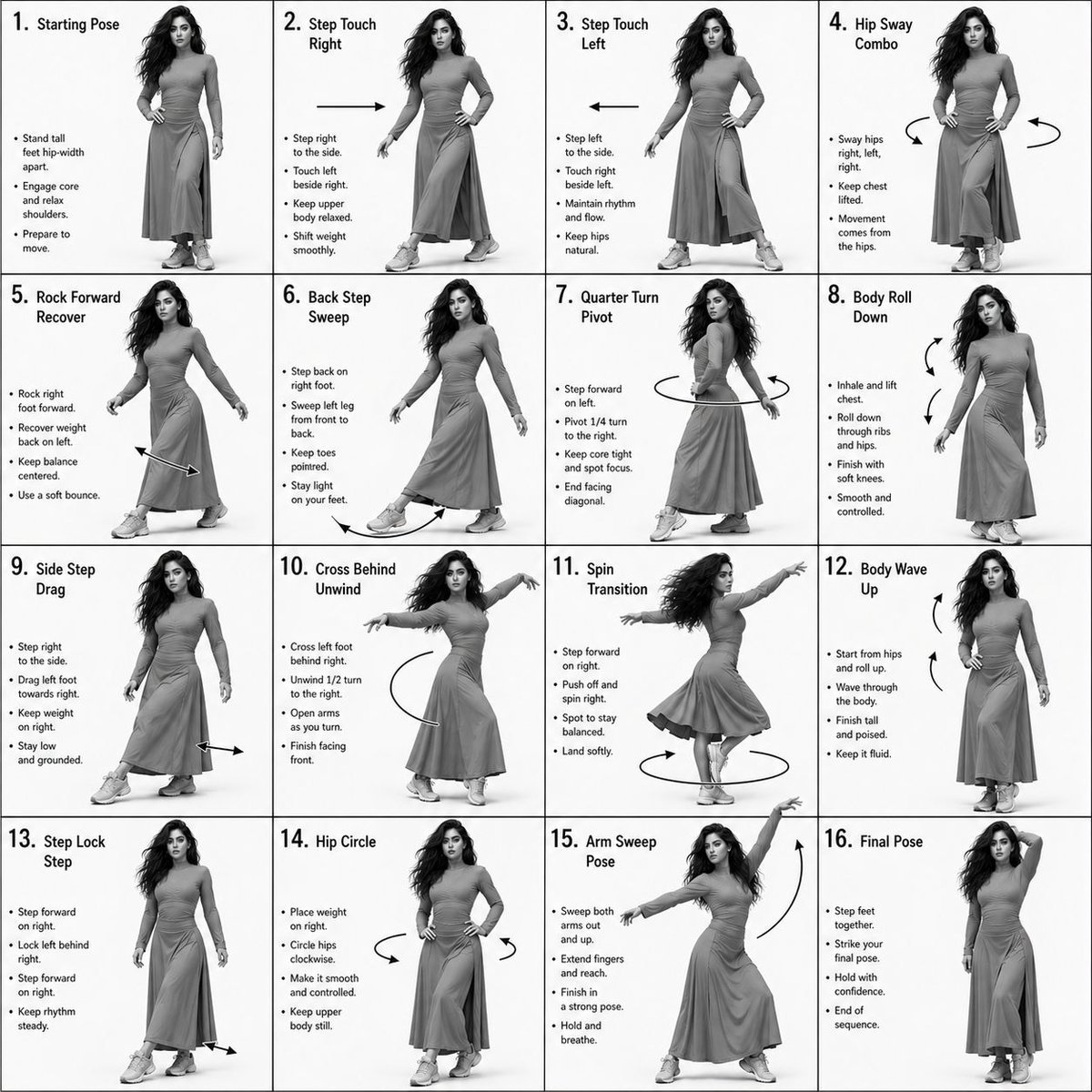
Choreography Instruction Sheet Generator
Browse template categories
Watercolor to Reality Beijing CBD Poster questions
How do I use the Watercolor to Reality Beijing CBD Poster template?
Add your photo if the template asks for one, edit the prompt if you like — the template's model and format are already selected — and press Generate. Your version opens in PicX Studio.
Can I customize the Watercolor to Reality Beijing CBD Poster template?
Yes. You can change the subject, setting, lighting, mood, format, and available model controls before creating your image.
Is the Watercolor to Reality Beijing CBD Poster template free?
Opening and editing this template is free. Generating uses credits, shown on the Generate button when you are signed in.
Which AI model should I use?
Start with GPT Image 2, which is the model associated with this template. You can compare another compatible model for a different finish.
Looking for something else? Browse all templates.

Your photo, any look
Thousands of ready templates for every top image and video model, from one credit balance.