
Reality vs Fiction Role Reversal Poster
A high-end editorial poster concept that swaps the identities of reality and fiction, featuring a realistic human transformed into anime and vice-versa.
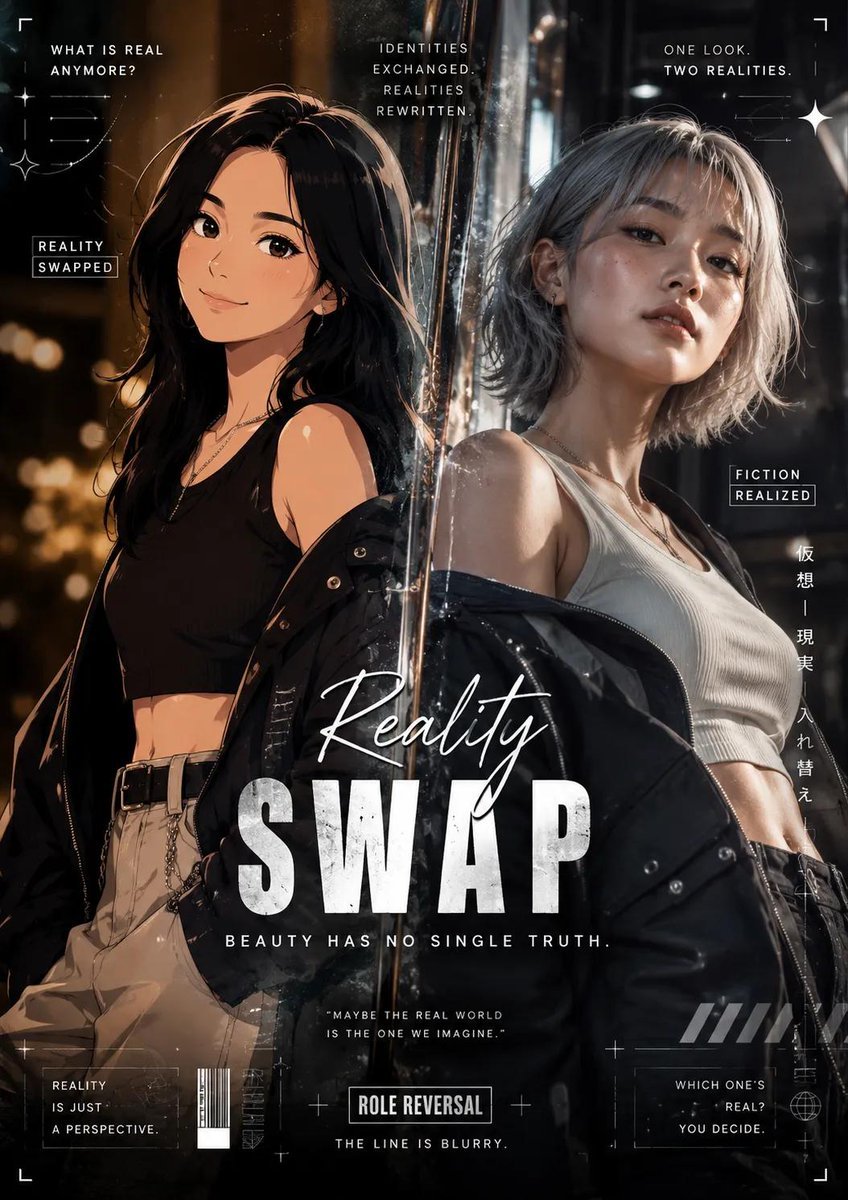
- Prompt included
- Model and format preset
- Premium template
The prompt behind this image
Copy the exact prompt behind Reality vs Fiction Role Reversal Poster, or open it in the studio and make it yours.
Generate a high-end editorial poster in a Role Reversal (Reality Swap) concept, where the identities of reality and fiction are intentionally exchanged. A {argument name="original subject" default="real human subject"} is transformed into a convincing cartoon/anime-inspired character while preserving recognizable facial proportions, enhanced with clean cel-shading, expressive eyes, stylized linework, and polished animated aesthetics. In contrast, the fictional or anime character is rendered with astonishing photorealism, featuring lifelike skin texture, visible pores, subtle facial imperfections, realistic bone structure, natural hair strands, and cinematic lighting. The realistic interpretation should evoke a subtle uncanny feeling, appearing intriguingly believable yet slightly eerie enough to spark curiosity rather than fear. The composition should embrace a modern cinematic editorial aesthetic with dramatic lighting, atmospheric depth, soft volumetric effects, and balanced color grading. Enrich the layout with decorative visual elements inspired by the Role Reversal theme, such as abstract graphic overlays, futuristic geometric accents, layered textures, floating particles, dynamic framing elements, and stylish visual embellishments that elevate the storytelling without overwhelming the main subjects. The subjects must not replicate the pose from the reference image. Instead, present them with expressive, confident, and naturally dynamic body language that feels spontaneous and alive rather than stiff or flat. Their posture should reflect the elegance and confidence commonly seen in international fashion models, creating a premium editorial appearance. Dress both subjects in {argument name="fashion style" default="contemporary casual fashion"} with a stylish, trend-driven look. Combine modern garments featuring varied colors, textures, patterns, and fabric materials to avoid repetition or visual monotony. The styling should feel fashionable, youthful, and suitable for a luxury lifestyle magazine rather than everyday casual wear. Design the {argument name="typography" default="typography with bold artistic direction"} using premium, eye-catching font combinations that complement the poster's visual identity. Apply creative hierarchy, scale variation, spacing, and layout placement so every text element contributes to the overall composition instead of appearing generic or conventional. The overall poster should deliver a polished, premium, and contemporary visual identity that avoids looking ordinary, mediocre, or template-based. Every element should feel intentionally crafted, visually engaging, and suitable for an international-quality creative campaign. Render the final artwork in ultra-high-definition 8K with exceptional sharpness, refined textures, cinematic contrast, and professional-grade finishing.
How to use Reality vs Fiction Role Reversal Poster in 3 steps
- 1Upload ImagePNG, JPG or paste
Add your photo
Upload the photo the template builds on. The prompt, model and format are already set.
- 2…a portrait of your subject in softgolden-hour light, 85mm…
Personalize
Edit the subject and creative details for your destination.
- 3Generate
Generate
Press Generate — your image is created in PicX Studio, so you can compare it with the original and refine one variable at a time.
More like this
Templates with the same subject, style or setup. Open one to see its prompt.

Japan Travel Brochure Poster

Cartoon TV Show Poster Pack

Trendy Cafe Drink Promo Poster

Urban Fashion Editorial Collage Streetwear Poster

Premium Fashion Editorial Cover Layout System

Polo Ralph Lauren Luxury American Heritage Fashion Campaign

Monochrome Halftone Editorial Fashion Poster

Retro Mirror Luxury Fashion Campaign Poster

Luxury Fashion Campaign Typography Poster System

Premium Fashion Editorial Campaign Poster System

Ultra-Stylized High-Fashion Streetwear Poster

Urban Fashion Editorial Collage Poster
Make it yours
Reality vs Fiction Role Reversal Poster works as-is. These are the safest ways to change it without losing the look.
Change one field
Copy a single group, rewrite it, and generate again so you can see what that field is doing.
Keep the frame, change the subject
Hold the composition and light of Reality vs Fiction Role Reversal Poster, then swap wardrobe, props or the person for a new take.
| If the result… | Why | Fix |
|---|---|---|
| The result drifts from the preview | Too many fields changed at once. | Reuse Reality vs Fiction Role Reversal Poster as-is first, then change one group — subject, light, or setting. |
| The model over-stylizes the scene | The prose prompt leaves finish and camera underspecified. | Add one camera or lighting sentence and stay on GPT Image 2. |
More GPT Image 2 templates
Other prompts made for GPT Image 2.

Six VTuber Japanese Logo Sheet

Realistic Portrait of Woman and Deer

The Vista Modular Condo Poster

AI Model Routing Comparison Infographic

2.5D Anime Art Board

Isometric Productivity Desk Scene

New York Double Exposure Poster

Four-Panel AI Landscape Comparison

Japanese Tatami Lifestyle Magazine Cover

NESCAFÉ Coffee Map Poster
More image prompts
Fresh picks from across the catalog.
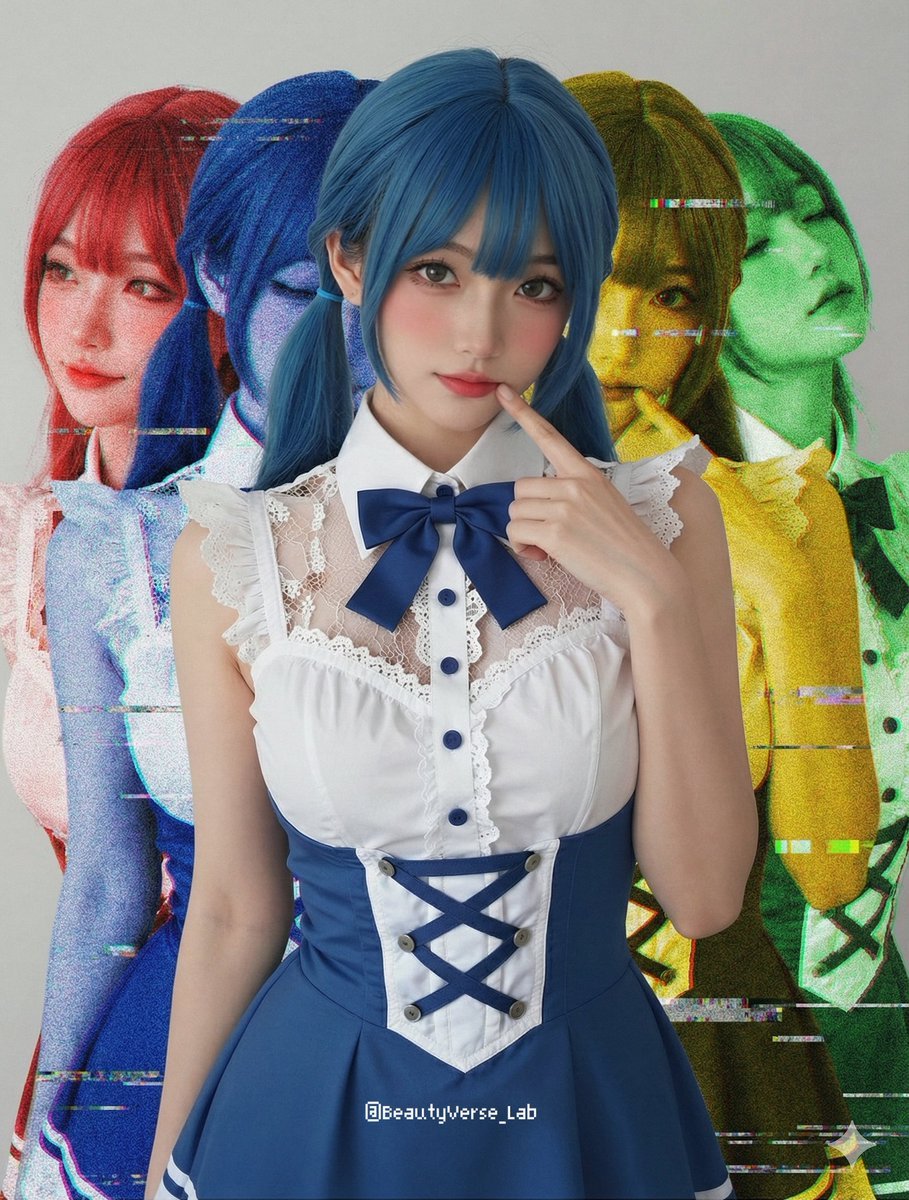
Shadow and Glitch Effect Prompt with Color Separation

Chinese Alzheimer’s Infographic Poster
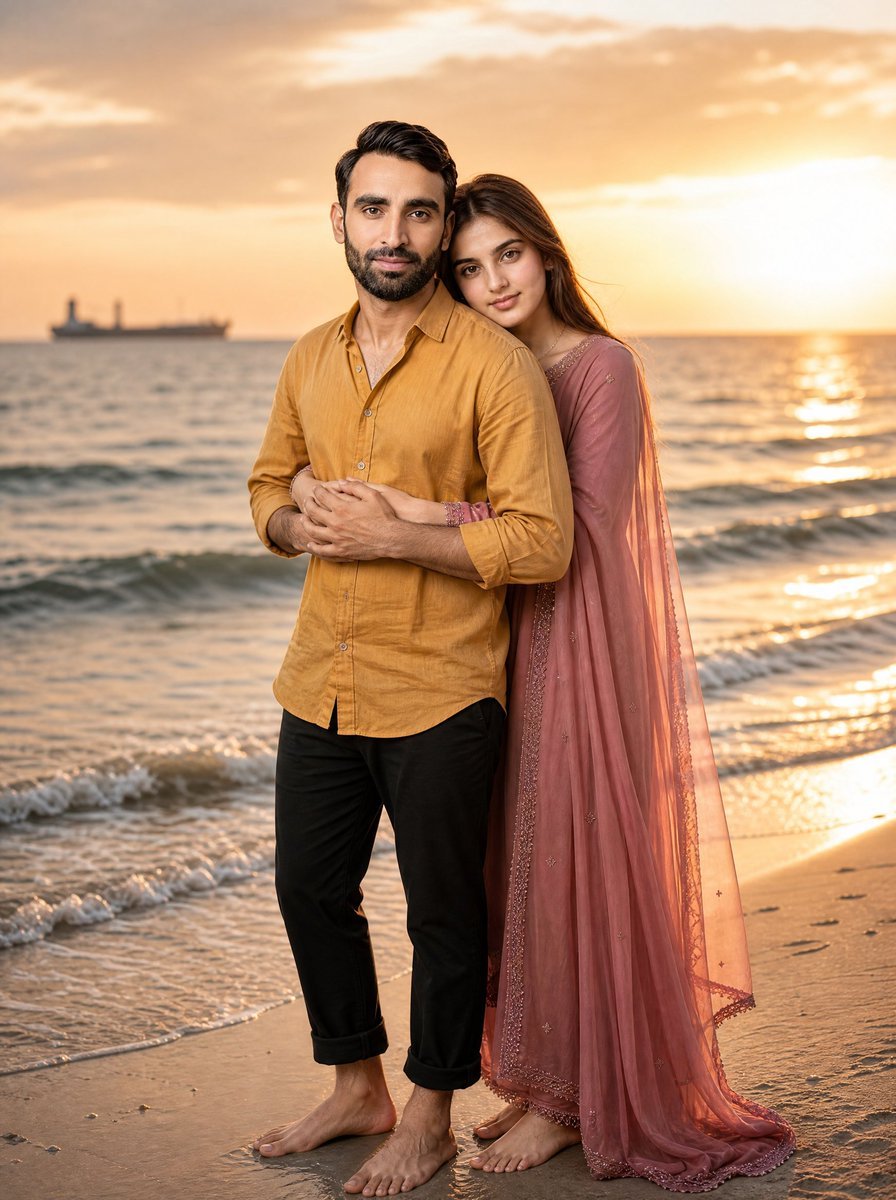
Romantic Beach Sunset Couple
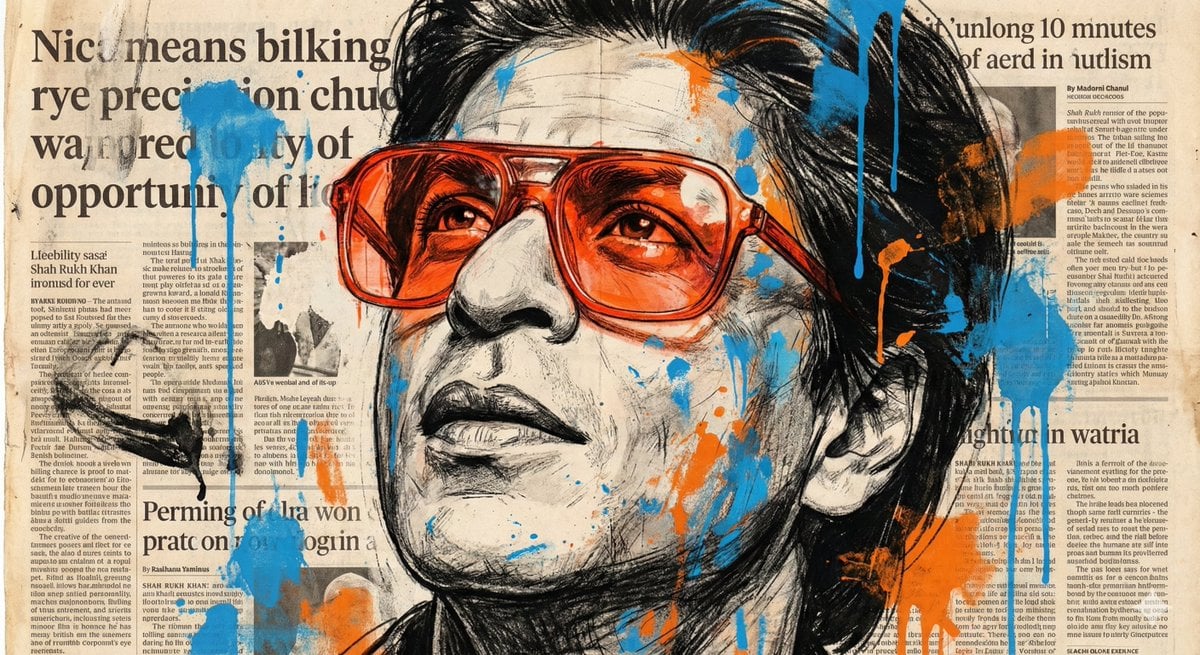
Expressive Portrait with Abstract Expressionism Style

Cracked Egg with Shape Outline

Tilt-Shift Travel Map Diorama
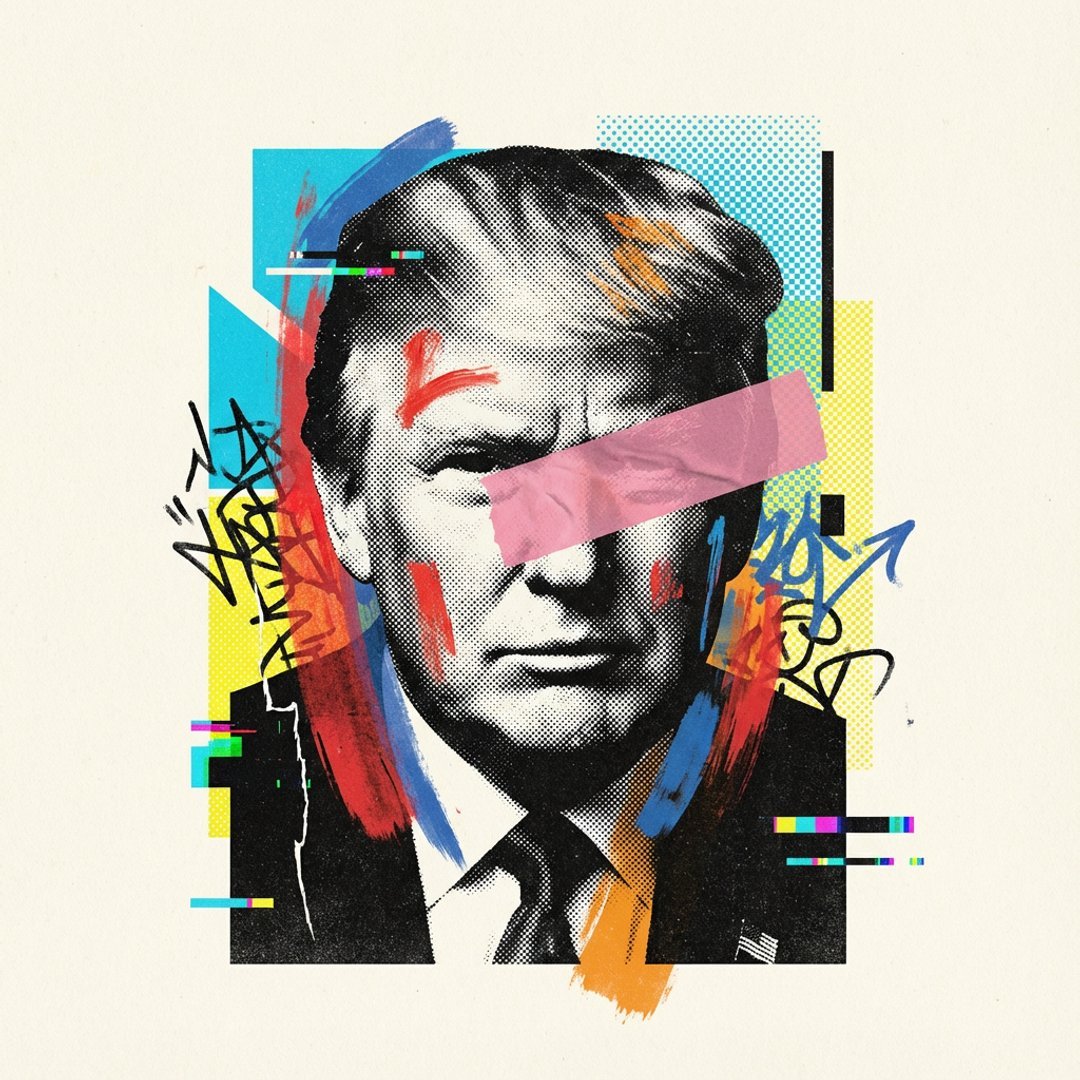
Avant-Garde Mixed Media Risograph Collage
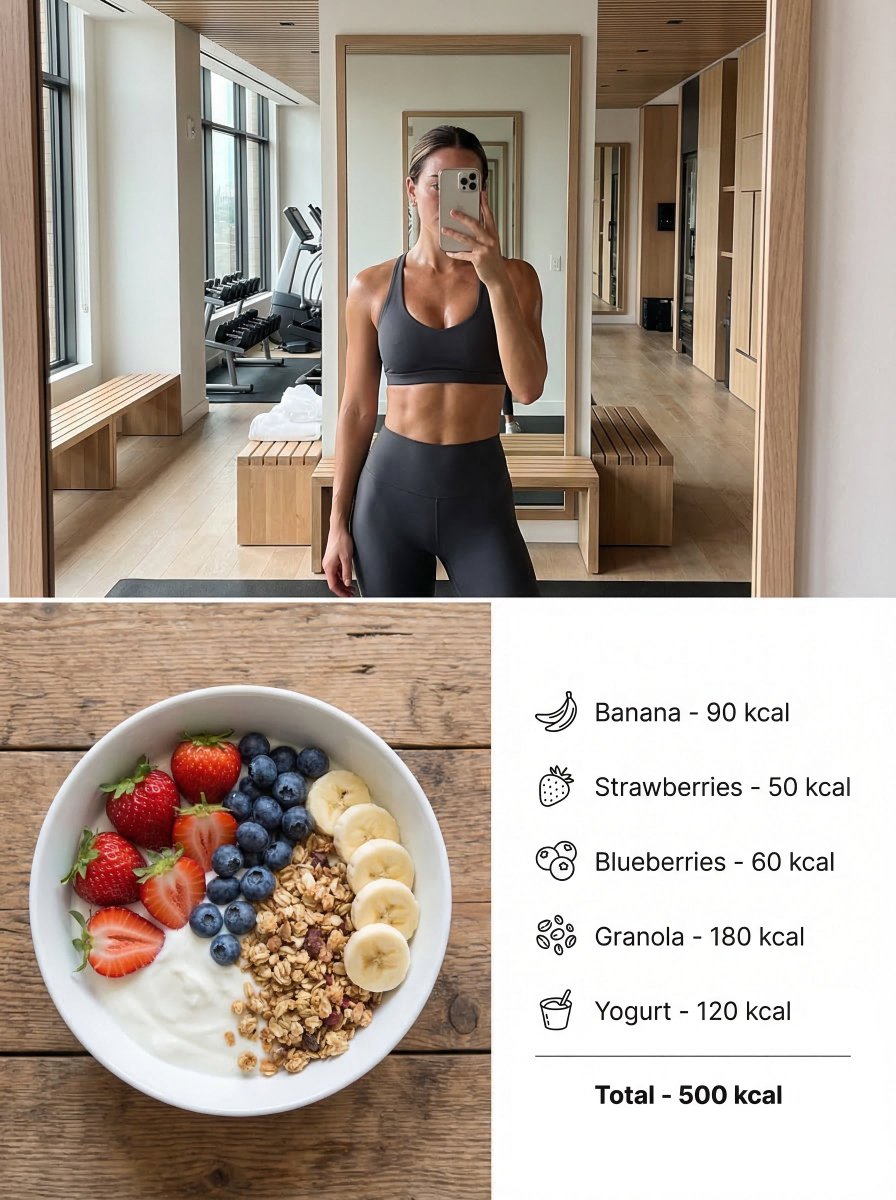
Modern Lifestyle Split Poster Prompt for Nano Banana Pro

Cinematic Sunrise Portrait on a Cliff Edge
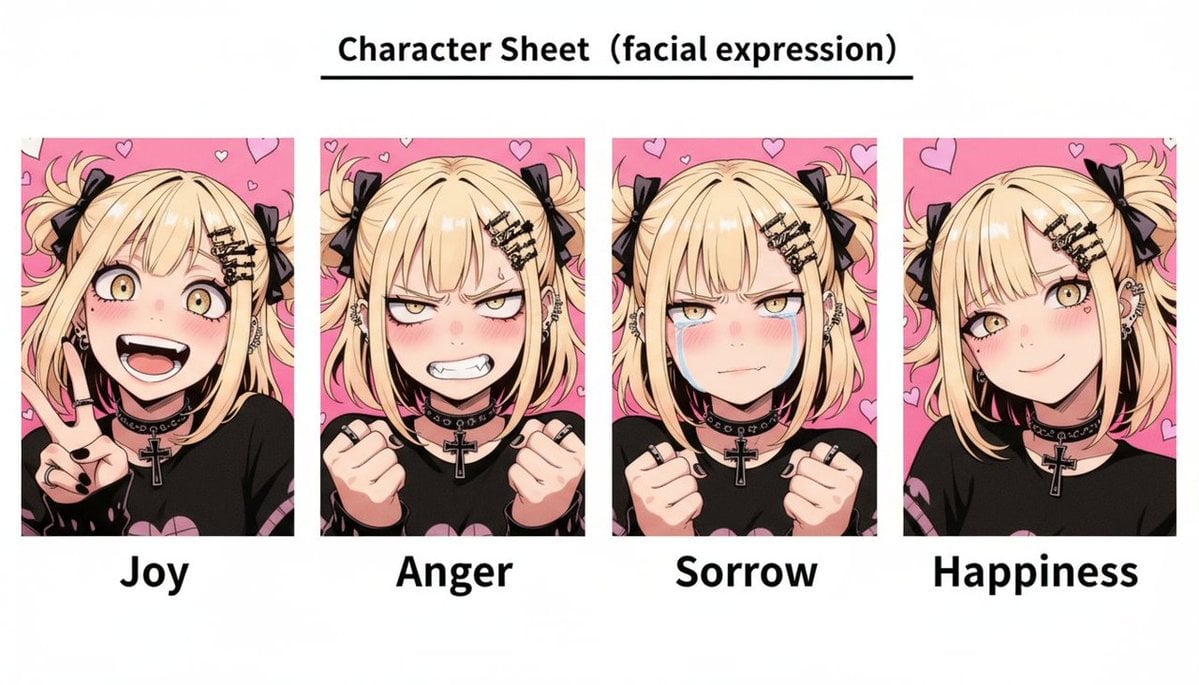
Gothic Anime Facial Expression Sheet
Browse template categories
Reality vs Fiction Role Reversal Poster questions
How do I use the Reality vs Fiction Role Reversal Poster template?
Add your photo if the template asks for one, edit the prompt if you like — the template's model and format are already selected — and press Generate. Your version opens in PicX Studio.
Can I customize the Reality vs Fiction Role Reversal Poster template?
Yes. You can change the subject, setting, lighting, mood, format, and available model controls before creating your image.
Is the Reality vs Fiction Role Reversal Poster template free?
Opening and editing this template is free. Generating uses credits, shown on the Generate button when you are signed in.
Which AI model should I use?
Start with GPT Image 2, which is the model associated with this template. You can compare another compatible model for a different finish.
Looking for something else? Browse all templates.

Your photo, any look
Thousands of ready templates for every top image and video model, from one credit balance.