
Cinematic Sunrise Portrait on a Cliff Edge
A highly descriptive prompt for a photorealistic, cinematic vertical shot (9:16) of a man standing on a cliff edge during sunrise or sunset.
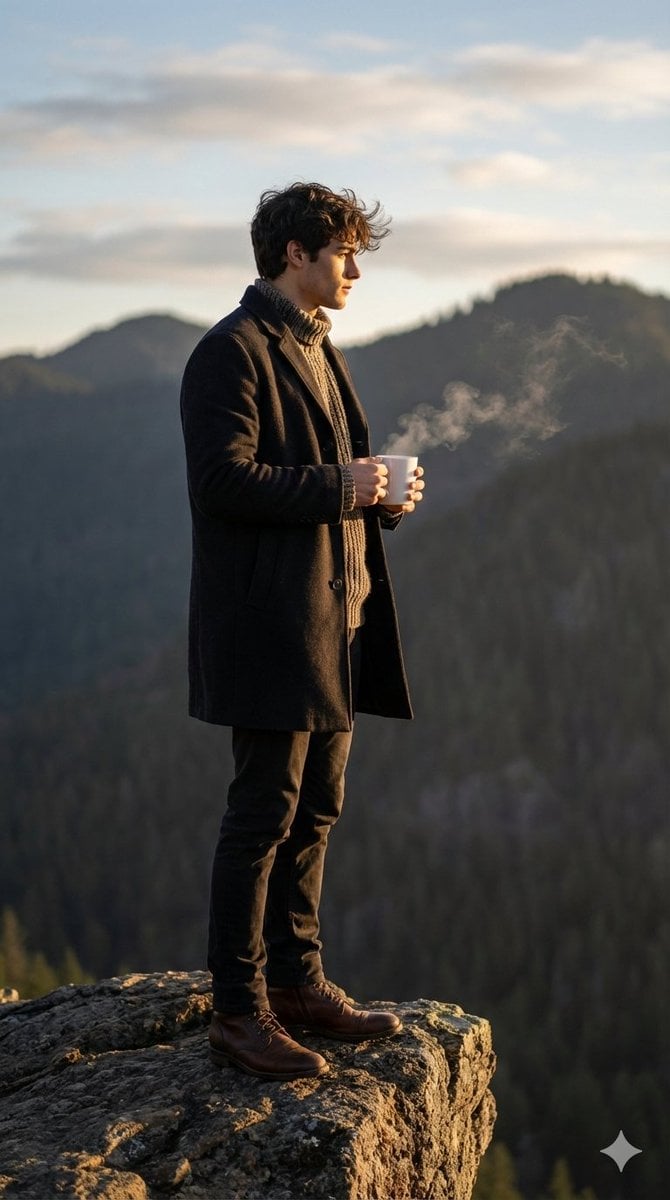
- Prompt included
- Model and format preset
- Free template
The prompt behind this image
Copy the exact prompt behind Cinematic Sunrise Portrait on a Cliff Edge, or open it in the studio and make it yours.
Without altering the man's appearance, this cinematic shot evokes the atmosphere of a quiet sunrise or sunset, with golden light softly enveloping everything around, creating a warm and tranquil palette. The man stands on the edge of a cliff, framed by the hard, rough texture of the stone, lending a sense of cool nature and the grandeur of the mountain landscape, receding into the darkening silhouettes in the background. He is turned in profile to the right, holding a white mug in both hands, from which steam rises—a thin, almost ephemeral cloud of living warmth in the cool surroundings. His dark coat hangs loosely, revealing a textured, chunky knit sweater that accentuates the density and volume of natural fabrics. Deep shadows and warm highlights on the coat add a sense of the dense texture of the wool, and his dark blue or black trousers, slightly clinging to his legs, contrast with his more rugged brown boots, firmly planted on the rocky surface. A gentle breeze barely stirs the hair, adding dynamism to the strong, confident silhouette. The background of dark, brooding, forested mountains fades into the sky, where clouds and soft light create a poetic and slightly melancholy mood, as if time has paused, allowing the subject to pause for a moment, savor the moment, and solitude with nature. Photorealistic image, high texture detail, high quality, VK resolution. 9:16.
How to use Cinematic Sunrise Portrait on a Cliff Edge in 3 steps
- 1
Open
The prompt is already in the box next to the preview, with the template's model and format selected.
- 2…a portrait of your subject in softgolden-hour light, 85mm…
Personalize
Edit the subject and creative details for your destination.
- 3Generate
Generate
Press Generate — your image is created in PicX Studio, so you can compare it with the original and refine one variable at a time.
More like this
Templates with the same subject, style or setup. Open one to see its prompt.

Found Photograph: Us, 1970

80s Couple Studio Portrait

80s Bollywood Star

80s Golden Hour Cinema

Me in 1985

1985 Studio Portrait
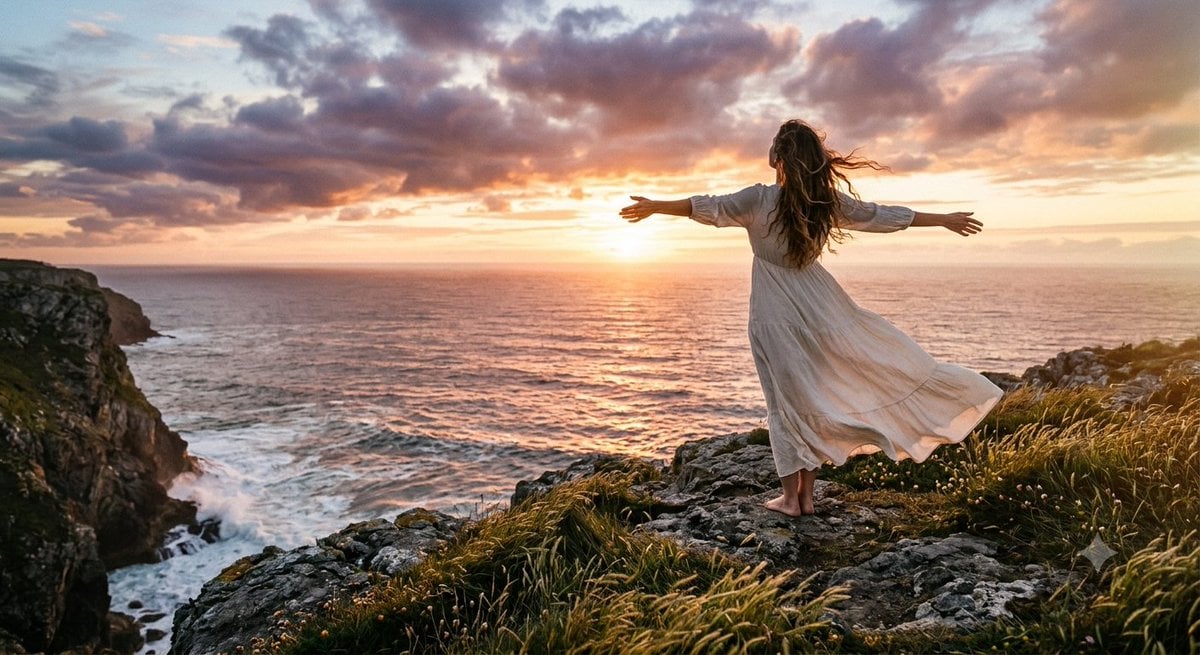
Cinematic Coastal Cliff Sunset Portrait

Hyper-Realistic Minecraft POV Portrait

Rooftop Fisheye — Cat-Ear Balaclava at Golden Hour
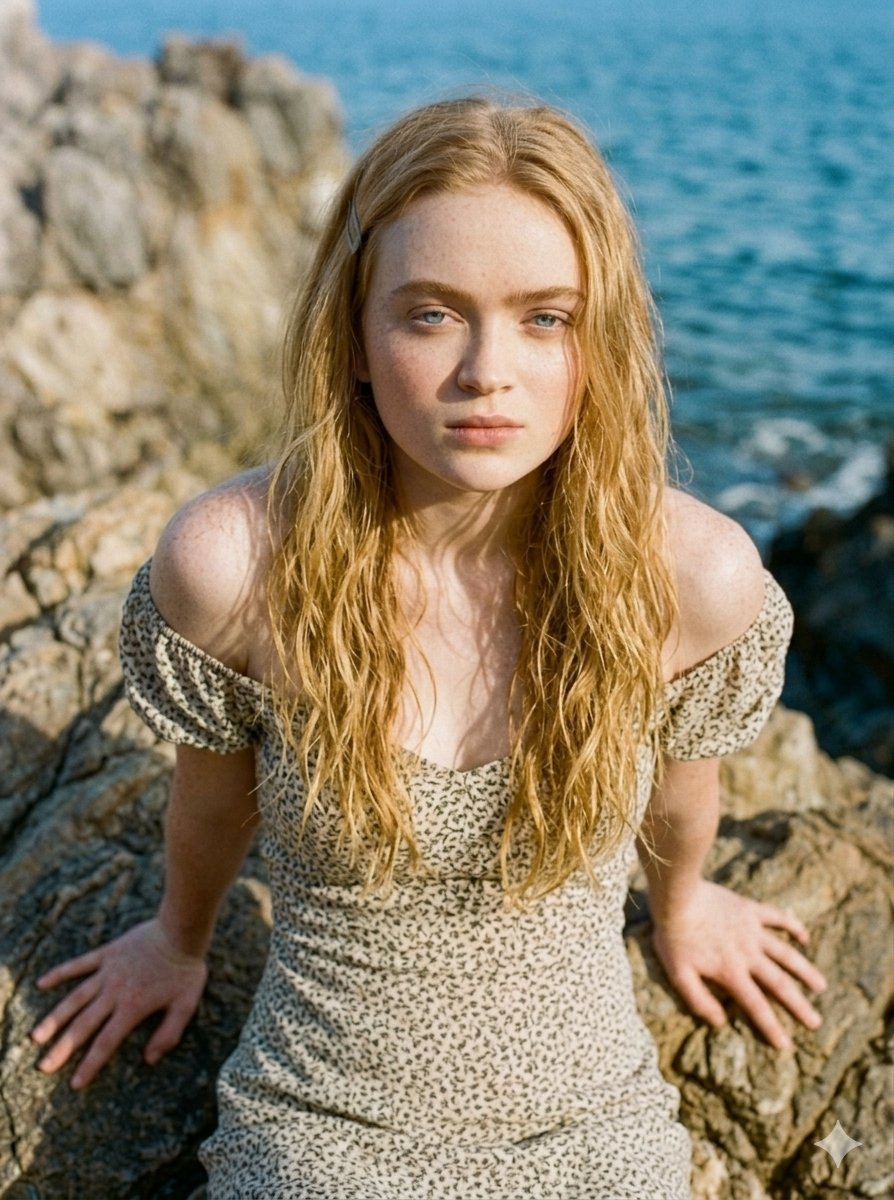
Serene Coastal Cliff Floral Portrait
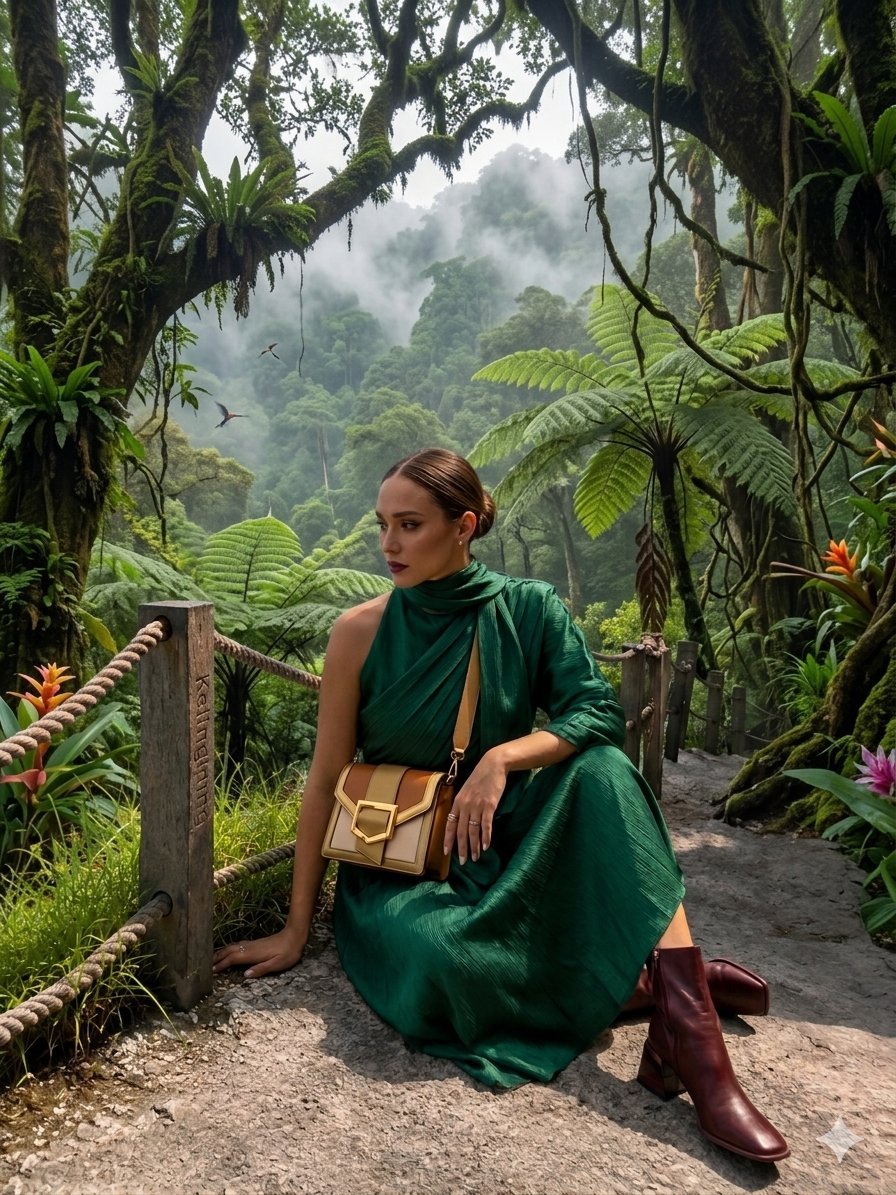
AR Scenic Cliffside Portrait Analysis
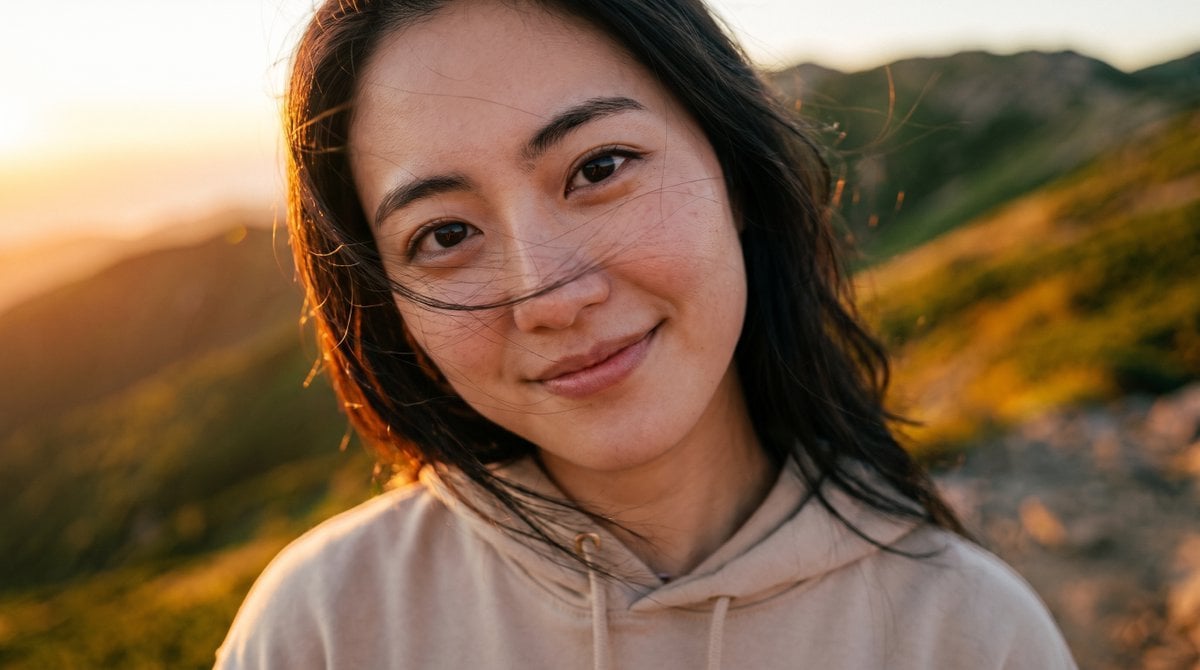
Candid Sunrise Mountain Portrait
Make it yours
Cinematic Sunrise Portrait on a Cliff Edge works as-is. These are the safest ways to change it without losing the look.
Change one field
Copy a single group, rewrite it, and generate again so you can see what that field is doing.
Keep the frame, change the subject
Hold the composition and light of Cinematic Sunrise Portrait on a Cliff Edge, then swap wardrobe, props or the person for a new take.
| If the result… | Why | Fix |
|---|---|---|
| The result drifts from the preview | Too many fields changed at once. | Reuse Cinematic Sunrise Portrait on a Cliff Edge as-is first, then change one group — subject, light, or setting. |
| The model over-stylizes the scene | The prose prompt leaves finish and camera underspecified. | Add one camera or lighting sentence and stay on Nano Banana 2. |
More Nano Banana 2 templates
Other prompts made for Nano Banana 2.

Photorealistic Leaf Shaped Like a Dragon

K-Pop Idol Portrait Grid for Rapid Selection

Poetic Rain Forest Portrait During Golden Hour

Urban Street Portrait with Cartoon Inner Self Duo

Candid Nighttime Photo with Cat Prompt

High-Concept 3D Diorama Generation Prompt

Cinematic Futuristic Studio Portrait Template

Skincare Editorial Photography Collage Prompt

Hyper-Realistic Commercial Product Photography (Splash Effect)

Hyper-Realistic Nightclub Portrait Prompt
More image prompts
Fresh picks from across the catalog.
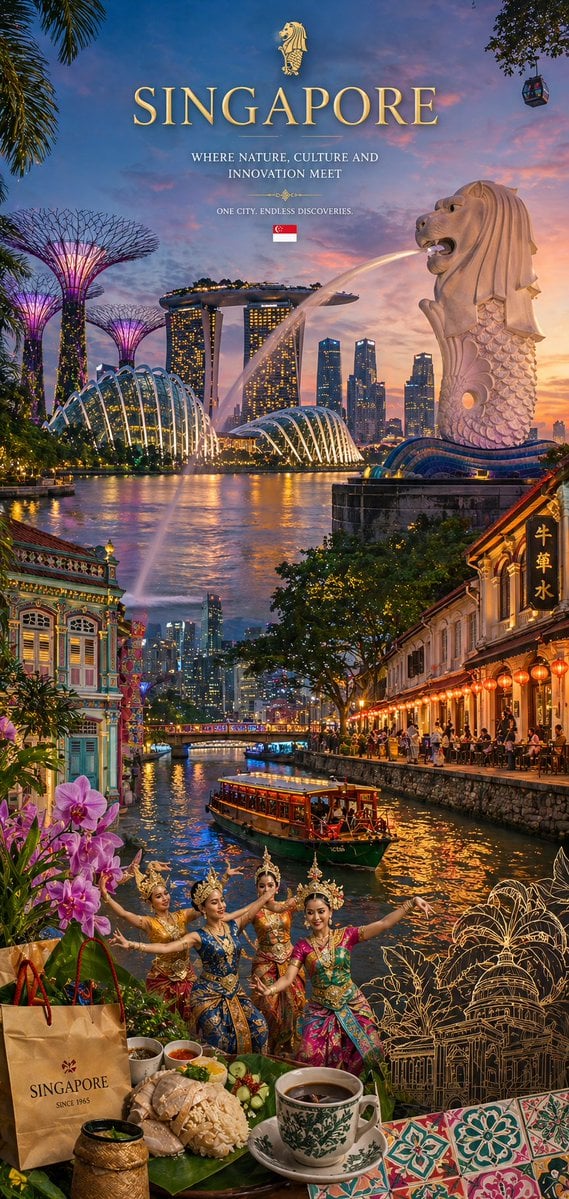
Country Heritage Wallpaper Prompt

Amusement Park Prompt Template for Character Placement
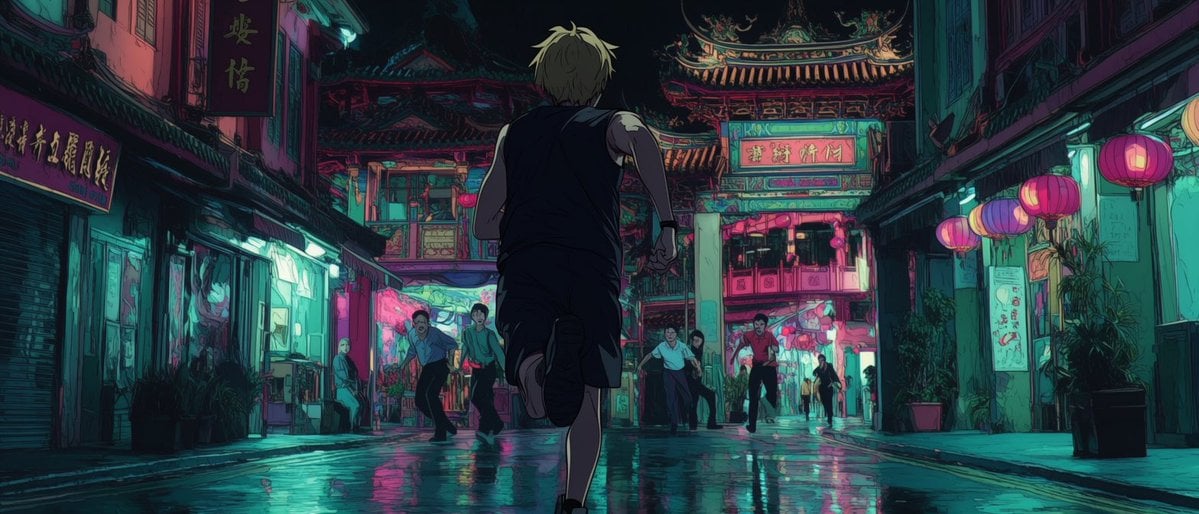
Neon Temple Chase

Celestial Gothic Witch Portrait
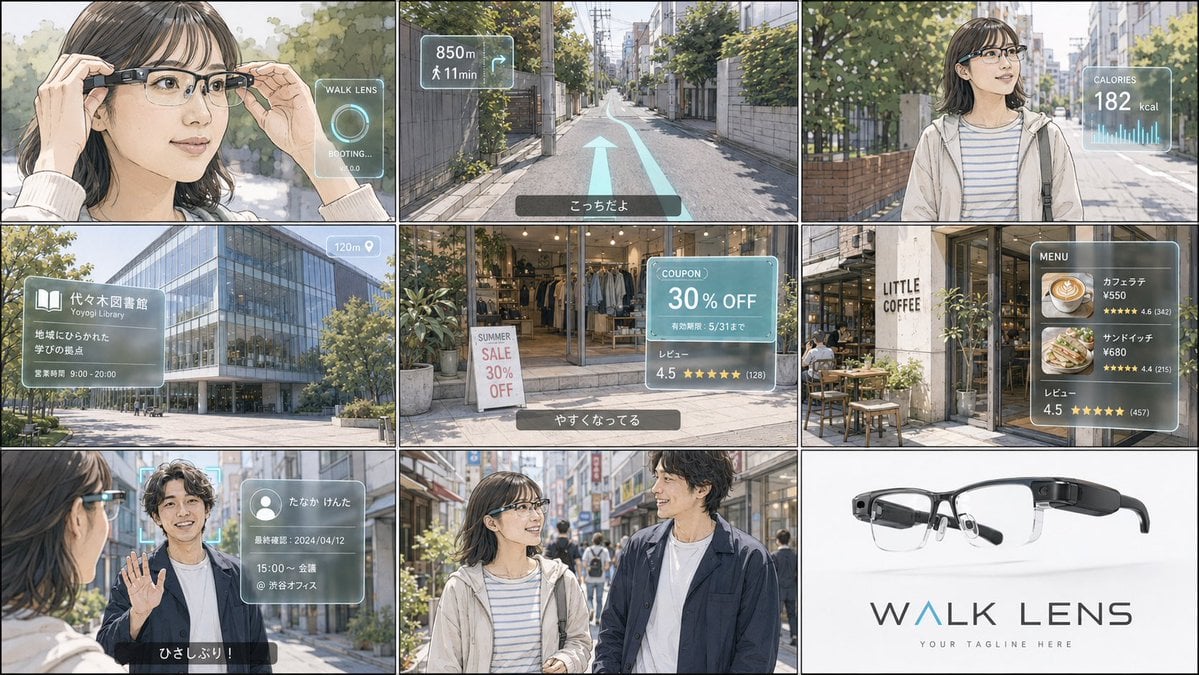
Realistic Colored Line Drawing Converter

Nagasaki Travel Poster with Central Woman

Realistic Phone Photo with Horror Twist
Censored Vintage Film Portrait
Misty Lotus Pond at Sunrise
Vintage Rhythms Portrait Prompt
Browse template categories
Cinematic Sunrise Portrait on a Cliff Edge questions
How do I use the Cinematic Sunrise Portrait on a Cliff Edge template?
Add your photo if the template asks for one, edit the prompt if you like — the template's model and format are already selected — and press Generate. Your version opens in PicX Studio.
Can I customize the Cinematic Sunrise Portrait on a Cliff Edge template?
Yes. You can change the subject, setting, lighting, mood, format, and available model controls before creating your image.
Is the Cinematic Sunrise Portrait on a Cliff Edge template free?
Opening and editing this template is free. Generating uses credits, shown on the Generate button when you are signed in.
Which AI model should I use?
Start with Nano Banana 2, which is the model associated with this template. You can compare another compatible model for a different finish.
Looking for something else? Browse all templates.

Your photo, any look
Thousands of ready templates for every top image and video model, from one credit balance.