
Dominance portrait generation prompt (Gemini - Thinking mode)
An extremely detailed, structured prompt for Nano Banana (Gemini - Thinking mode) designed to create a 'dominance portrait' of an uploaded reference character seated on a divine throne.
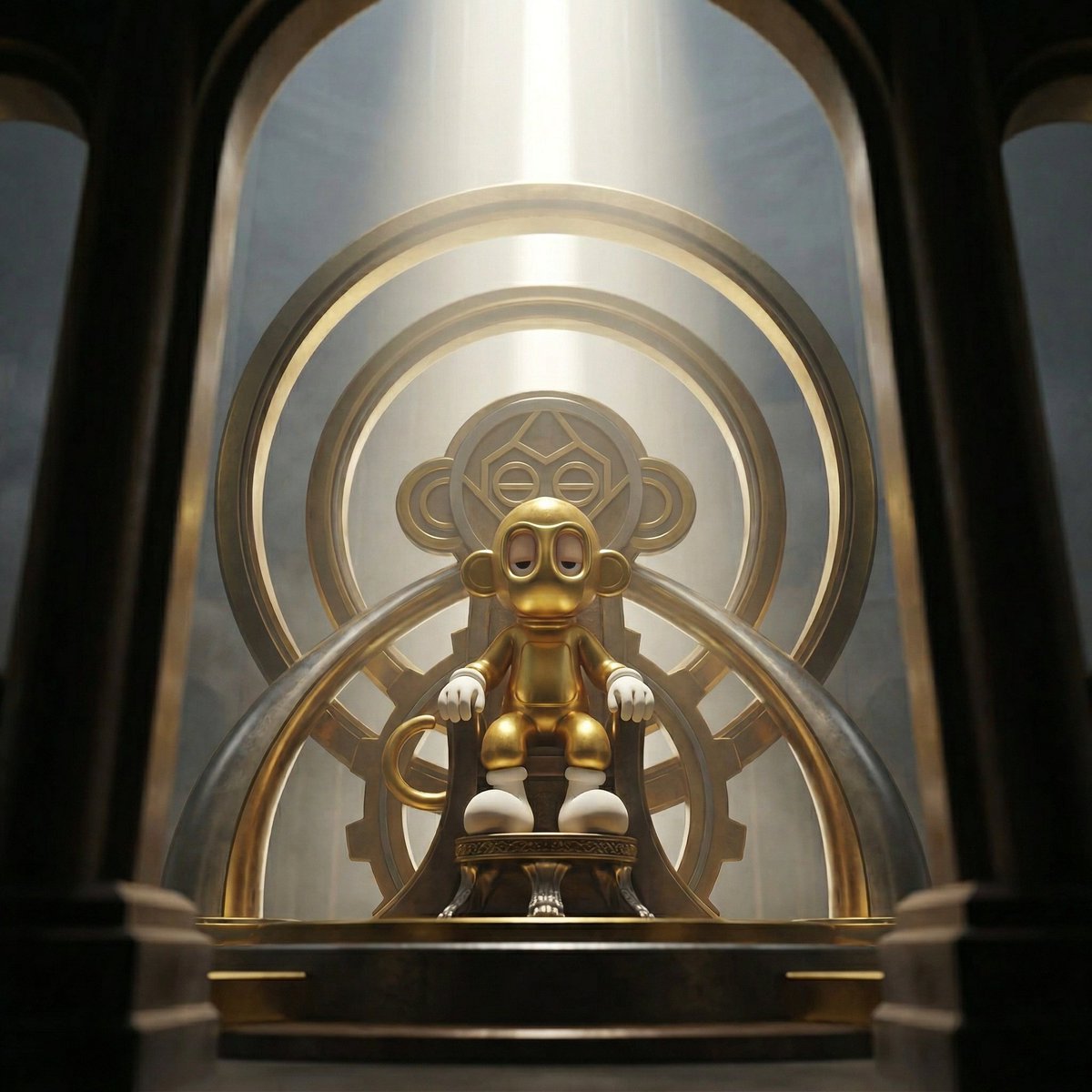
- Prompt included
- Model and format preset
- Free template
The prompt behind this image
Copy the exact prompt behind Dominance portrait generation prompt (Gemini - Thinking mode), or open it in the studio and make it yours.
Create a dominance portrait of the uploaded reference character seated on a divine throne that feels engineered from their own world and design language. The camera observes the ruler from a partially obstructed viewpoint, as if the viewer is looking through the monumental structure of the throne itself. Likeness Integrity (HIGHEST PRIORITY) Maintain exact: • Head-to-body proportions • Eye shape, spacing, stylization • Surface materials • Silhouette and structural design Do not humanize. Do not reinterpret anatomy. Do not add unintended accessories. Perspective exaggeration must come only from camera placement, not structural redesign. Identity always wins. Throne Adaptation System (UNIVERSAL LOGIC) The throne must feel like a structural extension of the character’s design universe and must feel divine. Rules: Extract design language from the character: Dominant material logic Geometric language Color World energy Translate, never copy. Echo shapes subtly in silhouette Reflect material family, not exact textures Use tonal harmony, not color duplication Patterns may appear in architecture, structure, or ornamentation but must remain subordinate to the character’s identity. Camera & Perspective • Camera positioned slightly below the throne platform but offset laterally • 16–20mm wide cinematic lens • The throne structure partially obstructs the frame • Large architectural element of the throne occupies the foreground edge of the frame • Character visible through the throne’s structural opening or between its elements • Horizon slightly tilted 5–8 degrees • The viewer feels as if witnessing the ruler from behind the architecture of power Foreground elements must feel massive and close to the lens, framing the character like a monumental gateway. Composition • The character sits centered within the throne structure but partially framed by its geometry • Throne architecture creates a natural visual tunnel toward the character • Foreground throne elements remain slightly out of focus • Character remains the focal authority within the frame Lighting • Singular vertical divine beam descending from above the throne • Volumetric haze revealing light shafts • Strong rim light outlining the character silhouette • Controlled specular spikes along throne edges • Foreground throne elements remain darker, creating contrast against the illuminated ruler Depth & Focus • Eyes in absolute clarity • Character face and upper torso remain sharp • Foreground throne structure slightly blurred from proximity to lens • Background dissolves into atmospheric layers The image must feel layered in depth: foreground architecture → seated ruler → atmospheric background. Background • Vast negative space above the throne • Atmospheric tension • Light beam
How to use Dominance portrait generation prompt (Gemini - Thinking mode) in 3 steps
- 1Upload ImagePNG, JPG or paste
Add your photo
Upload the photo the template builds on. The prompt, model and format are already set.
- 2…a portrait of your subject in softgolden-hour light, 85mm…
Personalize
Edit the subject and creative details for your destination.
- 3Generate
Generate
Press Generate — your image is created in PicX Studio, so you can compare it with the original and refine one variable at a time.
More like this
Templates with the same subject, style or setup. Open one to see its prompt.

Gemini Night Flash Portrait

Image on Gemini Nano Banana

Isometric Landmark Generation Using Nano

Google Gemini Nano Banana Pro

Gemini Nano Banana Portrait

Gemini Nano Banana Realistic Portrait Re

Gemini Nano Banana 2 Isometric 3d City D

Gemini Nano Banana 2

Gemini Nano Banana 2 Logo in Wet Sand Be

Gemini Nano Banana 2

Couple Goals from the Google Gemini Nano

Found Photograph: Us, 1970
Make it yours
Dominance portrait generation prompt (Gemini - Thinking mode) works as-is. These are the safest ways to change it without losing the look.
Change one field
Copy a single group, rewrite it, and generate again so you can see what that field is doing.
Keep the frame, change the subject
Hold the composition and light of Dominance portrait generation prompt (Gemini - Thinking mode), then swap wardrobe, props or the person for a new take.
| If the result… | Why | Fix |
|---|---|---|
| The result drifts from the preview | Too many fields changed at once. | Reuse Dominance portrait generation prompt (Gemini - Thinking mode) as-is first, then change one group — subject, light, or setting. |
| The model over-stylizes the scene | The prose prompt leaves finish and camera underspecified. | Add one camera or lighting sentence and stay on Nano Banana 2. |
More Nano Banana 2 templates
Other prompts made for Nano Banana 2.

Photorealistic Leaf Shaped Like a Dragon

K-Pop Idol Portrait Grid for Rapid Selection

Poetic Rain Forest Portrait During Golden Hour

Urban Street Portrait with Cartoon Inner Self Duo

Candid Nighttime Photo with Cat Prompt

High-Concept 3D Diorama Generation Prompt

Cinematic Futuristic Studio Portrait Template

Skincare Editorial Photography Collage Prompt

Hyper-Realistic Commercial Product Photography (Splash Effect)

Hyper-Realistic Nightclub Portrait Prompt
More image prompts
Fresh picks from across the catalog.

Cocktail Recipe Tutorial and Concept Poster
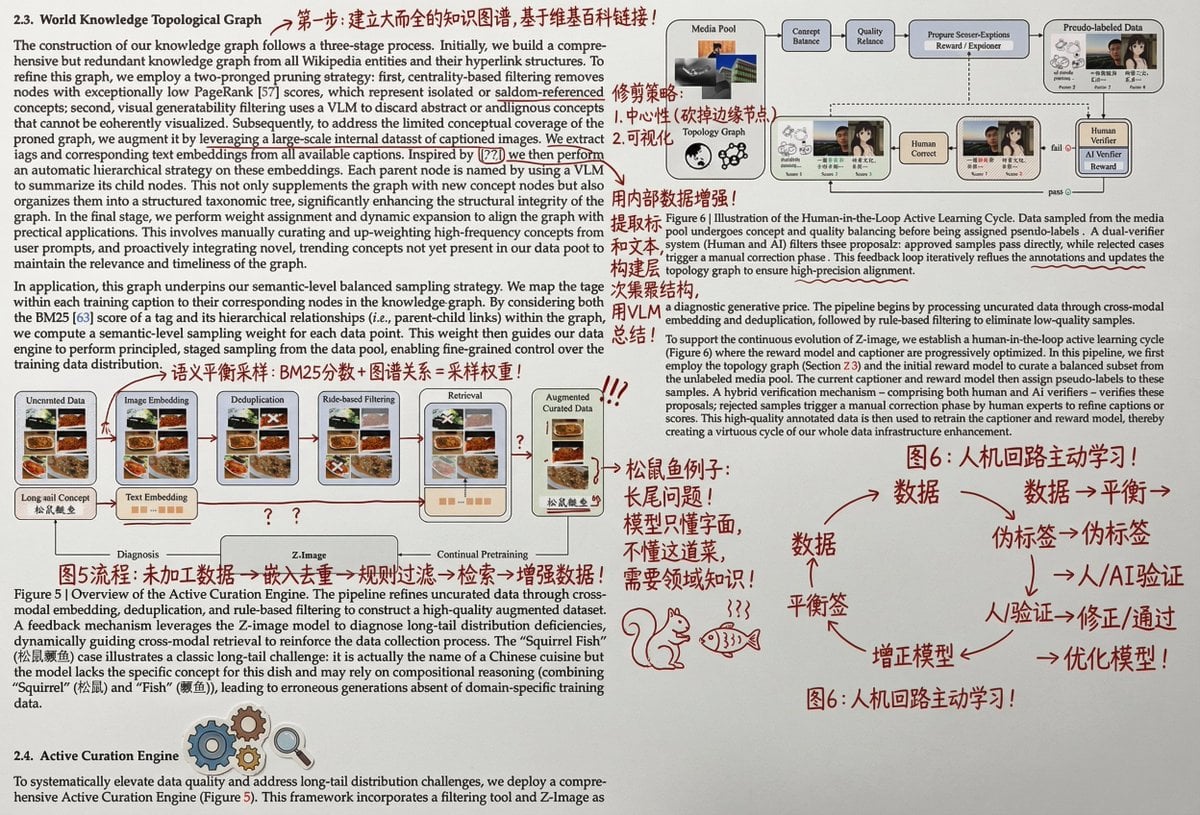
Paper Annotation and Review Prompt

Aesthetic Cafe Library Lifestyle Collage
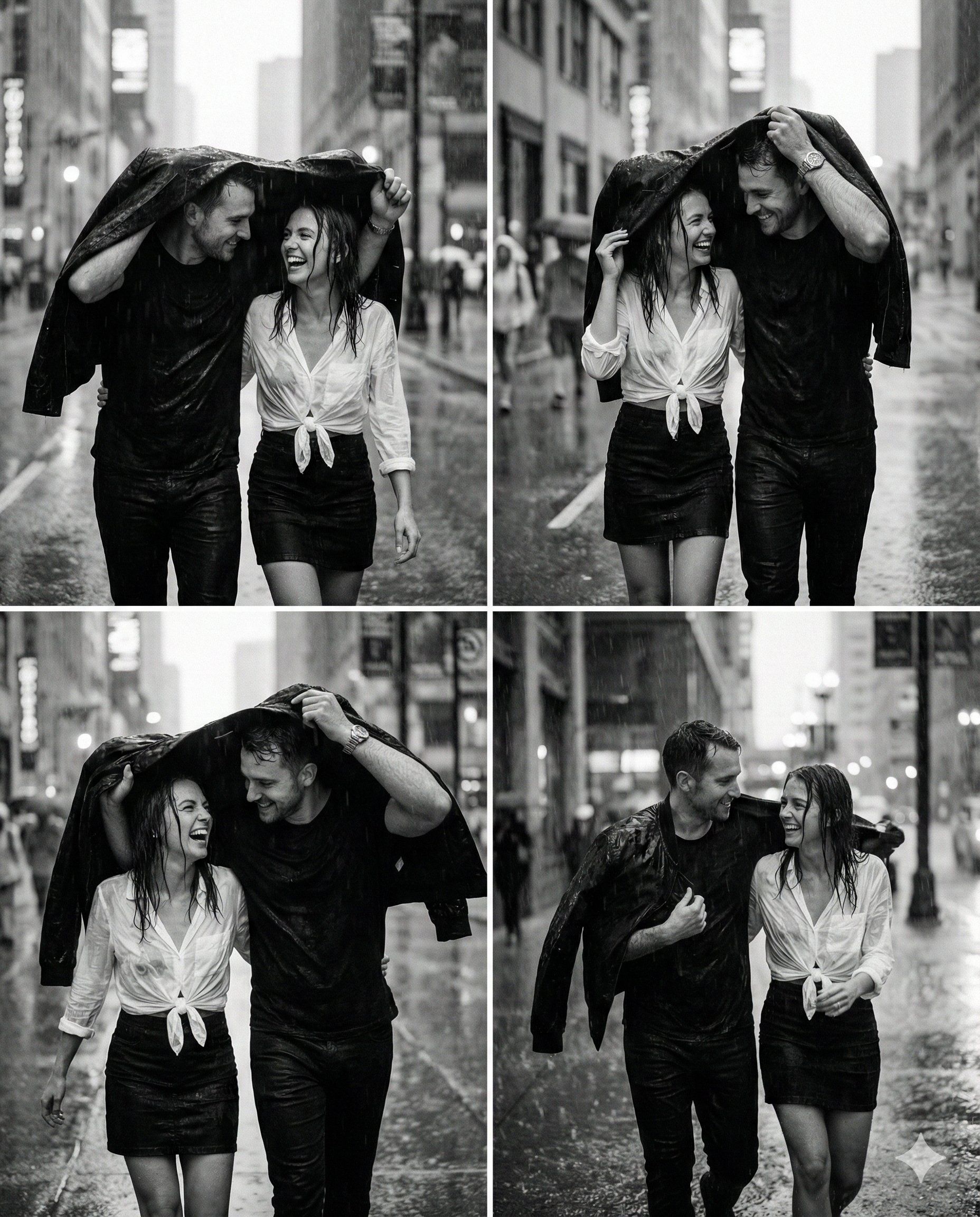
untitled

Hyper-Realistic Candid Shopping Photo with Identity Lock
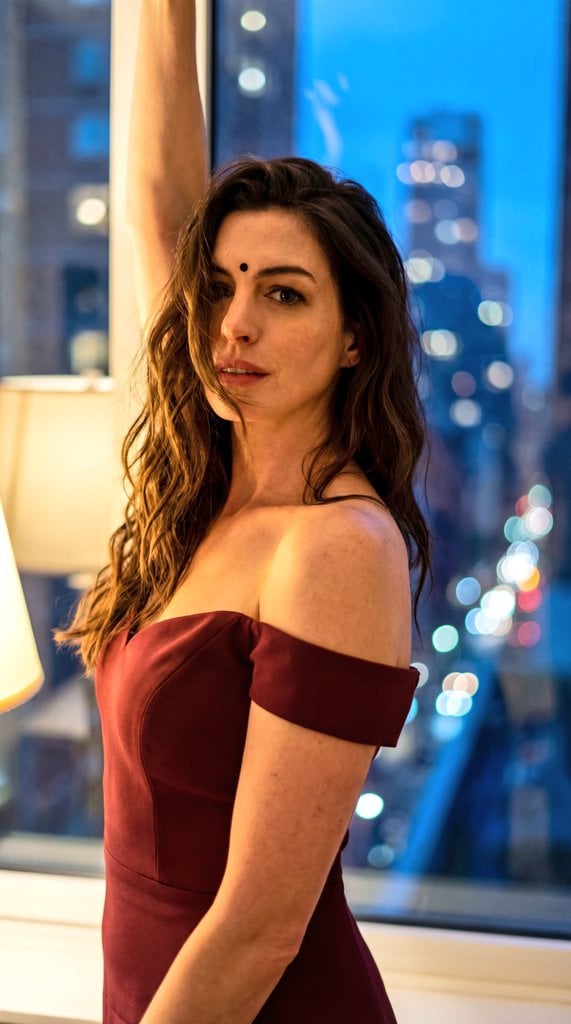
Cinematic Eastern Night Portrait

Mixed-Media Editorial Shot with Cartoon Character

Cinematic Neon City Beverage Advertisement

Banner Generation Prompt for Model Comparison

Liyuu live concert close-up fan cam
Browse template categories
Dominance portrait generation prompt (Gemini - Thinking mode) questions
How do I use the Dominance portrait generation prompt (Gemini - Thinking mode) template?
Add your photo if the template asks for one, edit the prompt if you like — the template's model and format are already selected — and press Generate. Your version opens in PicX Studio.
Can I customize the Dominance portrait generation prompt (Gemini - Thinking mode) template?
Yes. You can change the subject, setting, lighting, mood, format, and available model controls before creating your image.
Is the Dominance portrait generation prompt (Gemini - Thinking mode) template free?
Opening and editing this template is free. Generating uses credits, shown on the Generate button when you are signed in.
Which AI model should I use?
Start with Nano Banana 2, which is the model associated with this template. You can compare another compatible model for a different finish.
Looking for something else? Browse all templates.

Your photo, any look
Thousands of ready templates for every top image and video model, from one credit balance.