
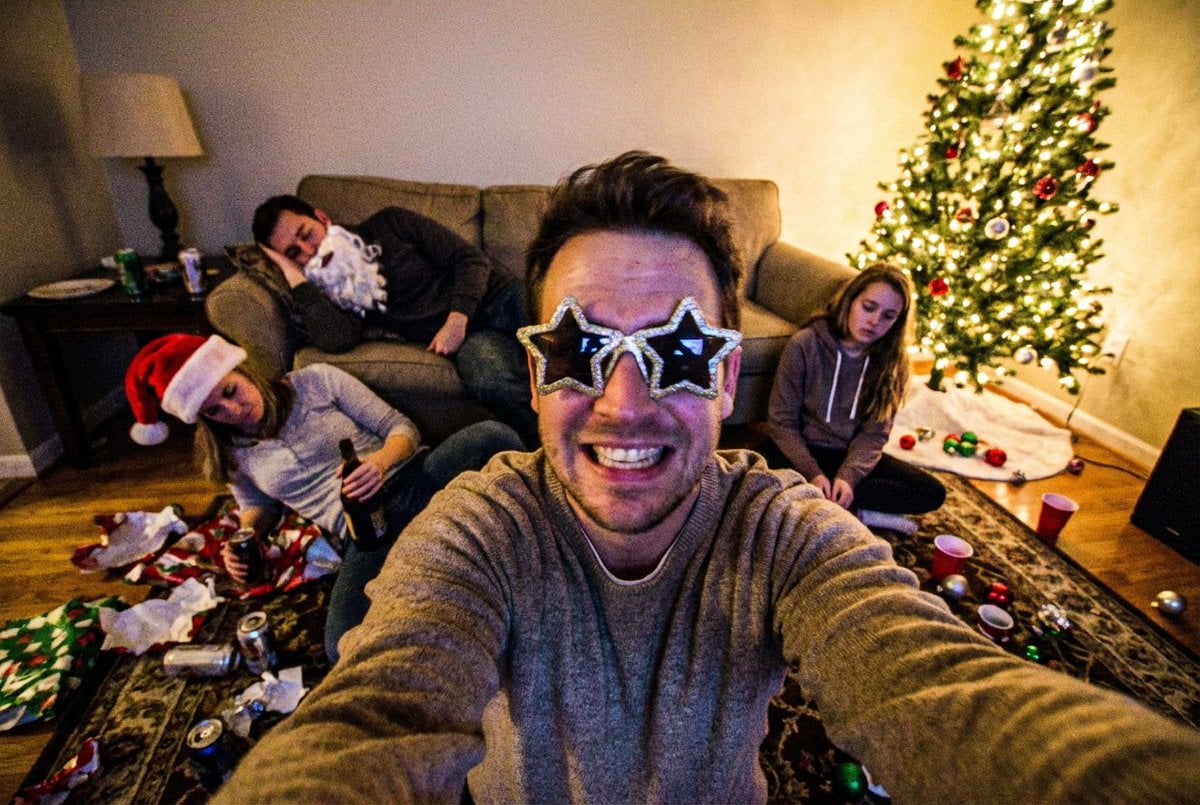
Low-Quality Chaotic Christmas After-Party Selfie
A detailed prompt designed to generate a low-quality, chaotic smartphone selfie capturing the aftermath of a Christmas party.
- Prompt included
- Model and format preset
- Free template
The prompt behind this image
Copy the exact prompt behind Low-Quality Chaotic Christmas After-Party Selfie, or open it in the studio and make it yours.
A low-quality smartphone selfie taken during a chaotic Christmas after-party inside a messy house. A smiling man in the foreground holds the phone at arm’s length, wearing oversized {argument name="glasses shape" default="star-shaped"} party glasses, his face slightly distorted by the wide selfie lens. He looks cheerful and a little drunk, with an unfiltered, carefree expression. Behind him, the living room is in complete disarray. One person lies on the floor holding a bottle, wearing a crooked Christmas hat. Another person is slumped awkwardly on the couch, asleep in a funny position, still wearing a fake Santa beard. A girl sits on the floor near a lit Christmas tree, surrounded by fallen ornaments, gift wrap, and empty cups, looking tired and detached. The photo has noticeable film grain and digital noise, slight motion blur, uneven focus, and imperfect exposure typical of late-night smartphone selfies. Colors are warm and slightly yellow from indoor lighting, with blown highlights from the Christmas tree lights. The framing is messy and off-center, cutting off parts of the room, emphasizing the spontaneous, chaotic after-party vibe. Style & Quality Cues Smartphone selfie Low resolution Heavy film grain + digital noise Wide-angle distortion Slight blur and softness JPEG compression artifacts Mood & Vibe Chaotic Christmas aftermath Drunk, playful energy Messy, unfiltered, candid Humorous and relatable Negative Prompt; professional photography, studio lighting, ultra-sharp, cinematic grading, posed expressions, clean environment, fashion shoot, high detail
How to use Low-Quality Chaotic Christmas After-Party Selfie in 3 steps
- 1Upload ImagePNG, JPG or paste
Add your photo
Upload the photo the template builds on. The prompt, model and format are already set.
- 2…a portrait of your subject in softgolden-hour light, 85mm…
Personalize
Edit the subject and creative details for your destination.
- 3Generate
Generate
Press Generate — your image is created in PicX Studio, so you can compare it with the original and refine one variable at a time.
More like this
Templates with the same subject, style or setup. Open one to see its prompt.

Low Angle Floor Selfie With Upside Down Cat
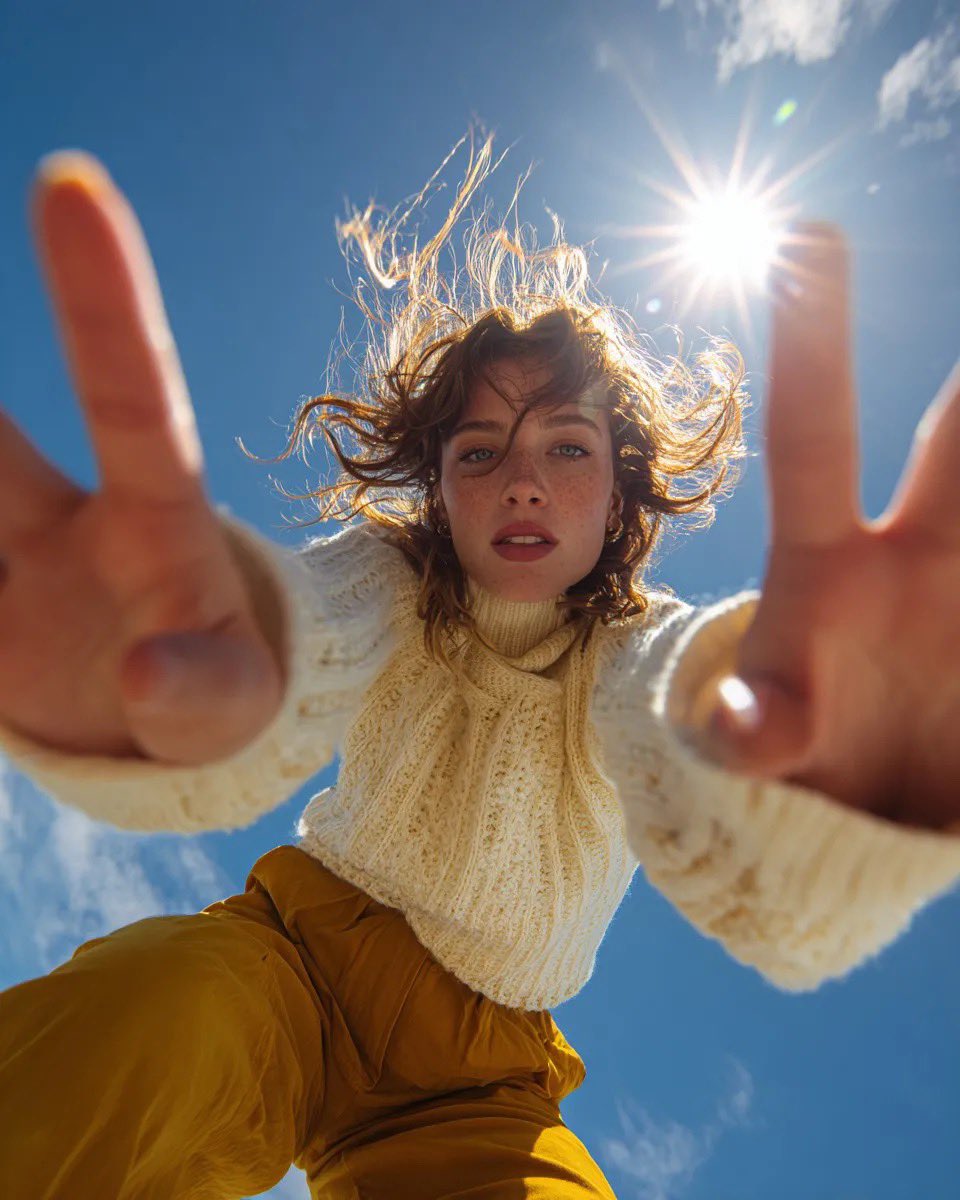
Ultra Wide Low-Angle Portrait — Sairah (Nano Banana)

One Dance Before Midnight
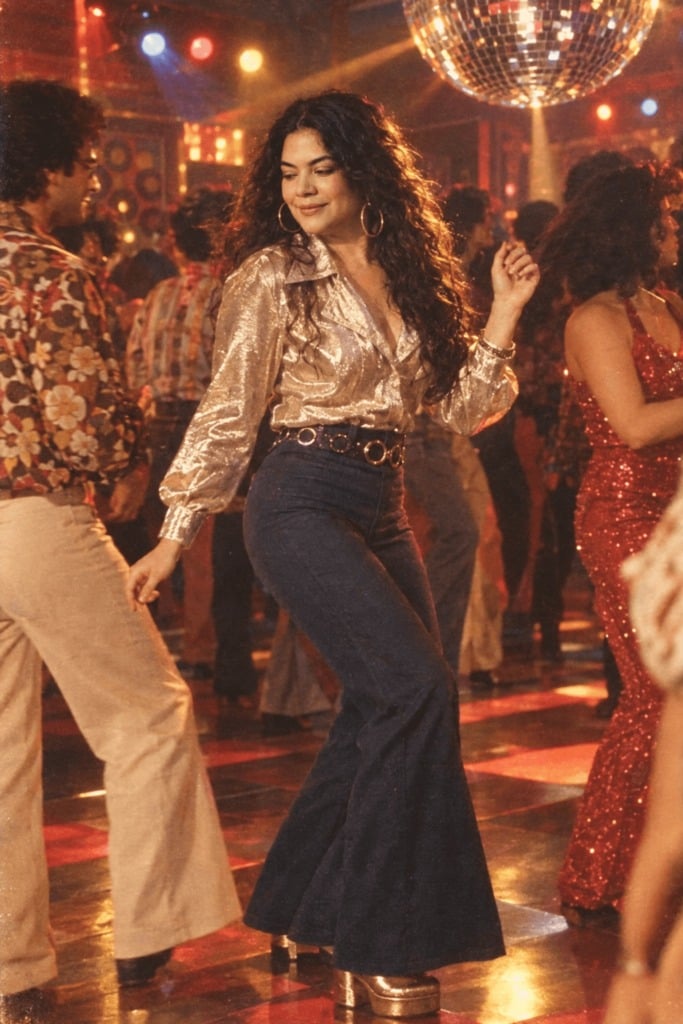
80s Disco Dancefloor
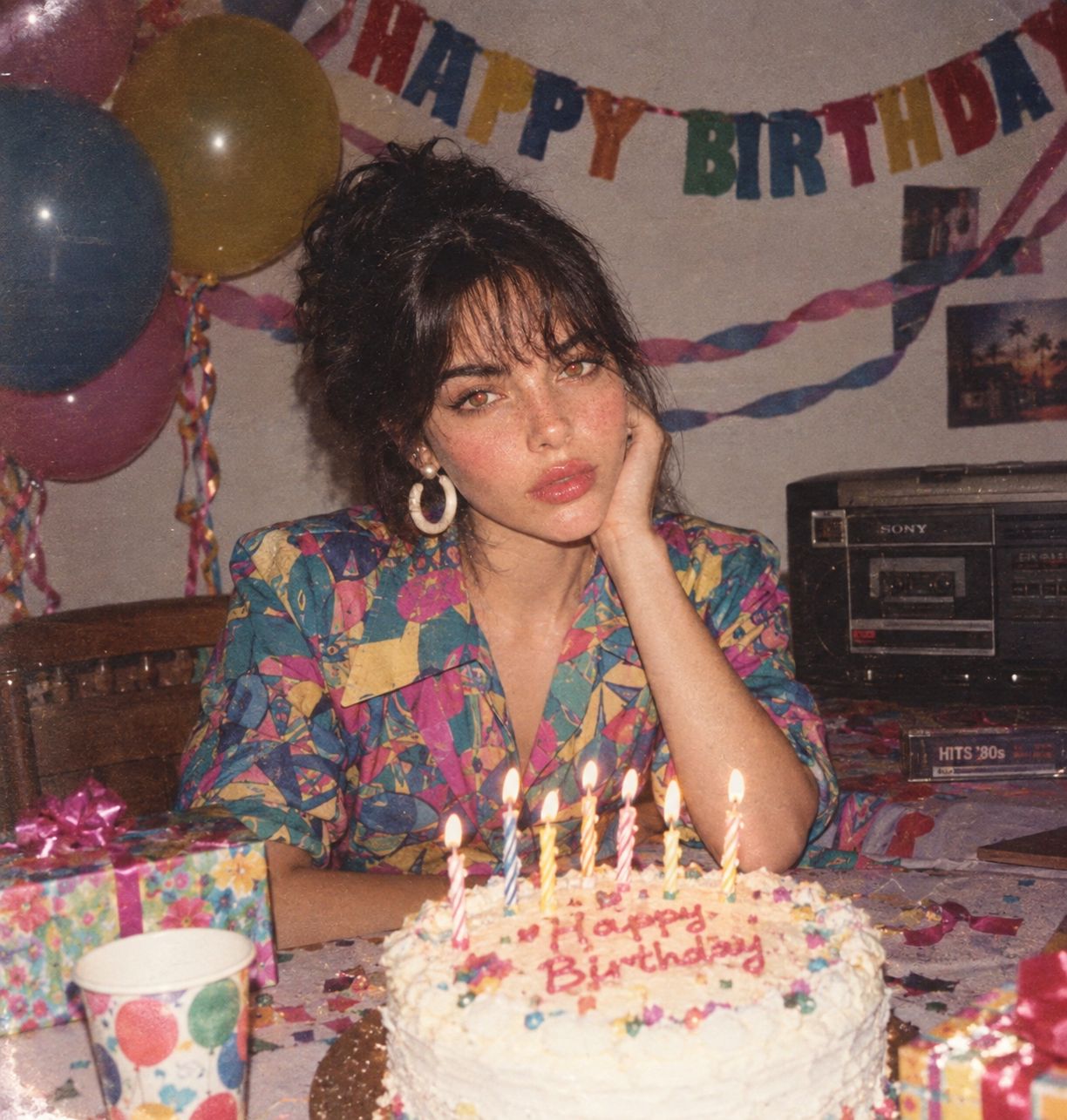
80s Birthday Party
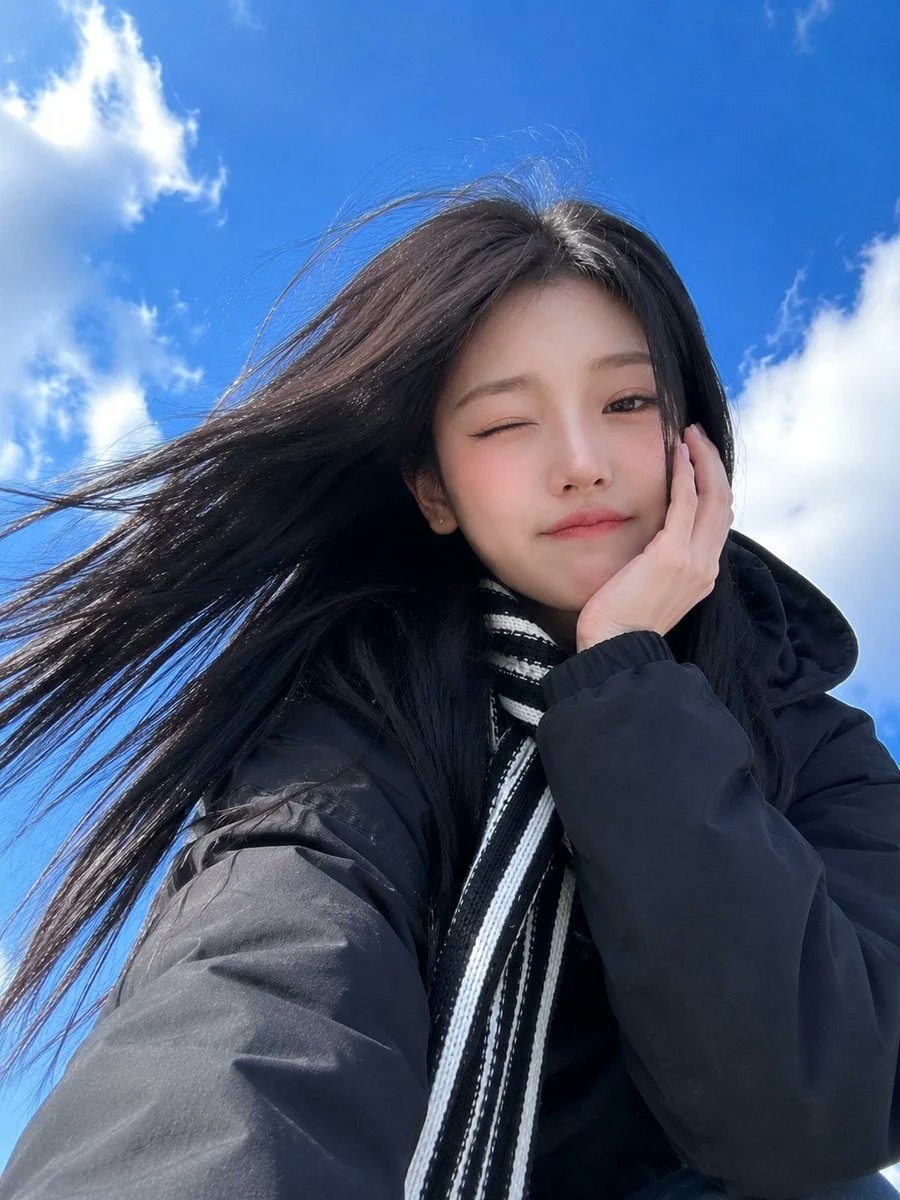
Low-Angle Winter Scarf Selfie

Rooftop Fisheye — Cat-Ear Balaclava at Golden Hour

Felt & Knit 3D Character — Photo-Exact Face, Pixar-Quality Plush Figurine

Eid al-Adha Cute Chaos — Fisheye Selfie with Farm Selfie, Mosque & Animals

Cat Photobomb Selfie — 0.5x Wide Angle Café Chaos

Gen Z Triple Selfie Collage — Y2K Flash Photography

Surreal Cat Astronaut — Humanoid Face Freefall
Make it yours
Low-Quality Chaotic Christmas After-Party Selfie works as-is. These are the safest ways to change it without losing the look.
Change one field
Copy a single group, rewrite it, and generate again so you can see what that field is doing.
Keep the frame, change the subject
Hold the composition and light of Low-Quality Chaotic Christmas After-Party Selfie, then swap wardrobe, props or the person for a new take.
| If the result… | Why | Fix |
|---|---|---|
| The result drifts from the preview | Too many fields changed at once. | Reuse Low-Quality Chaotic Christmas After-Party Selfie as-is first, then change one group — subject, light, or setting. |
| The model over-stylizes the scene | The prose prompt leaves finish and camera underspecified. | Add one camera or lighting sentence and stay on Nano Banana 2. |
More Nano Banana 2 templates
Other prompts made for Nano Banana 2.

Photorealistic Leaf Shaped Like a Dragon

K-Pop Idol Portrait Grid for Rapid Selection

Poetic Rain Forest Portrait During Golden Hour

Urban Street Portrait with Cartoon Inner Self Duo

Candid Nighttime Photo with Cat Prompt

High-Concept 3D Diorama Generation Prompt

Cinematic Futuristic Studio Portrait Template

Skincare Editorial Photography Collage Prompt

Hyper-Realistic Commercial Product Photography (Splash Effect)

Hyper-Realistic Nightclub Portrait Prompt
More image prompts
Fresh picks from across the catalog.
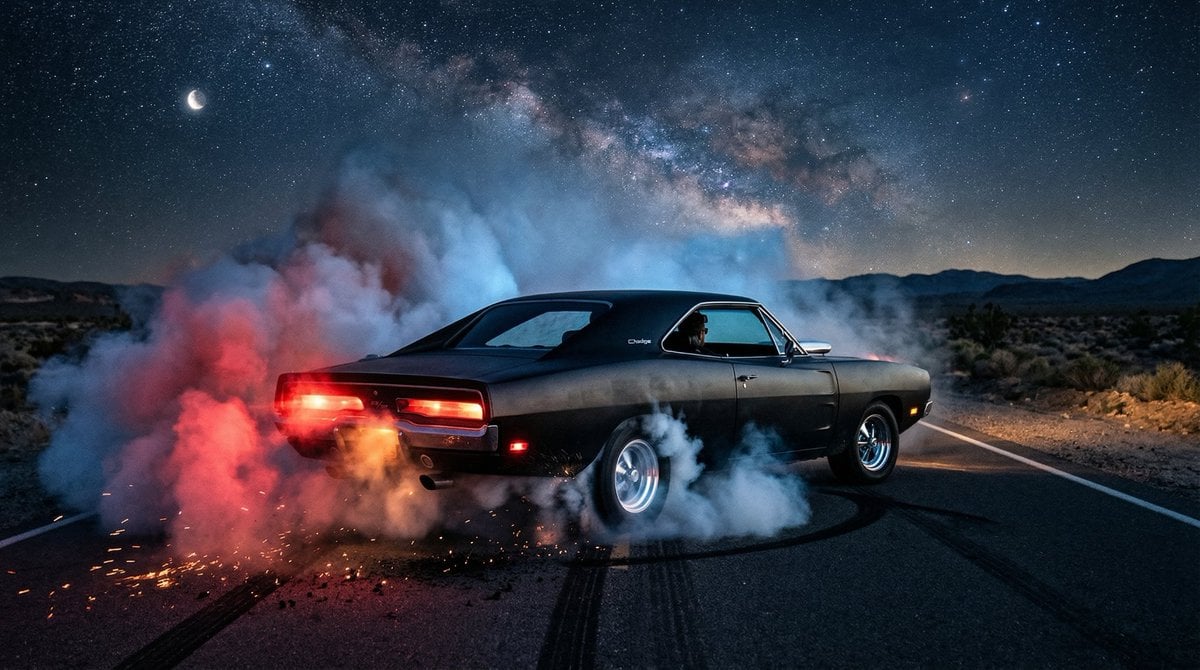
1970 Dodge Charger Burnout Prompt for Nano Banana 2
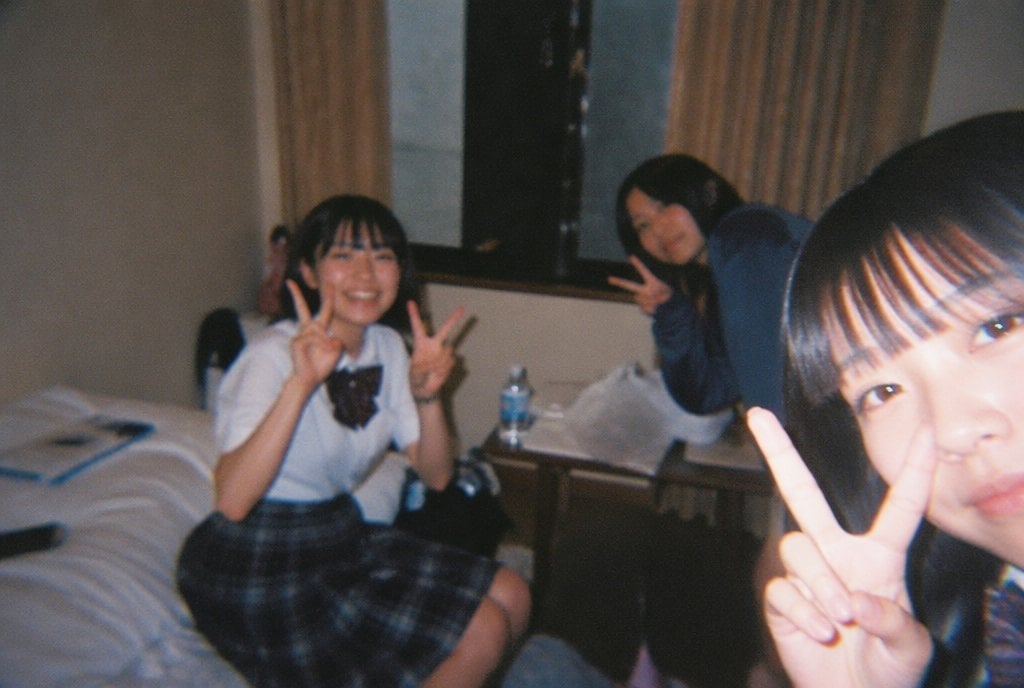
Nostalgic Disposable Camera Style
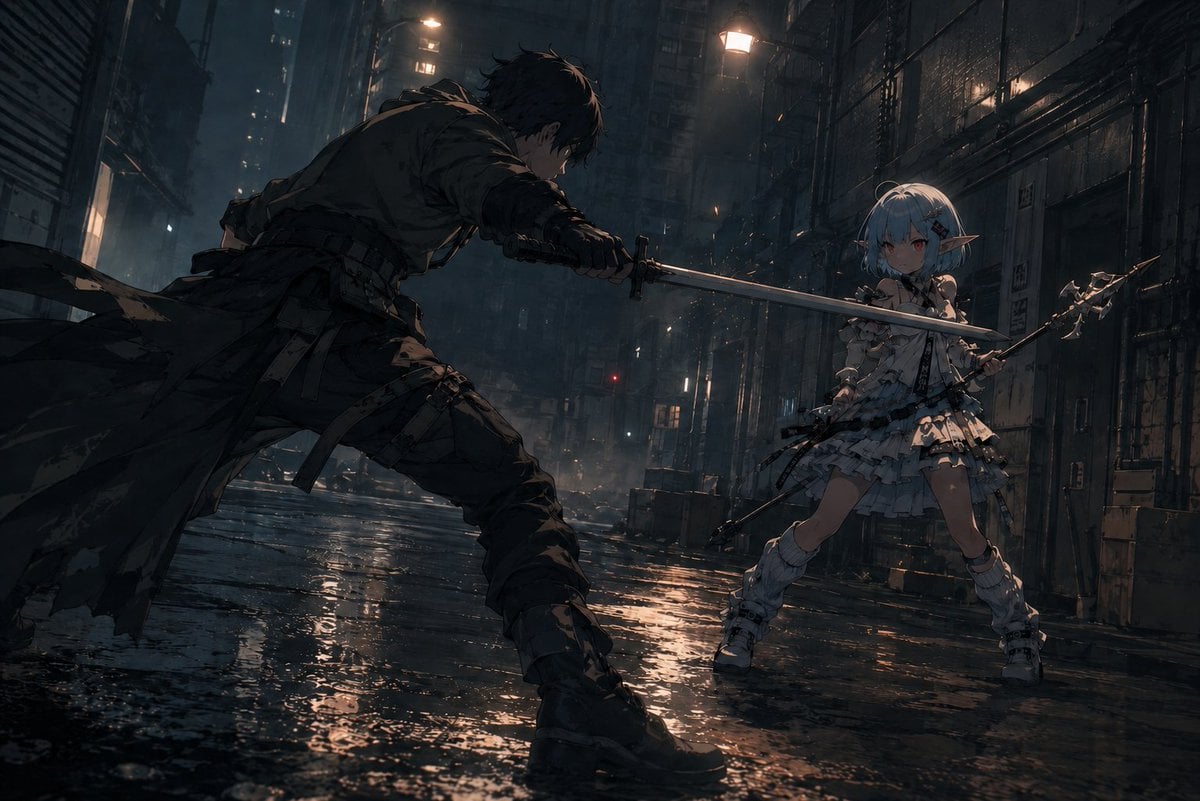
Rainy Cyberpunk Alley Sword Duel
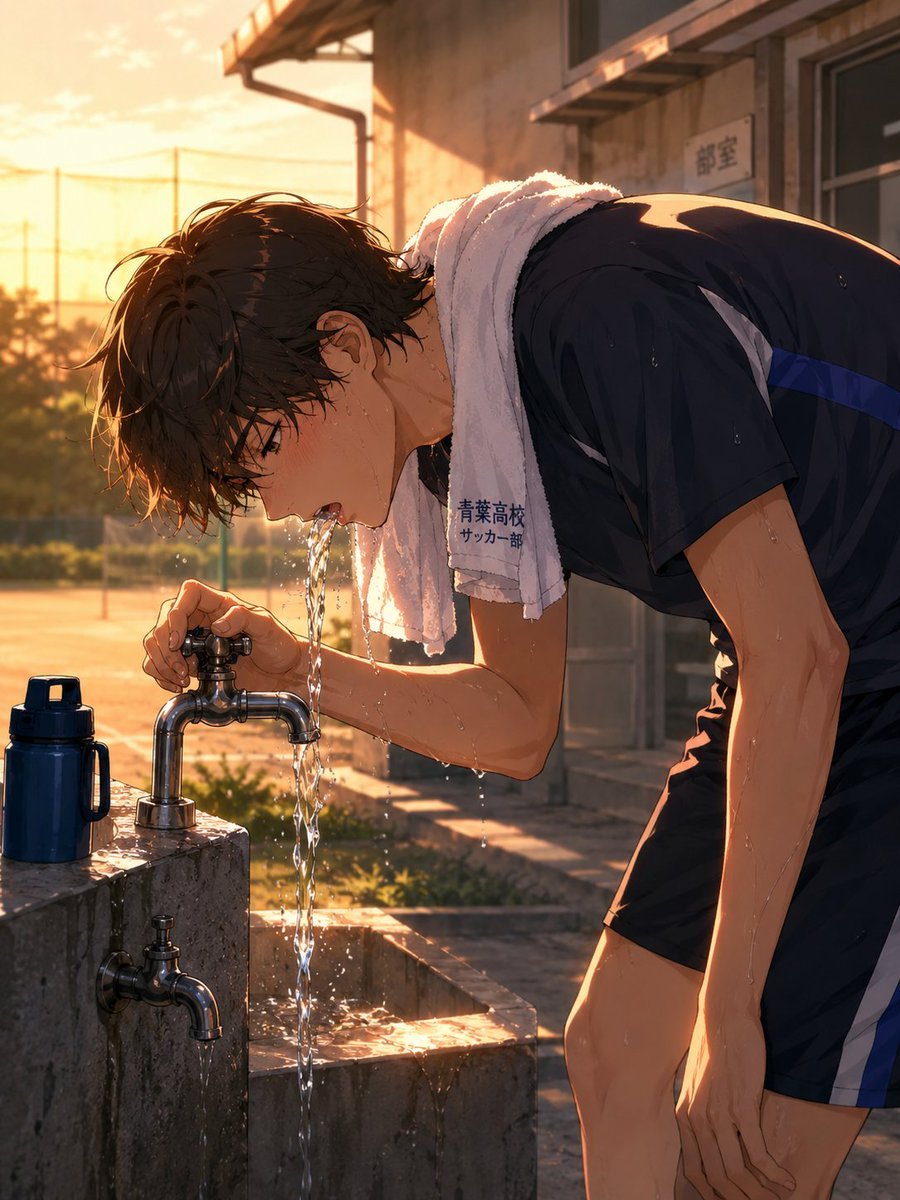
Anime Soccer Player at School Fountain
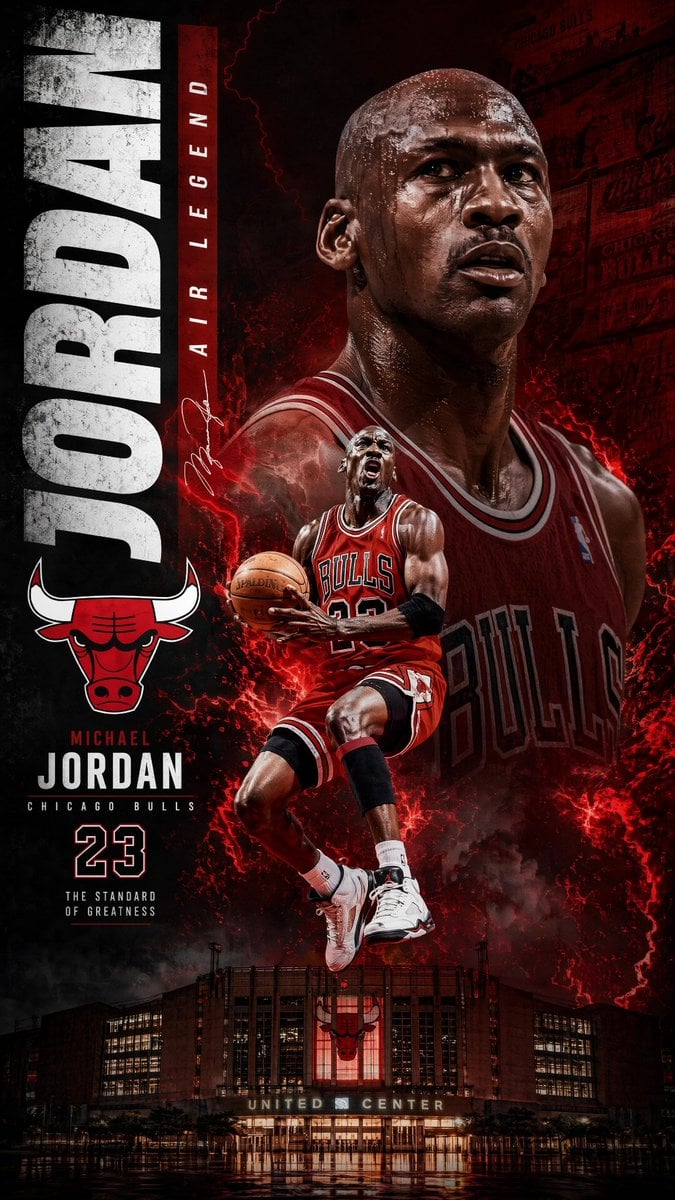
Michael Jordan Sports Graphic Wallpaper
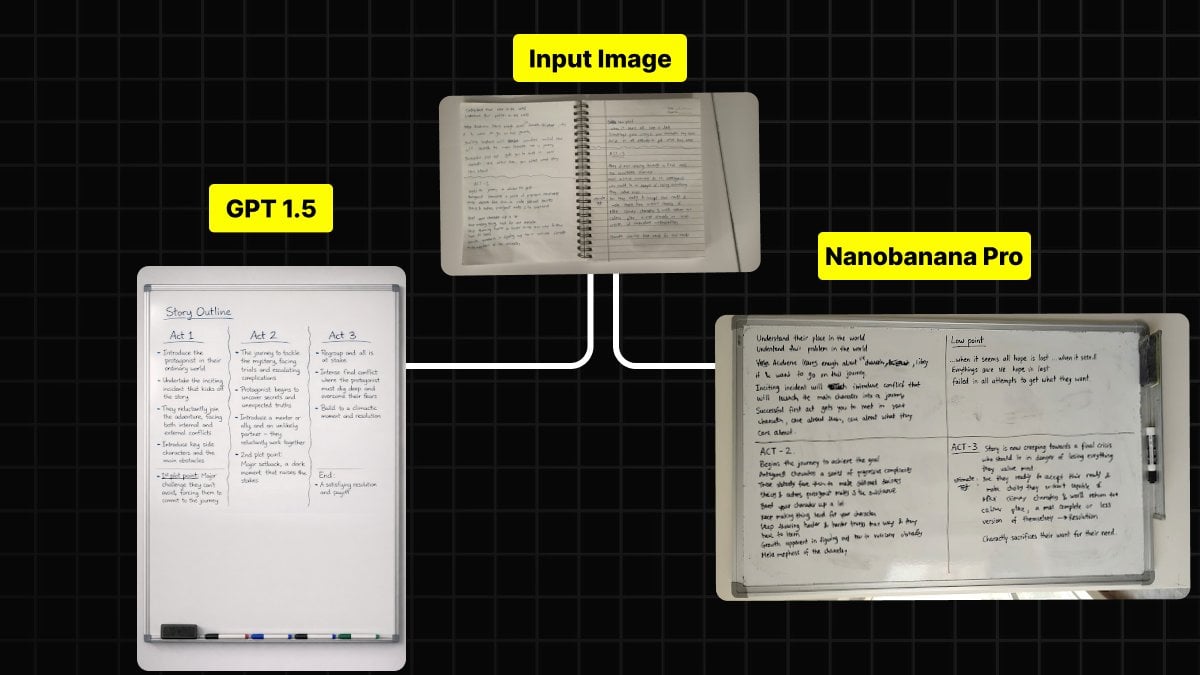
Handwritten Notes to Whiteboard Conversion Prompt
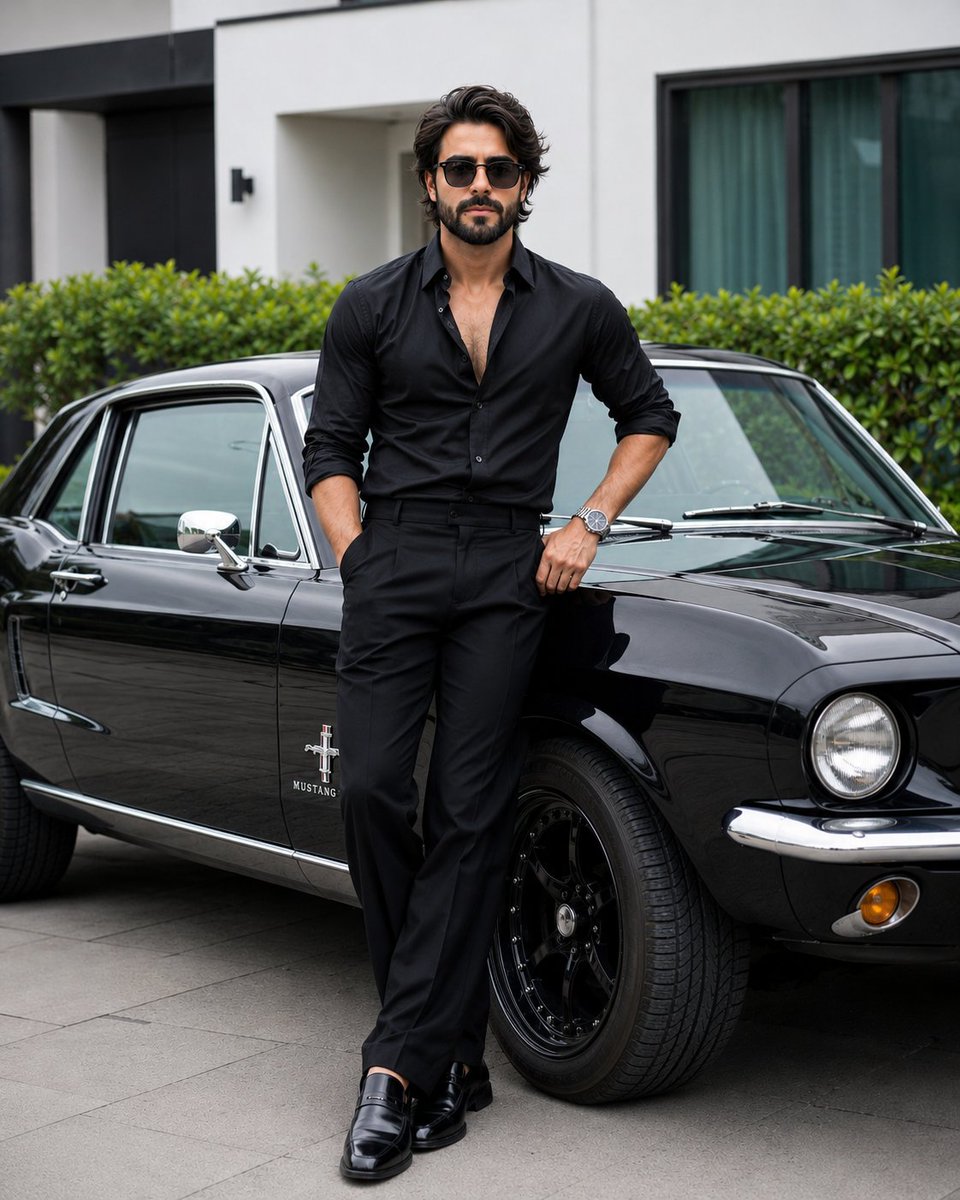
Stylish Man with Luxury Mustang
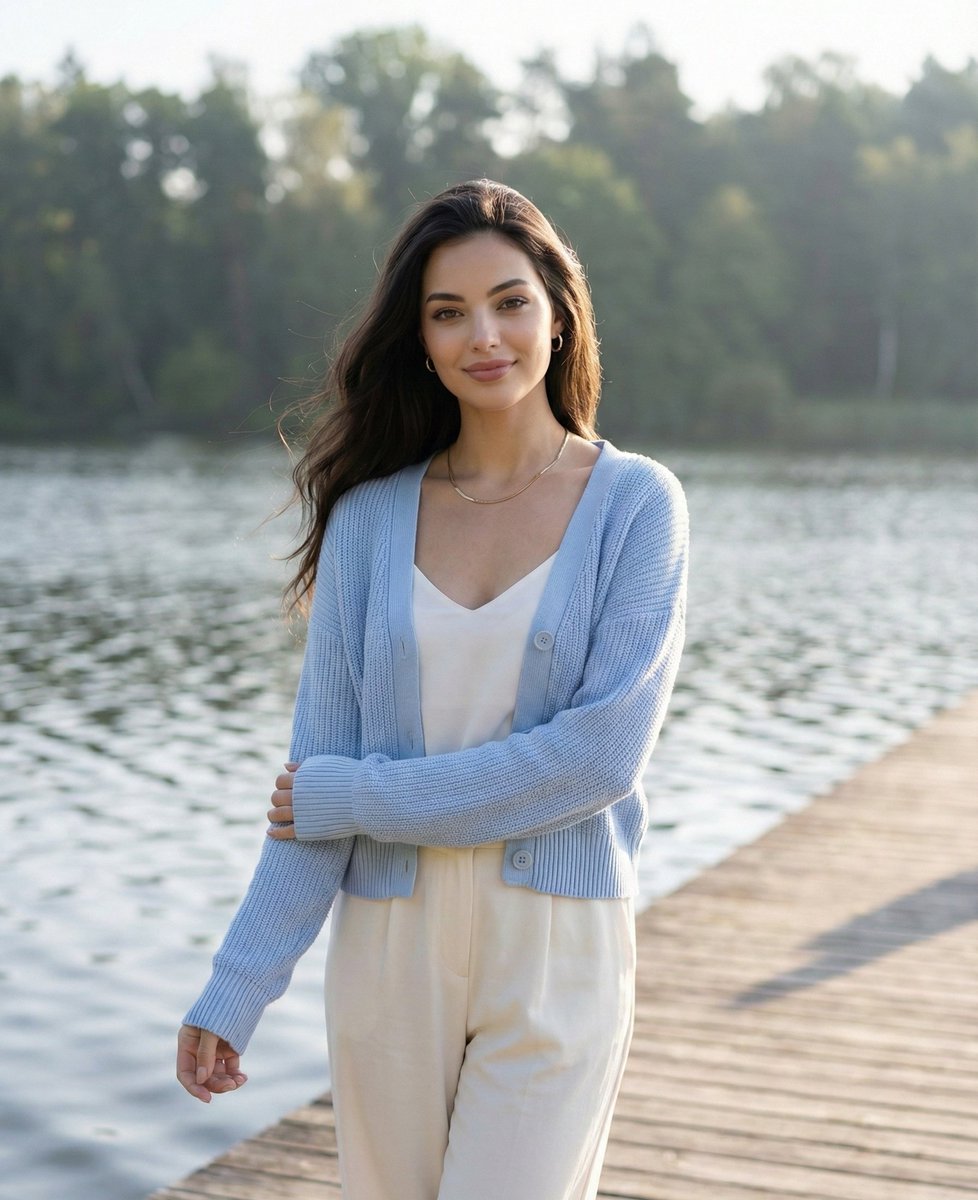
Serene Lakeside Pier Portrait Prompt
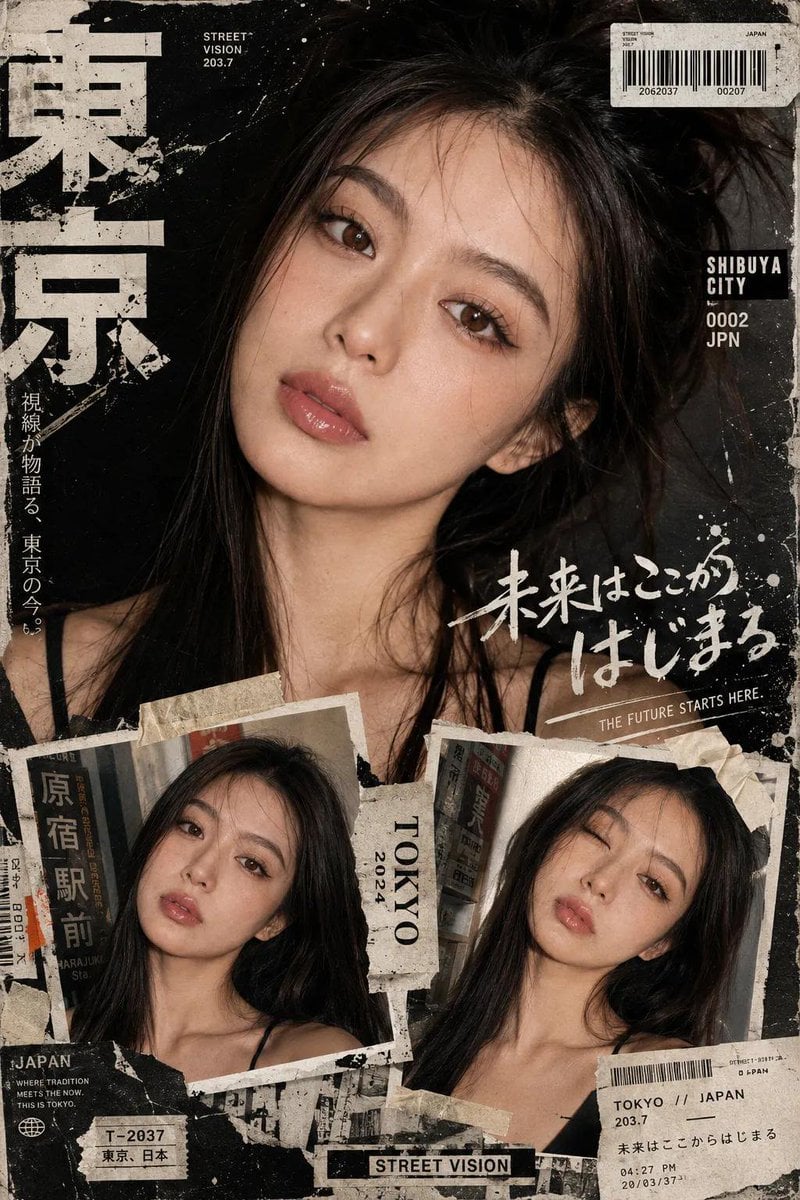
Y2K Japanese Street Editorial Collage Poster
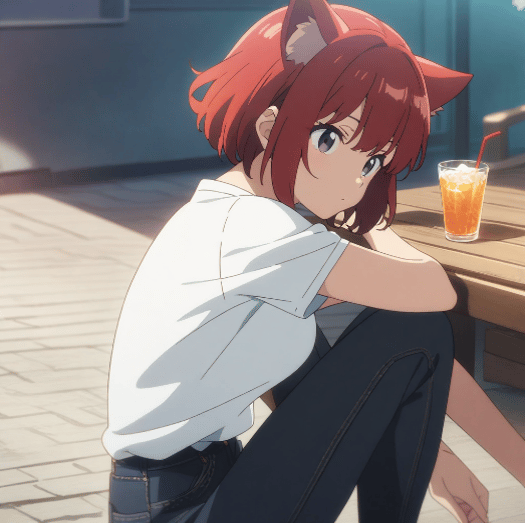
Character Prompt with Drinking Action for Anifusion/Nano Banana
Browse template categories
Low-Quality Chaotic Christmas After-Party Selfie questions
How do I use the Low-Quality Chaotic Christmas After-Party Selfie template?
Add your photo if the template asks for one, edit the prompt if you like — the template's model and format are already selected — and press Generate. Your version opens in PicX Studio.
Can I customize the Low-Quality Chaotic Christmas After-Party Selfie template?
Yes. You can change the subject, setting, lighting, mood, format, and available model controls before creating your image.
Is the Low-Quality Chaotic Christmas After-Party Selfie template free?
Opening and editing this template is free. Generating uses credits, shown on the Generate button when you are signed in.
Which AI model should I use?
Start with Nano Banana 2, which is the model associated with this template. You can compare another compatible model for a different finish.
Looking for something else? Browse all templates.

Your photo, any look
Thousands of ready templates for every top image and video model, from one credit balance.