
Soft Miniature Beijing Morning Poster
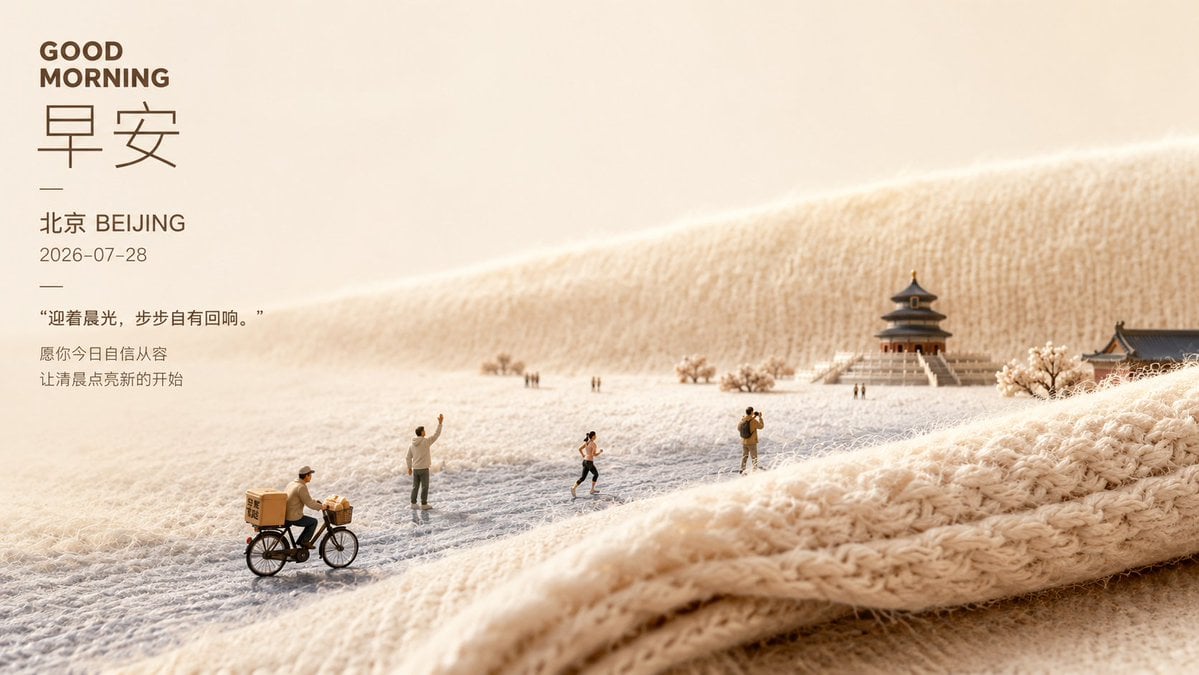
A cozy 16:9 good morning poster featuring Chinese typography and a miniature Beijing scene built from warm knitted fabric.
- Prompt included
- Model and format preset
- Premium template
The prompt behind this image
Copy the exact prompt behind Soft Miniature Beijing Morning Poster, or open it in the studio and make it yours.
Goal: Create a soft healing morning poster combining typography and a miniature Beijing landscape scene on warm knitted fabric. Canvas: Wide horizontal poster, 16:9 aspect ratio, warm cream and beige palette, generous negative space on the left, cinematic shallow depth of field. Layout: Place all typography in a vertical block on the upper-left third. The right and lower areas show a tiny diorama-like winter morning landscape made from fuzzy cream yarn and knitted textile folds. Use the knitted fabric as rolling hills, ground, and foreground ridge, with visible wool fibers and soft loops. Text content: Include exactly 7 text elements on the left: 1) bold uppercase English headline “GOOD MORNING”; 2) very large thin Chinese characters “早安”; 3) a short horizontal divider line; 4) location line “北京 BEIJING”; 5) date line “2026-07-28”; 6) quoted sentence “迎着晨光,步步自有回响。”; 7) two-line blessing text “愿你今日自信从容 / 让清晨点亮新的开始”. Use dark warm brown typography, clean modern sans-serif for English and dates, elegant thin Chinese type for the large characters. Subject details: The miniature scene contains exactly 7 visible human figures: 1) a delivery cyclist in the lower-left foreground riding a black bicycle with tan delivery boxes; 2) a standing person near center-left waving one arm; 3) a tiny distant figure pair near the middle background; 4) a runner in dark shorts near center; 5) a photographer or traveler standing center-right with a backpack; 6) a tiny distant walker near the temple stairs. Add one central traditional Beijing-style pavilion/temple with stairs in the right background, one partial traditional roof building at the far right edge, and a few pale flowering or frosted trees. Make all people look like tiny scale-model figures. Visual style: Macro photography of a handcrafted miniature scene, cozy wool texture, soft sunrise light from the upper left, gentle misty atmosphere, creamy highlights, realistic fabric fibers, warm shadows, premium lifestyle poster aesthetic, calm and comforting mood. Parameters: Use {argument name="headline text" default="GOOD MORNING"}, {argument name="large greeting text" default="早安"}, {argument name="city label" default="北京 BEIJING"}, {argument name="date" default="2026-07-28"}, and {argument name="quote" default="迎着晨光,步步自有回响。"}. Constraints: Keep the image uncluttered, preserve the left-side text hierarchy, avoid watermarks or logos, do not add extra people beyond the 7 specified figures, and maintain a soft beige morning color grade.
How to use Soft Miniature Beijing Morning Poster in 3 steps
- 1Upload ImagePNG, JPG or paste
Add your photo
Upload the photo the template builds on. The prompt, model and format are already set.
- 2…a portrait of your subject in softgolden-hour light, 85mm…
Personalize
Edit the subject and creative details for your destination.
- 3Generate
Generate
Press Generate — your image is created in PicX Studio, so you can compare it with the original and refine one variable at a time.
More like this
Templates with the same subject, style or setup. Open one to see its prompt.
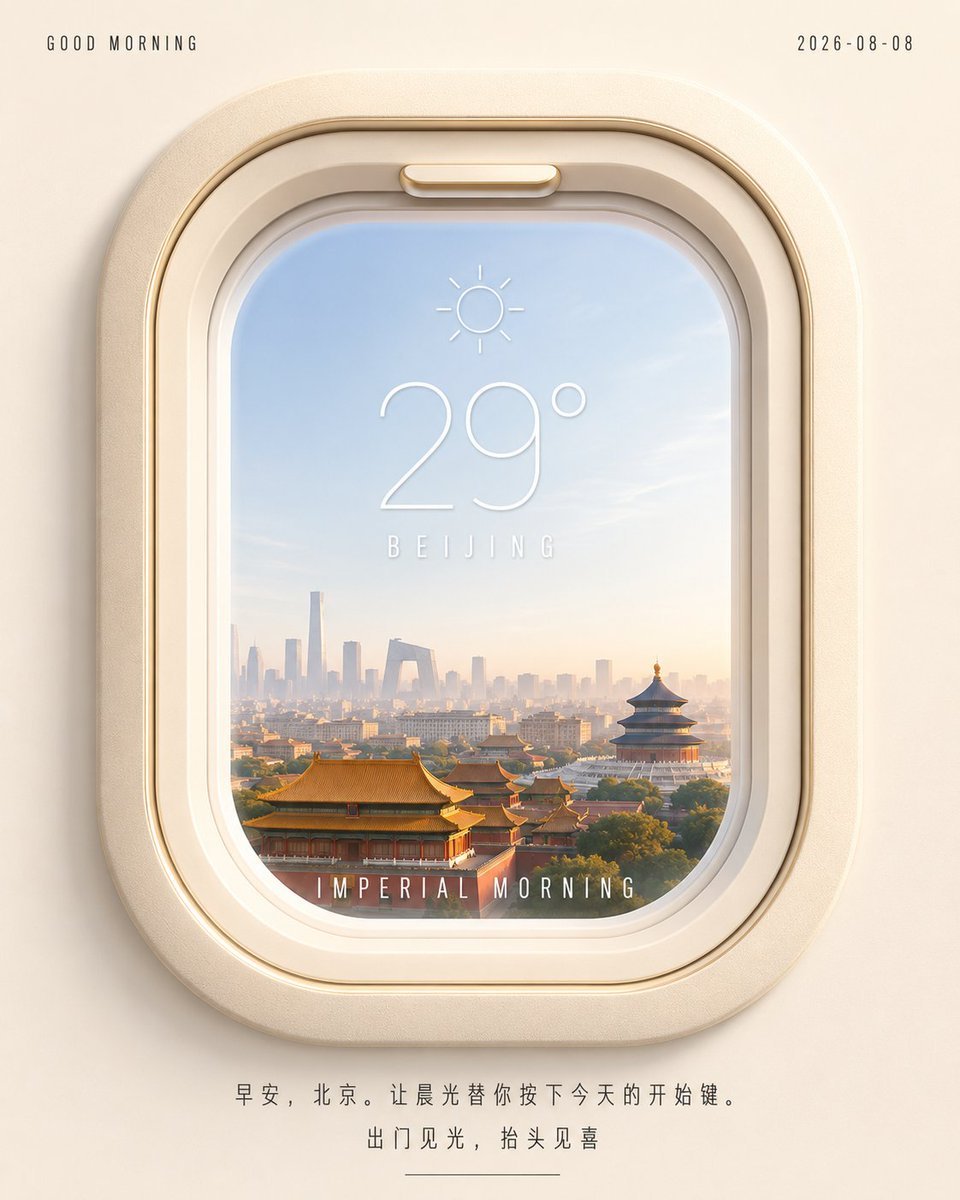
Beijing Airplane Window Morning Poster
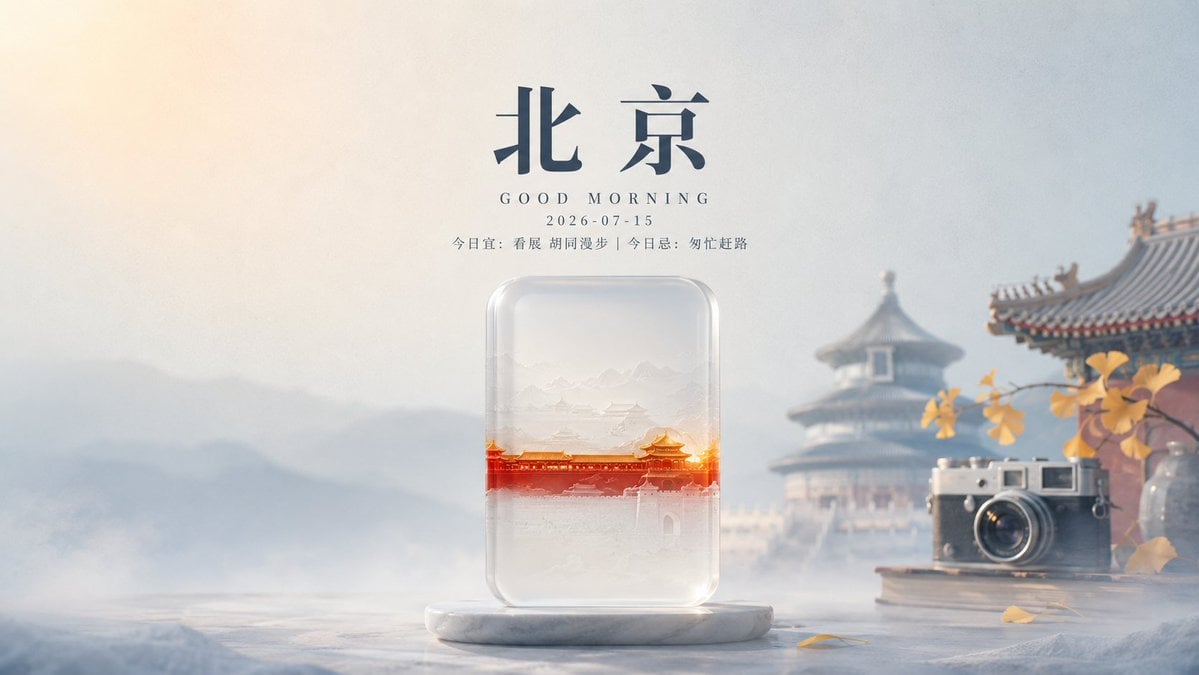
Transparent Beijing Morning Poster
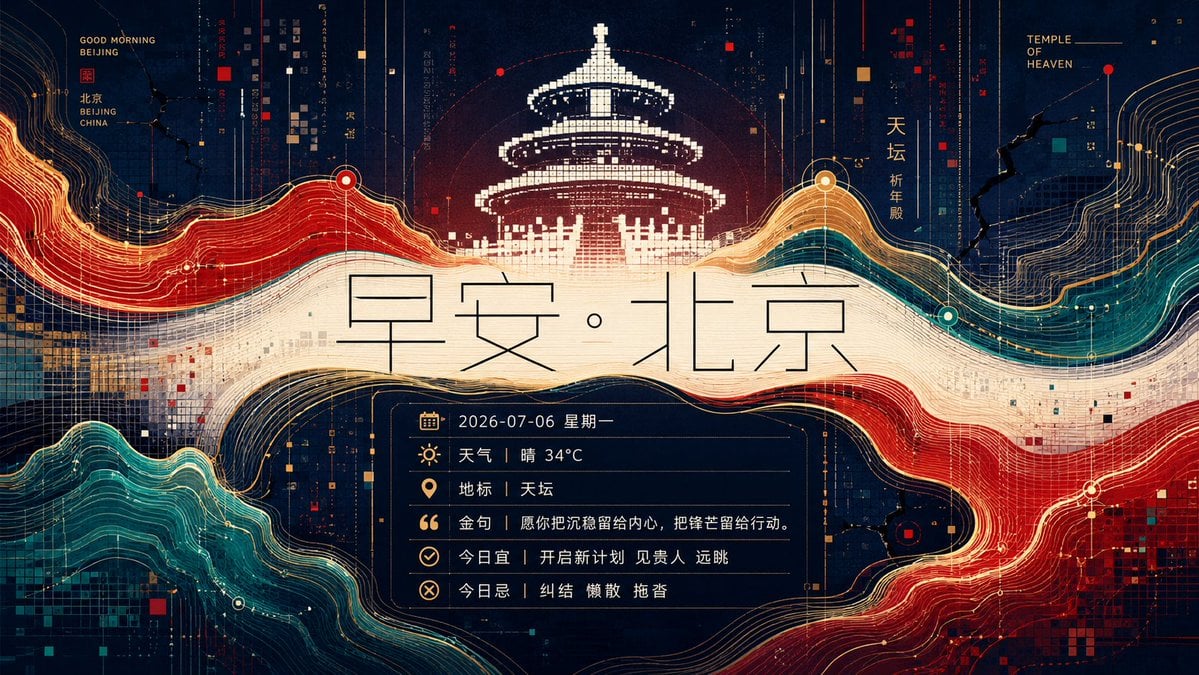
Futuristic Good Morning Beijing Poster
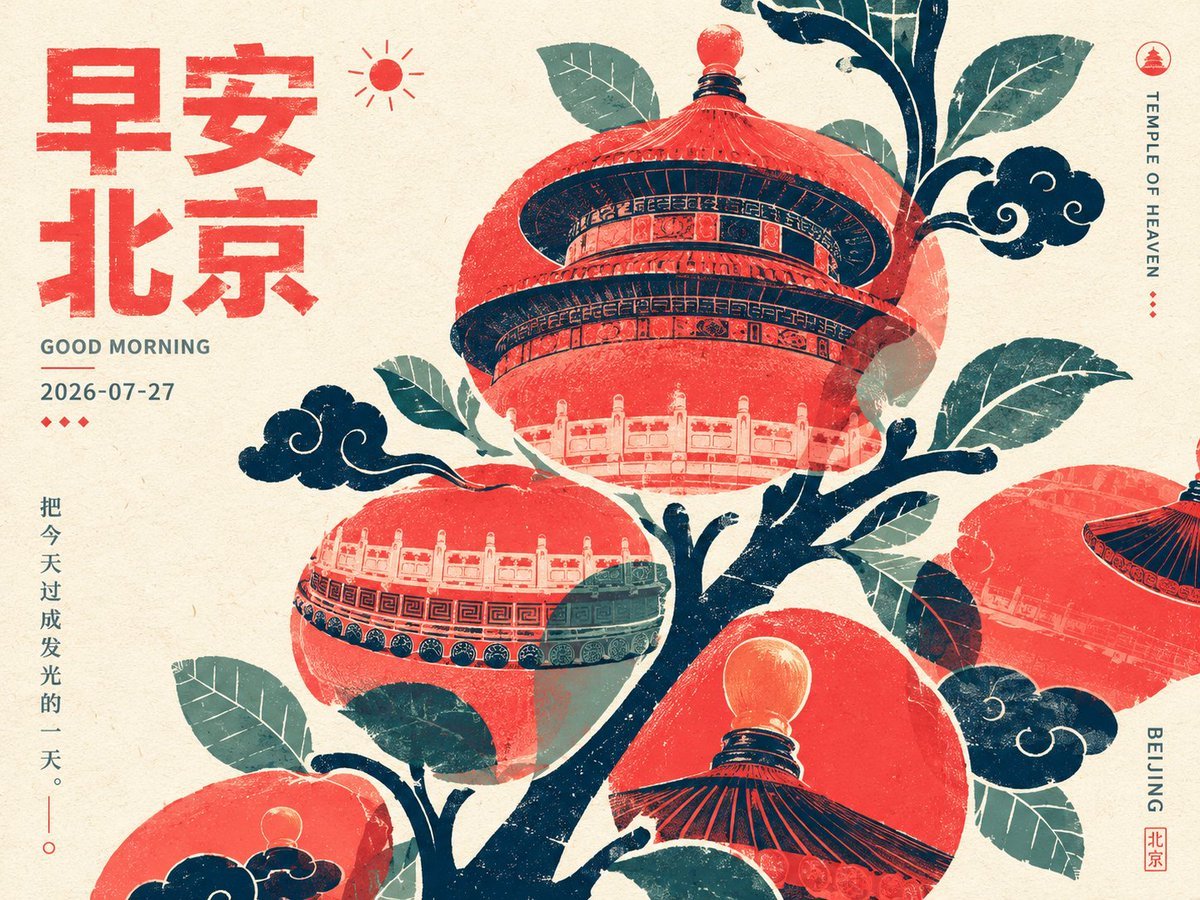
Retro Beijing Morning Fruit Poster

Watercolor Anim Cafe Morning

Clay Miniature Landmark Travel Diorama
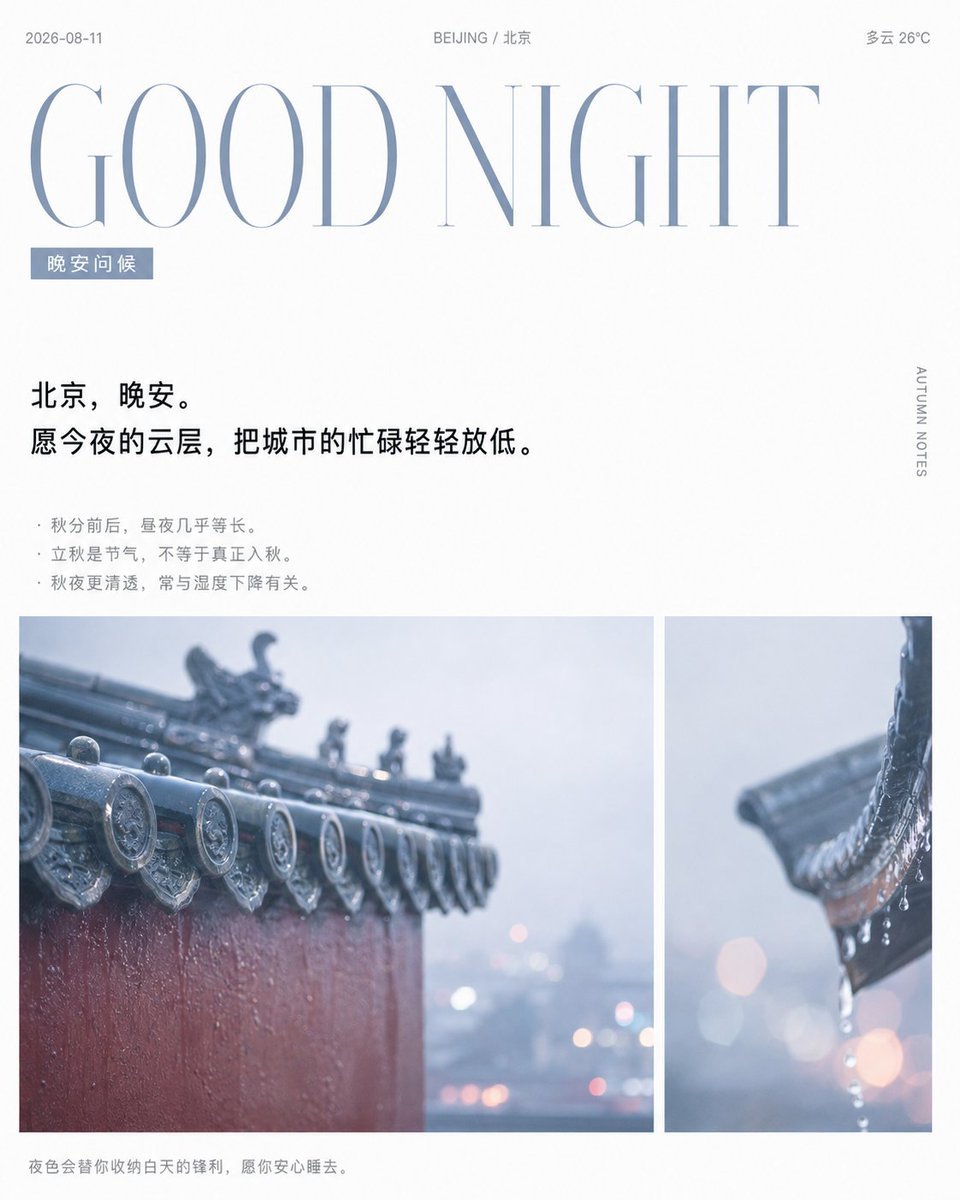
Rainy Beijing Good Night Poster
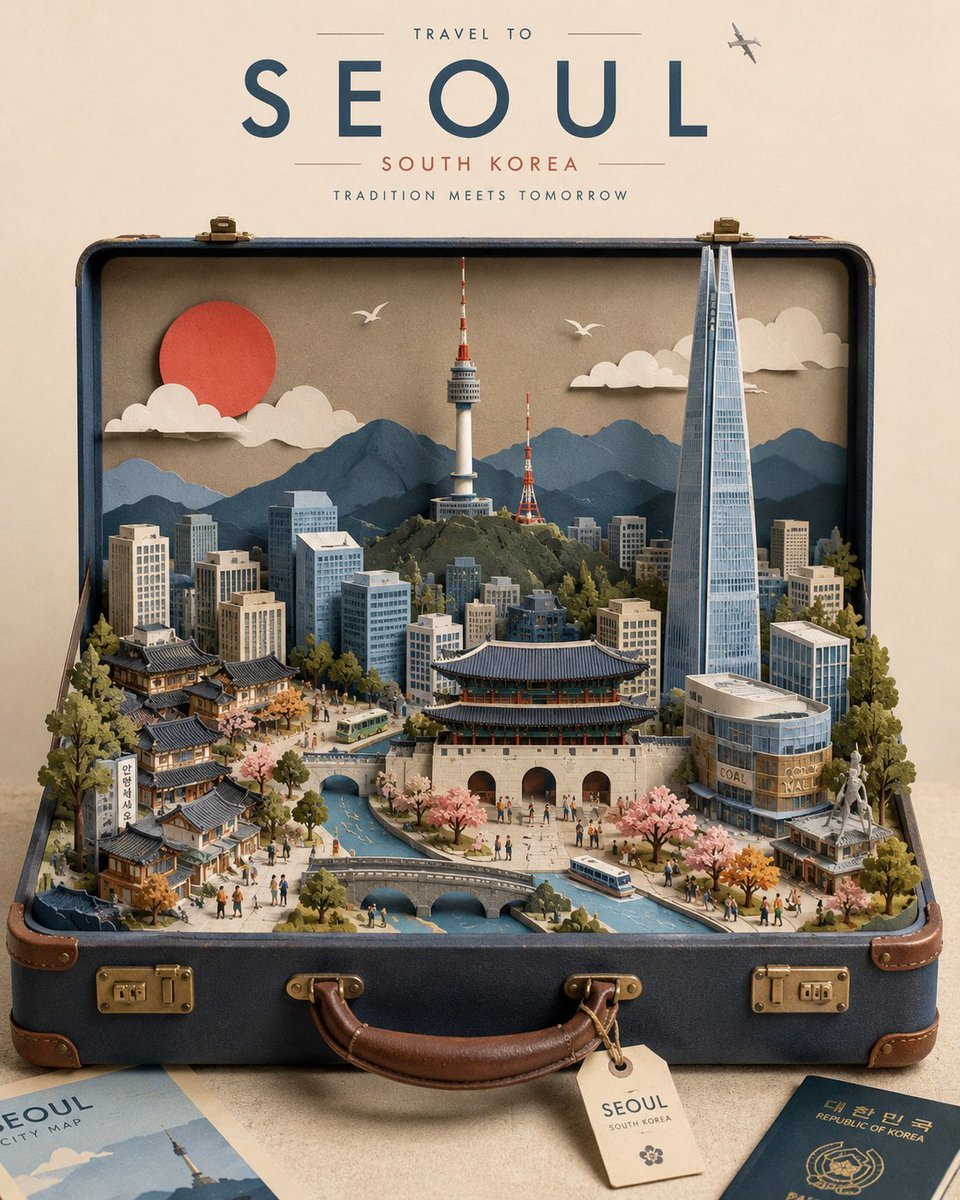
Miniature Suitcase Travel Poster

Japan Travel Brochure Poster
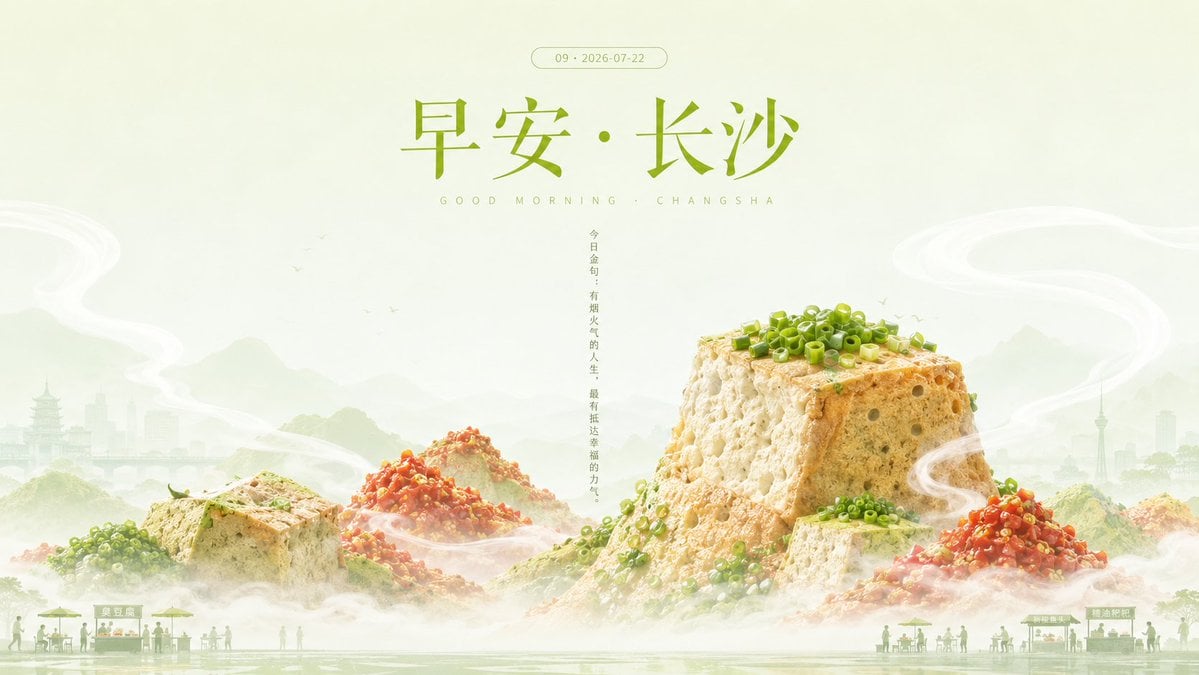
Good Morning Changsha Food Poster
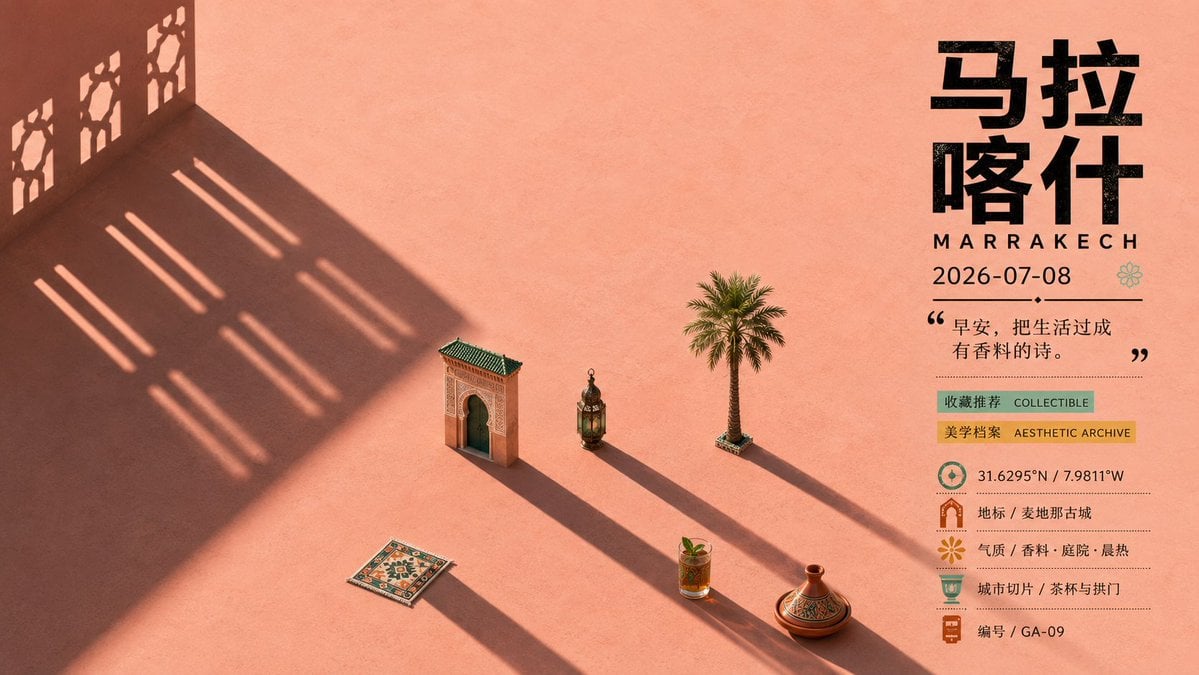
Marrakech Morning Travel Poster
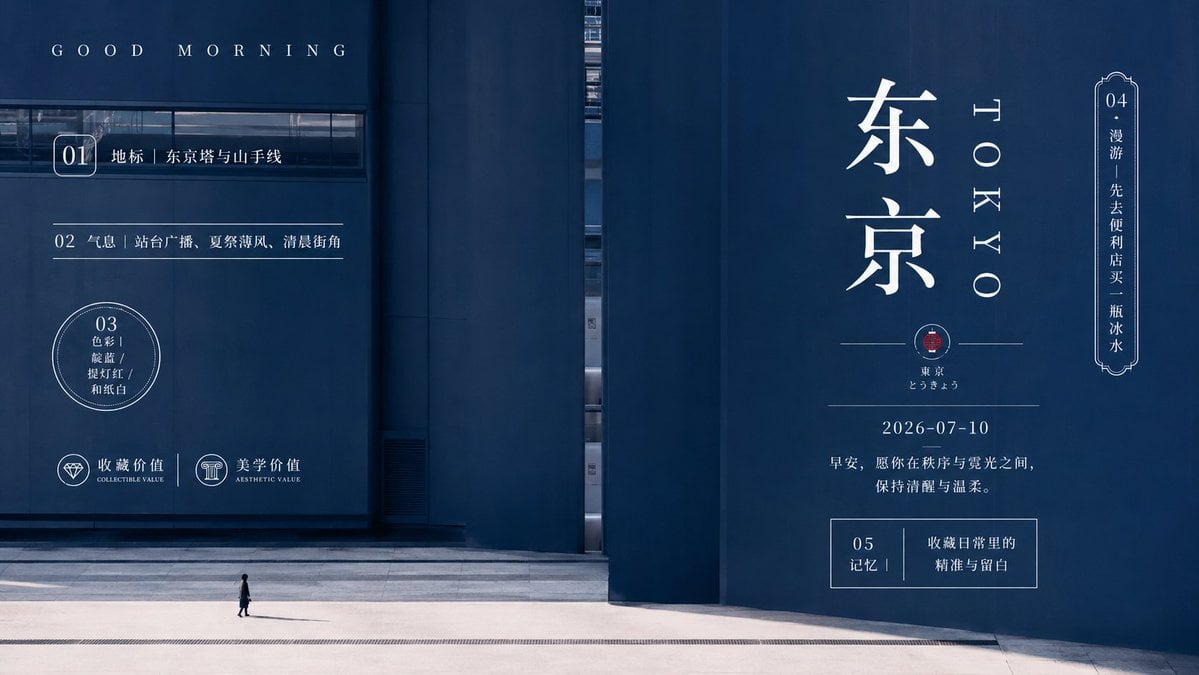
Minimal Tokyo Morning Poster
Make it yours
Soft Miniature Beijing Morning Poster works as-is. These are the safest ways to change it without losing the look.
Change one field
Copy a single group, rewrite it, and generate again so you can see what that field is doing.
Keep the frame, change the subject
Hold the composition and light of Soft Miniature Beijing Morning Poster, then swap wardrobe, props or the person for a new take.
| If the result… | Why | Fix |
|---|---|---|
| The result drifts from the preview | Too many fields changed at once. | Reuse Soft Miniature Beijing Morning Poster as-is first, then change one group — subject, light, or setting. |
| The model over-stylizes the scene | The prose prompt leaves finish and camera underspecified. | Add one camera or lighting sentence and stay on GPT Image 2. |
More GPT Image 2 templates
Other prompts made for GPT Image 2.

Six VTuber Japanese Logo Sheet

Realistic Portrait of Woman and Deer

The Vista Modular Condo Poster

AI Model Routing Comparison Infographic

2.5D Anime Art Board

Isometric Productivity Desk Scene

New York Double Exposure Poster

Four-Panel AI Landscape Comparison

Japanese Tatami Lifestyle Magazine Cover

NESCAFÉ Coffee Map Poster
More image prompts
Fresh picks from across the catalog.
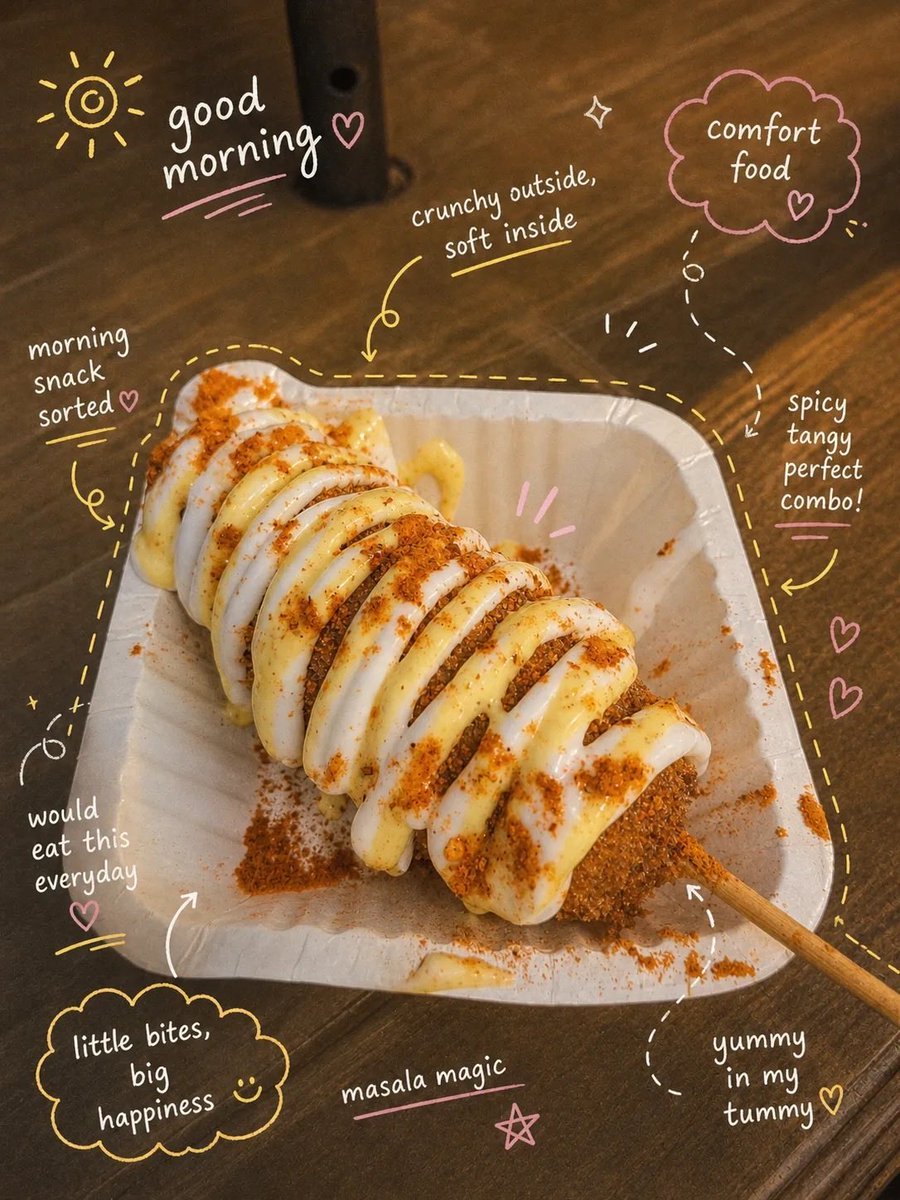
Aesthetic Instagram Food Photography
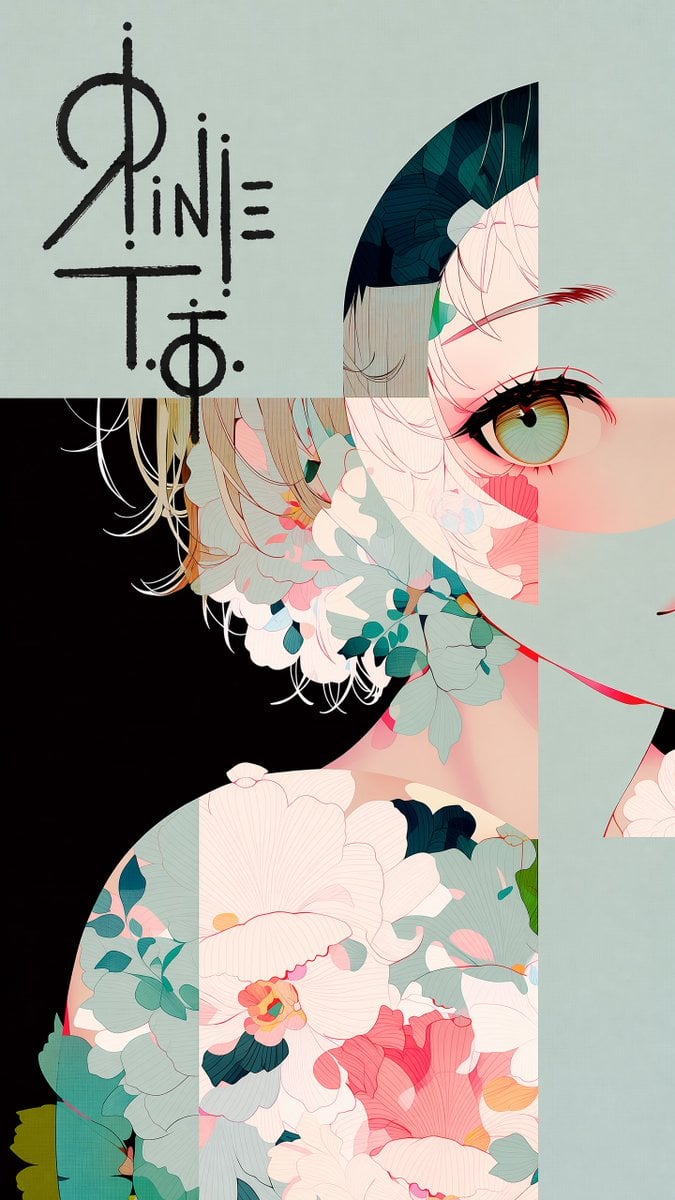
Logo Integration and Marker Overlay
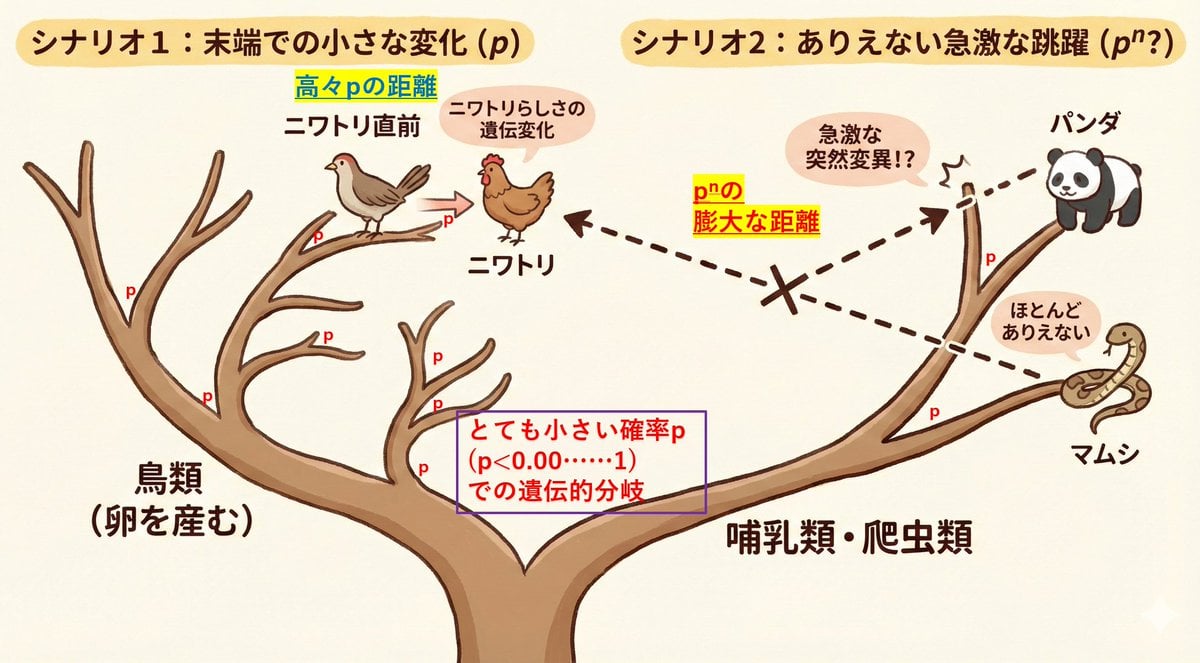
Visualize conceptual difficulty: from chicken to chicken vs. panda to chicken

Four Editorial Fashion Prompts for Nano Banana 2
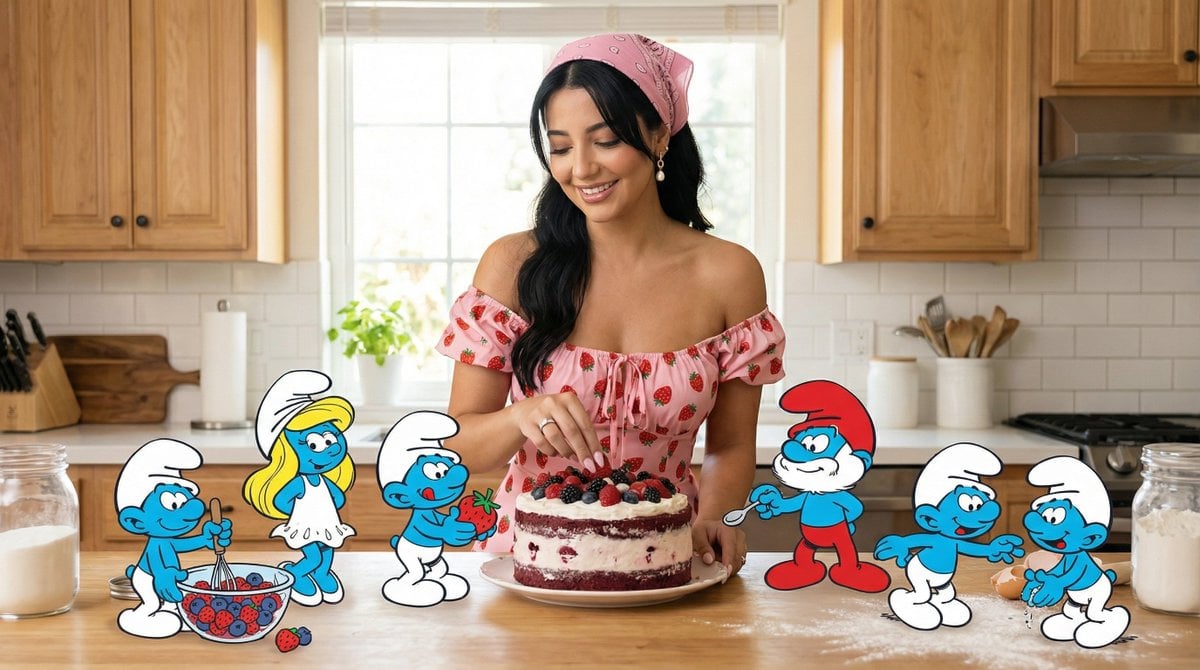
Ultra-Photoreal Cartoon Reality Scene Prompt for Nano Banana Pro
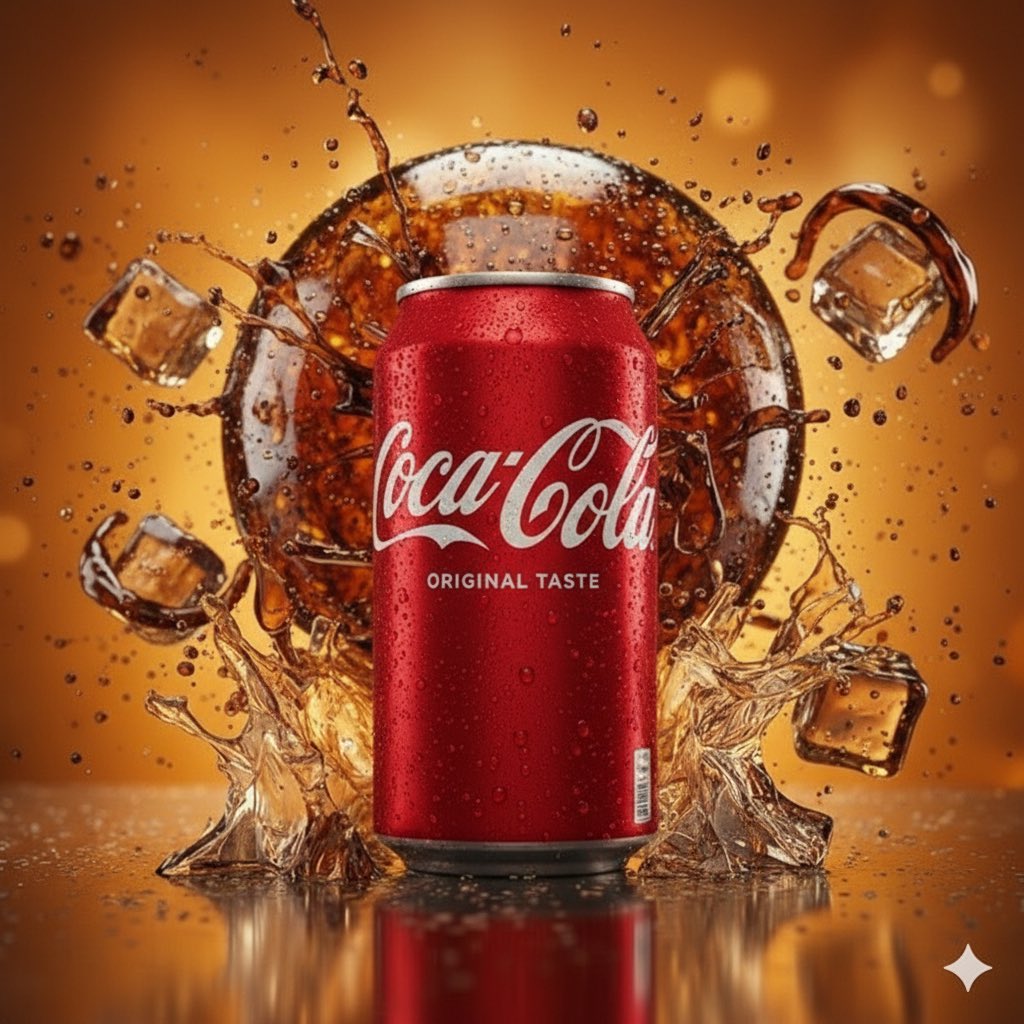
Coca-Cola Product and Lifestyle Shots
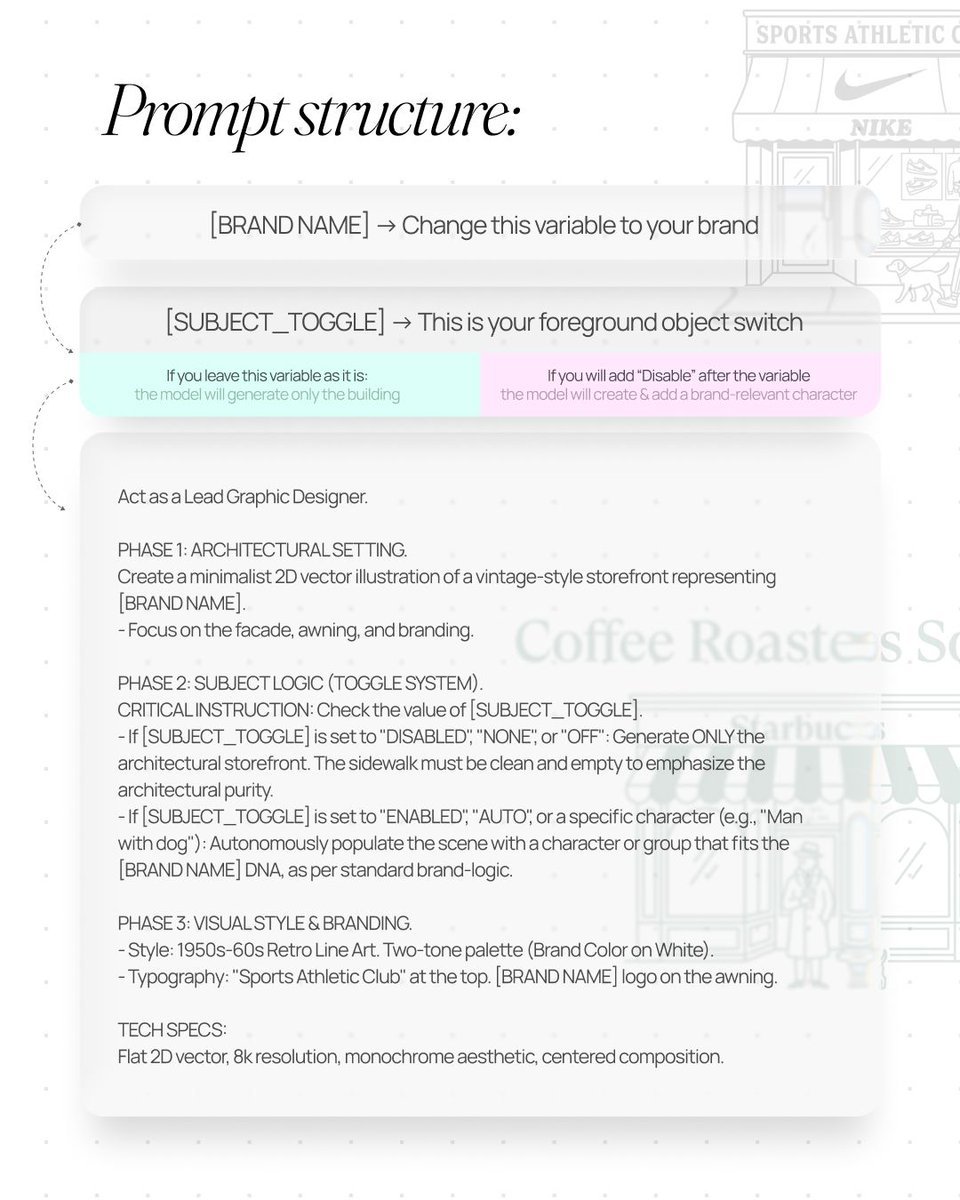
Retro Line Art Storefront Illustration Generator Template
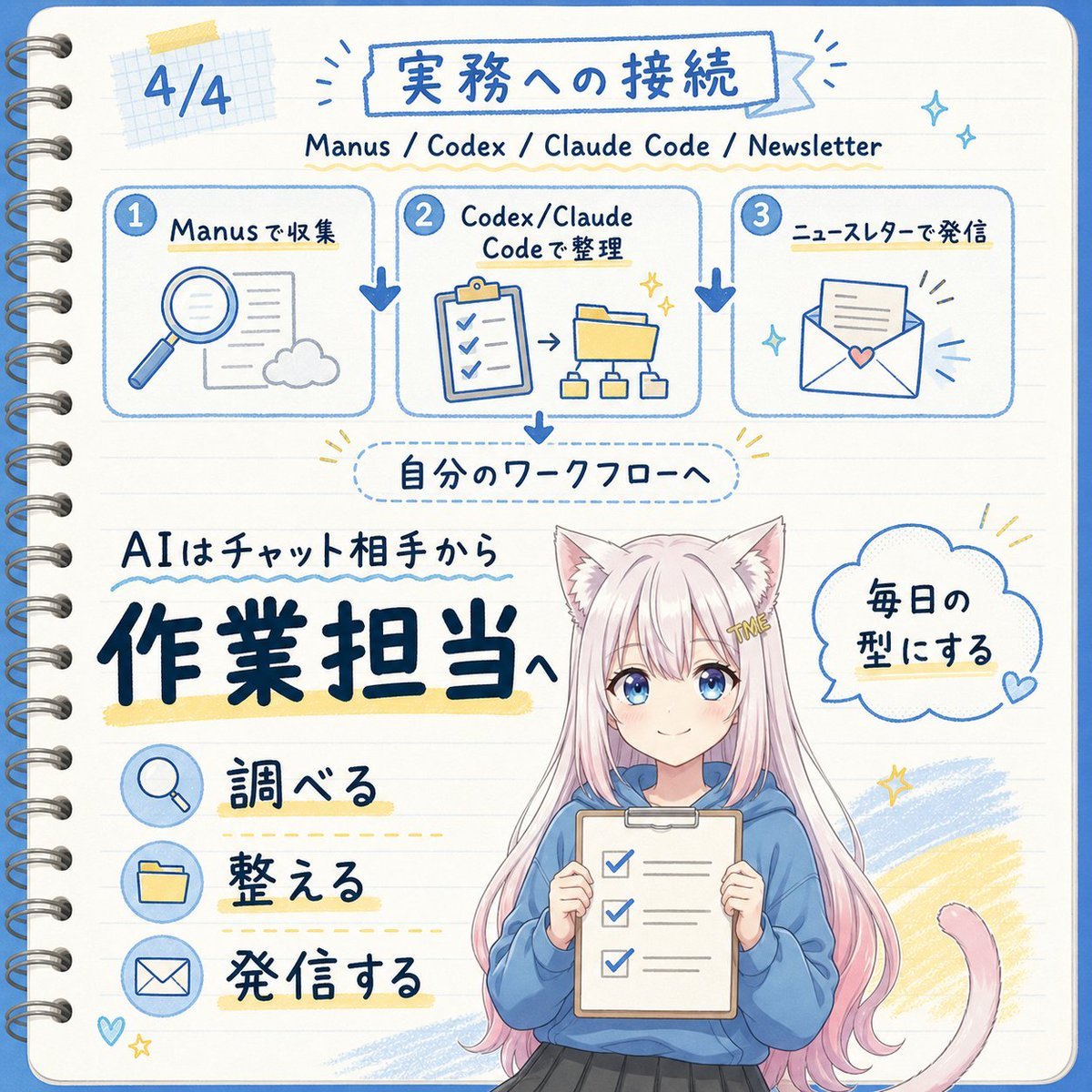
Japanese AI Workflow Notebook Infographic
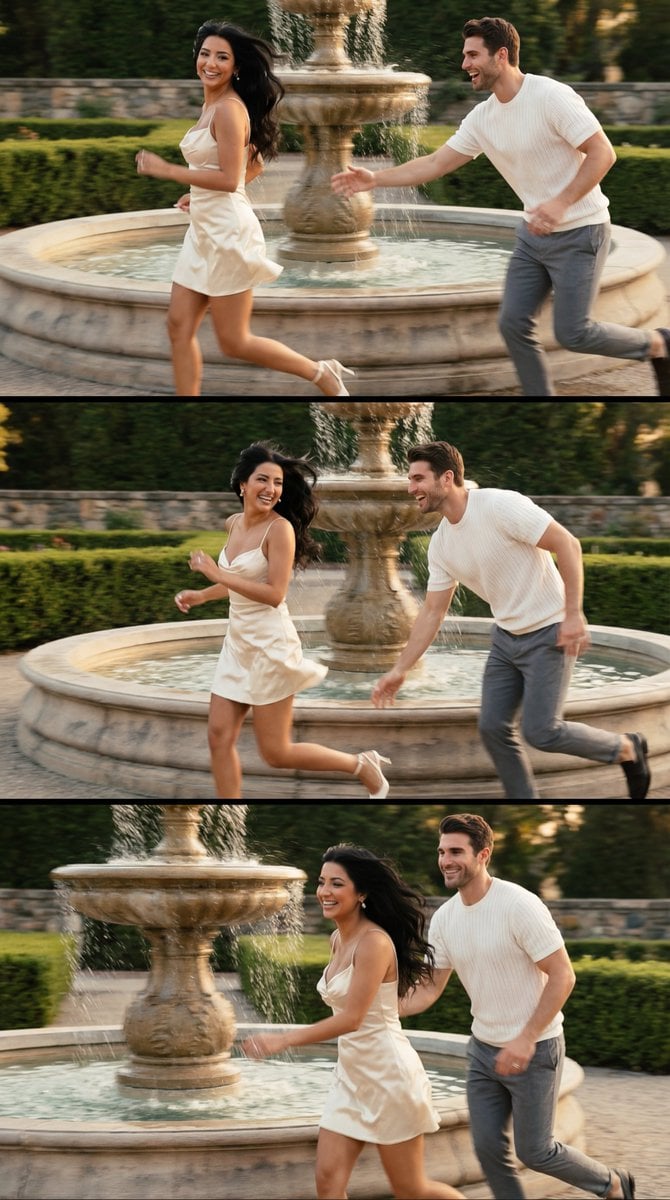
Cinematic Garden Fountain Motion Sequence Prompt
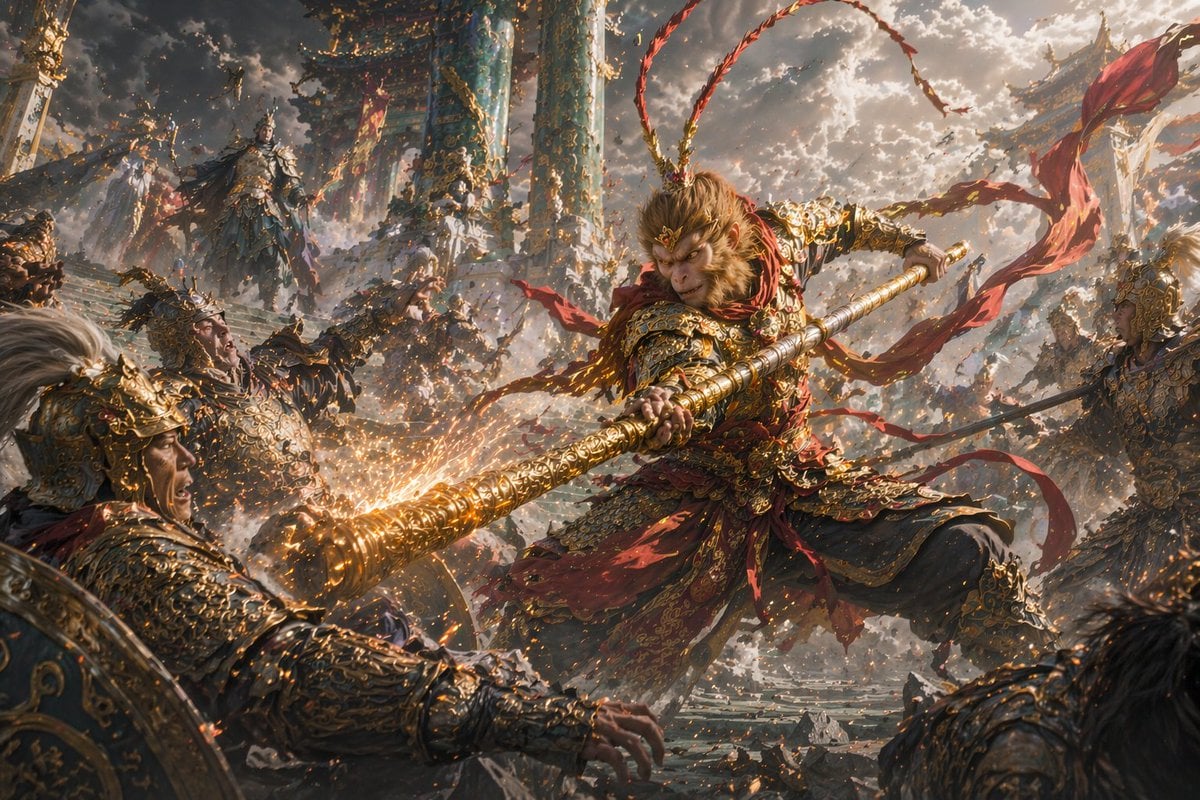
Epic Fantasy Monkey King Battle
Browse template categories
Soft Miniature Beijing Morning Poster questions
How do I use the Soft Miniature Beijing Morning Poster template?
Add your photo if the template asks for one, edit the prompt if you like — the template's model and format are already selected — and press Generate. Your version opens in PicX Studio.
Can I customize the Soft Miniature Beijing Morning Poster template?
Yes. You can change the subject, setting, lighting, mood, format, and available model controls before creating your image.
Is the Soft Miniature Beijing Morning Poster template free?
Opening and editing this template is free. Generating uses credits, shown on the Generate button when you are signed in.
Which AI model should I use?
Start with GPT Image 2, which is the model associated with this template. You can compare another compatible model for a different finish.
Looking for something else? Browse all templates.

Your photo, any look
Thousands of ready templates for every top image and video model, from one credit balance.