
Ultra-Photoreal Cartoon Reality Scene Prompt for Nano Banana Pro
This is a highly detailed, structured JSON prompt designed for the Nano Banana Pro tool to generate an ultra-photorealistic scene.
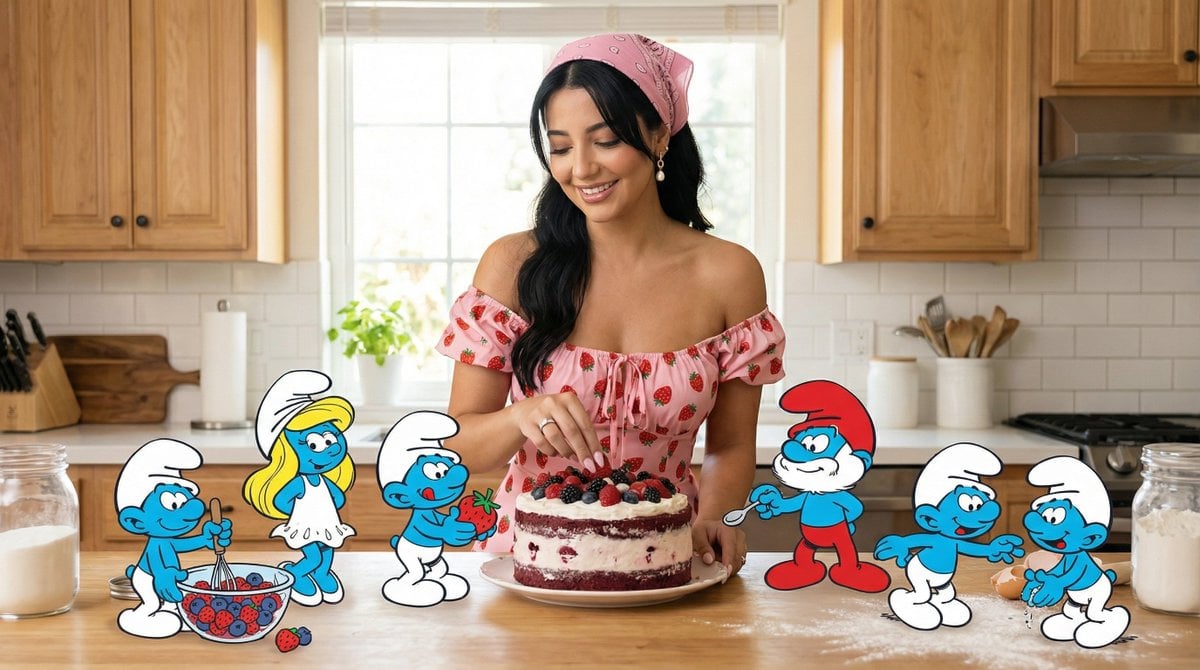
- Prompt included
- Model and format preset
- Free template
The prompt behind this image
Copy the exact prompt behind Ultra-Photoreal Cartoon Reality Scene Prompt for Nano Banana Pro, or open it in the studio and make it yours.
- Request Metadata › Tool
- NanoBananaPro
- Request Metadata › Task Type
- ultra_photoreal_cartoon_reality_scene
- Request Metadata › Quality Preset
- ultra
- Request Metadata › Aspect Ratio
- 16:9
- References › Main Reference Image › Slot
- 1
- References › Main Reference Image › Purpose
- MAIN_SUBJECT_IDENTITY_LOCK
- References › Main Reference Image › Strict Identity Lock
- true
- Hard Constraints
- ONE real human only (female)., All other characters are cartoon characters only., Smurfs remain fully cartoon-styled (flat toon shading + clean outlines)., Papa Smurf MUST have a red hat and red pants (classic Smurf canon colors)., Real home kitchen, photoreal environment., Max 6 Smurfs total (including Smurfette and Papa Smurf)., No BTS, no studio, no readable text, no logos, no watermarks., Ultra-sharp image: no blur, no soft focus, no haze, no motion blur.
- Camera › Camera Style
- premium natural lifestyle photo
- Camera › Camera Body
- full-frame professional camera
- Camera › Lens
- 24mm prime
- Camera › Aperture
- f/4
- Camera › Shutter Speed
- 1/200
- Camera › Iso
- 100
- Camera › Focus
- tack_sharp on the woman's eyes
- Camera › Depth Of Field
- moderate-to-deep (cake + smurfs + woman all sharp)
- Camera › White Balance
- soft daylight
- Camera › Lighting Notes
- bright window daylight + soft bounce fill for a clean, high-end kitchen look
- Prompt › Scene Summary
- A real home kitchen filled with clean daylight, shot like a premium lifestyle cover. A woman prepares a forest-berry cake at the counter. She wears a chic pink strawberry-print dress with tiny strawberries on the fabric, a pink bandana tied in her hair, and small strawberry hair accessories subtly placed throughout her hairstyle. Smurfette and five Smurfs help playfully: one stirring berries, one standing inside a mixing bowl, one carrying strawberries, one holding a whisk, one sprinkling powdered sugar, and Papa Smurf supervising confidently. Papa Smurf is clearly identifiable with his classic red hat and red pants. All Smurfs are small, blue, and fully cartoon-styled, sharply contrasting with the photorealistic kitchen and the real woman. The image is crisp, joyful, high-quality, and perfectly sharp.
- Negative Prompt
- extra humans, realistic smurf skin, semi-realistic smurfs, wrong colored papa smurf clothing, text, logo, watermark, film set, studio, boom mic, camera rig, blur, soft focus, haze, motion blur, deformed hands, extra fingers
Raw JSON
{
  "request_metadata": {
    "tool": "NanoBananaPro",
    "task_type": "ultra_photoreal_cartoon_reality_scene",
    "quality_preset": "ultra",
    "aspect_ratio": "16:9"
  },
  "references": {
    "main_reference_image": {
      "slot": 1,
      "purpose": "MAIN_SUBJECT_IDENTITY_LOCK",
      "strict_identity_lock": true
    }
  },
  "hard_constraints": [
    "ONE real human only (female).",
    "All other characters are cartoon characters only.",
    "Smurfs remain fully cartoon-styled (flat toon shading + clean outlines).",
    "Papa Smurf MUST have a red hat and red pants (classic Smurf canon colors).",
    "Real home kitchen, photoreal environment.",
    "Max 6 Smurfs total (including Smurfette and Papa Smurf).",
    "No BTS, no studio, no readable text, no logos, no watermarks.",
    "Ultra-sharp image: no blur, no soft focus, no haze, no motion blur."
  ],
  "camera": {
    "camera_style": "premium natural lifestyle photo",
    "camera_body": "full-frame professional camera",
    "lens": "24mm prime",
    "aperture": "f/4",
    "shutter_speed": "1/200",
    "iso": "100",
    "focus": "tack_sharp on the woman's eyes",
    "depth_of_field": "moderate-to-deep (cake + smurfs + woman all sharp)",
    "white_balance": "soft daylight",
    "lighting_notes": "bright window daylight + soft bounce fill for a clean, high-end kitchen look"
  },
  "prompt": {
    "scene_summary": "A real home kitchen filled with clean daylight, shot like a premium lifestyle cover. A woman prepares a forest-berry cake at the counter. She wears a chic pink strawberry-print dress with tiny strawberries on the fabric, a pink bandana tied in her hair, and small strawberry hair accessories subtly placed throughout her hairstyle. Smurfette and five Smurfs help playfully: one stirring berries, one standing inside a mixing bowl, one carrying strawberries, one holding a whisk, one sprinkling powdered sugar, and Papa Smurf supervising confidently. Papa Smurf is clearly identifiable with his classic red hat and red pants. All Smurfs are small, blue, and fully cartoon-styled, sharply contrasting with the photorealistic kitchen and the real woman. The image is crisp, joyful, high-quality, and perfectly sharp."
  },
  "negative_prompt": [
    "extra humans",
    "realistic smurf skin",
    "semi-realistic smurfs",
    "wrong colored papa smurf clothing",
    "text",
    "logo",
    "watermark",
    "film set",
    "studio",
    "boom mic",
    "camera rig",
    "blur",
    "soft focus",
    "haze",
    "motion blur",
    "deformed hands",
    "extra fingers"
  ]
}How to use Ultra-Photoreal Cartoon Reality Scene Prompt for Nano Banana Pro in 3 steps
- 1
Open
The prompt is already in the box next to the preview, with the template's model and format selected.
- 2…a portrait of your subject in softgolden-hour light, 85mm…
Personalize
Edit the subject and creative details for your destination.
- 3Generate
Generate
Press Generate — your image is created in PicX Studio, so you can compare it with the original and refine one variable at a time.
More like this
Templates with the same subject, style or setup. Open one to see its prompt.

Woman in Mall with Chanel Bag - Heart Gesture
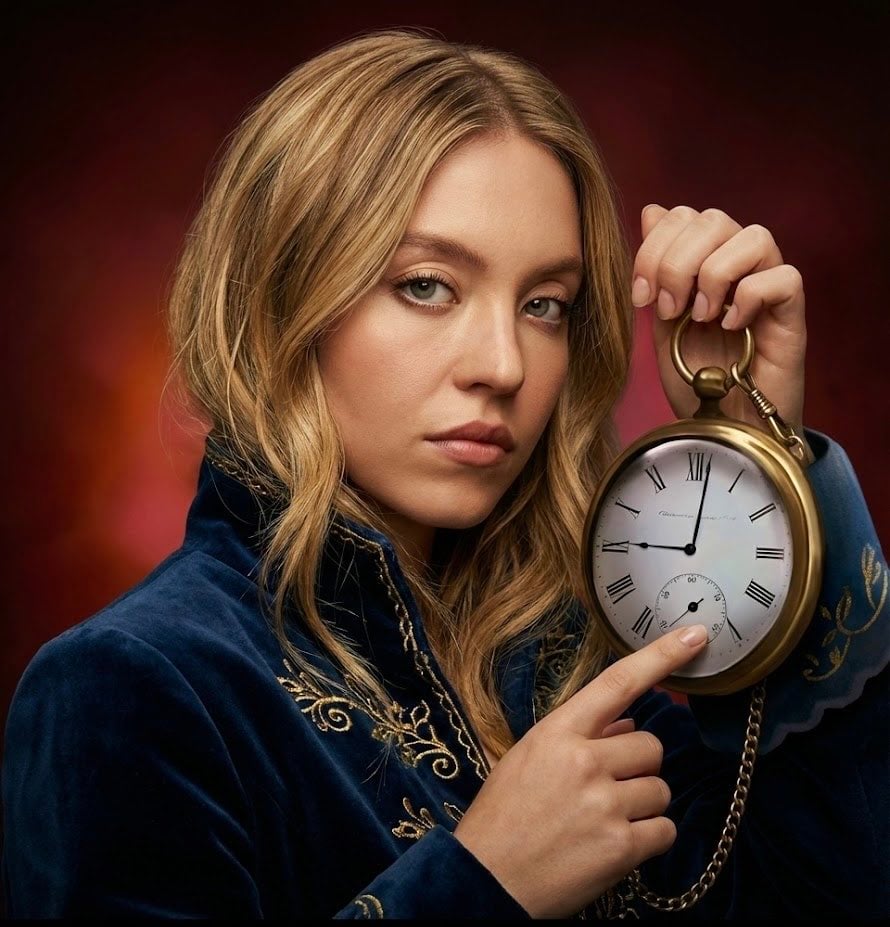
Strict photorealism constraints prompt for Nano Banana Pro
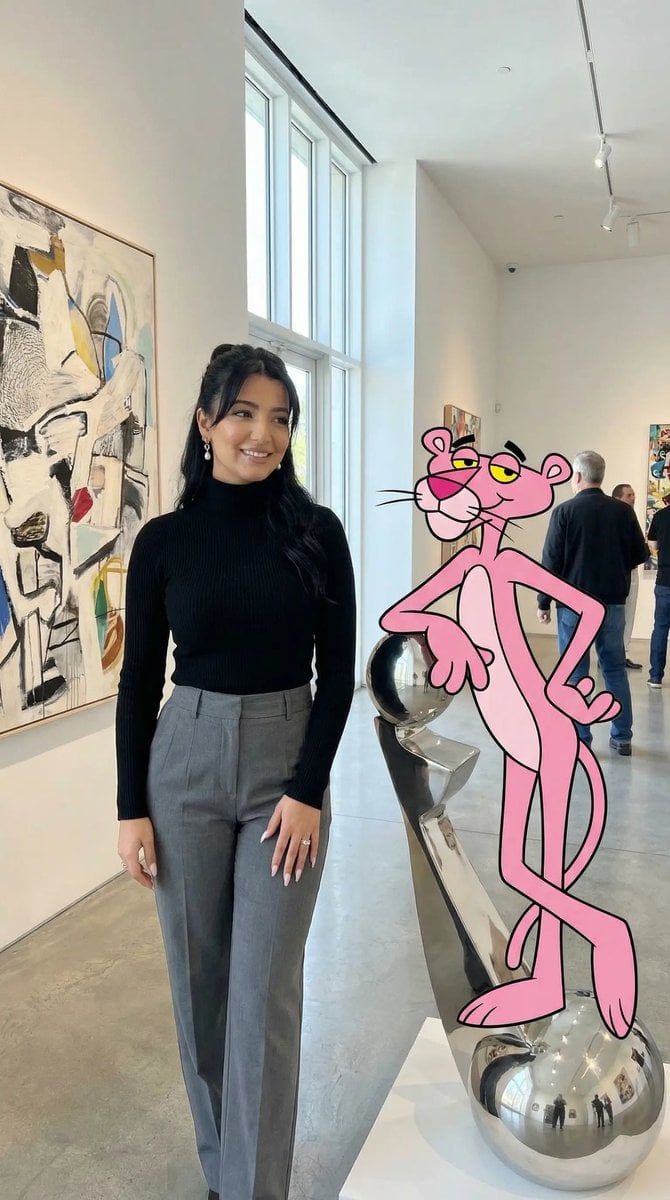
Ultra Photoreal Cartoon Reality Scene with Pink Panther

Nano Banana Pro Photoreal Playful Couple
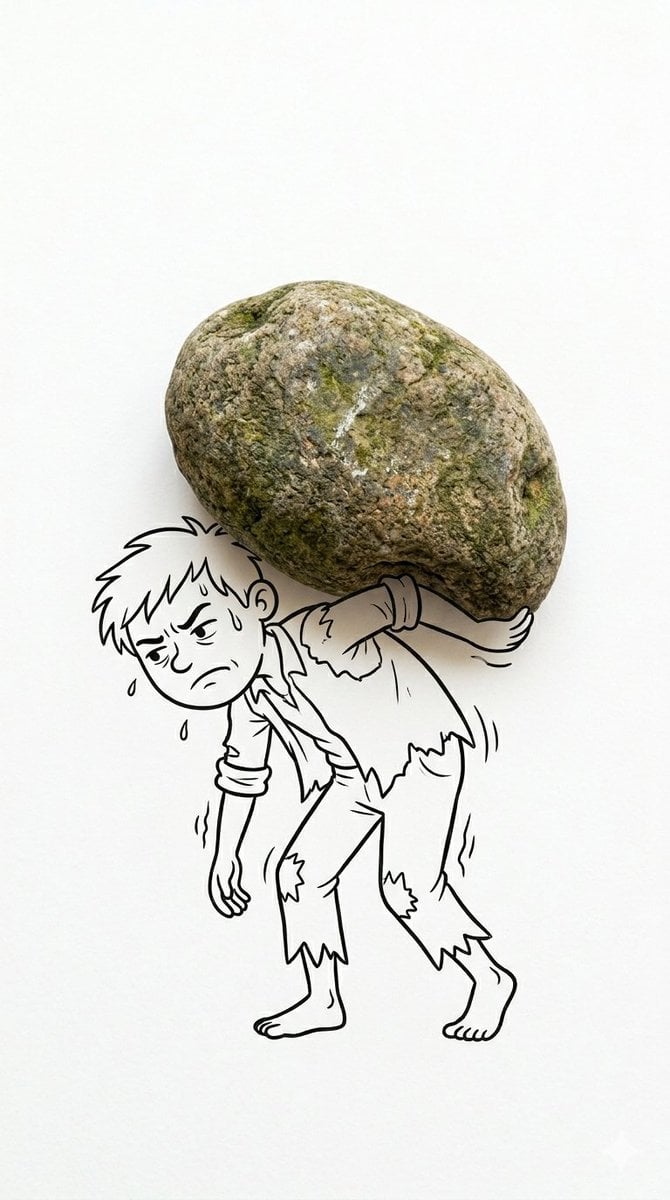
Mixed Reality Cartoon Composite

Toon Cartoon Finale Fireworks

Toon Cartoon Garden Maze

Toon Cartoon Rooftop Concert

Toon Cartoon Kitchen Chaos

Toon Cartoon Carnival Ride
Toon Cartoon Rainy Bus Stop

Toon Cartoon Space Dock
Make it yours
Ultra-Photoreal Cartoon Reality Scene Prompt for Nano Banana Pro works as-is. These are the safest ways to change it without losing the look.
Swap the light
One lighting change is enough to compare takes. Current light: “bright window daylight + soft bounce fill for a clean, high-end kitchen look”.
Change one field
Copy a single group, rewrite it, and generate again so you can see what that field is doing.
Keep the frame, change the subject
Hold the composition and light of Ultra-Photoreal Cartoon Reality Scene Prompt for Nano Banana Pro, then swap wardrobe, props or the person for a new take.
| If the result… | Why | Fix |
|---|---|---|
| The result drifts from the preview | Too many fields changed at once. | Reuse Ultra-Photoreal Cartoon Reality Scene Prompt for Nano Banana Pro as-is first, then change one group — subject, light, or setting. |
| Nano Banana 2 ignores part of the JSON | Some models flatten or skip nested keys. | Keep the same values and paste them as a short paragraph instead. |
More Nano Banana 2 templates
Other prompts made for Nano Banana 2.

Photorealistic Leaf Shaped Like a Dragon

K-Pop Idol Portrait Grid for Rapid Selection

Poetic Rain Forest Portrait During Golden Hour

Urban Street Portrait with Cartoon Inner Self Duo

Candid Nighttime Photo with Cat Prompt

High-Concept 3D Diorama Generation Prompt

Cinematic Futuristic Studio Portrait Template

Skincare Editorial Photography Collage Prompt

Hyper-Realistic Commercial Product Photography (Splash Effect)

Hyper-Realistic Nightclub Portrait Prompt
More image prompts
Fresh picks from across the catalog.

Comparing Realism Keywords in Midjourney
Retro Americana Fashion Portrait with Vintage Car
Gothic Mirror Selfie in Messy Bedroom
untitled
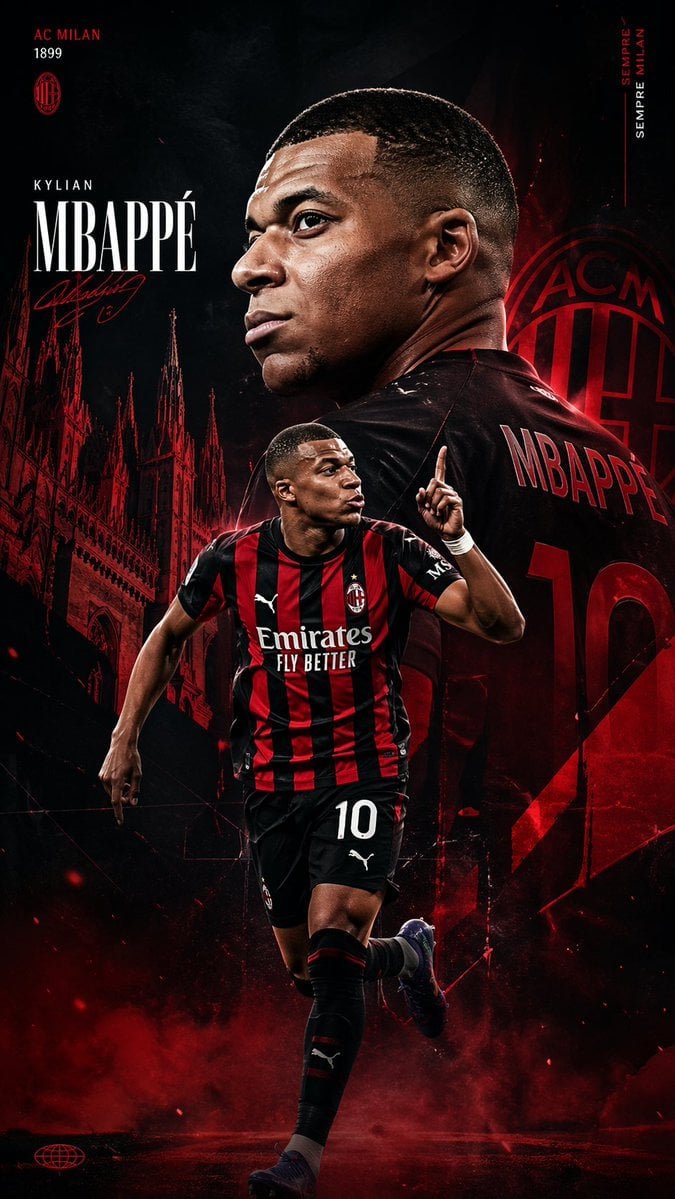
AC Milan Mbappé Transfer Poster
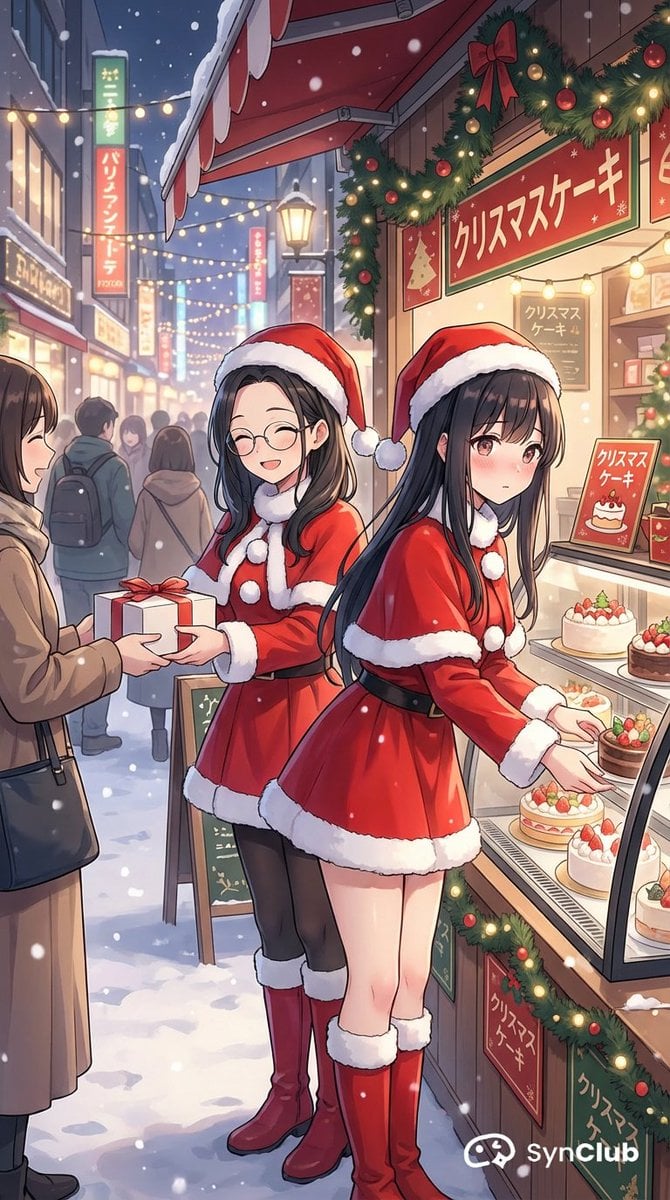
Character Scenario Generation with Clean Japanese Text
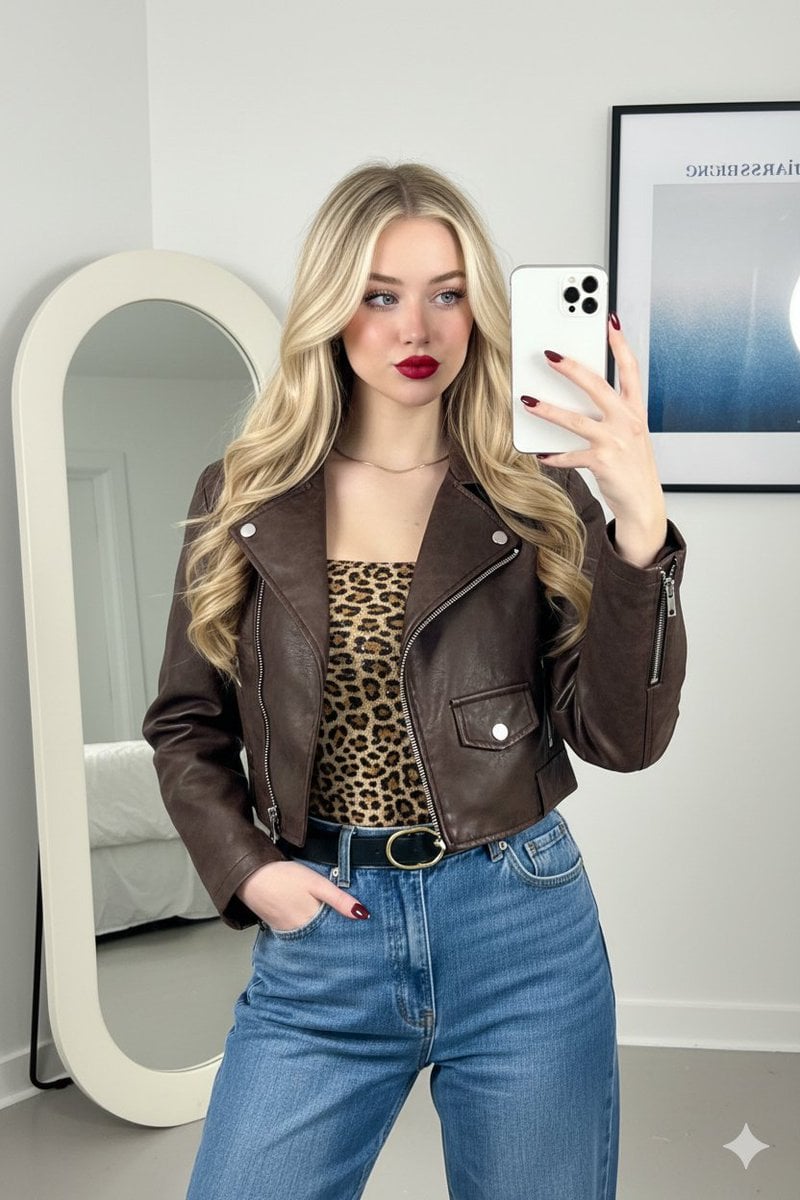
Mirror Selfie Fashion Prompt with Face Lock
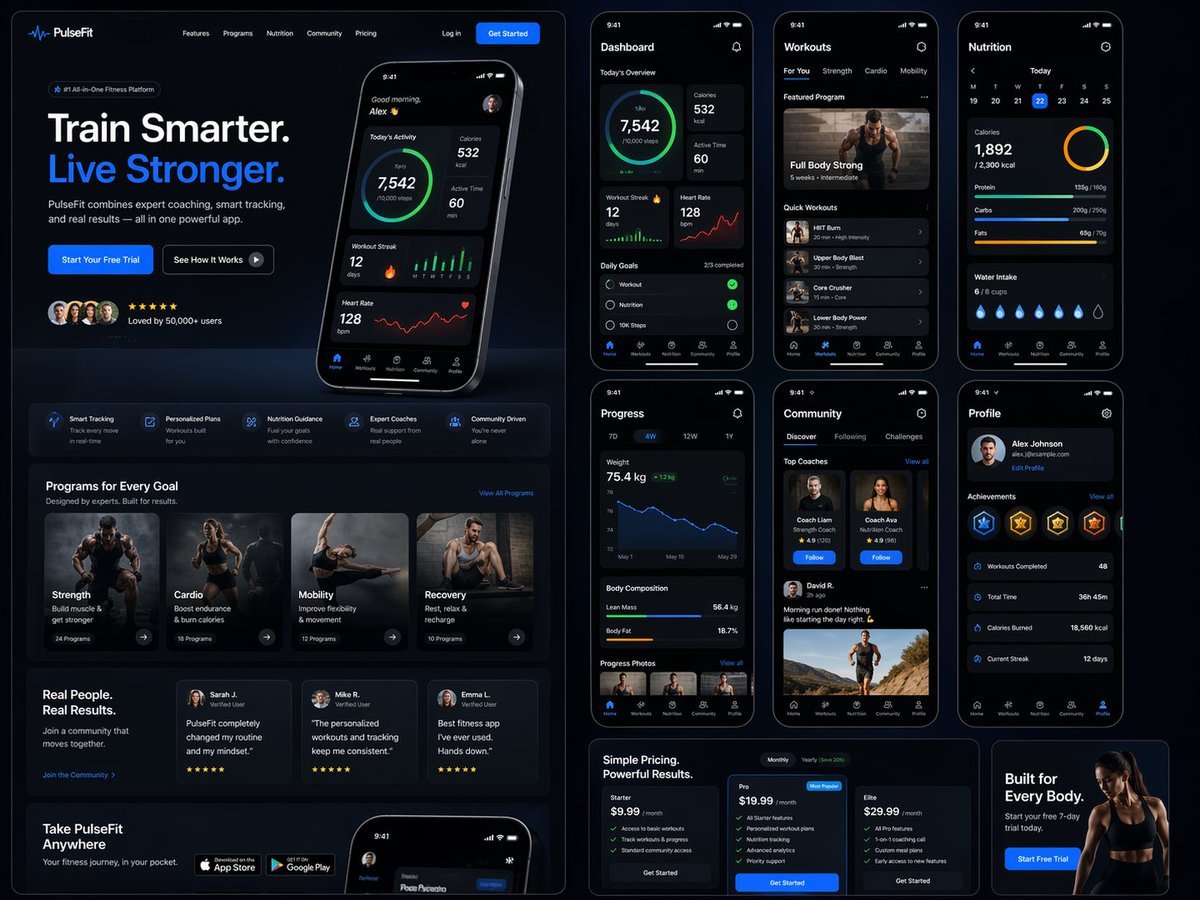
Fitness SaaS Landing Page UI
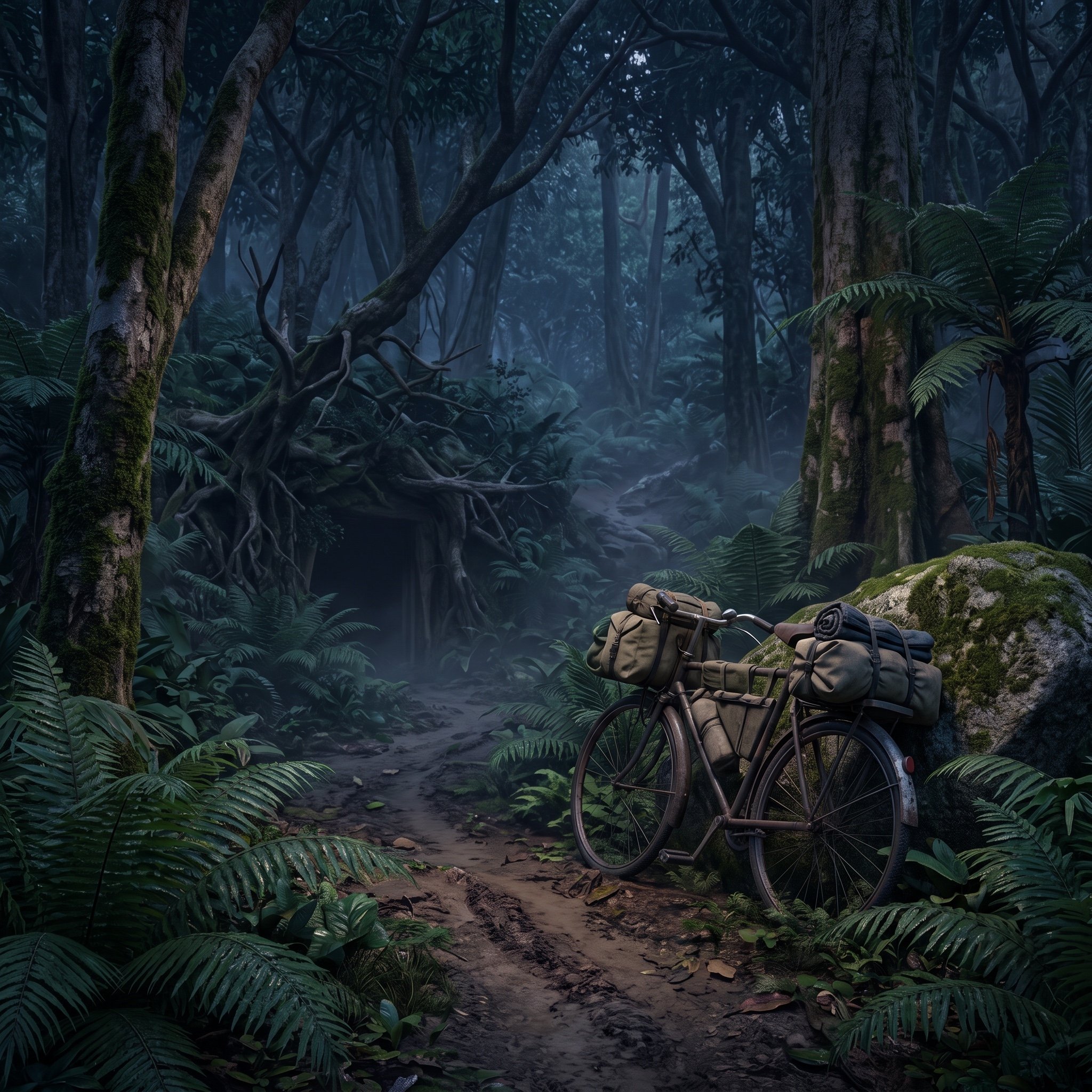
Ho Chi Minh Trail Vietnam War Scene Prompt
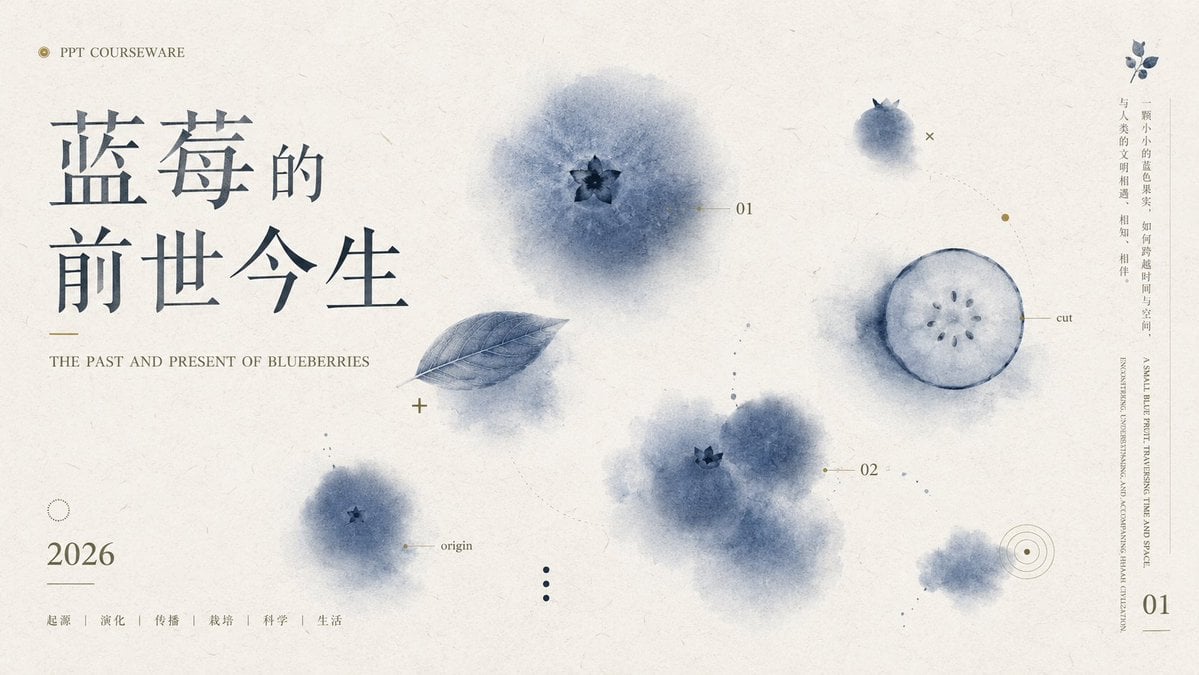
Blueberry Courseware Cover Slide
Browse template categories
Ultra-Photoreal Cartoon Reality Scene Prompt for Nano Banana Pro questions
How do I use the Ultra-Photoreal Cartoon Reality Scene Prompt for Nano Banana Pro template?
Add your photo if the template asks for one, edit the prompt if you like — the template's model and format are already selected — and press Generate. Your version opens in PicX Studio.
Can I customize the Ultra-Photoreal Cartoon Reality Scene Prompt for Nano Banana Pro template?
Yes. You can change the subject, setting, lighting, mood, format, and available model controls before creating your image.
Is the Ultra-Photoreal Cartoon Reality Scene Prompt for Nano Banana Pro template free?
Opening and editing this template is free. Generating uses credits, shown on the Generate button when you are signed in.
Which AI model should I use?
Start with Nano Banana 2, which is the model associated with this template. You can compare another compatible model for a different finish.
Looking for something else? Browse all templates.

Your photo, any look
Thousands of ready templates for every top image and video model, from one credit balance.