
Four Editorial Fashion Prompts for Nano Banana 2
Four distinct editorial fashion photography prompts for the Nano Banana 2 model, featuring a young woman with angel wings in various settings: a minimal studio, a dramatic high-contrast studio, an ornate classic room…
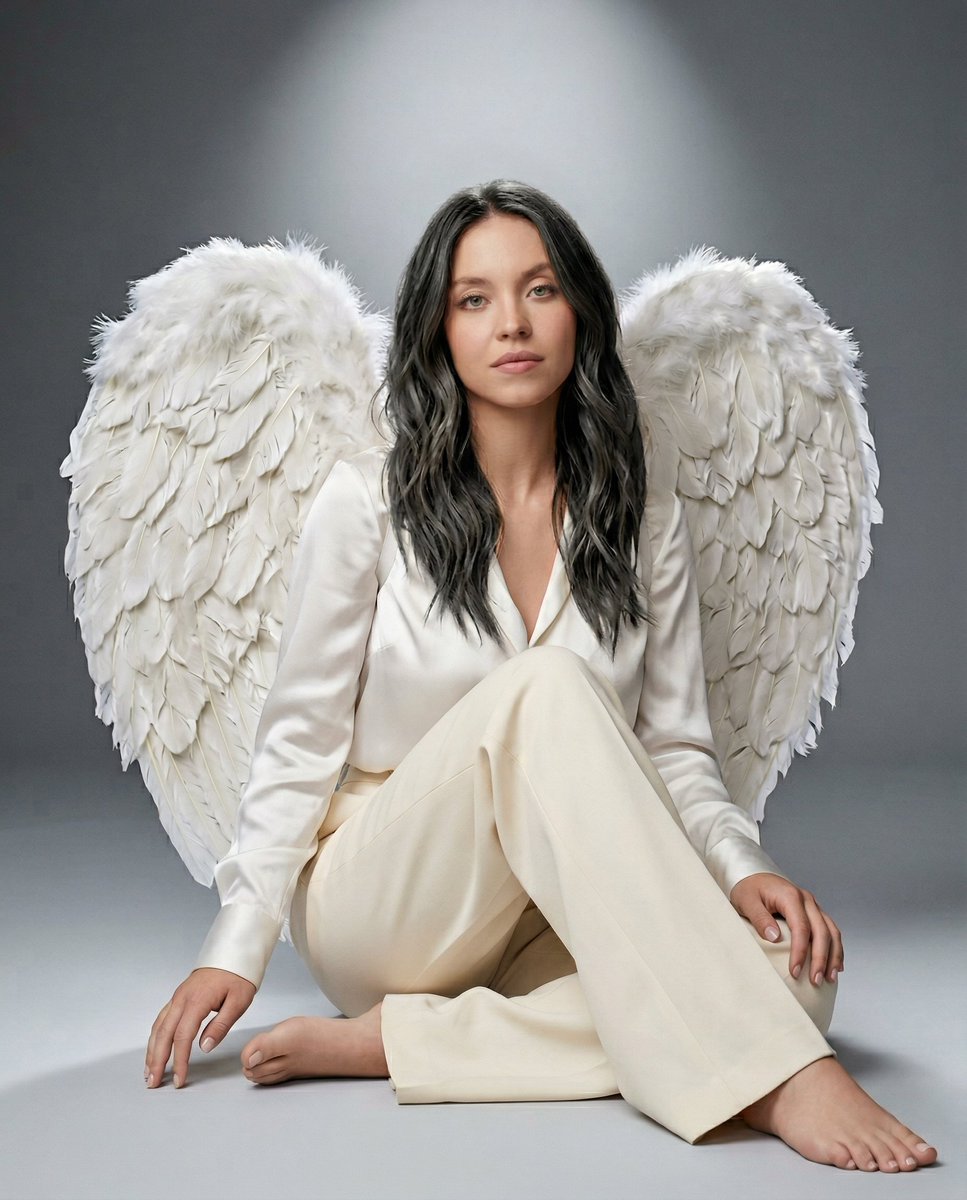
- Prompt included
- Model and format preset
- Free template
The prompt behind this image
Copy the exact prompt behind Four Editorial Fashion Prompts for Nano Banana 2, or open it in the studio and make it yours.
Studio portrait of a young woman seated on the floor against a soft gray gradient backdrop. She wears a luxurious white silk blouse and tailored wide-leg trousers, paired with large white feather angel wings rising behind her. Legs folded to the side, hands resting gently on her knees, shoulders relaxed, head slightly tilted with a calm, soft gaze toward the camera. Medium-length black wavy hair framing her face. Focused spotlight from above creating a subtle halo effect with soft falloff into shadows. Clean minimal studio environment with visible feather texture and natural skin detail. Editorial fashion photography style, 85mm lens, shallow depth of field, aspect ratio 4:5. Prompt 2. Studio portrait of a young woman standing against a black background, wearing an elegant white ruffled high-neck blouse with long sleeves and a matching flowing textured skirt, paired with large white feather angel wings extended behind her. Arms raised softly to the sides, head tilted upward toward the light with a serene, almost divine expression. Soft blonde wavy hair cascading over her shoulders. Strong directional spotlight from above-left creating dramatic highlights on her face and wings with deep surrounding shadows. High contrast with glowing feather detail and soft skin texture. Cinematic editorial fashion style, 85mm lens, shallow depth of field, aspect ratio 4:5. Prompt 3. Elegant interior portrait of a young woman seated on a grand piano in a classic ornate room with tall arched windows and soft daylight streaming in. She wears an elegant fitted ivory evening gown with intricate beadwork and delicate heels, paired with large white feather angel wings spread behind her. Legs crossed, one hand resting on the piano, shoulders relaxed, head slightly tilted with a soft, confident gaze. Styled dark wavy hair with a vintage finish, pearl choker necklace. Natural window light from the left creating soft highlights and gentle shadows across her face and wings. Warm neutral tones with detailed fabric and feather texture. Luxury editorial fashion photography style, 85mm lens, shallow depth of field, aspect ratio 4:5. Prompt 4. Foggy outdoor portrait of a young woman crouching on the hood of a worn silver car in an abandoned industrial setting. She wears a sleek black leather motorcycle jacket over a fitted dark turtleneck and tailored pants, paired with large black feather wings spread behind her. Body low and balanced, arms resting over her knees, head slightly tilted forward with an intense, direct gaze. Long messy blonde hair with soft movement. Cool desaturated tones with heavy mist softening the background, faint silhouettes of debris and structures. Natural diffused light through fog creating soft contrast and muted highlights on the wings and metal surface. Cinematic dark fantasy fashion style, 85mm lens, shallow depth of field, aspect ratio 4:5.
How to use Four Editorial Fashion Prompts for Nano Banana 2 in 3 steps
- 1
Open
The prompt is already in the box next to the preview, with the template's model and format selected.
- 2…a portrait of your subject in softgolden-hour light, 85mm…
Personalize
Edit the subject and creative details for your destination.
- 3Generate
Generate
Press Generate — your image is created in PicX Studio, so you can compare it with the original and refine one variable at a time.
More like this
Templates with the same subject, style or setup. Open one to see its prompt.

Google Gemini Nano Banana Pro

01 Skincare Split Portrait — Nano Banana 2

Nano Banana - Paris Cafe Editorial

Nano Banana 2 Editorial Fashion Portrait

Blue Backdrop Luxury Fashion Portrait Campaign

Typography Mask Editorial Fashion Poster

Luxury Black-and-White Fashion Contact Sheet

untitled
Gemini Nano Banana Realistic Portrait Re

Conceptual Fashion Portrait in Spider We

Gemini Nano Banana 2

Nano Banana 2 High Fashion Sports Campai
Make it yours
Four Editorial Fashion Prompts for Nano Banana 2 works as-is. These are the safest ways to change it without losing the look.
Change one field
Copy a single group, rewrite it, and generate again so you can see what that field is doing.
Keep the frame, change the subject
Hold the composition and light of Four Editorial Fashion Prompts for Nano Banana 2, then swap wardrobe, props or the person for a new take.
| If the result… | Why | Fix |
|---|---|---|
| The result drifts from the preview | Too many fields changed at once. | Reuse Four Editorial Fashion Prompts for Nano Banana 2 as-is first, then change one group — subject, light, or setting. |
| The model over-stylizes the scene | The prose prompt leaves finish and camera underspecified. | Add one camera or lighting sentence and stay on Nano Banana 2. |
More Nano Banana 2 templates
Other prompts made for Nano Banana 2.

Photorealistic Leaf Shaped Like a Dragon

K-Pop Idol Portrait Grid for Rapid Selection

Poetic Rain Forest Portrait During Golden Hour

Urban Street Portrait with Cartoon Inner Self Duo

Candid Nighttime Photo with Cat Prompt

High-Concept 3D Diorama Generation Prompt

Cinematic Futuristic Studio Portrait Template

Skincare Editorial Photography Collage Prompt

Hyper-Realistic Commercial Product Photography (Splash Effect)

Hyper-Realistic Nightclub Portrait Prompt
More image prompts
Fresh picks from across the catalog.
Soft Autumn Personal Color Board
Simulated iPhone 14 Pro Selfie in Harsh Lighting

Cute Blonde Girl Mirror Selfie in Argyle Vest
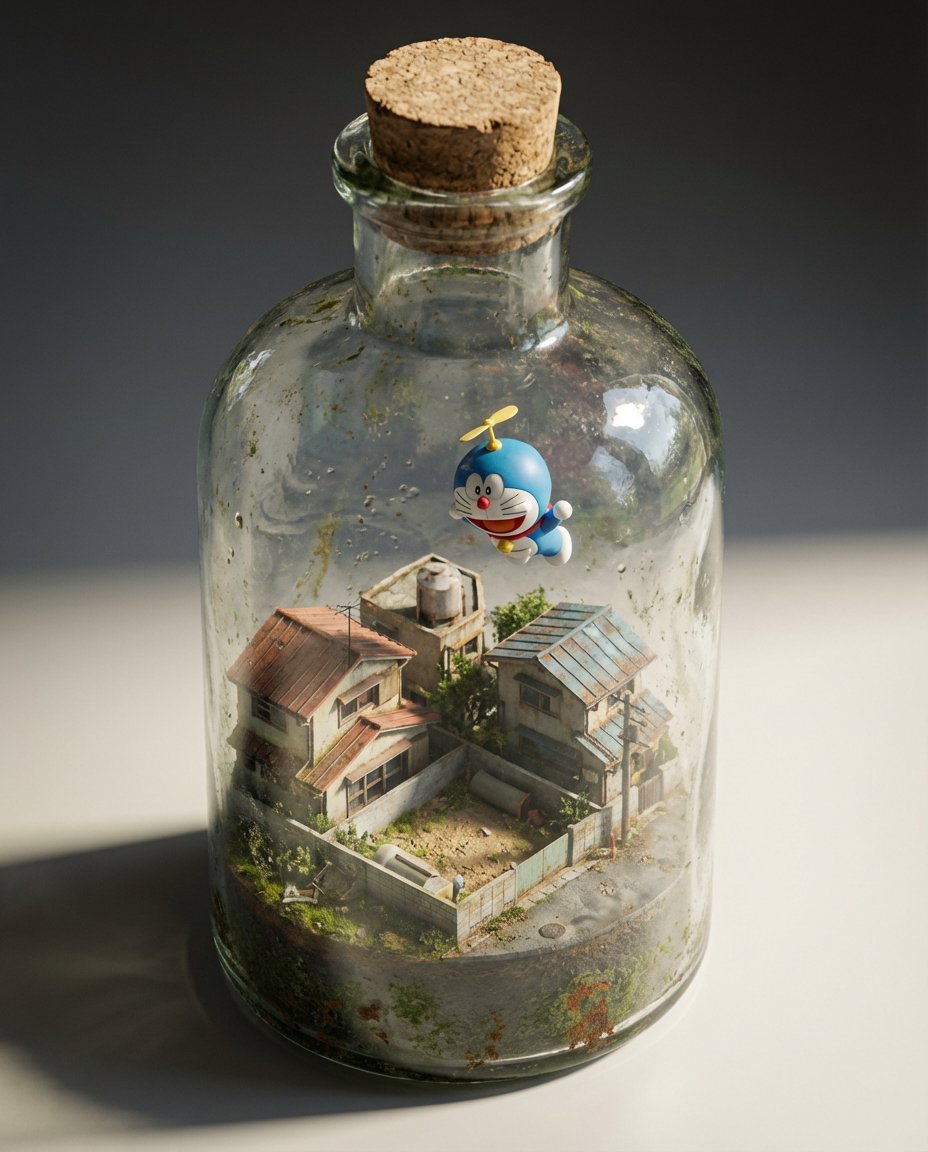
Miniature Diorama in a Glass Bottle
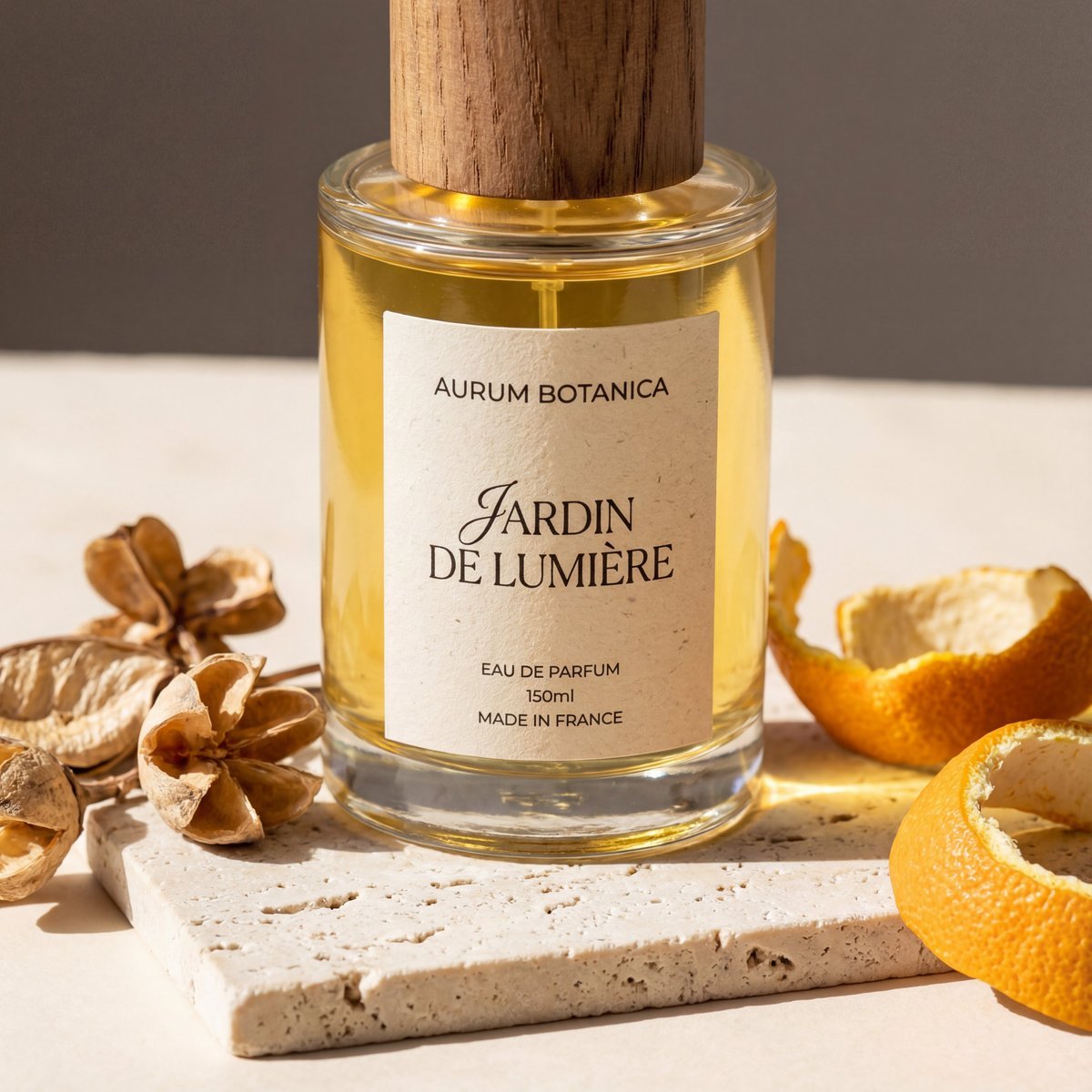
Product Photography Grid Generation for Cost Saving
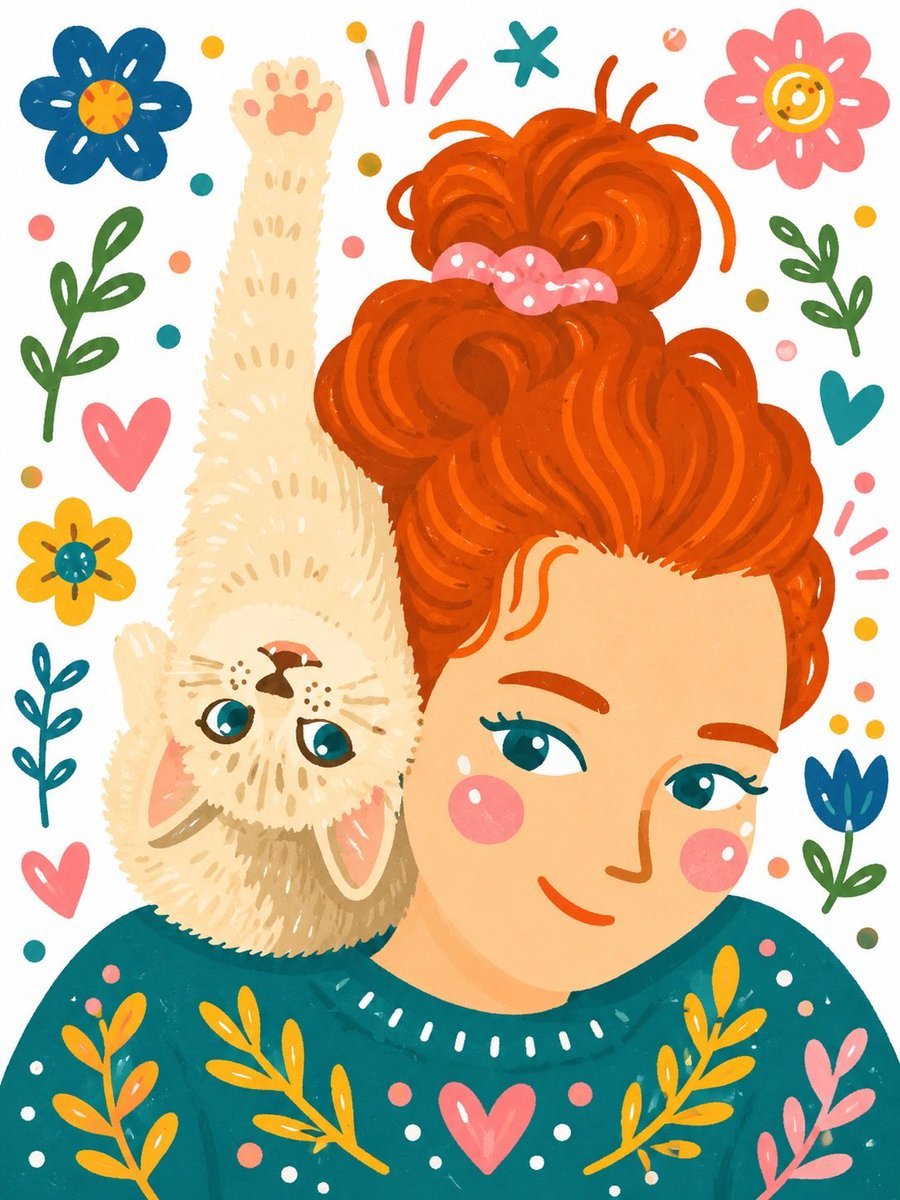
Whimsical Hand-Painted Girl with Kitten Illustration
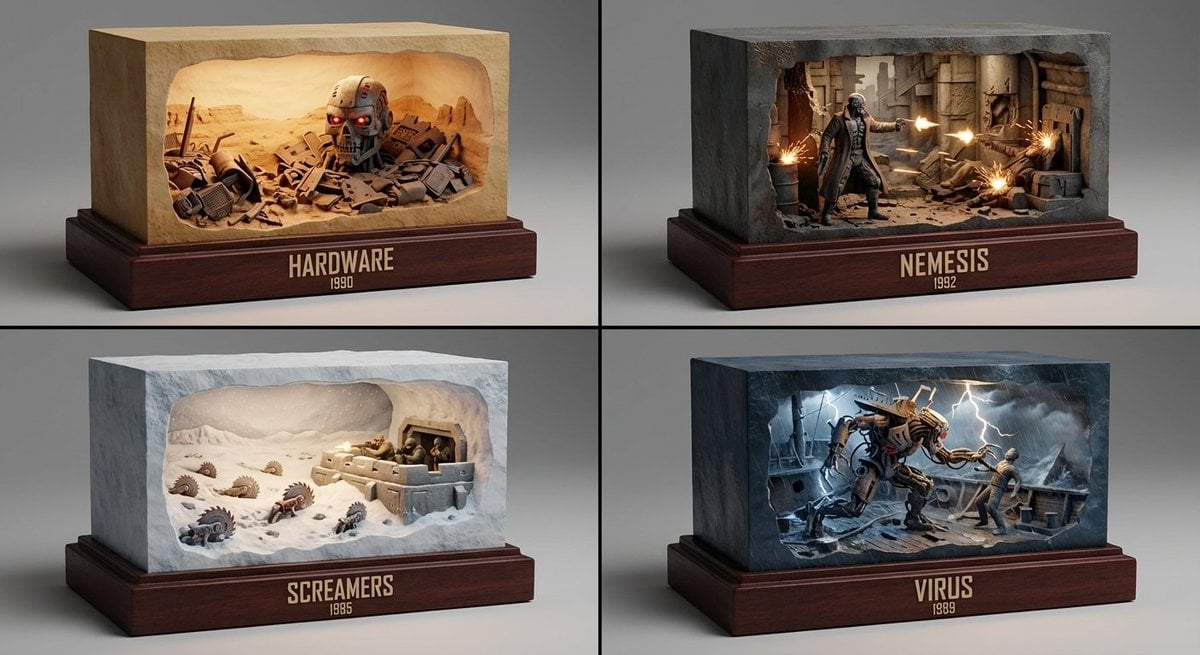
Semantic Inference Prompt for Media Recommendation Dioramas
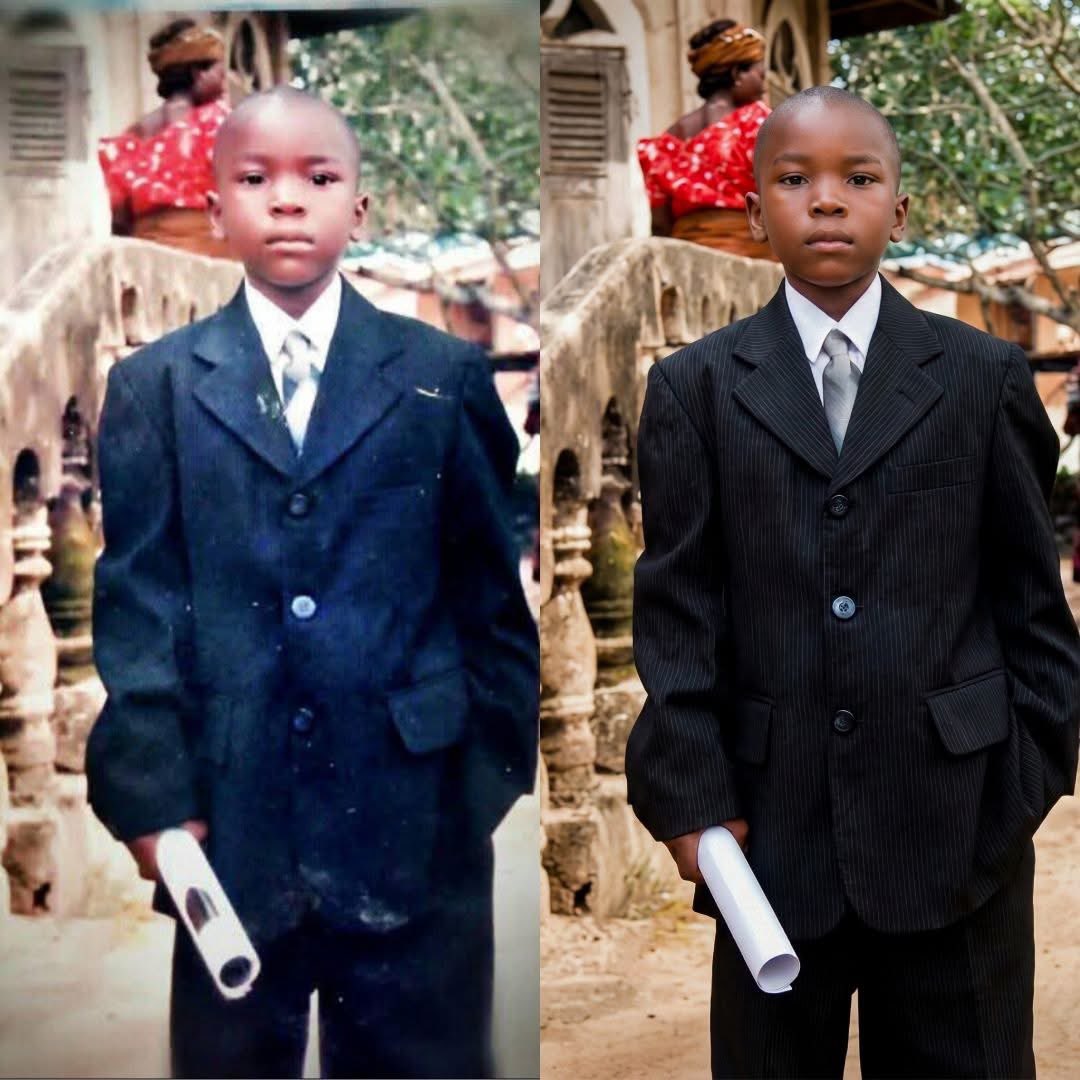
Childhood Photo Recolorization and Restoration Prompt
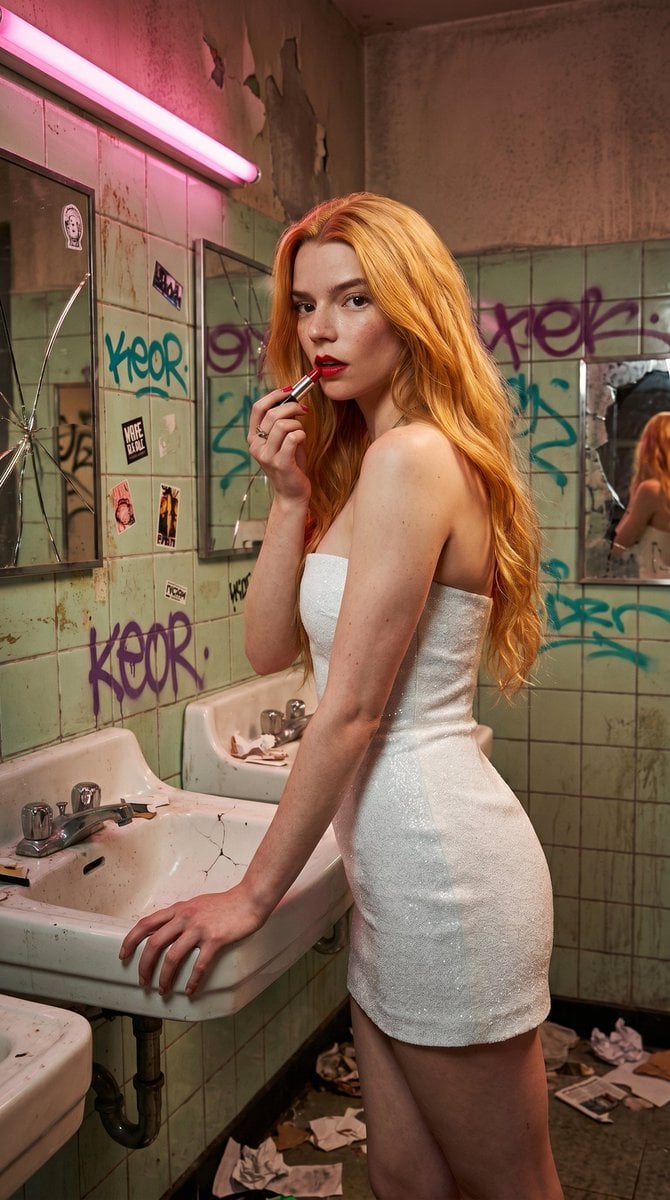
Gritty Urban Restroom Portrait
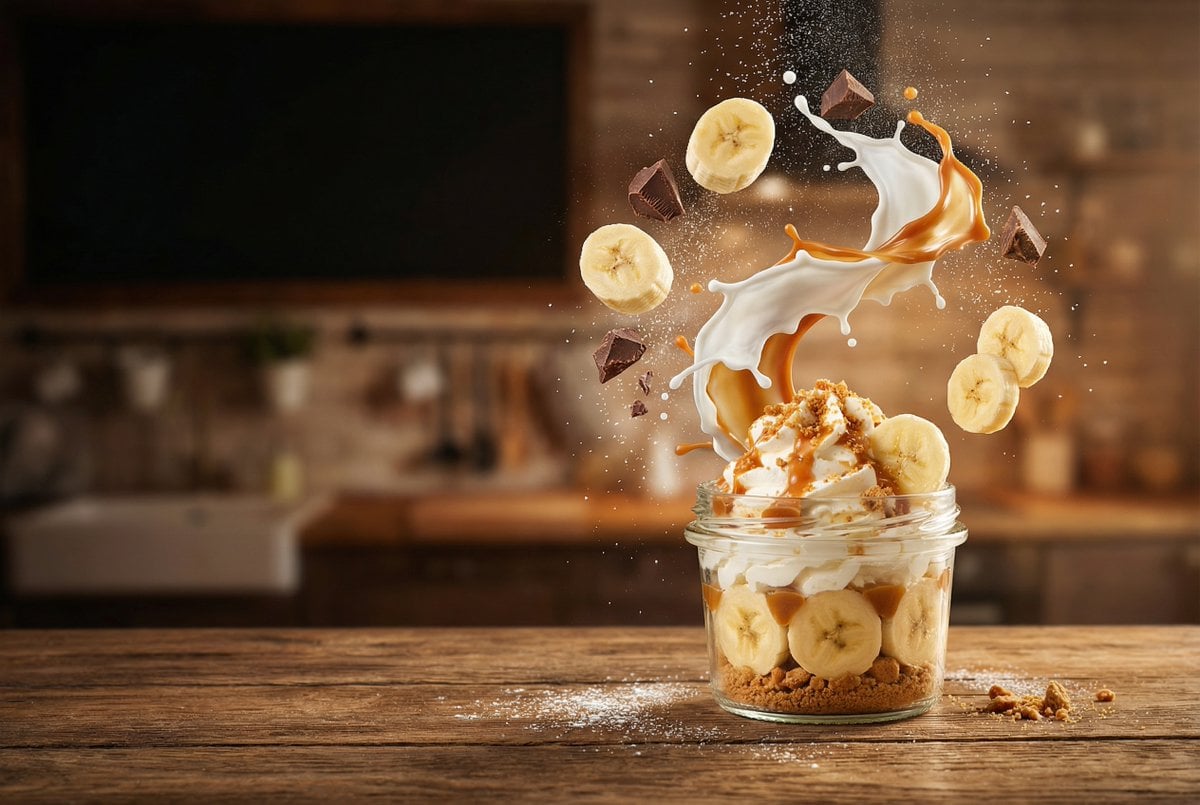
untitled
Browse template categories
Four Editorial Fashion Prompts for Nano Banana 2 questions
How do I use the Four Editorial Fashion Prompts for Nano Banana 2 template?
Add your photo if the template asks for one, edit the prompt if you like — the template's model and format are already selected — and press Generate. Your version opens in PicX Studio.
Can I customize the Four Editorial Fashion Prompts for Nano Banana 2 template?
Yes. You can change the subject, setting, lighting, mood, format, and available model controls before creating your image.
Is the Four Editorial Fashion Prompts for Nano Banana 2 template free?
Opening and editing this template is free. Generating uses credits, shown on the Generate button when you are signed in.
Which AI model should I use?
Start with Nano Banana 2, which is the model associated with this template. You can compare another compatible model for a different finish.
Looking for something else? Browse all templates.

Your photo, any look
Thousands of ready templates for every top image and video model, from one credit balance.