
Elegant Pastry Shop Kimono Man
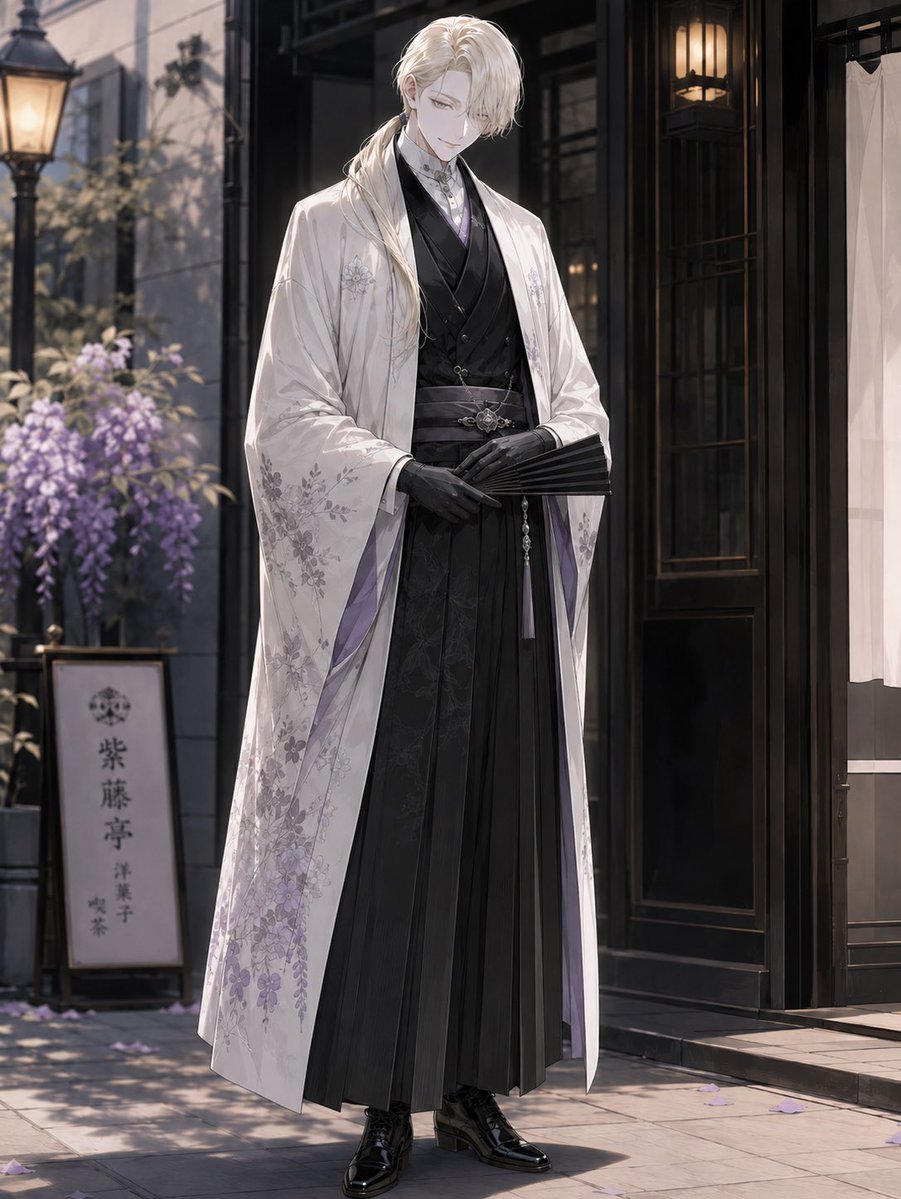
Generates a refined full-body anime character in formal kimono-inspired attire standing outside a Japanese-Western pastry shop.
- Prompt included
- Model and format preset
- Free template
The prompt behind this image
Copy the exact prompt behind Elegant Pastry Shop Kimono Man, or open it in the studio and make it yours.
Create a full-body vertical anime-style illustration of {argument name="character name" default="F"}, a tall elegant young man standing in front of a refined Japanese-Western pastry shop on a quiet street. He has long wavy {argument name="hair color" default="platinum blond"} hair tied into a low side ponytail over one shoulder, pale skin, and an intentionally obscured face covered by a plain soft gray square. He stands calmly with a dignified posture, hands folded at his waist, holding a closed black folding fan. His outfit has exactly 8 visible main pieces: 1 white long haori coat with delicate pale purple wisteria and floral embroidery, 1 black layered kimono-style inner robe, 1 black formal vest, 1 pale lavender high-collar shirt or cravat detail at the neck, 1 dark patterned obi belt with a silver ornamental clasp, 1 long black pleated hakama skirt-trouser, 1 pair of fitted black gloves, and 1 pair of glossy black lace-up dress boots. The coat lining should show subtle lavender accents, and the overall palette should be white, black, silver, and soft purple. Set him outside {argument name="shop type" default="a traditional Japanese confectionery and café"} with a dark wooden storefront, glass door, warm hanging lanterns, a white entrance curtain on the right, and stone pavement. Include exactly 5 notable background elements: 1 vintage streetlamp on the left, 1 planter or trellis of blooming purple wisteria, 1 vertical shop sign bearing the Japanese text {argument name="shop sign text" default="紫藤亭\n洋菓子\n喫茶"}, 1 dark wood doorway with glowing interior lamps, and scattered purple flower petals on the ground. Use cinematic soft morning or late-afternoon lighting, shallow depth of field, elegant otome-game character art, fine fabric detail, graceful composition, high resolution, and no extra characters.
How to use Elegant Pastry Shop Kimono Man in 3 steps
- 1Upload ImagePNG, JPG or paste
Add your photo
Upload the photo the template builds on. The prompt, model and format are already set.
- 2…a portrait of your subject in softgolden-hour light, 85mm…
Personalize
Edit the subject and creative details for your destination.
- 3Generate
Generate
Press Generate — your image is created in PicX Studio, so you can compare it with the original and refine one variable at a time.
More like this
Templates with the same subject, style or setup. Open one to see its prompt.
Manor Window Seat Rain

Manor Garden Topiary Path
Typewriter Manuscript Desk
Ornate Kimono Anime Woman
VR Kimono Fashion With Manga Wall Art
Woman with Ice Cream Shop Portrait
Elegant Woman with Luxury Sedan at Night
Elegant Woman in Red Satin in Cozy Cafe

Sealing Wax Letter Desk

Ballroom Floor Reflections

Vintage Camera Leather Case

Hedge Maze Aerial Dawn
Make it yours
Elegant Pastry Shop Kimono Man works as-is. These are the safest ways to change it without losing the look.
Change one field
Copy a single group, rewrite it, and generate again so you can see what that field is doing.
Keep the frame, change the subject
Hold the composition and light of Elegant Pastry Shop Kimono Man, then swap wardrobe, props or the person for a new take.
| If the result… | Why | Fix |
|---|---|---|
| The result drifts from the preview | Too many fields changed at once. | Reuse Elegant Pastry Shop Kimono Man as-is first, then change one group — subject, light, or setting. |
| The model over-stylizes the scene | The prose prompt leaves finish and camera underspecified. | Add one camera or lighting sentence and stay on GPT Image 2. |
More GPT Image 2 templates
Other prompts made for GPT Image 2.

Six VTuber Japanese Logo Sheet

Realistic Portrait of Woman and Deer

The Vista Modular Condo Poster

AI Model Routing Comparison Infographic

2.5D Anime Art Board

Isometric Productivity Desk Scene

New York Double Exposure Poster

Four-Panel AI Landscape Comparison

Japanese Tatami Lifestyle Magazine Cover

NESCAFÉ Coffee Map Poster
More image prompts
Fresh picks from across the catalog.
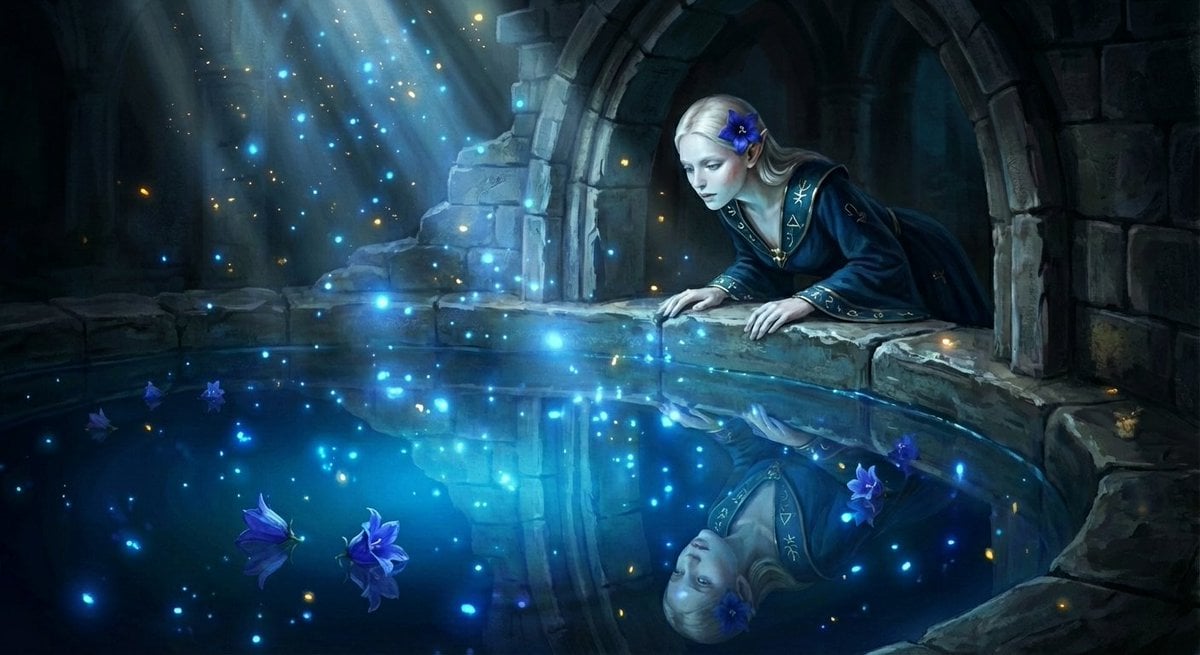
Watercolor Semi-Realistic Fantasy Animation Style Prompt
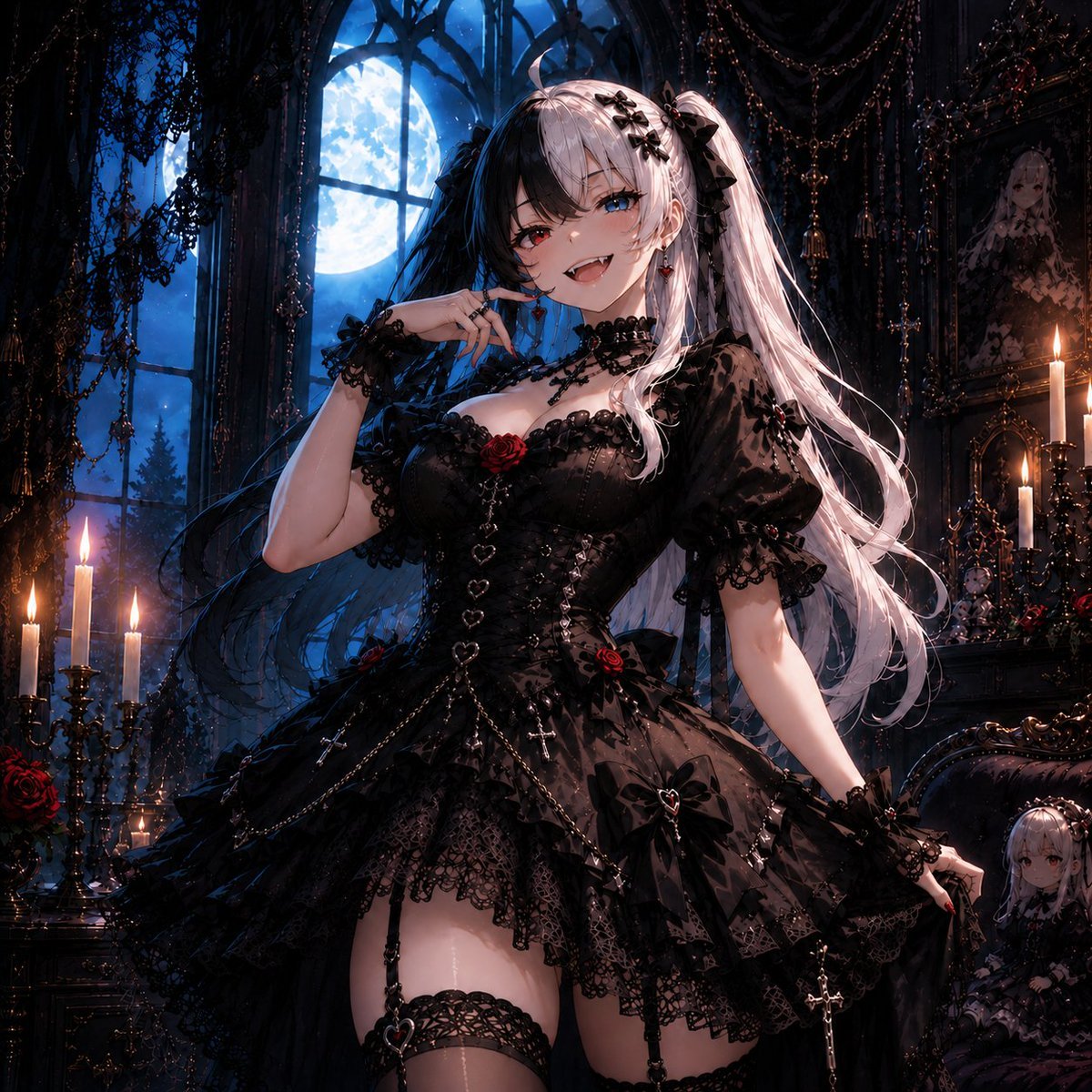
Feisty Gothic Lolita Girl
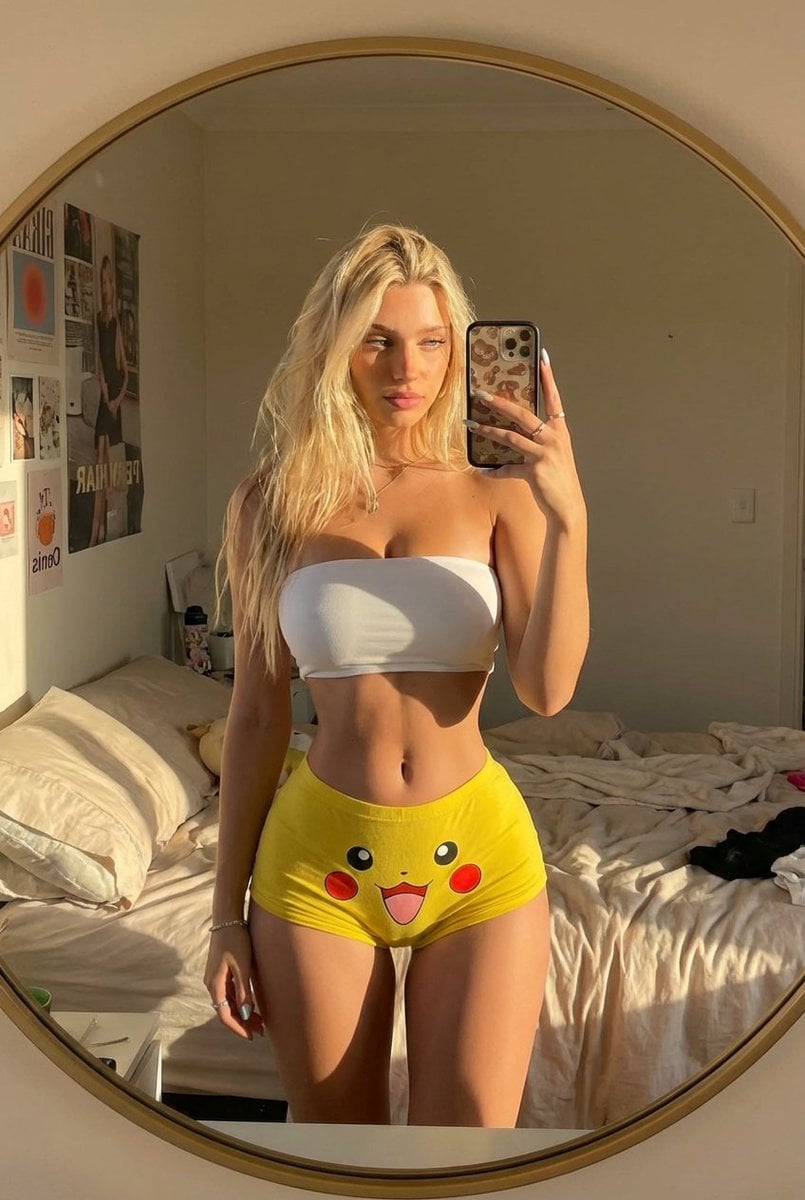
Pikachu Mirror Selfie
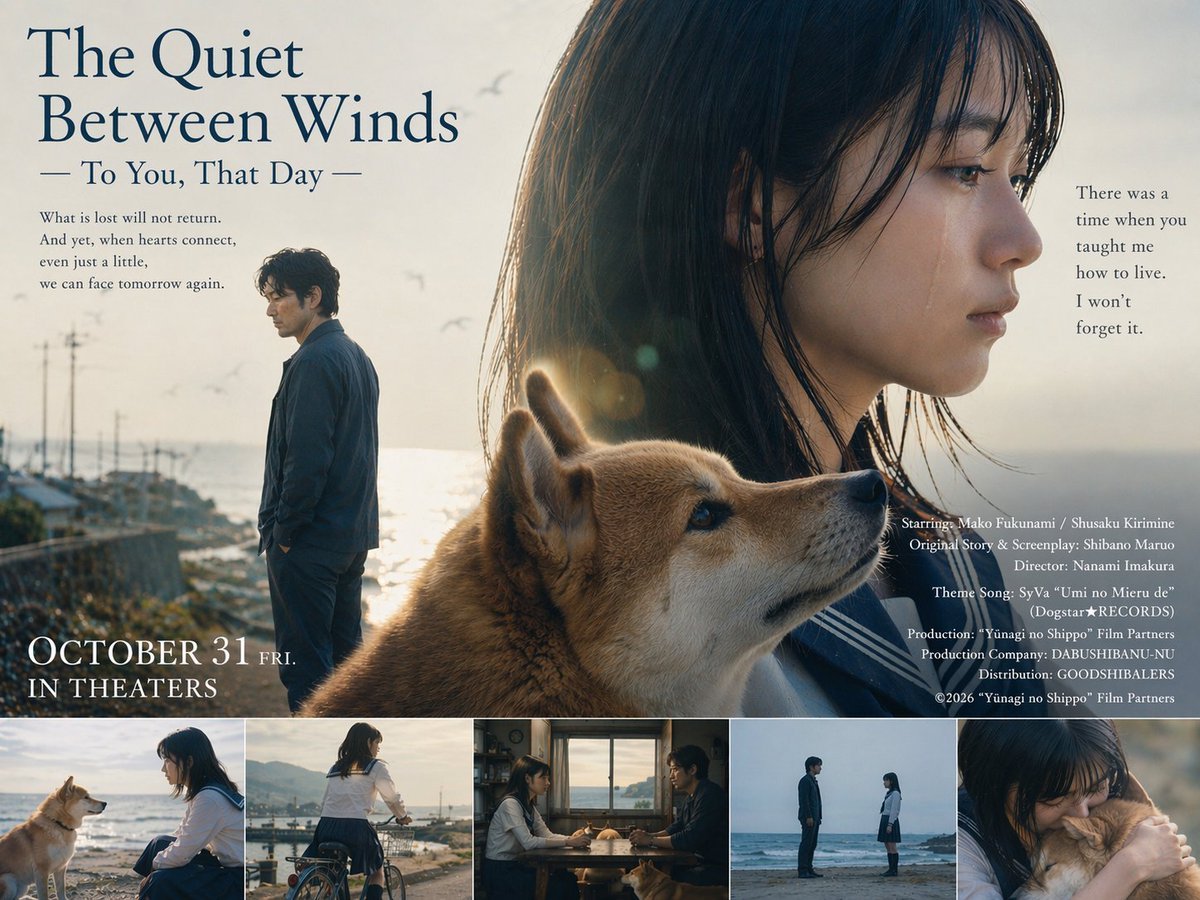
Language Translation and Layout Modification
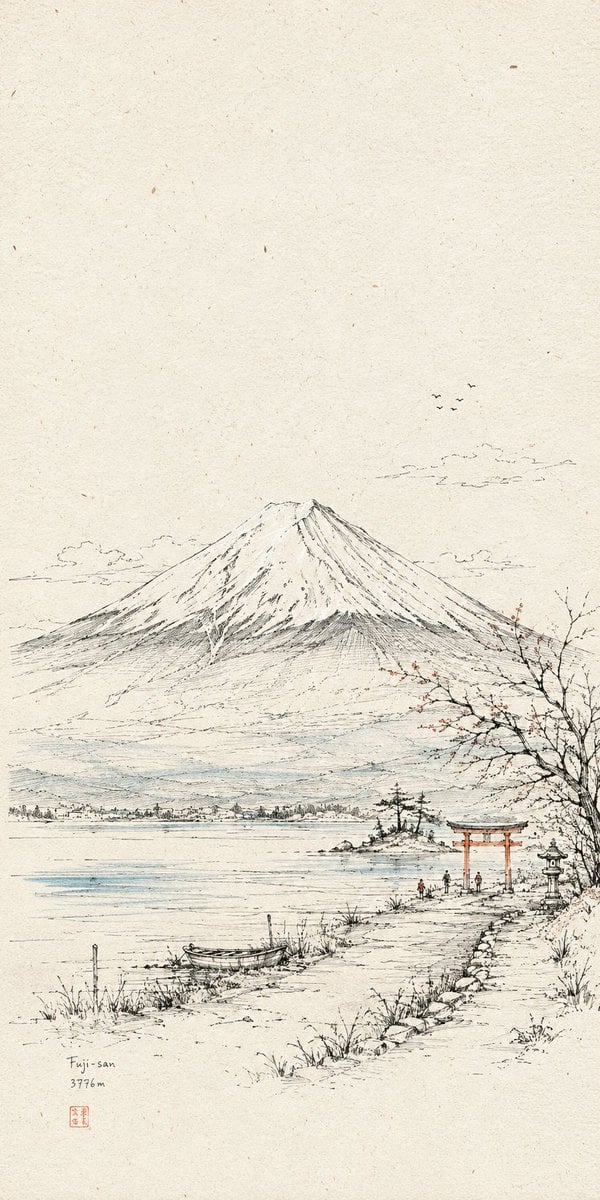
Hand-Drawn Linear Sketch Art
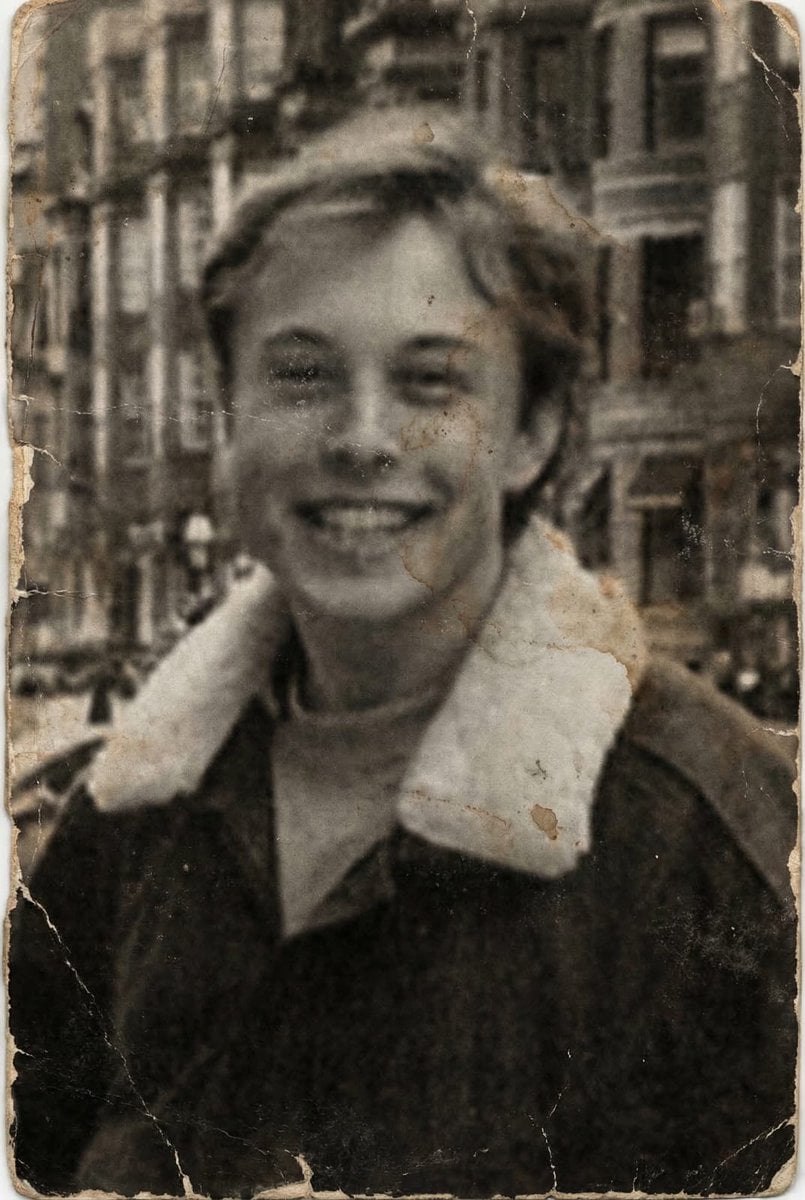
Professional Photo Restoration and Upscaling
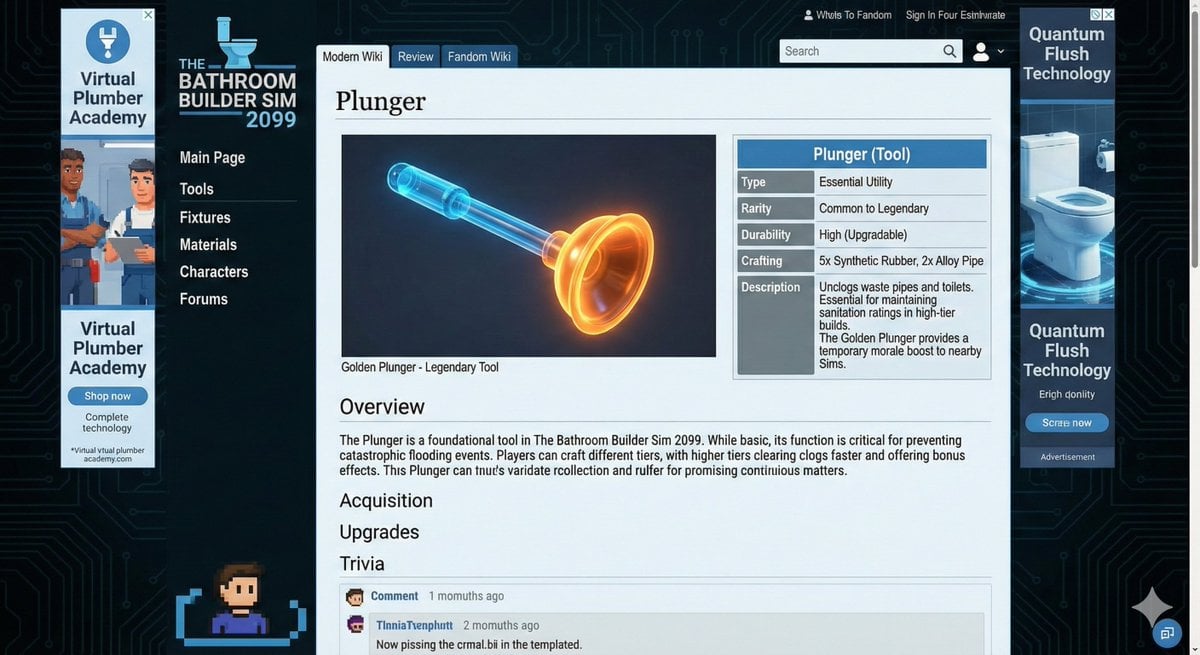
Video Game Wiki Style Plunger
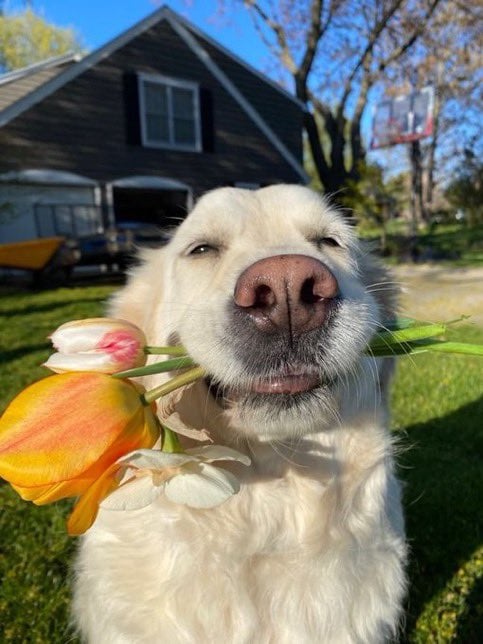
Cinematic 8K Photo Restoration
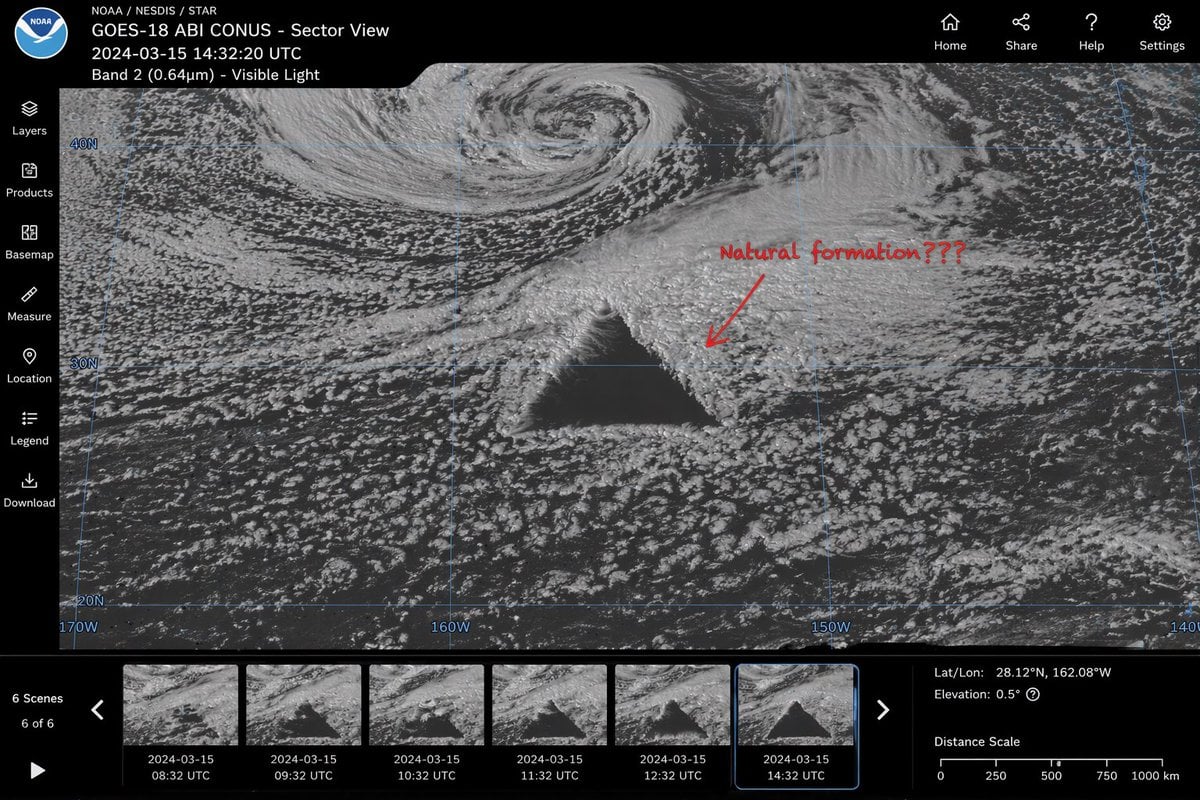
Satellite Anomaly Interface Mockup
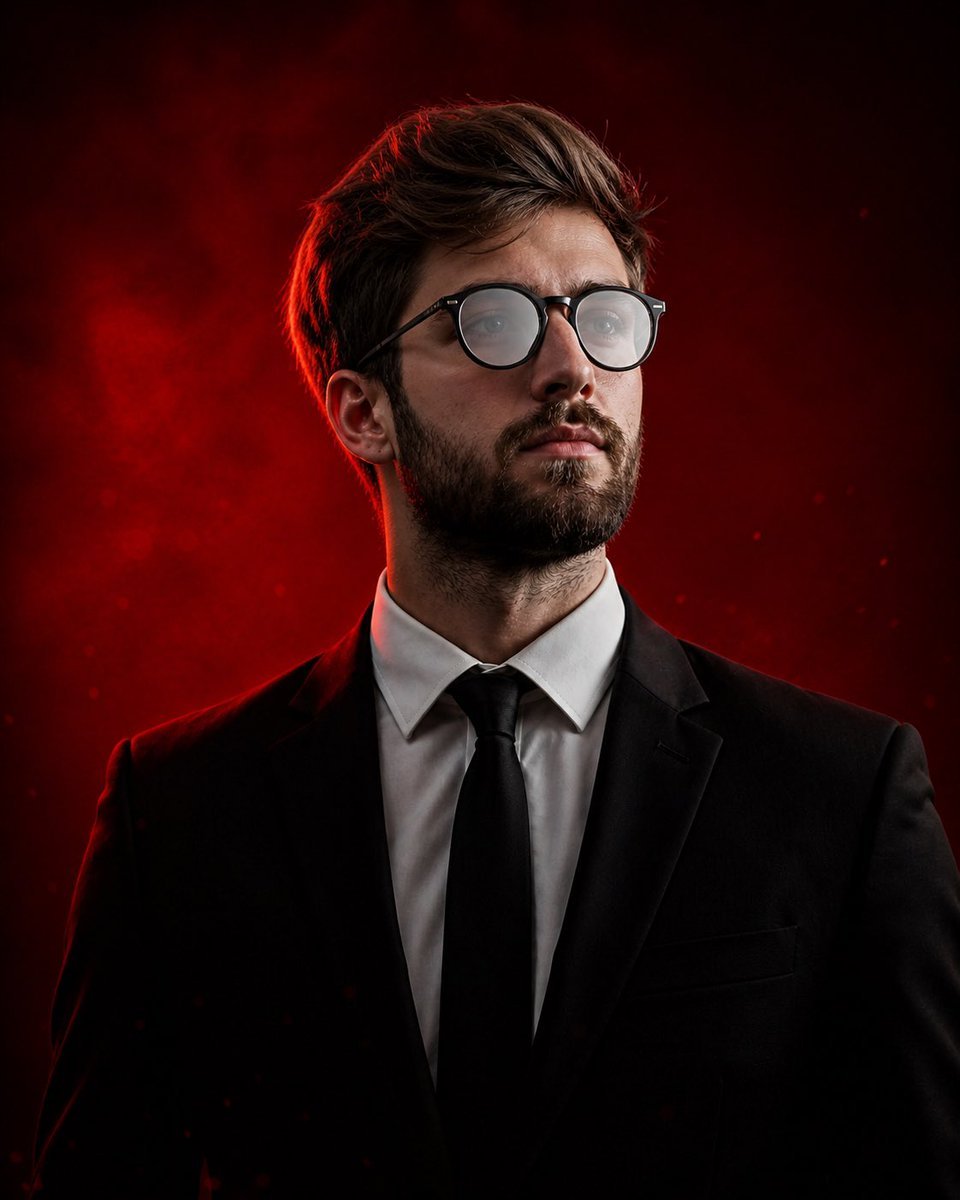
Cinematic Editorial Male Portrait
Browse template categories
Elegant Pastry Shop Kimono Man questions
How do I use the Elegant Pastry Shop Kimono Man template?
Add your photo if the template asks for one, edit the prompt if you like — the template's model and format are already selected — and press Generate. Your version opens in PicX Studio.
Can I customize the Elegant Pastry Shop Kimono Man template?
Yes. You can change the subject, setting, lighting, mood, format, and available model controls before creating your image.
Is the Elegant Pastry Shop Kimono Man template free?
Opening and editing this template is free. Generating uses credits, shown on the Generate button when you are signed in.
Which AI model should I use?
Start with GPT Image 2, which is the model associated with this template. You can compare another compatible model for a different finish.
Looking for something else? Browse all templates.

Your photo, any look
Thousands of ready templates for every top image and video model, from one credit balance.