
Surreal Interaction Diptych
A creative diptych prompt where two panels interact through a central visual illusion of a strawberry milkshake cup being passed between frames.
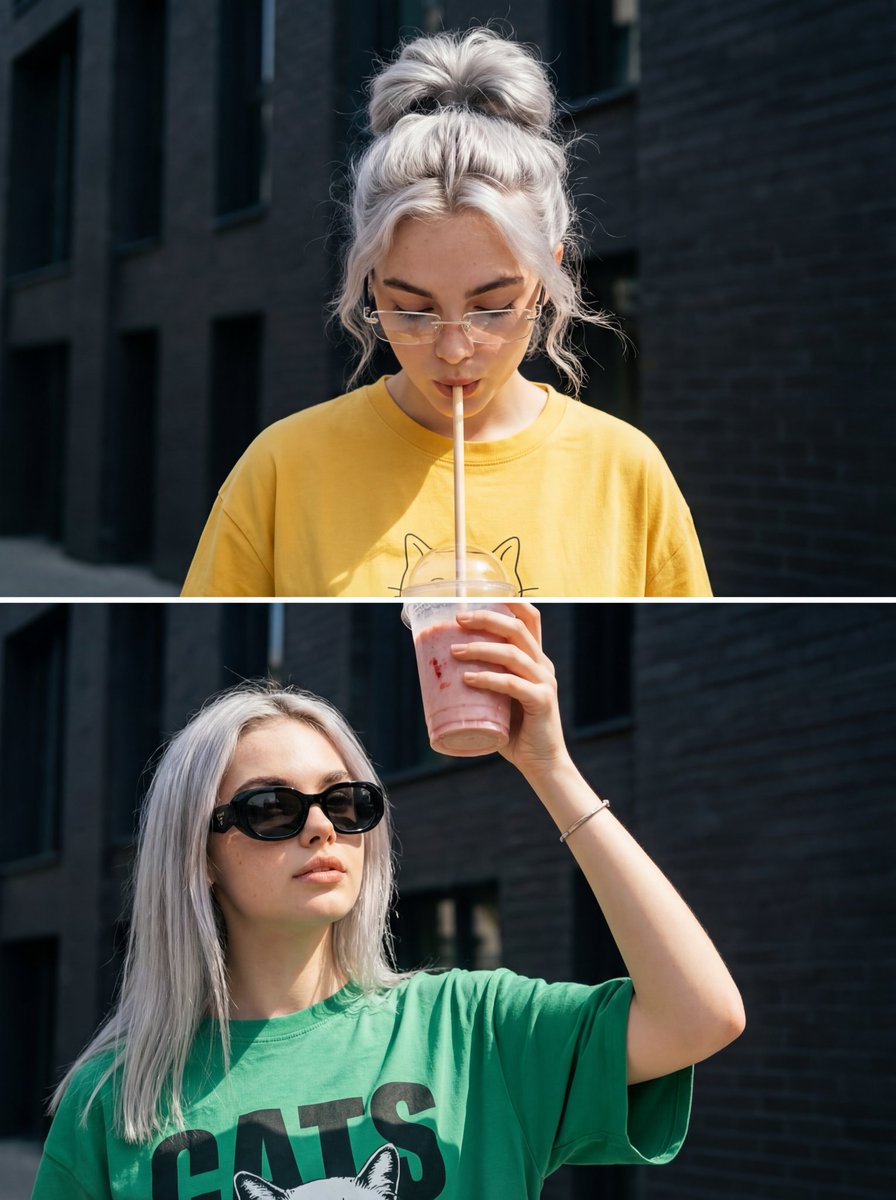
- Prompt included
- Model and format preset
- Free template
The prompt behind this image
Copy the exact prompt behind Surreal Interaction Diptych, or open it in the studio and make it yours.
It creates two girls, without altering their faces, making them exact replicas of the reference image. A photorealistic diptych of two horizontal shots, with great skin detail, natural facial texture, bright sunlight, and a lifestyle editorial aesthetic. The central focus of the composition is a single glass, which connects both frames and creates a visual illusion. A clear plastic cup with a {argument name="drink type" default="strawberry milkshake"} sits on the edge between the upper and lower frames. The girl below, in the first photo, extends her arm upward from the lower frame and holds the cup at waist level. She wears a thin bracelet on her wrist. Her hand passes through the space between the frames, as if she is pouring the drink upward. A light-colored straw emerges from the cup, pointing toward the upper frame directly at the lips of the girl above. The girl above, in the second uploaded photo, drinks through the straw, her lips slightly pursed, creating the impression that two versions of the same girl are interacting. The glass is filled with a strawberry milkshake, with condensation and light reflections visible on the transparent walls. This element is positioned right in the center of the composition, uniting both images into a single creative shot. Image: Top shot: A girl with her hair pulled back in a high, voluminous, and casual bun, with soft waves and loose strands framing her face. She wears narrow, transparent, rimless glasses. Clothing: {argument name="top shot outfit" default="An oversized yellow crew-neck T-shirt with short, elbow-length sleeves. On the chest, a minimalist cat print."} Bottom shot: Very long, straight, and sleek hair, parted in the middle. Large, glossy black sunglasses. Lips pursed in a kissing pose. She wears a bracelet on her wrist. She wears {argument name="bottom shot outfit" default="an oversized green urban-style T-shirt with a large black and white print on the chest: the word \"CATS\" underneath"}. It is loose-fitting and has short sleeves. background: An elegant, tall, black brick building, slightly out of focus. RA. 9:16.
How to use Surreal Interaction Diptych in 3 steps
- 1Upload ImagePNG, JPG or paste
Add your photo
Upload the photo the template builds on. The prompt, model and format are already set.
- 2…a portrait of your subject in softgolden-hour light, 85mm…
Personalize
Edit the subject and creative details for your destination.
- 3Generate
Generate
Press Generate — your image is created in PicX Studio, so you can compare it with the original and refine one variable at a time.
More like this
Templates with the same subject, style or setup. Open one to see its prompt.
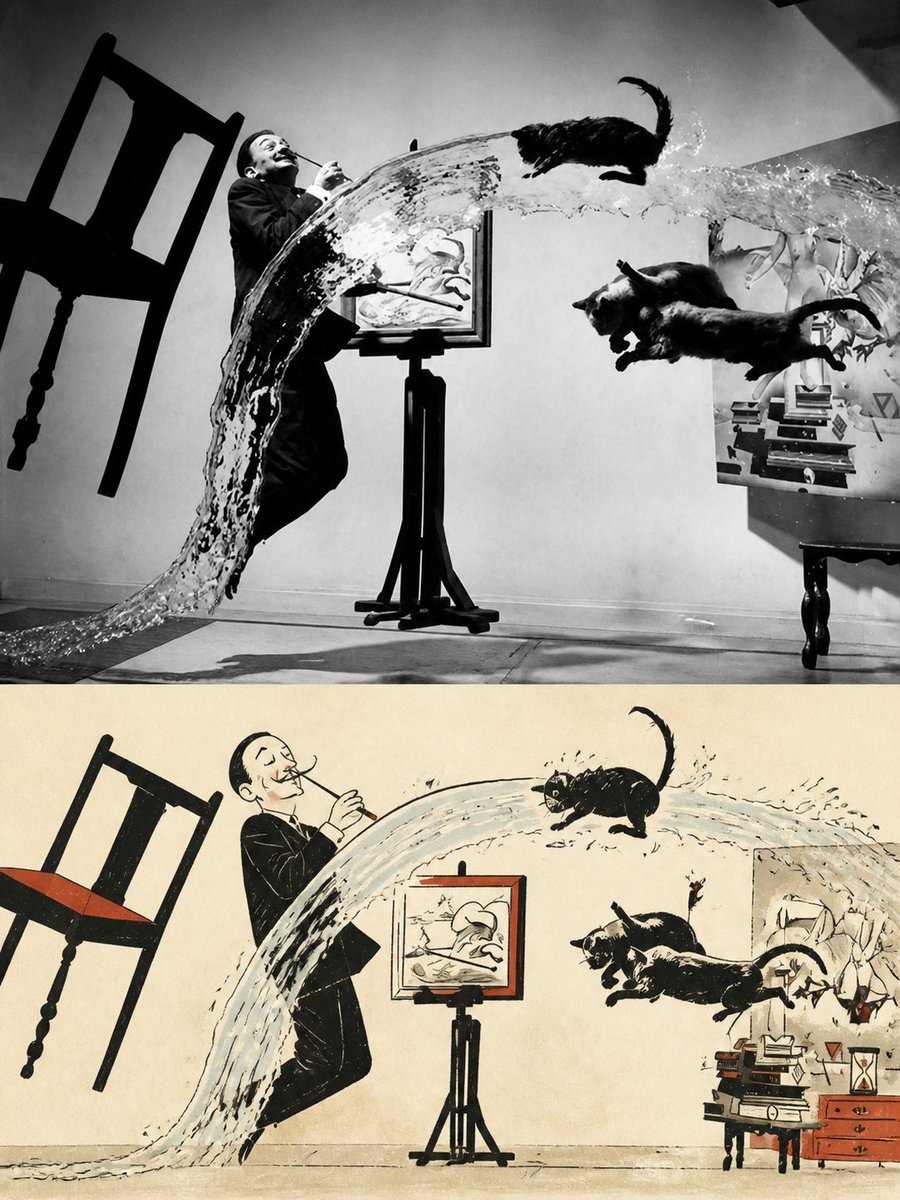
Surreal Photo to Watercolor Diptych
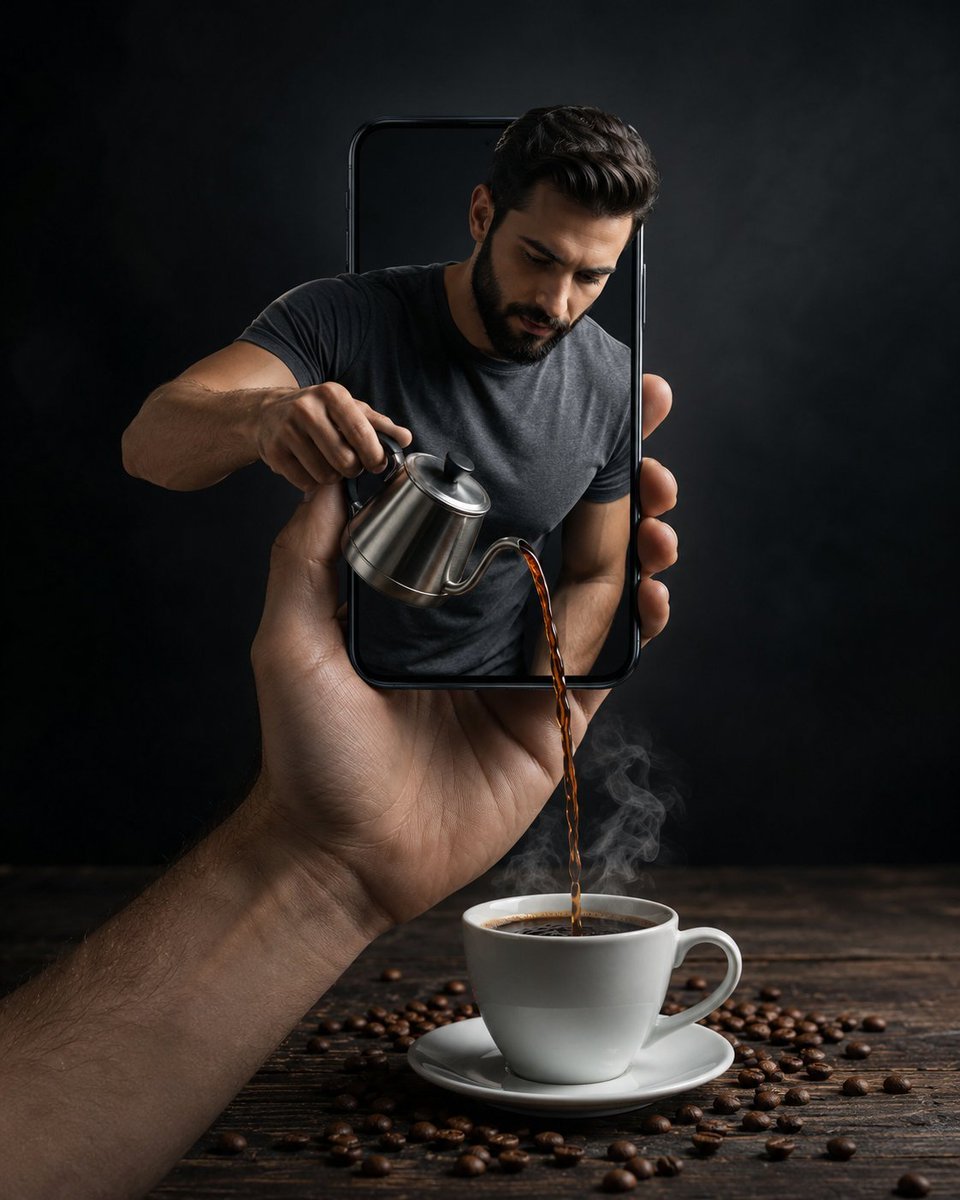
Surreal Coffee Smartphone Interaction

Surreal Cat Astronaut — Humanoid Face Freefall

Bold Red Contrast Fashion Editorial Newspaper Room

Stylized Fashion Portrait Bold Color Contrast Editorial
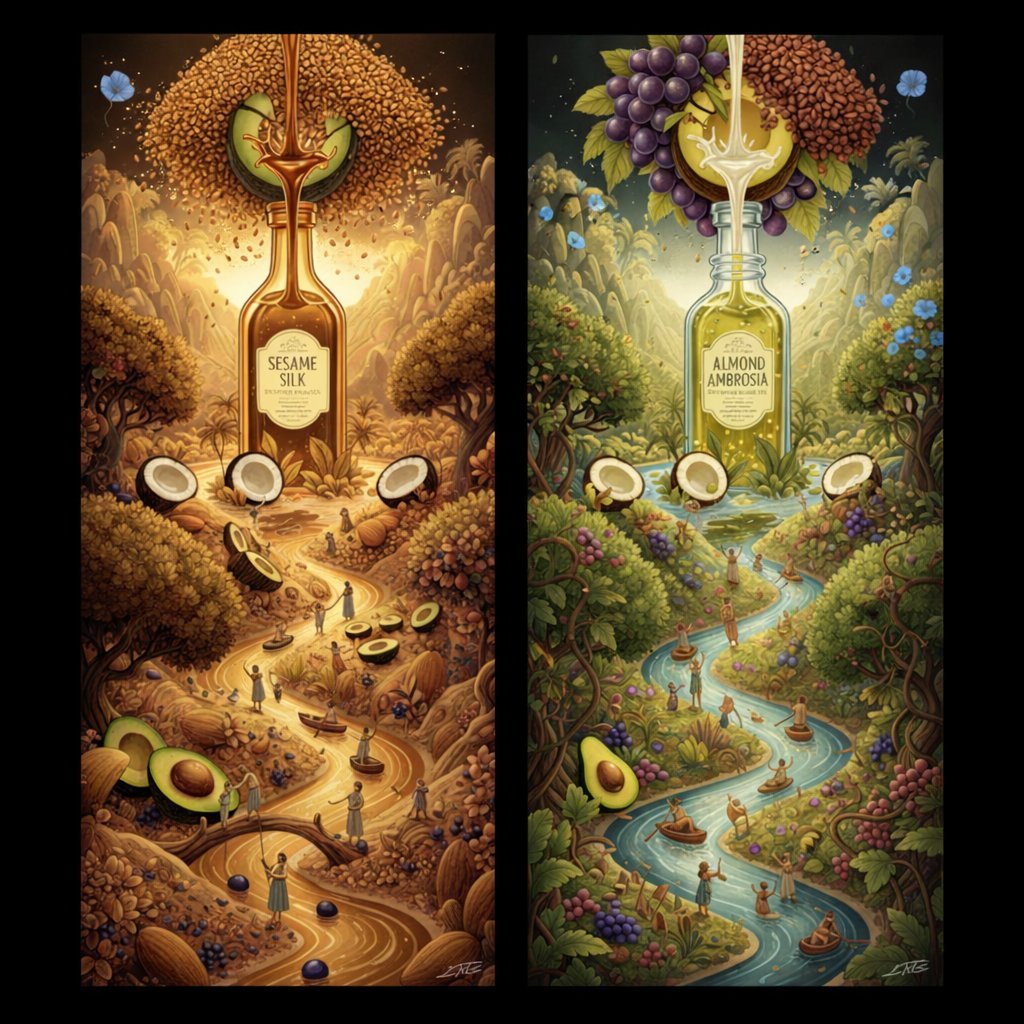
Surrealist Diptych of Sesame and Almond Oil Landscapes

Azed Double Exposure

Firefly Pixar Spill — Nano Banana Pro
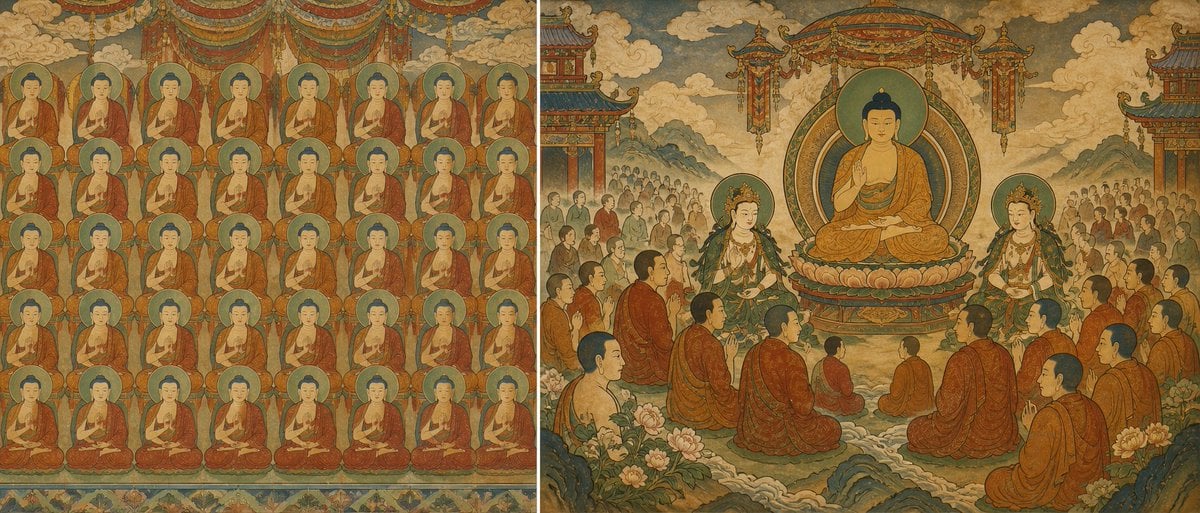
Buddhist Mural Composition Diptych
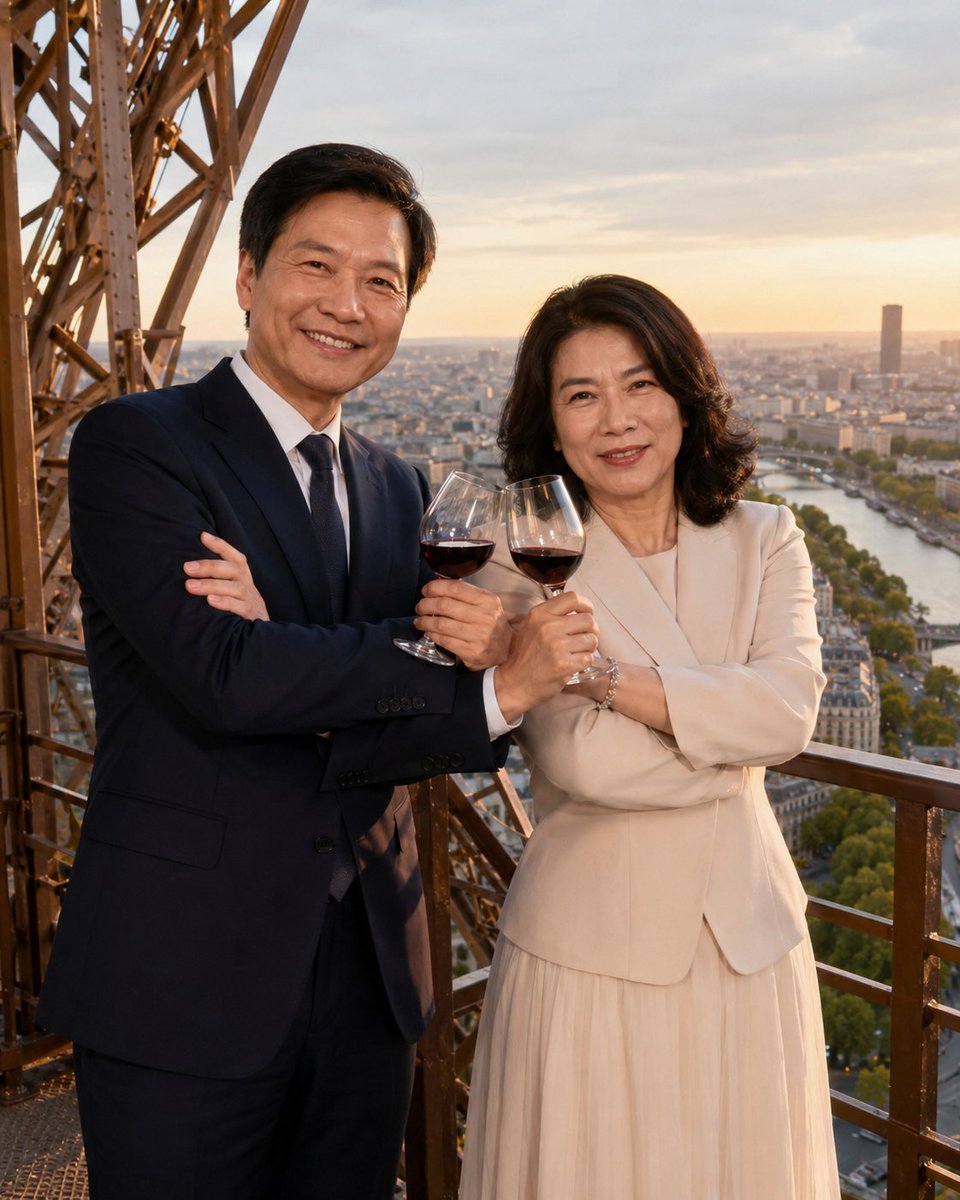
Cross-armed toast interaction prompt
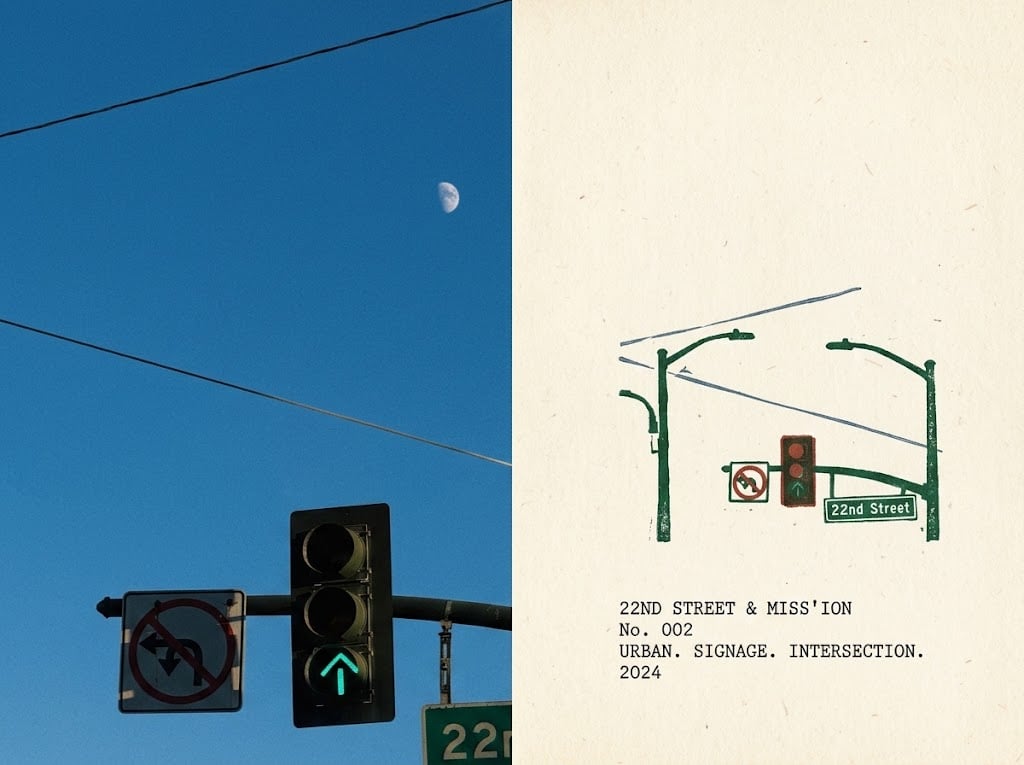
Urban Intersection Photo and Sketch Diptych
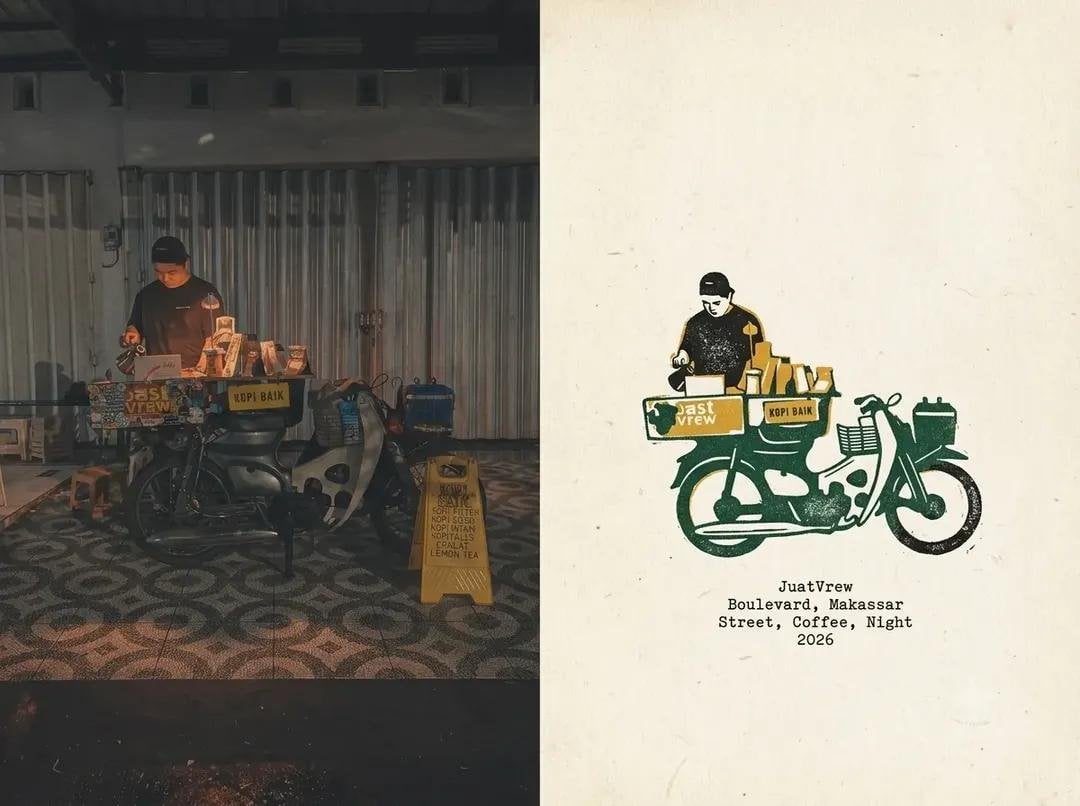
Coffee Shop Journal Diptych
Make it yours
Surreal Interaction Diptych works as-is. These are the safest ways to change it without losing the look.
Change one field
Copy a single group, rewrite it, and generate again so you can see what that field is doing.
Keep the frame, change the subject
Hold the composition and light of Surreal Interaction Diptych, then swap wardrobe, props or the person for a new take.
| If the result… | Why | Fix |
|---|---|---|
| The result drifts from the preview | Too many fields changed at once. | Reuse Surreal Interaction Diptych as-is first, then change one group — subject, light, or setting. |
| The model over-stylizes the scene | The prose prompt leaves finish and camera underspecified. | Add one camera or lighting sentence and stay on Nano Banana 2. |
More Nano Banana 2 templates
Other prompts made for Nano Banana 2.

Photorealistic Leaf Shaped Like a Dragon

K-Pop Idol Portrait Grid for Rapid Selection

Poetic Rain Forest Portrait During Golden Hour

Urban Street Portrait with Cartoon Inner Self Duo

Candid Nighttime Photo with Cat Prompt

High-Concept 3D Diorama Generation Prompt

Cinematic Futuristic Studio Portrait Template

Skincare Editorial Photography Collage Prompt

Hyper-Realistic Commercial Product Photography (Splash Effect)

Hyper-Realistic Nightclub Portrait Prompt
More image prompts
Fresh picks from across the catalog.

Edo-period castle town scene
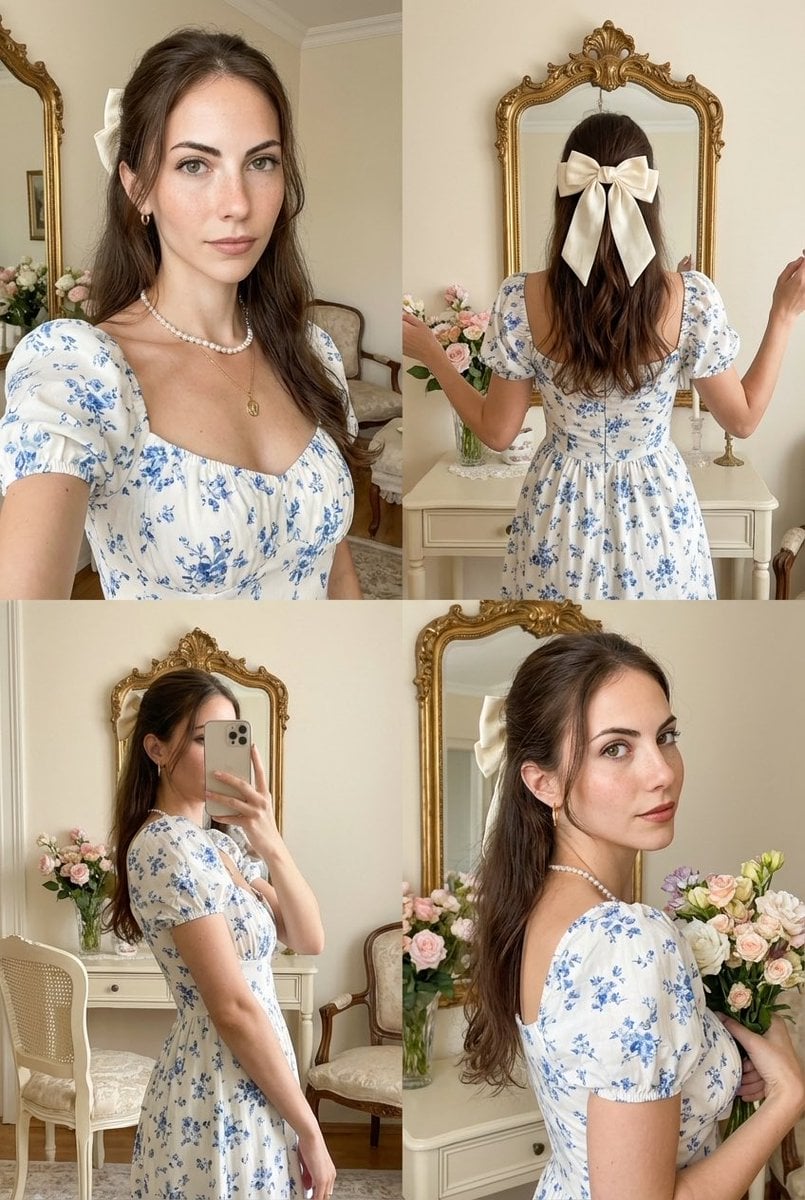
Four-Panel Collage with Strict Identity and Pose Matching
Nano Banana Pro Prompt Sharing
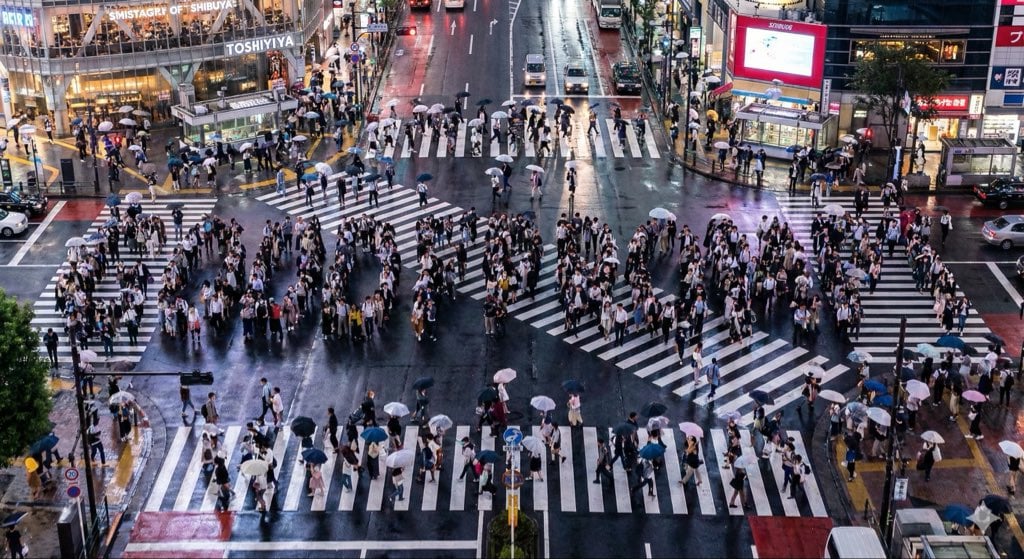
Steganographic Text Embedding Prompt
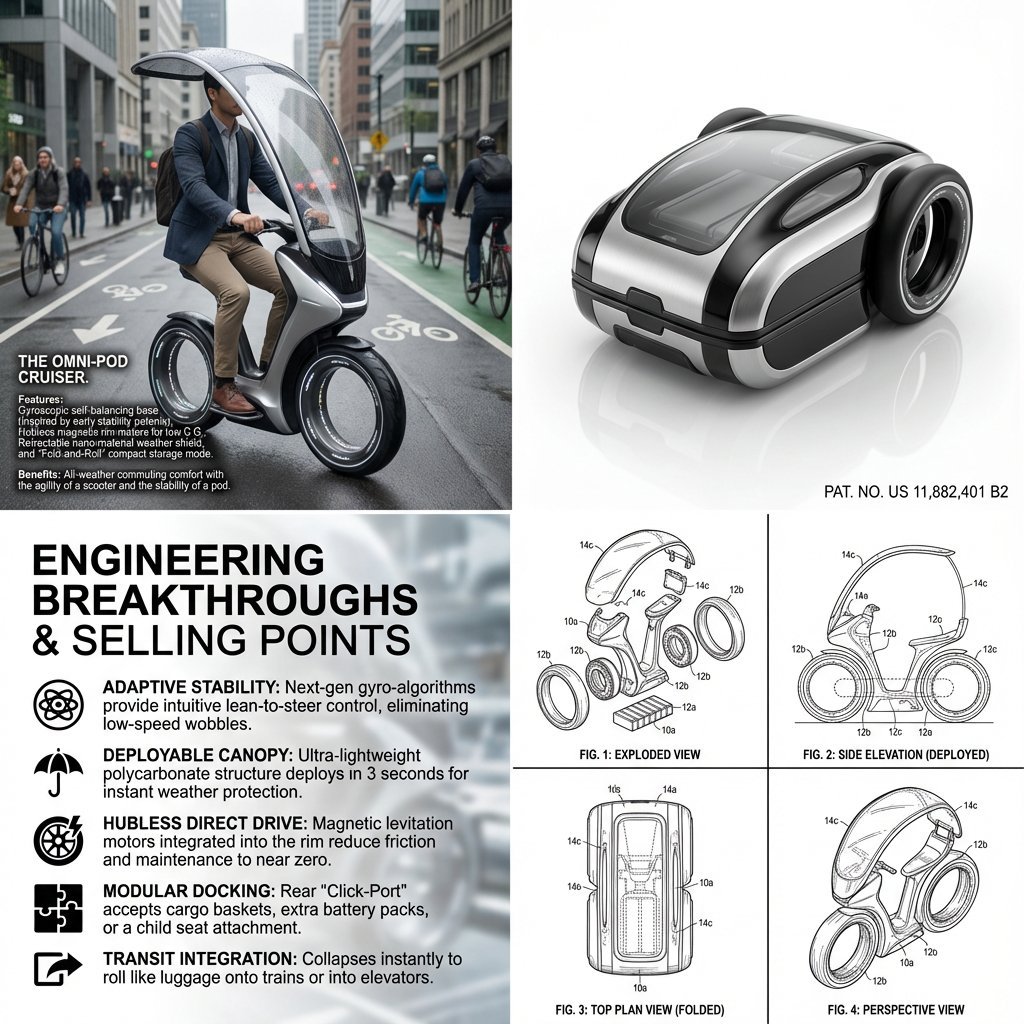
Hybrid Transportation Device Design and Patent Generation
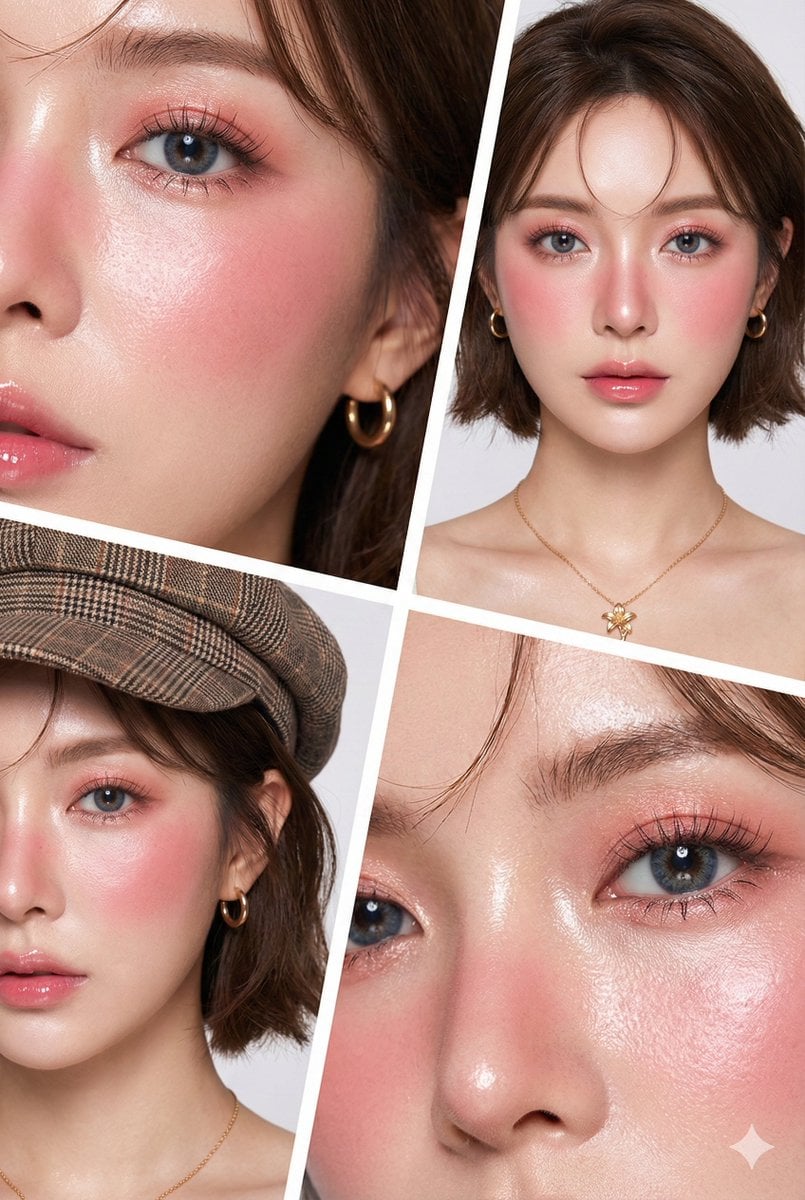
Hyper-Realistic Korean Beauty Editorial Collage
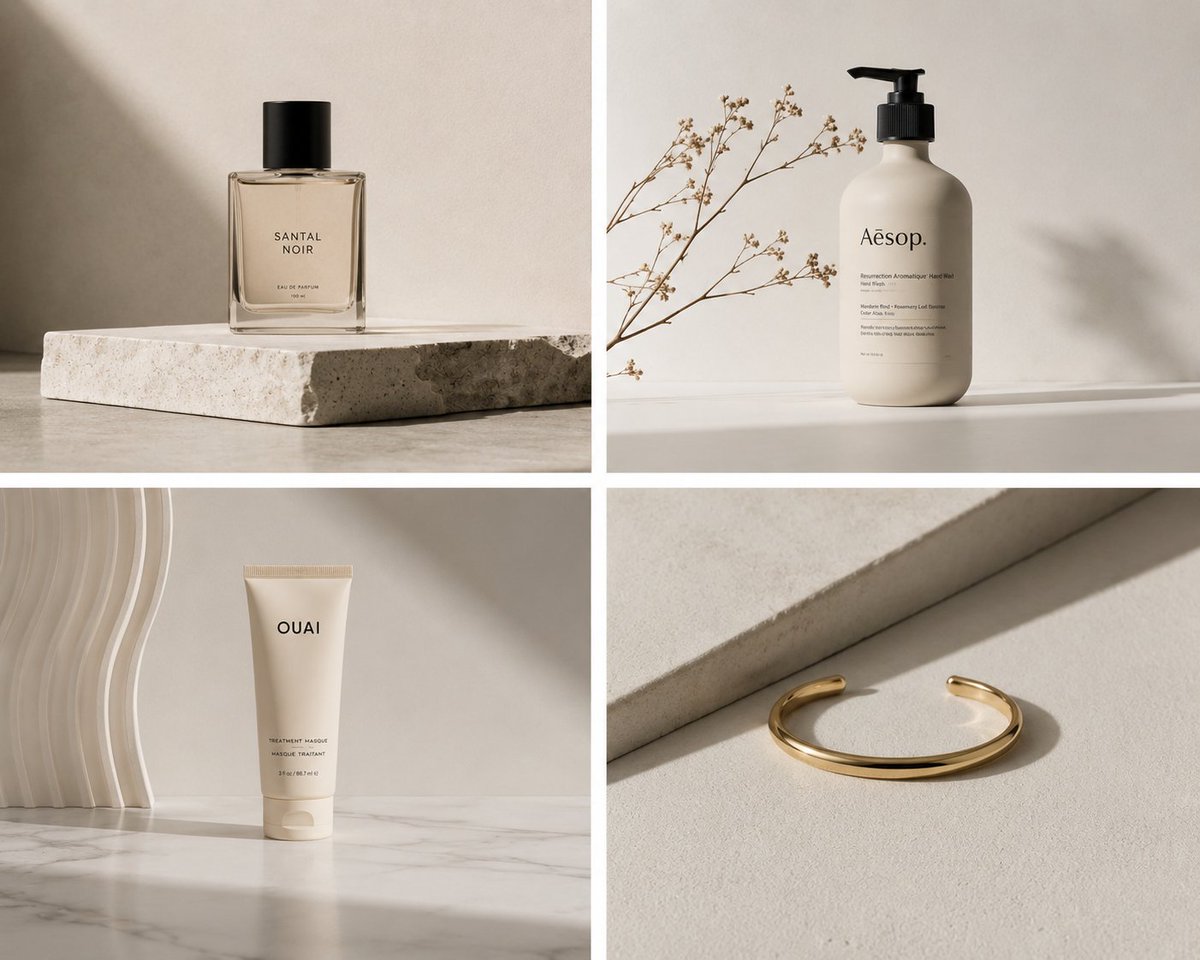
Minimalist Product Photography

Gpt2 Product Marketing Streetwear Sneaker Poster Ad
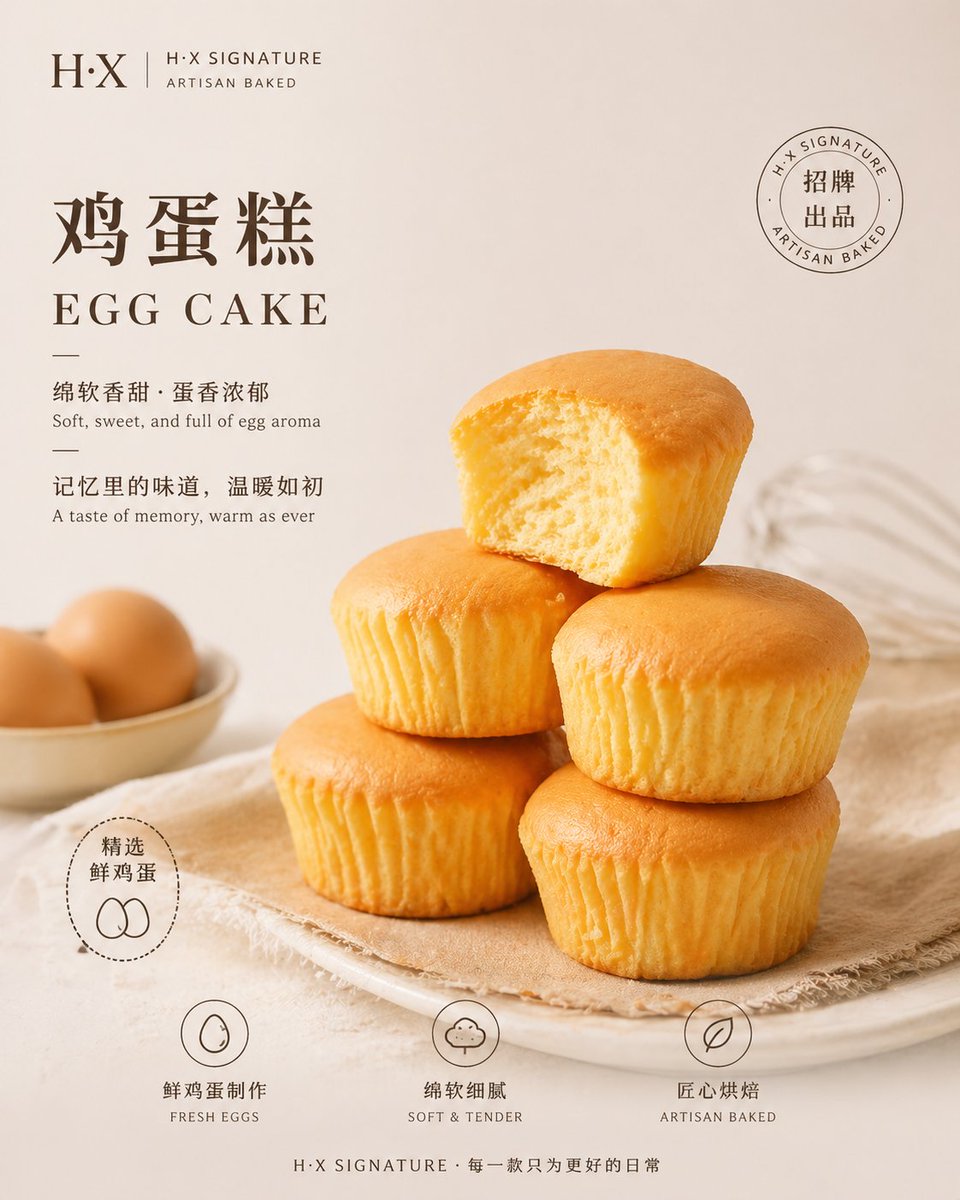
Bakery Product Poster Template
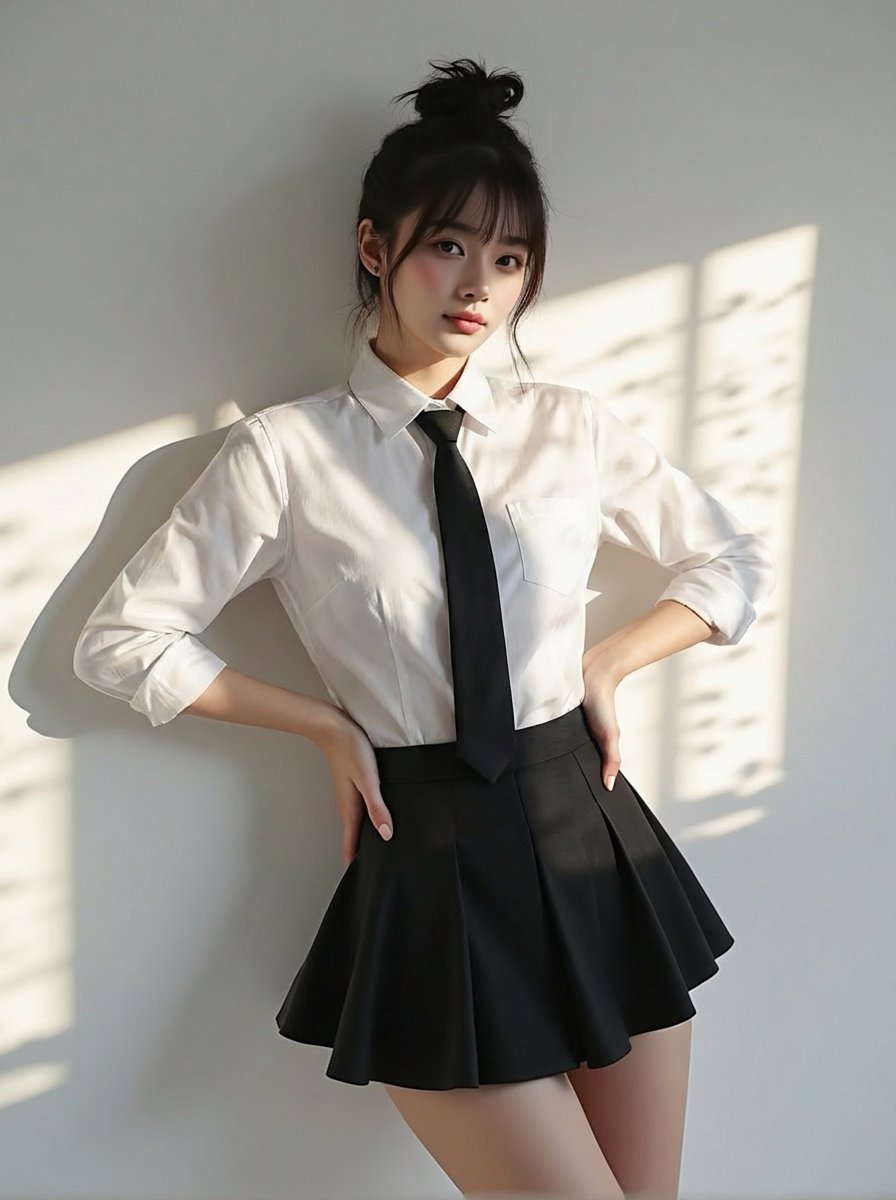
Change clothing to match reference outfit
Browse template categories
Surreal Interaction Diptych questions
How do I use the Surreal Interaction Diptych template?
Add your photo if the template asks for one, edit the prompt if you like — the template's model and format are already selected — and press Generate. Your version opens in PicX Studio.
Can I customize the Surreal Interaction Diptych template?
Yes. You can change the subject, setting, lighting, mood, format, and available model controls before creating your image.
Is the Surreal Interaction Diptych template free?
Opening and editing this template is free. Generating uses credits, shown on the Generate button when you are signed in.
Which AI model should I use?
Start with Nano Banana 2, which is the model associated with this template. You can compare another compatible model for a different finish.
Looking for something else? Browse all templates.

Your photo, any look
Thousands of ready templates for every top image and video model, from one credit balance.