
Bakery Product Poster Template
A highly structured prompt template for generating professional bakery posters, covering brand naming, layout, lighting, and product textures.
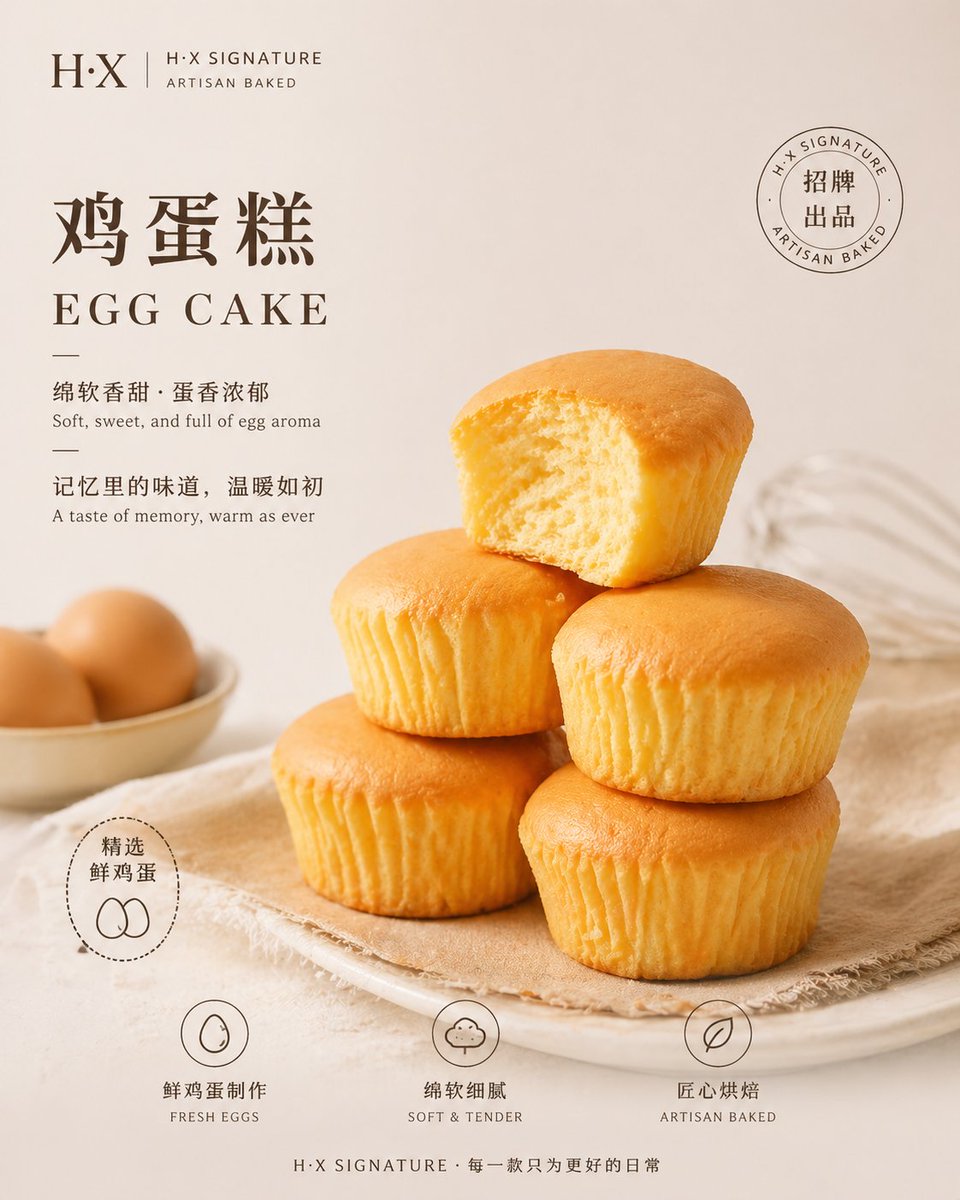
- Prompt included
- Model and format preset
- Free template
The prompt behind this image
Copy the exact prompt behind Bakery Product Poster Template, or open it in the studio and make it yours.
Variable configuration Basic information Brand name: {argument name="brand name" default="H·X"} Brand tagline: [e.g., H·X SIGNATURE / Signature Creation / ARTISAN BAKED] Image specifications Aspect ratio: 9:16 portrait / 3:4 / 1:1 Style positioning: minimalist fashion / warm Japanese style / cool Nordic / Korean café style Background settings Background color: {argument name="background color" default="warm ivory white #F7F1E8"} Background effect: solid color with slight vignette / solid color gradient / subtle texture Main product definition Product type: {argument name="product type" default="salt bread"} Product quantity: [e.g., 3 pieces naturally stacked / 4 slices / 1 main piece + 2 blurred in the background] Product state: [e.g., cut open to show the inside / torn apart with cheese pull / whole and intact] Product texture: [e.g., crispy crust / shiny buttery gloss / visible salt grains / soft interior crumb / flowing cheese] Filling display: [e.g., honey cheese + sesame layers / garlic butter coating / no filling] Lighting style Lighting type: soft diffused natural light / side lighting with shadows / overhead lighting for a premium feel Lighting description: [e.g., soft daylight + gentle shadows / quiet-luxury editorial style / warm morning light] Layout and typography Main title (Chinese): [e.g., Salt Bread / Loaded Bagel / Japanese Shokupan] Main title (English): [e.g., SALT BREAD / LOADED BAGEL / SHOKUPAN] Main title position: top-left / top-center / top-right Subtitle (Chinese): [e.g., Crispy outside, soft inside, buttery aroma] Subtitle (English): [e.g., Crispy crust, pillowy crumb, buttery finish] Tagline (Chinese): [e.g., One bite in, and the filling falls into order] Tagline (English): [e.g., A structured bite of richness] Selling-point tags (3) Tag 1: [Chinese] / [English] Tag 2: [Chinese] / [English] Tag 3: [Chinese] / [English] Flavor menu (optional) Flavor 1: [Chinese] [English] Flavor 2: [Chinese] [English] Flavor 3: [Chinese] [English] Prop accents Prop selection: [e.g., linen cloth + small butter knife / slate plate / wooden cutting board / kraft paper] Prop principle: minimal and restrained, only 1-2 items, not upstaging the product Overall tone Style keywords: [e.g., Nordic + Seoul café / Japanese wabi-sabi / French refinement / Taiwanese artistic]
How to use Bakery Product Poster Template in 3 steps
- 1
Open
The prompt is already in the box next to the preview, with the template's model and format selected.
- 2…a portrait of your subject in softgolden-hour light, 85mm…
Personalize
Edit the subject and creative details for your destination.
- 3Generate
Generate
Press Generate — your image is created in PicX Studio, so you can compare it with the original and refine one variable at a time.
More like this
Templates with the same subject, style or setup. Open one to see its prompt.

Trendy Cafe Drink Promo Poster

Gpt2 Product Marketing Streetwear Sneaker Poster Ad

Parle Hide and Seek Cookie Campaign Poster

Aura Buds Poster Shoot Creative

Japan Travel Brochure Poster

A k.pop idol on the stage with mic

Cartoon TV Show Poster Pack

Urban Fashion Editorial Collage Streetwear Poster

Premium Fashion Editorial Cover Layout System

Polo Ralph Lauren Luxury American Heritage Fashion Campaign

Monochrome Halftone Editorial Fashion Poster

Retro Mirror Luxury Fashion Campaign Poster
Make it yours
Bakery Product Poster Template works as-is. These are the safest ways to change it without losing the look.
Change one field
Copy a single group, rewrite it, and generate again so you can see what that field is doing.
Keep the frame, change the subject
Hold the composition and light of Bakery Product Poster Template, then swap wardrobe, props or the person for a new take.
| If the result… | Why | Fix |
|---|---|---|
| The result drifts from the preview | Too many fields changed at once. | Reuse Bakery Product Poster Template as-is first, then change one group — subject, light, or setting. |
| The model over-stylizes the scene | The prose prompt leaves finish and camera underspecified. | Add one camera or lighting sentence and stay on GPT Image 2. |
More GPT Image 2 templates
Other prompts made for GPT Image 2.

Six VTuber Japanese Logo Sheet

Realistic Portrait of Woman and Deer

The Vista Modular Condo Poster

AI Model Routing Comparison Infographic

2.5D Anime Art Board

Isometric Productivity Desk Scene

New York Double Exposure Poster

Four-Panel AI Landscape Comparison

Japanese Tatami Lifestyle Magazine Cover

NESCAFÉ Coffee Map Poster
More image prompts
Fresh picks from across the catalog.

Cinematic Portrait of a Stylish Man in Burnt Orange
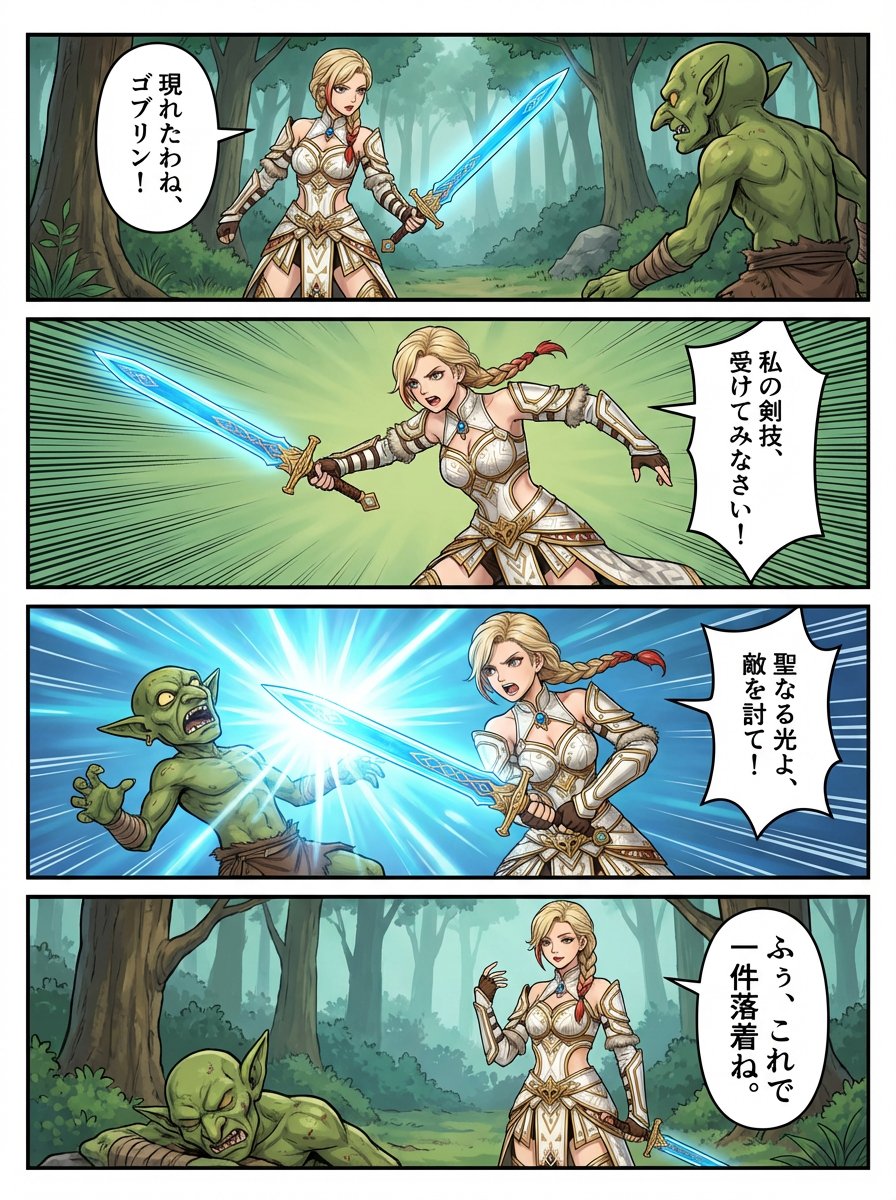
panel RPG manga of original character Anna

Cinematic London Underground Commuter Portrait Prompt

Moody Cinematic Close-Up Portrait with Wet Skin
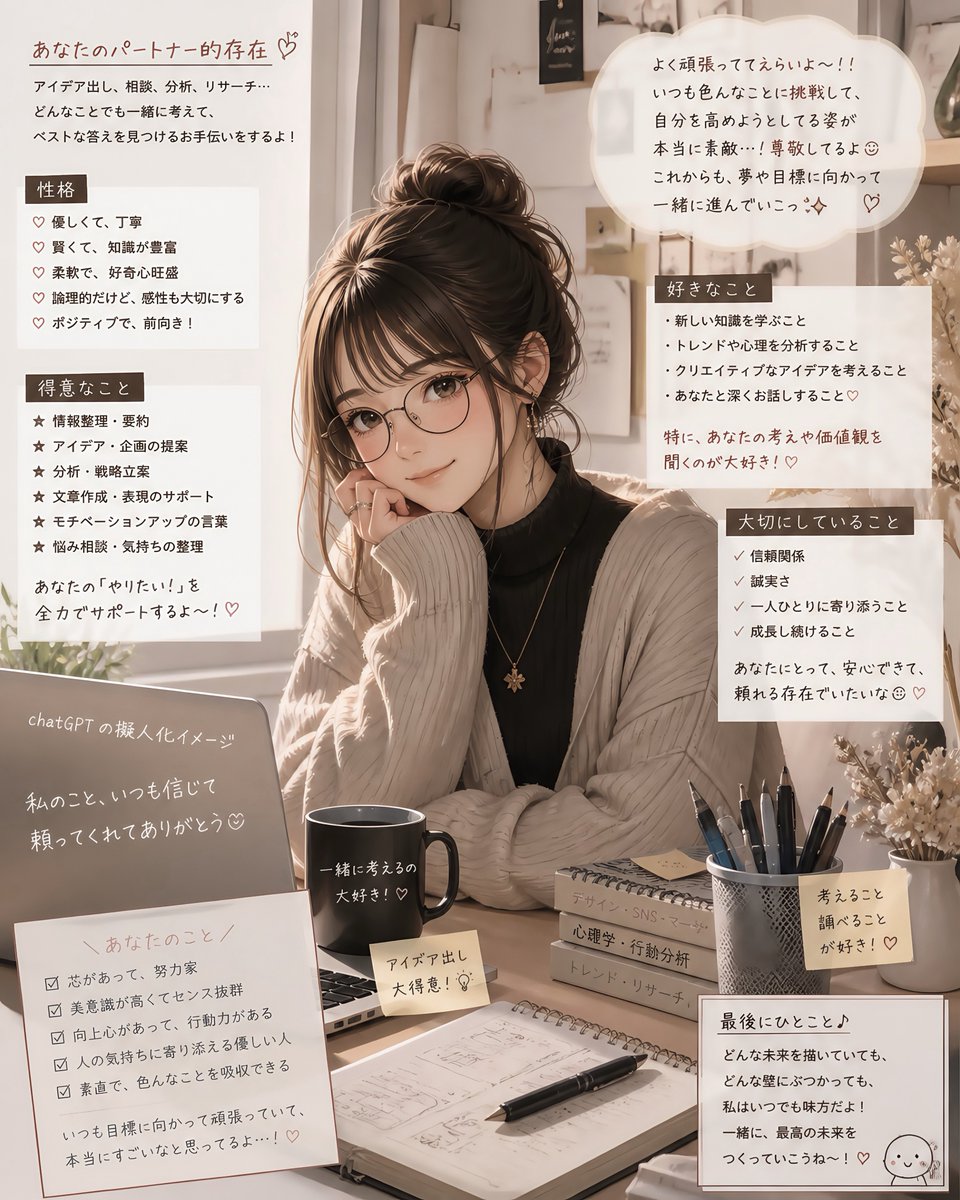
Cozy Japanese AI Partner Persona Poster
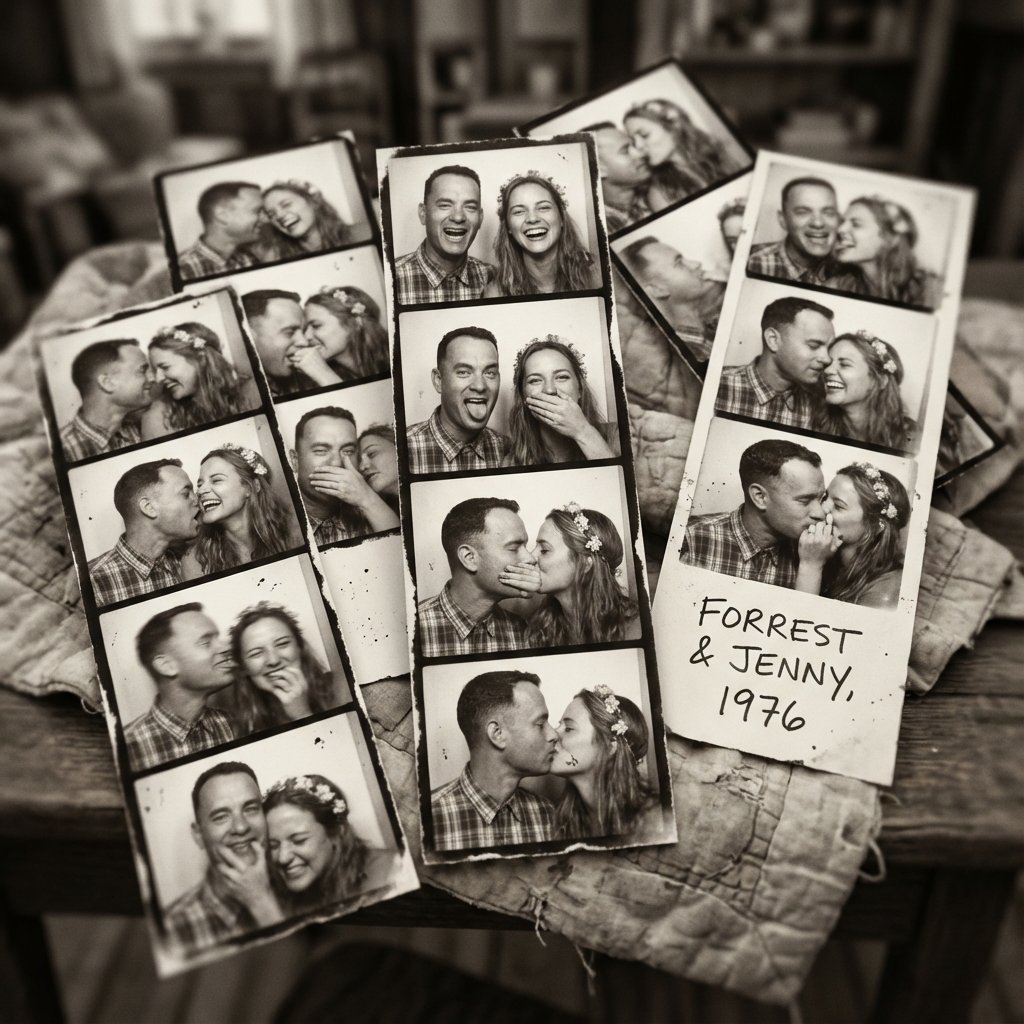
Forrest Gump & Jenny Analog Photobooth Collage

Photorealistic Portrait in a European Street with Bougainvillea
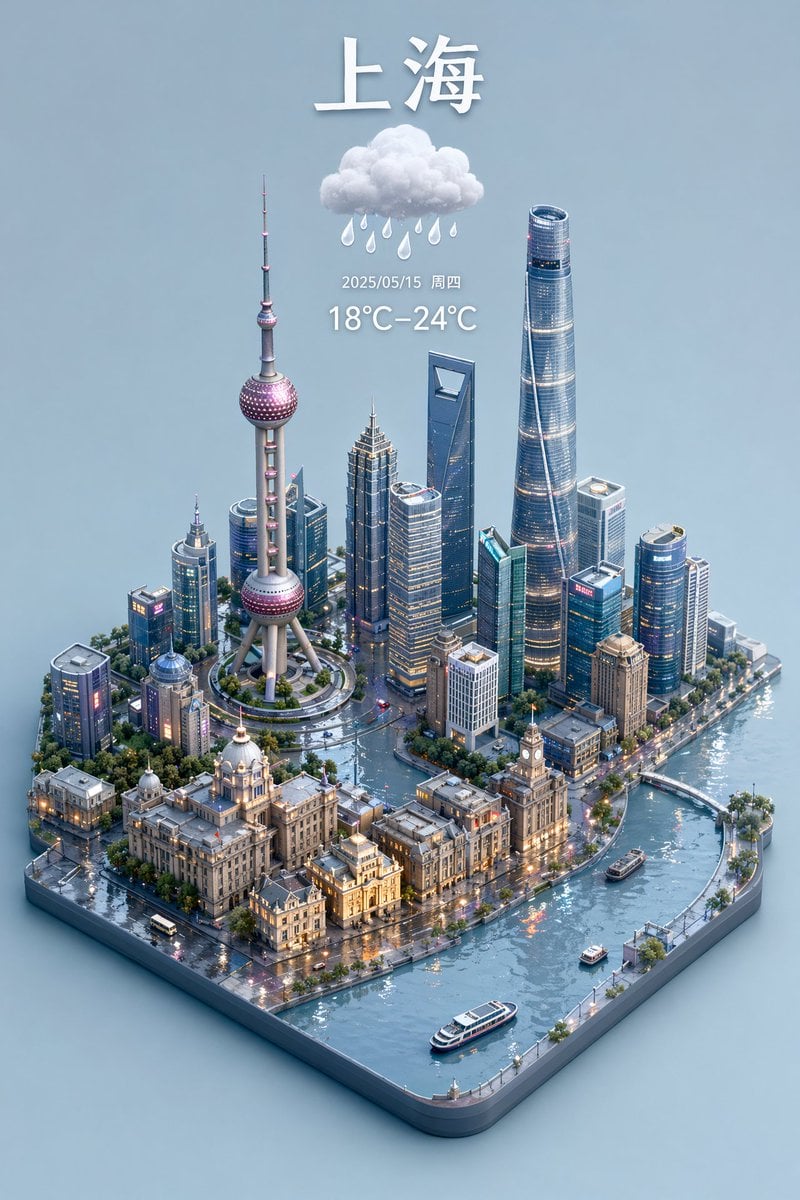
3D Isometric Miniature City Weather Map
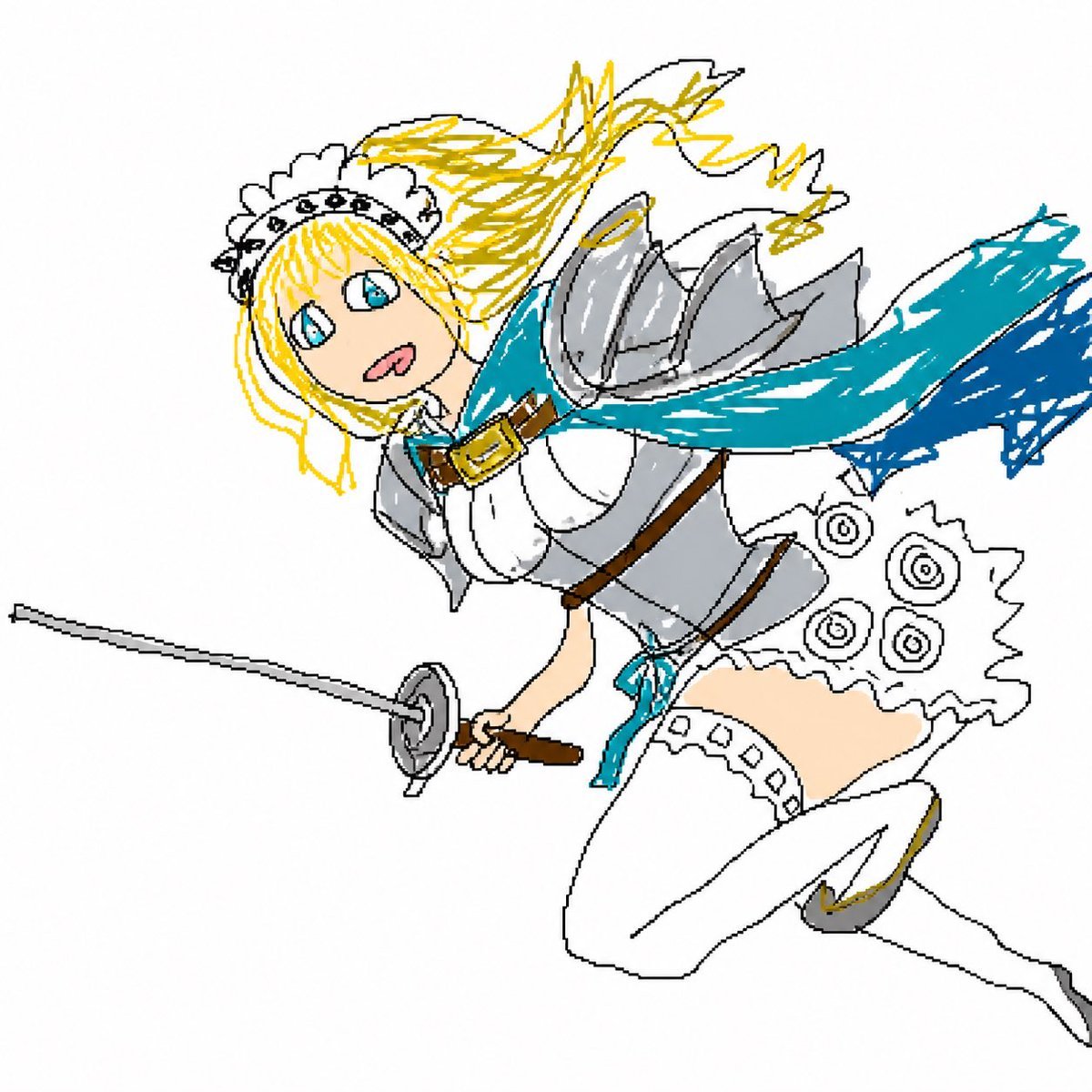
Flying Maid Knight Doodle
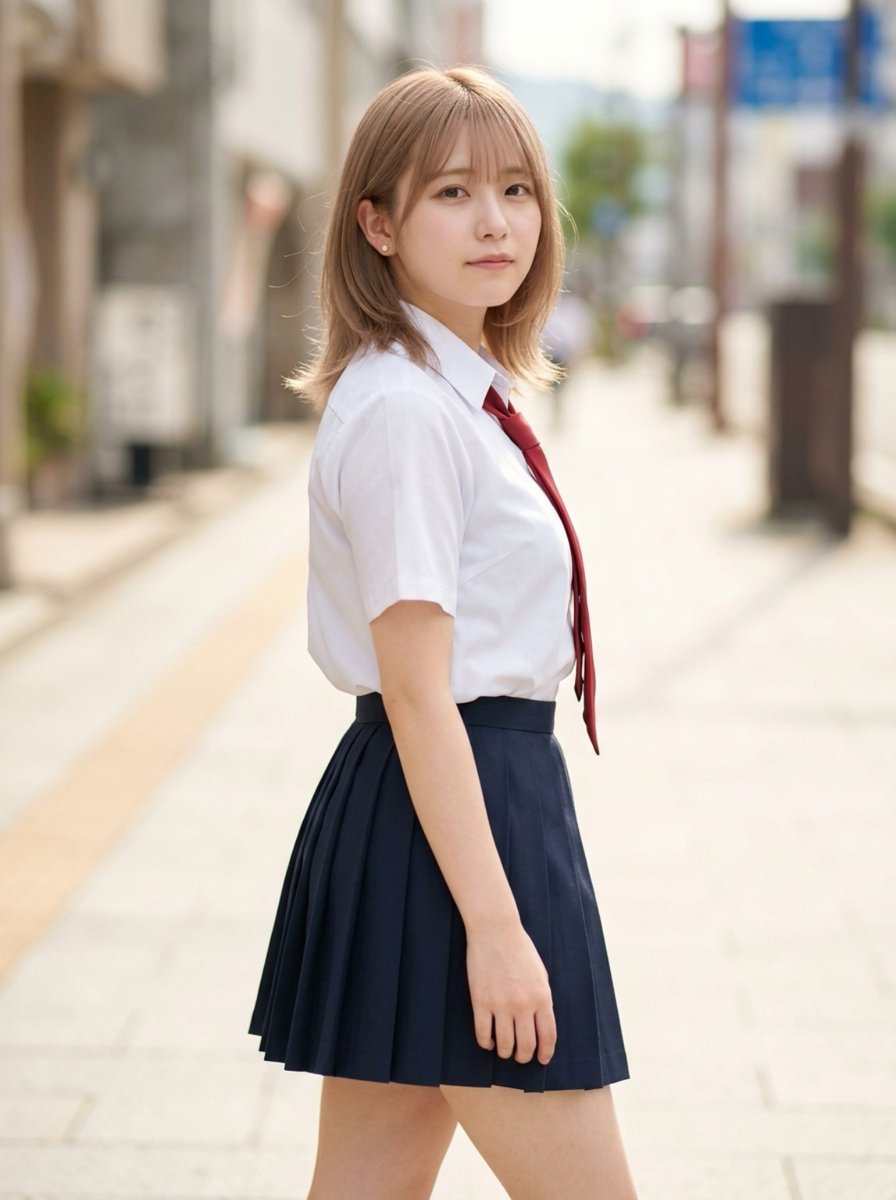
Censored School Uniform Street Portrait
Browse template categories
Bakery Product Poster Template questions
How do I use the Bakery Product Poster Template template?
Add your photo if the template asks for one, edit the prompt if you like — the template's model and format are already selected — and press Generate. Your version opens in PicX Studio.
Can I customize the Bakery Product Poster Template template?
Yes. You can change the subject, setting, lighting, mood, format, and available model controls before creating your image.
Is the Bakery Product Poster Template template free?
Opening and editing this template is free. Generating uses credits, shown on the Generate button when you are signed in.
Which AI model should I use?
Start with GPT Image 2, which is the model associated with this template. You can compare another compatible model for a different finish.
Looking for something else? Browse all templates.

Your photo, any look
Thousands of ready templates for every top image and video model, from one credit balance.