
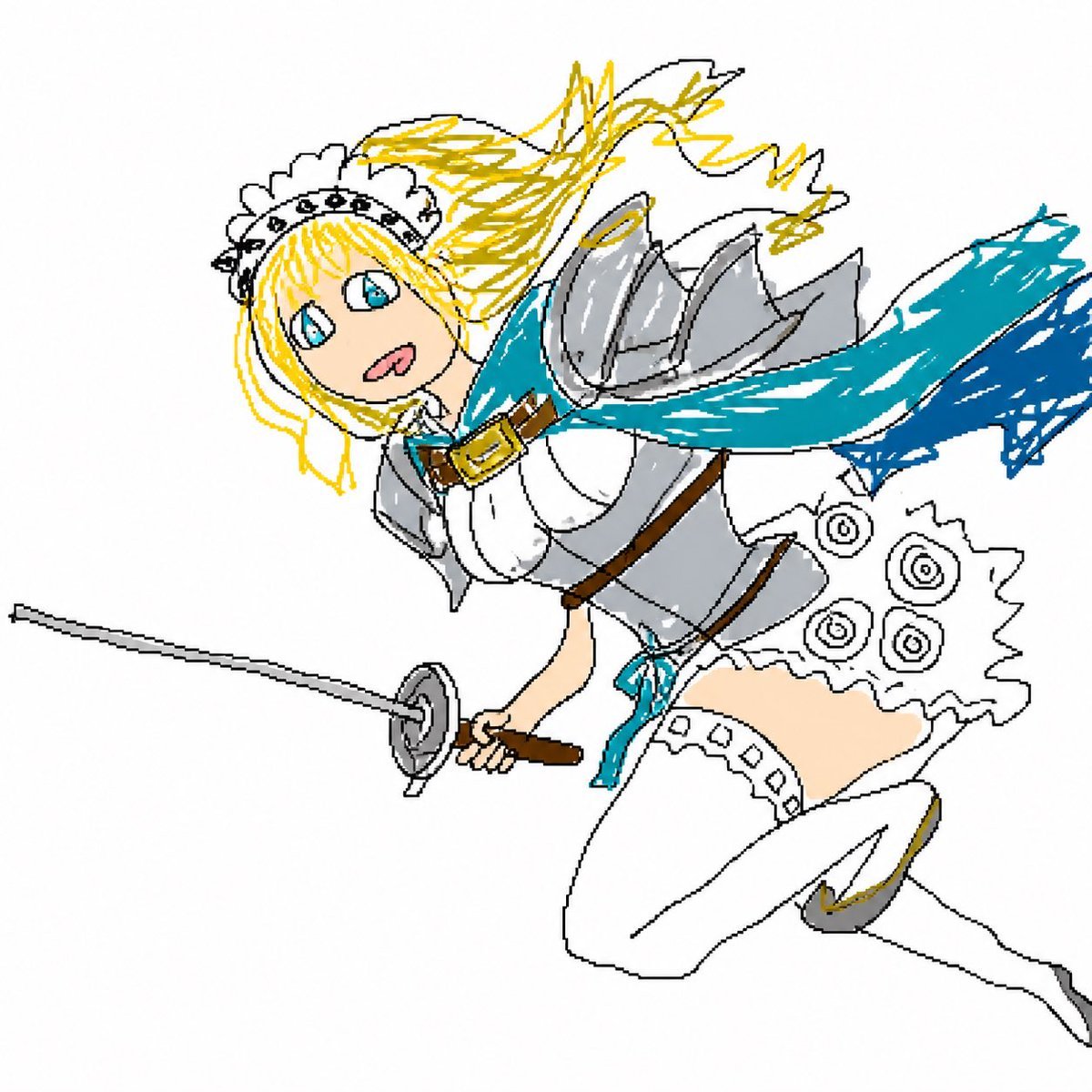
Flying Maid Knight Doodle
Generates a rough anime-style digital doodle of a blonde maid knight flying forward with a rapier and flowing blue scarf.
- Prompt included
- Model and format preset
- Free template
The prompt behind this image
Copy the exact prompt behind Flying Maid Knight Doodle, or open it in the studio and make it yours.
Create a deliberately rough, hand-drawn digital doodle on a plain white background, like quick Microsoft Paint line art with uneven black outlines, flat colors, scribbled shading, and a playful amateur anime style. Show a single flying fantasy battle maid knight, a young anime woman with {argument name="hair color" default="bright blonde"} hair streaming wildly backward, large blue eyes, a small open surprised smile, and a white frilly maid headband with tiny dark flower details. She is posed diagonally as if lunging through the air from upper left to lower right, holding one thin rapier in her forward hand, with the blade extending far to the left and a simple circular hand guard. Her outfit combines maid clothing and armor: shiny silver shoulder pauldrons and chest armor over a white bodice, brown belts and a gold buckle at the neck, a short white frilled skirt with circular spiral decorations, white thigh-high stockings with lace trim, and white armored shoes with small gold accents. Add a dramatic {argument name="scarf color" default="turquoise blue"} scarf or cape whipping behind her to the right, painted with energetic scribble strokes and darker blue at the far end. Use minimal detail but clear recognizable shapes, visible construction-like sketch lines, messy yellow hair strokes, gray armor strokes, and a whimsical action-fantasy feeling, with no text and no background scenery.
How to use Flying Maid Knight Doodle in 3 steps
- 1Upload ImagePNG, JPG or paste
Add your photo
Upload the photo the template builds on. The prompt, model and format are already set.
- 2…a portrait of your subject in softgolden-hour light, 85mm…
Personalize
Edit the subject and creative details for your destination.
- 3Generate
Generate
Press Generate — your image is created in PicX Studio, so you can compare it with the original and refine one variable at a time.
More like this
Templates with the same subject, style or setup. Open one to see its prompt.

Real Illustration Split Portrait Transition
Flying Totorobot at Sunset
Dunhuang Flying Apsara Poster
Stained Glass Flying Owl
Future Spawn Flying Demon Drone

Anime Elf Maid Turnaround Sheet
Dunhuang Flying Apsaras Portrait

Hand-Drawn Doodle Grid Poster
Sci-Fi Knight of the Order
Sunlit Maid Sisters Hug
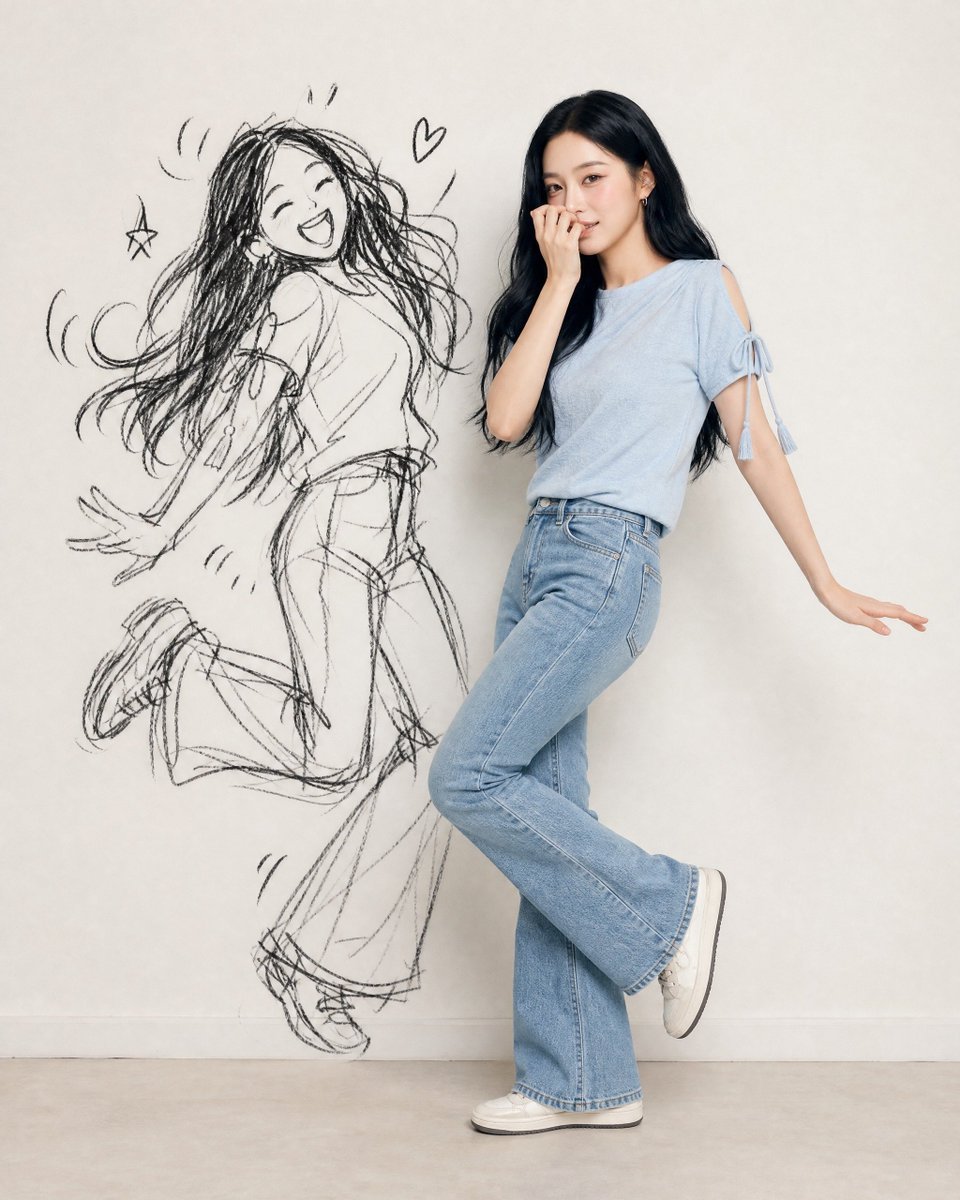
Ink-Twin Doodle Stylization

Knight Facing Cathedral Giant
Make it yours
Flying Maid Knight Doodle works as-is. These are the safest ways to change it without losing the look.
Change one field
Copy a single group, rewrite it, and generate again so you can see what that field is doing.
Keep the frame, change the subject
Hold the composition and light of Flying Maid Knight Doodle, then swap wardrobe, props or the person for a new take.
| If the result… | Why | Fix |
|---|---|---|
| The result drifts from the preview | Too many fields changed at once. | Reuse Flying Maid Knight Doodle as-is first, then change one group — subject, light, or setting. |
| The model over-stylizes the scene | The prose prompt leaves finish and camera underspecified. | Add one camera or lighting sentence and stay on GPT Image 2. |
More GPT Image 2 templates
Other prompts made for GPT Image 2.

Six VTuber Japanese Logo Sheet

Realistic Portrait of Woman and Deer

The Vista Modular Condo Poster

AI Model Routing Comparison Infographic

2.5D Anime Art Board

Isometric Productivity Desk Scene

New York Double Exposure Poster

Four-Panel AI Landscape Comparison

Japanese Tatami Lifestyle Magazine Cover

NESCAFÉ Coffee Map Poster
More image prompts
Fresh picks from across the catalog.
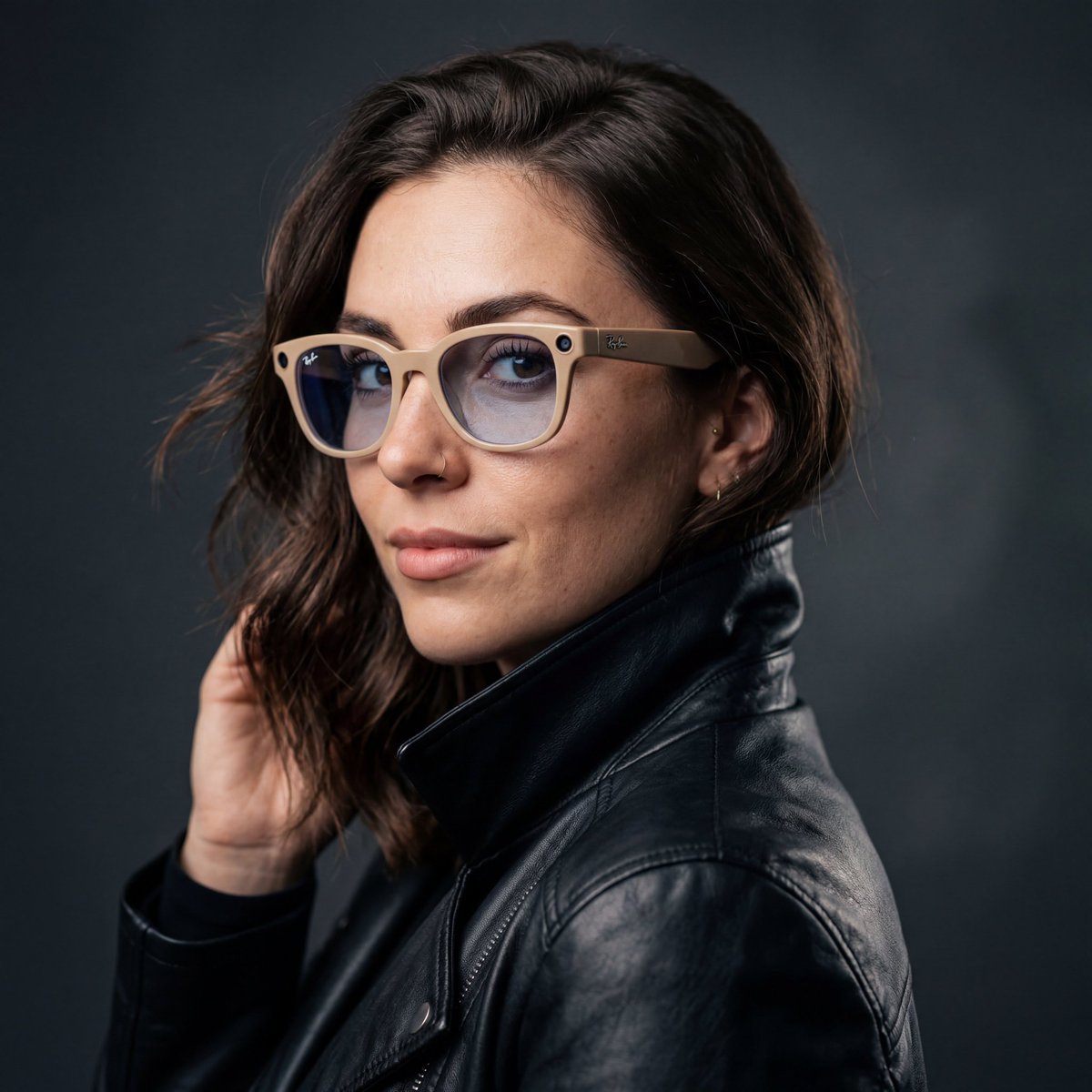
Cinematic Studio Portrait with Smart Glasses
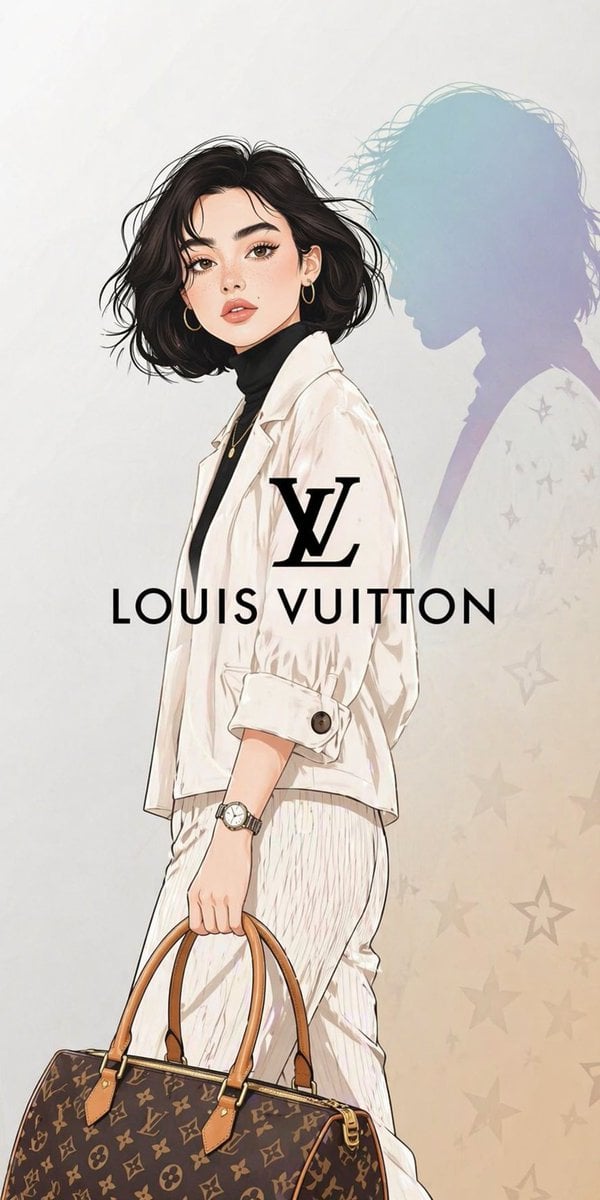
Luxury Fashion Illustration
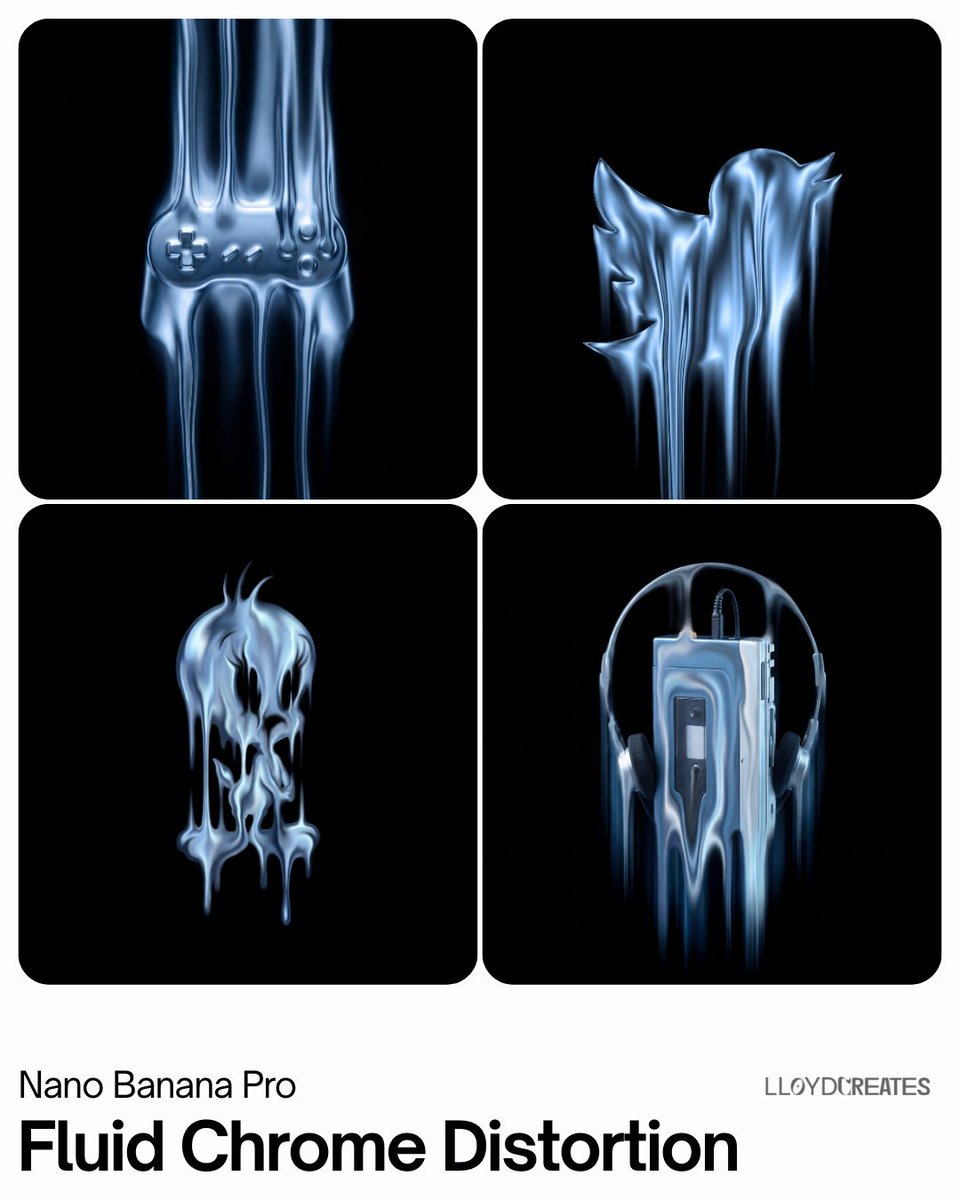
Fluid Chrome Distortion Product Render
Low-Quality Disposable Camera Aesthetic for Daily Life Photos
Glamorous Luxury Interior Fashion Shot
Realistic Garden Fairy Editorial Portrait
Bishop Transformation with Healing Light and Glasses
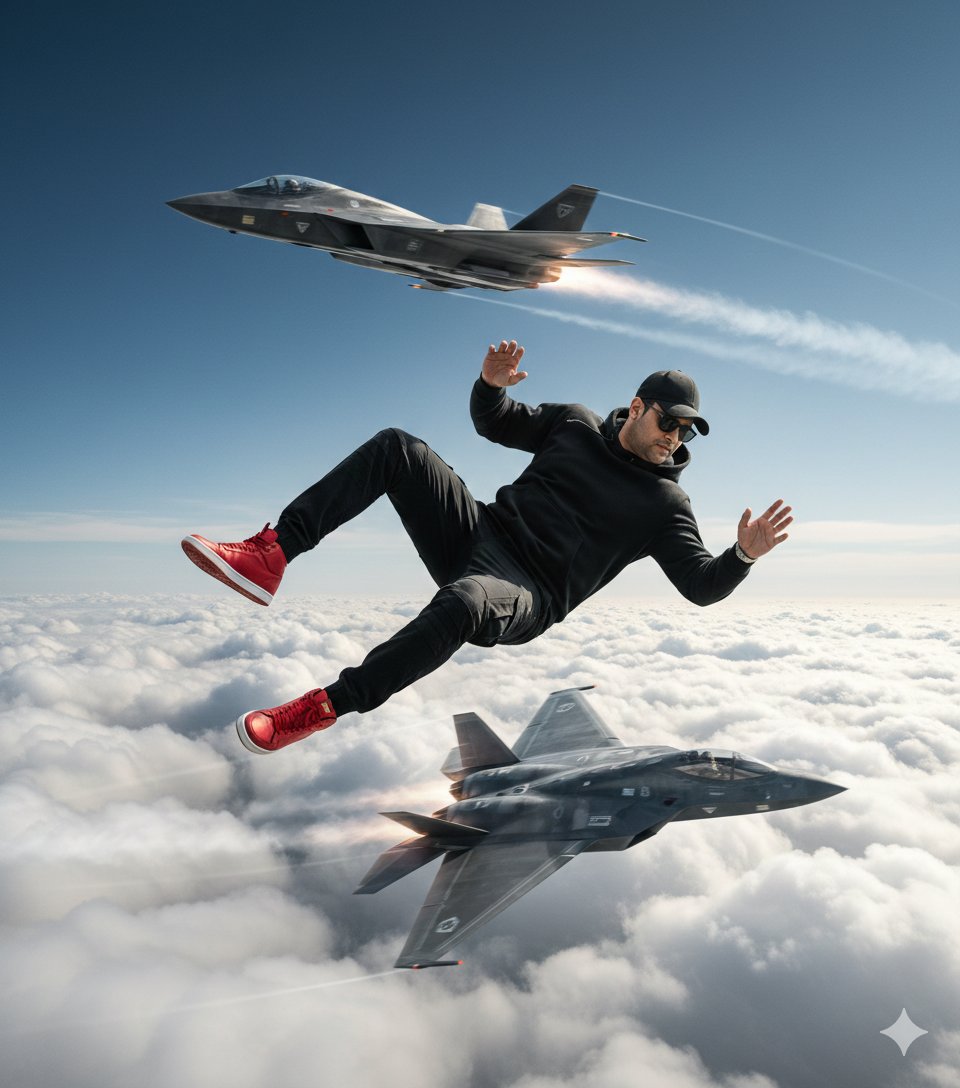
Ultra-Realistic Cinematic Scene of Floating in Mid-Air
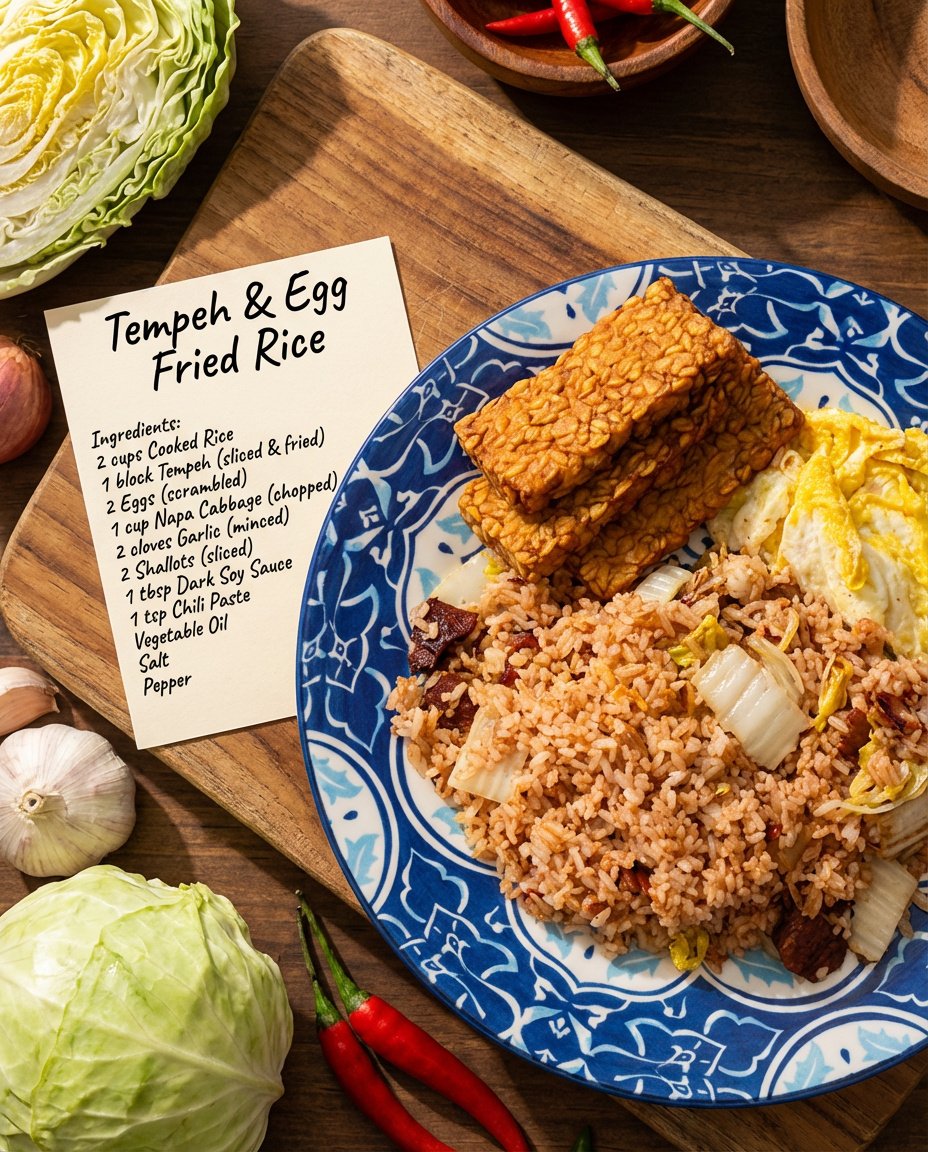
Recipe breakdown and food photoshoot
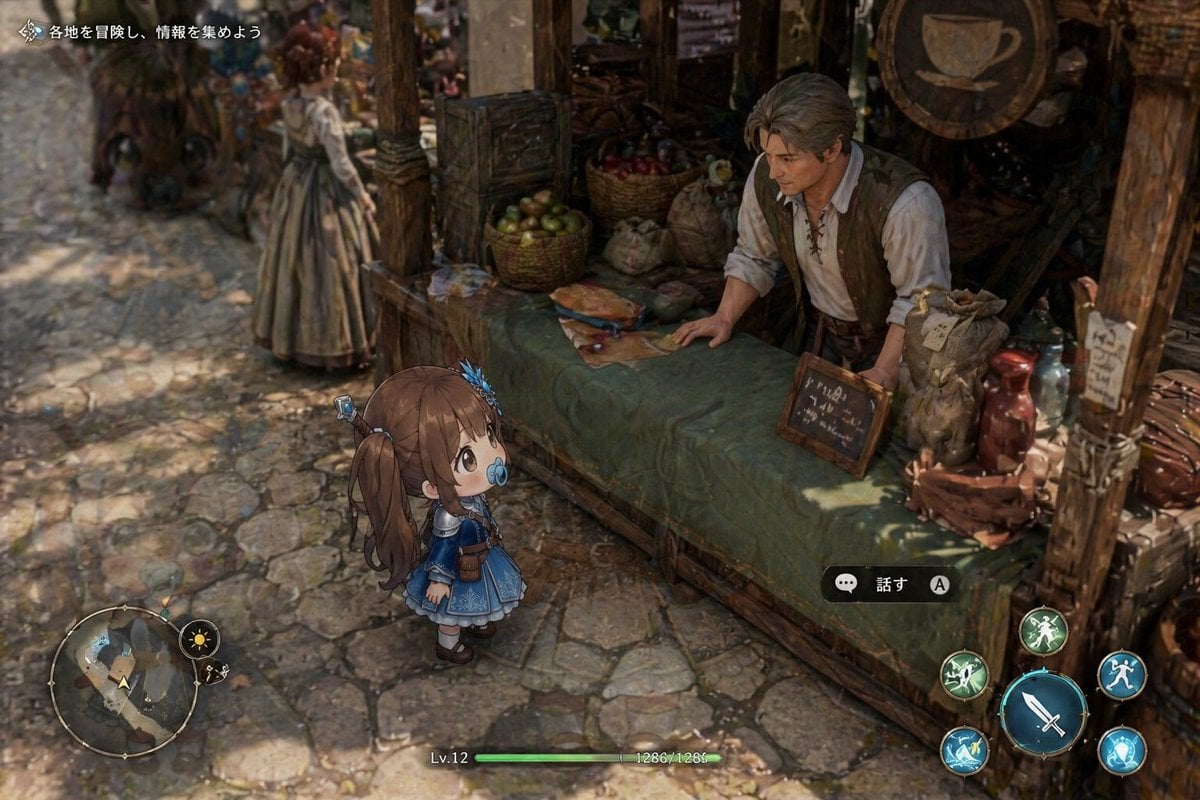
Isometric Fantasy RPG Market Bug Scene
Browse template categories
Flying Maid Knight Doodle questions
How do I use the Flying Maid Knight Doodle template?
Add your photo if the template asks for one, edit the prompt if you like — the template's model and format are already selected — and press Generate. Your version opens in PicX Studio.
Can I customize the Flying Maid Knight Doodle template?
Yes. You can change the subject, setting, lighting, mood, format, and available model controls before creating your image.
Is the Flying Maid Knight Doodle template free?
Opening and editing this template is free. Generating uses credits, shown on the Generate button when you are signed in.
Which AI model should I use?
Start with GPT Image 2, which is the model associated with this template. You can compare another compatible model for a different finish.
Looking for something else? Browse all templates.

Your photo, any look
Thousands of ready templates for every top image and video model, from one credit balance.