
Flying Totorobot at Sunset
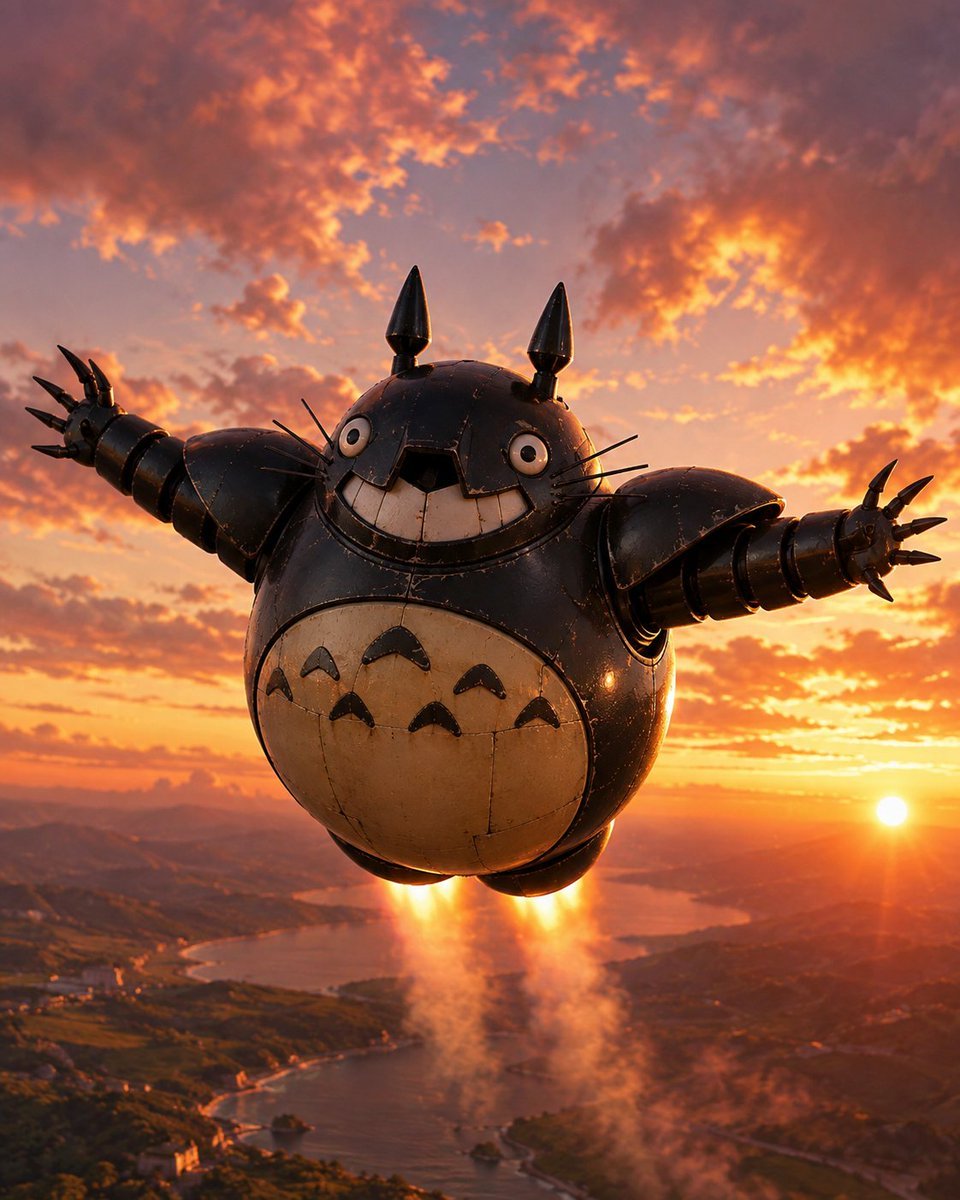
A cinematic prompt for generating a Totoro-inspired flying robot test machine soaring over a coastal landscape at golden hour.
- Prompt included
- Model and format preset
- Free template
The prompt behind this image
Copy the exact prompt behind Flying Totorobot at Sunset, or open it in the studio and make it yours.
Create a cinematic vertical 4:5 image of a giant flying robot inspired by Totoro, shown midair above a coastal valley at sunset. The robot has a round black metal body, a tan oval belly with exactly six dark chevron markings arranged in two rows of three, a huge squared toothy grin, two wide circular eyes, thin whiskers on both cheeks, and two pointed black ears on top. Its arms are stretched wide in a joyful pose, built from segmented cylindrical metal sections with oversized shoulder armor; each hand has exactly five sharp claw-like fingers. Add visible rivets, panel seams, scratches, scuffs, and slightly worn glossy metal to make it feel like a real constructed test machine. Under the body, show two bright downward rocket exhaust flames with orange smoke trails, lifting the robot over a winding bay, green hills, distant mountains, and small shoreline settlements. Use dramatic golden-hour lighting with the sun low near the right horizon, glowing orange and pink clouds across the sky, warm rim light on the robot, cinematic depth, realistic 3D rendering, high detail, no text, no watermark. The subject can be called {argument name="robot name" default="Totorobot"}; keep the overall mood as {argument name="mood" default="joyful test flight"} and the time of day as {argument name="time of day" default="sunset"}.
How to use Flying Totorobot at Sunset in 3 steps
- 1Upload ImagePNG, JPG or paste
Add your photo
Upload the photo the template builds on. The prompt, model and format are already set.
- 2…a portrait of your subject in softgolden-hour light, 85mm…
Personalize
Edit the subject and creative details for your destination.
- 3Generate
Generate
Press Generate — your image is created in PicX Studio, so you can compare it with the original and refine one variable at a time.
More like this
Templates with the same subject, style or setup. Open one to see its prompt.

Mountain Lake Sunset Landscape

Artistic Arborpunk Garden Observatory Complex

Indian Village Cattle Herding — Nano Banana

Dunhuang Flying Apsara Poster
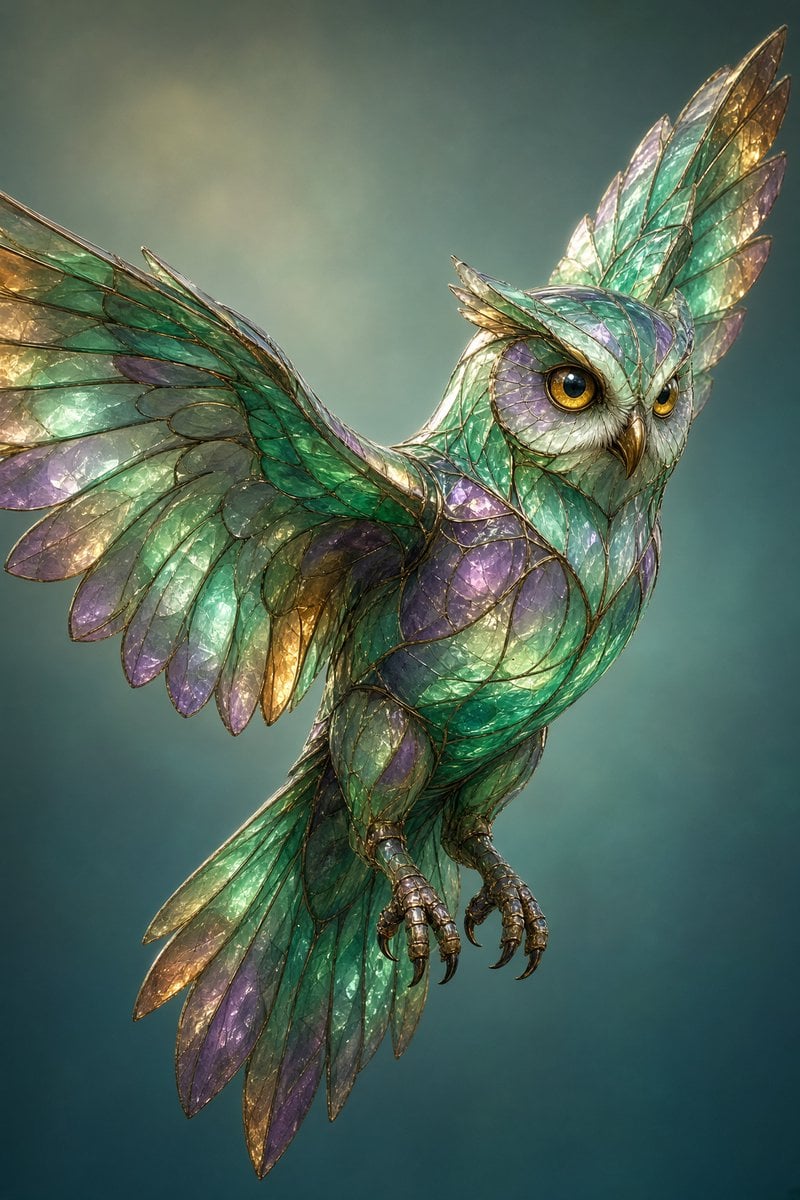
Stained Glass Flying Owl
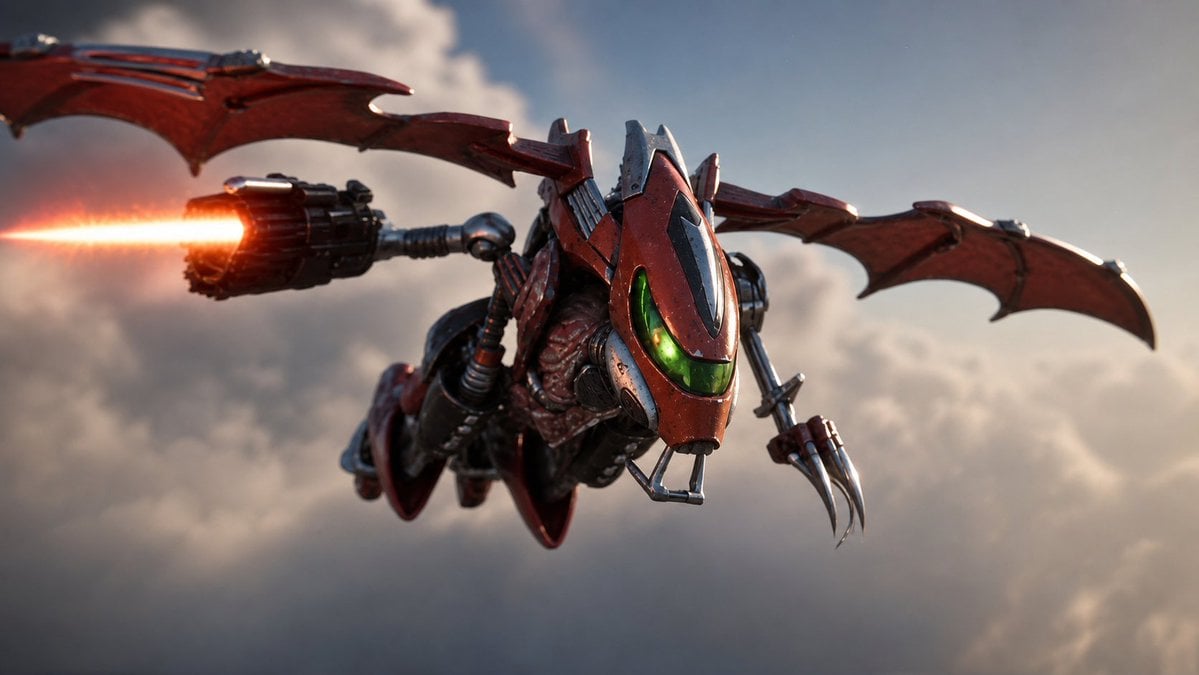
Future Spawn Flying Demon Drone
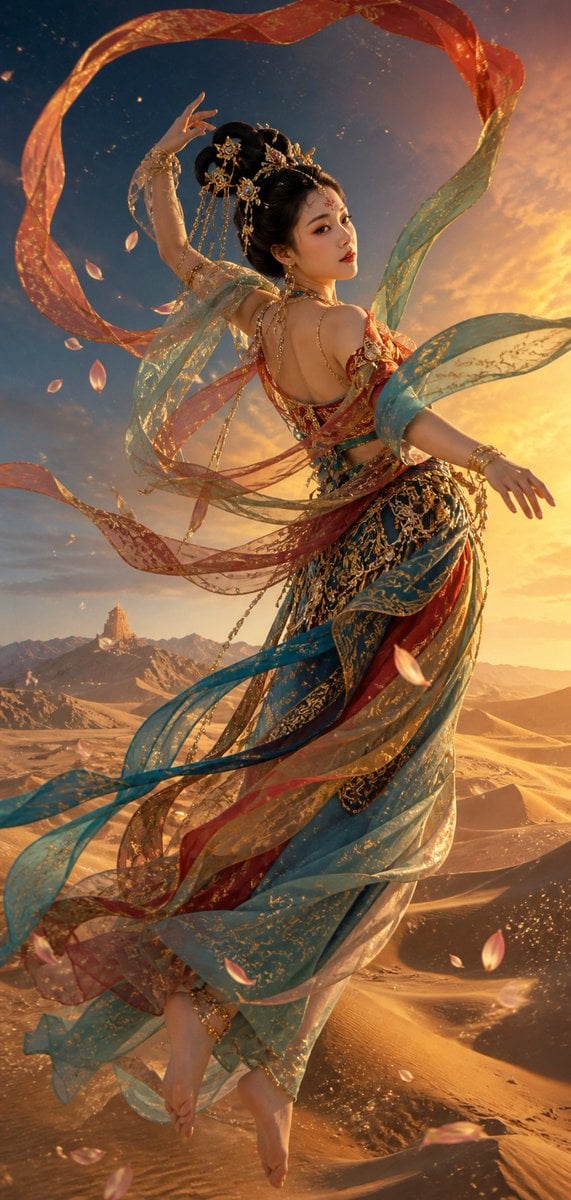
Dunhuang Flying Apsaras Portrait

Ghibli Flying Delivery Bike
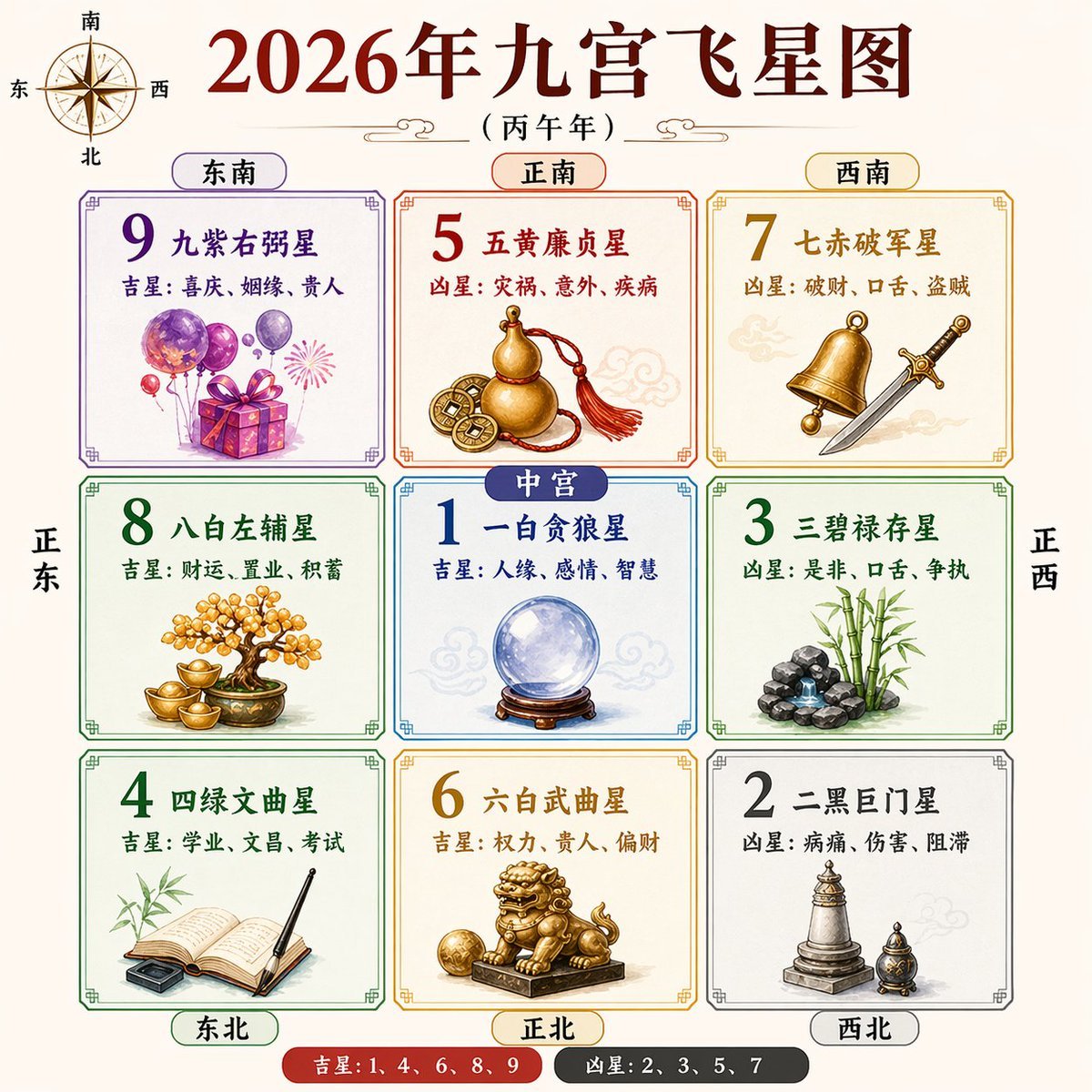
2026 Nine Palaces Flying Star Chart
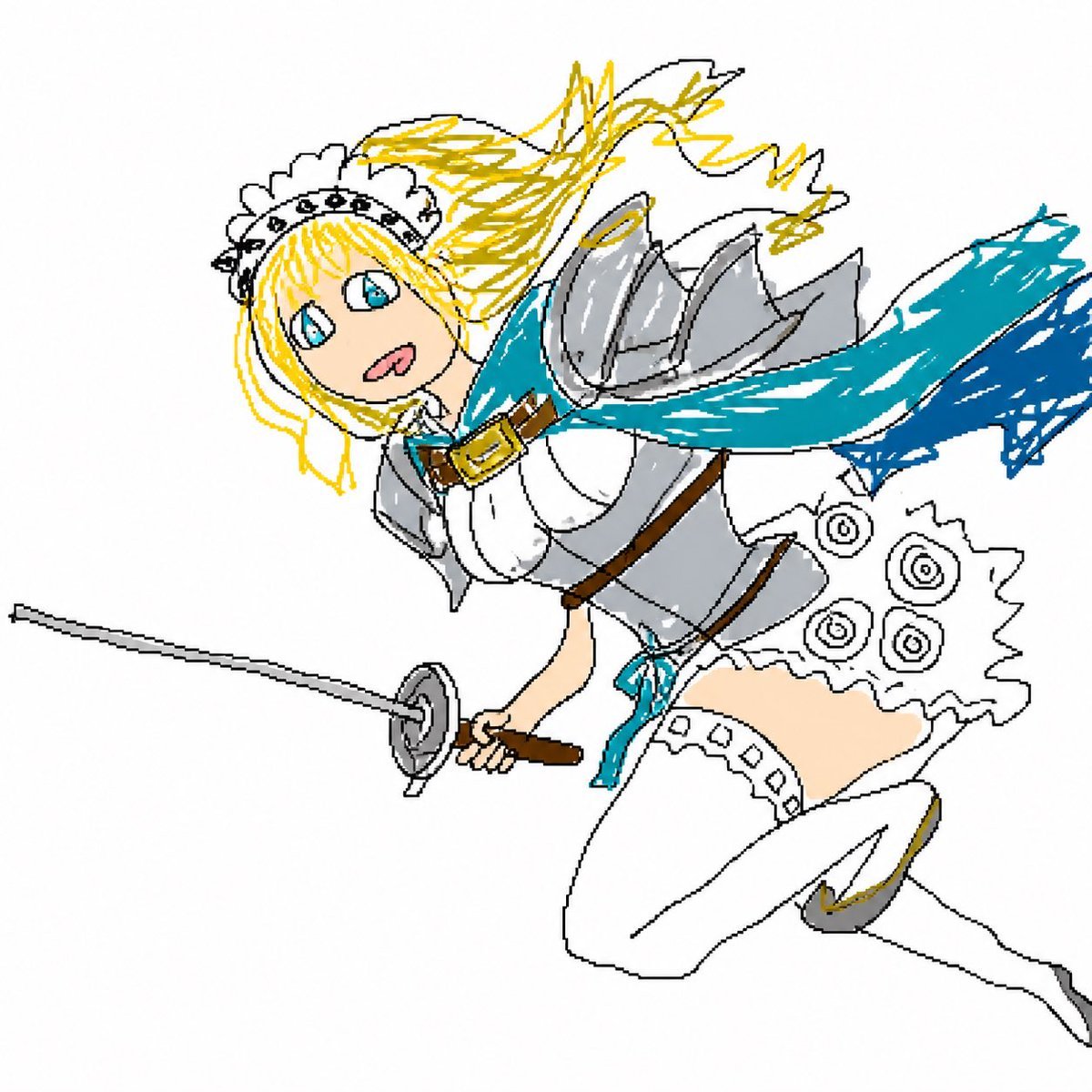
Flying Maid Knight Doodle

Flying Samosa Aerial Fantasy
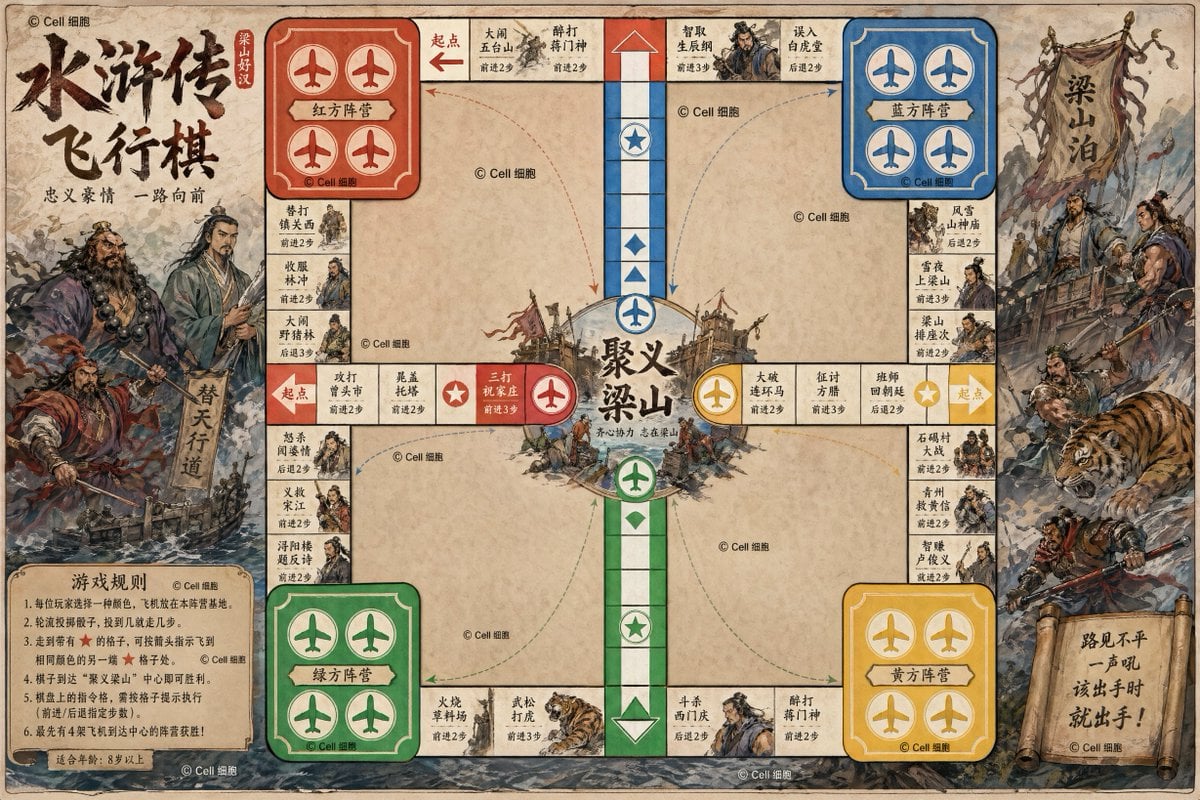
Water Margin Themed Flying Chess Board
Make it yours
Flying Totorobot at Sunset works as-is. These are the safest ways to change it without losing the look.
Change one field
Copy a single group, rewrite it, and generate again so you can see what that field is doing.
Keep the frame, change the subject
Hold the composition and light of Flying Totorobot at Sunset, then swap wardrobe, props or the person for a new take.
| If the result… | Why | Fix |
|---|---|---|
| The result drifts from the preview | Too many fields changed at once. | Reuse Flying Totorobot at Sunset as-is first, then change one group — subject, light, or setting. |
| The model over-stylizes the scene | The prose prompt leaves finish and camera underspecified. | Add one camera or lighting sentence and stay on GPT Image 2. |
More GPT Image 2 templates
Other prompts made for GPT Image 2.

Six VTuber Japanese Logo Sheet

Realistic Portrait of Woman and Deer

The Vista Modular Condo Poster

AI Model Routing Comparison Infographic

2.5D Anime Art Board

Isometric Productivity Desk Scene

New York Double Exposure Poster

Four-Panel AI Landscape Comparison

Japanese Tatami Lifestyle Magazine Cover

NESCAFÉ Coffee Map Poster
More image prompts
Fresh picks from across the catalog.

Beauty Product Landing Page Mockup
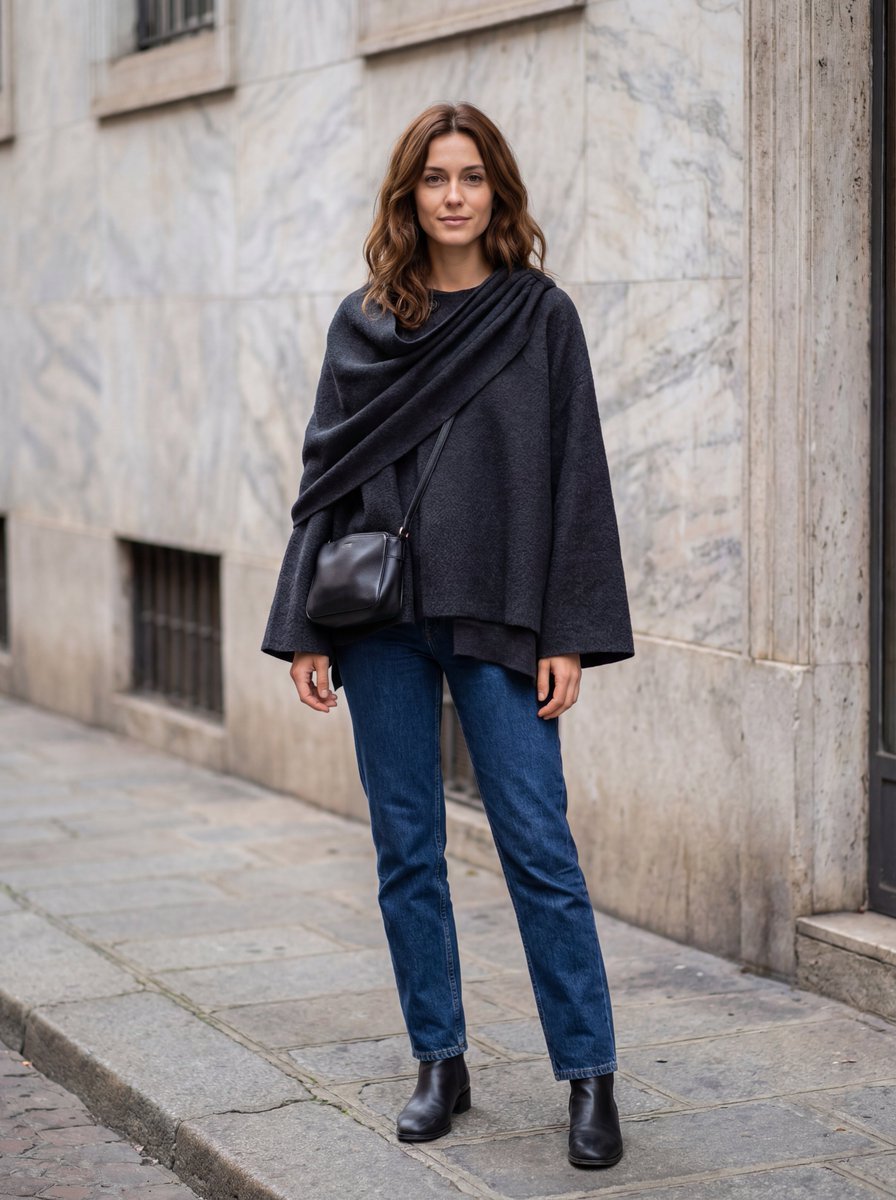
Hyper-Realistic Lifestyle Fashion Photo (Wool Poncho)

Funny Chat App Screenshot Prompt

Fake Apple CEO Announcement Poster
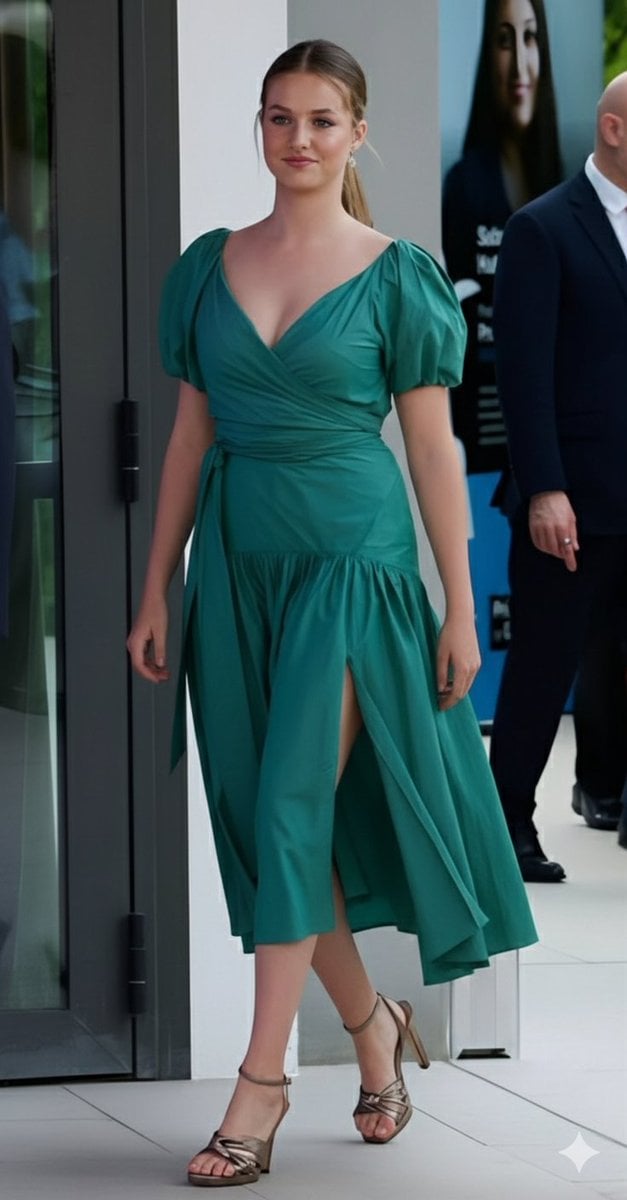
Emerald Green Satin Dress Fashion Editorial
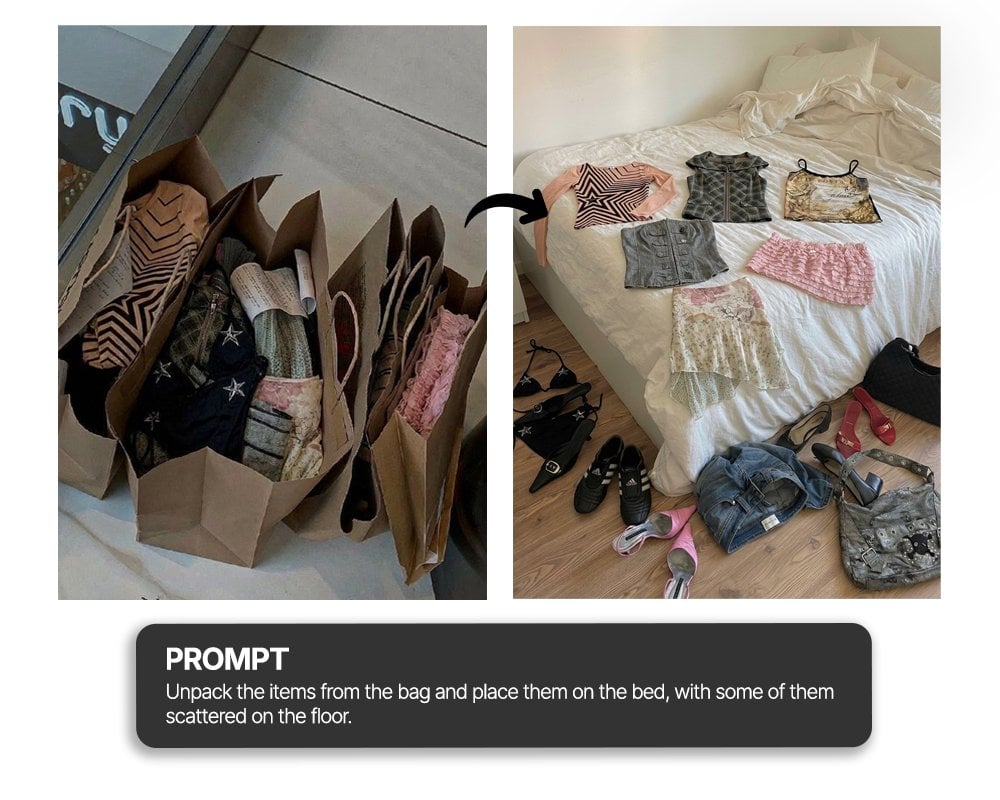
Unpack items from bag onto bed haul shot
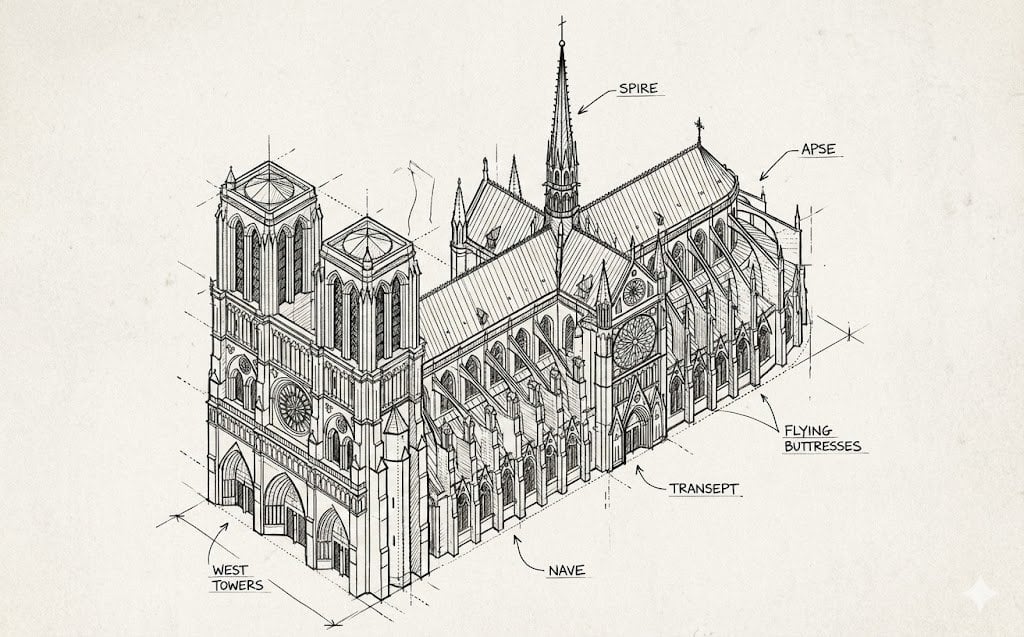
Isometric Schematic Diagram of Notre Dame Prompt
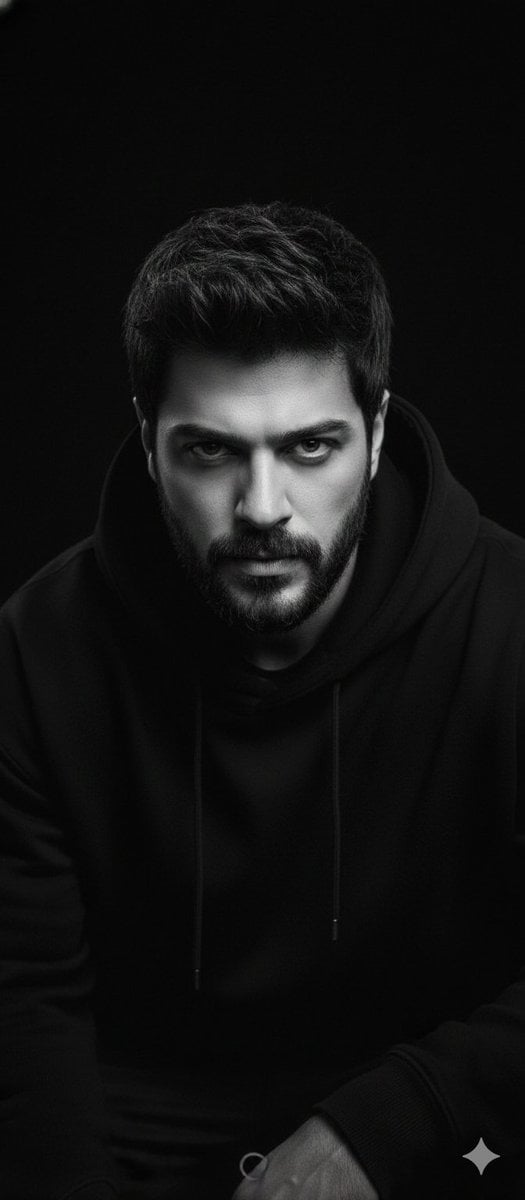
Black and White Portrait with 35mm Lens Look
Moody Cinematic Meadow Portrait
First-Person Mirror Bedroom Photo
Browse template categories
Flying Totorobot at Sunset questions
How do I use the Flying Totorobot at Sunset template?
Add your photo if the template asks for one, edit the prompt if you like — the template's model and format are already selected — and press Generate. Your version opens in PicX Studio.
Can I customize the Flying Totorobot at Sunset template?
Yes. You can change the subject, setting, lighting, mood, format, and available model controls before creating your image.
Is the Flying Totorobot at Sunset template free?
Opening and editing this template is free. Generating uses credits, shown on the Generate button when you are signed in.
Which AI model should I use?
Start with GPT Image 2, which is the model associated with this template. You can compare another compatible model for a different finish.
Looking for something else? Browse all templates.

Your photo, any look
Thousands of ready templates for every top image and video model, from one credit balance.