
Flying Samosa Aerial Fantasy
A complex fantasy prompt for two women flying on an oversized samosa over a dense city with detailed lighting and camera specifications.
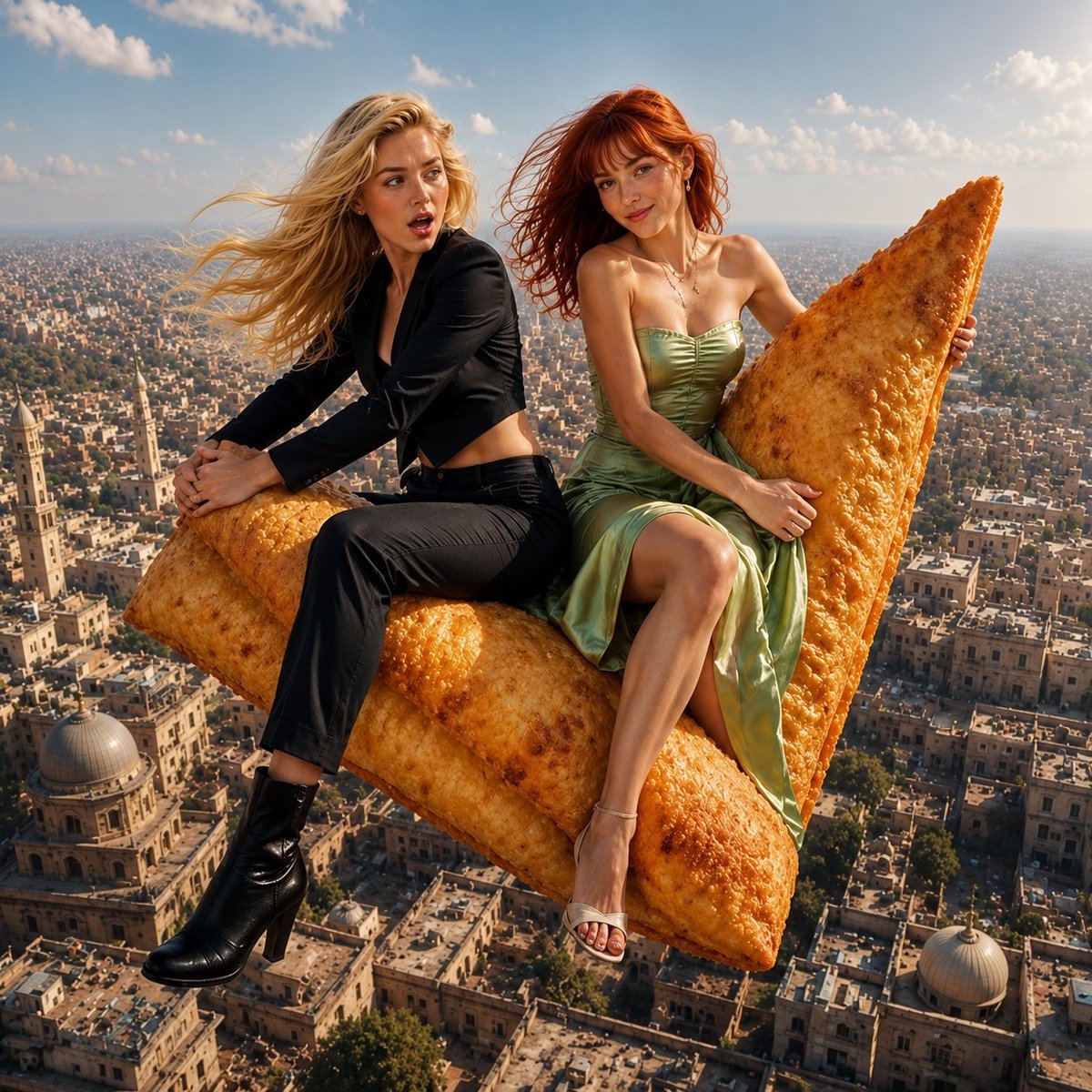
- Prompt included
- Model and format preset
- Free template
The prompt behind this image
Copy the exact prompt behind Flying Samosa Aerial Fantasy, or open it in the studio and make it yours.
{ "scene": { "type": "aerial fantasy realism", "environment": "high above a dense city with low-rise buildings and domed rooftops", "time_of_day": "daytime", "sky": { "color": "soft blue", "elements": ["light clouds", "warm sunlight haze"] }, "lighting": { "type": "natural sunlight", "direction": "front-right", "quality": "soft, diffused, slightly warm", "shadows": "subtle and soft-edged" }, "camera": { "angle": "slightly elevated front angle", "framing": "medium full shot", "focus": "sharp on subjects, background slightly blurred", "depth_of_field": "moderate" } }, "subjects": [ { "position": "left", "gender": "female", "age_range": "young adult", "skin_tone": "fair", "hair": { "color": "{argument name="left subject hair color" default="blonde"}", "length": "long", "style": "loose, flowing, wind-swept" }, "expression": "wide-eyed, slightly open mouth, surprised or amazed", "outfit": { "type": "modern suit", "top": "black cropped blazer", "bottom": "black fitted pants", "footwear": "black ankle boots" }, "pose": { "body": "seated sideways on object", "legs": "one leg bent, one hanging downward", "arms": "both arms wrapped around object for support" } }, { "position": "right", "gender": "female", "age_range": "young adult", "skin_tone": "fair with light freckles", "hair": { "color": "{argument name="right subject hair color" default="red"}", "length": "medium-long", "style": "loose, slightly wind-blown with bangs" }, "expression": "gentle smile, calm and pleased", "outfit": { "type": "evening dress", "color": "light green", "style": "strapless satin dress", "details": "smooth texture, fitted bodice", "footwear": "light-colored heels" }, "accessories": [ "necklace with pendant", "small earrings" ], "pose": { "body": "seated sideways on object", "legs": "one leg bent, one hanging downward", "arms": "hands holding object for balance" } } ], "main_object": { "type": "{argument name="flying object" default="samosa"}", "size": "oversized (large enough to carry two people)", "position": "center foreground", "orientation": "tilted slightly upward", "texture": "crispy, golden-brown with small bubbles", "lighting": "evenly lit with soft highlights" }, "interaction": { "subjects_with_object": "both subjects are seated on and holding the samosa for support", "emotion": "shared excitement and enjoyment" }, "background": { "city": { "style": "dense urban with traditional architecture", "details": [ "flat rooftops", "domed structures", "narrow streets", "muted earthy colors" ] } } }
How to use Flying Samosa Aerial Fantasy in 3 steps
- 1
Open
The prompt is already in the box next to the preview, with the template's model and format selected.
- 2…a portrait of your subject in softgolden-hour light, 85mm…
Personalize
Edit the subject and creative details for your destination.
- 3Generate
Generate
Press Generate — your image is created in PicX Studio, so you can compare it with the original and refine one variable at a time.
More like this
Templates with the same subject, style or setup. Open one to see its prompt.

Anime Fantasy Celestial Movie Poster
Anime Fantasy Celestial Movie Poster

Minecraft Fantasy Kingdom Voxel Landscape

Unfinished Sketch Comes Alive Portrait

Open Travel Journal Overhead Still Life

Tiny Woman Miniature Fantasy Macro Scene
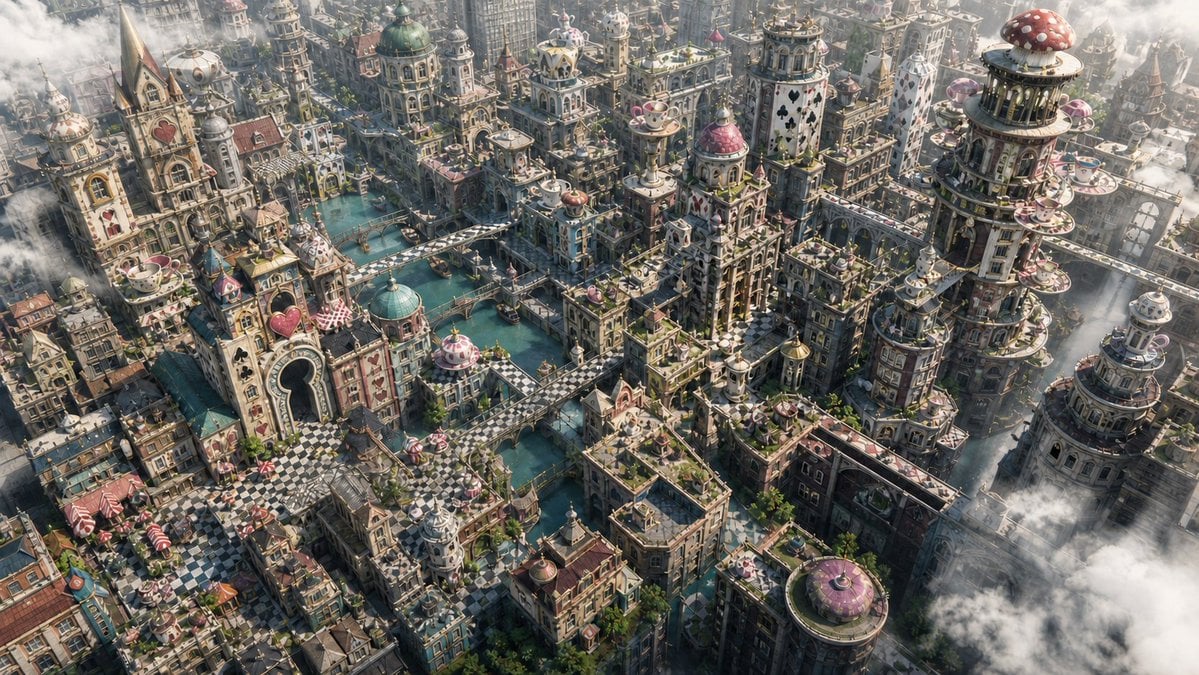
Fantasy Whimsical Downtown Aerial View
JSON Seedance - Fairy Macro Flight
Videogame Cinematic Trailer - Seedance 2.0
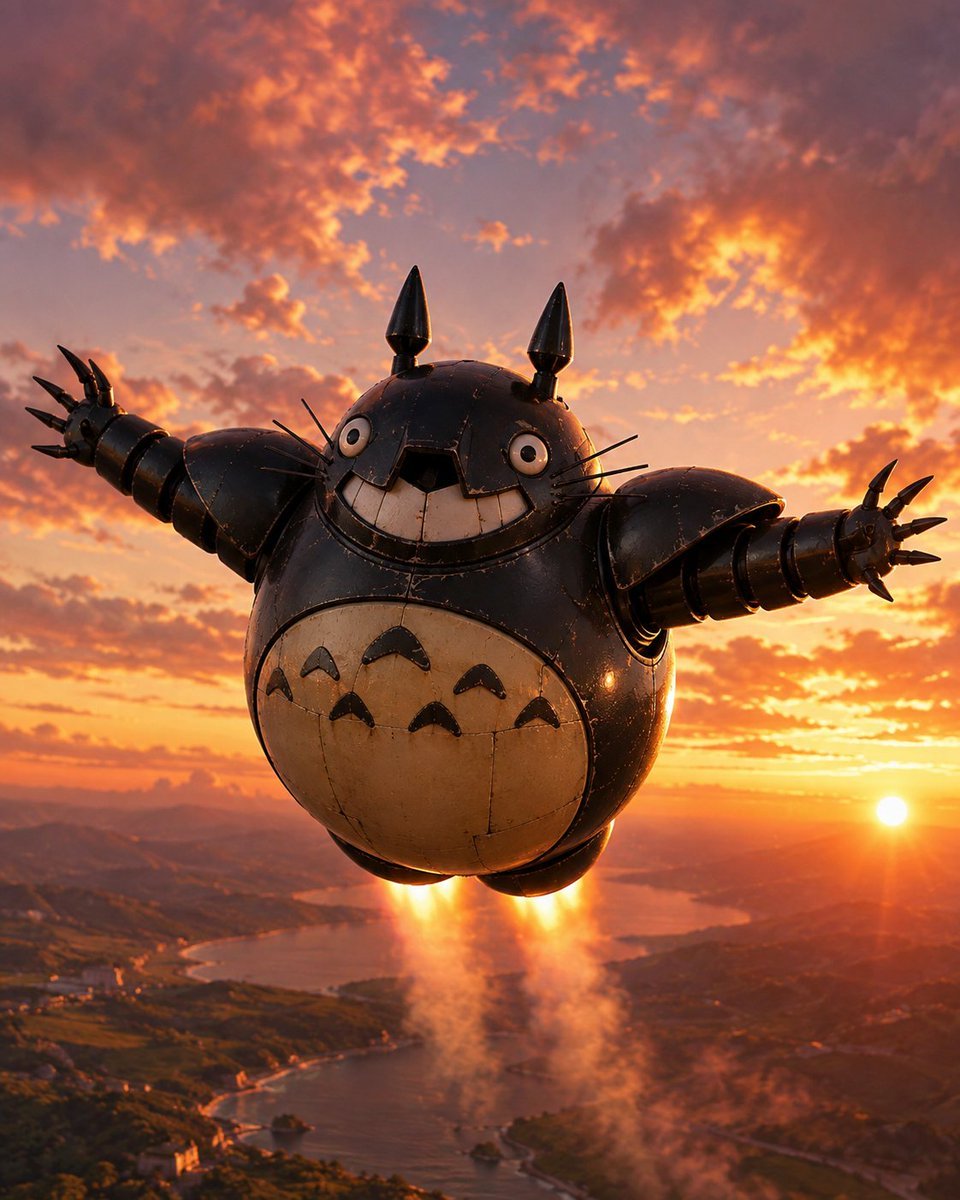
Flying Totorobot at Sunset
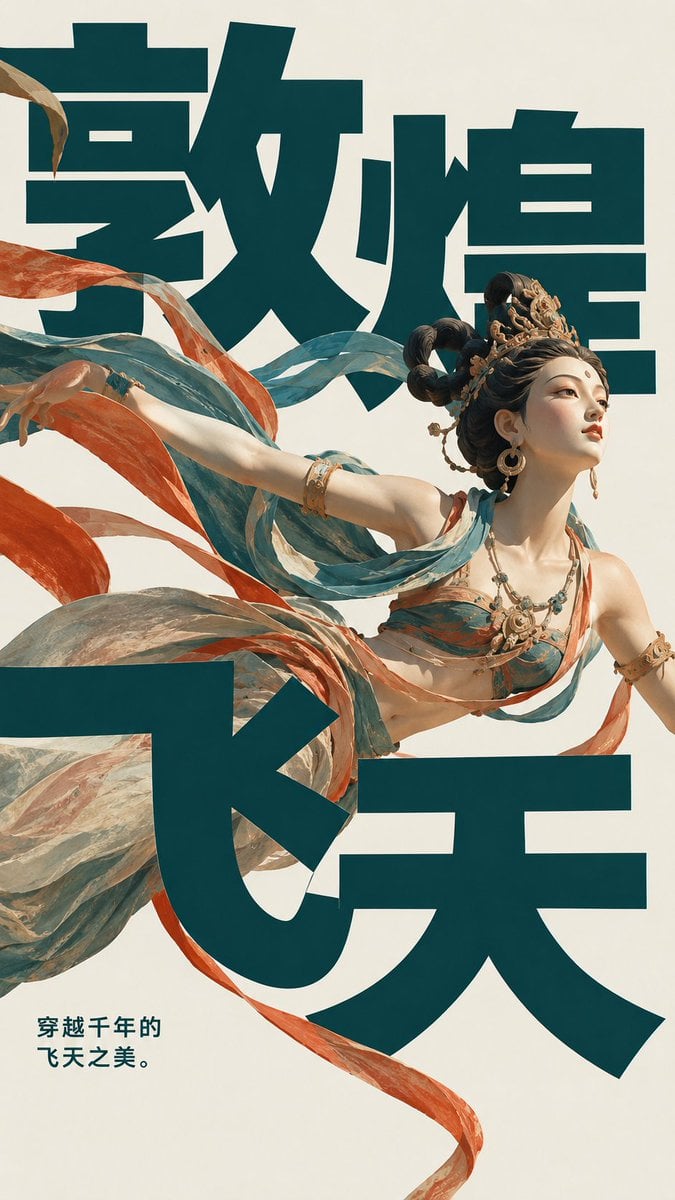
Dunhuang Flying Apsara Poster
Stained Glass Flying Owl
Make it yours
Flying Samosa Aerial Fantasy works as-is. These are the safest ways to change it without losing the look.
Change one field
Copy a single group, rewrite it, and generate again so you can see what that field is doing.
Keep the frame, change the subject
Hold the composition and light of Flying Samosa Aerial Fantasy, then swap wardrobe, props or the person for a new take.
| If the result… | Why | Fix |
|---|---|---|
| The result drifts from the preview | Too many fields changed at once. | Reuse Flying Samosa Aerial Fantasy as-is first, then change one group — subject, light, or setting. |
| The model over-stylizes the scene | The prose prompt leaves finish and camera underspecified. | Add one camera or lighting sentence and stay on GPT Image 2. |
More GPT Image 2 templates
Other prompts made for GPT Image 2.

Six VTuber Japanese Logo Sheet

Realistic Portrait of Woman and Deer

The Vista Modular Condo Poster

AI Model Routing Comparison Infographic

2.5D Anime Art Board

Isometric Productivity Desk Scene

New York Double Exposure Poster

Four-Panel AI Landscape Comparison

Japanese Tatami Lifestyle Magazine Cover

NESCAFÉ Coffee Map Poster
More image prompts
Fresh picks from across the catalog.
Hyper-Realistic Streetwear Campaign in Red
Prompt for 3D Caricature from Uploaded Image
Forbes-Style 30 Under 30 Cover

Anime Fantasy Travel Movie Poster
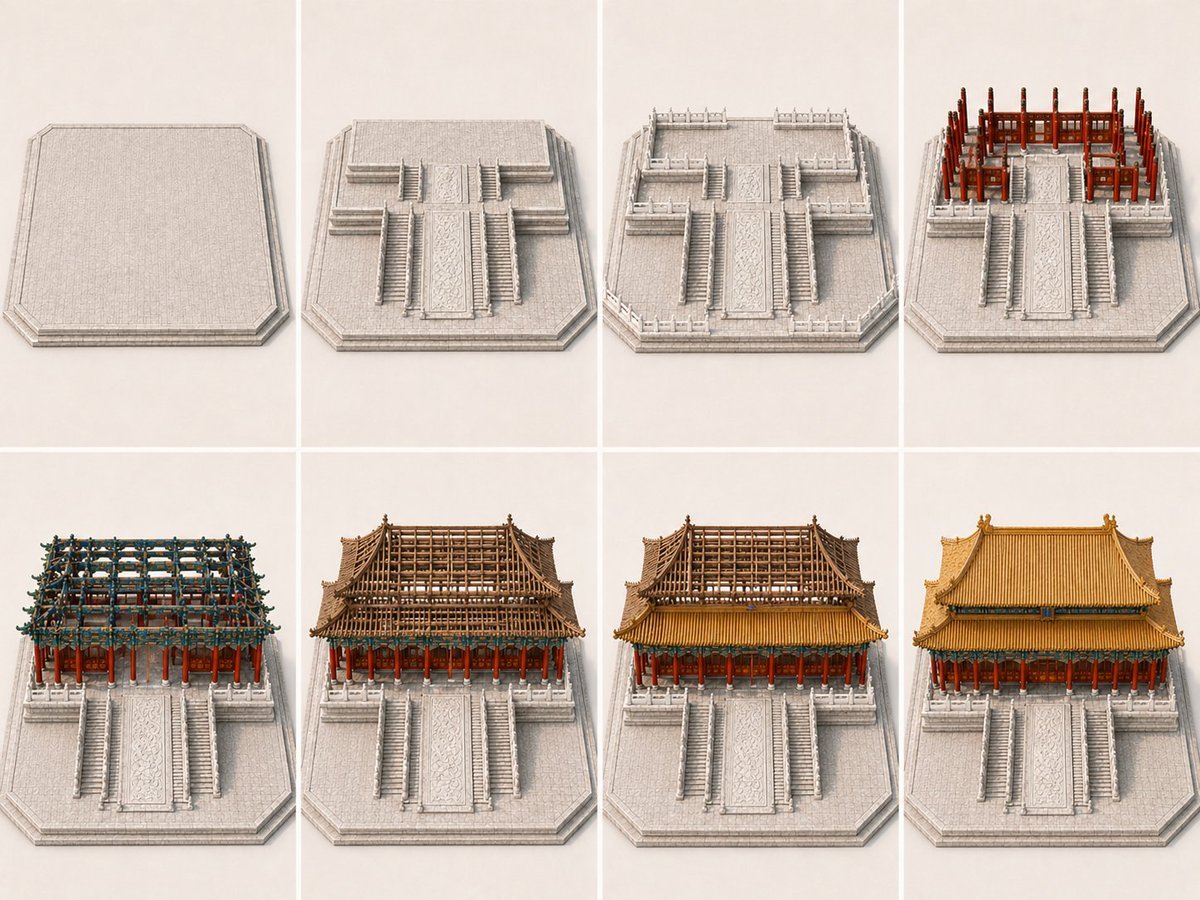
Panel Palace Hall Construction Board
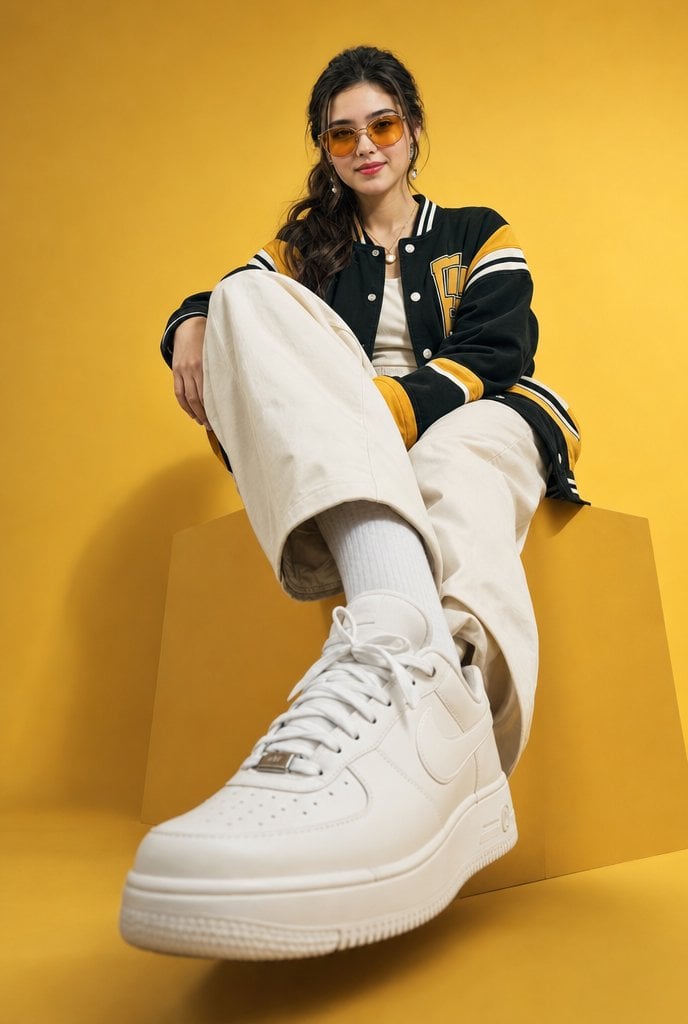
Low-Angle Varsity Fashion Portrait
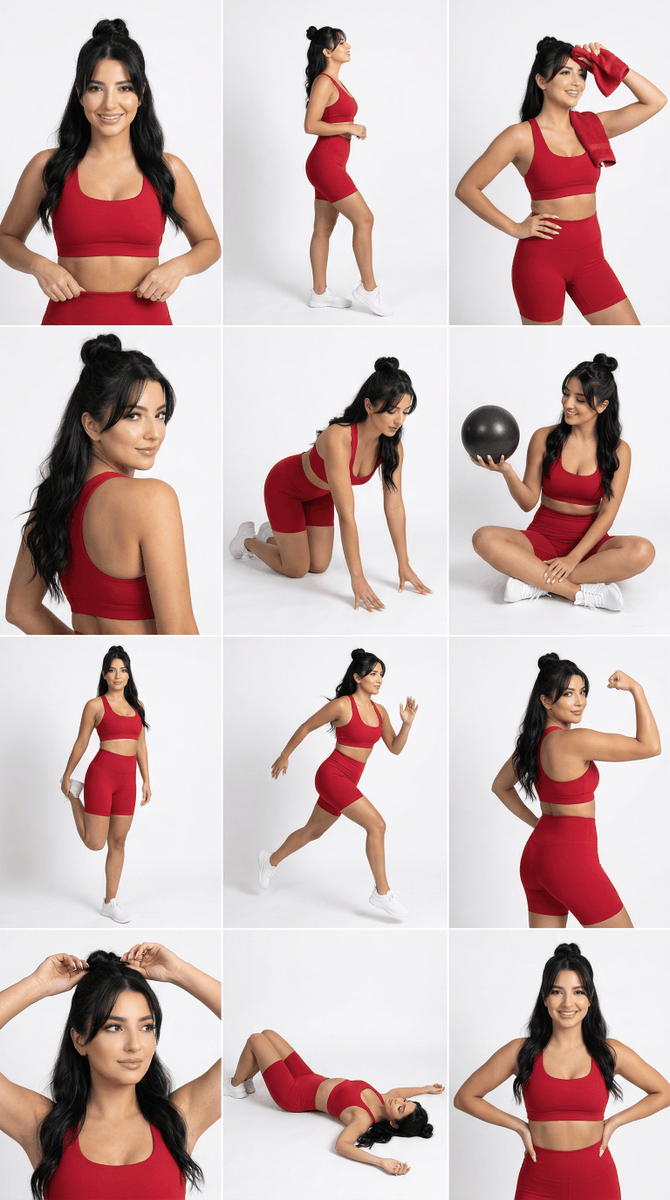
Strict Identity Activewear Grid Generation
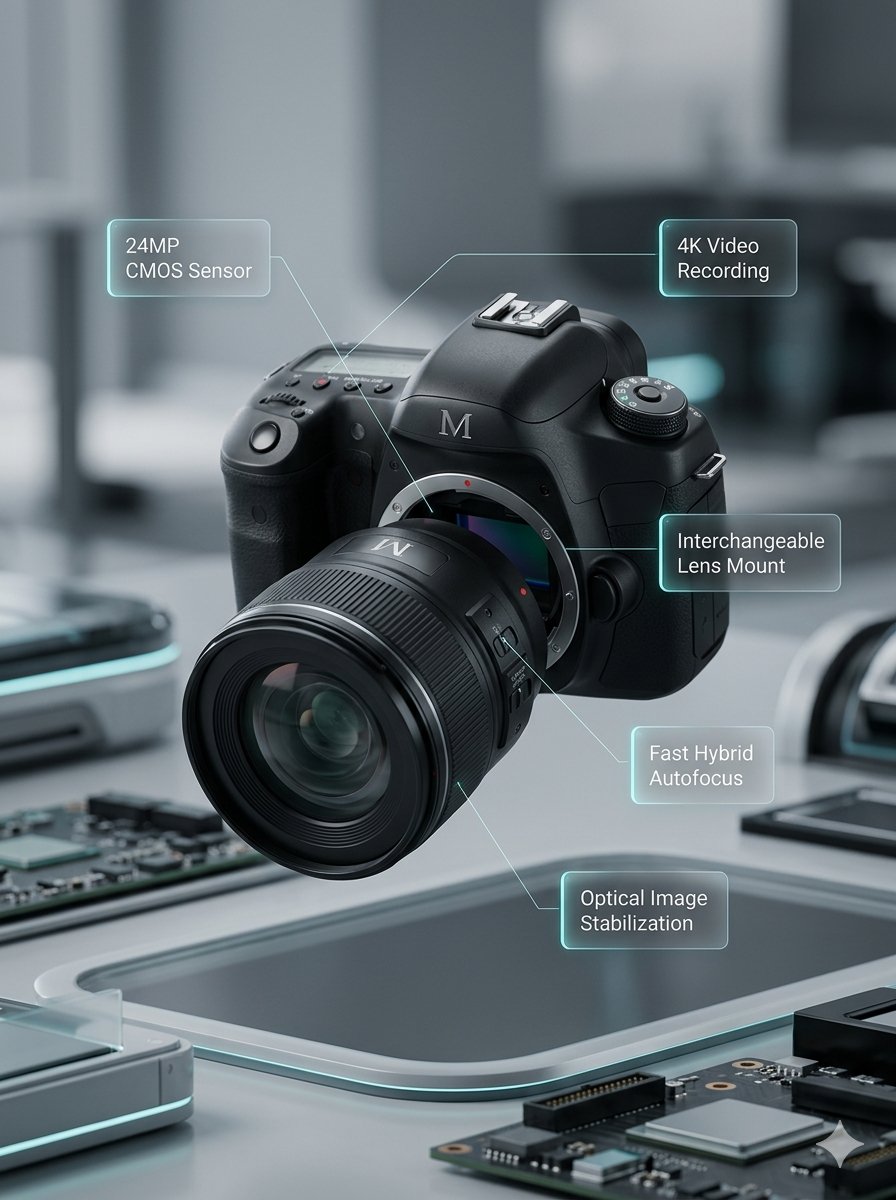
Deconstructed and Assembled M DSLR Camera Visualization

Nano Banana Pro Image Generation Refusal Analysis (Freepik Example)

Handwritten Cafe Photo Annotations
Browse template categories
Flying Samosa Aerial Fantasy questions
How do I use the Flying Samosa Aerial Fantasy template?
Add your photo if the template asks for one, edit the prompt if you like — the template's model and format are already selected — and press Generate. Your version opens in PicX Studio.
Can I customize the Flying Samosa Aerial Fantasy template?
Yes. You can change the subject, setting, lighting, mood, format, and available model controls before creating your image.
Is the Flying Samosa Aerial Fantasy template free?
Opening and editing this template is free. Generating uses credits, shown on the Generate button when you are signed in.
Which AI model should I use?
Start with GPT Image 2, which is the model associated with this template. You can compare another compatible model for a different finish.
Looking for something else? Browse all templates.

Your photo, any look
Thousands of ready templates for every top image and video model, from one credit balance.