
Surreal Coffee Smartphone Interaction
A surreal conceptual photograph of a man emerging from a smartphone screen to pour coffee into a real cup on a table.
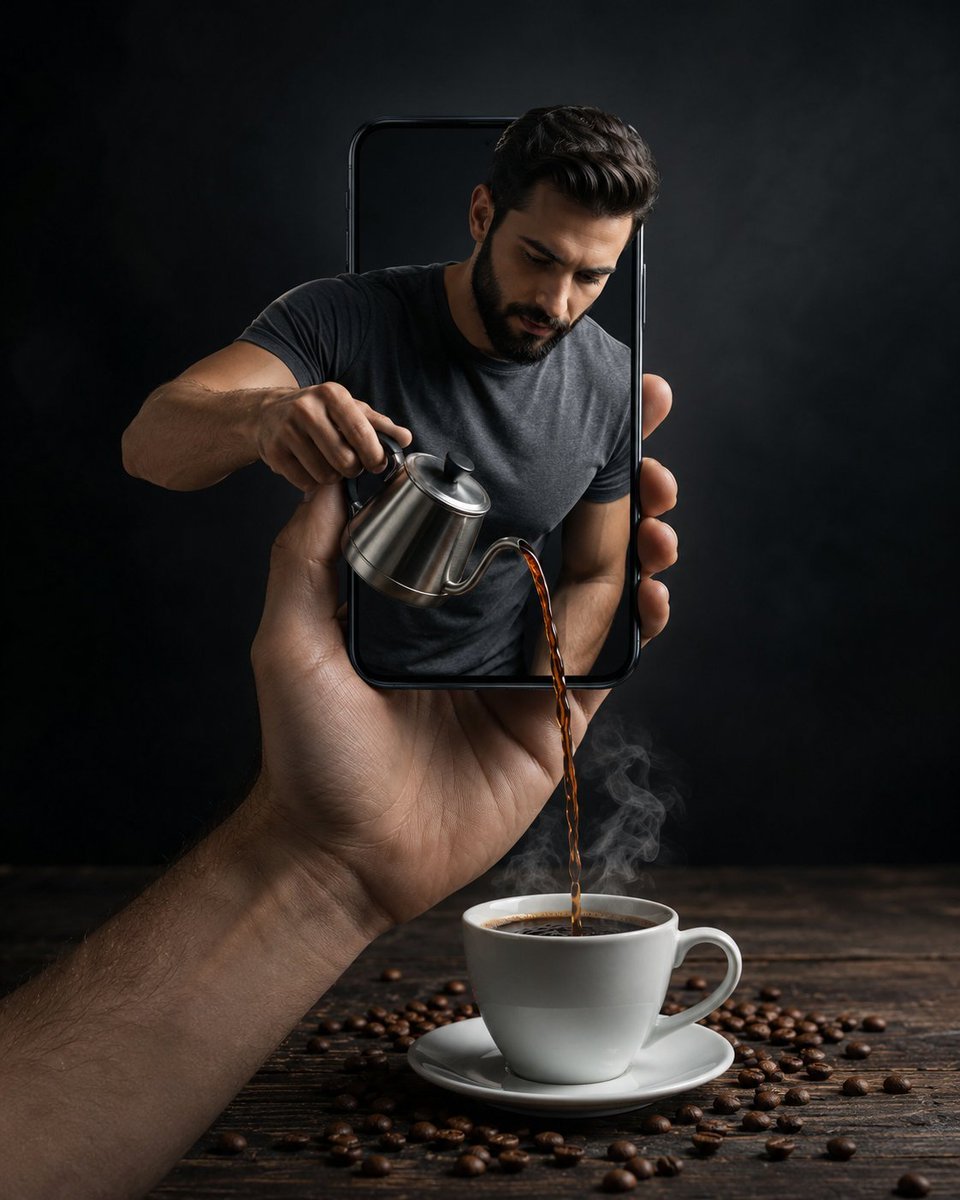
- Prompt included
- Model and format preset
- Free template
The prompt behind this image
Copy the exact prompt behind Surreal Coffee Smartphone Interaction, or open it in the studio and make it yours.
Ultra-realistic surreal conceptual photograph of a modern smartphone being held upright in a human hand, with a {argument name="subject" default="muscular, handsome bearded man"} emerging half-body from inside the phone screen. The man has neatly styled dark hair, a well-groomed beard, and is wearing a {argument name="clothing" default="fitted grey t-shirt"}. He is carefully pouring hot black coffee from a small stainless-steel kettle downward out of the phone screen into a white ceramic coffee cup placed on a dark wooden table belThe coffee stream is clearly visible mid-pour, with realistic liquid motion and soft steam rising from the cup. Coffee beans are scattered naturally across the wooden surface around the cup and saucer. The phone edges are glossy and realistic, with strong depth illusion, making it appear as if the man is physically inside the device. Lighting: {argument name="lighting" default="dramatic low-key studio lighting"}, soft top and side light highlighting the man’s face, arms, kettle, and coffee steam, deep shadows on a dark grey/blackbackground. Mood & style: cinematic, premium advertising look, creative surreal realism, strong contrast, clean composition. Camera: medium close-up, shallow depth of field, sharp focus on subject and coffee stream. Quality: hyper-realistic textures, detailed skin, metal reflections, photoreal liquid physics, 8K, HDR, professional product photography, vertical composition (4:5).
How to use Surreal Coffee Smartphone Interaction in 3 steps
- 1
Open
The prompt is already in the box next to the preview, with the template's model and format selected.
- 2…a portrait of your subject in softgolden-hour light, 85mm…
Personalize
Edit the subject and creative details for your destination.
- 3Generate
Generate
Press Generate — your image is created in PicX Studio, so you can compare it with the original and refine one variable at a time.
More like this
Templates with the same subject, style or setup. Open one to see its prompt.

Surreal Cat Astronaut — Humanoid Face Freefall

Surreal Monster Energy Coffee Advertisement

Bold Red Contrast Fashion Editorial Newspaper Room

Stylized Fashion Portrait Bold Color Contrast Editorial

Astronaut Zero-Gravity Coffee Splash

Cappuccino Bottle Splash Product Ad

Floating Woman Above Cityscape with Notifications

Surreal Aerial View of Giant Coffee Cup on Palm Jumeirah
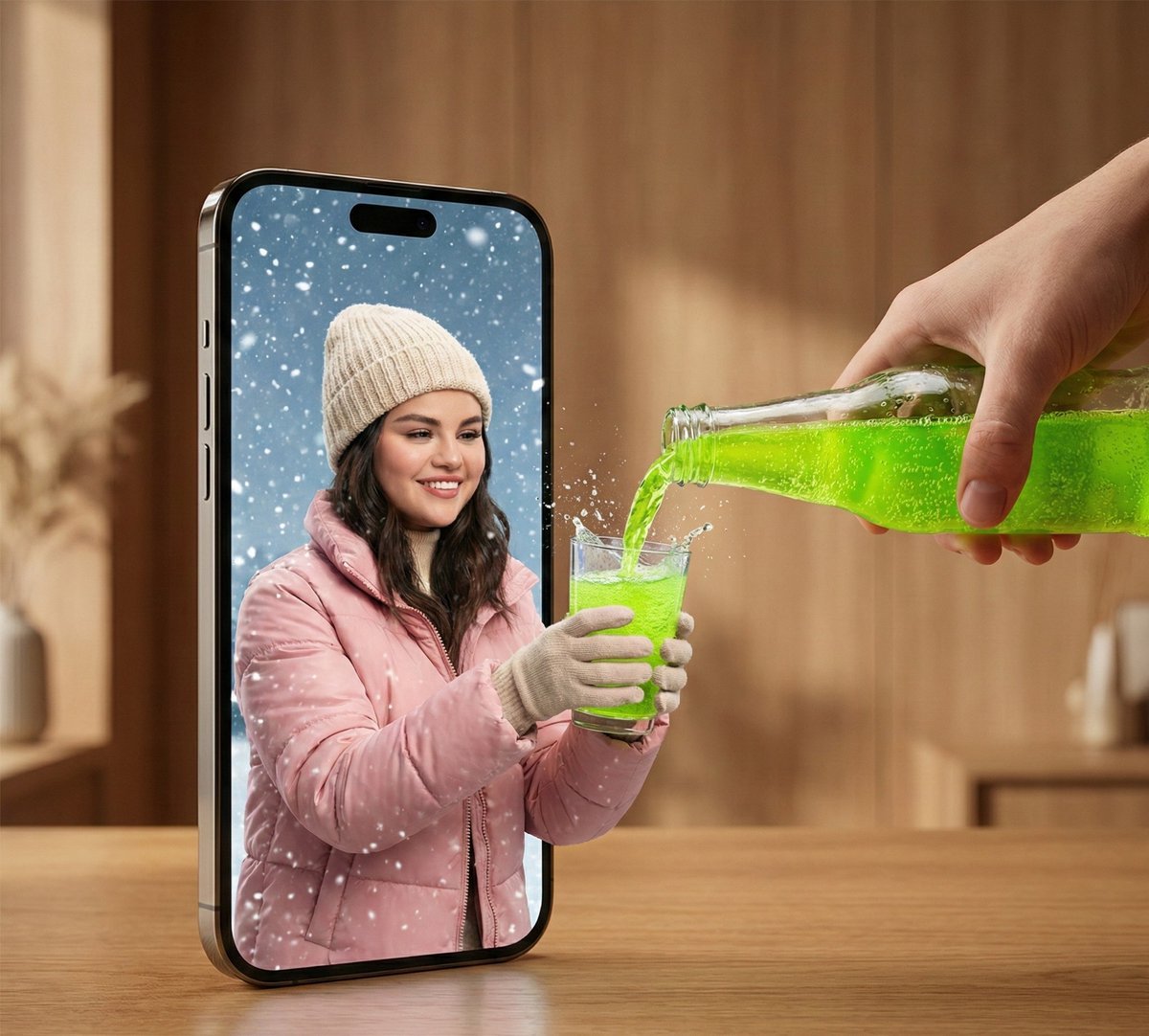
Surreal Smartphone Portal with Frozen Liquid Splash
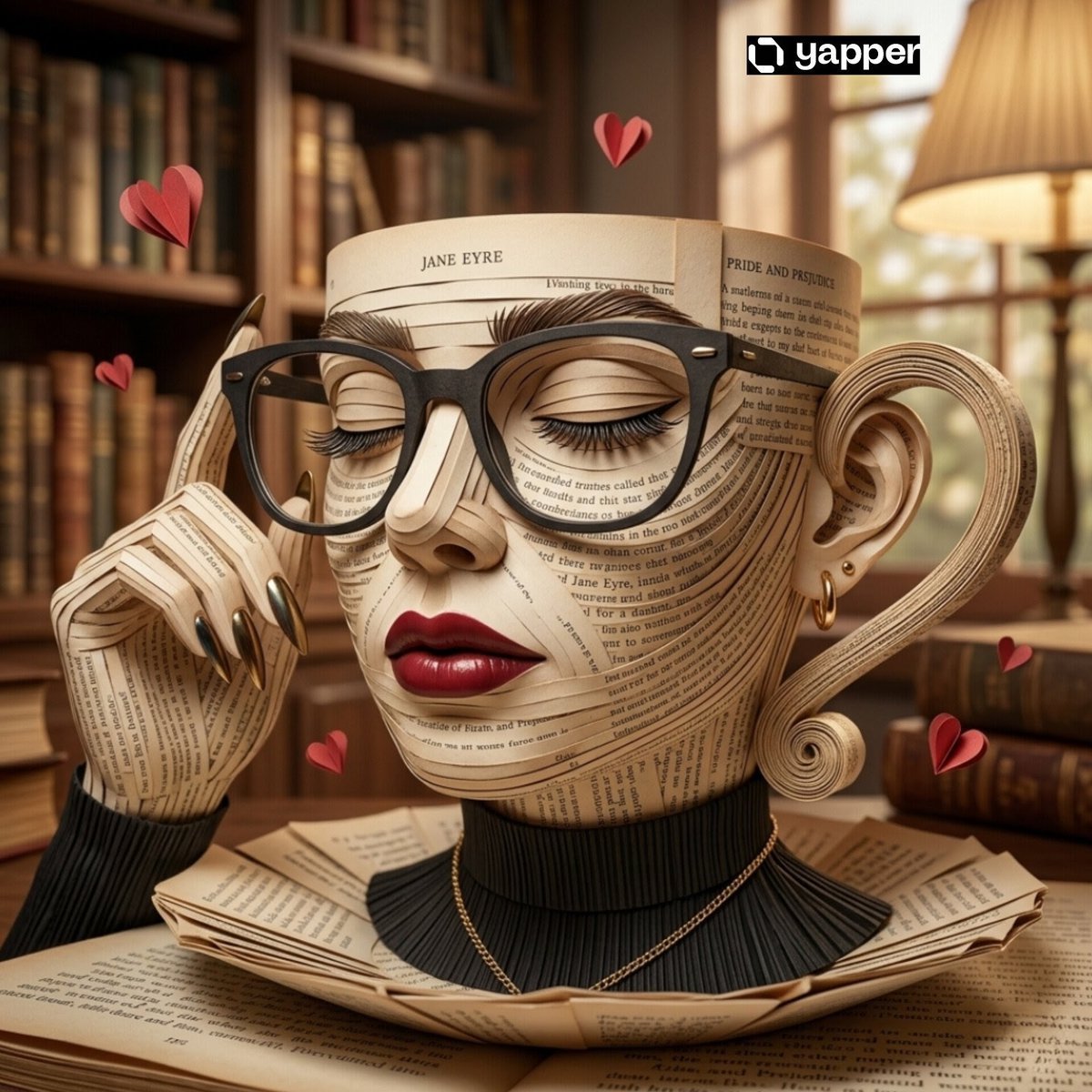
Surreal Coffee Cup Artwork Prompt
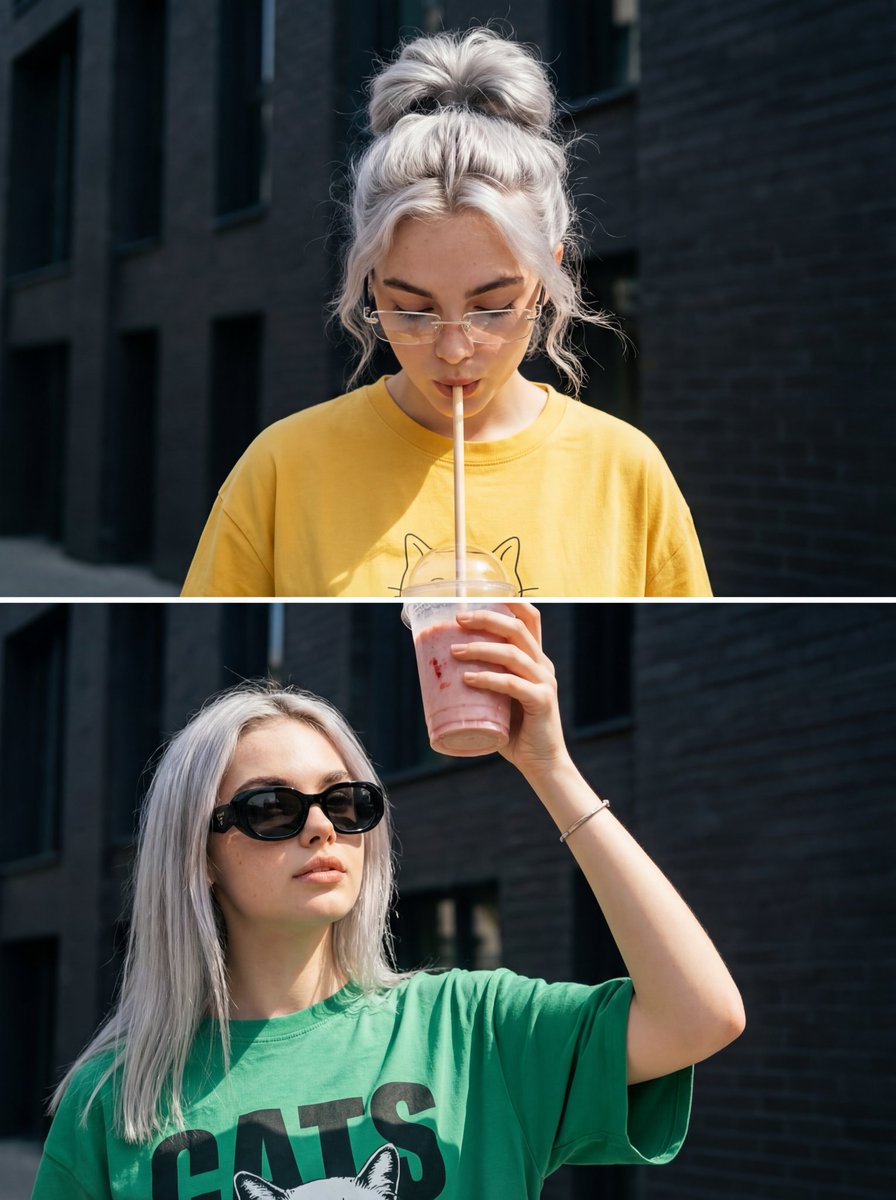
Surreal Interaction Diptych

Azed Double Exposure
Make it yours
Surreal Coffee Smartphone Interaction works as-is. These are the safest ways to change it without losing the look.
Change one field
Copy a single group, rewrite it, and generate again so you can see what that field is doing.
Keep the frame, change the subject
Hold the composition and light of Surreal Coffee Smartphone Interaction, then swap wardrobe, props or the person for a new take.
| If the result… | Why | Fix |
|---|---|---|
| The result drifts from the preview | Too many fields changed at once. | Reuse Surreal Coffee Smartphone Interaction as-is first, then change one group — subject, light, or setting. |
| The model over-stylizes the scene | The prose prompt leaves finish and camera underspecified. | Add one camera or lighting sentence and stay on GPT Image 2. |
More GPT Image 2 templates
Other prompts made for GPT Image 2.

Six VTuber Japanese Logo Sheet

Realistic Portrait of Woman and Deer

The Vista Modular Condo Poster

AI Model Routing Comparison Infographic

2.5D Anime Art Board

Isometric Productivity Desk Scene

New York Double Exposure Poster

Four-Panel AI Landscape Comparison

Japanese Tatami Lifestyle Magazine Cover

NESCAFÉ Coffee Map Poster
More image prompts
Fresh picks from across the catalog.

Cinematic Fire Effect Asset
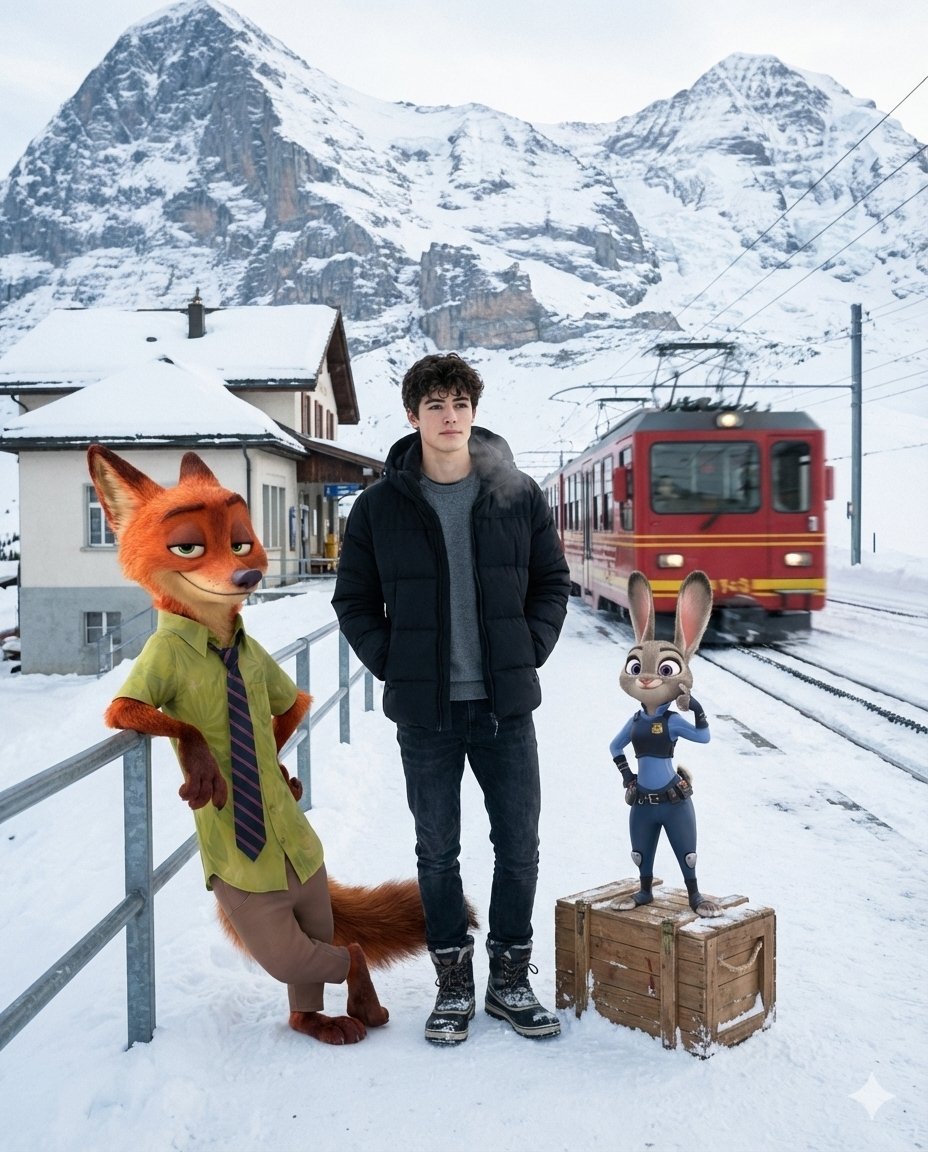
Cinematic Alpine Travel with Zootopia Characters
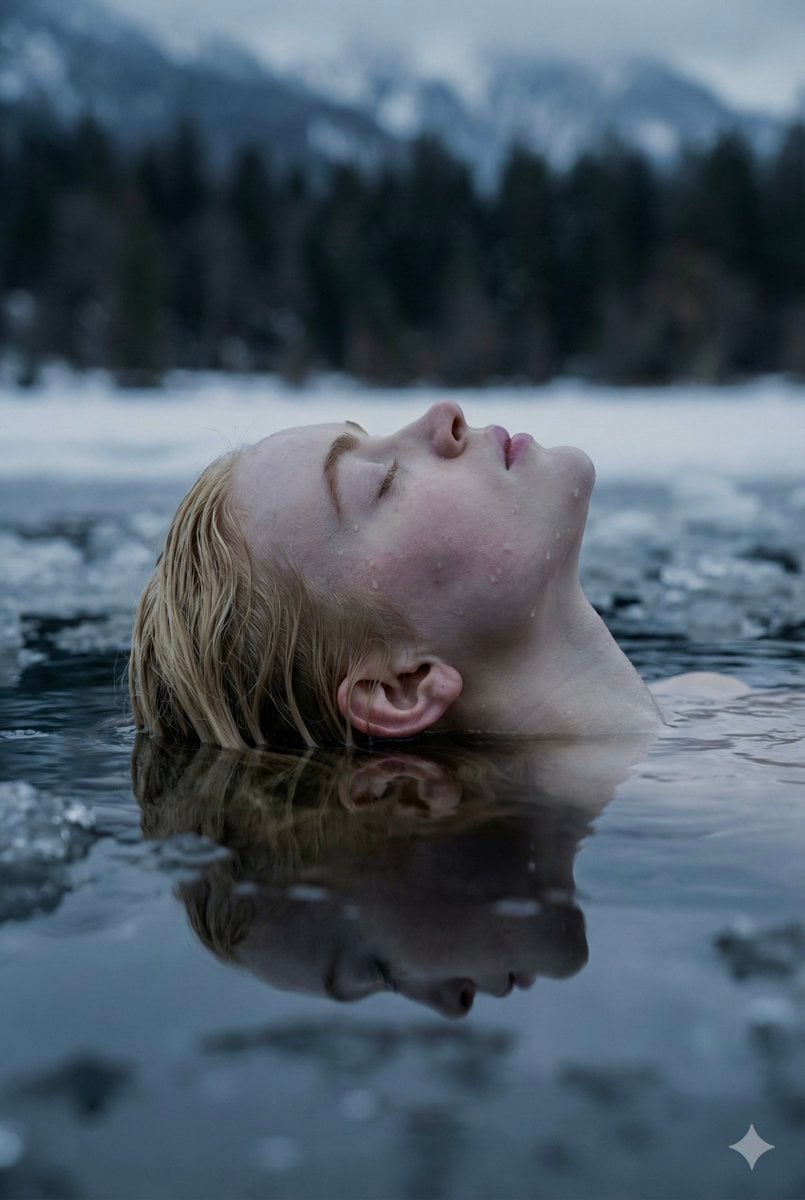
Ethereal Submerged Portrait in Icy Water
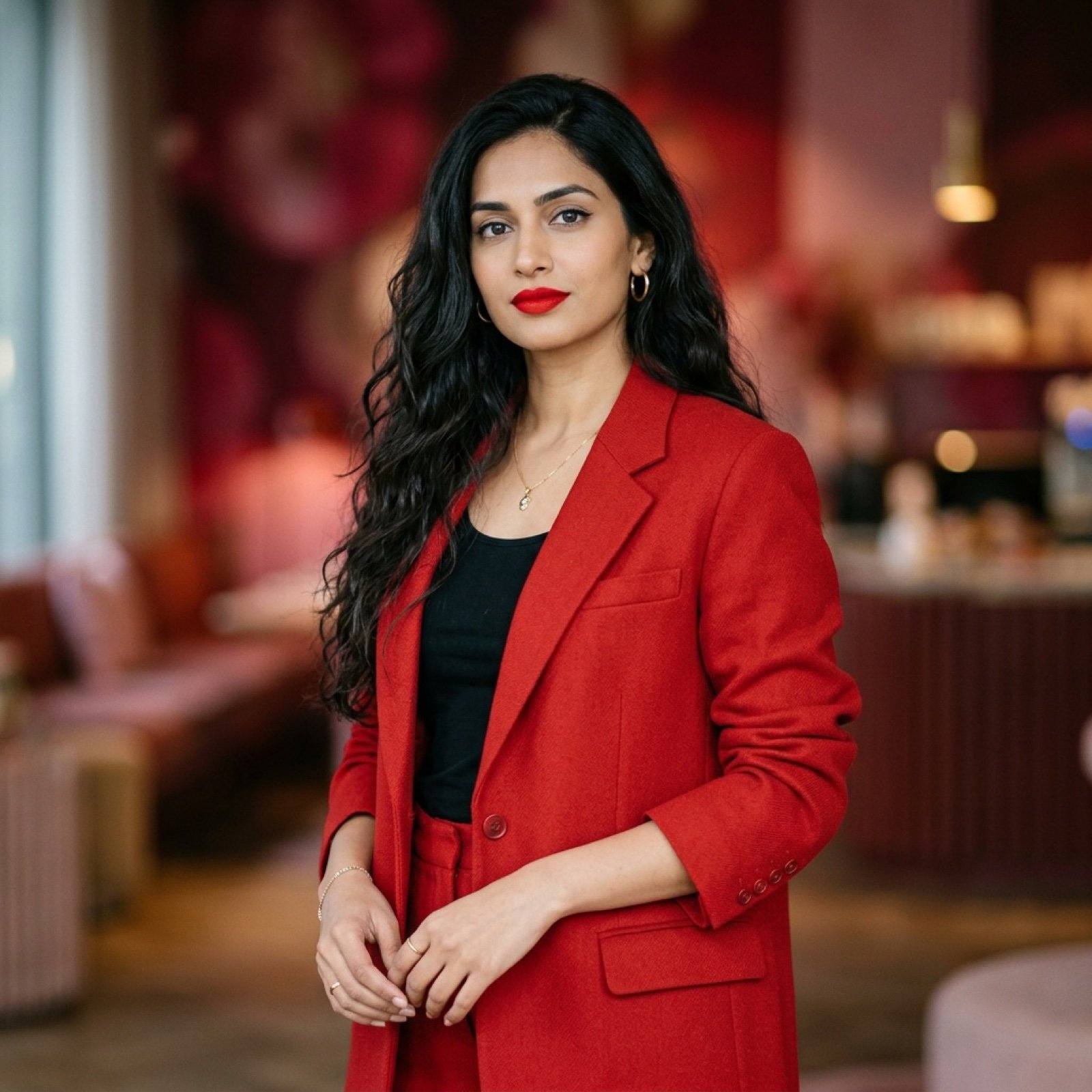
Indian Woman in Red Suit Portrait
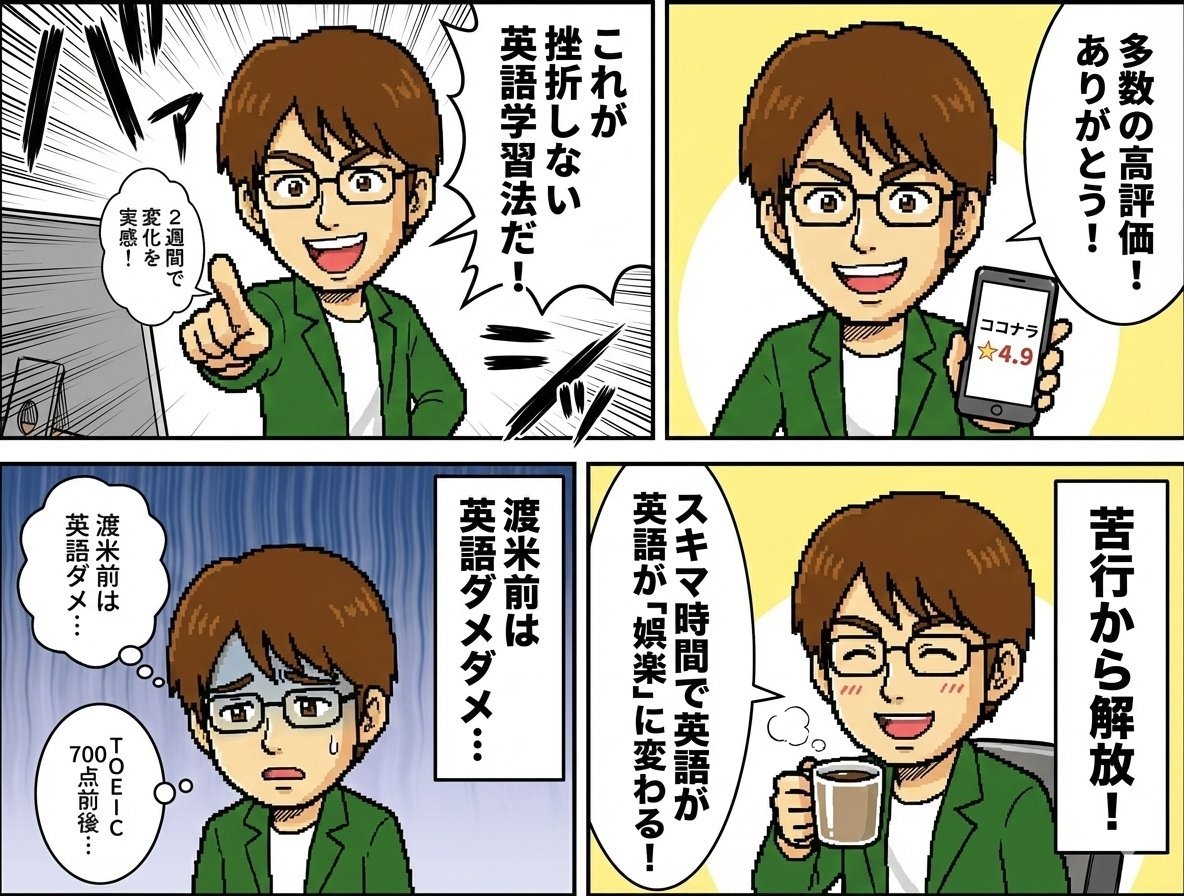
Profile 4-Panel Manga Generation
Portrait - Silver Hair Lady
Photorealistic Velvet Dress Portrait

Coastal Travel Lifestyle Portrait
X Noor Ul Ain43 She Designed Herself and Then
Monument Valley Dawn Quote Wallpaper
Browse template categories
Surreal Coffee Smartphone Interaction questions
How do I use the Surreal Coffee Smartphone Interaction template?
Add your photo if the template asks for one, edit the prompt if you like — the template's model and format are already selected — and press Generate. Your version opens in PicX Studio.
Can I customize the Surreal Coffee Smartphone Interaction template?
Yes. You can change the subject, setting, lighting, mood, format, and available model controls before creating your image.
Is the Surreal Coffee Smartphone Interaction template free?
Opening and editing this template is free. Generating uses credits, shown on the Generate button when you are signed in.
Which AI model should I use?
Start with GPT Image 2, which is the model associated with this template. You can compare another compatible model for a different finish.
Looking for something else? Browse all templates.

Your photo, any look
Thousands of ready templates for every top image and video model, from one credit balance.