
Cinematic Fire Effect Asset
Generates a realistic horizontal wall of flames with embers on a black background for VFX, game, or compositing use.
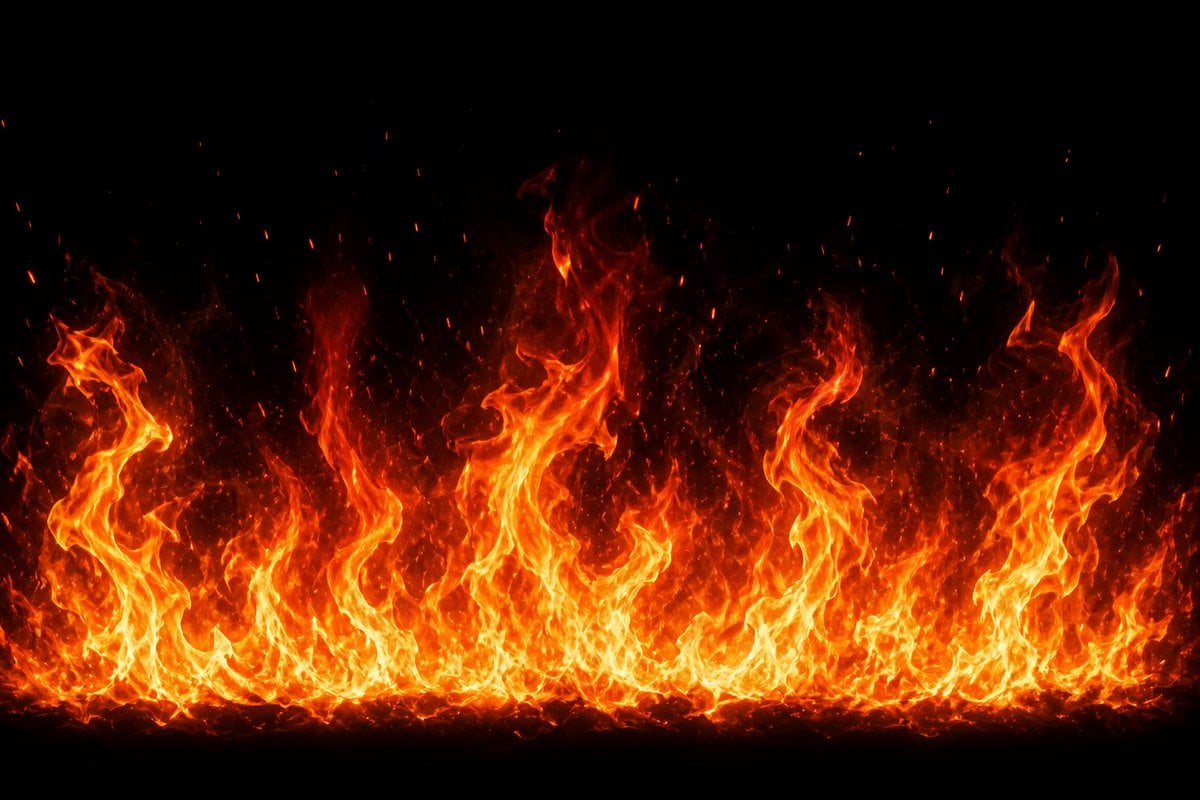
- Prompt included
- Model and format preset
- Free template
The prompt behind this image
Copy the exact prompt behind Cinematic Fire Effect Asset, or open it in the studio and make it yours.
Create a high-resolution VFX fire effect asset: a wide horizontal wall of intense flames rising from the bottom edge across the full width of the frame, on a pure black background. The fire should have bright yellow-white cores, saturated orange and red outer tongues, and semi-transparent smoky heat wisps fading upward into darkness. Use {argument name="flame height" default="tall varied flame peaks"} with uneven curling shapes, including several large twisting flame columns at the left, center, and right, plus a dense low band of smaller flames along the base. Add many glowing ember particles and sparks drifting upward, with tiny red-orange specks scattered above the flames. Make it look like a realistic cinematic game effect or compositing element, high contrast, sharp detail, natural turbulent motion implied, no objects, no text, no people, no border, centered composition, {argument name="background color" default="pure black"}, {argument name="fire color palette" default="yellow white orange red"}, {argument name="aspect ratio" default="16:9 wide landscape"}.
How to use Cinematic Fire Effect Asset in 3 steps
- 1Upload ImagePNG, JPG or paste
Add your photo
Upload the photo the template builds on. The prompt, model and format are already set.
- 2…a portrait of your subject in softgolden-hour light, 85mm…
Personalize
Edit the subject and creative details for your destination.
- 3Generate
Generate
Press Generate — your image is created in PicX Studio, so you can compare it with the original and refine one variable at a time.
More like this
Templates with the same subject, style or setup. Open one to see its prompt.
PixVerse v6 - Cinematic Fire Scene
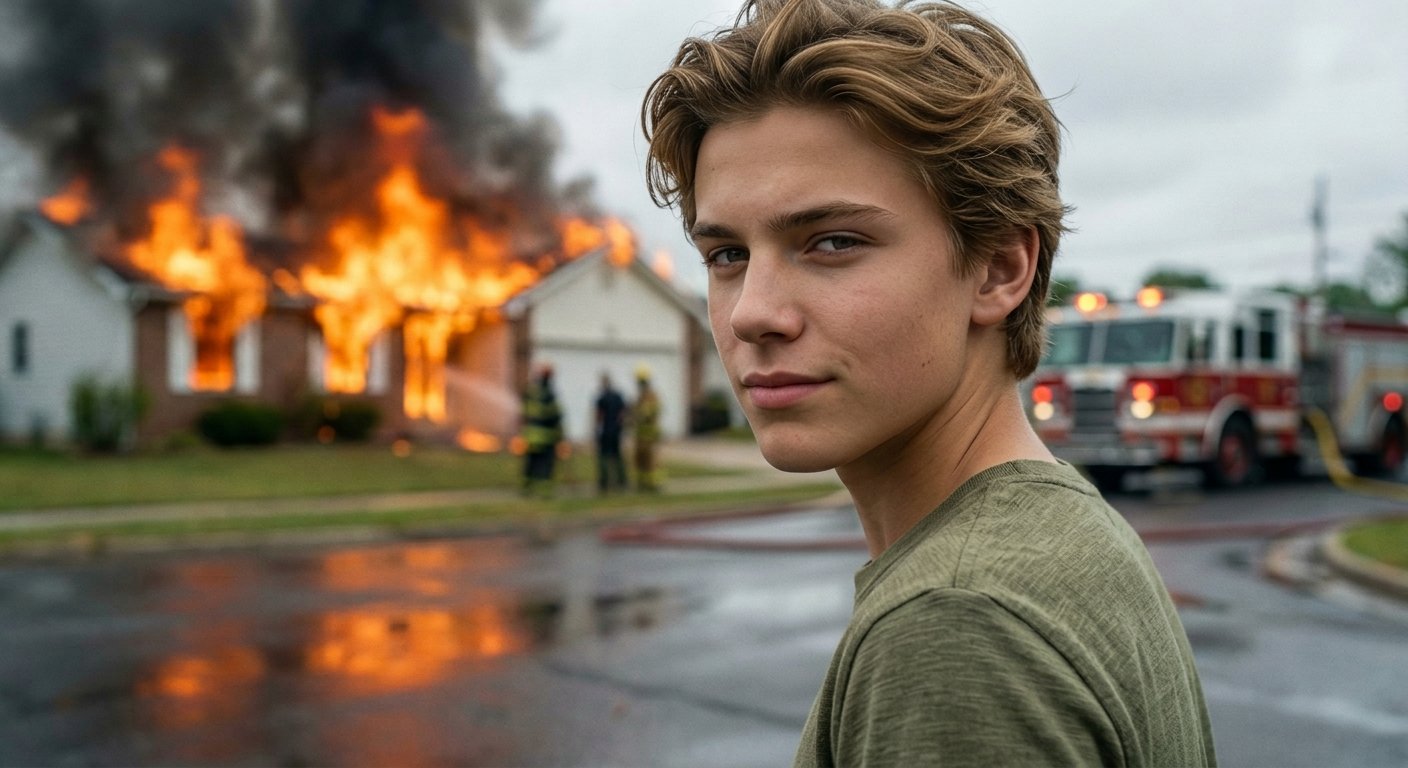
Cinematic Fire Portrait - Boy
Glossy Potted Plant Asset

Three Character Asset Comparison Board
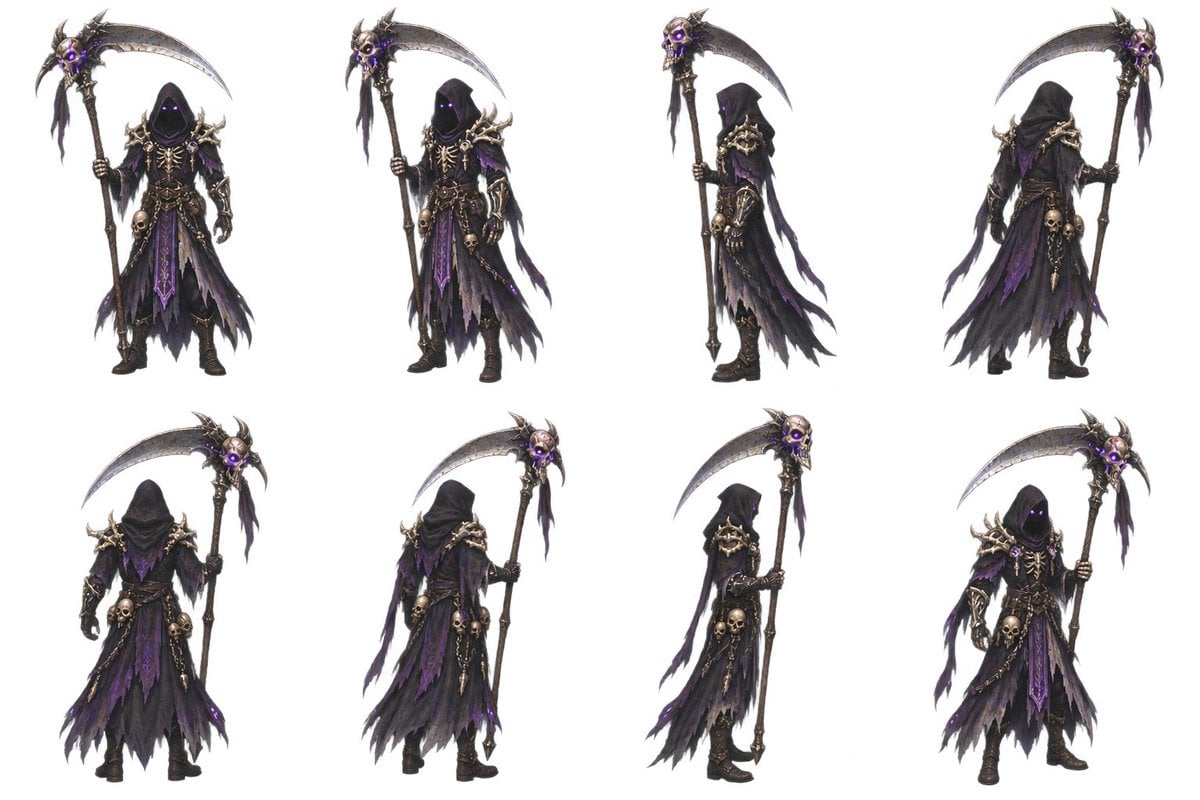
2D Necromancer Game Asset Sprite

Golden Retriever Sunset Campfire Photography
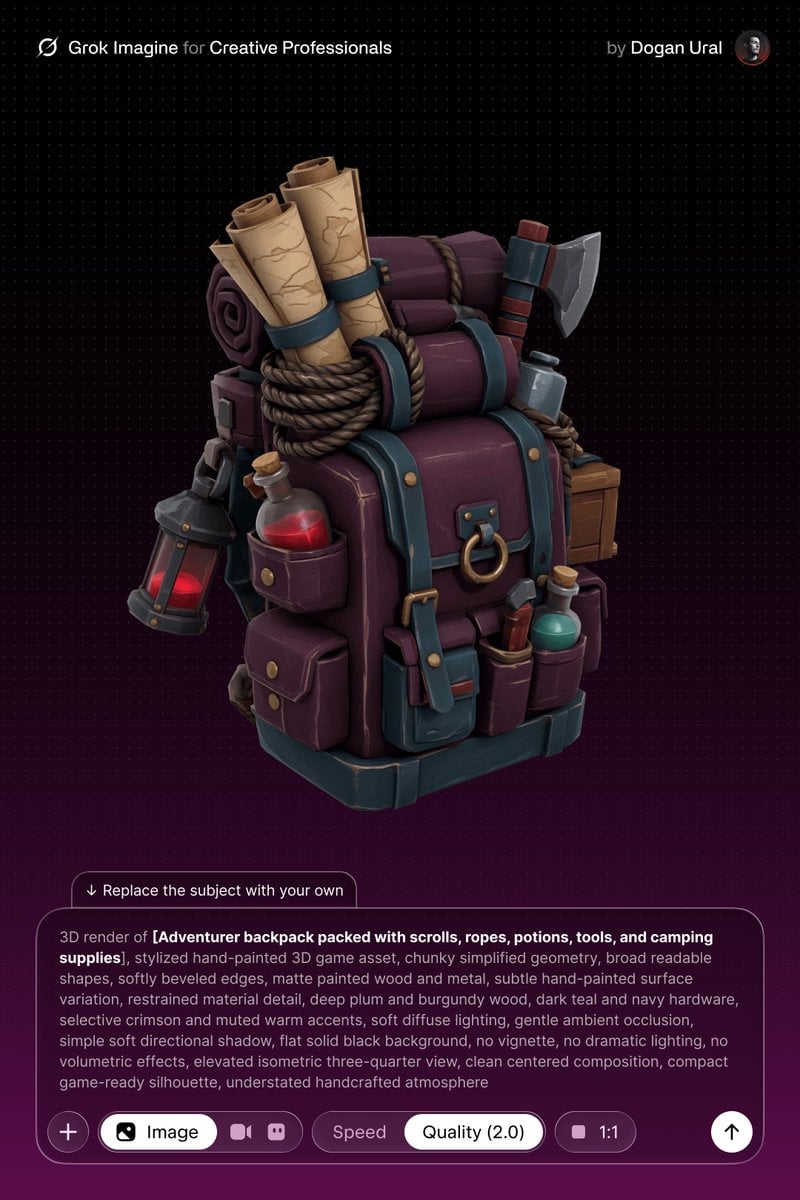
Stylized Hand-Painted 3D Game Asset
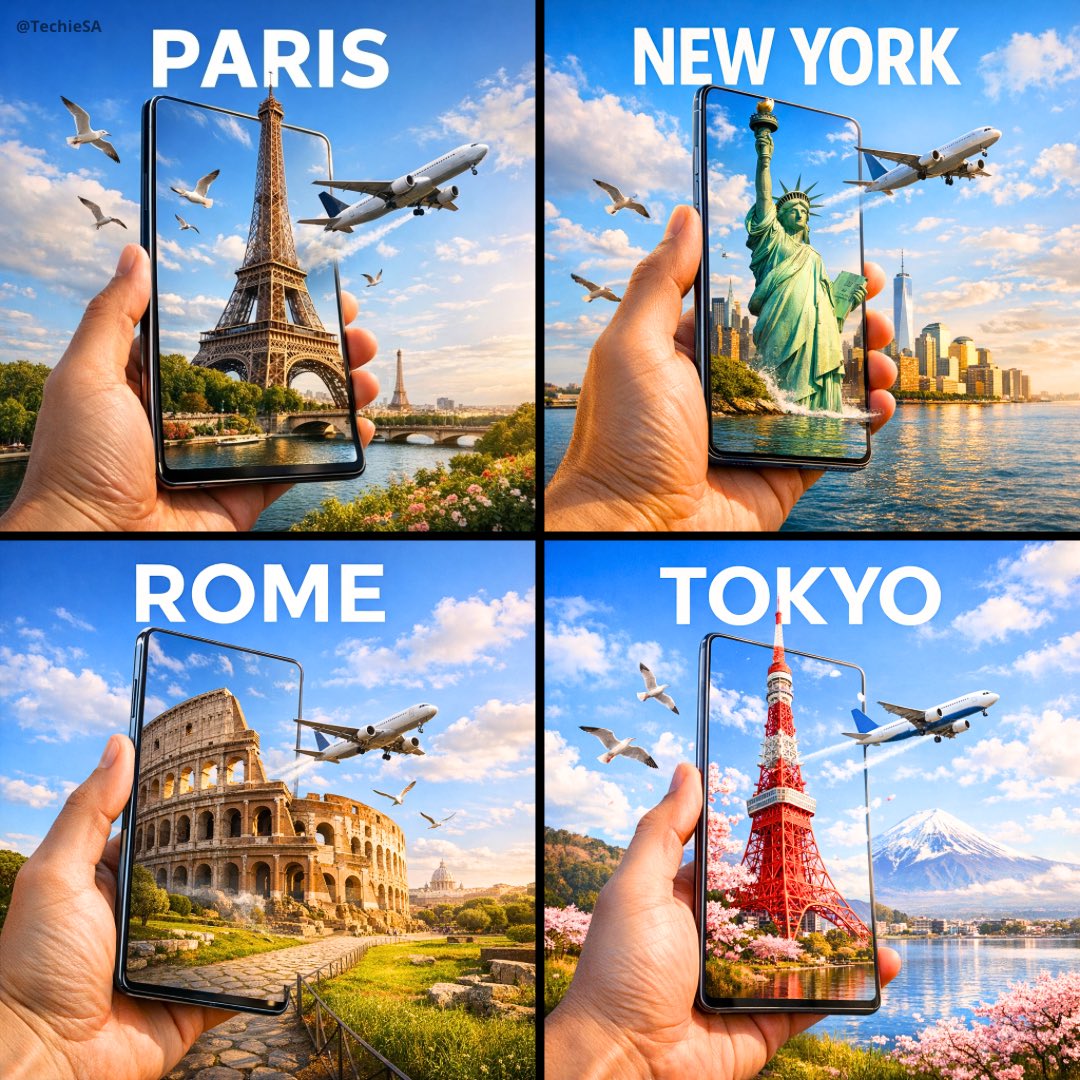
Travel Ad Phone Portal 3D Effect

Dramatic motion blur trails, long-exposure photography effect, dynamic
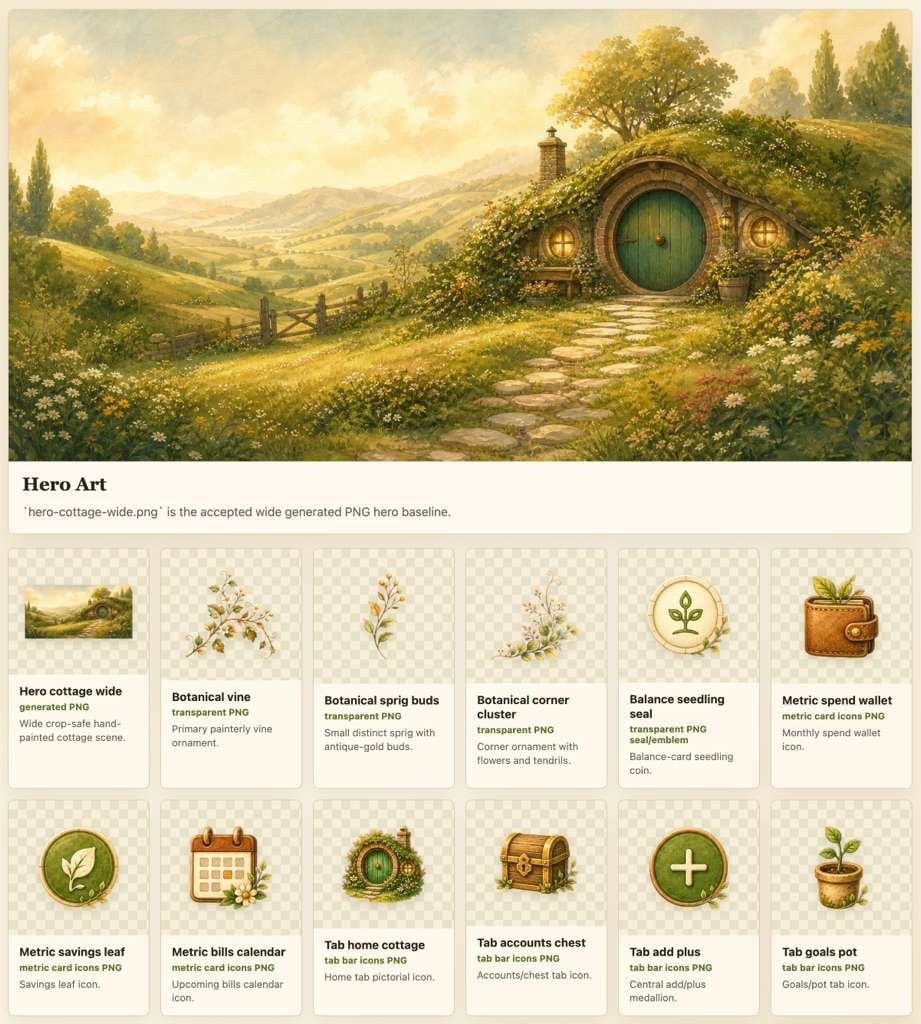
Cozy Hobbit App Asset Sheet
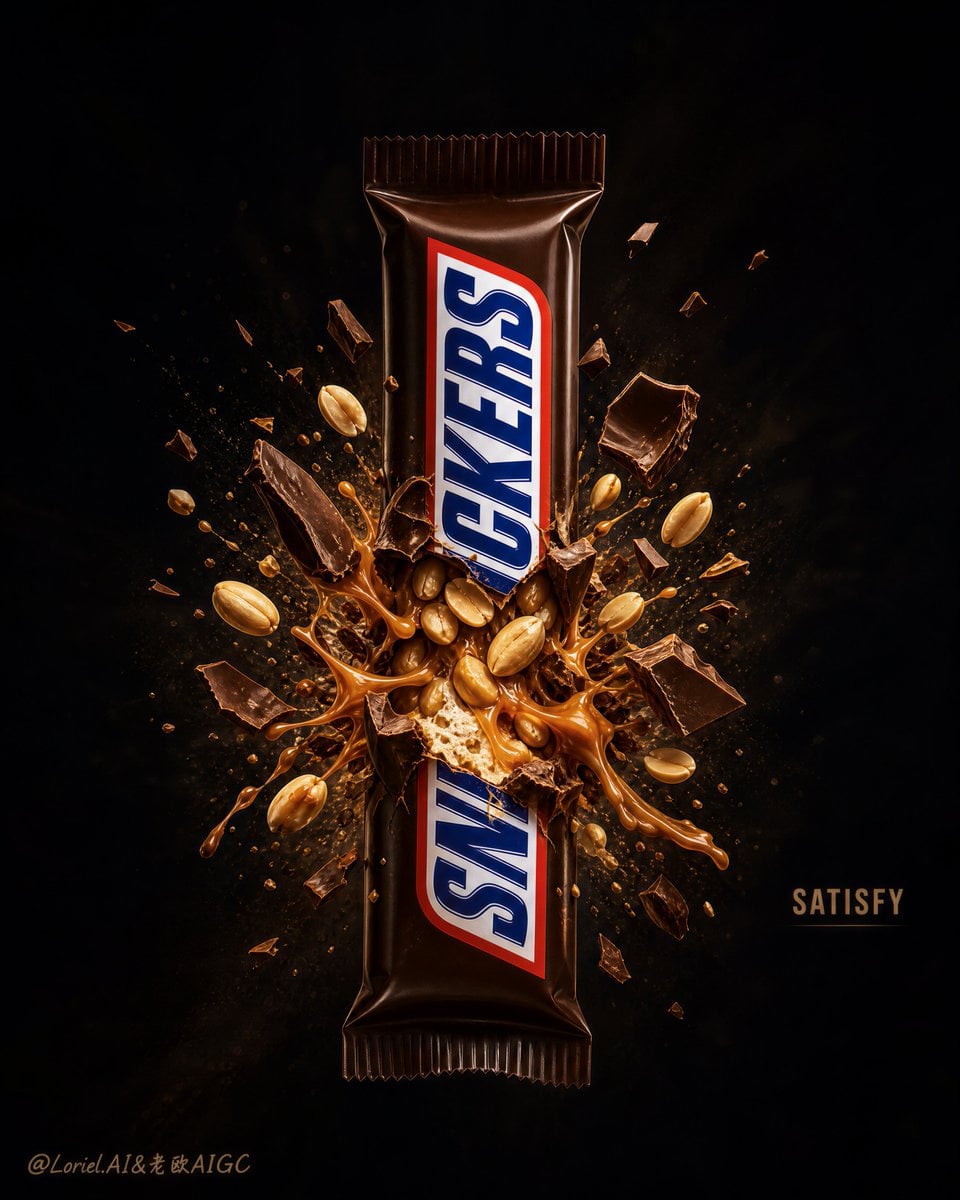
Explosion Effect Commercial Poster
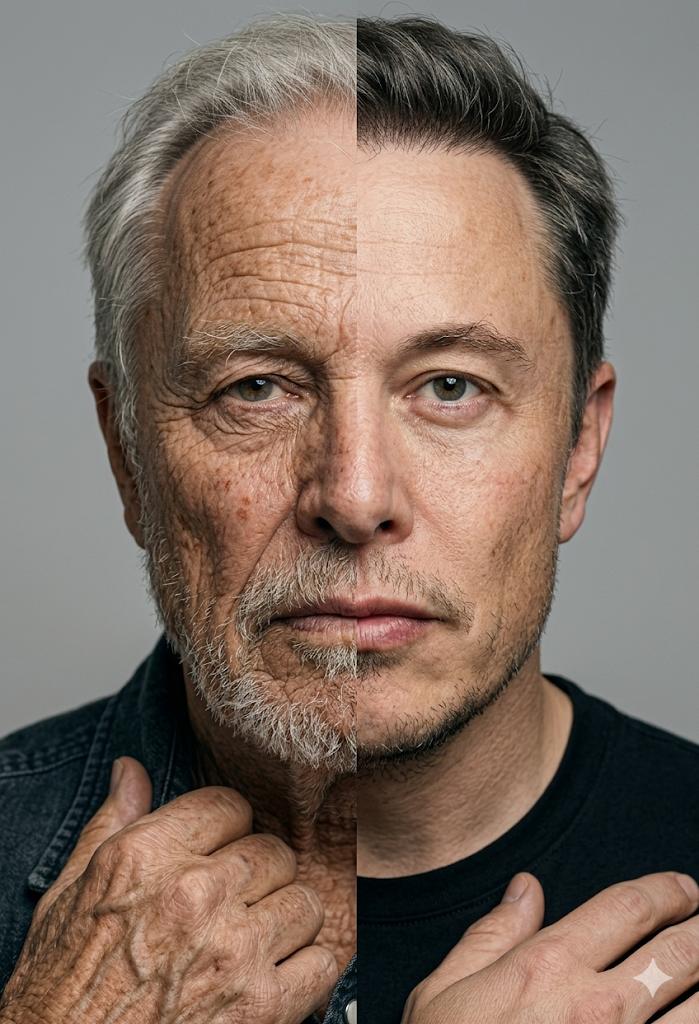
Split Screen Aging Effect
Make it yours
Cinematic Fire Effect Asset works as-is. These are the safest ways to change it without losing the look.
Change one field
Copy a single group, rewrite it, and generate again so you can see what that field is doing.
Keep the frame, change the subject
Hold the composition and light of Cinematic Fire Effect Asset, then swap wardrobe, props or the person for a new take.
| If the result… | Why | Fix |
|---|---|---|
| The result drifts from the preview | Too many fields changed at once. | Reuse Cinematic Fire Effect Asset as-is first, then change one group — subject, light, or setting. |
| The model over-stylizes the scene | The prose prompt leaves finish and camera underspecified. | Add one camera or lighting sentence and stay on GPT Image 2. |
More GPT Image 2 templates
Other prompts made for GPT Image 2.

Six VTuber Japanese Logo Sheet

Realistic Portrait of Woman and Deer

The Vista Modular Condo Poster

AI Model Routing Comparison Infographic

2.5D Anime Art Board

Isometric Productivity Desk Scene

New York Double Exposure Poster

Four-Panel AI Landscape Comparison

Japanese Tatami Lifestyle Magazine Cover

NESCAFÉ Coffee Map Poster
More image prompts
Fresh picks from across the catalog.
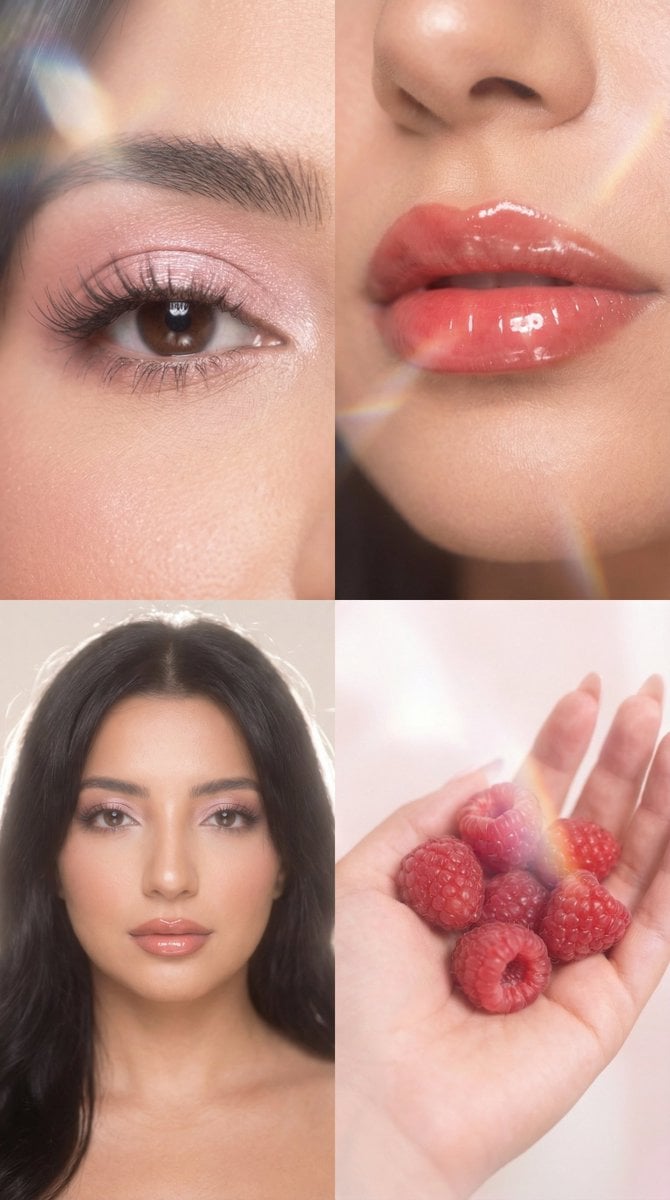
Strawberry Milk Glass Lens Beauty Quad Prompt
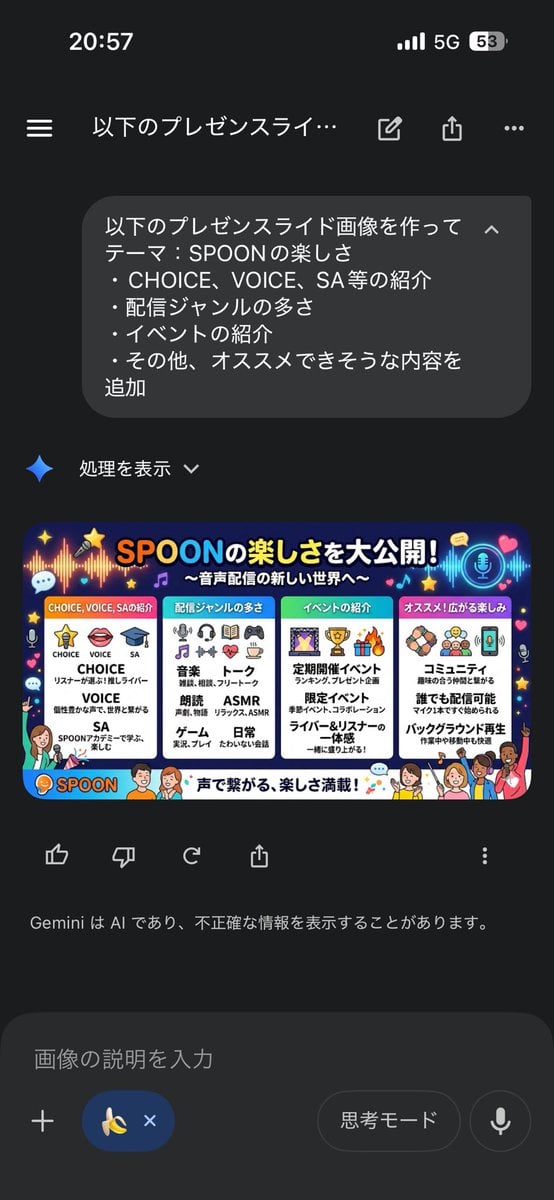
Presentation Slide Generation Template using Nano Banana Pro
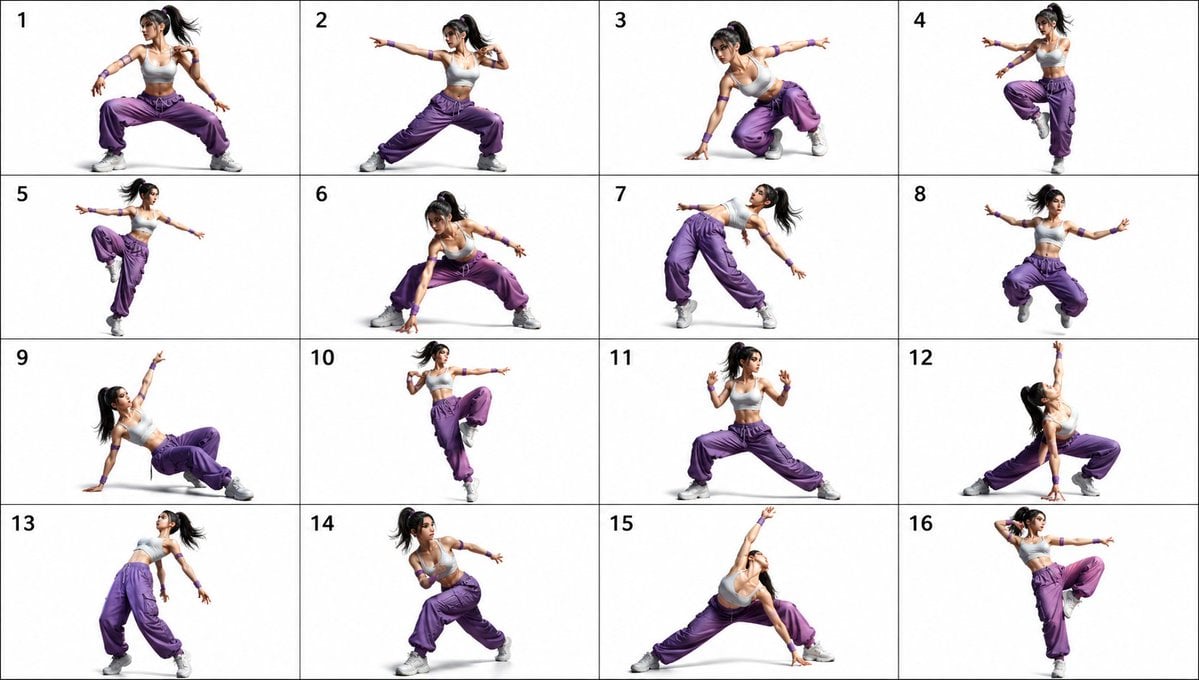
Gpt2 Comic Storyboard 16 Pose Dance Combat Reference Sheet
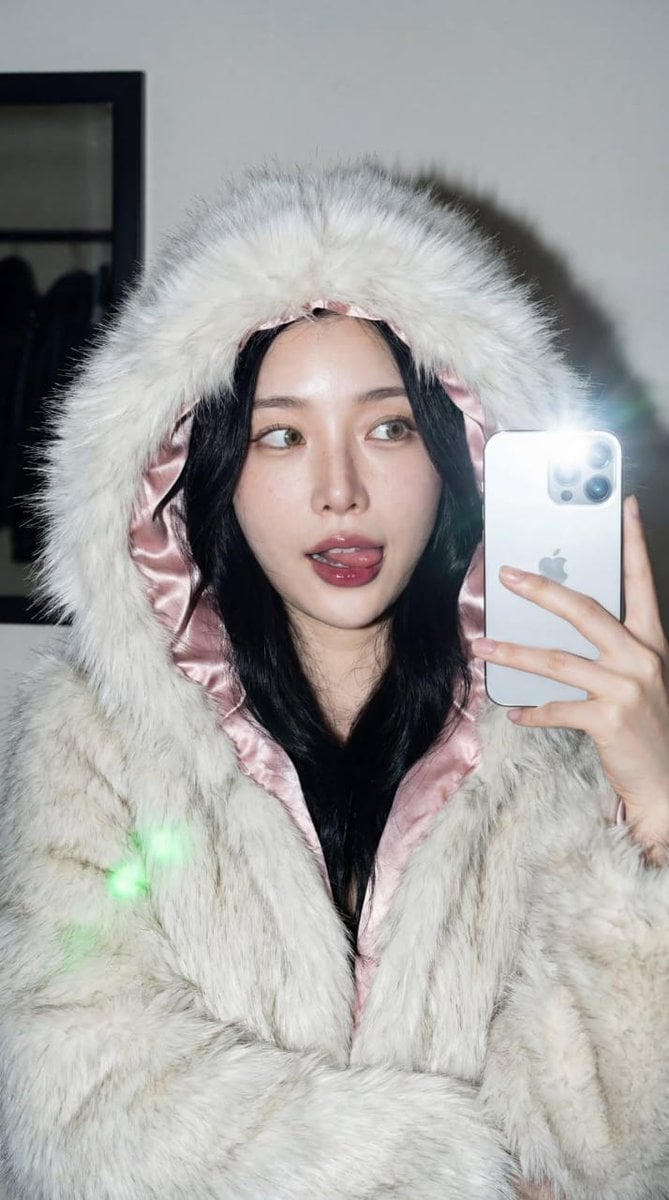
High-Contrast Portrait with Direct Flash and Faux Fur
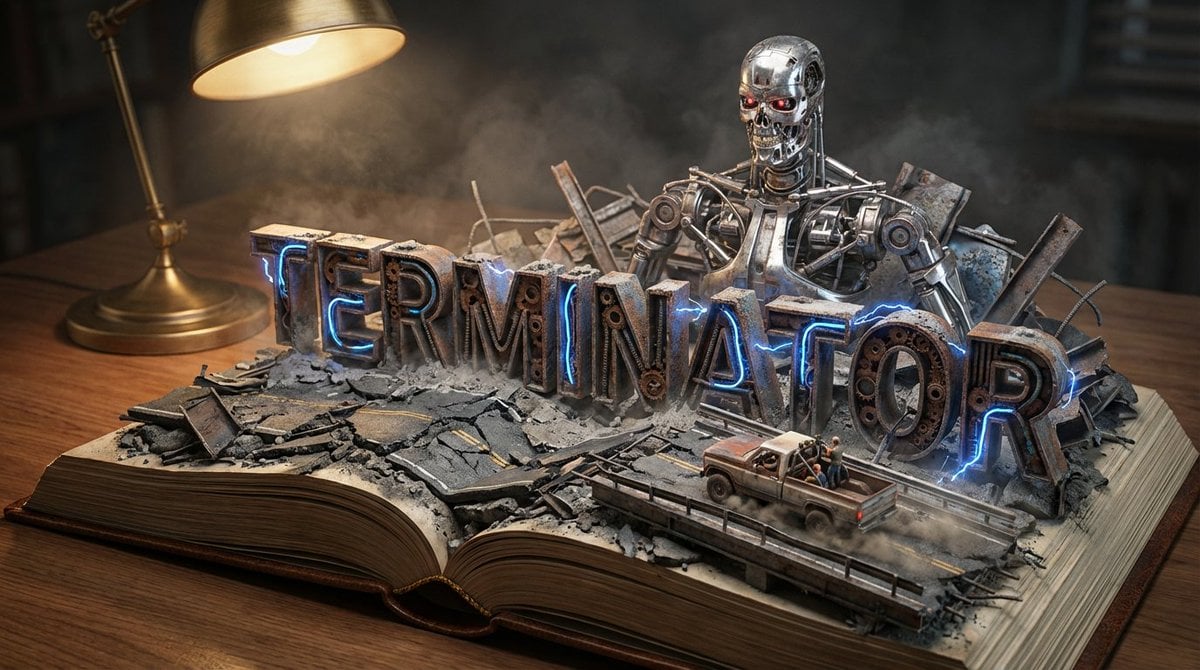
Pop-Up Book Diorama Generator Prompt
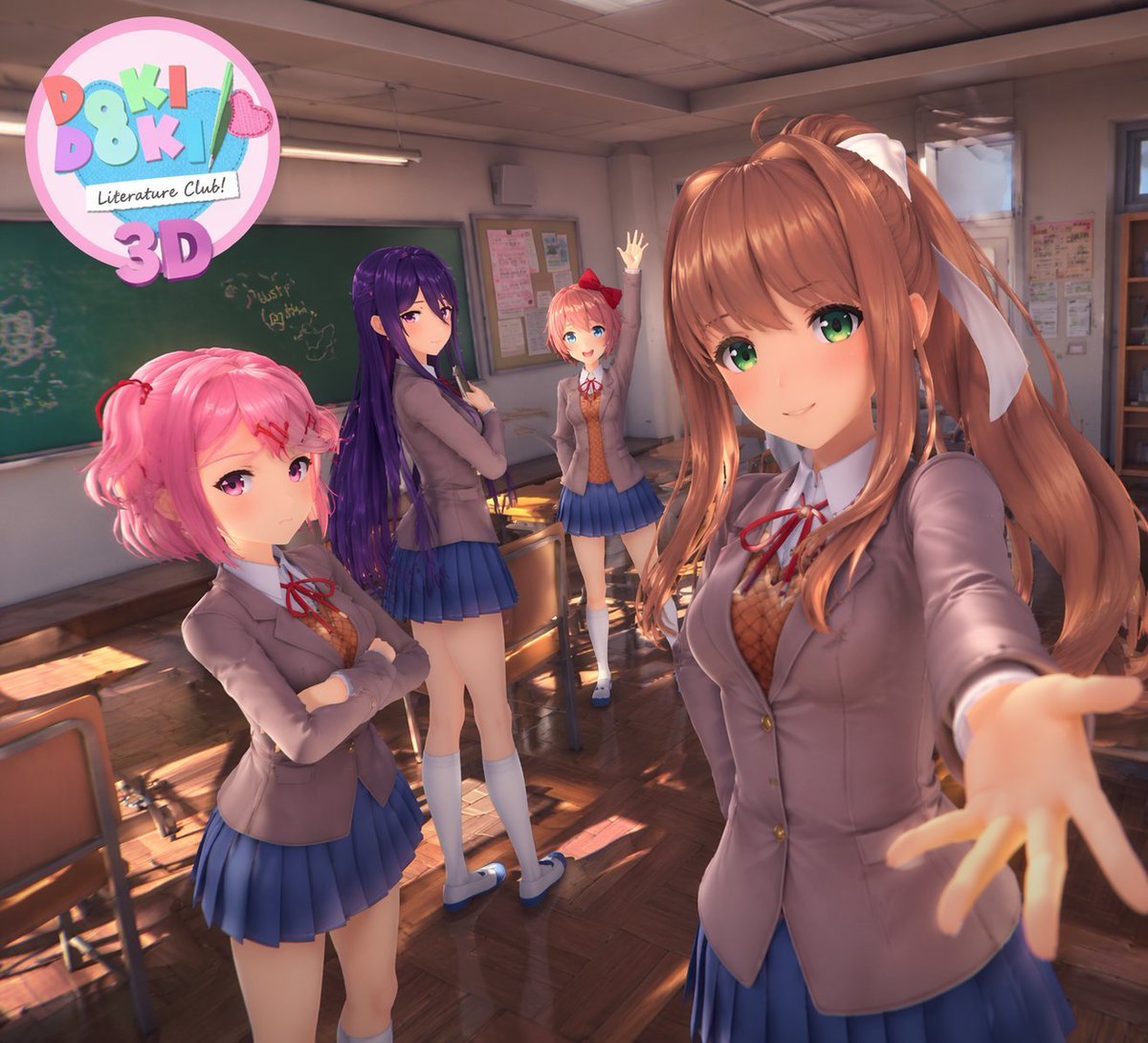
3D Anime Visual Novel Game Cover
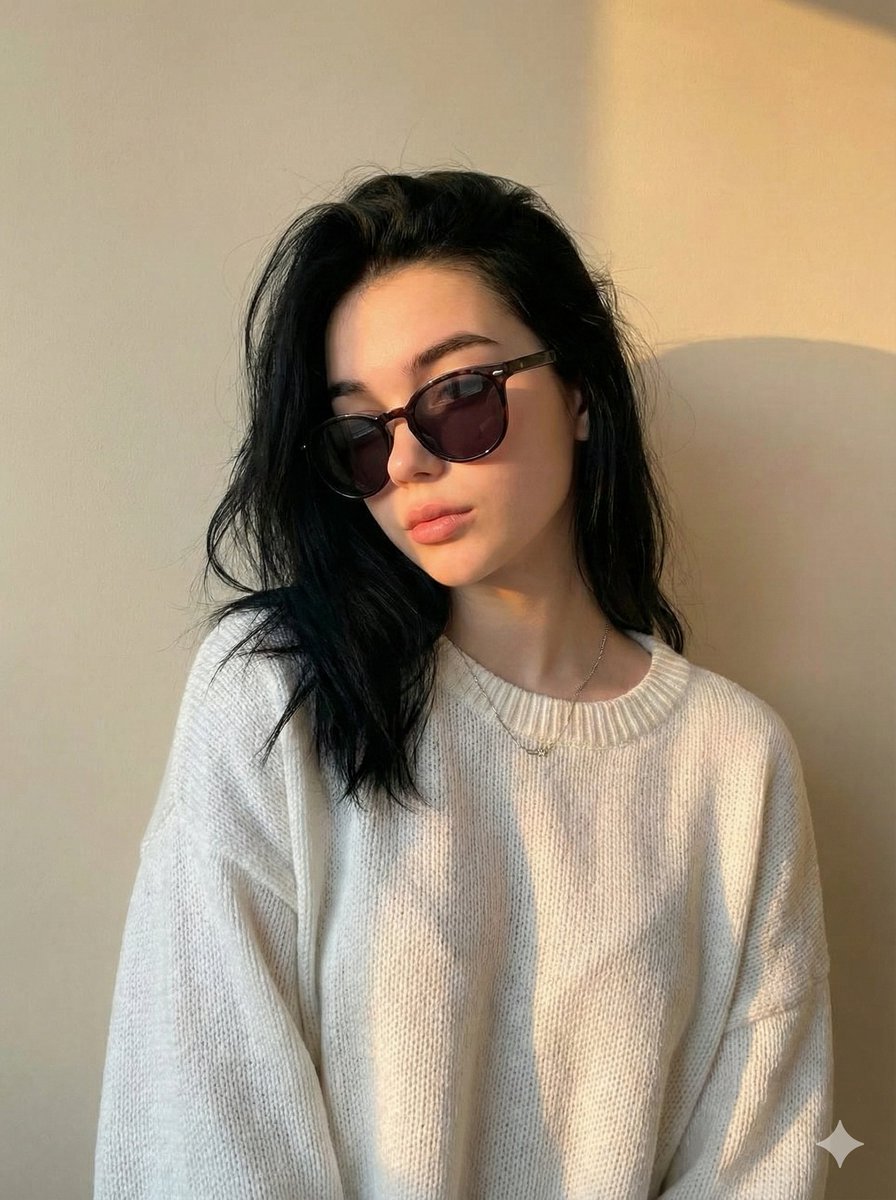
Cinematic Portrait with Strict Identity Preservation
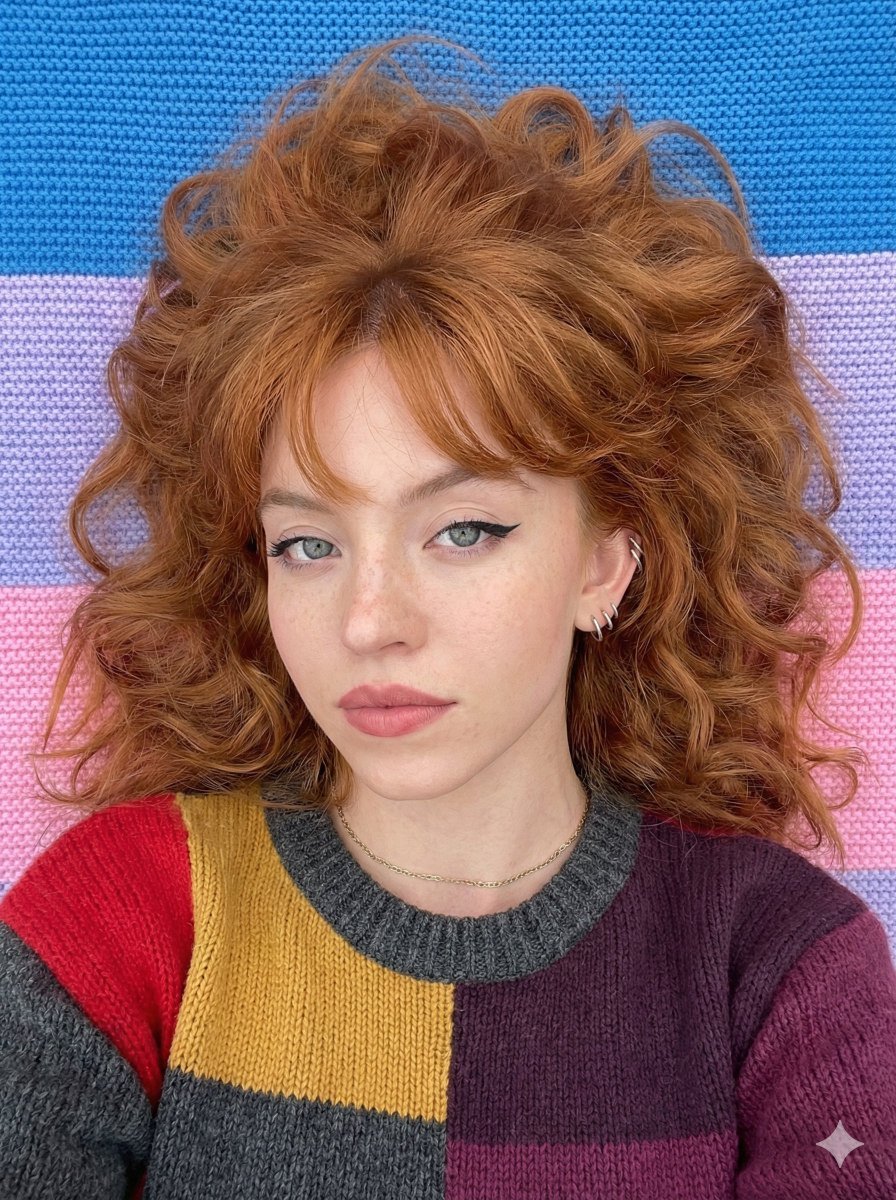
Top-Down Cozy Patchwork Portrait
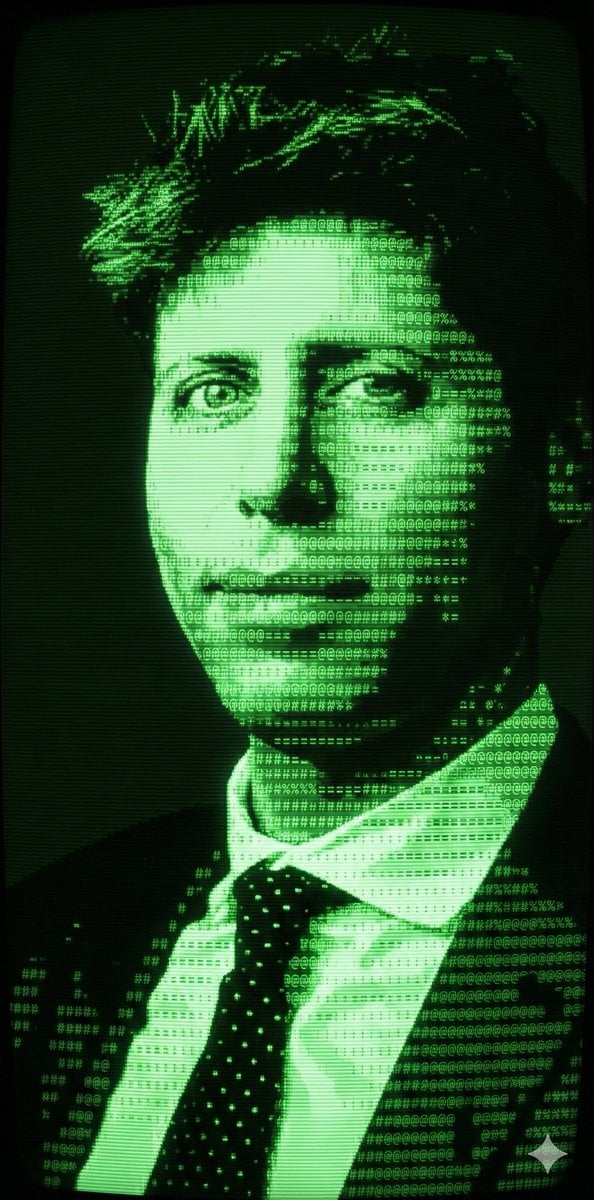
Magical Forest Creature Portrait Prompt (from ALT text)
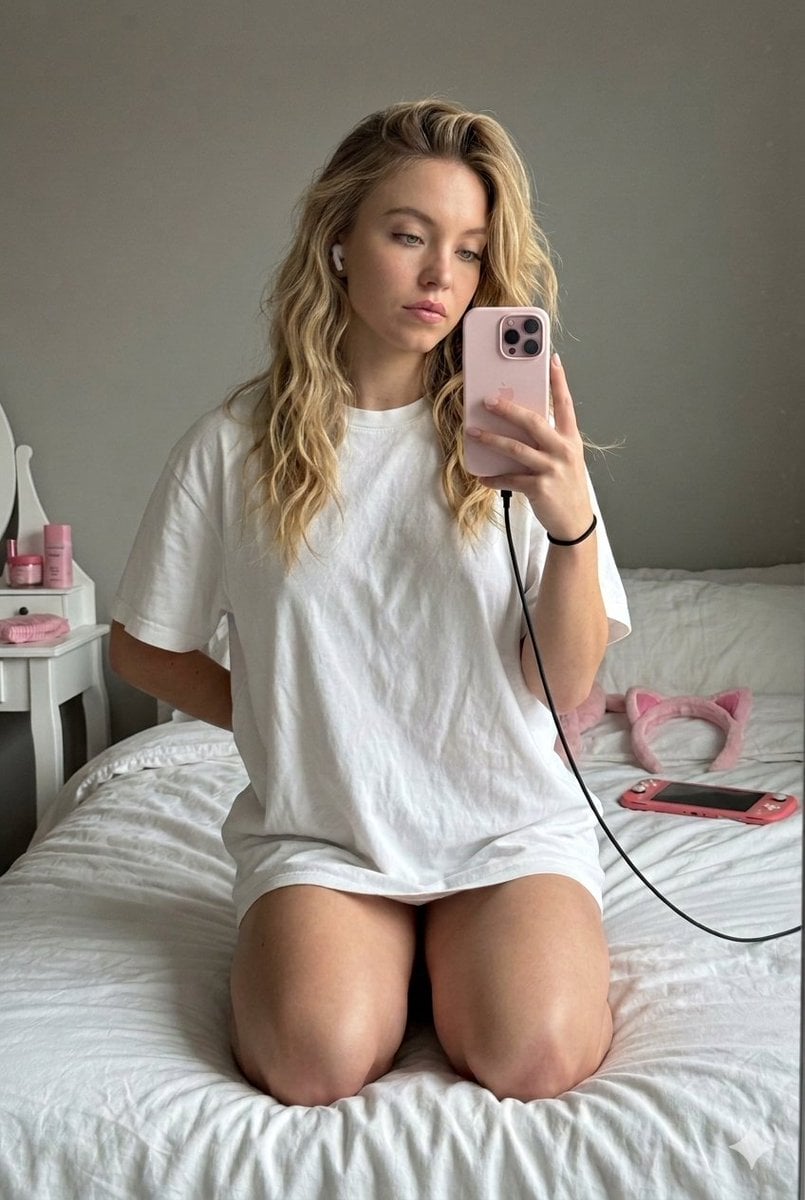
High-Fidelity Mirror Selfie with Identity Lock
Browse template categories
Cinematic Fire Effect Asset questions
How do I use the Cinematic Fire Effect Asset template?
Add your photo if the template asks for one, edit the prompt if you like — the template's model and format are already selected — and press Generate. Your version opens in PicX Studio.
Can I customize the Cinematic Fire Effect Asset template?
Yes. You can change the subject, setting, lighting, mood, format, and available model controls before creating your image.
Is the Cinematic Fire Effect Asset template free?
Opening and editing this template is free. Generating uses credits, shown on the Generate button when you are signed in.
Which AI model should I use?
Start with GPT Image 2, which is the model associated with this template. You can compare another compatible model for a different finish.
Looking for something else? Browse all templates.

Your photo, any look
Thousands of ready templates for every top image and video model, from one credit balance.