
Surreal Photo to Watercolor Diptych
A two-panel poster comparing a vintage surreal studio photograph with its watercolor sketch reinterpretation, useful for recreating famous-photo transformation visuals.
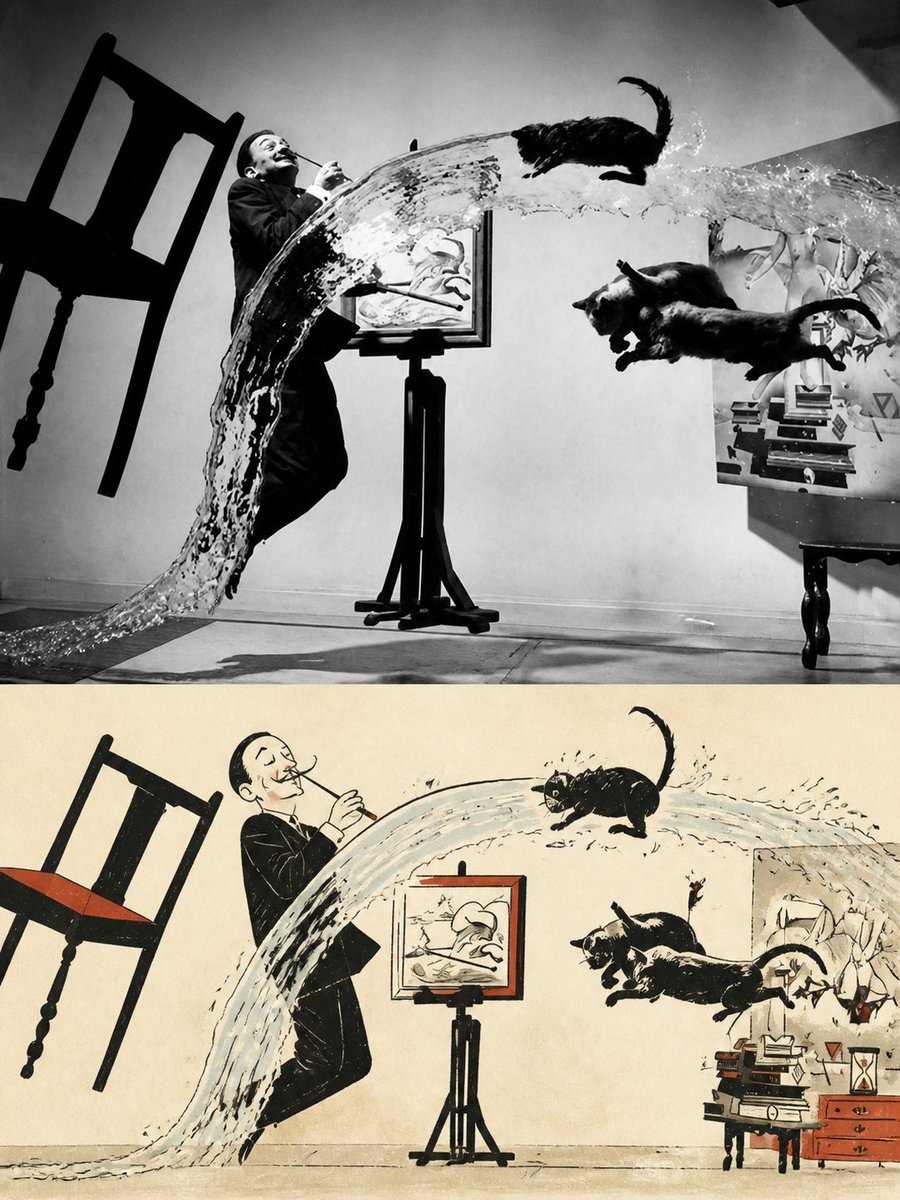
- Prompt included
- Model and format preset
- Free template
The prompt behind this image
Copy the exact prompt behind Surreal Photo to Watercolor Diptych, or open it in the studio and make it yours.
Goal: Create a vertical diptych poster showing a famous surreal black-and-white action photograph transformed into a hand-painted watercolor sketch poster. Canvas: Portrait 3:4 composition, split horizontally into exactly 2 equal stacked panels with no thick border: the top panel is a dramatic vintage black-and-white photo recreation, and the bottom panel is the watercolor illustration version of the same scene. Top panel: Recreate a high-contrast 1940s-style surreal studio photograph in grayscale. A smiling man in a dark suit stands slightly left of center, leaning backward while holding a thin object near his mouth as if smoking or performing. A huge arcing sheet of water sweeps from the lower left foreground up across the center and splashes toward the right. Exactly 3 black cats are airborne: 1 cat above the water arc near the upper right, and 2 cats leaping together on the right side below the arc. A wooden chair is flying/tilted on the far left. In the center background is an easel with a framed drawing. On the right is a small table or cabinet with stacked books and studio objects. Use stark shadows, film grain, and a gray studio wall and floor. Bottom panel: Directly beneath it, create a warm cream-paper watercolor-and-ink poster interpretation of the exact same scene and layout. Keep the same discrete elements and count: exactly 1 suited man, exactly 1 tilted chair, exactly 1 large water arc, exactly 3 airborne black cats in the same positions, exactly 1 central easel with framed drawing, and exactly 1 right-side furniture area with books and drawers. Render with loose black ink outlines, pale blue-gray watercolor for the water splash, muted red-orange accents on the chair seat, picture frame, and drawers, and a lightly aged paper texture. The bottom version should look like a mid-century editorial sketch, playful and simplified but still clearly matching the top photo. Style: {argument name="art style" default="vintage black-and-white photograph above, watercolor ink sketch poster below"}. Subject source mood: {argument name="scene theme" default="surreal studio action scene with flying cats and an arcing splash of water"}. Paper tone for the illustrated panel: {argument name="paper color" default="warm cream aged paper"}. Accent color: {argument name="accent color" default="muted red-orange"}. Constraints: Keep the composition recognizable as a before-and-after transformation poster. No captions, no logos, no watermark, no extra animals, no extra people, no added text.
How to use Surreal Photo to Watercolor Diptych in 3 steps
- 1Upload ImagePNG, JPG or paste
Add your photo
Upload the photo the template builds on. The prompt, model and format are already set.
- 2…a portrait of your subject in softgolden-hour light, 85mm…
Personalize
Edit the subject and creative details for your destination.
- 3Generate
Generate
Press Generate — your image is created in PicX Studio, so you can compare it with the original and refine one variable at a time.
More like this
Templates with the same subject, style or setup. Open one to see its prompt.

Surreal Cat Astronaut — Humanoid Face Freefall

Watercolor Anim Finale Fireworks

Watercolor Anim Garden Maze

Watercolor Anim Rooftop Concert

Watercolor Anim Bicycle Coast

Watercolor Anim Castle Gate

Watercolor Anim Kitchen Chaos

Watercolor Anim Carnival Ride

Watercolor Anim Rainy Bus Stop

Watercolor Anim Space Dock

Watercolor Anim Cafe Morning

Watercolor Anim Mountain Summit
Make it yours
Surreal Photo to Watercolor Diptych works as-is. These are the safest ways to change it without losing the look.
Change one field
Copy a single group, rewrite it, and generate again so you can see what that field is doing.
Keep the frame, change the subject
Hold the composition and light of Surreal Photo to Watercolor Diptych, then swap wardrobe, props or the person for a new take.
| If the result… | Why | Fix |
|---|---|---|
| The result drifts from the preview | Too many fields changed at once. | Reuse Surreal Photo to Watercolor Diptych as-is first, then change one group — subject, light, or setting. |
| The model over-stylizes the scene | The prose prompt leaves finish and camera underspecified. | Add one camera or lighting sentence and stay on GPT Image 2. |
More GPT Image 2 templates
Other prompts made for GPT Image 2.

Six VTuber Japanese Logo Sheet

Realistic Portrait of Woman and Deer

The Vista Modular Condo Poster

AI Model Routing Comparison Infographic

2.5D Anime Art Board

Isometric Productivity Desk Scene

New York Double Exposure Poster

Four-Panel AI Landscape Comparison

Japanese Tatami Lifestyle Magazine Cover

NESCAFÉ Coffee Map Poster
More image prompts
Fresh picks from across the catalog.
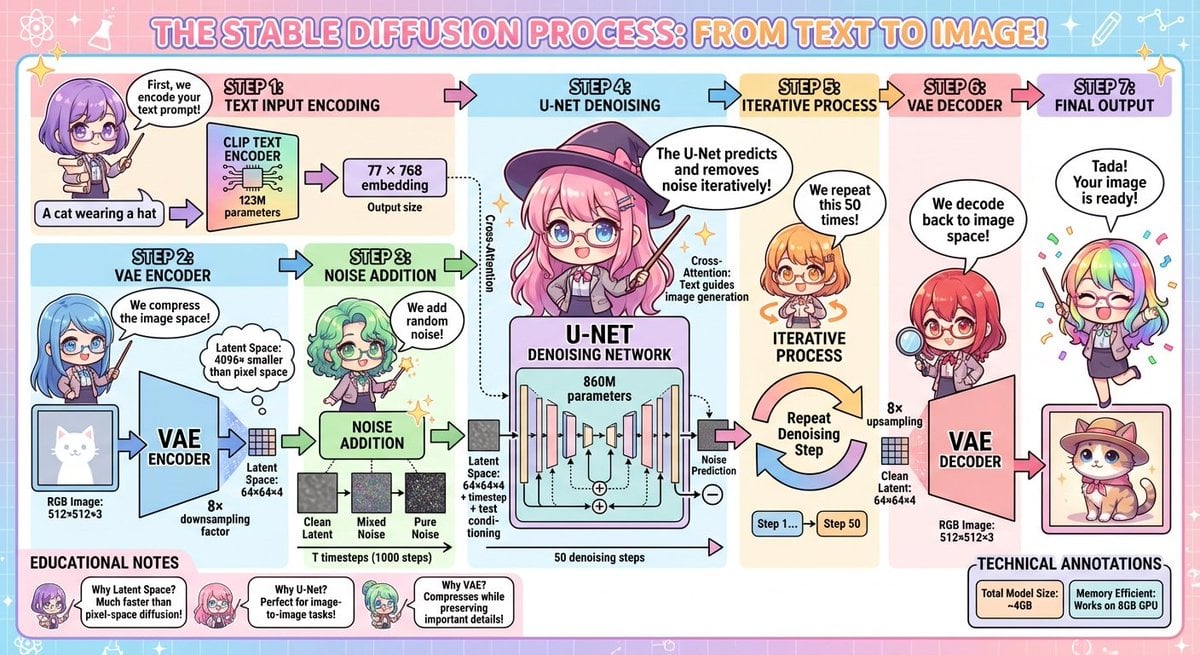
Stable Diffusion educational anime diagram
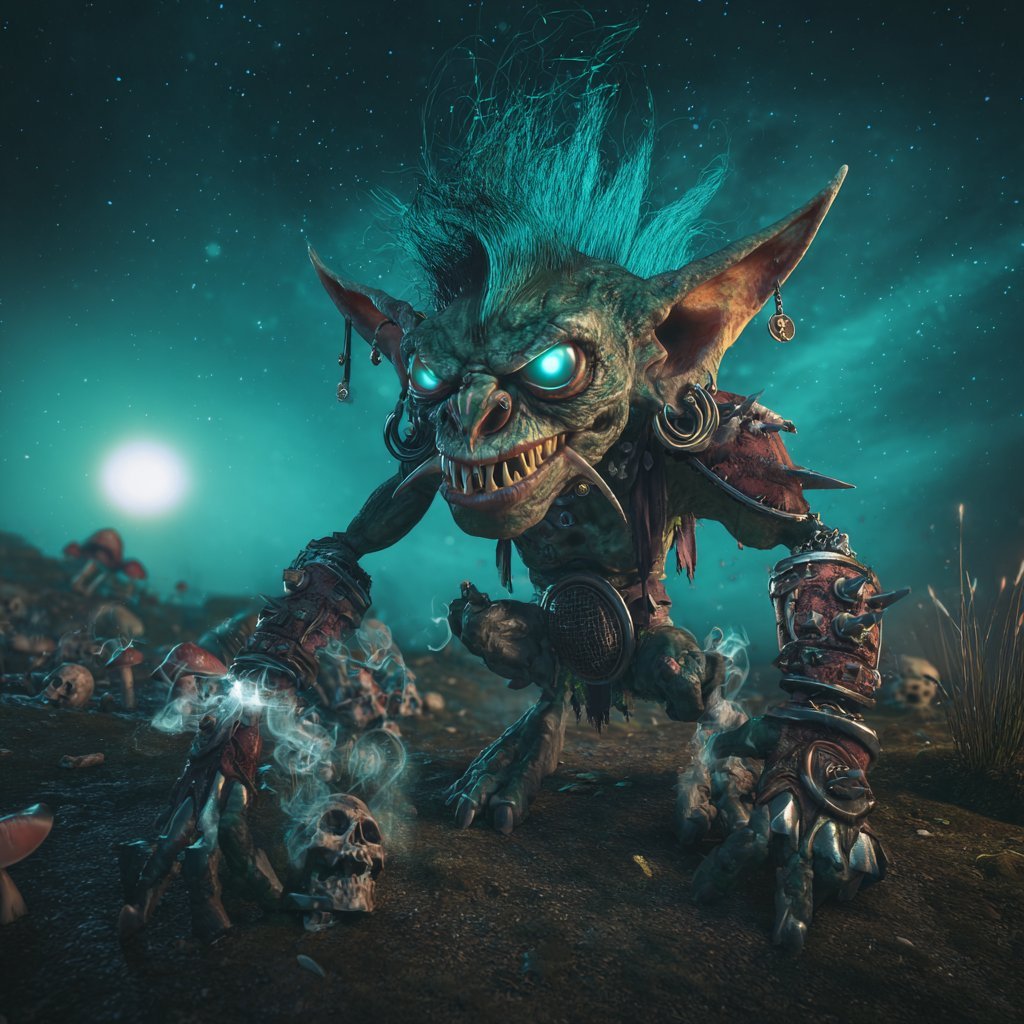
Cinematic Teal Goblin Warrior
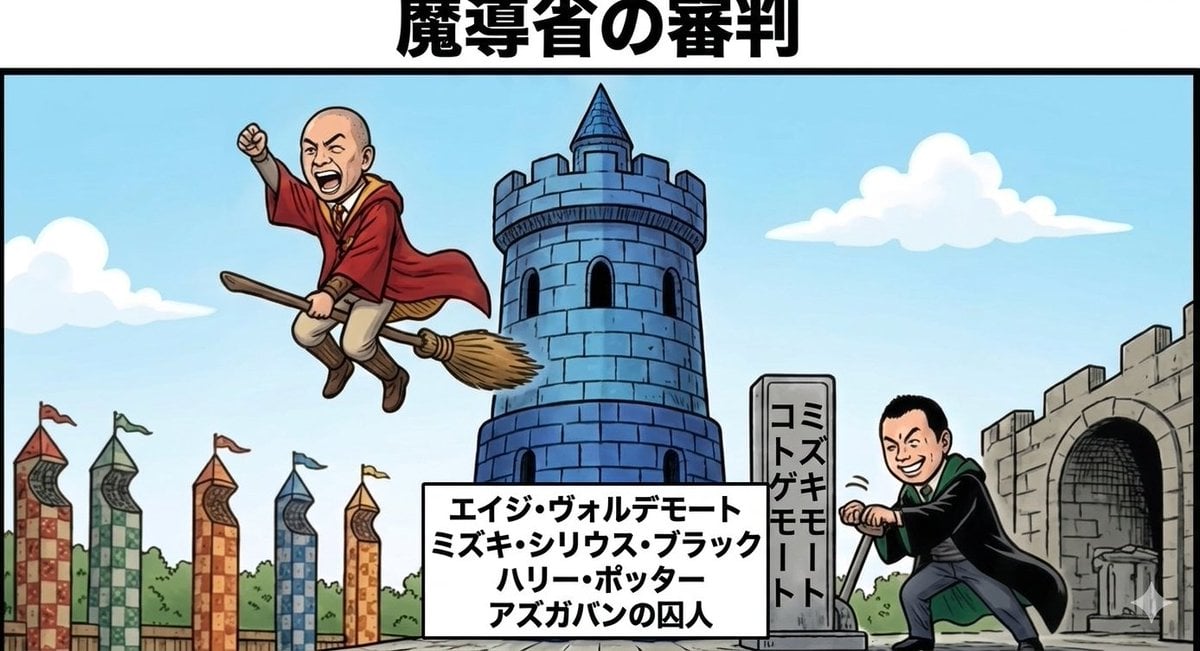
Harry Potter/Viking Crossover Prompt
Lego Racer on Exploding Volcano Slope
Modern Minimalist Interior Design Showcase
Four-Panel Streetwear Advertisement Grid
Walk in the Breeze to a Cafe
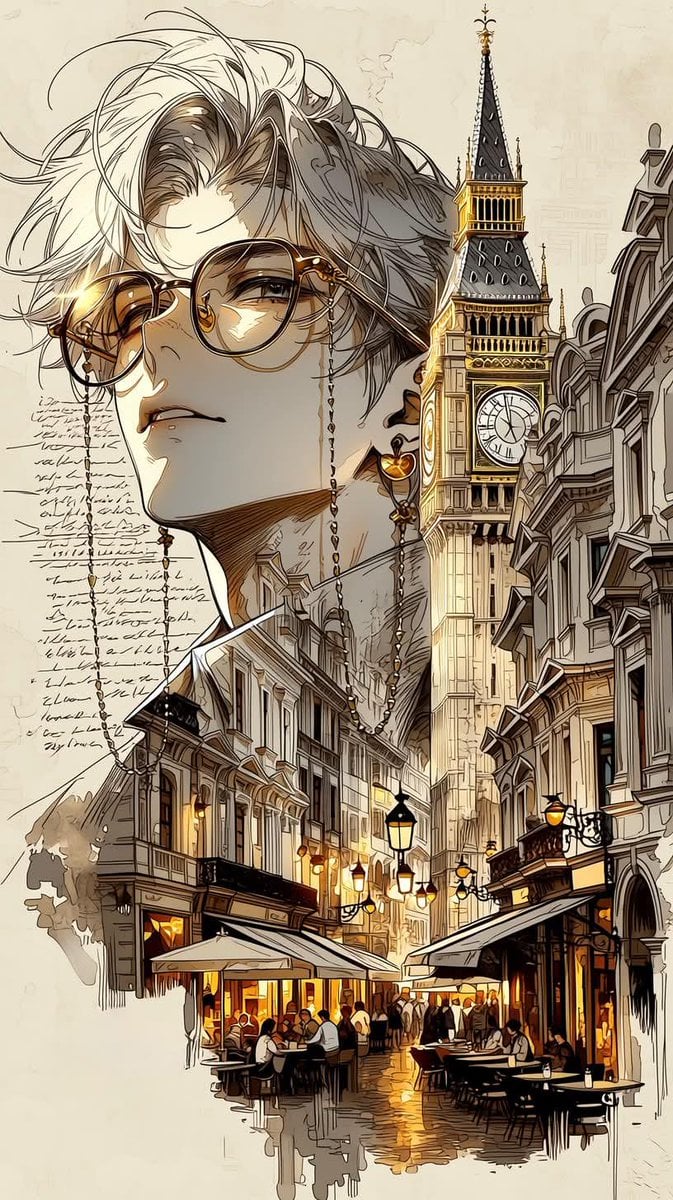
European City Travel Illustration
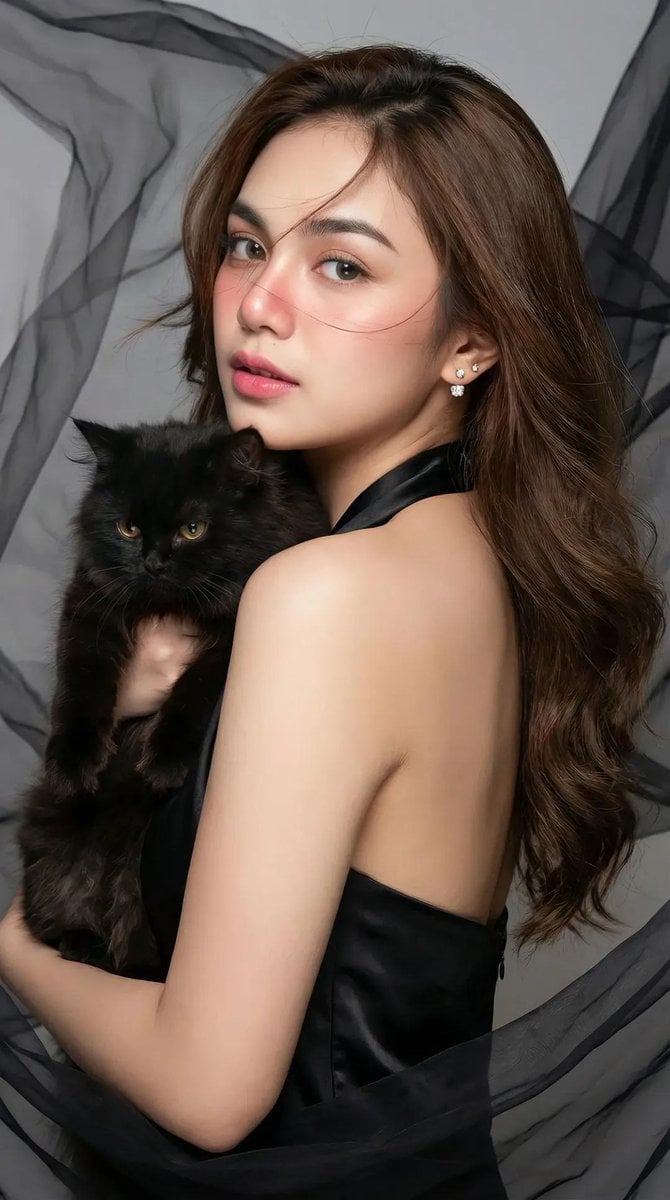
High-Fashion Portrait of an Asian Woman with a Black Cat
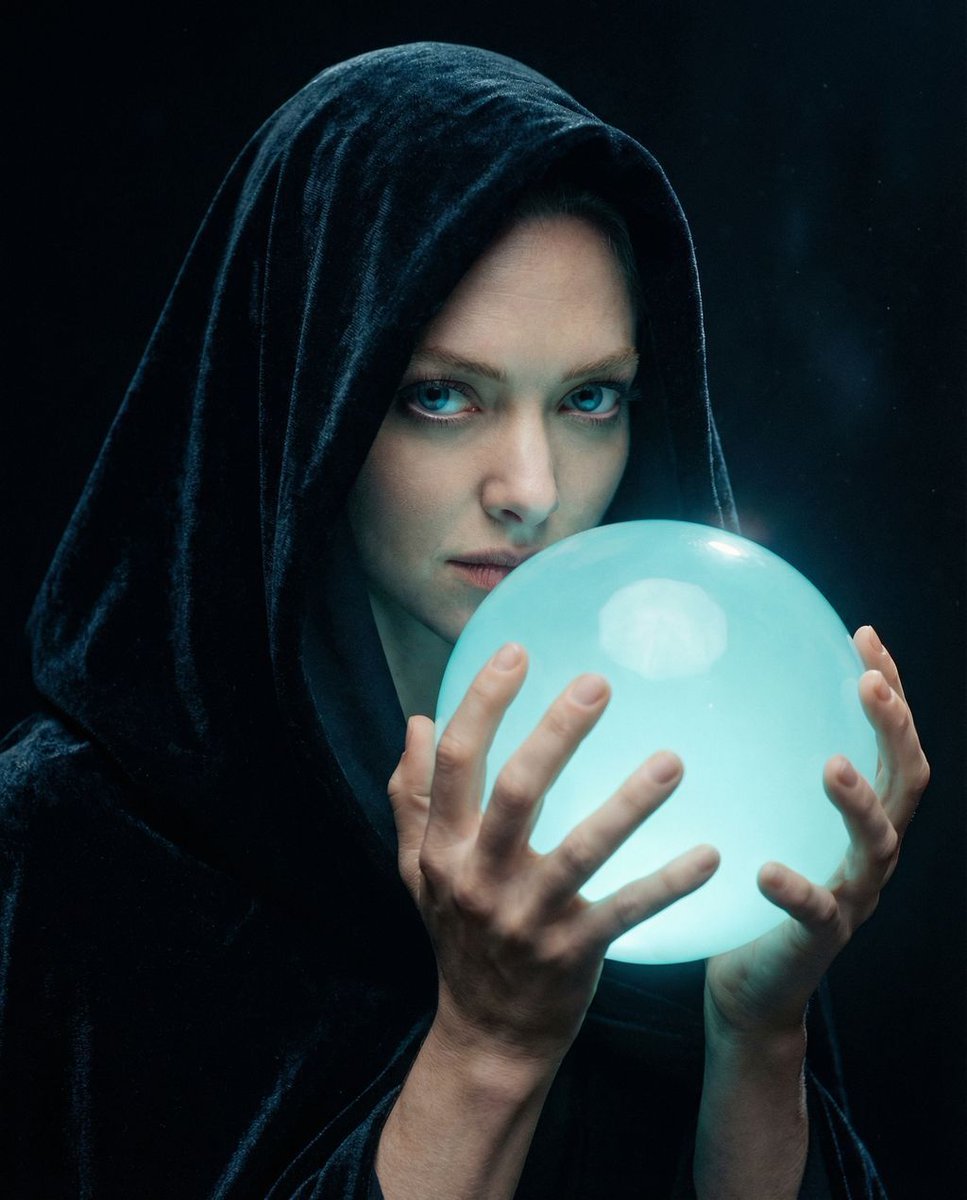
Cinematic Mystery Portrait: Prophecy Reflection
Browse template categories
Surreal Photo to Watercolor Diptych questions
How do I use the Surreal Photo to Watercolor Diptych template?
Add your photo if the template asks for one, edit the prompt if you like — the template's model and format are already selected — and press Generate. Your version opens in PicX Studio.
Can I customize the Surreal Photo to Watercolor Diptych template?
Yes. You can change the subject, setting, lighting, mood, format, and available model controls before creating your image.
Is the Surreal Photo to Watercolor Diptych template free?
Opening and editing this template is free. Generating uses credits, shown on the Generate button when you are signed in.
Which AI model should I use?
Start with GPT Image 2, which is the model associated with this template. You can compare another compatible model for a different finish.
Looking for something else? Browse all templates.

Your photo, any look
Thousands of ready templates for every top image and video model, from one credit balance.