
Extreme Low Angle Airplane Portrait
A high-detail prompt for creating a dramatic, realistic photo of a person sitting confidently beneath a massive airplane flying at low altitude.
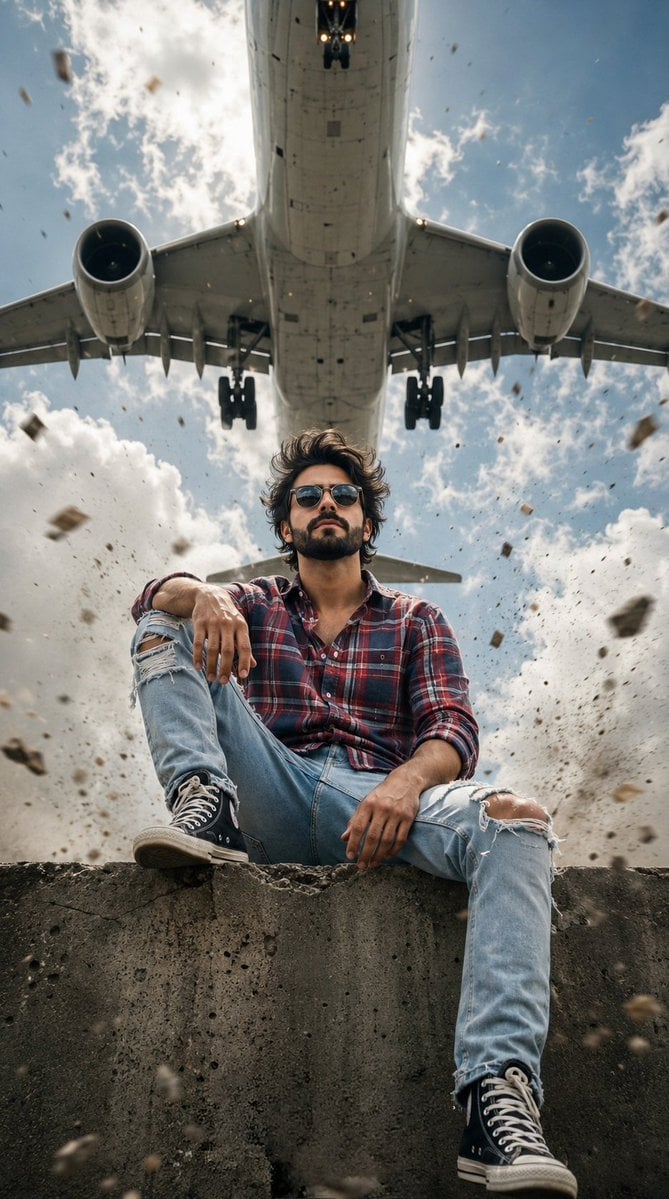
- Prompt included
- Model and format preset
- Free template
The prompt behind this image
Copy the exact prompt behind Extreme Low Angle Airplane Portrait, or open it in the studio and make it yours.
Create a high-quality realistic photo, vertical format, cinematic style, high detail, dynamic scene with a strong sense of presence and intense air movement. COMPOSITION AND CAMERA ANGLE: The shot is taken from a very low point extreme low angle the camera is directed upward creating a sense of dominance and scale. In the center of the composition is a {argument name="subject" default="boy"} occupying the lower and middle part of the frame. Above his strictly along the central axis in the upper part of the frame is a huge {argument name="airplane type" default="passenger airplane"} flying at extremely low altitude. The airplane is seen from below its underside fuselage landing gear and two engines on the sides are visible. The perspective enhances the drama the airplane appears massive and looming directly above the subject. The frame is built so that the girl and the airplane form one vertical line strengthening the visual effect. SCENE AND ATMOSPHERE: An open outdoor space the sky occupies most of the background. The sky is partly cloudy with soft voluminous clouds the lighting is natural daylight. The atmosphere is tense dynamic with elements of action. Around the subject particles of dust small stones and debris are lifted into the air by the powerful airflow from the airplane engines. Turbulence is felt in the air all elements of the scene appear to be in motion. There is slight motion blur on flying particles creating a sense of speed. CHARACTER: A young man with expressive facial features and a calm confident charisma. The face is partially hidden by dark sunglasses with a large frame adding mystery. The skin looks natural with realistic texture. The lips are slightly closed the expression is calm confident and slightly defiant against the chaotic scene. HAIR: Stylish thick dark hair and to the sides by the strong airflow from the airplane. Individual strands lift upward creating a sense of chaotic motion and energy. POSE AND BODY LANGUAGE: The boy is sitting on an elevated surface such as a parapet concrete curb or platform edge. One leg is bent at the knee and pulled up with the foot placed on the surface. The other leg hangs down creating a relaxed asymmetrical pose. One hand rests on the raised knee the other hangs relaxed. The torso is slightly leaned forward shoulders relaxed the pose is confident and effortless showing control. The head is slightly raised the chin slightly up. CLOTHING: Casual style with a slightly rough aesthetic. he is wearing a {argument name="shirt style" default="plaid shirt in red blue white tones"}, Light blue jeans with ripped elements at the knees slightly loose fit. On his feet sneakers in the style of Converse with a recognizable shape and rubber sole. The clothing reacts to the wind fabric is slightly stretched and moving. LIGHTING: Natural daylight soft diffused by clouds without harsh shadows. Light contrast emphasizes textures of skin fabric and the metal surface of the airplane. Light falls from above and slightly from the front creating soft modeling of the face and body.
How to use Extreme Low Angle Airplane Portrait in 3 steps
- 1
Open
The prompt is already in the box next to the preview, with the template's model and format selected.
- 2…a portrait of your subject in softgolden-hour light, 85mm…
Personalize
Edit the subject and creative details for your destination.
- 3Generate
Generate
Press Generate — your image is created in PicX Studio, so you can compare it with the original and refine one variable at a time.
More like this
Templates with the same subject, style or setup. Open one to see its prompt.
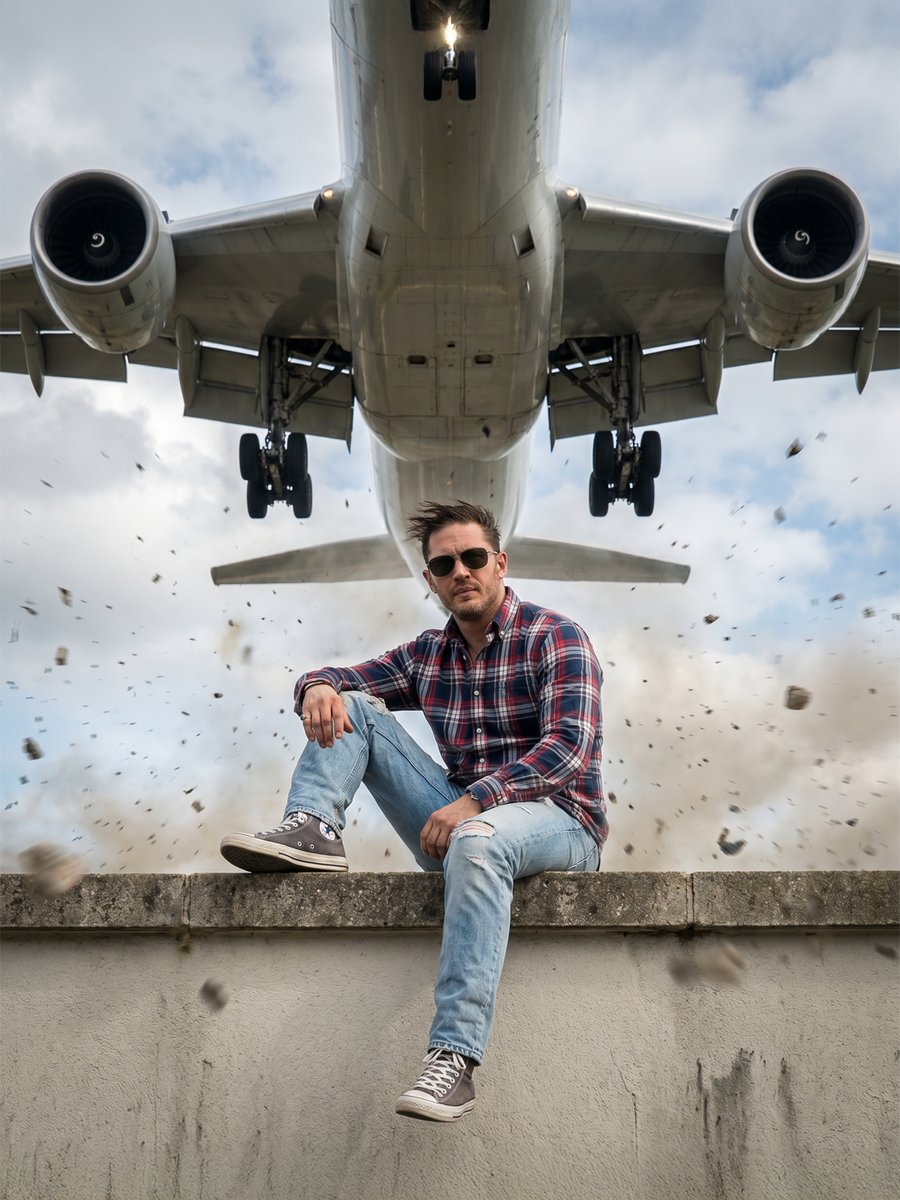
Extreme Low Angle Airplane Scene
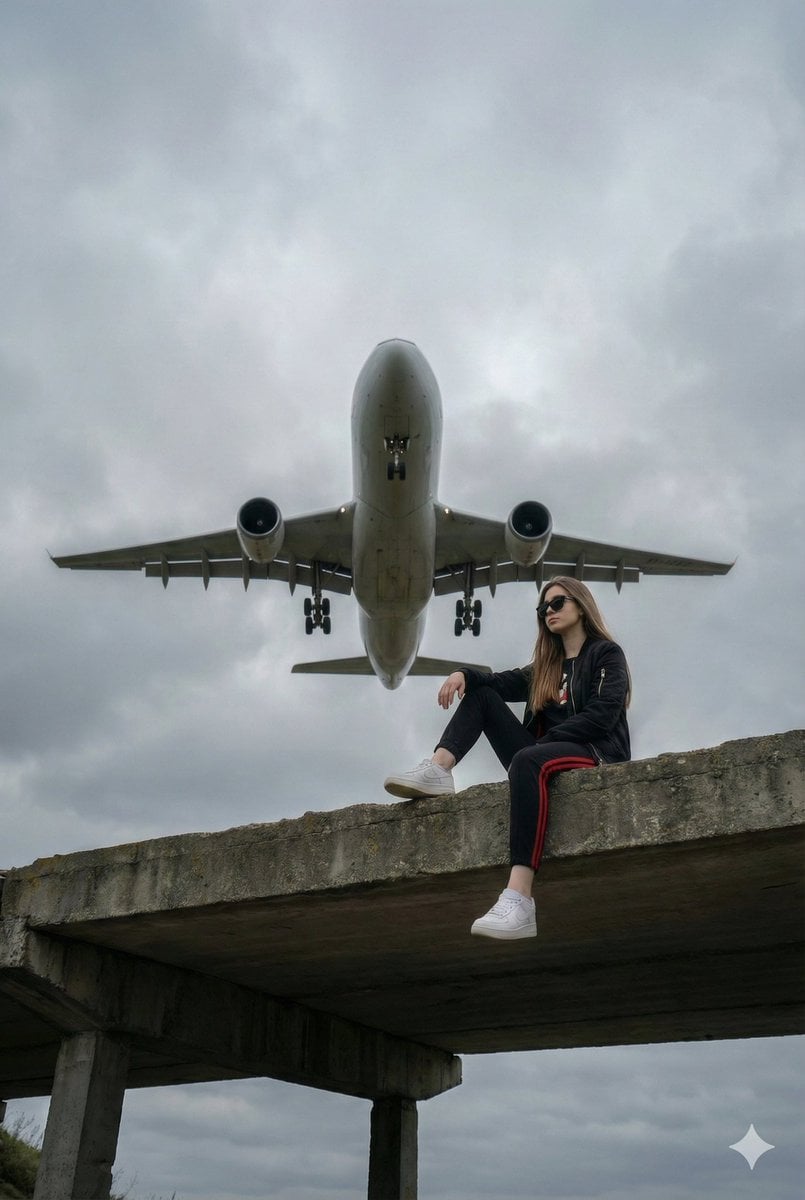
Surreal Low-Angle Portrait with Low-Flying Airplane Prompt
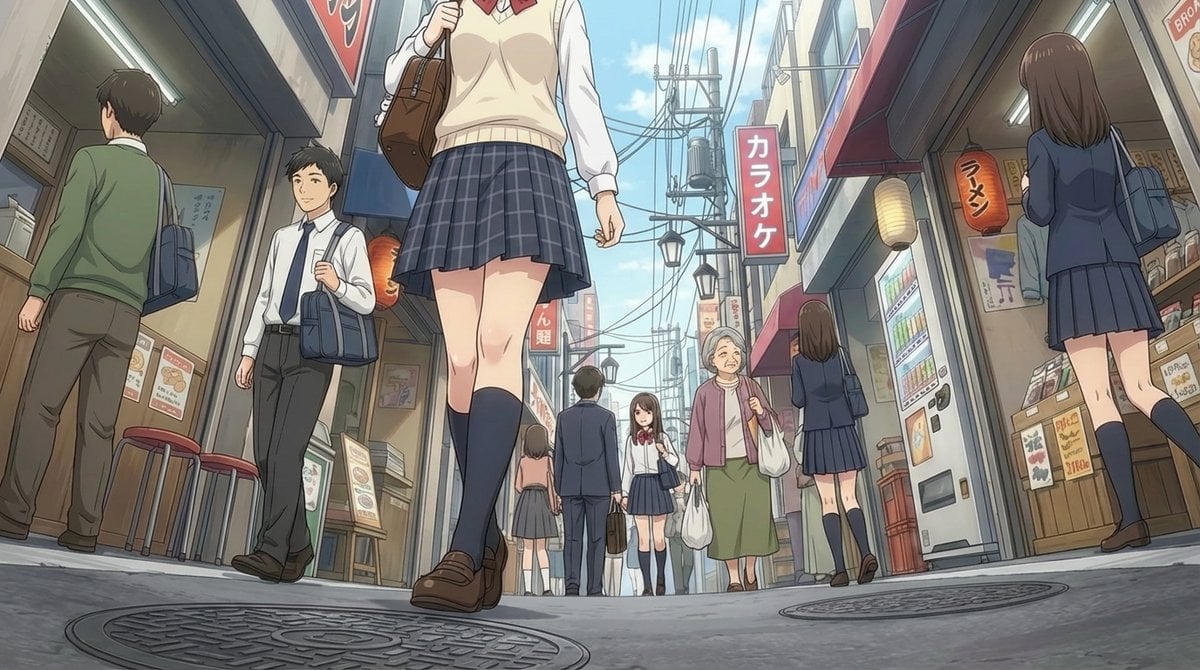
Extreme low-angle shot
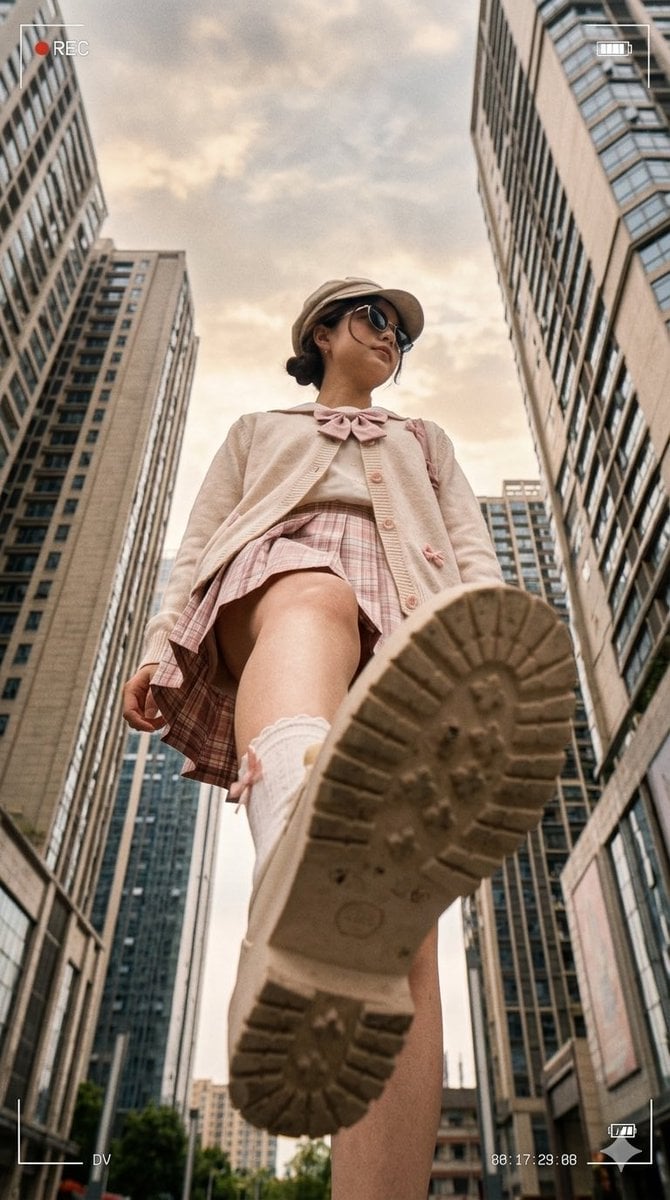
Low Angle Urban DV Style Portrait
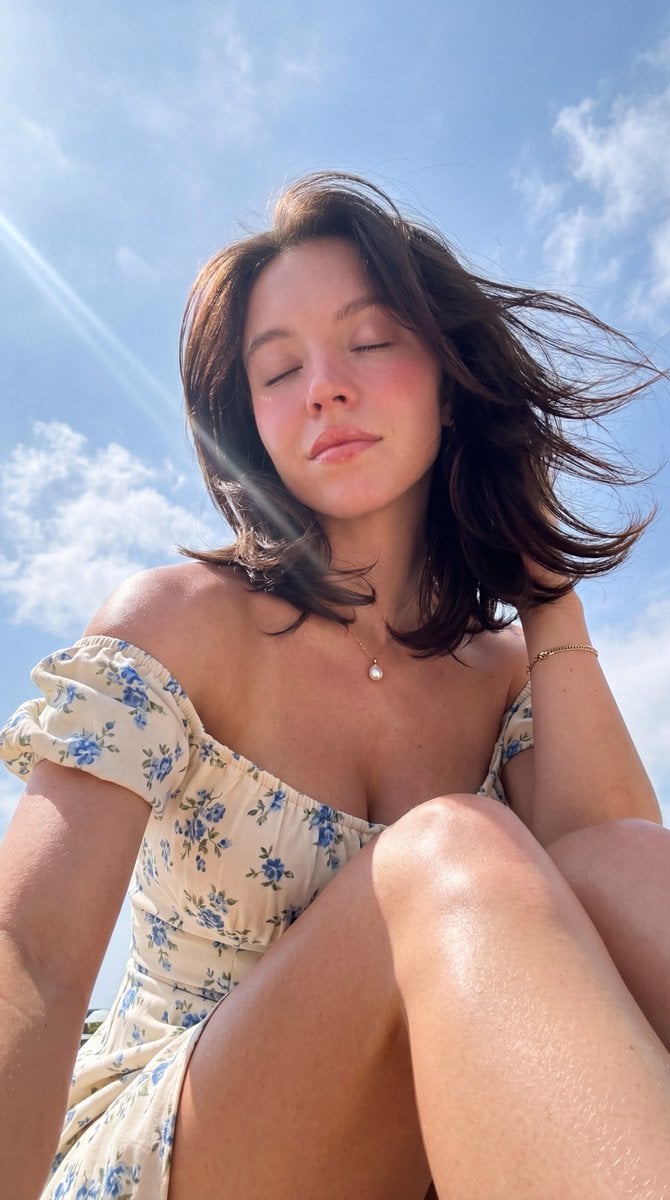
Hyper-Photorealistic Low Angle Portrait
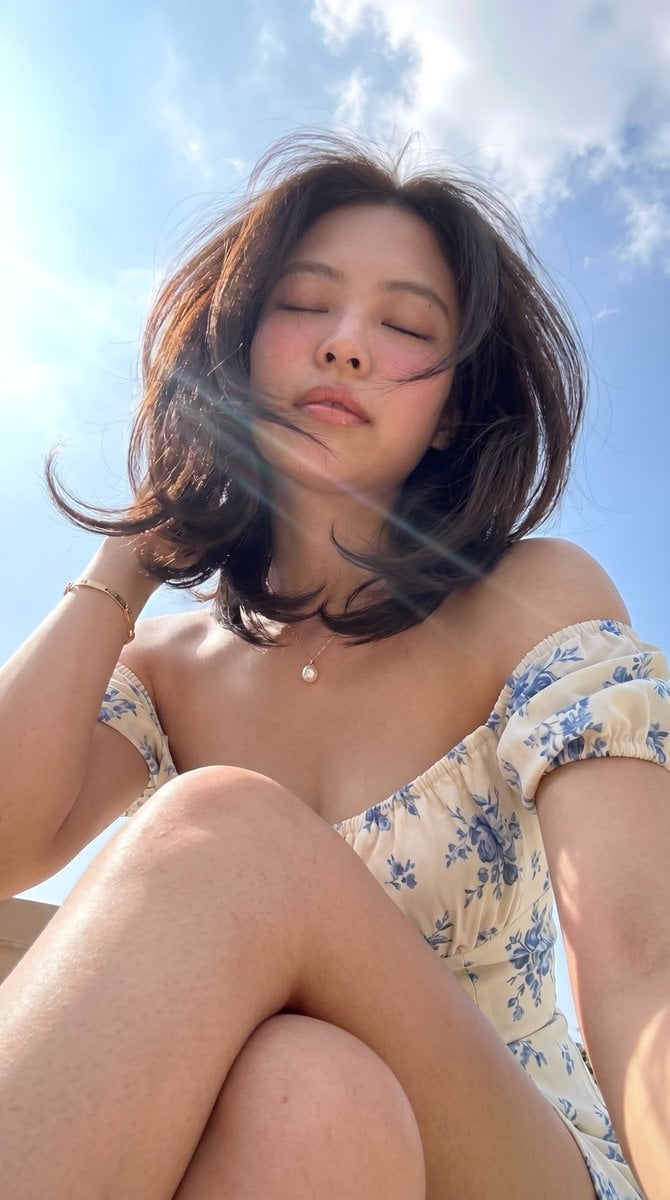
Low-Angle Summer Sky Portrait
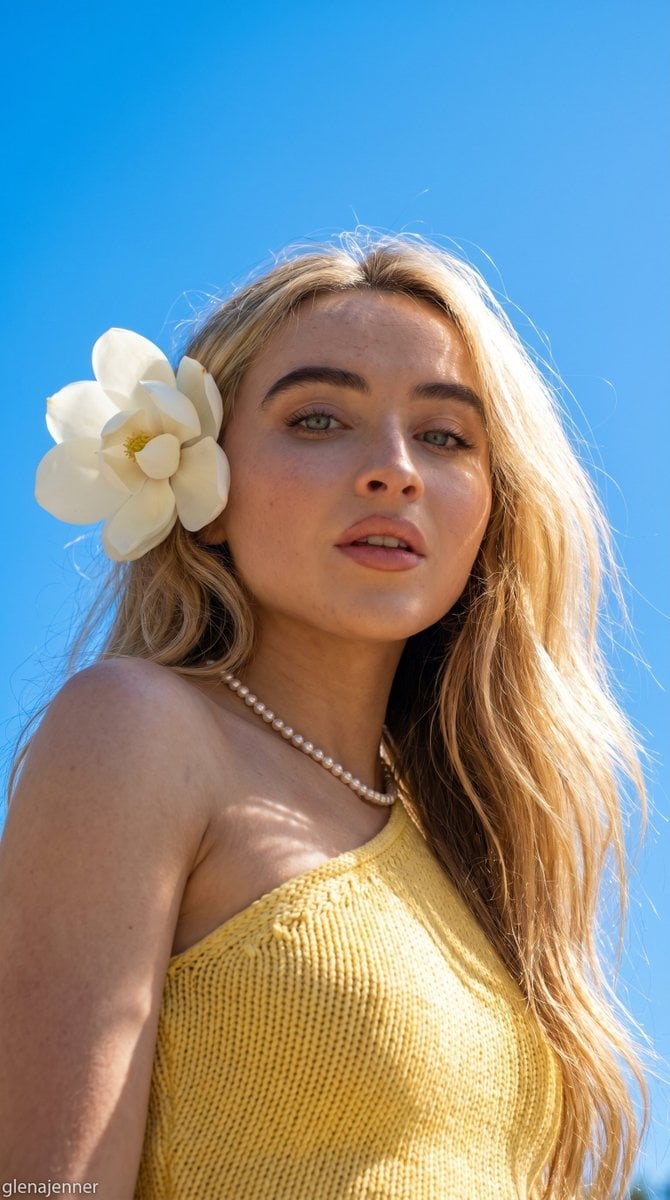
Low-Angle Summer Sky Portrait
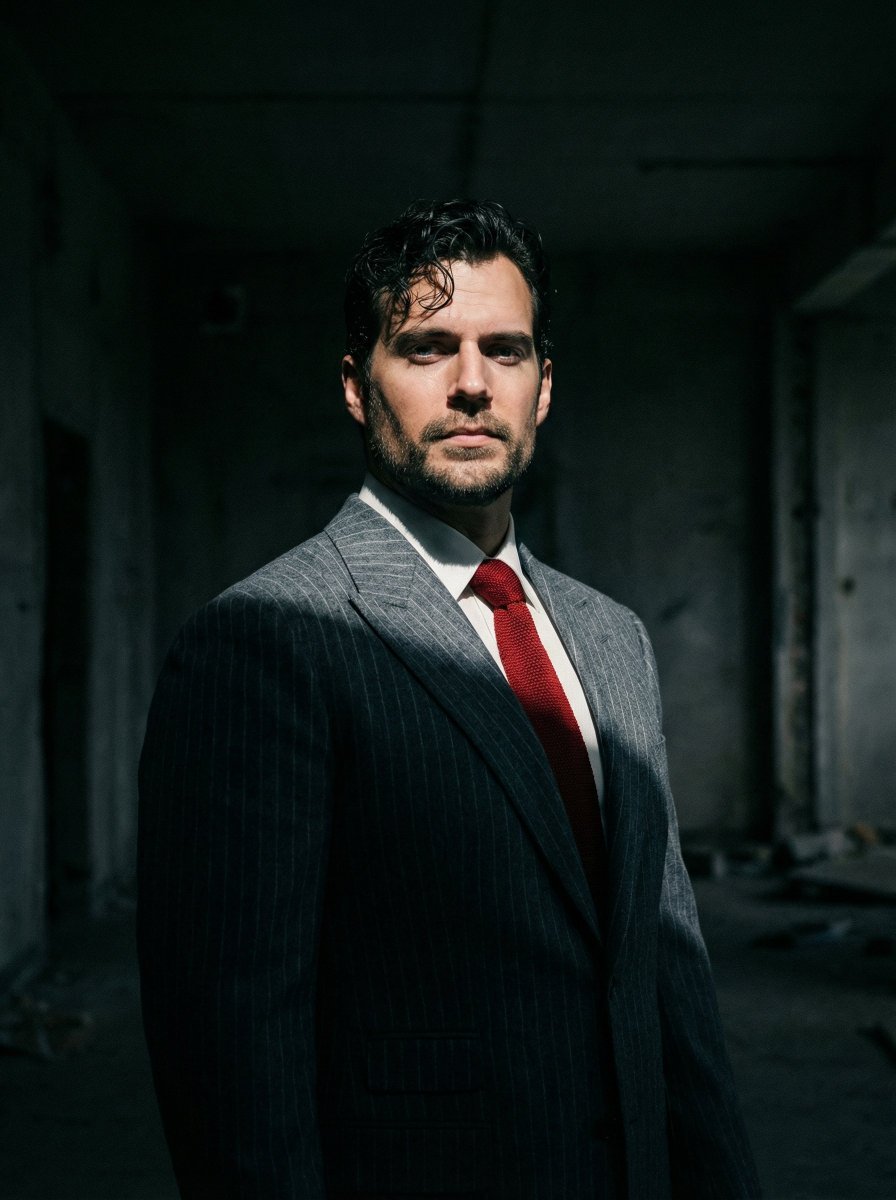
Dramatic Cinematic Low-Angle Portrait Prompt (Reference Image Required)

Found Photograph: Us, 1970

80s Couple Studio Portrait

80s Bollywood Star

80s Golden Hour Cinema
Make it yours
Extreme Low Angle Airplane Portrait works as-is. These are the safest ways to change it without losing the look.
Change one field
Copy a single group, rewrite it, and generate again so you can see what that field is doing.
Keep the frame, change the subject
Hold the composition and light of Extreme Low Angle Airplane Portrait, then swap wardrobe, props or the person for a new take.
| If the result… | Why | Fix |
|---|---|---|
| The result drifts from the preview | Too many fields changed at once. | Reuse Extreme Low Angle Airplane Portrait as-is first, then change one group — subject, light, or setting. |
| The model over-stylizes the scene | The prose prompt leaves finish and camera underspecified. | Add one camera or lighting sentence and stay on GPT Image 2. |
More GPT Image 2 templates
Other prompts made for GPT Image 2.

Six VTuber Japanese Logo Sheet

Realistic Portrait of Woman and Deer

The Vista Modular Condo Poster

AI Model Routing Comparison Infographic

2.5D Anime Art Board

Isometric Productivity Desk Scene

New York Double Exposure Poster

Four-Panel AI Landscape Comparison

Japanese Tatami Lifestyle Magazine Cover

NESCAFÉ Coffee Map Poster
More image prompts
Fresh picks from across the catalog.
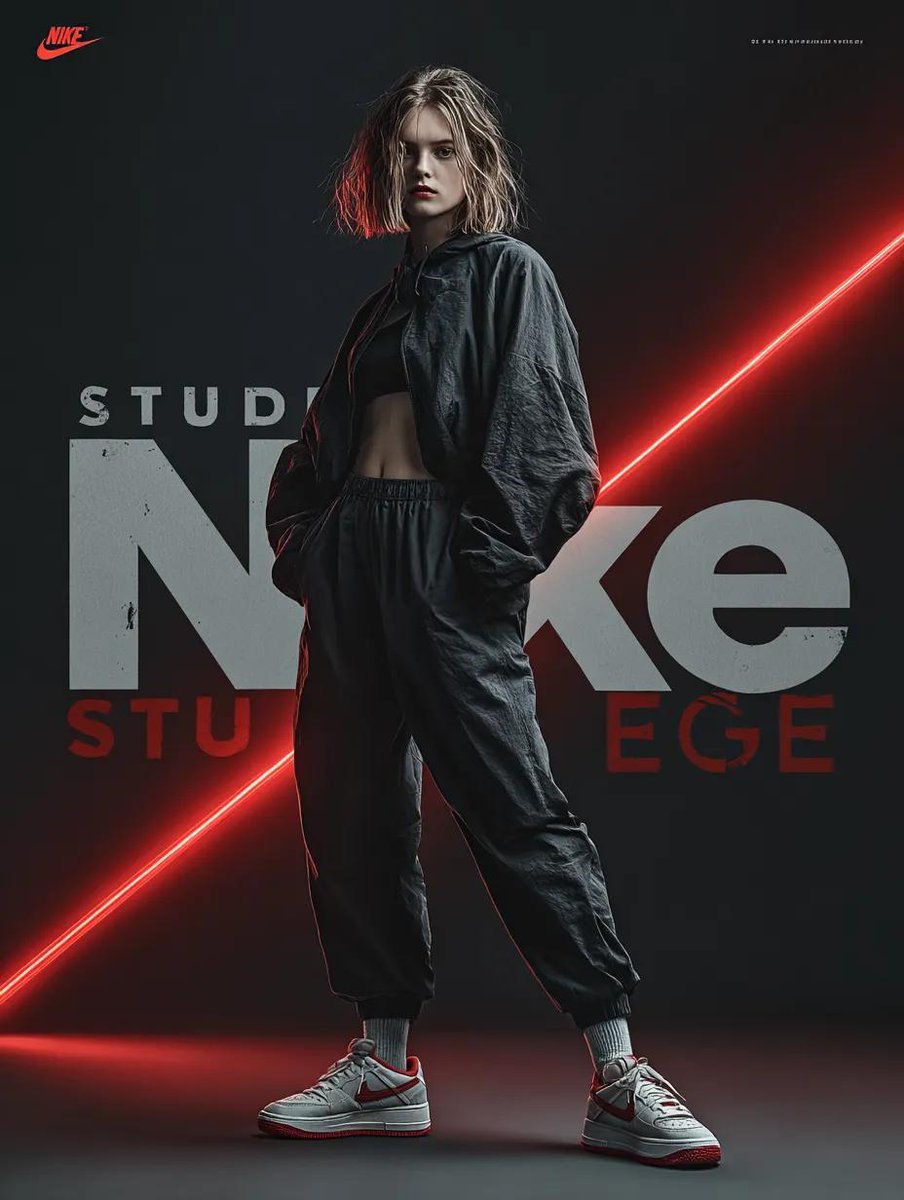
Dynamic Futuristic Nike Fashion Ad Prompt for Nano Banana Pro

Cozy Winter Lifestyle Brand Advertisement
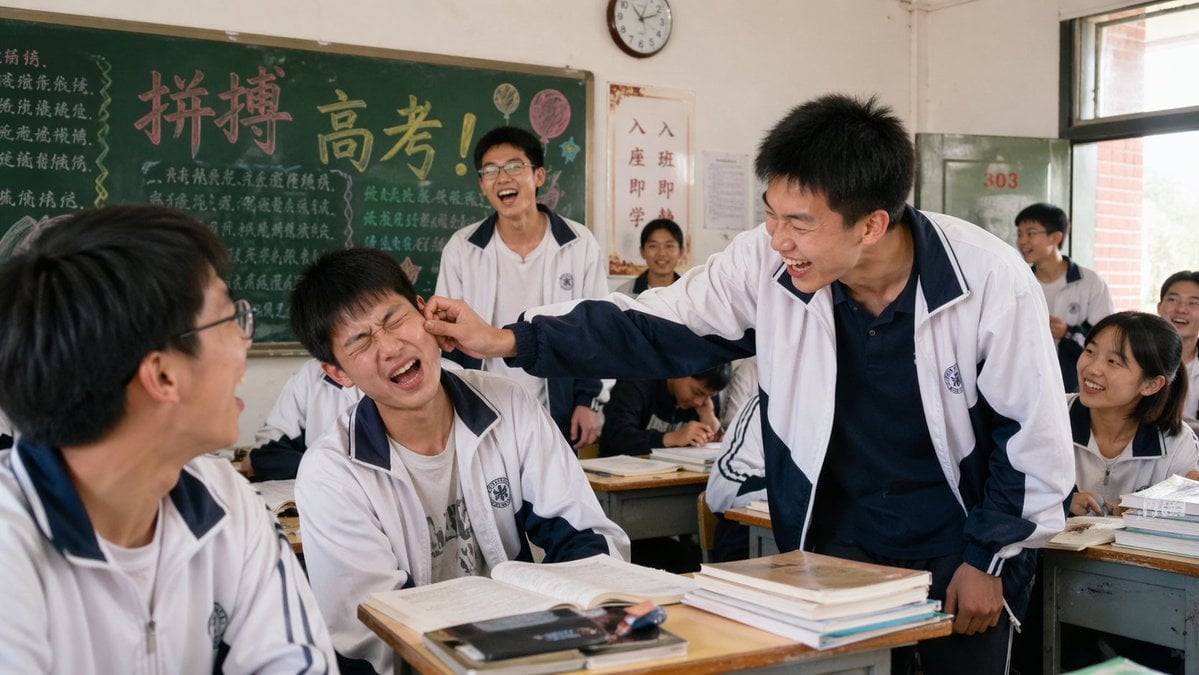
2000s High School Comedy Scene
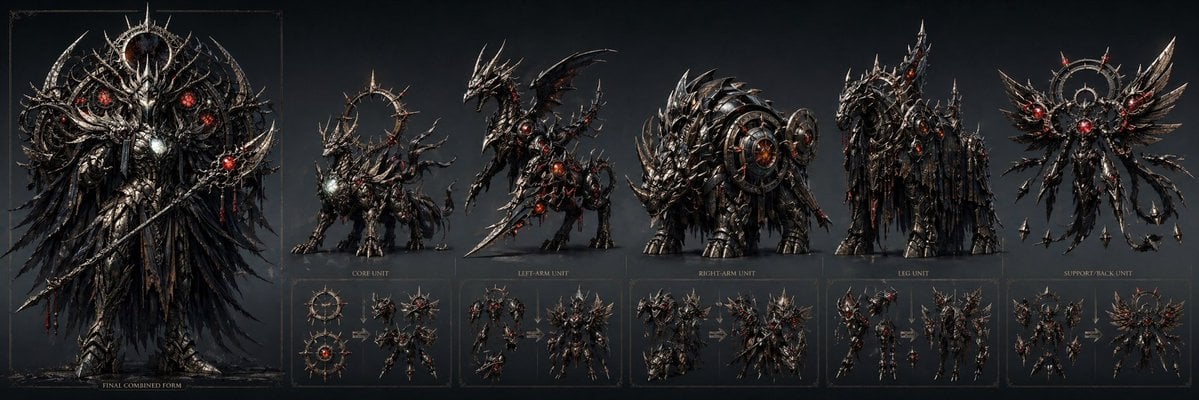
Gothic Combining Mecha Concept Sheet
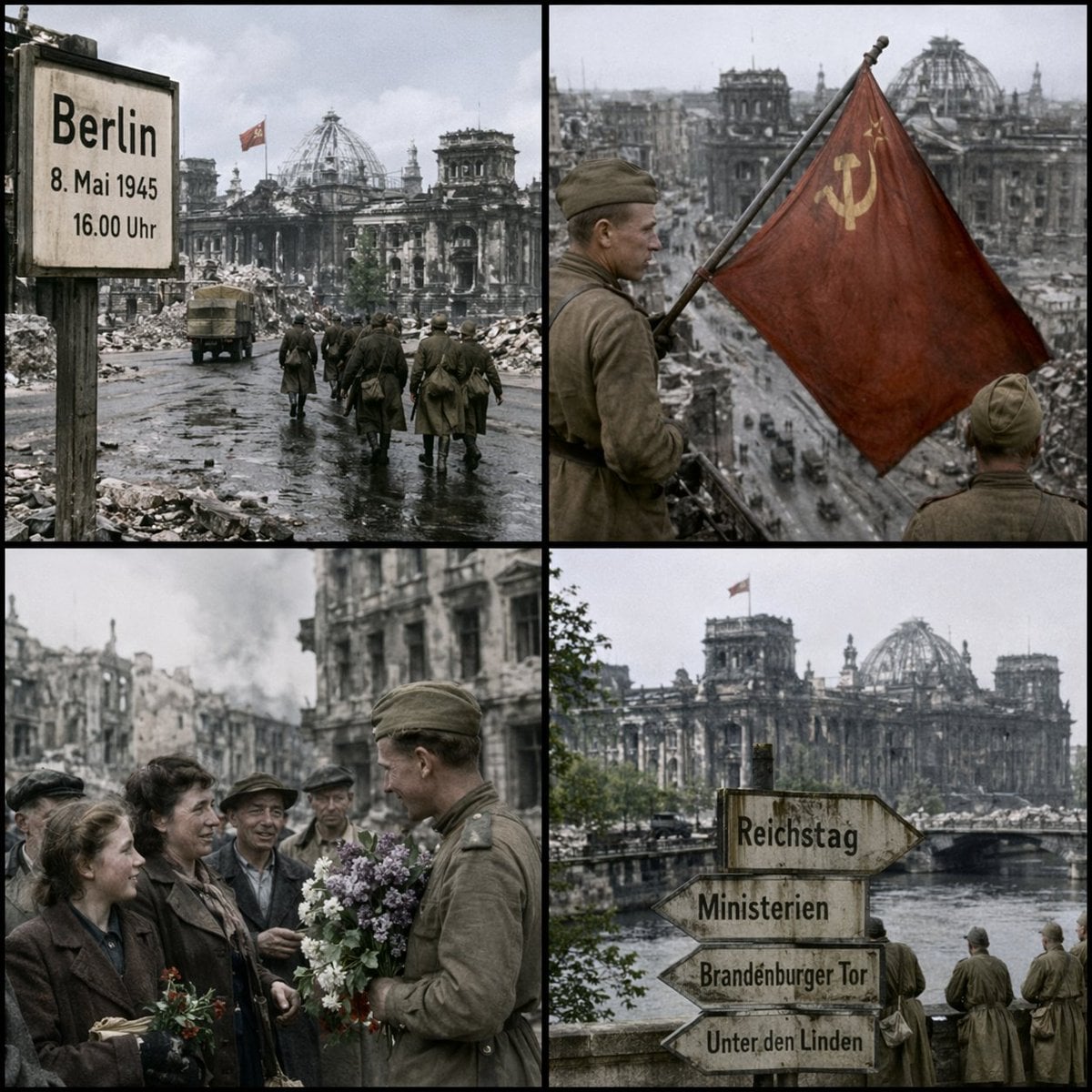
Historical Coordinate Grid Generation
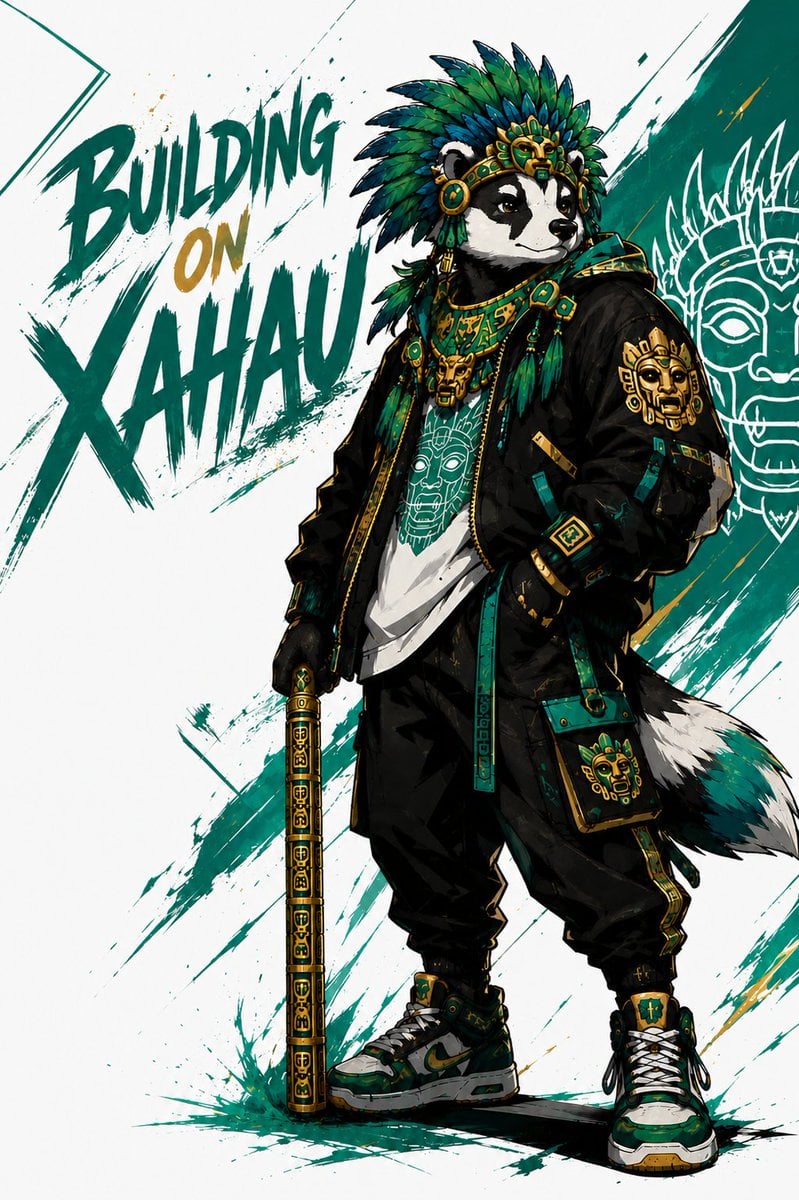
Xahau Panda Streetwear Poster
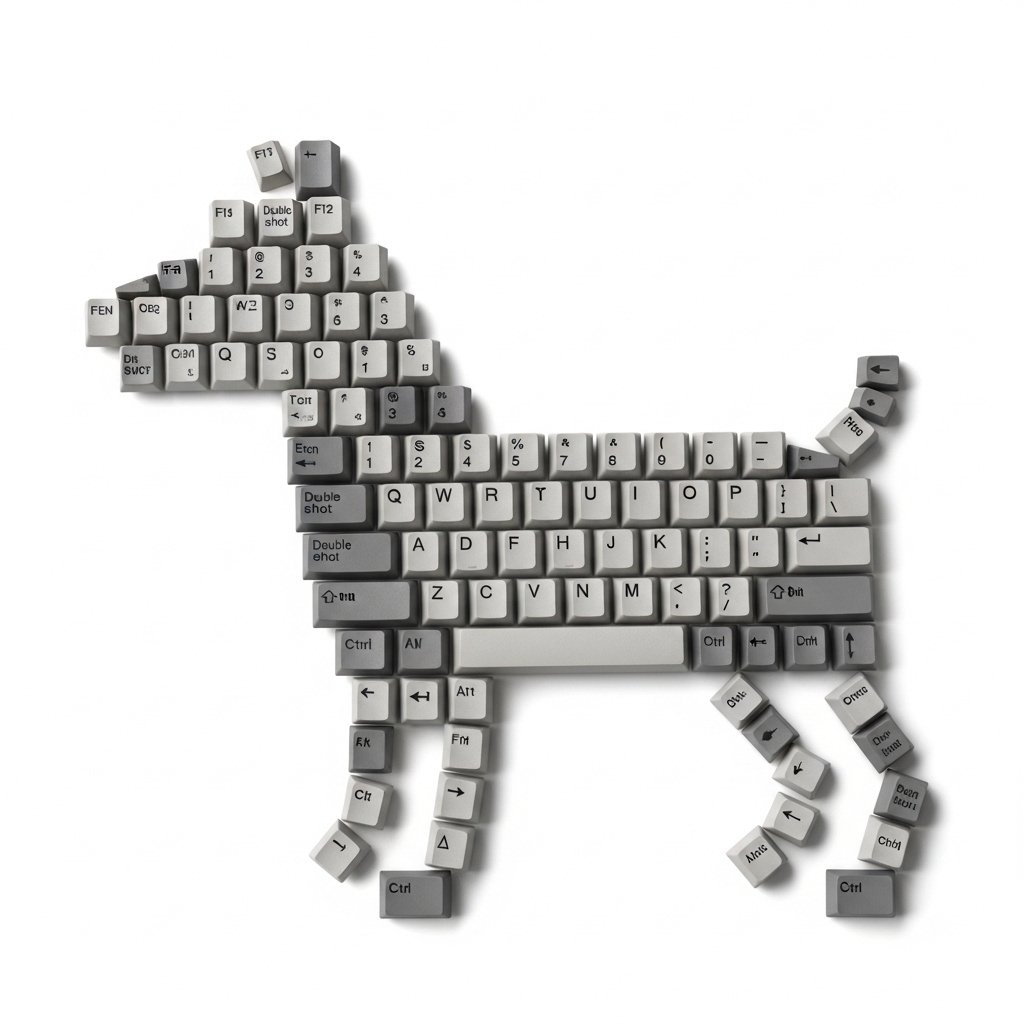
Top-Down Flat Lay of Dog Formed from Keyboard Keycaps
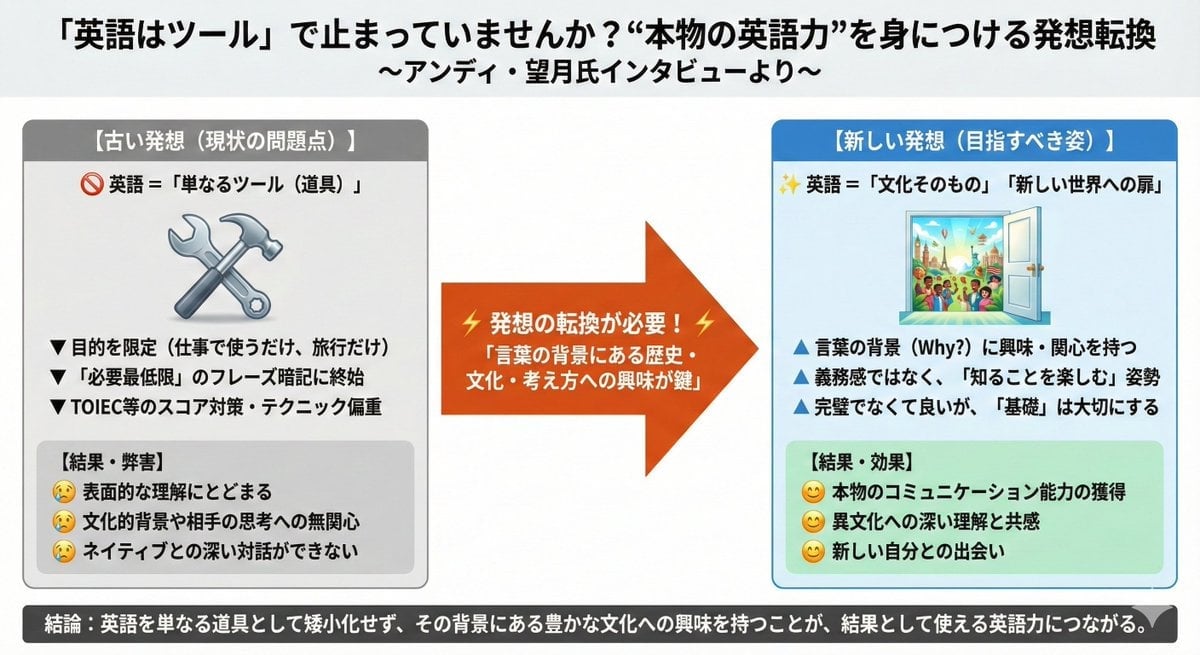
News Article Diagram Generation
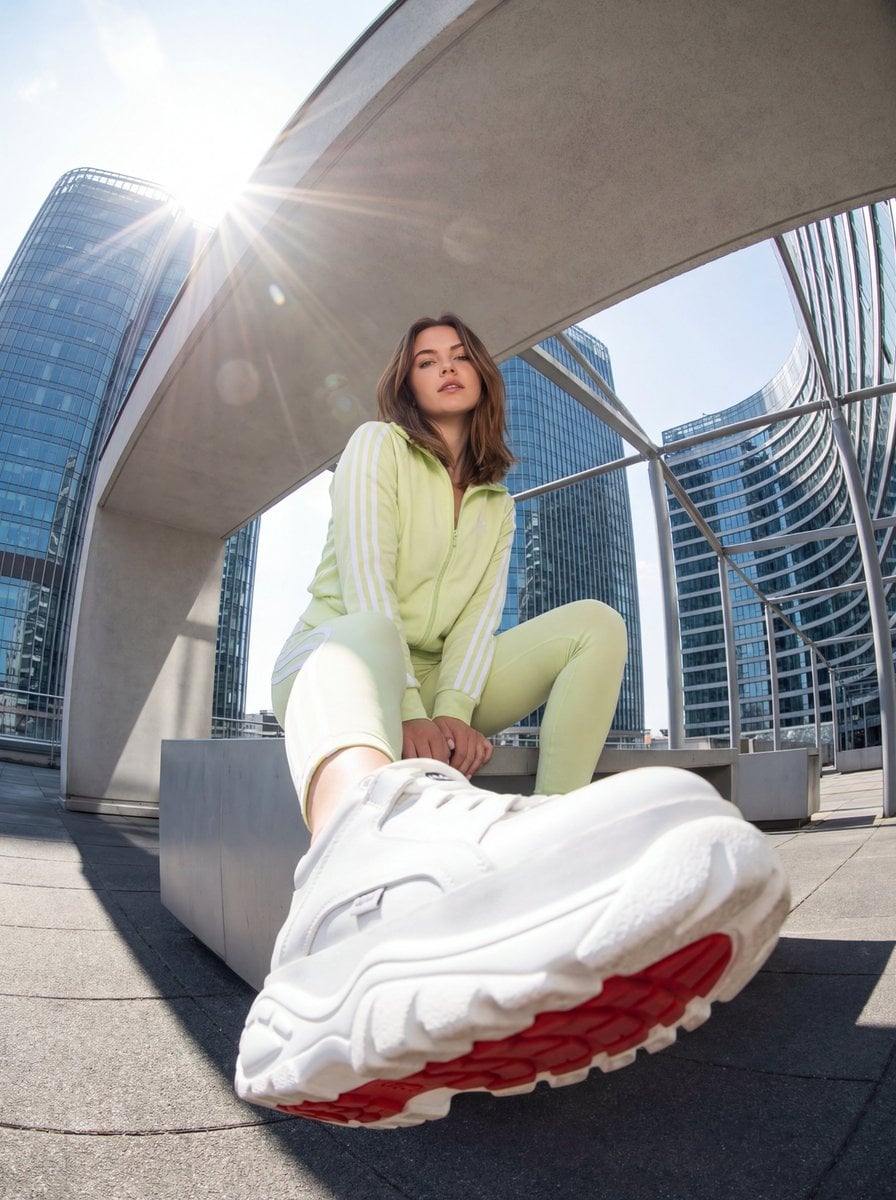
Urban Streetwear Photo with Extreme Fisheye Perspective
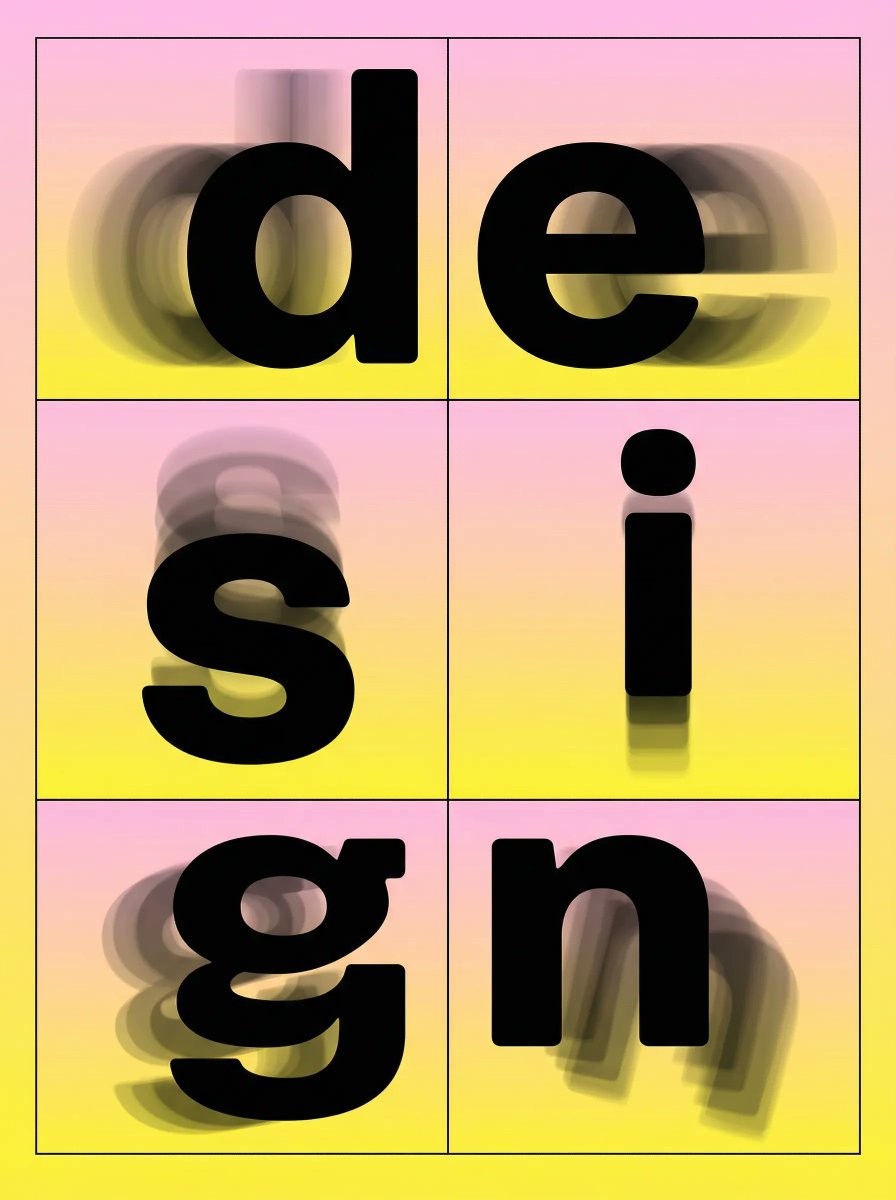
Brutalist Directional Blur Typography Poster Prompt
Browse template categories
Extreme Low Angle Airplane Portrait questions
How do I use the Extreme Low Angle Airplane Portrait template?
Add your photo if the template asks for one, edit the prompt if you like — the template's model and format are already selected — and press Generate. Your version opens in PicX Studio.
Can I customize the Extreme Low Angle Airplane Portrait template?
Yes. You can change the subject, setting, lighting, mood, format, and available model controls before creating your image.
Is the Extreme Low Angle Airplane Portrait template free?
Opening and editing this template is free. Generating uses credits, shown on the Generate button when you are signed in.
Which AI model should I use?
Start with GPT Image 2, which is the model associated with this template. You can compare another compatible model for a different finish.
Looking for something else? Browse all templates.

Your photo, any look
Thousands of ready templates for every top image and video model, from one credit balance.