
Character Familiar Selection Logic
A complex prompt instruction to analyze a reference character's traits and environment to generate a matching familiar creature in a realistic smartphone-photo style.
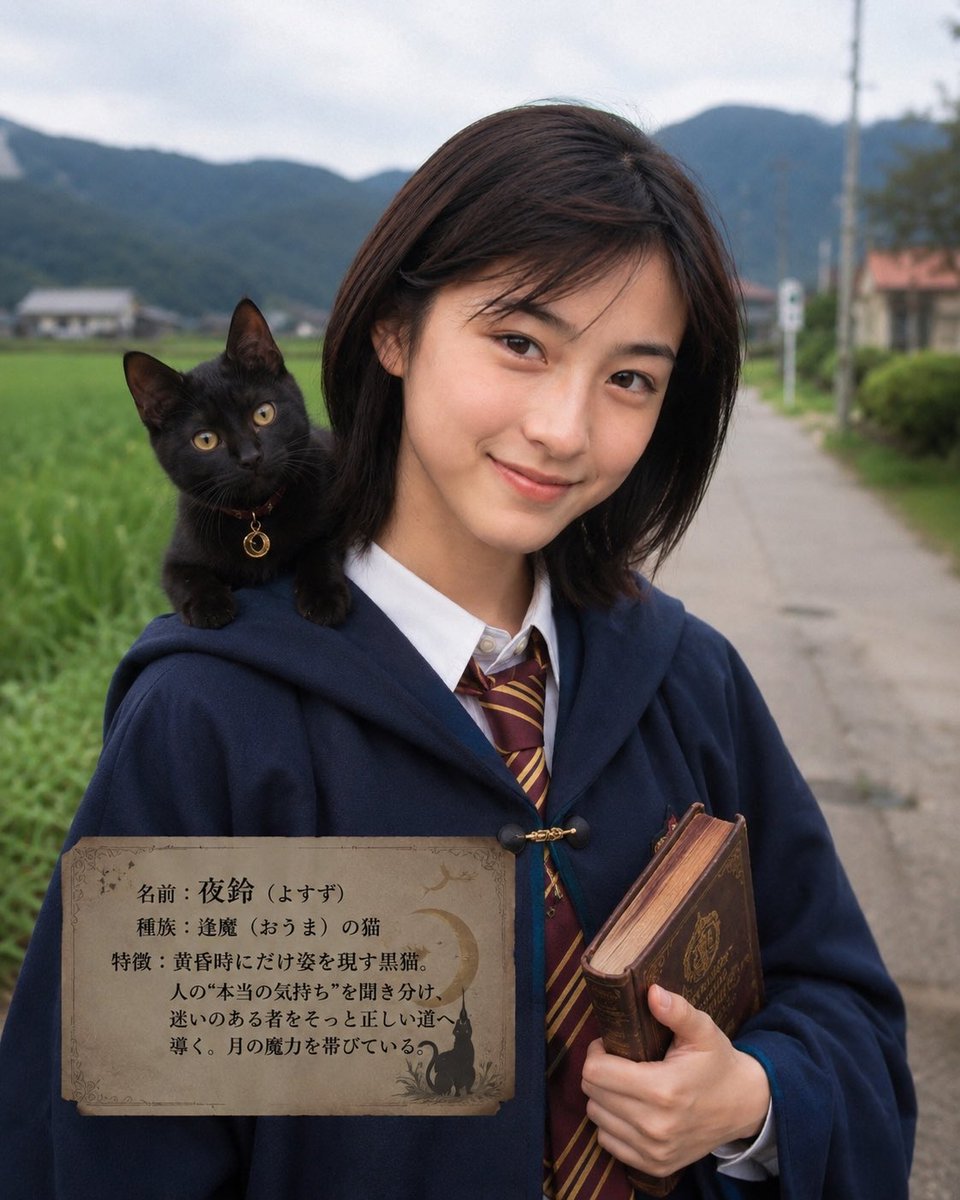
- Prompt included
- Model and format preset
- Premium template
The prompt behind this image
Copy the exact prompt behind Character Familiar Selection Logic, or open it in the studio and make it yours.
From the reference image's person, clothing, expression, accessories, lighting, location, and atmosphere, work out what familiar this person would truly choose. The goal is to create the inevitability of "this is really what this person would choose." However, easy, obvious associations are forbidden. Even for a similar mood, compare across similar animals, related ideas, rival makers/brands, and even the same kind of culture from other countries, and choose the single creature that resonates most with this person. Take this as the guiding principle for choosing the familiar. The familiar should include not only {argument name="type of familiar" default="living creatures (animals, birds, insects, plants)"}, but broadly also fictional beings such as spirits, gods and buddhas, demons, and oni. Feel free to imagine freely here. With the immediacy of a photo taken on a smartphone, change the subject's outfit and background so the relationship between the subject and the familiar is clear at a glance, and capture the best shot of the two together. Make the familiar's art style match seamlessly with the reference image. Write the familiar's name and characteristics within the photo. Unify the overall mood of the photo based on its theme.
How to use Character Familiar Selection Logic in 3 steps
- 1Upload ImagePNG, JPG or paste
Add your photo
Upload the photo the template builds on. The prompt, model and format are already set.
- 2…a portrait of your subject in softgolden-hour light, 85mm…
Personalize
Edit the subject and creative details for your destination.
- 3Generate
Generate
Press Generate — your image is created in PicX Studio, so you can compare it with the original and refine one variable at a time.
More like this
Templates with the same subject, style or setup. Open one to see its prompt.

GPT-2 Comic Creation Logic Poster
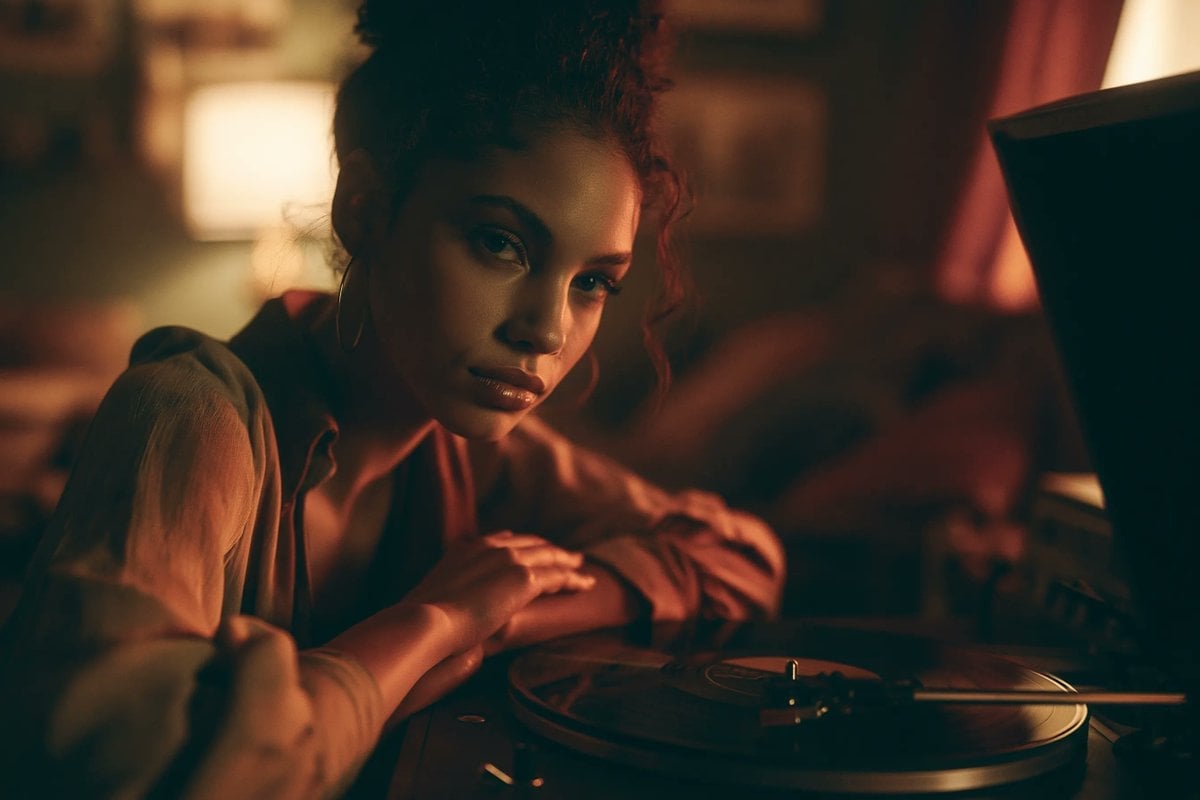
Jukebox Selection Cards
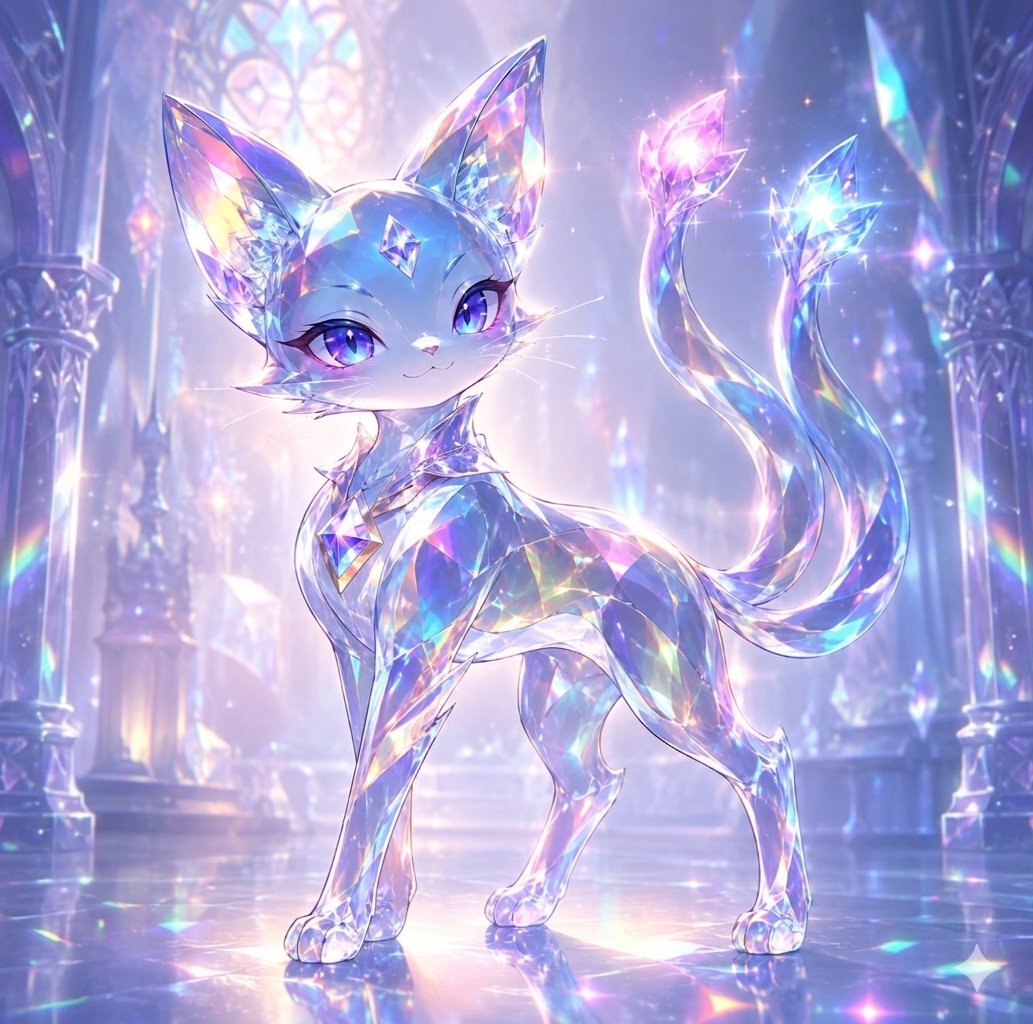
Crystal Cat Familiar
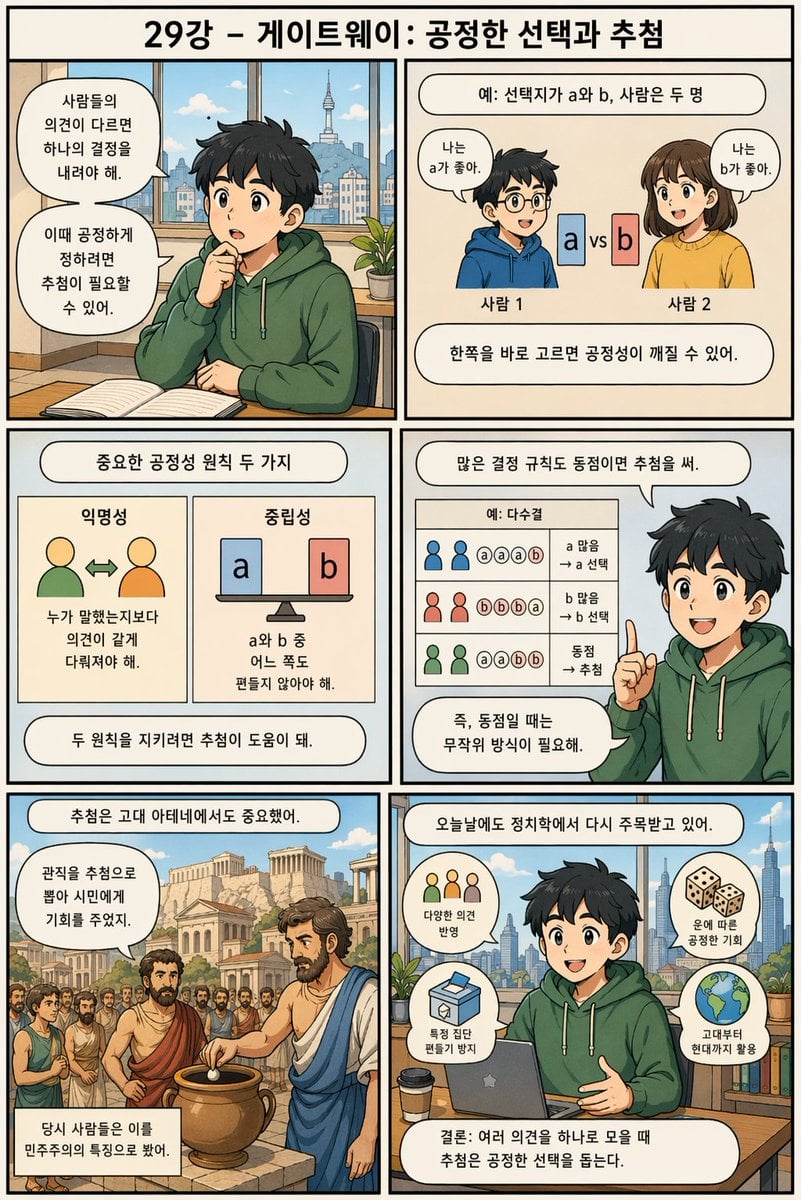
Korean Infographic on Fair Selection
Private Selection Anime Photobook Page
Optical Metaphor Poster Logic
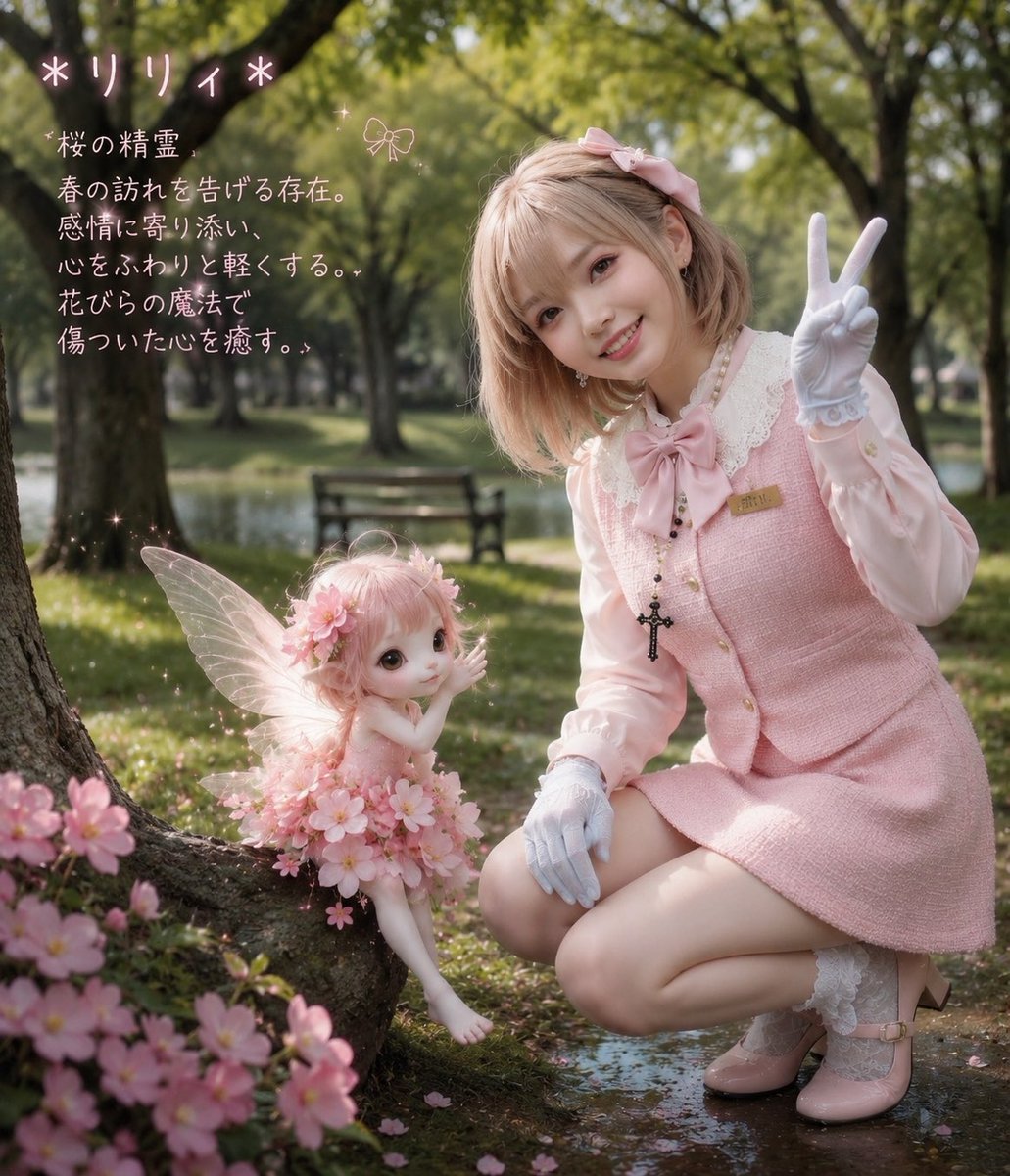
Cherry Blossom Fairy Familiar
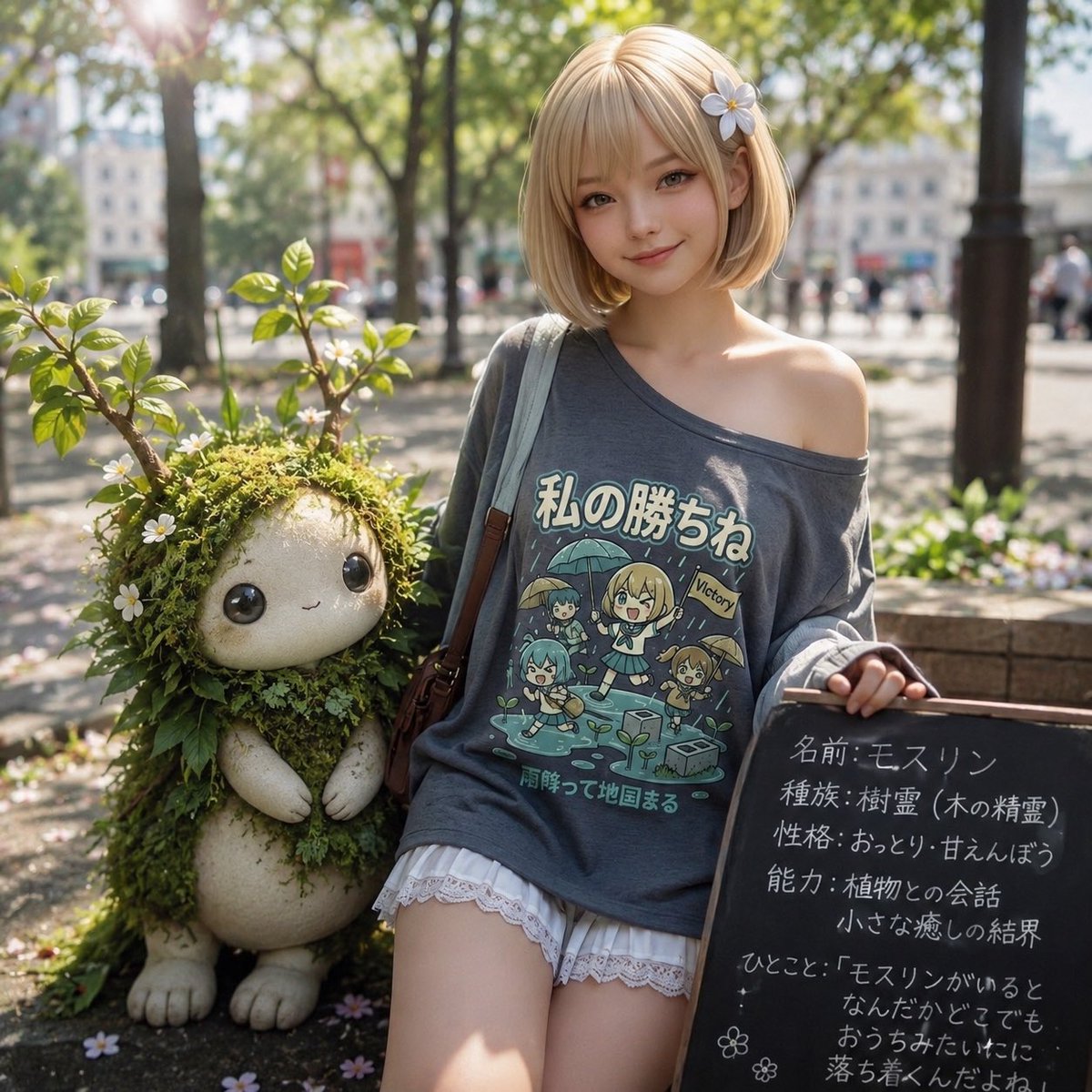
Plant Familiar Park Portrait

Signature Style Selection Sheet
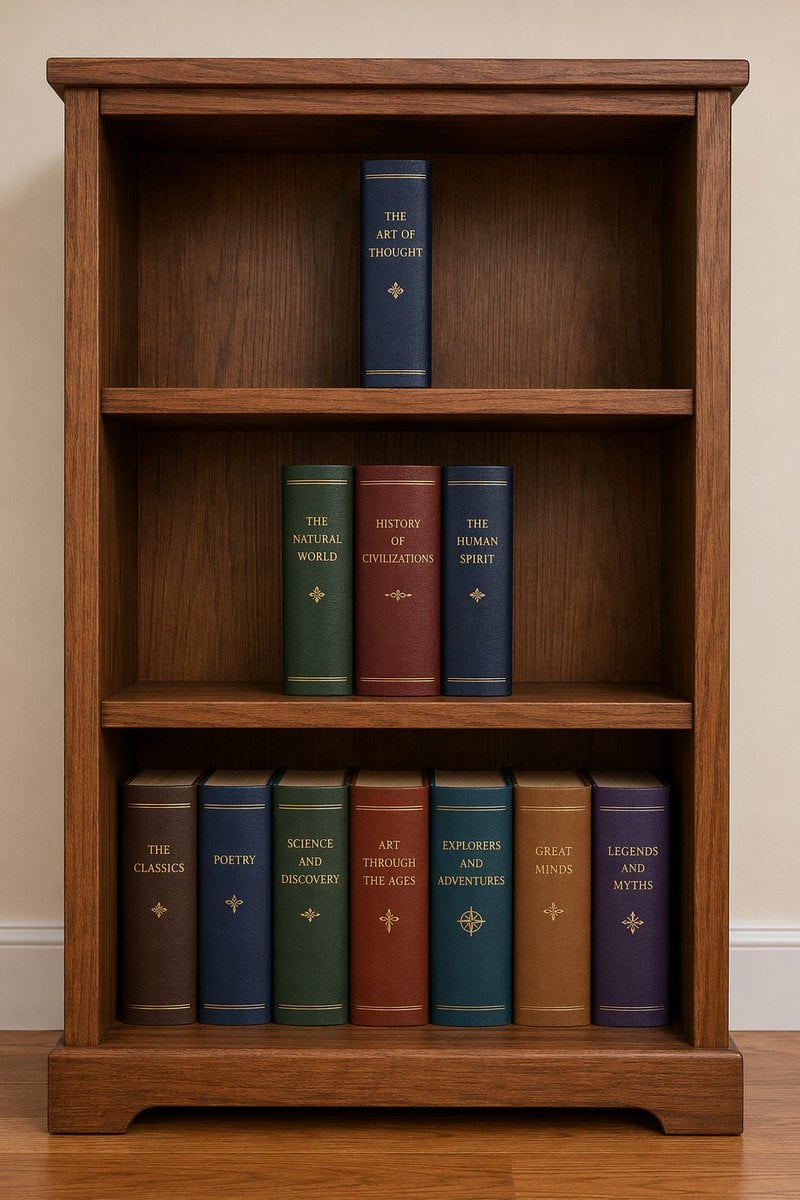
Bookshelf Logic and Spatial Reasoning Prompt

Chainsaw Man Makima Cosplay Psychological Thriller Prompt
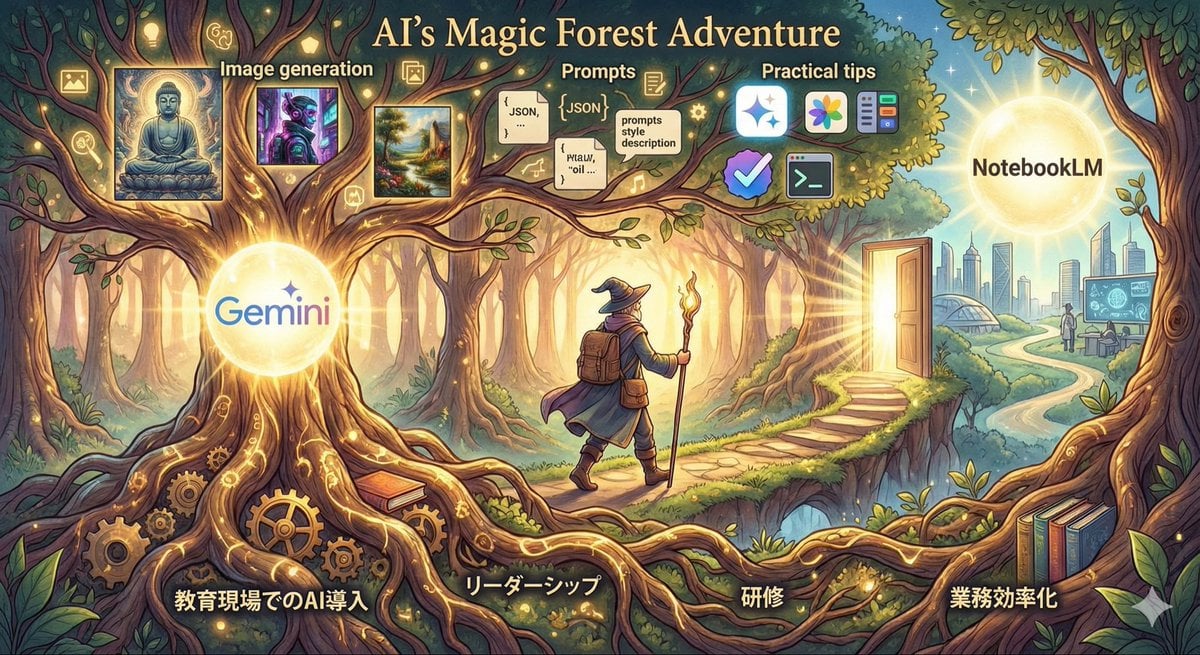
Optimal Taste Selection Prompt
Make it yours
Character Familiar Selection Logic works as-is. These are the safest ways to change it without losing the look.
Change one field
Copy a single group, rewrite it, and generate again so you can see what that field is doing.
Keep the frame, change the subject
Hold the composition and light of Character Familiar Selection Logic, then swap wardrobe, props or the person for a new take.
| If the result… | Why | Fix |
|---|---|---|
| The result drifts from the preview | Too many fields changed at once. | Reuse Character Familiar Selection Logic as-is first, then change one group — subject, light, or setting. |
| The model over-stylizes the scene | The prose prompt leaves finish and camera underspecified. | Add one camera or lighting sentence and stay on GPT Image 2. |
More GPT Image 2 templates
Other prompts made for GPT Image 2.

Six VTuber Japanese Logo Sheet

Realistic Portrait of Woman and Deer

The Vista Modular Condo Poster

AI Model Routing Comparison Infographic

Isometric Productivity Desk Scene

New York Double Exposure Poster

Four-Panel AI Landscape Comparison

NESCAFÉ Coffee Map Poster

Brutalist Cogito Chinese Typography Poster

Cinematic Luxury Terrace Portrait
More image prompts
Fresh picks from across the catalog.
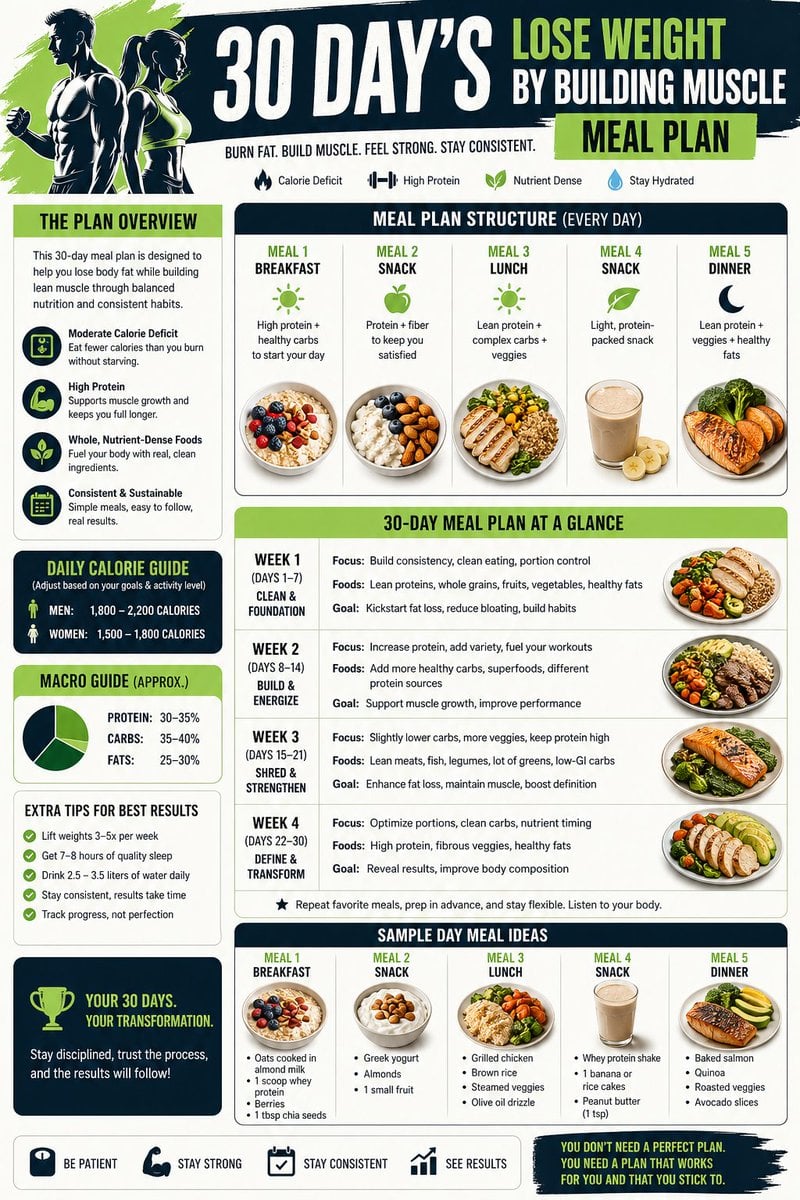
Health and Fitness Infographic Prompt

Hyper-Detailed Pop-Up Paper City
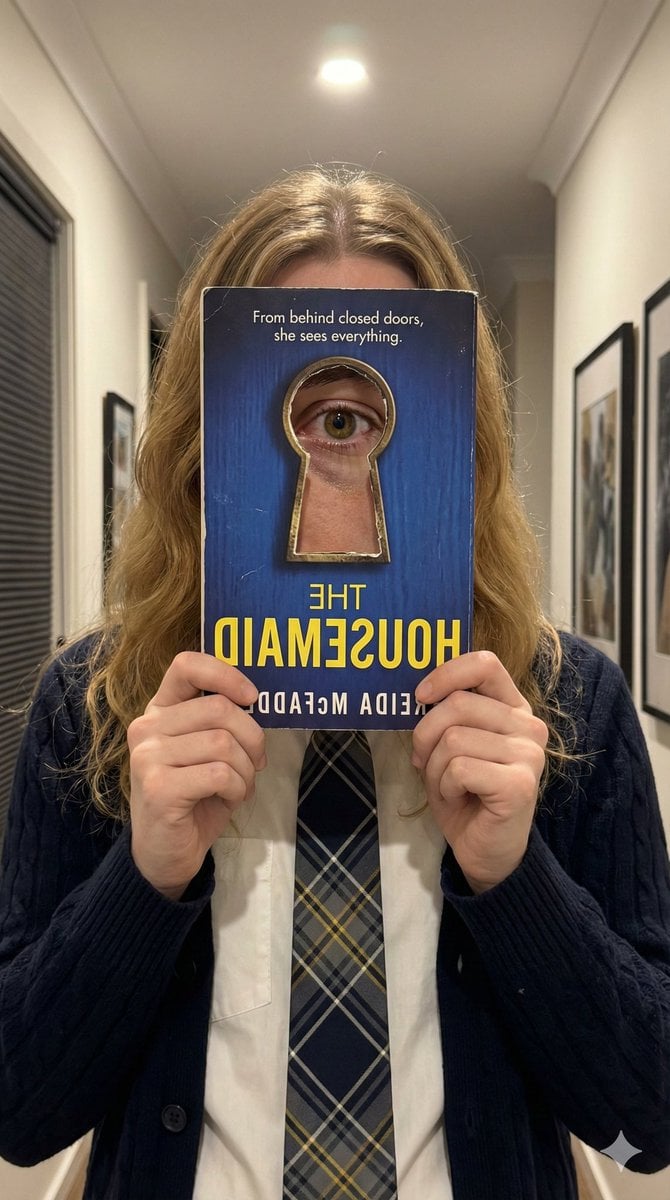
Trompe-l'œil Keyhole Illusion with Living Eye
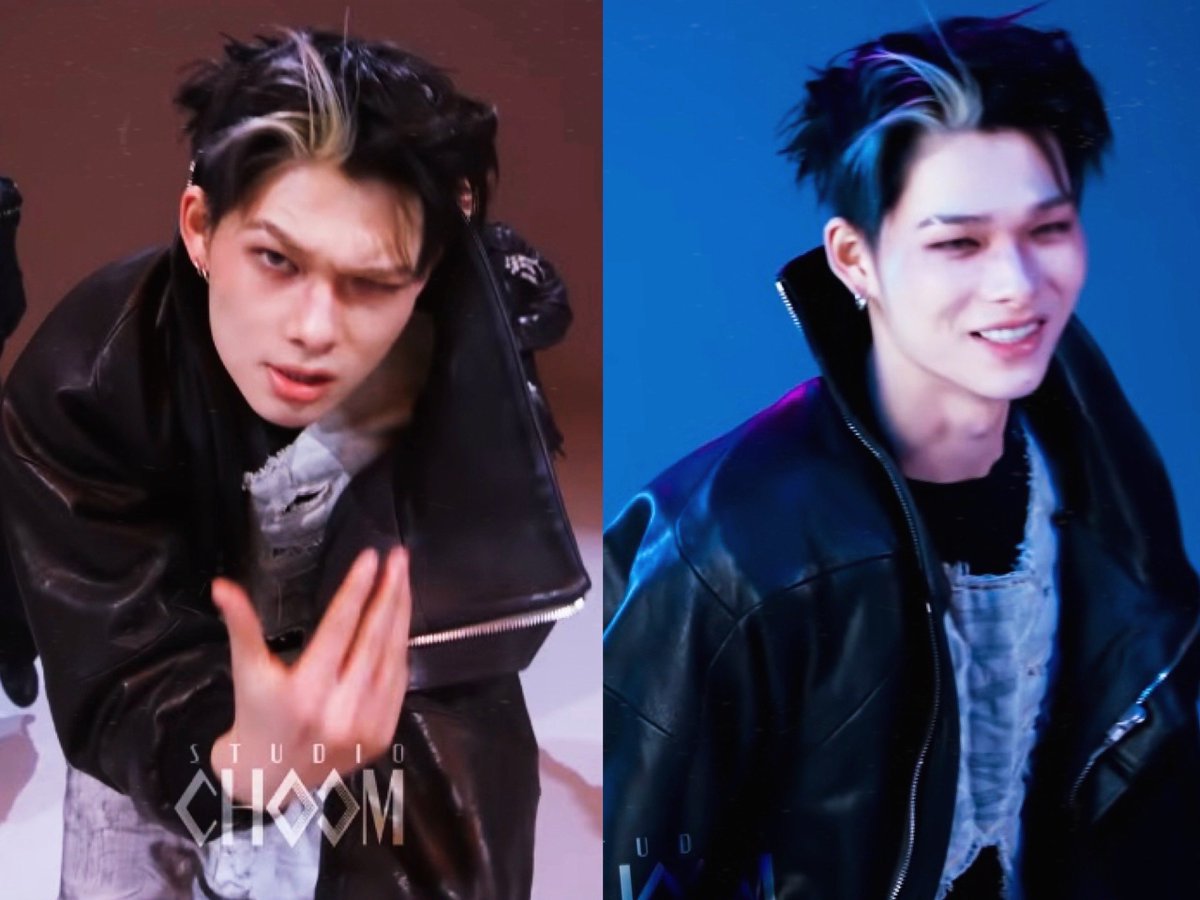
Emoji Aesthetic Prompts (Dark vs. Pastel)

Modern Chinese Tea Brand Poster
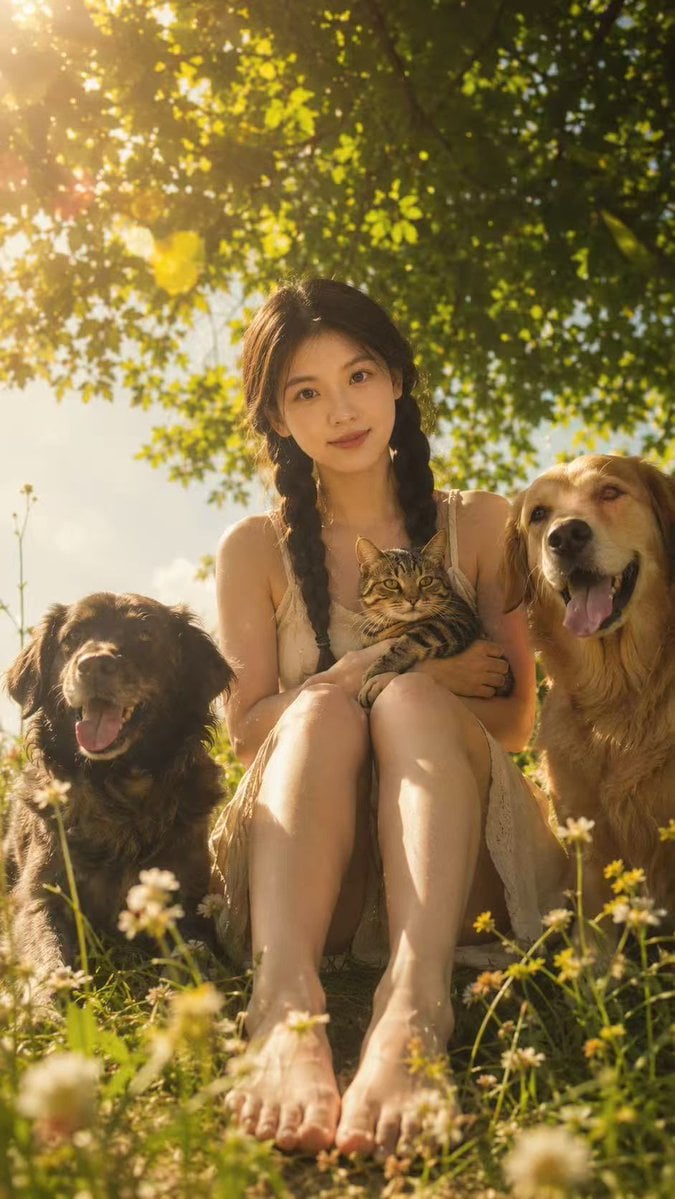
Golden Meadow Portrait with Pets
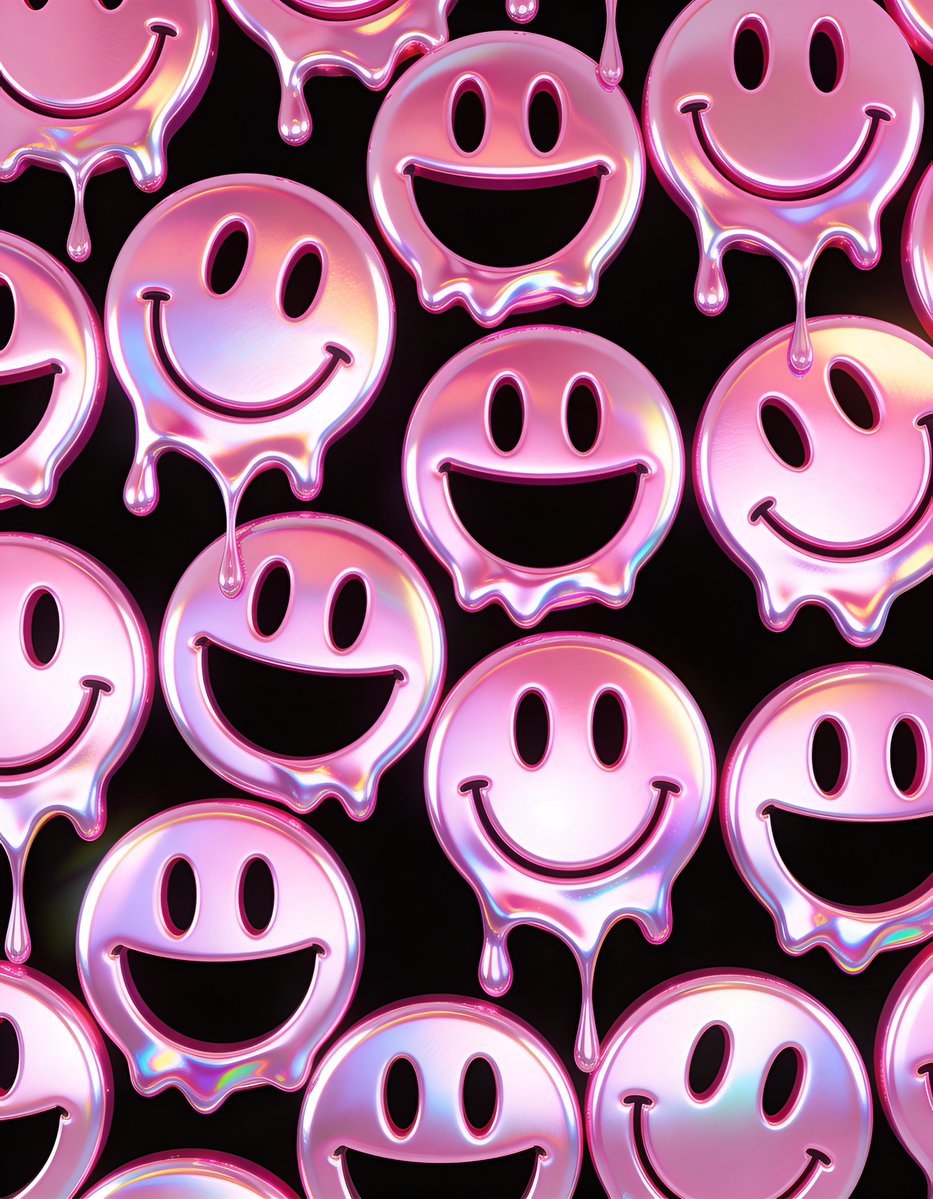
Melting Holographic Smiley Face Pattern Prompt
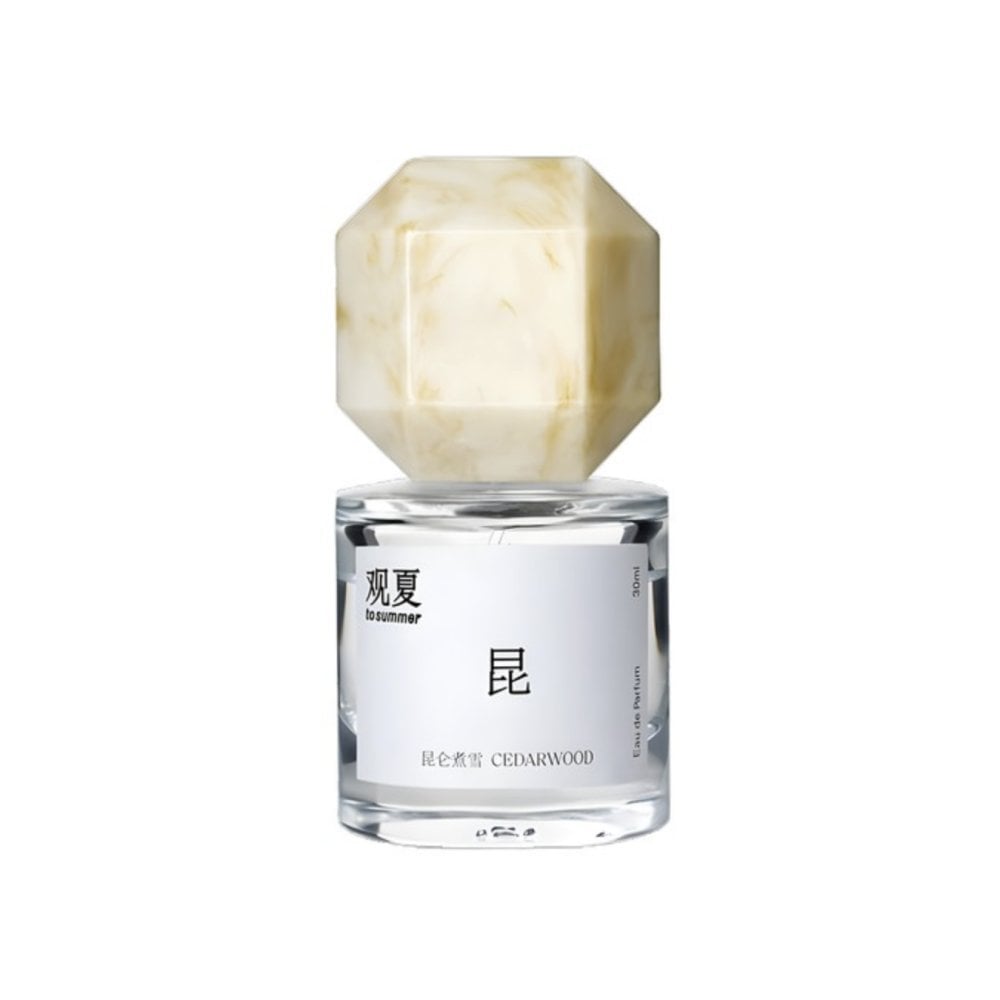
Perfume promo with niche Le Labo-like feel
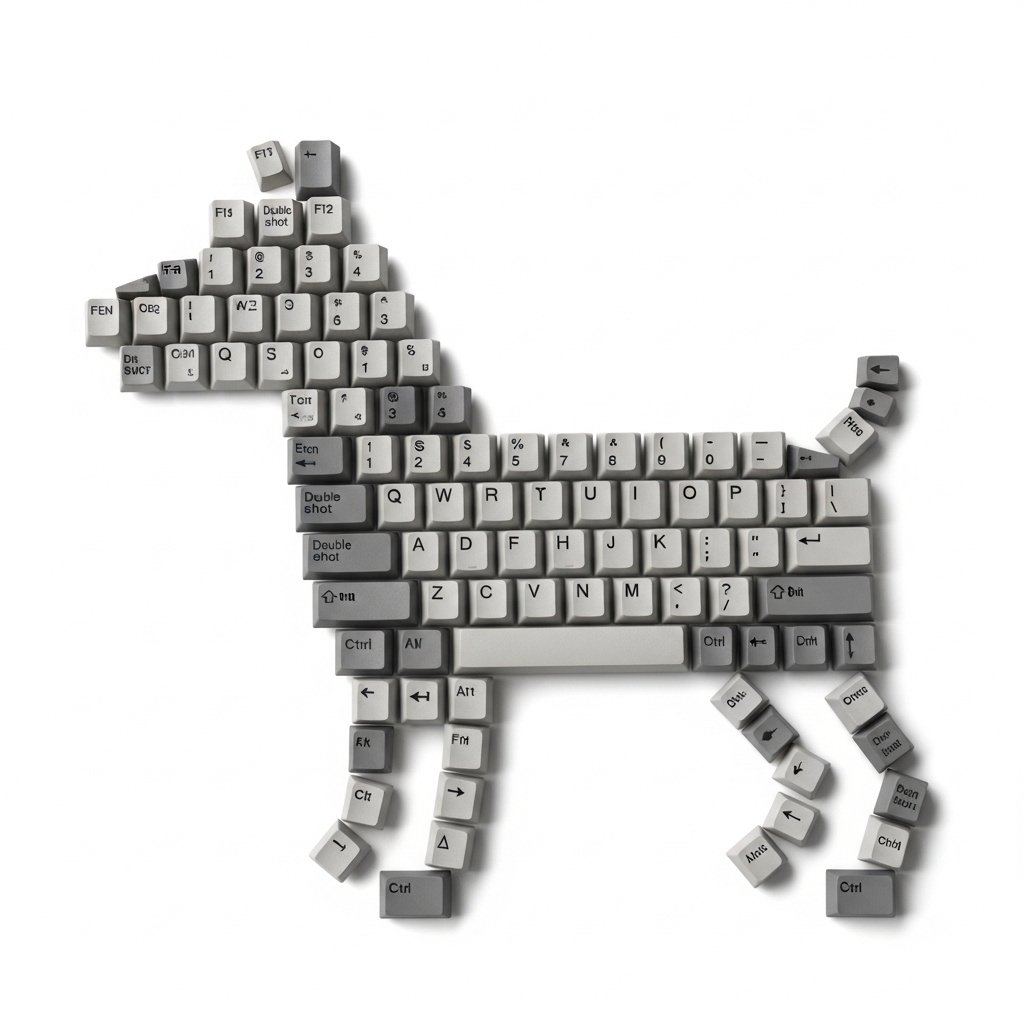
Top-Down Flat Lay of Dog Formed from Keyboard Keycaps
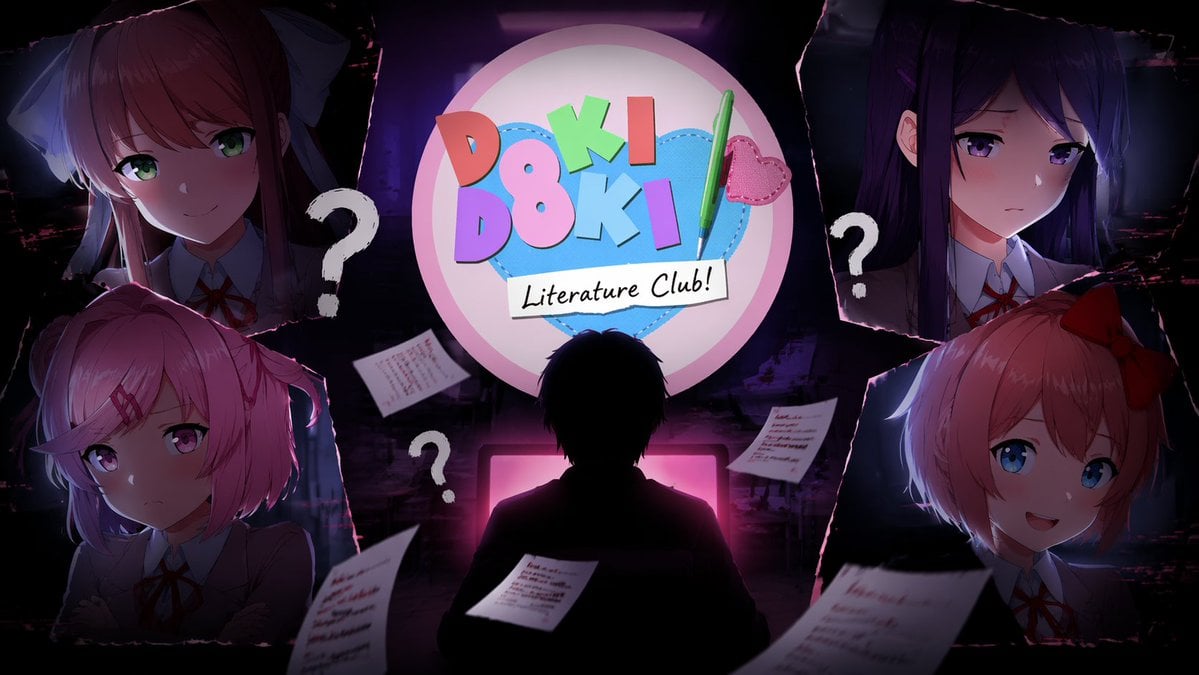
Visual Novel Composite Layout
Browse template categories
Character Familiar Selection Logic questions
How do I use the Character Familiar Selection Logic template?
Add your photo if the template asks for one, edit the prompt if you like — the template's model and format are already selected — and press Generate. Your version opens in PicX Studio.
Can I customize the Character Familiar Selection Logic template?
Yes. You can change the subject, setting, lighting, mood, format, and available model controls before creating your image.
Is the Character Familiar Selection Logic template free?
Opening and editing this template is free. Generating uses credits, shown on the Generate button when you are signed in.
Which AI model should I use?
Start with GPT Image 2, which is the model associated with this template. You can compare another compatible model for a different finish.
Looking for something else? Browse all templates.

Your photo, any look
Thousands of ready templates for every top image and video model, from one credit balance.