
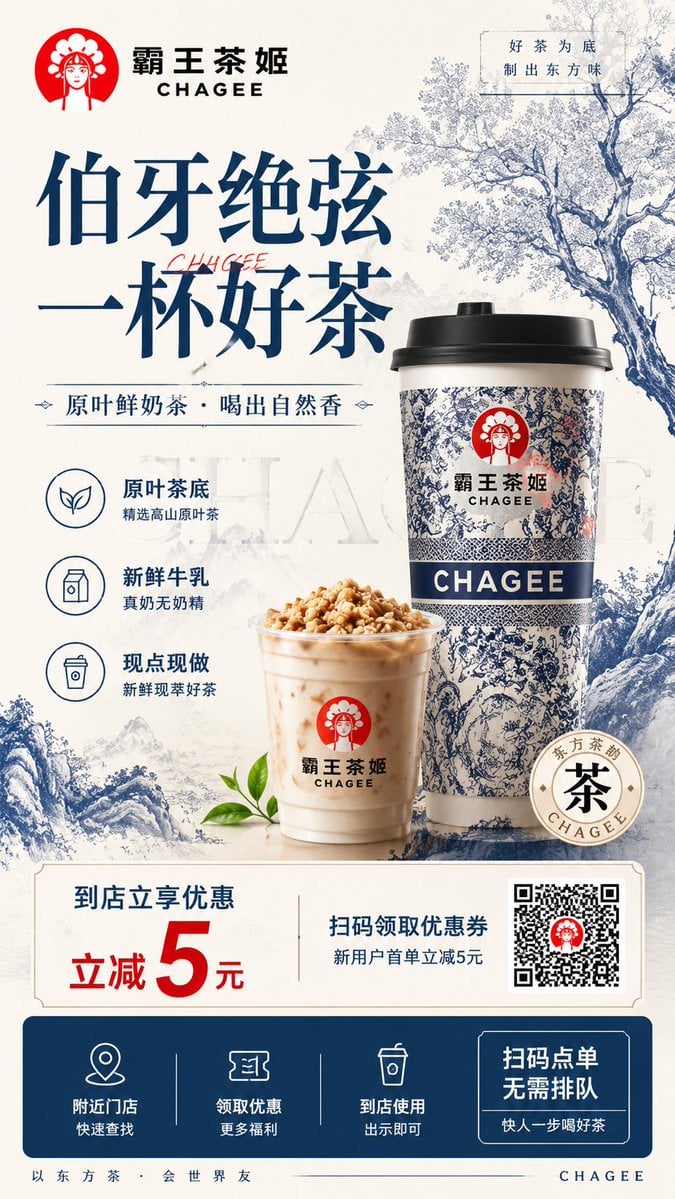
Modern Chinese Tea Brand Poster
An extremely detailed prompt for generating a professional-grade brand flyer for a 'New Chinese' tea brand, featuring traditional motifs and modern layouts.
- Prompt included
- Model and format preset
- Free template
The prompt behind this image
Copy the exact prompt behind Modern Chinese Tea Brand Poster, or open it in the studio and make it yours.
生成一张 9:16 竖版餐饮品牌宣传单页设计图。 品牌名称为{argument name="品牌名称" default="「霸王茶姬 CHAGEE」"},餐饮品类为{argument name="品类" default="「新中式茶饮 / 奶茶」"},主打产品为{argument name="产品" default="「原叶鲜奶茶」"}。整体视觉风格为新中式高级茶饮品牌风格,融合东方青花瓷纹样、宋式留白、现代商业广告排版和年轻潮流茶饮传播感。 画面整体以米白色、宣纸白、青花蓝、深海军蓝、少量品牌红色作为主色系统,形成干净、高级、东方、清爽、有质感的视觉氛围。背景使用淡雅的东方水墨山水、青花瓷纹理、茶树枝叶、云雾、细腻纸张肌理作为装饰,不要杂乱,不要廉价拼贴。 顶部左侧放置清晰的品牌识别区:品牌名与英文副标,旁边可有简洁圆形东方女性头像 Logo 图形。顶部右侧加入一句品牌气质短句,例如「好茶为底,制出东方味」。 画面中上部放置超大标题: 「伯牙绝弦」 「一杯好茶」 标题使用高级东方宋体 / 书法感标题字,笔画有力量,清晰醒目,具有新中式茶饮广告气质。标题下方加入副标题: 「原叶鲜奶茶 · 喝出自然香」 或「原叶茶底 · 鲜奶现制 · 茶香清爽」。 画面右侧或中部为主视觉产品区,放置一大一小两杯品牌风格茶饮产品。主杯为外带纸杯,杯身带有青花瓷风格纹样、蓝白东方图案、品牌识别标志和 CHAGEE 字样;旁边放置一杯透明杯装奶茶,顶部可有坚果碎、奶盖或茶香颗粒装饰。奶茶颜色自然顺滑,质感新鲜,杯壁有轻微冷凝水和高光,整体看起来真实、清爽、好喝、有食欲感。 产品旁边加入 3 个卖点图标模块,图标为简洁线性风格: 1. 原叶茶底:精选高山原叶茶 2. 新鲜牛乳:真奶无奶精 3. 现点现做:新鲜现萃好茶 画面底部设置优惠转化区域,采用干净的横向信息卡片: 左侧突出优惠信息: 「到店立享优惠」 「立减 5 元」 中间写: 「扫码领取优惠券」 「新用户首单立减」 右侧放置二维码占位区,二维码区域清晰但不要生成真实可扫二维码,可用简洁二维码占位图表现。 最底部放置行动引导栏,使用深蓝色底栏,包含三个步骤图标: 「附近门店」 「领取优惠」 「到店使用」 右侧加入按钮式文案: 「扫码点单」 「无需排队」 「快人一步喝好茶」 整体信息层级必须清楚:品牌 Logo > 大标题 > 产品主视觉 > 卖点信息 > 优惠金额 > 二维码 / 到店行动。版面要像真实线下宣传单页,可以用于门店派发、小红书展示、朋友圈传播和到店扫码转化。 设计要求高级但不冷淡,商业化但不廉价,新中式但不老气,东方感明显但要符合年轻茶饮品牌审美。产品必须是画面视觉主体,杯身材质、纸杯纹理、奶茶液体、冰感与光影都要精致真实。文字排版要干净、有留白、有秩序,不要过度堆砌信息。 禁止出现乱码、错字、奇怪英文、多个不同品牌 Logo、低清晰度、低质感、颜色杂乱、字体过多、版面拥挤、信息过载、产品图低质、奶茶没有食欲感、品牌识别弱、风格混乱、廉价促销模板感、过度装饰、二维码抢主体、灰暗脏乱、与新中式茶饮无关、不同品牌拼贴感。
How to use Modern Chinese Tea Brand Poster in 3 steps
- 1
Open
The prompt is already in the box next to the preview, with the template's model and format selected.
- 2…a portrait of your subject in softgolden-hour light, 85mm…
Personalize
Edit the subject and creative details for your destination.
- 3Generate
Generate
Press Generate — your image is created in PicX Studio, so you can compare it with the original and refine one variable at a time.
More like this
Templates with the same subject, style or setup. Open one to see its prompt.

Luxury Fashion Campaign Typography Poster System

Premium Fashion Editorial Campaign Poster System

Premium Editorial Branding Poster Charcoal Green
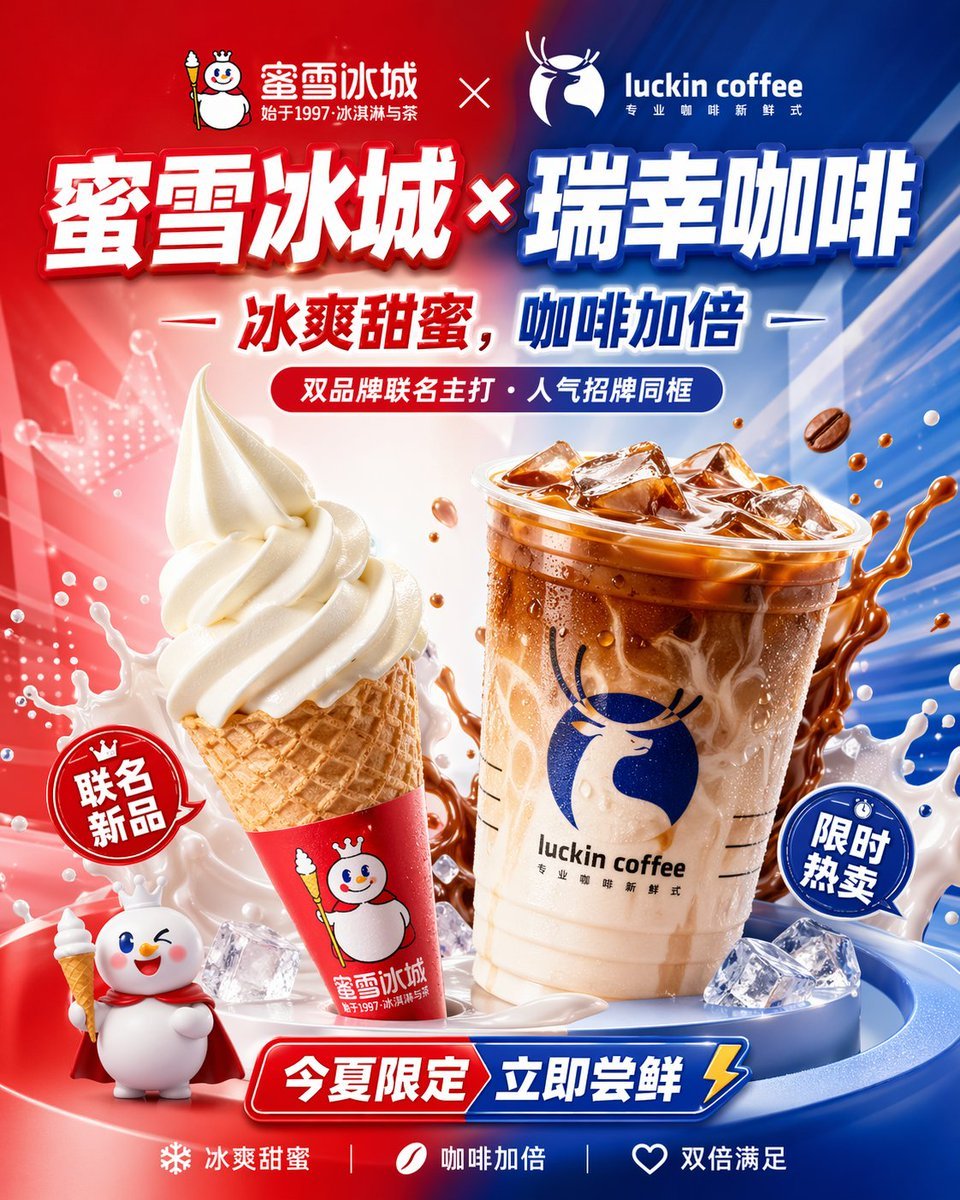
Chinese Co-Branded Summer Drink Poster
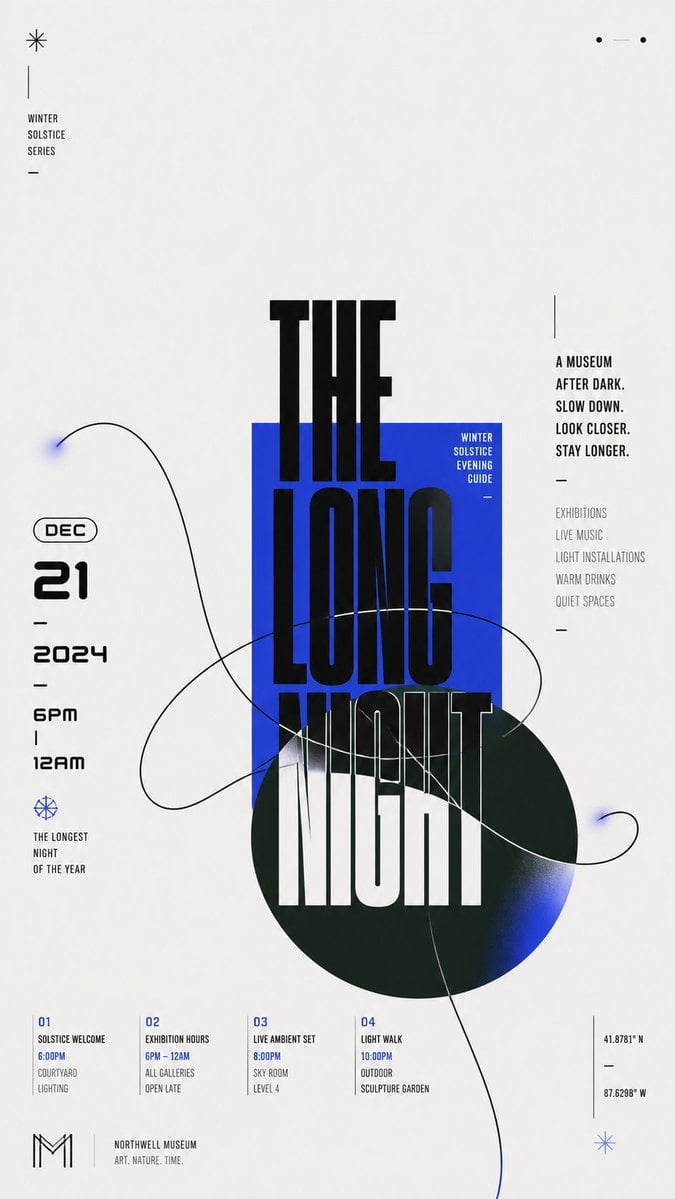
Modern Chinese Graphic Design

Japan Travel Brochure Poster

Paper Cut Craft Illustration

Cartoon TV Show Poster Pack

Trendy Cafe Drink Promo Poster

Urban Fashion Editorial Collage Streetwear Poster

Premium Fashion Editorial Cover Layout System

Polo Ralph Lauren Luxury American Heritage Fashion Campaign
Make it yours
Modern Chinese Tea Brand Poster works as-is. These are the safest ways to change it without losing the look.
Change one field
Copy a single group, rewrite it, and generate again so you can see what that field is doing.
Keep the frame, change the subject
Hold the composition and light of Modern Chinese Tea Brand Poster, then swap wardrobe, props or the person for a new take.
| If the result… | Why | Fix |
|---|---|---|
| The result drifts from the preview | Too many fields changed at once. | Reuse Modern Chinese Tea Brand Poster as-is first, then change one group — subject, light, or setting. |
| The model over-stylizes the scene | The prose prompt leaves finish and camera underspecified. | Add one camera or lighting sentence and stay on GPT Image 2. |
More GPT Image 2 templates
Other prompts made for GPT Image 2.

Six VTuber Japanese Logo Sheet

Realistic Portrait of Woman and Deer

The Vista Modular Condo Poster

AI Model Routing Comparison Infographic

2.5D Anime Art Board

Isometric Productivity Desk Scene

New York Double Exposure Poster

Four-Panel AI Landscape Comparison

Japanese Tatami Lifestyle Magazine Cover

NESCAFÉ Coffee Map Poster
More image prompts
Fresh picks from across the catalog.
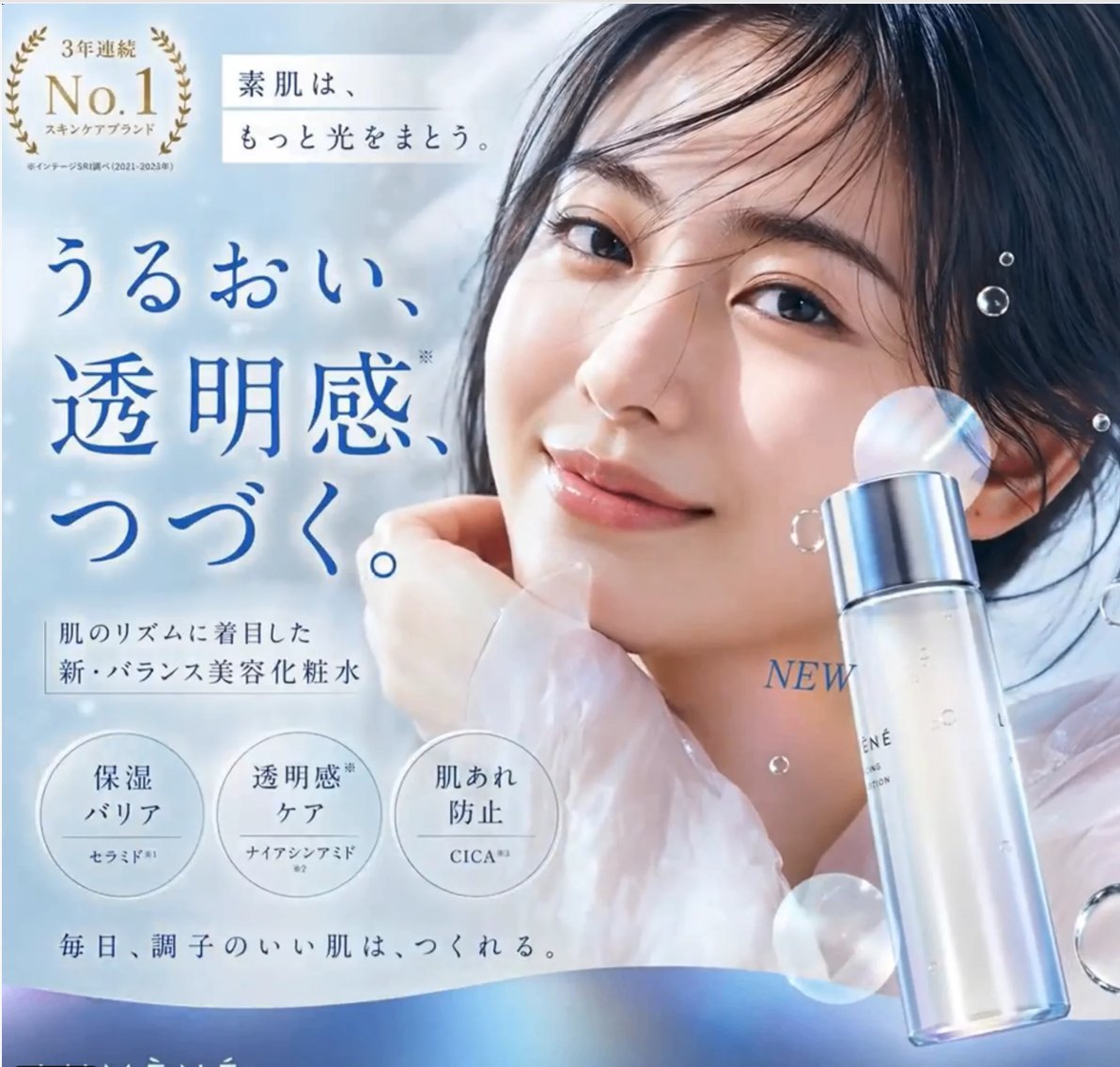
Gpt2 E Commerce Main Image Elegant Cosmetic Poster
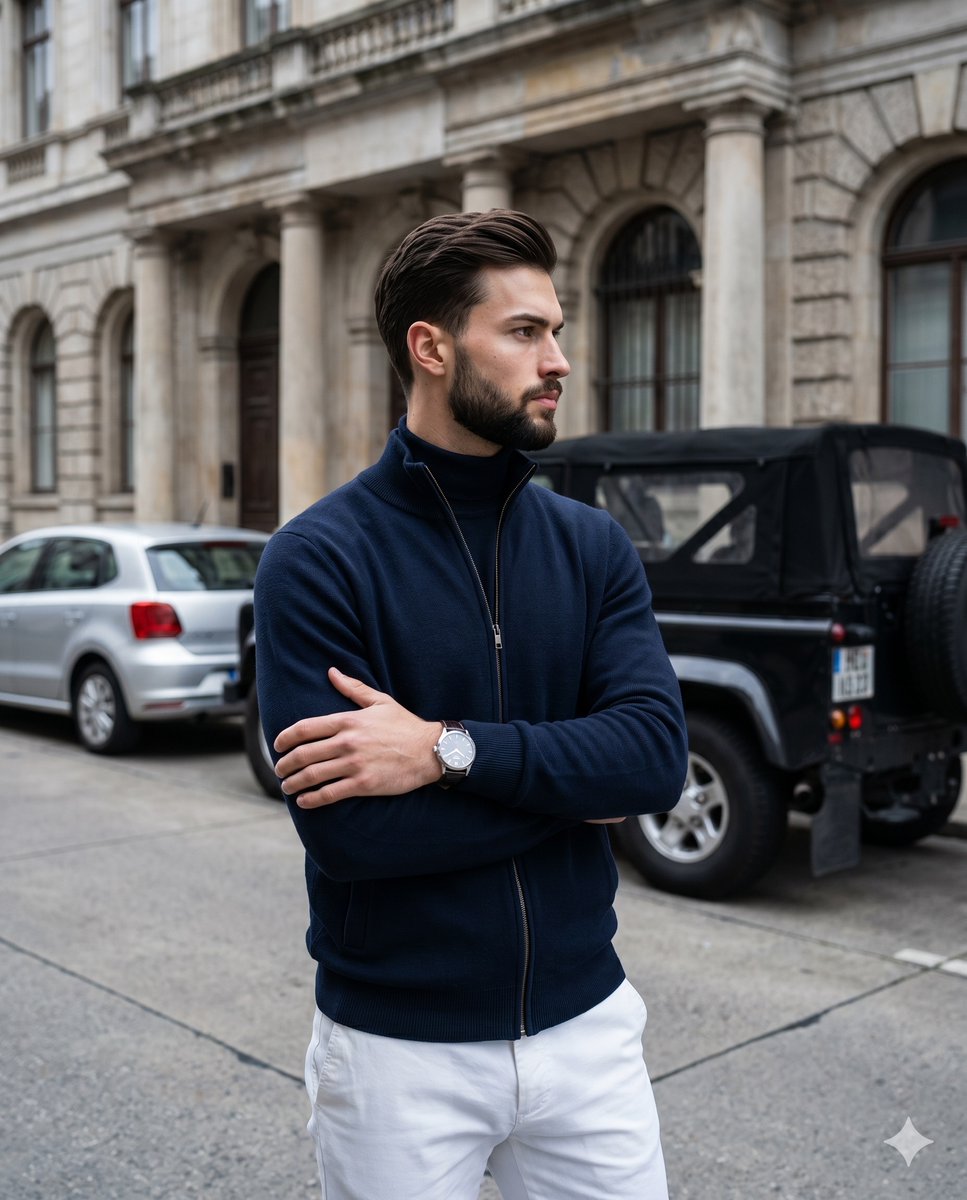
Old Money Men's Fashion Portrait

Post-Apocalyptic Tactical Anime Girl
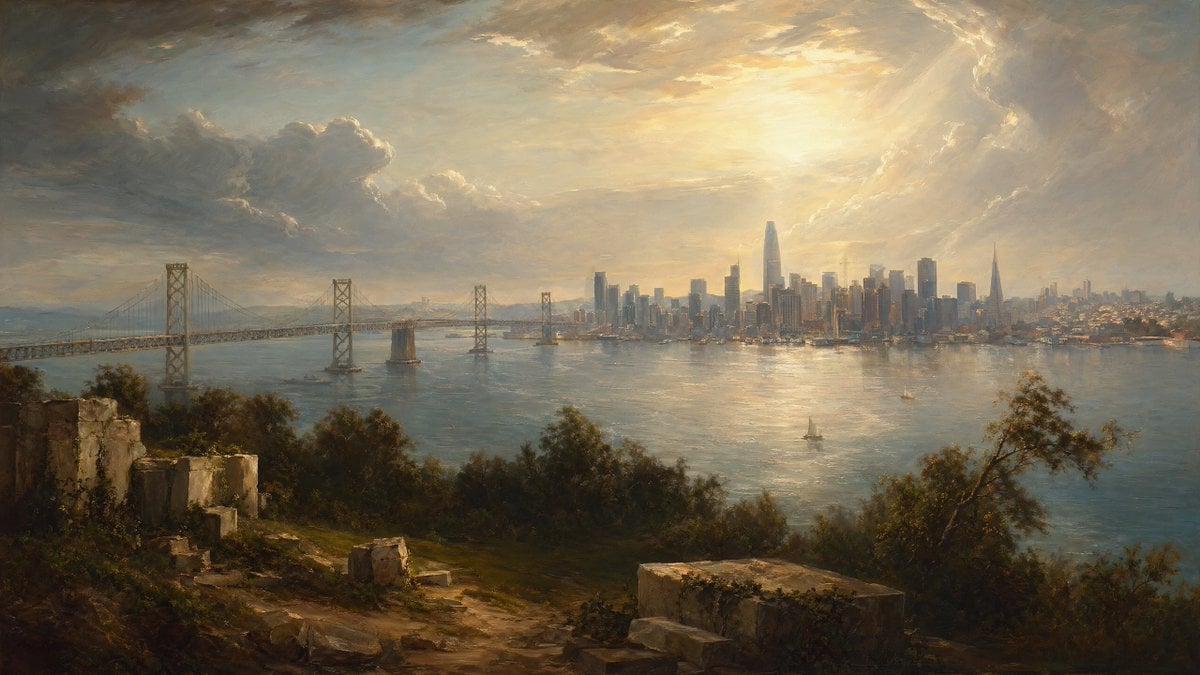
Golden Bay City Romantic Landscape

Lego Explorer Chased by Polar Bear (Video Prompt)
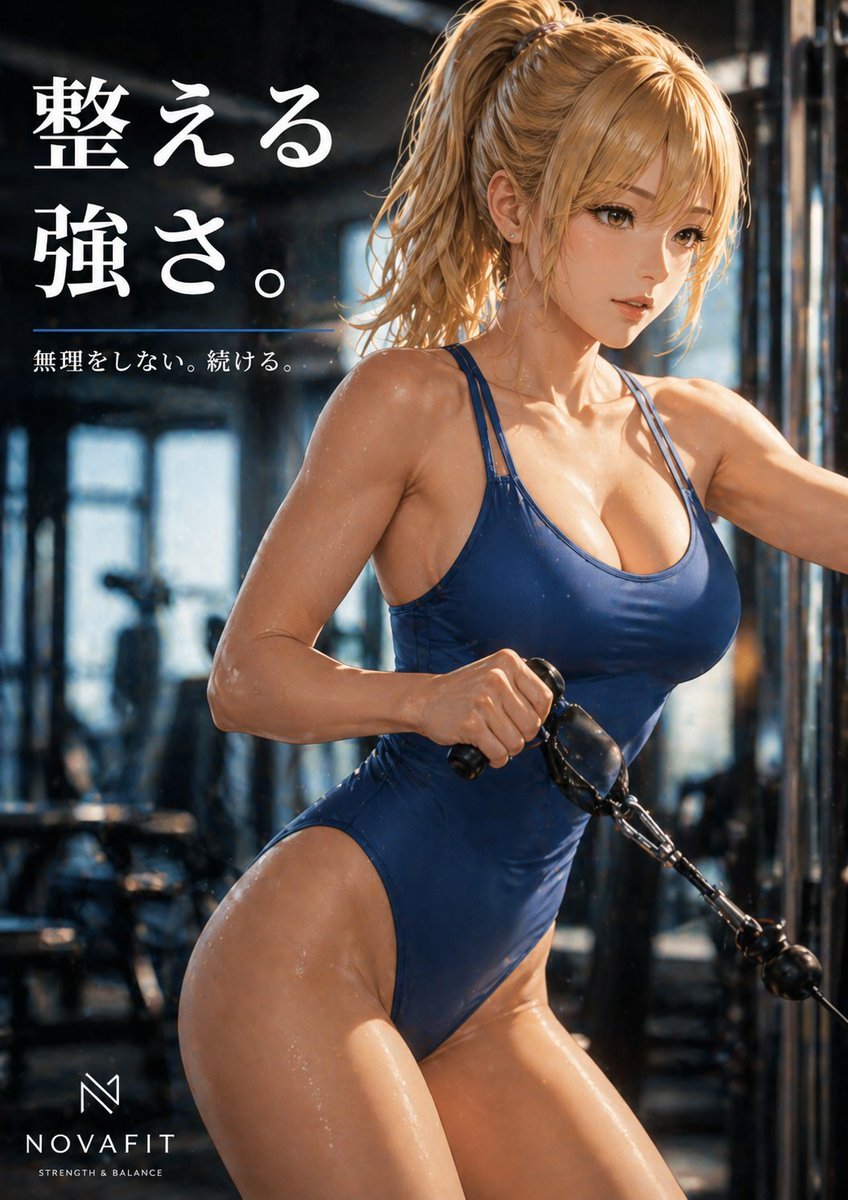
Premium Japanese Gym Poster
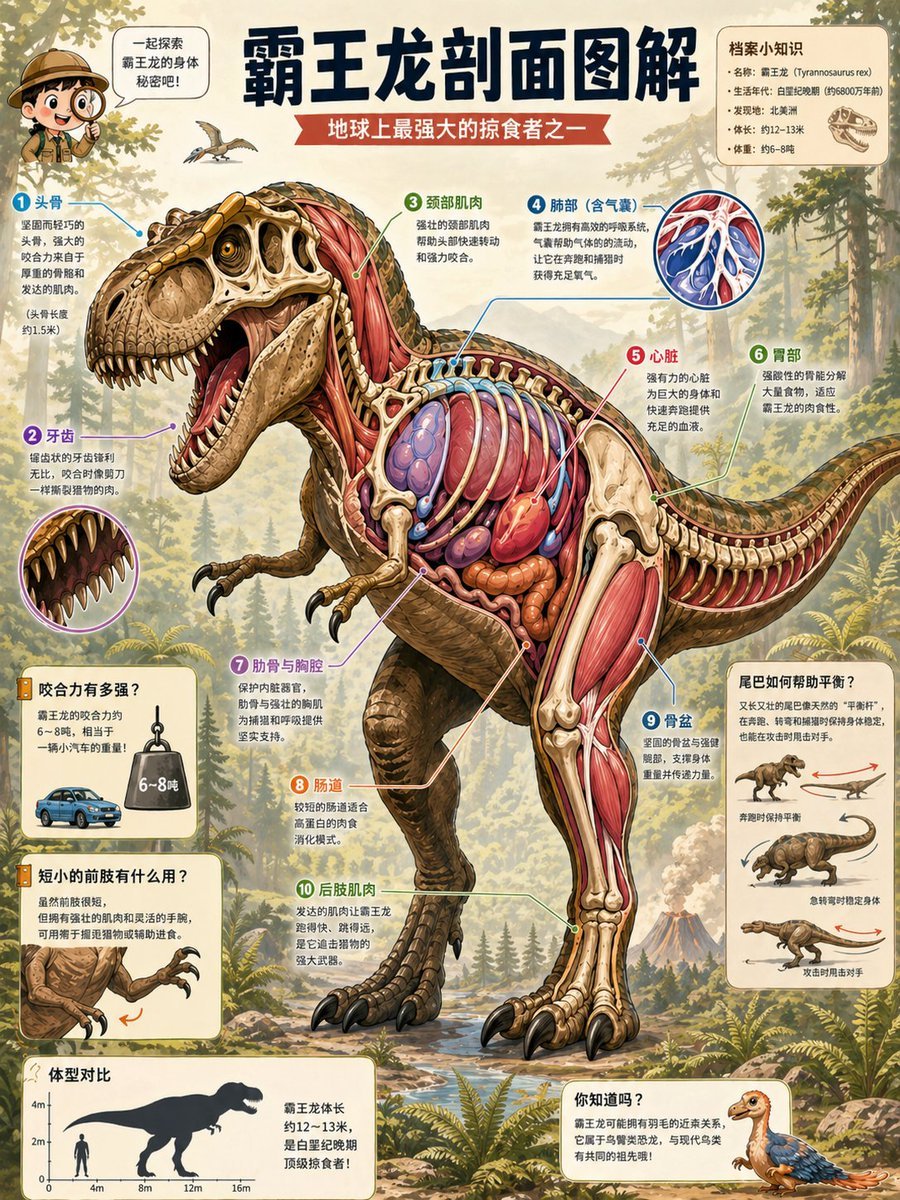
T. Rex Cutaway Encyclopedia Poster
Anime Cosmos Credit Card Design
3D Xuanzang Historical Archive Poster

Epic Fantasy Warriors: Fire and Ice Cinematic Poster
Browse template categories
Modern Chinese Tea Brand Poster questions
How do I use the Modern Chinese Tea Brand Poster template?
Add your photo if the template asks for one, edit the prompt if you like — the template's model and format are already selected — and press Generate. Your version opens in PicX Studio.
Can I customize the Modern Chinese Tea Brand Poster template?
Yes. You can change the subject, setting, lighting, mood, format, and available model controls before creating your image.
Is the Modern Chinese Tea Brand Poster template free?
Opening and editing this template is free. Generating uses credits, shown on the Generate button when you are signed in.
Which AI model should I use?
Start with GPT Image 2, which is the model associated with this template. You can compare another compatible model for a different finish.
Looking for something else? Browse all templates.

Your photo, any look
Thousands of ready templates for every top image and video model, from one credit balance.