
Modern Chinese Graphic Design
A technical prompt for creating flat graphics featuring bold Chinese characters, geometric blocks, and organic contour lines.
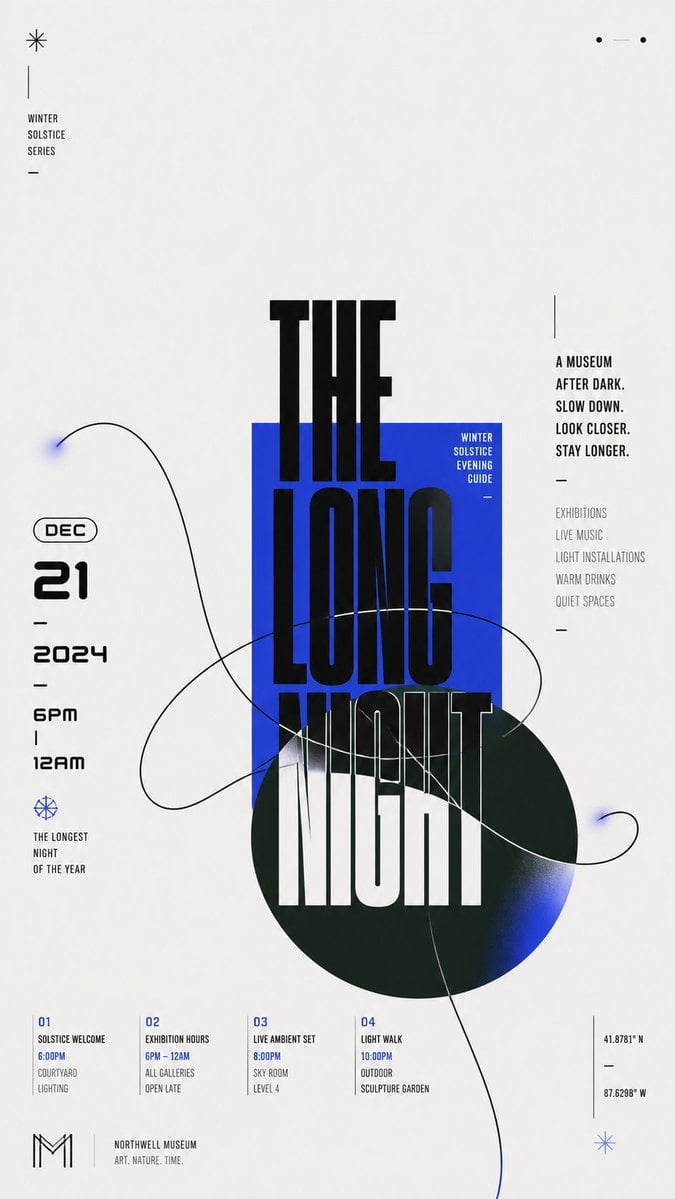
- Prompt included
- Model and format preset
- Free template
The prompt behind this image
Copy the exact prompt behind Modern Chinese Graphic Design, or open it in the studio and make it yours.
Build a modern flat graphic around {argument name="subject" default="any chosen subject object"}, with a huge Chinese theme character, geometric color blocks, and a single-line organic contour interlacing through one another. Keep an overall bright, clean background field, letting approximately two-thirds or more of the space remain empty, and concentrate the main weight in an off-center cluster: a saturated rectangular block in the theme's primary color first establishes a stable plane; a deeper, low-lightness, cool-toned circle overlaps from beneath it and extends beyond the boundary; the core Chinese theme character advances vertically in oversized, heavy, geometric black strokes across the white background, rectangle, and circle, with partial occlusion and cropping creating a strong scale jump; on the left, the date and a bilingual subtitle form a compact numeric column, while on the right, short vertical sentences set in two stroke-weight tiers balance the weight; a few miniature captions, short dashes, and linear symbols scatter along the edges, creating a three-level reading rhythm from main character to side notes to details. Abstract the dynamic relationship derived from the theme into one continuous organic contour, drawn as a broad sweeping loop with a clear, near-black single line that enters from the large empty field, passes through the color blocks, and crosses the edge; the curve intersects itself several times while remaining legible as a single path; keep most of its interior as the underlying background color, adding only localized, transparent, fading fills in the theme's primary color at the tips and extended sections, so the light line creates tension with the heavy giant character. Adapt the color scheme to the theme: let a clean, high-lightness neutral background carry the largest area; keep the theme's primary color vivid and highly saturated, using it for the rectangle and the localized transparent gradient; use a deep cool support color for the circle, separated in hue from the primary color and blending softly into the primary color at its end; use near-black for text and the contour, with a very small amount of light text reversed onto the primary color block; fix unequal areas, lightness hierarchy, and saturation differences, but do not fix specific color names. Render all elements as flat surfaces like matte digital printing, with sharp contour edges and gradients only as two localized, slowly feathered transitions; do not add dimensional shadows, paper grain, or global lighting effects. Keep typography in a low-contrast, broad, thick, near-geometric black sans-serif skeleton; allow the main character's parts to be elongated, offset, cut out, and switched between color-block backgrounds; give numbers a rounded futuristic structure and compress small text with narrow letterforms and loose tracking. Replace brand names, advertising copy, and concrete dates with new theme information. Preserve in the final result the extreme white
How to use Modern Chinese Graphic Design in 3 steps
- 1
Open
The prompt is already in the box next to the preview, with the template's model and format selected.
- 2…a portrait of your subject in softgolden-hour light, 85mm…
Personalize
Edit the subject and creative details for your destination.
- 3Generate
Generate
Press Generate — your image is created in PicX Studio, so you can compare it with the original and refine one variable at a time.
More like this
Templates with the same subject, style or setup. Open one to see its prompt.

Paper Cut Craft Illustration

Premium Editorial Branding Poster Charcoal Green

Stylized Fashion Portrait Bold Color Contrast Editorial
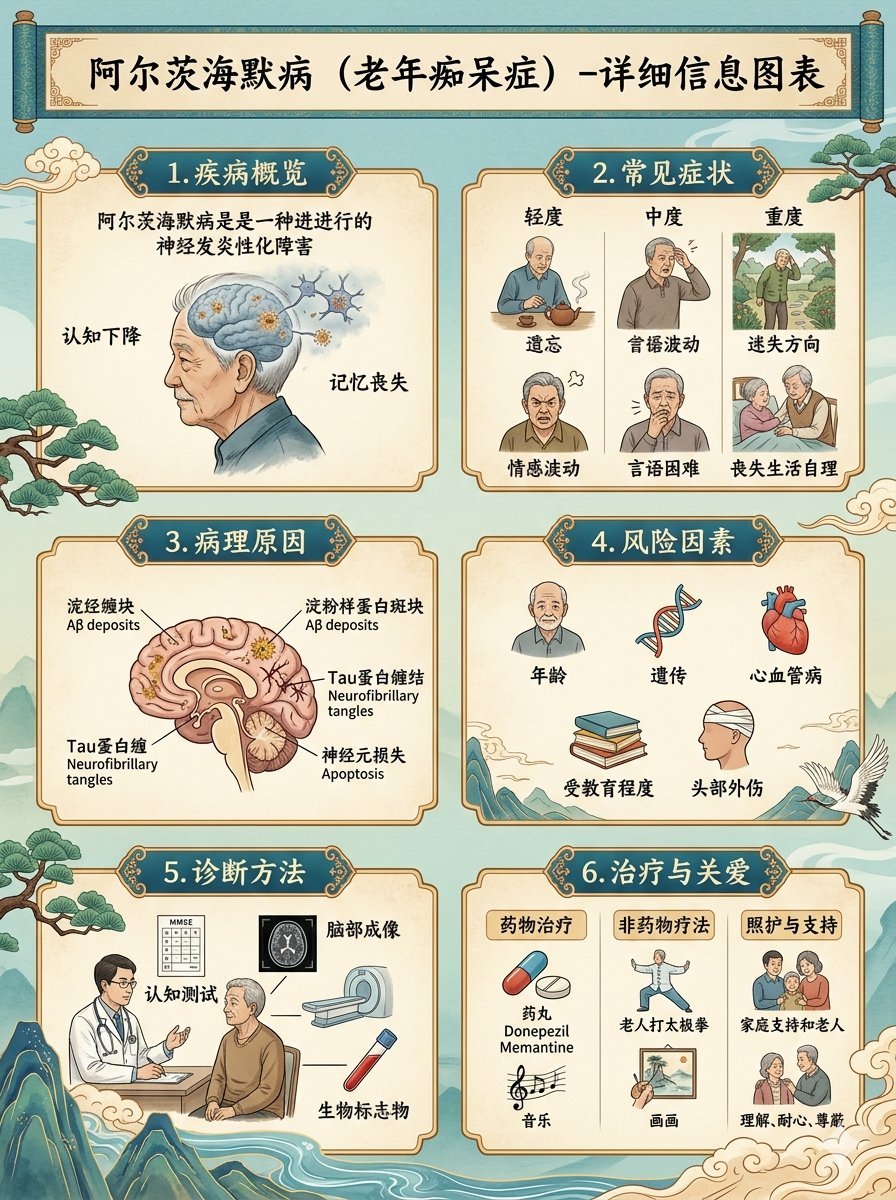
Chinese Alzheimer’s Infographic Poster
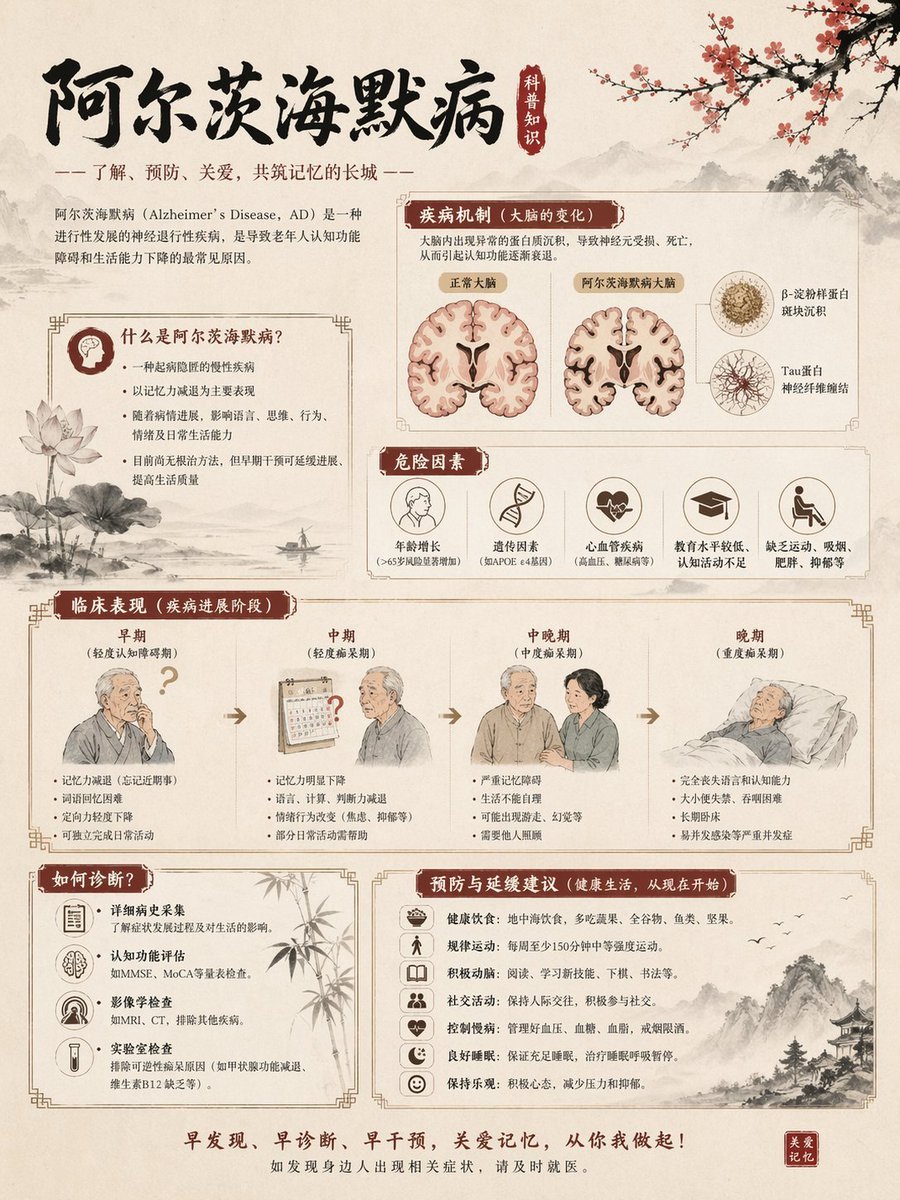
Chinese Alzheimer’s Awareness Infographic

Woman in Mall with Chanel Bag - Heart Gesture

Travel Poster Graphic Collage

敦煌纸雕飞天 — 3D Layered Paper Cutout

博物馆图鉴式汉服拆解图 — GPT-image-2
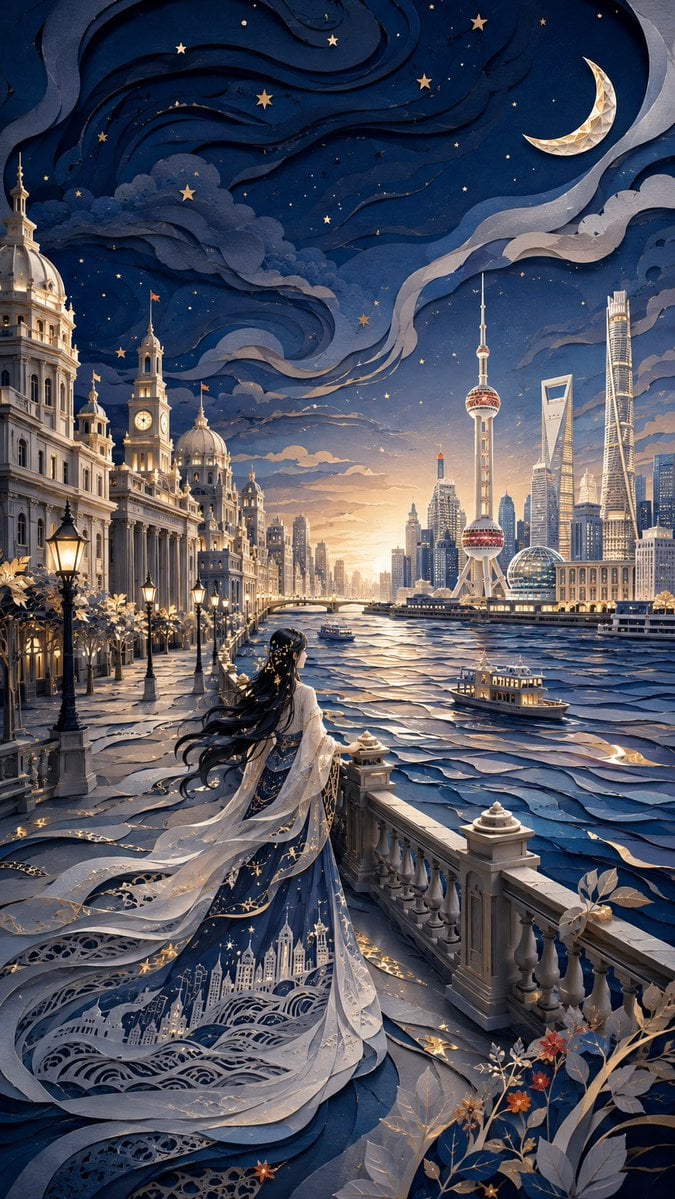
Modern Oriental Papercut Art Cityscape
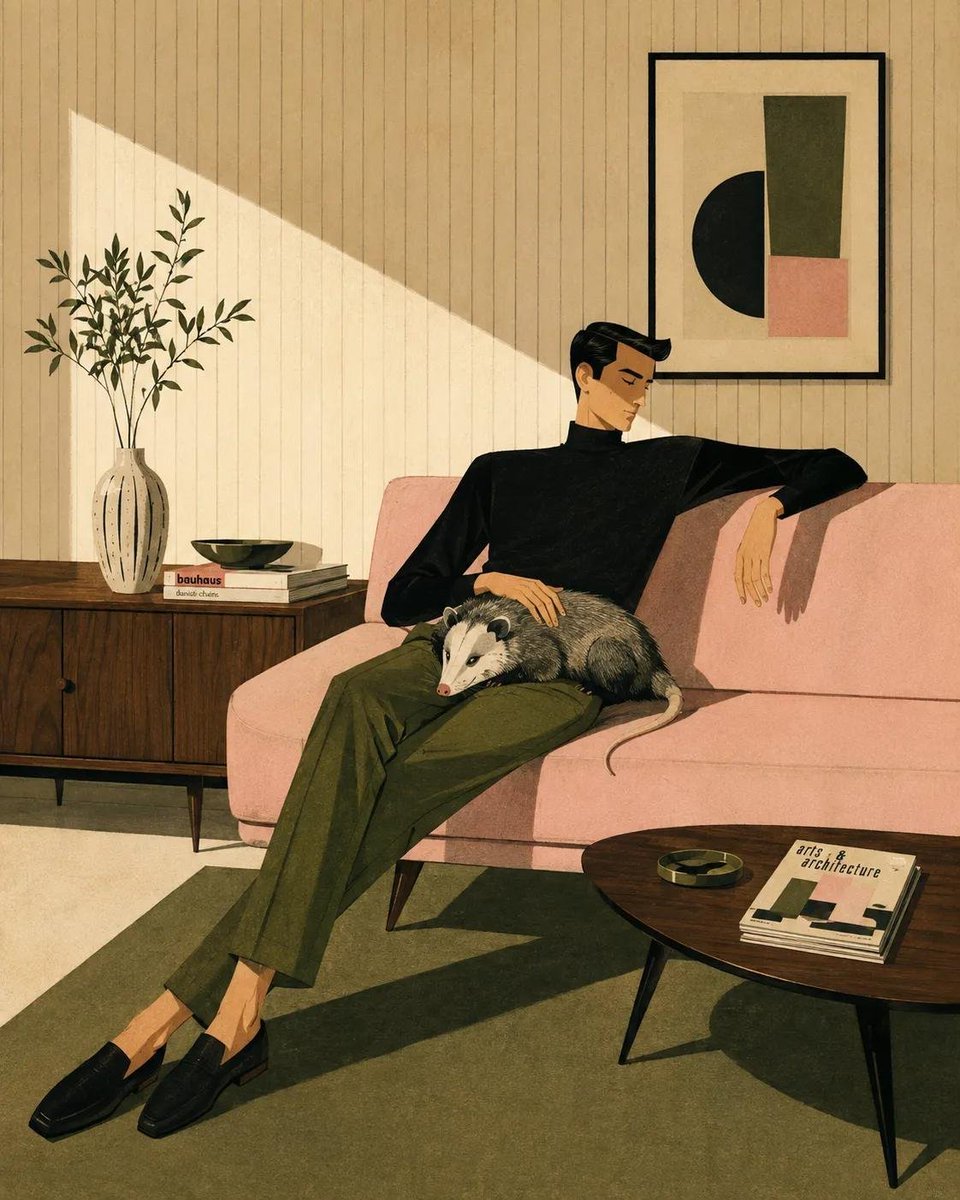
Mid-Century Modern Lifestyle Illustration
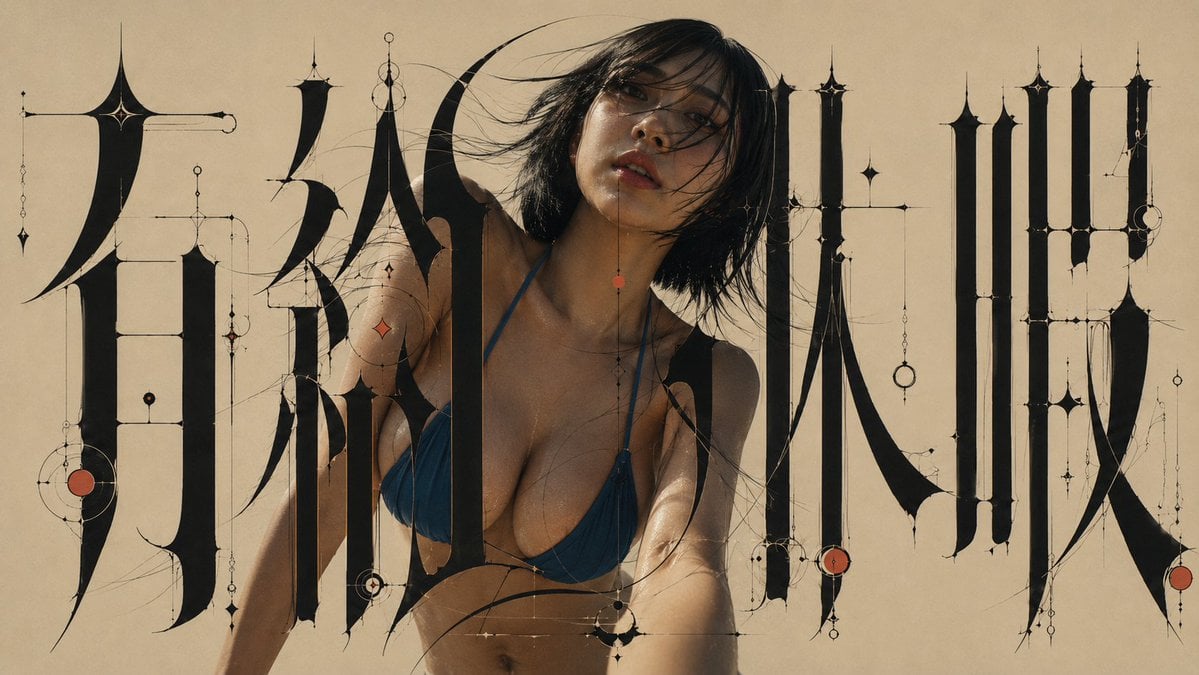
Architectural Typographic Portrait Fusion
Make it yours
Modern Chinese Graphic Design works as-is. These are the safest ways to change it without losing the look.
Change one field
Copy a single group, rewrite it, and generate again so you can see what that field is doing.
Keep the frame, change the subject
Hold the composition and light of Modern Chinese Graphic Design, then swap wardrobe, props or the person for a new take.
| If the result… | Why | Fix |
|---|---|---|
| The result drifts from the preview | Too many fields changed at once. | Reuse Modern Chinese Graphic Design as-is first, then change one group — subject, light, or setting. |
| The model over-stylizes the scene | The prose prompt leaves finish and camera underspecified. | Add one camera or lighting sentence and stay on GPT Image 2. |
More GPT Image 2 templates
Other prompts made for GPT Image 2.

Six VTuber Japanese Logo Sheet

Realistic Portrait of Woman and Deer

The Vista Modular Condo Poster

2.5D Anime Art Board

Isometric Productivity Desk Scene

New York Double Exposure Poster

Four-Panel AI Landscape Comparison

Japanese Tatami Lifestyle Magazine Cover

NESCAFÉ Coffee Map Poster

Cinematic Luxury Terrace Portrait
More image prompts
Fresh picks from across the catalog.
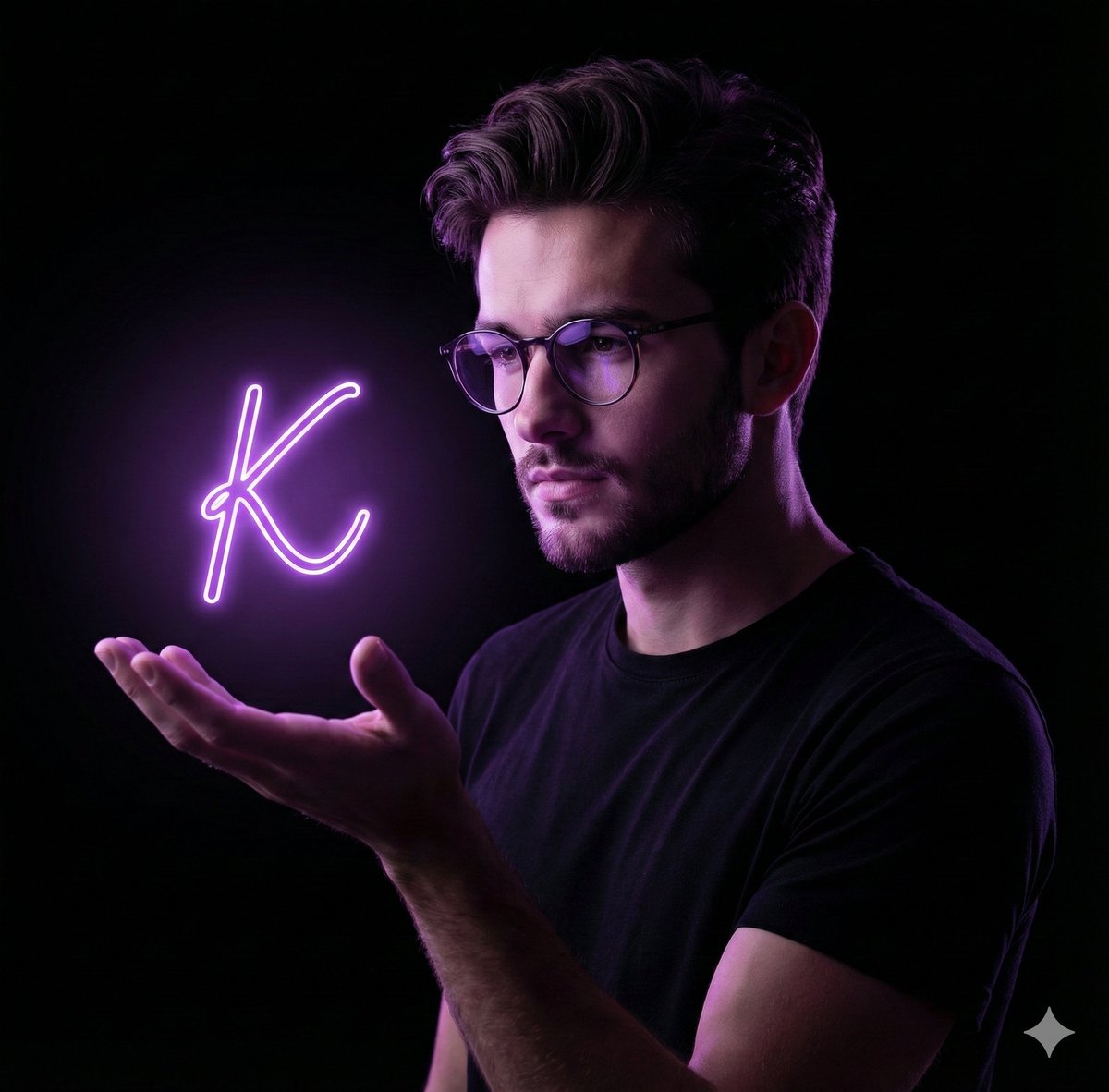
Dramatic Neon Hand-Lettering Portrait
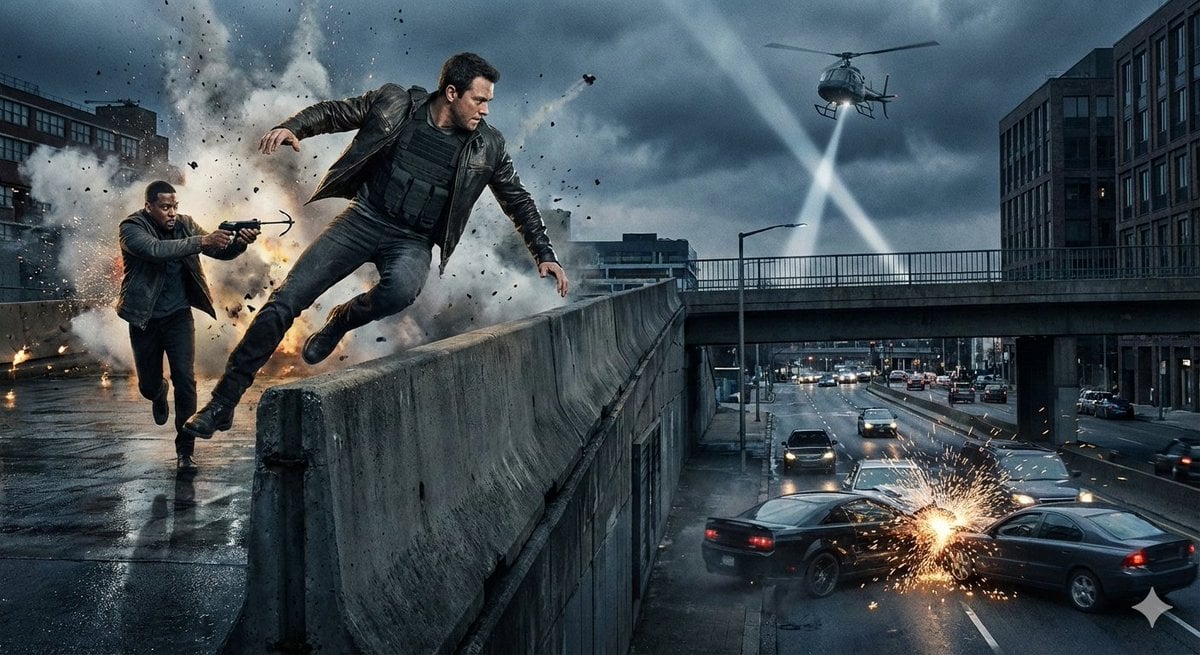
Simple action movie scene
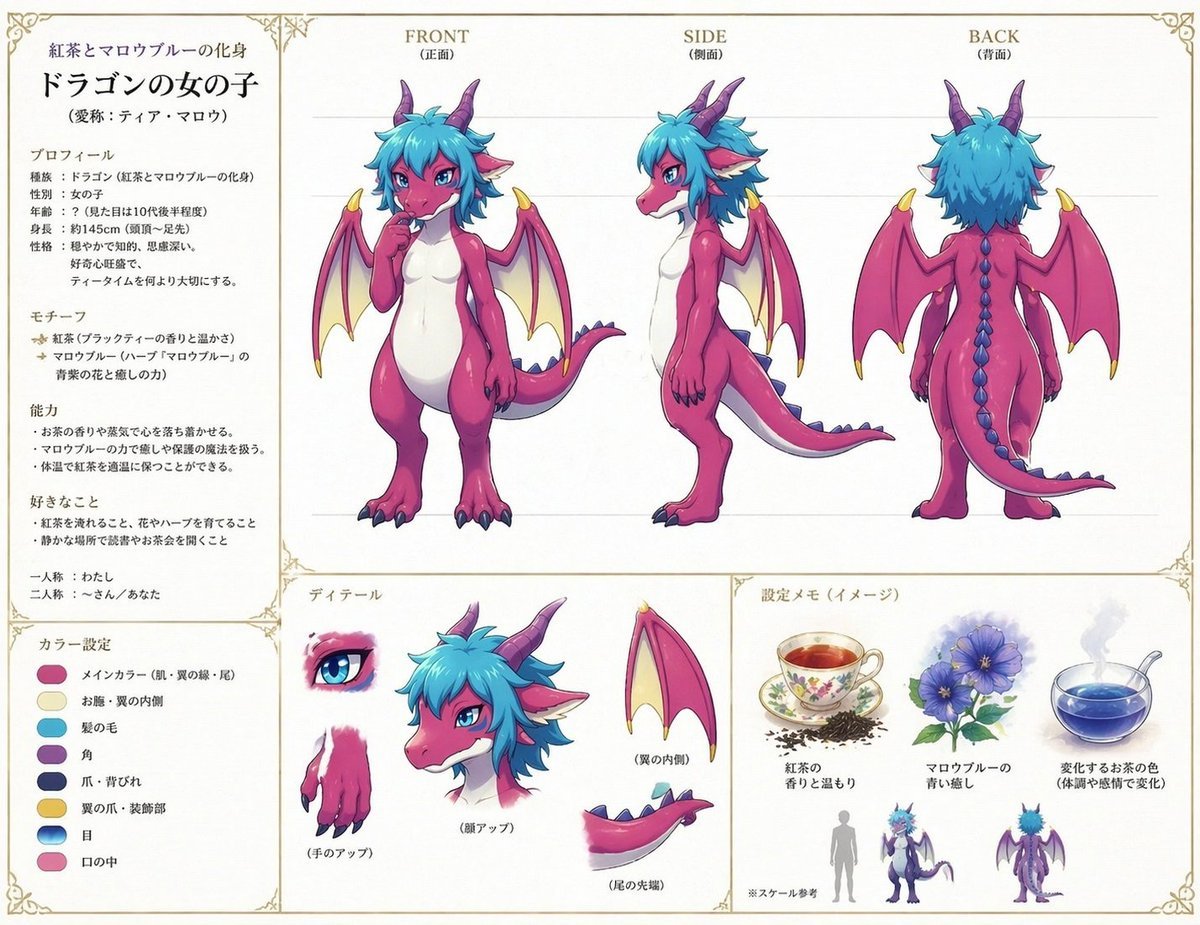
Anime Dragon Girl Reference Sheet
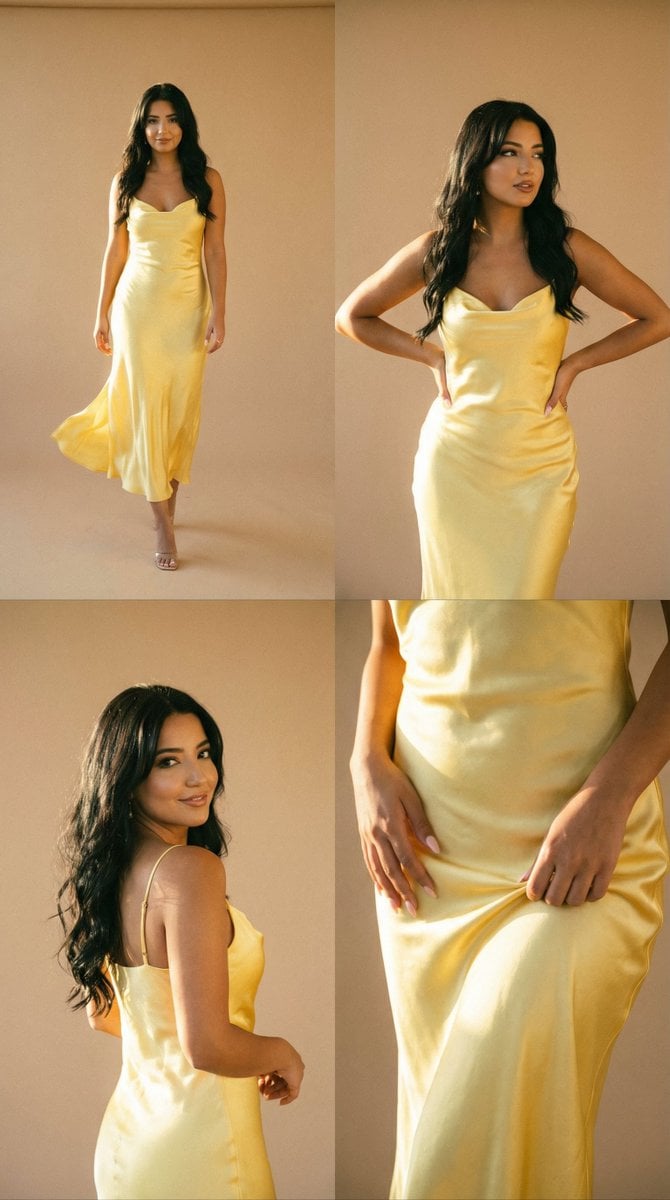
Golden Hour Fashion Editorial Collage (4 Panels)
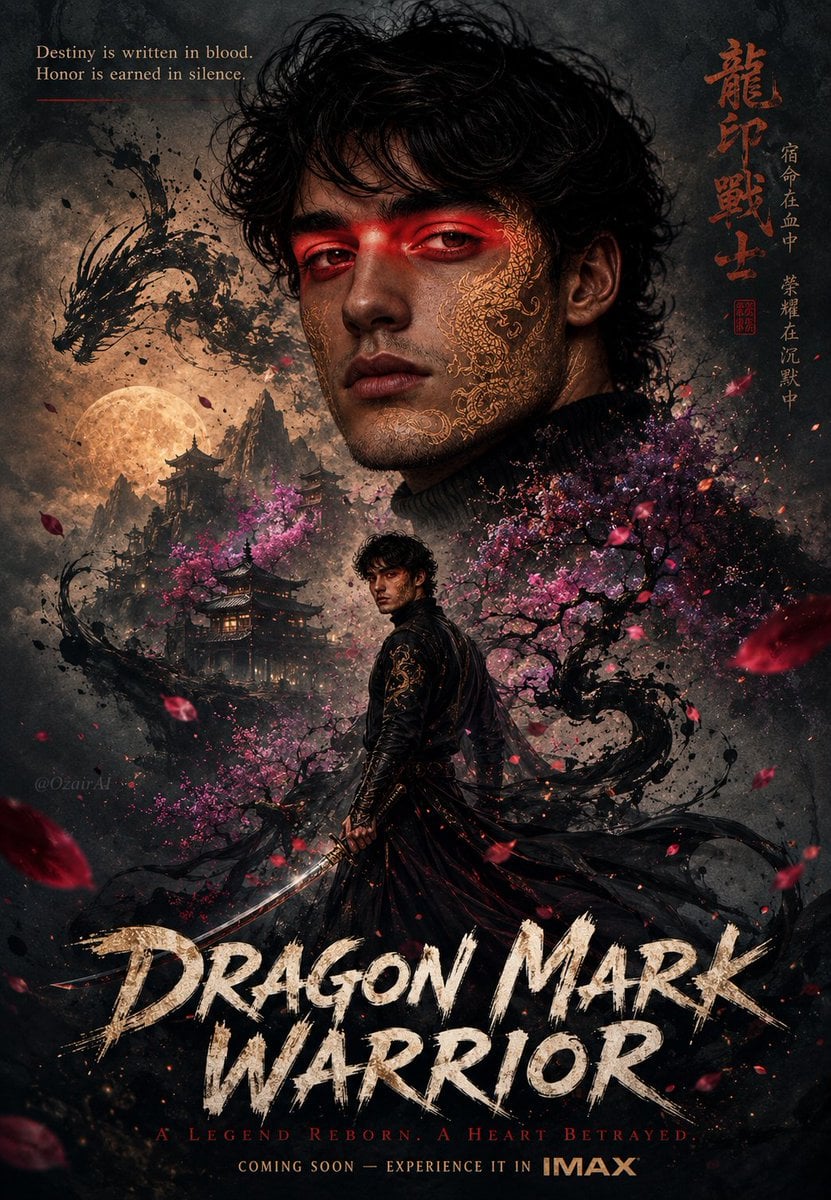
Double Exposure Dragon Warrior Poster
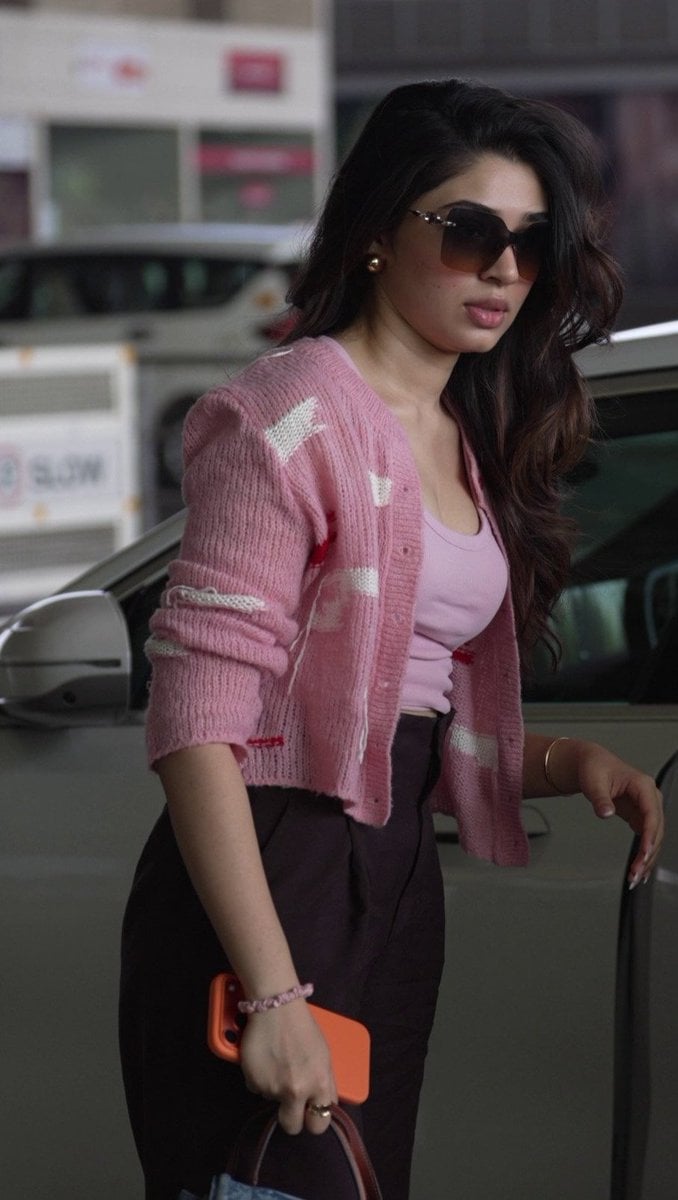
Elegant Pink Urban Glow Fashion Portrait
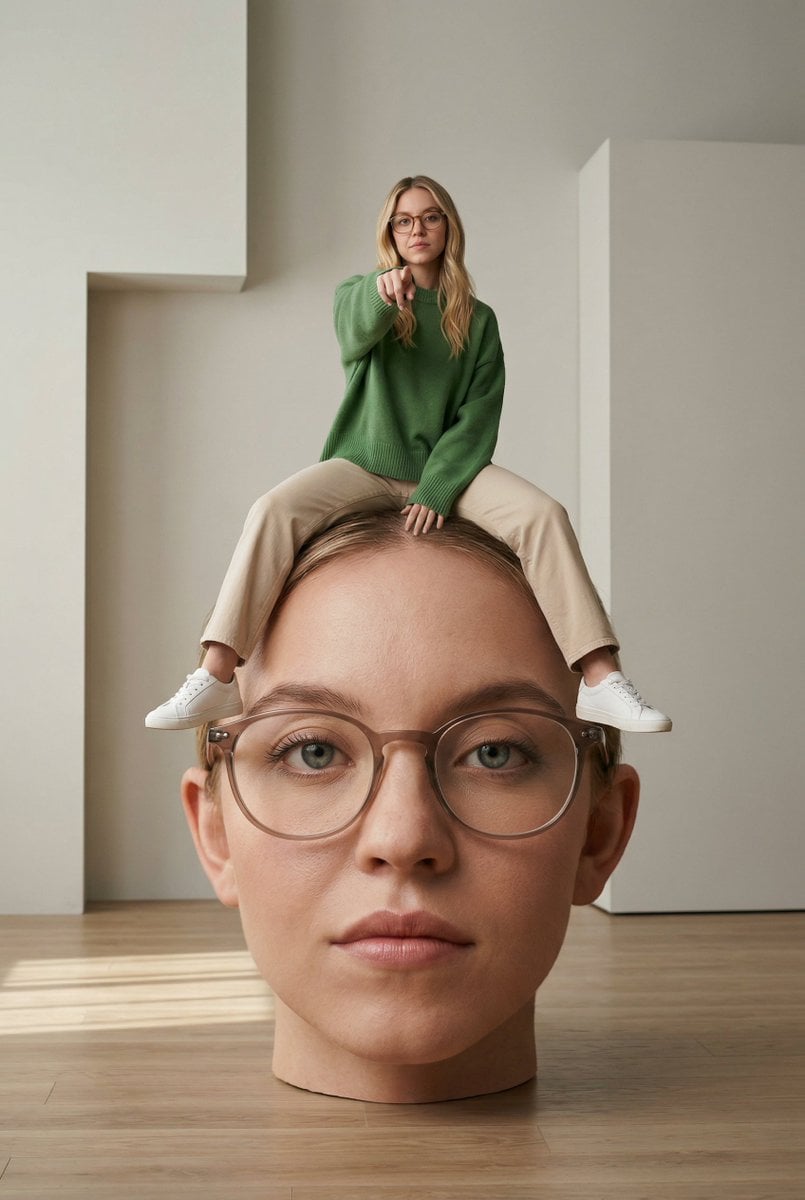
Surreal Conceptual Photography with Scale Distortion

Stylish Office Worker Portrait
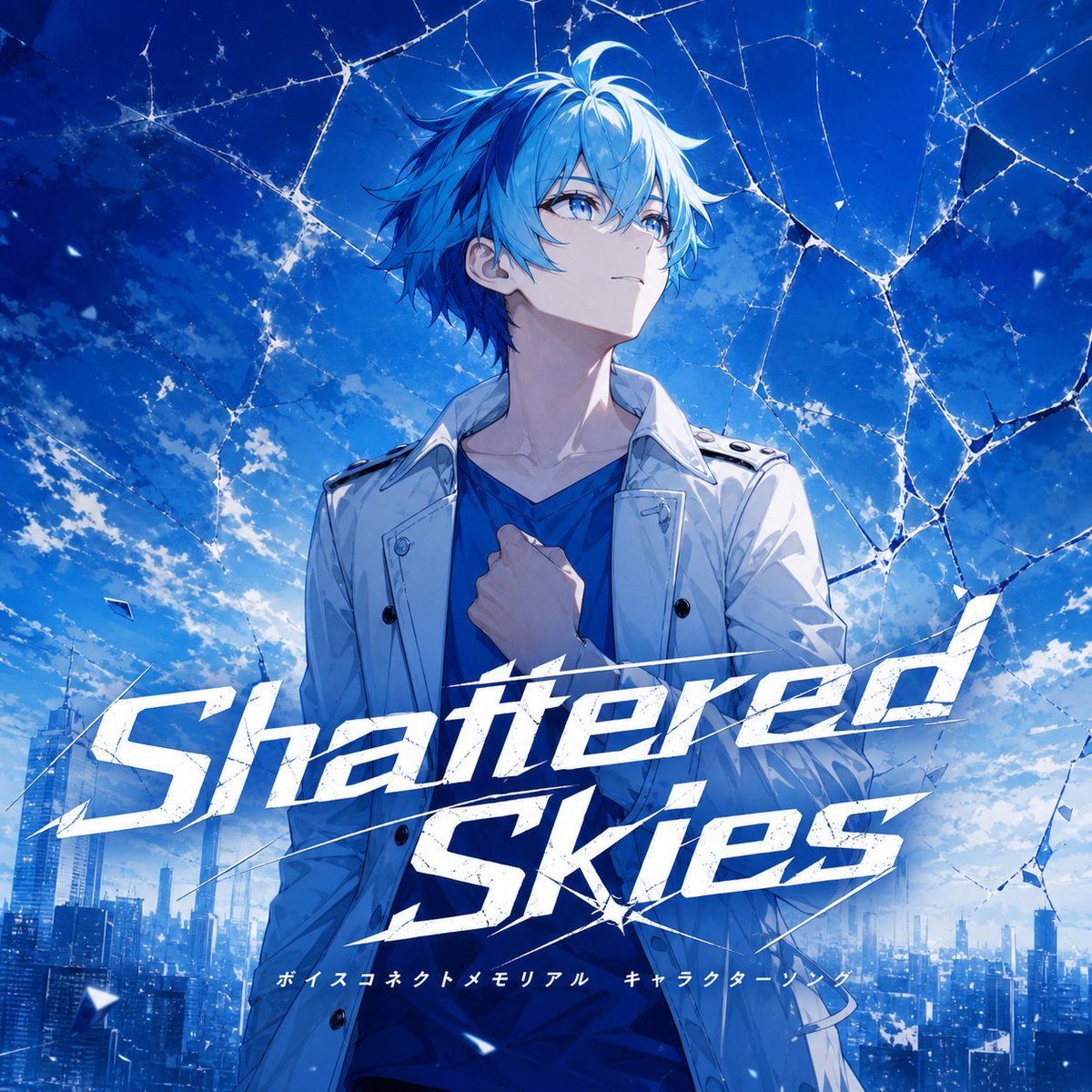
Fictional Music CD Jacket
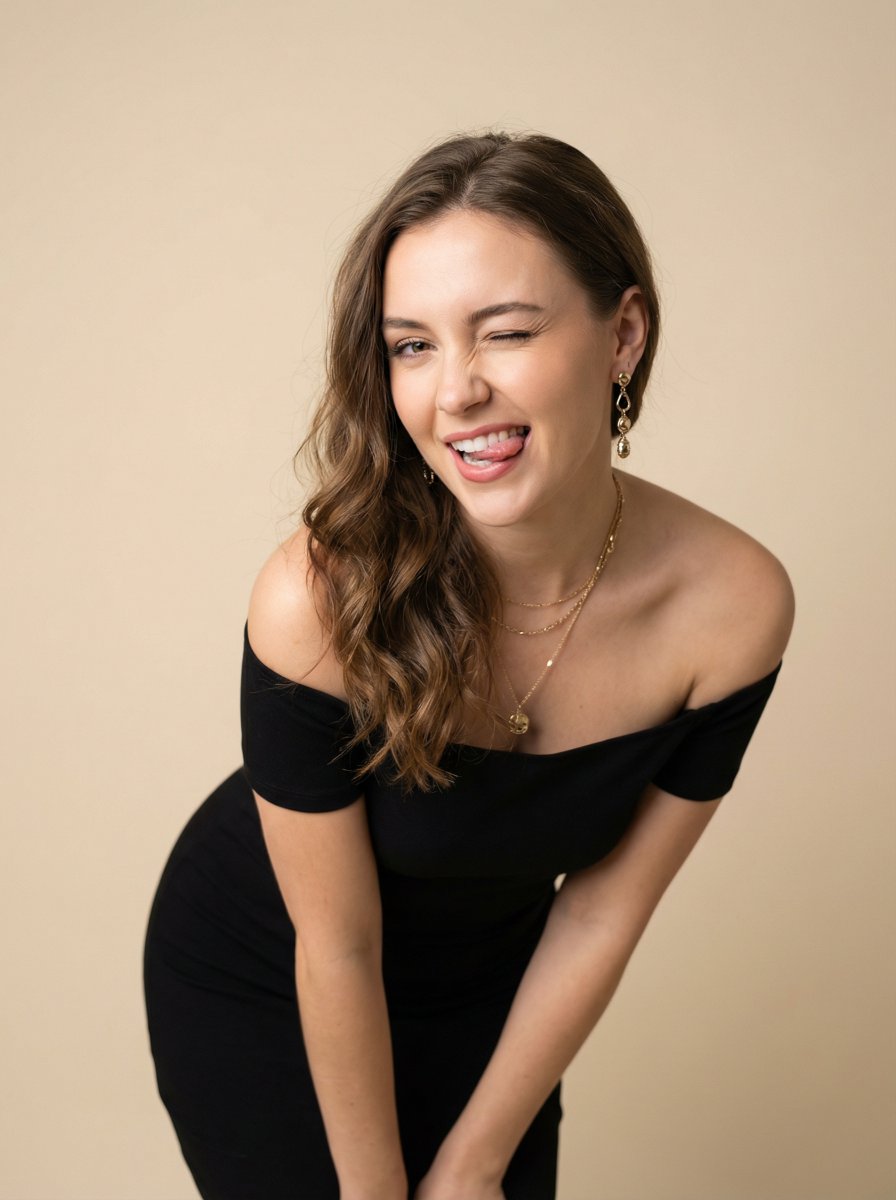
Ultra-Realistic Winking Portrait with Playful Expression
Browse template categories
Modern Chinese Graphic Design questions
How do I use the Modern Chinese Graphic Design template?
Add your photo if the template asks for one, edit the prompt if you like — the template's model and format are already selected — and press Generate. Your version opens in PicX Studio.
Can I customize the Modern Chinese Graphic Design template?
Yes. You can change the subject, setting, lighting, mood, format, and available model controls before creating your image.
Is the Modern Chinese Graphic Design template free?
Opening and editing this template is free. Generating uses credits, shown on the Generate button when you are signed in.
Which AI model should I use?
Start with GPT Image 2, which is the model associated with this template. You can compare another compatible model for a different finish.
Looking for something else? Browse all templates.

Your photo, any look
Thousands of ready templates for every top image and video model, from one credit balance.