
Golden Hour Fashion Editorial Collage (4 Panels)
A complex, structured prompt for generating a four-panel fashion editorial collage featuring a woman in a butter yellow satin slip dress.
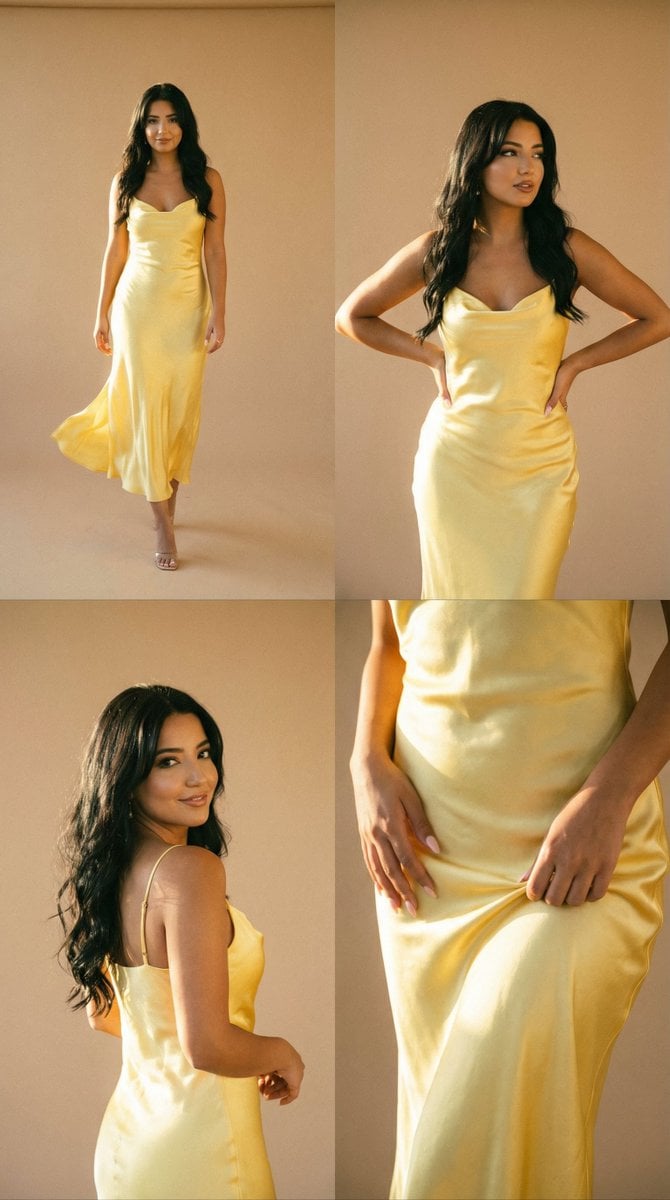
- Prompt included
- Model and format preset
- Free template
The prompt behind this image
Copy the exact prompt behind Golden Hour Fashion Editorial Collage (4 Panels), or open it in the studio and make it yours.
- Generation Request › Meta Data › Task Type
- editorial_grid_collage_fashion_golden_hour
- Generation Request › Meta Data › Language
- en
- Generation Request › Meta Data › Priority
- highest
- Generation Request › Meta Data › Version
- v1.0_YELLOW_SATIN_SUNLIT_CONFIDENT
- Generation Request › Output › Aspect Ratio
- 1:1
- Generation Request › Output › Resolution
- high
- Generation Request › Output › Num Images
- 4
- Generation Request › Scene › Concept
- a radiant fashion editorial collage inspired by warm sunlight and vintage film
- Generation Request › Scene › Environment
- minimal beige studio wall or sunlit balcony, soft shadows, clean background, no props
- Generation Request › Scene › Composition
- four clean panels arranged in a grid, consistent color grading across all frames
- Generation Request › Subject › Person
- adult woman
- Generation Request › Subject › Wardrobe › Dress
- butter yellow / champagne satin slip dress, flowing fabric, elegant, light reflective silk texture
- Generation Request › Subject › Hair Makeup › Hair
- loose natural waves moving slightly in wind
- Generation Request › Subject › Hair Makeup › Makeup
- fresh skin, sun-kissed glow
- Generation Request › Subject › Mood
- confident, radiant, free, modern couture
- Generation Request › Panels › 0 › Panel Id
- 1
- Generation Request › Panels › 0 › Framing
- full body
- Generation Request › Panels › 0 › Pose
- walking forward, dress flowing with motion
- Generation Request › Panels › 0 › Motion
- soft fabric movement blur
- Generation Request › Panels › 0 › Lighting
- backlit golden hour rim light
- Generation Request › Panels › 1 › Panel Id
- 2
- Generation Request › Panels › 1 › Framing
- 3/4 body
- Generation Request › Panels › 1 › Pose
- standing tall, hands on waist, strong editorial stance
- Generation Request › Panels › 1 › Motion
- still, sharp focus on face
Raw JSON
{
  "generation_request": {
    "meta_data": {
      "task_type": "editorial_grid_collage_fashion_golden_hour",
      "language": "en",
      "priority": "highest",
      "version": "v1.0_YELLOW_SATIN_SUNLIT_CONFIDENT"
    },

    "output": {
      "aspect_ratio": "1:1",
      "resolution": "high",
      "num_images": 4
    },

    "scene": {
      "concept": "a radiant fashion editorial collage inspired by warm sunlight and vintage film",
      "environment": "minimal beige studio wall or sunlit balcony, soft shadows, clean background, no props",
      "composition": "four clean panels arranged in a grid, consistent color grading across all frames"
    },

    "subject": {
      "person": "adult woman",
      "wardrobe": {
        "dress": "butter yellow / champagne satin slip dress, flowing fabric, elegant, light reflective silk texture"
      },
      "hair_makeup": {
        "hair": "loose natural waves moving slightly in wind",
        "makeup": "fresh skin, sun-kissed glow"
      },
      "mood": "confident, radiant, free, modern couture"
    },

    "panels": [
      {
        "panel_id": 1,
        "framing": "full body",
        "pose": "walking forward, dress flowing with motion",
        "motion": "soft fabric movement blur",
        "lighting": "backlit golden hour rim light"
      },
      {
        "panel_id": 2,
        "framing": "3/4 body",
        "pose": "standing tall, hands on waist, strong editorial stance",
        "motion": "still, sharp focus on face",
        "lighting": "warm side sunlight"
      },
      {
        "panel_id": 3,
        "framing": "half body",
        "pose": "turning head over shoulder, soft smile",
        "motion": "gentle motion blur in hair",
        "lighting": "soft glow"
      },
      {
        "panel_id": 4,
        "framing": "detail close-up",
        "pose": "hands lifting dress hem slightly, satin texture emphasized",
        "detail": "fabric folds, highlights, luxury texture",
        "lighting": "highlight bloom"
      }
    ],

    "camera": {
      "shot": "analog fashion editorial",
      "lens_mm": 50,
      "aperture": 1.8,
      "focus": "soft focus with selective clarity",
      "quality_tags": "film grain, halation, subtle bloom, natural imperfections"
    },

    "lighting": {
      "style": "golden hour cinematic",
      "notes": "warm honey highlights, soft shadows, glowing skin tones"
    },

    "color_grade": {
      "palette": "butter yellow, champagne, warm beige, honey gold",
      "contrast": "medium-low filmic",
      "effects": "grain, halation, slight vignette"
    },

    "negative_prompt": "text, logo, watermark, cartoon style, oversharp HDR, plastic skin, distorted anatomy, extra fingers, low resolution, artifacts"
  }
}How to use Golden Hour Fashion Editorial Collage (4 Panels) in 3 steps
- 1
Open
The prompt is already in the box next to the preview, with the template's model and format selected.
- 2…a portrait of your subject in softgolden-hour light, 85mm…
Personalize
Edit the subject and creative details for your destination.
- 3Generate
Generate
Press Generate — your image is created in PicX Studio, so you can compare it with the original and refine one variable at a time.
More like this
Templates with the same subject, style or setup. Open one to see its prompt.

untitled

Google Gemini Nano Banana Pro

Conceptual Fashion Portrait in Spider We

01 Skincare Split Portrait — Nano Banana 2

24 The Getty Center — California Series

21 Glass Floor Skyscraper — California Series

19 Luxury Helicopter Travel — California Series

08 Rodeo Drive Luxury Exit — California Series

03 Beverly Hills Convertible — California Series

Gpt Image 2 Fashion Portrait

Caution Tape Fashion — Industrial Editorial

Nano Banana - Paris Cafe Editorial
Make it yours
Golden Hour Fashion Editorial Collage (4 Panels) works as-is. These are the safest ways to change it without losing the look.
Swap the setting
Keep the rest of the prompt and replace the location block. The current setting is “minimal beige studio wall or sunlit balcony, soft shadows, clean background, no ”.
Swap the light
One lighting change is enough to compare takes. Current light: “backlit golden hour rim light”.
Change one field
Copy a single group, rewrite it, and generate again so you can see what that field is doing.
| If the result… | Why | Fix |
|---|---|---|
| The result drifts from the preview | Too many fields changed at once. | Reuse Golden Hour Fashion Editorial Collage (4 Panels) as-is first, then change one group — subject, light, or setting. |
| Nano Banana 2 ignores part of the JSON | Some models flatten or skip nested keys. | Keep the same values and paste them as a short paragraph instead. |
More Nano Banana 2 templates
Other prompts made for Nano Banana 2.

Photorealistic Leaf Shaped Like a Dragon

K-Pop Idol Portrait Grid for Rapid Selection

Poetic Rain Forest Portrait During Golden Hour

Urban Street Portrait with Cartoon Inner Self Duo

Candid Nighttime Photo with Cat Prompt

High-Concept 3D Diorama Generation Prompt

Cinematic Futuristic Studio Portrait Template

Skincare Editorial Photography Collage Prompt

Hyper-Realistic Commercial Product Photography (Splash Effect)

Hyper-Realistic Nightclub Portrait Prompt
More image prompts
Fresh picks from across the catalog.
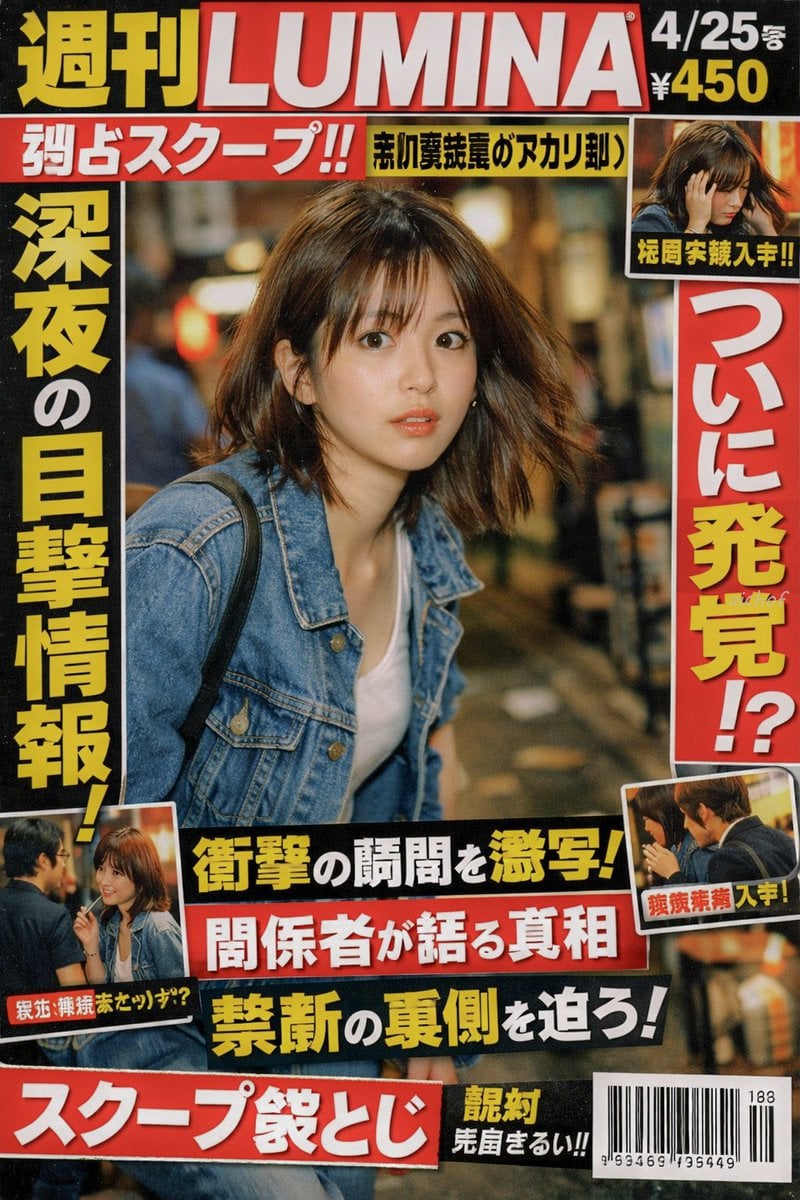
Japanese Tabloid Magazine Cover
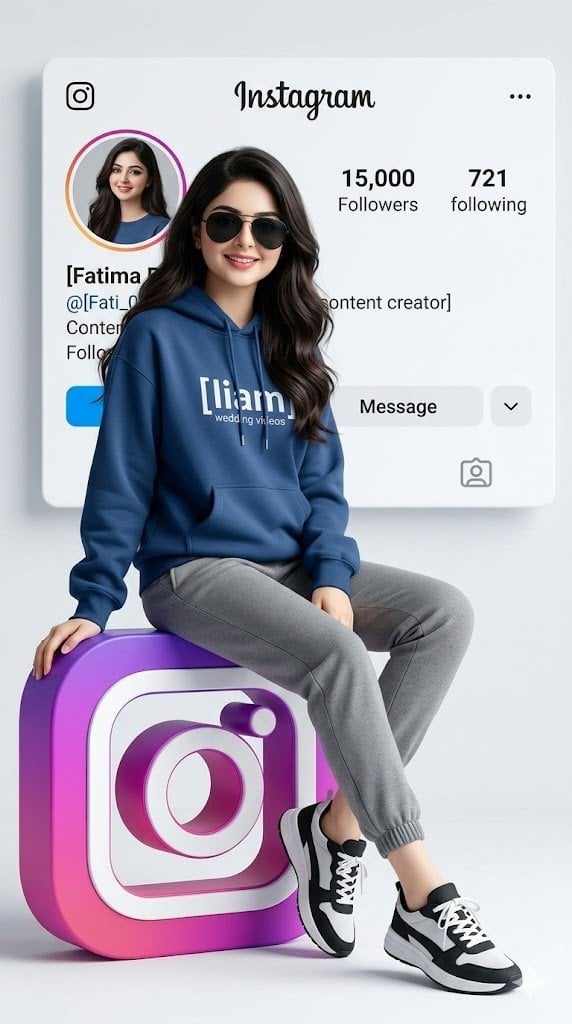
Realistic 3D Social Media Profile
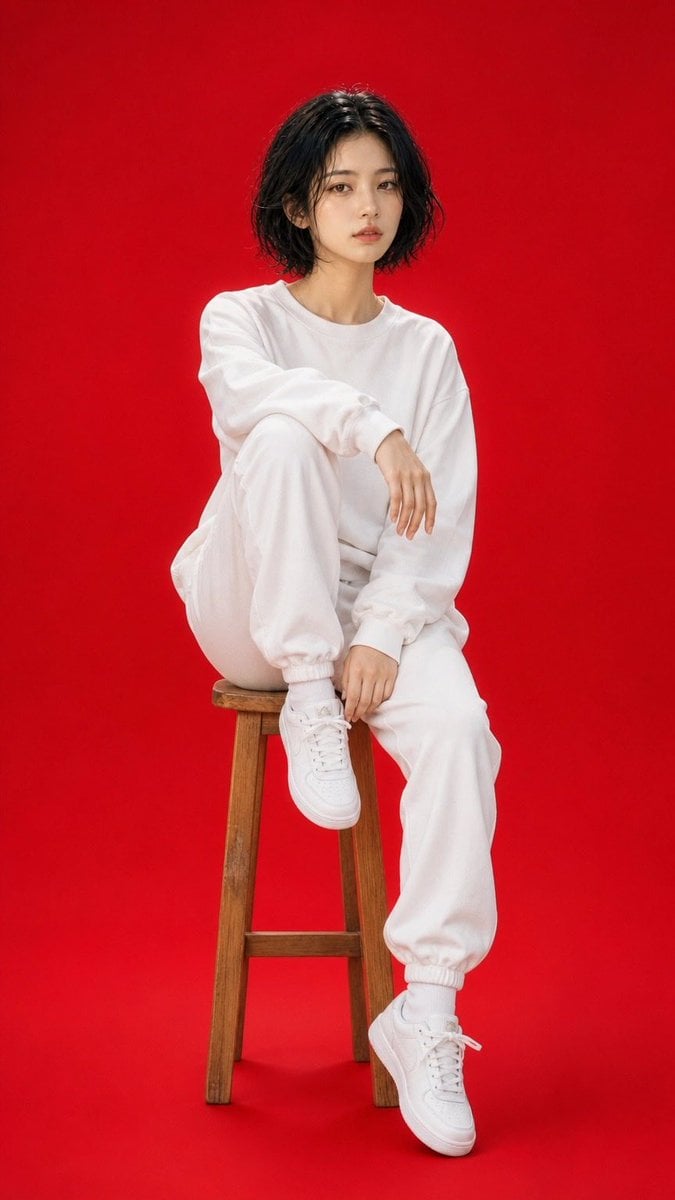
High Fashion Red Backdrop Portrait
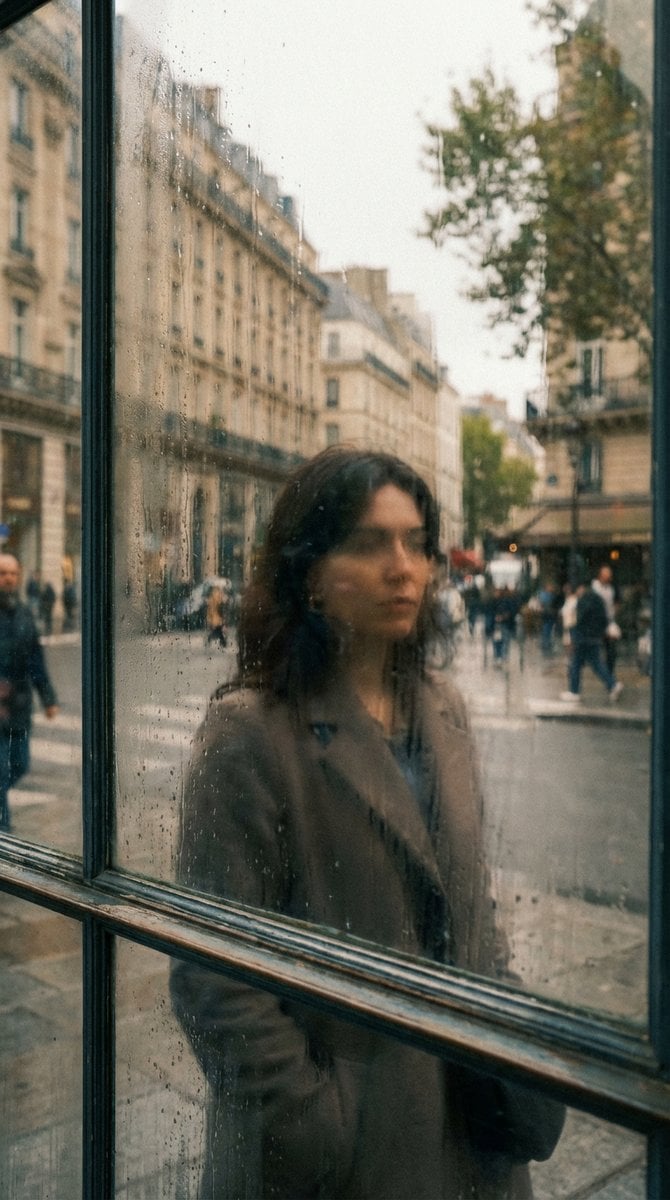
Layered Reflection in Glass Window
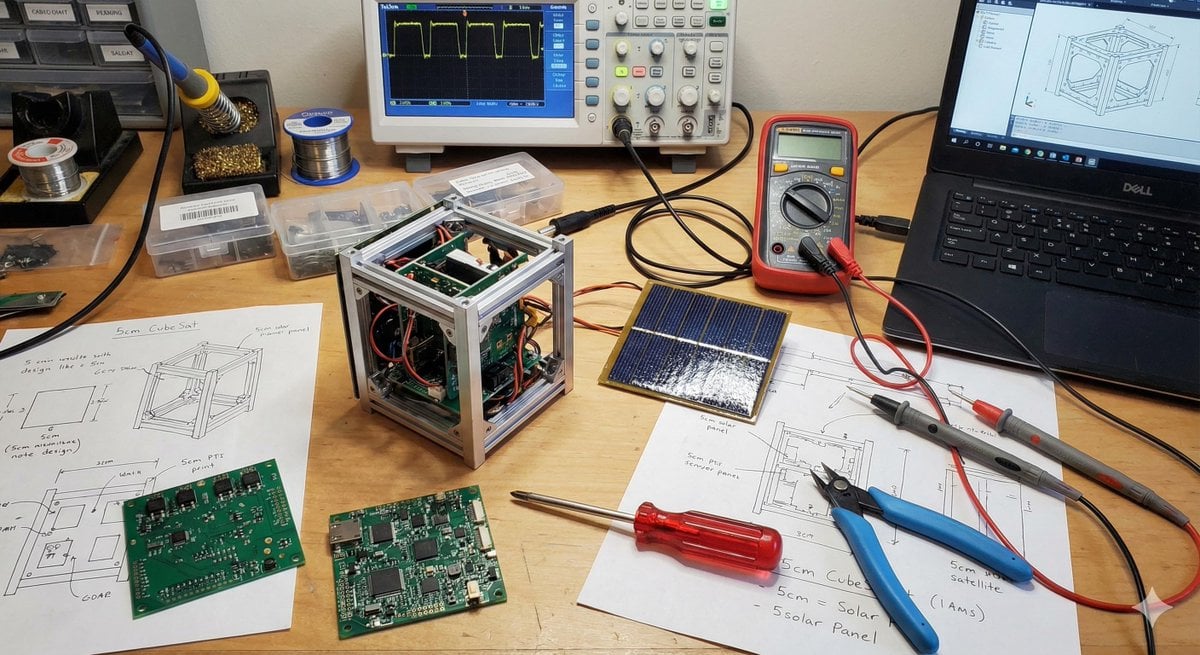
Generating Cubesat Satellite Images
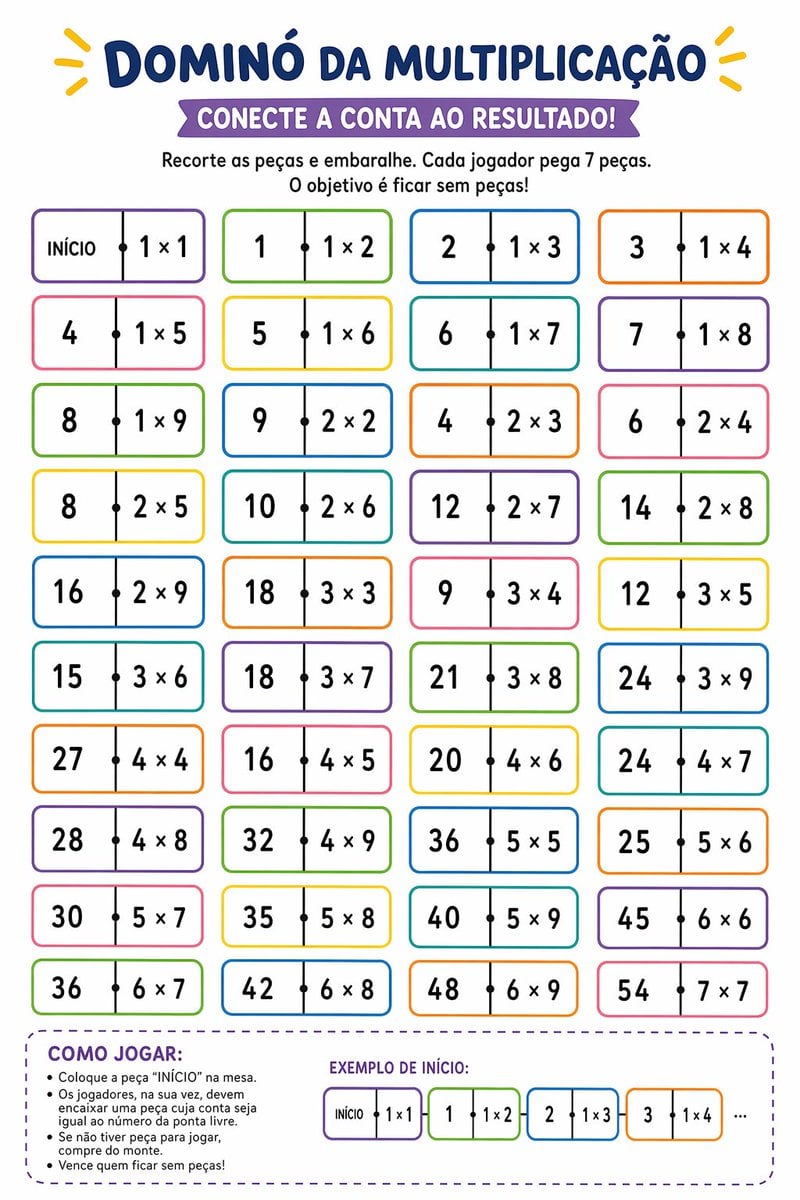
Printable Multiplication Domino Worksheet
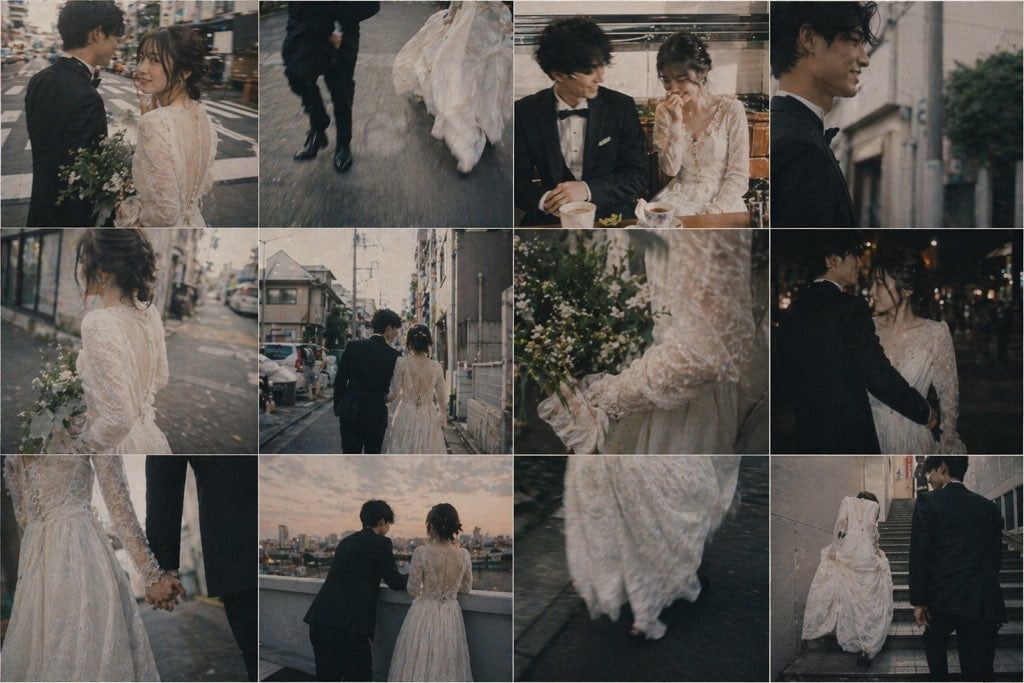
Emotional Japanese Wedding Photo Collage
Minimalist Gradient Phone Wallpaper

Generating 'Karaage-kun' Image with Nano Banana Pro
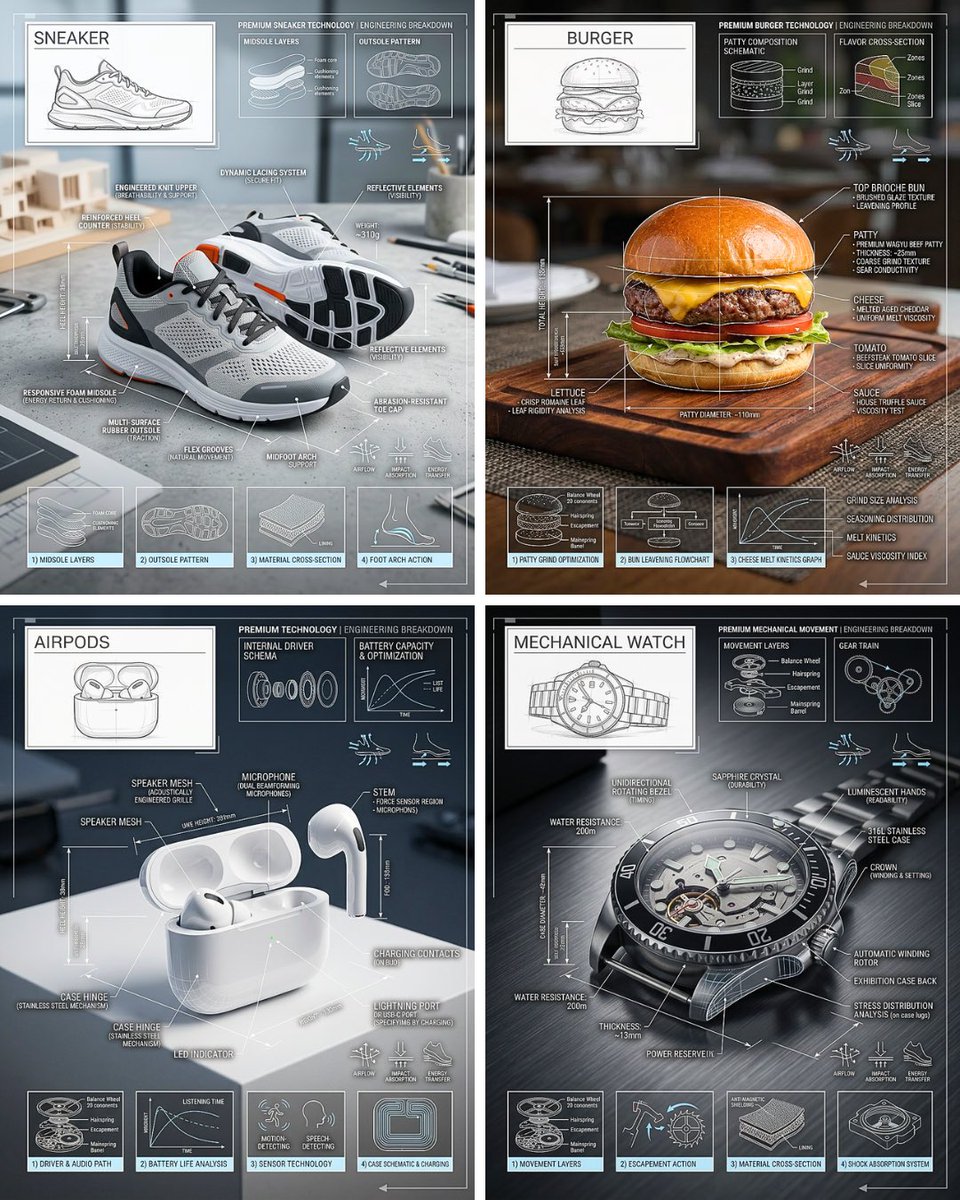
Technical Breakdown Infographic
Browse template categories
Golden Hour Fashion Editorial Collage (4 Panels) questions
How do I use the Golden Hour Fashion Editorial Collage (4 Panels) template?
Add your photo if the template asks for one, edit the prompt if you like — the template's model and format are already selected — and press Generate. Your version opens in PicX Studio.
Can I customize the Golden Hour Fashion Editorial Collage (4 Panels) template?
Yes. You can change the subject, setting, lighting, mood, format, and available model controls before creating your image.
Is the Golden Hour Fashion Editorial Collage (4 Panels) template free?
Opening and editing this template is free. Generating uses credits, shown on the Generate button when you are signed in.
Which AI model should I use?
Start with Nano Banana 2, which is the model associated with this template. You can compare another compatible model for a different finish.
Looking for something else? Browse all templates.

Your photo, any look
Thousands of ready templates for every top image and video model, from one credit balance.