
Japanese Tabloid Magazine Cover
Generates a realistic Japanese weekly gossip magazine cover featuring paparazzi-style photography, sensational headlines, and multiple inset photos.
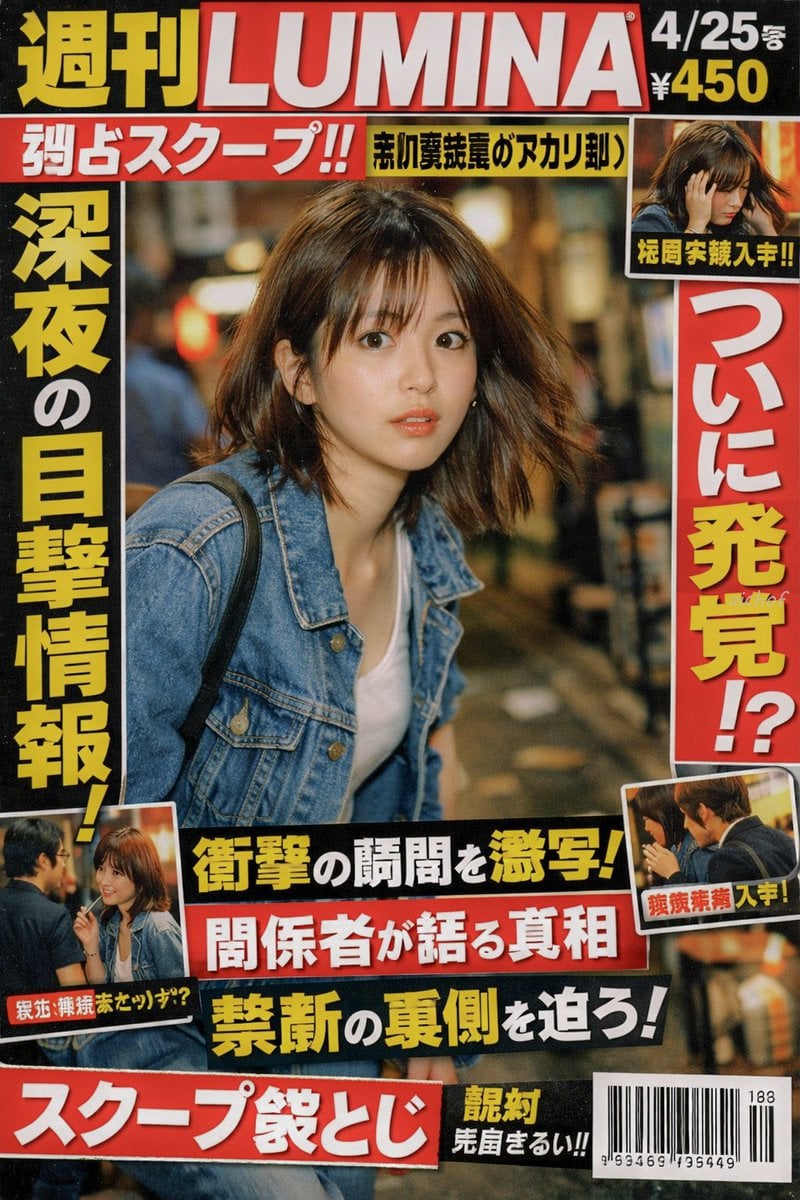
- Prompt included
- Model and format preset
- Free template
The prompt behind this image
Copy the exact prompt behind Japanese Tabloid Magazine Cover, or open it in the studio and make it yours.
- Type
- Japanese tabloid magazine cover
- Magazine Header › Title
- {argument name="magazine name" default="週刊LUMINA"}
- Magazine Header › Issue Date
- 4/25号
- Magazine Header › Price
- ¥450
- Main Photo › Subject
- {argument name="subject description" default="young Japanese woman looking back in surprise, wearing a denim jacket over a white top"}
- Main Photo › Setting
- nighttime street with bokeh lights
- Main Photo › Style
- paparazzi flash photography style
- Layout › Headlines › 0 › Position
- top left banner
- Layout › Headlines › 0 › Text
- {argument name="top banner text" default="独占スクープ!!"}
- Layout › Headlines › 0 › Color
- white text on red background
- Layout › Headlines › 1 › Position
- left vertical
- Layout › Headlines › 1 › Text
- {argument name="main headline left" default="深夜の目撃情報!"}
- Layout › Headlines › 1 › Color
- yellow text with black outline
- Layout › Headlines › 2 › Position
- right vertical
- Layout › Headlines › 2 › Text
- {argument name="main headline right" default="ついに発覚!?"}
- Layout › Headlines › 2 › Color
- red text with white outline
- Layout › Headlines › 3 › Position
- bottom center stacked 1
- Layout › Headlines › 3 › Text
- 衝撃の瞬間を激写!
- Layout › Headlines › 3 › Color
- yellow text on black background
- Layout › Headlines › 4 › Position
- bottom center stacked 2
- Layout › Headlines › 4 › Text
- 関係者が語る真相
- Layout › Headlines › 4 › Color
- white text on red background
- Layout › Headlines › 5 › Position
- bottom center stacked 3
- Layout › Headlines › 5 › Text
- 禁断の裏側を迫ろ!
Raw JSON
{
  "type": "Japanese tabloid magazine cover",
  "magazine_header": {
    "title": "{argument name=\"magazine name\" default=\"週刊LUMINA\"}",
    "issue_date": "4/25号",
    "price": "¥450"
  },
  "main_photo": {
    "subject": "{argument name=\"subject description\" default=\"young Japanese woman looking back in surprise, wearing a denim jacket over a white top\"}",
    "setting": "nighttime street with bokeh lights",
    "style": "paparazzi flash photography style"
  },
  "layout": {
    "headlines": [
      { "position": "top left banner", "text": "{argument name=\"top banner text\" default=\"独占スクープ!!\"}", "color": "white text on red background" },
      { "position": "left vertical", "text": "{argument name=\"main headline left\" default=\"深夜の目撃情報!\"}", "color": "yellow text with black outline" },
      { "position": "right vertical", "text": "{argument name=\"main headline right\" default=\"ついに発覚!?\"}", "color": "red text with white outline" },
      { "position": "bottom center stacked 1", "text": "衝撃の瞬間を激写!", "color": "yellow text on black background" },
      { "position": "bottom center stacked 2", "text": "関係者が語る真相", "color": "white text on red background" },
      { "position": "bottom center stacked 3", "text": "禁断の裏側を迫ろ!", "color": "yellow text on black background" },
      { "position": "bottom left banner", "text": "スクープ袋とじ", "color": "white text on red background" }
    ],
    "inset_photos": {
      "count": 3,
      "details": [
        { "position": "top right", "description": "woman looking down holding her head", "label": "極秘写真入手!!" },
        { "position": "bottom left", "description": "woman talking to a man with glasses", "label": "親密交際発覚か!?" },
        { "position": "bottom right", "description": "woman and man seen from the side", "label": "熱愛発覚 入手!" }
      ]
    },
    "footer": {
      "elements": ["barcode", "188", "963469 195449"]
    }
  }
}Reference images included
Japanese Tabloid Magazine Cover needs input media to work. They load alongside the prompt when you open it in the studio.
How to use Japanese Tabloid Magazine Cover in 3 steps
- 1Upload ImagePNG, JPG or paste
Add your photo
Upload the photo the template builds on. The prompt, model and format are already set.
- 2…a portrait of your subject in softgolden-hour light, 85mm…
Personalize
Edit the subject and creative details for your destination.
- 3Generate
Generate
Press Generate — your image is created in PicX Studio, so you can compare it with the original and refine one variable at a time.
More like this
Templates with the same subject, style or setup. Open one to see its prompt.

Japanese Tatami Lifestyle Magazine Cover
Japanese Koinobori Fashion Magazine Cover
Japanese Fashion Magazine Anime Cover

Minecraft Japanese Research Lab Exploration

Off Duty Fashion Magazine Cover

Ethereal Bloom Magazine Cover

Tropical Macaw Magazine Cover

Anime Mahjong Magazine Cover

Neon Anime Fireworks Magazine Cover

High-Fashion Magazine Cover Portrait

Japanese Architectural Concrete Studio Fashion Campaign

Japanese Minimalist Concrete Studio Fashion Editorial
Make it yours
Japanese Tabloid Magazine Cover works as-is. These are the safest ways to change it without losing the look.
Swap the setting
Keep the rest of the prompt and replace the location block. The current setting is “nighttime street with bokeh lights”.
Change one field
Copy a single group, rewrite it, and generate again so you can see what that field is doing.
Keep the frame, change the subject
Hold the composition and light of Japanese Tabloid Magazine Cover, then swap wardrobe, props or the person for a new take.
| If the result… | Why | Fix |
|---|---|---|
| The result drifts from the preview | Too many fields changed at once. | Reuse Japanese Tabloid Magazine Cover as-is first, then change one group — subject, light, or setting. |
| GPT Image 2 ignores part of the JSON | Some models flatten or skip nested keys. | Keep the same values and paste them as a short paragraph instead. |
More GPT Image 2 templates
Other prompts made for GPT Image 2.

Six VTuber Japanese Logo Sheet

Realistic Portrait of Woman and Deer

The Vista Modular Condo Poster

AI Model Routing Comparison Infographic

2.5D Anime Art Board

Isometric Productivity Desk Scene

New York Double Exposure Poster

Four-Panel AI Landscape Comparison

NESCAFÉ Coffee Map Poster

Brutalist Cogito Chinese Typography Poster
More image prompts
Fresh picks from across the catalog.
Surreal Frozen Action Falling Woman Prompt
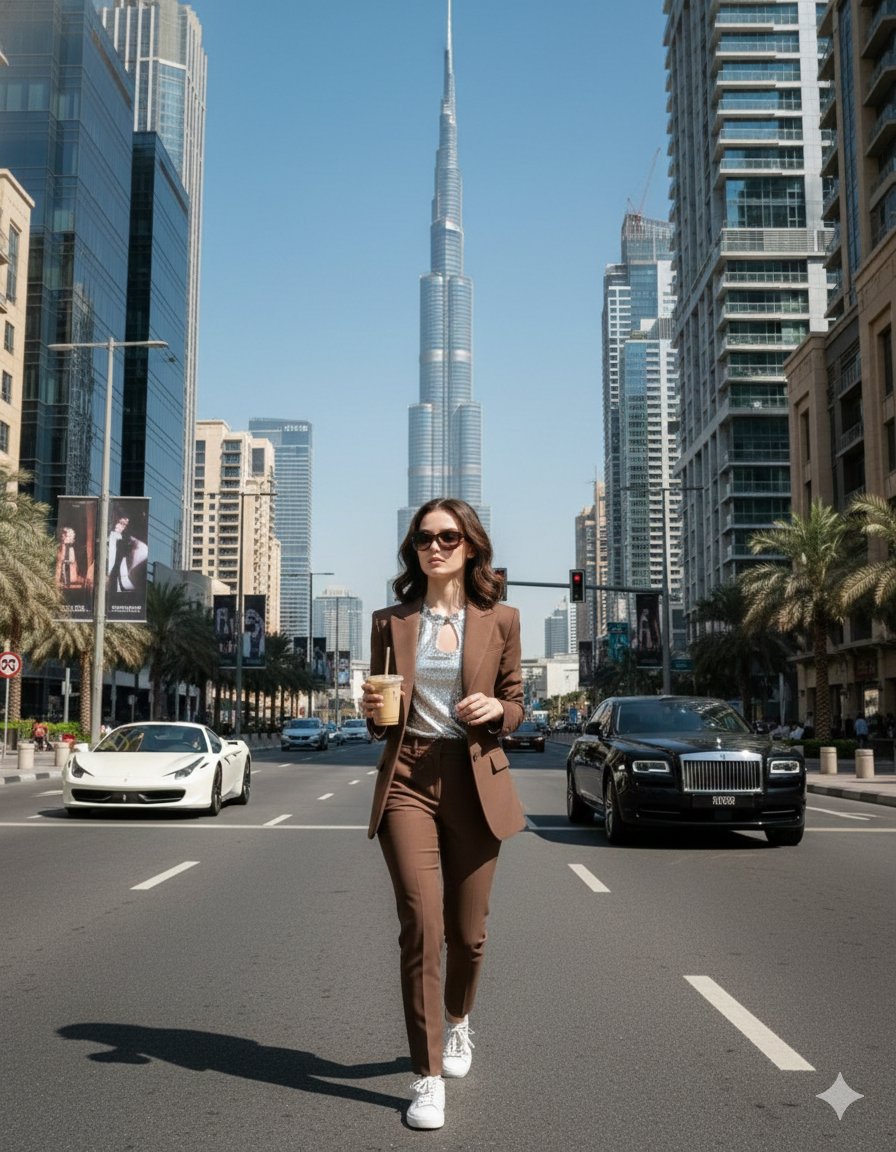
Four Prompts for Ultra-Realistic Female Portraits (Dubai, Floral, 90s, Western)

Anime Rock Band Concert Poster

Maximalist Kawaii Angel Sticker Collage
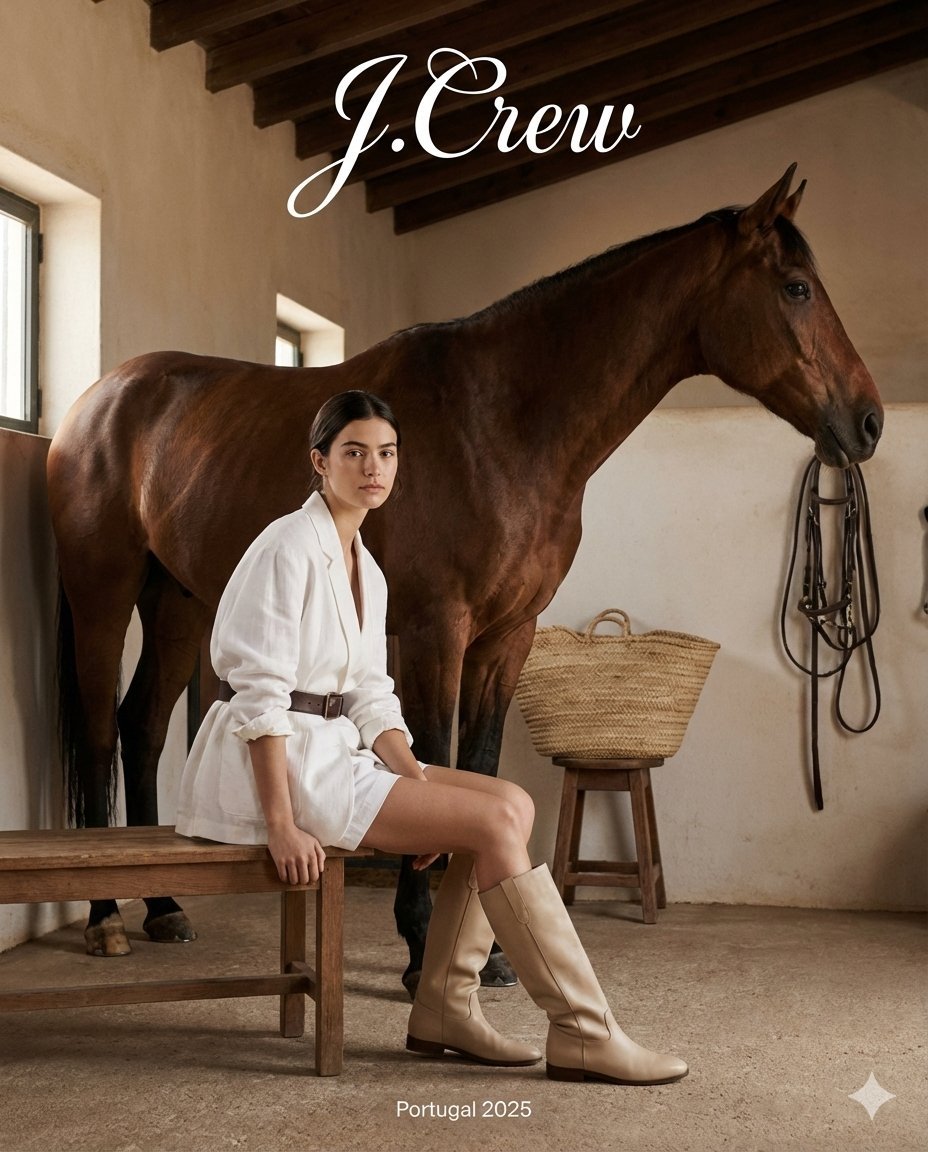
J.Crew Rustic Fashion Editorial

Citrus Product Photography
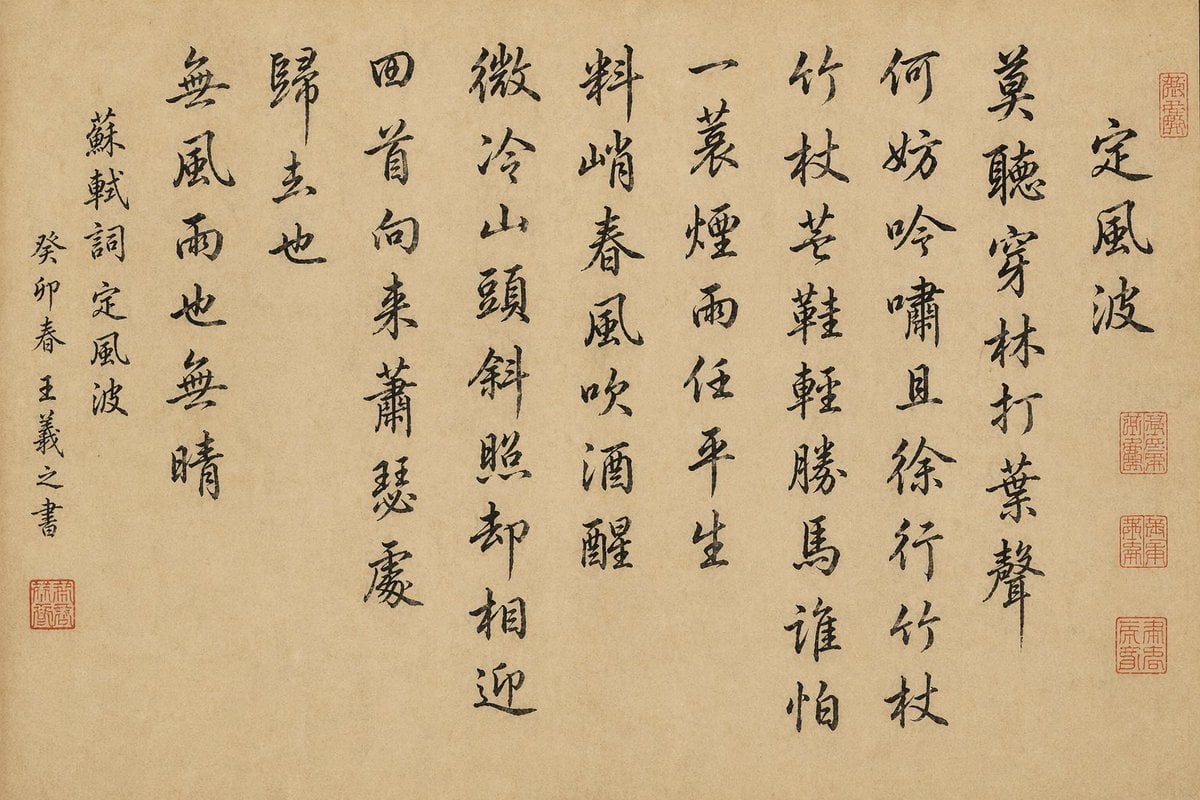
Chinese Calligraphy Scroll on Aged Paper

Pixelated Cartoon Animal Image
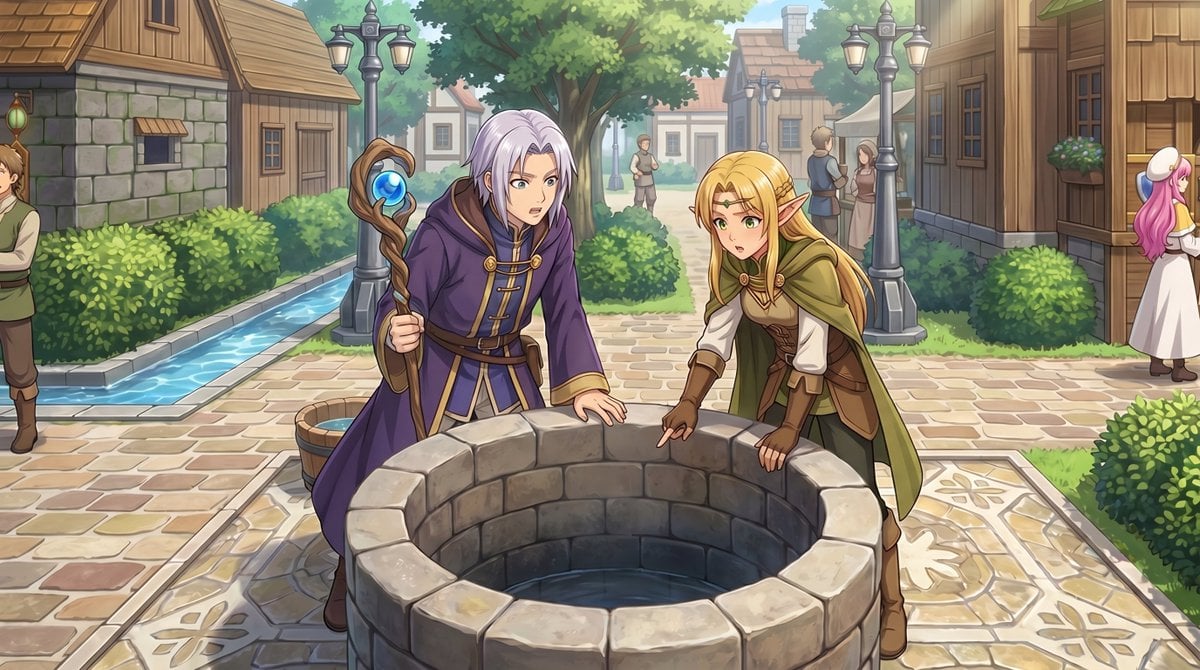
Gpt2 Comic Storyboard Rpg Map to Anime Event Scene
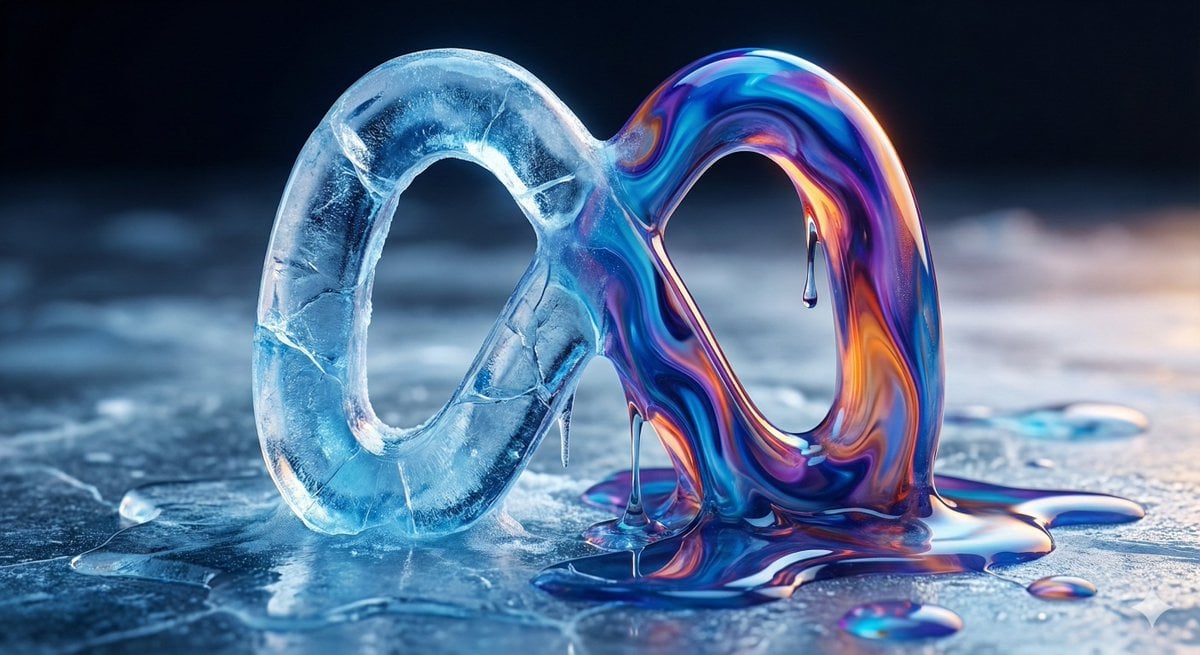
Ice and Liquid Hybrid Logo Design
Browse template categories
Japanese Tabloid Magazine Cover questions
How do I use the Japanese Tabloid Magazine Cover template?
Add your photo if the template asks for one, edit the prompt if you like — the template's model and format are already selected — and press Generate. Your version opens in PicX Studio.
Can I customize the Japanese Tabloid Magazine Cover template?
Yes. You can change the subject, setting, lighting, mood, format, and available model controls before creating your image.
Is the Japanese Tabloid Magazine Cover template free?
Opening and editing this template is free. Generating uses credits, shown on the Generate button when you are signed in.
Which AI model should I use?
Start with GPT Image 2, which is the model associated with this template. You can compare another compatible model for a different finish.
Looking for something else? Browse all templates.

Your photo, any look
Thousands of ready templates for every top image and video model, from one credit balance.