How do I use the Surreal Frozen Action Falling Woman Prompt template?
Choose the primary action to open PicX Studio with the available template settings. Review the model and format, personalize the creative direction, and generate when ready.
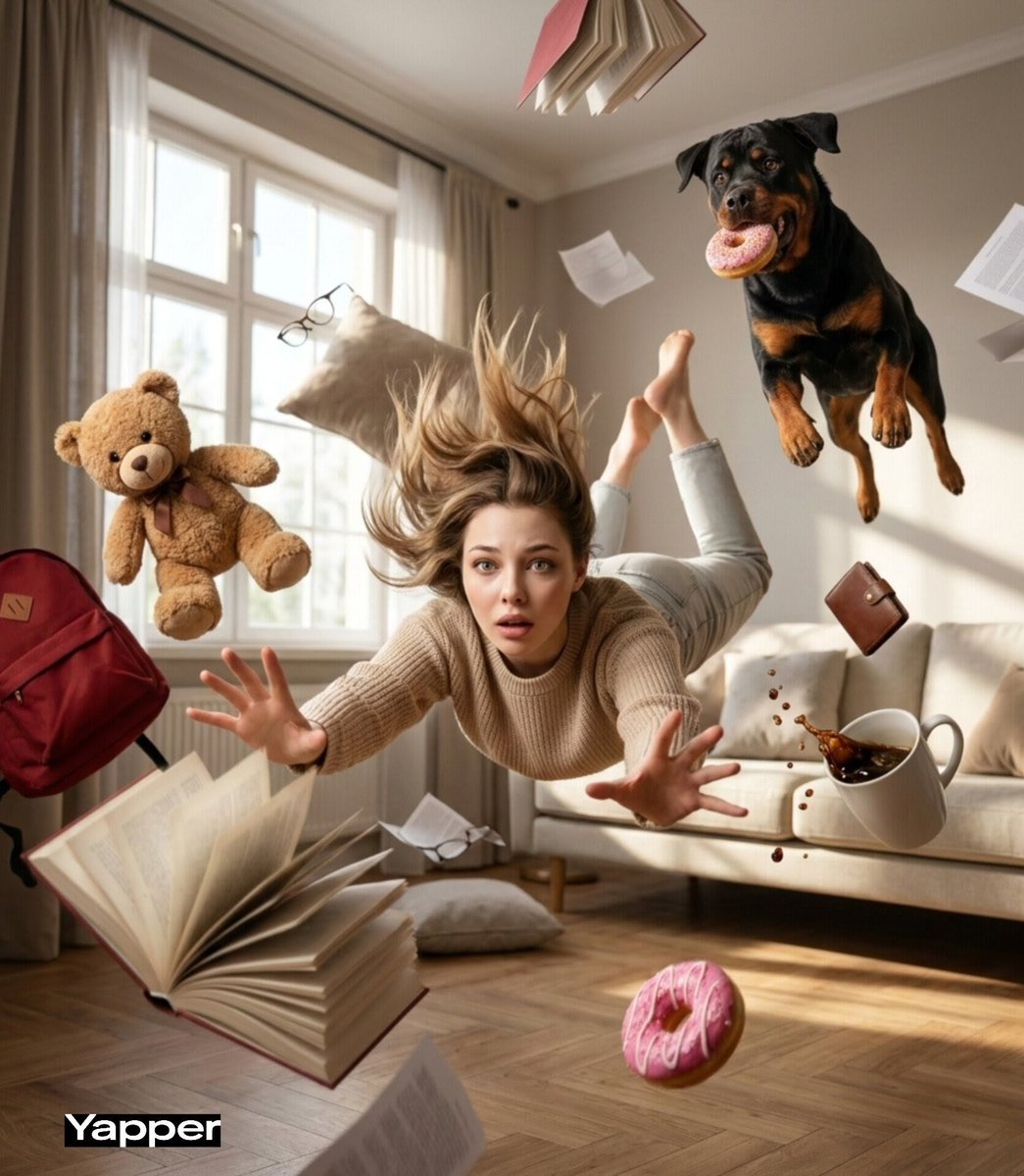
A highly detailed prompt for generating a cinematic, surreal image of a young woman falling backward in mid-air on a suburban street, with a grocery bag exploding and items floating around her, emphasizing frozen action and comedic panic. Change the subject, setting, or lighting one variable at a time.

{ "style": "cinematic realism, surreal moment frozen in time", "scene": "a suburban street in front of an old slightly worn house with muted yellow walls, white window frames, and a red wooden fence, overcast daylight with soft diffused lighting", "subject": { "type": "young woman", "appearance": "blonde hair mid-motion, slightly messy, expressive shocked face with wide eyes and open mouth", "outfit": "{argument name="outfit color" default="mustard yellow"} jumpsuit, white socks with stripes, white sneakers", "pose": "falling backward in mid-air, body tilted diagonally, one leg raised high, arms flailing for balance", "emotion": "surprised, chaotic, comedic panic" }, "action": "a grocery bag has exploded mid-air, items floating above her as if gravity paused for a split second", "objects": { "floating_items": [ "brown paper grocery bag", "kale leaves", "cherry tomatoes", "oranges", "egg carton", "baguette bread", "milk carton" ], "ground_element": "a banana peel on the sidewalk directly below her, implying the cause of the fall" }, "environment": { "foreground": "concrete sidewalk with subtle cracks and dirt", "midground": "red wooden fence", "background": "vintage suburban house with slightly weathered texture, curtains visible in windows, greenery on the sides" }, "camera": { "angle": "low angle, slightly tilted upward to enhance the floating effect", "lens": "35mm cinematic lens", "focus": "sharp focus on subject, slight depth of field blur on background", "framing": "subject centered with floating objects forming a loose arc above" }, "lighting": { "type": "natural overcast daylight", "quality": "soft shadows, diffused light, realistic skin tones", "direction": "top-front lighting" }, "motion": { "effect": "frozen action, subtle motion blur on hair and some objects for realism", "physics": "objects distributed unevenly with slight randomness, realistic gravity interruption feel" }, "color_palette": "muted cinematic tones with {argument name="accent color" default="mustard yellow"} as the dominant accent, soft greens and reds for contrast", "mood": "quirky, unexpected, slightly absurd but grounded in realism", "details": { "textures": "visible fabric folds, realistic food textures, worn paint on house, concrete grain", "imperfections": "slight asymmetry in object placement, natural facial tension, non-perfect alignment" }, "quality": { "resolution": "high detail, 4k", "rendering": "photorealistic, minimal AI artifacts, natural skin texture (no plastic look)" } }
Choose the primary action to open PicX Studio with the available template settings. Review the model and format, personalize the creative direction, and generate when ready.
Yes. You can change the subject, setting, lighting, mood, format, and available model controls before creating your image.
This template is free to open and customize. Generation usage is shown in PicX Studio before you create.
Start with Nano Banana 2, which is the model associated with this template. You can compare another compatible model for a different finish.
© 2026 PicX Studio. All rights reserved.

Follow a topic to a crawlable collection of related PicX Studio templates.
43,474 public templates available. Verified via the PicX Studio public templates API; refreshed hourly.








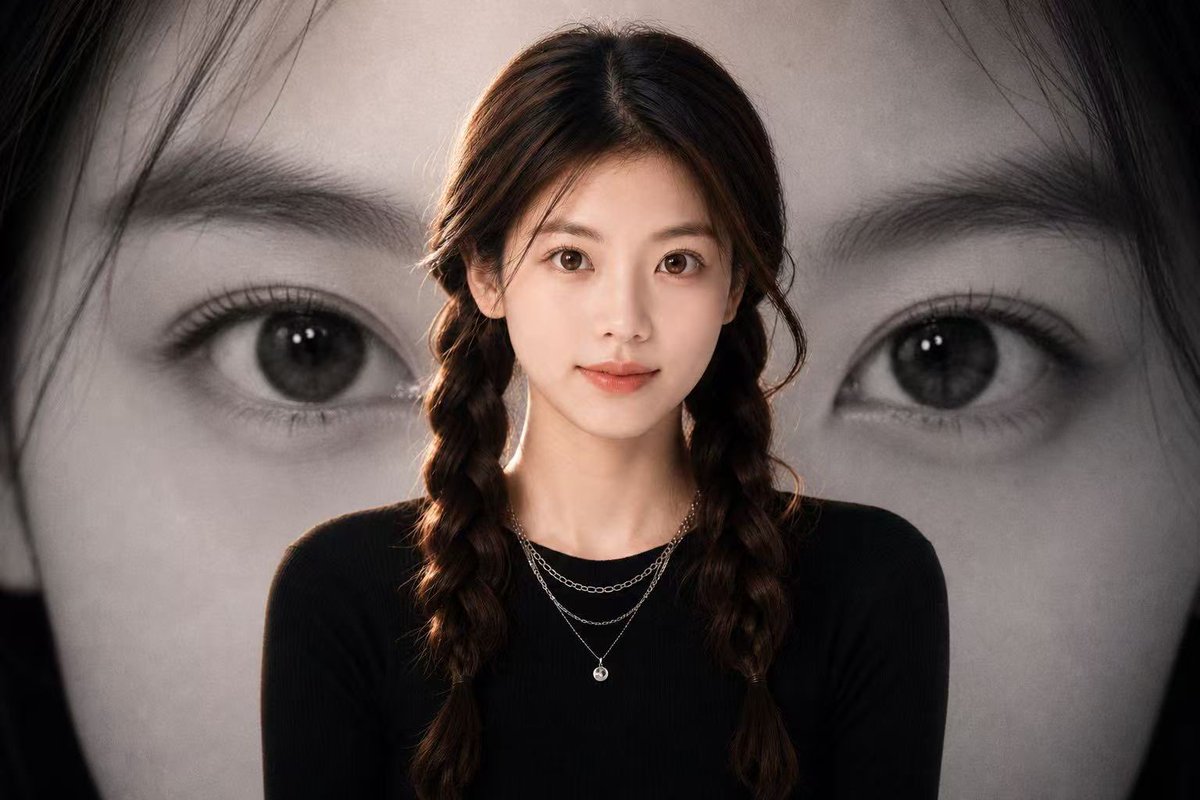
![azed-double-exposure — A double exposure image of [subject], combined with [scene/elements], creating a surreal layered composition. Transparent overlays, atmos](/_next/image?url=https%3A%2F%2Fcdn.picxstudio.com%2Fuploads%2Fazed_double1_1d6ba4e8-e274-4914-ab88-638665f549b6.jpg&w=828&q=100)



![Firefly Pixar Spill — Nano Banana Pro — Prompt Studio: Fun Prompt with Nano Banana Pro in Firefly Boards
Pixar-style cinematic macro shot in a cozy [LOCATION]](/_next/image?url=https%3A%2F%2Fcdn.picxstudio.com%2Fuploads%2Falla1_1d20598b-6f80-45e3-931b-e644f9b33daf.jpg&w=828&q=100)
![Naive doodle-style subject illustration — A doodle-style {argument name="subject" default="[subject]"}, naive lines, humorous shape exaggeration](https://pbs.twimg.com/media/G6Wl2YxbsAARB2b.jpg)












![Candid Mirror Selfie with Exaggerated Figure and Cluttered Room — A vertical 2:3 candid mirror selfie of American Woman [uploaded image], Full Bust, Rambut Hita](https://pbs.twimg.com/media/HBkNCzCbUAELyM_.jpg)







![Football Superstar Breakout Profile Poster — 请根据以下用户输入,创作一张高完成度的「足球巨星破框档案海报」。
【用户输入】
主题人物:{argument name="球员姓名" default="[球员姓名]"}
版本:{argument name="球队版本" defa](https://cms-assets.youmind.com/media/1780911045238_692l7r_HKOGojhXQAA3pct.jpg)