
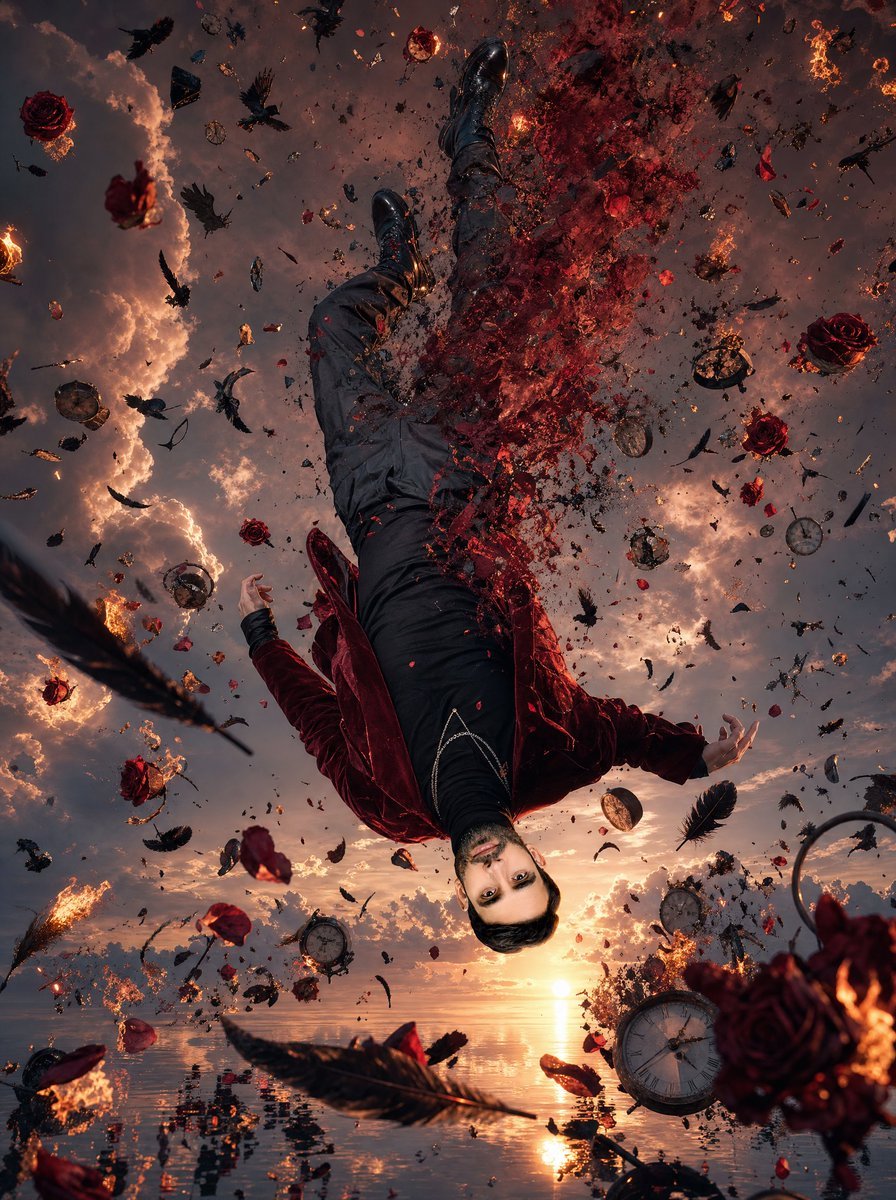
Upside-Down Surreal Falling Man
A cinematic hyper-real surreal scene of an upside-down man dissolving above a reflective ocean amid burning roses, clocks, feathers, and ravens.
- Prompt included
- Model and format preset
- Free template
The prompt behind this image
Copy the exact prompt behind Upside-Down Surreal Falling Man, or open it in the studio and make it yours.
Create a vertical 3:4 surreal hyper-realistic cinematic scene at sunset: one adult male figure is suspended upside down in mid-air above an endless mirror-like ocean, viewed from a dramatic low angle as if the camera is near the water looking up. The man wears {argument name="jacket color" default="deep burgundy velvet"} jacket, black shirt, dark trousers, black boots, and a subtle silver chain across the waist; his arms are loosely spread and his body curves as he falls. Leave the face as a smooth neutral square placeholder or obscured mask area for {argument name="character face" default="an uploaded face reference"}, centered where the head should be. The right half of his torso and upper legs disintegrate into a violent cloud of red rose petals, glowing embers, ash, and black particles, as if his body is dissolving into the sky. Surround him with exactly 12 burning red roses, 9 shattered antique pocket clocks, 24 black feathers, and 16 black ravens or raven silhouettes, all frozen in chaotic motion at different depths; include additional tiny glass shards, clock fragments, sparks, ash, and petal dust as atmospheric debris without readable text. The ocean below is perfectly reflective, mirroring the orange sun, smoky clouds, falling debris, and fragments of the figure, with small ripples near the bottom edge. The sky is filled with towering sunset clouds in {argument name="sky palette" default="orange, bronze, smoky violet, and charcoal gray"}, with glowing fire trails and backlit smoke. Use ultra-detailed hyper-realism, high dynamic range, dramatic chiaroscuro, sharp foreground objects, depth-of-field blur in distant debris, cinematic fantasy realism, painterly surrealism, and a tragic dreamlike mood inspired by time, decay, fire, and floating roses. No captions, no watermark, no borders.
How to use Upside-Down Surreal Falling Man in 3 steps
- 1Upload ImagePNG, JPG or paste
Add your photo
Upload the photo the template builds on. The prompt, model and format are already set.
- 2…a portrait of your subject in softgolden-hour light, 85mm…
Personalize
Edit the subject and creative details for your destination.
- 3Generate
Generate
Press Generate — your image is created in PicX Studio, so you can compare it with the original and refine one variable at a time.
More like this
Templates with the same subject, style or setup. Open one to see its prompt.
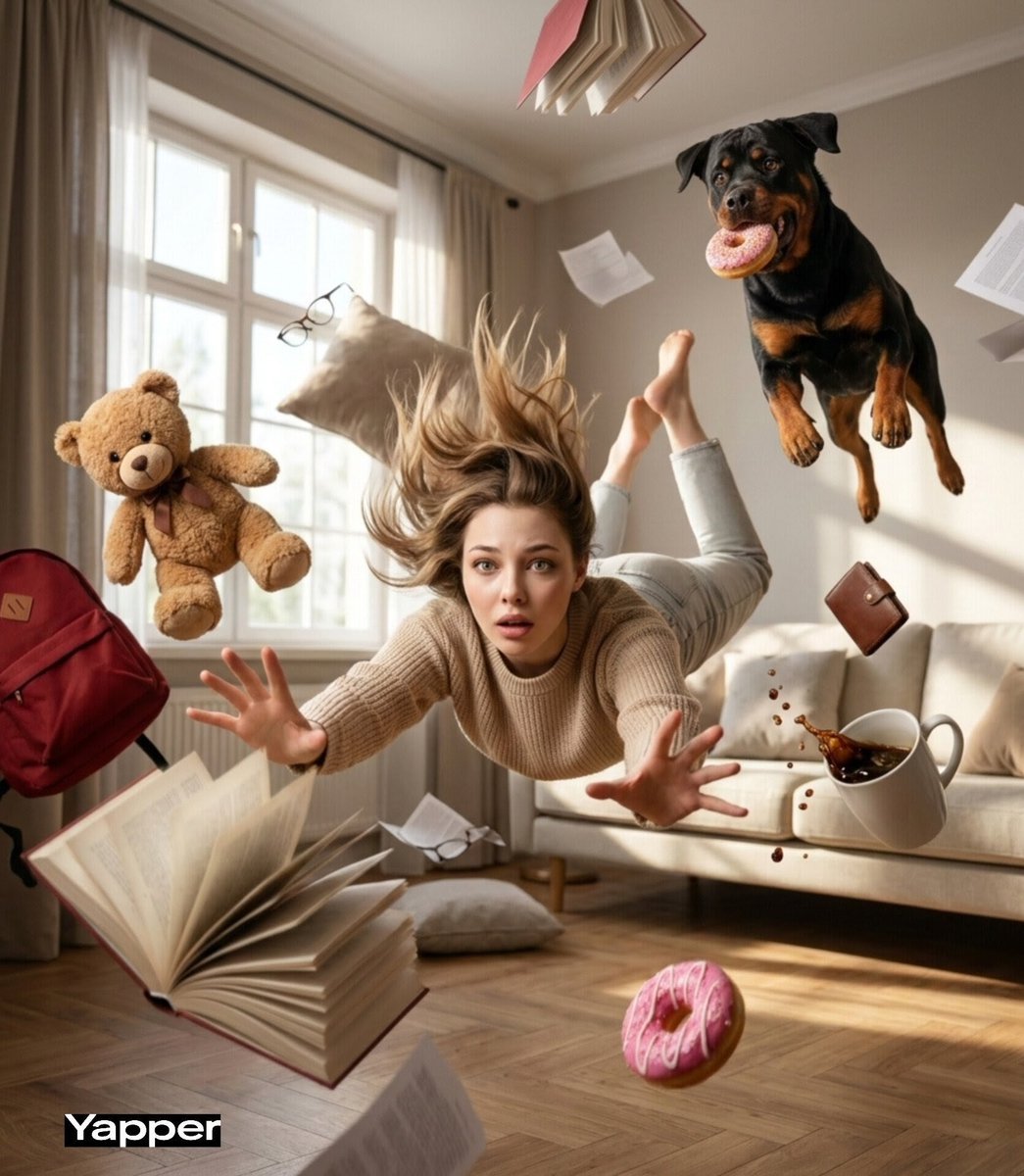
Cinematic surreal scene of a young woman falling forward through

Surreal Cat Astronaut — Humanoid Face Freefall
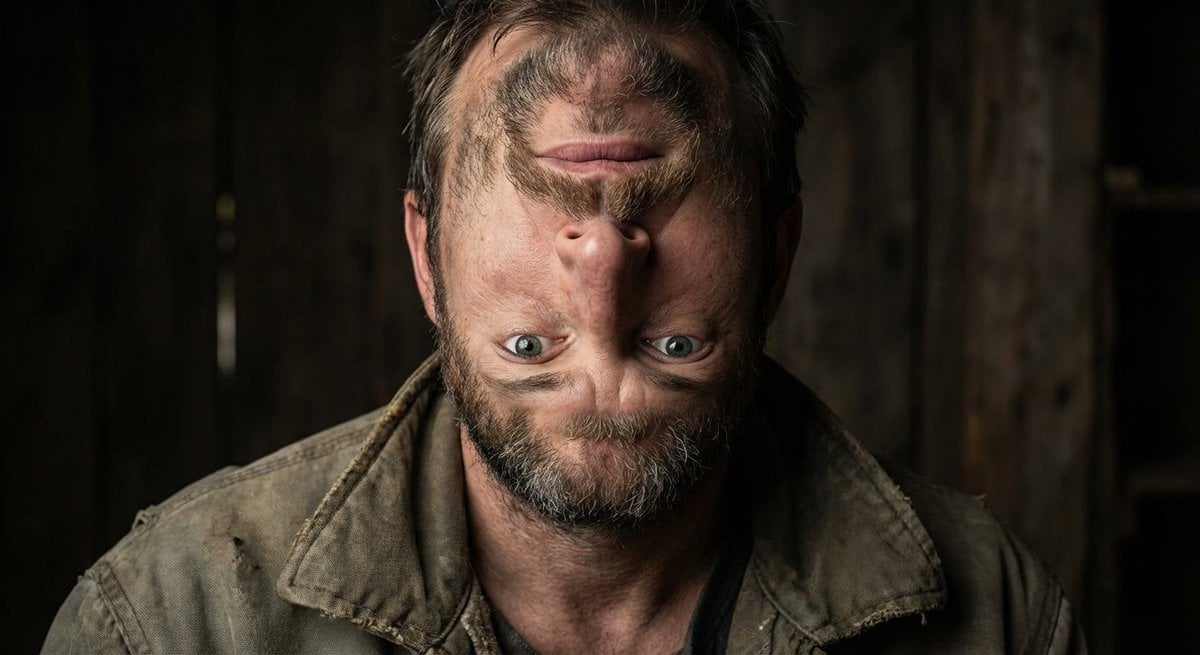
Surreal upside-down face portrait
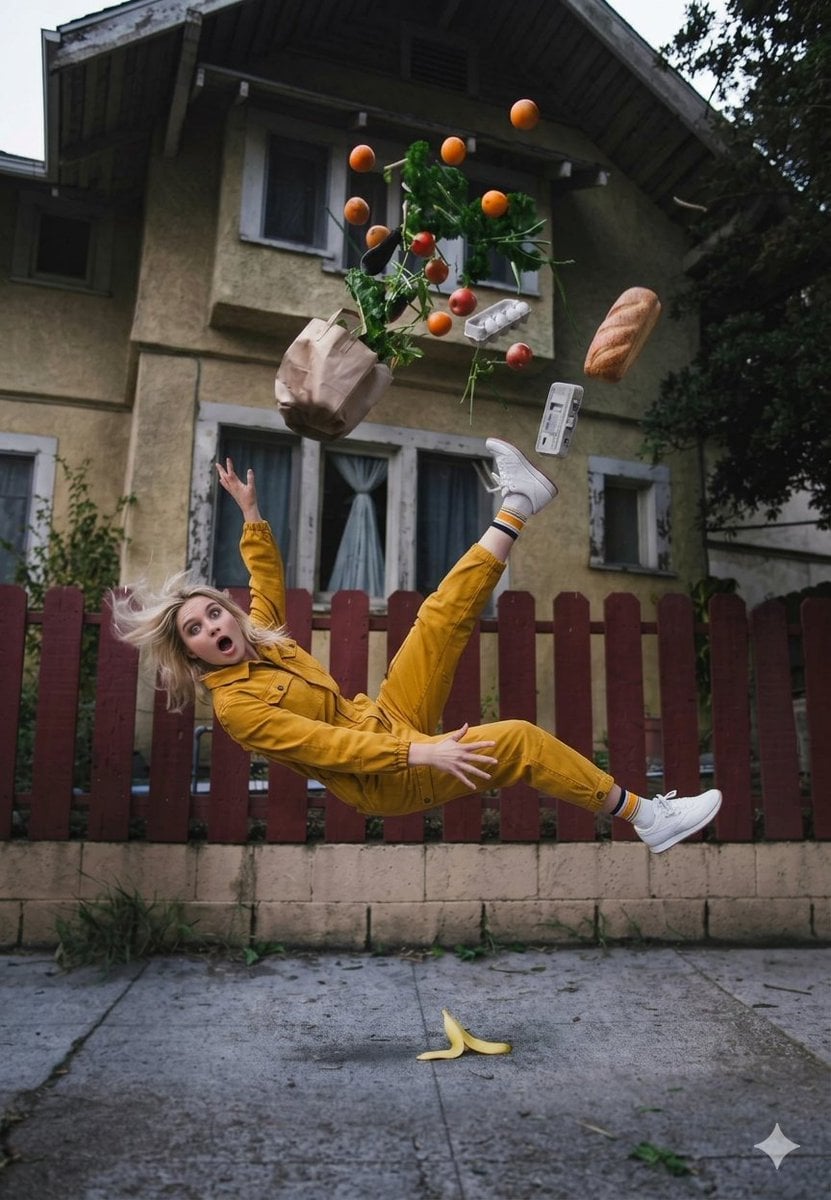
Cinematic Surreal Moment: Woman Falling with Exploding Grocery Bag
Surreal Frozen Action Falling Woman Prompt
Upside-Down Anime Beach Trick Art

Surreal Noir Hamster Manga Page
Surreal Woman with Butterflies and Globe

Bold Red Contrast Fashion Editorial Newspaper Room

Stylized Fashion Portrait Bold Color Contrast Editorial

Low Angle Floor Selfie With Upside Down Cat
Upside-Down Sky Schoolgirl
Make it yours
Upside-Down Surreal Falling Man works as-is. These are the safest ways to change it without losing the look.
Change one field
Copy a single group, rewrite it, and generate again so you can see what that field is doing.
Keep the frame, change the subject
Hold the composition and light of Upside-Down Surreal Falling Man, then swap wardrobe, props or the person for a new take.
| If the result… | Why | Fix |
|---|---|---|
| The result drifts from the preview | Too many fields changed at once. | Reuse Upside-Down Surreal Falling Man as-is first, then change one group — subject, light, or setting. |
| The model over-stylizes the scene | The prose prompt leaves finish and camera underspecified. | Add one camera or lighting sentence and stay on GPT Image 2. |
More GPT Image 2 templates
Other prompts made for GPT Image 2.

Six VTuber Japanese Logo Sheet

Realistic Portrait of Woman and Deer

The Vista Modular Condo Poster

AI Model Routing Comparison Infographic

2.5D Anime Art Board

Isometric Productivity Desk Scene

New York Double Exposure Poster

Four-Panel AI Landscape Comparison

Japanese Tatami Lifestyle Magazine Cover

NESCAFÉ Coffee Map Poster
More image prompts
Fresh picks from across the catalog.
Cinematic Fashion Portrait of a Stylish Man
Ultra-Realistic Luxury Fashion Editorial Portrait
Cinematic Chinese Ink Landscape
Venice Café Diorama Display

Arabic Font Types Infographic
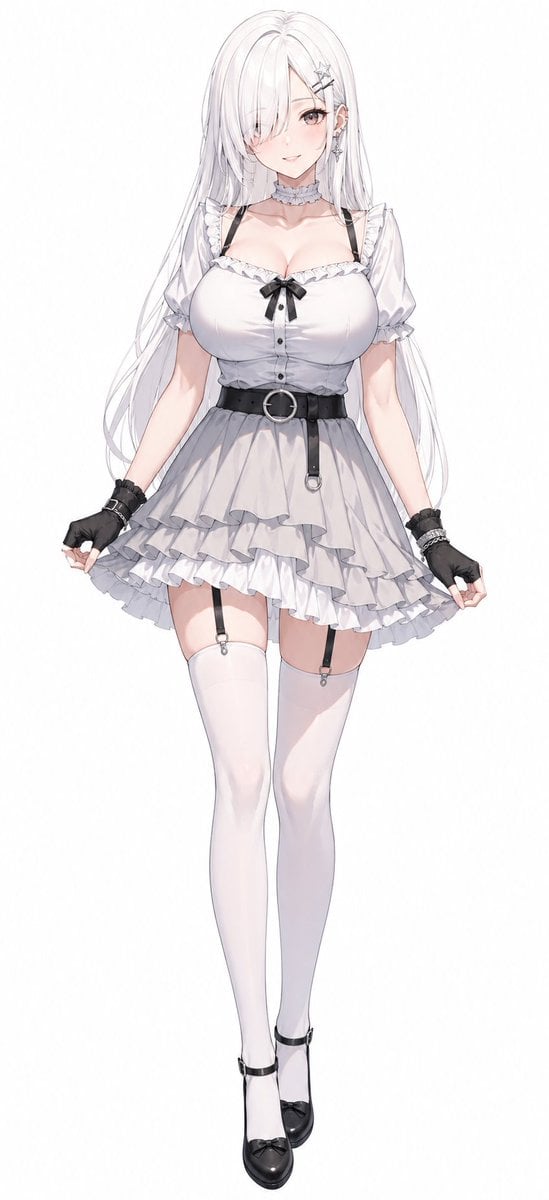
Monochrome Anime Gothic Dress Girl
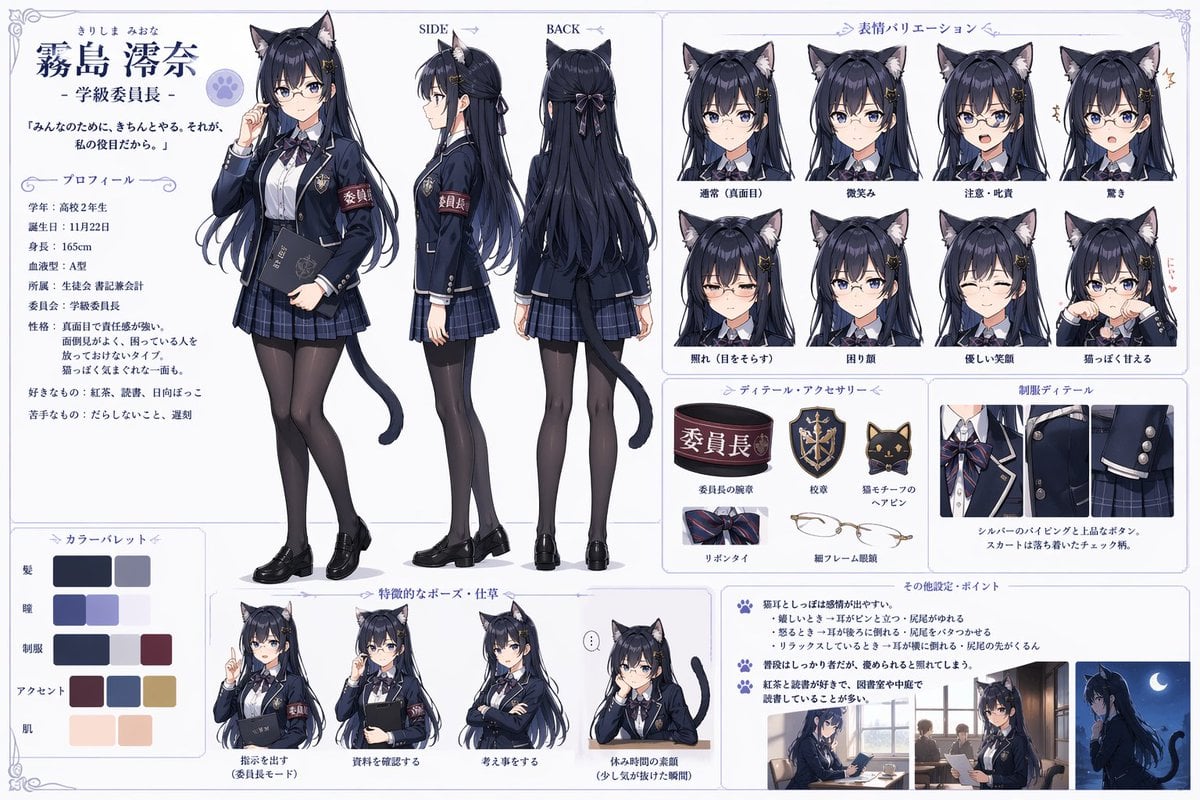
Catgirl Student Council Reference Sheet
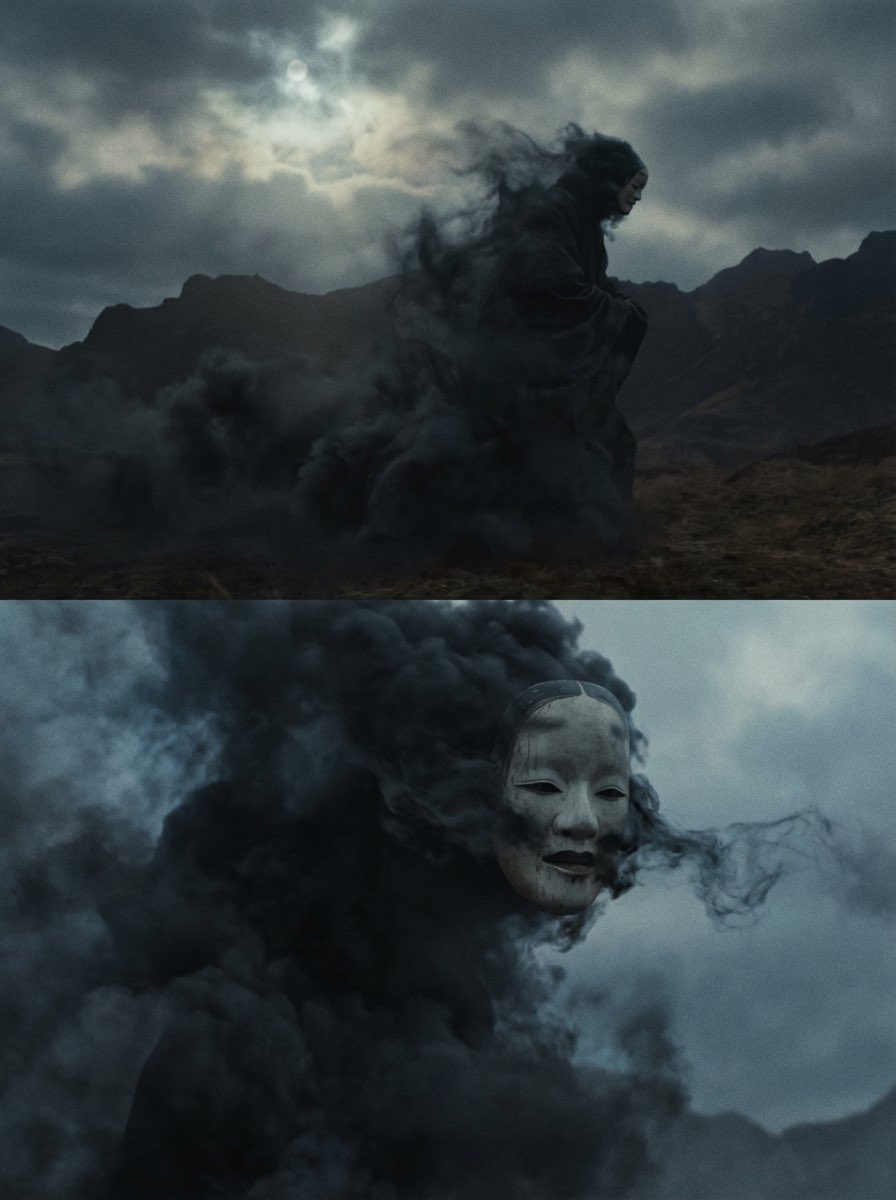
Giant Abstract Enemy Character Generation Prompt (Step 2)
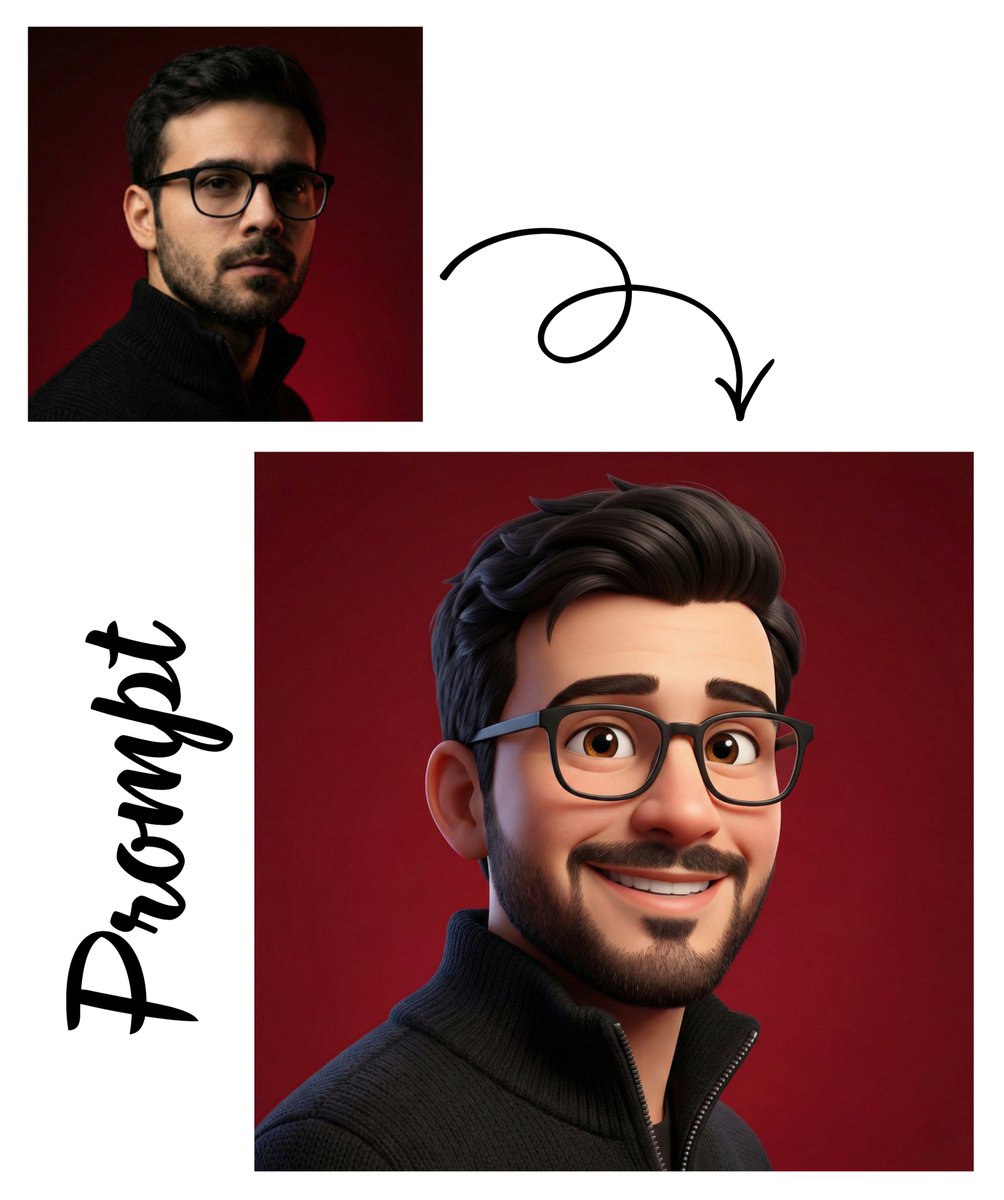
Pixar-Style 3D Avatar Generation
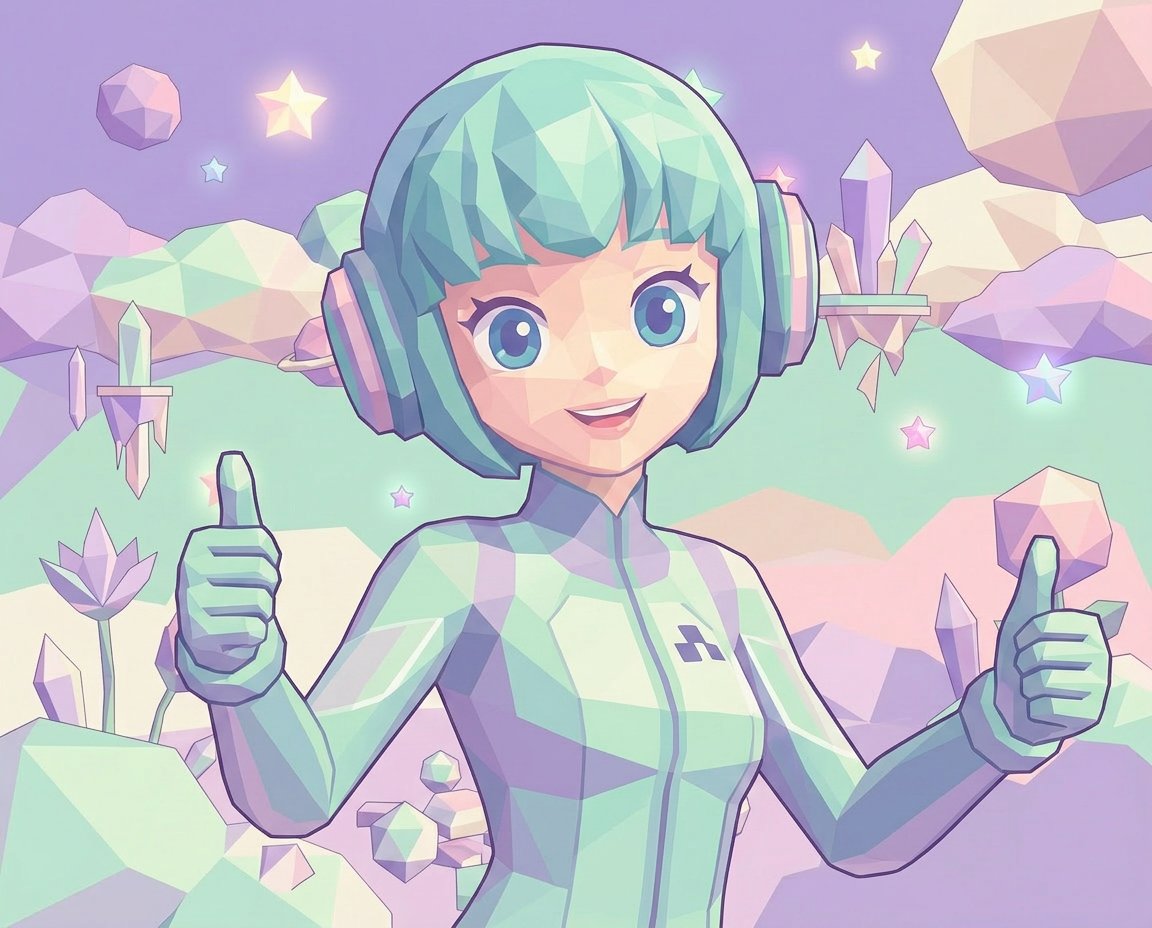
Low-Poly Geometric Character Art
Browse template categories
Upside-Down Surreal Falling Man questions
How do I use the Upside-Down Surreal Falling Man template?
Add your photo if the template asks for one, edit the prompt if you like — the template's model and format are already selected — and press Generate. Your version opens in PicX Studio.
Can I customize the Upside-Down Surreal Falling Man template?
Yes. You can change the subject, setting, lighting, mood, format, and available model controls before creating your image.
Is the Upside-Down Surreal Falling Man template free?
Opening and editing this template is free. Generating uses credits, shown on the Generate button when you are signed in.
Which AI model should I use?
Start with GPT Image 2, which is the model associated with this template. You can compare another compatible model for a different finish.
Looking for something else? Browse all templates.

Your photo, any look
Thousands of ready templates for every top image and video model, from one credit balance.