
Upside-Down Anime Beach Trick Art
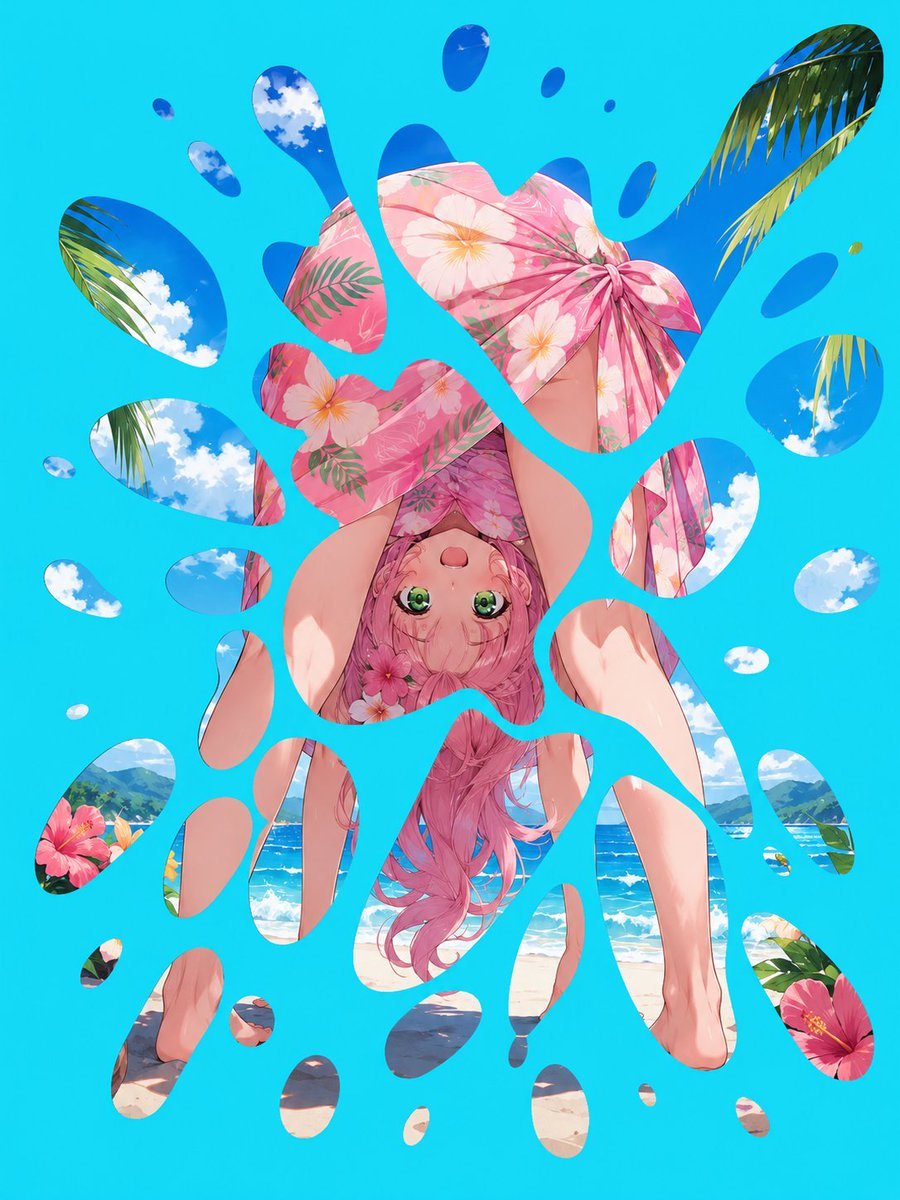
Generates a colorful optical-illusion anime beach scene revealed through turquoise splash-shaped cutouts, useful for surreal summer illustration tests.
- Prompt included
- Model and format preset
- Premium template
The prompt behind this image
Copy the exact prompt behind Upside-Down Anime Beach Trick Art, or open it in the studio and make it yours.
Create a vivid anime-style trick-art summer illustration on a vertical 3:4 canvas. The image should look like a bright turquoise-blue sheet or surface with exactly 40 irregular water-splash-shaped cutout openings, revealing one continuous upside-down tropical beach scene underneath. Through the openings, show an upside-down cute anime girl with long wavy {argument name="hair color" default="pink"} hair, large green eyes, and a surprised playful expression, wearing a pink floral yukata or beach robe with hibiscus and white flower patterns. Her body is inverted, legs extended upward toward the top of the composition, with bare feet and smooth skin visible through separate cutouts. Include a pink floral parasol or umbrella near the top-center, also upside down, partially covering her body. The revealed background should be a sunny {argument name="beach setting" default="tropical ocean beach with blue sky, white clouds, palm leaves, hibiscus flowers, mountains, waves, and sand"}. The turquoise foreground must dominate the image and act as an optical illusion mask, with rounded liquid splashes and droplets of different sizes scattered across the entire canvas. Count and arrange the 40 openings as follows: 1 huge central irregular opening showing the girl's face, hair, robe, umbrella, legs, and beach; 8 openings across the top area showing sky, clouds, palm leaves, and umbrella fragments; 7 openings on the upper-left and left-middle side showing sky, palm leaves, skin, and robe fragments; 8 openings on the upper-right and right-middle side showing sky, palm leaves, clouds, ocean, and robe fragments; 8 openings along the lower-left side showing flowers, sand, feet, legs, and beach shadows; and 8 openings along the lower-right and bottom side showing legs, sand, ocean, hibiscus flowers, and small beach fragments. Use glossy clean edges on all cutouts, strong saturated cyan/turquoise for the mask, bright tropical sunlight, crisp anime linework, detailed floral fabric, soft highlights on skin and hair, and a high-resolution polished gpt-image-2 look. The overall illusion should read first as abstract blue paint splashes, then reveal the upside-down girl and beach scene inside the holes. No text, no watermark, no borders.
How to use Upside-Down Anime Beach Trick Art in 3 steps
- 1Upload ImagePNG, JPG or paste
Add your photo
Upload the photo the template builds on. The prompt, model and format are already set.
- 2…a portrait of your subject in softgolden-hour light, 85mm…
Personalize
Edit the subject and creative details for your destination.
- 3Generate
Generate
Press Generate — your image is created in PicX Studio, so you can compare it with the original and refine one variable at a time.
More like this
Templates with the same subject, style or setup. Open one to see its prompt.












Make it yours
Upside-Down Anime Beach Trick Art works as-is. These are the safest ways to change it without losing the look.
Change one field
Copy a single group, rewrite it, and generate again so you can see what that field is doing.
Keep the frame, change the subject
Hold the composition and light of Upside-Down Anime Beach Trick Art, then swap wardrobe, props or the person for a new take.
| If the result… | Why | Fix |
|---|---|---|
| The result drifts from the preview | Too many fields changed at once. | Reuse Upside-Down Anime Beach Trick Art as-is first, then change one group — subject, light, or setting. |
| The model over-stylizes the scene | The prose prompt leaves finish and camera underspecified. | Add one camera or lighting sentence and stay on GPT Image 2. |
More GPT Image 2 templates
Other prompts made for GPT Image 2.

Six VTuber Japanese Logo Sheet

Realistic Portrait of Woman and Deer

The Vista Modular Condo Poster

AI Model Routing Comparison Infographic

2.5D Anime Art Board

Isometric Productivity Desk Scene

New York Double Exposure Poster

Four-Panel AI Landscape Comparison

Japanese Tatami Lifestyle Magazine Cover

NESCAFÉ Coffee Map Poster
More image prompts
Fresh picks from across the catalog.
Urban Fashion Garage Mirror Selfie
Tech CEO Battle Royale Lobby
Lifestyle Photo with a Duct-Taped Banana
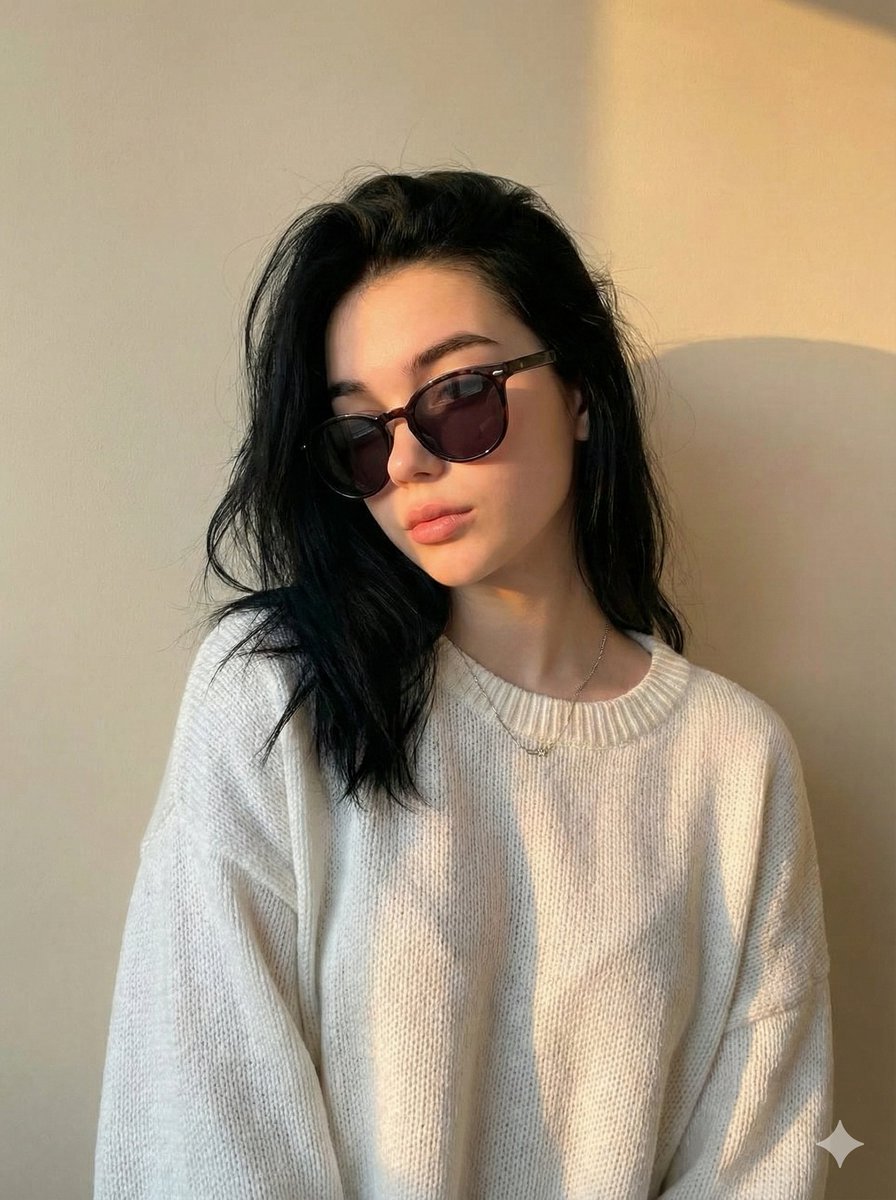
Cinematic Portrait with Strict Identity Preservation
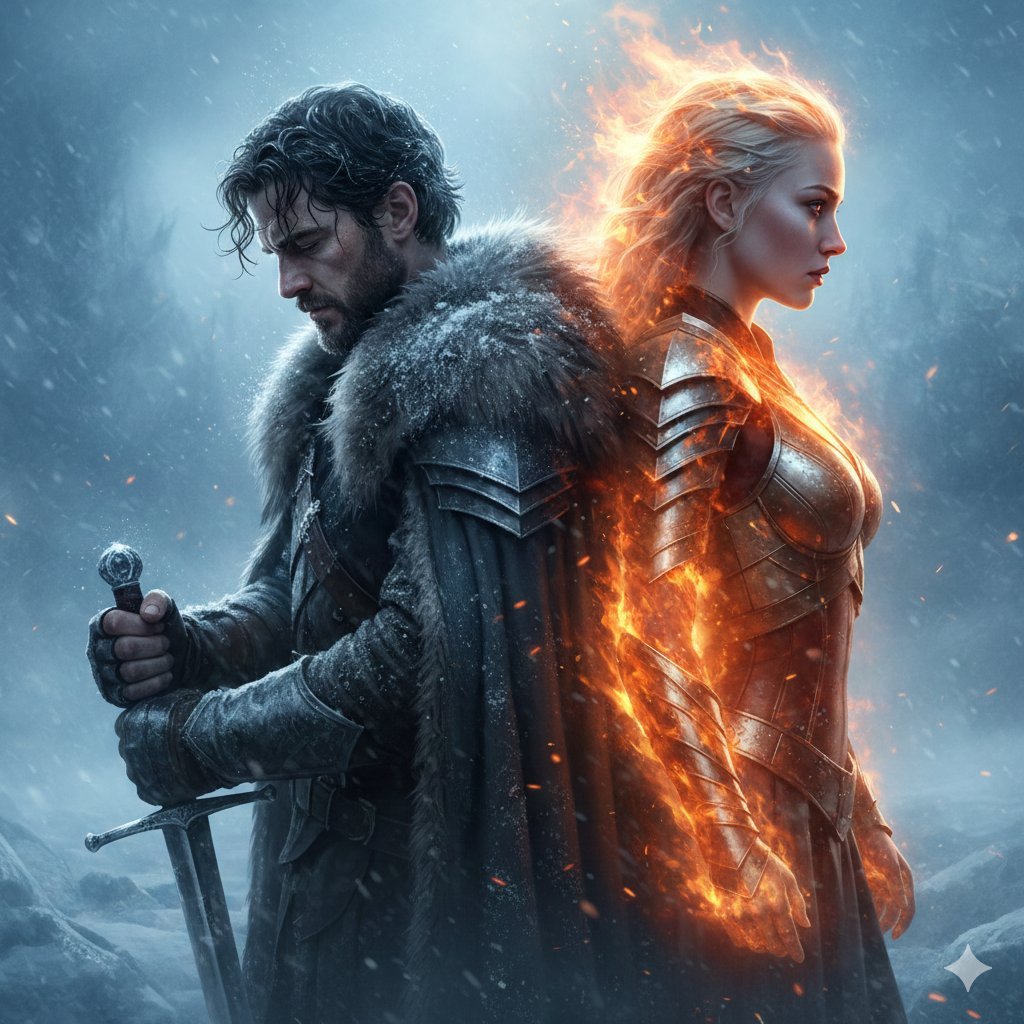
Epic Fantasy Warriors: Fire and Ice Cinematic Poster
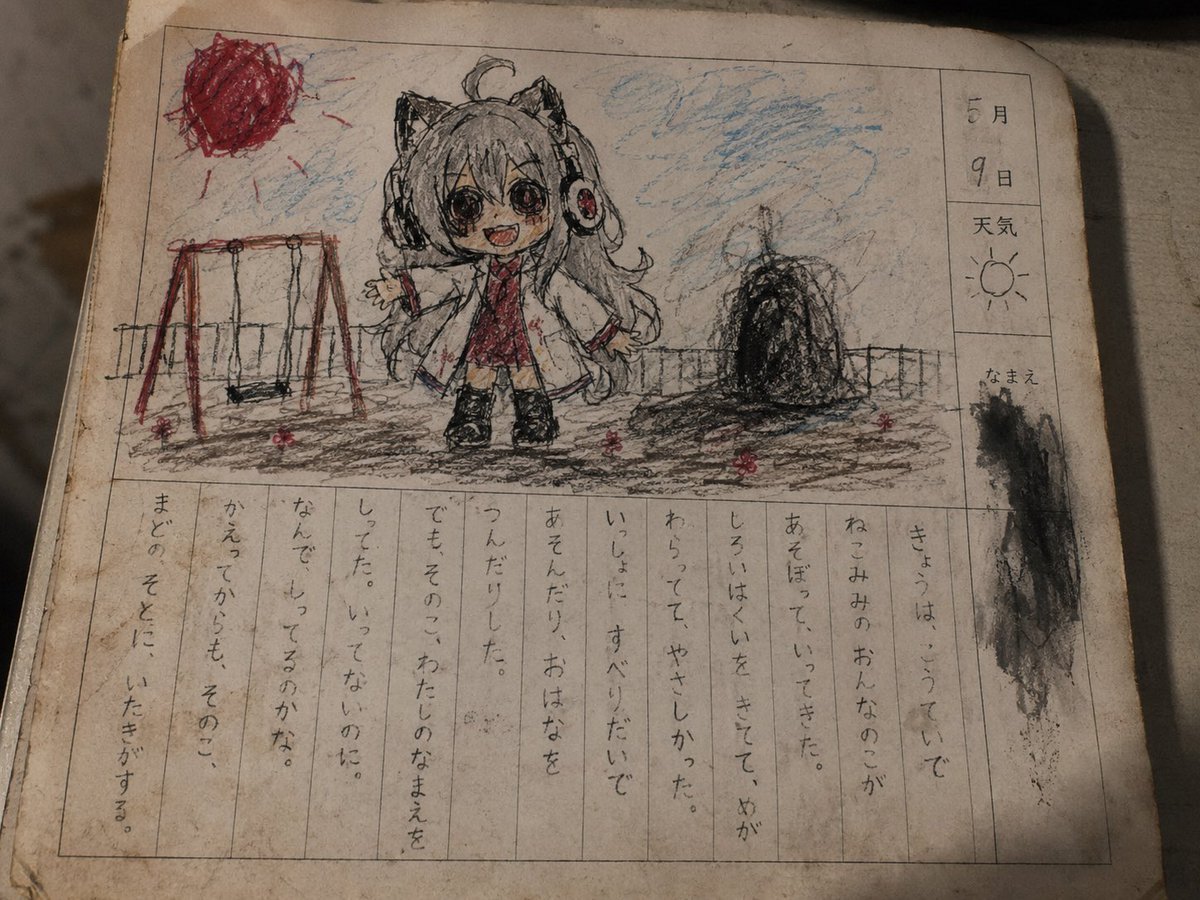
Cursed Japanese School Diary Prompt
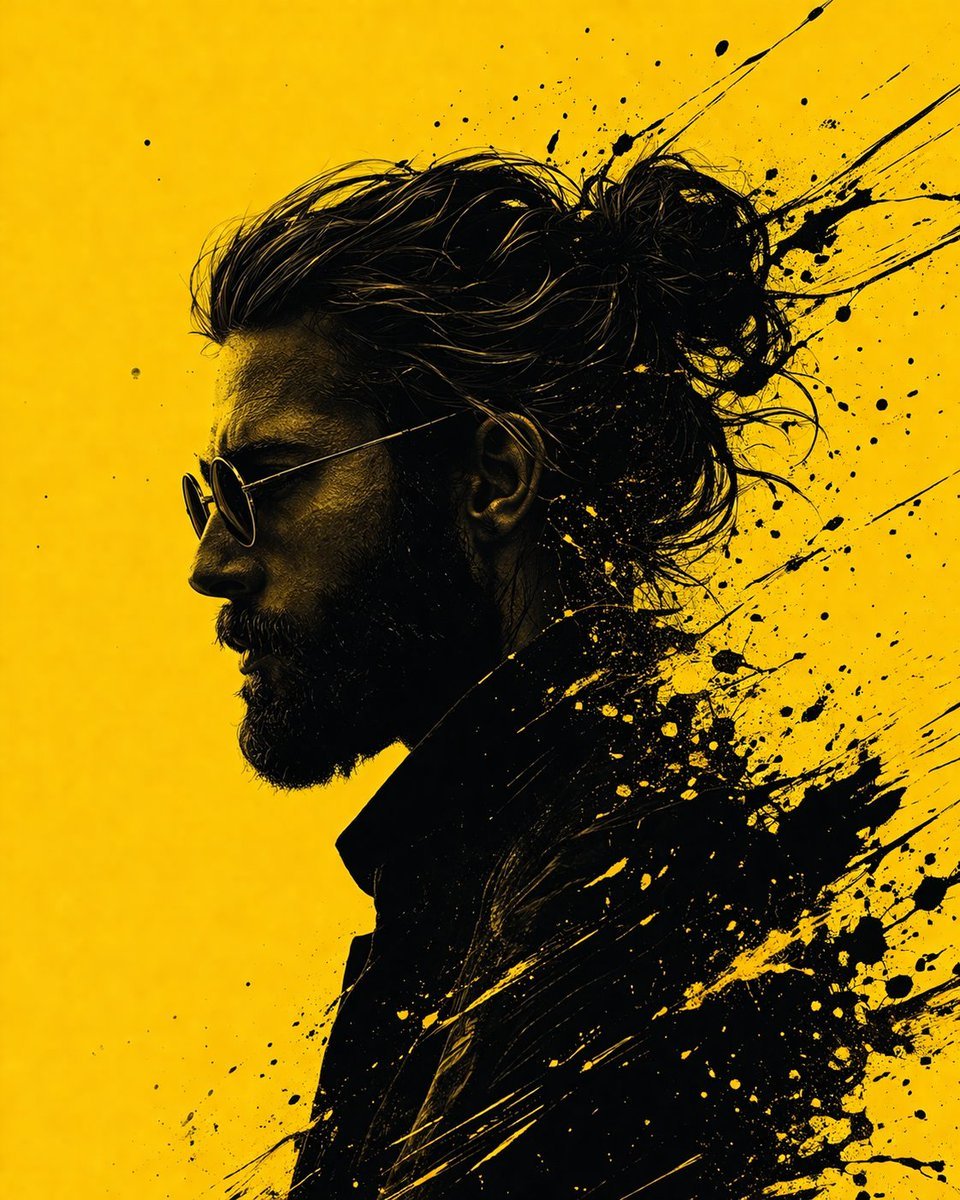
Graphic Novel Ink Splatter Portrait
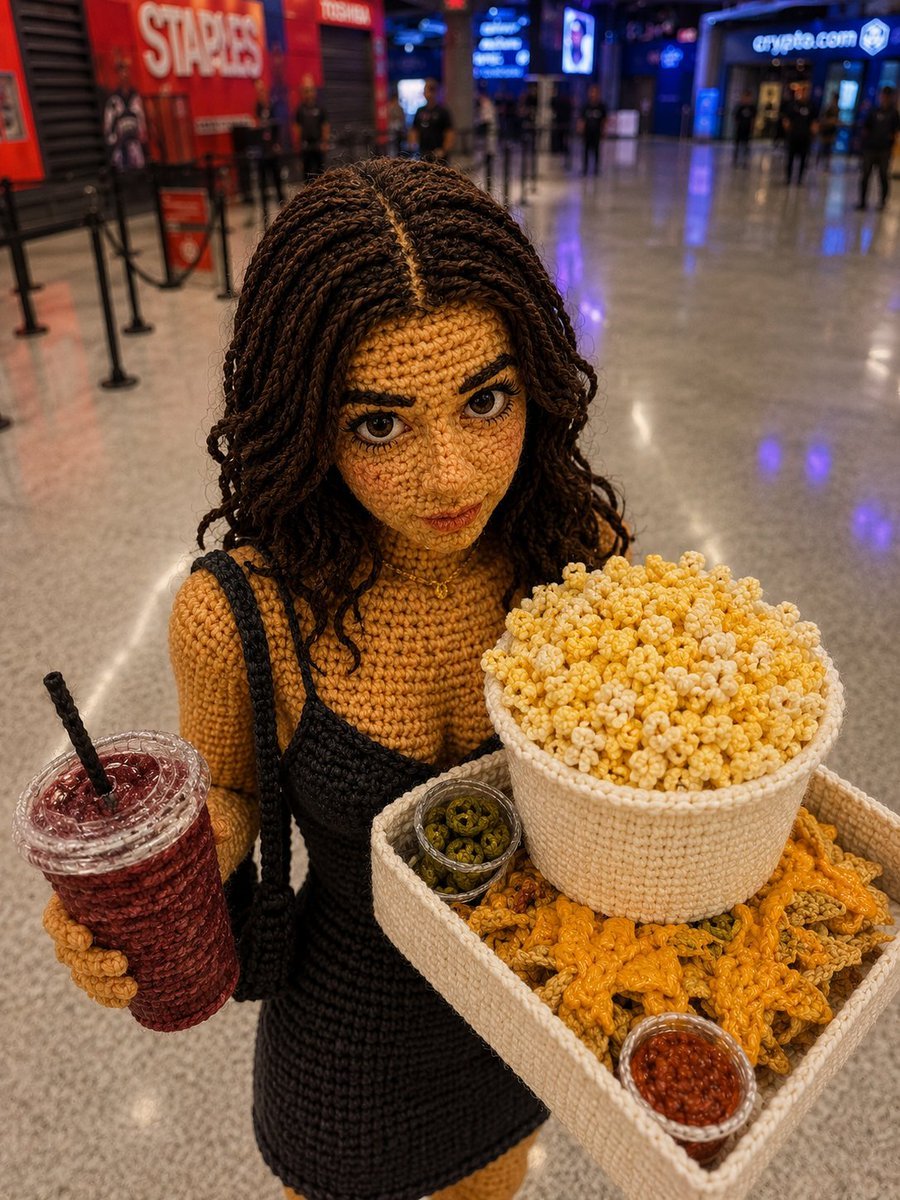
Crochet Doll Movie Snacks
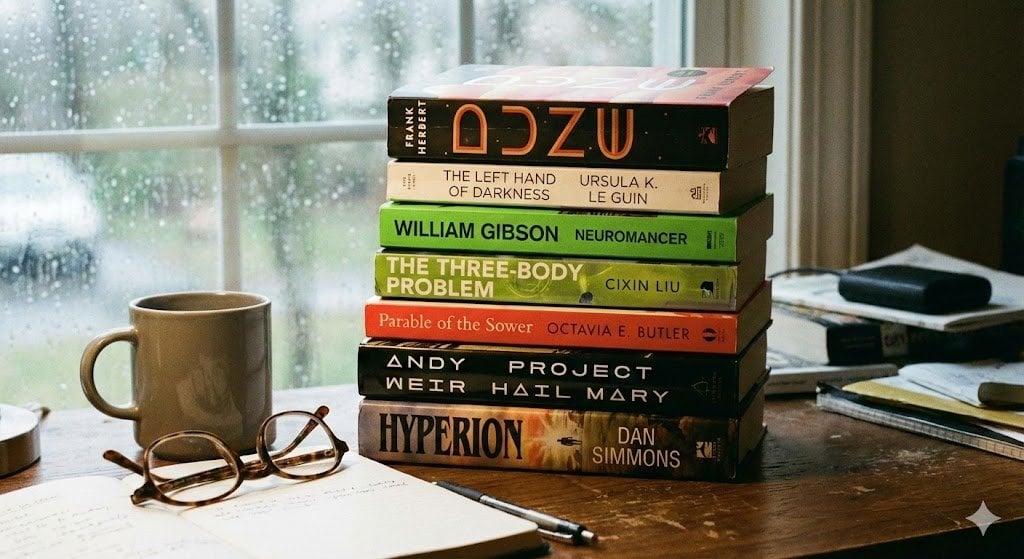
Map of places to visit
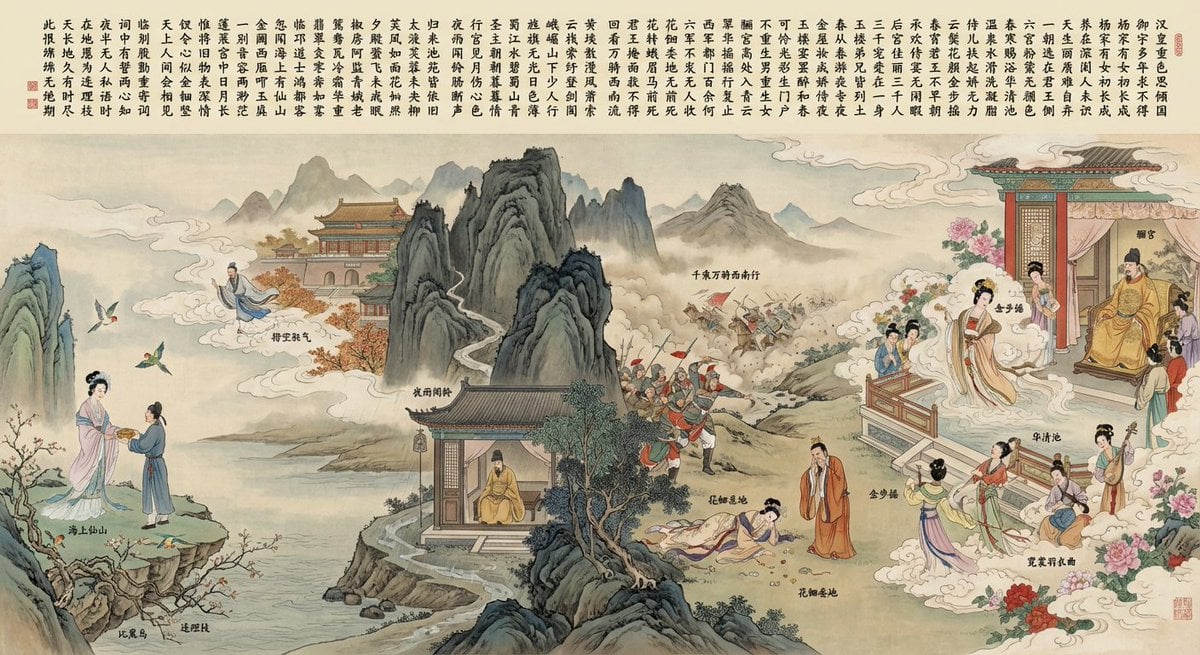
Illustration based on “Song of Everlasting Regret”
Browse template categories
Upside-Down Anime Beach Trick Art questions
How do I use the Upside-Down Anime Beach Trick Art template?
Add your photo if the template asks for one, edit the prompt if you like — the template's model and format are already selected — and press Generate. Your version opens in PicX Studio.
Can I customize the Upside-Down Anime Beach Trick Art template?
Yes. You can change the subject, setting, lighting, mood, format, and available model controls before creating your image.
Is the Upside-Down Anime Beach Trick Art template free?
Opening and editing this template is free. Generating uses credits, shown on the Generate button when you are signed in.
Which AI model should I use?
Start with GPT Image 2, which is the model associated with this template. You can compare another compatible model for a different finish.
Looking for something else? Browse all templates.

Your photo, any look
Thousands of ready templates for every top image and video model, from one credit balance.