
E-commerce Product Listing: Embroidered Pinstripe Blazer
A prompt specifically tailored for e-commerce product listings, focusing on generating a full-body image of a model wearing a highly detailed, embroidered dark pinstripe blazer.
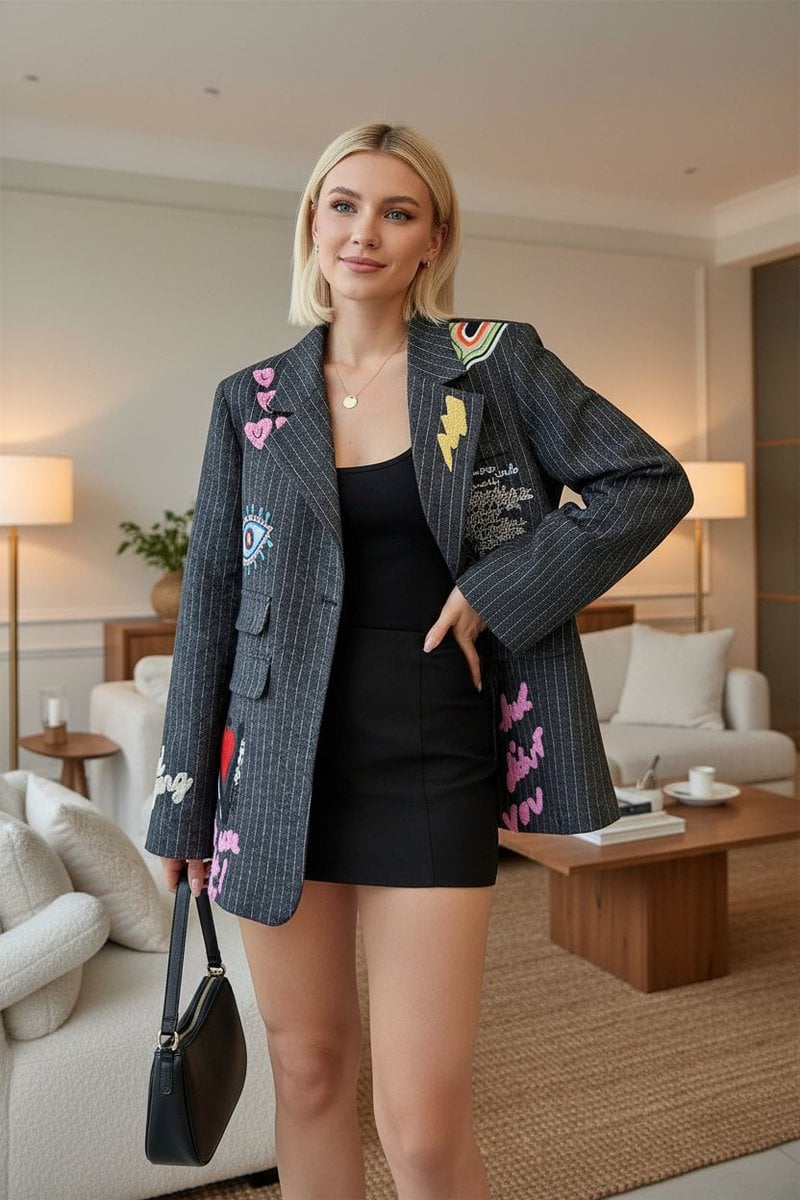
- Prompt included
- Model and format preset
- Free template
The prompt behind this image
Copy the exact prompt behind E-commerce Product Listing: Embroidered Pinstripe Blazer, or open it in the studio and make it yours.
- Description
- Full-body image of an American woman wearing the exact same embroidered dark pinstripe blazer as in the reference image. The blazer must have the same embroidery patterns — including the red heart, colorful eye, pink text, yellow lightning bolt, and multi-colored patch details — all placed identically on the front panels and sleeves. The blazer should have a slightly oversized fit, sharp lapels, front pockets, and a single-button closure. The model wears a simple black top and short skirt underneath, maintaining the same styling. She has a confident, welcoming expression with a soft smile, exuding creativity and personality. She can stand casually with one hand holding a small handbag or resting by her side.
- Style
- Chic indoor lifestyle aesthetic. The scene is set in a modern living room with soft, cozy decor — neutral tones, a stylish sofa, coffee table, indoor plant, and subtle art on the wall. The overall vibe is elegant yet contemporary, matching the artistic flair of the blazer.
- Lighting
- Soft warm indoor lighting (between 3300K–3800K). Use diffused artificial light from lamps or ceiling fixtures to highlight the blazer texture and embroidery details. Avoid sunlight, window glare, or natural daylight. Lighting should evenly illuminate the model and outfit with soft shadows for realism.
- Camera
- Full-body, vertical orientation at eye level. The model should be clearly visible from head to toe, standing naturally on the floor with balanced framing and slight space above the head. The photo should feel authentic, as if part of a lifestyle shoot inside a designer’s apartment.
- Focus
- Crisp focus on the outfit’s embroidery, textures, and fabric weave. Maintain natural skin tones and accurate color representation of the blazer. The background can have a slight depth blur to keep the focus on the model and her outfit.
- Environment
- Warm, cozy living room with beige or neutral tones, wooden flooring, soft furnishings, and minimalistic modern furniture. Decor accents like a lamp, indoor plant, or abstract painting can enhance the realism and elegance of the setting.
- Negative Prompt
- sunlight or daylight, studio backdrop, cropped frame, different embroidery placement, flat or smooth fabric, cold lighting, harsh shadows, stylized or AI-art look
Raw JSON
{
  "description": "Full-body image of an American woman wearing the exact same embroidered dark pinstripe blazer as in the reference image. The blazer must have the same embroidery patterns — including the red heart, colorful eye, pink text, yellow lightning bolt, and multi-colored patch details — all placed identically on the front panels and sleeves. The blazer should have a slightly oversized fit, sharp lapels, front pockets, and a single-button closure. The model wears a simple black top and short skirt underneath, maintaining the same styling. She has a confident, welcoming expression with a soft smile, exuding creativity and personality. She can stand casually with one hand holding a small handbag or resting by her side.",

  "style": "Chic indoor lifestyle aesthetic. The scene is set in a modern living room with soft, cozy decor — neutral tones, a stylish sofa, coffee table, indoor plant, and subtle art on the wall. The overall vibe is elegant yet contemporary, matching the artistic flair of the blazer.",

  "lighting": "Soft warm indoor lighting (between 3300K–3800K). Use diffused artificial light from lamps or ceiling fixtures to highlight the blazer texture and embroidery details. Avoid sunlight, window glare, or natural daylight. Lighting should evenly illuminate the model and outfit with soft shadows for realism.",

  "camera": "Full-body, vertical orientation at eye level. The model should be clearly visible from head to toe, standing naturally on the floor with balanced framing and slight space above the head. The photo should feel authentic, as if part of a lifestyle shoot inside a designer’s apartment.",

  "focus": "Crisp focus on the outfit’s embroidery, textures, and fabric weave. Maintain natural skin tones and accurate color representation of the blazer. The background can have a slight depth blur to keep the focus on the model and her outfit.",

  "environment": "Warm, cozy living room with beige or neutral tones, wooden flooring, soft furnishings, and minimalistic modern furniture. Decor accents like a lamp, indoor plant, or abstract painting can enhance the realism and elegance of the setting.",

  "negative_prompt": [
    "sunlight or daylight",
    "studio backdrop",
    "cropped frame",
    "different embroidery placement",
    "flat or smooth fabric",
    "cold lighting",
    "harsh shadows",
    "stylized or AI-art look"
  ]
}How to use E-commerce Product Listing: Embroidered Pinstripe Blazer in 3 steps
- 1Upload ImagePNG, JPG or paste
Add your photo
Upload the photo the template builds on. The prompt, model and format are already set.
- 2…a portrait of your subject in softgolden-hour light, 85mm…
Personalize
Edit the subject and creative details for your destination.
- 3Generate
Generate
Press Generate — your image is created in PicX Studio, so you can compare it with the original and refine one variable at a time.
More like this
Templates with the same subject, style or setup. Open one to see its prompt.
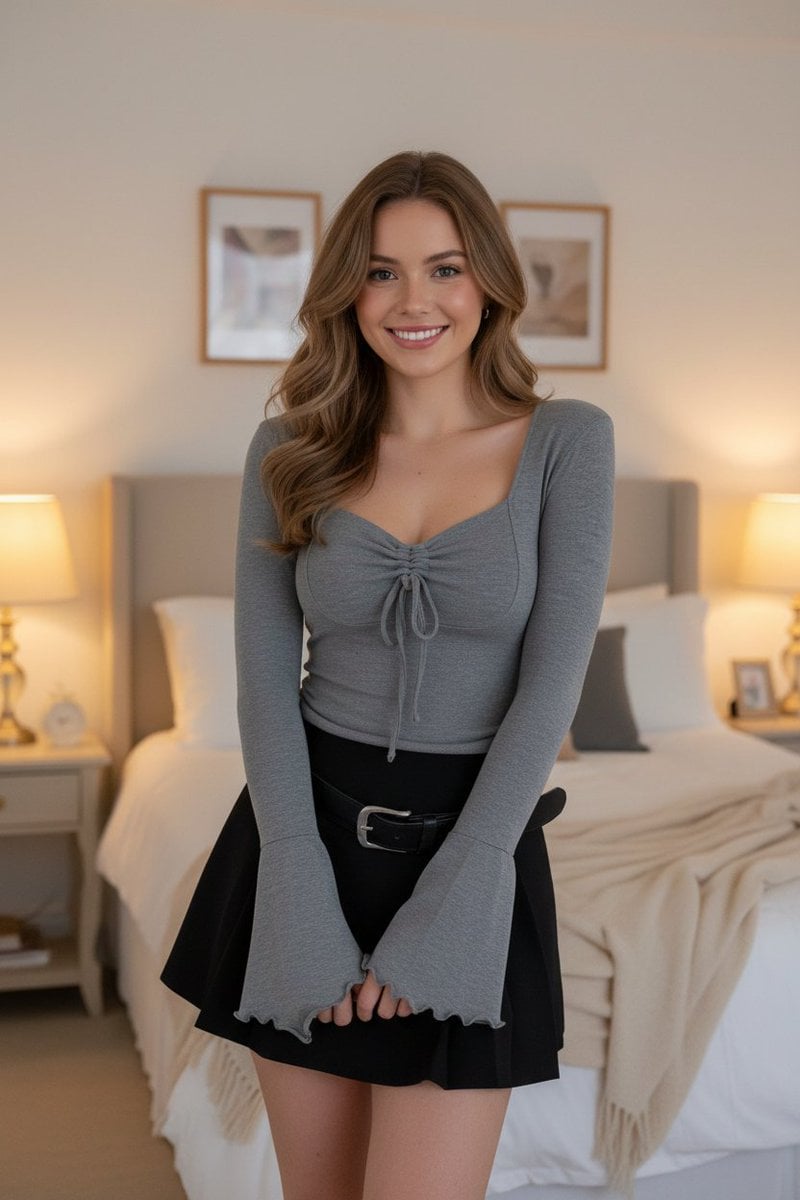
E-commerce Product Listing: Grey Ruched Top and Black Mini Skirt
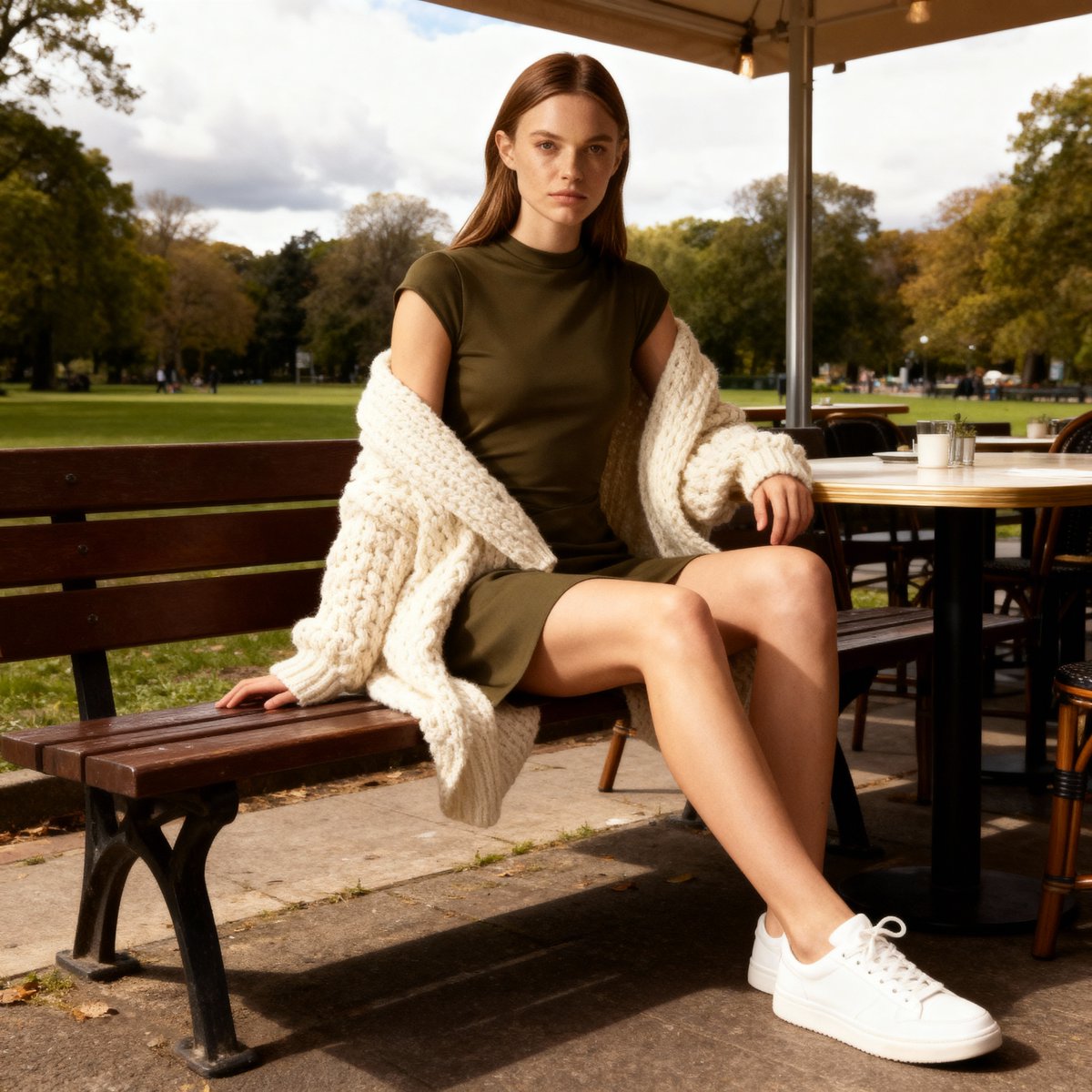
E-commerce Product Listing Prompt: Candid Lifestyle Dress Shot
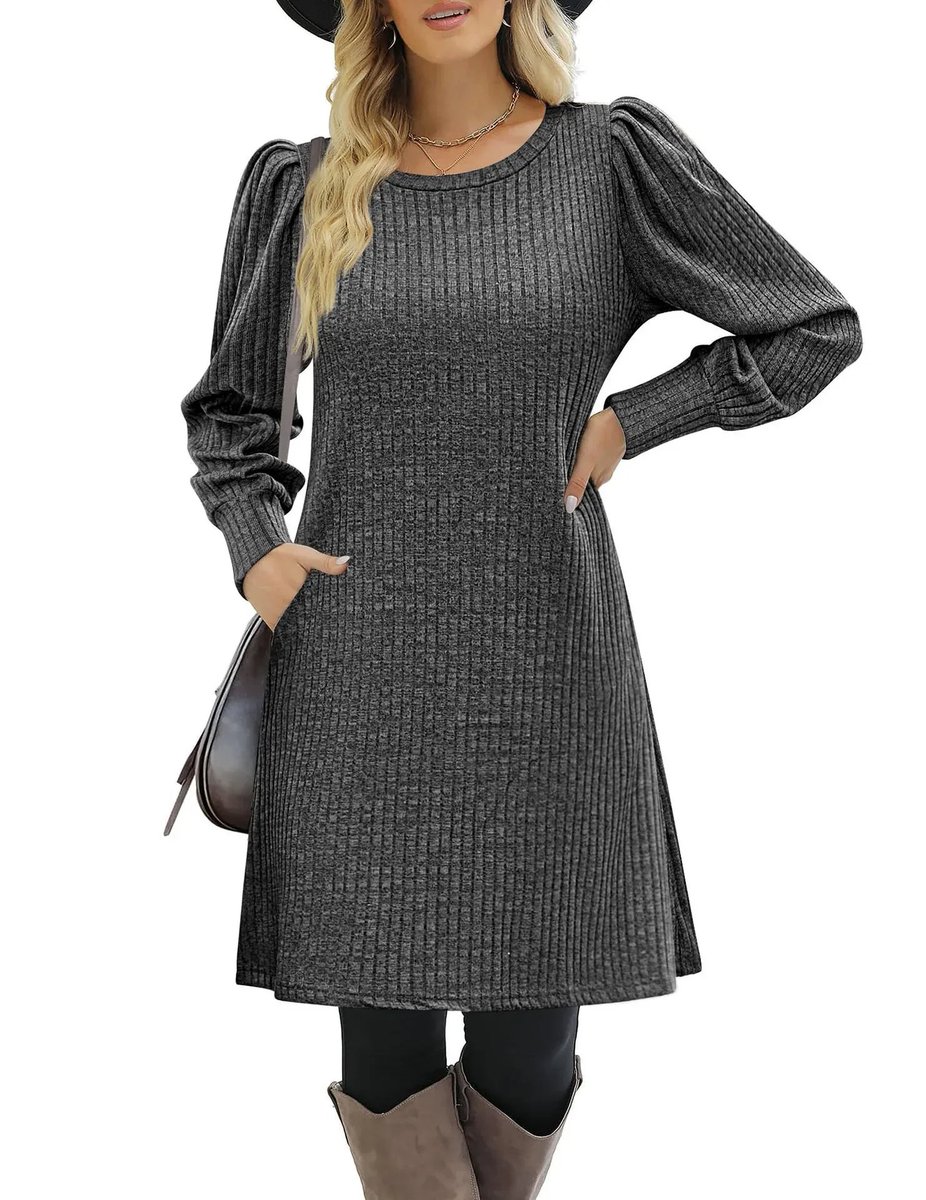
E-commerce product listing photo prompt for lifestyle setting
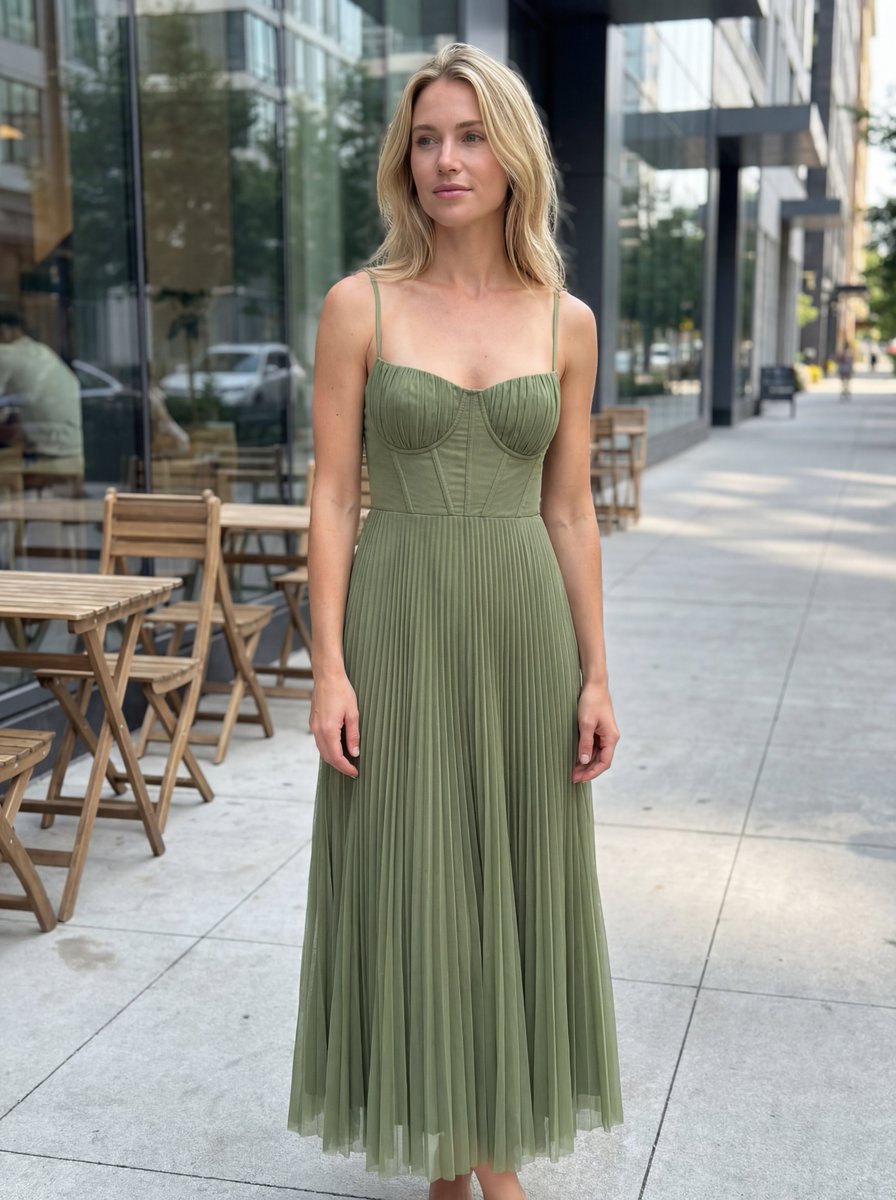
E-commerce Product Listing: Realistic UGC Dress Photo

A k.pop idol on the stage with mic

Trendy Cafe Drink Promo Poster

Minimalist Skincare Product Water Stone Still

Giant Forced Perspective Street Product Selfie

Playful Futuristic Brand Kit Board

Headphones Lifestyle Nine Panel Grid

Cappuccino Bottle Splash Product Ad

Luxury Toothpaste Commercial Storyboard
Make it yours
E-commerce Product Listing: Embroidered Pinstripe Blazer works as-is. These are the safest ways to change it without losing the look.
Swap the setting
Keep the rest of the prompt and replace the location block. The current setting is “Warm, cozy living room with beige or neutral tones, wooden flooring, soft furnis”.
Swap the light
One lighting change is enough to compare takes. Current light: “Soft warm indoor lighting (between 3300K–3800K). Use diffused artificial light f”.
Change one field
Copy a single group, rewrite it, and generate again so you can see what that field is doing.
| If the result… | Why | Fix |
|---|---|---|
| The result drifts from the preview | Too many fields changed at once. | Reuse E-commerce Product Listing: Embroidered Pinstripe Blazer as-is first, then change one group — subject, light, or setting. |
| Nano Banana 2 ignores part of the JSON | Some models flatten or skip nested keys. | Keep the same values and paste them as a short paragraph instead. |
More Nano Banana 2 templates
Other prompts made for Nano Banana 2.

Photorealistic Leaf Shaped Like a Dragon

K-Pop Idol Portrait Grid for Rapid Selection

Poetic Rain Forest Portrait During Golden Hour

Urban Street Portrait with Cartoon Inner Self Duo

Candid Nighttime Photo with Cat Prompt

High-Concept 3D Diorama Generation Prompt

Cinematic Futuristic Studio Portrait Template

Skincare Editorial Photography Collage Prompt

Hyper-Realistic Commercial Product Photography (Splash Effect)

Hyper-Realistic Nightclub Portrait Prompt
More image prompts
Fresh picks from across the catalog.
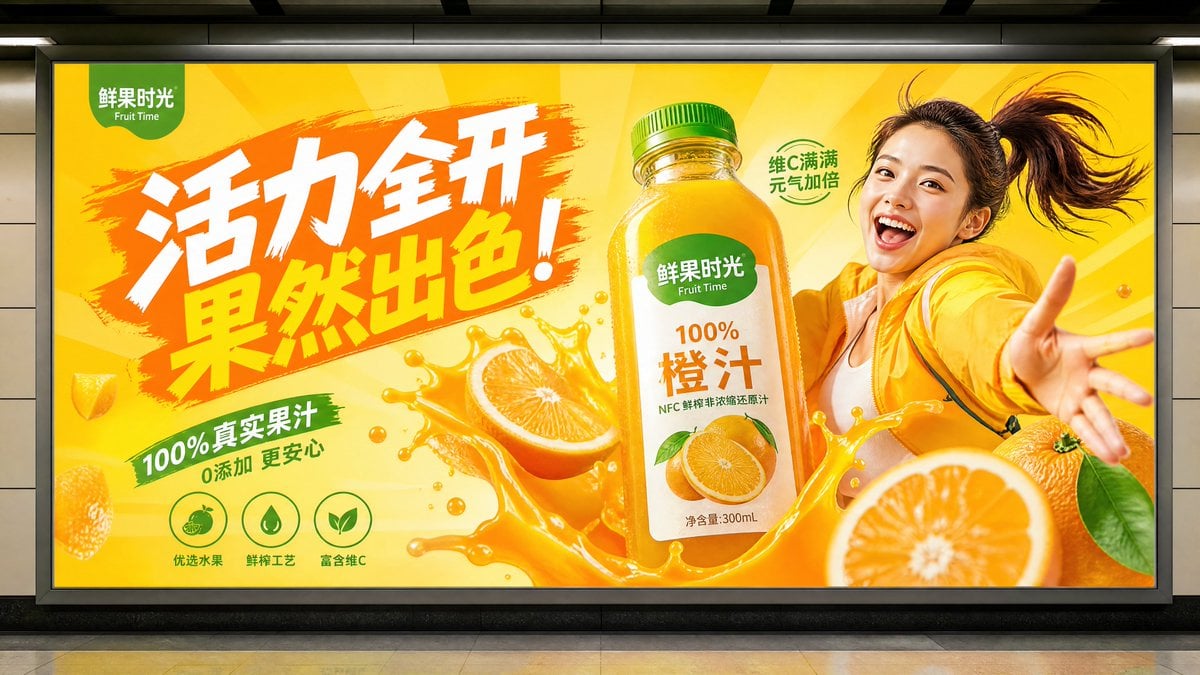
Subway Juice Drink Advertisement
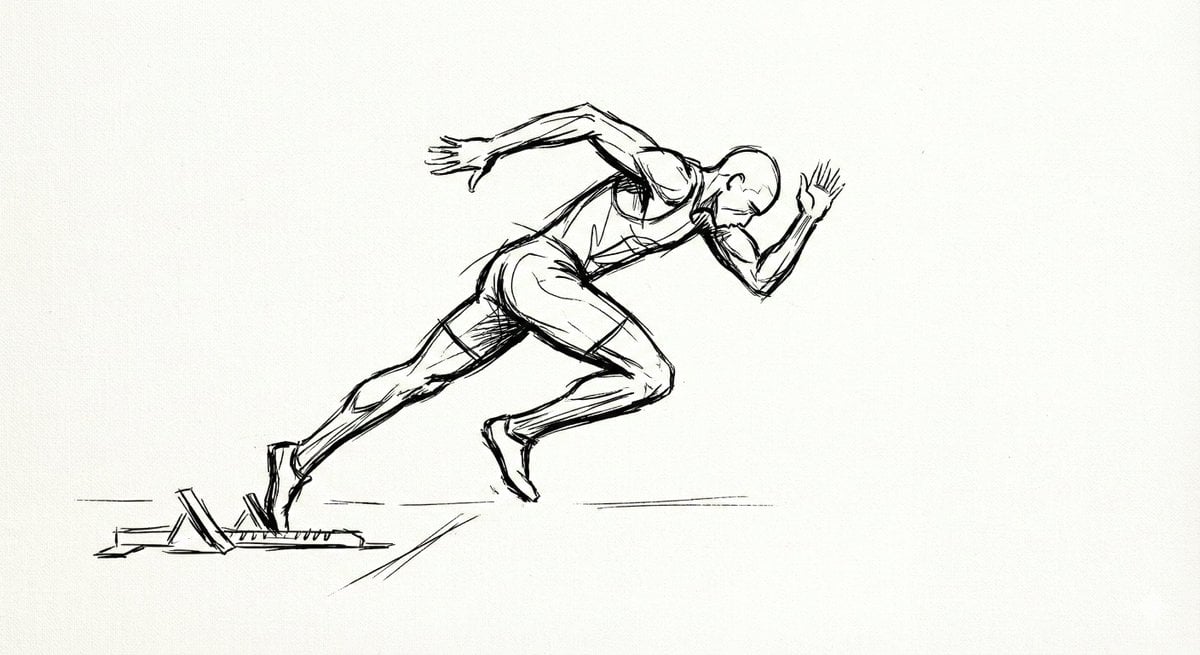
Minimal Ink Gesture Sketch Image Generation Prompt
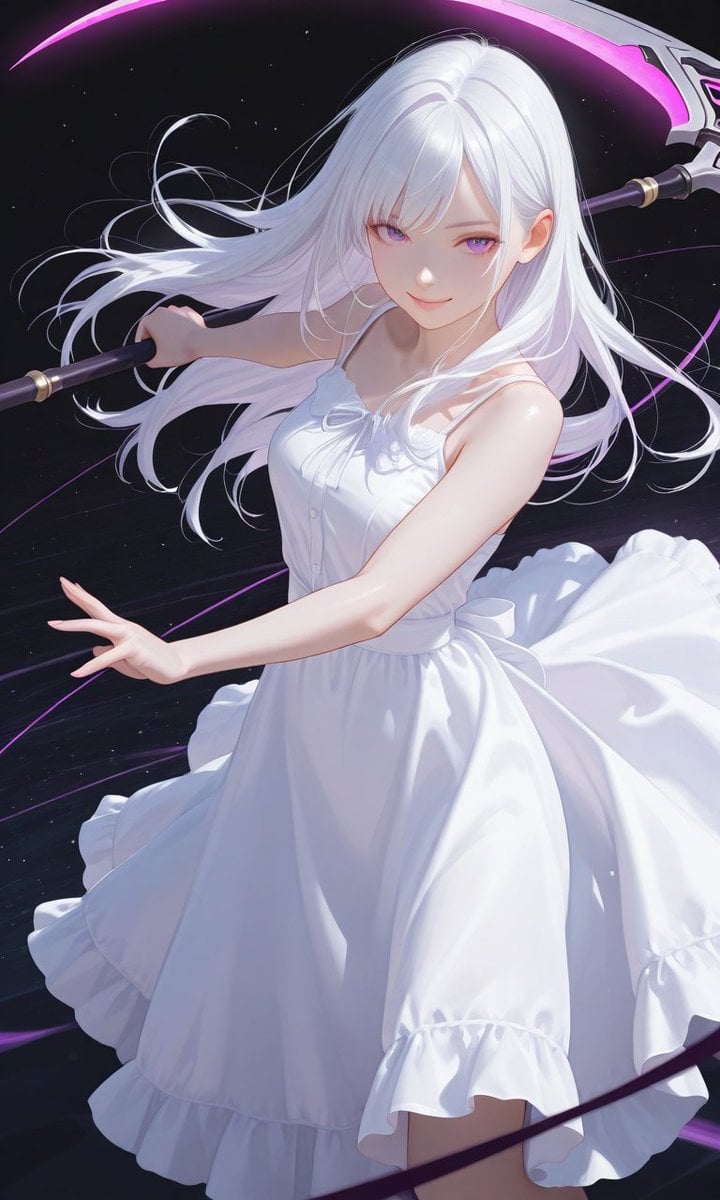
Boxed Figure to Anime Key Visual
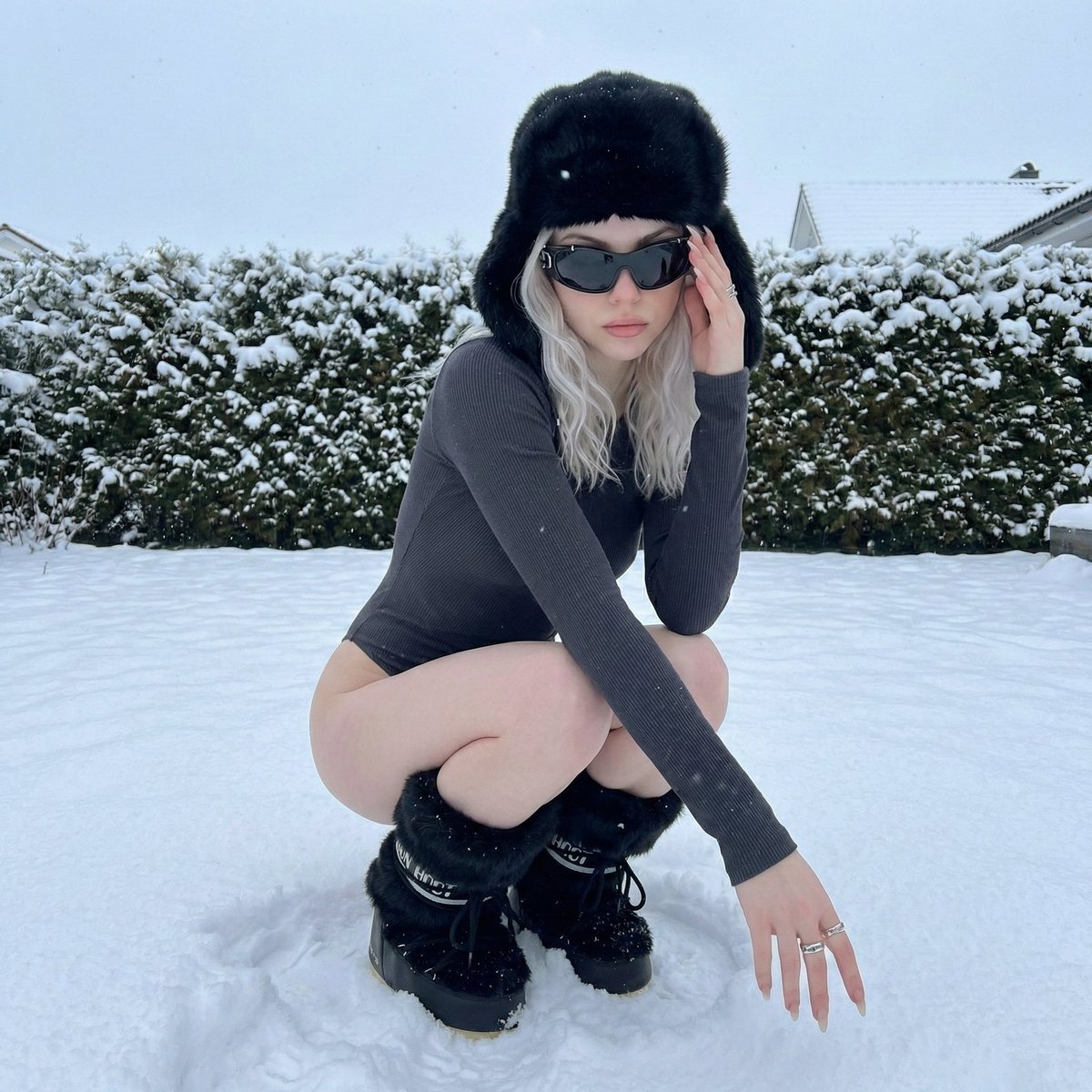
Winter Editorial Low-Angle Squat Pose Prompt (iPhone Style)
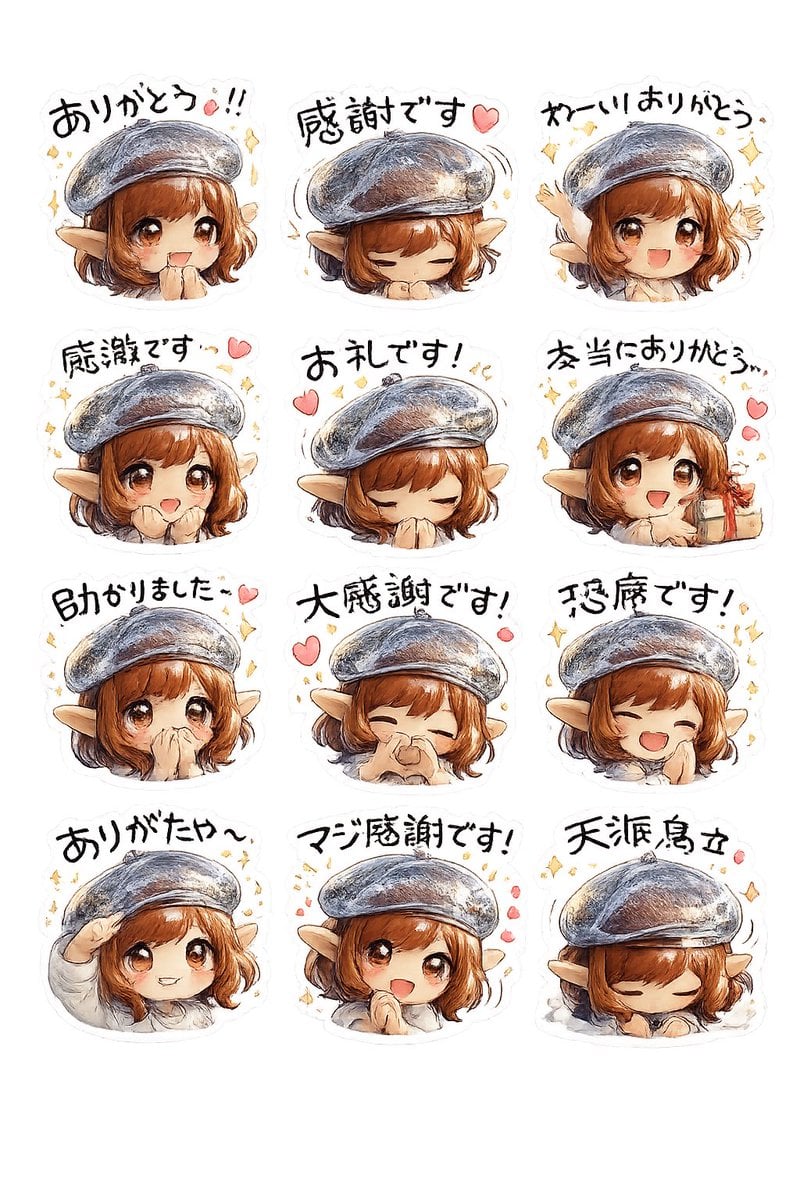
Elf Girl Thank-You Sticker Sheet
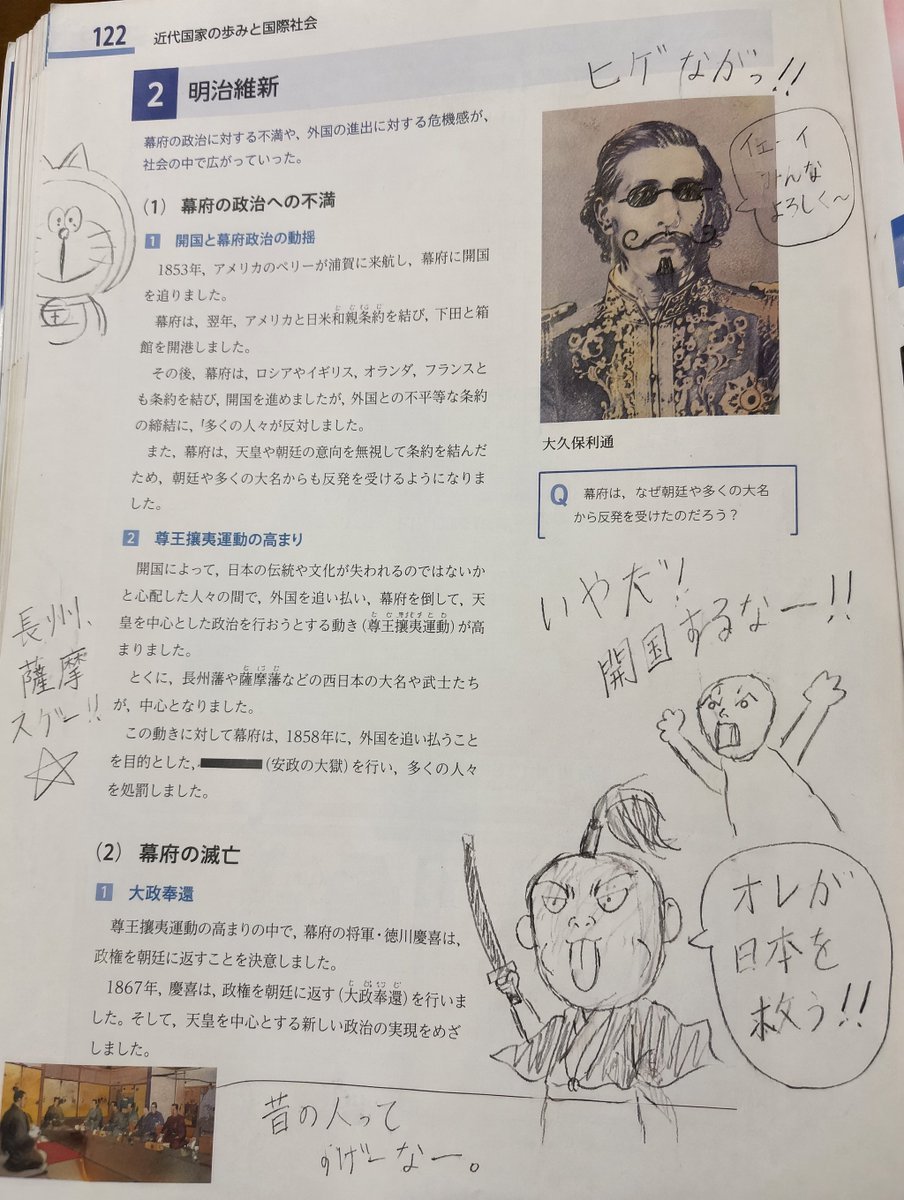
School Textbook Historical Figure Doodle
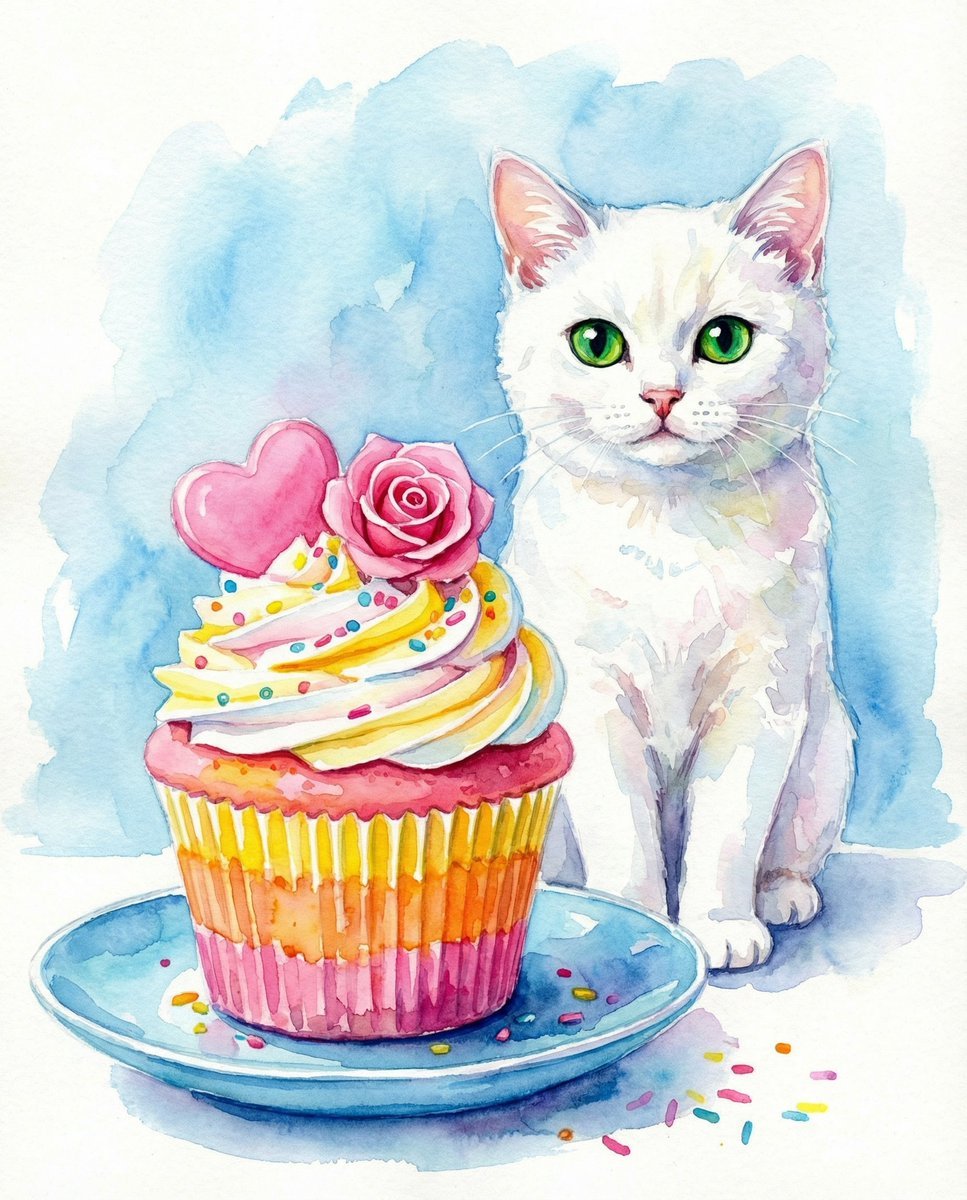
Watercolor Cat and Valentine's Cupcake
Neo-Noir Cinematic Street Photography in Subway

Selfie to Professional Headshot Prompt
Visual Contrast Cultural Photography
Browse template categories
E-commerce Product Listing: Embroidered Pinstripe Blazer questions
How do I use the E-commerce Product Listing: Embroidered Pinstripe Blazer template?
Add your photo if the template asks for one, edit the prompt if you like — the template's model and format are already selected — and press Generate. Your version opens in PicX Studio.
Can I customize the E-commerce Product Listing: Embroidered Pinstripe Blazer template?
Yes. You can change the subject, setting, lighting, mood, format, and available model controls before creating your image.
Is the E-commerce Product Listing: Embroidered Pinstripe Blazer template free?
Opening and editing this template is free. Generating uses credits, shown on the Generate button when you are signed in.
Which AI model should I use?
Start with Nano Banana 2, which is the model associated with this template. You can compare another compatible model for a different finish.
Looking for something else? Browse all templates.

Your photo, any look
Thousands of ready templates for every top image and video model, from one credit balance.