
Anime Rock Band Concert Poster
Generates a dense idol-anime rock band poster with five musicians, mascot, stage lighting, Japanese concert text, and ornate RainRebellion branding.
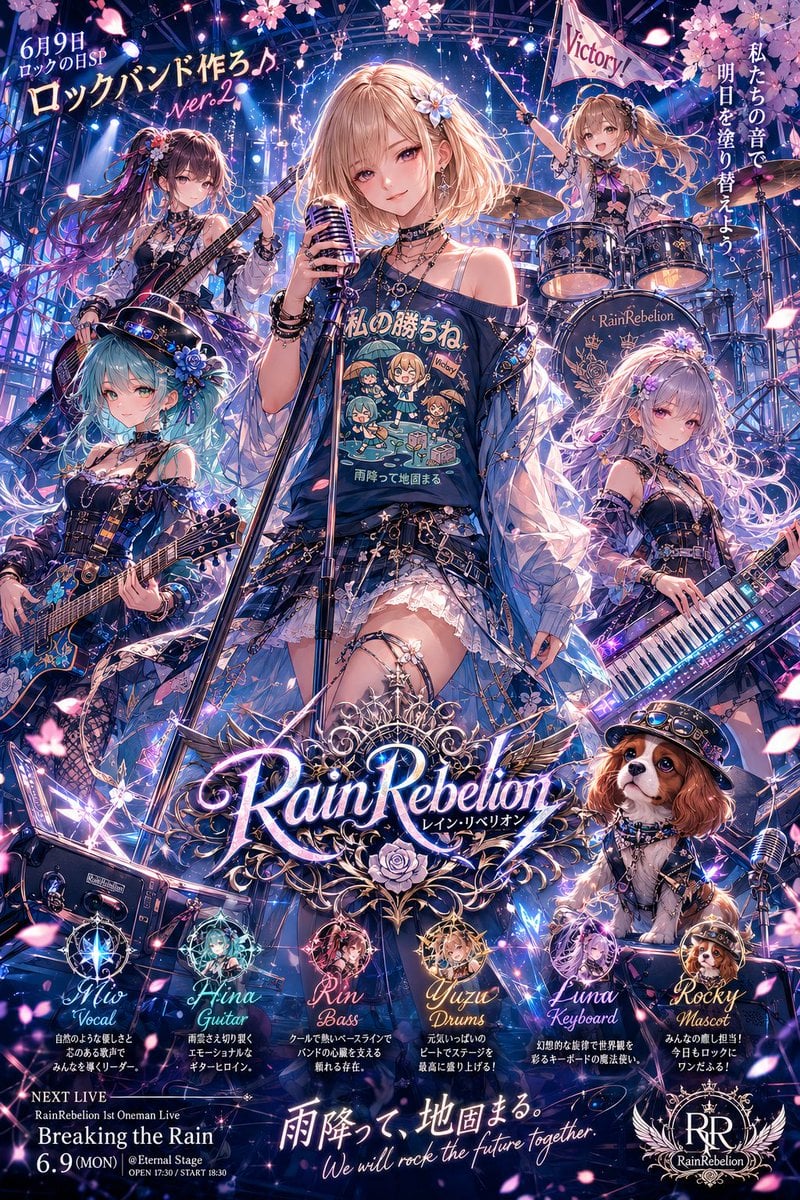
- Prompt included
- Model and format preset
- Free template
The prompt behind this image
Copy the exact prompt behind Anime Rock Band Concert Poster, or open it in the studio and make it yours.
Goal: Create a highly detailed vertical anime rock-band concert poster for June 9 Rock Day, featuring an all-girl band named {argument name="band name" default="RainRebellion"} performing on a glittering night stage under cherry blossoms. Canvas: Vertical poster, 2:3 aspect ratio, dense information-rich layout, glossy idol-anime key visual style, dramatic blue-purple-pink concert lighting, sparkling lens flares, neon reflections, floating sakura petals, metal scaffolding, spotlights, cables, speakers, drums, guitars, and ornate fantasy decorations. Main layout: Put 5 young female anime band members on stage in a heroic triangular composition, with the lead vocalist largest in the center foreground. Add 1 small mascot character in the lower right, making exactly 6 character figures total. Use a luxurious, maximalist visual style with intricate accessories, gothic-rock idol outfits, ribbons, roses, lace, belts, chains, star motifs, translucent jackets, and musical instruments. Characters and instruments, exactly 5 band members plus 1 mascot: 1. Center: {argument name="lead vocalist name" default="Mio"}, lead vocalist, blonde bob haircut, black off-shoulder rock T-shirt with cute chibi band art printed on it, short frilly skirt, layered necklaces, bracelets, holding a vintage microphone on a stand, confident frontwoman pose. 2. Upper left: Hina, guitarist, long dark purple hair with blue-pink highlights and floral hair ornaments, playing an electric guitar, energetic side pose. 3. Lower left: Rin, bassist, aqua/turquoise twin-tail hair, black floral gothic outfit, playing a decorated bass guitar, cool intense pose. 4. Upper right: Yuzu, drummer, long blonde hair, seated behind a drum kit labeled with the band name, raising drumsticks, with a small flag reading “Victory!”. 5. Right middle: Luna, keyboardist, long silver-lavender hair, elegant black-and-blue outfit, playing a luminous electronic keyboard, calm mysterious expression. 6. Lower right: Rocky, small mascot character with brown hair and animal-like charm, holding a microphone, cute hype-man pose. Text content and typography: Add Japanese-style promotional poster text with glowing hand-lettered and serif typography. At top left include “6月9日”, “ロックの日SP”, large headline “ロックバンド作ろ♪”, and pink script “ver.2”. At right side, add vertical Japanese slogan “私たちの音で 明日を塗り替えよう.” Center bottom: large ornate glowing logo “{argument name="band name" default="RainRebellion"}” with small katakana subtitle “レイン・リベリオン”, surrounded by silver filigree, wings, roses, and blue gems. Below the logo create exactly 5 circular character profile badges labeled: “Mio Vocal”, “Hina Guitar”, “Rin Bass”, “Yuzu Drums”, and “Luna Keyboard”, each with a tiny portrait icon and a short Japanese tagline beneath. At lower left add concert information: “NEXT LIVE”, “RainRebellion 1st Oneman Live”, “Breaking the Rain”, “6.9 (MON) @Eternal Stage”, and tiny opening/start time details. At bottom center add the slogan “雨降って 地固まる。” and the English line “We will rock the future together”. At lower right add a circular “RR” crest logo with “RainRebellion”. Visual style: Ultra-detailed modern anime illustration, idol rhythm-game poster, dynamic stage lighting, blue and violet neon glow, pink sakura petals, magical sparkles, chrome highlights, deep contrast, ornate typography, crisp line art, high saturation, cinematic composition, polished commercial key art. Constraints: Keep exactly 5 band member profile badges and exactly 6 character figures total. Keep the poster packed but readable. Do not add extra band members. Avoid photorealism; keep it anime-style. Make the band name logo the largest text element in the lower third.
How to use Anime Rock Band Concert Poster in 3 steps
- 1Upload ImagePNG, JPG or paste
Add your photo
Upload the photo the template builds on. The prompt, model and format are already set.
- 2…a portrait of your subject in softgolden-hour light, 85mm…
Personalize
Edit the subject and creative details for your destination.
- 3Generate
Generate
Press Generate — your image is created in PicX Studio, so you can compare it with the original and refine one variable at a time.
More like this
Templates with the same subject, style or setup. Open one to see its prompt.

Captain Tsubasa Anime World Cup Poster
Anime Rock Band Beverage Collab Poster
Fantasy Anime Rock Band Concert
Anime Hard Rock Band Poster

Cel 2D Rooftop Concert
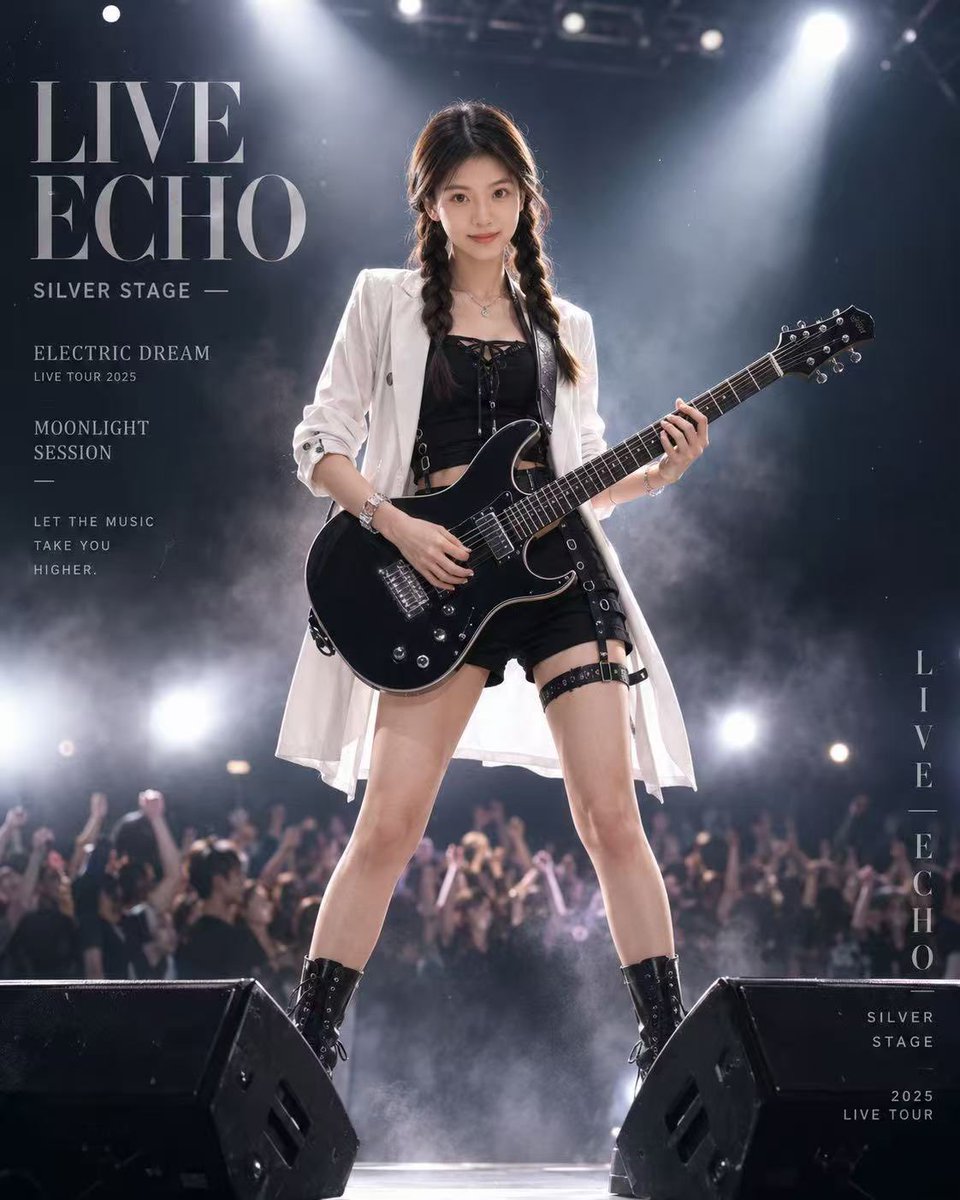
Live Rock Concert Poster

Anime Fantasy Rock Band Fusion
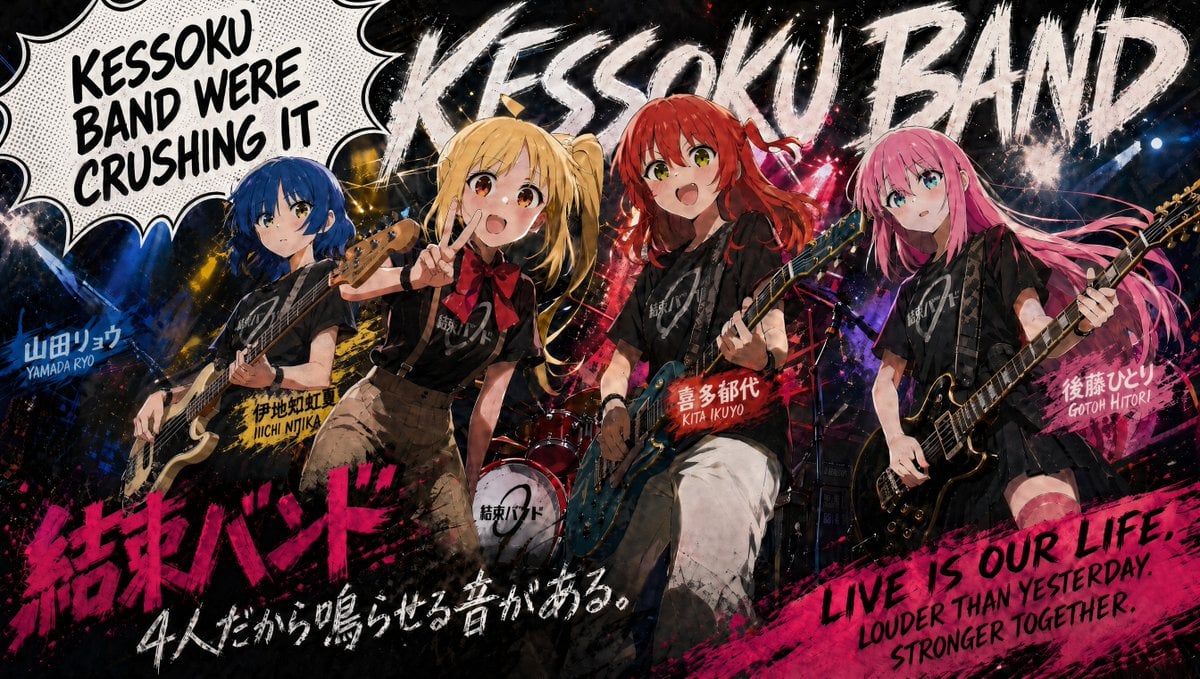
Kessoku Band Gritty Anime Poster
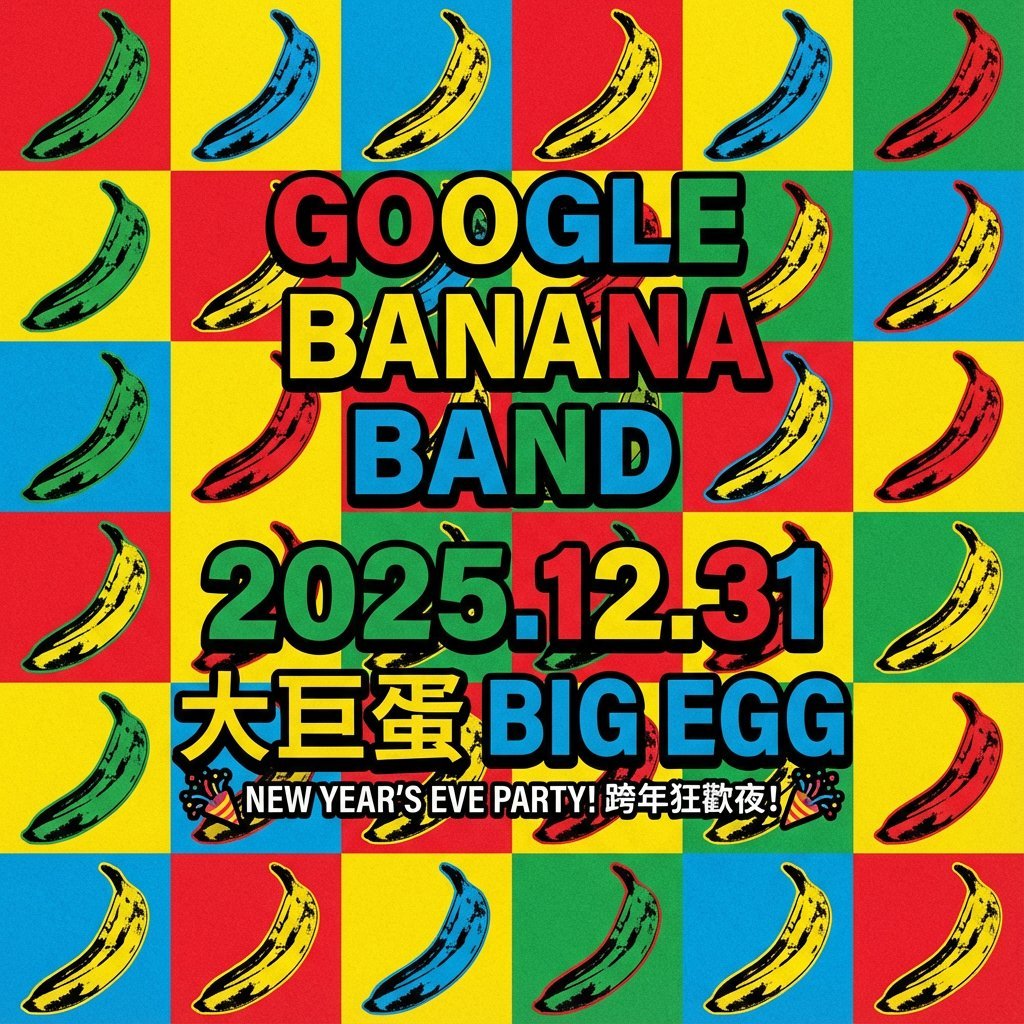
Concert poster for Google Banana Band
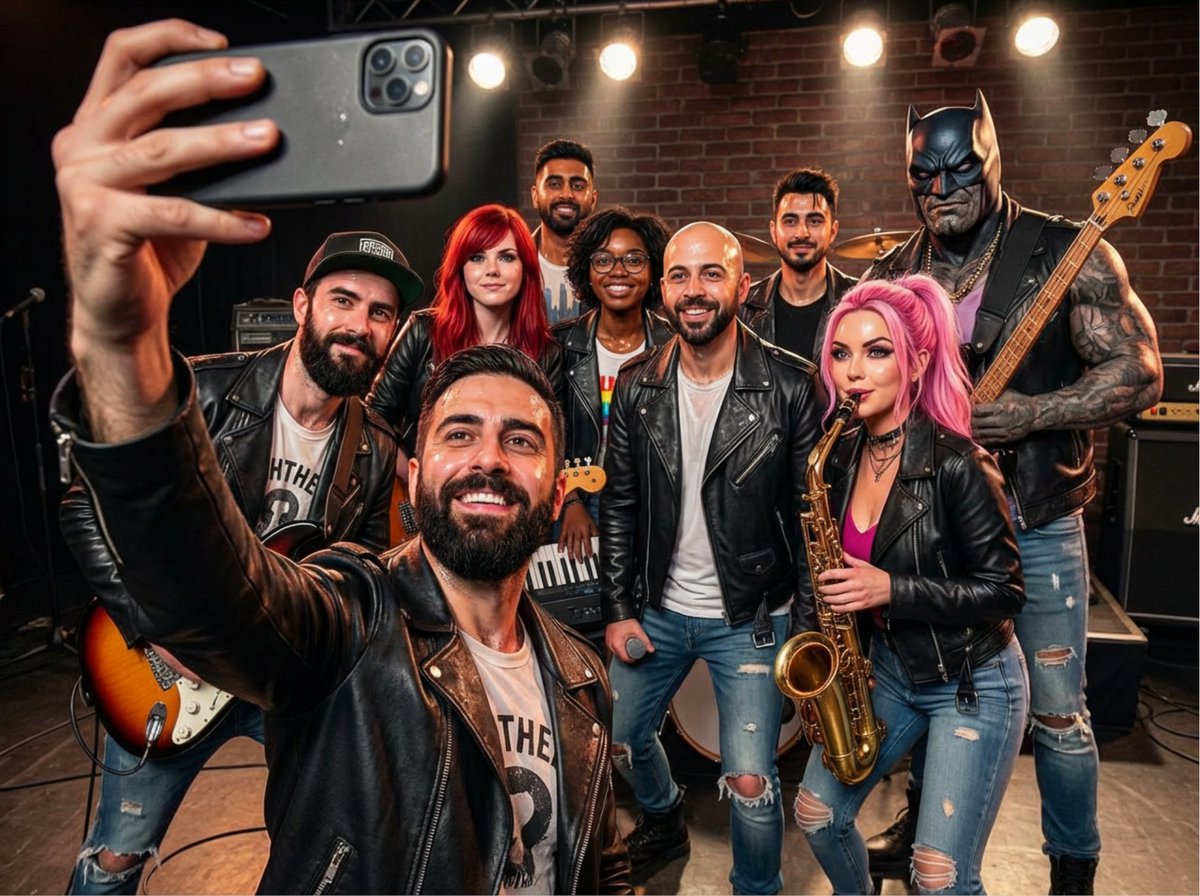
Rock band poster with consistent faces

Gpt2 Youtube Thumbnail Anime Music Bootcamp Promo Poster

Japan Travel Brochure Poster
Make it yours
Anime Rock Band Concert Poster works as-is. These are the safest ways to change it without losing the look.
Change one field
Copy a single group, rewrite it, and generate again so you can see what that field is doing.
Keep the frame, change the subject
Hold the composition and light of Anime Rock Band Concert Poster, then swap wardrobe, props or the person for a new take.
| If the result… | Why | Fix |
|---|---|---|
| The result drifts from the preview | Too many fields changed at once. | Reuse Anime Rock Band Concert Poster as-is first, then change one group — subject, light, or setting. |
| The model over-stylizes the scene | The prose prompt leaves finish and camera underspecified. | Add one camera or lighting sentence and stay on GPT Image 2. |
More GPT Image 2 templates
Other prompts made for GPT Image 2.

Six VTuber Japanese Logo Sheet

Realistic Portrait of Woman and Deer

The Vista Modular Condo Poster

AI Model Routing Comparison Infographic

2.5D Anime Art Board

Isometric Productivity Desk Scene

New York Double Exposure Poster

Four-Panel AI Landscape Comparison

Japanese Tatami Lifestyle Magazine Cover

NESCAFÉ Coffee Map Poster
More image prompts
Fresh picks from across the catalog.
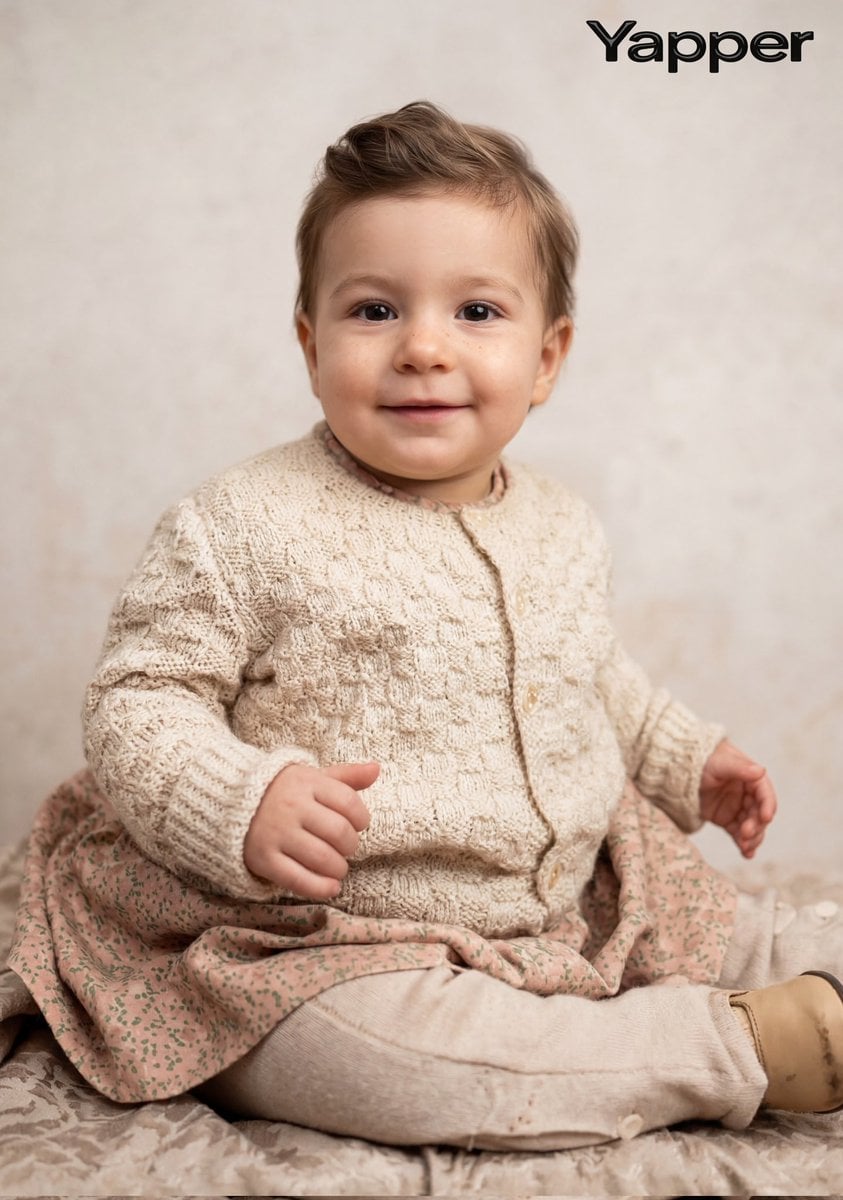
Cinematic Portrait Restoration Prompt
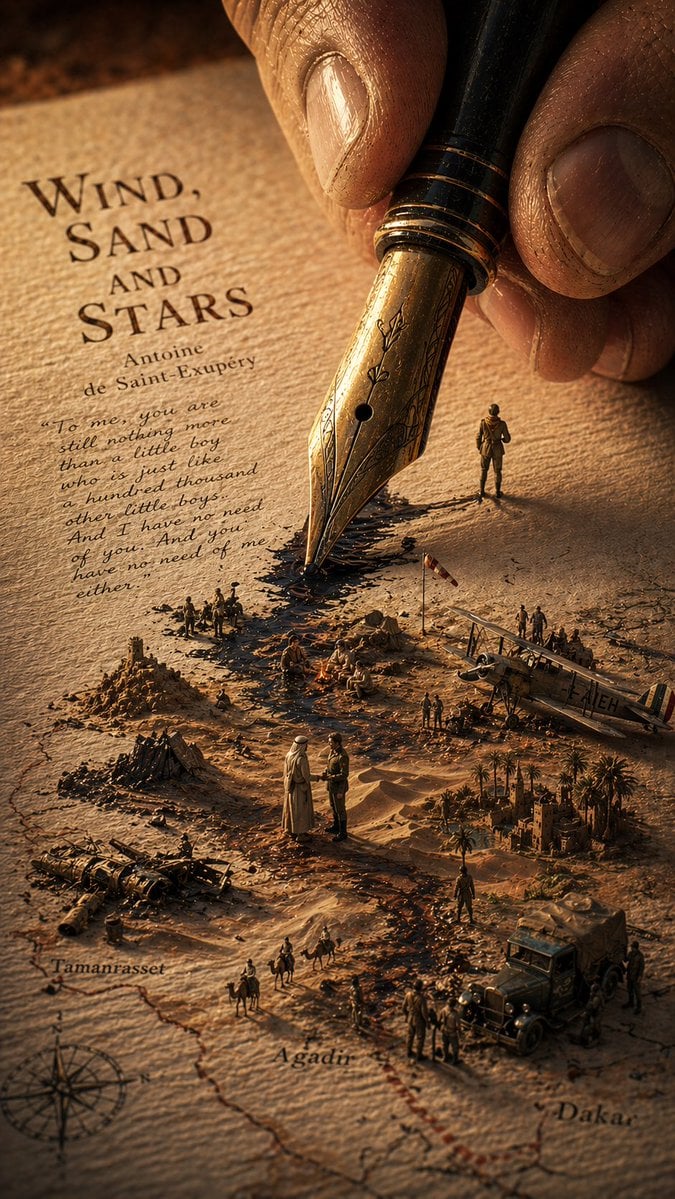
Surreal Wind, Sand and Stars Book World
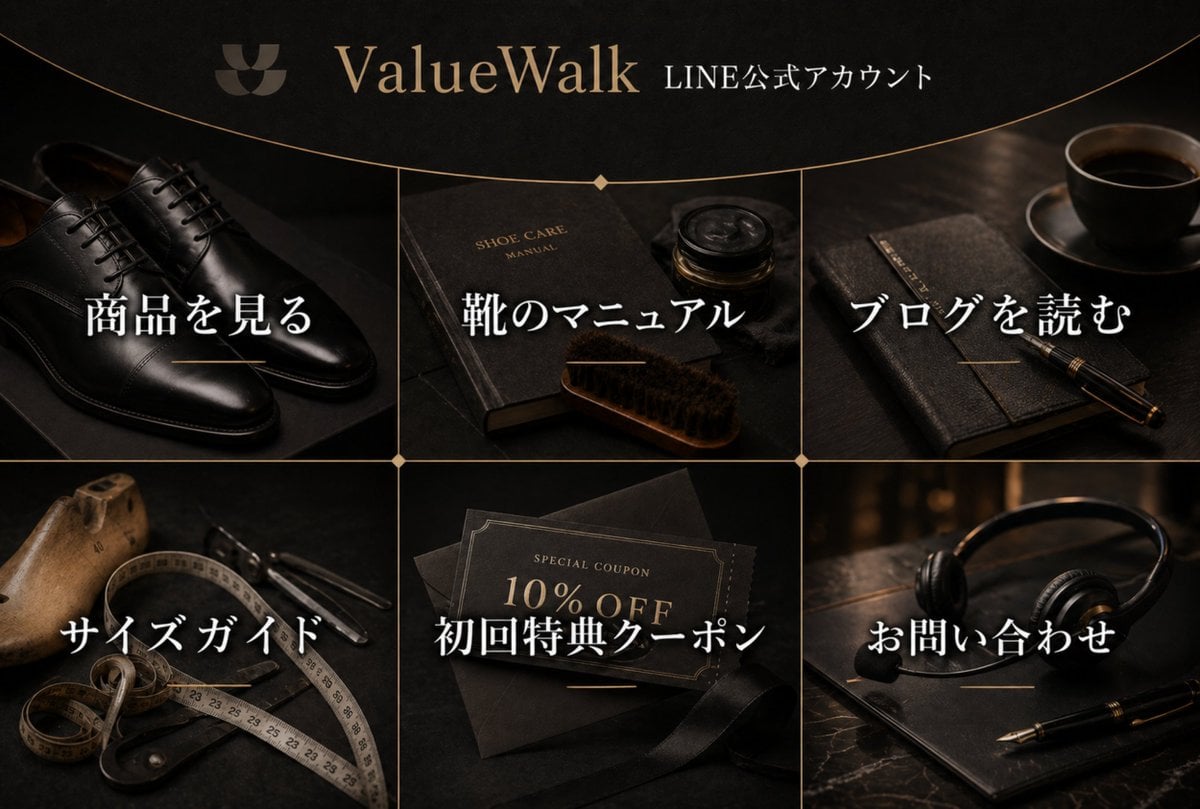
Luxury Shoe Brand LINE Rich Menu
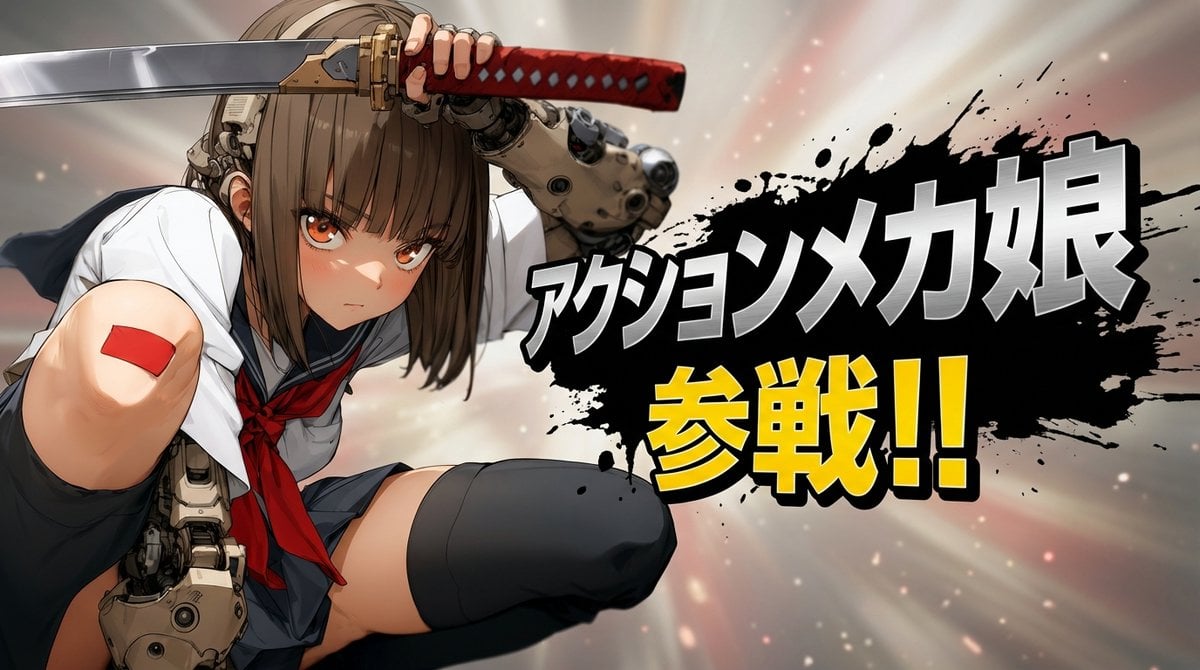
Abstract Background Generation (Reference-Based)
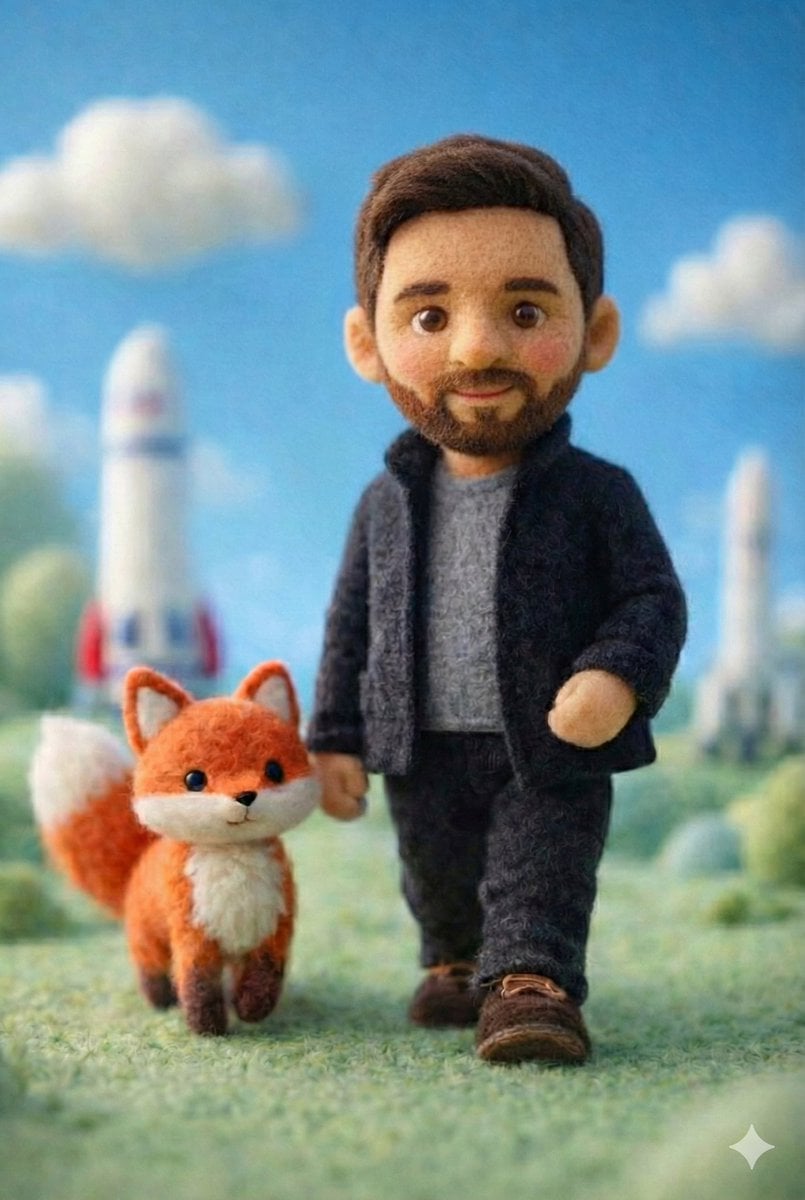
Handcrafted Felt Miniature Scene with Tech Character
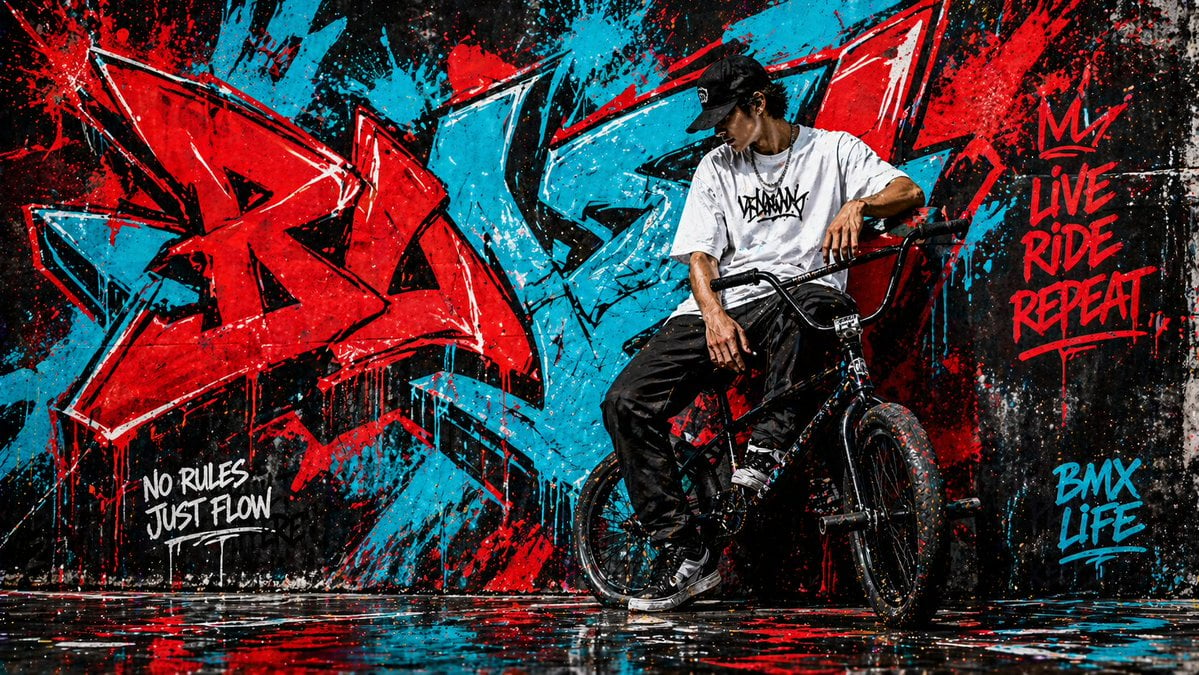
Graffiti Wall Urban Artwork

Candid Photograph of Woman on Subway
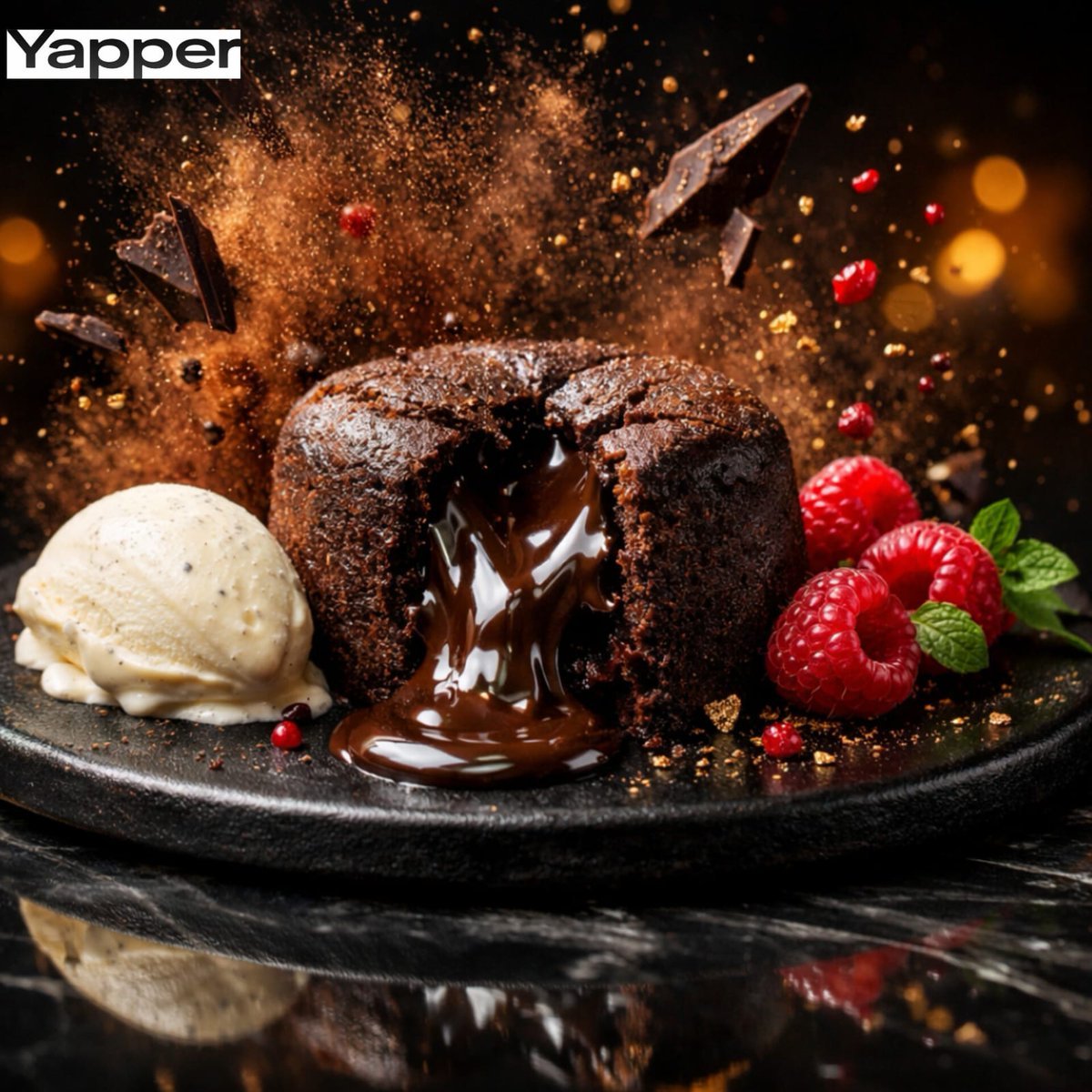
High-Speed Cinematic Luxury Dessert Photography Prompt (Molten Chocolate Lava Cake)

Conceptual Trapped Reflection Art
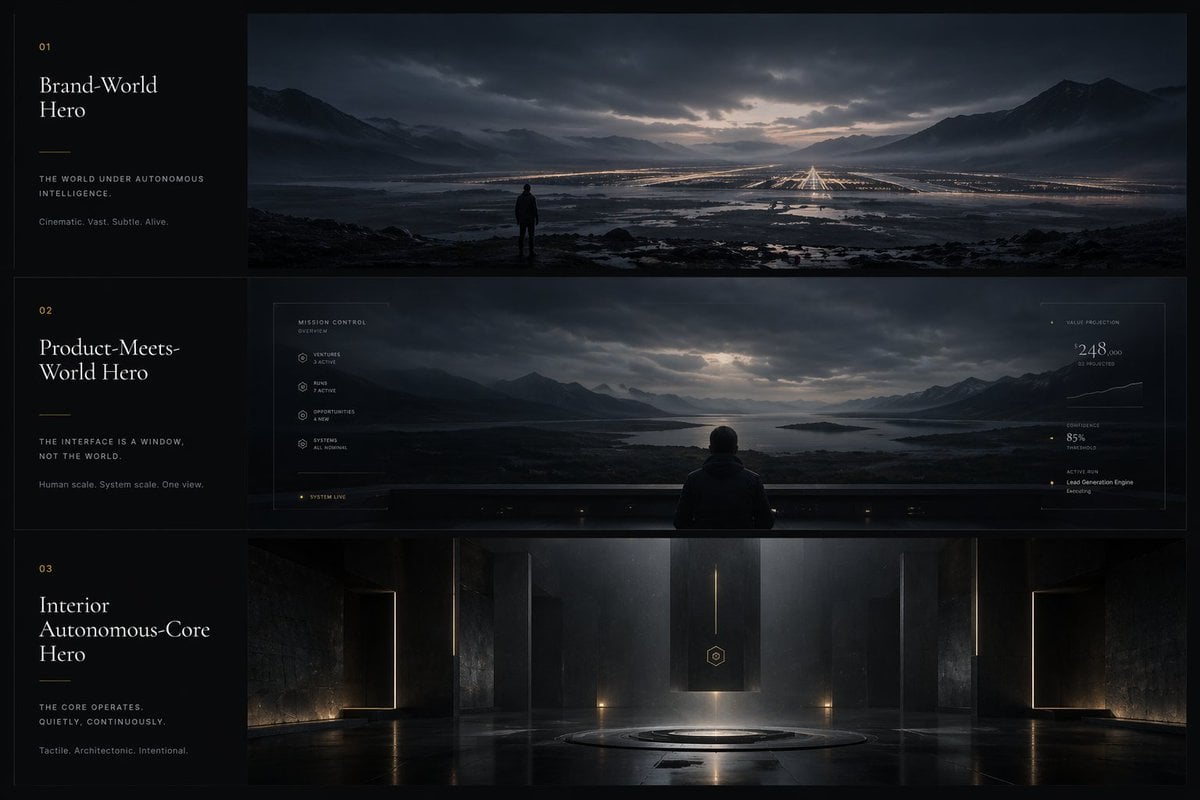
Cinematic Autonomous AI Mood Board
Browse template categories
Anime Rock Band Concert Poster questions
How do I use the Anime Rock Band Concert Poster template?
Add your photo if the template asks for one, edit the prompt if you like — the template's model and format are already selected — and press Generate. Your version opens in PicX Studio.
Can I customize the Anime Rock Band Concert Poster template?
Yes. You can change the subject, setting, lighting, mood, format, and available model controls before creating your image.
Is the Anime Rock Band Concert Poster template free?
Opening and editing this template is free. Generating uses credits, shown on the Generate button when you are signed in.
Which AI model should I use?
Start with GPT Image 2, which is the model associated with this template. You can compare another compatible model for a different finish.
Looking for something else? Browse all templates.

Your photo, any look
Thousands of ready templates for every top image and video model, from one credit balance.