
Cinematic Autonomous AI Mood Board
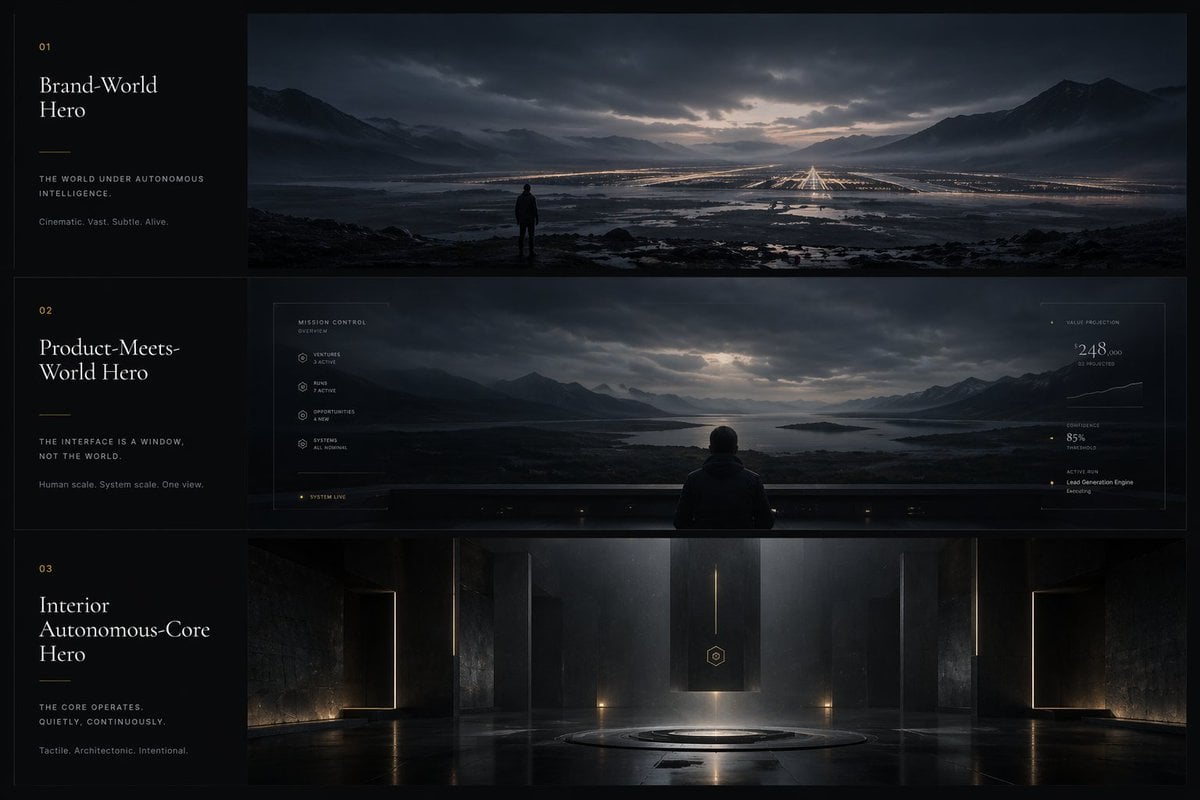
A dark, premium three-panel mood board presenting the design language for an autonomous intelligence app or brand system through cinematic landscapes, subtle UI overlays, and monumental architectural interiors.
- Prompt included
- Model and format preset
- Free template
The prompt behind this image
Copy the exact prompt behind Cinematic Autonomous AI Mood Board, or open it in the studio and make it yours.
{"type":"cinematic app design language mood board","style":"ultra-wide premium presentation board with three horizontal cinematic panels and a narrow editorial text column on the left, dark luxury sci-fi minimalism, moody atmospheric lighting, restrained typography, near-monochrome blue-black palette with subtle warm gold accents, highly polished concept-art realism","subject":"a visual design system for an autonomous intelligence product shown as world-scale cinematic environments and interface philosophy","layout":{"canvas":"16:9 landscape","left_column":{"width":"about 20% of canvas","background":"matte black","count":3,"sections":[{"index":"01","title":"Brand-World Hero","tagline":"THE WORLD UNDER AUTONOMOUS INTELLIGENCE.","subtext":"Cinematic. Vast. Subtle. Alive.","position":"top left block"},{"index":"02","title":"Product-Meets-World Hero","tagline":"THE INTERFACE IS A WINDOW, NOT THE WORLD.","subtext":"Human scale. System scale. One view.","position":"middle left block"},{"index":"03","title":"Interior Autonomous-Core Hero","tagline":"THE CORE OPERATES. QUIETLY. CONTINUOUSLY.","subtext":"Tactile. Architectonic. Intentional.","position":"bottom left block"}],"typography":"elegant high-contrast serif for titles, tiny uppercase sans-serif for labels and body copy, generous spacing, faint gold section numbers and divider lines"},"right_panels":{"count":3,"panels":[{"position":"top","scene":"a solitary human figure standing on dark rocky ground overlooking a vast flooded valley at dusk, mountain ranges on both sides, dramatic cloud cover with a pale opening at the horizon, an enormous grid of distant warm lights and runway-like linear illumination stretching into the landscape, reflective water channels and wetlands in the foreground, sense of immense scale and silence"},{"position":"middle","scene":"the same mountainous lake landscape viewed through a giant transparent futuristic interface wall from behind a seated or standing person centered at the bottom edge, subtle HUD overlay graphics framing the panorama, thin white interface lines and tiny data labels, left-side system menu and right-side metrics panel integrated into the glass, the world outside remains dominant while the UI feels delicate and secondary","ui_components":{"count":6,"labels":["MISSION CONTROL","VENTURES","RUNS","OPPORTUNITIES","SYSTEMS","SYSTEM LIVE"]},"right_metrics":{"count":4,"labels":["VALUE PROJECTION","CONFIDENCE","ACTIVE RUN","Lead Generation Engine Executing"]}},{"position":"bottom","scene":"a monumental interior autonomous core chamber, dark stone or concrete architecture, symmetrical composition, tall monolithic walls, thin vertical light slits, a hovering or suspended rectangular black monolith in the center with a small hexagonal emblem, circular platform recessed into the floor beneath it, glossy reflective floor, shafts of cool light descending from above, sparse warm floor lights, sacred technological atmosphere"}]},"color_palette":{"count":5,"colors":["deep black","midnight blue","steel gray","misty silver","muted warm gold"]},"mood_keywords":{"count":8,"words":["cinematic","vast","subtle","alive","architectonic","intentional","quiet","futuristic"]},"rendering":"high-end concept art mixed with premium brand presentation board, photoreal environment detail, soft volumetric fog, reflective surfaces, low-key contrast, meticulous composition, luxury tech aesthetic, no bright saturated colors, no playful elements"}
How to use Cinematic Autonomous AI Mood Board in 3 steps
- 1Upload ImagePNG, JPG or paste
Add your photo
Upload the photo the template builds on. The prompt, model and format are already set.
- 2…a portrait of your subject in softgolden-hour light, 85mm…
Personalize
Edit the subject and creative details for your destination.
- 3Generate
Generate
Press Generate — your image is created in PicX Studio, so you can compare it with the original and refine one variable at a time.
More like this
Templates with the same subject, style or setup. Open one to see its prompt.
Y2K Streetwear Fashion Flyer
Rainy Season Pinterest Moodboard
Dark Academia AI Moodboard Collage
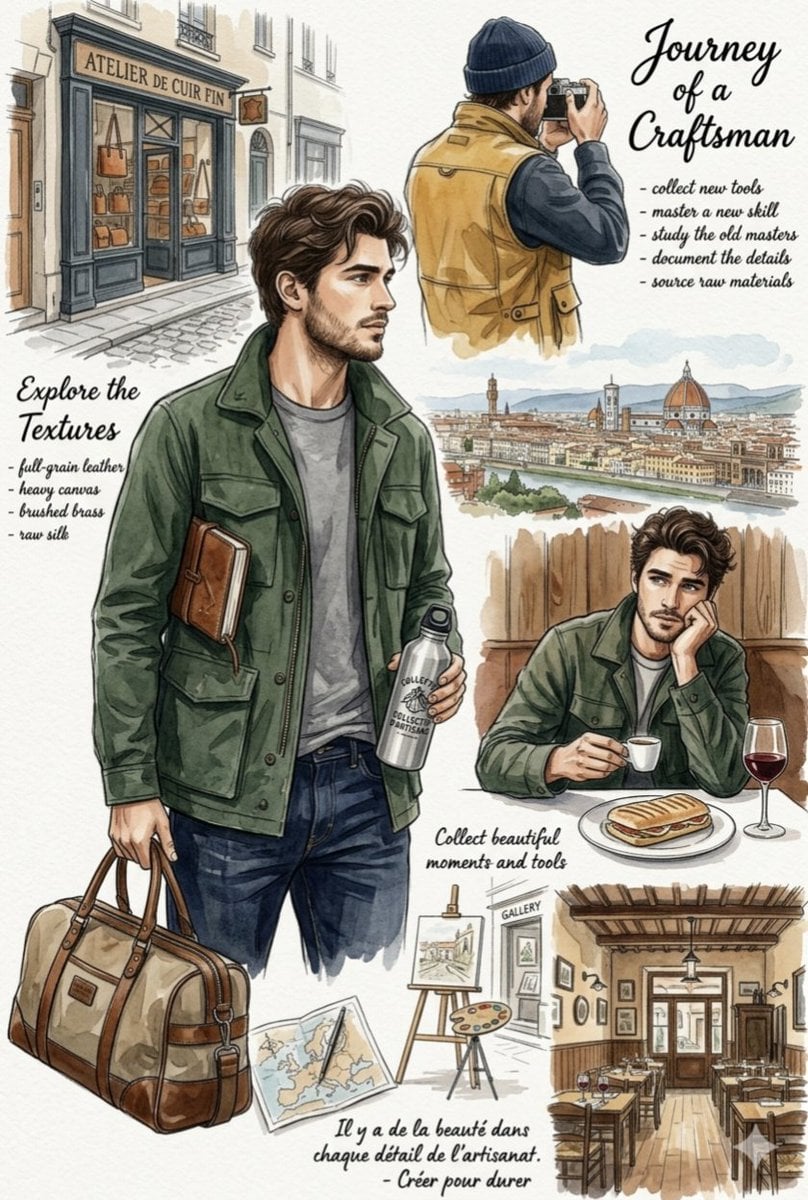
European Travel Lifestyle Moodboard
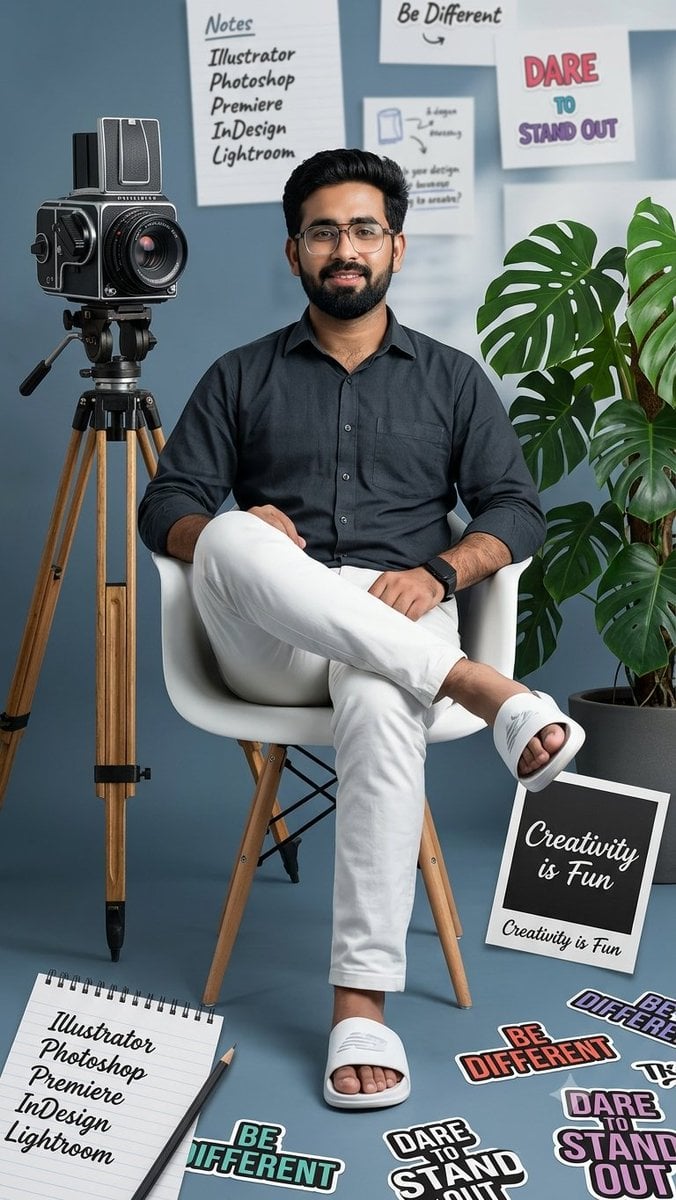
Creative Mood Board Collage
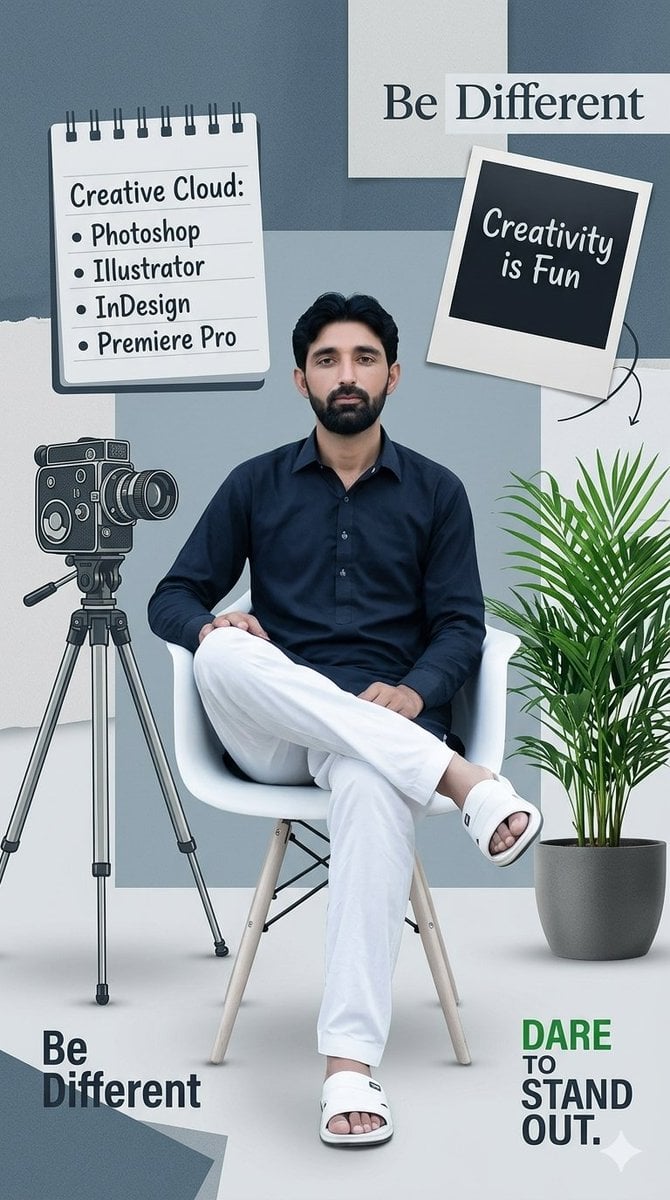
Creative Design Mood Board Portrait
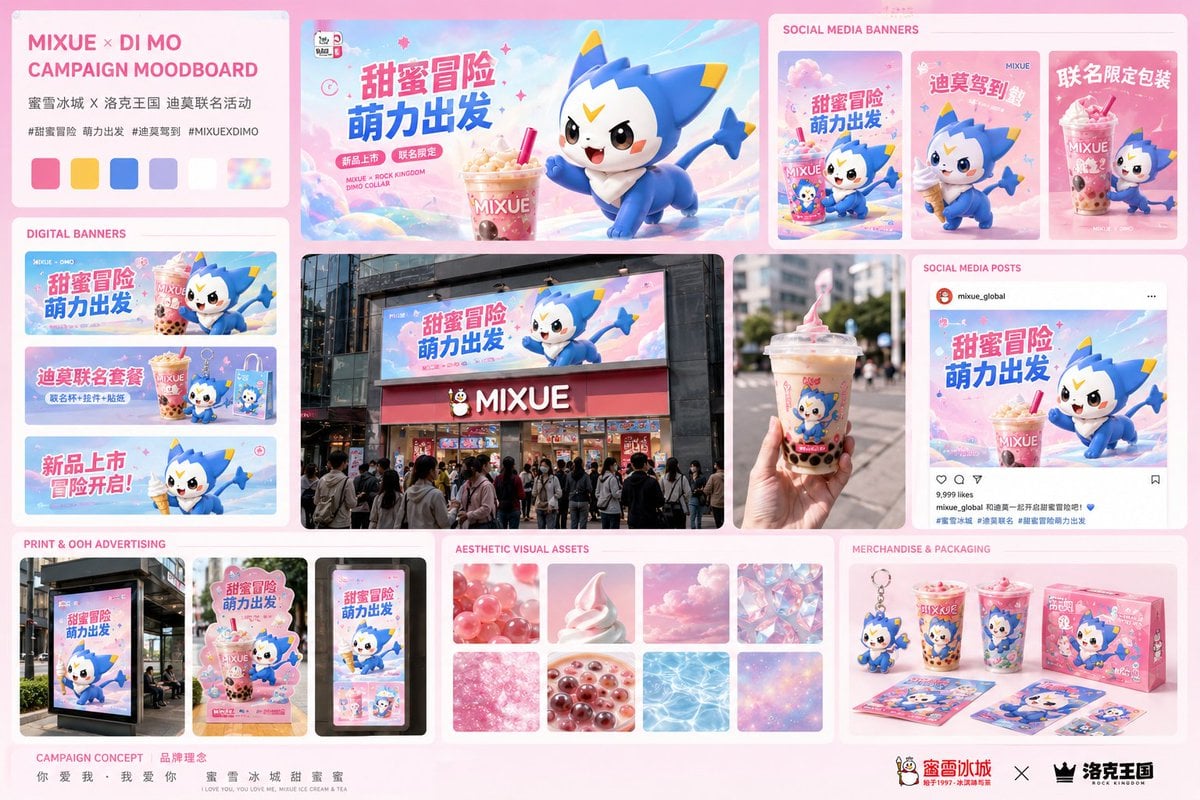
Mixue Di Mo Campaign Moodboard
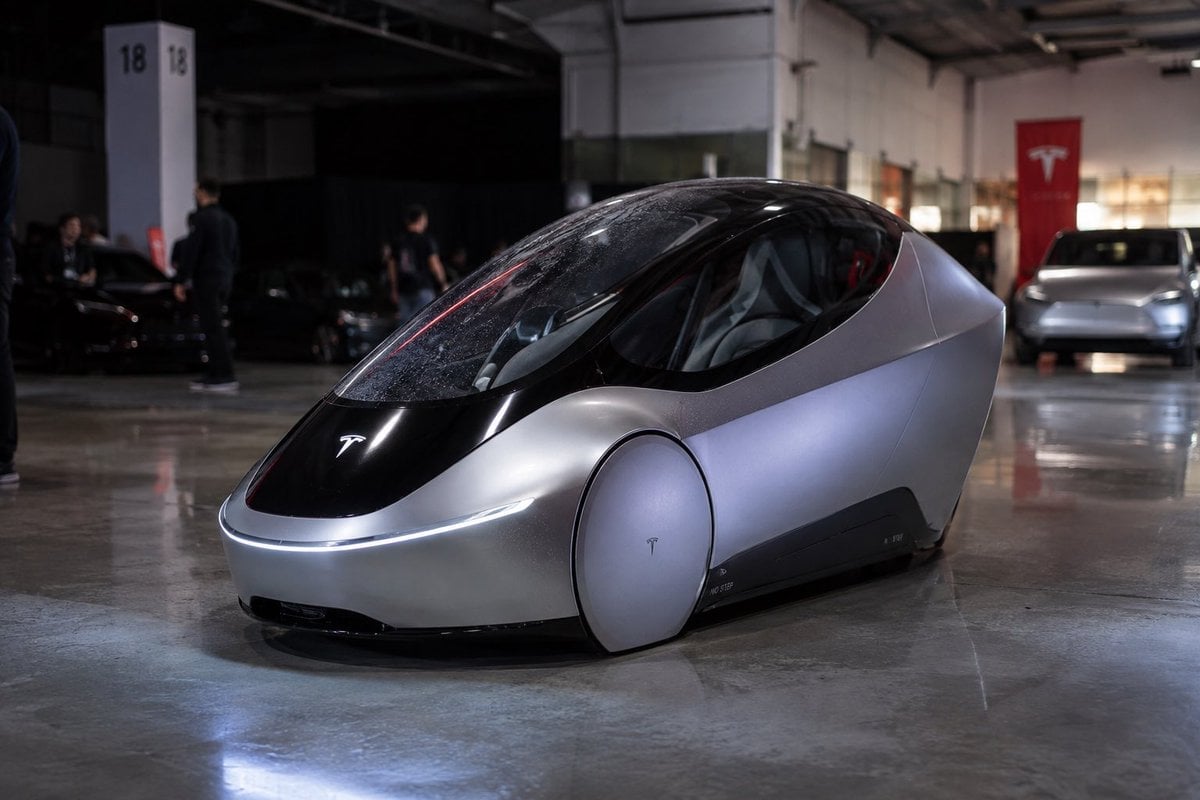
Photorealistic Tesla Autonomous Prototype
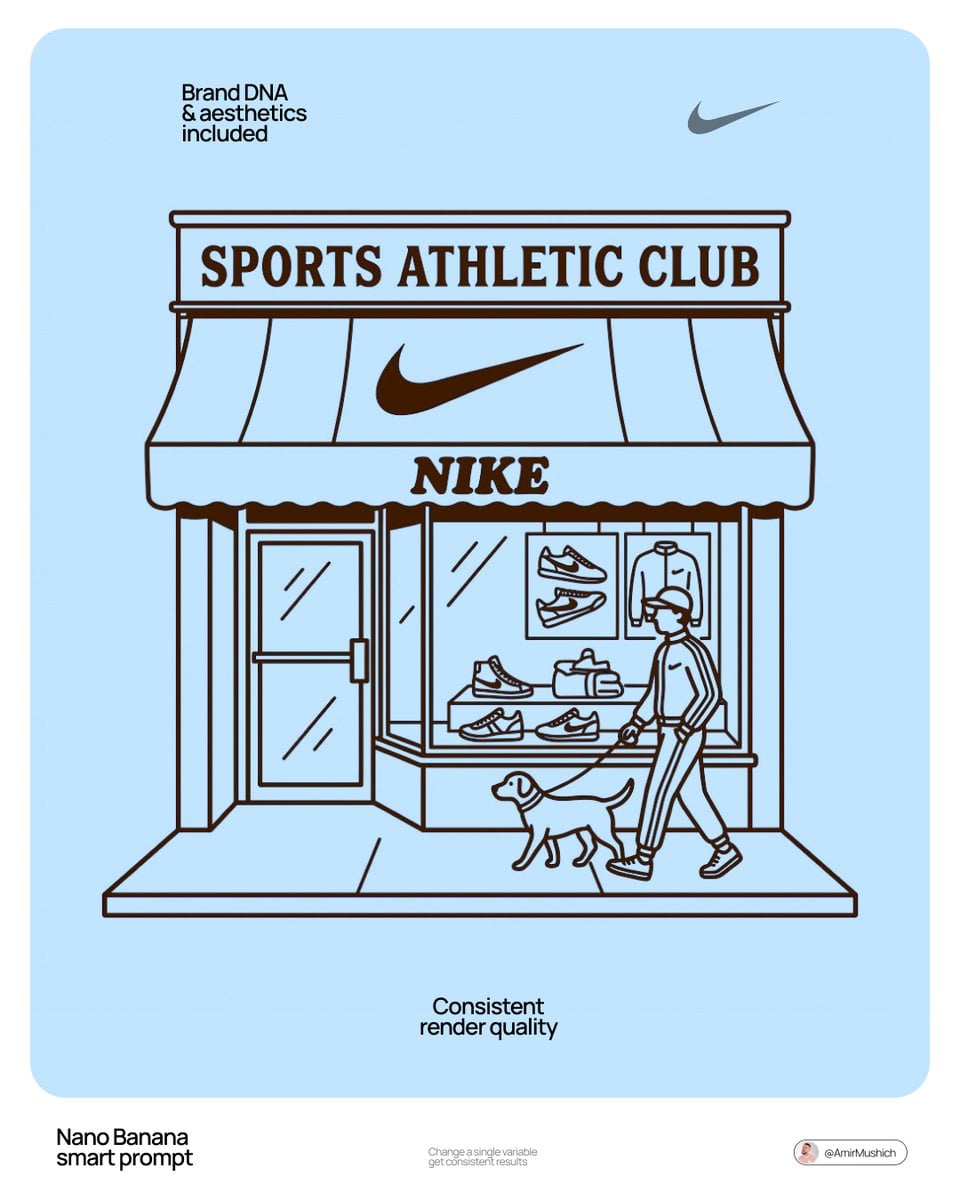
Autonomously add 1-2 characters or a pet that fits the brand s lifestyle

Moody Cinematic Close-up Male Portrait
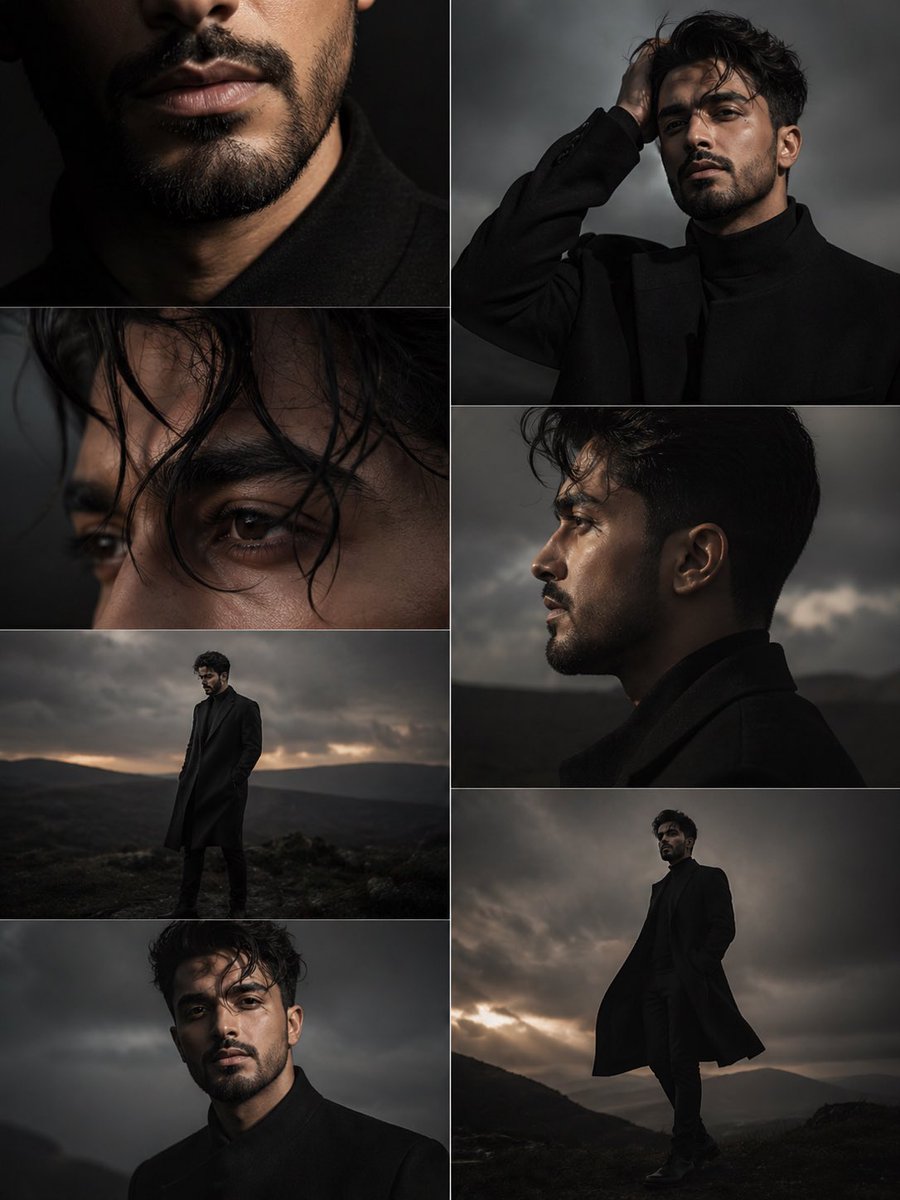
Dark Moody Editorial Portrait
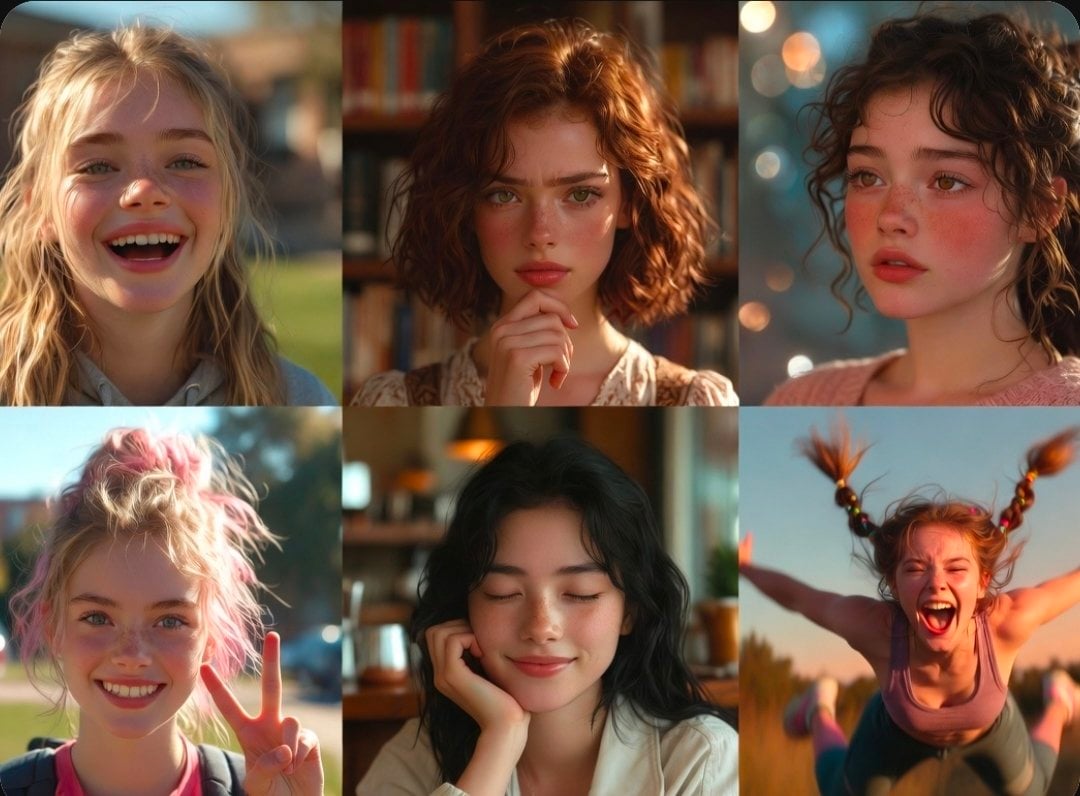
Diverse Portrait Mood Collage
Make it yours
Cinematic Autonomous AI Mood Board works as-is. These are the safest ways to change it without losing the look.
Change one field
Copy a single group, rewrite it, and generate again so you can see what that field is doing.
Keep the frame, change the subject
Hold the composition and light of Cinematic Autonomous AI Mood Board, then swap wardrobe, props or the person for a new take.
| If the result… | Why | Fix |
|---|---|---|
| The result drifts from the preview | Too many fields changed at once. | Reuse Cinematic Autonomous AI Mood Board as-is first, then change one group — subject, light, or setting. |
| The model over-stylizes the scene | The prose prompt leaves finish and camera underspecified. | Add one camera or lighting sentence and stay on GPT Image 2. |
More GPT Image 2 templates
Other prompts made for GPT Image 2.

Six VTuber Japanese Logo Sheet

Realistic Portrait of Woman and Deer

The Vista Modular Condo Poster

AI Model Routing Comparison Infographic

2.5D Anime Art Board

Isometric Productivity Desk Scene

New York Double Exposure Poster

Four-Panel AI Landscape Comparison

Japanese Tatami Lifestyle Magazine Cover

NESCAFÉ Coffee Map Poster
More image prompts
Fresh picks from across the catalog.
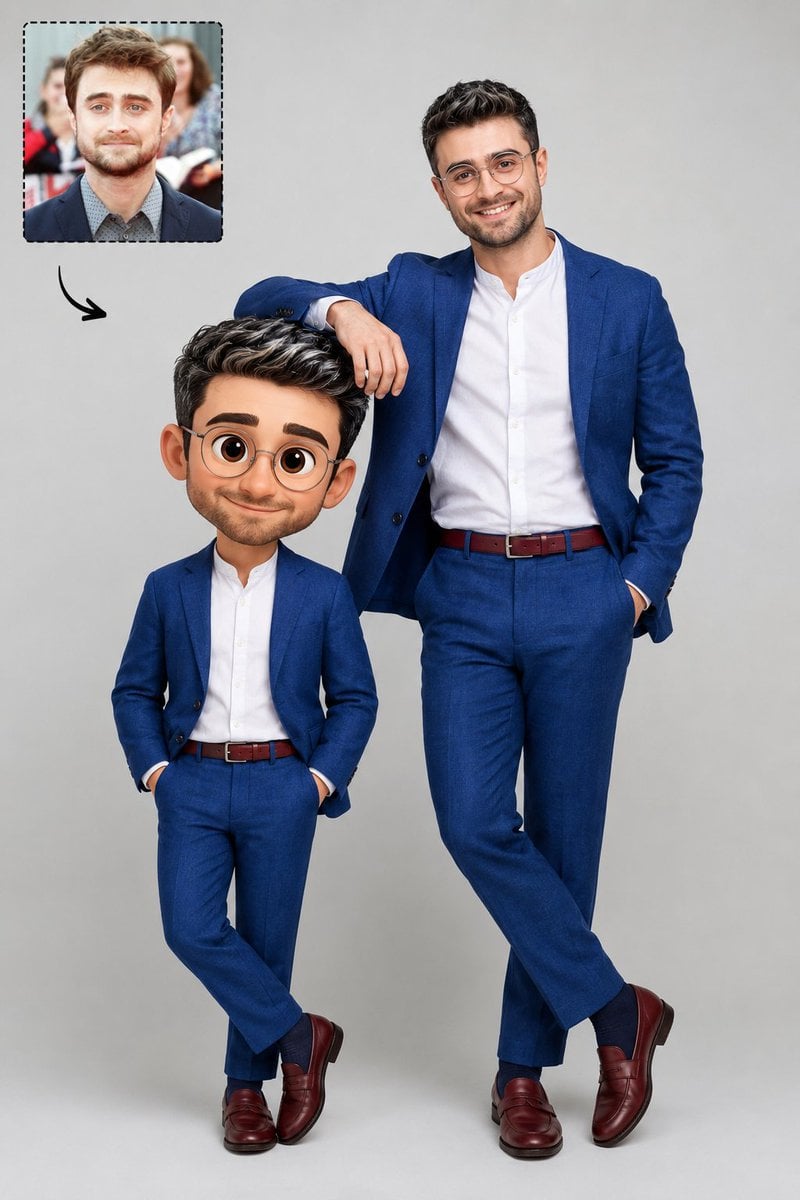
Real Life to Pixar Avatar Transformation
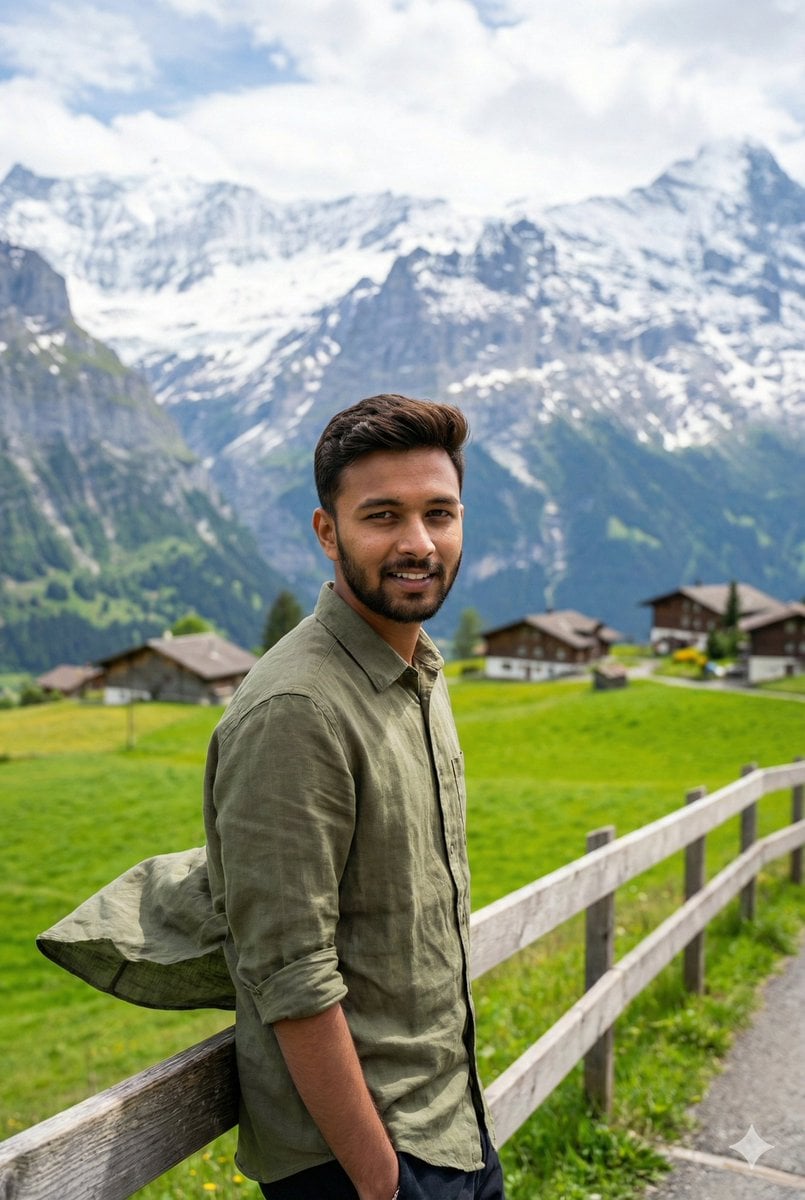
Serene Mountain Trail Portrait
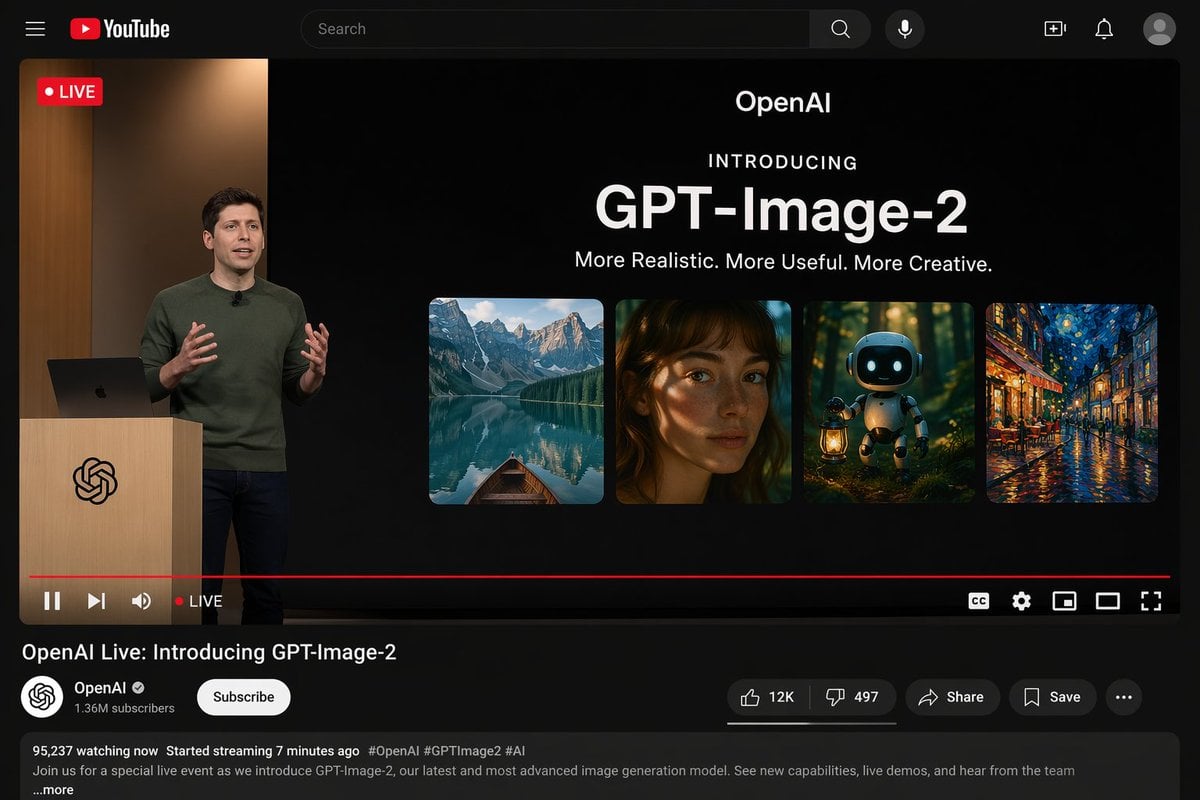
YouTube Live Stream Announcement Mockup

Gemini Nano Banana 2

Cozy Man Hugging Maine Coon
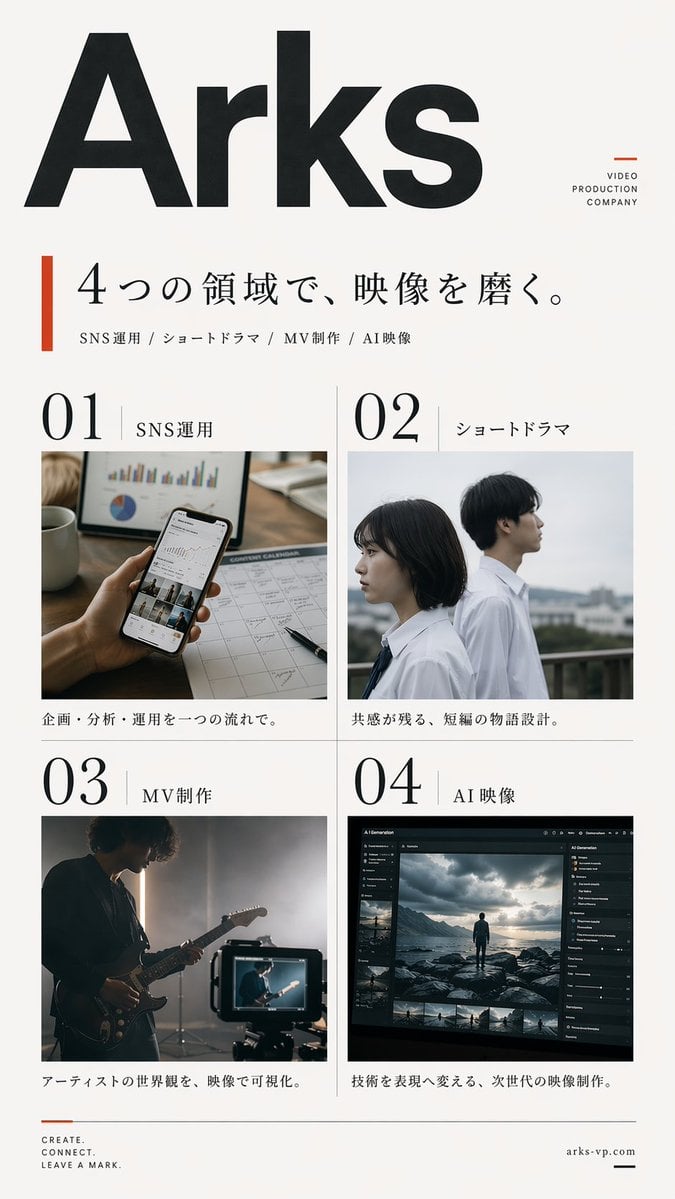
Japanese Video Production Poster

Painterly Steampunk Girl Portrait

Anime Style Character Transformation
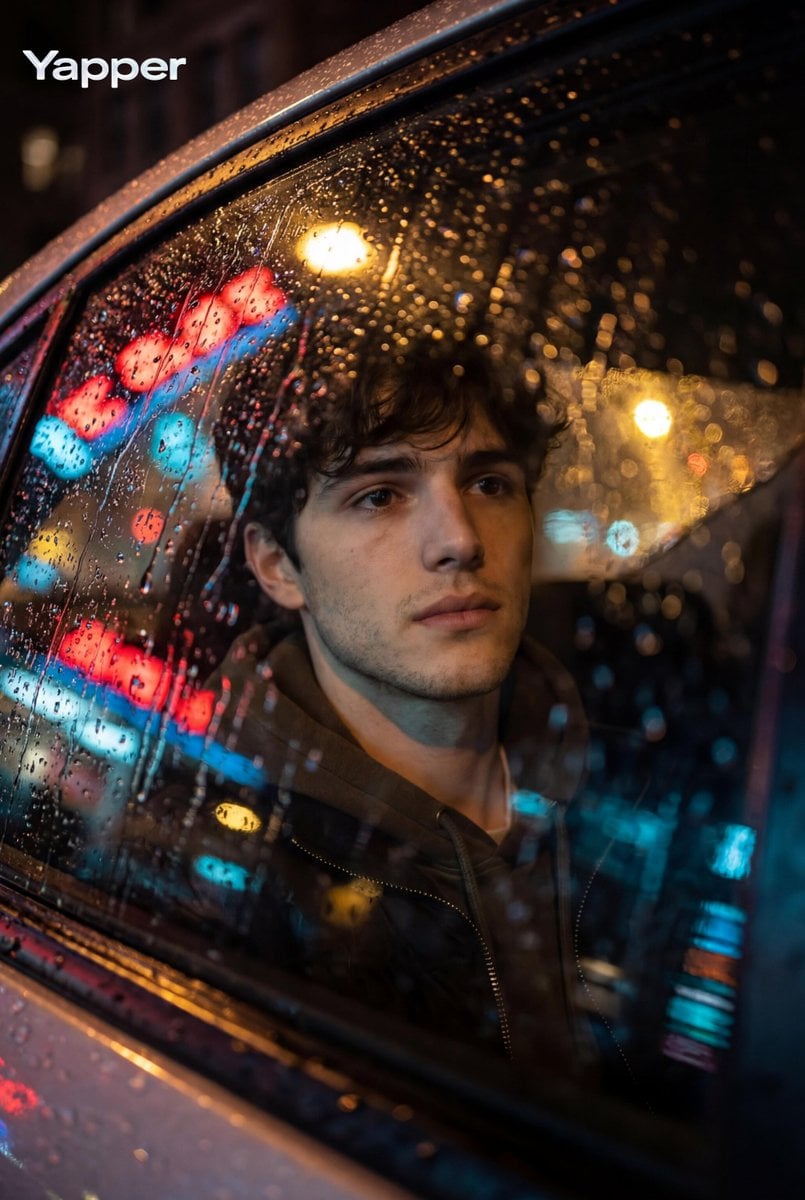
Cinematic Photo Inside a Car at Night with Rain
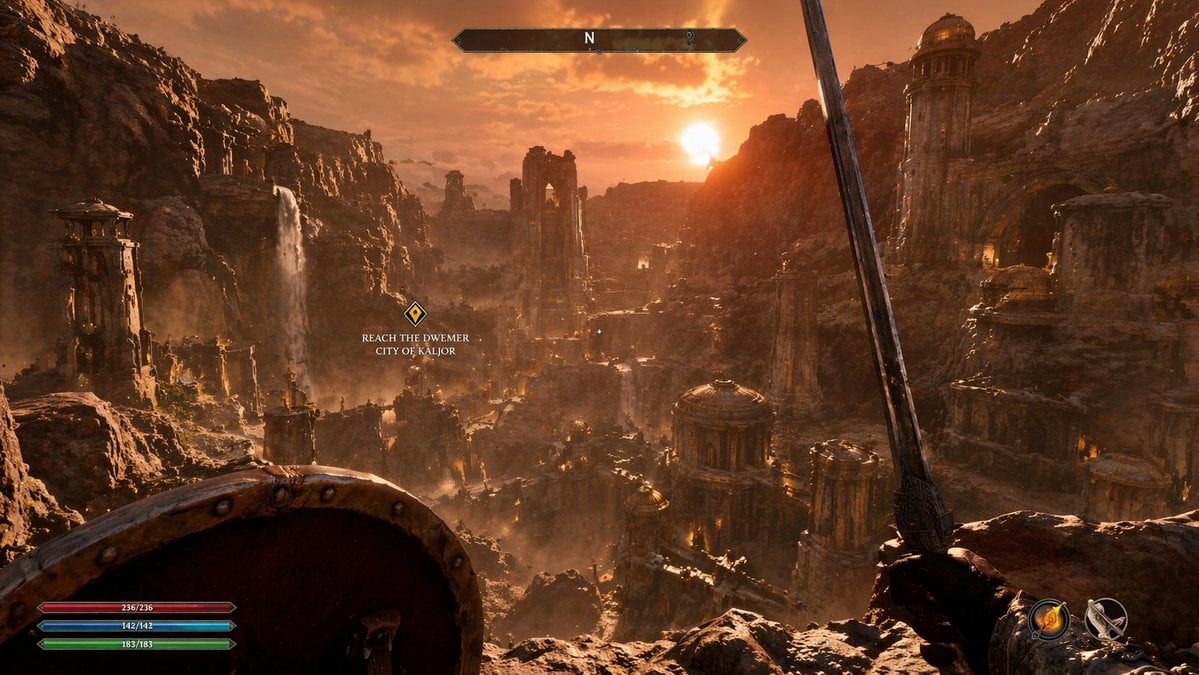
First-Person Fantasy RPG Screenshot
Browse template categories
Cinematic Autonomous AI Mood Board questions
How do I use the Cinematic Autonomous AI Mood Board template?
Add your photo if the template asks for one, edit the prompt if you like — the template's model and format are already selected — and press Generate. Your version opens in PicX Studio.
Can I customize the Cinematic Autonomous AI Mood Board template?
Yes. You can change the subject, setting, lighting, mood, format, and available model controls before creating your image.
Is the Cinematic Autonomous AI Mood Board template free?
Opening and editing this template is free. Generating uses credits, shown on the Generate button when you are signed in.
Which AI model should I use?
Start with GPT Image 2, which is the model associated with this template. You can compare another compatible model for a different finish.
Looking for something else? Browse all templates.

Your photo, any look
Thousands of ready templates for every top image and video model, from one credit balance.