
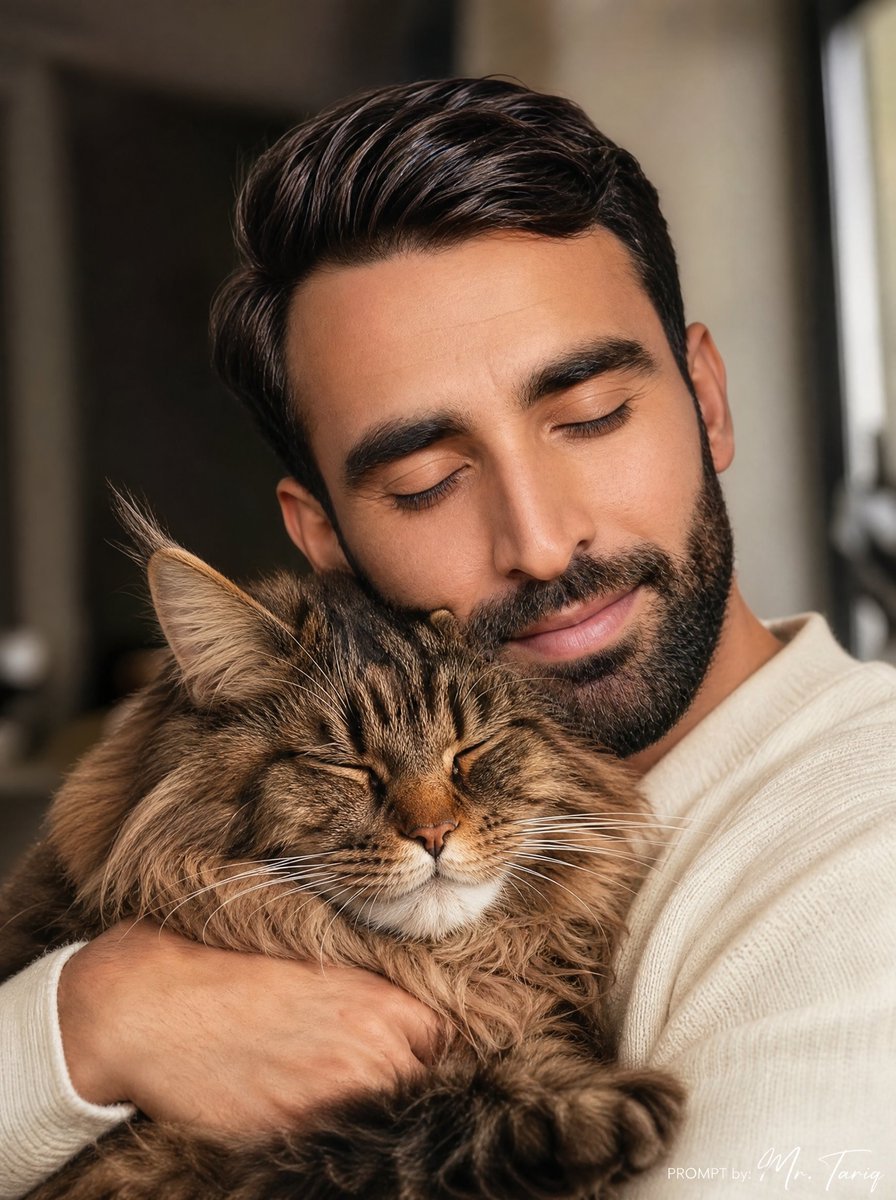
Cozy Man Hugging Maine Coon
Generates a warm ultra-realistic indoor portrait of a young man in a cream sweater cuddling a large fluffy Maine Coon cat.
- Prompt included
- Model and format preset
- Free template
The prompt behind this image
Copy the exact prompt behind Cozy Man Hugging Maine Coon, or open it in the studio and make it yours.
Create an ultra-realistic vertical warm portrait photograph of a {argument name="character age and gender" default="25-year-old man"} indoors, shown from the chest up while hugging one large fluffy Maine Coon cat. The man has neatly styled dark brown hair with natural shine, light stubble or a short beard visible at the jaw, and wears a soft cream-white ribbed knit sweater; his face is relaxed and affectionate, smiling gently with eyes closed as he presses close to the cat. The Maine Coon is the main visible subject in the lower half: brown tabby fur, very long fluffy ruff, large pointed ears with tufts, closed eyes, calm content expression, detailed whiskers, and one big furry paw reaching toward the foreground. The man’s arms wrap securely around the cat, with one hand visible across the cat’s chest. Use cozy emotional atmosphere, soft natural window light from the right, warm beige and brown tones, shallow depth of field, blurred home interior background, realistic skin, hair, fabric, and fur texture, intimate candid framing, 3:4 vertical composition. Add no readable text except a tiny subtle white signature-style watermark in the bottom-right corner if desired. Avoid extra people, extra animals, cartoon styling, distorted anatomy, and harsh studio lighting.
How to use Cozy Man Hugging Maine Coon in 3 steps
- 1Upload ImagePNG, JPG or paste
Add your photo
Upload the photo the template builds on. The prompt, model and format are already set.
- 2…a portrait of your subject in softgolden-hour light, 85mm…
Personalize
Edit the subject and creative details for your destination.
- 3Generate
Generate
Press Generate — your image is created in PicX Studio, so you can compare it with the original and refine one variable at a time.
More like this
Templates with the same subject, style or setup. Open one to see its prompt.

Nostalgic Digicam Café Afternoon Portrait

Pixar-Style Chibi Café Morning Scene

Japanese Café Sketch Duo Illustration

Delicate Japanese Café Lifestyle Illustration

Parisian Outdoor Café Silver-Hair Portrait
Pixar-Style Chibi Café Morning Scene
Japanese Café Sketch Duo Illustration
Delicate Japanese Café Lifestyle Illustration
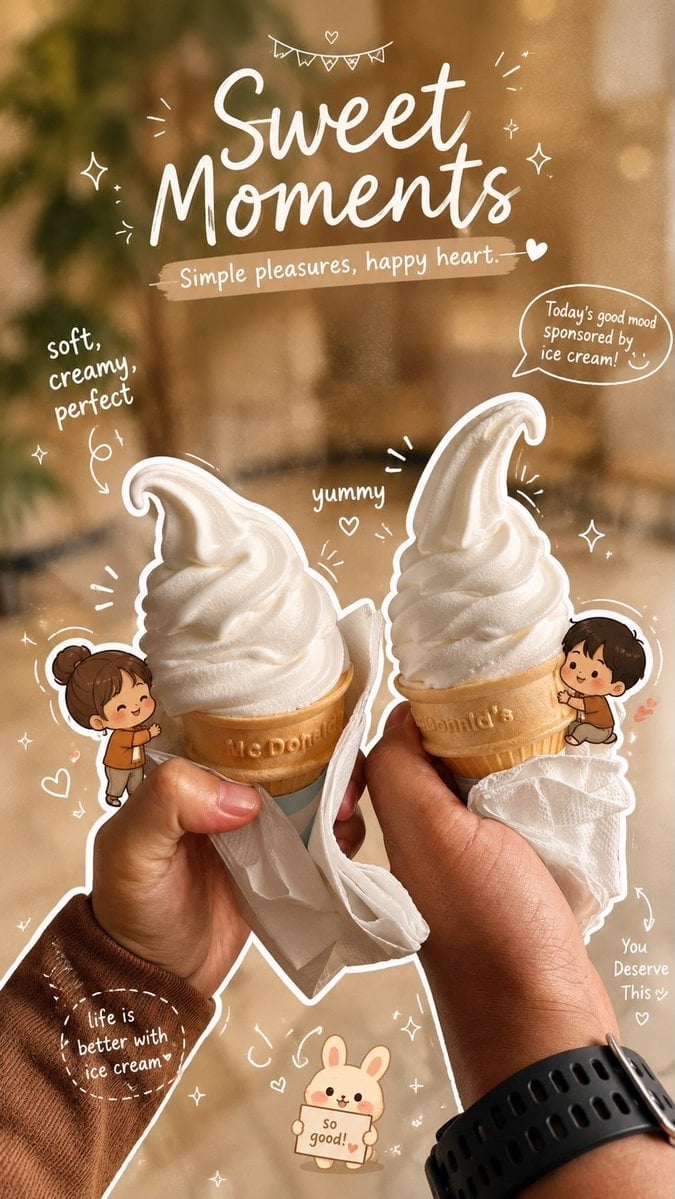
Cozy Café Ice Cream Hands Close-Up

Watercolor Café Cheesecake Editorial Illustration

Rainy Café Window Moody Portrait

Cozy Food Flat Lay Doodle Labels
Make it yours
Cozy Man Hugging Maine Coon works as-is. These are the safest ways to change it without losing the look.
Change one field
Copy a single group, rewrite it, and generate again so you can see what that field is doing.
Keep the frame, change the subject
Hold the composition and light of Cozy Man Hugging Maine Coon, then swap wardrobe, props or the person for a new take.
| If the result… | Why | Fix |
|---|---|---|
| The result drifts from the preview | Too many fields changed at once. | Reuse Cozy Man Hugging Maine Coon as-is first, then change one group — subject, light, or setting. |
| The model over-stylizes the scene | The prose prompt leaves finish and camera underspecified. | Add one camera or lighting sentence and stay on GPT Image 2. |
More GPT Image 2 templates
Other prompts made for GPT Image 2.

Six VTuber Japanese Logo Sheet

Realistic Portrait of Woman and Deer

The Vista Modular Condo Poster

AI Model Routing Comparison Infographic

2.5D Anime Art Board

Isometric Productivity Desk Scene

New York Double Exposure Poster

Four-Panel AI Landscape Comparison

Japanese Tatami Lifestyle Magazine Cover

NESCAFÉ Coffee Map Poster
More image prompts
Fresh picks from across the catalog.
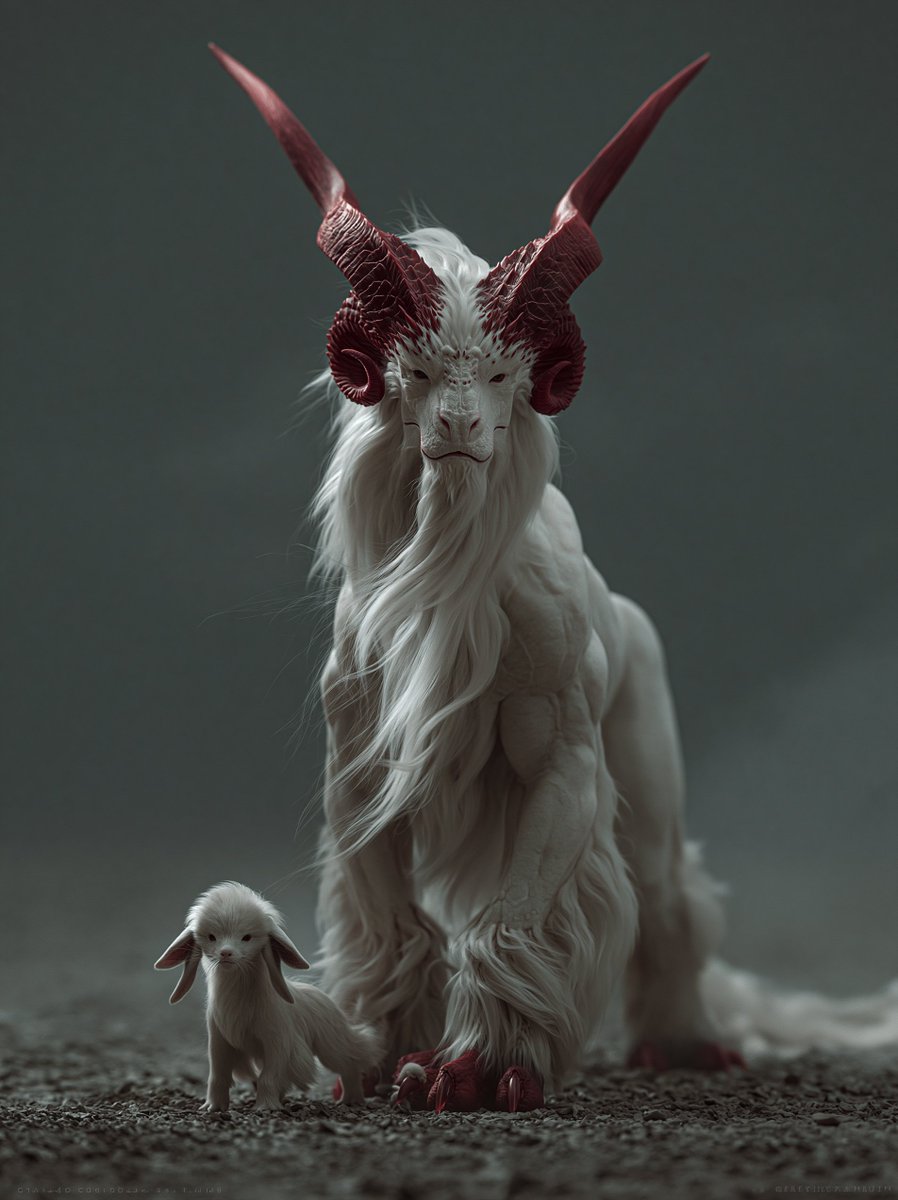
White Horned Fantasy Guardian
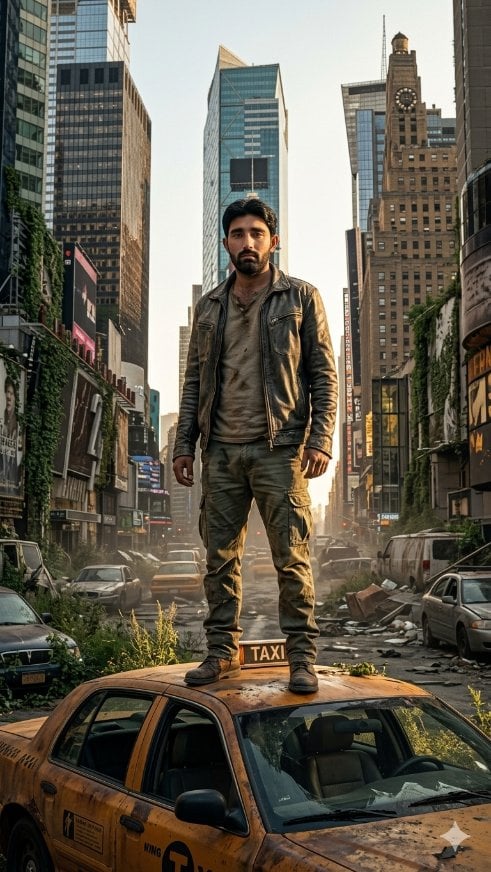
Post-Apocalyptic Taxi Survivor
MS Paint Charlie Brown Flag Doodle
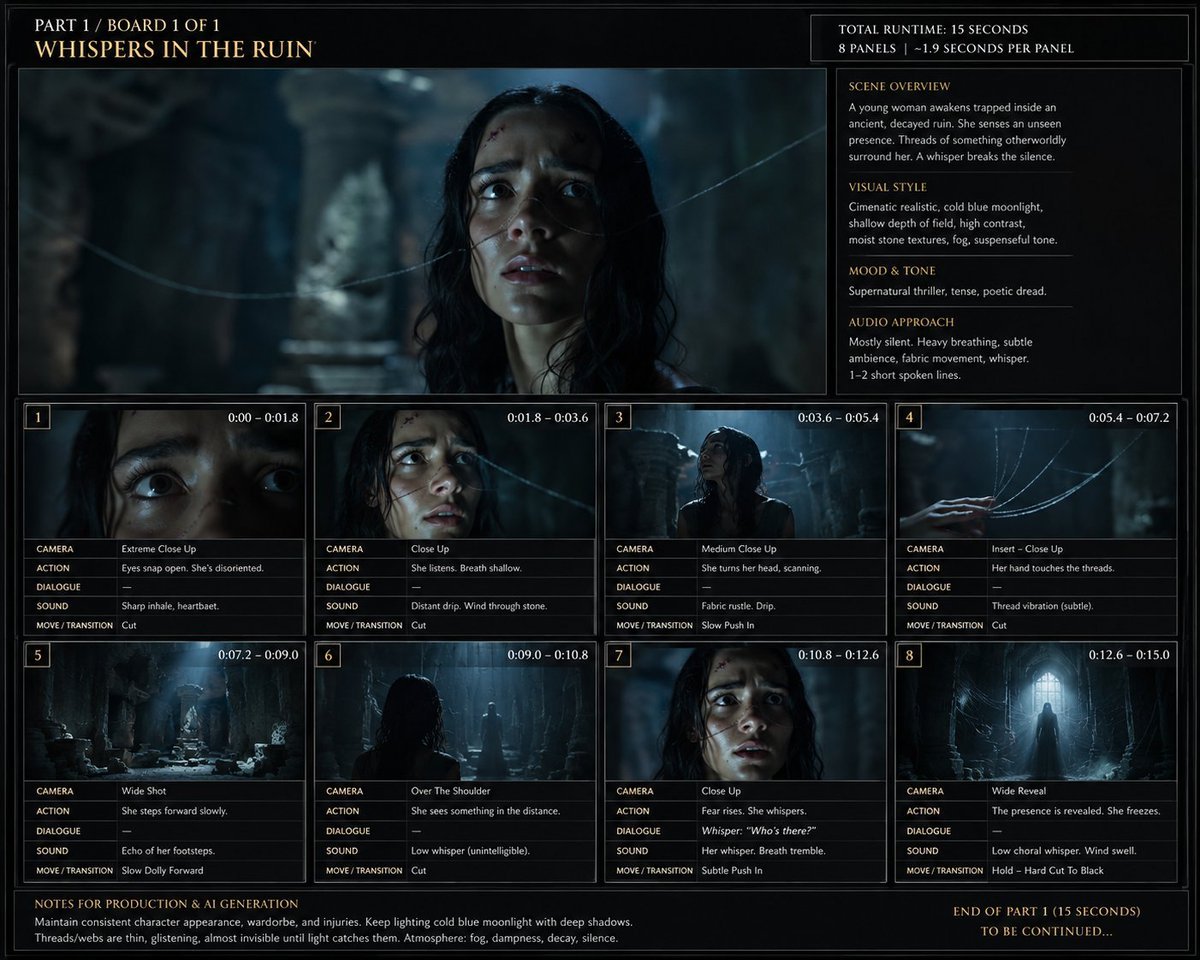
Whispers in the Ruin Storyboard
Luxury Telegram Cyber Hub Poster
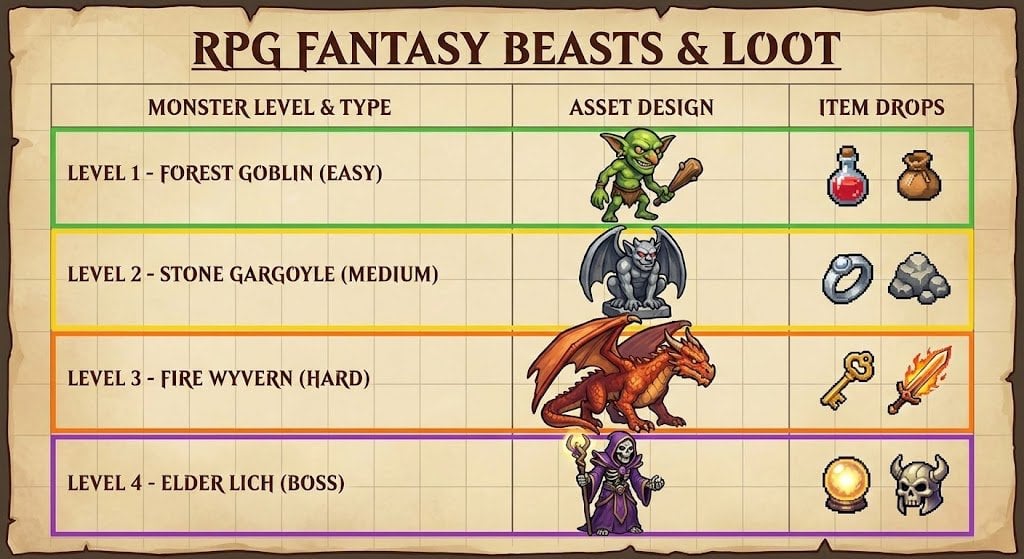
RPG Game Asset Sheet for Monsters
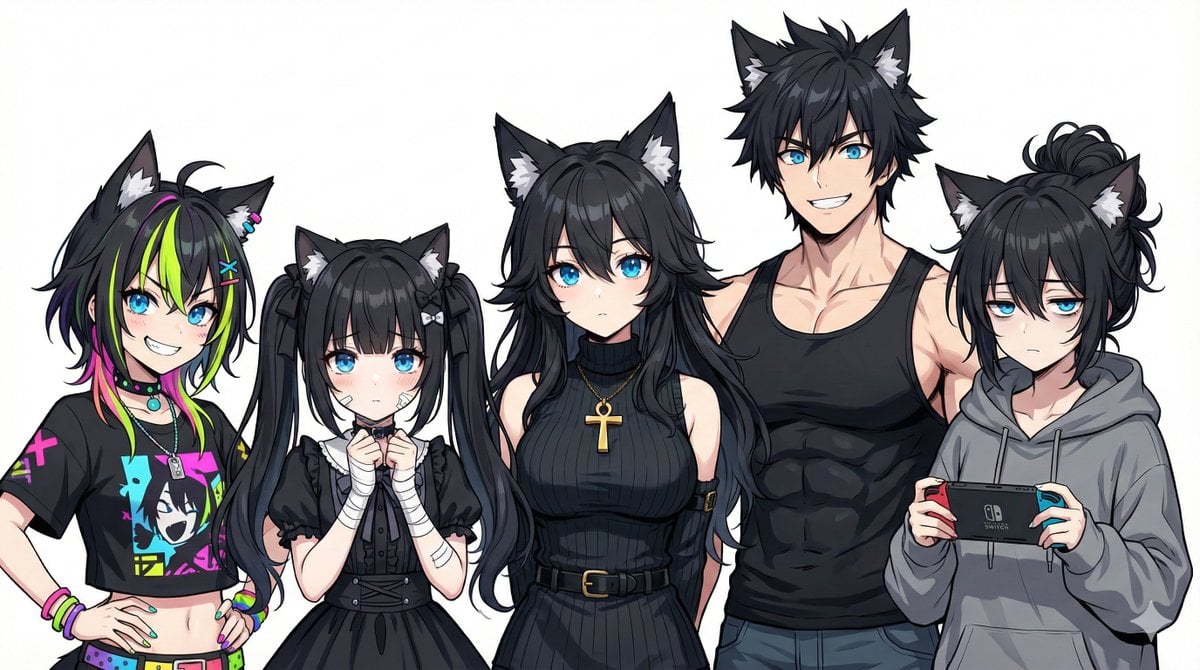
Generating Siblings Based on a Reference Character
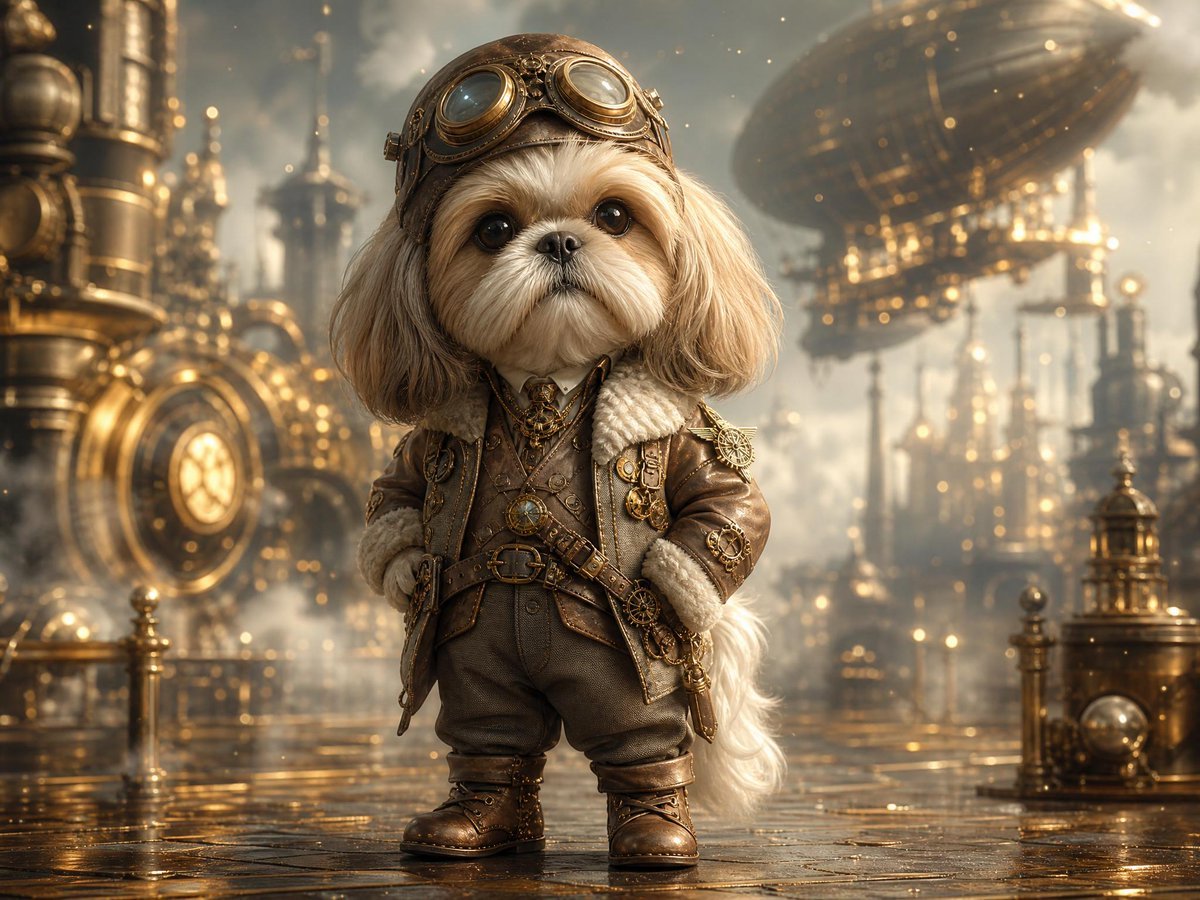
Steampunk Shih Tzu Airship Pilot
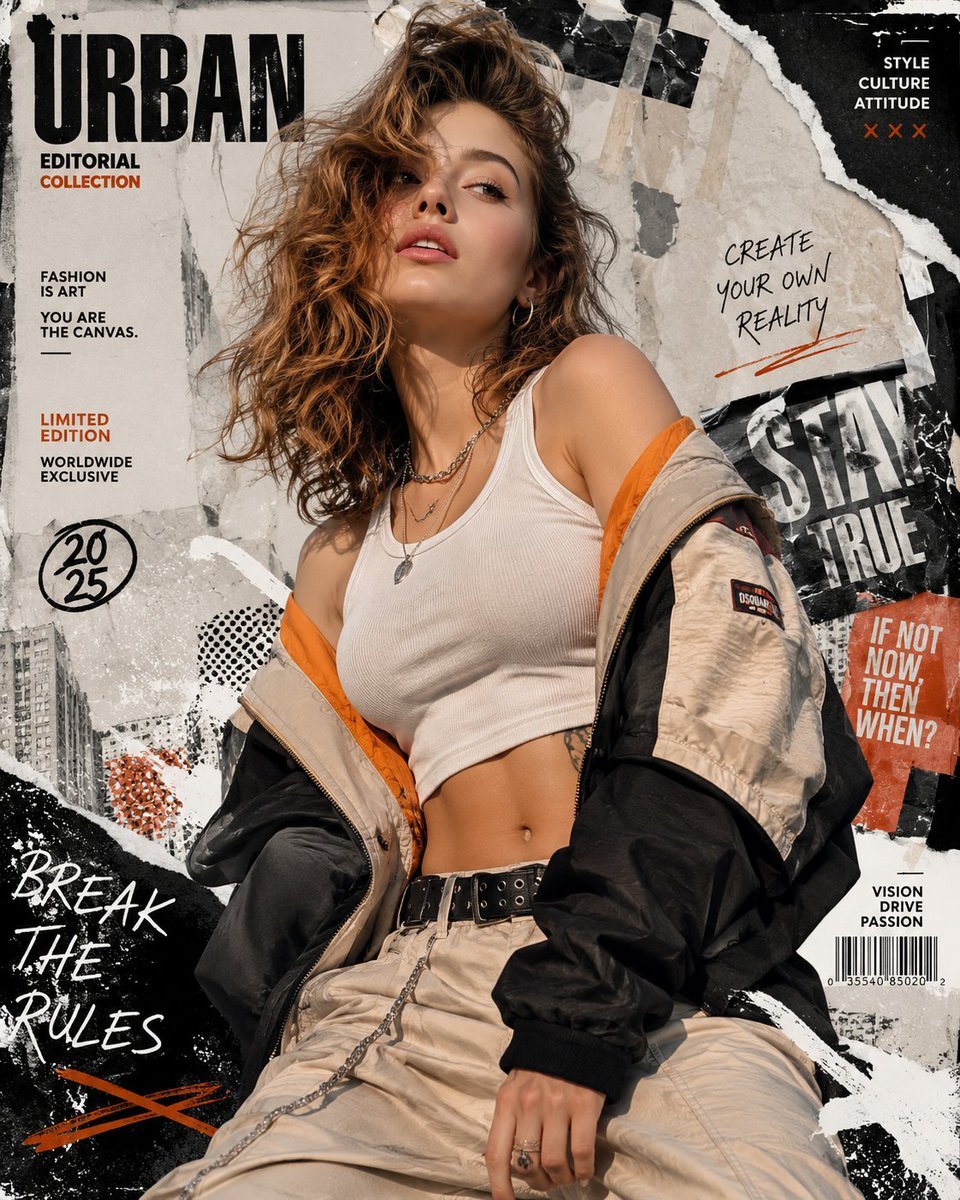
Urban Fashion Editorial Collage Poster
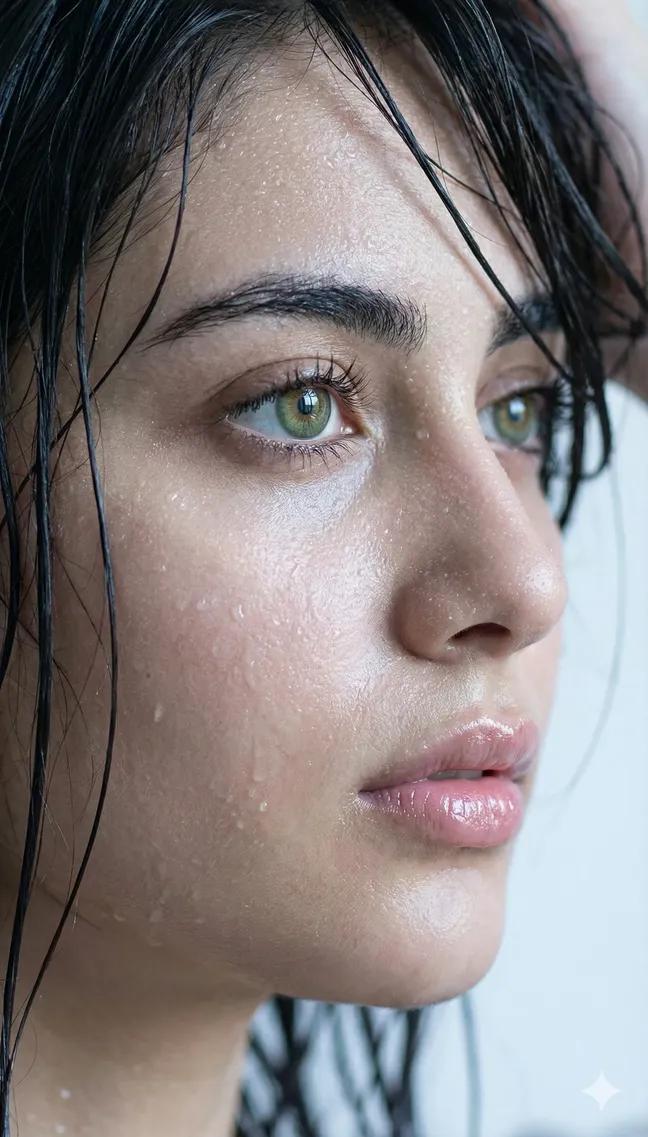
Extreme Wet Close-Up Portrait
Browse template categories
Cozy Man Hugging Maine Coon questions
How do I use the Cozy Man Hugging Maine Coon template?
Add your photo if the template asks for one, edit the prompt if you like — the template's model and format are already selected — and press Generate. Your version opens in PicX Studio.
Can I customize the Cozy Man Hugging Maine Coon template?
Yes. You can change the subject, setting, lighting, mood, format, and available model controls before creating your image.
Is the Cozy Man Hugging Maine Coon template free?
Opening and editing this template is free. Generating uses credits, shown on the Generate button when you are signed in.
Which AI model should I use?
Start with GPT Image 2, which is the model associated with this template. You can compare another compatible model for a different finish.
Looking for something else? Browse all templates.

Your photo, any look
Thousands of ready templates for every top image and video model, from one credit balance.