
Painterly Steampunk Girl Portrait
This prompt generates a vertical oil-painted steampunk character portrait in a gear-filled workshop, useful for fantasy character art, avatars, or stylized concept illustrations.

- Prompt included
- Model and format preset
- Free template
The prompt behind this image
Copy the exact prompt behind Painterly Steampunk Girl Portrait, or open it in the studio and make it yours.
A painterly steampunk fantasy portrait of a young woman shown from about thigh-up in side profile, facing left, standing in a narrow workshop filled with mechanical parts and clockwork. She has long, voluminous, curly {argument name="hair color" default="golden blonde"} hair cascading down her back, with a few loose strands glowing against the background. A pair of large brass aviator goggles with iridescent blue-purple lenses rests on top of her head. Her outfit is a romantic steampunk dress: a rich {argument name="dress color" default="deep cobalt blue"} bodice and skirt, a high-necked white blouse with ruffled trim and puffed sleeves, layered frills at the collar and hem, and multiple tan leather straps and buckles cinched around the waist and torso. She carries a medium brown leather backpack with rounded flap and visible buckles over one shoulder. The setting is dense with industrial details on both sides: exposed pipes, valves, hanging instruments, circular gauges, and several visible gears, including 1 large gear in the upper right and multiple ring-like metal components along the walls. Use an expressive oil-painting style with thick impasto brushstrokes, soft edges, and a dreamy handcrafted texture. The palette should contrast cool dusty blues and teals in the background with warm brass, copper, amber, and honey highlights on the machinery and hair. The mood is whimsical, adventurous, and slightly nostalgic, like a storybook steampunk inventor’s atelier. Vertical composition, character centered slightly right of frame, background softly abstracted but packed with mechanical forms, no readable text, no modern elements, and keep the face obscured by a simple centered rectangular blur block in a muted tan-brown tone.
How to use Painterly Steampunk Girl Portrait in 3 steps
- 1Upload ImagePNG, JPG or paste
Add your photo
Upload the photo the template builds on. The prompt, model and format are already set.
- 2…a portrait of your subject in softgolden-hour light, 85mm…
Personalize
Edit the subject and creative details for your destination.
- 3Generate
Generate
Press Generate — your image is created in PicX Studio, so you can compare it with the original and refine one variable at a time.
More like this
Templates with the same subject, style or setup. Open one to see its prompt.

Spider-Verse Painterly Portrait Poster

Found Photograph: Us, 1970

80s Couple Studio Portrait

80s Bollywood Star

80s Golden Hour Cinema

Me in 1985

1985 Studio Portrait

Hyper-Realistic Minecraft POV Portrait

Teen Girl Alpine Lake Mountain View

Rooftop Fisheye — Cat-Ear Balaclava at Golden Hour

Rainy Café Window Moody Portrait

untitled
Make it yours
Painterly Steampunk Girl Portrait works as-is. These are the safest ways to change it without losing the look.
Change one field
Copy a single group, rewrite it, and generate again so you can see what that field is doing.
Keep the frame, change the subject
Hold the composition and light of Painterly Steampunk Girl Portrait, then swap wardrobe, props or the person for a new take.
| If the result… | Why | Fix |
|---|---|---|
| The result drifts from the preview | Too many fields changed at once. | Reuse Painterly Steampunk Girl Portrait as-is first, then change one group — subject, light, or setting. |
| The model over-stylizes the scene | The prose prompt leaves finish and camera underspecified. | Add one camera or lighting sentence and stay on GPT Image 2. |
More GPT Image 2 templates
Other prompts made for GPT Image 2.

Six VTuber Japanese Logo Sheet

Realistic Portrait of Woman and Deer

The Vista Modular Condo Poster

AI Model Routing Comparison Infographic

2.5D Anime Art Board

Isometric Productivity Desk Scene

New York Double Exposure Poster

Four-Panel AI Landscape Comparison

Japanese Tatami Lifestyle Magazine Cover

NESCAFÉ Coffee Map Poster
More image prompts
Fresh picks from across the catalog.
Multi-Concept AI Evolution Prompt
X Aiwithlariab Image on Nano Banana 2

News Reporter Toy Store Scene
Dynamic Manga Page Layout Prompt
Dual-Themed Anime Boys in Crystal Boxes
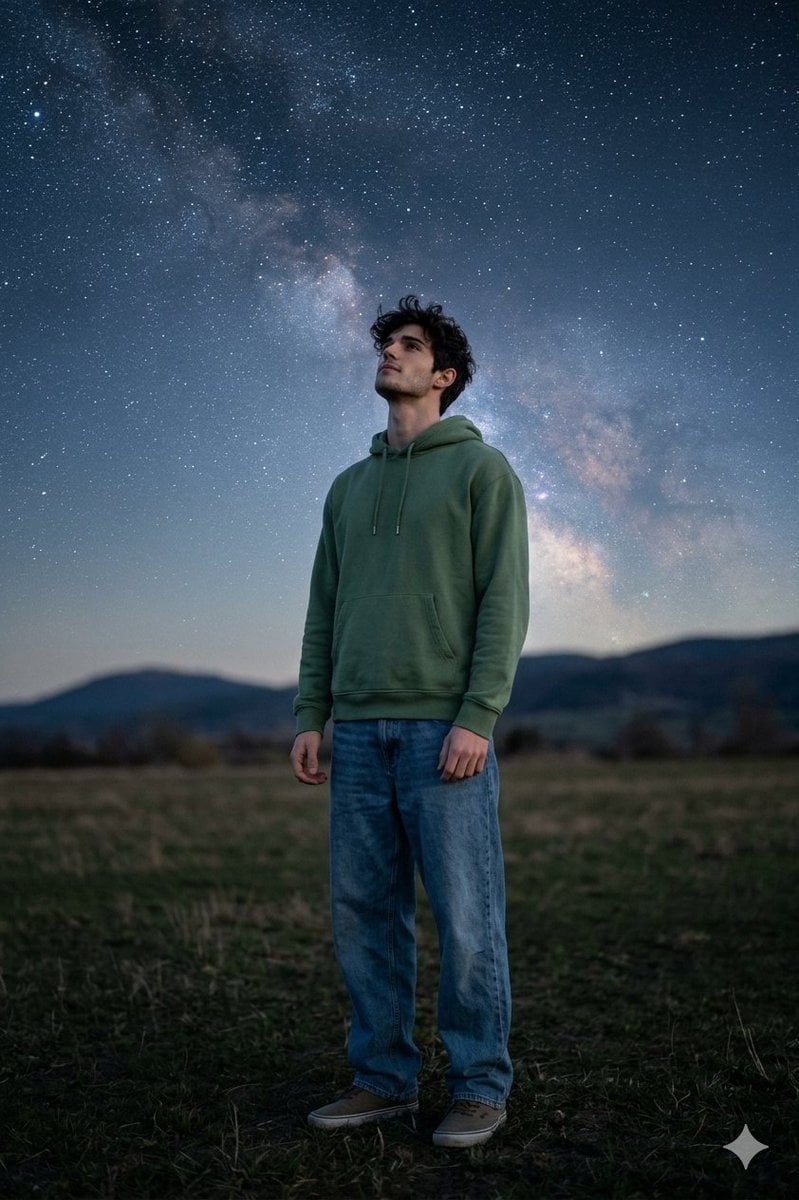
Man Under Starry Sky Cinematic Prompt
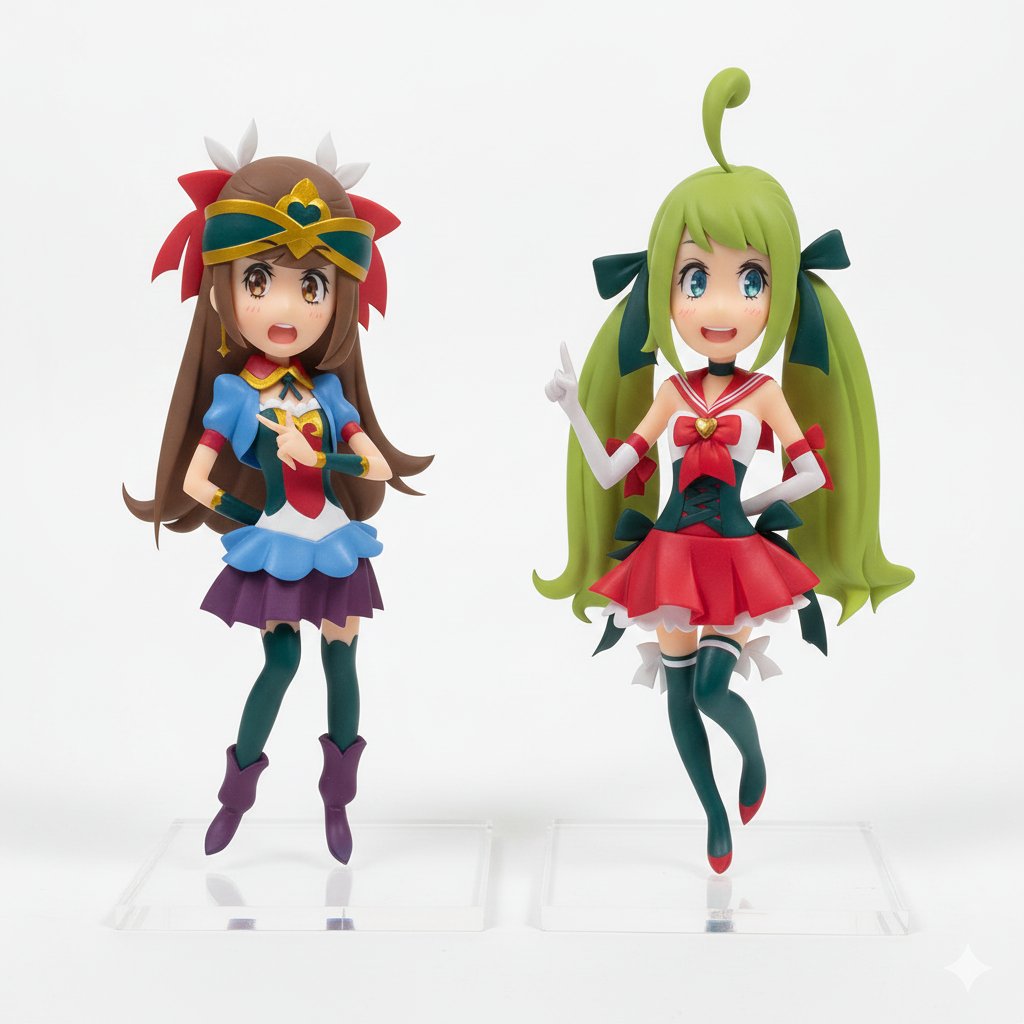
Degree Panorama Cockpit Scene
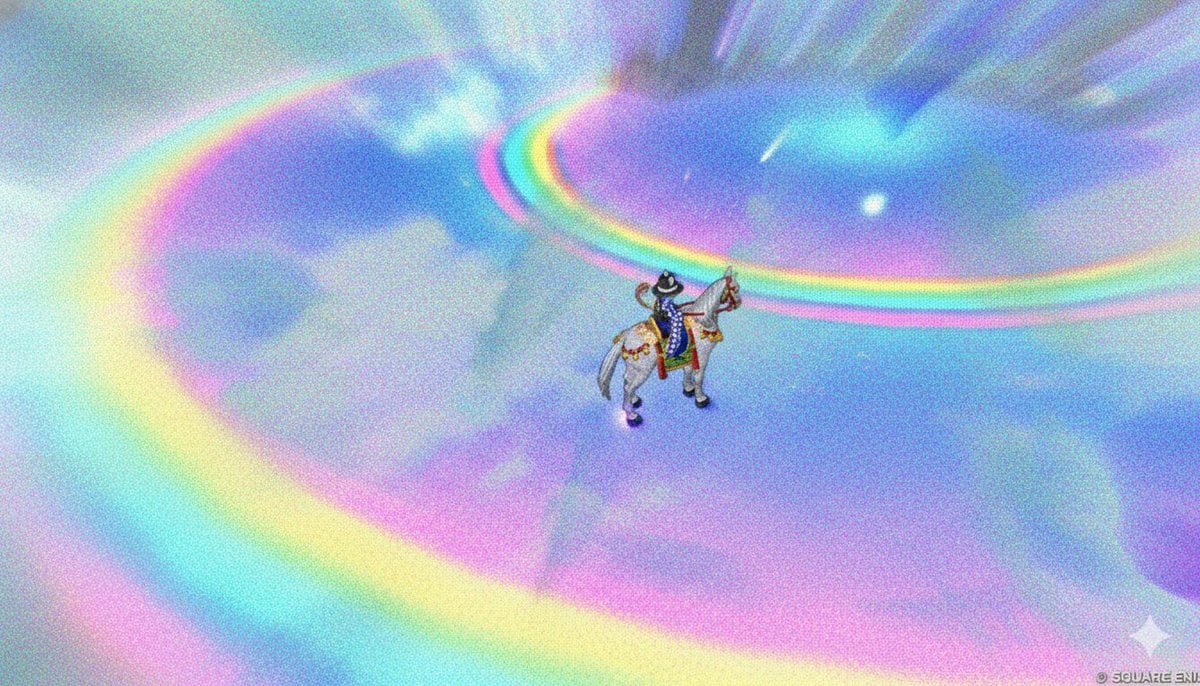
Image Style Transfer: Converting Photo to Seurat's Pointillism
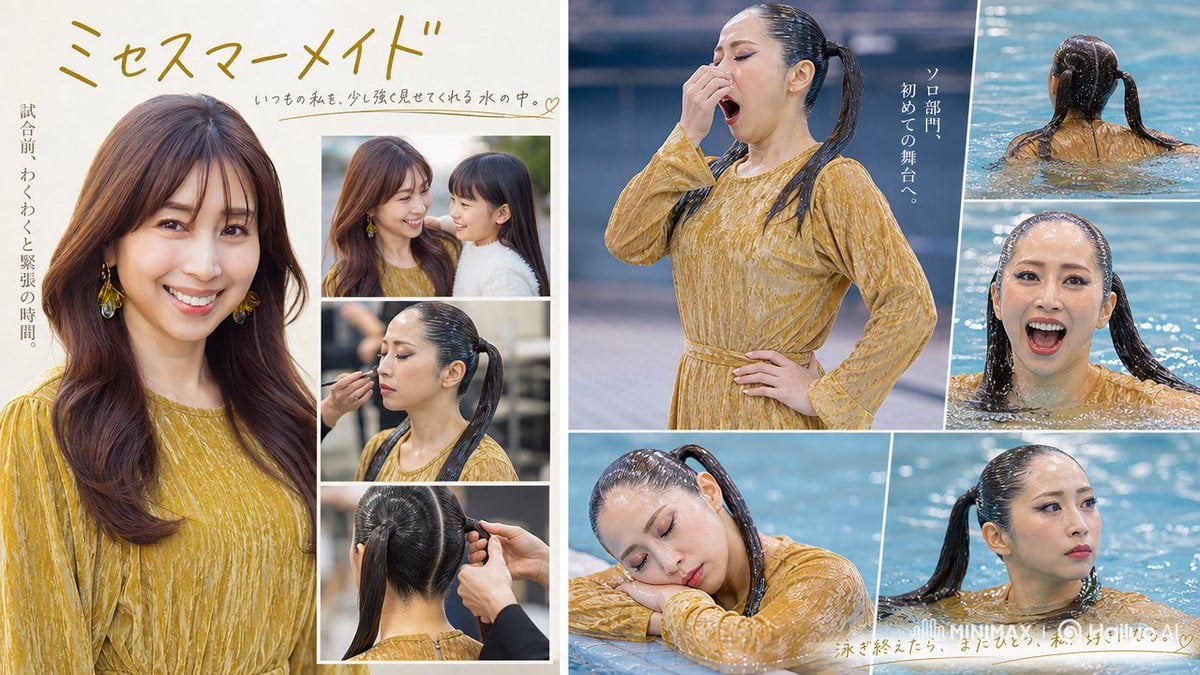
Mrs Mermaid Magazine Collage
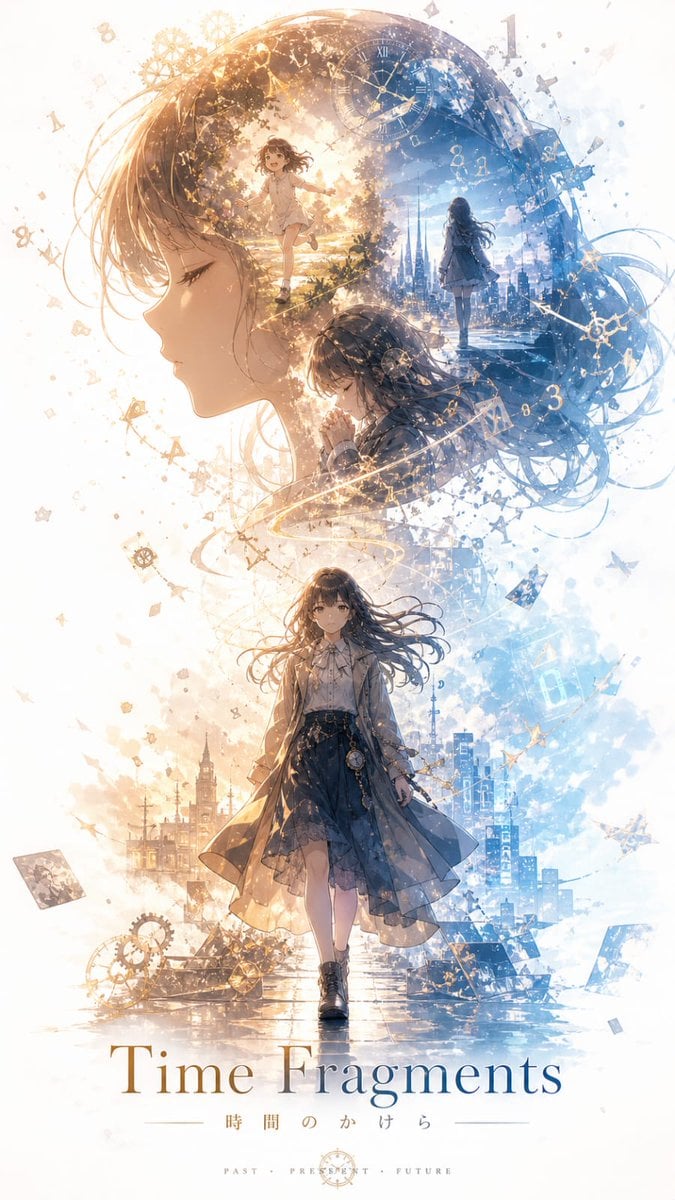
Time Fragments Anime Poster
Browse template categories
Painterly Steampunk Girl Portrait questions
How do I use the Painterly Steampunk Girl Portrait template?
Add your photo if the template asks for one, edit the prompt if you like — the template's model and format are already selected — and press Generate. Your version opens in PicX Studio.
Can I customize the Painterly Steampunk Girl Portrait template?
Yes. You can change the subject, setting, lighting, mood, format, and available model controls before creating your image.
Is the Painterly Steampunk Girl Portrait template free?
Opening and editing this template is free. Generating uses credits, shown on the Generate button when you are signed in.
Which AI model should I use?
Start with GPT Image 2, which is the model associated with this template. You can compare another compatible model for a different finish.
Looking for something else? Browse all templates.

Your photo, any look
Thousands of ready templates for every top image and video model, from one credit balance.