
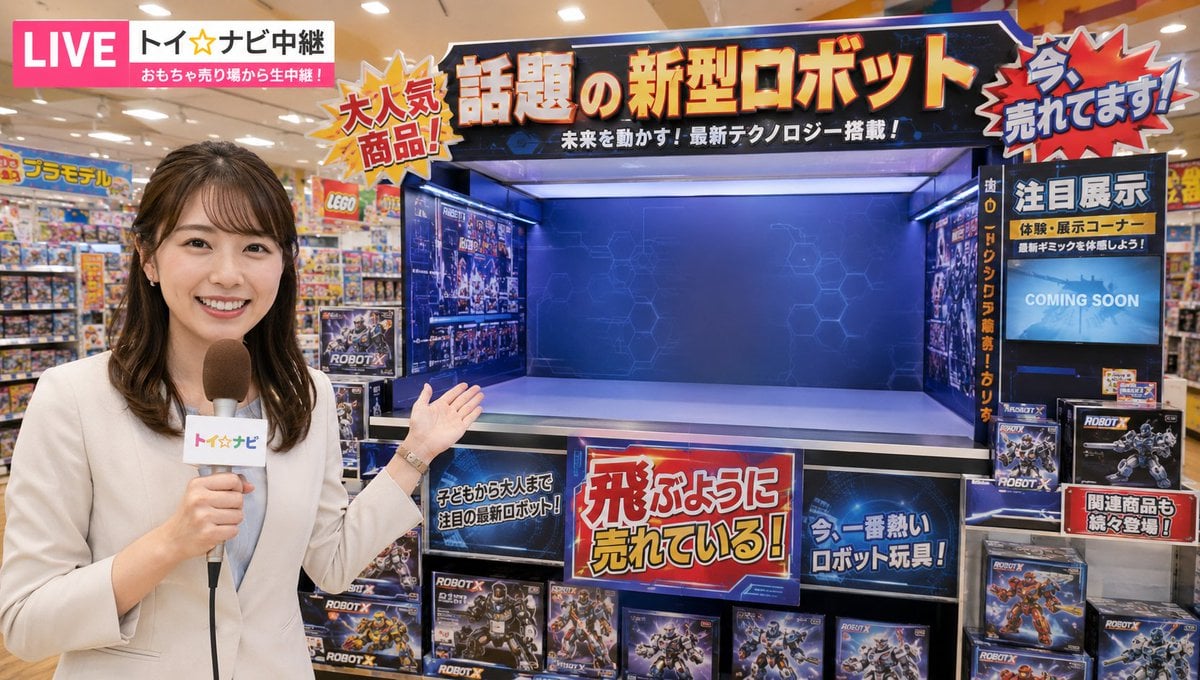
News Reporter Toy Store Scene
A prompt for generating a scene where a female news anchor reports on a popular robot toy from within a bright, busy toy shop.
- Prompt included
- Model and format preset
- Free template
The prompt behind this image
Copy the exact prompt behind News Reporter Toy Store Scene, or open it in the studio and make it yours.
Female news anchor, etc. A high-quality image of a female announcer introducing a "hugely popular robot toy" in TV-broadcast style, inside a bright, large toy store. The setting is a large toy store. Inside, there are toy shelves, product packaging, colorful POP displays, aisles, bright lighting, and a lively sales-floor atmosphere. The background should look like a realistic, natural commercial facility. Important: Do not show the robot itself on screen. However, do clearly and firmly display the dedicated large display shelf, display stand, or dedicated space where the robot is exhibited, so it is clearly visible on screen. That display space should be large enough to later hold the robot, and should be in a prominent position. Around the display shelf or stand, place promotional panels, product boxes, related merchandise, POP displays, and explanatory boards that evoke phrases like "the talked-about new robot," "hugely popular product," and "featured display," so that it's clear at a glance that this is the robot sales area / display corner. However, do not show the robot's full form or the machine itself. The female announcer is a friendly, clean-cut TV reporter. She speaks to the camera with a bright smile. Elegant, natural reporter-style attire. She may hold a microphone or an interview card. The overall atmosphere should be like a news/information program, introducing the store while explaining the featured product. The content is a scene introducing "this robot is hugely popular, selling like hotcakes." In the background shelves and sales floor, related toy boxes, posters, and promotional panels are lined up, conveying that it's a popular product. In particular, clearly show the shelf, display stand, and empty space for the robot display, so that the composition naturally suggests the robot will be there, or will take off, later. Tone of the dialogue: "We're reporting live from the toy section!" "Getting a lot of attention right now is this hugely popular, talked-about robot toy!" "Its popularity is incredible — it's selling like hotcakes!" "This display corner is also drawing a lot of attention!" "It's the hottest product right now, drawing attention from kids and adults alike!" Composition points: Place the announcer in the foreground or midground, with the robot display shelf/stand/dedicated space clearly visible in the background. Give the shelf or display stand enough presence within the frame, so it doesn't look like there's no room to place anything. Make it clear that this is the sales/display area for the robot, through an empty display stand, a wide shelf, a dedicated section, and surrounding related products. Three-view design (Robot) A high-quality three-view design sheet of an original, hugely popular robot. An easy-to-read, reference-sheet-style layout with front, side, and back views lined up. White or light-gray background. No unnecessary flourishes — make the shape of the machine clearly understandable. The robot should have a sharp, refined, near-future mecha design in a Virtual-On style. A slim, highly mobile build; a straight, stylish silhouette; armor lines that suggest aerodynamics; sharp legs; a flowing body shape; and a large vernier unit or high-mobility thruster on its back. Strongly convey the impression that it excels at high-speed and aerial mobility. Overall, it should be a speed-oriented mecha like something from an arcade mecha game. Important: Make it a completely original design that doesn't look too much like Gundam. Avoid the following features: - V-shaped antennae - A typical Gundam-style face - A mouth-area face slit - A tricolor-centered, overly familiar color scheme - Symbols that read as a classic heroic lead-mecha cliche - A composition where the combination of an angular chest and face looks like an existing robot franchise Instead, design in the following direction: - A head that is either a slender sensor-head type, or a wide horizontal visor type - A face that isn't too human, but mechanical and futuristic - Short antennae, sensor protrusions, or streamlined blade-like ornamentation on the head - A slim, high-density armor configuration for the chest - Sharp, functional shoulders, not excessively oversized - Slim but powerful arms and legs, prioritizing mobility - Large thrusters/verniers on the back standing out as the machine's defining feature - Feet with a smart shape that prioritizes a sense of high mobility over ground stability For the color scheme, use an original, near-future, stylish combination of colors such as white-gray, blue-gray, black, silver, purple, turquoise, and orange. Make the design convincing as a serious, professional-grade mecha popular enough to be commercialized, not too toy-like. Carefully render panel lines, joints, overlapping armor plates, sensors, thrusters, and other details. However, prioritize a light, agile impression over heavy armor. The main goal is for the front, side, and back designs to be clearly understandable. Overall, complete it as a three-view design of an original, near-future, highly mobile mecha that can fly into the sky. Do not include unnecessary numbers, long explanatory text, storyboard elements, or handwritten notes on the screen. If necessary, keep any text to a very natural, small, TV-broadcast-style caption at most. Overall, make it a single bright, natural news-report-style image where the announcer and the robot display space are easy to understand.
How to use News Reporter Toy Store Scene in 3 steps
- 1
Open
The prompt is already in the box next to the preview, with the template's model and format selected.
- 2…a portrait of your subject in softgolden-hour light, 85mm…
Personalize
Edit the subject and creative details for your destination.
- 3Generate
Generate
Press Generate — your image is created in PicX Studio, so you can compare it with the original and refine one variable at a time.
More like this
Templates with the same subject, style or setup. Open one to see its prompt.

Felt & Knit 3D Character — Photo-Exact Face, Pixar-Quality Plush Figurine
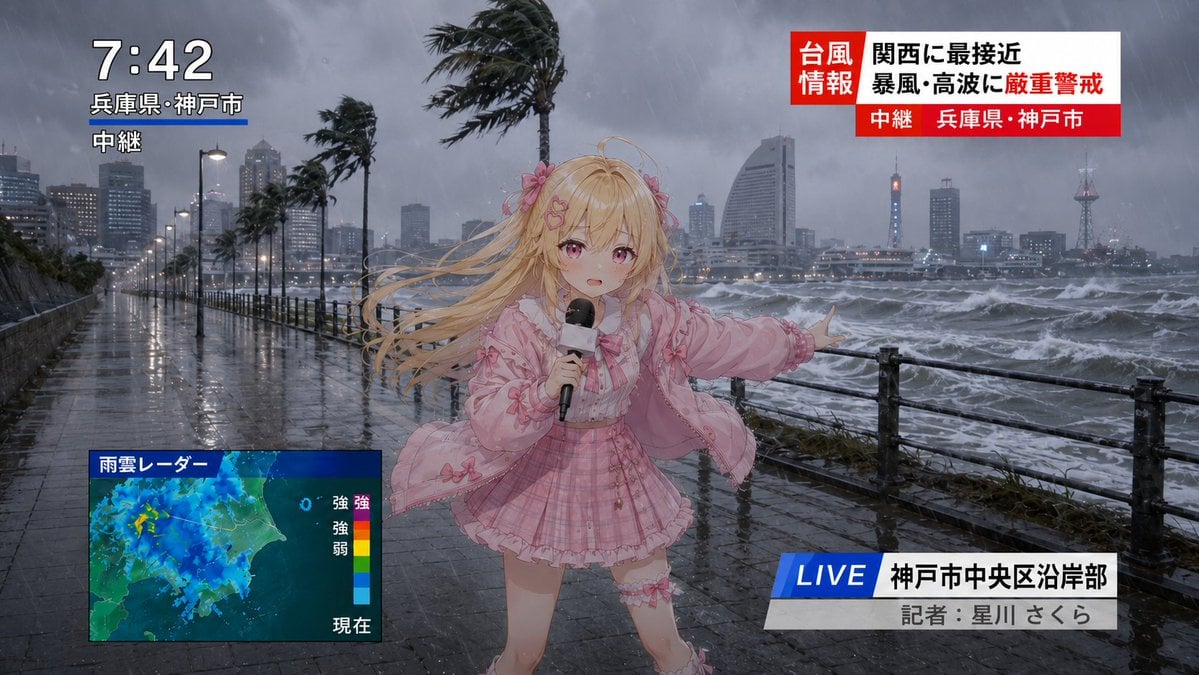
Anime Typhoon Live News Reporter
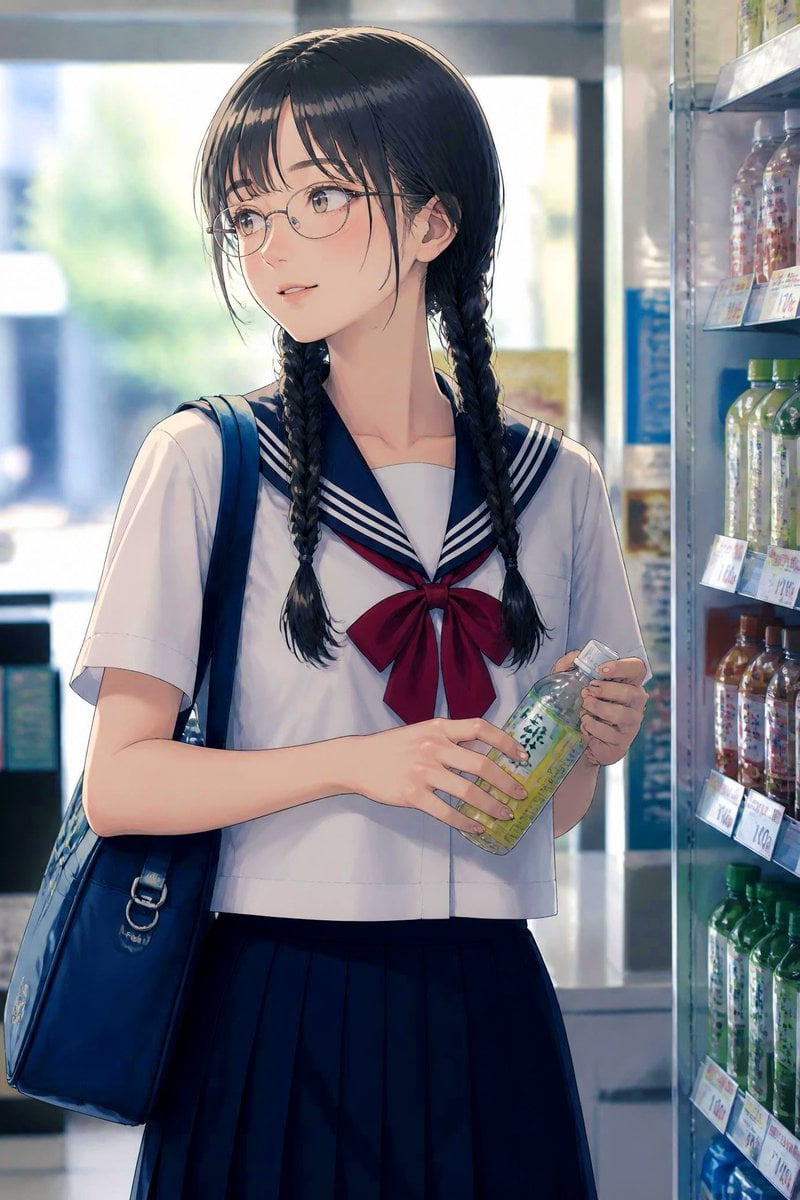
Anime Schoolgirl in Convenience Store
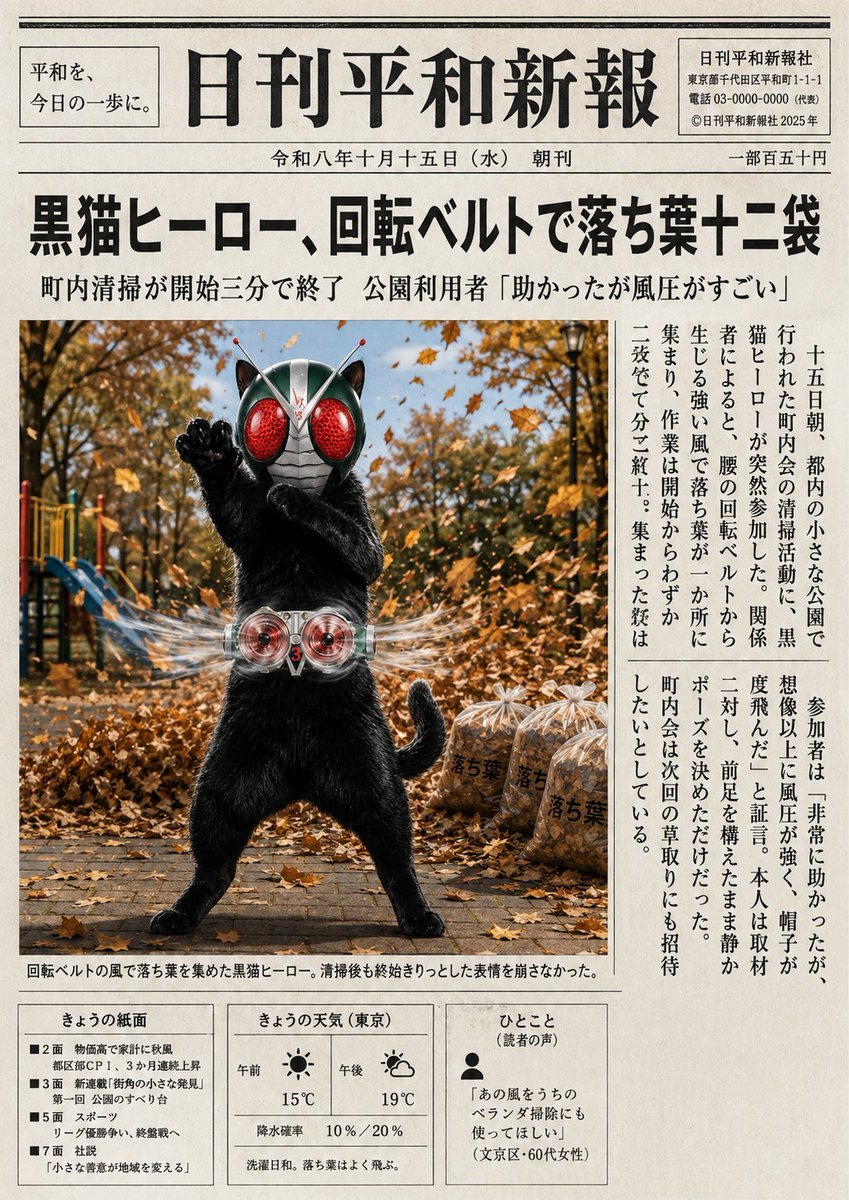
Japanese Newspaper Cat Hero Front Page
Candid Store Front-Camera Photo
Handcrafted Clay Store Diorama
Chibi Designer Toy Character on Smartphone
Collectible Vinyl Toy Procession 3D
3D Collectible Toy Ocean Liner Render
Rainy Convenience Store Selfie
Urban Record Store Browsing
Realistic Convenience Store Shopping Scene
Make it yours
News Reporter Toy Store Scene works as-is. These are the safest ways to change it without losing the look.
Change one field
Copy a single group, rewrite it, and generate again so you can see what that field is doing.
Keep the frame, change the subject
Hold the composition and light of News Reporter Toy Store Scene, then swap wardrobe, props or the person for a new take.
| If the result… | Why | Fix |
|---|---|---|
| The result drifts from the preview | Too many fields changed at once. | Reuse News Reporter Toy Store Scene as-is first, then change one group — subject, light, or setting. |
| The model over-stylizes the scene | The prose prompt leaves finish and camera underspecified. | Add one camera or lighting sentence and stay on GPT Image 2. |
More GPT Image 2 templates
Other prompts made for GPT Image 2.

Six VTuber Japanese Logo Sheet

Realistic Portrait of Woman and Deer

The Vista Modular Condo Poster

AI Model Routing Comparison Infographic

2.5D Anime Art Board

Isometric Productivity Desk Scene

New York Double Exposure Poster

Four-Panel AI Landscape Comparison

Japanese Tatami Lifestyle Magazine Cover

NESCAFÉ Coffee Map Poster
More image prompts
Fresh picks from across the catalog.
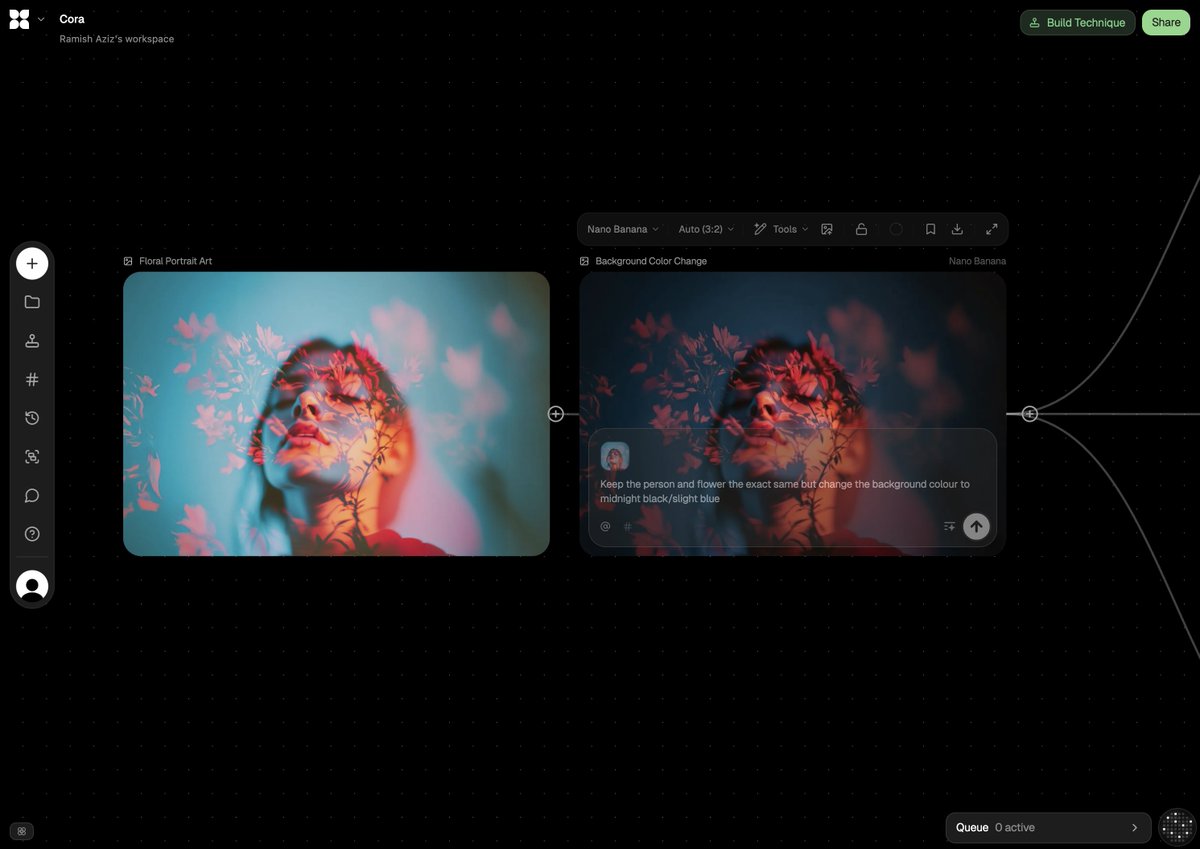
Image Adjustment Prompt for Nano Banana

Kawaii Great White Shark Vector Prompt

Ultra-Realistic Skincare Product Photography Prompt
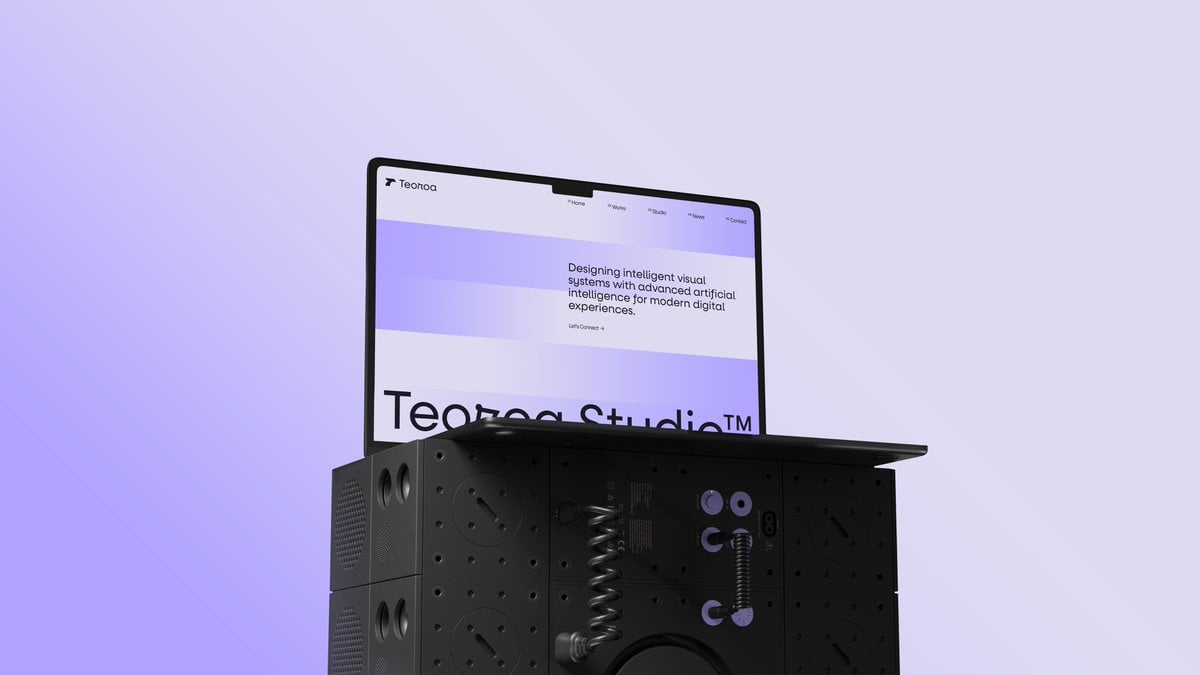
Minimal Laptop on Industrial Pedestal
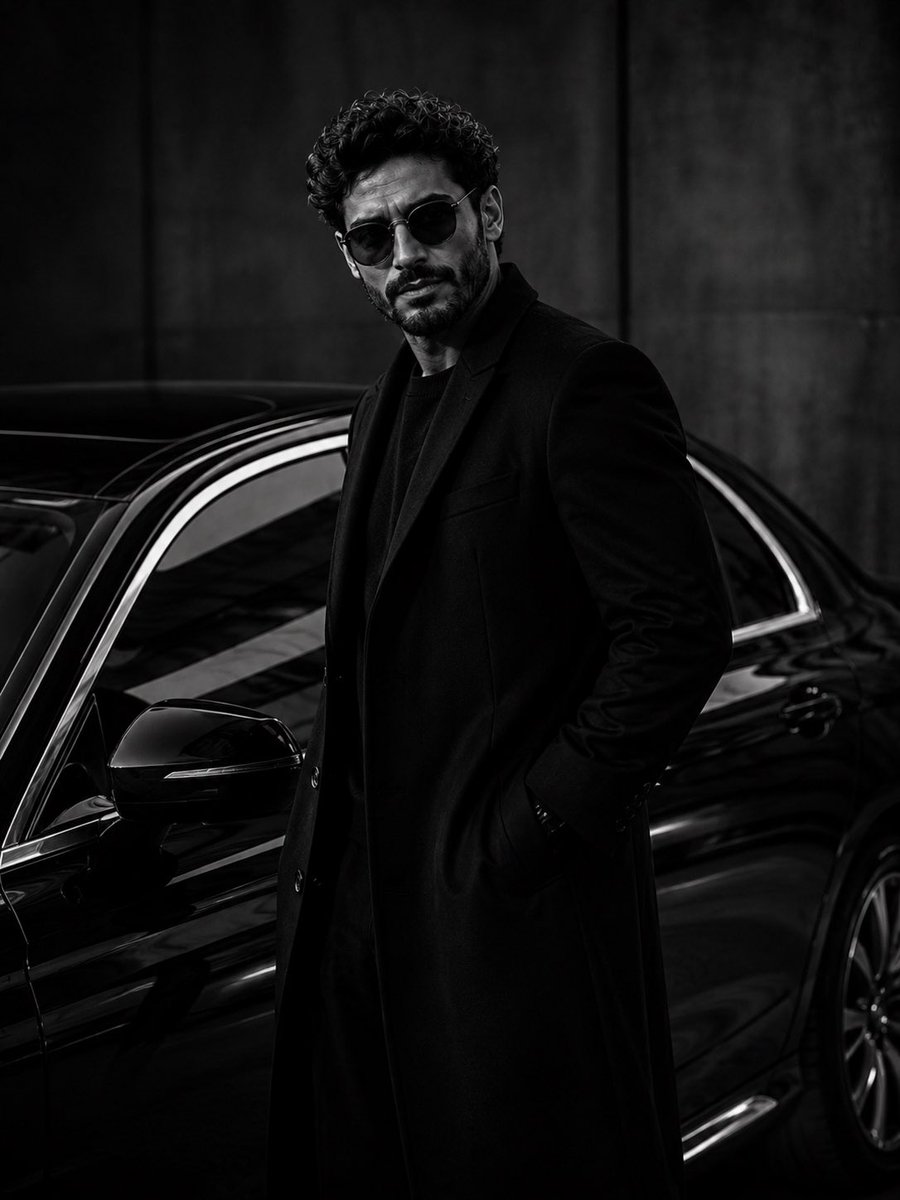
Ultra-Luxury Monochrome Fashion Editorial
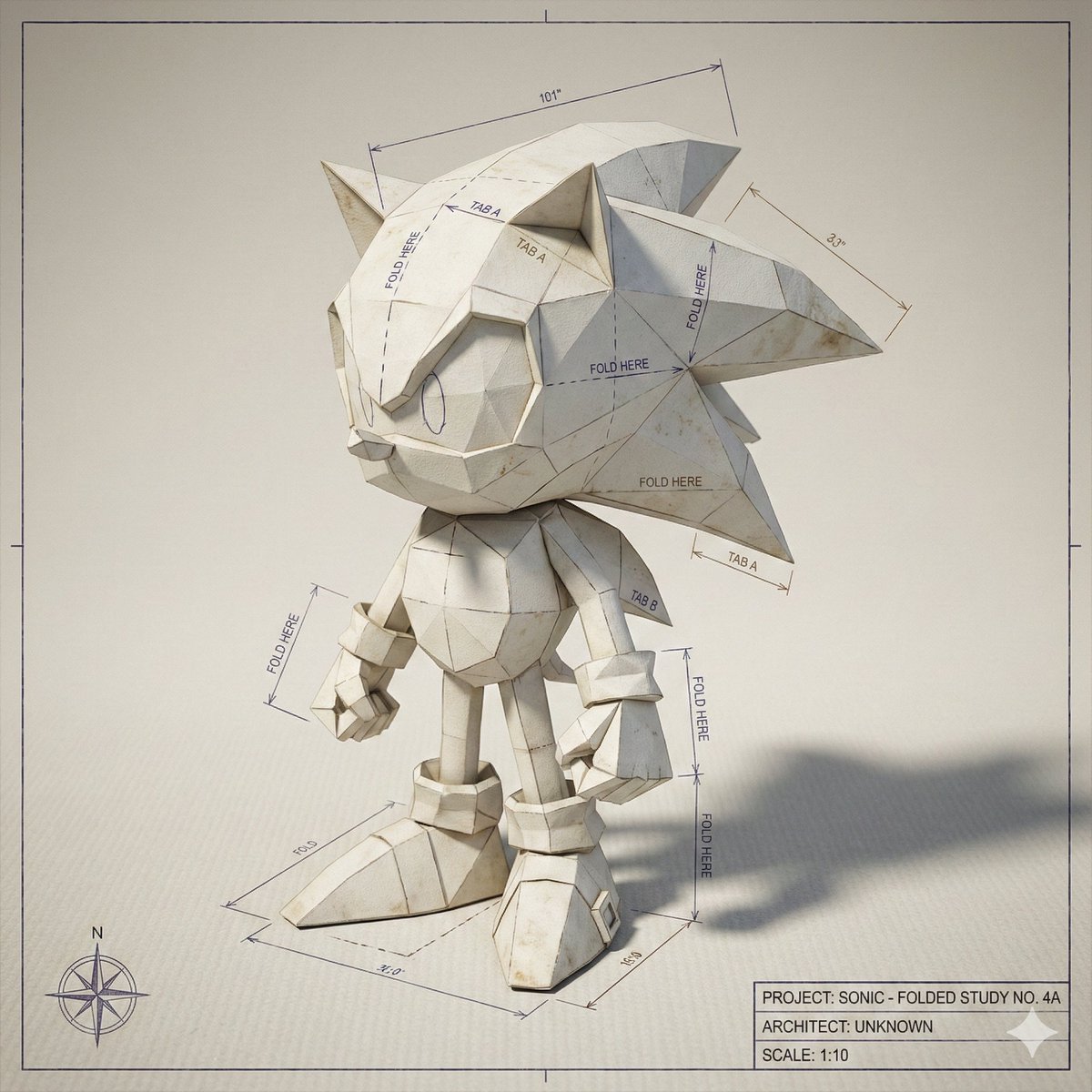
Folded Paper Blueprint of a Character
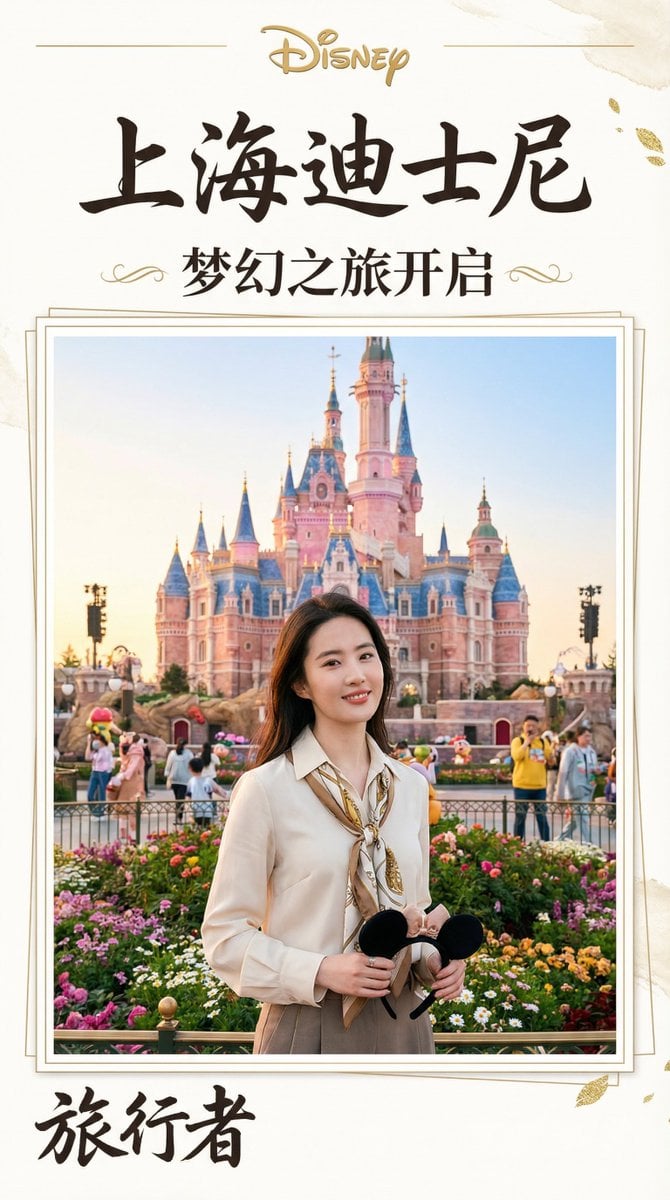
Magazine-Style Travel Photo Collection Generation
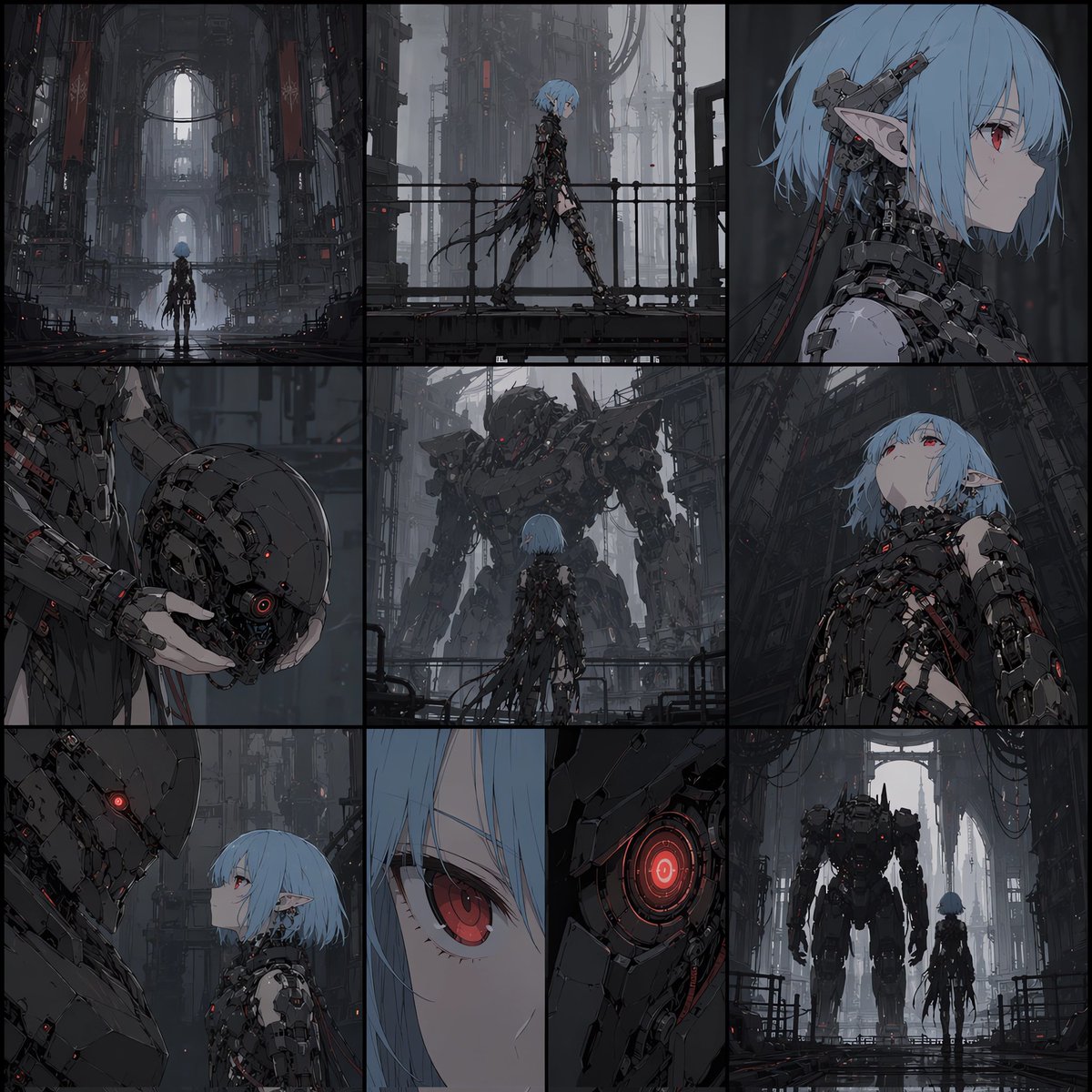
Cyberpunk Android Elf Storyboard
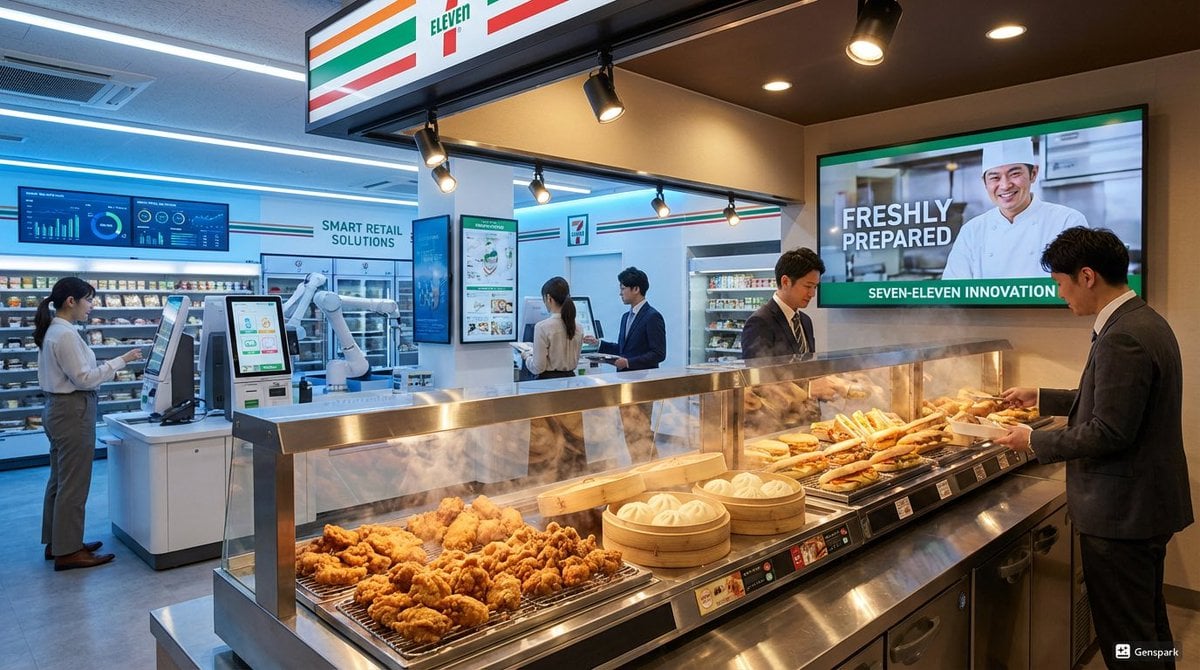
Futuristic store visualization
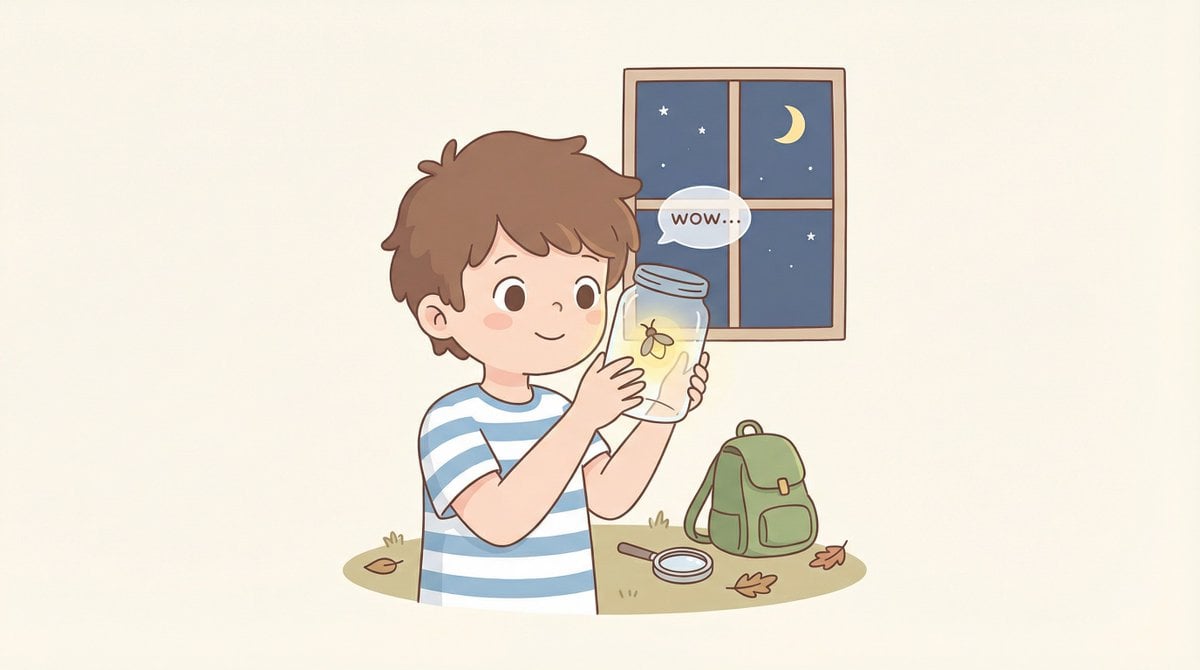
Cozy Minimal Line Art Character Study
Browse template categories
News Reporter Toy Store Scene questions
How do I use the News Reporter Toy Store Scene template?
Add your photo if the template asks for one, edit the prompt if you like — the template's model and format are already selected — and press Generate. Your version opens in PicX Studio.
Can I customize the News Reporter Toy Store Scene template?
Yes. You can change the subject, setting, lighting, mood, format, and available model controls before creating your image.
Is the News Reporter Toy Store Scene template free?
Opening and editing this template is free. Generating uses credits, shown on the Generate button when you are signed in.
Which AI model should I use?
Start with GPT Image 2, which is the model associated with this template. You can compare another compatible model for a different finish.
Looking for something else? Browse all templates.

Your photo, any look
Thousands of ready templates for every top image and video model, from one credit balance.