
Mrs Mermaid Magazine Collage
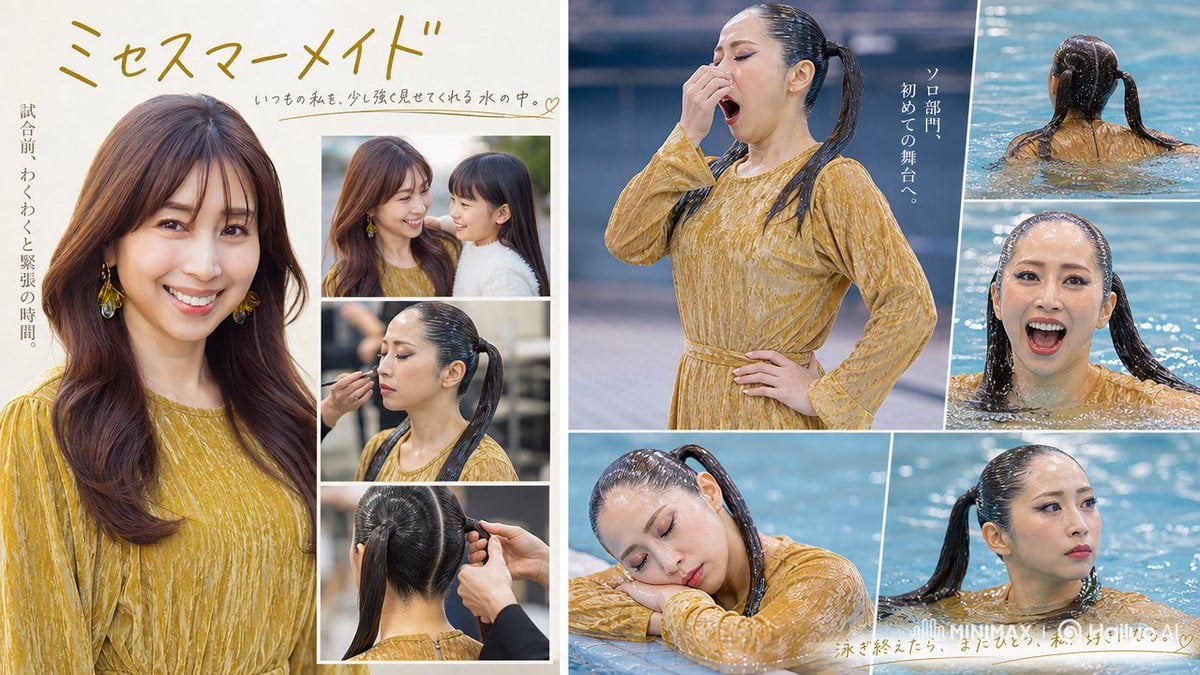
A structured prompt for generating a Japanese editorial photo collage of a woman preparing for a pool performance and swimming in a mustard dress.
- Prompt included
- Model and format preset
- Free template
The prompt behind this image
Copy the exact prompt behind Mrs Mermaid Magazine Collage, or open it in the studio and make it yours.
Goal: Create a polished two-page magazine-style photo collage advertisement about an adult woman preparing for and entering a swimming pool, with a sentimental Japanese beauty-pageant / swimming-school mood. Canvas: Wide horizontal 16:9 spread, approximately 1200×675 px, split vertically into two pages with a thin white gutter in the center. Use clean white borders between all photo panels, soft warm lighting on the left page, cool blue pool lighting on the right page. Layout: Use exactly 9 discrete photo panels total. Left page has 4 panels: 1 large vertical portrait occupying the left two-thirds, showing a woman from chest up in a mustard-yellow textured long-sleeve dress, long wavy brown hair, dangling yellow earrings, elegant studio-like lighting; 3 smaller stacked panels on the right, with the top panel showing 2 women close together in profile, the middle panel showing hair being tied into a high ponytail, and the bottom panel showing the back of the head while a stylist secures the ponytail. Right page has 5 panels: 1 large upper-left panel showing the same woman standing poolside in a wet mustard-yellow dress, black wet ponytail, one hand near her face and one hand on her waist; 2 smaller stacked panels on the far right showing her swimming from behind and then front-facing in blue water; 1 lower-left panel showing her leaning forward at the pool edge with wet hair and dress; 1 lower-right panel showing a cropped close portrait in the pool with a side ponytail and sparkling water. Subject details: The woman should appear like a poised Japanese adult contestant or model, wearing the same mustard-yellow patterned dress throughout. Her hair transforms from dry, loose, long brown waves on the left page to sleek wet black ponytail in the pool scenes. Add large soft rectangular beige privacy blocks over every visible face, matching the generated image censor style, with no facial features visible. Text content: Add large handwritten Japanese headline at top left: {argument name="headline text" default="ミセスマーメイド"}. Add a small handwritten Japanese sentence under the headline: {argument name="tagline text" default="いつもの私を、少し強く見せてくれる水の中。"} with a small heart at the end. Add vertical Japanese copy along the far left margin: {argument name="left vertical copy" default="試合前、わくわくと緊張の時間"}. Add vertical Japanese copy on the right page near the standing poolside image: {argument name="right vertical copy" default="ソロ部門、初めての舞台へ。"}. Add a small handwritten note along the bottom right over the pool image: {argument name="bottom handwritten note" default="泳ぎ終えたら、またひとつ、私の好きになる。"}, plus faint white logo-like text near the bottom right resembling “MINIMAX” and “Hailuo AI”. Visual style: Photorealistic lifestyle photography, glossy Japanese magazine spread, elegant feminine editorial design, white collage borders, warm cream background on the left, saturated aqua-blue pool water on the right, shallow depth of field, realistic wet fabric and water droplets, soft highlights and reflections. Constraints: Use exactly 9 photo panels and exactly 2 visible women only in the top small left-page panel; all other panels feature the same single woman. Keep the faces covered by beige rectangular censor blocks. Do not add extra panels, extra people, or readable text beyond the specified Japanese copy and faint logo-like marks.
How to use Mrs Mermaid Magazine Collage in 3 steps
- 1Upload ImagePNG, JPG or paste
Add your photo
Upload the photo the template builds on. The prompt, model and format are already set.
- 2…a portrait of your subject in softgolden-hour light, 85mm…
Personalize
Edit the subject and creative details for your destination.
- 3Generate
Generate
Press Generate — your image is created in PicX Studio, so you can compare it with the original and refine one variable at a time.
More like this
Templates with the same subject, style or setup. Open one to see its prompt.












Make it yours
Mrs Mermaid Magazine Collage works as-is. These are the safest ways to change it without losing the look.
Change one field
Copy a single group, rewrite it, and generate again so you can see what that field is doing.
Keep the frame, change the subject
Hold the composition and light of Mrs Mermaid Magazine Collage, then swap wardrobe, props or the person for a new take.
| If the result… | Why | Fix |
|---|---|---|
| The result drifts from the preview | Too many fields changed at once. | Reuse Mrs Mermaid Magazine Collage as-is first, then change one group — subject, light, or setting. |
| The model over-stylizes the scene | The prose prompt leaves finish and camera underspecified. | Add one camera or lighting sentence and stay on GPT Image 2. |
More GPT Image 2 templates
Other prompts made for GPT Image 2.

Six VTuber Japanese Logo Sheet

Realistic Portrait of Woman and Deer

The Vista Modular Condo Poster

AI Model Routing Comparison Infographic

2.5D Anime Art Board

Isometric Productivity Desk Scene

New York Double Exposure Poster

Four-Panel AI Landscape Comparison

Japanese Tatami Lifestyle Magazine Cover

NESCAFÉ Coffee Map Poster
More image prompts
Fresh picks from across the catalog.
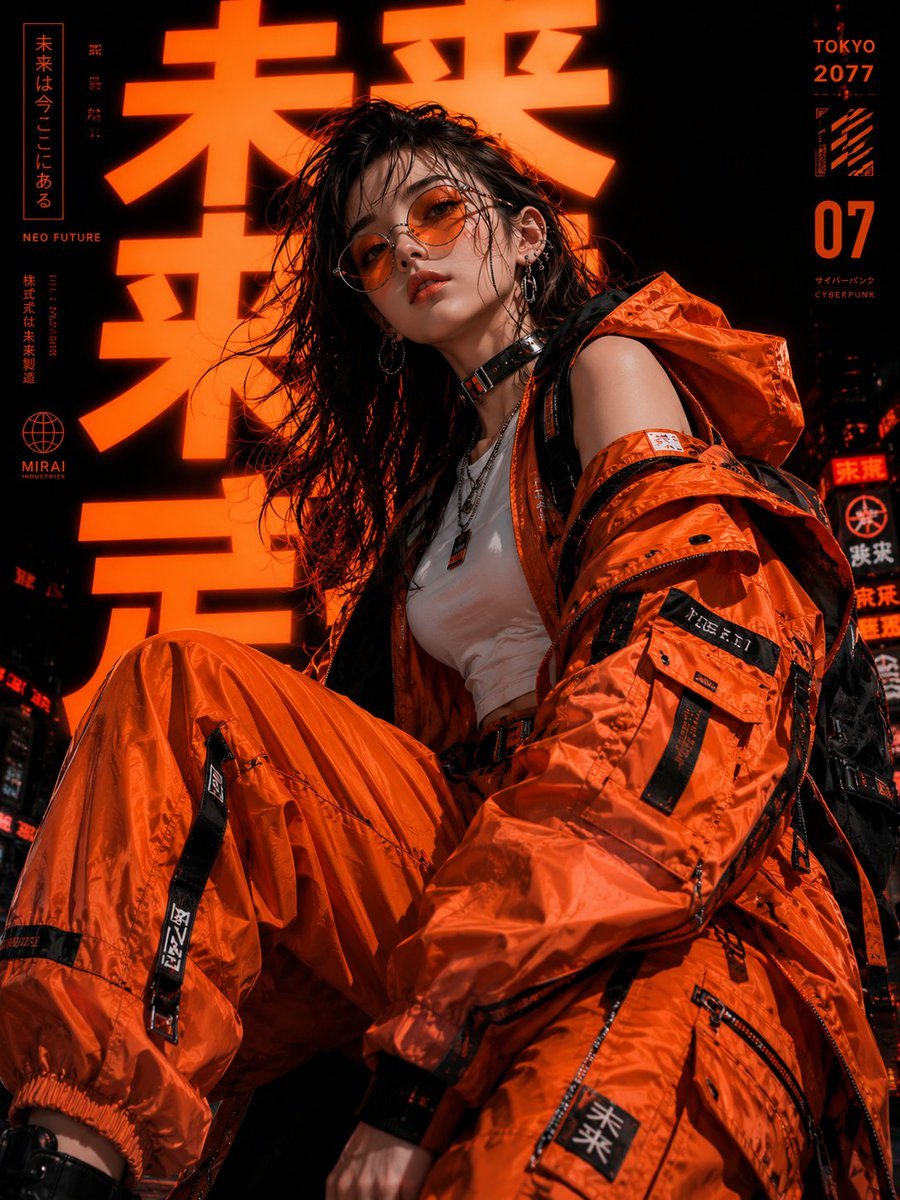
Cyberpunk Tokyo Fashion Portrait
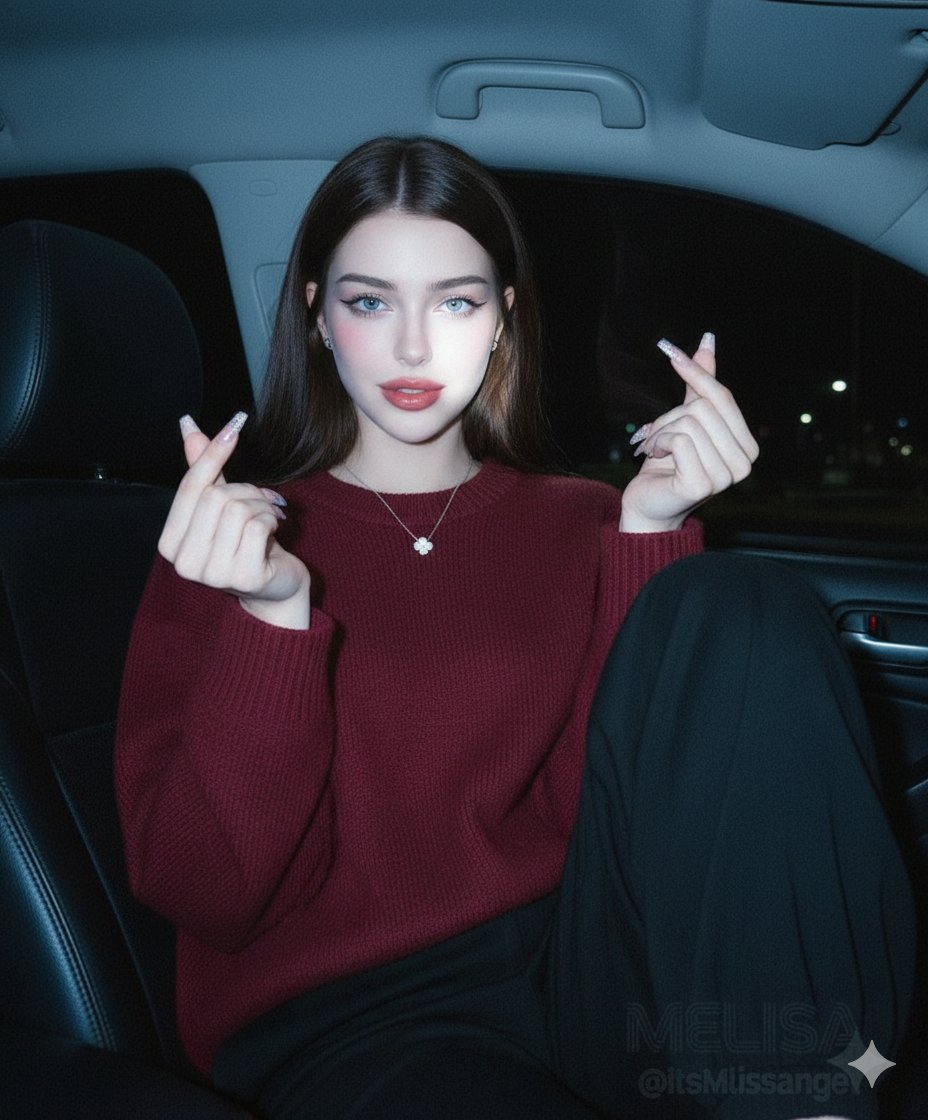
Vintage Digital Camera Car Selfie Prompt
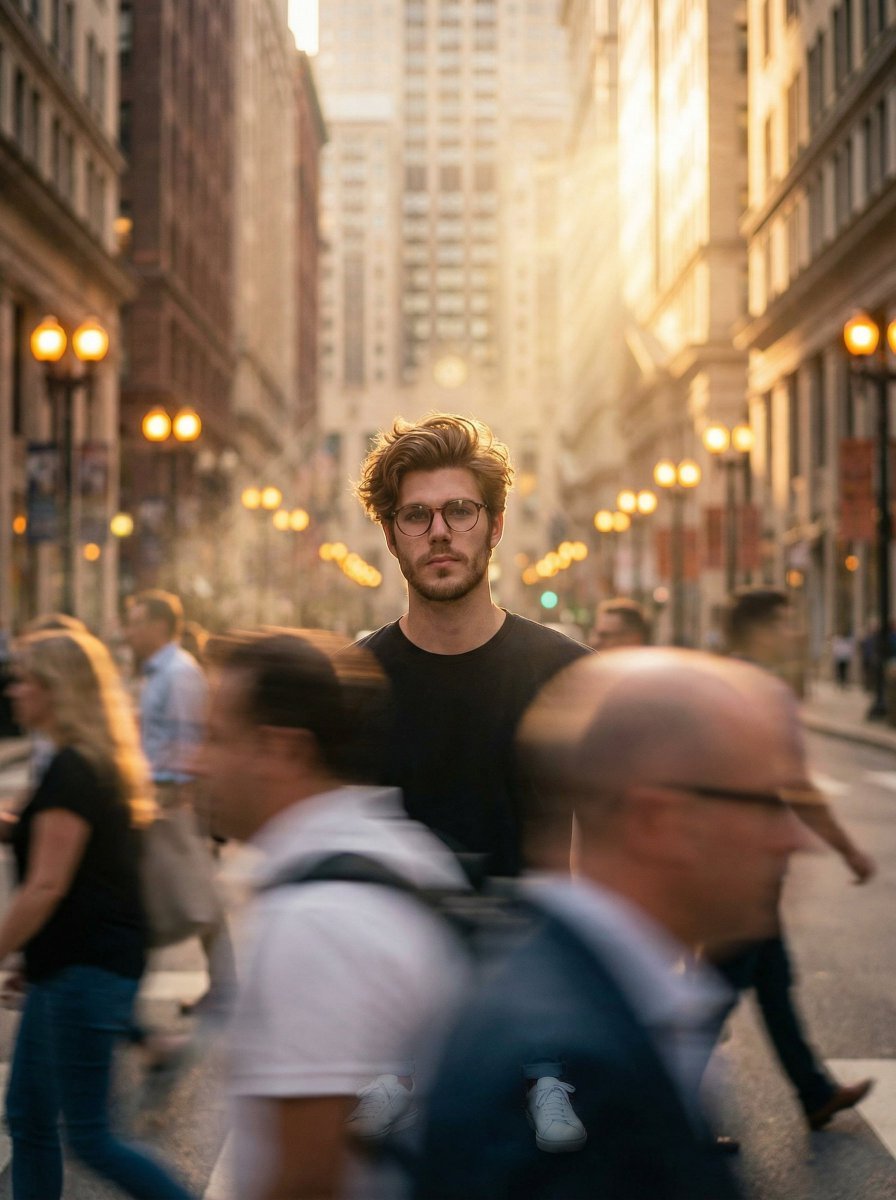
Cinematic Portrait in a Busy City Street
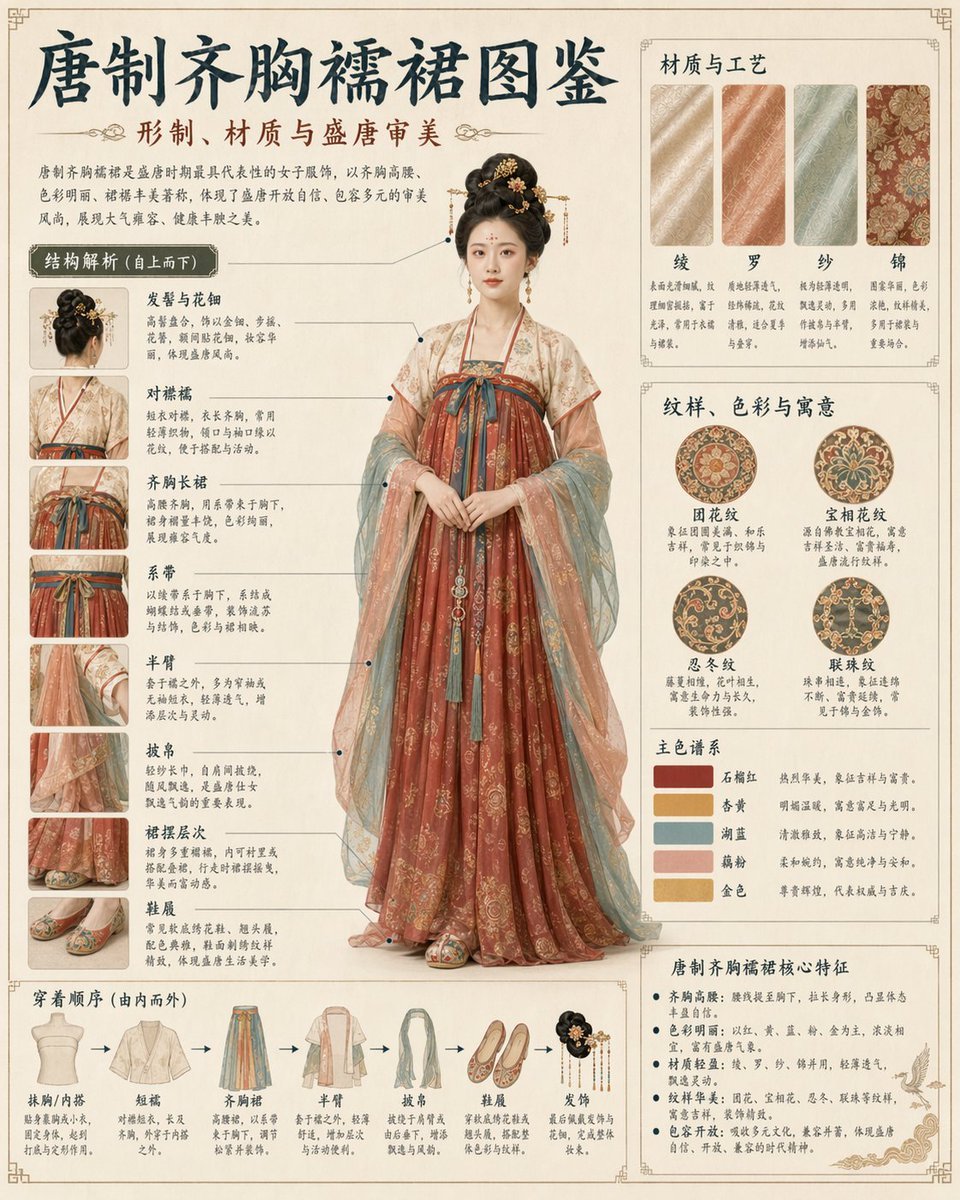
Traditional Garment Infographic
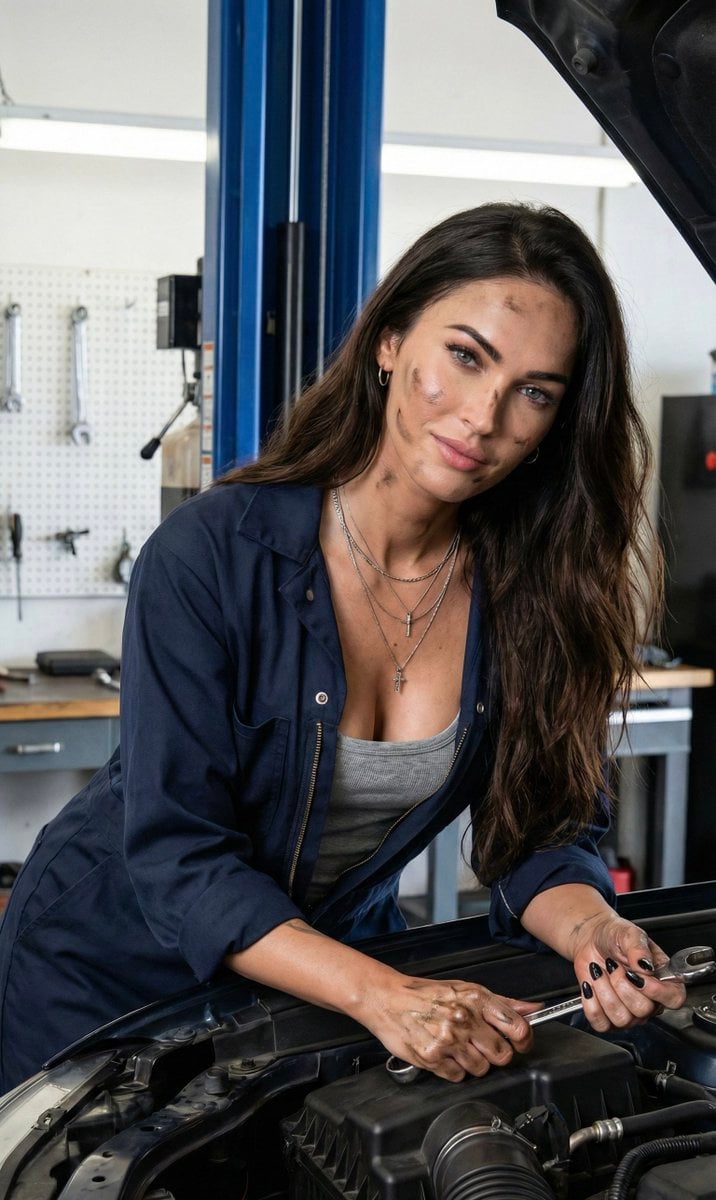
Hyper-Realistic Female Mechanic Portrait Prompt (JSON)
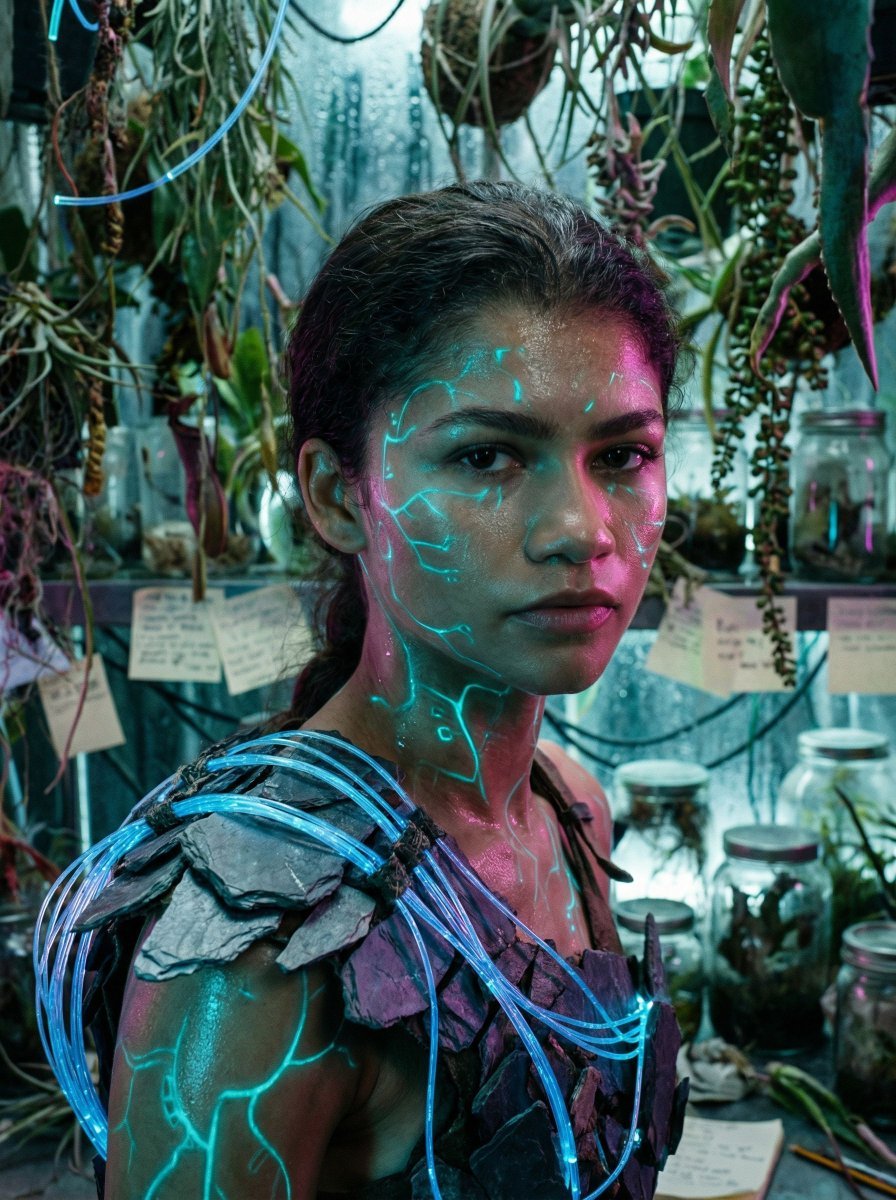
Bioluminescent Archivist Sci-Fi Portrait Prompt
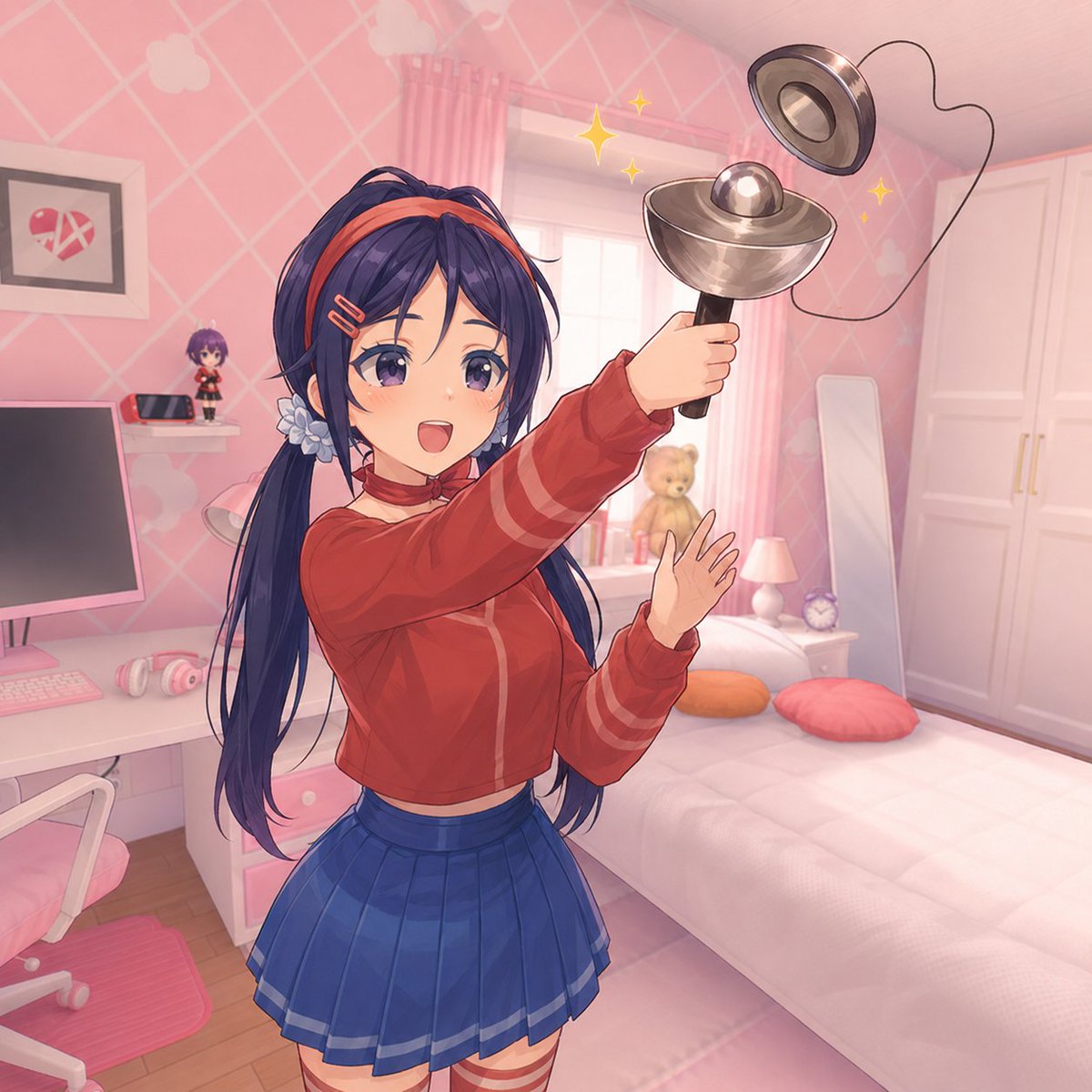
Anime Girl Spinning Top Mishap
Cute Morning Greeting Figure Sticker
Snow globe character illustration prompt for Nano Banana Pro
Japanese Beauty in Black Qipao
Browse template categories
Mrs Mermaid Magazine Collage questions
How do I use the Mrs Mermaid Magazine Collage template?
Add your photo if the template asks for one, edit the prompt if you like — the template's model and format are already selected — and press Generate. Your version opens in PicX Studio.
Can I customize the Mrs Mermaid Magazine Collage template?
Yes. You can change the subject, setting, lighting, mood, format, and available model controls before creating your image.
Is the Mrs Mermaid Magazine Collage template free?
Opening and editing this template is free. Generating uses credits, shown on the Generate button when you are signed in.
Which AI model should I use?
Start with GPT Image 2, which is the model associated with this template. You can compare another compatible model for a different finish.
Looking for something else? Browse all templates.

Your photo, any look
Thousands of ready templates for every top image and video model, from one credit balance.