
Anime Girl Spinning Top Mishap
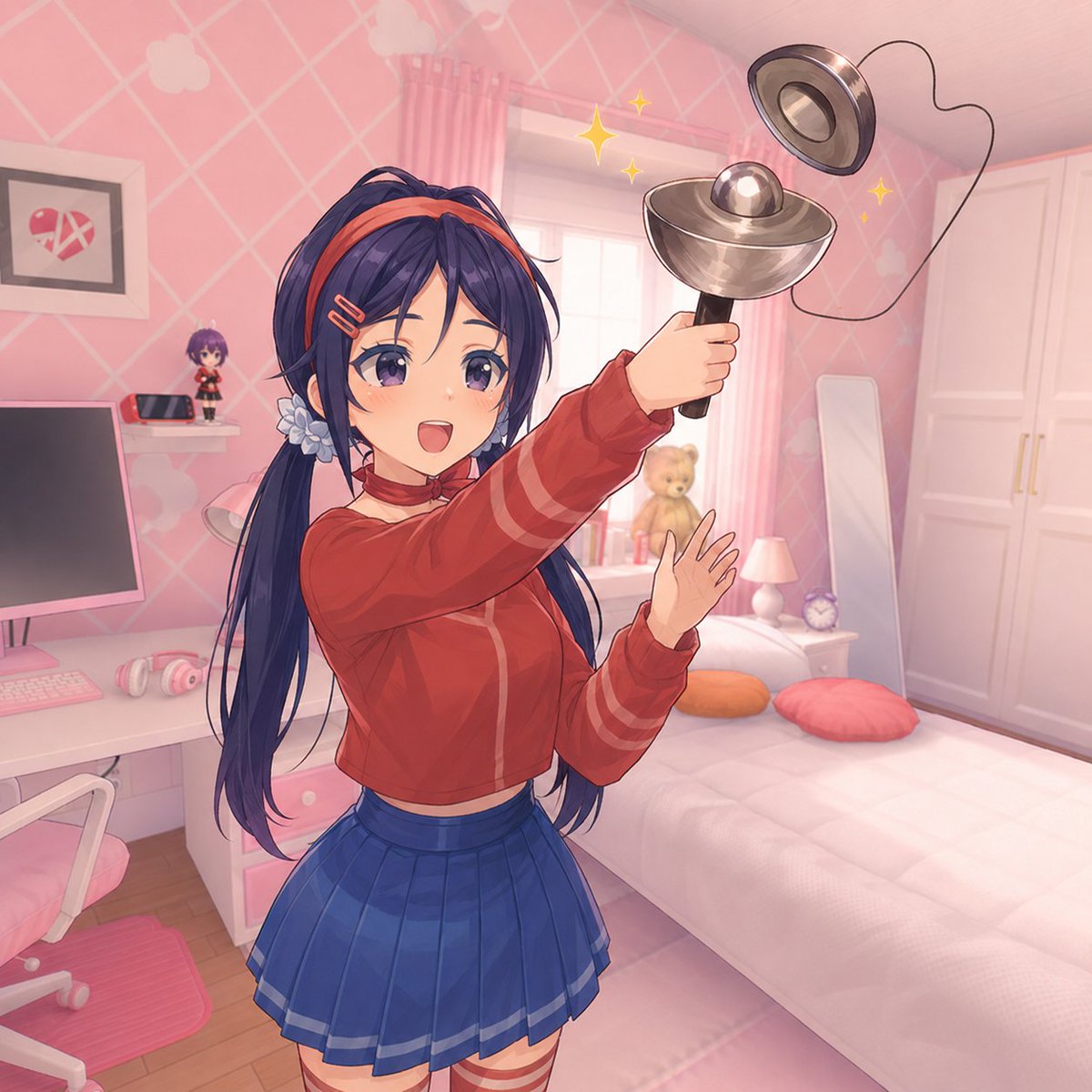
A square anime bedroom scene showing a schoolgirl with a blurred face accidentally flinging a metal spinning top toy, useful for playful AI art or meme-style illustrations.
- Prompt included
- Model and format preset
- Free template
The prompt behind this image
Copy the exact prompt behind Anime Girl Spinning Top Mishap, or open it in the studio and make it yours.
Create a polished anime-style illustration of {argument name="character name" default="a teenage schoolgirl"} in a cute pastel pink bedroom, standing in the foreground and dramatically holding up a shiny metal spinning top toy on a black handle with its detached circular ring flying above it, connected by a loose black cord. The girl has very long dark navy-blue hair in high twin ponytails with loose strands, a red headband, small hair clips, and a pale blue flower hair accessory; her face is intentionally covered by a soft rectangular blur censor block. She wears {argument name="outfit" default="a cropped red track jacket with sleeve stripes and a blue pleated school skirt"}, and she poses with one arm raised gripping the toy while her other hand is open in surprise, creating an “oh no” action moment. Add exactly 4 yellow sparkle effects around the spinning toy: 1 large diamond sparkle near the window, 2 small sparkles beside it, and 1 small sparkle on the right. The room should be bright, cozy, and feminine: pink diamond-pattern wallpaper with pale heart/cloud motifs, a large sunlit window with pink curtains, a white bed with a plush teddy bear, two pillows colored orange and coral pink, a bedside table with a small pink lamp and round clock, a tall white wardrobe, a standing mirror, and a white desk setup with a computer monitor, keyboard, pink headphones, a small chibi figure, and a framed broken-heart picture on the wall. Use soft afternoon lighting, gentle bloom, warm pink color grading, clean linework, detailed cel shading, slight depth of field, and a square 1:1 composition. Keep the scene playful, chaotic, and cute, with no readable text and no watermark.
How to use Anime Girl Spinning Top Mishap in 3 steps
- 1Upload ImagePNG, JPG or paste
Add your photo
Upload the photo the template builds on. The prompt, model and format are already set.
- 2…a portrait of your subject in softgolden-hour light, 85mm…
Personalize
Edit the subject and creative details for your destination.
- 3Generate
Generate
Press Generate — your image is created in PicX Studio, so you can compare it with the original and refine one variable at a time.
More like this
Templates with the same subject, style or setup. Open one to see its prompt.











Make it yours
Anime Girl Spinning Top Mishap works as-is. These are the safest ways to change it without losing the look.
Change one field
Copy a single group, rewrite it, and generate again so you can see what that field is doing.
Keep the frame, change the subject
Hold the composition and light of Anime Girl Spinning Top Mishap, then swap wardrobe, props or the person for a new take.
| If the result… | Why | Fix |
|---|---|---|
| The result drifts from the preview | Too many fields changed at once. | Reuse Anime Girl Spinning Top Mishap as-is first, then change one group — subject, light, or setting. |
| The model over-stylizes the scene | The prose prompt leaves finish and camera underspecified. | Add one camera or lighting sentence and stay on GPT Image 2. |
More GPT Image 2 templates
Other prompts made for GPT Image 2.

Six VTuber Japanese Logo Sheet

Realistic Portrait of Woman and Deer

The Vista Modular Condo Poster

AI Model Routing Comparison Infographic

2.5D Anime Art Board

Isometric Productivity Desk Scene

New York Double Exposure Poster

Four-Panel AI Landscape Comparison

Japanese Tatami Lifestyle Magazine Cover

NESCAFÉ Coffee Map Poster
More image prompts
Fresh picks from across the catalog.
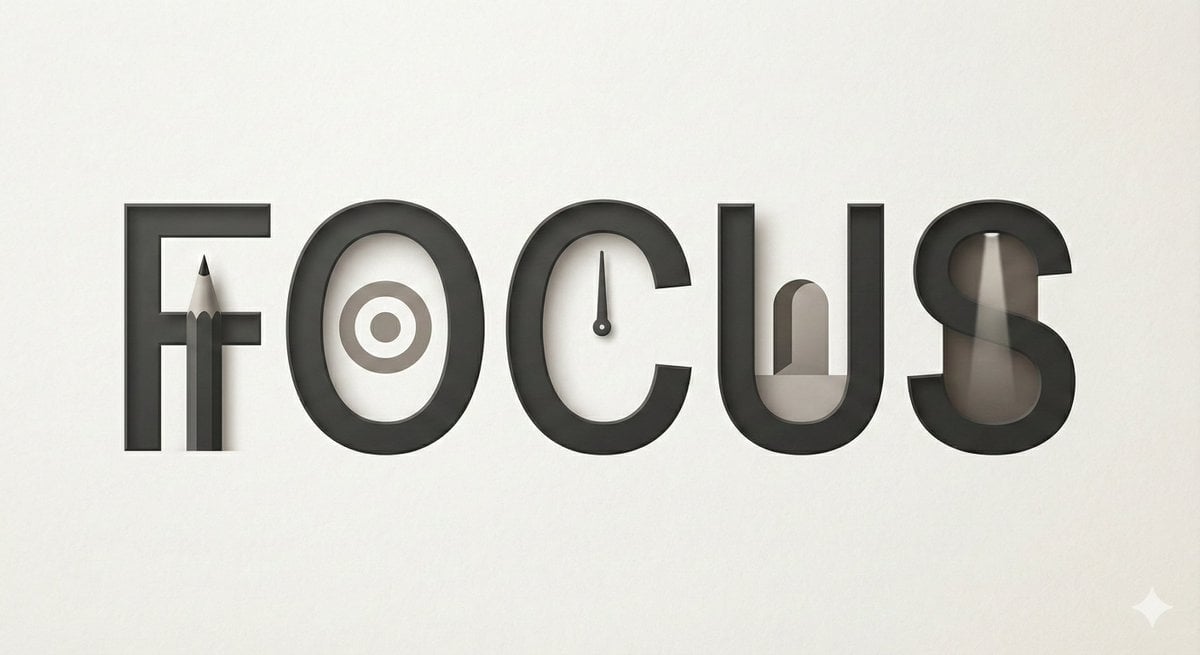
Minimalist Typographic Illustration Conveying Meaning
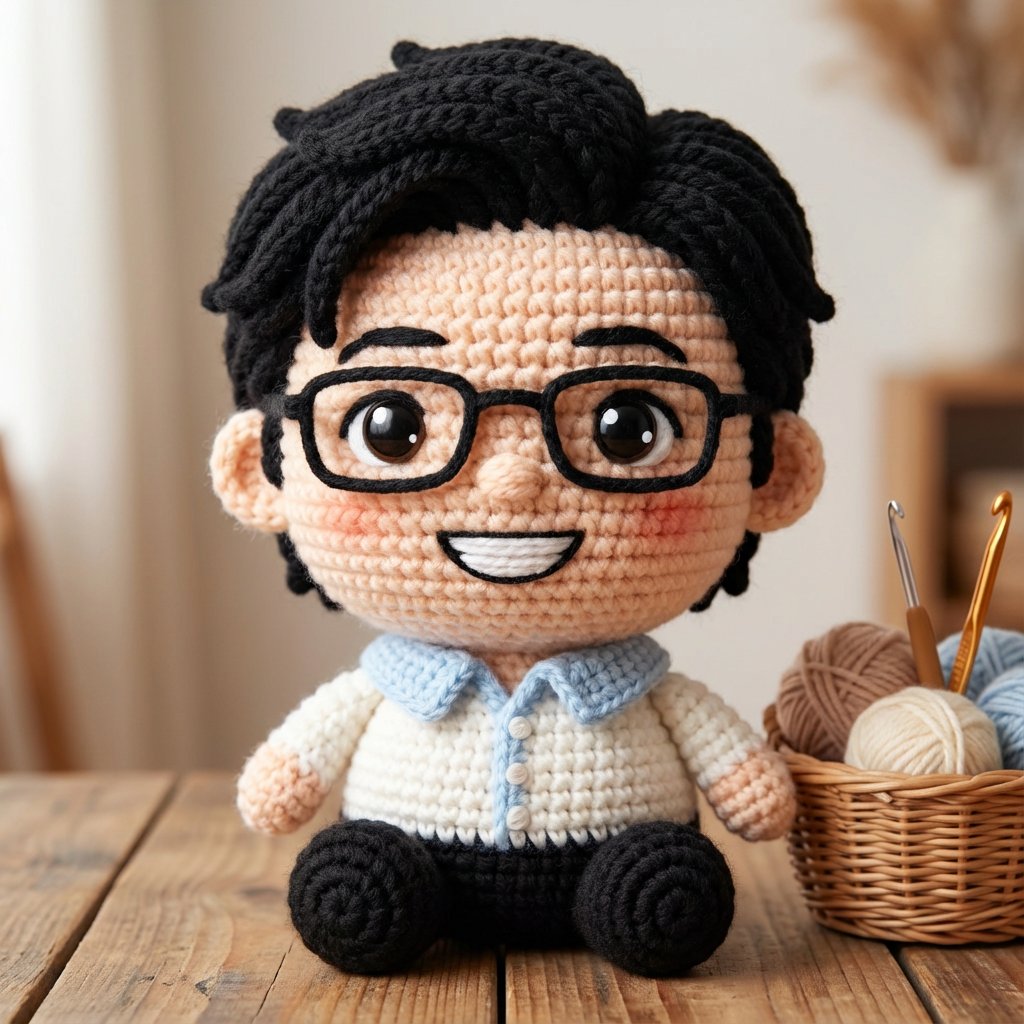
Amigurumi-style Scissor Man Image Generation Prompt
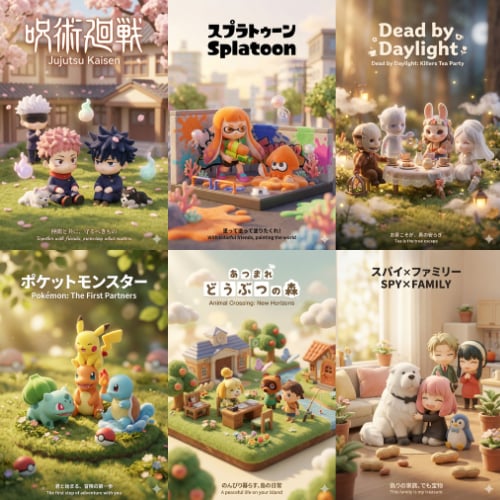
3D Q-Version Healing Toy Movie Poster Prompt Template (Pokémon Example)
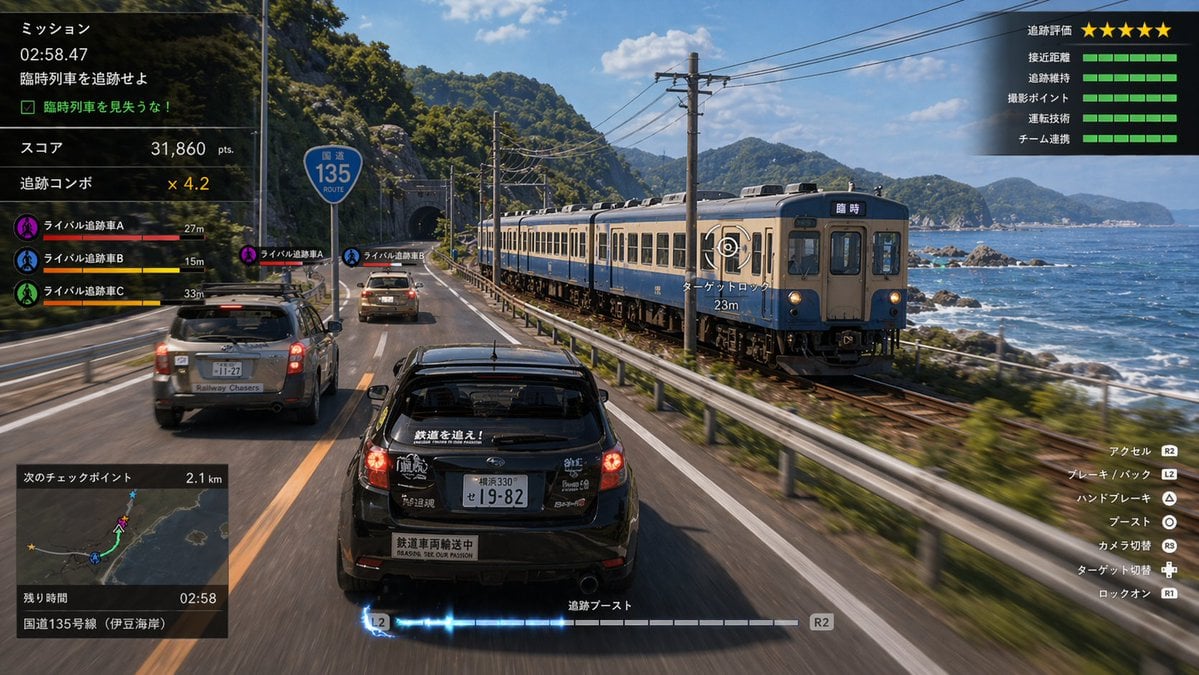
Train Photography Game Simulation
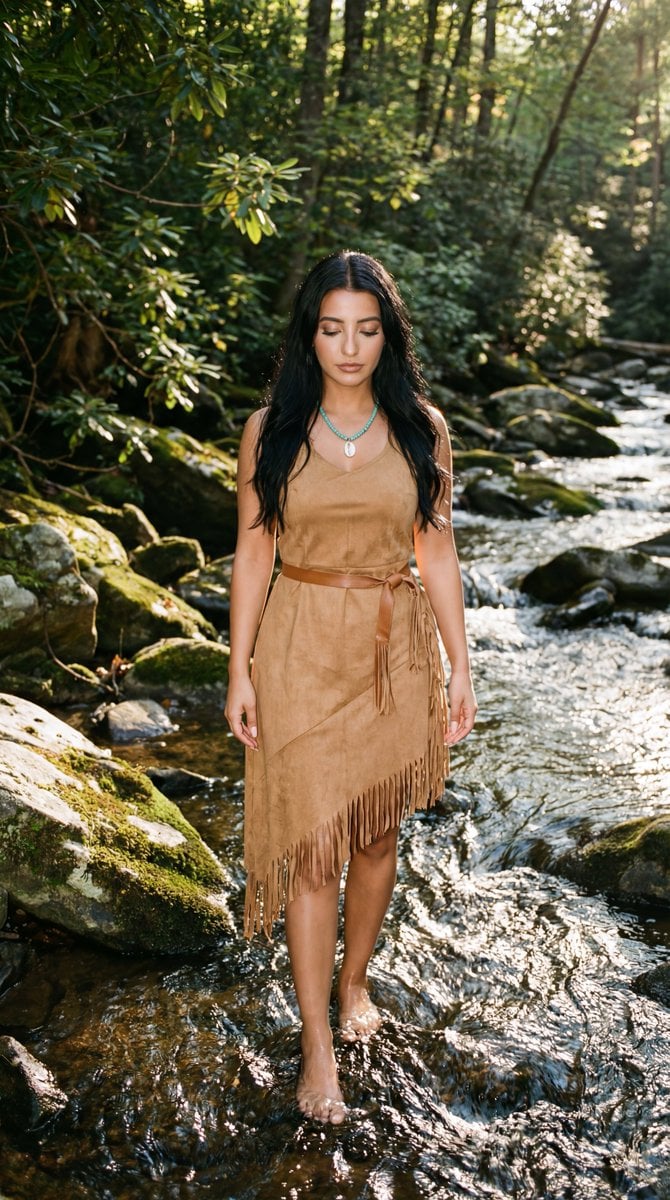
Cinematic Photoreal Portrait in a Forest Stream (Pocahontas Inspired)
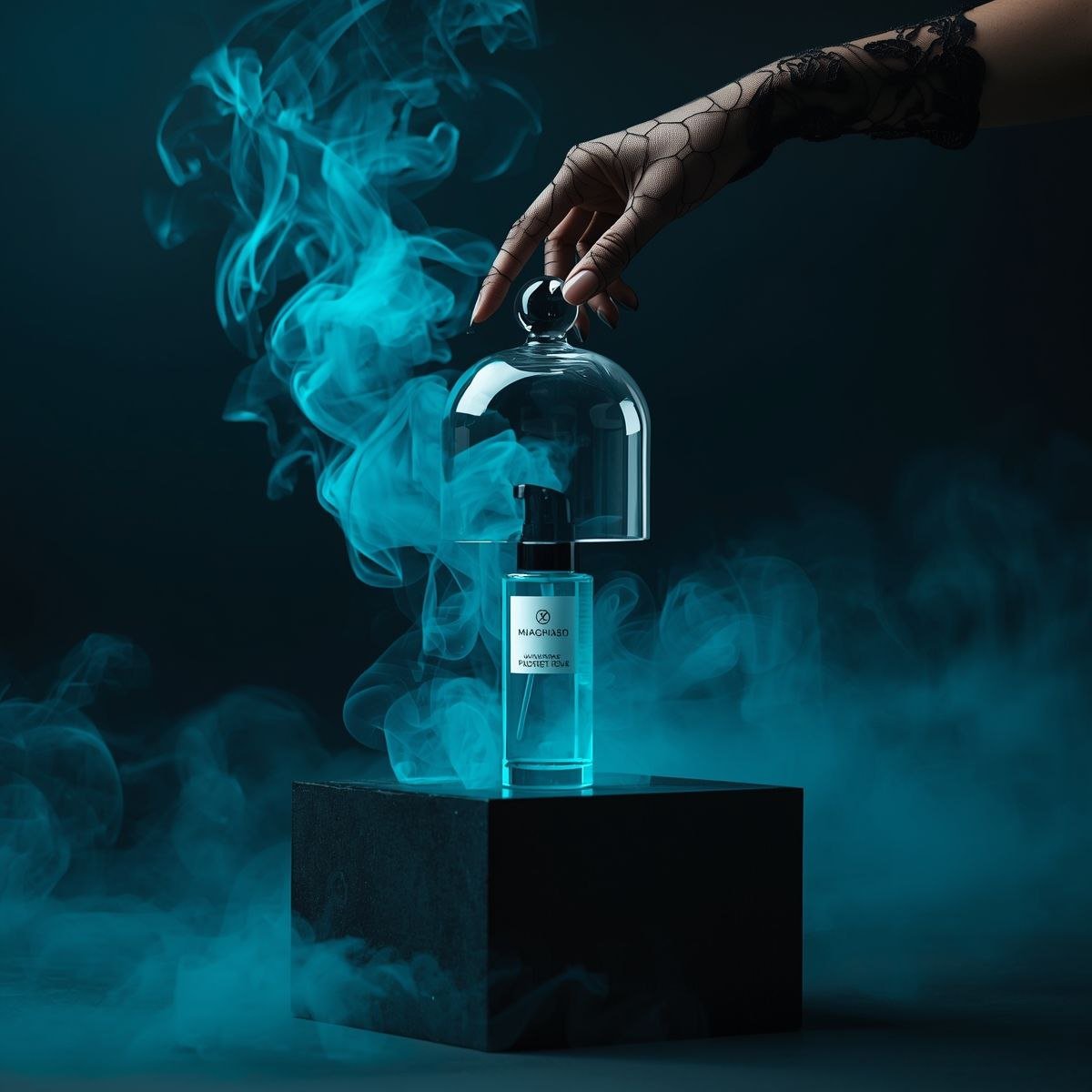
Cinematic Product Video for Luxury Perfume

Cinematic studio portrait with moody lighting
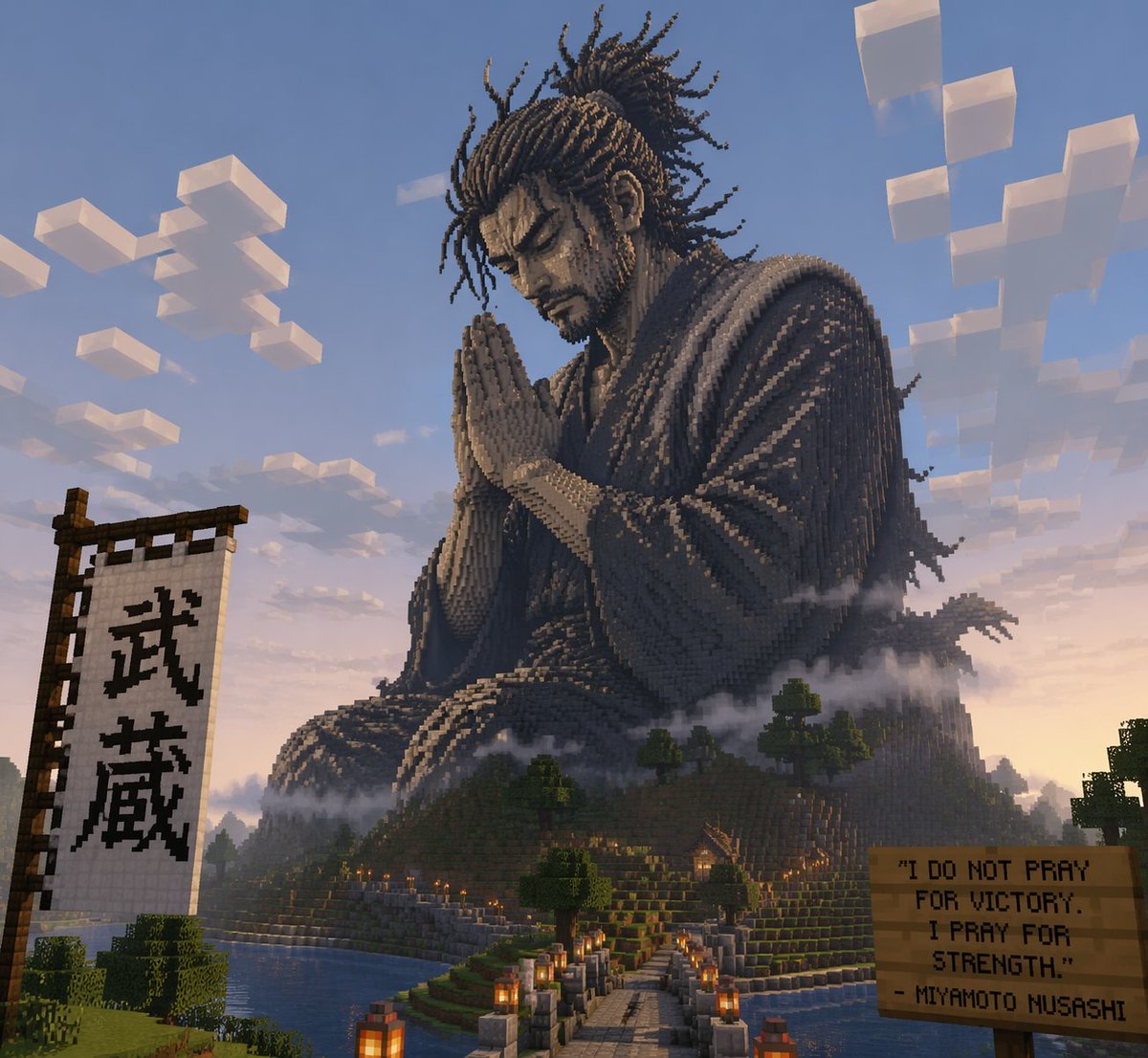
Minecraft Statue of Musashi
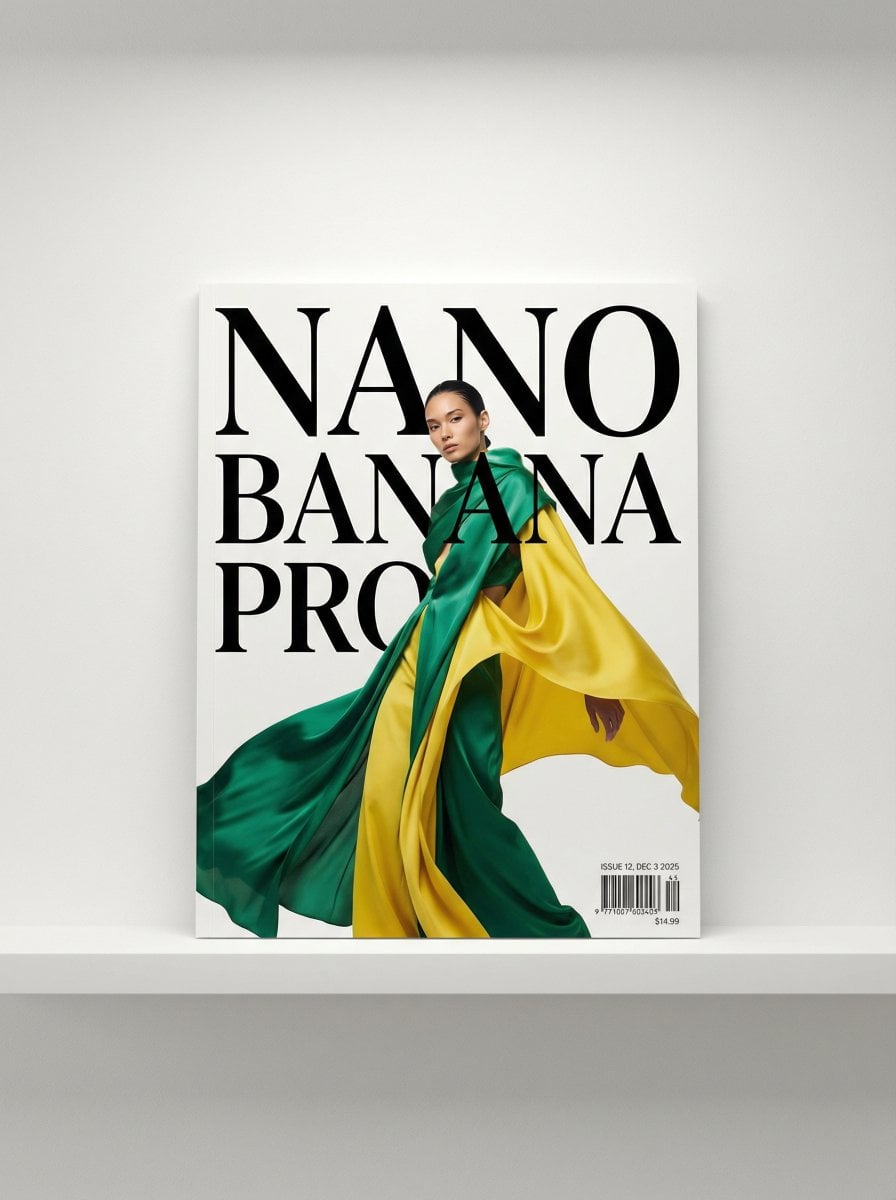
Magazine Cover Generation Prompt

Japanese Eco-Community Promo Poster
Browse template categories
Anime Girl Spinning Top Mishap questions
How do I use the Anime Girl Spinning Top Mishap template?
Add your photo if the template asks for one, edit the prompt if you like — the template's model and format are already selected — and press Generate. Your version opens in PicX Studio.
Can I customize the Anime Girl Spinning Top Mishap template?
Yes. You can change the subject, setting, lighting, mood, format, and available model controls before creating your image.
Is the Anime Girl Spinning Top Mishap template free?
Opening and editing this template is free. Generating uses credits, shown on the Generate button when you are signed in.
Which AI model should I use?
Start with GPT Image 2, which is the model associated with this template. You can compare another compatible model for a different finish.
Looking for something else? Browse all templates.

Your photo, any look
Thousands of ready templates for every top image and video model, from one credit balance.