
Japanese Beauty in Black Qipao
A portrait prompt of a beautiful Japanese woman with a bob cut wearing a black qipao-style dress, using a digicam aesthetic.
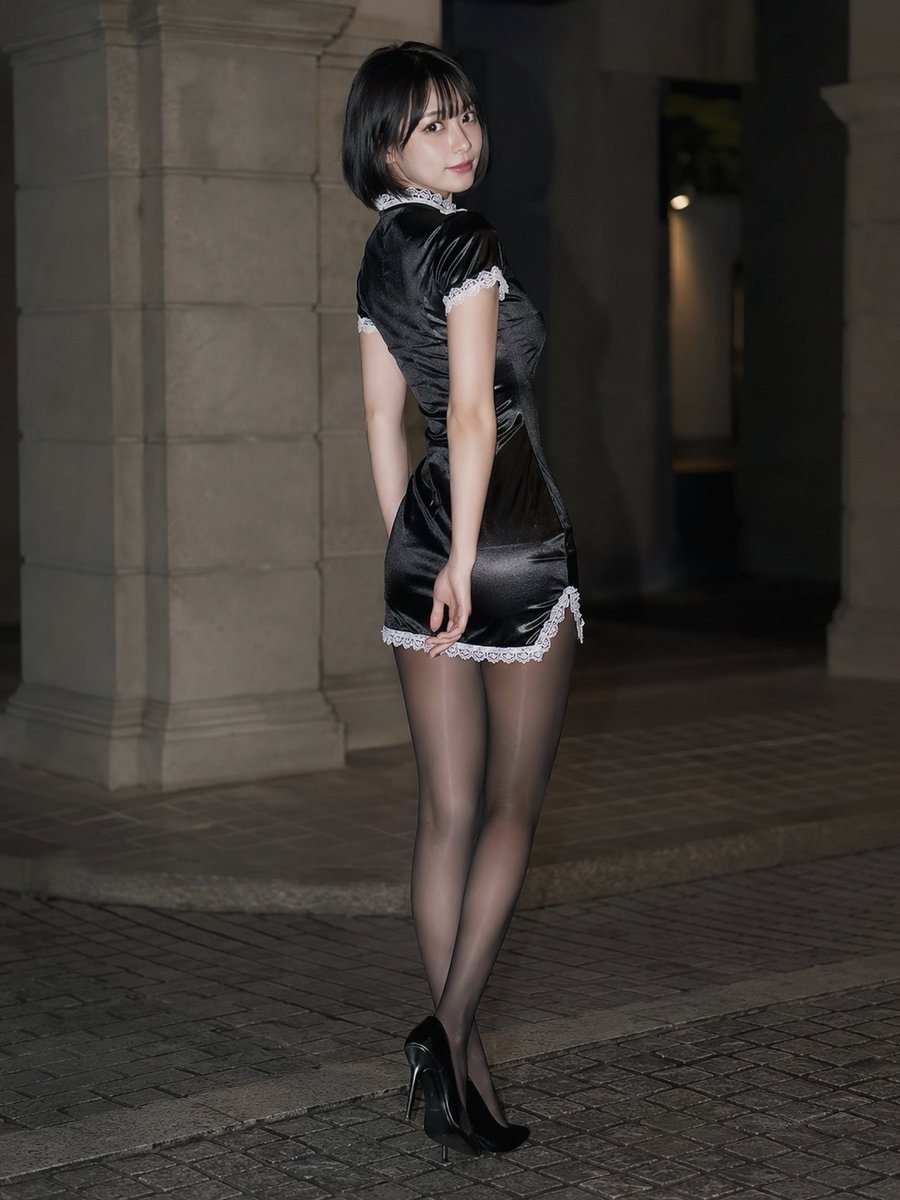
- Prompt included
- Model and format preset
- Free template
The prompt behind this image
Copy the exact prompt behind Japanese Beauty in Black Qipao, or open it in the studio and make it yours.
漂亮日本美女,側身回眸,俐落黑色鮑伯短髮微微內彎,齊瀏海,精緻立體五官,溫柔自信的神情。 {argument name="服裝" default="黑色旗袍風迷你洋裝"},亮面反光材質,白色蕾絲裝飾於領口、袖口與裙襬,合身剪裁勾勒優雅曲線,黑絲襪,雙手自然置於身後,腰部微微扭轉。 真實肌膚質感,高細節表現,淺景深,全身照。 CCD flash photography, digicam aesthetic.
How to use Japanese Beauty in Black Qipao in 3 steps
- 1
Open
The prompt is already in the box next to the preview, with the template's model and format selected.
- 2…a portrait of your subject in softgolden-hour light, 85mm…
Personalize
Edit the subject and creative details for your destination.
- 3Generate
Generate
Press Generate — your image is created in PicX Studio, so you can compare it with the original and refine one variable at a time.
More like this
Templates with the same subject, style or setup. Open one to see its prompt.

Minecraft Japanese Research Lab Exploration

Japanese Architectural Concrete Studio Fashion Campaign

Japanese Minimalist Concrete Studio Fashion Editorial

Geometric Color-Block Beauty Editorial Portrait

Dark Runway Luxury Fashion Magazine Cover

High-Fashion Editorial Magazine Cover ICON

Blue Backdrop Luxury Fashion Portrait Campaign
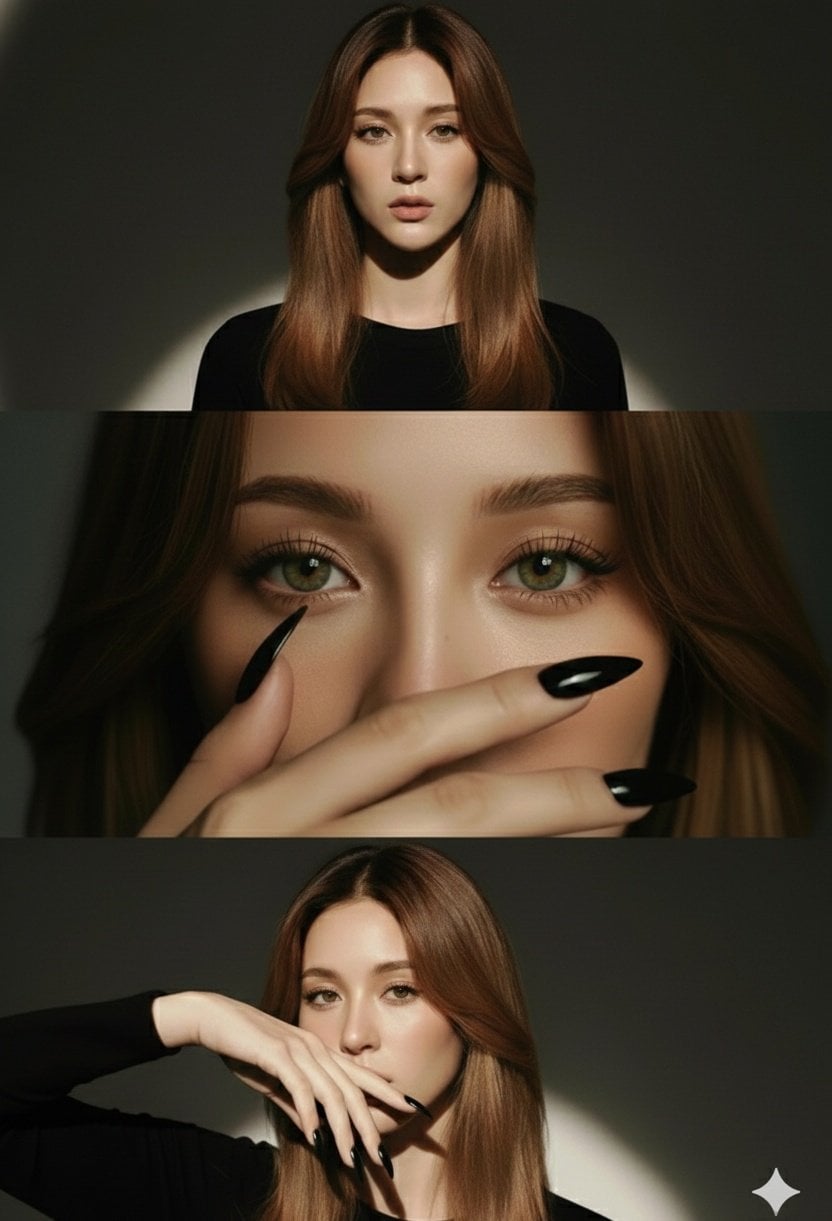
High-Fashion Editorial Studio Portrait Triptych
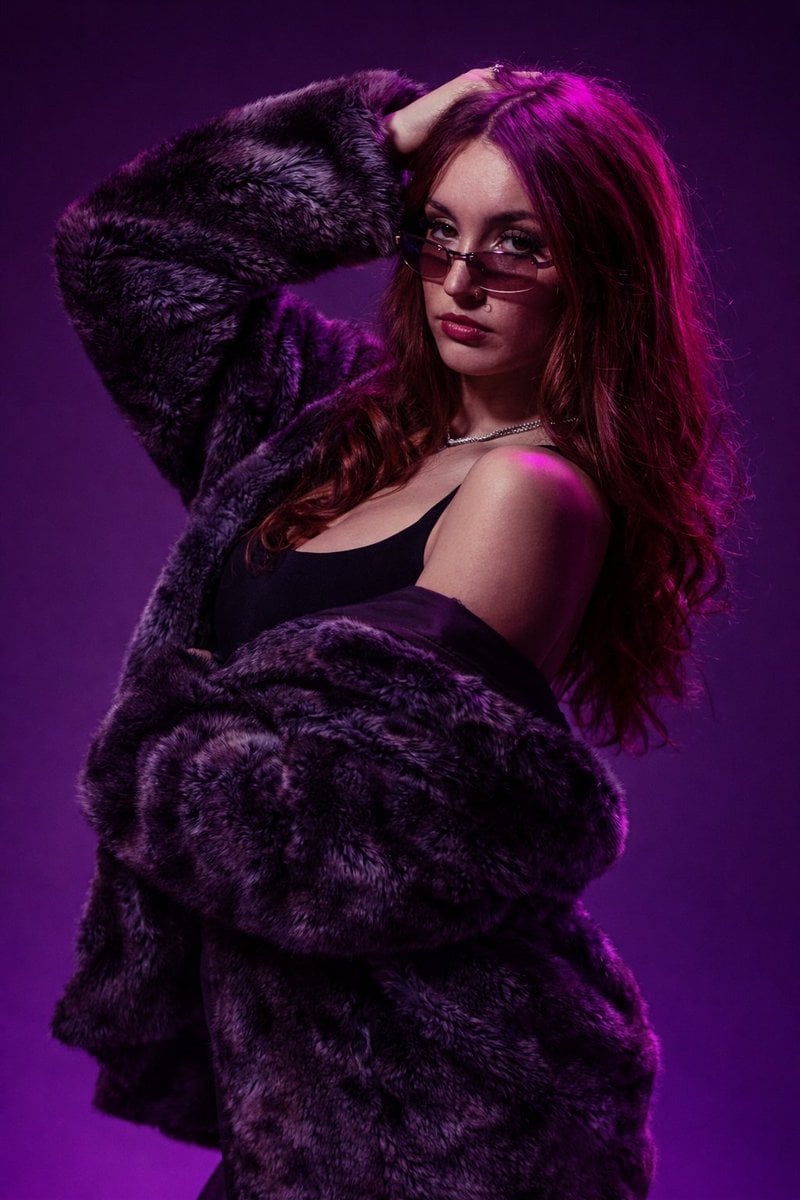
Studio Fashion Portrait Moody Purple Gradient

Black Liquid Cyberpunk Portrait Poster
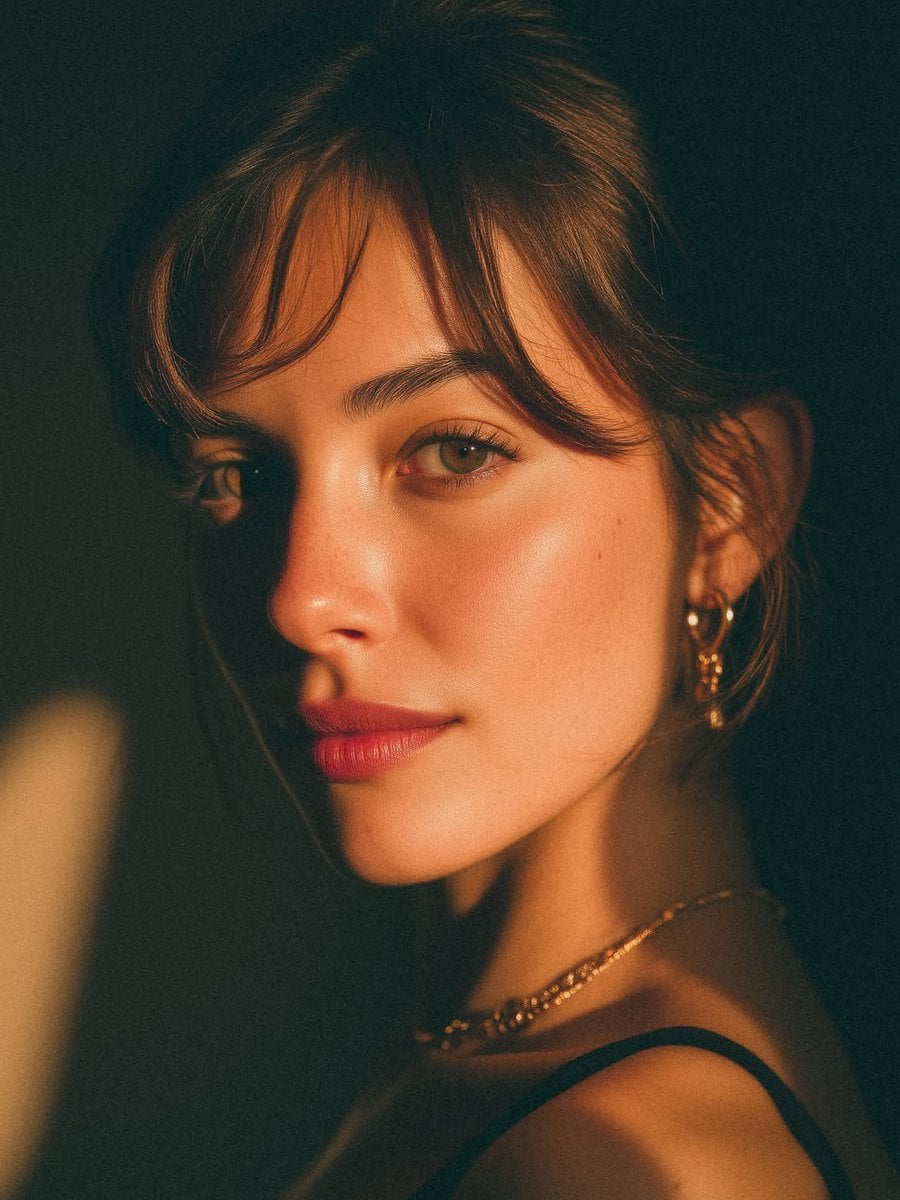
Golden Hour Look-Back Beauty Portrait

Japanese Lucky Items Beauty Ad
Make it yours
Japanese Beauty in Black Qipao works as-is. These are the safest ways to change it without losing the look.
Change one field
Copy a single group, rewrite it, and generate again so you can see what that field is doing.
Keep the frame, change the subject
Hold the composition and light of Japanese Beauty in Black Qipao, then swap wardrobe, props or the person for a new take.
| If the result… | Why | Fix |
|---|---|---|
| The result drifts from the preview | Too many fields changed at once. | Reuse Japanese Beauty in Black Qipao as-is first, then change one group — subject, light, or setting. |
| The model over-stylizes the scene | The prose prompt leaves finish and camera underspecified. | Add one camera or lighting sentence and stay on GPT Image 2. |
More GPT Image 2 templates
Other prompts made for GPT Image 2.

Six VTuber Japanese Logo Sheet

Realistic Portrait of Woman and Deer

The Vista Modular Condo Poster

AI Model Routing Comparison Infographic

2.5D Anime Art Board

Isometric Productivity Desk Scene

New York Double Exposure Poster

Four-Panel AI Landscape Comparison

Japanese Tatami Lifestyle Magazine Cover

NESCAFÉ Coffee Map Poster
More image prompts
Fresh picks from across the catalog.

Saint and demon dual-character prompt for Nano Banana Pro
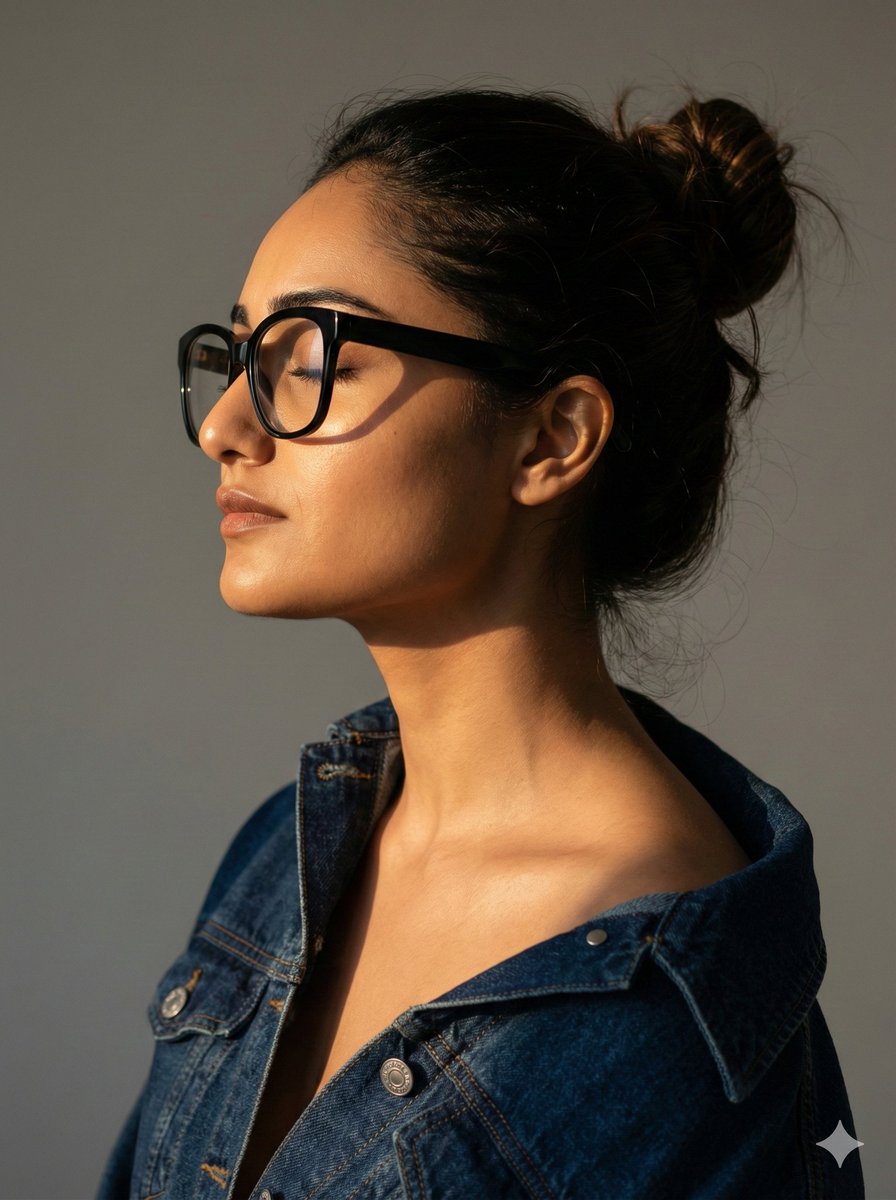
Cinematic Profile Portrait with Identity Preservation
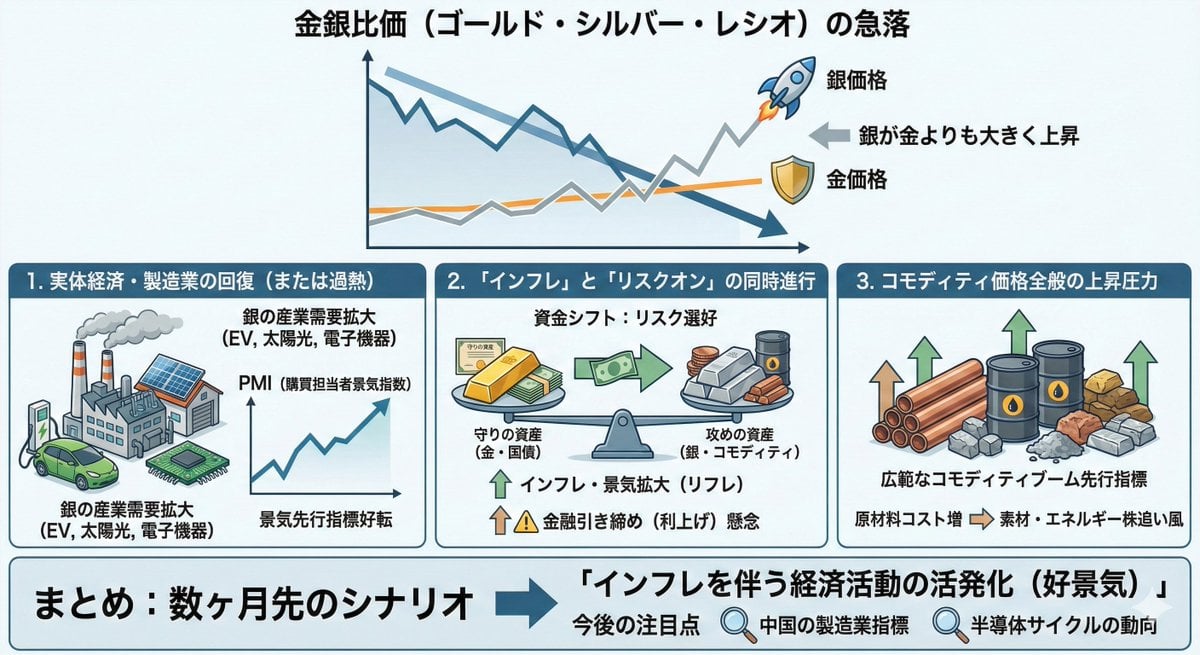
Macroeconomic Outlook Prompt (Inflation and Economic Activity)
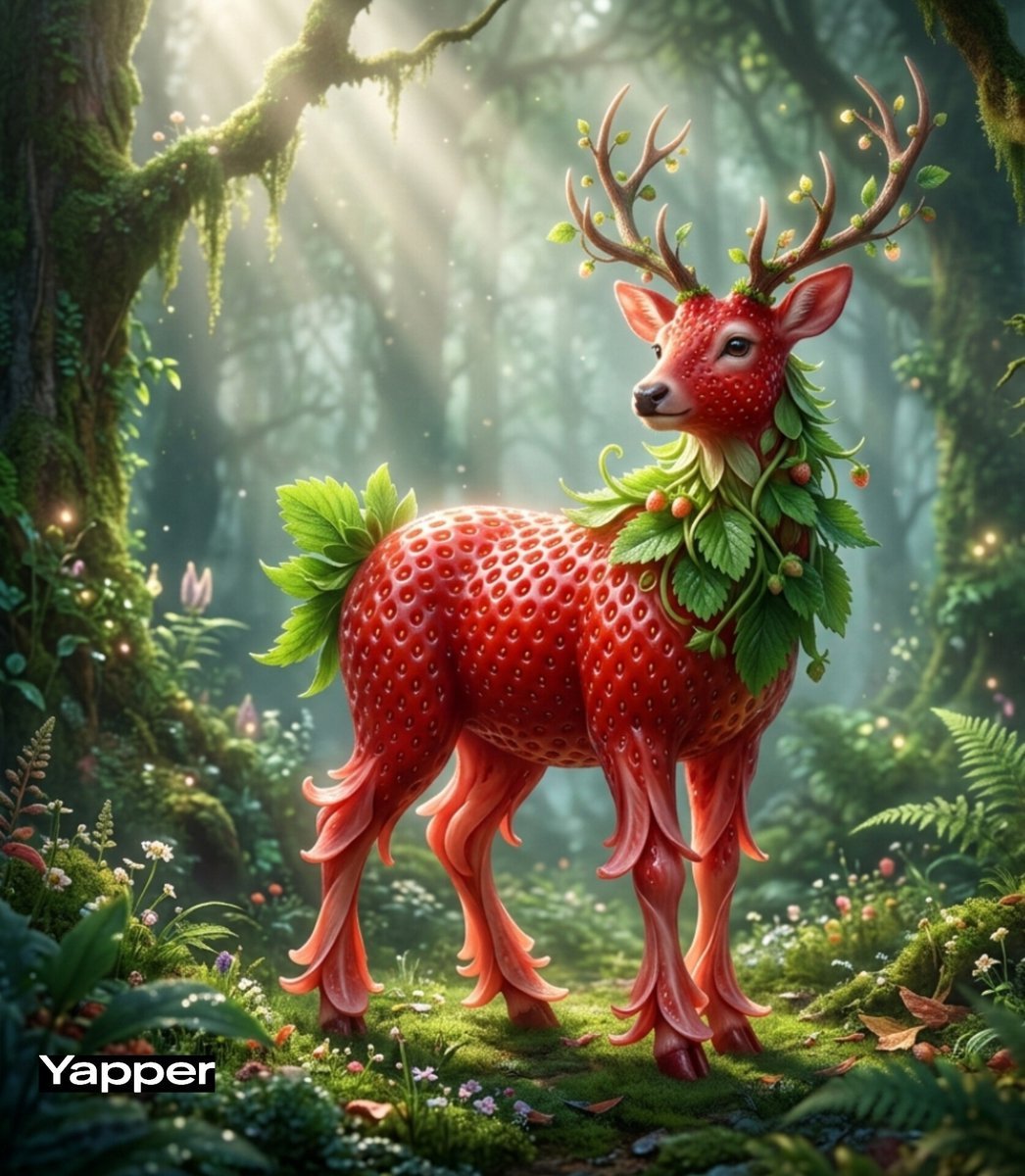
Whimsical Watermelon Elephant
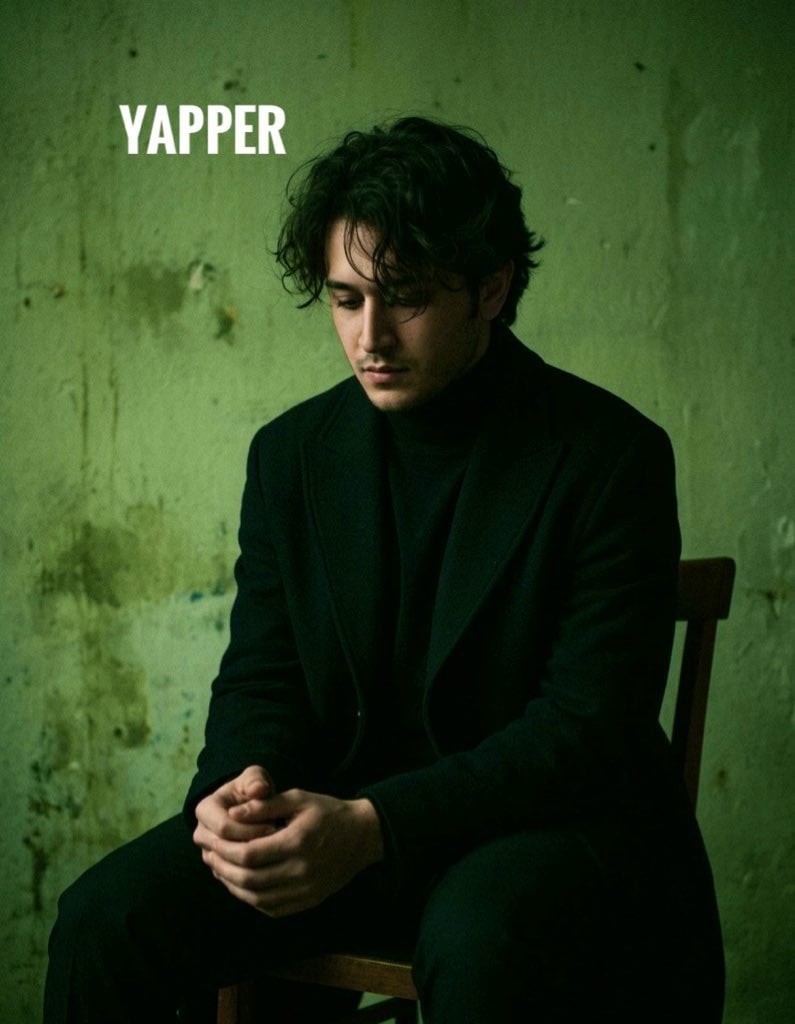
Dark, Moody, Photorealistic Portrait Prompt
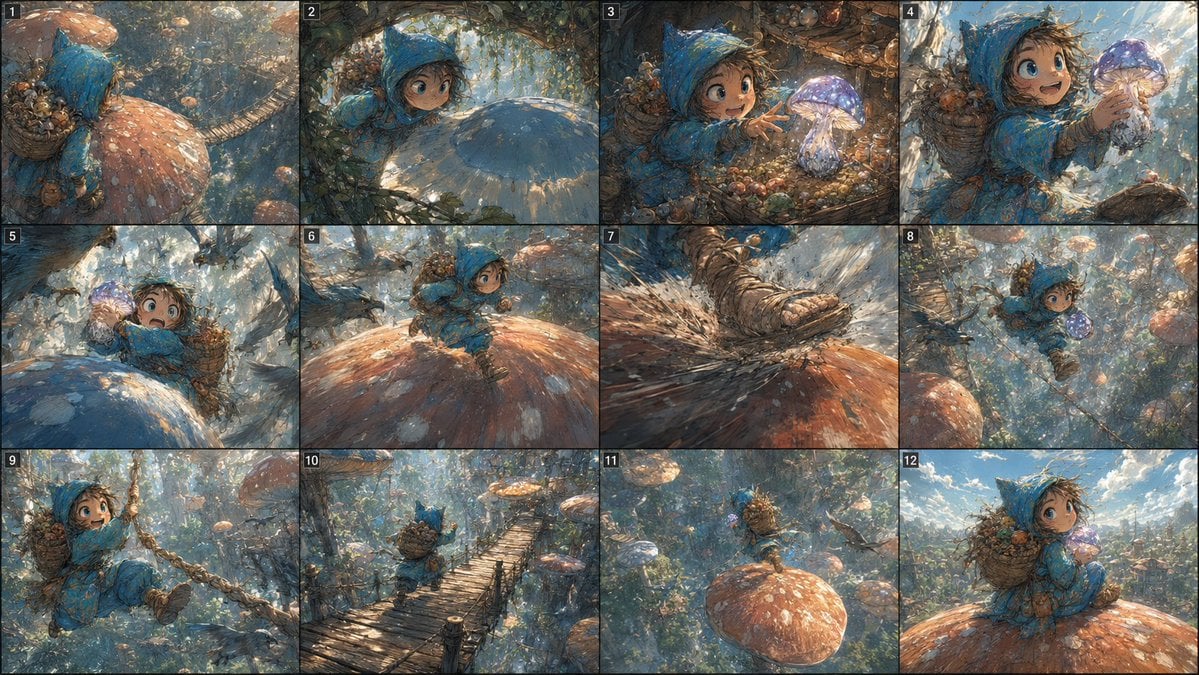
Fantasy Mushroom Forest Storyboard
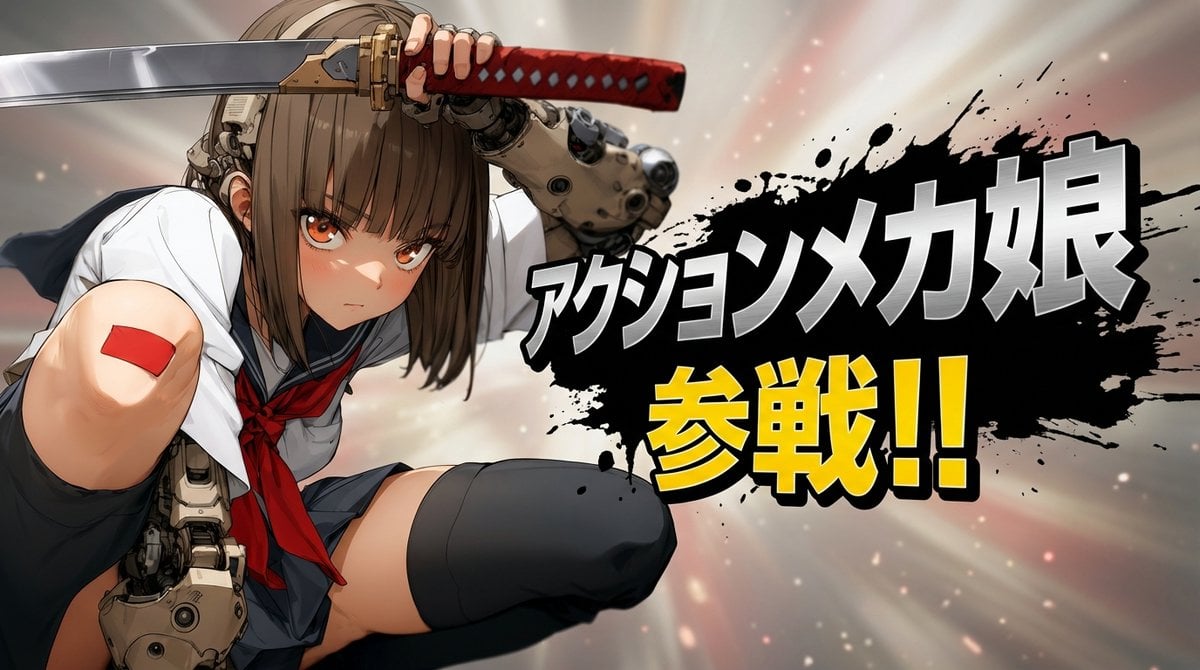
Abstract Background Generation (Reference-Based)
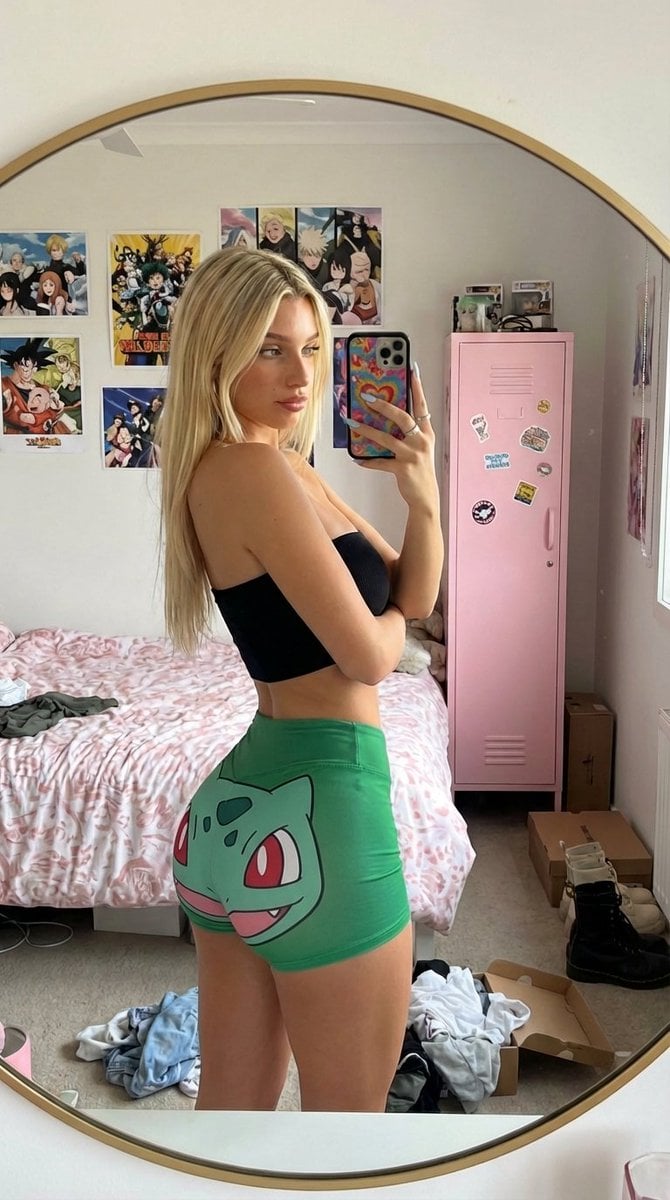
Cluttered Bedroom Mirror Selfie with Exaggerated Physique
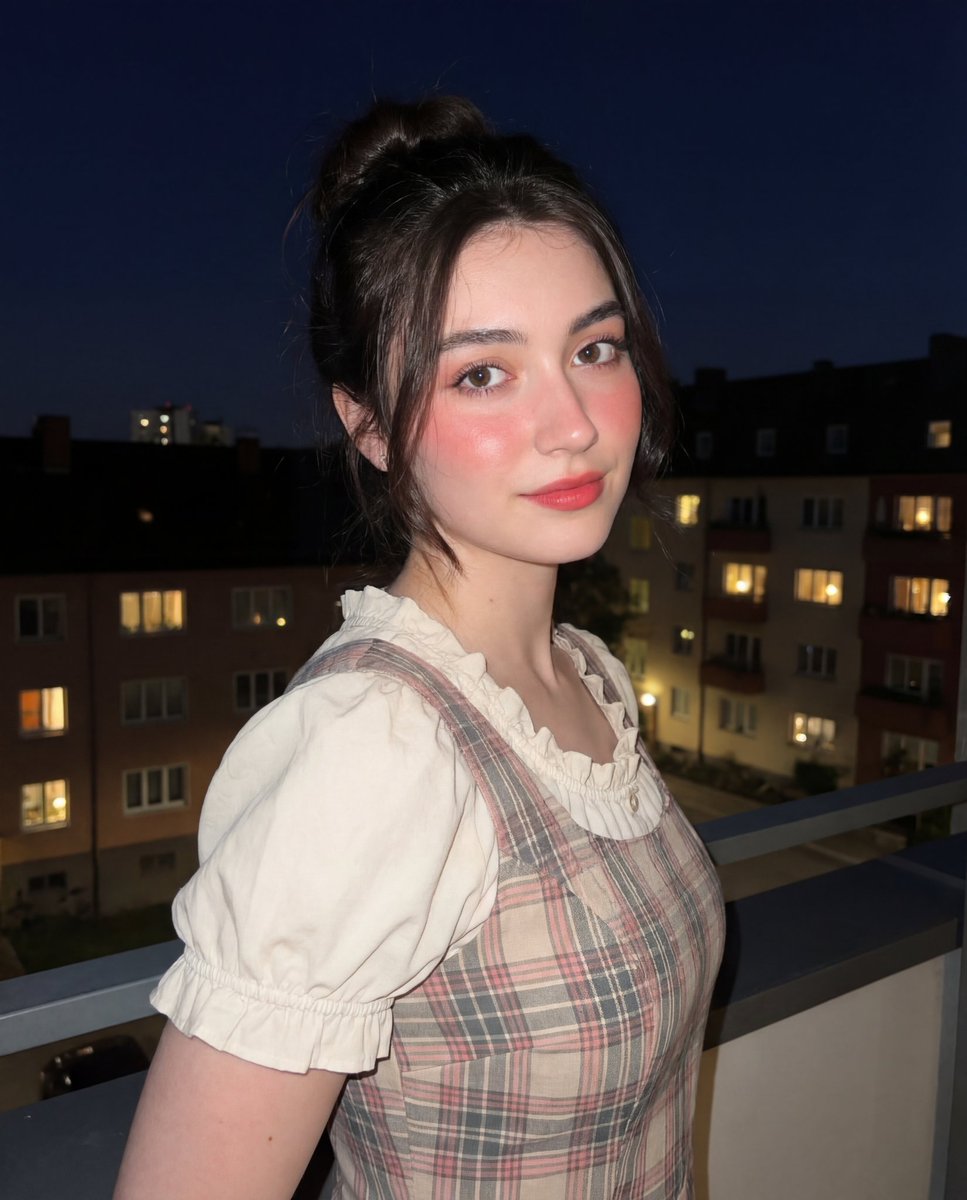
Soft-Glow Night Portrait with On-Camera Flash
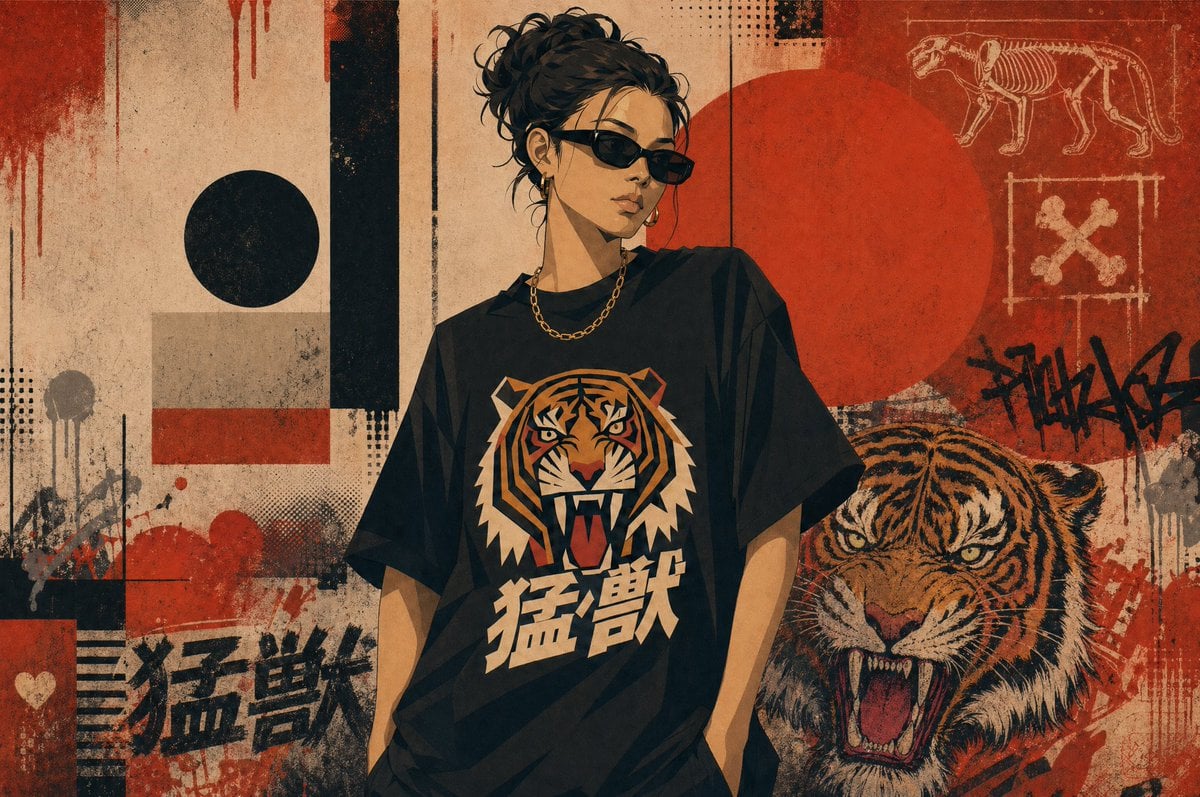
Grunge Tiger Streetwear Poster
Browse template categories
Japanese Beauty in Black Qipao questions
How do I use the Japanese Beauty in Black Qipao template?
Add your photo if the template asks for one, edit the prompt if you like — the template's model and format are already selected — and press Generate. Your version opens in PicX Studio.
Can I customize the Japanese Beauty in Black Qipao template?
Yes. You can change the subject, setting, lighting, mood, format, and available model controls before creating your image.
Is the Japanese Beauty in Black Qipao template free?
Opening and editing this template is free. Generating uses credits, shown on the Generate button when you are signed in.
Which AI model should I use?
Start with GPT Image 2, which is the model associated with this template. You can compare another compatible model for a different finish.
Looking for something else? Browse all templates.

Your photo, any look
Thousands of ready templates for every top image and video model, from one credit balance.