
Golden Hour Look-Back Beauty Portrait
Ultra-realistic cinematic close-up: young woman looking back at camera in warm window golden-hour light, beauty editorial.
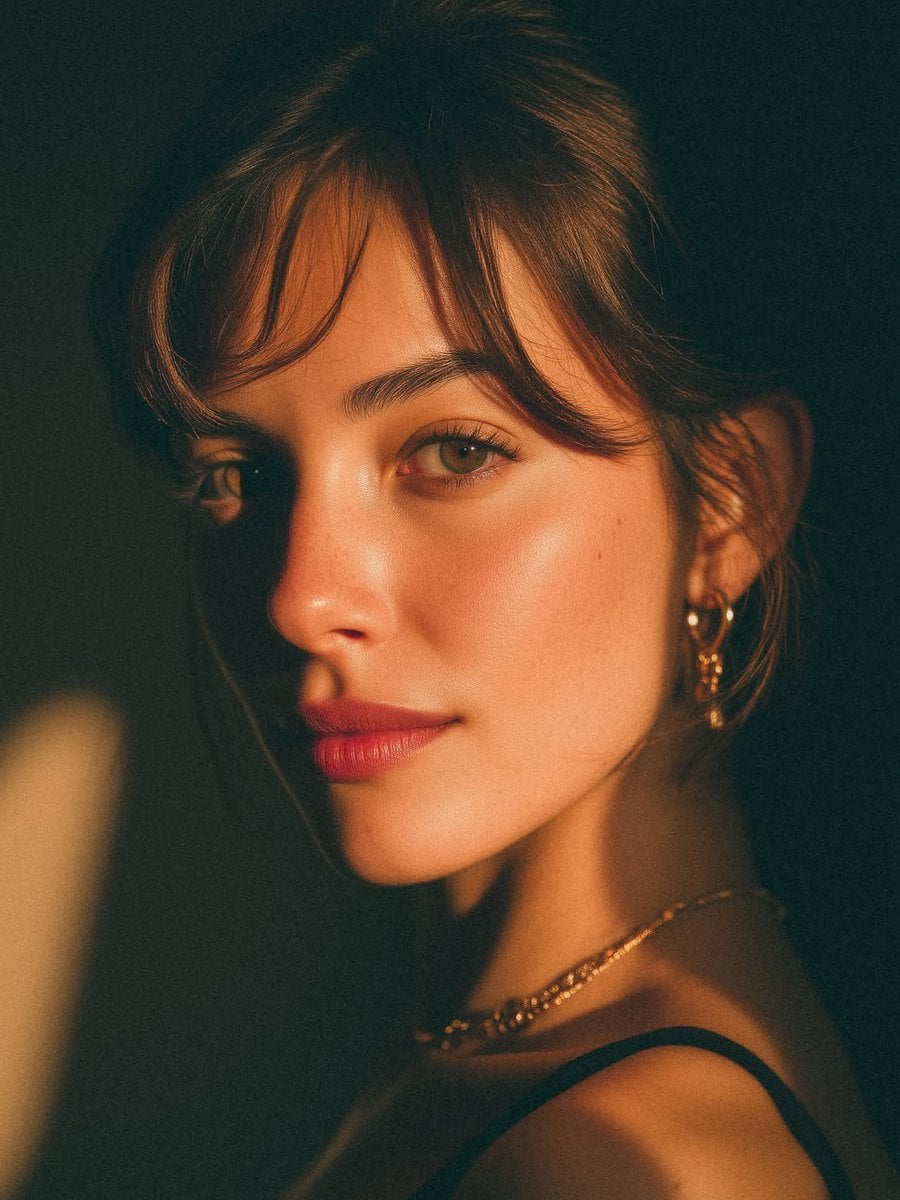
- Prompt included
- Model and format preset
- Premium template
The prompt behind this image
Copy the exact prompt behind Golden Hour Look-Back Beauty Portrait, or open it in the studio and make it yours.
An ultra-realistic cinematic close-up portrait of a beautiful young woman, photographed from a three-quarter profile while gently looking back toward the camera. She has fair porcelain skin with a natural satin glow, subtle freckles across the nose, soft rosy cheeks, full natural pink lips, hazel-green almond-shaped eyes with long eyelashes, and thick, well-groomed dark eyebrows. Her dark brown hair is tied into a low bun with soft wispy curtain bangs framing her face. She wears delicate gold hoop earrings with small heart charms, a thin layered gold necklace, and a minimalist black spaghetti-strap top. The scene is illuminated by warm golden-hour sunlight streaming through a window, creating dramatic bands of light and shadow across her face and shoulder. Rich amber tones, soft falloff, and moody low-key lighting produce an intimate editorial atmosphere. The background is dark, clean, and out of focus with creamy bokeh, emphasizing the subject’s facial features. Shot on a full-frame DSLR with an 85mm f/1.4 portrait lens, shallow depth of field, razor-sharp focus on the eyes, creamy background separation, cinematic color grading, natural skin texture, subtle film grain, premium fashion editorial style, luxury beauty campaign, photorealistic, ultra-detailed, 8K resolution, HDR, soft contrast, elegant composition, high dynamic range, masterpiece quality.
How to use Golden Hour Look-Back Beauty Portrait in 3 steps
- 1
Open
The prompt is already in the box next to the preview, with the template's model and format selected.
- 2…a portrait of your subject in softgolden-hour light, 85mm…
Personalize
Edit the subject and creative details for your destination.
- 3Generate
Generate
Press Generate — your image is created in PicX Studio, so you can compare it with the original and refine one variable at a time.
More like this
Templates with the same subject, style or setup. Open one to see its prompt.

80s Golden Hour Cinema

Rooftop Fisheye — Cat-Ear Balaclava at Golden Hour

Cinematic Golden Hour Garden Portrait

Cinematic Golden Hour Urban Portrait

Golden Hour Cinematic Boss Energy Portrait

Golden Hour Cinematic Portrait

80s Bollywood Star

untitled

Toddler Version of a Person in 3d Pixar

Ultra Detailed 3d Plush Cartoon Characte

Nano Banana 2

Nano Banana 2 Gourmet Ice Cream Commerci
Make it yours
Golden Hour Look-Back Beauty Portrait works as-is. These are the safest ways to change it without losing the look.
Change one field
Copy a single group, rewrite it, and generate again so you can see what that field is doing.
Keep the frame, change the subject
Hold the composition and light of Golden Hour Look-Back Beauty Portrait, then swap wardrobe, props or the person for a new take.
| If the result… | Why | Fix |
|---|---|---|
| The result drifts from the preview | Too many fields changed at once. | Reuse Golden Hour Look-Back Beauty Portrait as-is first, then change one group — subject, light, or setting. |
| The model over-stylizes the scene | The prose prompt leaves finish and camera underspecified. | Add one camera or lighting sentence and stay on Gptimage. |
More Gptimage templates
Other prompts made for Gptimage.







More image prompts
Fresh picks from across the catalog.
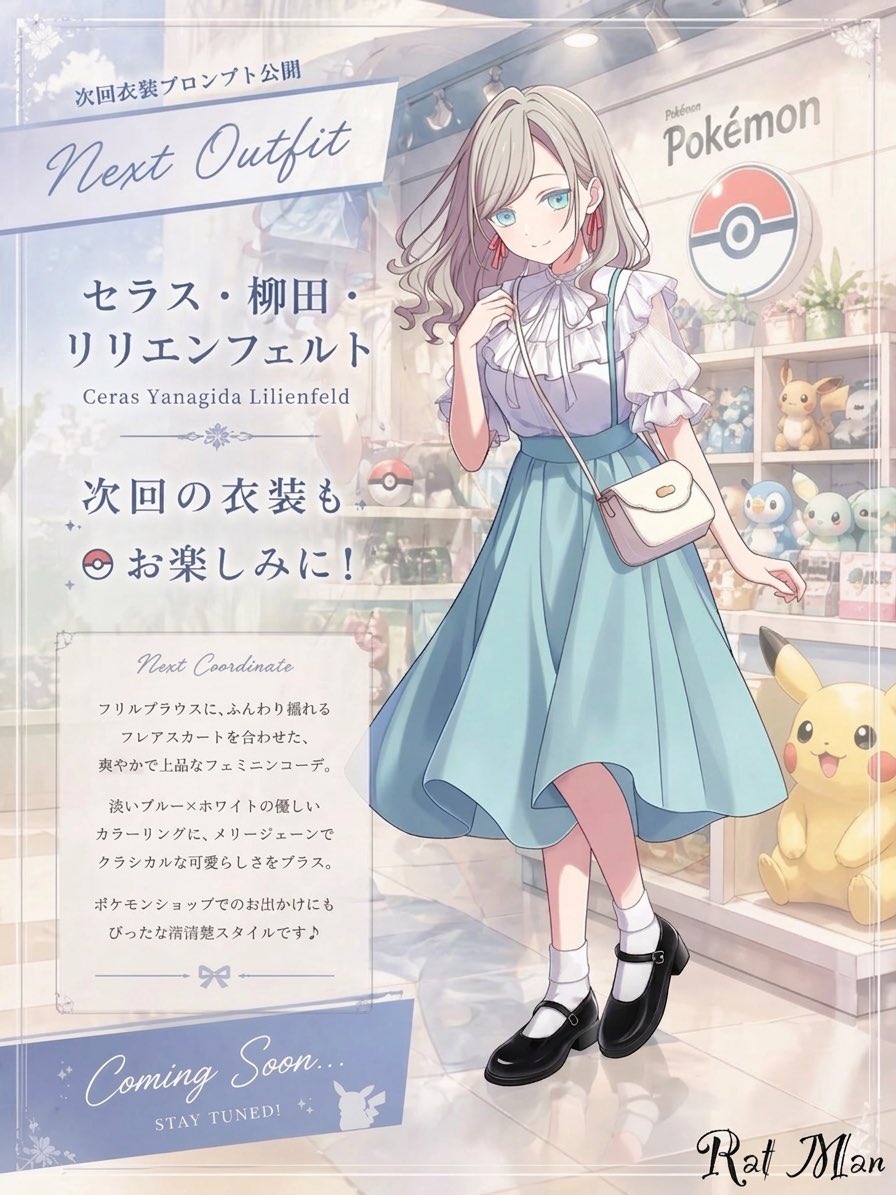
Anime Pokémon Shop Outfit Teaser Poster
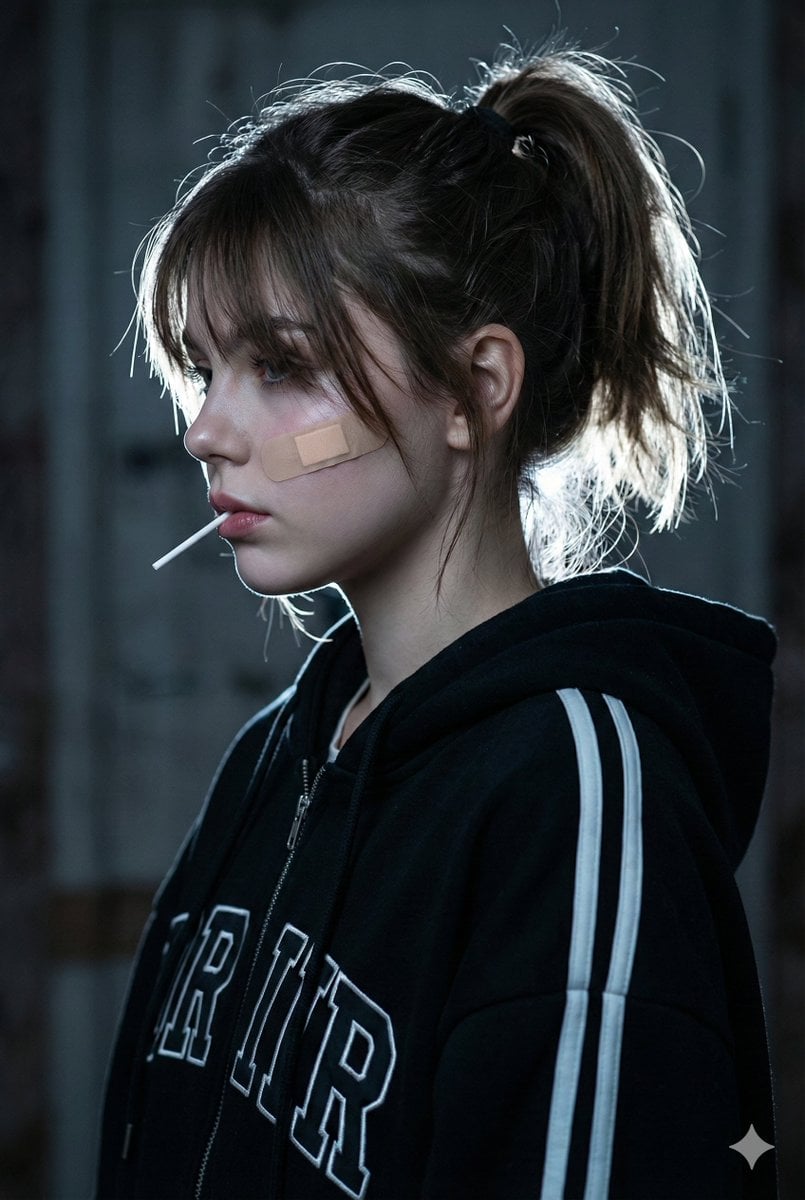
Cinematic Melancholic Portrait with Face Lock Prompt
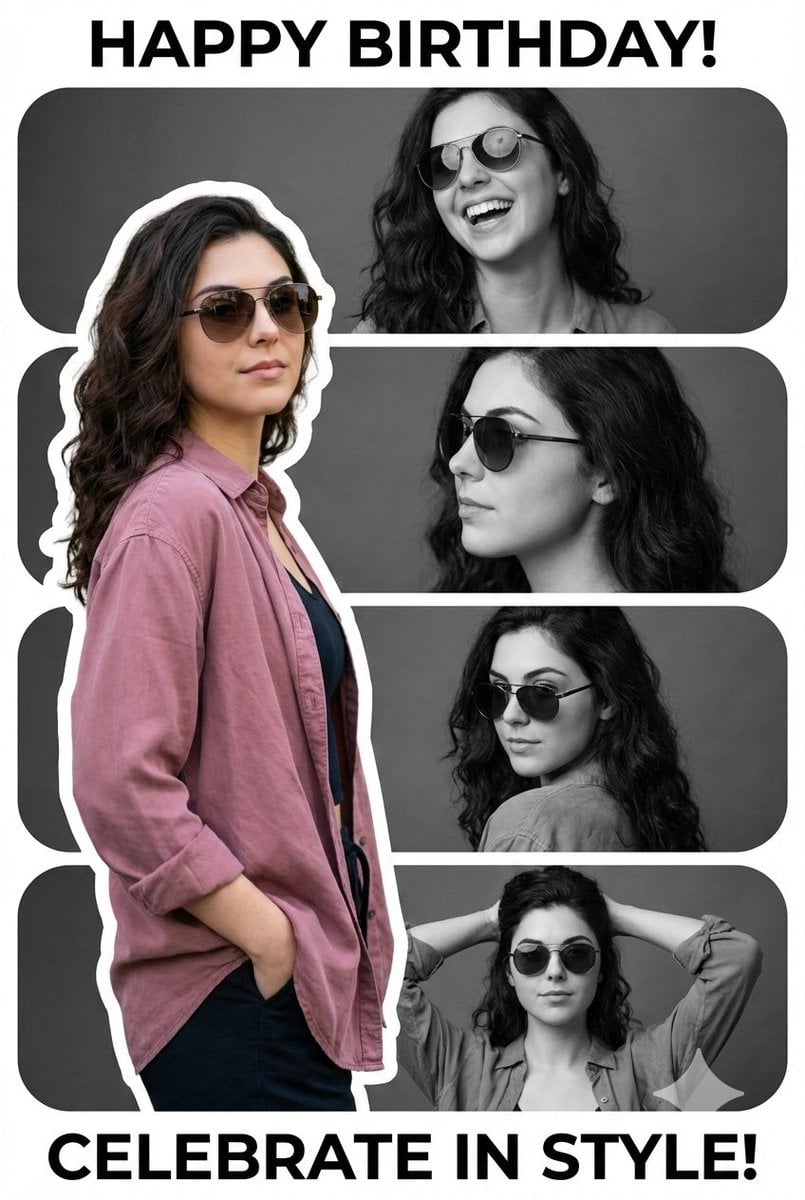
Vertical Birthday Poster Collage with Cinematic Monochrome Photos
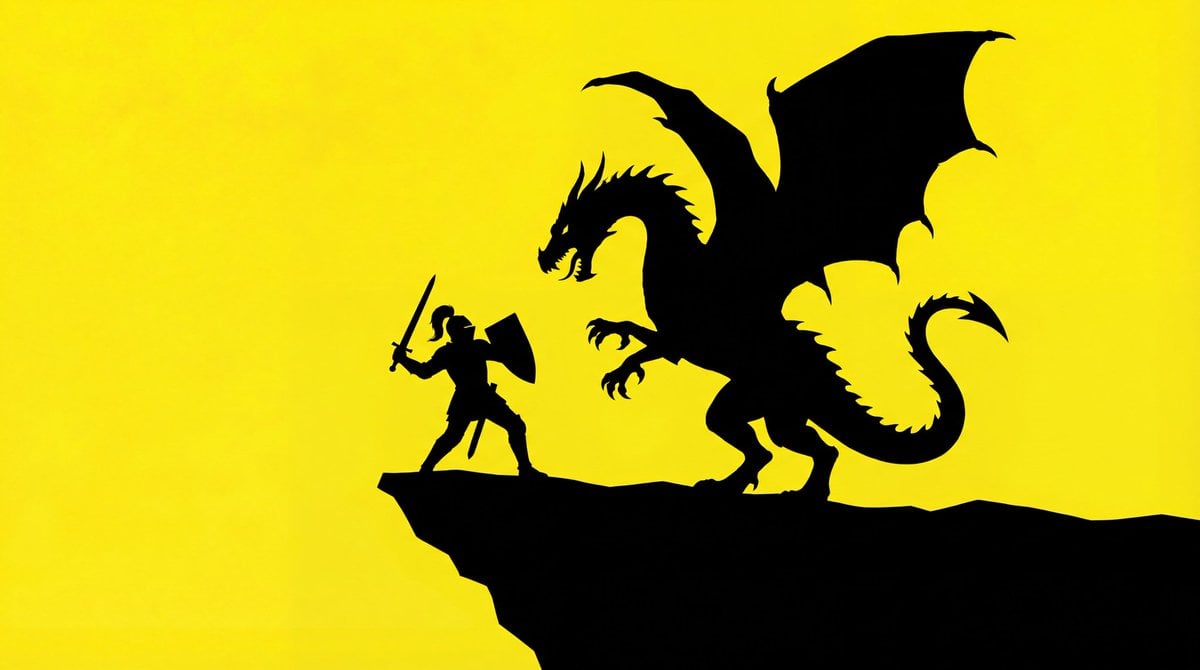
Simple Silhouette Prompt
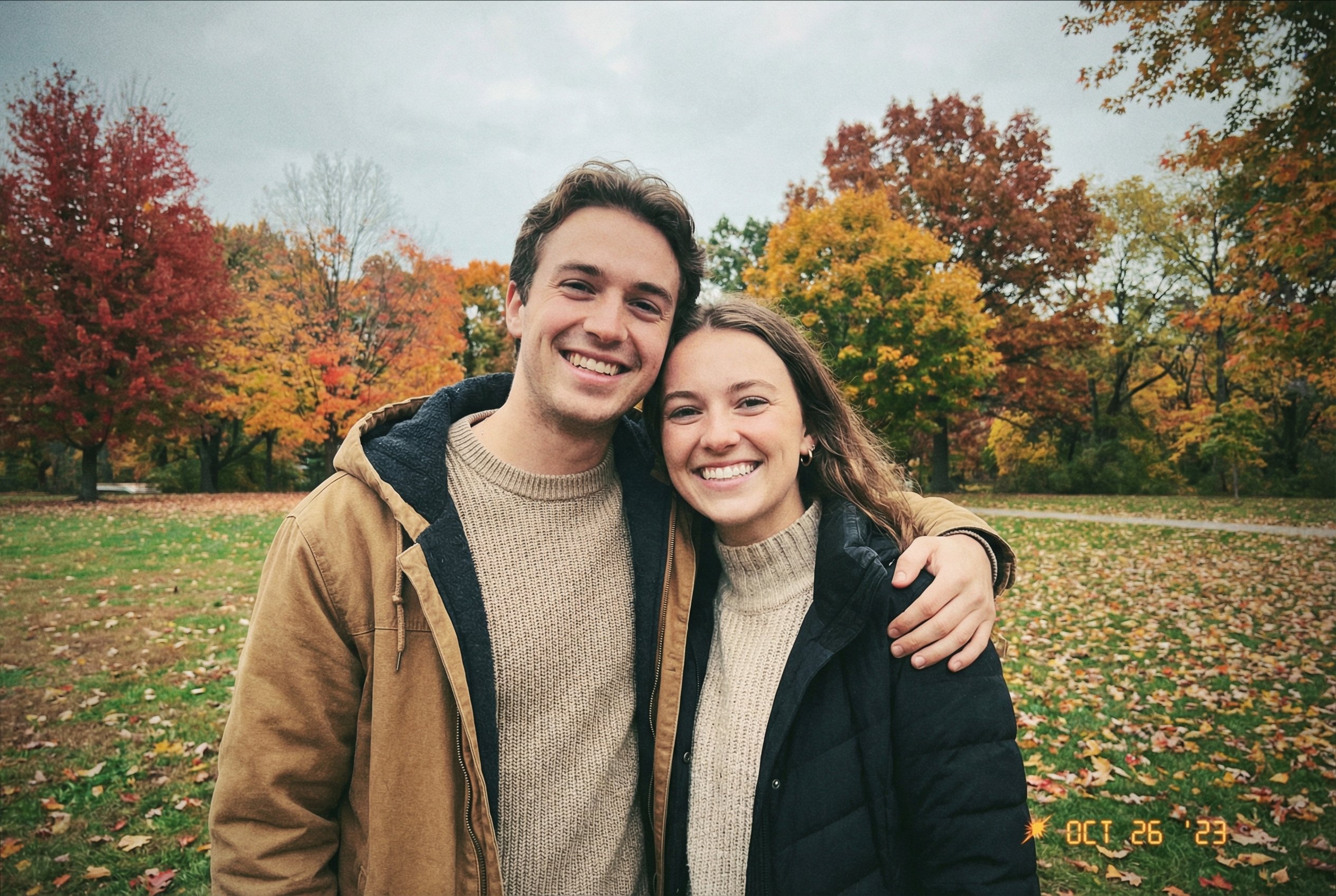
Faithfully Illustrated Christmas Card De
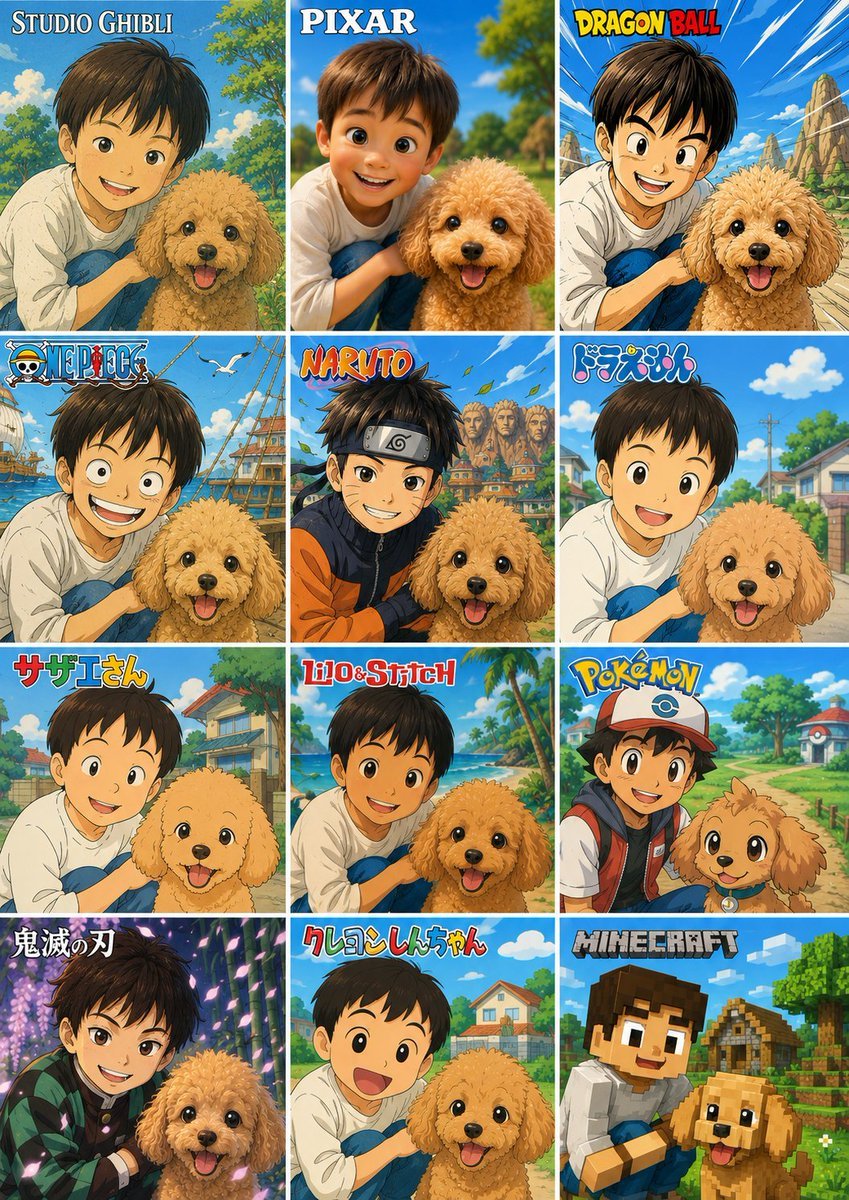
Style Anime Photo Transformation Grid
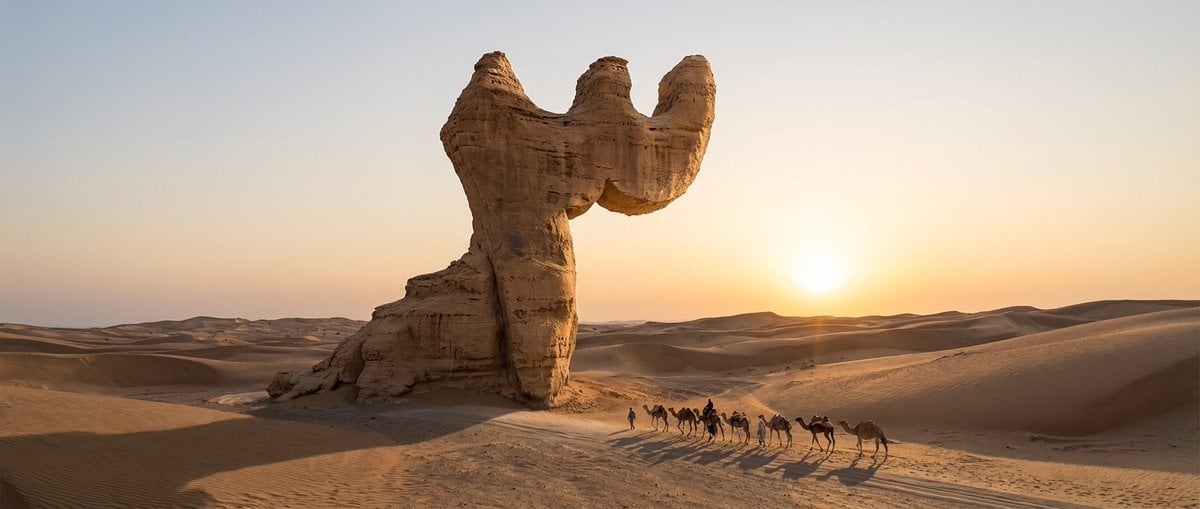
Cinematic Wide-Angle of Monolith Shaped Like Persian Numeral Three

Cute Morning Greeting Figure Sticker

Cinematic Juice Drink Ad Style
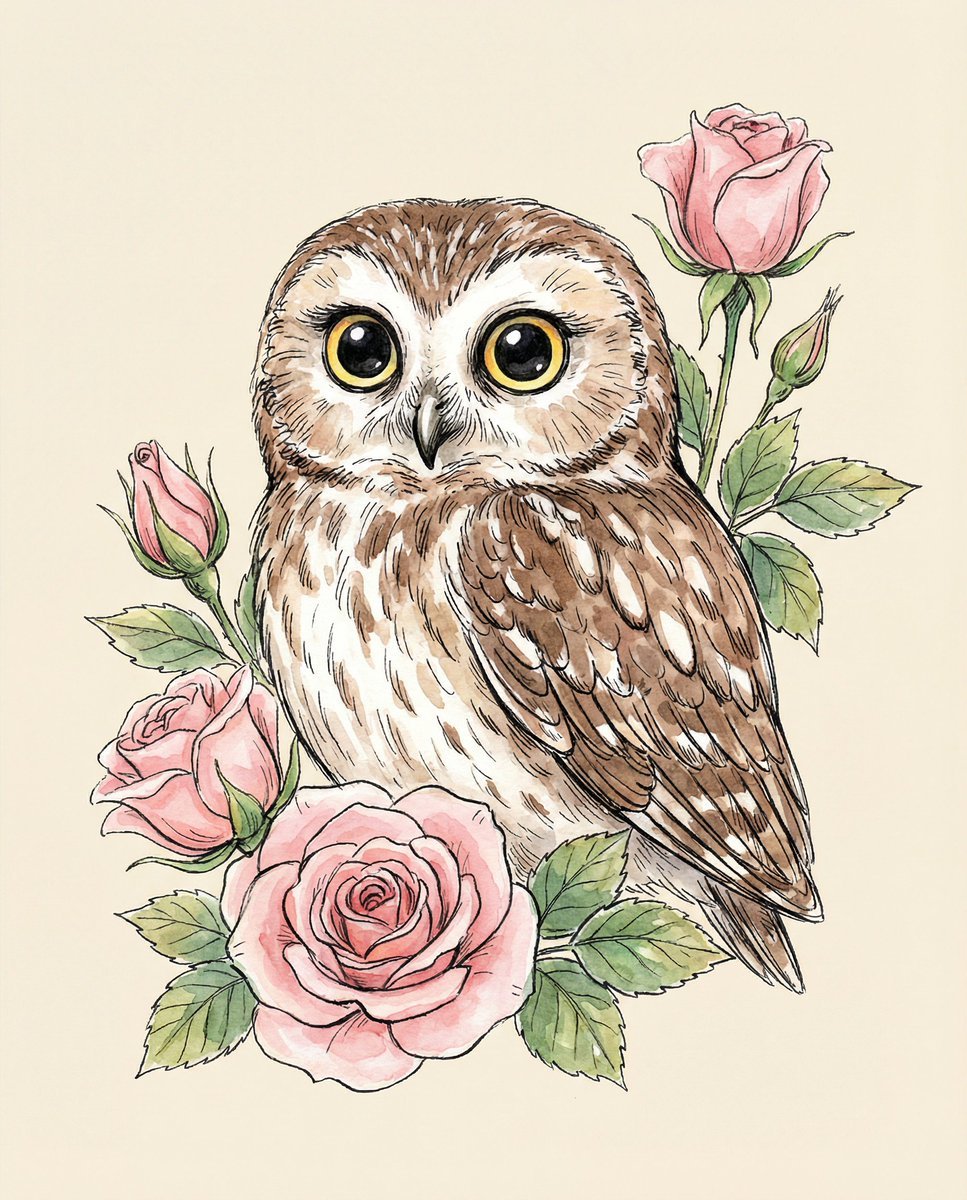
Watercolor Illustration of a Cute Owl with Pink Roses
Browse template categories
Golden Hour Look-Back Beauty Portrait questions
How do I use the Golden Hour Look-Back Beauty Portrait template?
Add your photo if the template asks for one, edit the prompt if you like — the template's model and format are already selected — and press Generate. Your version opens in PicX Studio.
Can I customize the Golden Hour Look-Back Beauty Portrait template?
Yes. You can change the subject, setting, lighting, mood, format, and available model controls before creating your image.
Is the Golden Hour Look-Back Beauty Portrait template free?
Opening and editing this template is free. Generating uses credits, shown on the Generate button when you are signed in.
Which AI model should I use?
Start with Gptimage, which is the model associated with this template. You can compare another compatible model for a different finish.
Looking for something else? Browse all templates.

Your photo, any look
Thousands of ready templates for every top image and video model, from one credit balance.