
Bioluminescent Archivist Sci-Fi Portrait Prompt
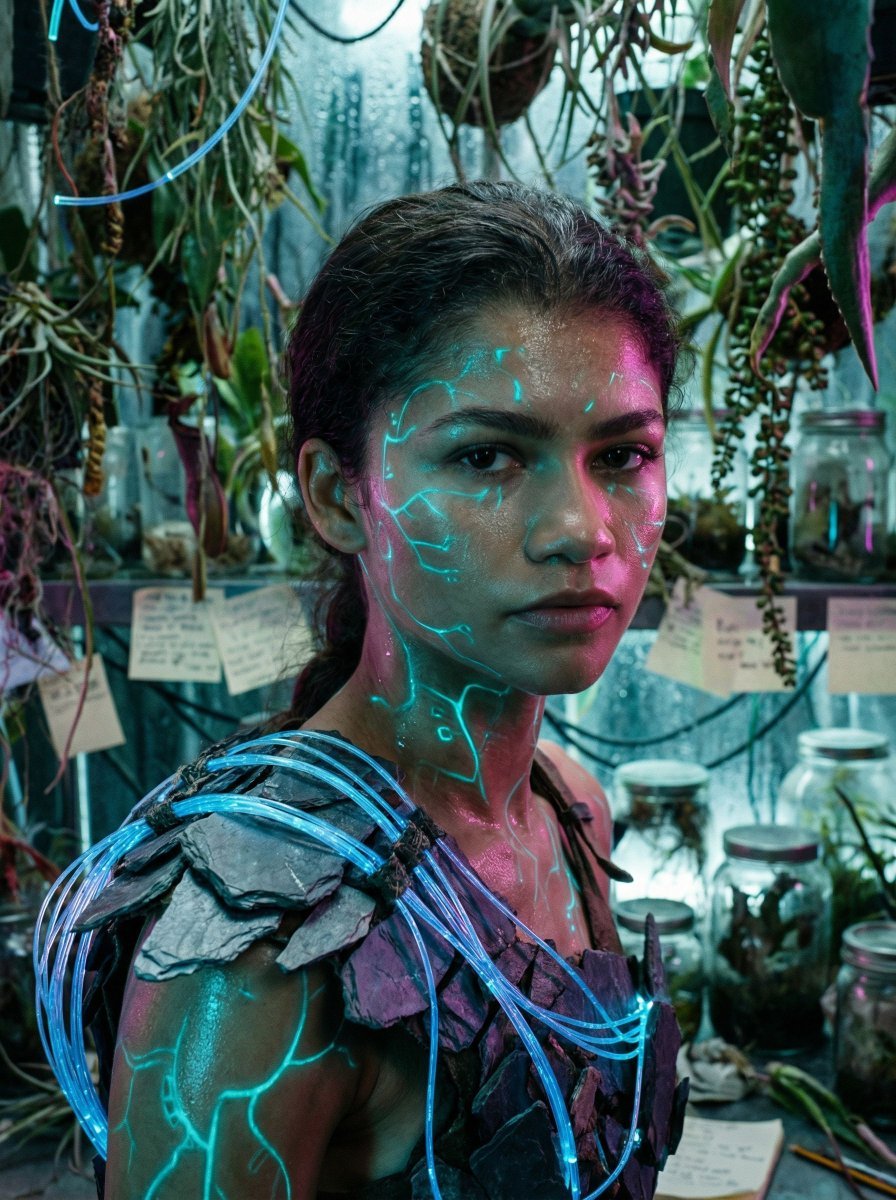
A highly detailed JSON prompt for generating a hyper-realistic, cinematic sci-fi portrait of a subject (The Protagonist) in a cluttered exo-botany research station, featuring glowing cyan veins (practical effect makeup)…
- Prompt included
- Model and format preset
- Free template
The prompt behind this image
Copy the exact prompt behind Bioluminescent Archivist Sci-Fi Portrait Prompt, or open it in the studio and make it yours.
{ "vibe_title_en": "Bioluminescent Archivist", "master_prompt": "A hyper-realistic, cinematic close-up of The Protagonist situated in a claustrophobic, cluttered exo-botany research station. The subject looks directly into the lens with a piercing, intense gaze. The skin is textured with hyper-detailed 'practical effect' glowing veins and circuitry patterns that emit a soft cyan luminescence, appearing as applied UV-reactive makeup rather than CGI. Sweat and humidity are visible on the pores. The shoulders are encased in a rough, tactile armor made of slate shards and woven fiber-optic cables. The background is an incredibly busy, dense mess of hanging alien flora, dripping condensation, scattered glass specimen jars, and disorganized research notes, creating a 'lived-in' scientific chaos. Lighting is a dramatic mix of cool cyan ambient bioluminescence and a sharp magenta rim light cutting through the volumetric haze. Shot on a Hasselblad H6D-100c with an 80mm f/1.9 lens to capture the micro-texture of the glowing skin against the cluttered depth.", "meta": { "intent": "Cinematic Portraiture", "priorities": "Photorealism, Texture, Surreal Lighting", "device_profile": "Hasselblad H6D-100c" }, "frame": { "aspect": "4:5", "composition": "Centralized close-up with cluttered depth layering", "layout": "Portrait", "camera_angle": "Eye-level, slightly angled", "tilt_roll_degrees": "0" }, "subject": { "gender": "Female", "identity": "The Protagonist", "demographics": "Universal/Ambiguous", "face": "Intense gaze, hyper-realistic skin texture, wetness from humidity", "hair": "Braided or textured, interwoven with thin wires or vines", "body": "Shoulders visible, posture tense", "expression": "Piercing, mysterious, focused", "pose": "Direct engagement with the lens, slight turn of the head" }, "wardrobe_accessories": { "garments": [ { "item": "Symbiotic Armor", "material": "Slate, Rock, Fiber-optics", "color": "Dark Grey with Cyan accents", "fit": "Structured, Organic fit" } ], "accessories": [ { "item": "Embedded Circuitry Makeup", "color": "{argument name="makeup color" default="Glowing Cyan/Blue"}", "material": "UV Reactive Paint/Prosthetic", "brand_style": "Sci-Fi Practical Effect" } ] }, "environment": { "setting": "Subterranean Exo-Botany Lab", "surfaces": "Glass, wet metal, organic leaves, paper stacks", "depth": "Shallow depth of field, cluttered bokeh", "atmosphere": "Humid, hazy, dripping wet", "lens_interaction": "Slight condensation on lens, blooming highlights" }, "lighting": { "key": "Soft Cyan Bioluminescence (from subject/plants)", "fill": "Deep Blue ambient", "rim": "Sharp Magenta/Pink kicker light", "shadows": "Deep, crushed blacks for contrast", "color_temperature": "Cool (3200K mixe" } }
How to use Bioluminescent Archivist Sci-Fi Portrait Prompt in 3 steps
- 1
Open
The prompt is already in the box next to the preview, with the template's model and format selected.
- 2…a portrait of your subject in softgolden-hour light, 85mm…
Personalize
Edit the subject and creative details for your destination.
- 3Generate
Generate
Press Generate — your image is created in PicX Studio, so you can compare it with the original and refine one variable at a time.
More like this
Templates with the same subject, style or setup. Open one to see its prompt.

Found Photograph: Us, 1970

80s Couple Studio Portrait

80s Bollywood Star

80s Golden Hour Cinema

Me in 1985

1985 Studio Portrait

Hyper-Realistic Minecraft POV Portrait

Rooftop Fisheye — Cat-Ear Balaclava at Golden Hour

Rainy Café Window Moody Portrait
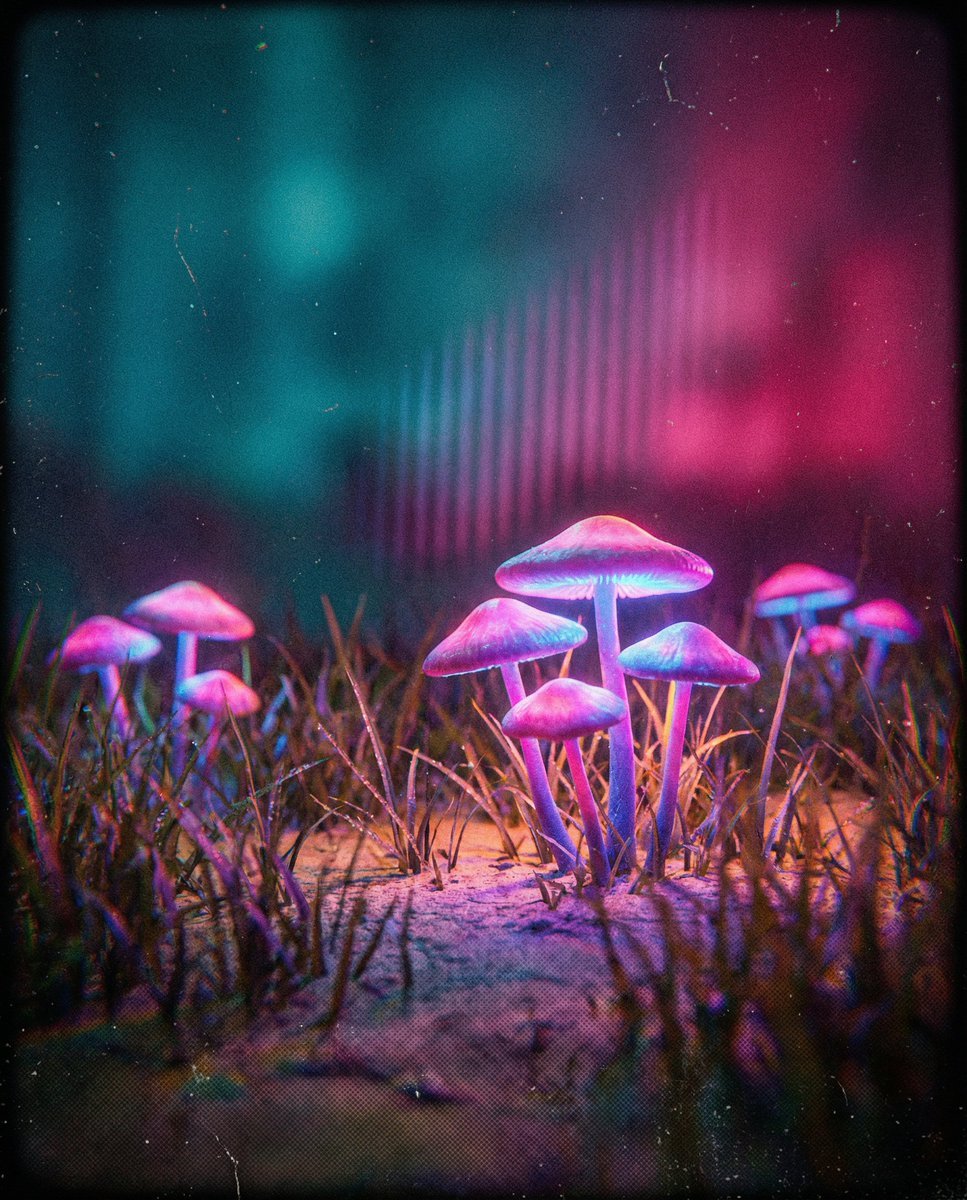
Bioluminescent Mushroom Cluster in Retro Sci-Fi Style

untitled

2025 Aesthetic Photography
Make it yours
Bioluminescent Archivist Sci-Fi Portrait Prompt works as-is. These are the safest ways to change it without losing the look.
Change one field
Copy a single group, rewrite it, and generate again so you can see what that field is doing.
Keep the frame, change the subject
Hold the composition and light of Bioluminescent Archivist Sci-Fi Portrait Prompt, then swap wardrobe, props or the person for a new take.
| If the result… | Why | Fix |
|---|---|---|
| The result drifts from the preview | Too many fields changed at once. | Reuse Bioluminescent Archivist Sci-Fi Portrait Prompt as-is first, then change one group — subject, light, or setting. |
| The model over-stylizes the scene | The prose prompt leaves finish and camera underspecified. | Add one camera or lighting sentence and stay on Nano Banana 2. |
More Nano Banana 2 templates
Other prompts made for Nano Banana 2.

Photorealistic Leaf Shaped Like a Dragon

K-Pop Idol Portrait Grid for Rapid Selection

Poetic Rain Forest Portrait During Golden Hour

Urban Street Portrait with Cartoon Inner Self Duo

Candid Nighttime Photo with Cat Prompt

High-Concept 3D Diorama Generation Prompt

Cinematic Futuristic Studio Portrait Template

Skincare Editorial Photography Collage Prompt

Hyper-Realistic Commercial Product Photography (Splash Effect)

Hyper-Realistic Nightclub Portrait Prompt
More image prompts
Fresh picks from across the catalog.
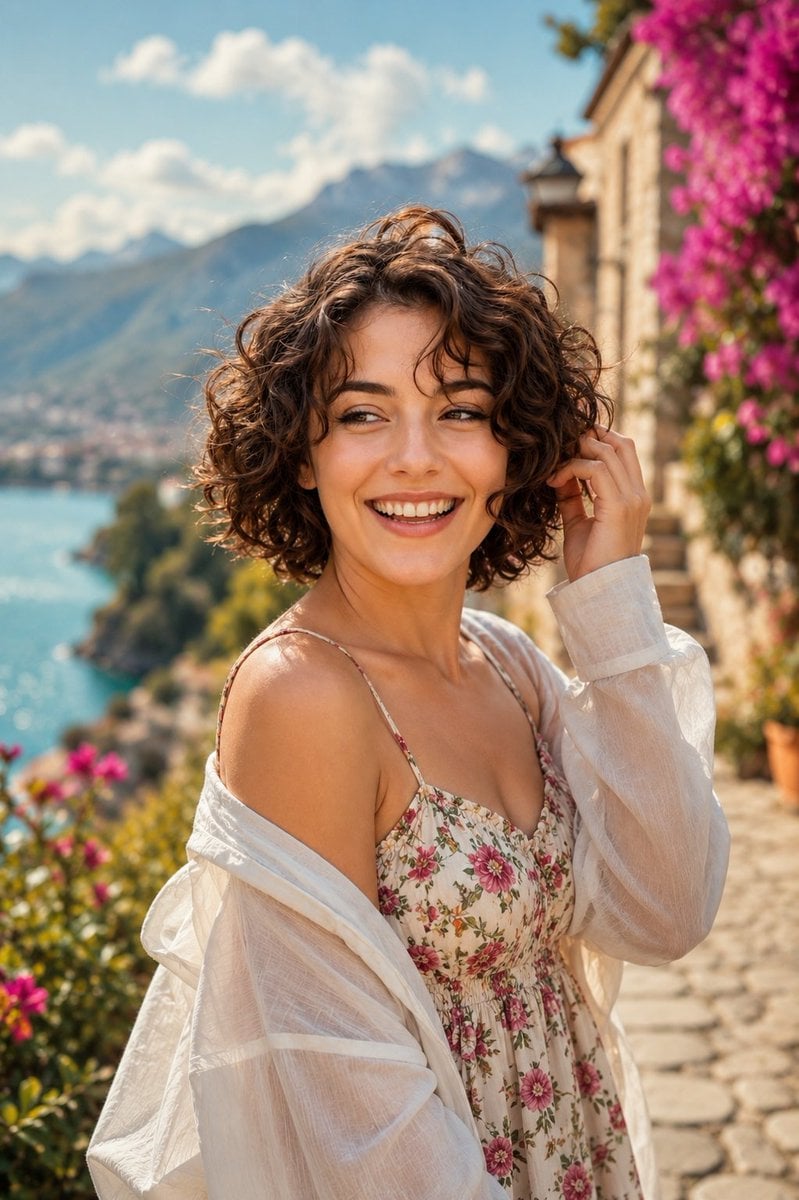
Mediterranean Lakeside Travel Editorial
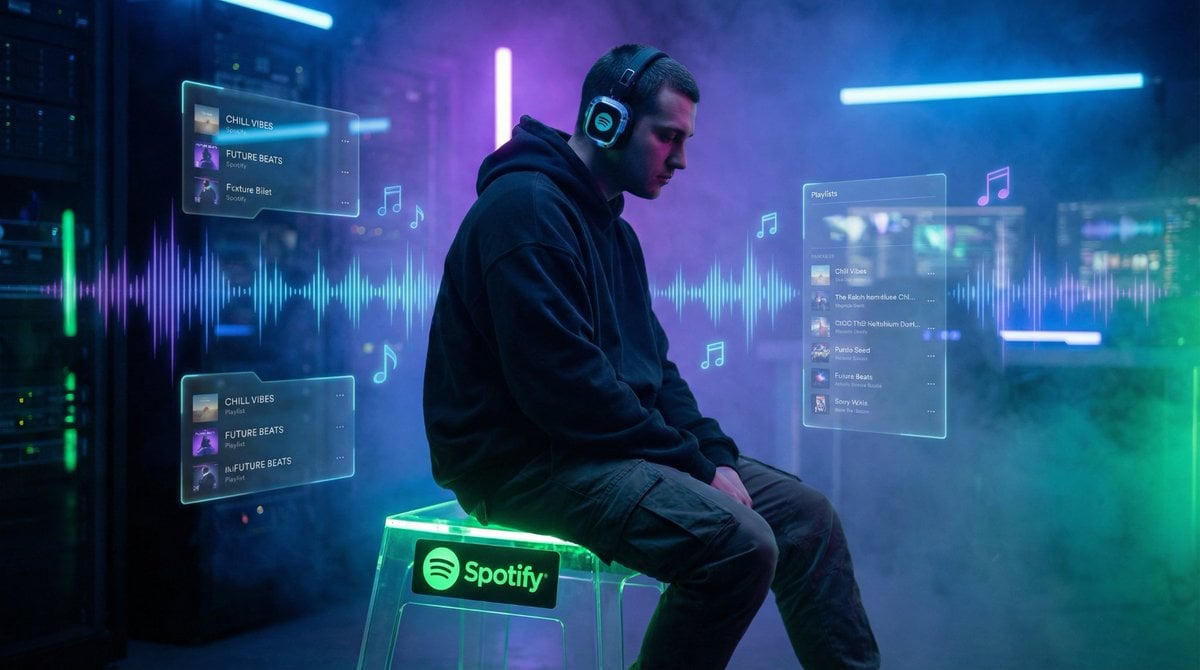
Cinematic Futuristic Portrait Prompt
Ultra-Realistic Advertising Shot for Lay's Chips

Shiba Inu Space Dream Poster
Vintage Showa Era Gentleman Outfit
Identity-Locked Coquette Mirror Selfie
Surreal Map Dress Fashion Editorial

New Pokémon pixel art battle scene
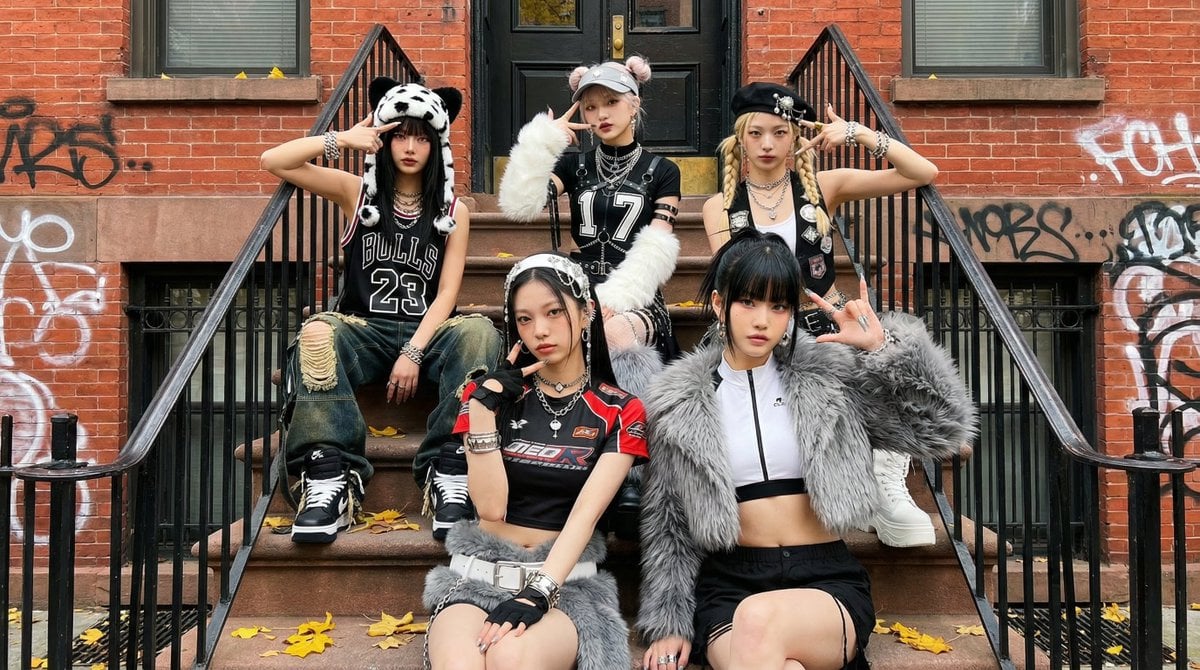
Fictional K-pop Artist Image Generation (Reference Based)
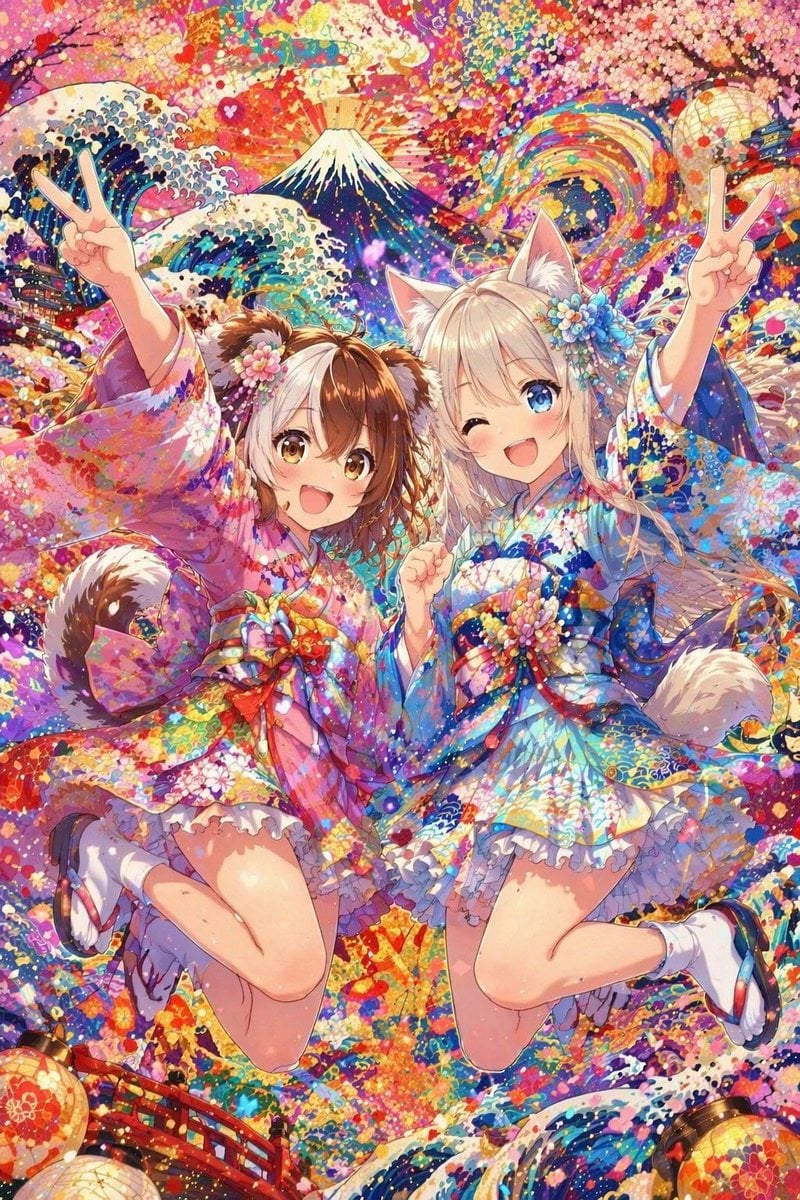
Colorful Kimono Kemonomimi Festival
Browse template categories
Bioluminescent Archivist Sci-Fi Portrait Prompt questions
How do I use the Bioluminescent Archivist Sci-Fi Portrait Prompt template?
Add your photo if the template asks for one, edit the prompt if you like — the template's model and format are already selected — and press Generate. Your version opens in PicX Studio.
Can I customize the Bioluminescent Archivist Sci-Fi Portrait Prompt template?
Yes. You can change the subject, setting, lighting, mood, format, and available model controls before creating your image.
Is the Bioluminescent Archivist Sci-Fi Portrait Prompt template free?
Opening and editing this template is free. Generating uses credits, shown on the Generate button when you are signed in.
Which AI model should I use?
Start with Nano Banana 2, which is the model associated with this template. You can compare another compatible model for a different finish.
Looking for something else? Browse all templates.

Your photo, any look
Thousands of ready templates for every top image and video model, from one credit balance.