
Colorful Kimono Kemonomimi Festival
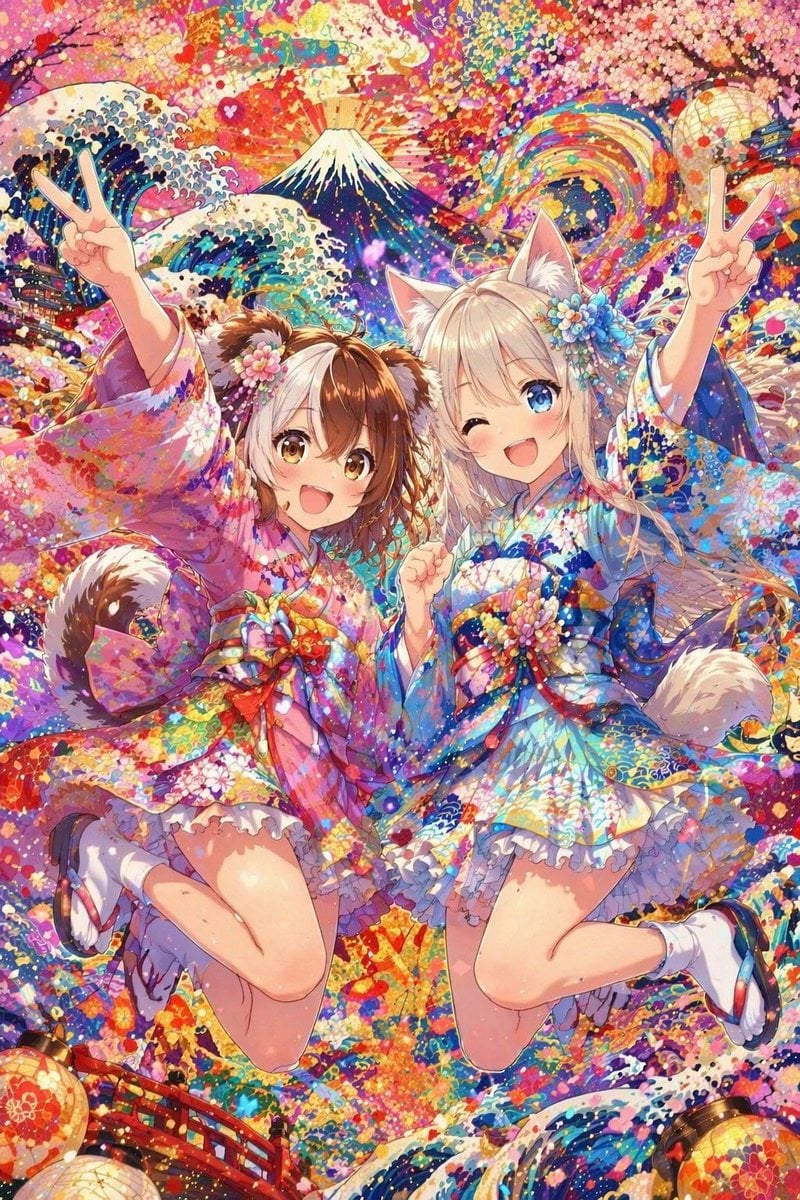
A vibrant anime-style festival artwork of two animal-eared girls in colorful kimono outfits jumping joyfully against a dense Japanese fantasy background, ideal for celebratory character art or eye-catching social media…
- Prompt included
- Model and format preset
- Free template
The prompt behind this image
Copy the exact prompt behind Colorful Kimono Kemonomimi Festival, or open it in the studio and make it yours.
A hyper-detailed, ultra-colorful anime festival illustration of 2 kemonomimi girls jumping midair in a joyful pose, filling the center of a tall vertical composition. The girl on the right is a cheerful catgirl with white-blonde hair, large fluffy cat ears, bright blue eyes, one eye winking, and a big open smile, wearing a vivid blue floral kimono-inspired short dress with oversized sleeves, layered frilly white petticoat trim, a large multicolored obi bow, floral hair ornaments, white ankle socks, and geta sandals, with a fluffy pale tail visible behind her; her right arm is raised making a peace sign and her left hand is near her chest. The girl on the left is a doggirl with medium brown hair, fluffy brown-and-white dog ears, and a curled fluffy tail, wearing a vivid pink and magenta floral kimono-inspired short dress with layered frills, a large decorative obi bow, floral hair ornaments, white socks, and sandals; she is also leaping with one arm raised in a peace sign. Render the left girl's face as intentionally obscured by a soft rectangular blur block. Surround them with an explosive fantasy-Japanese backdrop packed with decorative detail: Mount Fuji centered in the upper background with radiant sunrise rays, a large rainbow arc swirling on the right, stylized Great Wave-like curling waves on both sides, dense pink cherry blossoms overhead, 2 glowing paper lanterns near the upper left and upper right edges, and 2 more paper lanterns near the lower left and lower right corners, plus a red arched bridge at the bottom left. Use a saturated candy-bright palette of pink, cyan, blue, gold, orange, violet, and white, with confetti-like petals, sparkling particles, paint splashes, and intricate floral patterns covering nearly every surface. The mood is festive, cute, ecstatic, and celebratory, with dynamic foreshortening, crisp linework, glossy highlights, layered textures, and a highly polished gacha-card style illustration.
How to use Colorful Kimono Kemonomimi Festival in 3 steps
- 1Upload ImagePNG, JPG or paste
Add your photo
Upload the photo the template builds on. The prompt, model and format are already set.
- 2…a portrait of your subject in softgolden-hour light, 85mm…
Personalize
Edit the subject and creative details for your destination.
- 3Generate
Generate
Press Generate — your image is created in PicX Studio, so you can compare it with the original and refine one variable at a time.
More like this
Templates with the same subject, style or setup. Open one to see its prompt.

Paper Cut Craft Illustration

Gen Z TikTok Viral Expression Grid 4x4 — Nano Banana
Sticker Art Style - Rainbow Girl

Sticker Art Style - Rainbow Girl v2
Sticker Art Style - Rainbow Girl
Split Portrait - Mixed Media
Sticker Art Style
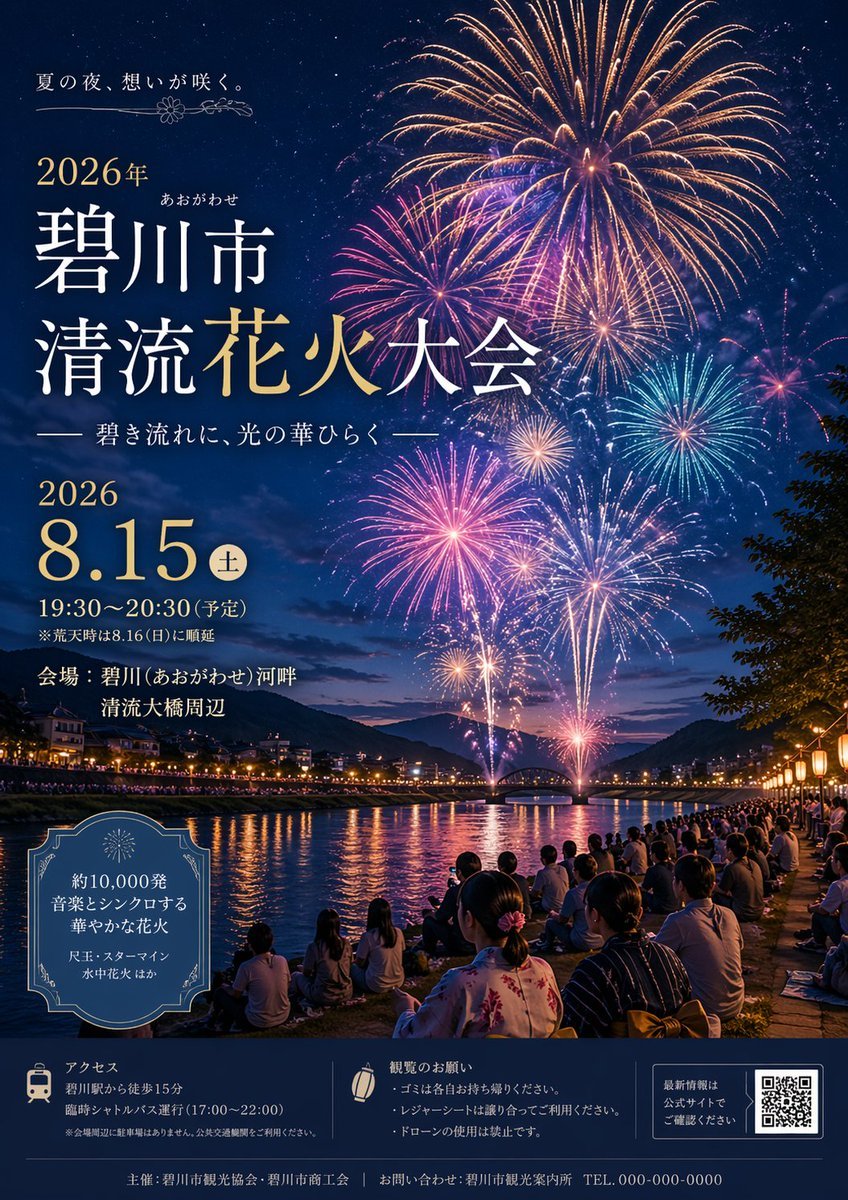
Japanese Fireworks Festival Poster
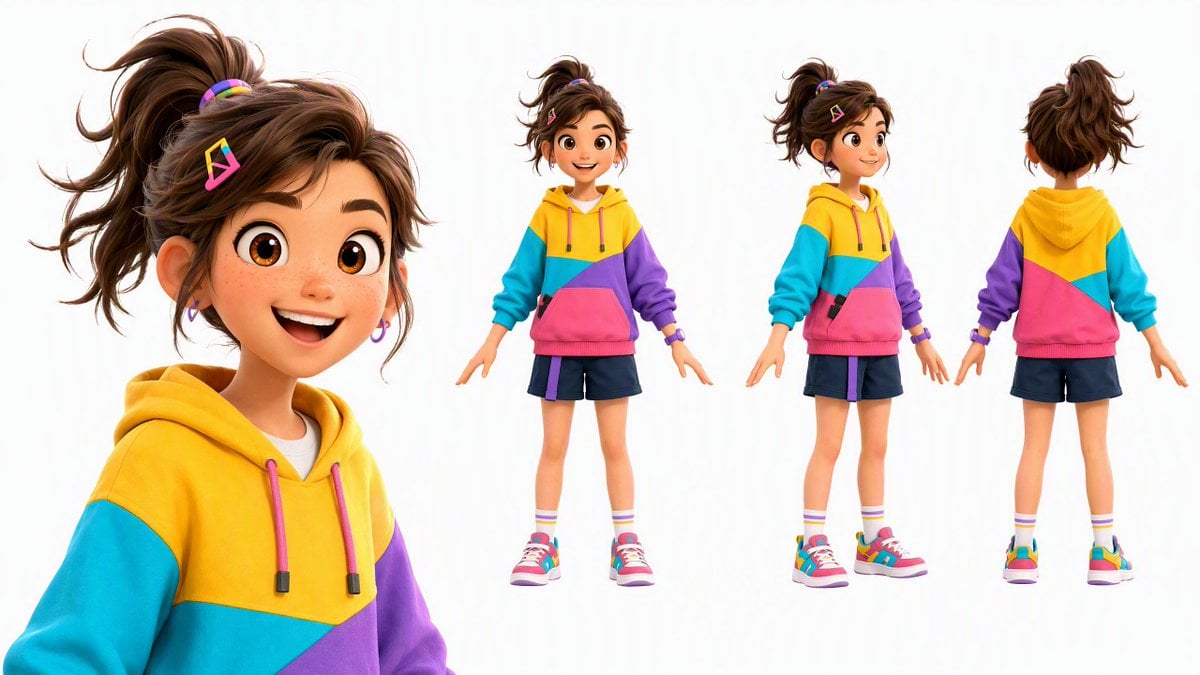
Colorful 3D Girl Character Sheet
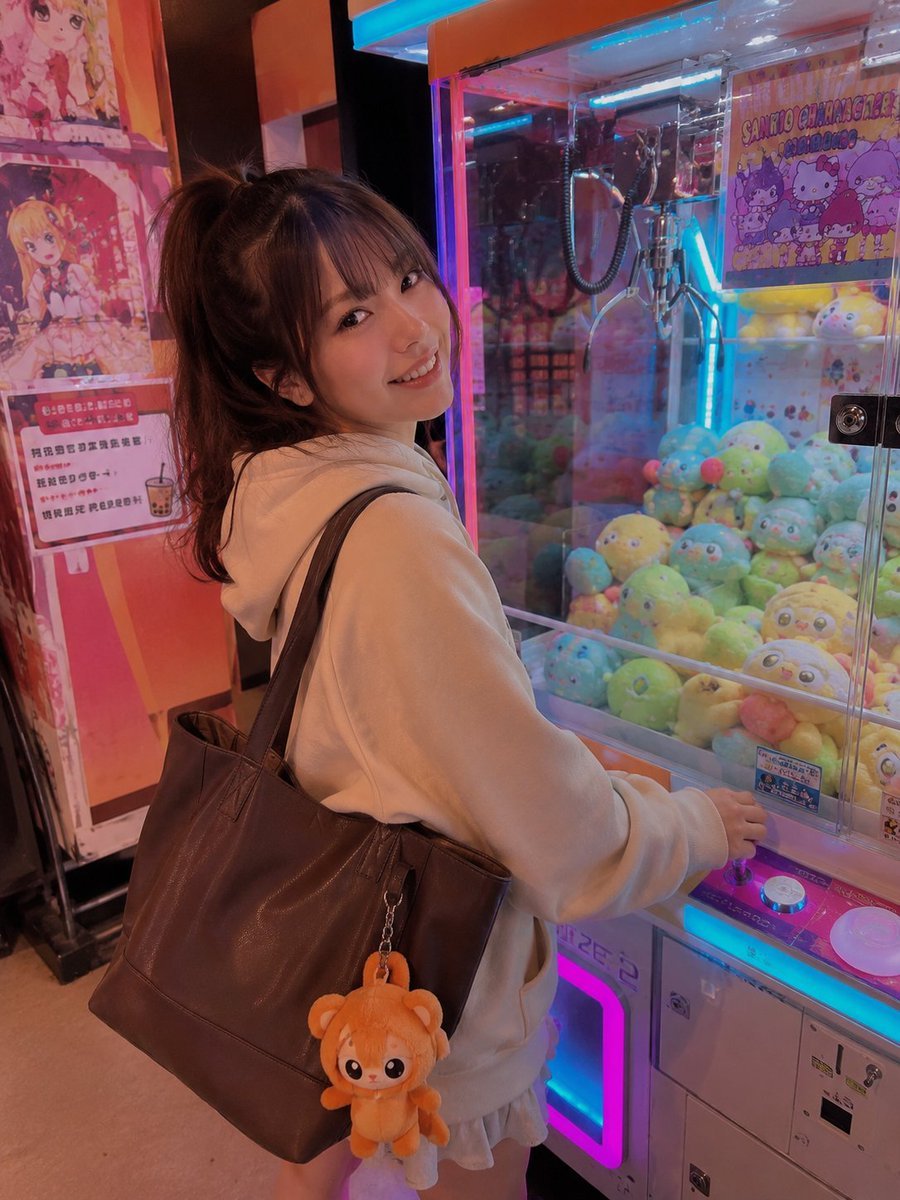
Colorful Arcade Candid Portrait
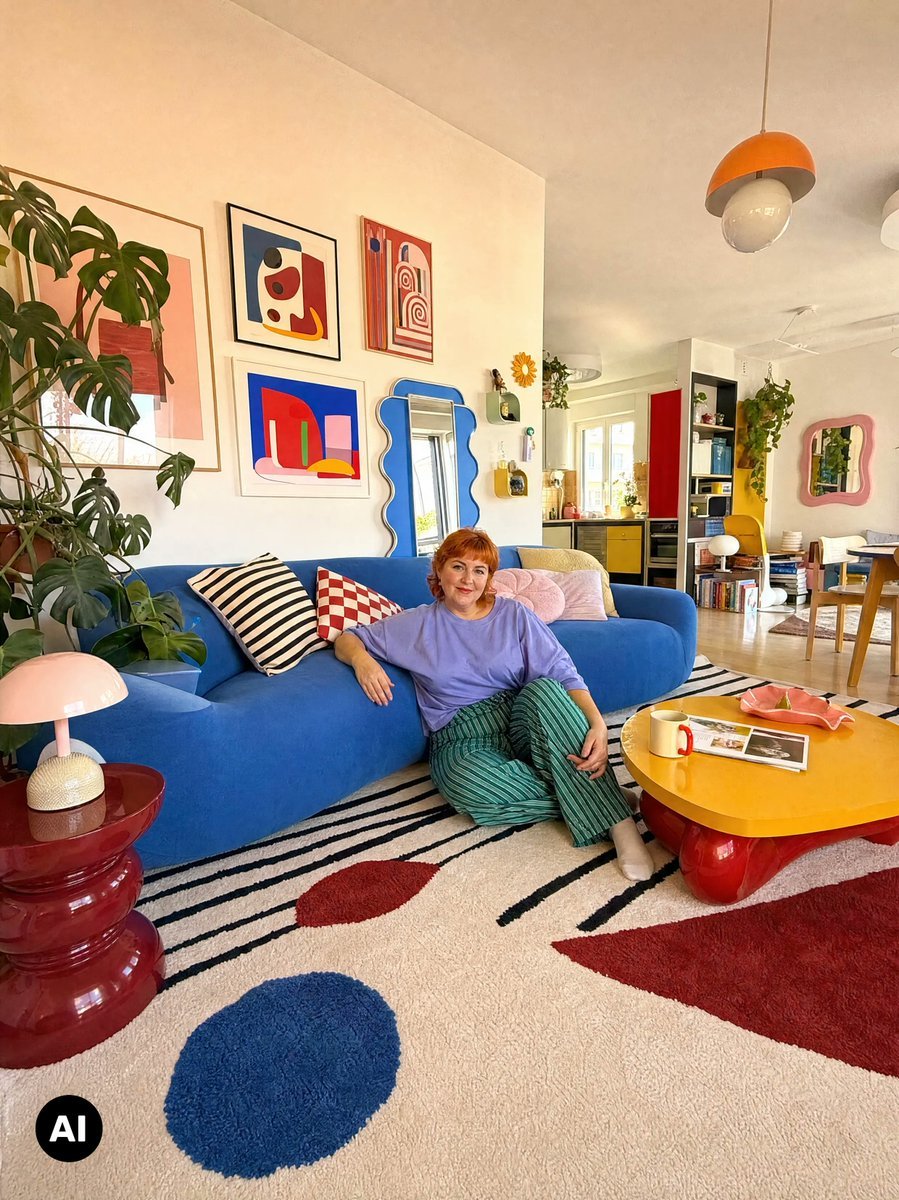
Colorful Maximalist Apartment Portrait

Celestial Sakura Kimono Maiden
Make it yours
Colorful Kimono Kemonomimi Festival works as-is. These are the safest ways to change it without losing the look.
Change one field
Copy a single group, rewrite it, and generate again so you can see what that field is doing.
Keep the frame, change the subject
Hold the composition and light of Colorful Kimono Kemonomimi Festival, then swap wardrobe, props or the person for a new take.
| If the result… | Why | Fix |
|---|---|---|
| The result drifts from the preview | Too many fields changed at once. | Reuse Colorful Kimono Kemonomimi Festival as-is first, then change one group — subject, light, or setting. |
| The model over-stylizes the scene | The prose prompt leaves finish and camera underspecified. | Add one camera or lighting sentence and stay on GPT Image 2. |
More GPT Image 2 templates
Other prompts made for GPT Image 2.

Six VTuber Japanese Logo Sheet

Realistic Portrait of Woman and Deer

The Vista Modular Condo Poster

AI Model Routing Comparison Infographic

2.5D Anime Art Board

Isometric Productivity Desk Scene

New York Double Exposure Poster

Four-Panel AI Landscape Comparison

Japanese Tatami Lifestyle Magazine Cover

NESCAFÉ Coffee Map Poster
More image prompts
Fresh picks from across the catalog.
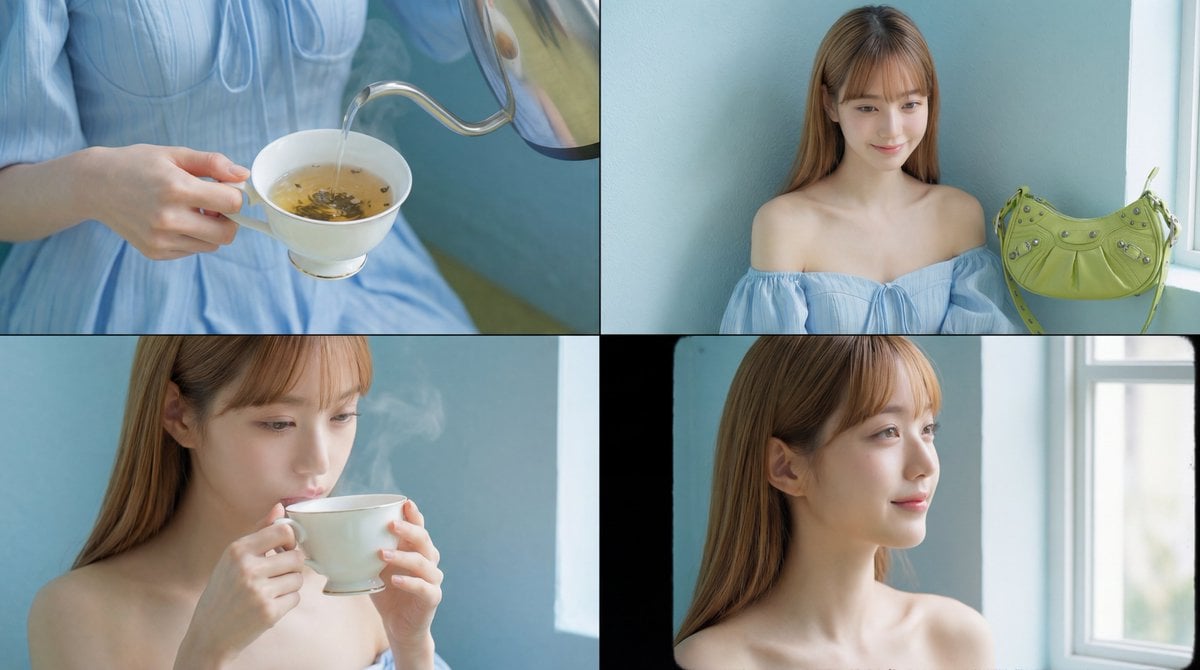
Cinematic Tea Time Prompt (Shared for Image and Video Generation)
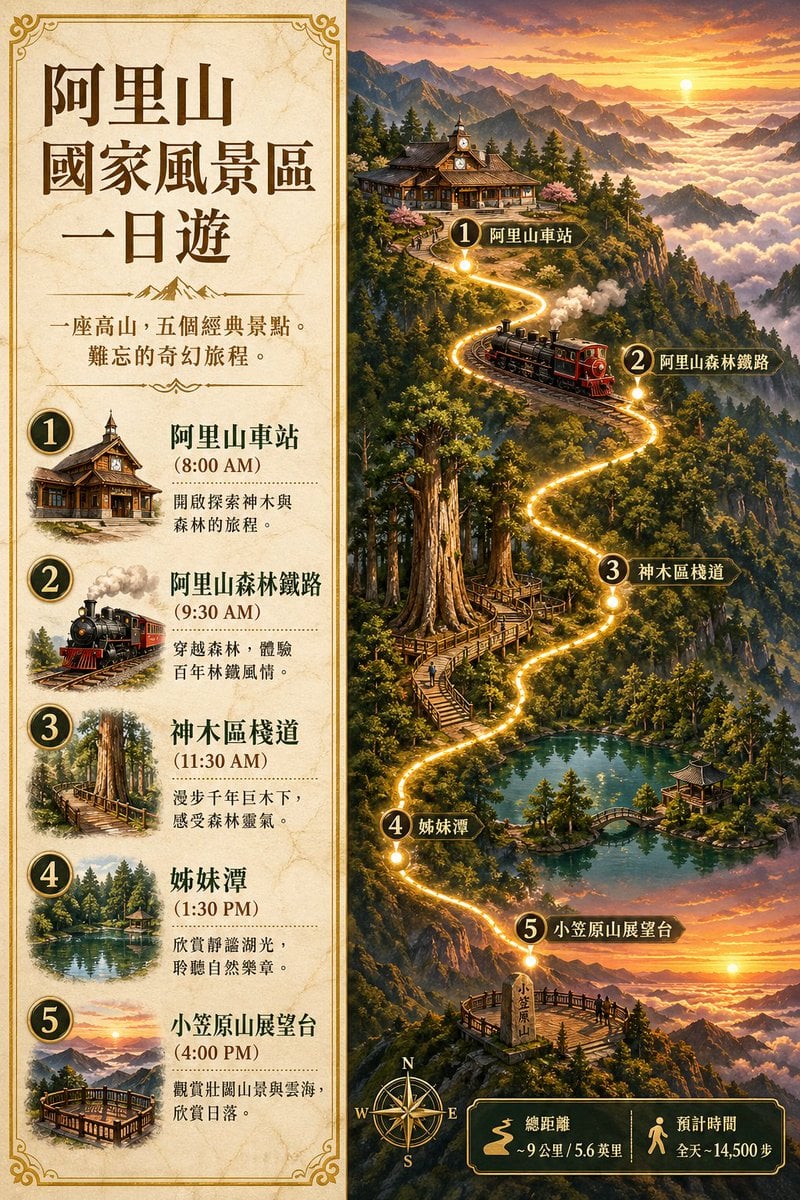
Alishan One-Day Travel Poster
3D Dance Game Screen Prompt for Nano Banana Pro
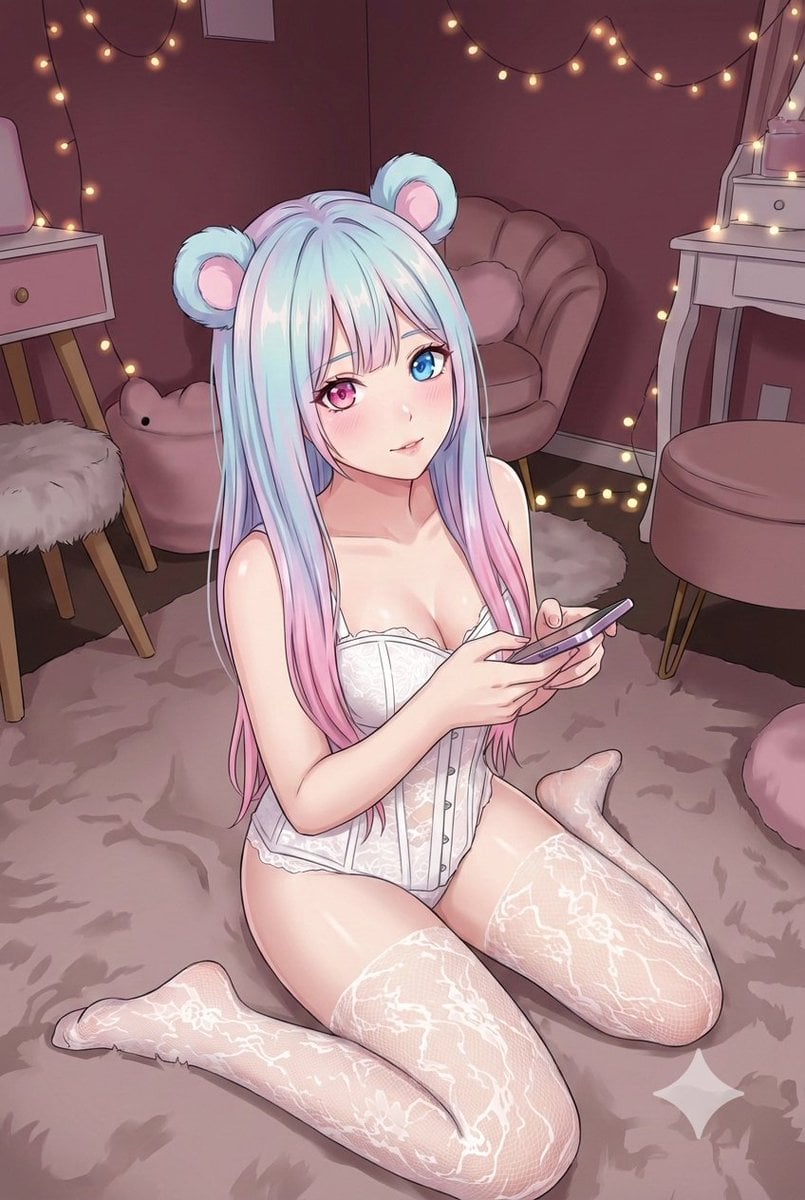
Good Night Nano Banana Pro
Glass Shard Dance Action Portrait
Hyper-Realistic POV Selfie with Bedhead Aesthetic
Surreal Double Exposure Portrait with Transparent Torso
Desert Patrol Sheriff Portrait
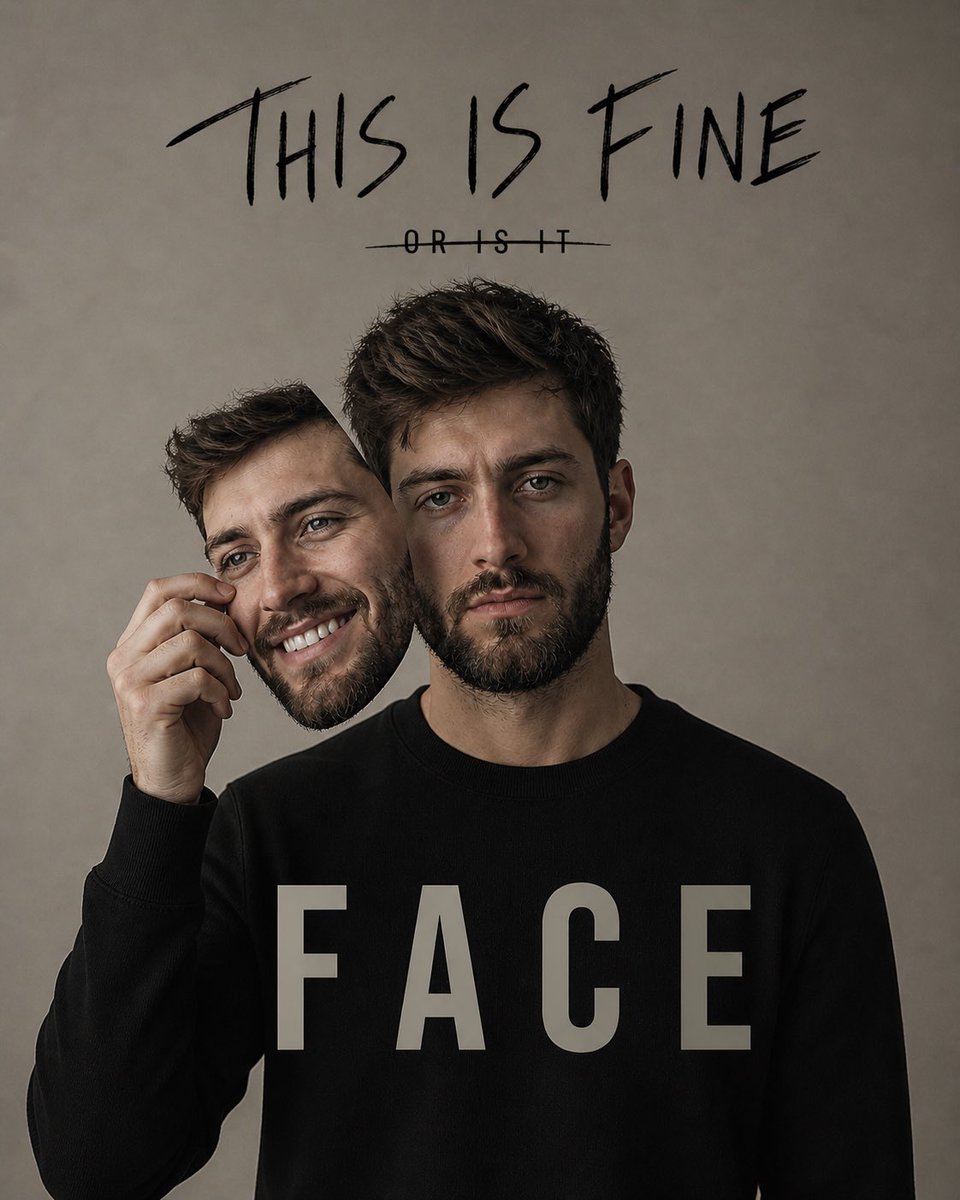
Dual Identity Surreal Portrait
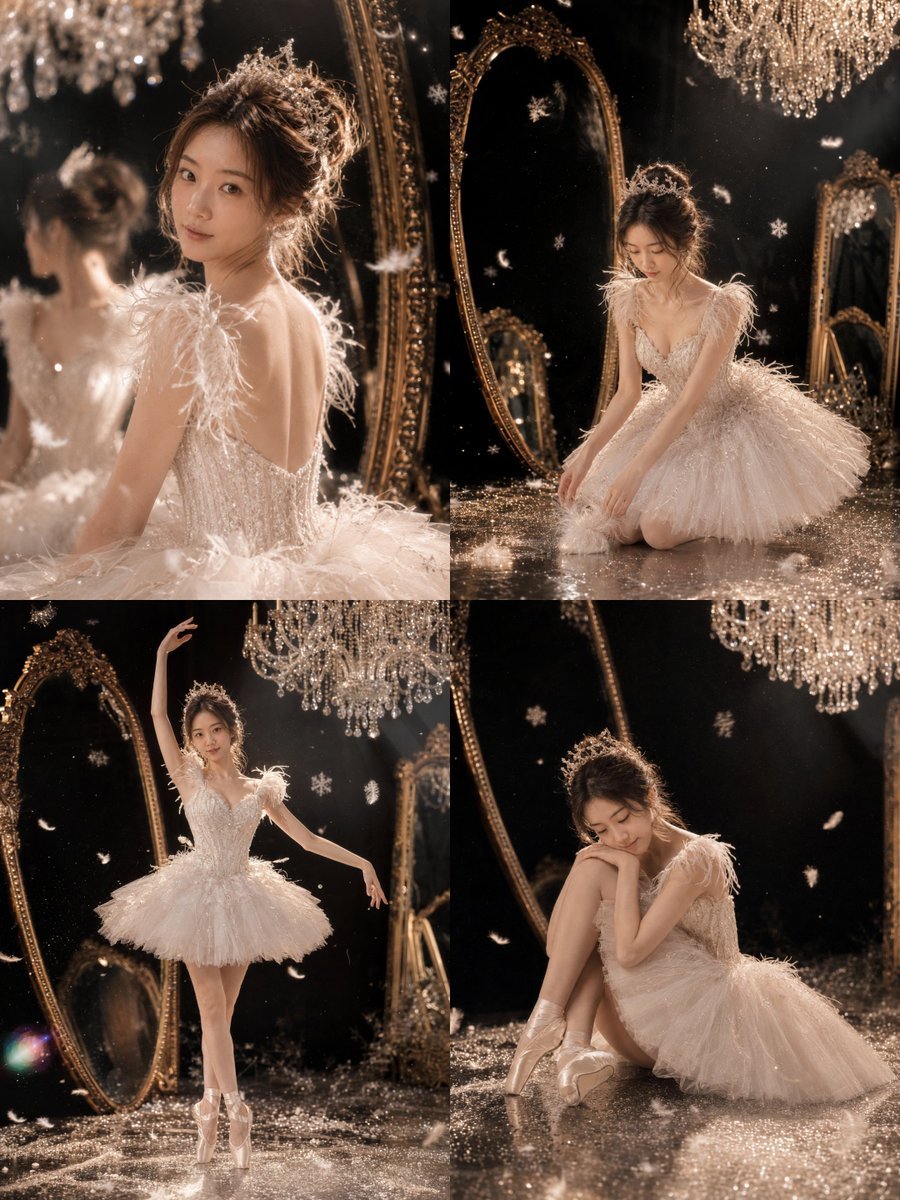
Luxury Ballet Couture Portrait Series
Browse template categories
Colorful Kimono Kemonomimi Festival questions
How do I use the Colorful Kimono Kemonomimi Festival template?
Add your photo if the template asks for one, edit the prompt if you like — the template's model and format are already selected — and press Generate. Your version opens in PicX Studio.
Can I customize the Colorful Kimono Kemonomimi Festival template?
Yes. You can change the subject, setting, lighting, mood, format, and available model controls before creating your image.
Is the Colorful Kimono Kemonomimi Festival template free?
Opening and editing this template is free. Generating uses credits, shown on the Generate button when you are signed in.
Which AI model should I use?
Start with GPT Image 2, which is the model associated with this template. You can compare another compatible model for a different finish.
Looking for something else? Browse all templates.

Your photo, any look
Thousands of ready templates for every top image and video model, from one credit balance.