
Surreal Double Exposure Portrait with Transparent Torso
A structured JSON prompt for generating a surreal, artistic portrait using a double exposure style, where the subject's torso is transparent and overlaid with a hand-drawn doodle outline, revealing a majestic alpine…
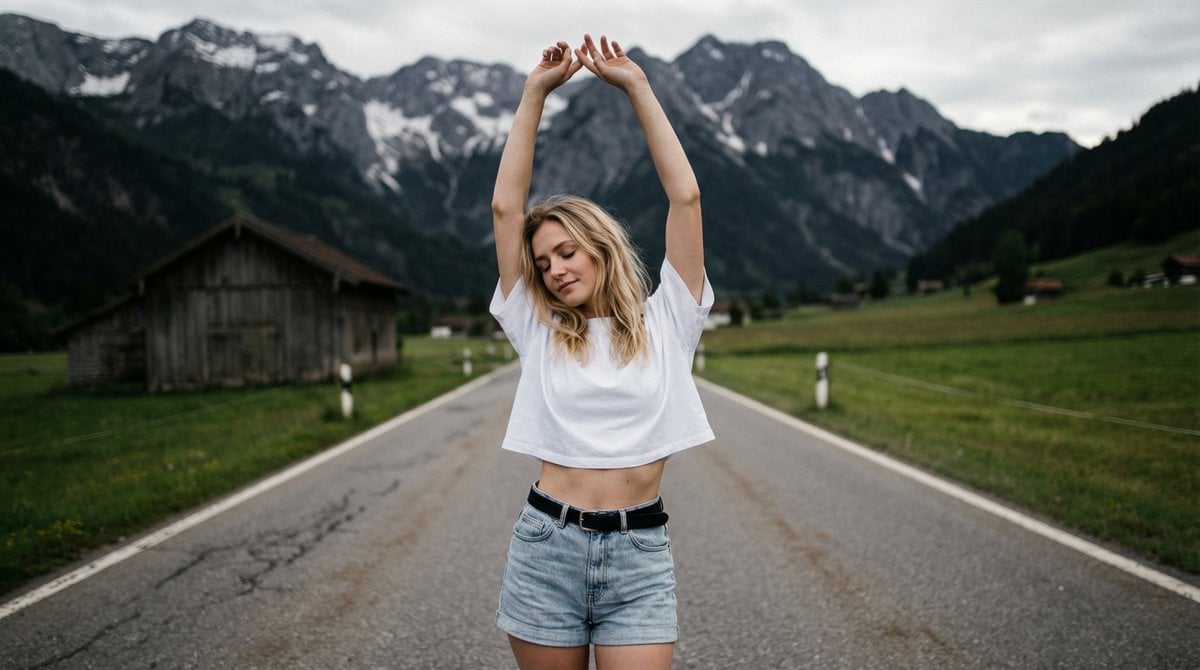
- Prompt included
- Model and format preset
- Free template
The prompt behind this image
Copy the exact prompt behind Surreal Double Exposure Portrait with Transparent Torso, or open it in the studio and make it yours.
- Photo › Type
- surreal_artistic_portrait
- Photo › Quality
- 8k photorealistic, high fidelity, masterpiece, double exposure style, mixed media aesthetic
- Photo › Lens
- 35mm wide angle lens, sharp focus
- Face › Preserve Original
- false
- Face › Reference Match
- false
- Face › Description
- Young woman with shoulder-length straight blonde hair, eyes cast down or closed in a serene expression, soft natural lighting on face, dreamlike mood
- Model Pose › Position
- standing center frame on a road
- Model Pose › Legs
- standing naturally, hips slightly tilted
- Model Pose › Hands
- both arms raised high above head, stretching upwards, hands touching or overlapping
- Model Pose › Expression
- relaxed, meditative, immersive
- Wardrobe › Special Effect Top › Type
- surreal transparency
- Wardrobe › Special Effect Top › Texture
- invisible/transparent body
- Wardrobe › Special Effect Top › Style
- white hand-drawn doodle outline of an oversized t-shirt superimposed over the landscape
- Wardrobe › Special Effect Top › Note
- The torso is transparent, revealing the mountain background through the body shape
- Wardrobe › Bottom › Type
- denim jeans
- Wardrobe › Bottom › Style
- light wash, classic fit, cropped at waist
- Wardrobe › Bottom › Color
- faded light blue
- Wardrobe › Accessories › Belt
- black leather belt with simple buckle
- Wardrobe › Accessories › Hair
- straight blonde bob, naturally falling back
- Wardrobe › Accessories › Other
- exposed naval/midriff area with realistic skin texture
- Textures › Emphasis
- rough denim fabric, smooth skin on midriff, grainy asphalt road, rugged mountain rock, white sketch lines
- Environment › Backdrop
- Majestic alpine landscape, straight paved road leading towards mountains, steep rocky cliffs, overcast dramatic sky, green grassy fields on roadsides
- Environment › Lighting › Style
- natural overcast daylight
- Environment › Lighting › Key Light
- soft diffused skylight
Raw JSON
{
  "photo": {
    "type": "surreal_artistic_portrait",
    "quality": "8k photorealistic, high fidelity, masterpiece, double exposure style, mixed media aesthetic",
    "lens": "35mm wide angle lens, sharp focus"
  },
  "face": {
    "preserve_original": false,
    "reference_match": false,
    "description": "Young woman with shoulder-length straight blonde hair, eyes cast down or closed in a serene expression, soft natural lighting on face, dreamlike mood"
  },
  "model_pose": {
    "position": "standing center frame on a road",
    "legs": "standing naturally, hips slightly tilted",
    "hands": "both arms raised high above head, stretching upwards, hands touching or overlapping",
    "expression": "relaxed, meditative, immersive"
  },
  "wardrobe": {
    "special_effect_top": {
      "type": "surreal transparency",
      "texture": "invisible/transparent body",
      "style": "white hand-drawn doodle outline of an oversized t-shirt superimposed over the landscape",
      "note": "The torso is transparent, revealing the mountain background through the body shape"
    },
    "bottom": {
      "type": "denim jeans",
      "style": "light wash, classic fit, cropped at waist",
      "color": "faded light blue"
    },
    "accessories": {
      "belt": "black leather belt with simple buckle",
      "hair": "straight blonde bob, naturally falling back",
      "other": "exposed naval/midriff area with realistic skin texture"
    }
  },
  "textures": {
    "emphasis": [
      "rough denim fabric",
      "smooth skin on midriff",
      "grainy asphalt road",
      "rugged mountain rock",
      "white sketch lines"
    ]
  },
  "environment": {
    "backdrop": "Majestic alpine landscape, straight paved road leading towards mountains, steep rocky cliffs, overcast dramatic sky, green grassy fields on roadsides",
    "lighting": {
      "style": "natural overcast daylight",
      "key_light": "soft diffused skylight",
      "fill_light": "cool ambient environmental light",
      "shadows": "soft shadows, moody atmosphere"
    }
  },
  "color_grade": {
    "type": "cinematic moody",
    "balance": "desaturated cool tones, muted greens and greys, matte finish, low contrast, melancholic aesthetic"
  }
}How to use Surreal Double Exposure Portrait with Transparent Torso in 3 steps
- 1
Open
The prompt is already in the box next to the preview, with the template's model and format selected.
- 2…a portrait of your subject in softgolden-hour light, 85mm…
Personalize
Edit the subject and creative details for your destination.
- 3Generate
Generate
Press Generate — your image is created in PicX Studio, so you can compare it with the original and refine one variable at a time.
More like this
Templates with the same subject, style or setup. Open one to see its prompt.
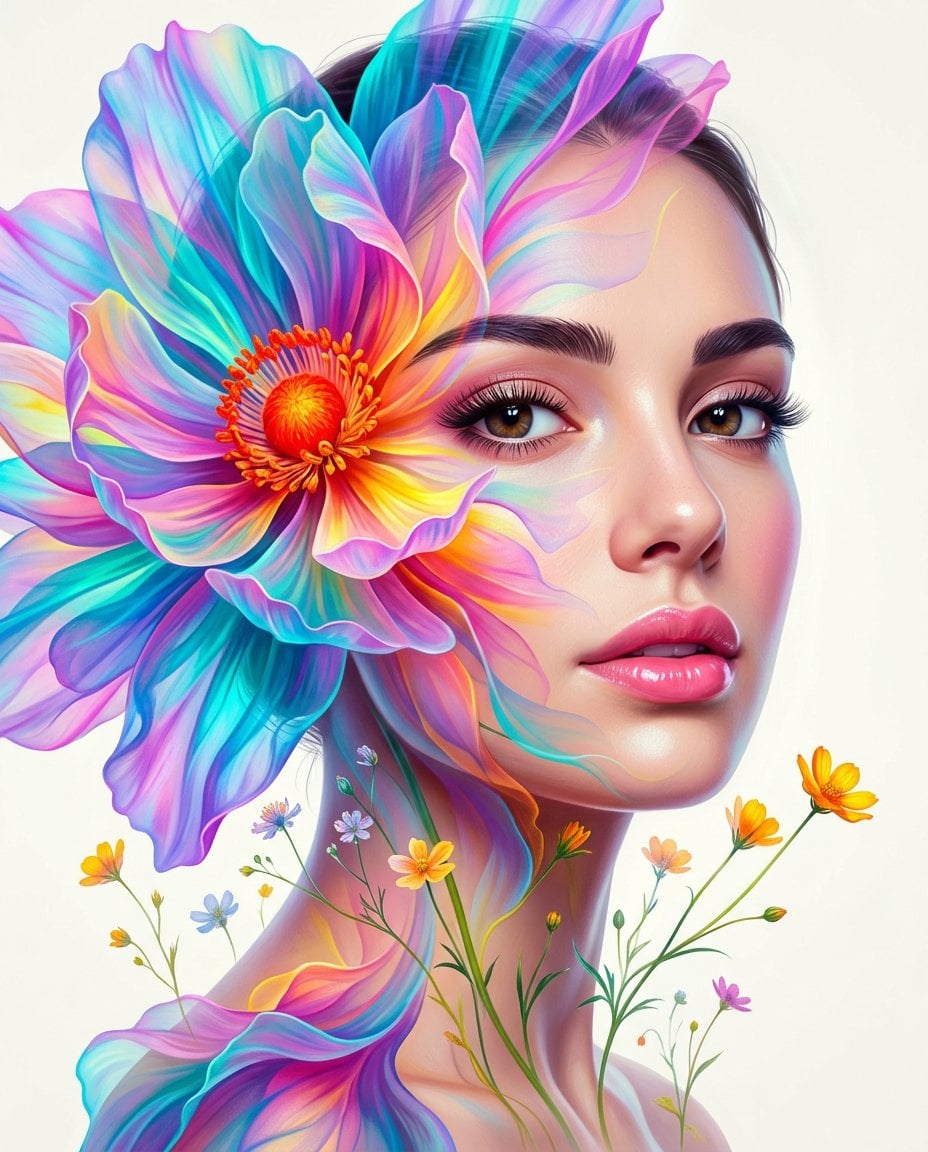
Surreal Double-Exposure Floral Portrait
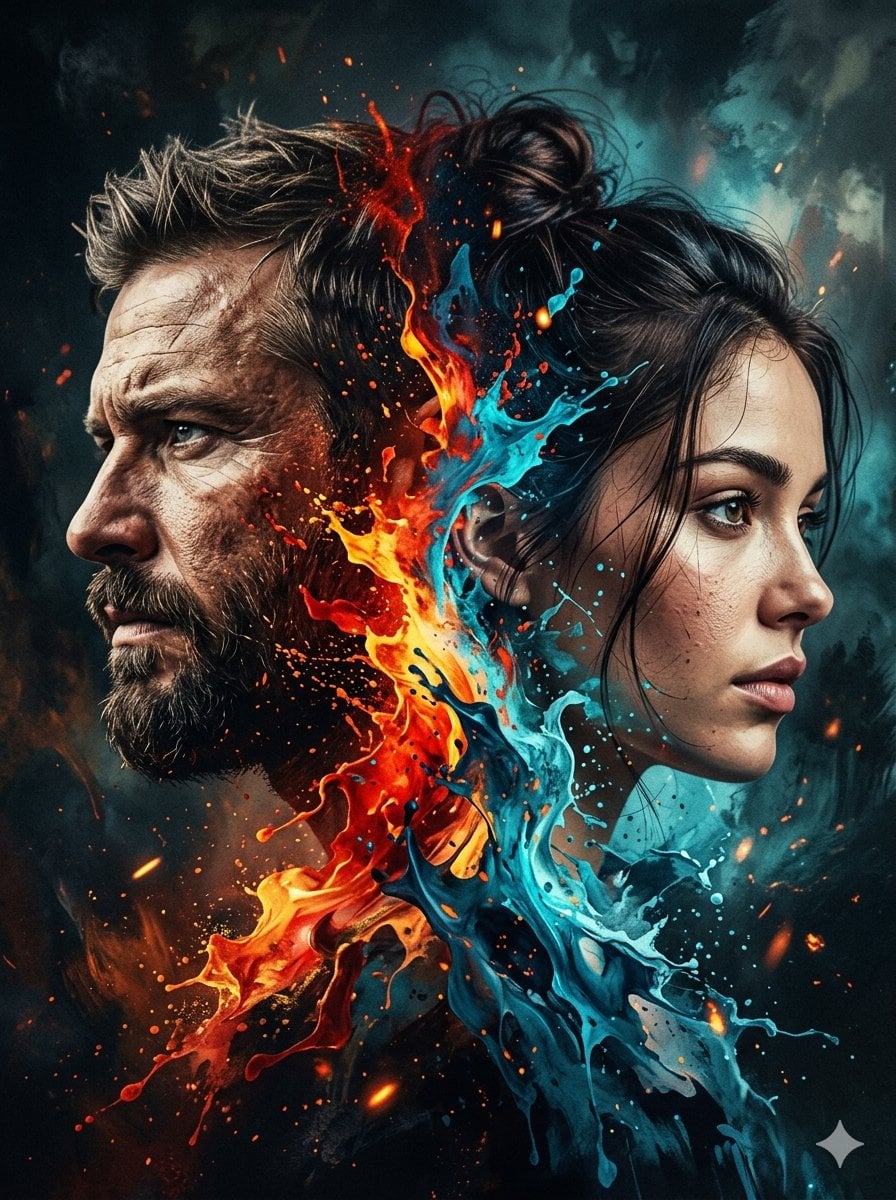
Dynamic Double-Exposure Artistic Portrait
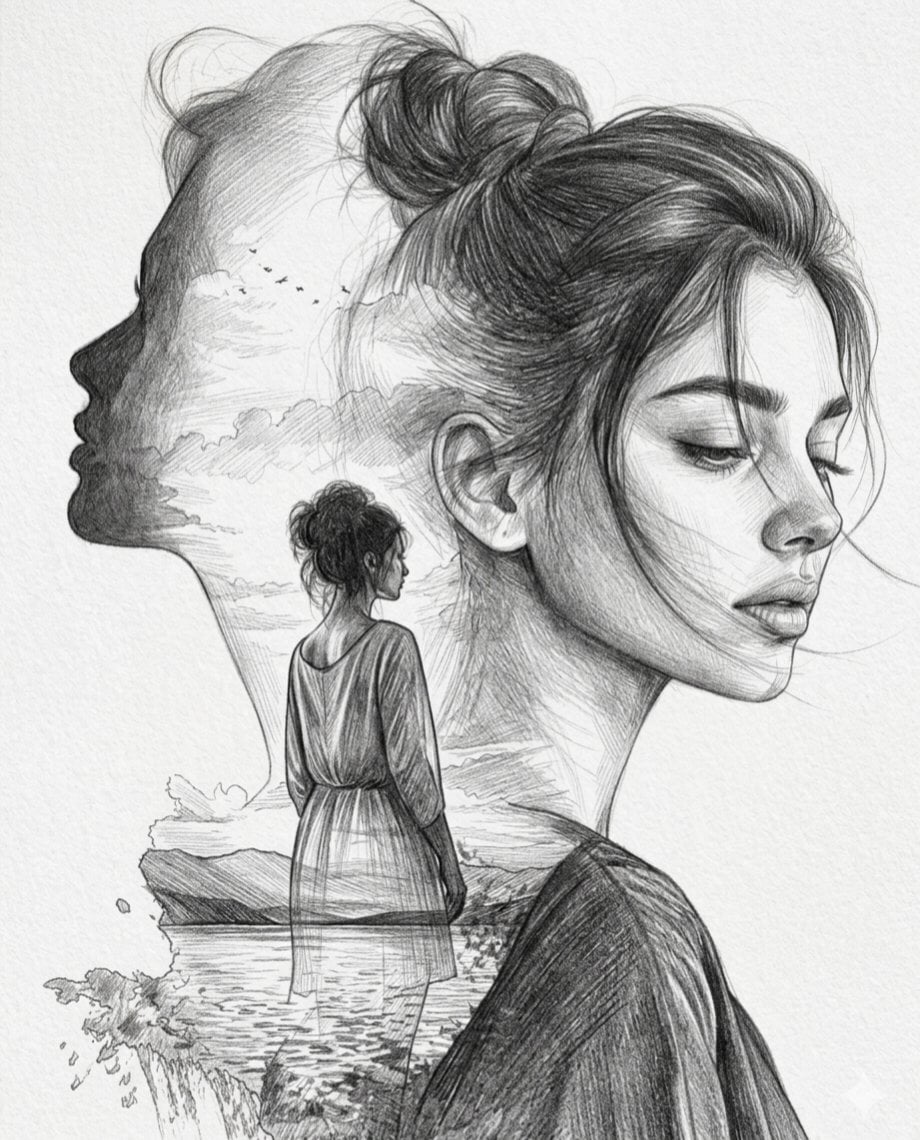
Double Exposure Pencil Sketch Portrait
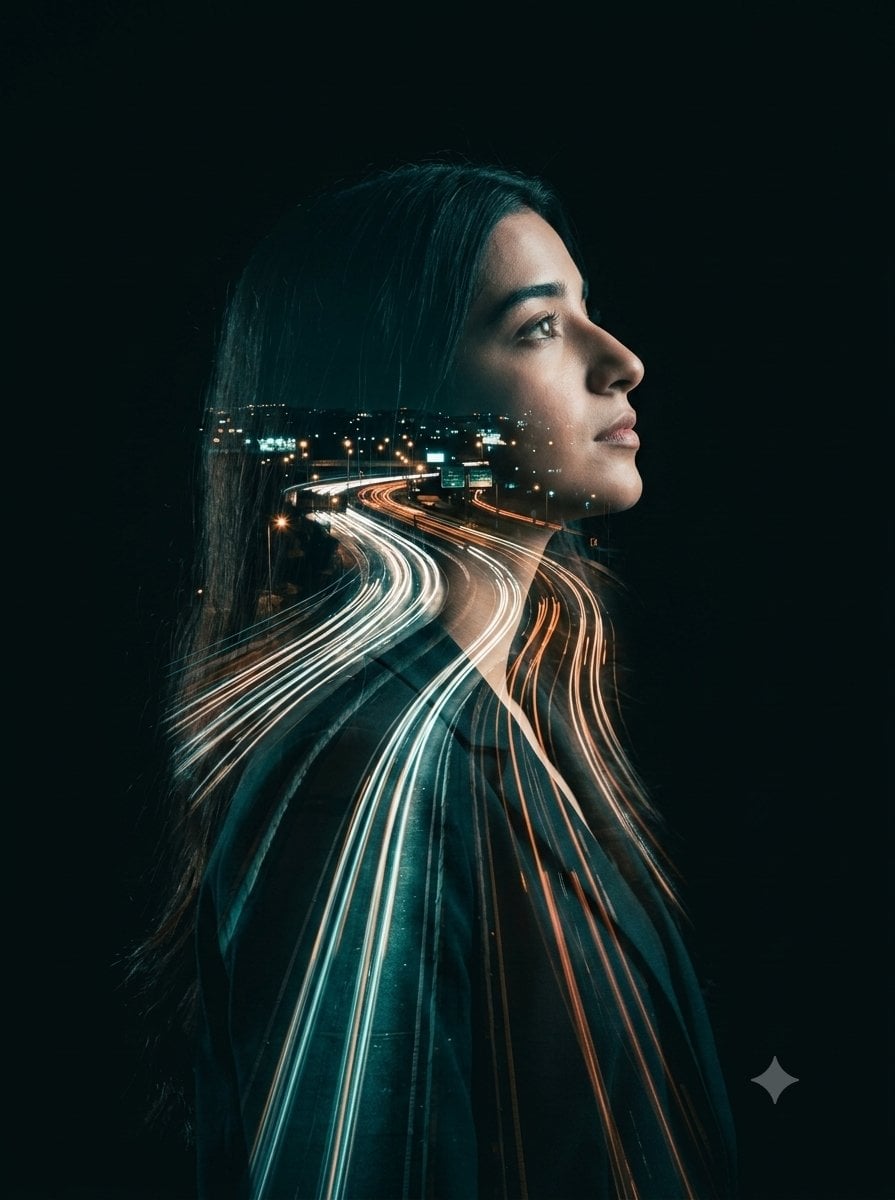
Double-Exposure Highway Portrait
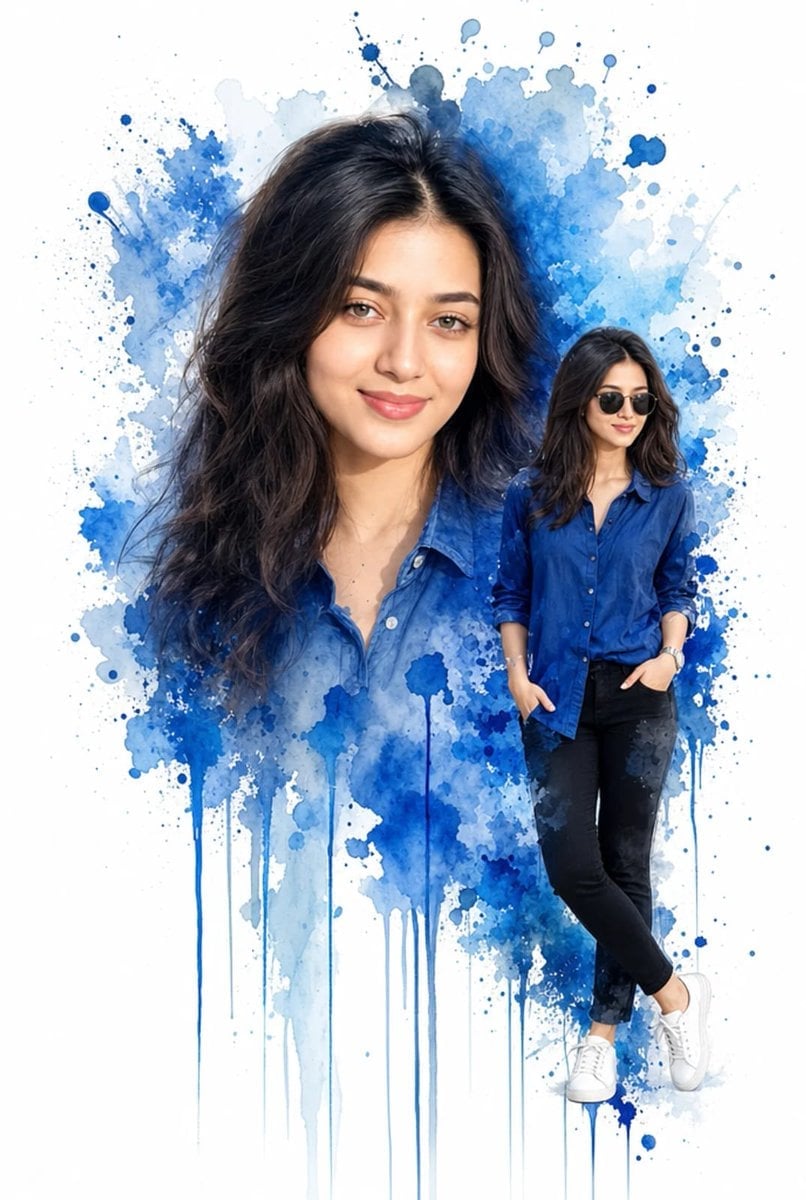
Double Exposure Watercolor Portrait Art
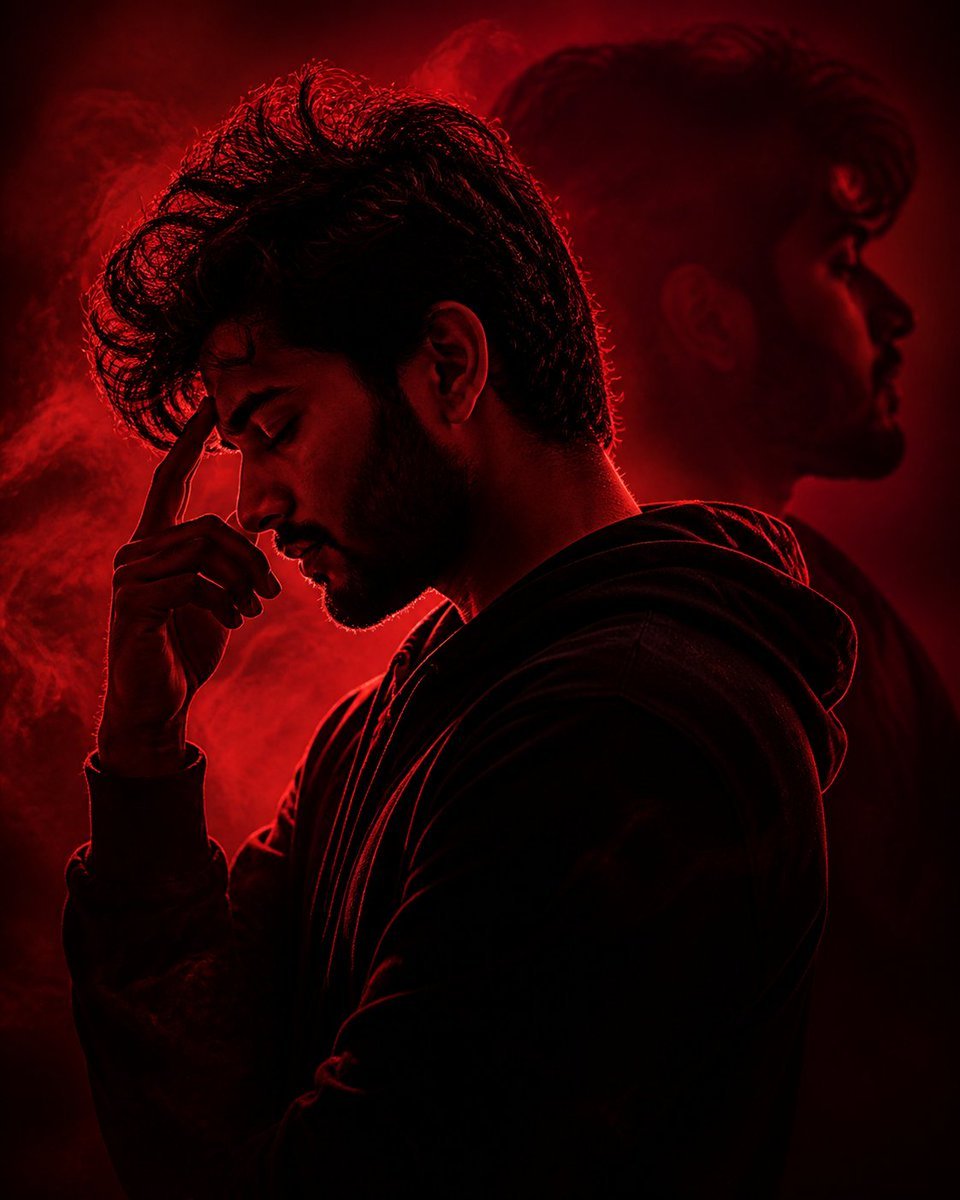
Crimson Moody Double Exposure Portrait
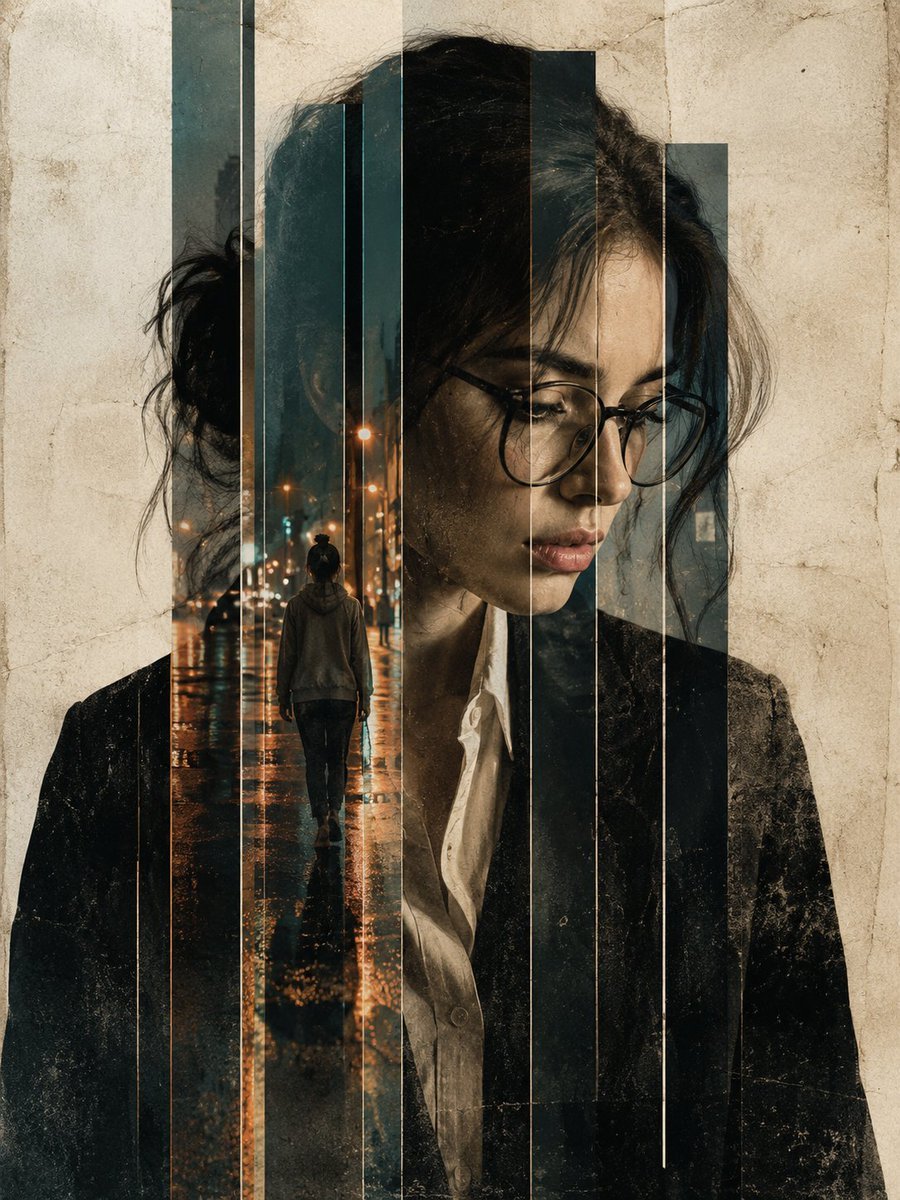
Double Exposure Editorial Portrait
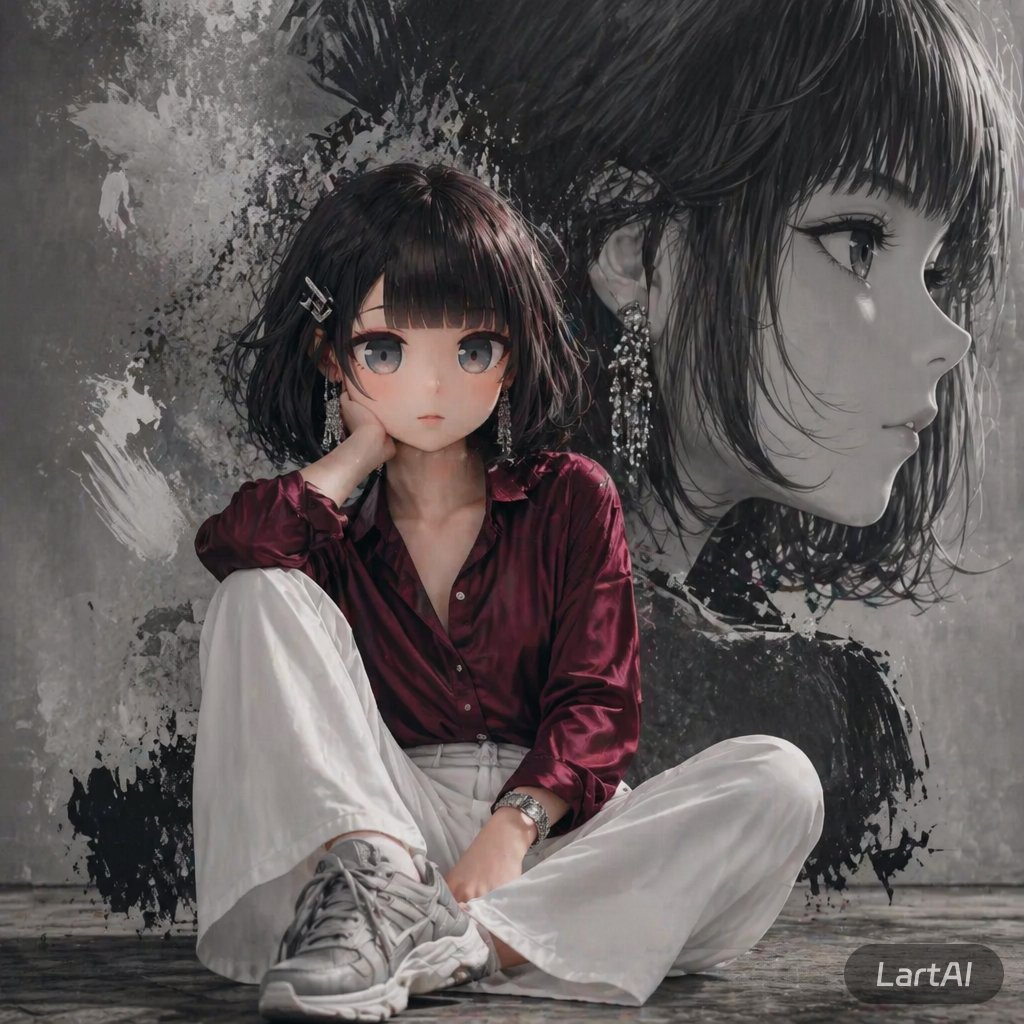
Double Exposure High-Fashion Portrait
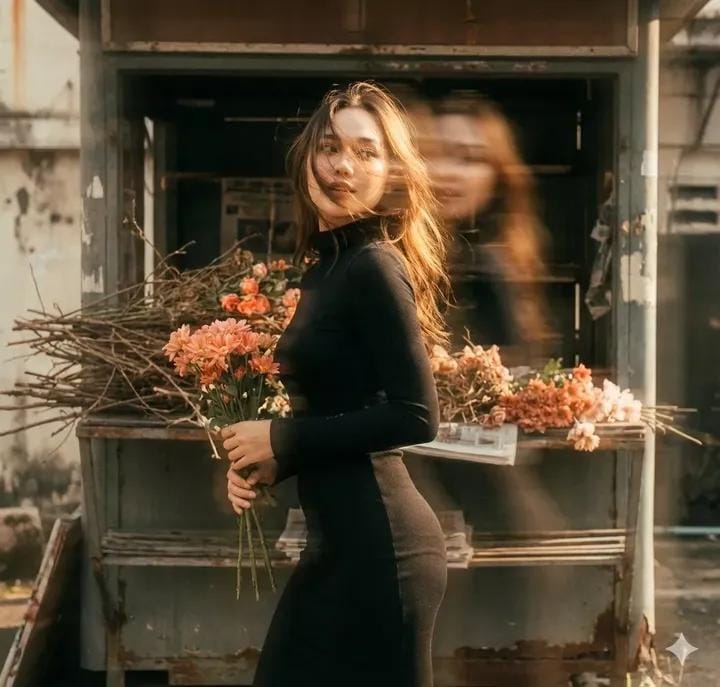
Vintage Film Double-Exposure Portrait
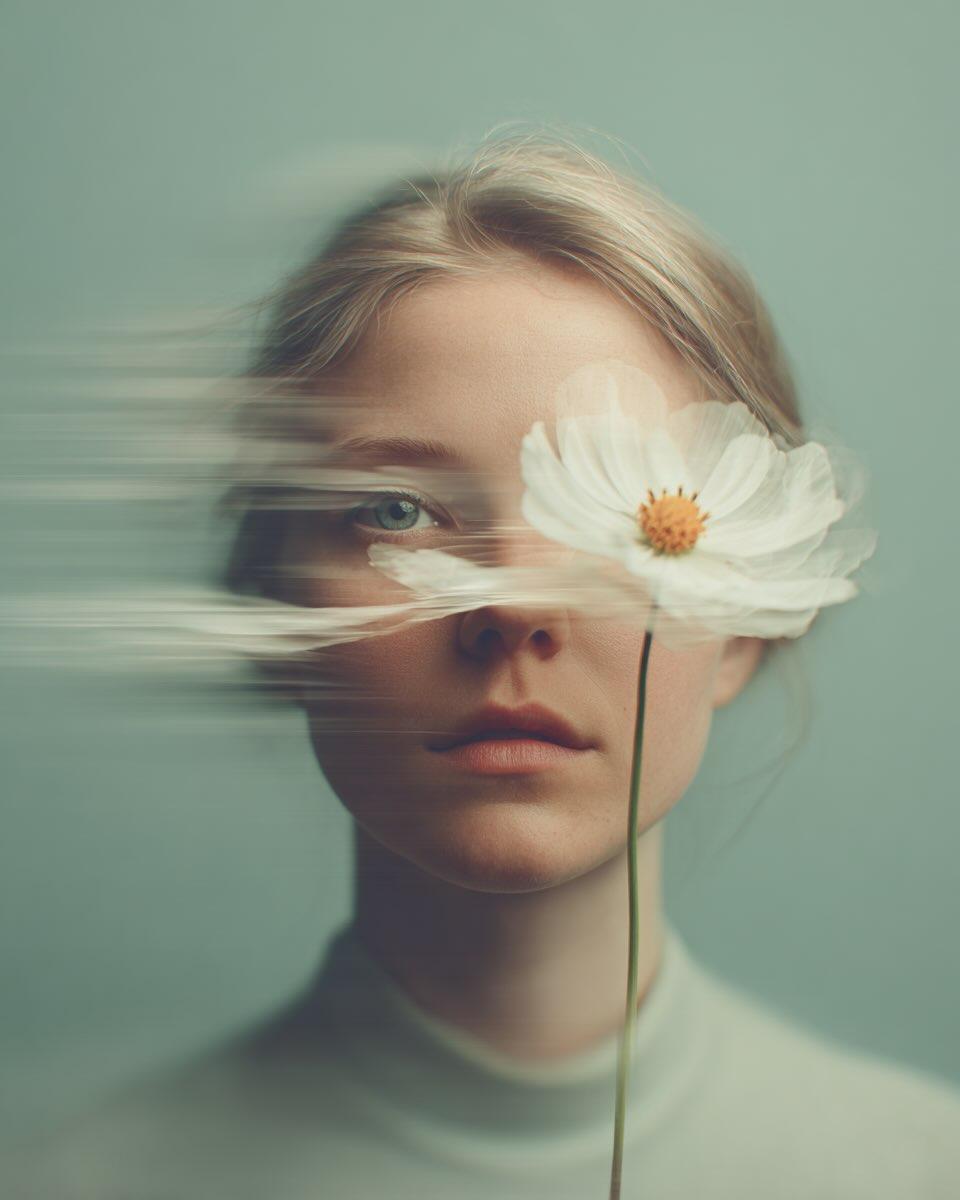
Dreamy Fine-Art Portrait with Double Exposure Effect
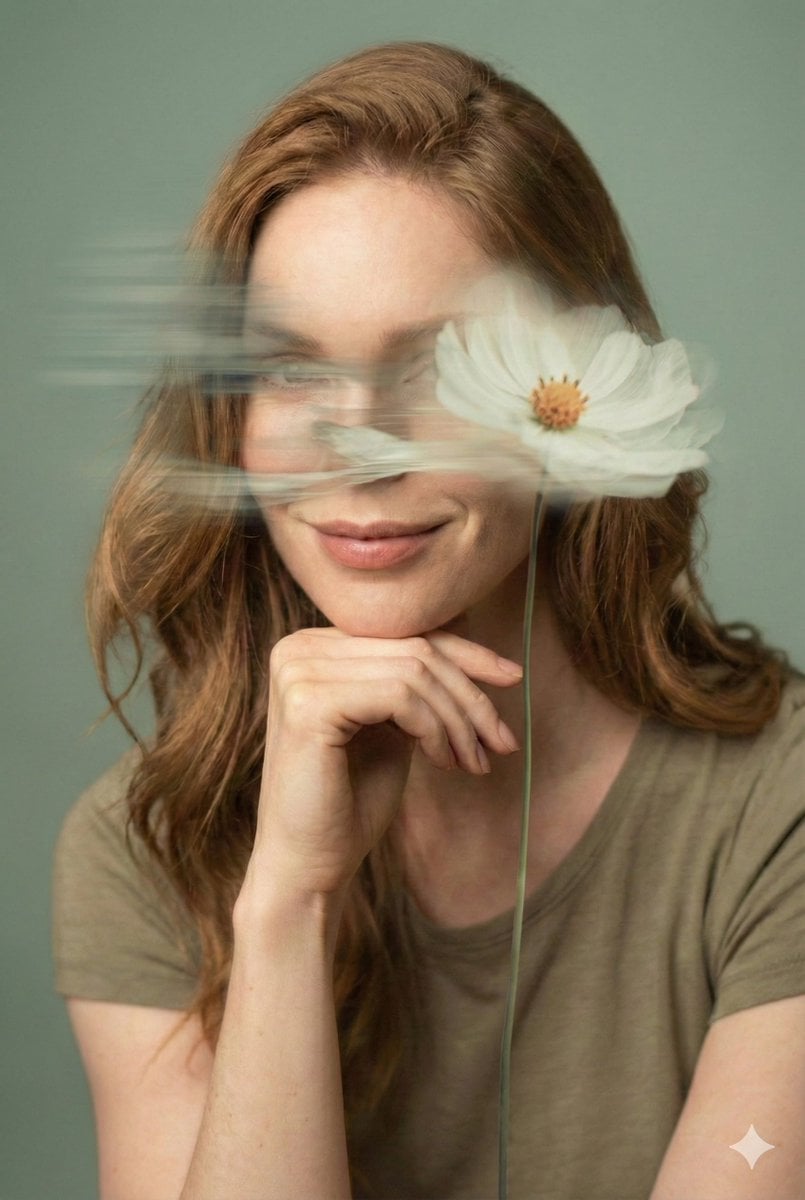
Dreamy Fine-Art Editorial Portrait with Double Exposure
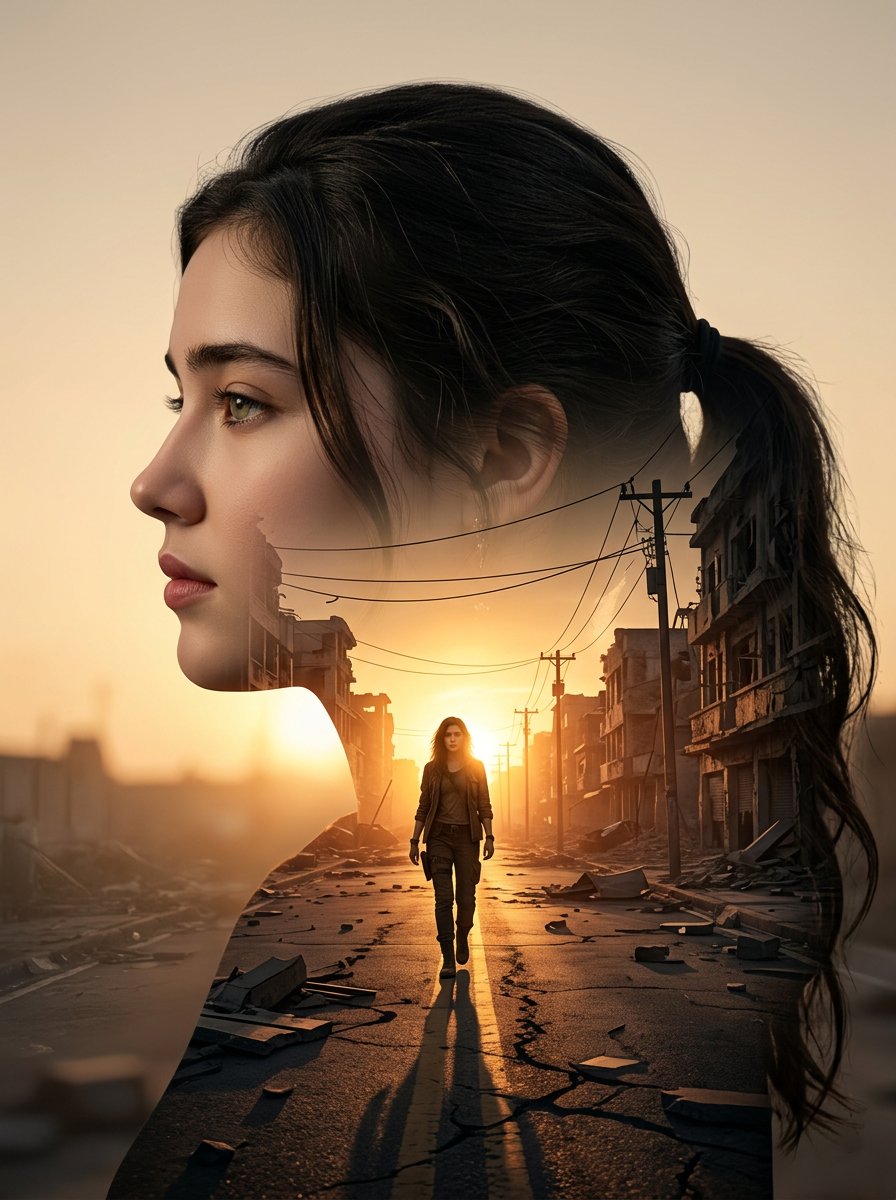
Cinematic Double Exposure Portrait
Make it yours
Surreal Double Exposure Portrait with Transparent Torso works as-is. These are the safest ways to change it without losing the look.
Swap the setting
Keep the rest of the prompt and replace the location block. The current setting is “Majestic alpine landscape, straight paved road leading towards mountains, steep ”.
Swap the light
One lighting change is enough to compare takes. Current light: “natural overcast daylight”.
Change one field
Copy a single group, rewrite it, and generate again so you can see what that field is doing.
| If the result… | Why | Fix |
|---|---|---|
| The result drifts from the preview | Too many fields changed at once. | Reuse Surreal Double Exposure Portrait with Transparent Torso as-is first, then change one group — subject, light, or setting. |
| Nano Banana 2 ignores part of the JSON | Some models flatten or skip nested keys. | Keep the same values and paste them as a short paragraph instead. |
More Nano Banana 2 templates
Other prompts made for Nano Banana 2.

Photorealistic Leaf Shaped Like a Dragon

K-Pop Idol Portrait Grid for Rapid Selection

Poetic Rain Forest Portrait During Golden Hour

Urban Street Portrait with Cartoon Inner Self Duo

Candid Nighttime Photo with Cat Prompt

High-Concept 3D Diorama Generation Prompt

Cinematic Futuristic Studio Portrait Template

Skincare Editorial Photography Collage Prompt

Hyper-Realistic Commercial Product Photography (Splash Effect)

Hyper-Realistic Nightclub Portrait Prompt
More image prompts
Fresh picks from across the catalog.
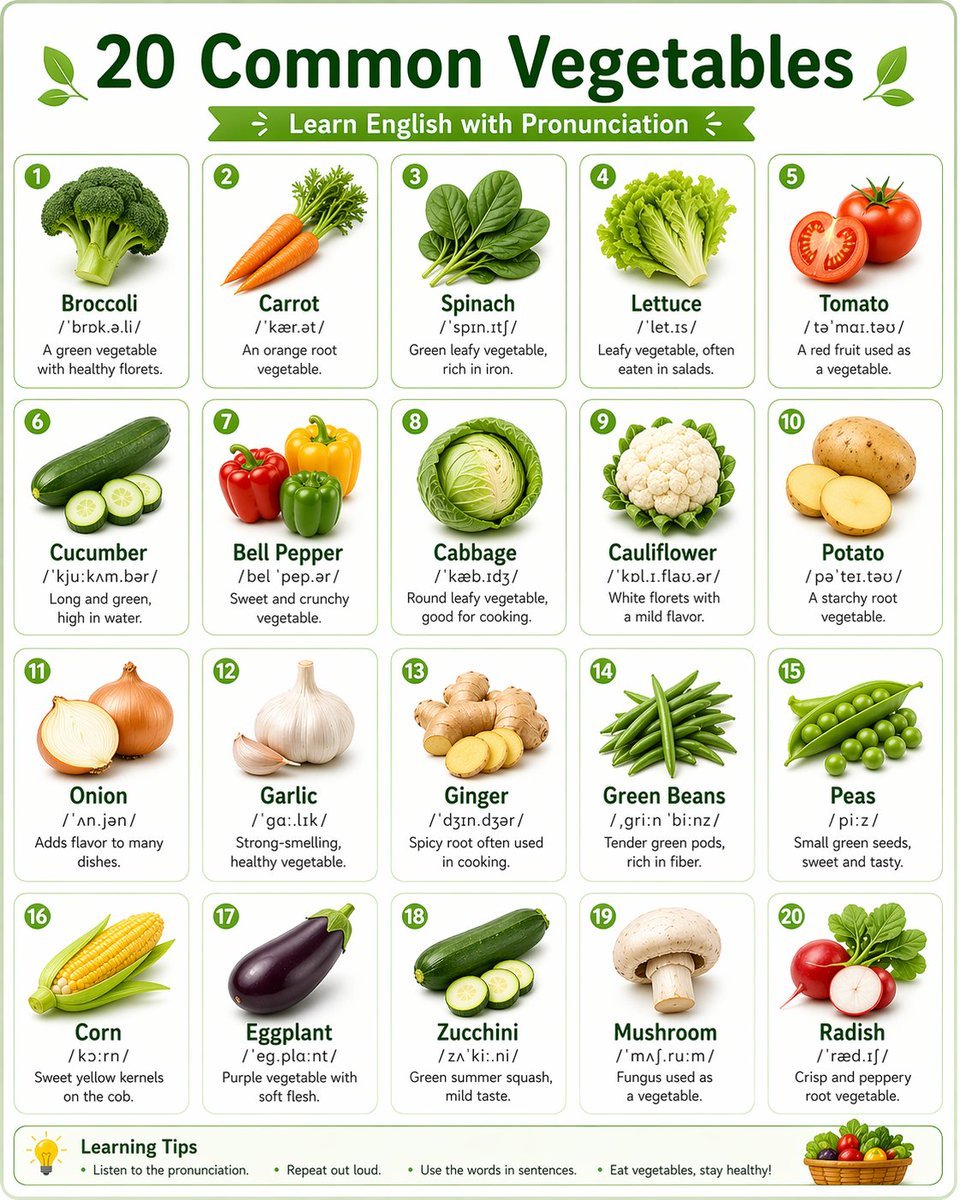
Language Learning Infographic Poster
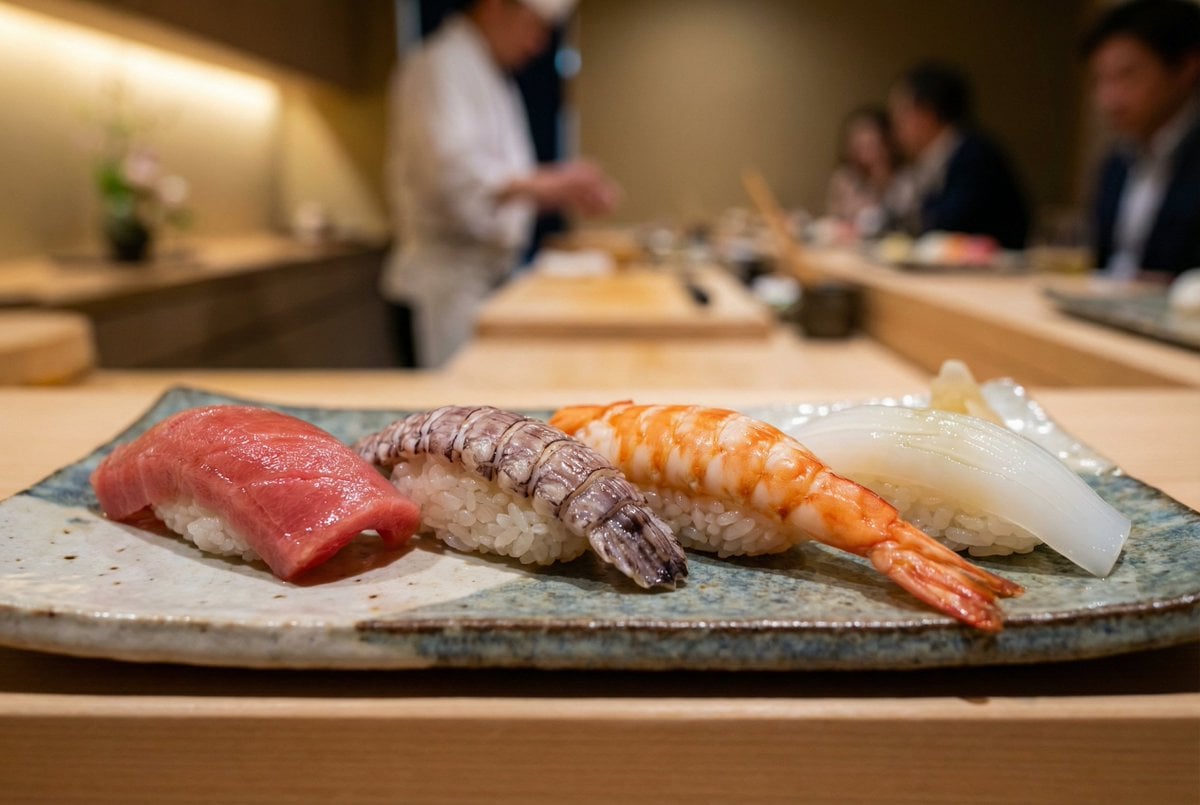
Controlling Lighting in Image Generation
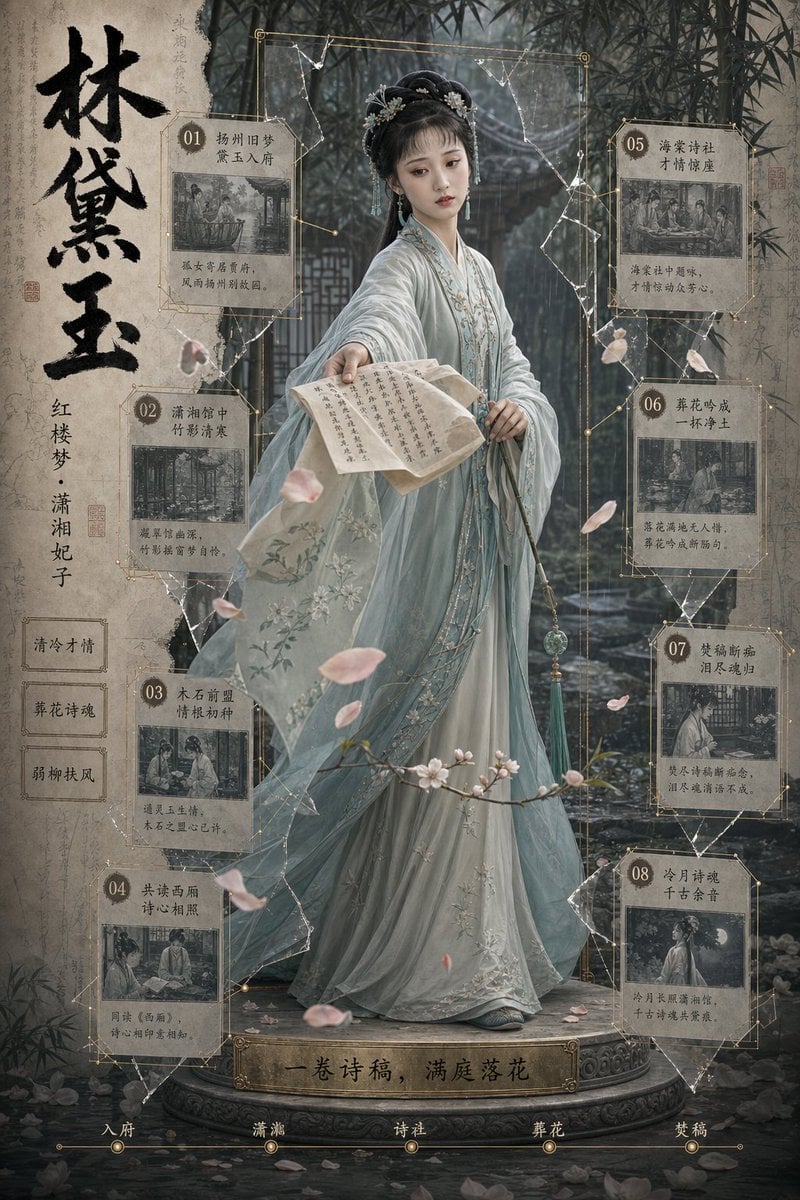
Lin Daiyu Period Drama Poster
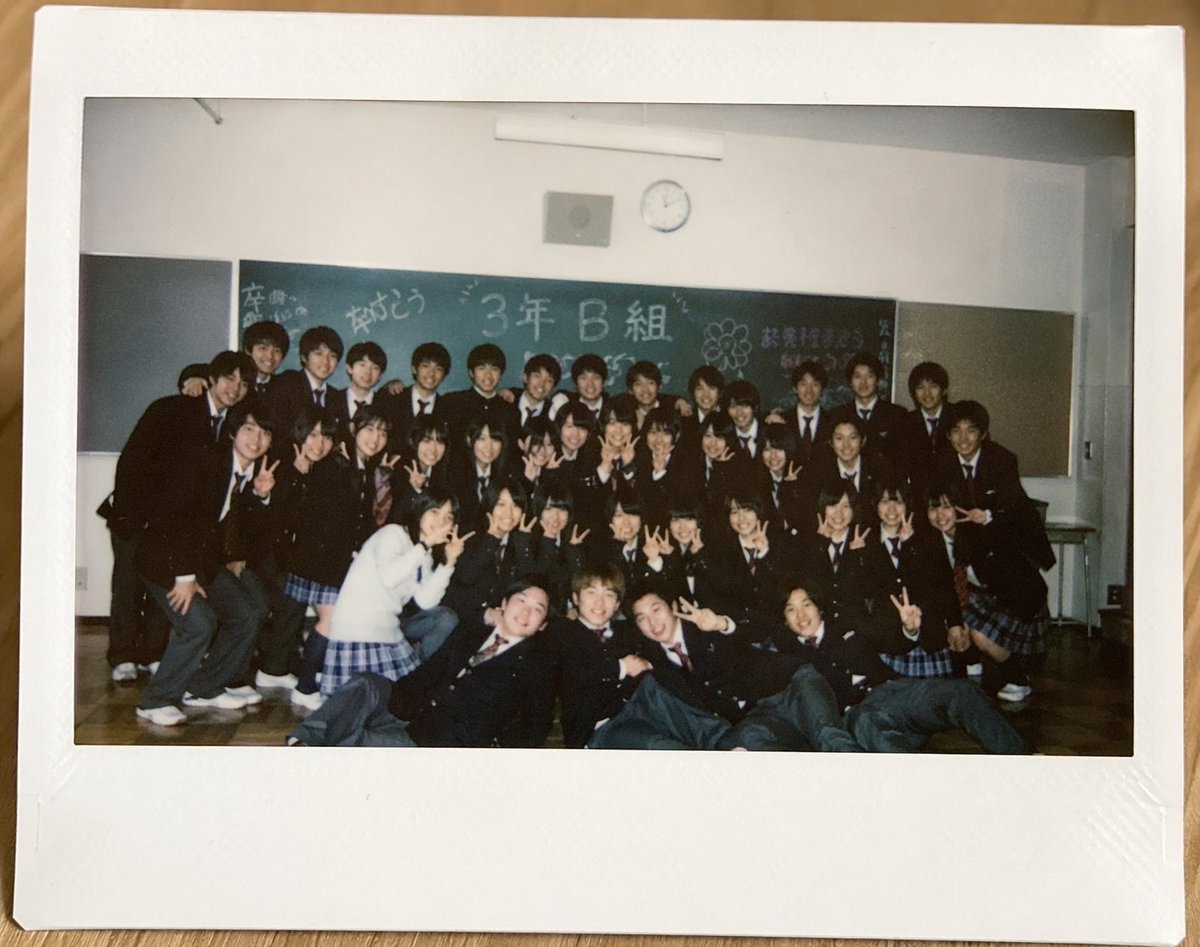
Polaroid of Japanese Class Graduation Photo
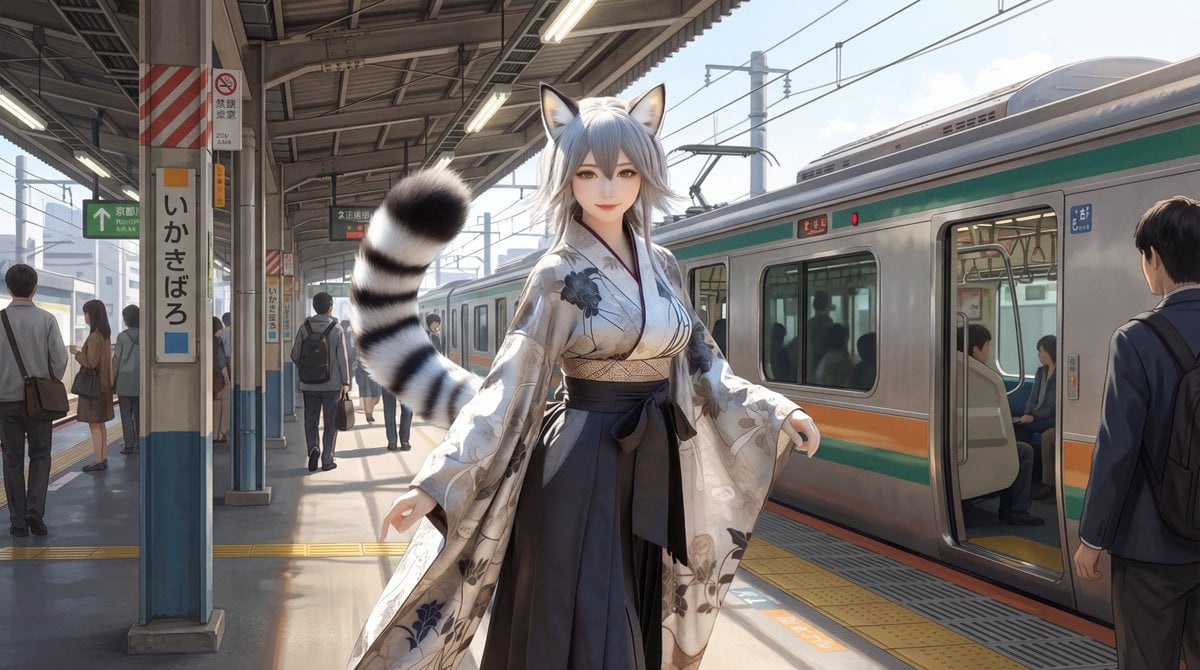
Character on Japanese train platform with matched lighting
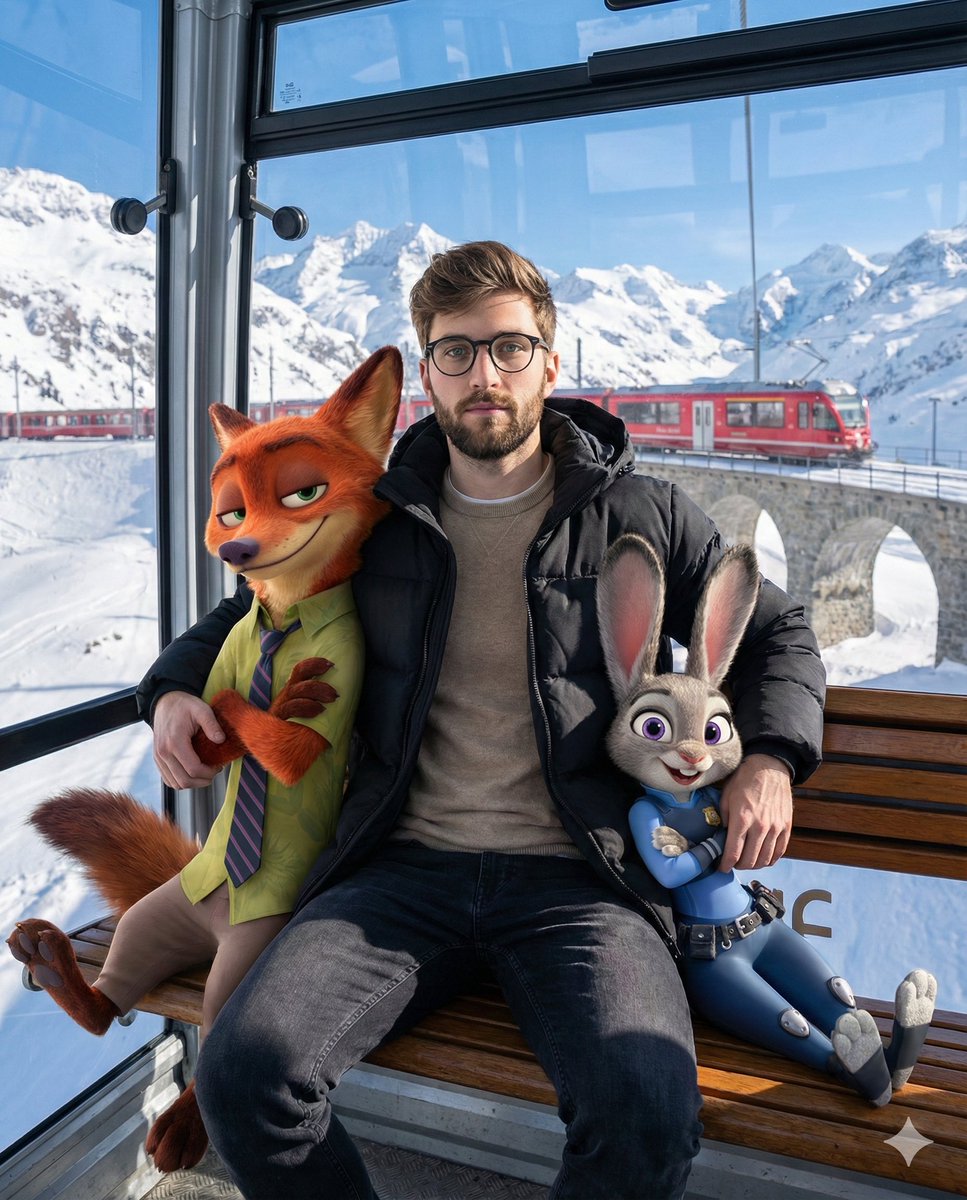
Cozy Winter Cable Car Scene with Zootopia Characters
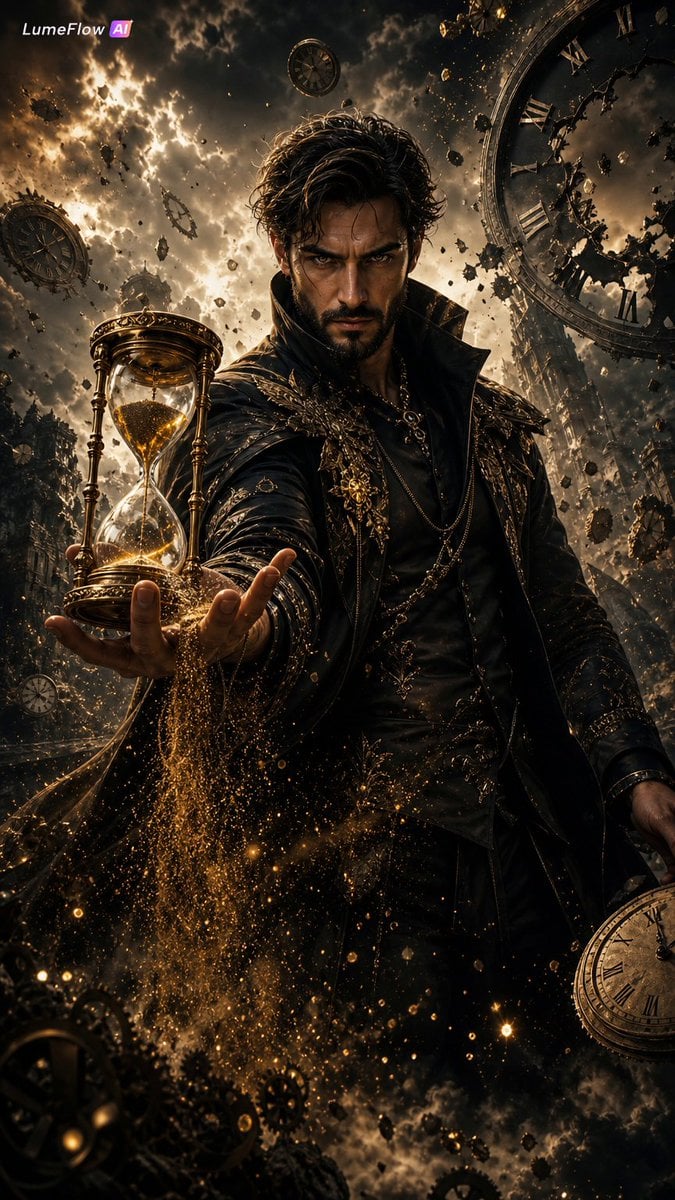
The Collector of Time Fantasy Scene

Raw Editorial Fashion Portrait with Cowboy Hat and Boots
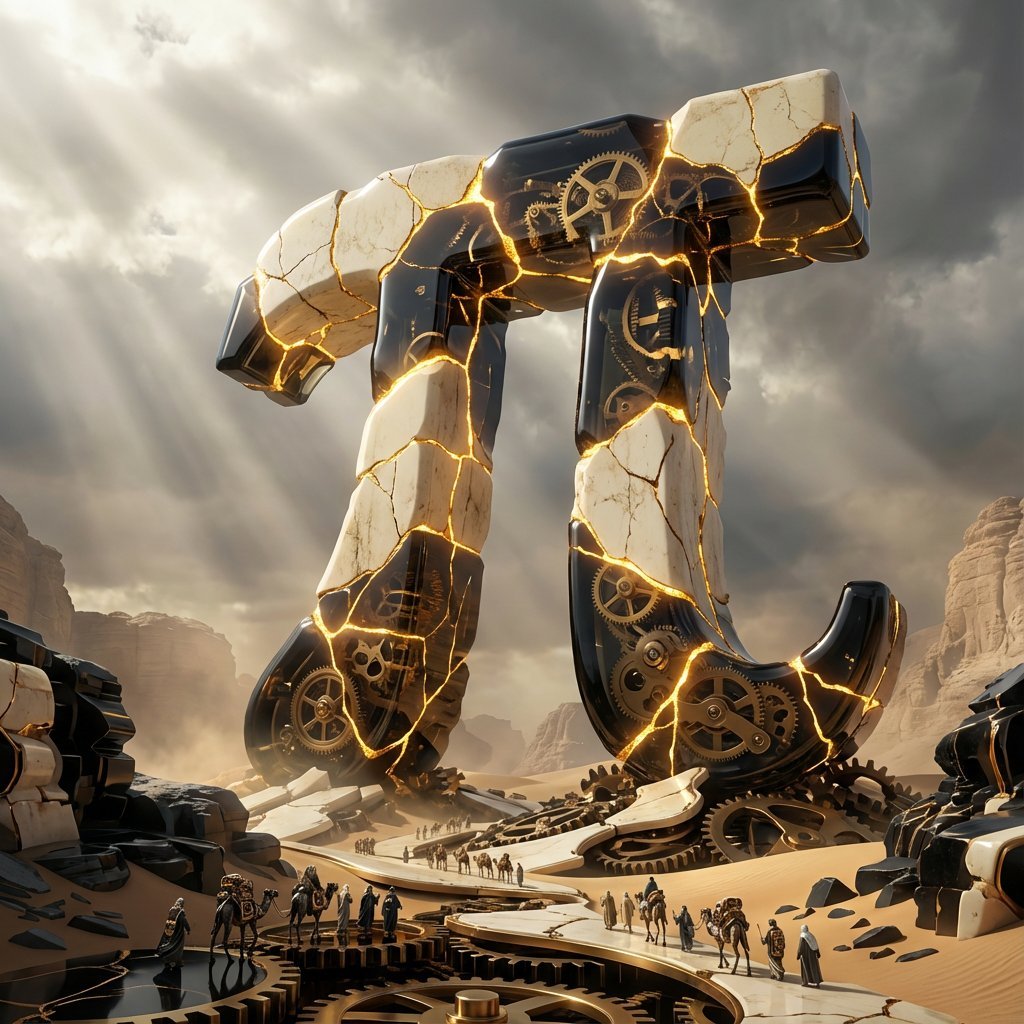
Obsidian Kintsugi Automaton Style Transfer Prompt
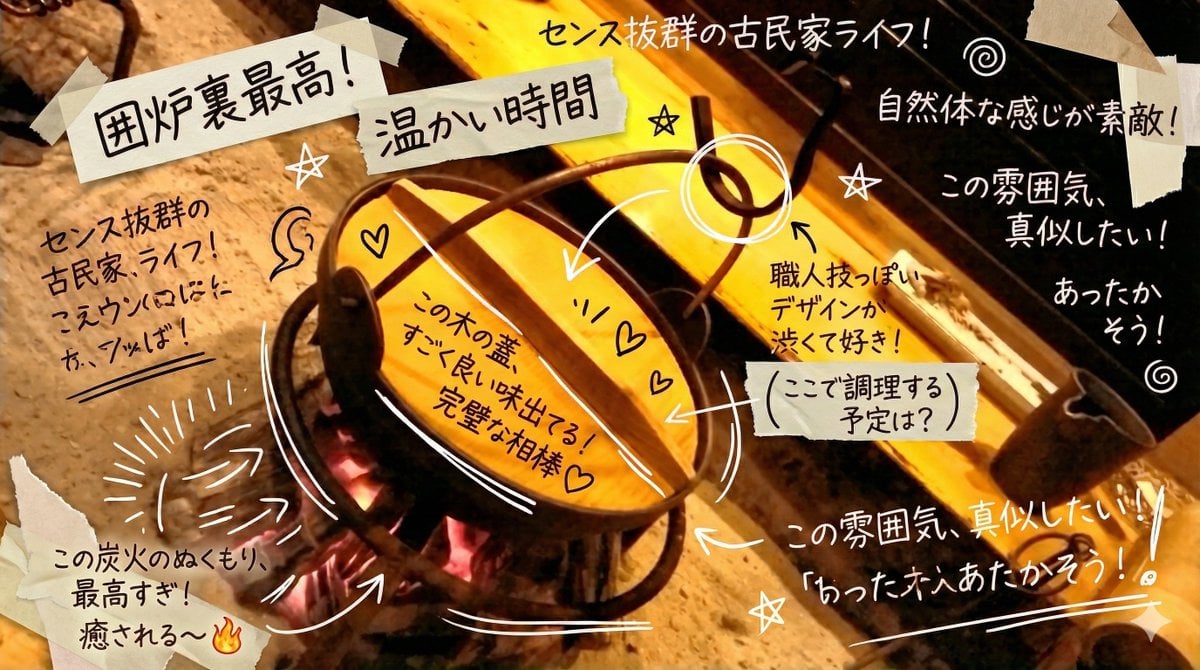
Prompt to Praise an Image's Emotional Quality
Browse template categories
Surreal Double Exposure Portrait with Transparent Torso questions
How do I use the Surreal Double Exposure Portrait with Transparent Torso template?
Add your photo if the template asks for one, edit the prompt if you like — the template's model and format are already selected — and press Generate. Your version opens in PicX Studio.
Can I customize the Surreal Double Exposure Portrait with Transparent Torso template?
Yes. You can change the subject, setting, lighting, mood, format, and available model controls before creating your image.
Is the Surreal Double Exposure Portrait with Transparent Torso template free?
Opening and editing this template is free. Generating uses credits, shown on the Generate button when you are signed in.
Which AI model should I use?
Start with Nano Banana 2, which is the model associated with this template. You can compare another compatible model for a different finish.
Looking for something else? Browse all templates.

Your photo, any look
Thousands of ready templates for every top image and video model, from one credit balance.