
Cinematic Double Exposure Portrait
A detailed prompt for Nano Banana 2 to create an ultra-realistic cinematic double exposure portrait.
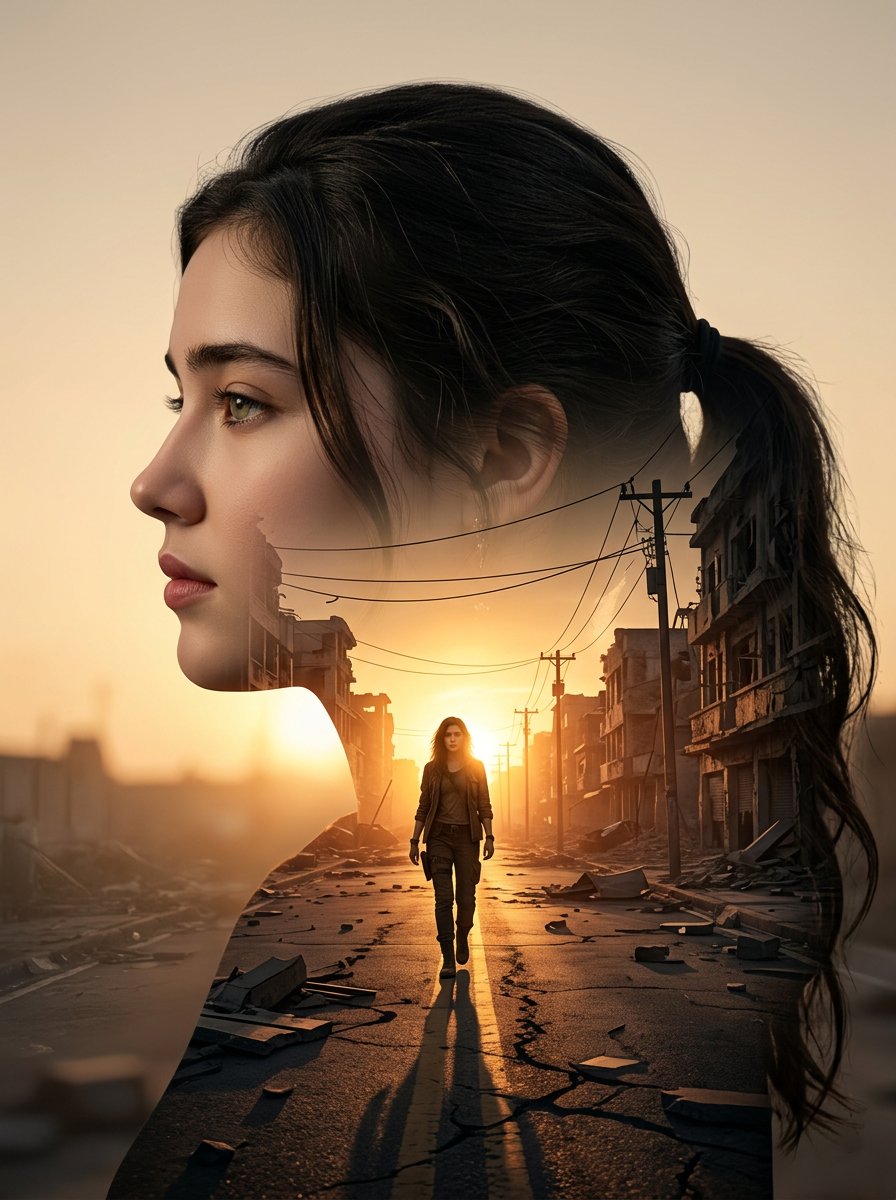
- Prompt included
- Model and format preset
- Free template
The prompt behind this image
Copy the exact prompt behind Cinematic Double Exposure Portrait, or open it in the studio and make it yours.
Use the uploaded picture as a reference (Strict identity lock, the face must match the attached reference photo exactly, preserving facial structure, skin tone, expression, and hairstyle (same haircut and hair texture) to create an ultra-realistic cinematic double exposure portrait of me in a clean left-facing side profile, sharp jawline and natural facial structure clearly defined. The outer silhouette is dark and well-contoured against a soft warm beige sunset background. Inside the silhouette, seamlessly blend a dramatic urban street scene at golden hour: a lone me walking forward in the center of an empty destroyed city road, symmetrical perspective lines, damaged buildings on both sides, broken debris scattered along sidewalks, electric poles and cables stretching into the distance. The sun positioned directly at the horizon behind the walking figure, creating strong backlight glow and long stretched shadow toward the camera. Warm orange sunlight flooding through the internal city scene, high contrast, cinematic depth, realistic textures, smooth blending edges between portrait and environment. Moody yet hopeful atmosphere, 8K resolution, sharp detail, soft vignette. size 4 5 image generate.
How to use Cinematic Double Exposure Portrait in 3 steps
- 1Upload ImagePNG, JPG or paste
Add your photo
Upload the photo the template builds on. The prompt, model and format are already set.
- 2…a portrait of your subject in softgolden-hour light, 85mm…
Personalize
Edit the subject and creative details for your destination.
- 3Generate
Generate
Press Generate — your image is created in PicX Studio, so you can compare it with the original and refine one variable at a time.
More like this
Templates with the same subject, style or setup. Open one to see its prompt.
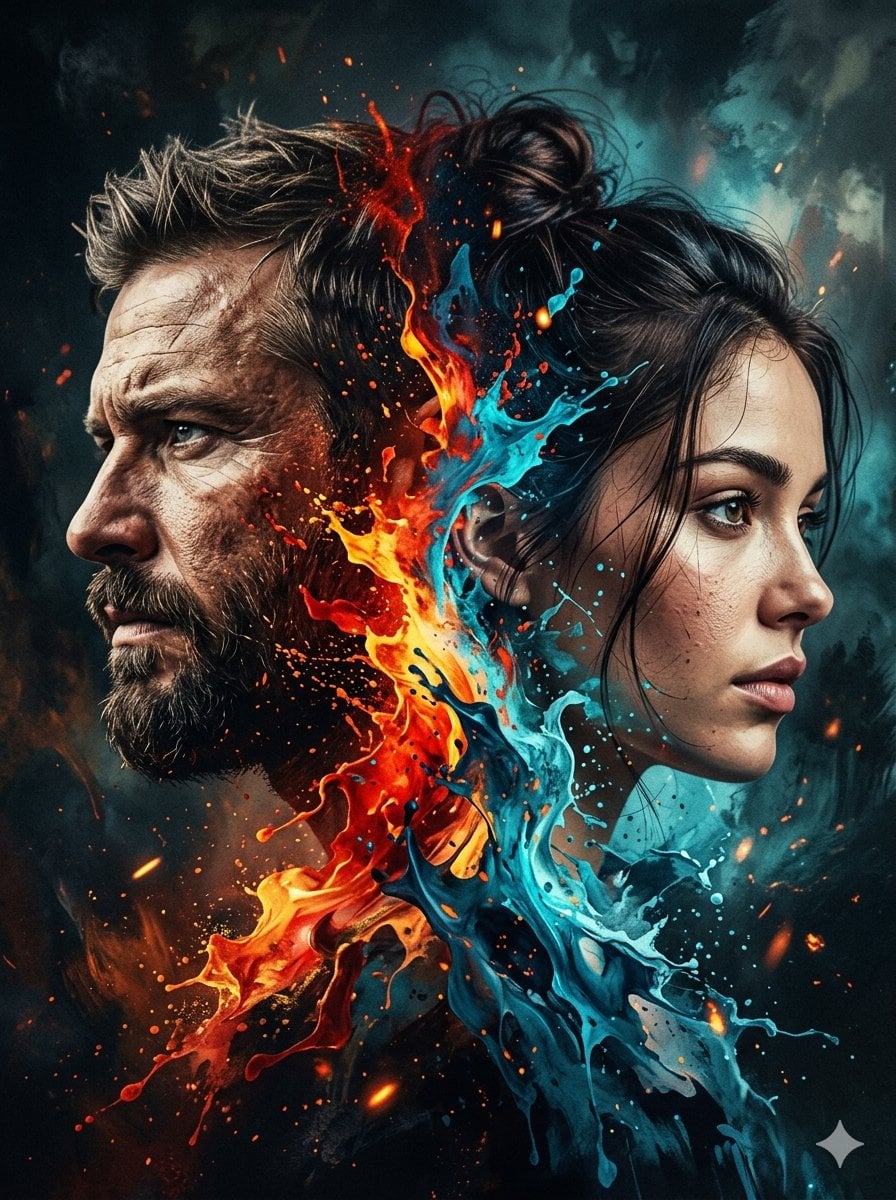
Dynamic Double-Exposure Artistic Portrait
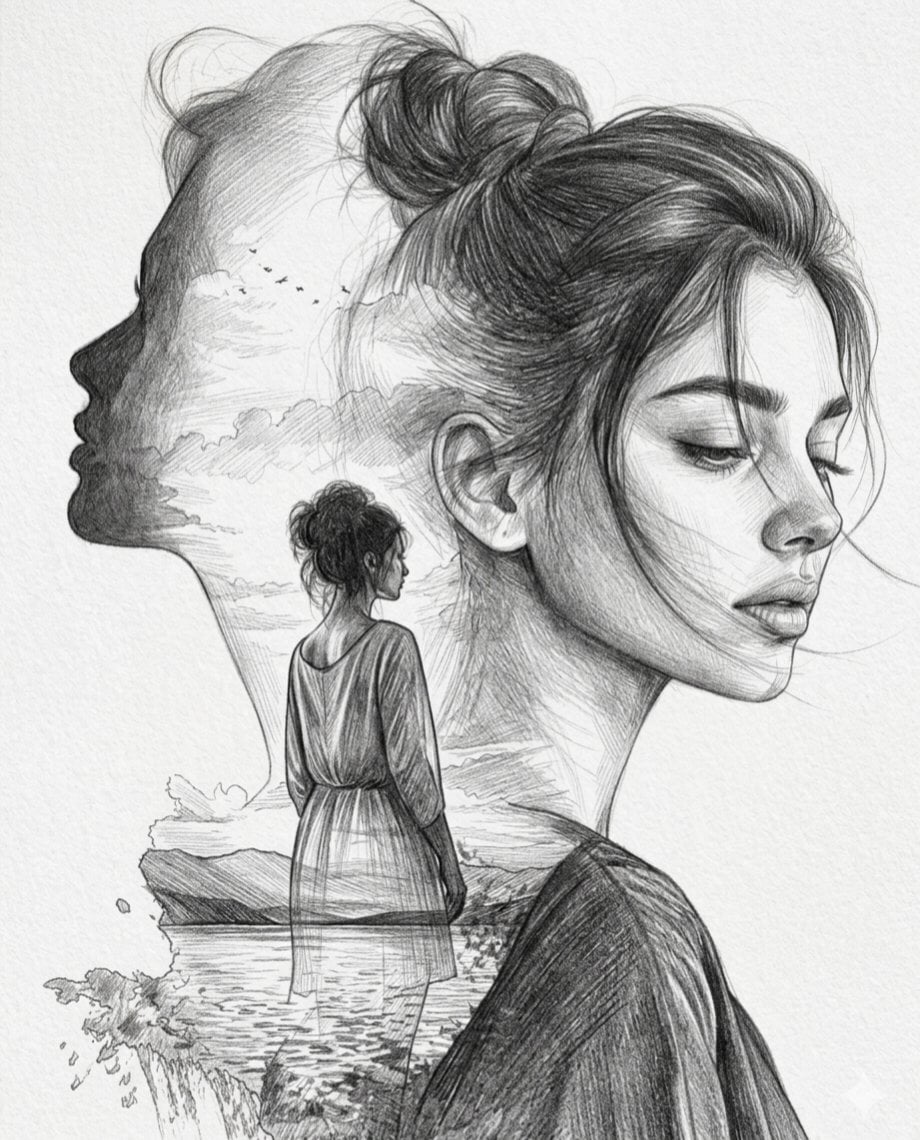
Double Exposure Pencil Sketch Portrait
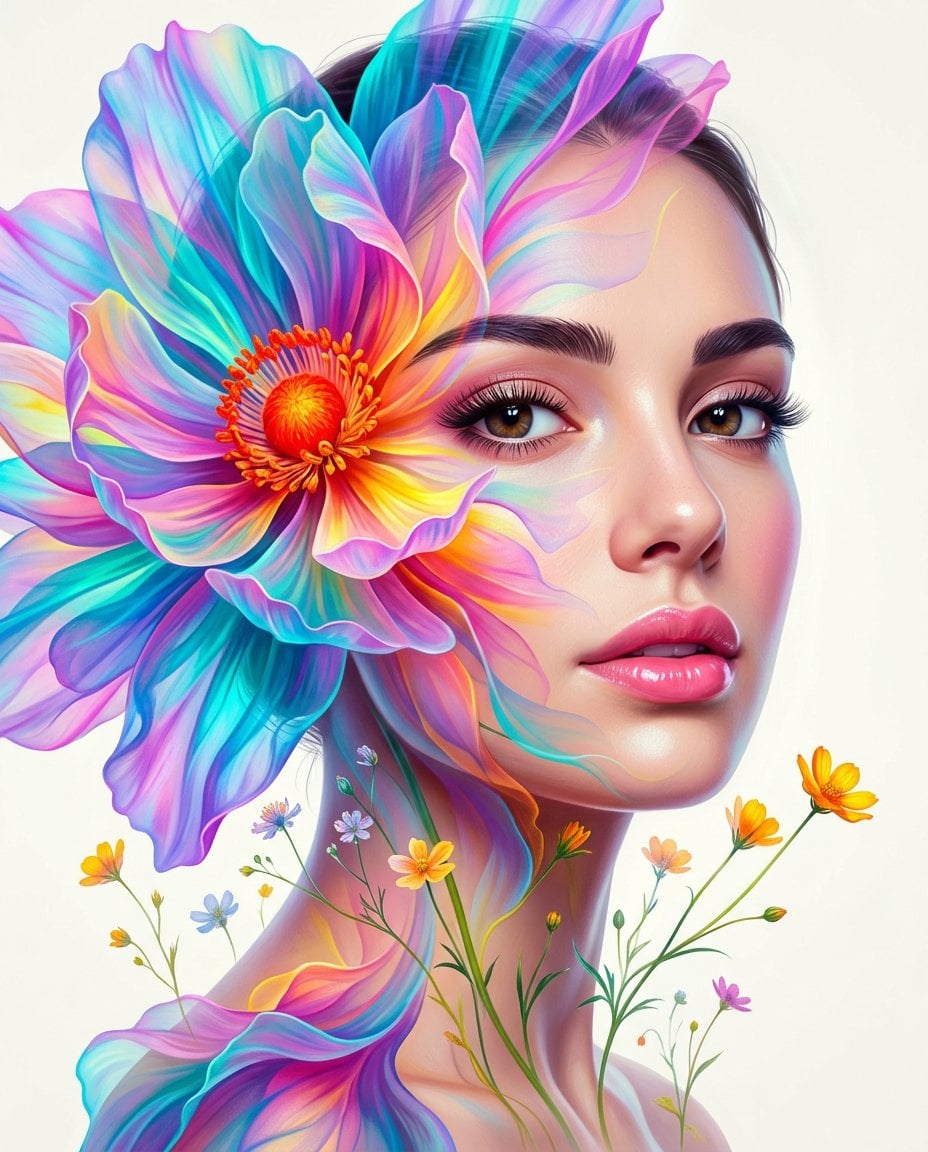
Surreal Double-Exposure Floral Portrait
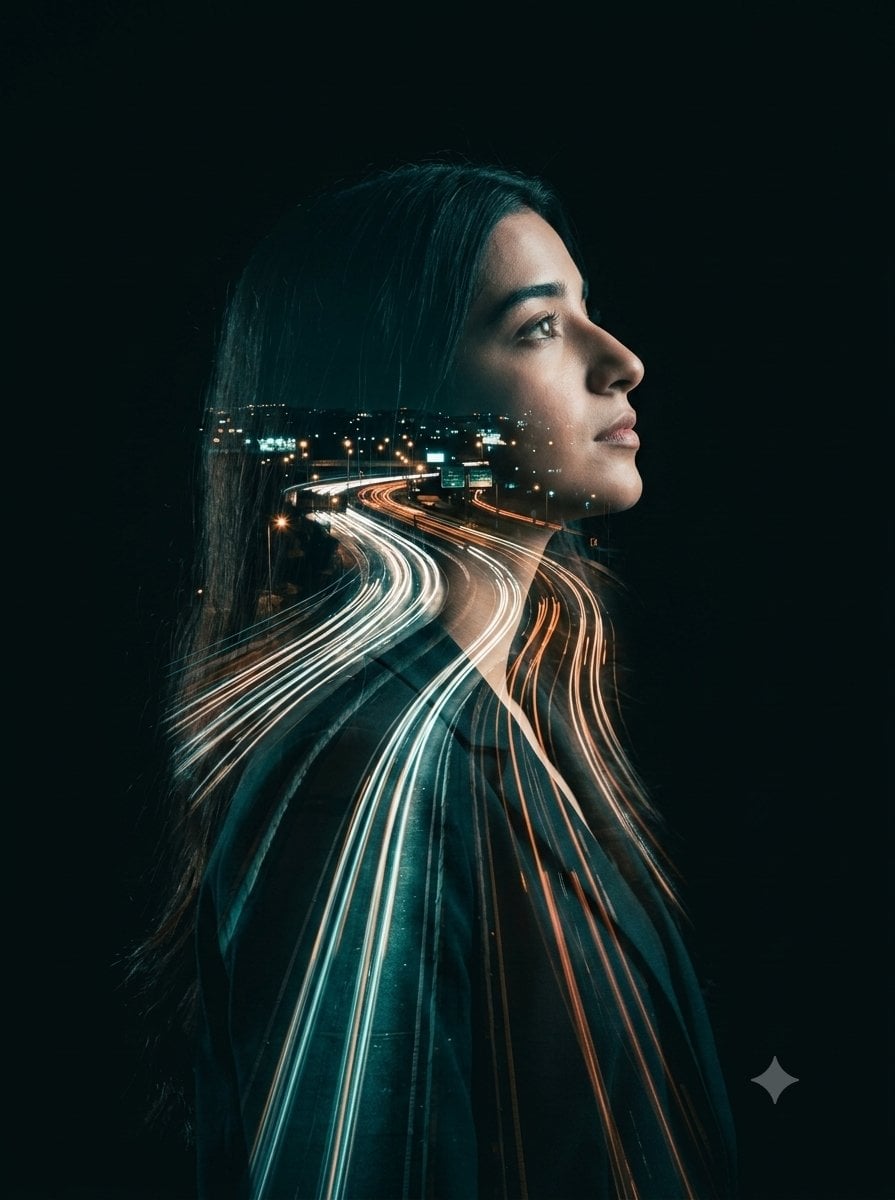
Double-Exposure Highway Portrait
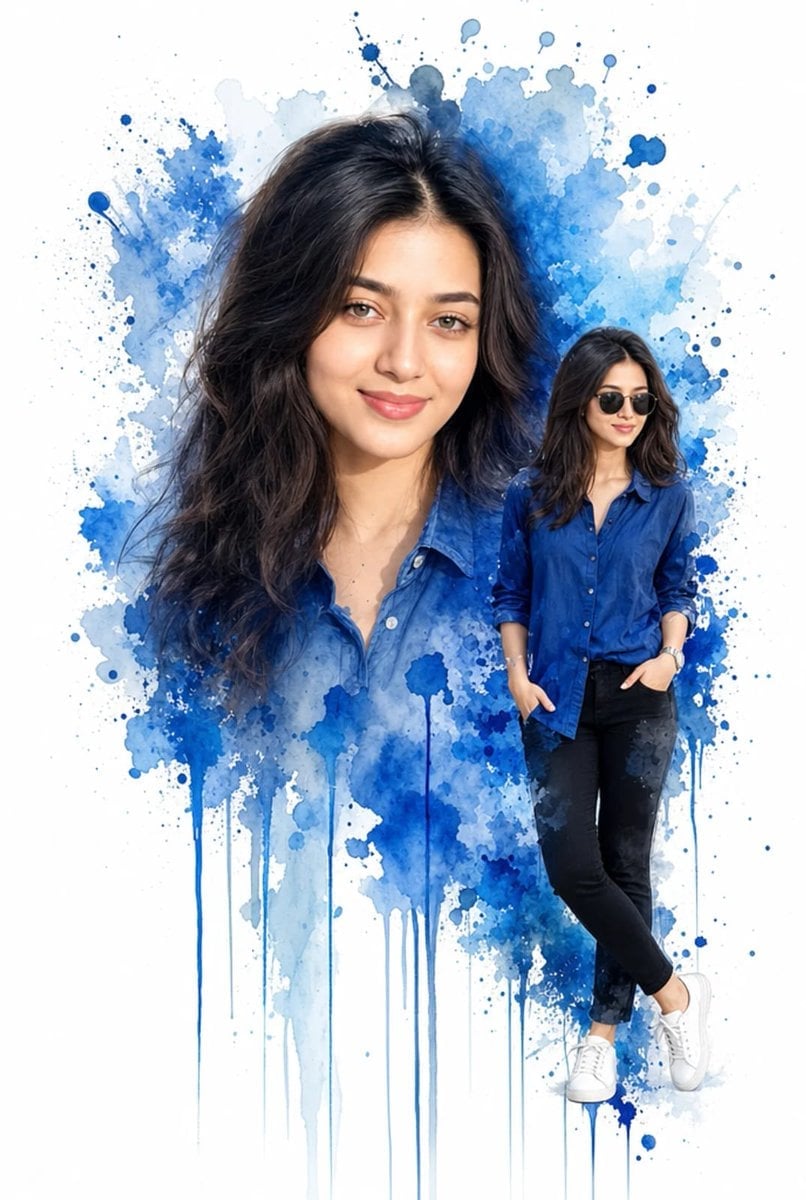
Double Exposure Watercolor Portrait Art
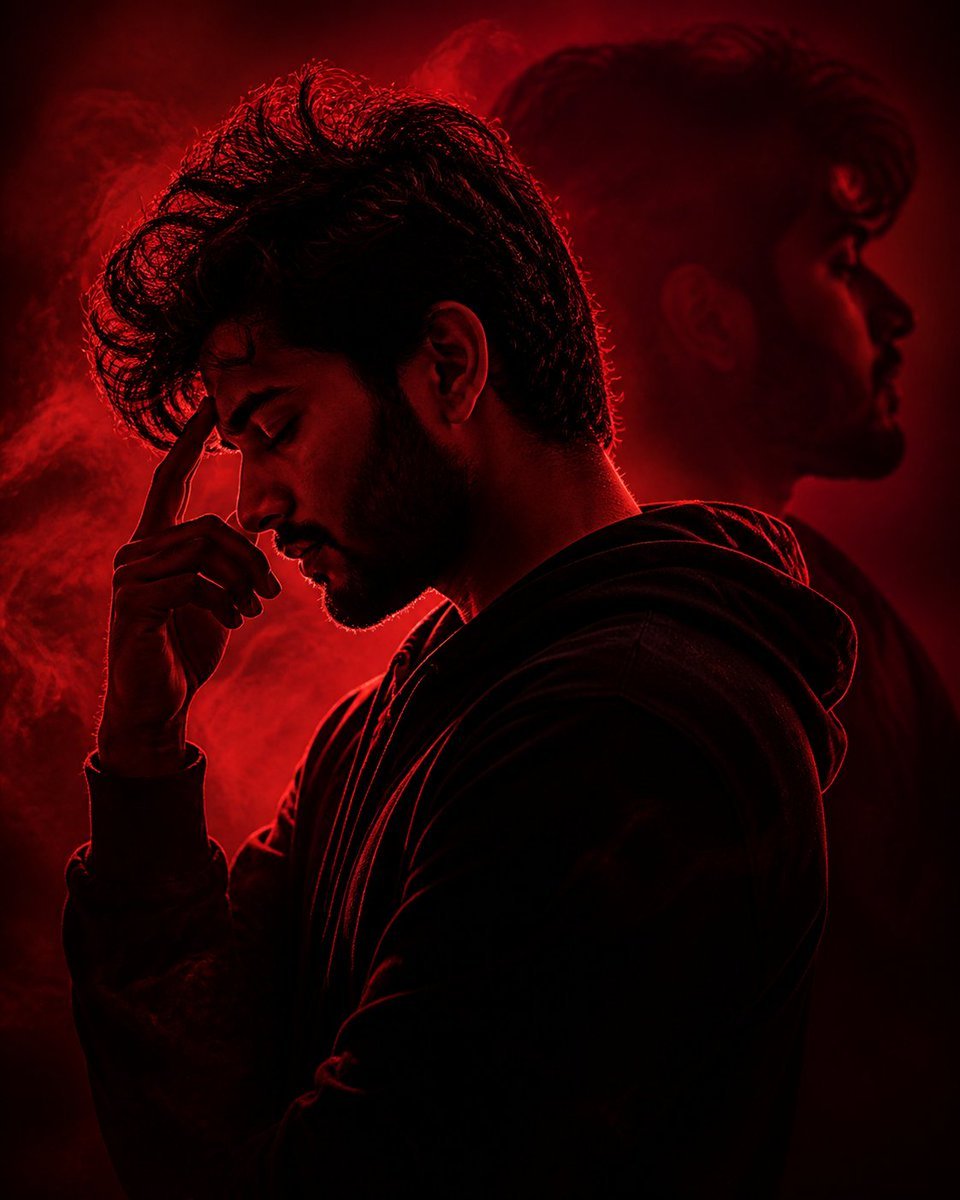
Crimson Moody Double Exposure Portrait
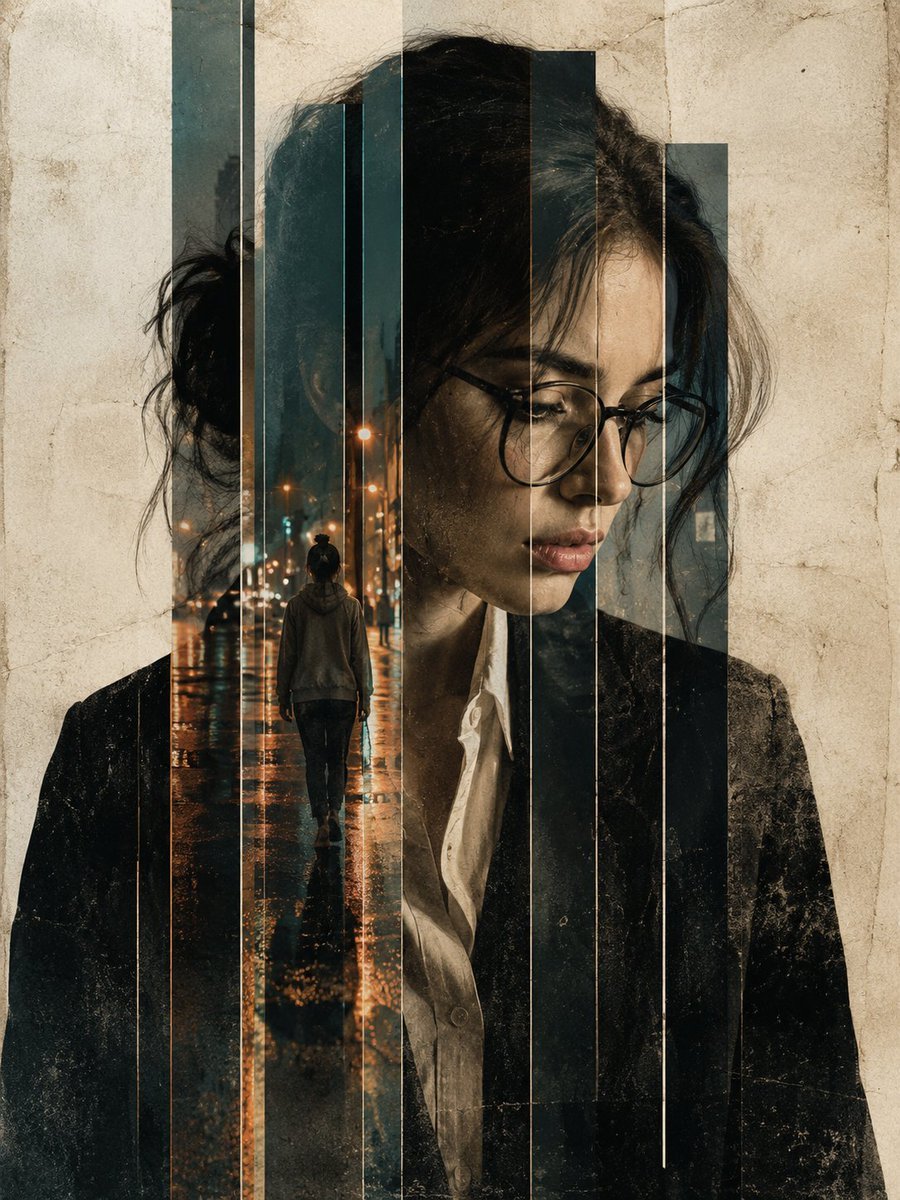
Double Exposure Editorial Portrait
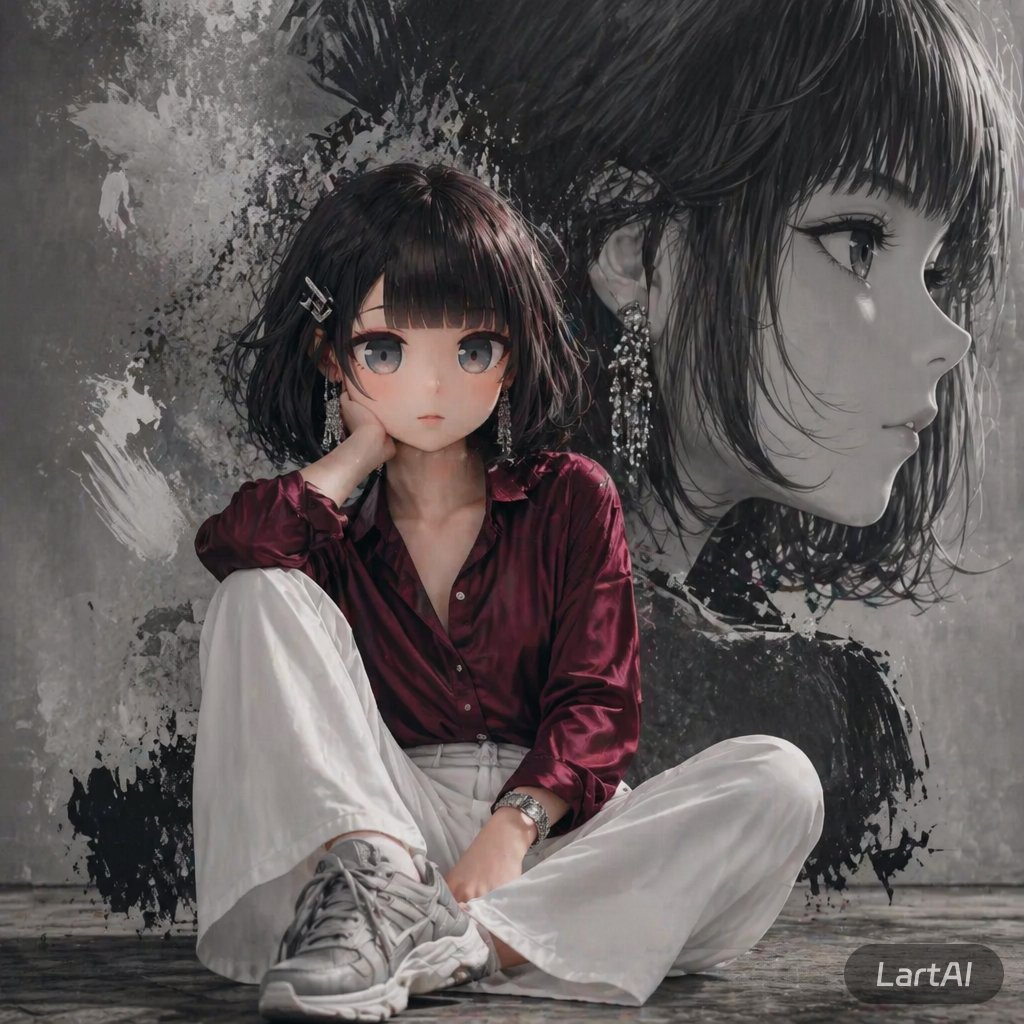
Double Exposure High-Fashion Portrait
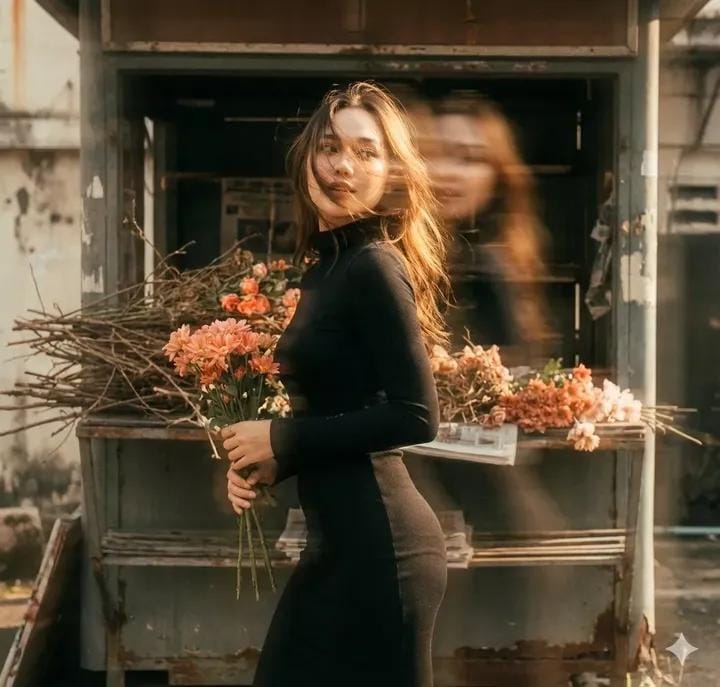
Vintage Film Double-Exposure Portrait
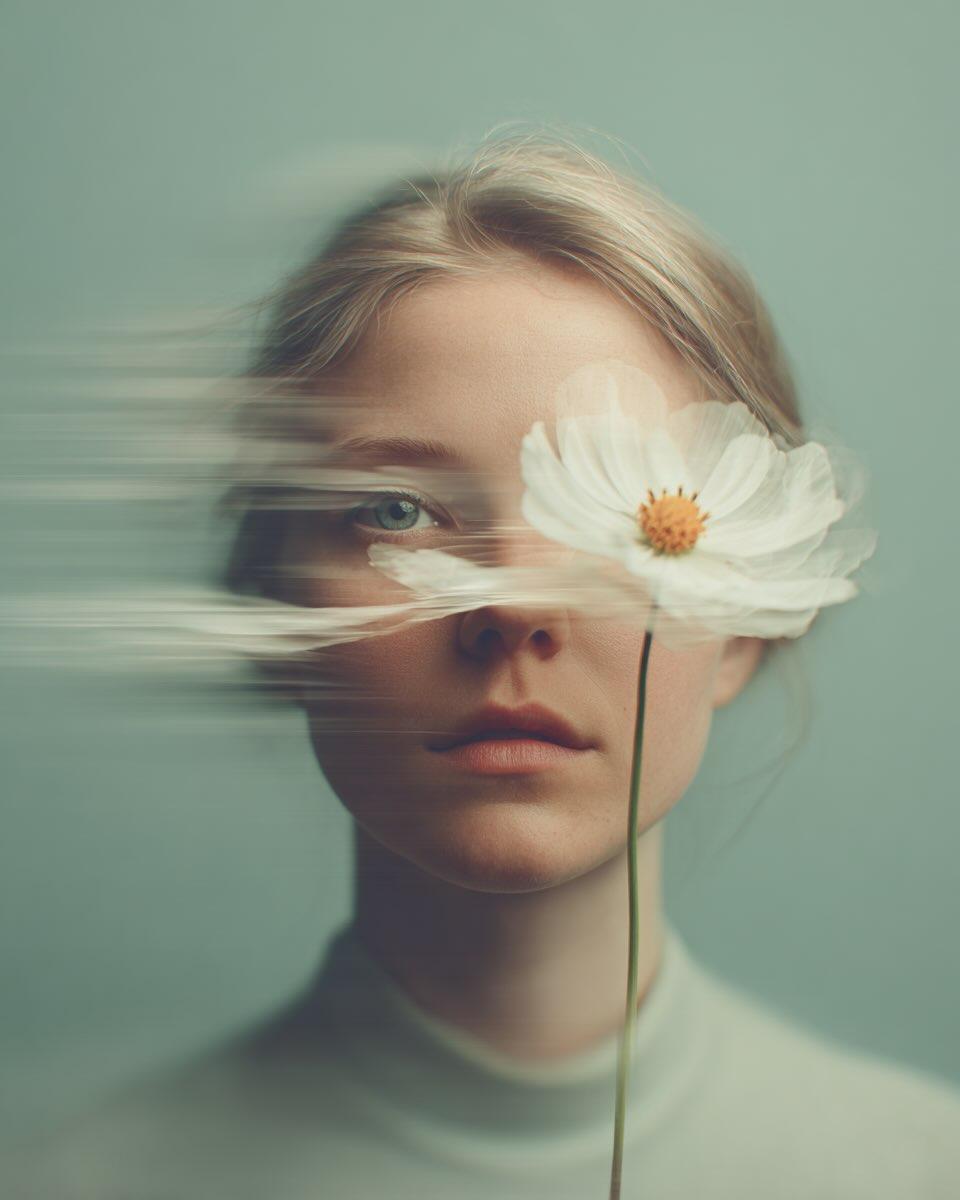
Dreamy Fine-Art Portrait with Double Exposure Effect
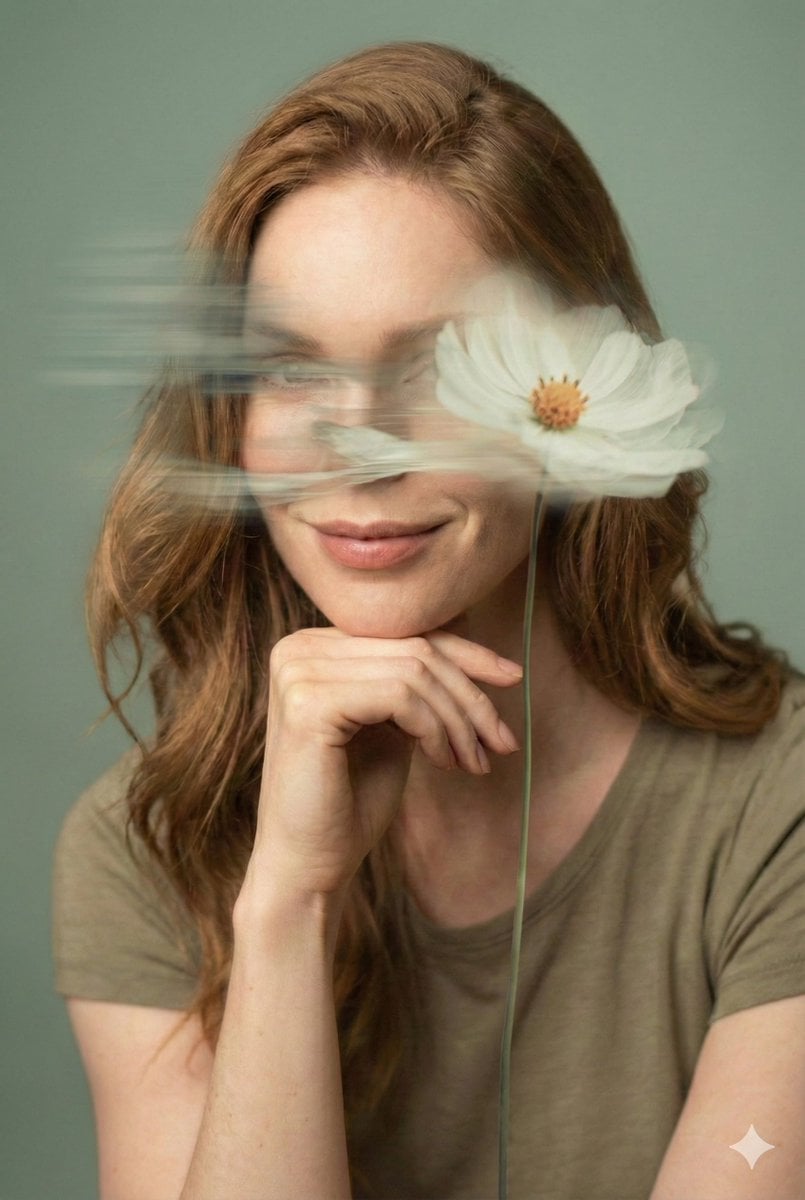
Dreamy Fine-Art Editorial Portrait with Double Exposure

Found Photograph: Us, 1970
Make it yours
Cinematic Double Exposure Portrait works as-is. These are the safest ways to change it without losing the look.
Change one field
Copy a single group, rewrite it, and generate again so you can see what that field is doing.
Keep the frame, change the subject
Hold the composition and light of Cinematic Double Exposure Portrait, then swap wardrobe, props or the person for a new take.
| If the result… | Why | Fix |
|---|---|---|
| The result drifts from the preview | Too many fields changed at once. | Reuse Cinematic Double Exposure Portrait as-is first, then change one group — subject, light, or setting. |
| The model over-stylizes the scene | The prose prompt leaves finish and camera underspecified. | Add one camera or lighting sentence and stay on Nano Banana 2. |
More Nano Banana 2 templates
Other prompts made for Nano Banana 2.

Photorealistic Leaf Shaped Like a Dragon

K-Pop Idol Portrait Grid for Rapid Selection

Poetic Rain Forest Portrait During Golden Hour

Urban Street Portrait with Cartoon Inner Self Duo

Candid Nighttime Photo with Cat Prompt

High-Concept 3D Diorama Generation Prompt

Cinematic Futuristic Studio Portrait Template

Skincare Editorial Photography Collage Prompt

Hyper-Realistic Commercial Product Photography (Splash Effect)

Hyper-Realistic Nightclub Portrait Prompt
More image prompts
Fresh picks from across the catalog.
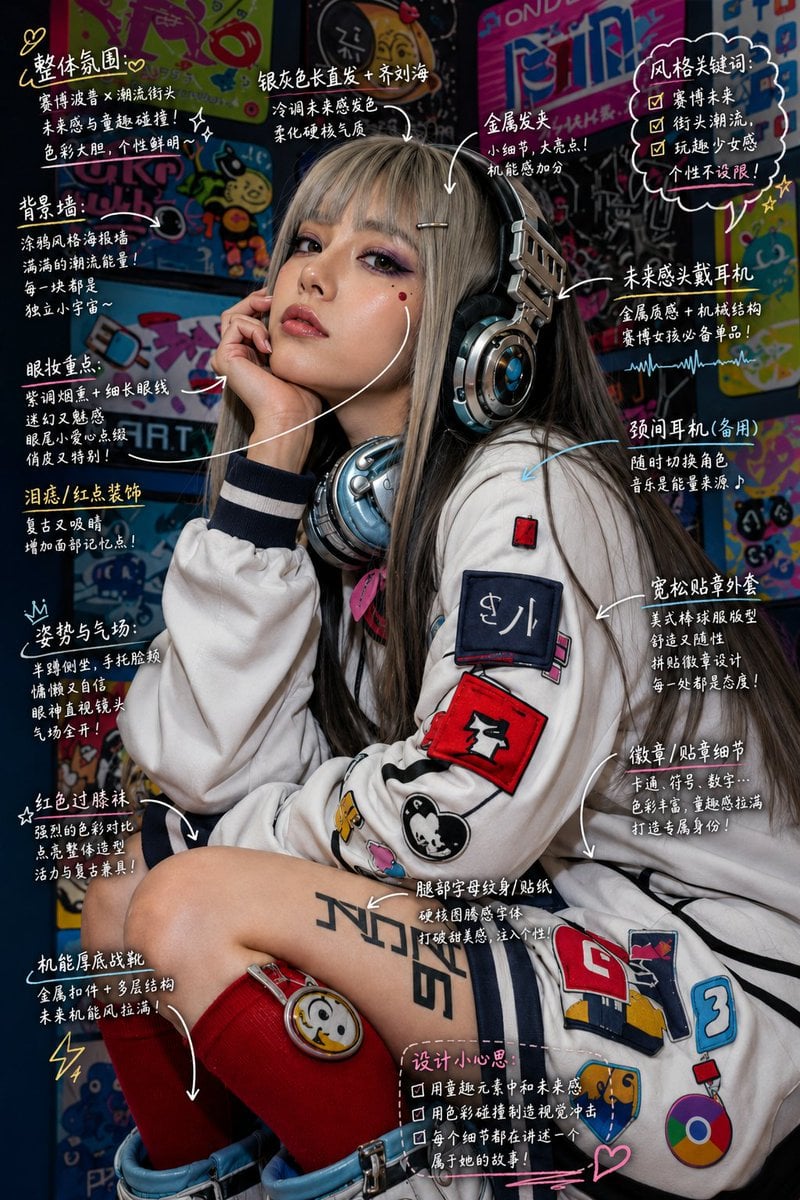
Hand-Drawn Style Image Annotation
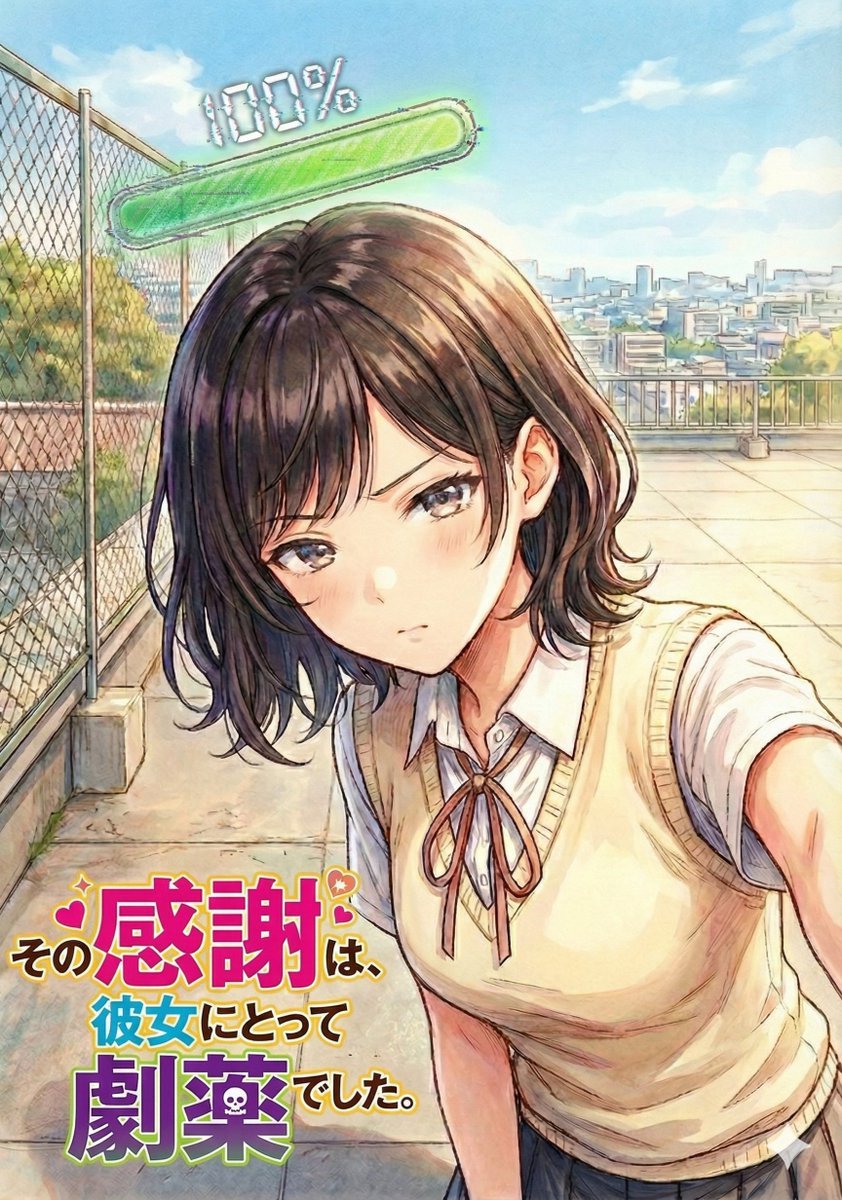
Image Refinement and Denoisng Prompt
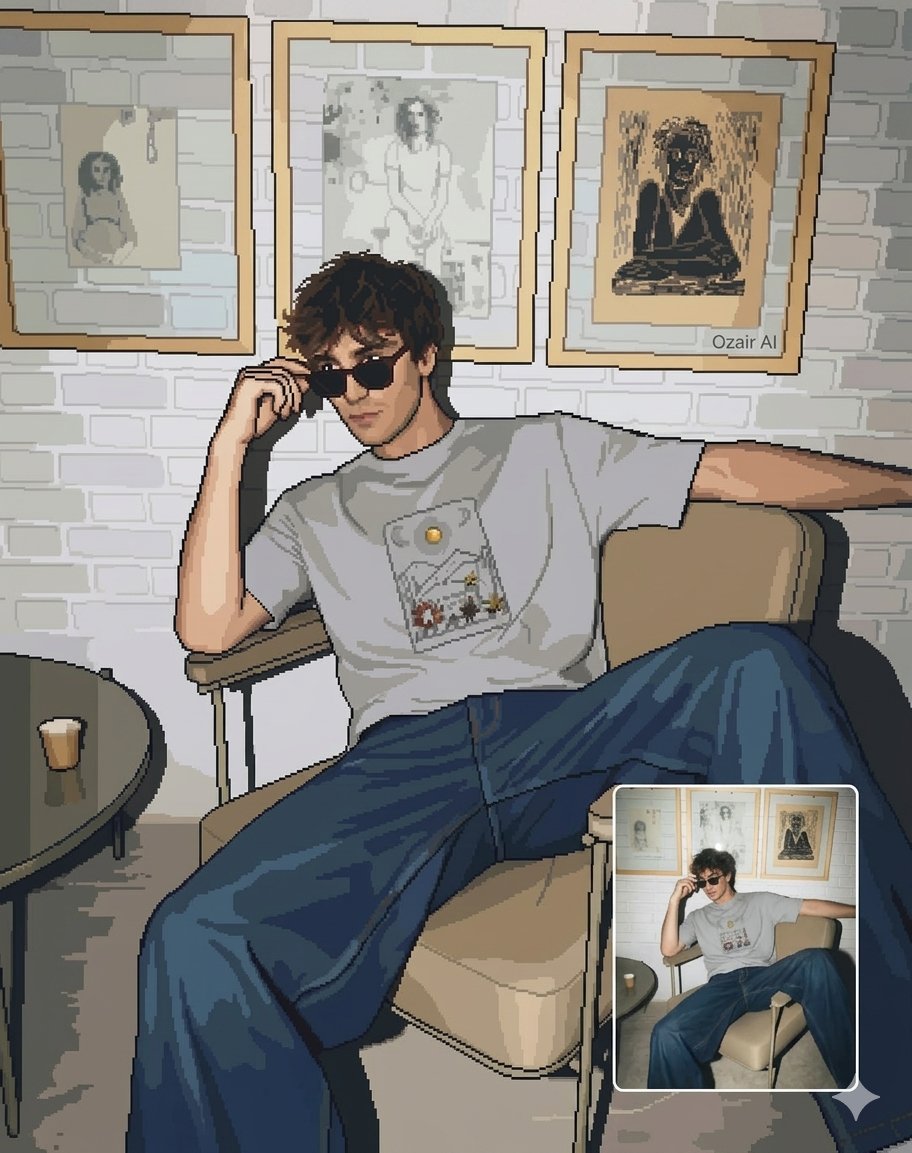
Pixel Art Portrait of a Stylish Man
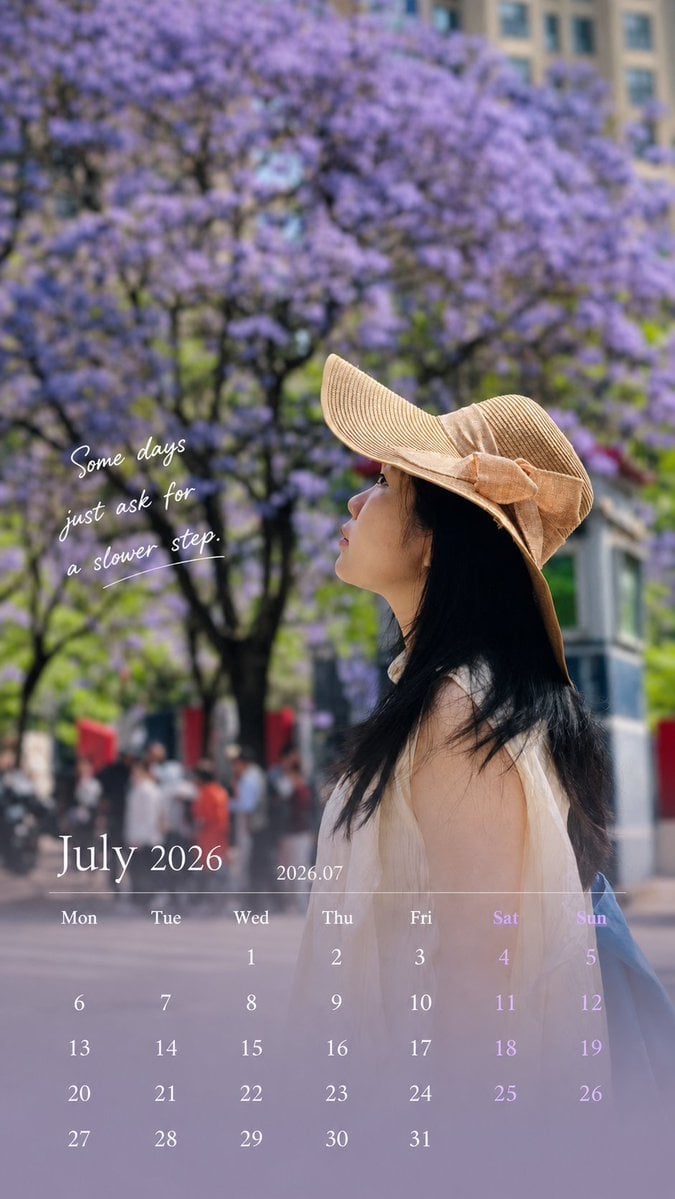
Healing Travel Calendar Card
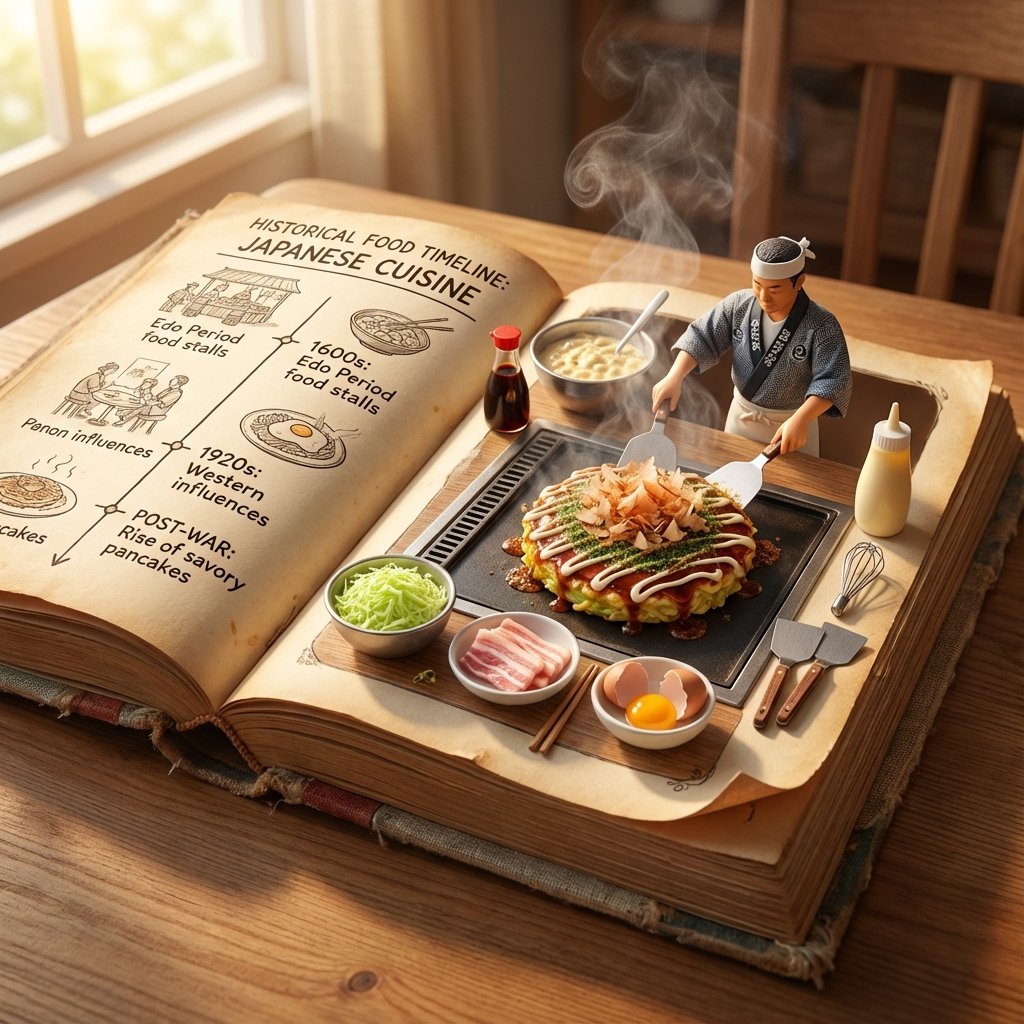
Vintage Cookbook Food Scene Template (Okonomiyaki)
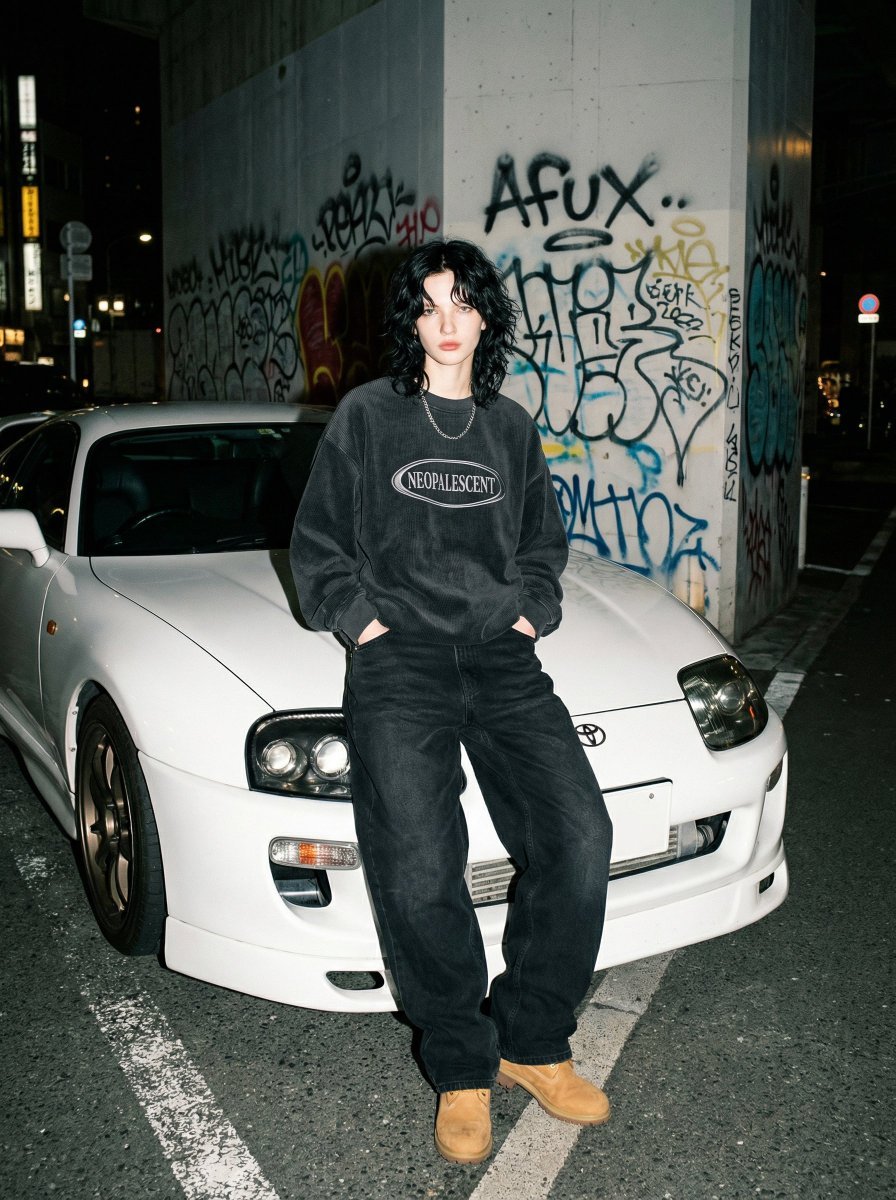
90s Streetwear Portrait with Toyota Supra MK4
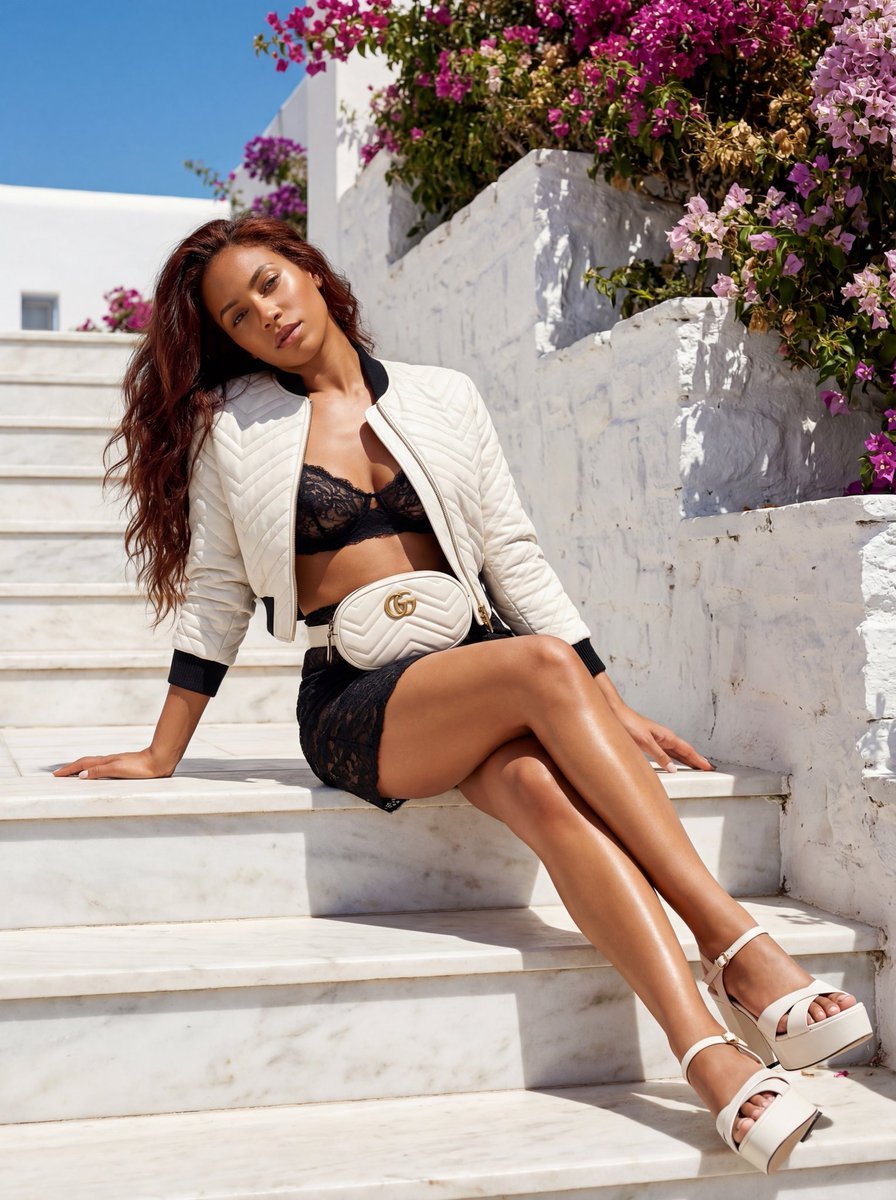
Gucci GG Marmont Fashion Shoot in Greece (JSON)
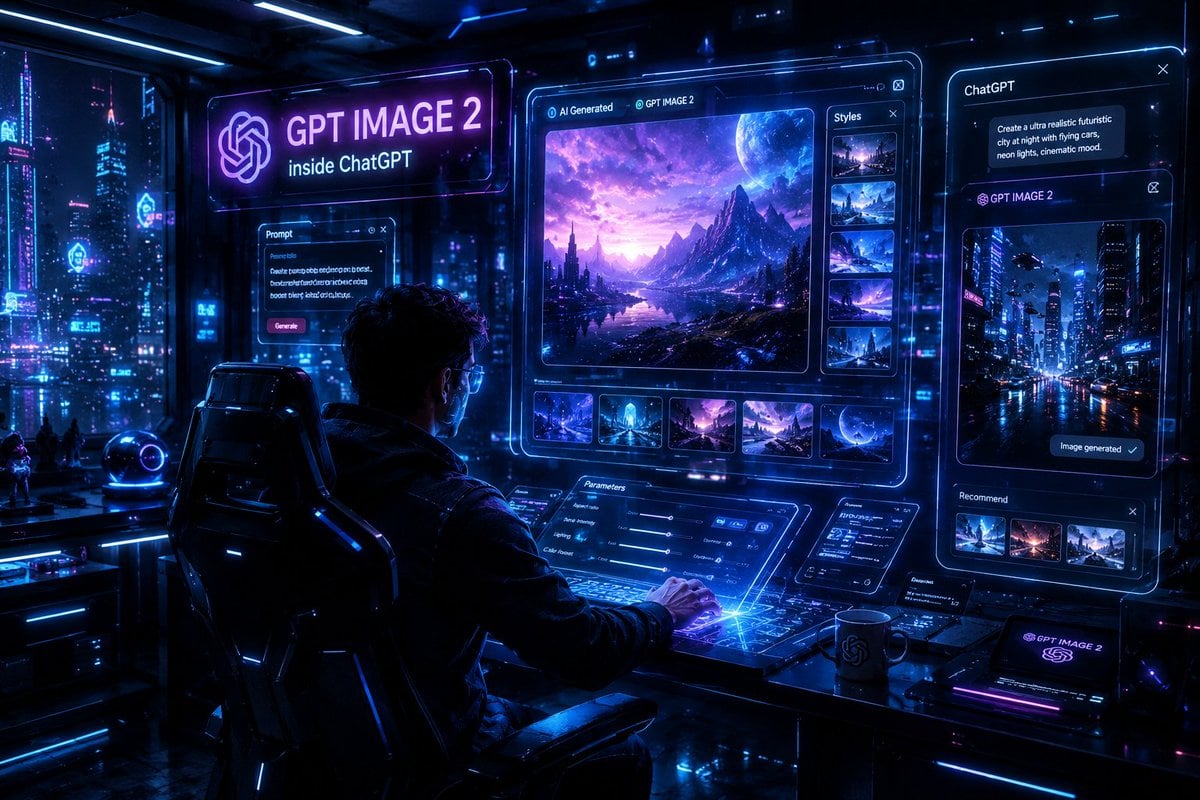
Cyberpunk AI Creative Workspace
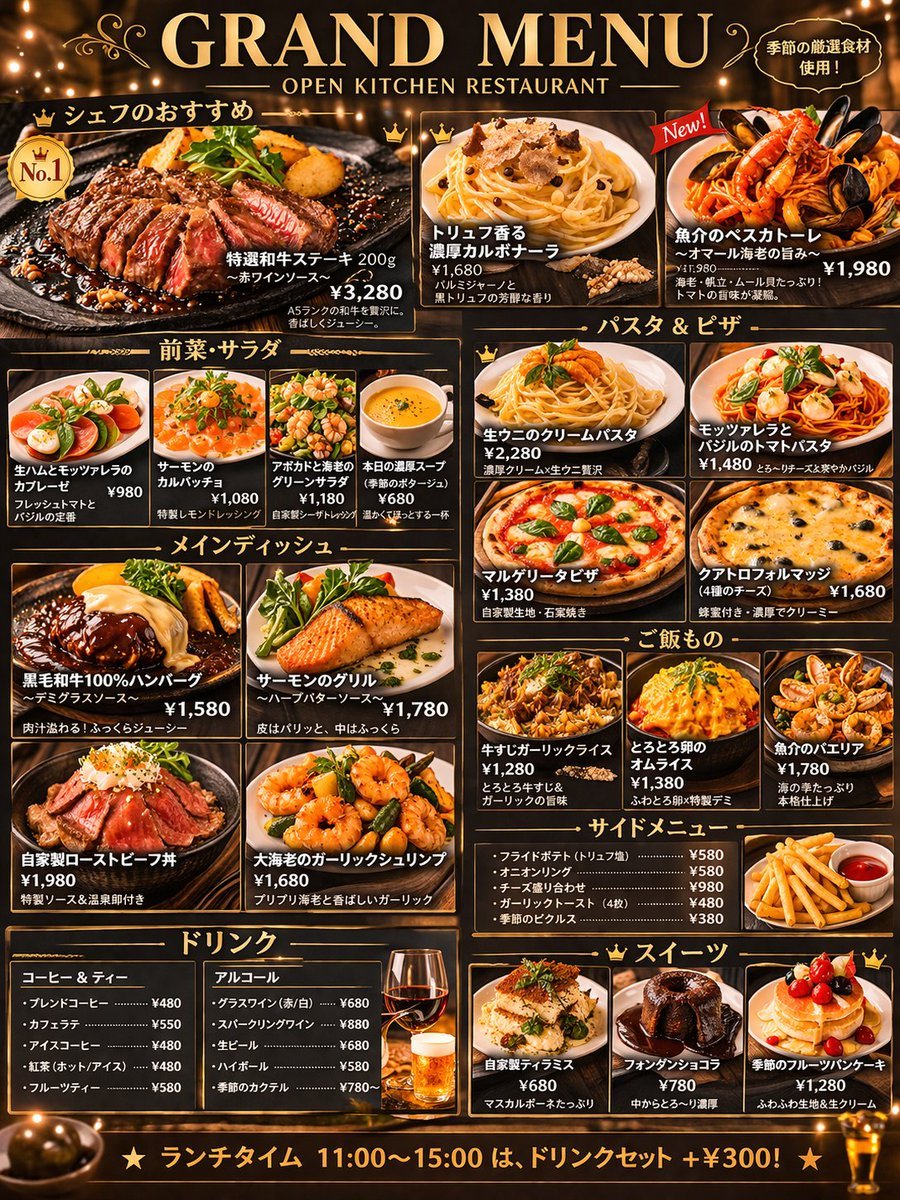
Comprehensive Restaurant Grand Menu Design
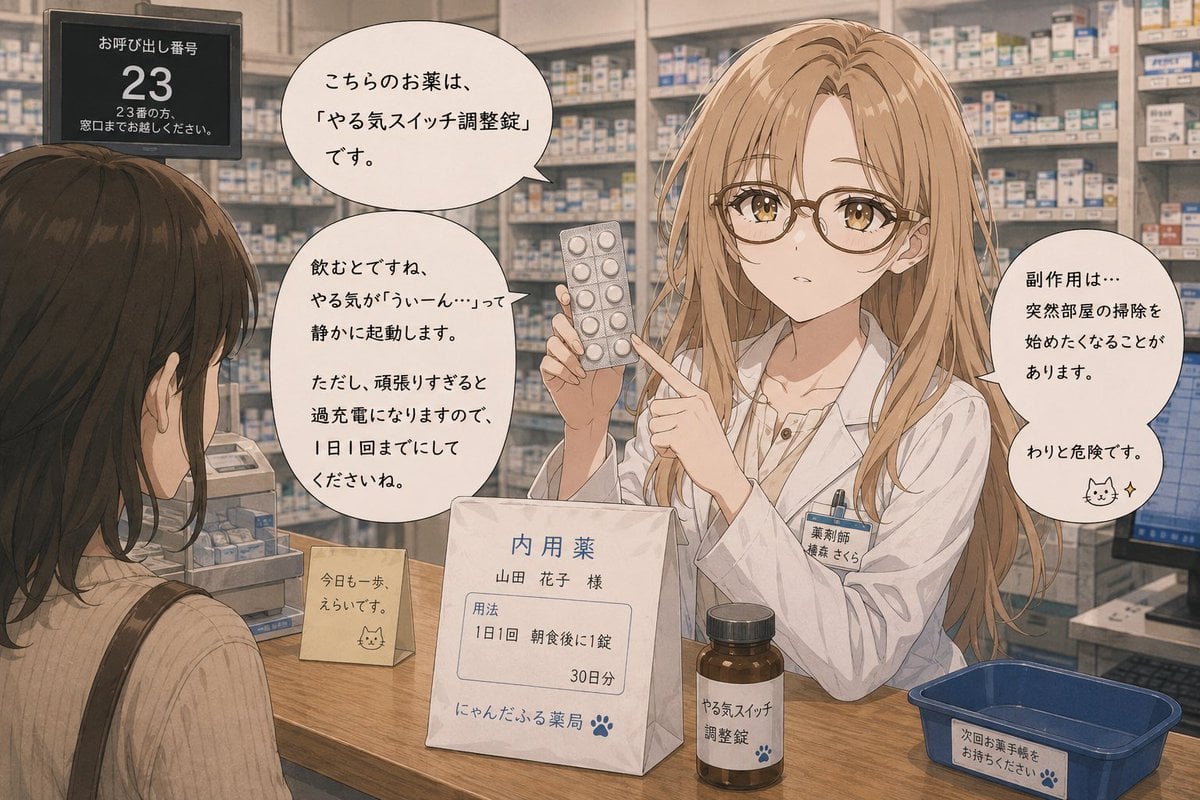
Anime Character Pharmacist Reimagining
Browse template categories
Cinematic Double Exposure Portrait questions
How do I use the Cinematic Double Exposure Portrait template?
Add your photo if the template asks for one, edit the prompt if you like — the template's model and format are already selected — and press Generate. Your version opens in PicX Studio.
Can I customize the Cinematic Double Exposure Portrait template?
Yes. You can change the subject, setting, lighting, mood, format, and available model controls before creating your image.
Is the Cinematic Double Exposure Portrait template free?
Opening and editing this template is free. Generating uses credits, shown on the Generate button when you are signed in.
Which AI model should I use?
Start with Nano Banana 2, which is the model associated with this template. You can compare another compatible model for a different finish.
Looking for something else? Browse all templates.

Your photo, any look
Thousands of ready templates for every top image and video model, from one credit balance.