
Comprehensive Restaurant Grand Menu Design
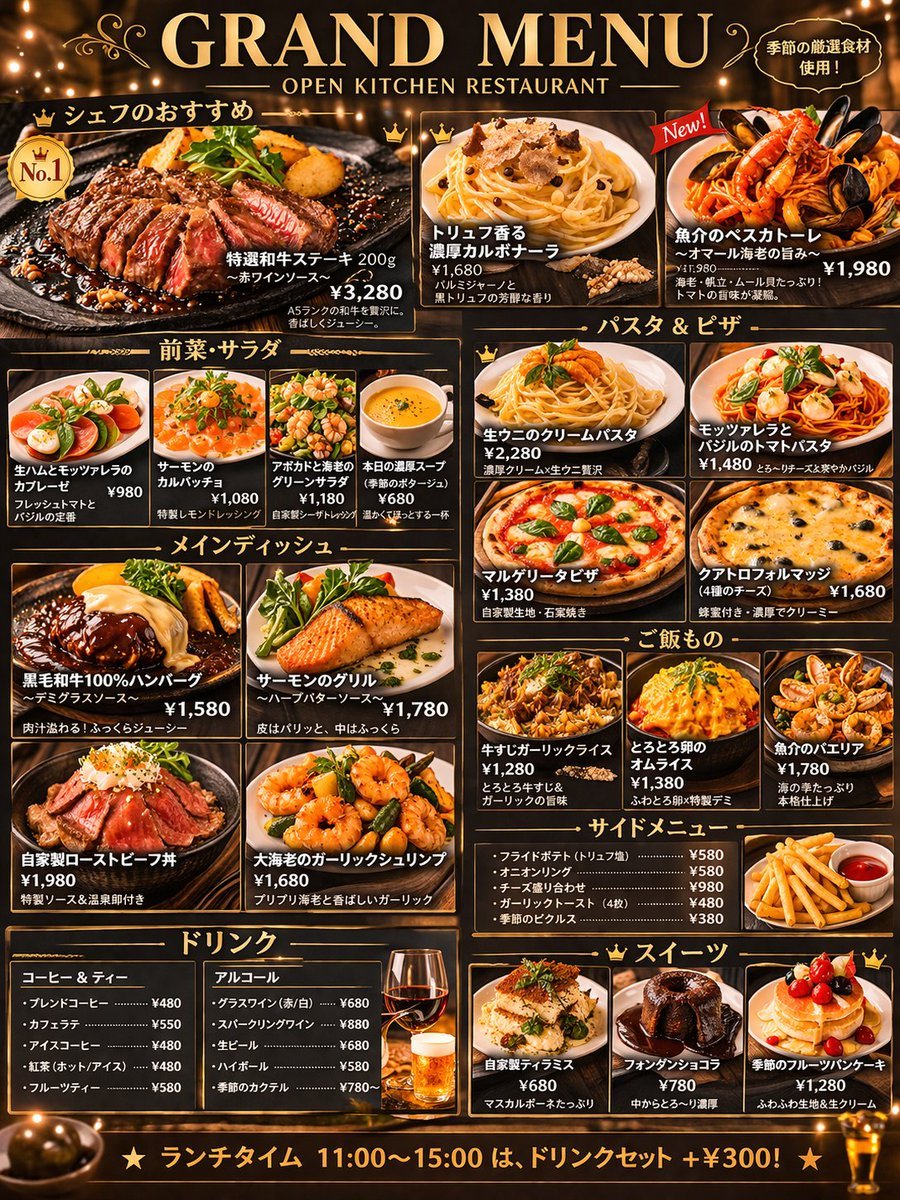
Generates a highly detailed, multi-section restaurant menu layout featuring food photography, prices, and Japanese text on a dark background.
- Prompt included
- Model and format preset
- Free template
The prompt behind this image
Copy the exact prompt behind Comprehensive Restaurant Grand Menu Design, or open it in the studio and make it yours.
- Type
- restaurant menu design
- Style › Background
- dark wood texture
- Style › Accents
- {argument name="theme color" default="gold"}
- Style › Typography
- elegant serif and sans-serif mix
- Style › Photography
- high-resolution, appetizing food shots with warm lighting
- Header › Main Title
- {argument name="main title" default="GRAND MENU"}
- Header › Subtitle
- {argument name="restaurant type" default="OPEN KITCHEN RESTAURANT"}
- Header › Top Right Badge
- Made with carefully selected seasonal ingredients!
- Layout › Sections › 0 › Title
- Chef's Recommendations
- Layout › Sections › 0 › Position
- top
- Layout › Sections › 0 › Count
- 3
- Layout › Sections › 0 › Featured Item
- {argument name="featured item name" default="Select Wagyu Steak 200g"}
- Layout › Sections › 0 › Labels
- Select Wagyu Steak 200g, Rich Truffle Carbonara, Seafood Pescatore
- Layout › Sections › 1 › Title
- Appetizers & Salads
- Layout › Sections › 1 › Position
- mid-left top
- Layout › Sections › 1 › Count
- 4
- Layout › Sections › 1 › Labels
- Prosciutto and Mozzarella Caprese, Salmon Carpaccio, Avocado and Shrimp Green Salad, Today's Rich Soup
- Layout › Sections › 2 › Title
- Pasta & Pizza
- Layout › Sections › 2 › Position
- mid-right top
- Layout › Sections › 2 › Count
- 4
- Layout › Sections › 2 › Labels
- Fresh Sea Urchin Cream Pasta, Mozzarella and Basil Tomato Pasta, Margherita Pizza, Quattro Formaggi
- Layout › Sections › 3 › Title
- Main Dishes
- Layout › Sections › 3 › Position
- mid-left bottom
- Layout › Sections › 3 › Count
- 4
Raw JSON
{
  "type": "restaurant menu design",
  "style": {
    "background": "dark wood texture",
    "accents": "{argument name=\"theme color\" default=\"gold\"}",
    "typography": "elegant serif and sans-serif mix",
    "photography": "high-resolution, appetizing food shots with warm lighting"
  },
  "header": {
    "main_title": "{argument name=\"main title\" default=\"GRAND MENU\"}",
    "subtitle": "{argument name=\"restaurant type\" default=\"OPEN KITCHEN RESTAURANT\"}",
    "top_right_badge": "Made with carefully selected seasonal ingredients!"
  },
  "layout": {
    "sections": [
      {
        "title": "Chef's Recommendations",
        "position": "top",
        "count": 3,
        "featured_item": "{argument name=\"featured item name\" default=\"Select Wagyu Steak 200g\"}",
        "labels": ["Select Wagyu Steak 200g", "Rich Truffle Carbonara", "Seafood Pescatore"]
      },
      {
        "title": "Appetizers & Salads",
        "position": "mid-left top",
        "count": 4,
        "labels": ["Prosciutto and Mozzarella Caprese", "Salmon Carpaccio", "Avocado and Shrimp Green Salad", "Today's Rich Soup"]
      },
      {
        "title": "Pasta & Pizza",
        "position": "mid-right top",
        "count": 4,
        "labels": ["Fresh Sea Urchin Cream Pasta", "Mozzarella and Basil Tomato Pasta", "Margherita Pizza", "Quattro Formaggi"]
      },
      {
        "title": "Main Dishes",
        "position": "mid-left bottom",
        "count": 4,
        "labels": ["100% Kuroge Wagyu Hamburger Steak", "Grilled Salmon", "Homemade Roast Beef Bowl", "Jumbo Garlic Shrimp"]
      },
      {
        "title": "Rice Dishes",
        "position": "mid-right middle",
        "count": 3,
        "labels": ["Beef Tendon Garlic Rice", "Fluffy Egg Omurice", "Seafood Paella"]
      },
      {
        "title": "Side Menu",
        "position": "mid-right bottom",
        "count": 5,
        "format": "text list with 1 photo of french fries",
        "labels": ["French Fries", "Onion Rings", "Cheese Platter", "Garlic Toast", "Seasonal Pickles"]
      },
      {
        "title": "Drinks",
        "position": "bottom left",
        "count": 10,
        "format": "2 text columns with 2 photos of drinks",
        "labels": ["Coffee & Tea", "Alcohol"]
      },
      {
        "title": "Desserts",
        "position": "bottom right",
        "count": 3,
        "labels": ["Homemade Tiramisu", "Chocolate Fondant", "Seasonal Fruit Pancake"]
      }
    ]
  },
  "footer": {
    "banner_text": "{argument name=\"footer text\" default=\"★ Lunchtime 11:00-15:00: add a drink set for +¥300! ★\"}"
  }
}How to use Comprehensive Restaurant Grand Menu Design in 3 steps
- 1Upload ImagePNG, JPG or paste
Add your photo
Upload the photo the template builds on. The prompt, model and format are already set.
- 2…a portrait of your subject in softgolden-hour light, 85mm…
Personalize
Edit the subject and creative details for your destination.
- 3Generate
Generate
Press Generate — your image is created in PicX Studio, so you can compare it with the original and refine one variable at a time.
More like this
Templates with the same subject, style or setup. Open one to see its prompt.
Menu-Based Restaurant Interior Design
Modern Mexican Restaurant Menu Design
Japanese Restaurant Promotional Menu Poster
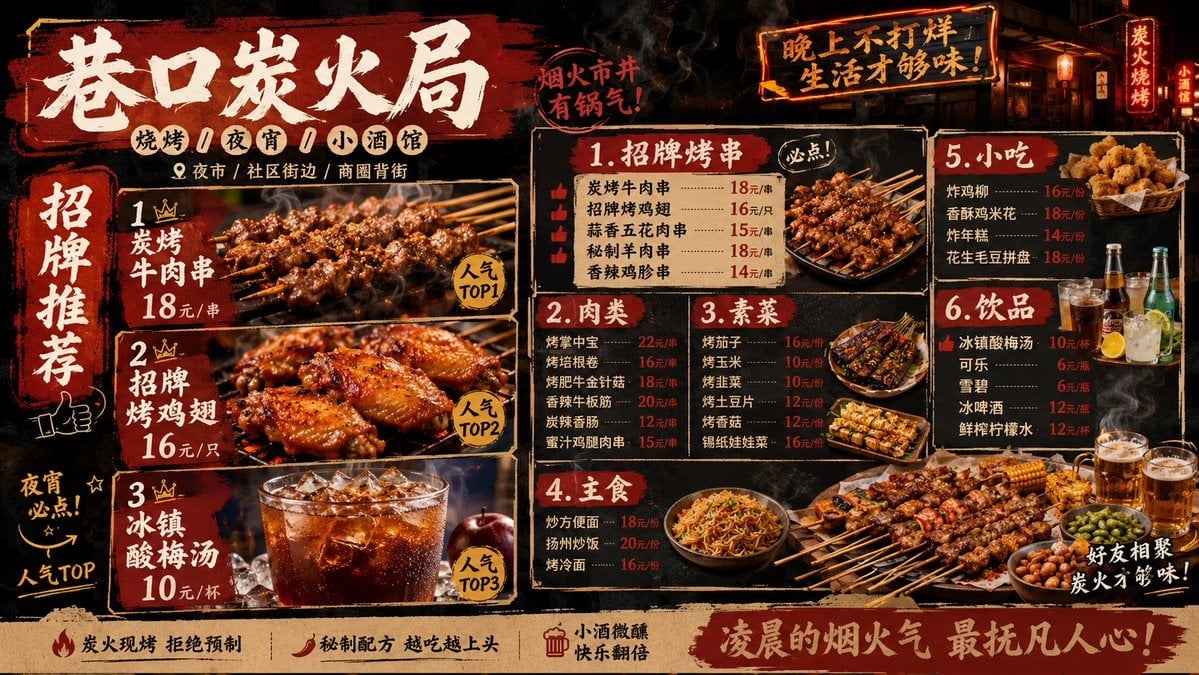
Professional Restaurant Menu Design
Seasonal Korean restaurant menu image
X-Ray Transparent Grand Piano
Luxury Grandmaster Chime Watch Ad
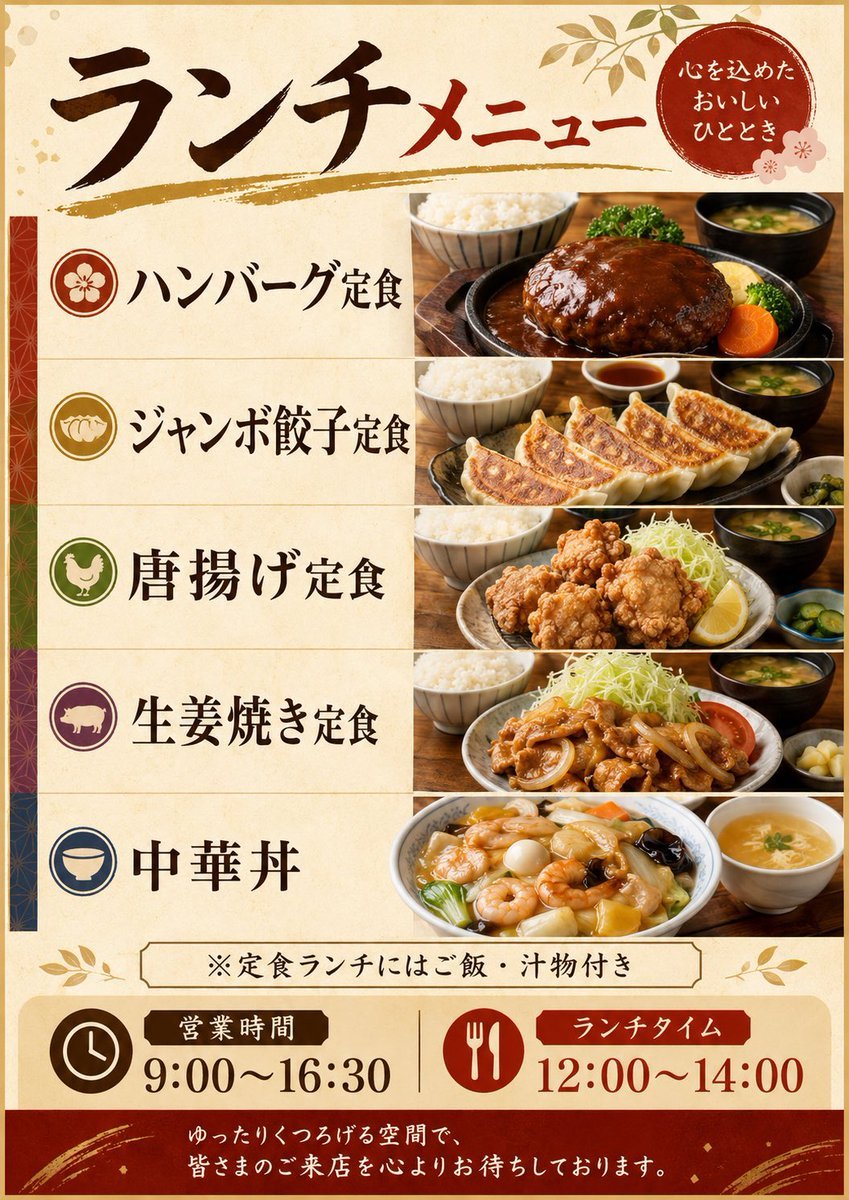
Japanese Lunch Menu Poster
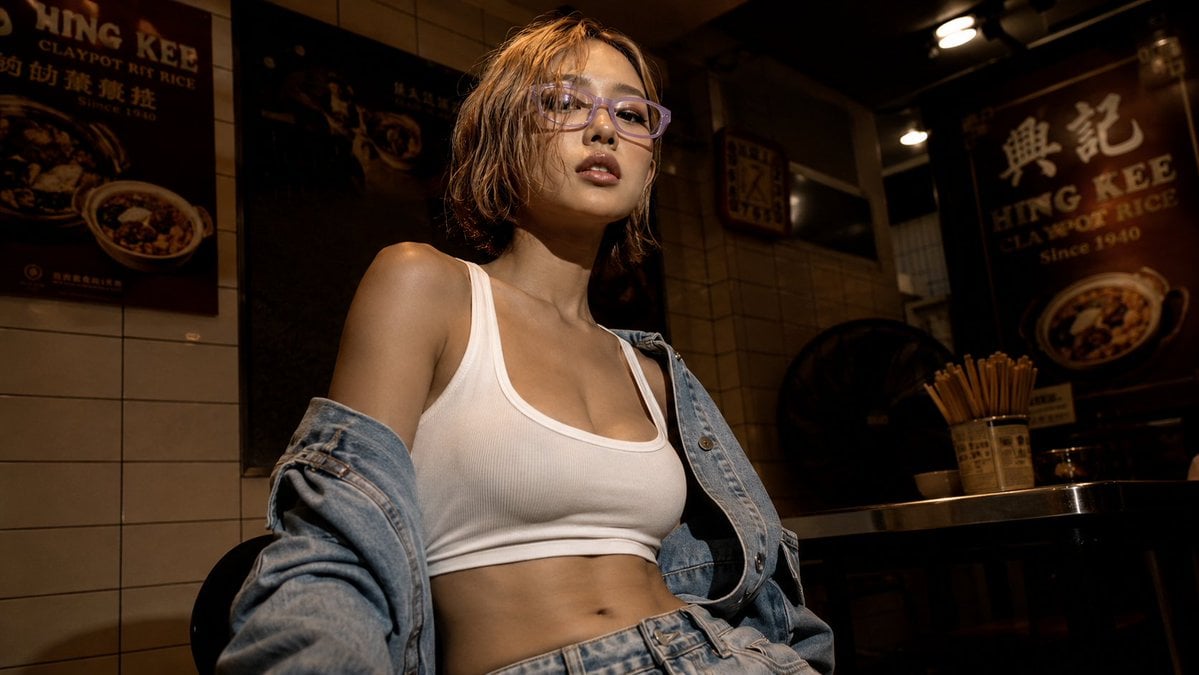
Cinematic Hong Kong Restaurant Portrait
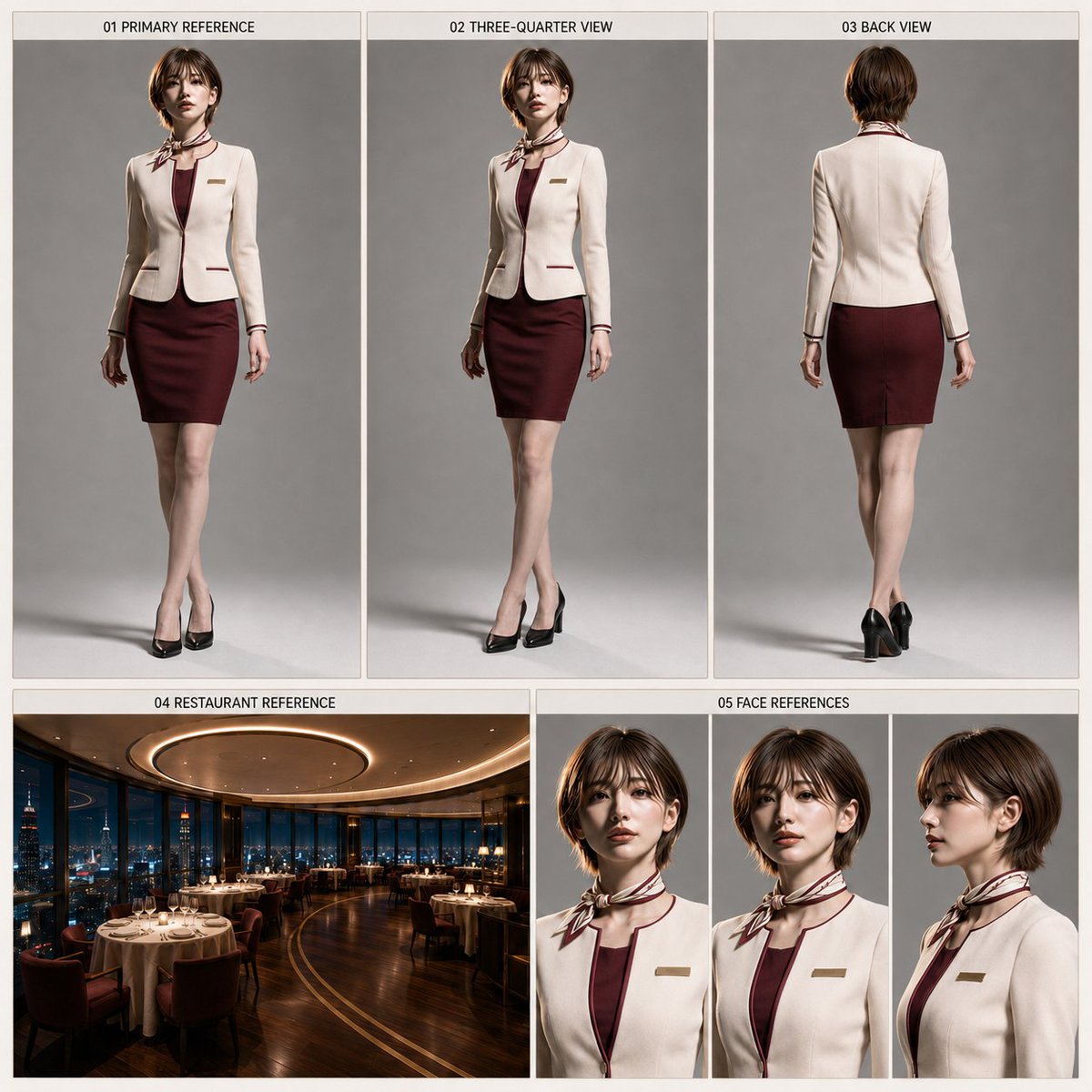
Restaurant Manager Character Sheet Generator
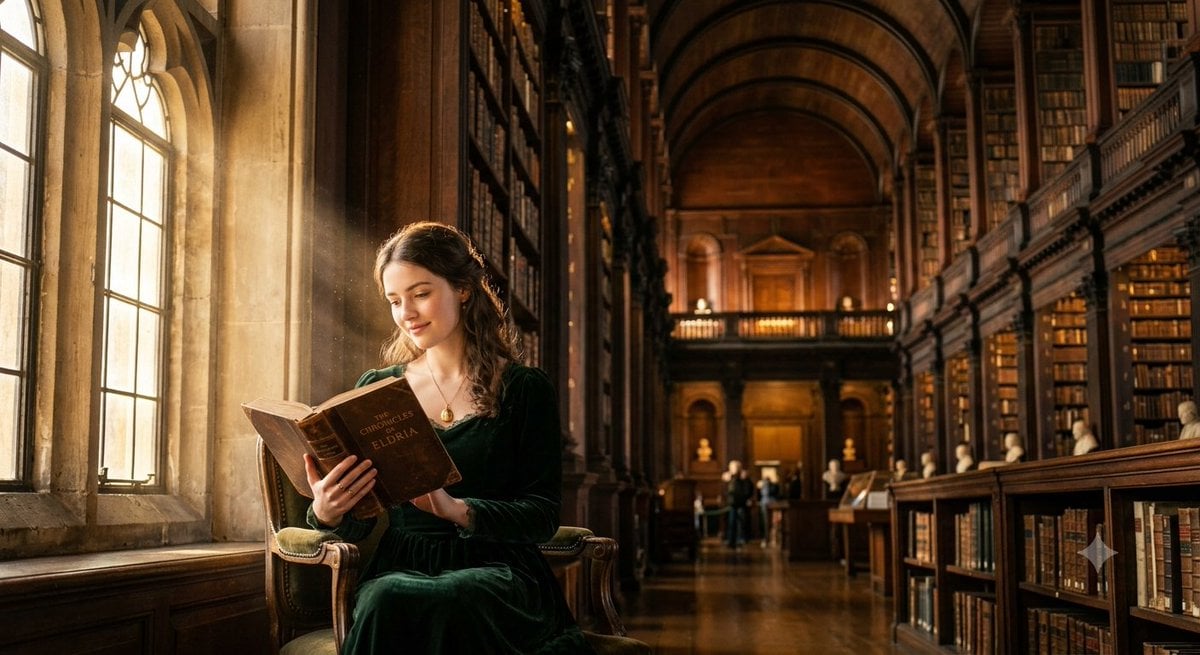
Grand Library Reader Portrait

A cinematic luxury fashion editorial set inside a grand vintage library
Make it yours
Comprehensive Restaurant Grand Menu Design works as-is. These are the safest ways to change it without losing the look.
Swap the setting
Keep the rest of the prompt and replace the location block. The current setting is “dark wood texture”.
Change one field
Copy a single group, rewrite it, and generate again so you can see what that field is doing.
Keep the frame, change the subject
Hold the composition and light of Comprehensive Restaurant Grand Menu Design, then swap wardrobe, props or the person for a new take.
| If the result… | Why | Fix |
|---|---|---|
| The result drifts from the preview | Too many fields changed at once. | Reuse Comprehensive Restaurant Grand Menu Design as-is first, then change one group — subject, light, or setting. |
| GPT Image 2 ignores part of the JSON | Some models flatten or skip nested keys. | Keep the same values and paste them as a short paragraph instead. |
More GPT Image 2 templates
Other prompts made for GPT Image 2.

Six VTuber Japanese Logo Sheet

Realistic Portrait of Woman and Deer

The Vista Modular Condo Poster

AI Model Routing Comparison Infographic

2.5D Anime Art Board

Isometric Productivity Desk Scene

New York Double Exposure Poster

Four-Panel AI Landscape Comparison

Japanese Tatami Lifestyle Magazine Cover

NESCAFÉ Coffee Map Poster
More image prompts
Fresh picks from across the catalog.
Dreamy Floating Portrait Grid
High-Contrast 90s Disposable Camera Portrait
Editorial Fashion Shot: Woman in Newspaper Dress
Abstract Geometry Portrait in Zen Space

Educational Kids Product Poster
AI hero

Nano Banana Pro Image Generation Failure Example
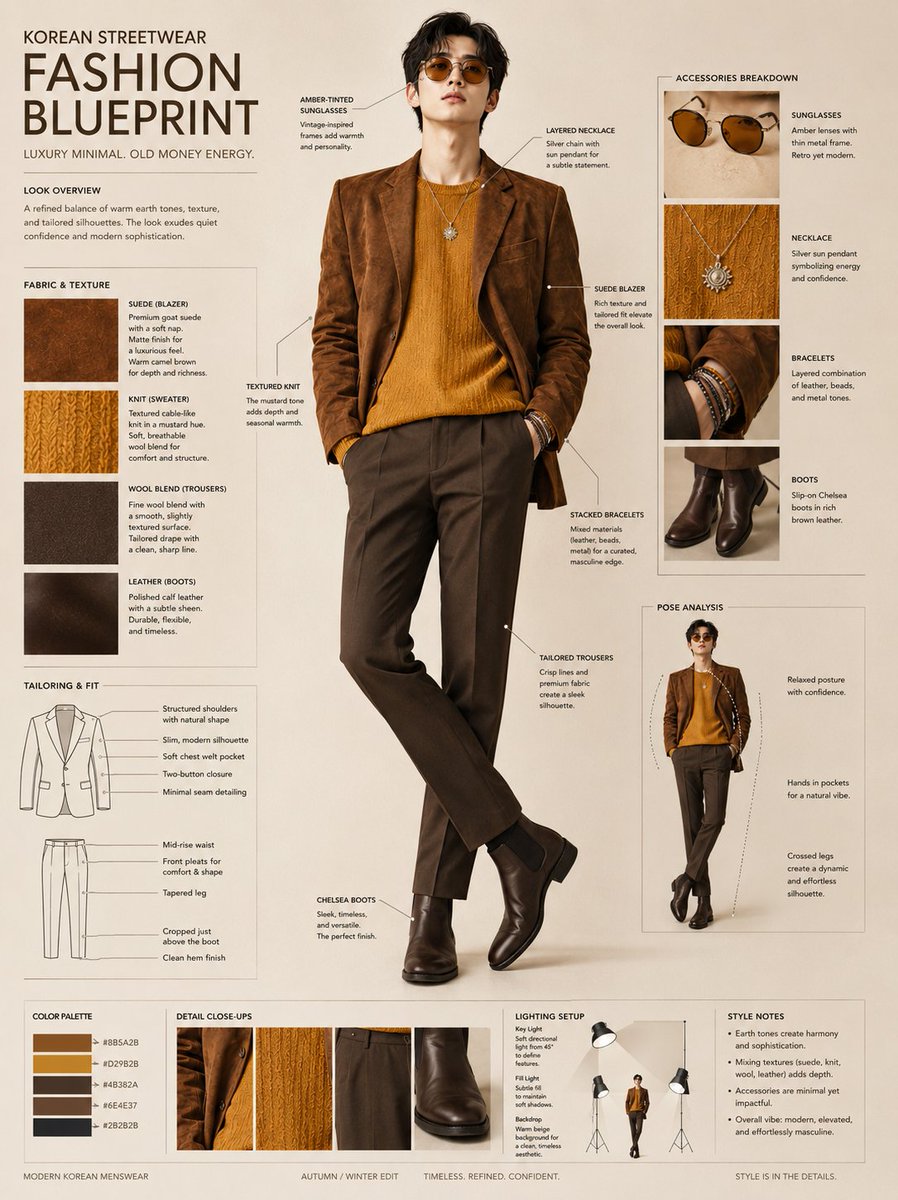
Korean Streetwear Fashion Blueprint
Chaotic Nightlife Flash Photography Portrait
Luxury Travel Poster Split Layout
Browse template categories
Comprehensive Restaurant Grand Menu Design questions
How do I use the Comprehensive Restaurant Grand Menu Design template?
Add your photo if the template asks for one, edit the prompt if you like — the template's model and format are already selected — and press Generate. Your version opens in PicX Studio.
Can I customize the Comprehensive Restaurant Grand Menu Design template?
Yes. You can change the subject, setting, lighting, mood, format, and available model controls before creating your image.
Is the Comprehensive Restaurant Grand Menu Design template free?
Opening and editing this template is free. Generating uses credits, shown on the Generate button when you are signed in.
Which AI model should I use?
Start with GPT Image 2, which is the model associated with this template. You can compare another compatible model for a different finish.
Looking for something else? Browse all templates.

Your photo, any look
Thousands of ready templates for every top image and video model, from one credit balance.