
Chaotic Nightlife Flash Photography Portrait
A highly detailed JSON prompt designed to simulate raw, chaotic mobile flash photography in a winter nightlife setting.
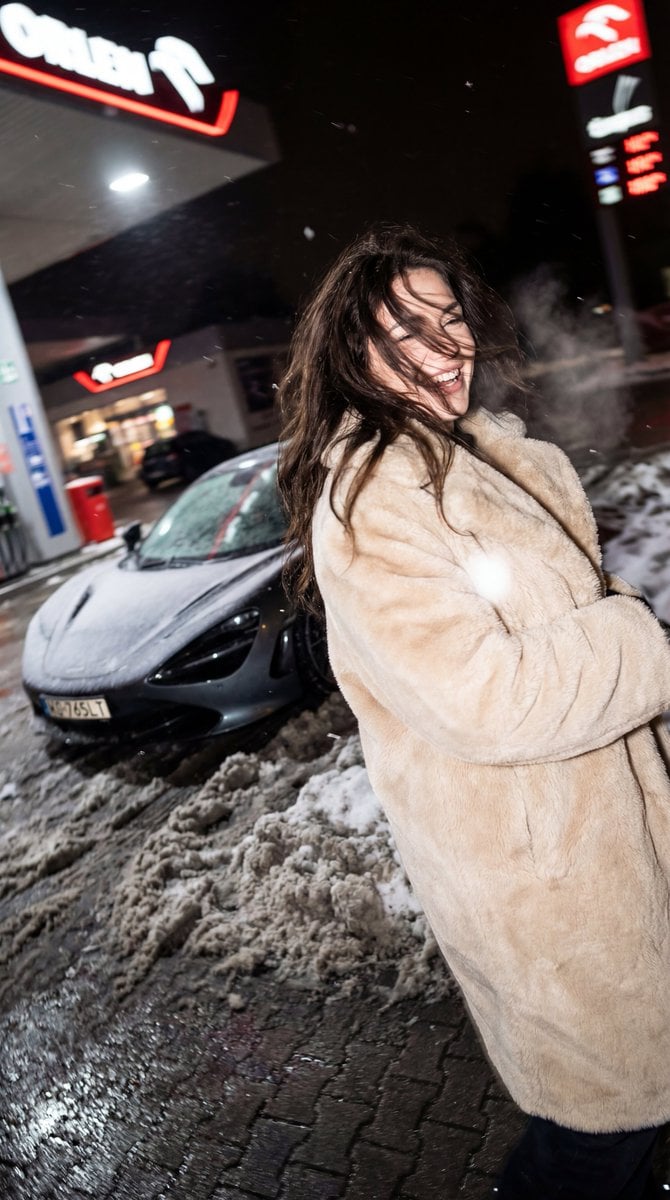
- Prompt included
- Model and format preset
- Free template
The prompt behind this image
Copy the exact prompt behind Chaotic Nightlife Flash Photography Portrait, or open it in the studio and make it yours.
{ "meta": { "aspect_ratio": "4:5", "quality": "raw_mobile_photography, ultra_photorealistic, 8k, unedited", "camera": "iPhone 15 Pro", "lens": "24mm wide angle", "style": "drunk cam, flash photography, chaotic nightlife, blurry candid, raw file, accidental aesthetic", "film_grain": "extreme high ISO digital noise, sensor grit" }, "scene": { "location": "Polish ORLEN gas station", "time": "Late night winter / Pre-dawn", "vehicle": { "model": "{argument name="car model" default="McLaren 765LT"}", "position": "parked at the pump in the midground", "details": "covered in light frost, contrast of luxury car against dirty winter slush", "visibility": "partially obscured by darkness and flash falloff" }, "environment": [ "characteristic red and white ORLEN signage elements (blurred background)", "piles of dirty snow and grey slush on the asphalt", "winter fog hovering under the station lights", "polish infrastructure aesthetic" ], "atmosphere": "freezing cold, chaotic, alcohol-fueled energy, unpolished, spontaneous" }, "lighting": { "type": "Harsh Direct On-Camera Flash", "characteristics": [ "Extreme flash falloff (bright subject, pitch black background)", "Sparkling reflections on snow crystals and ice patches", "Blown-out specular highlights on the fur coat", "Hard reflection on the car paint and wet asphalt" ], "exposure": "Uneven, overexposed foreground, underexposed background" }, "camera_perspective": { "framing": "Accidental framing, slightly crooked/tilted", "focus": "Missed focus, soft overall due to movement", "motion_blur": "Significant blur on face and hair (shutter drag)", "vibe": "Snapshot taken by a moving or unsteady friend" }, "subject": { "gender": "female", "age": "19 years old", "hair": { "color": "Dark brunette", "style": "Long, messy from wind and movement", "behavior": "strands whipping across face due to motion" }, "action": "caught mid-movement, turning away from camera, laughing", "body": { "posture": "huddled slightly against the cold but energetic", "skin": "rosy cheeks/nose from freezing temperature and alcohol, pale winter complexion" }, "face": { "expression": "Laughing uncontrollably, mouth open, eyes squinting", "visibility": "partially obscured by motion blur and hair movement" }, "outfit": { "item": "Oversized glamorous faux fur coat (Futerko)", "color": "{argument name="coat color" default="Beige"} or Light Cream", "style": "mob wife aesthetic meets polish winter party", "texture": "plush, thick fur strands clumping slightly from moisture", "under_layer": "hint of a short party dress visible underneath" } }, "details": { "imperfections": [ "Heavy motion blur (shutter drag)", "Digital noise/grain in dark areas", "Snowflakes caught in the immediate flash (white blurry orbs)", "Visible condensed breath (steam) from mouth" ], "textures": [ "Soft fur texture (blurred)", "Wet dirty snow/slush", "Rough asphalt with salt stains", "Frost on car metal" ] } }
How to use Chaotic Nightlife Flash Photography Portrait in 3 steps
- 1
Open
The prompt is already in the box next to the preview, with the template's model and format selected.
- 2…a portrait of your subject in softgolden-hour light, 85mm…
Personalize
Edit the subject and creative details for your destination.
- 3Generate
Generate
Press Generate — your image is created in PicX Studio, so you can compare it with the original and refine one variable at a time.
More like this
Templates with the same subject, style or setup. Open one to see its prompt.
High-Contrast Nightlife Portrait Prompt with Flash Photography Aesthetic

Portrait of a young woman in her early 20s walking calmly on a beautiful

A high-definition cinematic portrait of a sophisticated woman sitting

Realistic portrait 100 identical face, no editing allowed
Retro Nightlife Flash Portrait
Early 2000s Nightlife Flash Portrait
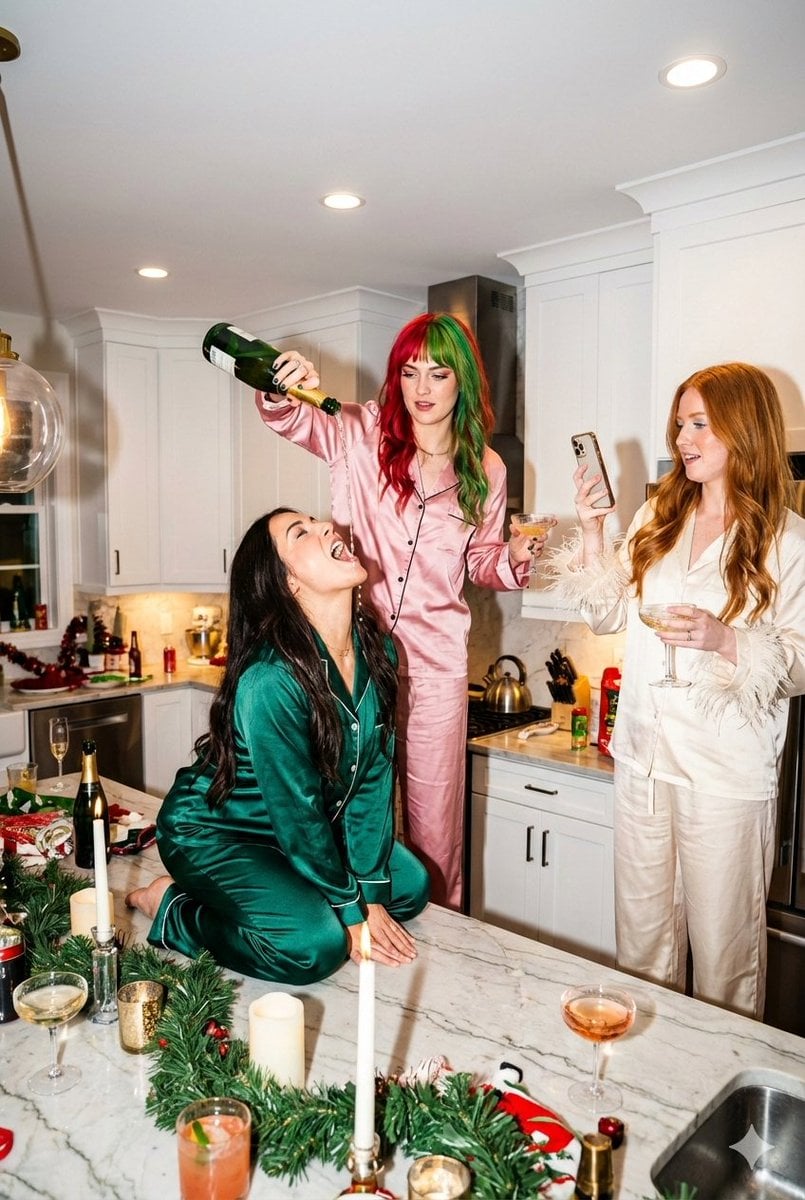
Candid Flash Photography: Chaotic Holiday Party
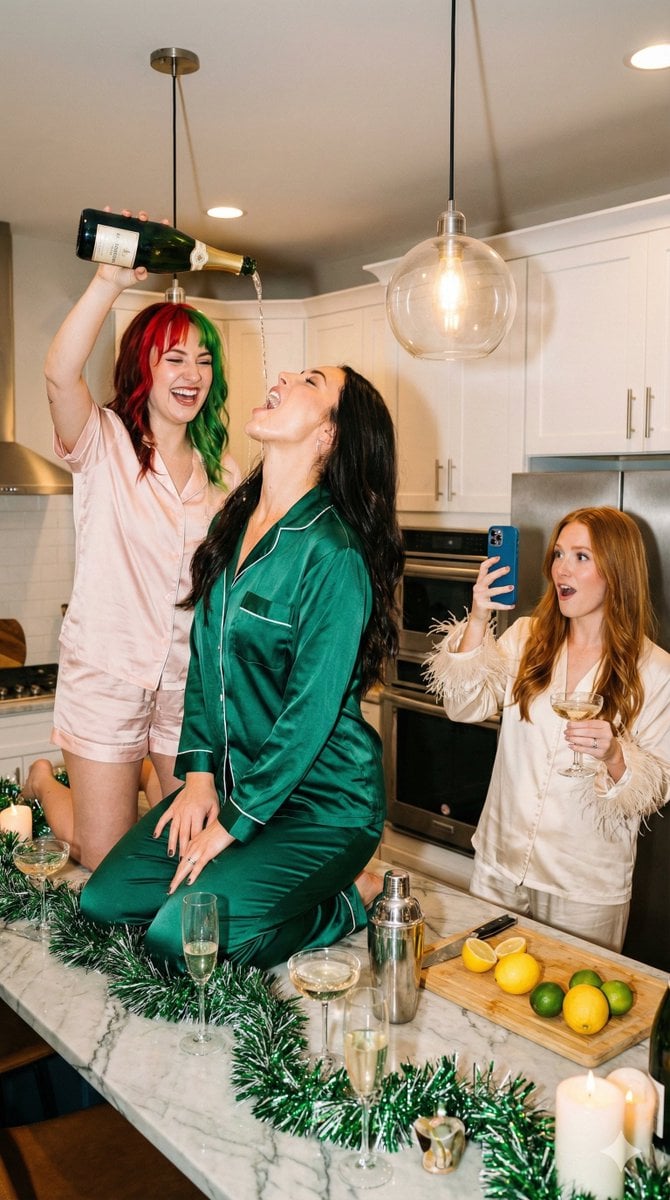
Candid Flash Photography: Chaotic Holiday Party (Duplicate)

2025 Aesthetic Photography

Found Photograph: Us, 1970

One Dance Before Midnight

80s Couple Studio Portrait
Make it yours
Chaotic Nightlife Flash Photography Portrait works as-is. These are the safest ways to change it without losing the look.
Change one field
Copy a single group, rewrite it, and generate again so you can see what that field is doing.
Keep the frame, change the subject
Hold the composition and light of Chaotic Nightlife Flash Photography Portrait, then swap wardrobe, props or the person for a new take.
| If the result… | Why | Fix |
|---|---|---|
| The result drifts from the preview | Too many fields changed at once. | Reuse Chaotic Nightlife Flash Photography Portrait as-is first, then change one group — subject, light, or setting. |
| The model over-stylizes the scene | The prose prompt leaves finish and camera underspecified. | Add one camera or lighting sentence and stay on Nano Banana 2. |
More Nano Banana 2 templates
Other prompts made for Nano Banana 2.

Photorealistic Leaf Shaped Like a Dragon

K-Pop Idol Portrait Grid for Rapid Selection

Poetic Rain Forest Portrait During Golden Hour

Urban Street Portrait with Cartoon Inner Self Duo

Candid Nighttime Photo with Cat Prompt

High-Concept 3D Diorama Generation Prompt

Cinematic Futuristic Studio Portrait Template

Skincare Editorial Photography Collage Prompt

Hyper-Realistic Commercial Product Photography (Splash Effect)

Hyper-Realistic Nightclub Portrait Prompt
More image prompts
Fresh picks from across the catalog.
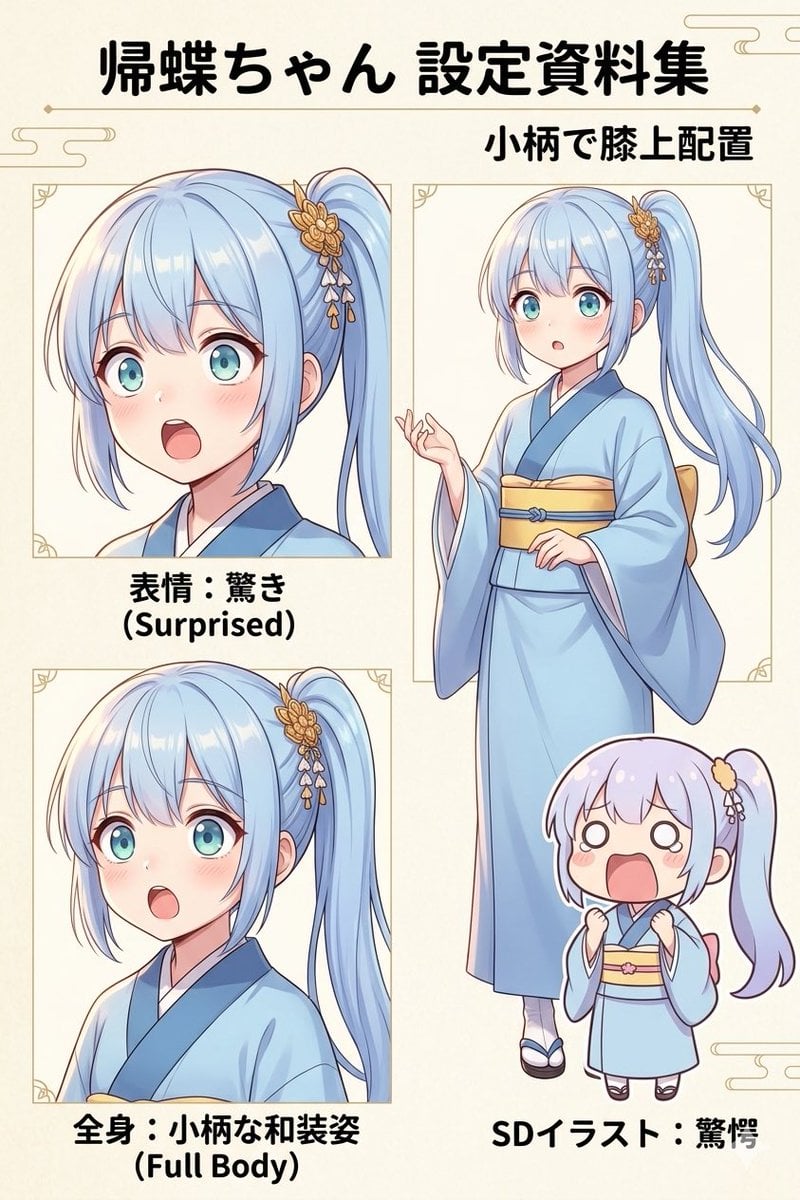
Japanese Anime Character Sheet Prompt
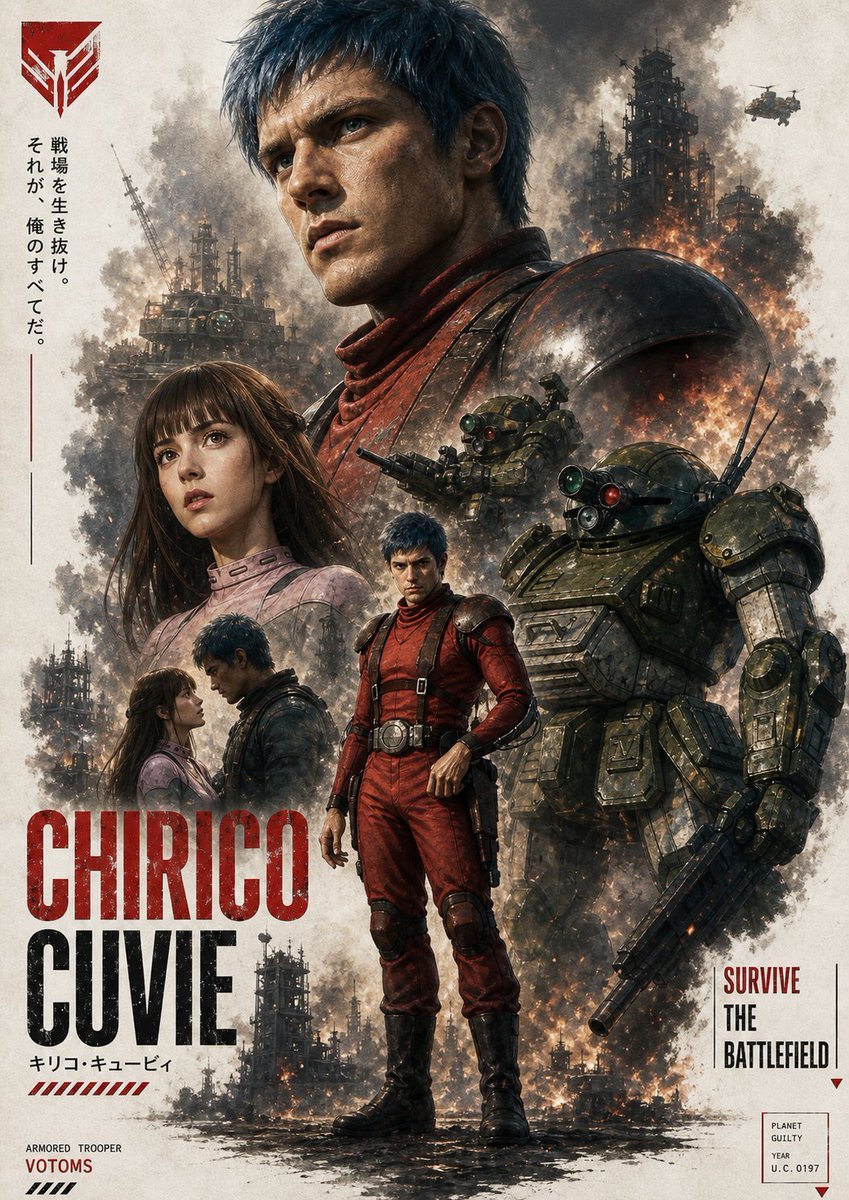
Gritty VOTOMS-Style War Poster
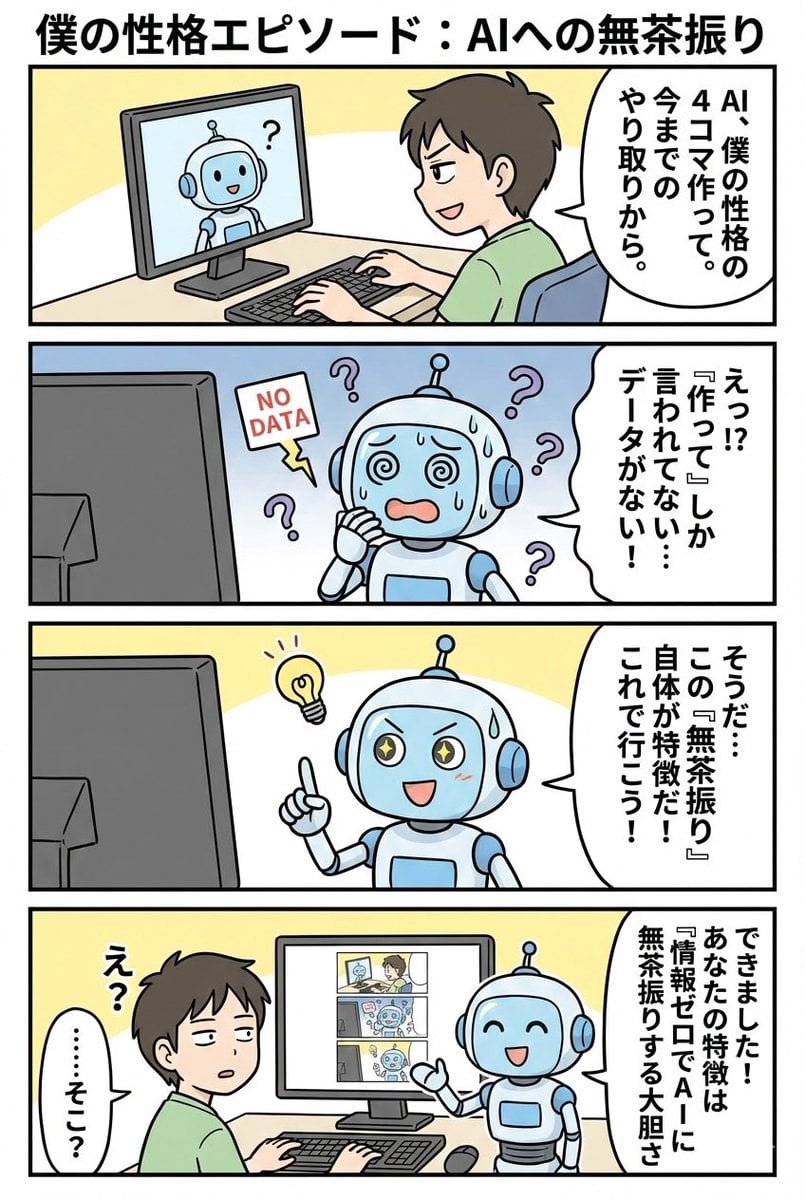
panel manga based on past interactions
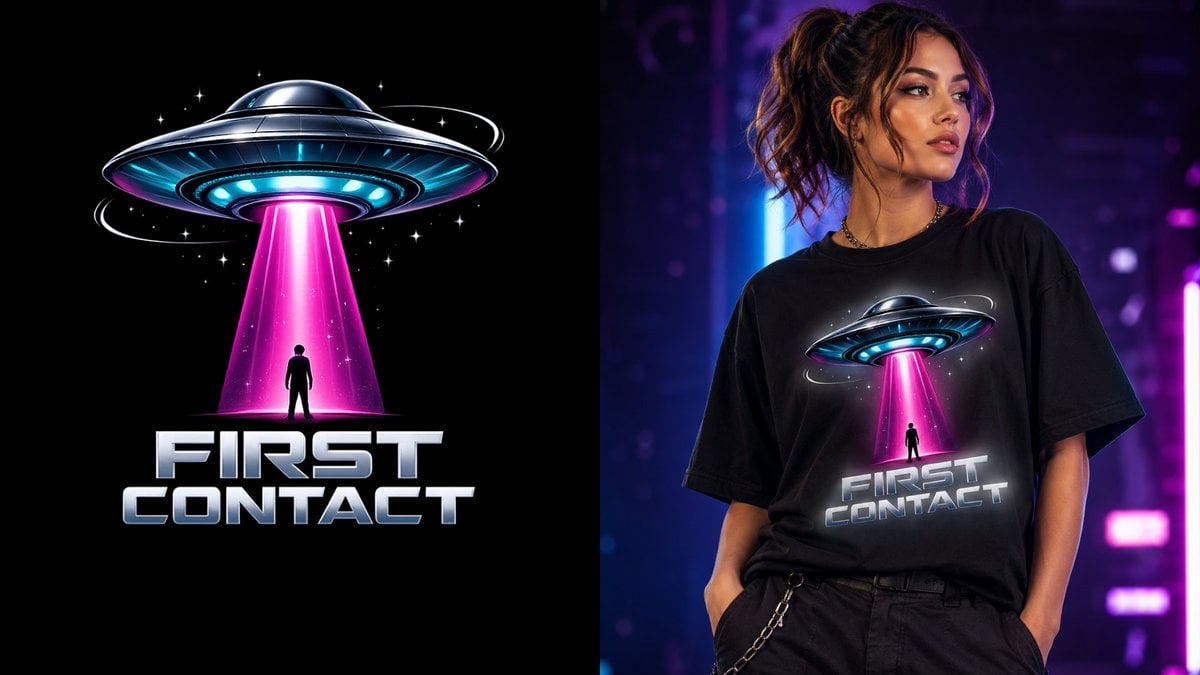
First Contact Sci-Fi T-Shirt Design
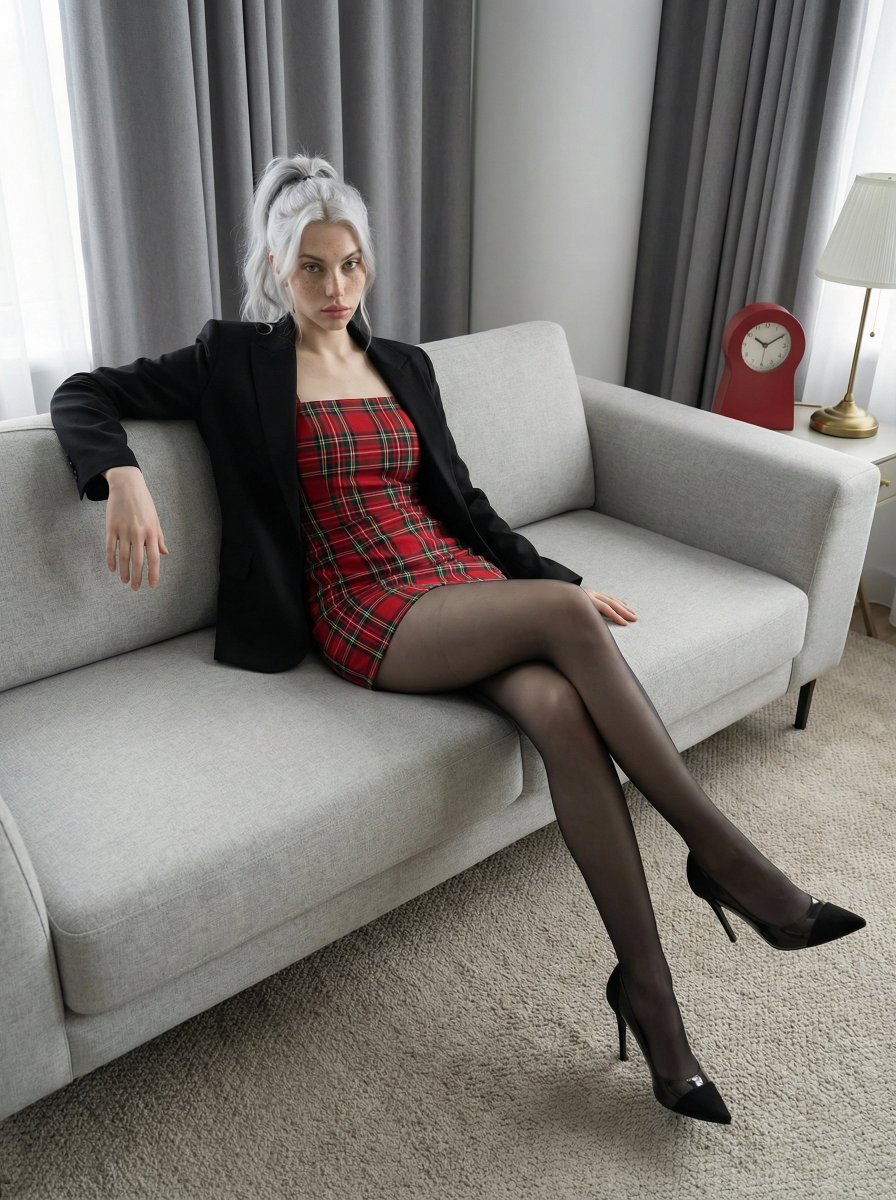
Fashion Editorial Portrait on Modern Sofa Prompt
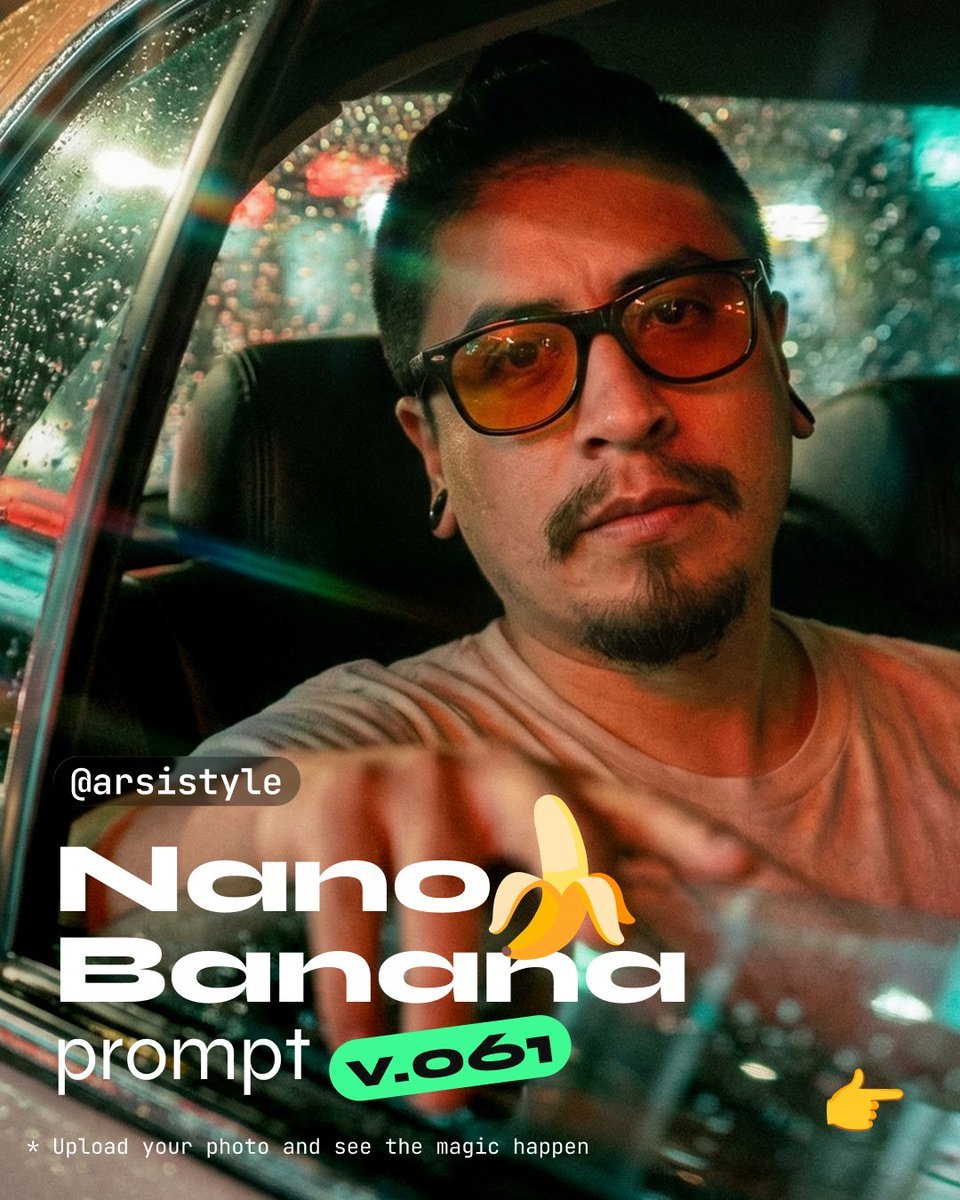
Cinematic Night Taxi Portrait with Teal and Orange Grading
Live Rock Concert Poster
Doodle Beer Selfie Portrait
Professional Photo Editor HUD Prompt
Ancient Chinese Fantasy Female Portrait
Browse template categories
Chaotic Nightlife Flash Photography Portrait questions
How do I use the Chaotic Nightlife Flash Photography Portrait template?
Add your photo if the template asks for one, edit the prompt if you like — the template's model and format are already selected — and press Generate. Your version opens in PicX Studio.
Can I customize the Chaotic Nightlife Flash Photography Portrait template?
Yes. You can change the subject, setting, lighting, mood, format, and available model controls before creating your image.
Is the Chaotic Nightlife Flash Photography Portrait template free?
Opening and editing this template is free. Generating uses credits, shown on the Generate button when you are signed in.
Which AI model should I use?
Start with Nano Banana 2, which is the model associated with this template. You can compare another compatible model for a different finish.
Looking for something else? Browse all templates.

Your photo, any look
Thousands of ready templates for every top image and video model, from one credit balance.